iOS Training
Day 2
Loops
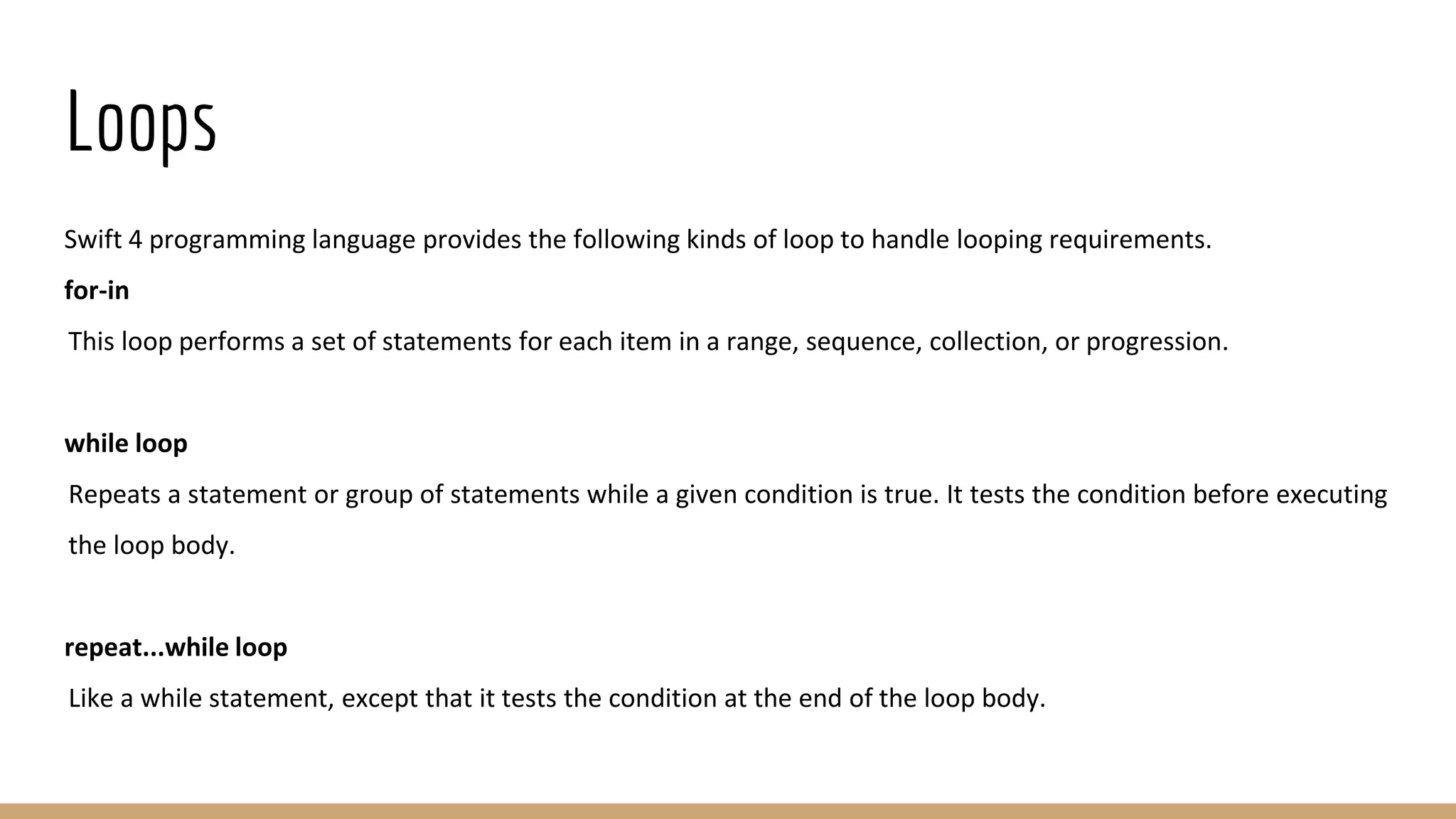
Swift 4 programming language provides the following kinds of loop to handle looping requirements.
for-in
This loop performs a set of statements for each item in a range, sequence, collection, or progression.
while loop
Repeats a statement or group of statements while a given condition is true. It tests the condition before executing
the loop body.
repeat...while loop
Like a while statement, except that it tests the condition at the end of the loop body.
For-in loop
The for-in loop iterates over collections of items, such as ranges of numbers, items in an array, or characters in a
string −
Syntax:
for index in var {
statement(s)
}
Example:
var someInts:[Int] = [10, 20, 30]
for index in someInts {
print( "Value of index is (index)")
}
Output:
Value of index is 10
Value of index is 20
Value of index is 30
While loop
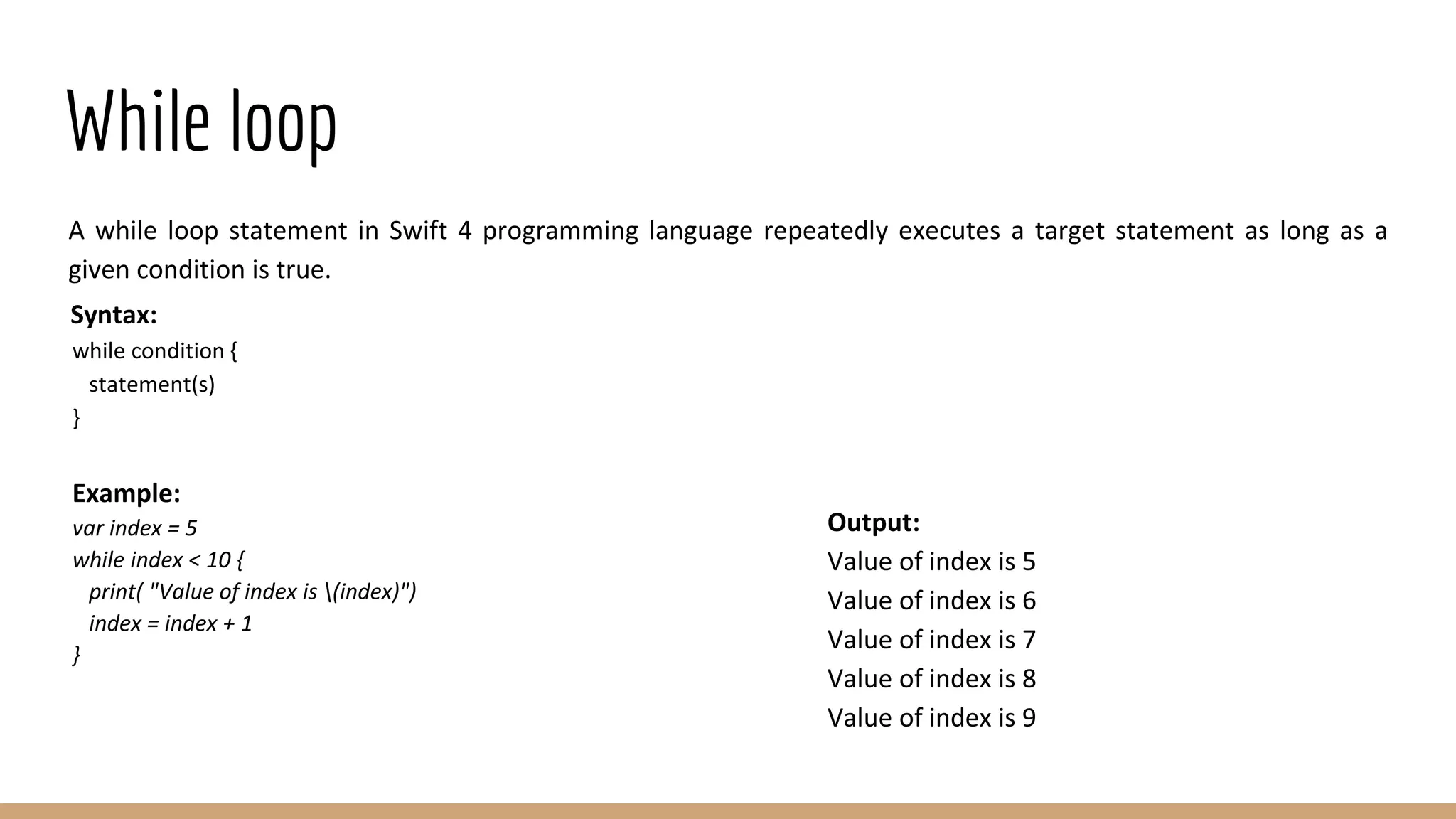
A while loop statement in Swift 4 programming language repeatedly executes a target statement as long as a
given condition is true.
Syntax:
while condition {
statement(s)
}
Example:
var index = 5
while index < 10 {
print( "Value of index is (index)")
index = index + 1
}
Output:
Value of index is 5
Value of index is 6
Value of index is 7
Value of index is 8
Value of index is 9
Repeat..While loop
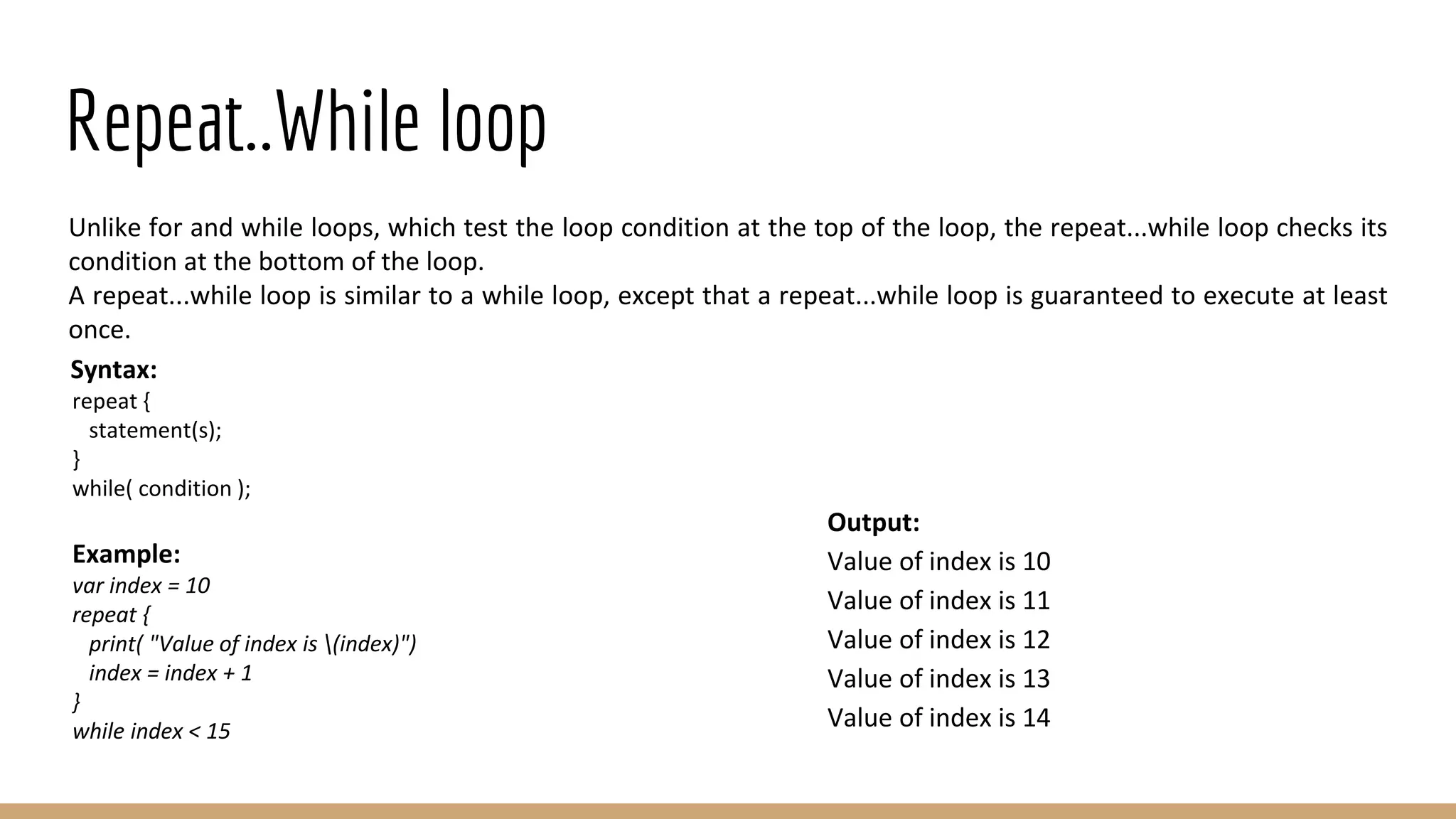
Unlike for and while loops, which test the loop condition at the top of the loop, the repeat...while loop checks its
condition at the bottom of the loop.
A repeat...while loop is similar to a while loop, except that a repeat...while loop is guaranteed to execute at least
once.
Syntax:
repeat {
statement(s);
}
while( condition );
Example:
var index = 10
repeat {
print( "Value of index is (index)")
index = index + 1
}
while index < 15
Output:
Value of index is 10
Value of index is 11
Value of index is 12
Value of index is 13
Value of index is 14
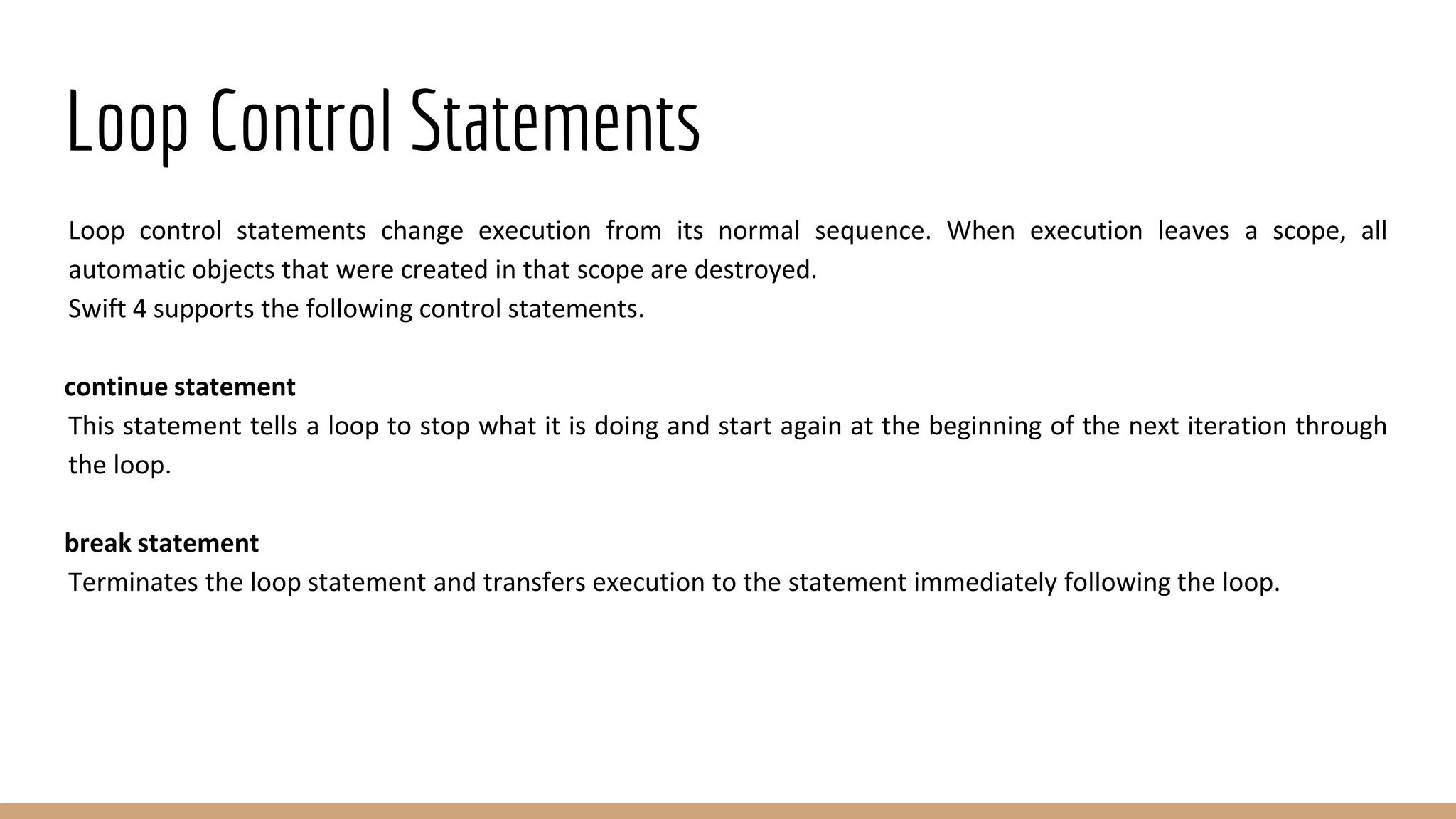
Loop Control Statements
Loop control statements change execution from its normal sequence. When execution leaves a scope, all
automatic objects that were created in that scope are destroyed.
Swift 4 supports the following control statements.
continue statement
This statement tells a loop to stop what it is doing and start again at the beginning of the next iteration through
the loop.
break statement
Terminates the loop statement and transfers execution to the statement immediately following the loop.
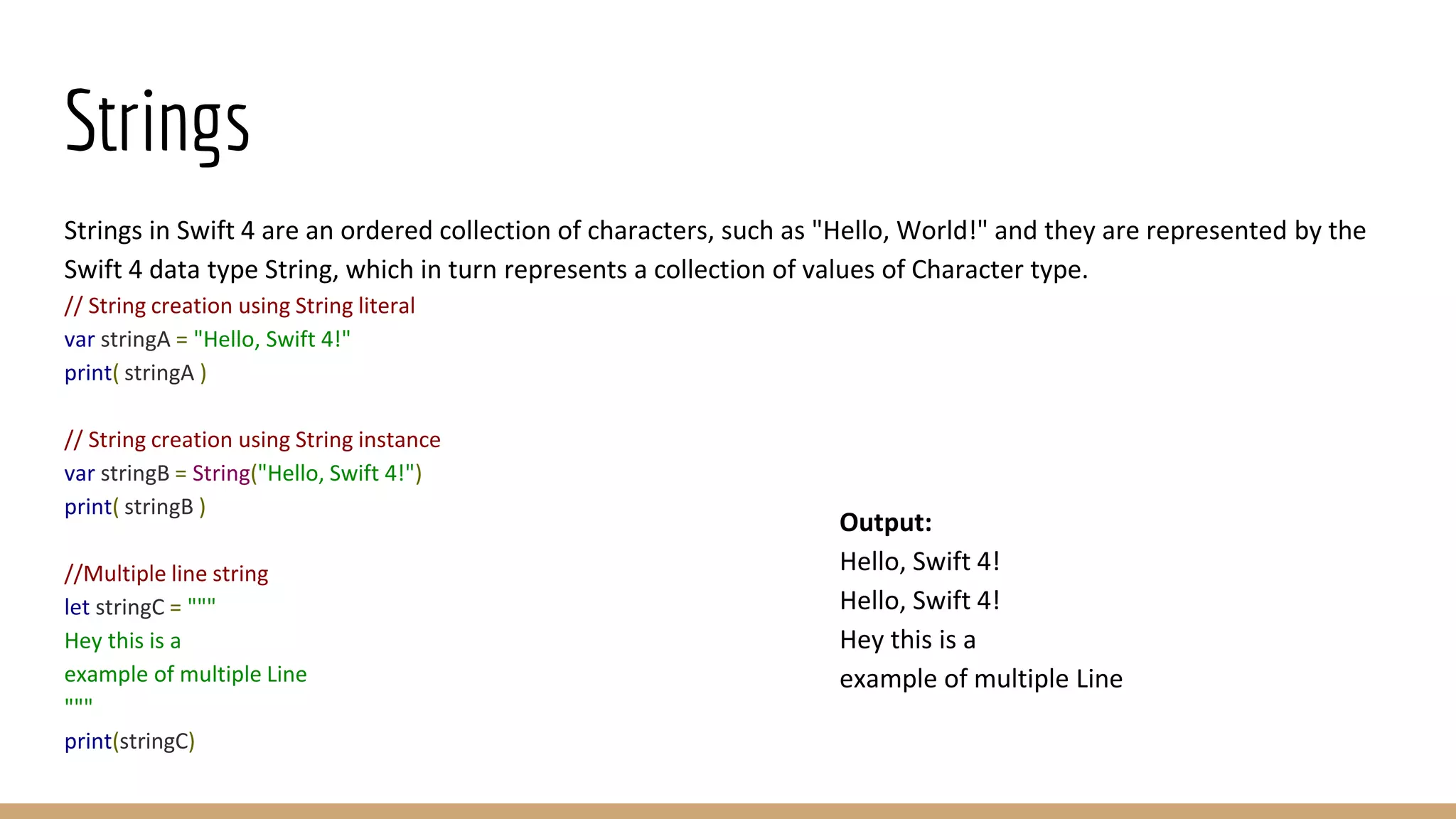
Strings
Strings in Swift 4 are an ordered collection of characters, such as "Hello, World!" and they are represented by the
Swift 4 data type String, which in turn represents a collection of values of Character type.
// String creation using String literal
var stringA = "Hello, Swift 4!"
print( stringA )
// String creation using String instance
var stringB = String("Hello, Swift 4!")
print( stringB )
//Multiple line string
let stringC = """
Hey this is a
example of multiple Line
"""
print(stringC)
Output:
Hello, Swift 4!
Hello, Swift 4!
Hey this is a
example of multiple Line
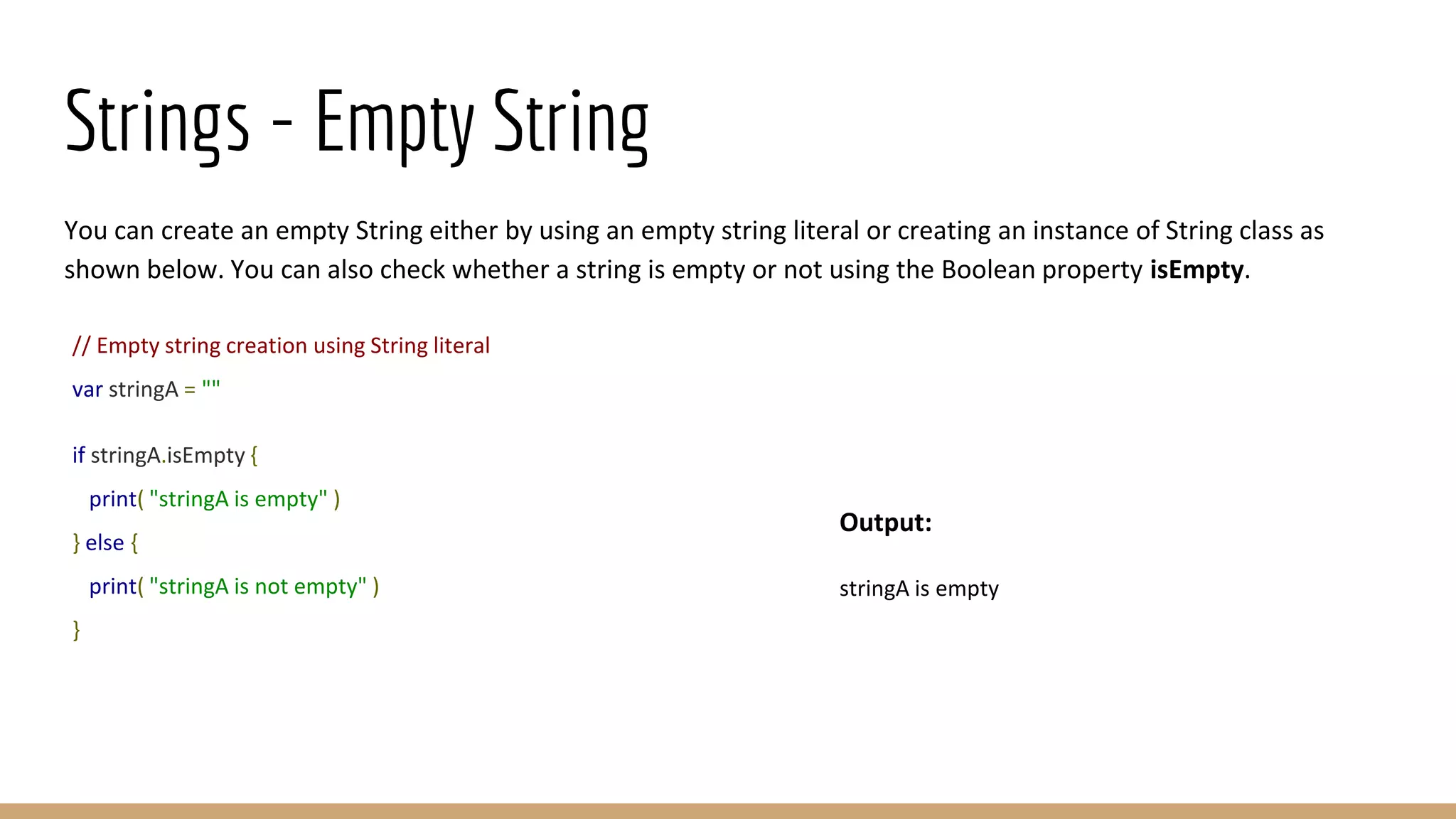
Strings - Empty String
You can create an empty String either by using an empty string literal or creating an instance of String class as
shown below. You can also check whether a string is empty or not using the Boolean property isEmpty.
// Empty string creation using String literal
var stringA = ""
if stringA.isEmpty {
print( "stringA is empty" )
} else {
print( "stringA is not empty" )
}
Output:
stringA is empty
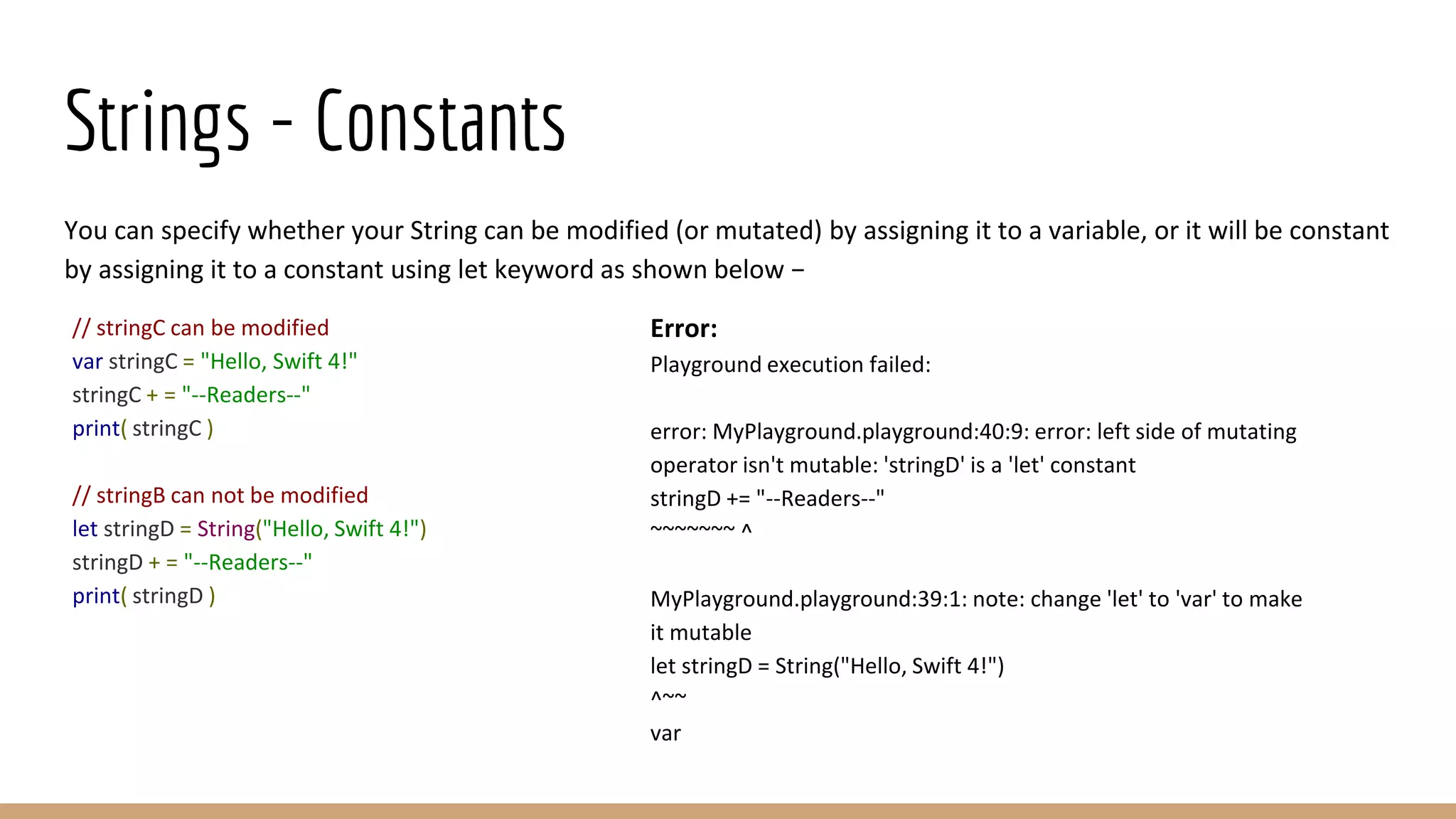
Strings - Constants
You can specify whether your String can be modified (or mutated) by assigning it to a variable, or it will be constant
by assigning it to a constant using let keyword as shown below −
// stringC can be modified
var stringC = "Hello, Swift 4!"
stringC + = "--Readers--"
print( stringC )
// stringB can not be modified
let stringD = String("Hello, Swift 4!")
stringD + = "--Readers--"
print( stringD )
Error:
Playground execution failed:
error: MyPlayground.playground:40:9: error: left side of mutating
operator isn't mutable: 'stringD' is a 'let' constant
stringD += "--Readers--"
~~~~~~~ ^
MyPlayground.playground:39:1: note: change 'let' to 'var' to make
it mutable
let stringD = String("Hello, Swift 4!")
^~~
var
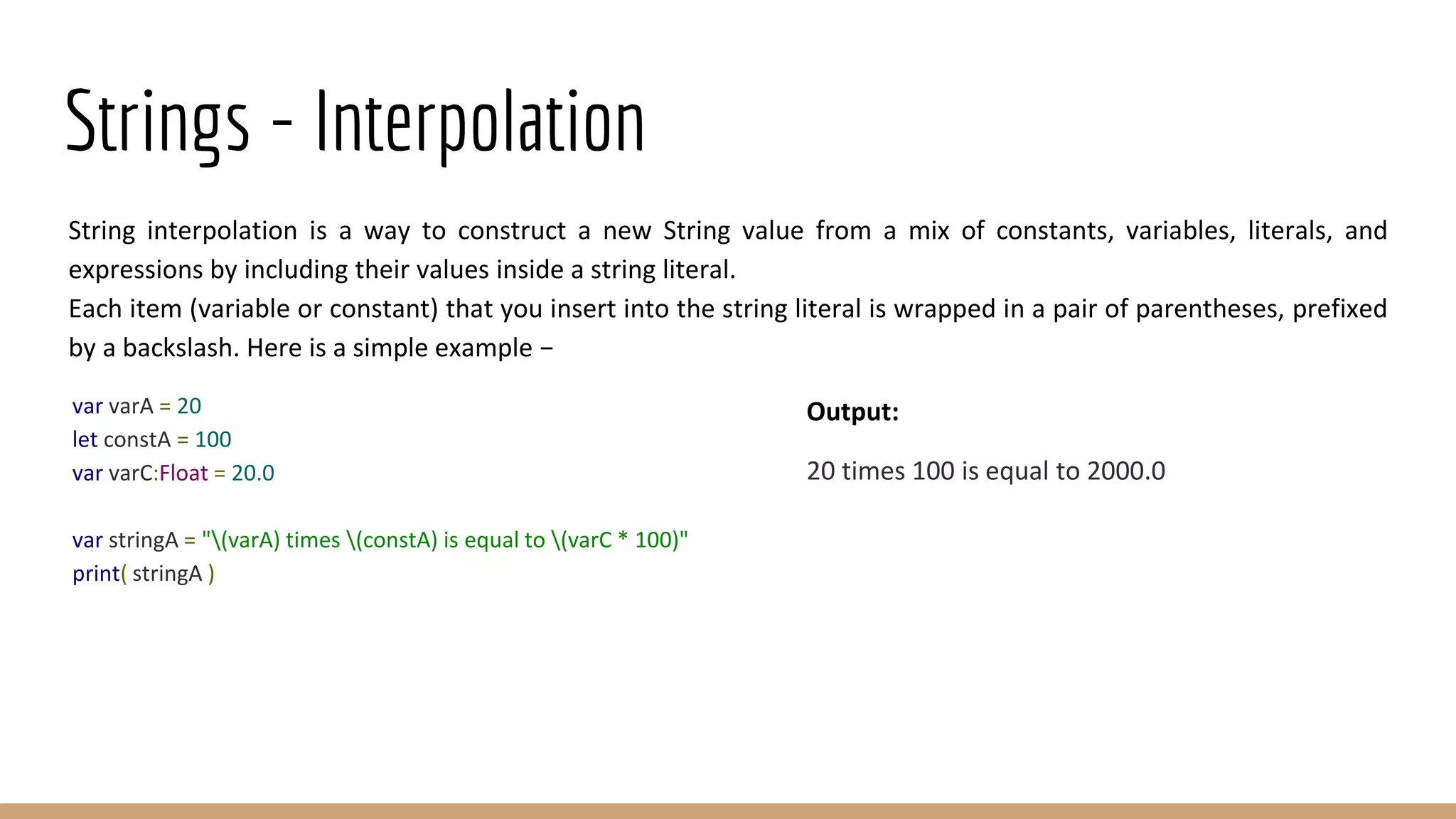
Strings - Interpolation
String interpolation is a way to construct a new String value from a mix of constants, variables, literals, and
expressions by including their values inside a string literal.
Each item (variable or constant) that you insert into the string literal is wrapped in a pair of parentheses, prefixed
by a backslash. Here is a simple example −
var varA = 20
let constA = 100
var varC:Float = 20.0
var stringA = "(varA) times (constA) is equal to (varC * 100)"
print( stringA )
Output:
20 times 100 is equal to 2000.0
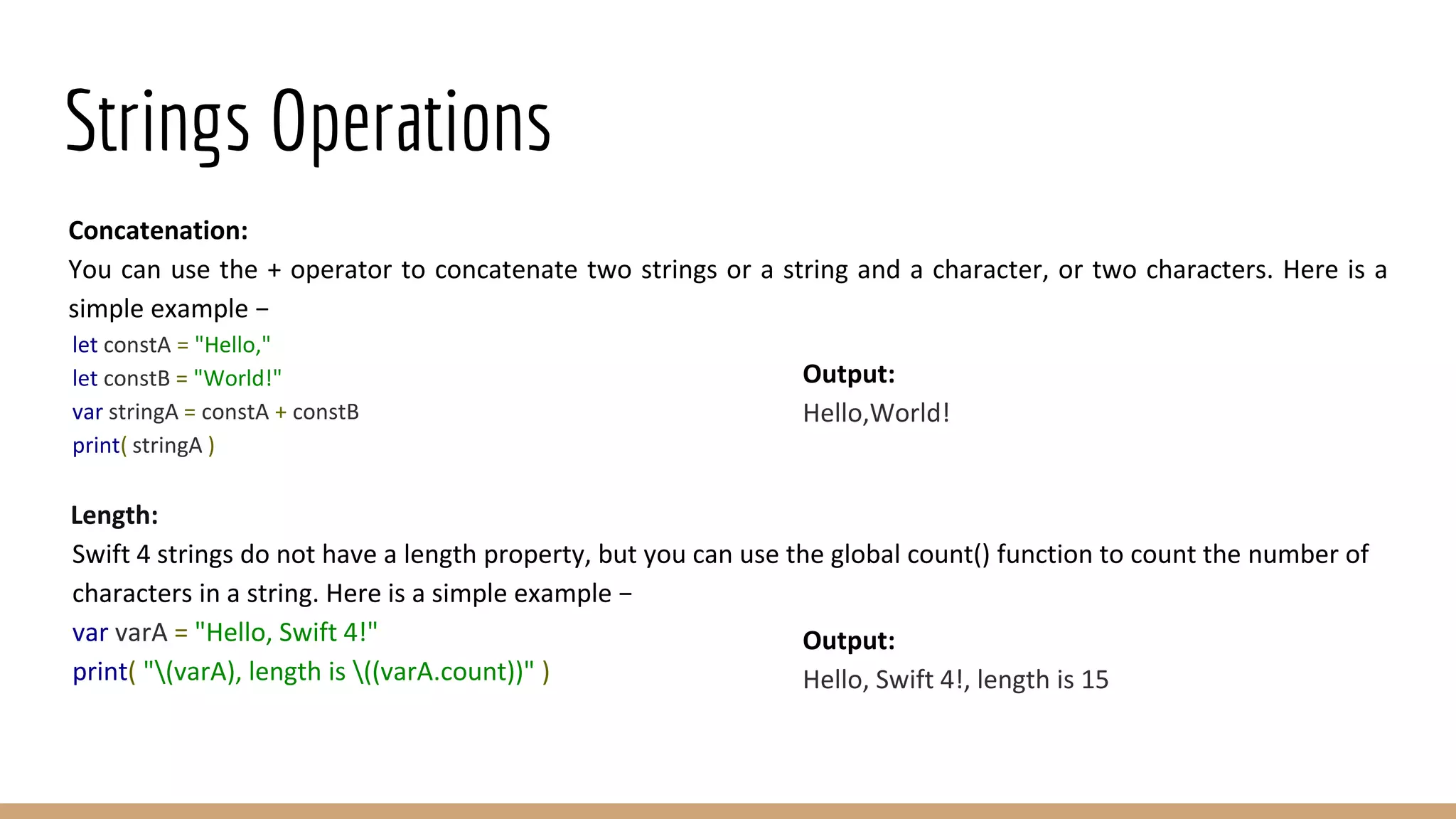
Strings Operations
Concatenation:
You can use the + operator to concatenate two strings or a string and a character, or two characters. Here is a
simple example −
let constA = "Hello,"
let constB = "World!"
var stringA = constA + constB
print( stringA )
Length:
Swift 4 strings do not have a length property, but you can use the global count() function to count the number of
characters in a string. Here is a simple example −
var varA = "Hello, Swift 4!"
print( "(varA), length is ((varA.count))" )
Output:
Hello,World!
Output:
Hello, Swift 4!, length is 15
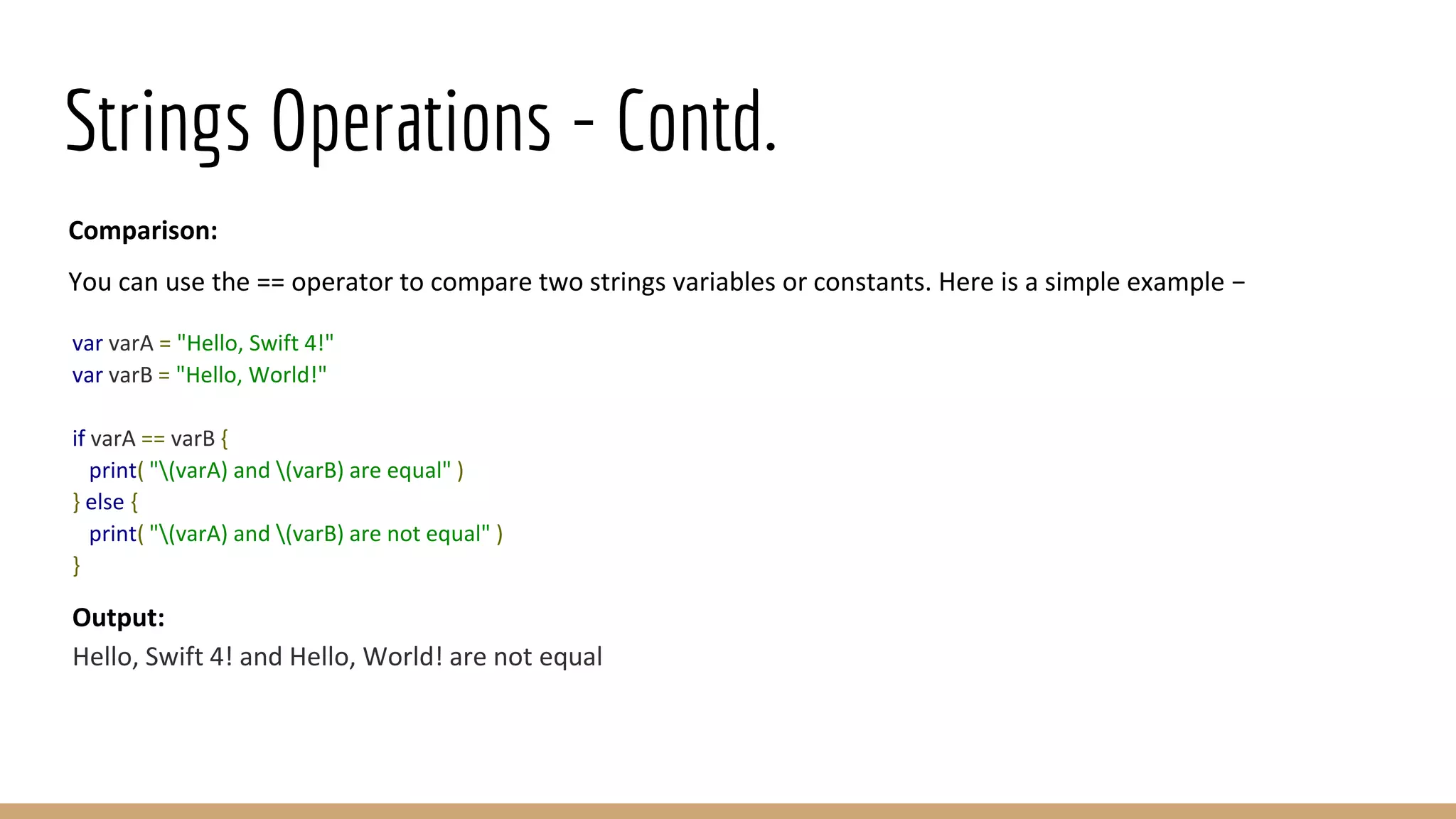
Strings Operations - Contd.
Comparison:
You can use the == operator to compare two strings variables or constants. Here is a simple example −
var varA = "Hello, Swift 4!"
var varB = "Hello, World!"
if varA == varB {
print( "(varA) and (varB) are equal" )
} else {
print( "(varA) and (varB) are not equal" )
}
Output:
Hello, Swift 4! and Hello, World! are not equal
Arrays
Swift 4 arrays are used to store ordered lists of values of the same type. Swift 4 puts strict checking which does
not allow you to enter a wrong type in an array, even by mistake.
If you assign a created array to a variable, then it is always mutable, which means you can change it by adding,
removing, or changing its items; but if you assign an array to a constant, then that array is immutable, and its size
and contents cannot be changed.
Creating Arrays
You can create an empty array of a certain type using the following initializer syntax −
var someArray = [SomeType]()
Following is one more example to create an array of three elements and assign three values to that array −
var someInts:[Int] = [10, 20, 30]
Accessing Arrays
You can retrieve a value from an array by using subscript syntax, passing the index of the value you want to
retrieve within square brackets immediately after the name of the array as follows −
var someVar = someArray[index]
Here, the index starts from 0 which means the first element can be accessed using the index as 0, the second
element can be accessed using the index as 1 and so on. The following example shows how to create, initialize,
and access arrays −
var someInts = [10, 20, 30]
var someVar = someInts[0]
print( "Value of first element is (someVar)" )
print( "Value of second element is (someInts[1])" )
print( "Value of third element is (someInts[2])" )
Output:
Value of first element is 10
Value of second element is 20
Value of third element is 30
Modifying Arrays
You can use append() method or addition assignment operator (+=) to add a new item at the end of an array.
Take a look at the following example. Here, initially, we create an empty array and then add new elements into
the same array −
var someInts = [Int]()
someInts.append(20)
someInts.append(30)
someInts += [40]
var someVar = someInts[0]
print( "Value of first element is (someVar)" )
print( "Value of second element is (someInts[1])" )
print( "Value of third element is (someInts[2])" )
Output:
Value of first element is 20
Value of second element is 30
Value of third element is 40
Modifying Arrays - Contd.
You can modify an existing element of an Array by assigning a new value at a given index as shown in the
following example −
var someInts = [Int]()
someInts.append(20)
someInts.append(30)
someInts += [40]
// Modify last element
someInts[2] = 50
var someVar = someInts[0]
print( "Value of first element is (someVar)" )
print( "Value of second element is (someInts[1])" )
print( "Value of third element is (someInts[2])" )
Output:
Value of first element is 20
Value of second element is 30
Value of third element is 50
Iterating over an Array
You can use for-in loop to iterate over the entire set of values in an array as shown in the following example −
var someStrs = [String]()
someStrs.append("Apple")
someStrs.append("Amazon")
someStrs += ["Google"]
for item in someStrs {
print(item)
}
You can also use enumerate() function which returns the index of an item along with its value -
var someStrs = [String]()
someStrs.append("Apple")
someStrs.append("Amazon")
someStrs += ["Google"]
for (index, item) in someStrs.enumerated() {
print("Value at index = (index) is (item)")
}
Output:
Apple
Amazon
Google
Output:
Value at index = 0 is Apple
Value at index = 1 is Amazon
Value at index = 2 is Google
Array Operations
The count Property
You can use the read-only count property of an array to find out the number of items in an array shown below −
var someInts = [10, 20, 30]
print("Total items in someInts = (someInts.count)")
The empty Property
You can use the read-only empty property of an array to find out whether an array is empty or not as shown
below −
var intsA = [Int]()
var intsB = [10, 20, 30]
print("intsA.isEmpty = (intsA.isEmpty)")
print("intsB.isEmpty = (intsB.isEmpty)")
Output:
Total items in someInts = 3
Output:
intsA.isEmpty = true
intsB.isEmpty = false
Dictionaries
● Swift 4 dictionaries are used to store unordered lists of values of the same type. Swift 4 puts strict checking
which does not allow you to enter a wrong type in a dictionary even by mistake.
● Swift 4 dictionaries use unique identifier known as a key to store a value which later can be referenced and
looked up through the same key. Unlike items in an array, items in a dictionary do not have a specified
order. You can use a dictionary when you need to look up values based on their identifiers.
● A dictionary key can be either an integer or a string without a restriction, but it should be unique within a
dictionary.
● If you assign a created dictionary to a variable, then it is always mutable which means you can change it by
adding, removing, or changing its items. But if you assign a dictionary to a constant, then that dictionary is
immutable, and its size and contents cannot be changed.
Creating Dictionary
You can create an empty dictionary of a certain type using the following initializer syntax −
var someDict = [KeyType: ValueType]()
You can use the following simple syntax to create an empty dictionary whose key will be of Int type and the
associated values will be strings −
var someDict = [Int: String]()
Here is an example to create a dictionary from a set of given values −
var someDict:[String:Int] = ["One":1, "Two":2, "Three":3]
Accessing Dictionary
You can retrieve a value from a dictionary by using subscript syntax, passing the key of the value you want to
retrieve within square brackets immediately after the name of the dictionary as follows −
var someVar = someDict[key]
Let's check the following example to create, initialize, and access values from a dictionary −
var someDict:[Int:String] = [1:"One", 2:"Two", 3:"Three"]
var someVar = someDict[1]
print( "Value of key = 1 is (someVar)" )
print( "Value of key = 2 is (someDict[2])" )
print( "Value of key = 3 is (someDict[3])" )
Output:
Value of key = 1 is Optional("One")
Value of key = 2 is Optional("Two")
Value of key = 3 is Optional("Three")
Modifying Dictionary
You can use updateValue(forKey:) method to add an existing value to a given key of the dictionary. This method
returns an optional value of the dictionary's value type. Here is a simple example −
var someDict:[Int:String] = [1:"One", 2:"Two", 3:"Three"]
someDict.updateValue("New value of one", forKey: 1)
someDict[2] = "New value of two"
var someVar = someDict[1]
print( "Value of key = 1 is (someVar)" )
print( "Value of key = 2 is (someDict[2])" )
print( "Value of key = 3 is (someDict[3])" )
Output:
Value of key = 1 is Optional("New value of one")
Value of key = 2 is Optional("New value of two")
Value of key = 3 is Optional("Three")
Iterating over a Dictionary
You can use a for-in loop to iterate over the entire set of key-value pairs in a Dictionary as shown in the following
example −
var someDict:[Int:String] = [1:"One", 2:"Two", 3:"Three"]
for (key, value) in someDict {
print("Dictionary key (key) - Dictionary value (value)")
}
You can use enumerate() function which returns the index of the item along with its (key, value) pair as shown
below in the example −
var someDict1:[Int:String] = [1:"One", 2:"Two", 3:"Three"]
for (index, value) in someDict1.enumerated() {
print("Index (index) - Dictionary value (value)")
}
Output:
Dictionary key 2 - Dictionary value Two
Dictionary key 3 - Dictionary value Three
Dictionary key 1 - Dictionary value One
Output:
Index 0 - Dictionary value (key: 2, value: "Two")
Index 1 - Dictionary value (key: 3, value: "Three")
Index 2 - Dictionary value (key: 1, value: "One")
Dictionary Operations
The count Property
You can use the read-only count property of an array to find out the number of items in an dictionary −
var someDict1:[Int:String] = [1:"One", 2:"Two", 3:"Three"]
var someDict2:[Int:String] = [4:"Four", 5:"Five"]
print("Total items in someDict1 = (someDict1.count)")
print("Total items in someDict2 = (someDict2.count)")
The empty Property
You can use the read-only empty property of an array to find out whether an dictionary is empty or not −
var someDict3:[Int:String] = [1:"One", 2:"Two", 3:"Three"]
var someDict4:[Int:String] = [4:"Four", 5:"Five"]
var someDict5:[Int:String] = [Int:String]()
print("someDict3 = (someDict3.isEmpty)")
print("someDict4 = (someDict4.isEmpty)")
print("someDict5 = (someDict5.isEmpty)")
Output:
Total items in someDict1 = 3
Total items in someDict2 = 2
Output:
someDict1 = false
someDict2 = false
someDict3 = true
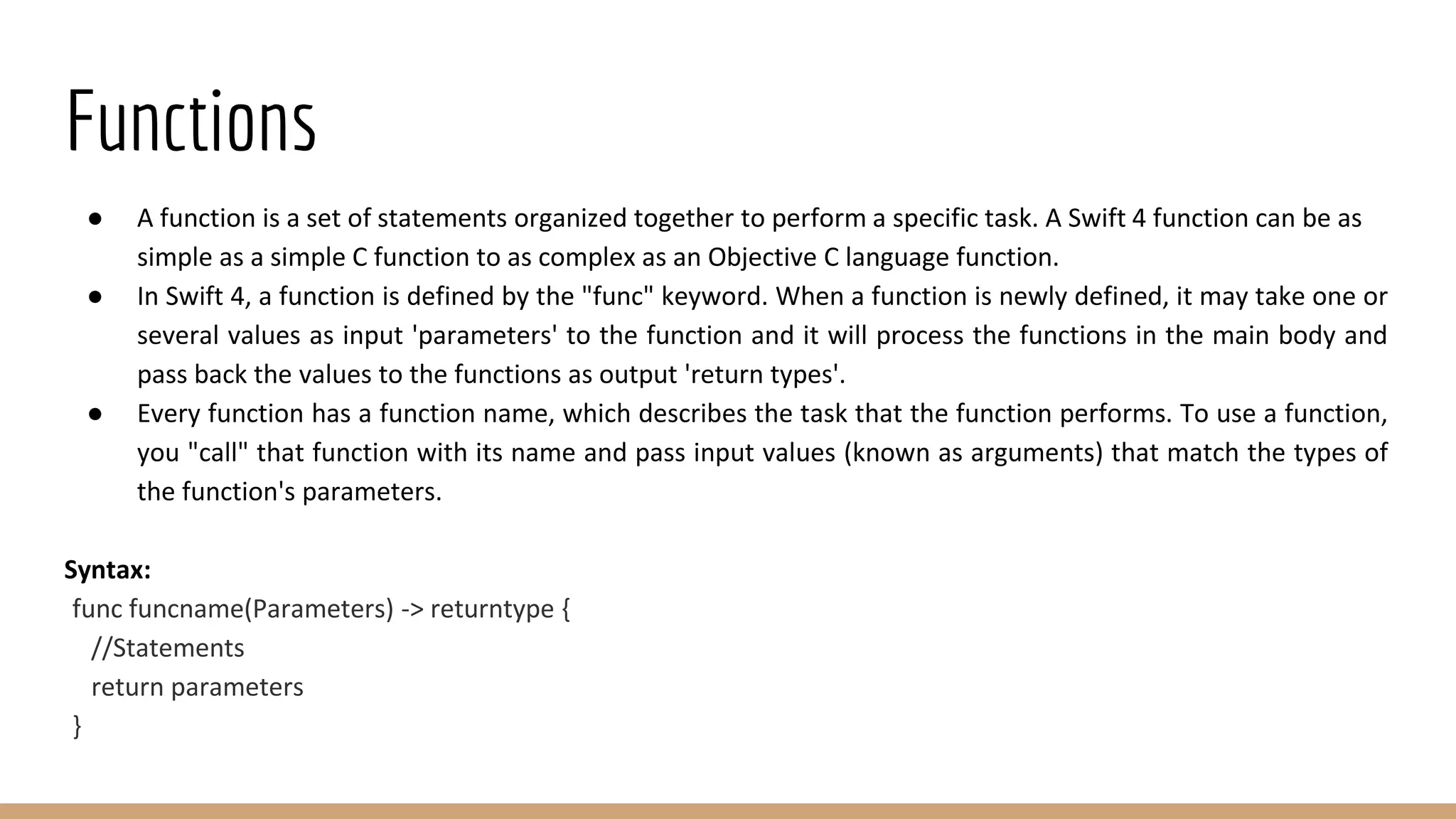
Functions
● A function is a set of statements organized together to perform a specific task. A Swift 4 function can be as
simple as a simple C function to as complex as an Objective C language function.
● In Swift 4, a function is defined by the "func" keyword. When a function is newly defined, it may take one or
several values as input 'parameters' to the function and it will process the functions in the main body and
pass back the values to the functions as output 'return types'.
● Every function has a function name, which describes the task that the function performs. To use a function,
you "call" that function with its name and pass input values (known as arguments) that match the types of
the function's parameters.
Syntax:
func funcname(Parameters) -> returntype {
//Statements
return parameters
}
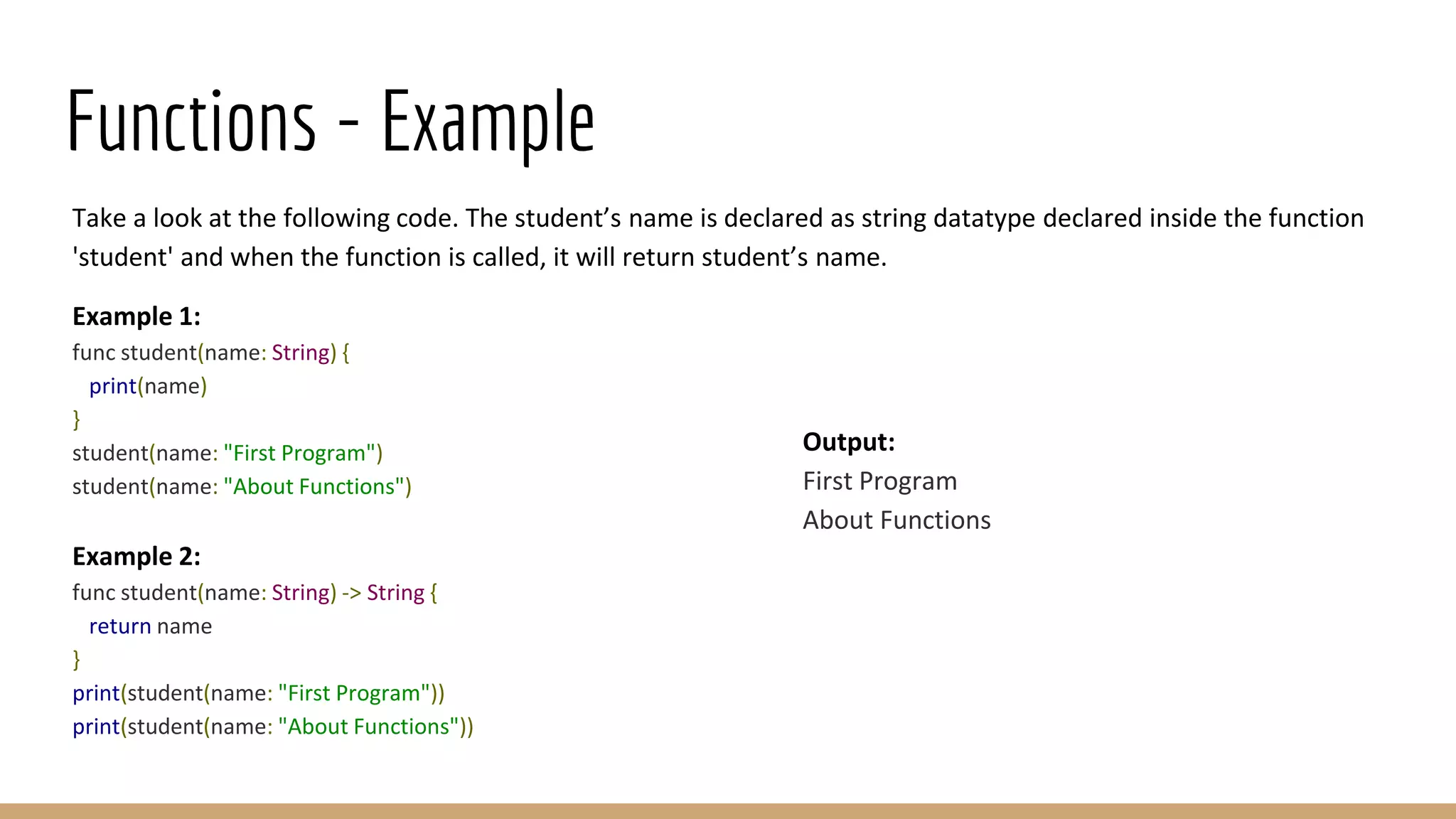
Functions - Example
Take a look at the following code. The student’s name is declared as string datatype declared inside the function
'student' and when the function is called, it will return student’s name.
Example 1:
func student(name: String) {
print(name)
}
student(name: "First Program")
student(name: "About Functions")
Example 2:
func student(name: String) -> String {
return name
}
print(student(name: "First Program"))
print(student(name: "About Functions"))
Output:
First Program
About Functions
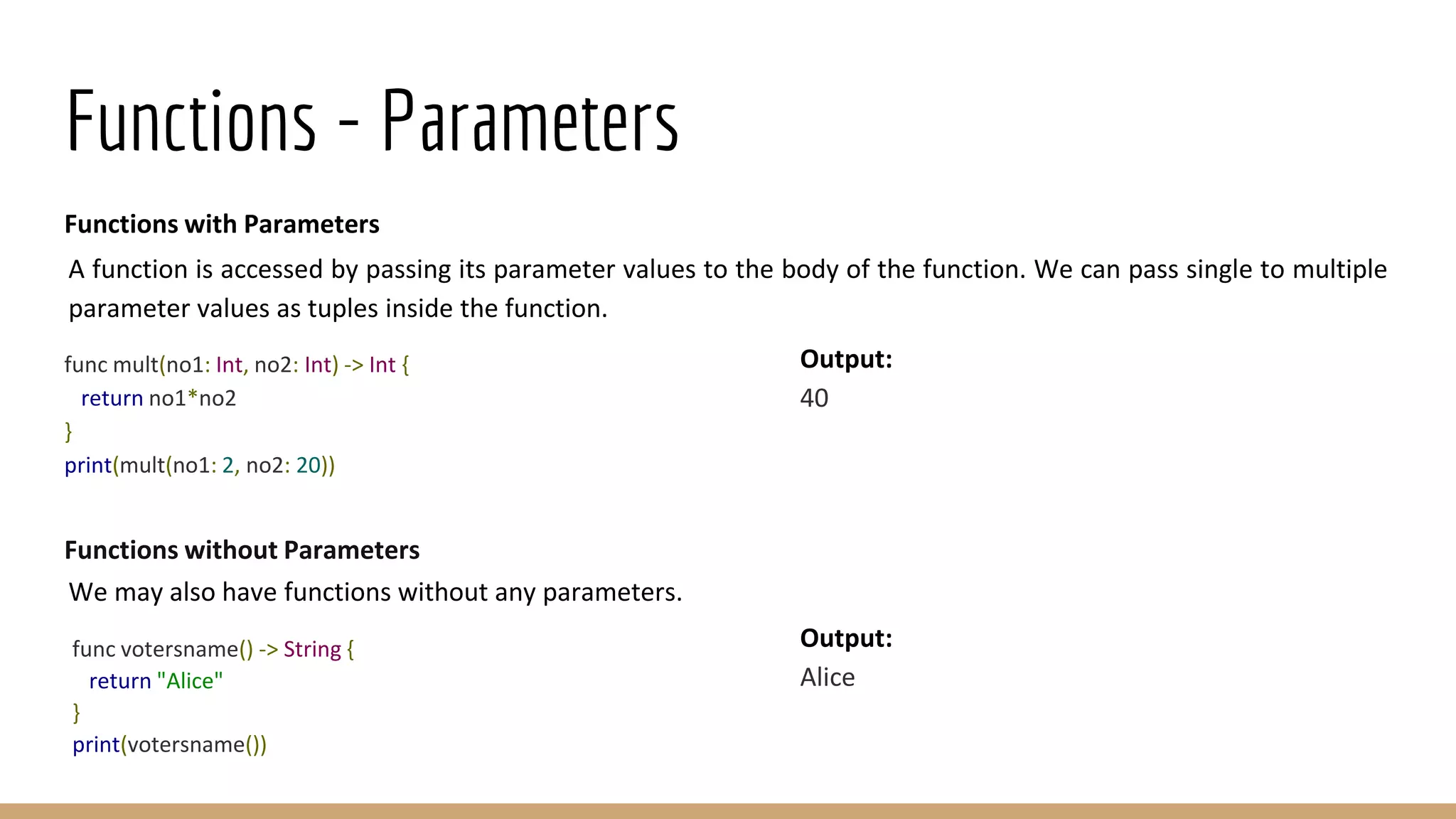
Functions - Parameters
Functions with Parameters
A function is accessed by passing its parameter values to the body of the function. We can pass single to multiple
parameter values as tuples inside the function.
func mult(no1: Int, no2: Int) -> Int {
return no1*no2
}
print(mult(no1: 2, no2: 20))
Functions without Parameters
We may also have functions without any parameters.
func votersname() -> String {
return "Alice"
}
print(votersname())
Output:
40
Output:
Alice
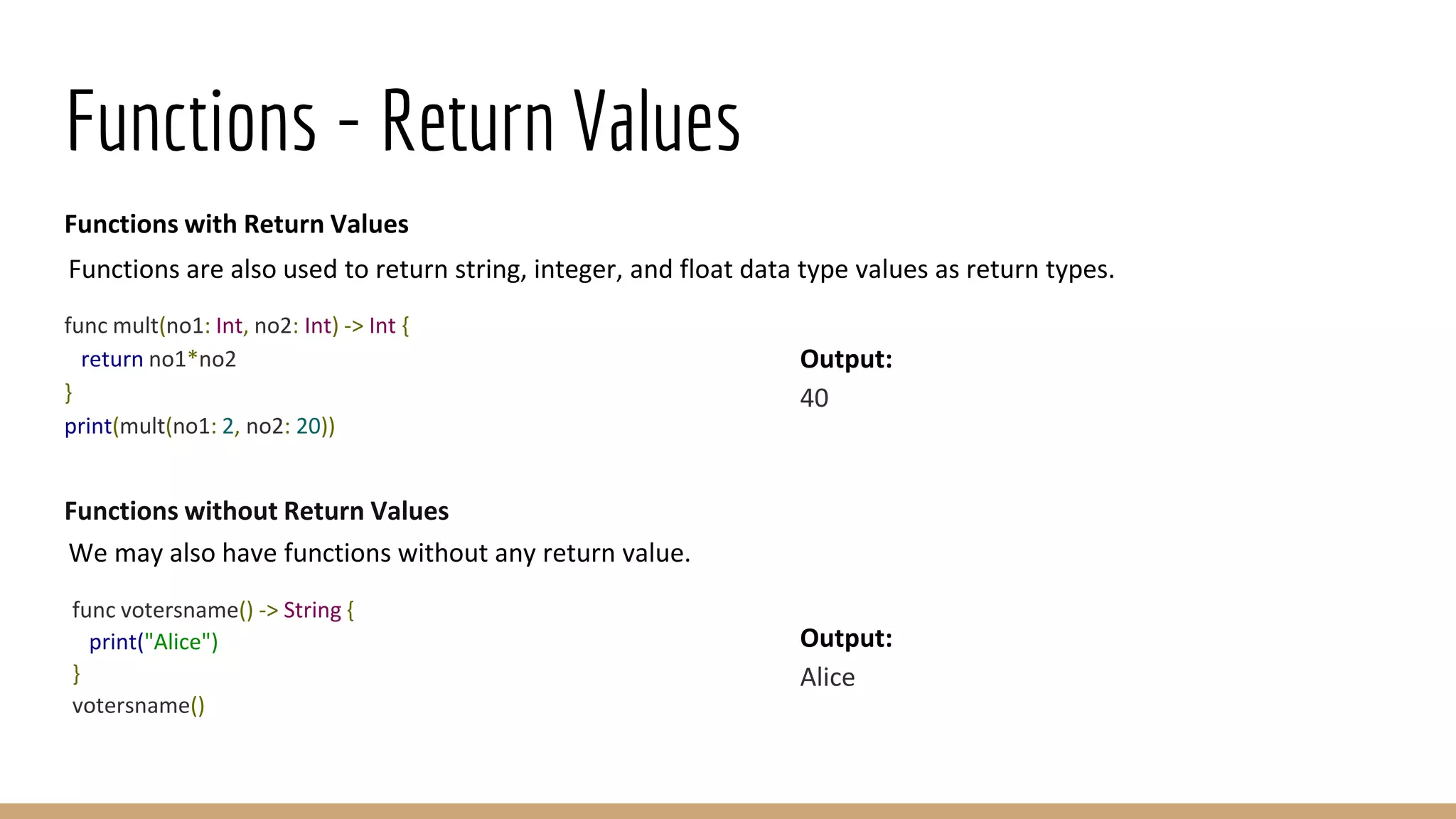
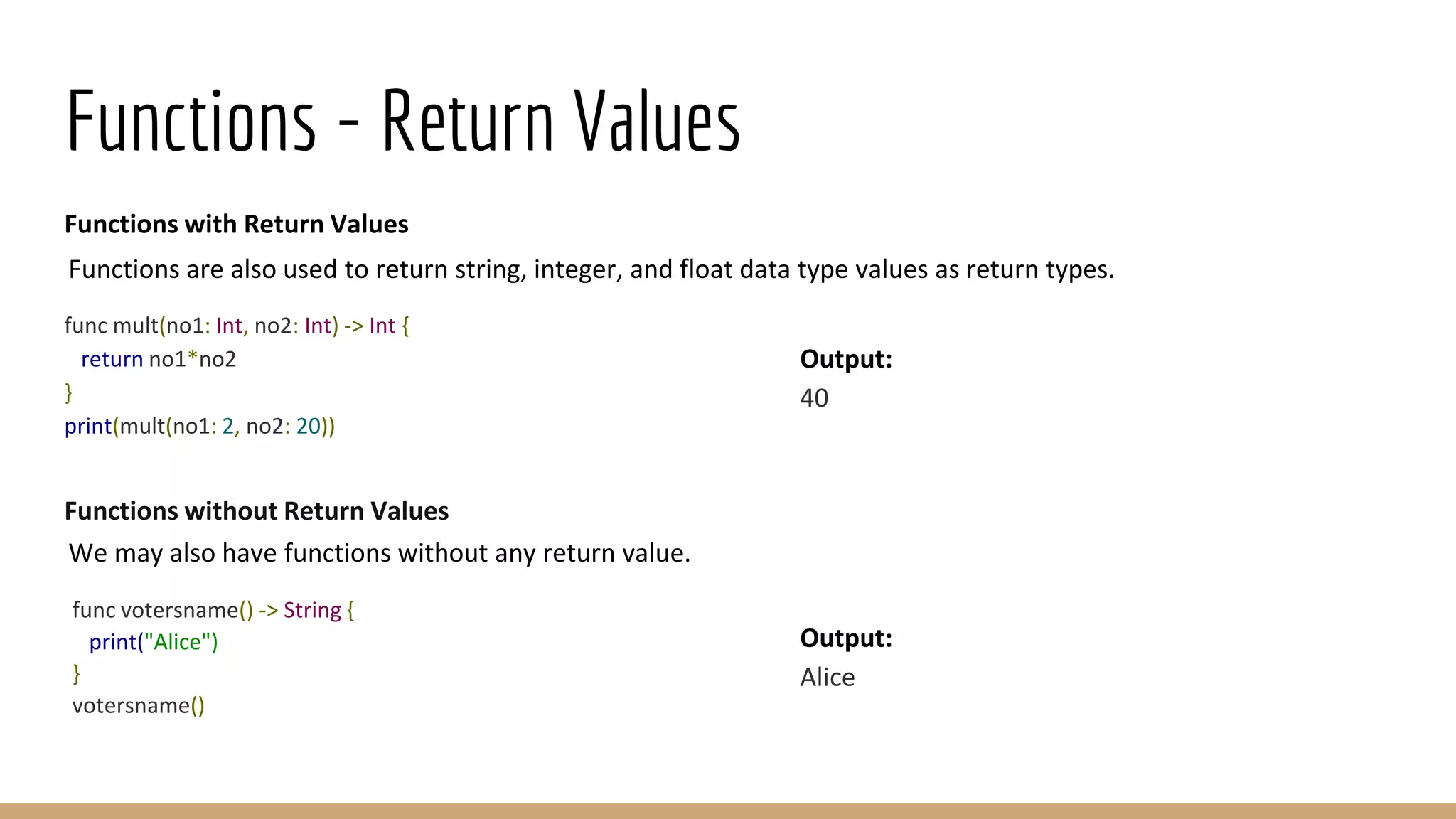
Functions - Return Values
Functions with Return Values
Functions are also used to return string, integer, and float data type values as return types.
func mult(no1: Int, no2: Int) -> Int {
return no1*no2
}
print(mult(no1: 2, no2: 20))
Functions without Return Values
We may also have functions without any return value.
func votersname() -> String {
print("Alice")
}
votersname()
Output:
40
Output:
Alice
Functions - Return Values
Functions with Return Values
Functions are also used to return string, integer, and float data type values as return types.
func mult(no1: Int, no2: Int) -> Int {
return no1*no2
}
print(mult(no1: 2, no2: 20))
Functions without Return Values
We may also have functions without any return value.
func votersname() -> String {
print("Alice")
}
votersname()
Output:
40
Output:
Alice
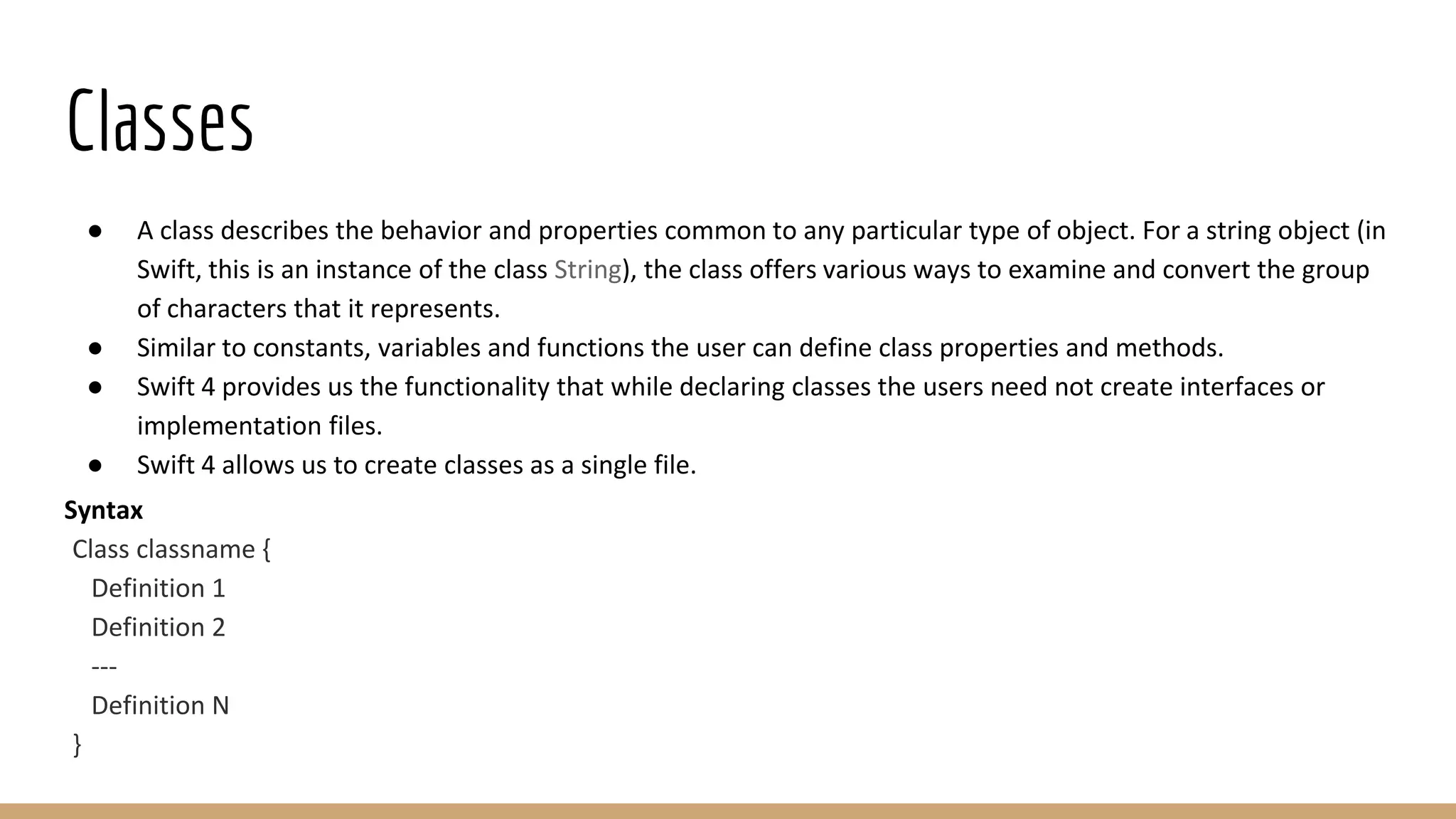
Classes
● A class describes the behavior and properties common to any particular type of object. For a string object (in
Swift, this is an instance of the class String), the class offers various ways to examine and convert the group
of characters that it represents.
● Similar to constants, variables and functions the user can define class properties and methods.
● Swift 4 provides us the functionality that while declaring classes the users need not create interfaces or
implementation files.
● Swift 4 allows us to create classes as a single file.
Syntax
Class classname {
Definition 1
Definition 2
---
Definition N
}
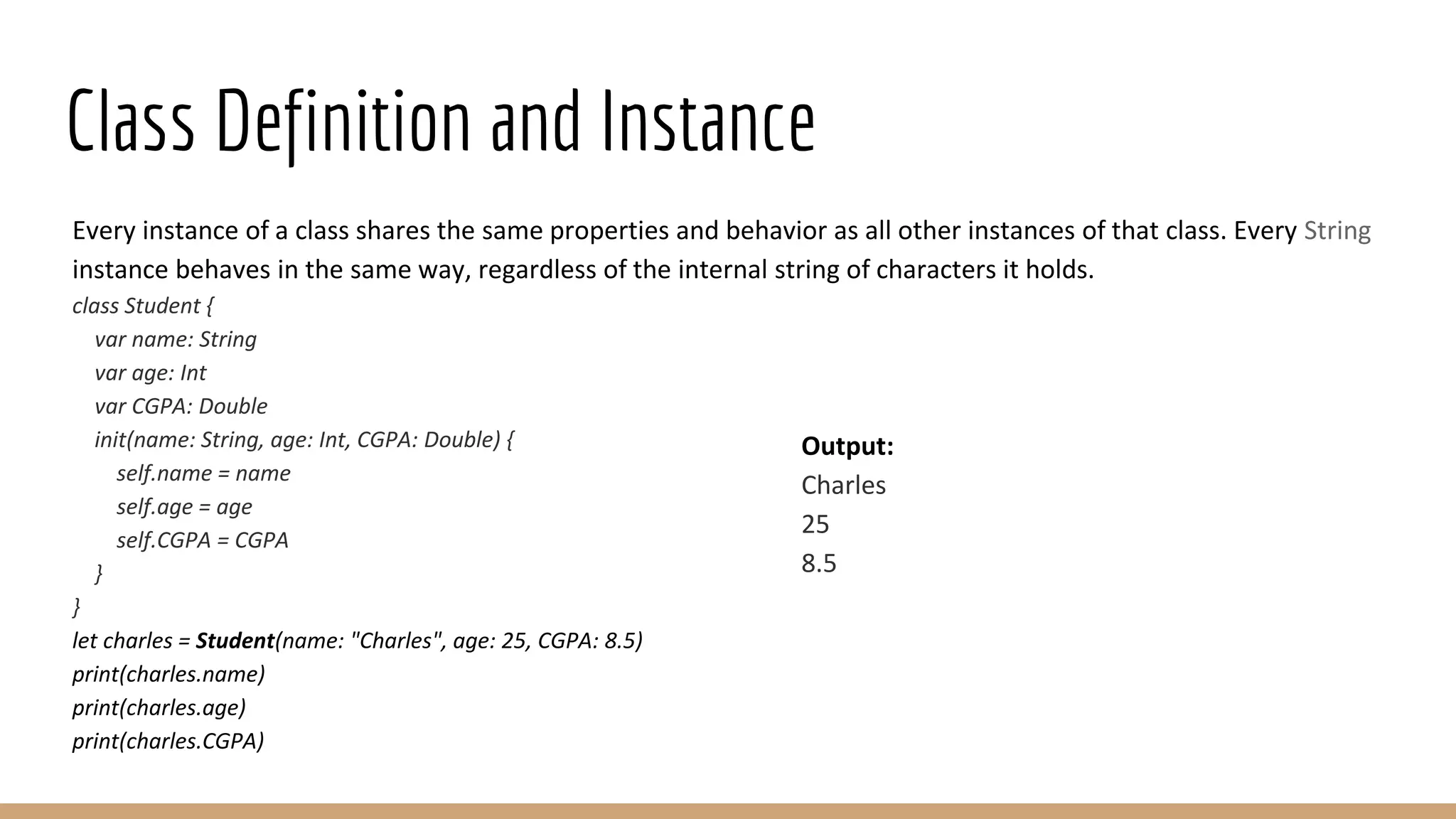
Class Definition and Instance
Every instance of a class shares the same properties and behavior as all other instances of that class. Every String
instance behaves in the same way, regardless of the internal string of characters it holds.
class Student {
var name: String
var age: Int
var CGPA: Double
init(name: String, age: Int, CGPA: Double) {
self.name = name
self.age = age
self.CGPA = CGPA
}
}
let charles = Student(name: "Charles", age: 25, CGPA: 8.5)
print(charles.name)
print(charles.age)
print(charles.CGPA)
Output:
Charles
25
8.5
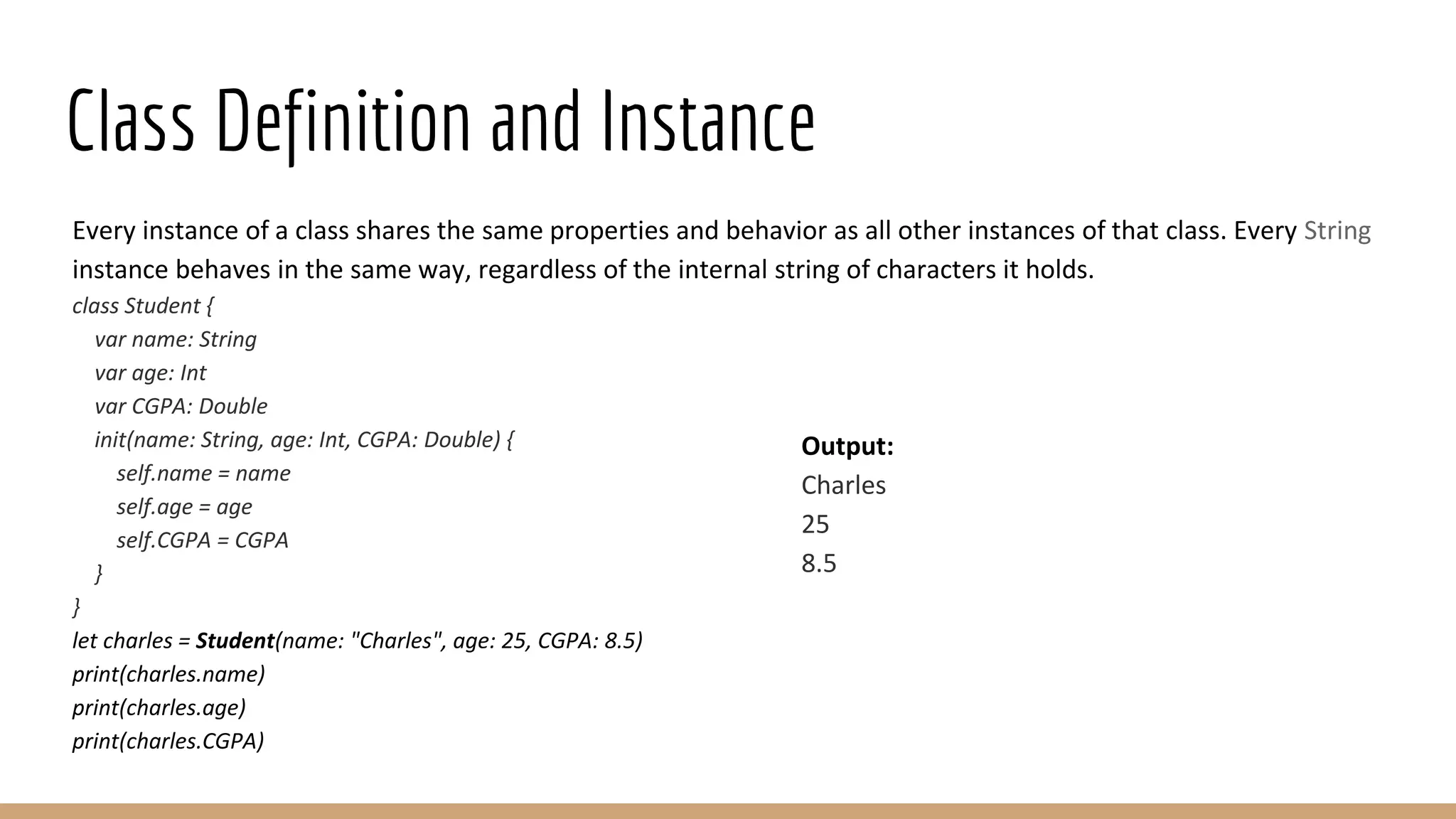
Class Definition and Instance
Every instance of a class shares the same properties and behavior as all other instances of that class. Every String
instance behaves in the same way, regardless of the internal string of characters it holds.
class Student {
var name: String
var age: Int
var CGPA: Double
init(name: String, age: Int, CGPA: Double) {
self.name = name
self.age = age
self.CGPA = CGPA
}
}
let charles = Student(name: "Charles", age: 25, CGPA: 8.5)
print(charles.name)
print(charles.age)
print(charles.CGPA)
Output:
Charles
25
8.5
App Design
A common question when beginning an iOS project is whether to write all views in code or use Interface Builder
with Storyboards or XIB files. Both are known to occasionally result in working software. However, there are a few
considerations:
Why code?
● Storyboards are more prone to version conflicts due to their complex XML structure. This makes merging
much harder than with code.
● It's easier to structure and reuse views in code, thereby keeping your codebase DRY.
● All information is in one place. In Interface Builder you have to click through all the inspectors to find what
you're looking for.
● Storyboards introduce coupling between your code and UI, which can lead to crashes e.g. when an outlet or
action is not setup correctly. These issues are not detected by the compiler.
App Design - Contd.
Why Storyboards/NIB Files?
● For the less technically inclined, Storyboards can be a great way to contribute to the project directly, e.g. by
tweaking colors or layout constraints. However, this requires a working project setup and some time to learn
the basics.
● Iteration is often faster since you can preview certain changes without building the project.
● Custom fonts and UI elements are represented visually in Storyboards, giving you a much better idea of the
final appearance while designing.
● For size classes, Interface Builder gives you a live layout preview for the devices of your choice, including
iPad split-screen multitasking.
● NIBs (or XIBs): Each NIB file corresponds to a single view element and can be laid out in the Interface
Builder, making it a visual tool as well. Note that the name “NIB” is derived from the file extension
(previously .nib and now .xib, although the old pronunciation has persisted).
App Design - Contd.
Why not both?
● To get the best of both worlds, you can also take a hybrid approach: Start off by sketching the initial design
with Storyboards, which are great for tinkering and quick changes.
● You can even invite designers to participate in this process.
● As the UI matures and reliability becomes more important, you then transition into a code-based setup
that's easier to maintain and collaborate on.
Ignores
● A good first step when putting a project under version control is to have a decent .gitignore file.
● That way, unwanted files (user settings, temporary files, etc.) will never even make it into your repository.
● Luckily, GitHub has us covered for both Swift and Objective-C.
Thank You

Basic iOS Training with SWIFT - Part 2

  • 1.
  • 2.
    Loops Swift 4 programminglanguage provides the following kinds of loop to handle looping requirements. for-in This loop performs a set of statements for each item in a range, sequence, collection, or progression. while loop Repeats a statement or group of statements while a given condition is true. It tests the condition before executing the loop body. repeat...while loop Like a while statement, except that it tests the condition at the end of the loop body.
  • 3.
    For-in loop The for-inloop iterates over collections of items, such as ranges of numbers, items in an array, or characters in a string − Syntax: for index in var { statement(s) } Example: var someInts:[Int] = [10, 20, 30] for index in someInts { print( "Value of index is (index)") } Output: Value of index is 10 Value of index is 20 Value of index is 30
  • 4.
    While loop A whileloop statement in Swift 4 programming language repeatedly executes a target statement as long as a given condition is true. Syntax: while condition { statement(s) } Example: var index = 5 while index < 10 { print( "Value of index is (index)") index = index + 1 } Output: Value of index is 5 Value of index is 6 Value of index is 7 Value of index is 8 Value of index is 9
  • 5.
    Repeat..While loop Unlike forand while loops, which test the loop condition at the top of the loop, the repeat...while loop checks its condition at the bottom of the loop. A repeat...while loop is similar to a while loop, except that a repeat...while loop is guaranteed to execute at least once. Syntax: repeat { statement(s); } while( condition ); Example: var index = 10 repeat { print( "Value of index is (index)") index = index + 1 } while index < 15 Output: Value of index is 10 Value of index is 11 Value of index is 12 Value of index is 13 Value of index is 14
  • 6.
    Loop Control Statements Loopcontrol statements change execution from its normal sequence. When execution leaves a scope, all automatic objects that were created in that scope are destroyed. Swift 4 supports the following control statements. continue statement This statement tells a loop to stop what it is doing and start again at the beginning of the next iteration through the loop. break statement Terminates the loop statement and transfers execution to the statement immediately following the loop.
  • 7.
    Strings Strings in Swift4 are an ordered collection of characters, such as "Hello, World!" and they are represented by the Swift 4 data type String, which in turn represents a collection of values of Character type. // String creation using String literal var stringA = "Hello, Swift 4!" print( stringA ) // String creation using String instance var stringB = String("Hello, Swift 4!") print( stringB ) //Multiple line string let stringC = """ Hey this is a example of multiple Line """ print(stringC) Output: Hello, Swift 4! Hello, Swift 4! Hey this is a example of multiple Line
  • 8.
    Strings - EmptyString You can create an empty String either by using an empty string literal or creating an instance of String class as shown below. You can also check whether a string is empty or not using the Boolean property isEmpty. // Empty string creation using String literal var stringA = "" if stringA.isEmpty { print( "stringA is empty" ) } else { print( "stringA is not empty" ) } Output: stringA is empty
  • 9.
    Strings - Constants Youcan specify whether your String can be modified (or mutated) by assigning it to a variable, or it will be constant by assigning it to a constant using let keyword as shown below − // stringC can be modified var stringC = "Hello, Swift 4!" stringC + = "--Readers--" print( stringC ) // stringB can not be modified let stringD = String("Hello, Swift 4!") stringD + = "--Readers--" print( stringD ) Error: Playground execution failed: error: MyPlayground.playground:40:9: error: left side of mutating operator isn't mutable: 'stringD' is a 'let' constant stringD += "--Readers--" ~~~~~~~ ^ MyPlayground.playground:39:1: note: change 'let' to 'var' to make it mutable let stringD = String("Hello, Swift 4!") ^~~ var
  • 10.
    Strings - Interpolation Stringinterpolation is a way to construct a new String value from a mix of constants, variables, literals, and expressions by including their values inside a string literal. Each item (variable or constant) that you insert into the string literal is wrapped in a pair of parentheses, prefixed by a backslash. Here is a simple example − var varA = 20 let constA = 100 var varC:Float = 20.0 var stringA = "(varA) times (constA) is equal to (varC * 100)" print( stringA ) Output: 20 times 100 is equal to 2000.0
  • 11.
    Strings Operations Concatenation: You canuse the + operator to concatenate two strings or a string and a character, or two characters. Here is a simple example − let constA = "Hello," let constB = "World!" var stringA = constA + constB print( stringA ) Length: Swift 4 strings do not have a length property, but you can use the global count() function to count the number of characters in a string. Here is a simple example − var varA = "Hello, Swift 4!" print( "(varA), length is ((varA.count))" ) Output: Hello,World! Output: Hello, Swift 4!, length is 15
  • 12.
    Strings Operations -Contd. Comparison: You can use the == operator to compare two strings variables or constants. Here is a simple example − var varA = "Hello, Swift 4!" var varB = "Hello, World!" if varA == varB { print( "(varA) and (varB) are equal" ) } else { print( "(varA) and (varB) are not equal" ) } Output: Hello, Swift 4! and Hello, World! are not equal
  • 13.
    Arrays Swift 4 arraysare used to store ordered lists of values of the same type. Swift 4 puts strict checking which does not allow you to enter a wrong type in an array, even by mistake. If you assign a created array to a variable, then it is always mutable, which means you can change it by adding, removing, or changing its items; but if you assign an array to a constant, then that array is immutable, and its size and contents cannot be changed. Creating Arrays You can create an empty array of a certain type using the following initializer syntax − var someArray = [SomeType]() Following is one more example to create an array of three elements and assign three values to that array − var someInts:[Int] = [10, 20, 30]
  • 14.
    Accessing Arrays You canretrieve a value from an array by using subscript syntax, passing the index of the value you want to retrieve within square brackets immediately after the name of the array as follows − var someVar = someArray[index] Here, the index starts from 0 which means the first element can be accessed using the index as 0, the second element can be accessed using the index as 1 and so on. The following example shows how to create, initialize, and access arrays − var someInts = [10, 20, 30] var someVar = someInts[0] print( "Value of first element is (someVar)" ) print( "Value of second element is (someInts[1])" ) print( "Value of third element is (someInts[2])" ) Output: Value of first element is 10 Value of second element is 20 Value of third element is 30
  • 15.
    Modifying Arrays You canuse append() method or addition assignment operator (+=) to add a new item at the end of an array. Take a look at the following example. Here, initially, we create an empty array and then add new elements into the same array − var someInts = [Int]() someInts.append(20) someInts.append(30) someInts += [40] var someVar = someInts[0] print( "Value of first element is (someVar)" ) print( "Value of second element is (someInts[1])" ) print( "Value of third element is (someInts[2])" ) Output: Value of first element is 20 Value of second element is 30 Value of third element is 40
  • 16.
    Modifying Arrays -Contd. You can modify an existing element of an Array by assigning a new value at a given index as shown in the following example − var someInts = [Int]() someInts.append(20) someInts.append(30) someInts += [40] // Modify last element someInts[2] = 50 var someVar = someInts[0] print( "Value of first element is (someVar)" ) print( "Value of second element is (someInts[1])" ) print( "Value of third element is (someInts[2])" ) Output: Value of first element is 20 Value of second element is 30 Value of third element is 50
  • 17.
    Iterating over anArray You can use for-in loop to iterate over the entire set of values in an array as shown in the following example − var someStrs = [String]() someStrs.append("Apple") someStrs.append("Amazon") someStrs += ["Google"] for item in someStrs { print(item) } You can also use enumerate() function which returns the index of an item along with its value - var someStrs = [String]() someStrs.append("Apple") someStrs.append("Amazon") someStrs += ["Google"] for (index, item) in someStrs.enumerated() { print("Value at index = (index) is (item)") } Output: Apple Amazon Google Output: Value at index = 0 is Apple Value at index = 1 is Amazon Value at index = 2 is Google
  • 18.
    Array Operations The countProperty You can use the read-only count property of an array to find out the number of items in an array shown below − var someInts = [10, 20, 30] print("Total items in someInts = (someInts.count)") The empty Property You can use the read-only empty property of an array to find out whether an array is empty or not as shown below − var intsA = [Int]() var intsB = [10, 20, 30] print("intsA.isEmpty = (intsA.isEmpty)") print("intsB.isEmpty = (intsB.isEmpty)") Output: Total items in someInts = 3 Output: intsA.isEmpty = true intsB.isEmpty = false
  • 19.
    Dictionaries ● Swift 4dictionaries are used to store unordered lists of values of the same type. Swift 4 puts strict checking which does not allow you to enter a wrong type in a dictionary even by mistake. ● Swift 4 dictionaries use unique identifier known as a key to store a value which later can be referenced and looked up through the same key. Unlike items in an array, items in a dictionary do not have a specified order. You can use a dictionary when you need to look up values based on their identifiers. ● A dictionary key can be either an integer or a string without a restriction, but it should be unique within a dictionary. ● If you assign a created dictionary to a variable, then it is always mutable which means you can change it by adding, removing, or changing its items. But if you assign a dictionary to a constant, then that dictionary is immutable, and its size and contents cannot be changed.
  • 20.
    Creating Dictionary You cancreate an empty dictionary of a certain type using the following initializer syntax − var someDict = [KeyType: ValueType]() You can use the following simple syntax to create an empty dictionary whose key will be of Int type and the associated values will be strings − var someDict = [Int: String]() Here is an example to create a dictionary from a set of given values − var someDict:[String:Int] = ["One":1, "Two":2, "Three":3]
  • 21.
    Accessing Dictionary You canretrieve a value from a dictionary by using subscript syntax, passing the key of the value you want to retrieve within square brackets immediately after the name of the dictionary as follows − var someVar = someDict[key] Let's check the following example to create, initialize, and access values from a dictionary − var someDict:[Int:String] = [1:"One", 2:"Two", 3:"Three"] var someVar = someDict[1] print( "Value of key = 1 is (someVar)" ) print( "Value of key = 2 is (someDict[2])" ) print( "Value of key = 3 is (someDict[3])" ) Output: Value of key = 1 is Optional("One") Value of key = 2 is Optional("Two") Value of key = 3 is Optional("Three")
  • 22.
    Modifying Dictionary You canuse updateValue(forKey:) method to add an existing value to a given key of the dictionary. This method returns an optional value of the dictionary's value type. Here is a simple example − var someDict:[Int:String] = [1:"One", 2:"Two", 3:"Three"] someDict.updateValue("New value of one", forKey: 1) someDict[2] = "New value of two" var someVar = someDict[1] print( "Value of key = 1 is (someVar)" ) print( "Value of key = 2 is (someDict[2])" ) print( "Value of key = 3 is (someDict[3])" ) Output: Value of key = 1 is Optional("New value of one") Value of key = 2 is Optional("New value of two") Value of key = 3 is Optional("Three")
  • 23.
    Iterating over aDictionary You can use a for-in loop to iterate over the entire set of key-value pairs in a Dictionary as shown in the following example − var someDict:[Int:String] = [1:"One", 2:"Two", 3:"Three"] for (key, value) in someDict { print("Dictionary key (key) - Dictionary value (value)") } You can use enumerate() function which returns the index of the item along with its (key, value) pair as shown below in the example − var someDict1:[Int:String] = [1:"One", 2:"Two", 3:"Three"] for (index, value) in someDict1.enumerated() { print("Index (index) - Dictionary value (value)") } Output: Dictionary key 2 - Dictionary value Two Dictionary key 3 - Dictionary value Three Dictionary key 1 - Dictionary value One Output: Index 0 - Dictionary value (key: 2, value: "Two") Index 1 - Dictionary value (key: 3, value: "Three") Index 2 - Dictionary value (key: 1, value: "One")
  • 24.
    Dictionary Operations The countProperty You can use the read-only count property of an array to find out the number of items in an dictionary − var someDict1:[Int:String] = [1:"One", 2:"Two", 3:"Three"] var someDict2:[Int:String] = [4:"Four", 5:"Five"] print("Total items in someDict1 = (someDict1.count)") print("Total items in someDict2 = (someDict2.count)") The empty Property You can use the read-only empty property of an array to find out whether an dictionary is empty or not − var someDict3:[Int:String] = [1:"One", 2:"Two", 3:"Three"] var someDict4:[Int:String] = [4:"Four", 5:"Five"] var someDict5:[Int:String] = [Int:String]() print("someDict3 = (someDict3.isEmpty)") print("someDict4 = (someDict4.isEmpty)") print("someDict5 = (someDict5.isEmpty)") Output: Total items in someDict1 = 3 Total items in someDict2 = 2 Output: someDict1 = false someDict2 = false someDict3 = true
  • 25.
    Functions ● A functionis a set of statements organized together to perform a specific task. A Swift 4 function can be as simple as a simple C function to as complex as an Objective C language function. ● In Swift 4, a function is defined by the "func" keyword. When a function is newly defined, it may take one or several values as input 'parameters' to the function and it will process the functions in the main body and pass back the values to the functions as output 'return types'. ● Every function has a function name, which describes the task that the function performs. To use a function, you "call" that function with its name and pass input values (known as arguments) that match the types of the function's parameters. Syntax: func funcname(Parameters) -> returntype { //Statements return parameters }
  • 26.
    Functions - Example Takea look at the following code. The student’s name is declared as string datatype declared inside the function 'student' and when the function is called, it will return student’s name. Example 1: func student(name: String) { print(name) } student(name: "First Program") student(name: "About Functions") Example 2: func student(name: String) -> String { return name } print(student(name: "First Program")) print(student(name: "About Functions")) Output: First Program About Functions
  • 27.
    Functions - Parameters Functionswith Parameters A function is accessed by passing its parameter values to the body of the function. We can pass single to multiple parameter values as tuples inside the function. func mult(no1: Int, no2: Int) -> Int { return no1*no2 } print(mult(no1: 2, no2: 20)) Functions without Parameters We may also have functions without any parameters. func votersname() -> String { return "Alice" } print(votersname()) Output: 40 Output: Alice
  • 28.
    Functions - ReturnValues Functions with Return Values Functions are also used to return string, integer, and float data type values as return types. func mult(no1: Int, no2: Int) -> Int { return no1*no2 } print(mult(no1: 2, no2: 20)) Functions without Return Values We may also have functions without any return value. func votersname() -> String { print("Alice") } votersname() Output: 40 Output: Alice
  • 29.
    Functions - ReturnValues Functions with Return Values Functions are also used to return string, integer, and float data type values as return types. func mult(no1: Int, no2: Int) -> Int { return no1*no2 } print(mult(no1: 2, no2: 20)) Functions without Return Values We may also have functions without any return value. func votersname() -> String { print("Alice") } votersname() Output: 40 Output: Alice
  • 30.
    Classes ● A classdescribes the behavior and properties common to any particular type of object. For a string object (in Swift, this is an instance of the class String), the class offers various ways to examine and convert the group of characters that it represents. ● Similar to constants, variables and functions the user can define class properties and methods. ● Swift 4 provides us the functionality that while declaring classes the users need not create interfaces or implementation files. ● Swift 4 allows us to create classes as a single file. Syntax Class classname { Definition 1 Definition 2 --- Definition N }
  • 31.
    Class Definition andInstance Every instance of a class shares the same properties and behavior as all other instances of that class. Every String instance behaves in the same way, regardless of the internal string of characters it holds. class Student { var name: String var age: Int var CGPA: Double init(name: String, age: Int, CGPA: Double) { self.name = name self.age = age self.CGPA = CGPA } } let charles = Student(name: "Charles", age: 25, CGPA: 8.5) print(charles.name) print(charles.age) print(charles.CGPA) Output: Charles 25 8.5
  • 32.
    Class Definition andInstance Every instance of a class shares the same properties and behavior as all other instances of that class. Every String instance behaves in the same way, regardless of the internal string of characters it holds. class Student { var name: String var age: Int var CGPA: Double init(name: String, age: Int, CGPA: Double) { self.name = name self.age = age self.CGPA = CGPA } } let charles = Student(name: "Charles", age: 25, CGPA: 8.5) print(charles.name) print(charles.age) print(charles.CGPA) Output: Charles 25 8.5
  • 33.
    App Design A commonquestion when beginning an iOS project is whether to write all views in code or use Interface Builder with Storyboards or XIB files. Both are known to occasionally result in working software. However, there are a few considerations: Why code? ● Storyboards are more prone to version conflicts due to their complex XML structure. This makes merging much harder than with code. ● It's easier to structure and reuse views in code, thereby keeping your codebase DRY. ● All information is in one place. In Interface Builder you have to click through all the inspectors to find what you're looking for. ● Storyboards introduce coupling between your code and UI, which can lead to crashes e.g. when an outlet or action is not setup correctly. These issues are not detected by the compiler.
  • 34.
    App Design -Contd. Why Storyboards/NIB Files? ● For the less technically inclined, Storyboards can be a great way to contribute to the project directly, e.g. by tweaking colors or layout constraints. However, this requires a working project setup and some time to learn the basics. ● Iteration is often faster since you can preview certain changes without building the project. ● Custom fonts and UI elements are represented visually in Storyboards, giving you a much better idea of the final appearance while designing. ● For size classes, Interface Builder gives you a live layout preview for the devices of your choice, including iPad split-screen multitasking. ● NIBs (or XIBs): Each NIB file corresponds to a single view element and can be laid out in the Interface Builder, making it a visual tool as well. Note that the name “NIB” is derived from the file extension (previously .nib and now .xib, although the old pronunciation has persisted).
  • 35.
    App Design -Contd. Why not both? ● To get the best of both worlds, you can also take a hybrid approach: Start off by sketching the initial design with Storyboards, which are great for tinkering and quick changes. ● You can even invite designers to participate in this process. ● As the UI matures and reliability becomes more important, you then transition into a code-based setup that's easier to maintain and collaborate on. Ignores ● A good first step when putting a project under version control is to have a decent .gitignore file. ● That way, unwanted files (user settings, temporary files, etc.) will never even make it into your repository. ● Luckily, GitHub has us covered for both Swift and Objective-C.
  • 36.