Chapter 2: Basic Elements
of Java
Chapter Objectives
• Become familiar with the basic components of a Java program,
including methods, special symbols, and identifiers.
• Explore primitive data types.
• Discover how to use arithmetic operators.
• Examine how a program evaluates arithmetic expressions.
• Explore how mixed expressions are evaluated.
2
Chapter Objectives
• Learn about type casting.
• Become familiar with the String type.
• Learn what an assignment statement is and what it does.
• Discover how to input data into memory by using input
statements.
• Become familiar with the use of increment and
decrement operators.
3
Chapter Objectives
• Examine ways to output results using output statements.
• Learn how to import packages and why they are
necessary.
• Discover how to create a Java application program.
• Explore how to properly structure a program, including
using comments to document a program.
4
Introduction
• Computer program: A sequence of statements designed
to accomplish a task.
• Programming:The process of planning and creating a
program.
5
The Basics of a Java Program
• Java program: A collection of classes.
• There is a main method in every Java application
program.
• Token:The smallest individual unit of a program.
6
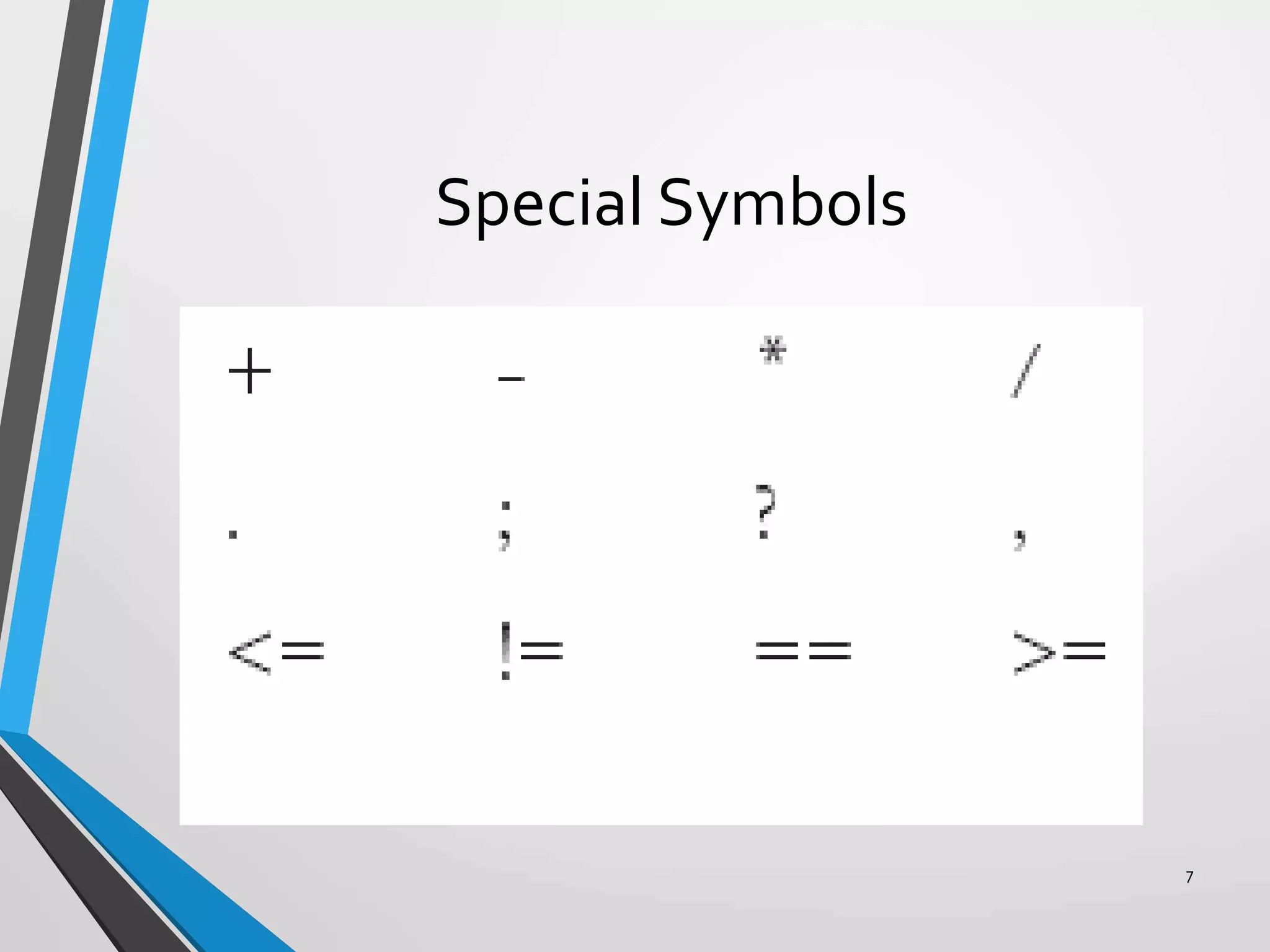
Special Symbols
7
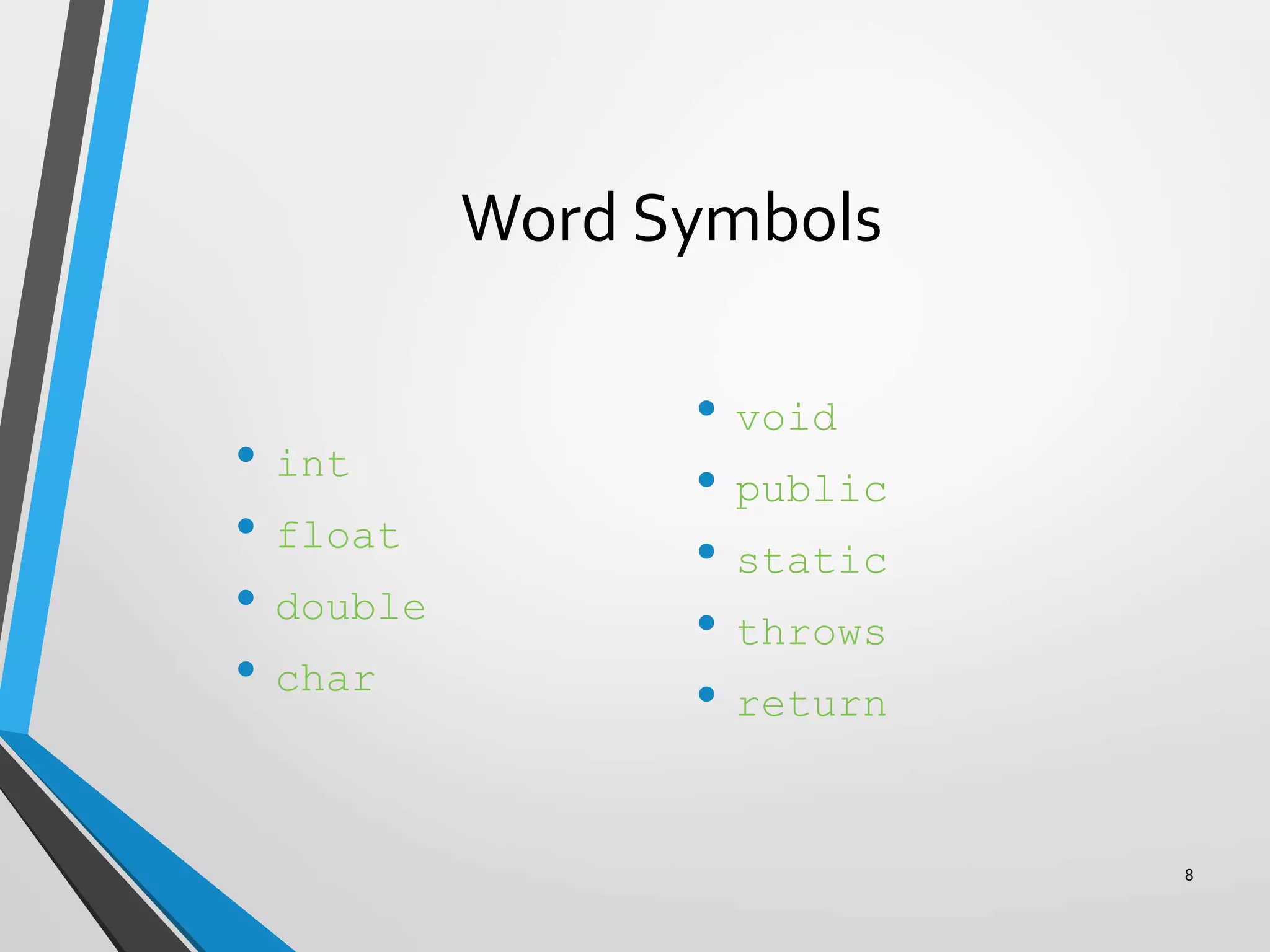
Word Symbols
• int
• float
• double
• char
• void
• public
• static
• throws
• return
8
Java Identifiers
• Names of things.
• Consists of:
• Letters
• Digits
• The underscore character (_)
• The dollar sign ($)
• Must begin with a letter, underscore, or the dollar sign.
9
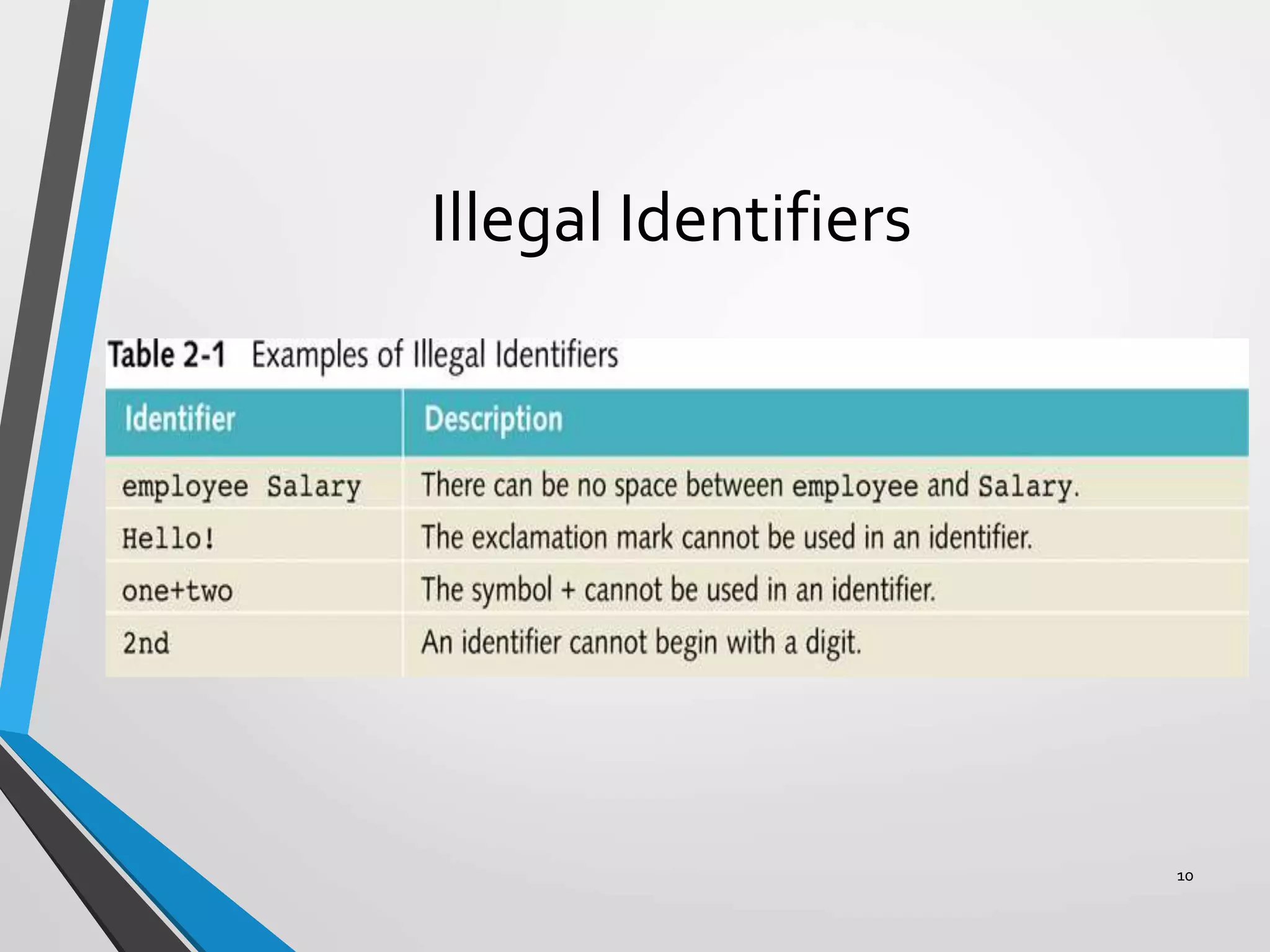
Illegal Identifiers
10
DataTypes
A set of values together with a set of operations.
11
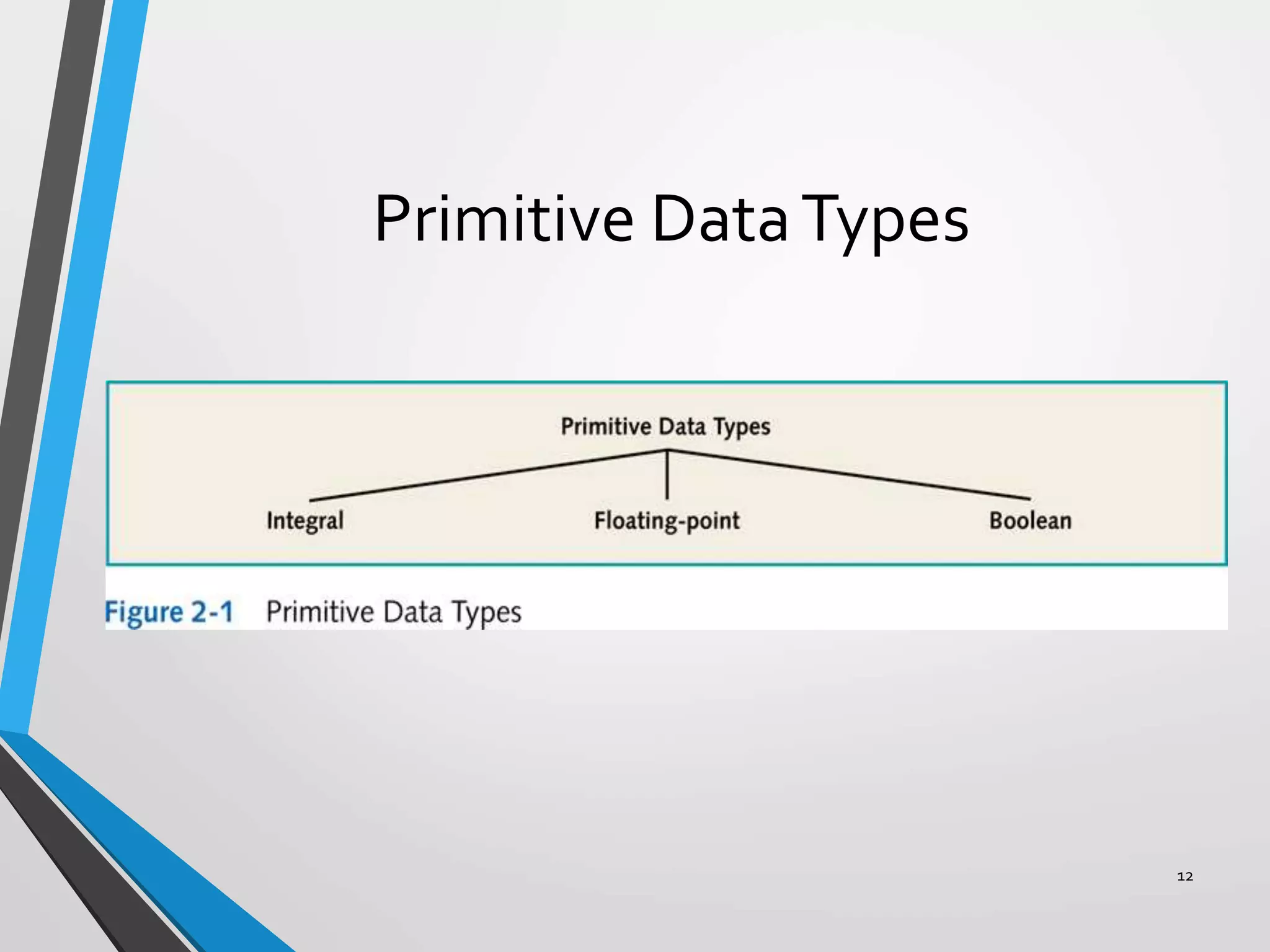
Primitive DataTypes
12
Primitive DataTypes
• Floating-point data types:
• Float: Precision = 6 or 7
• Double: Precision = 15
• Boolean:
• True
• False
13
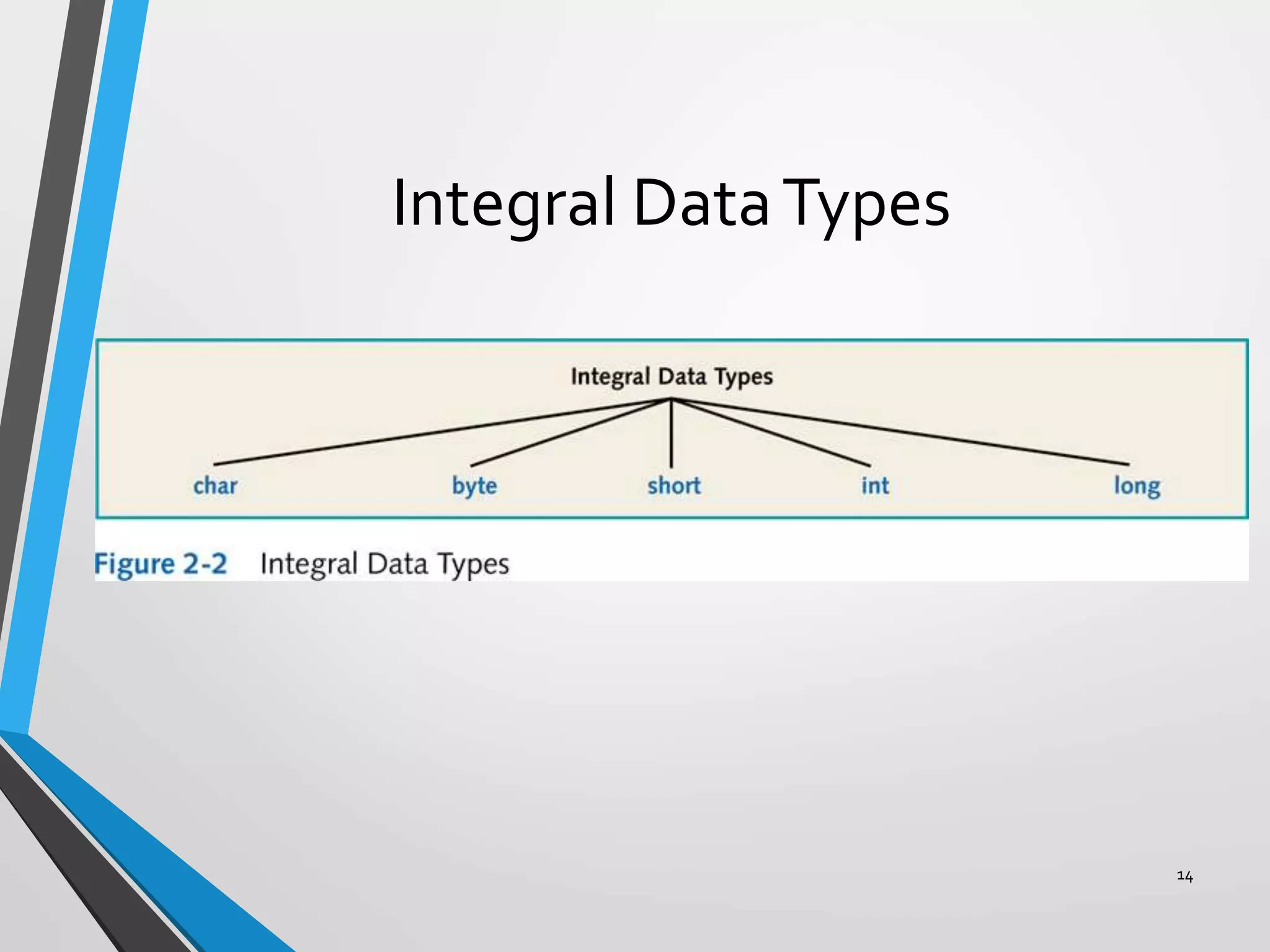
Integral DataTypes
14
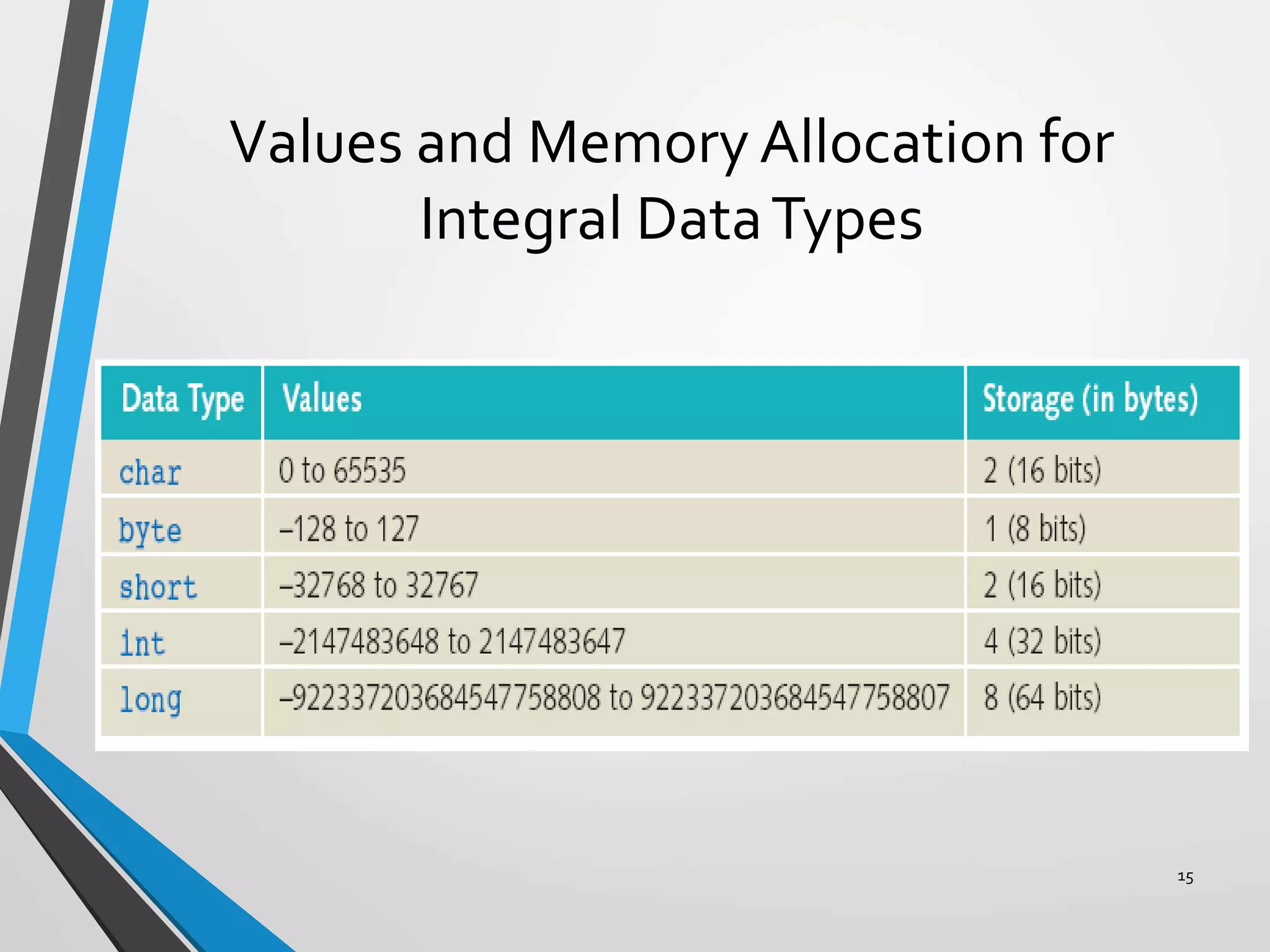
Values and Memory Allocation for
Integral DataTypes
15
Arithmetic Operators and Operator
Precedence
• Five arithmetic operators:
• + addition
• - subtraction
• * multiplication
• / division
• % mod (modulus)
• Unary operator: An operator that has one operand.
• Binary operator: An operator that has two operands.
16
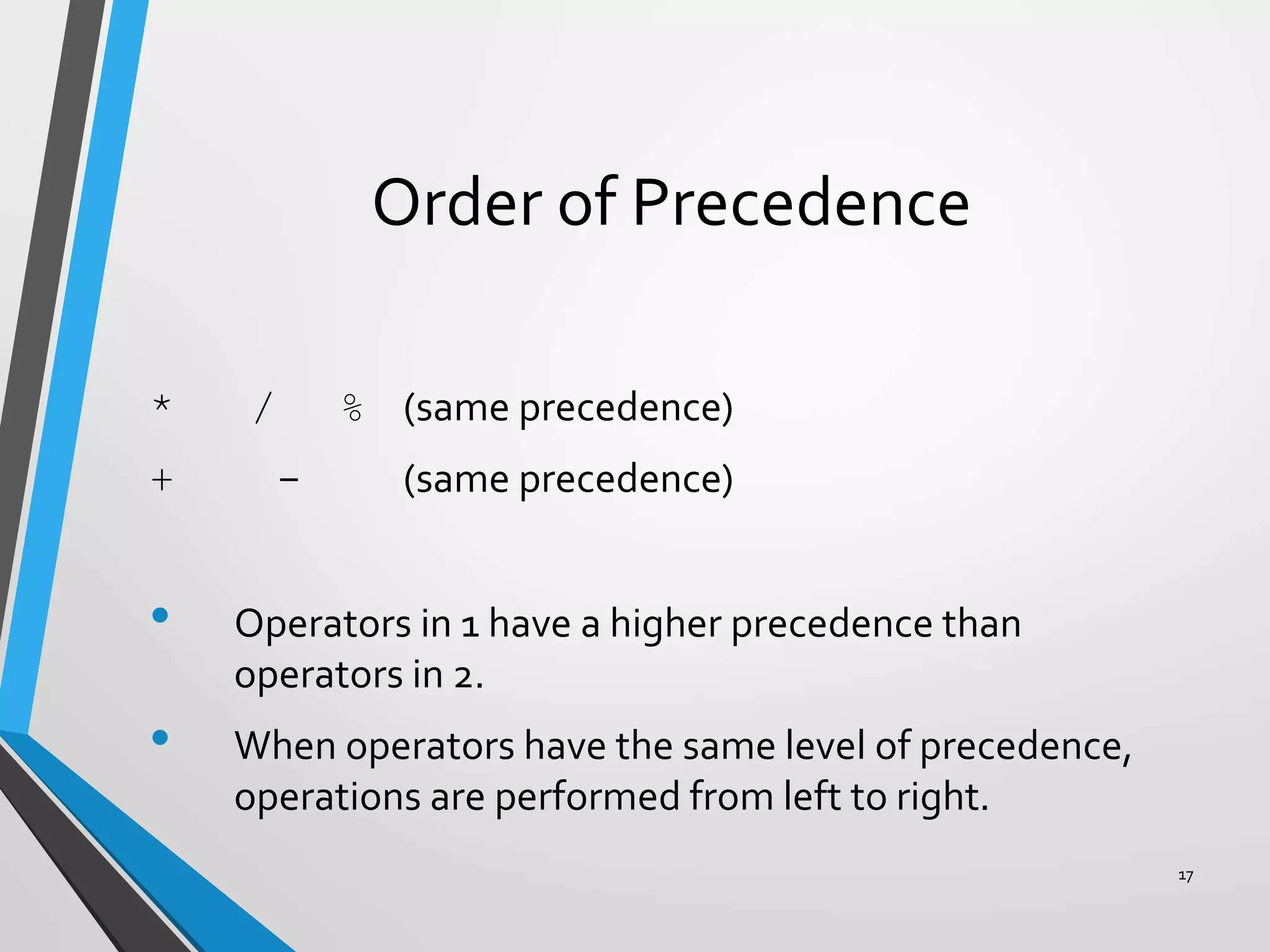
Order of Precedence
* / % (same precedence)
+ - (same precedence)
• Operators in 1 have a higher precedence than
operators in 2.
• When operators have the same level of precedence,
operations are performed from left to right.
17
Expressions
• Integral expressions
• Floating-point or decimal expressions
• Mixed expressions
18
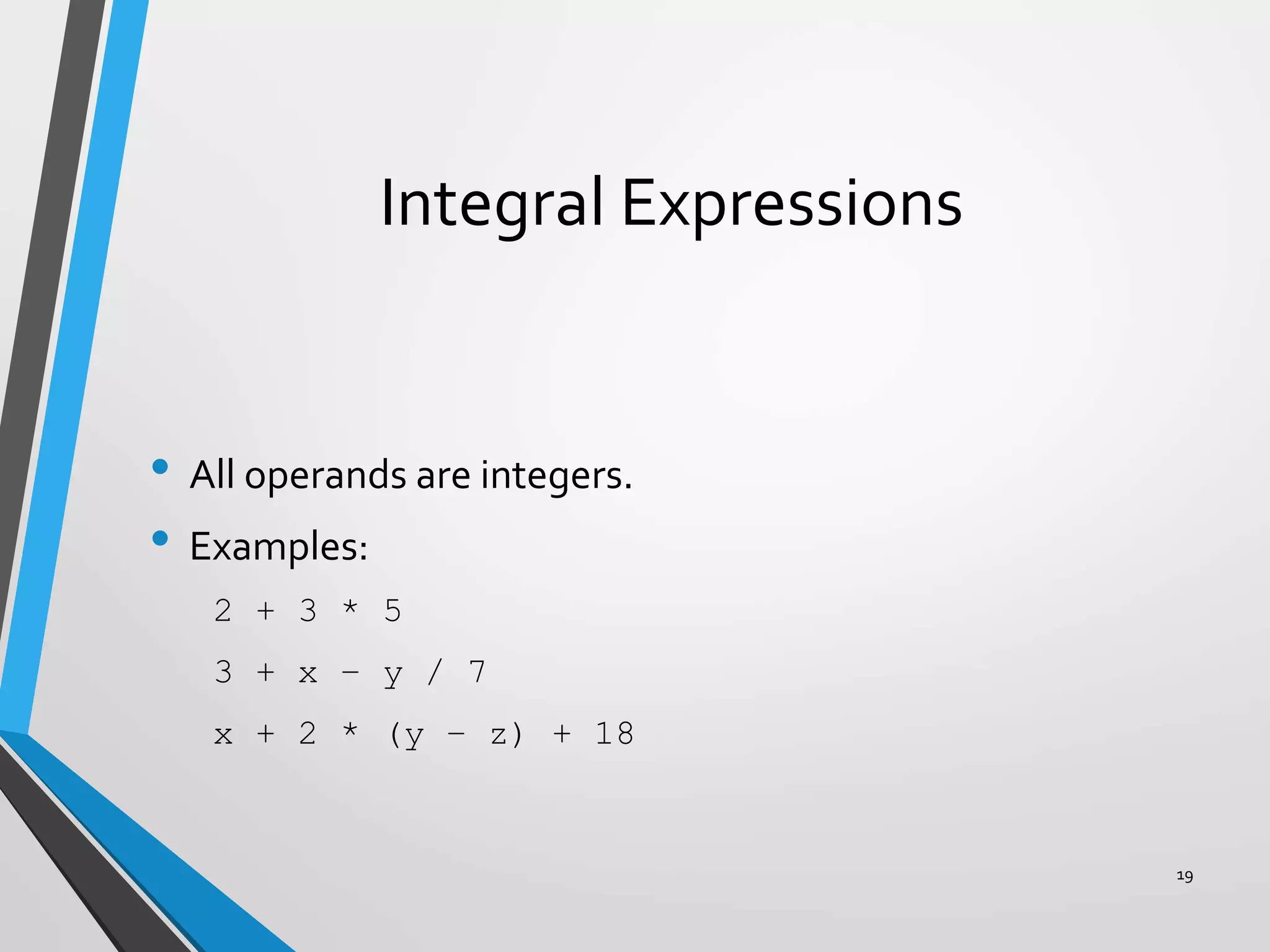
Integral Expressions
• All operands are integers.
• Examples:
2 + 3 * 5
3 + x – y / 7
x + 2 * (y – z) + 18
19
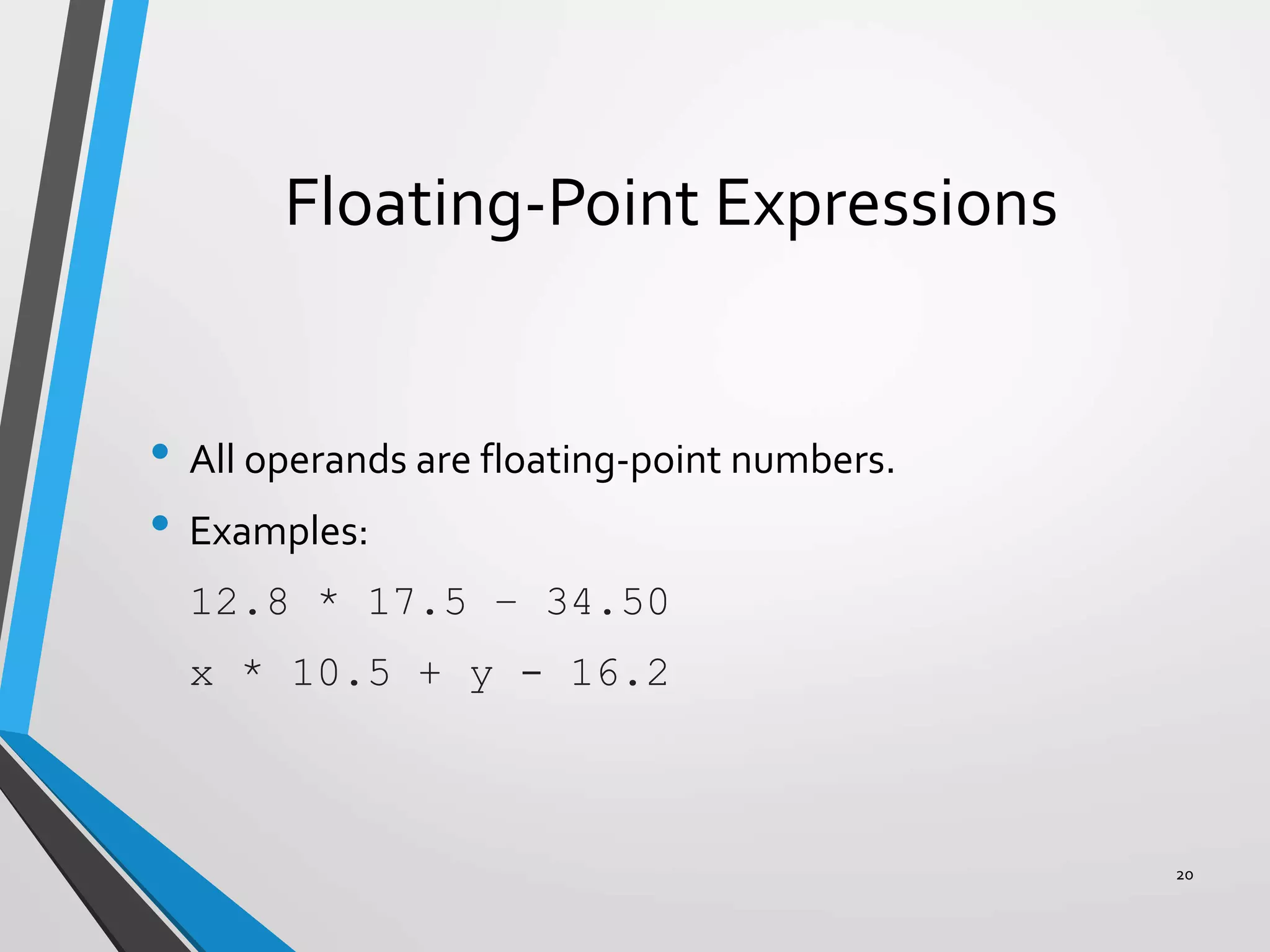
Floating-Point Expressions
• All operands are floating-point numbers.
• Examples:
12.8 * 17.5 – 34.50
x * 10.5 + y - 16.2
20
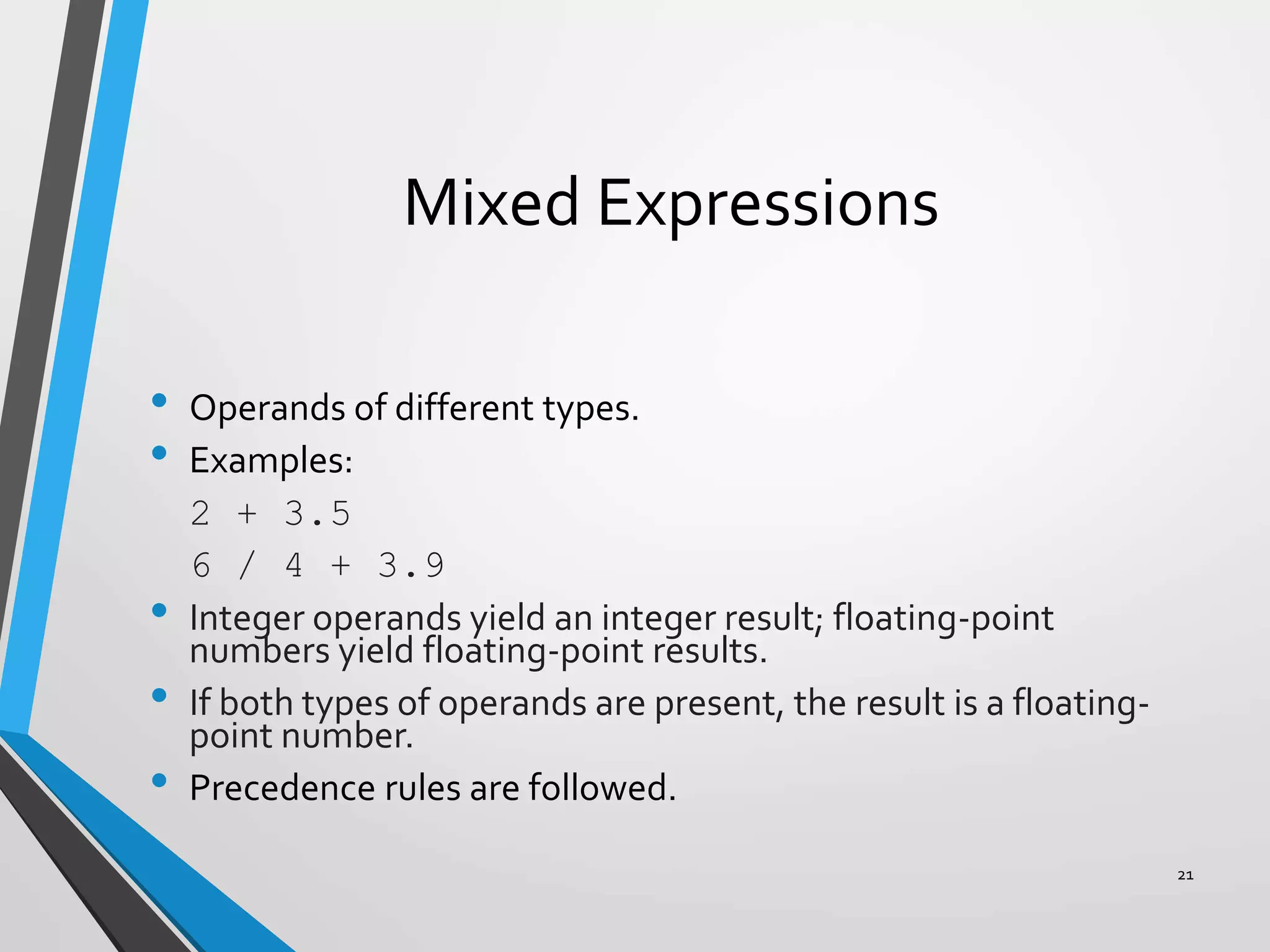
Mixed Expressions
• Operands of different types.
• Examples:
2 + 3.5
6 / 4 + 3.9
• Integer operands yield an integer result; floating-point
numbers yield floating-point results.
• If both types of operands are present, the result is a floating-
point number.
• Precedence rules are followed.
21
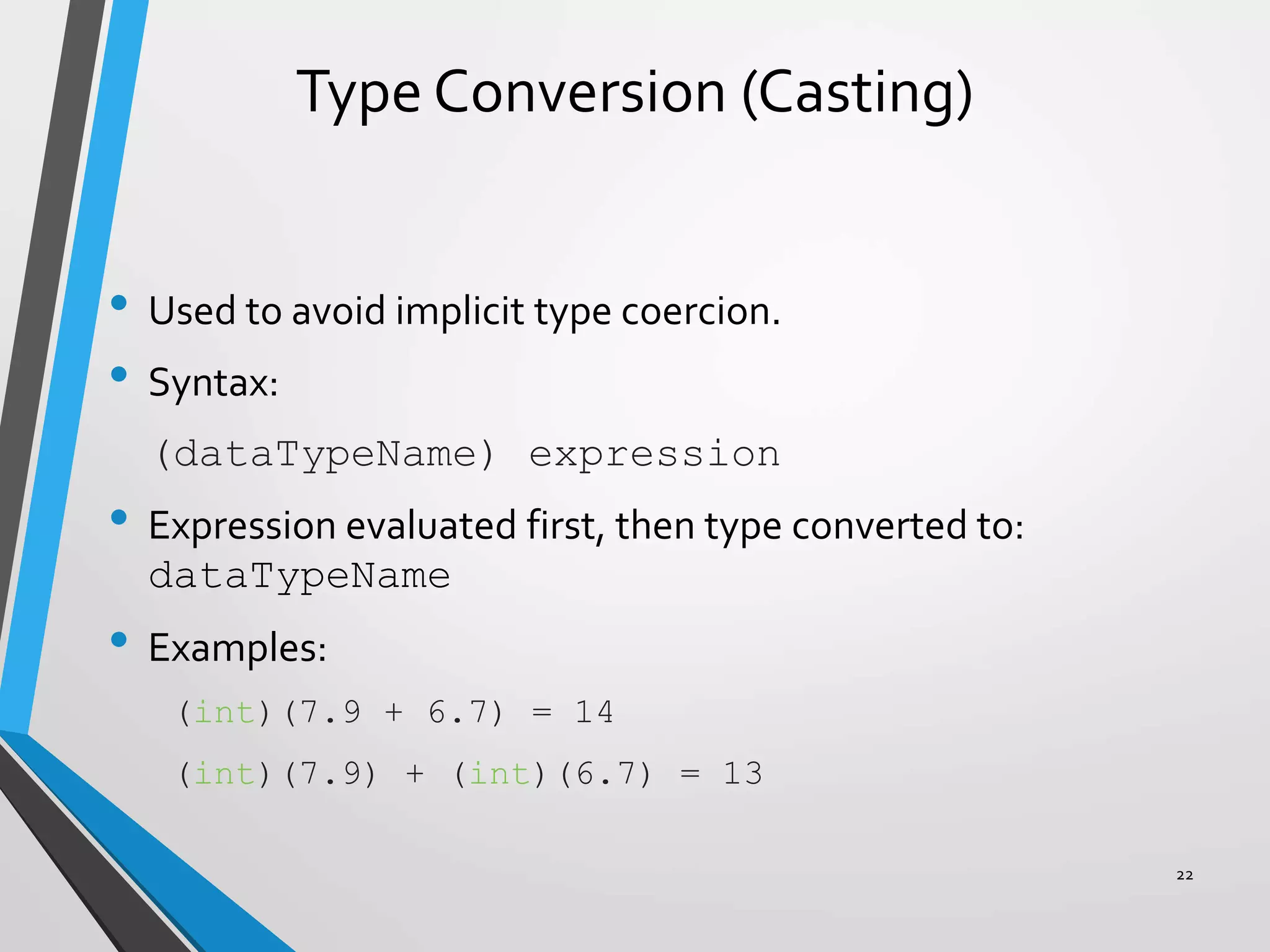
Type Conversion (Casting)
• Used to avoid implicit type coercion.
• Syntax:
(dataTypeName) expression
• Expression evaluated first, then type converted to:
dataTypeName
• Examples:
(int)(7.9 + 6.7) = 14
(int)(7.9) + (int)(6.7) = 13
22
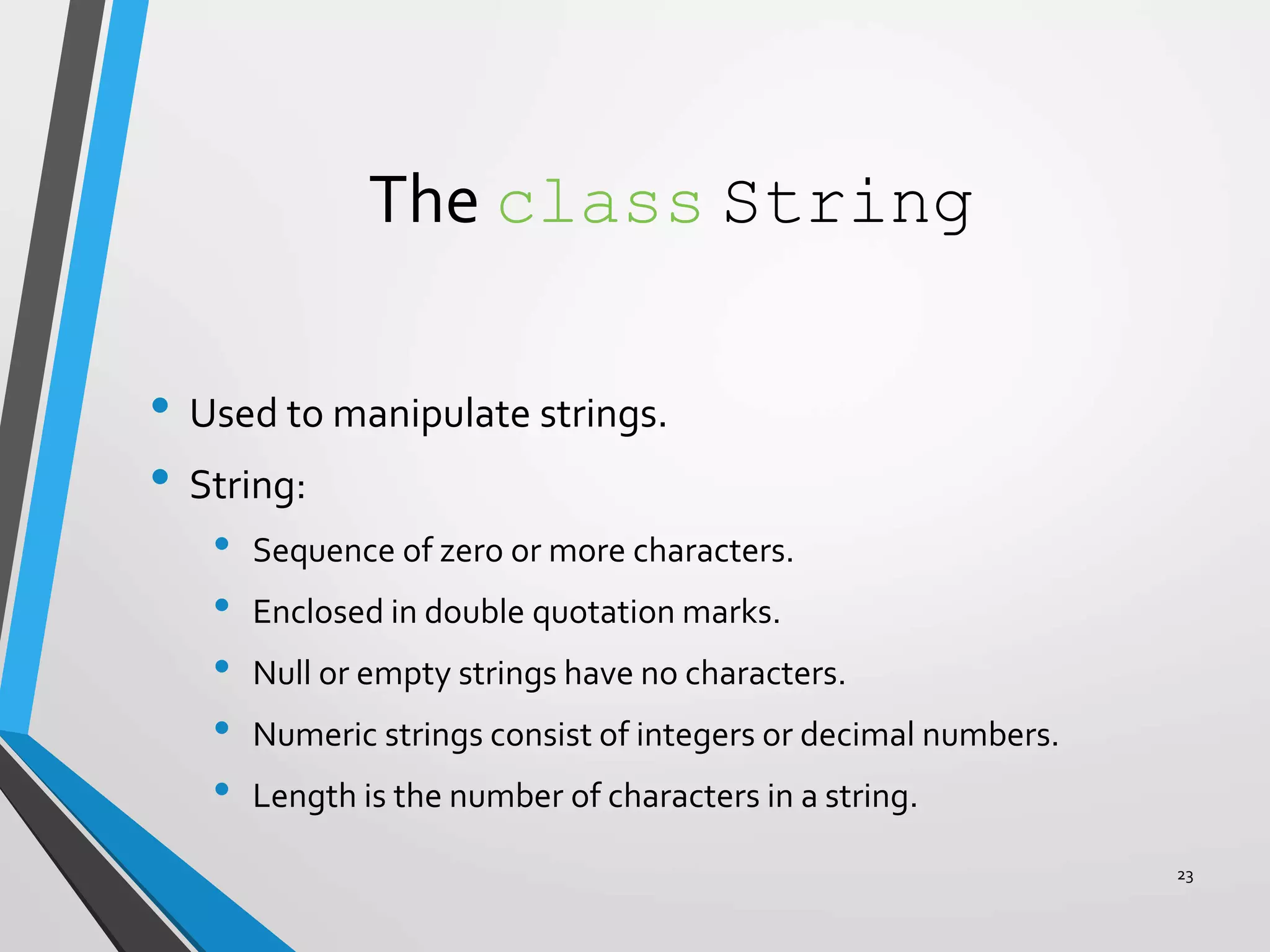
The class String
• Used to manipulate strings.
• String:
• Sequence of zero or more characters.
• Enclosed in double quotation marks.
• Null or empty strings have no characters.
• Numeric strings consist of integers or decimal numbers.
• Length is the number of characters in a string.
23
Input
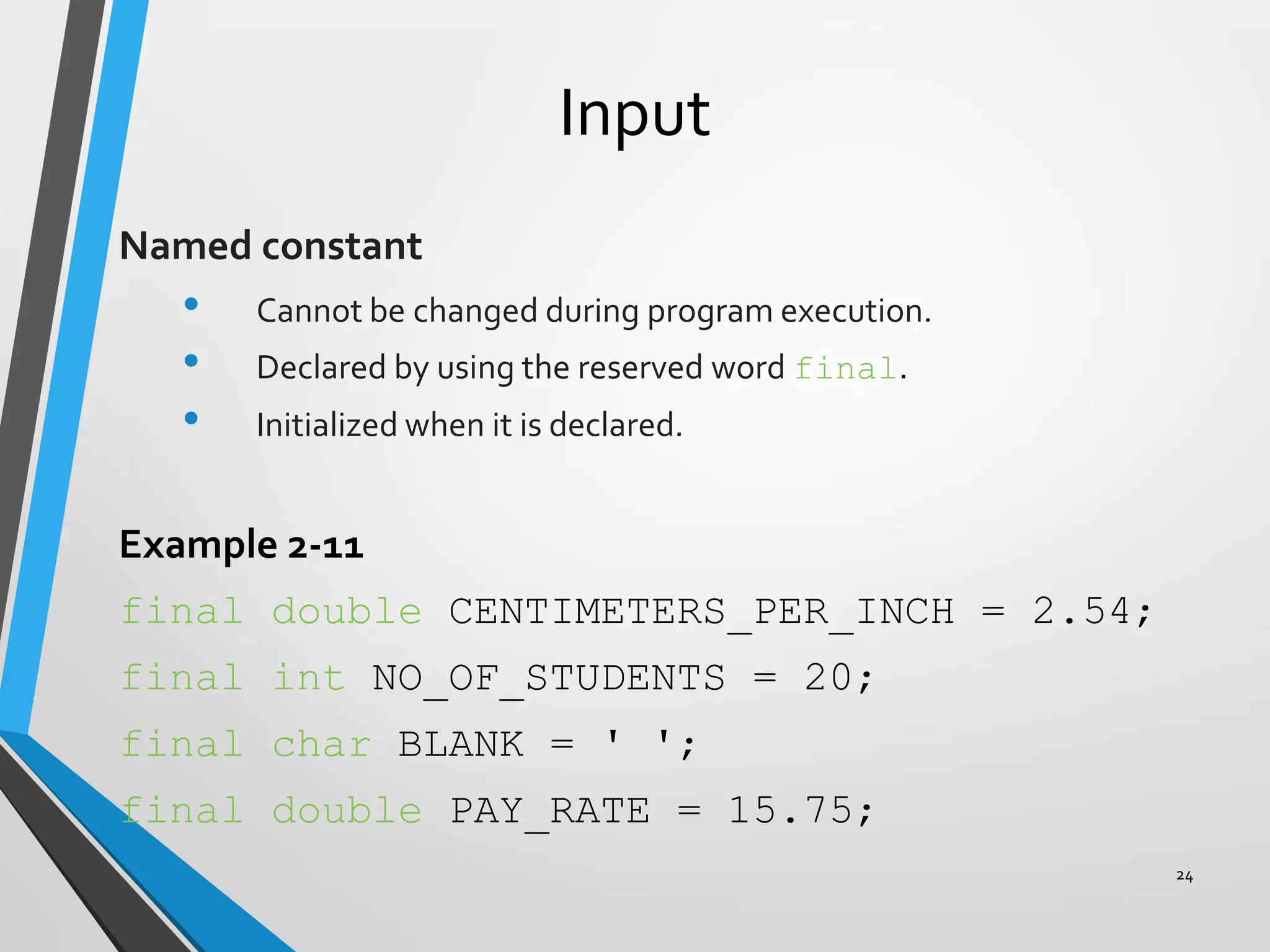
Named constant
• Cannot be changed during program execution.
• Declared by using the reserved word final.
• Initialized when it is declared.
Example 2-11
final double CENTIMETERS_PER_INCH = 2.54;
final int NO_OF_STUDENTS = 20;
final char BLANK = ' ';
final double PAY_RATE = 15.75;
24
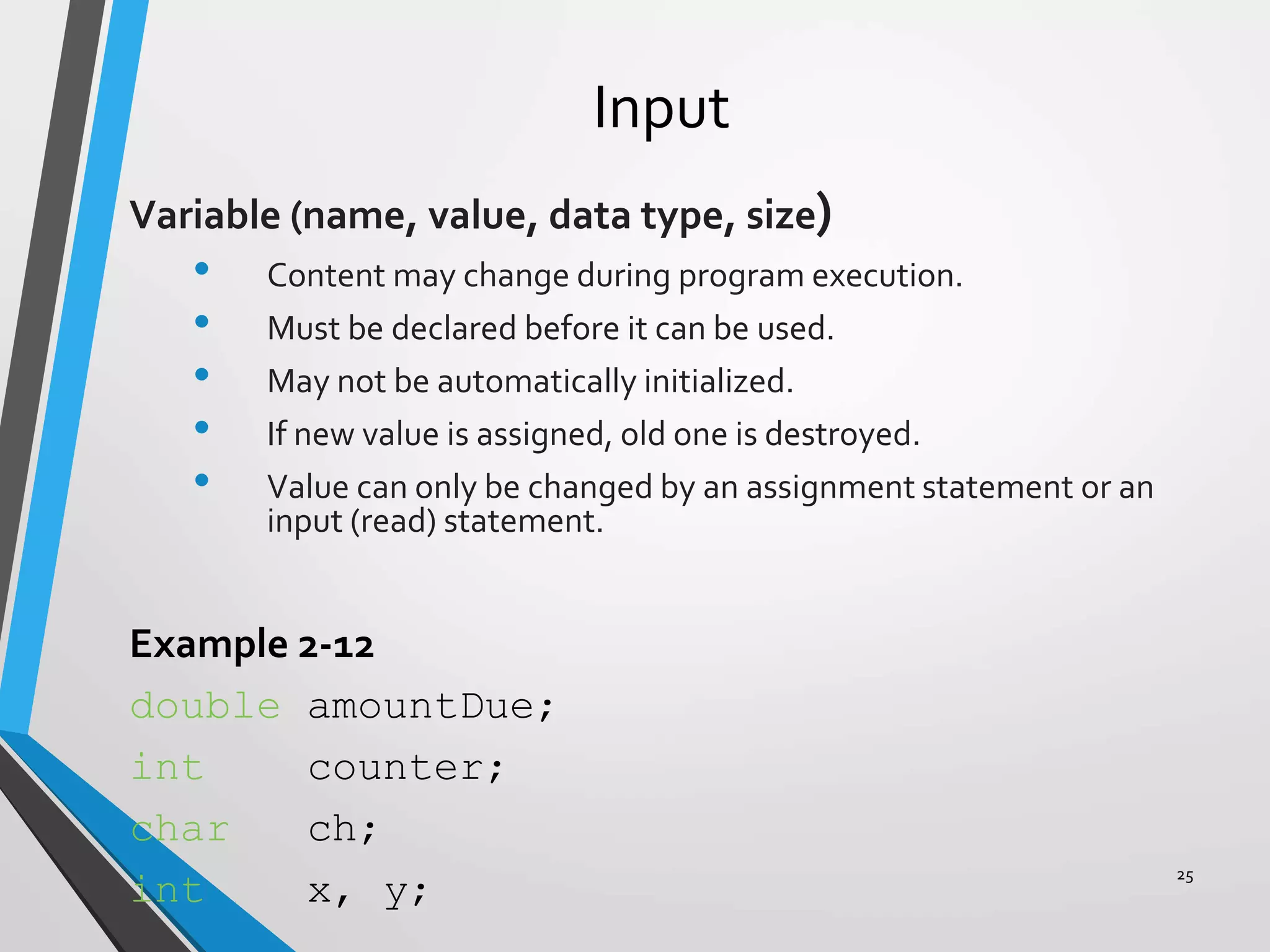
Input
Variable (name, value, data type, size)
• Content may change during program execution.
• Must be declared before it can be used.
• May not be automatically initialized.
• If new value is assigned, old one is destroyed.
• Value can only be changed by an assignment statement or an
input (read) statement.
Example 2-12
double amountDue;
int counter;
char ch;
int x, y;
25
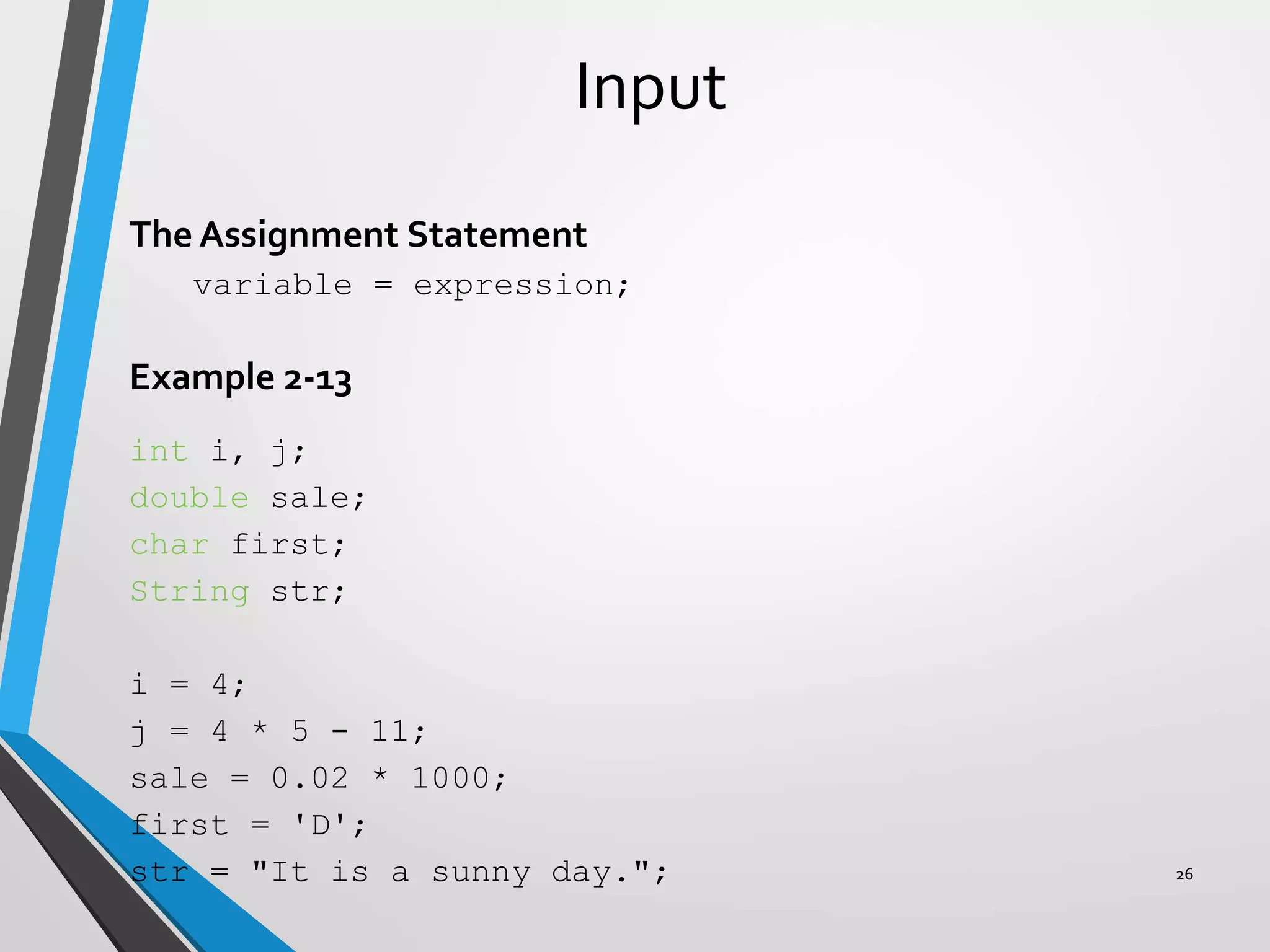
Input
The Assignment Statement
variable = expression;
Example 2-13
int i, j;
double sale;
char first;
String str;
i = 4;
j = 4 * 5 - 11;
sale = 0.02 * 1000;
first = 'D';
str = "It is a sunny day."; 26
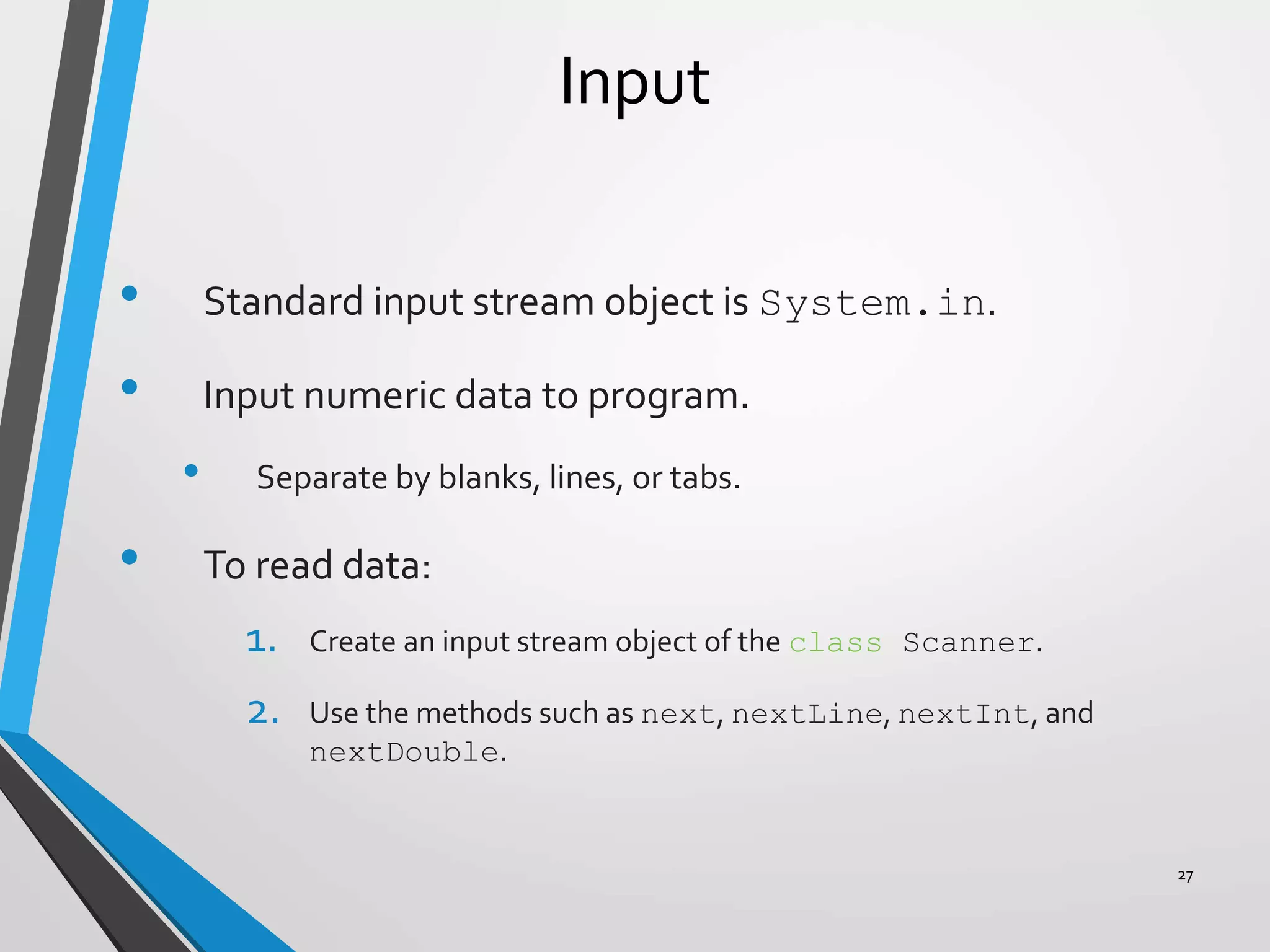
Input
• Standard input stream object is System.in.
• Input numeric data to program.
• Separate by blanks, lines, or tabs.
• To read data:
1. Create an input stream object of the class Scanner.
2. Use the methods such as next, nextLine, nextInt, and
nextDouble.
27
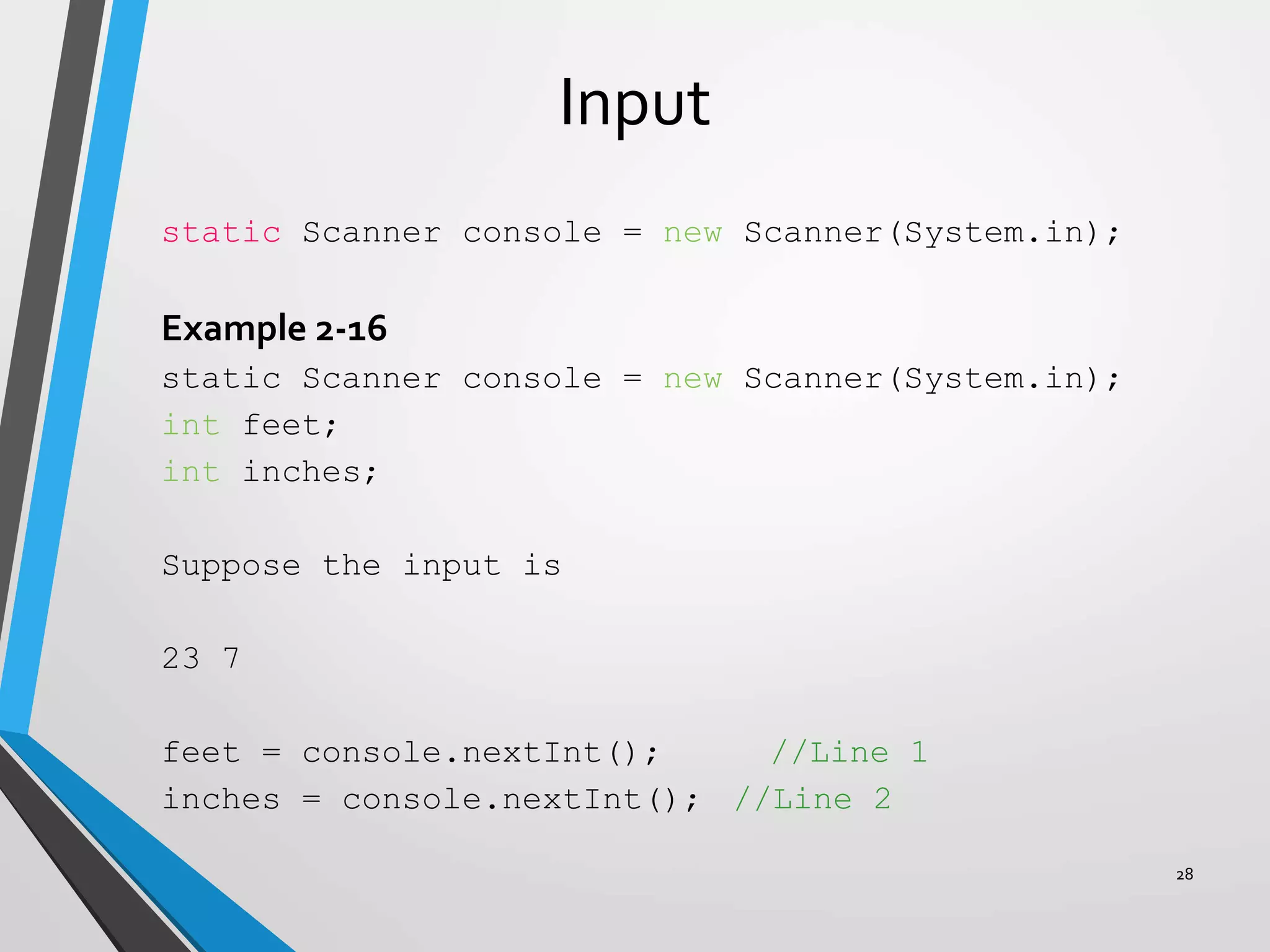
Input
static Scanner console = new Scanner(System.in);
Example 2-16
static Scanner console = new Scanner(System.in);
int feet;
int inches;
Suppose the input is
23 7
feet = console.nextInt(); //Line 1
inches = console.nextInt(); //Line 2
28
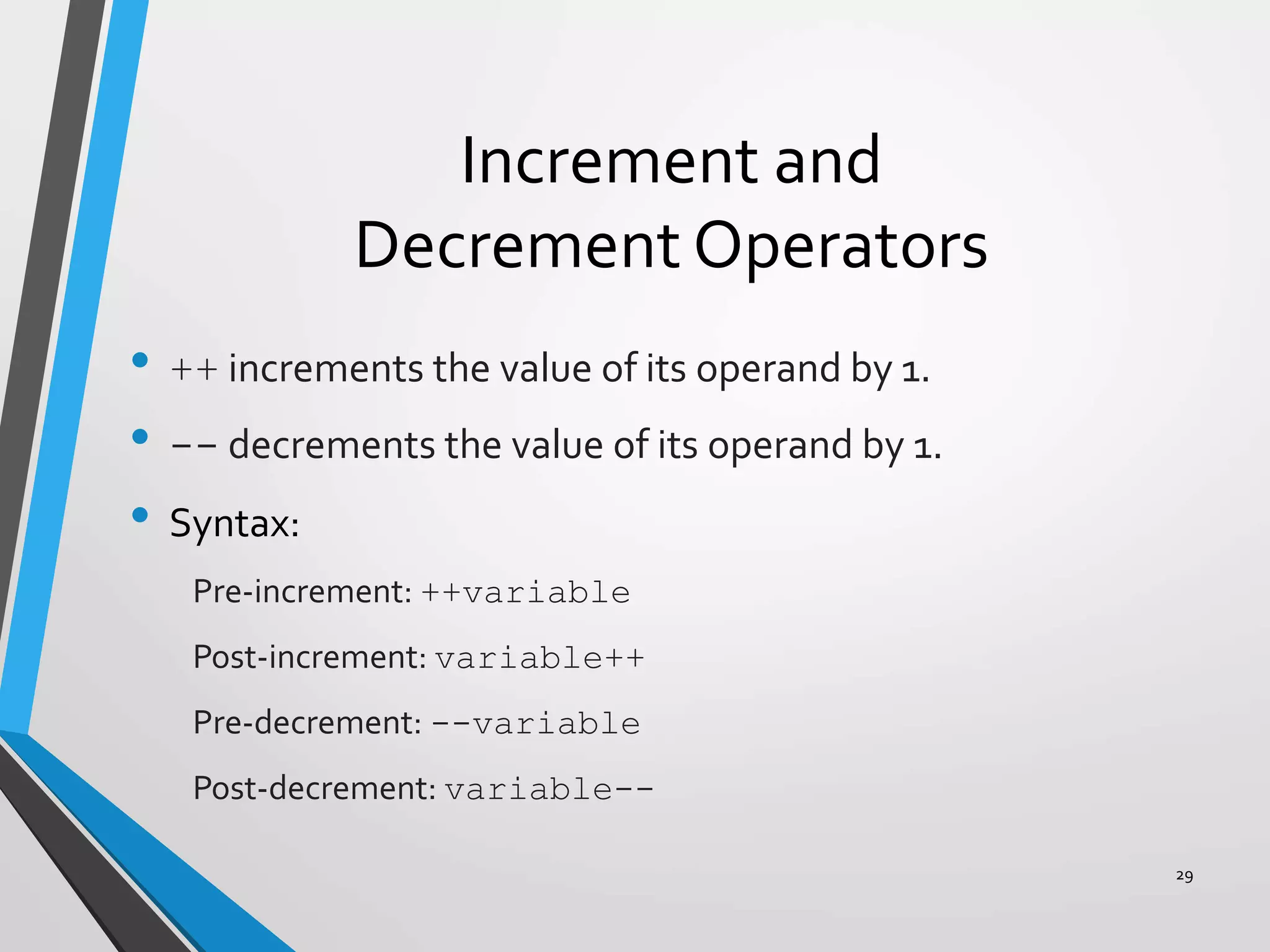
Increment and
Decrement Operators
• ++ increments the value of its operand by 1.
• -- decrements the value of its operand by 1.
• Syntax:
Pre-increment: ++variable
Post-increment: variable++
Pre-decrement: --variable
Post-decrement: variable--
29
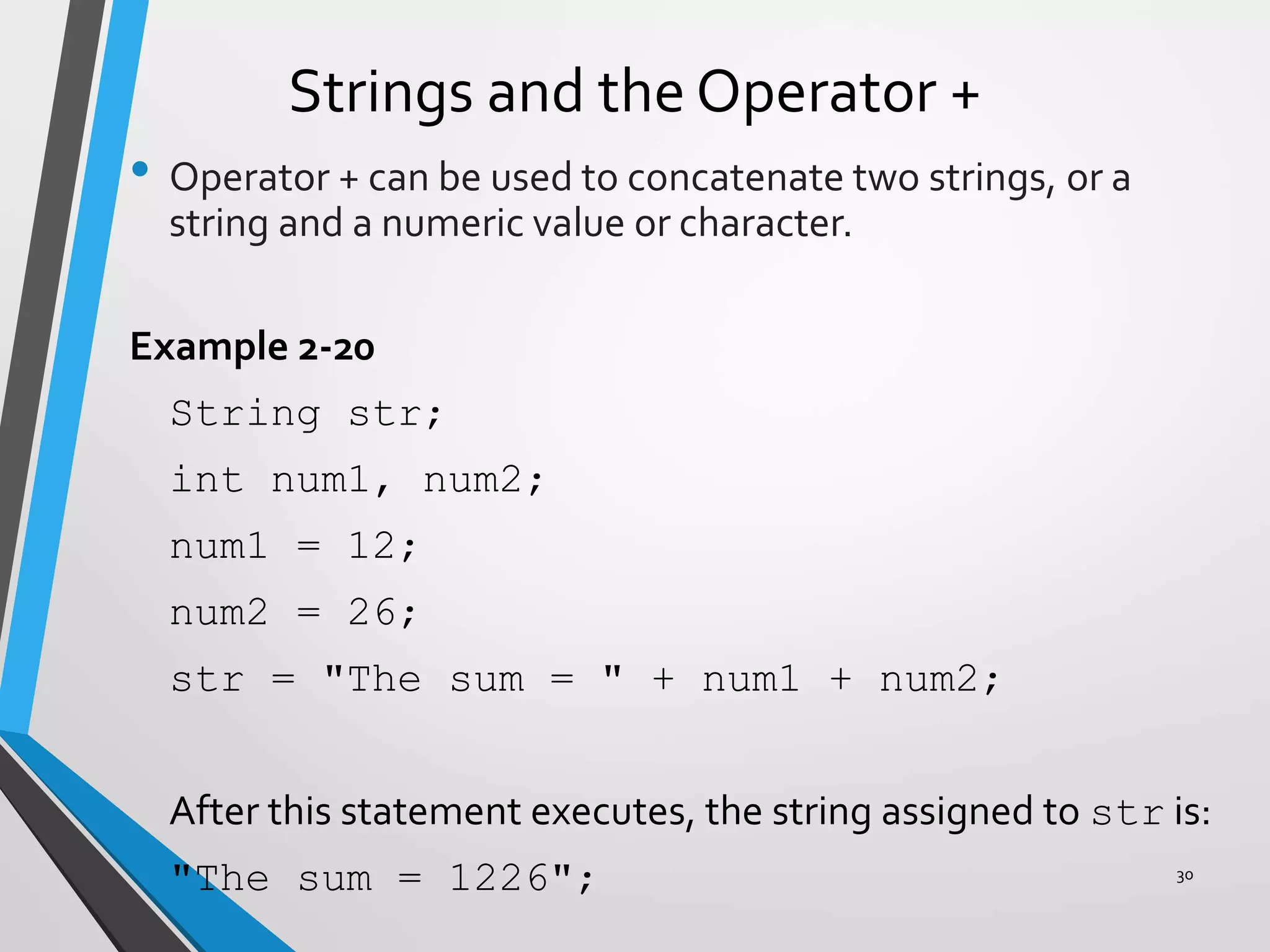
Strings and the Operator +
• Operator + can be used to concatenate two strings, or a
string and a numeric value or character.
Example 2-20
String str;
int num1, num2;
num1 = 12;
num2 = 26;
str = "The sum = " + num1 + num2;
After this statement executes, the string assigned to str is:
"The sum = 1226"; 30
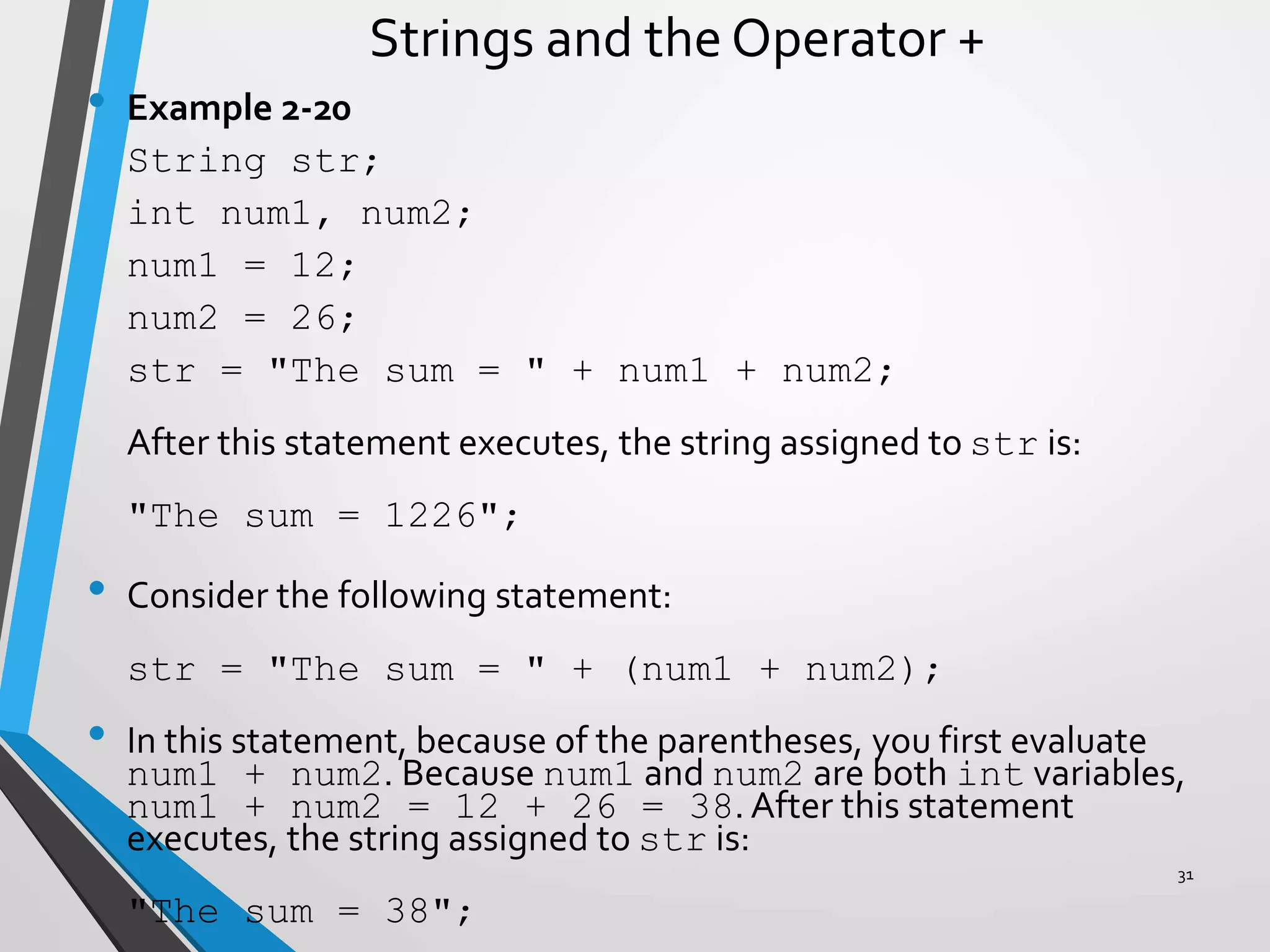
Strings and the Operator +
• Example 2-20
String str;
int num1, num2;
num1 = 12;
num2 = 26;
str = "The sum = " + num1 + num2;
After this statement executes, the string assigned to str is:
"The sum = 1226";
• Consider the following statement:
str = "The sum = " + (num1 + num2);
• In this statement, because of the parentheses, you first evaluate
num1 + num2. Because num1 and num2 are both int variables,
num1 + num2 = 12 + 26 = 38. After this statement
executes, the string assigned to str is:
"The sum = 38";
31
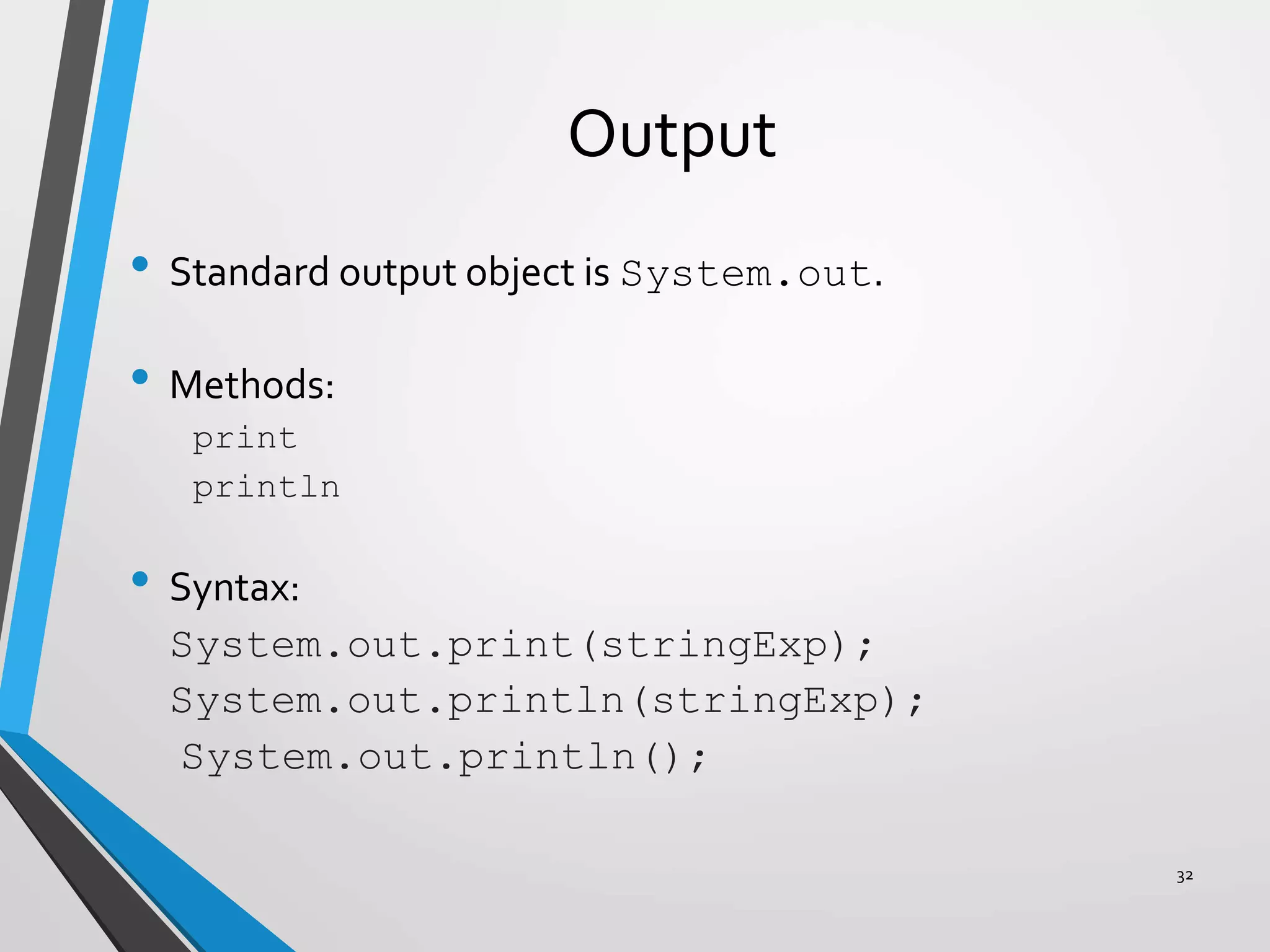
Output
• Standard output object is System.out.
• Methods:
print
println
• Syntax:
System.out.print(stringExp);
System.out.println(stringExp);
System.out.println();
32
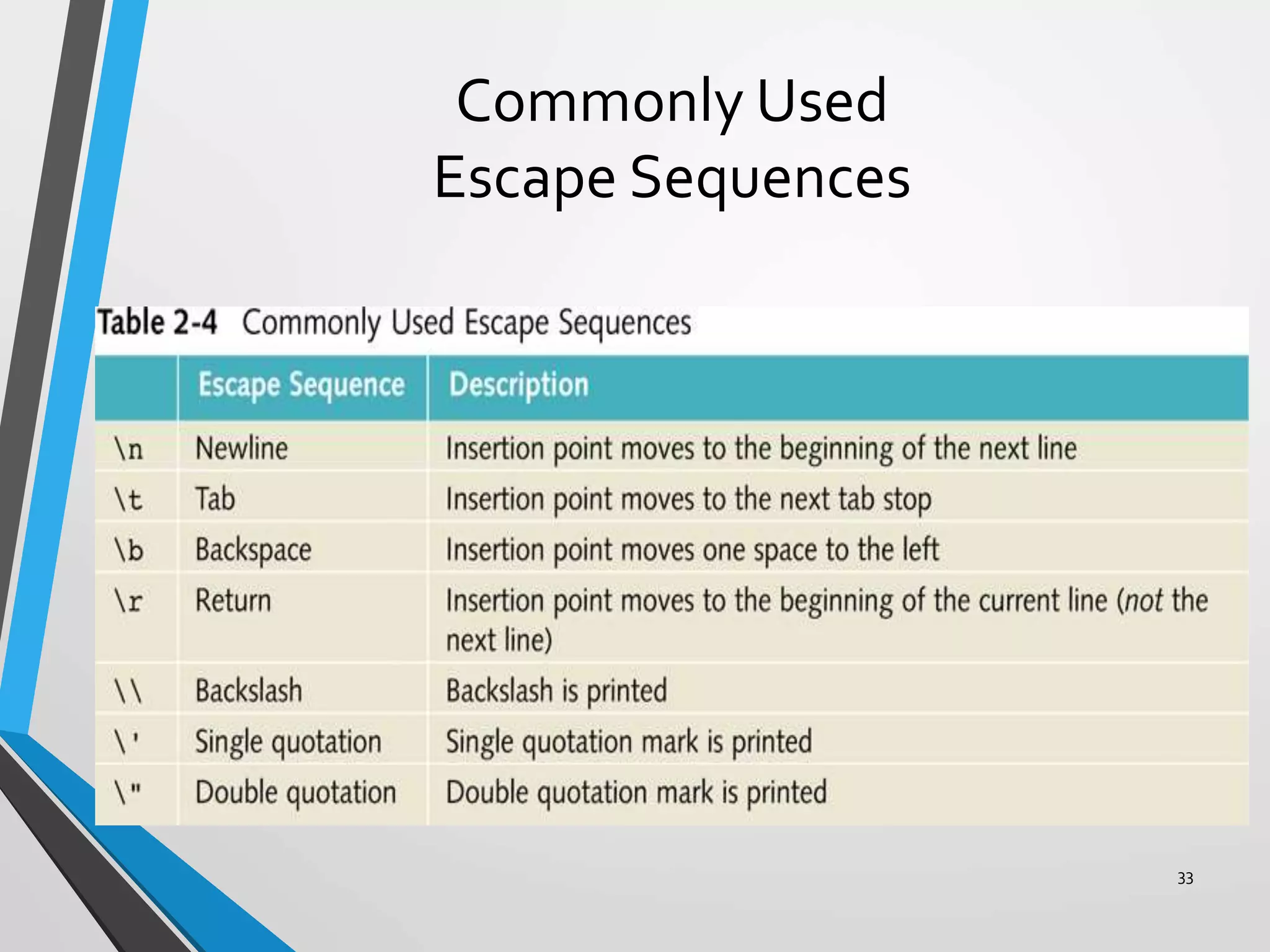
Commonly Used
Escape Sequences
33
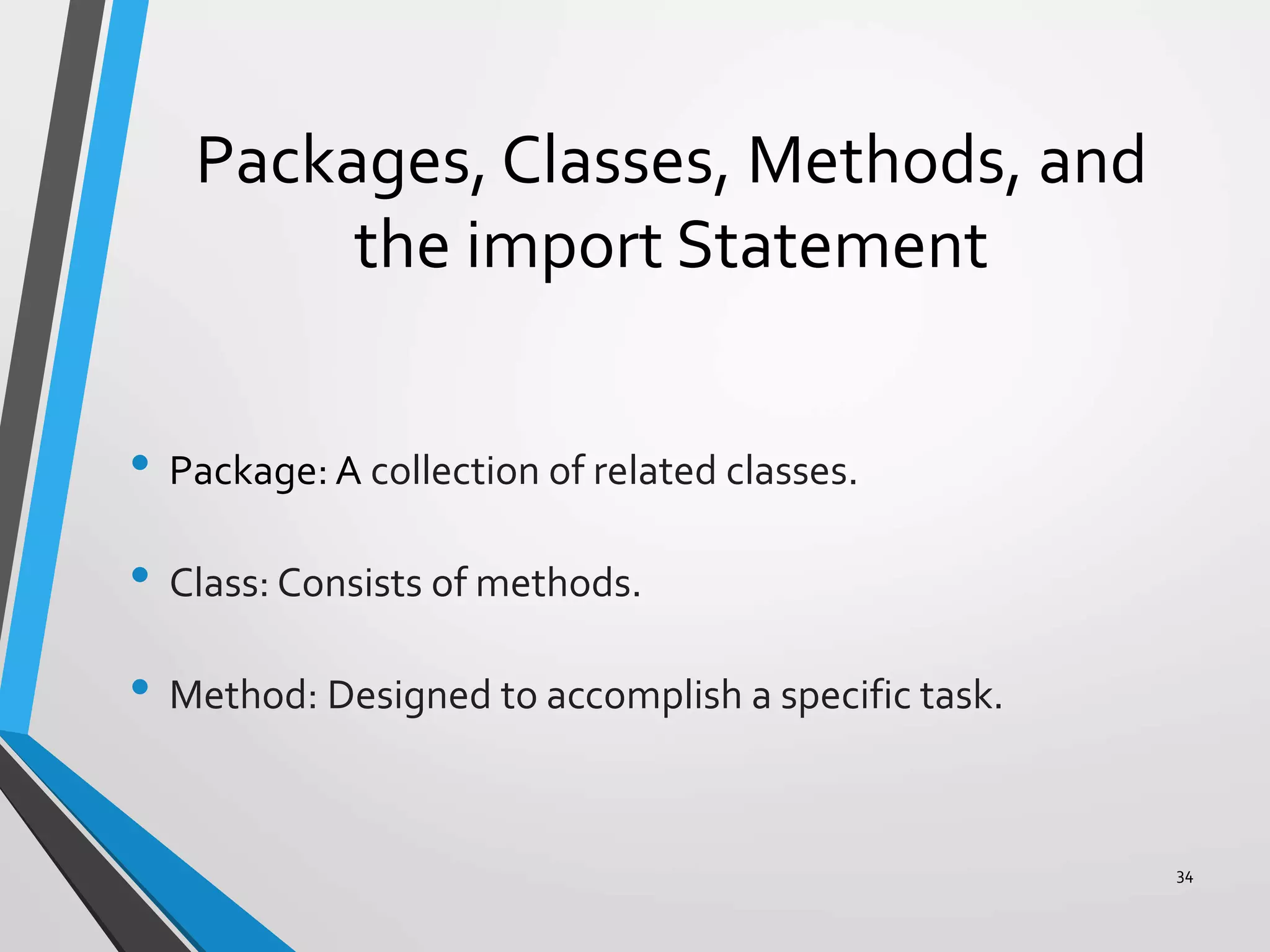
Packages, Classes, Methods, and
the import Statement
• Package: A collection of related classes.
• Class: Consists of methods.
• Method: Designed to accomplish a specific task.
34
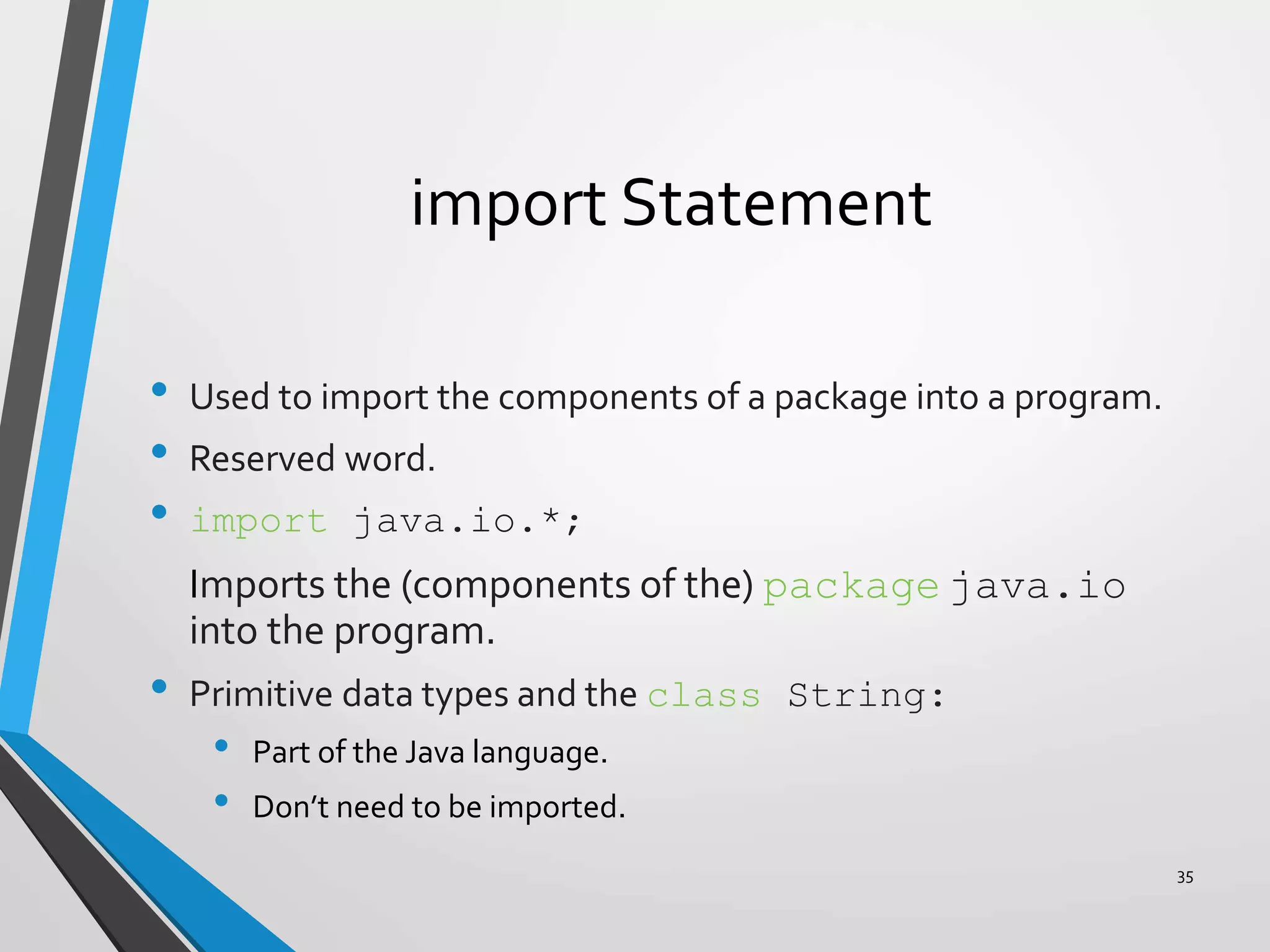
import Statement
• Used to import the components of a package into a program.
• Reserved word.
• import java.io.*;
Imports the (components of the) package java.io
into the program.
• Primitive data types and the class String:
• Part of the Java language.
• Don’t need to be imported.
35
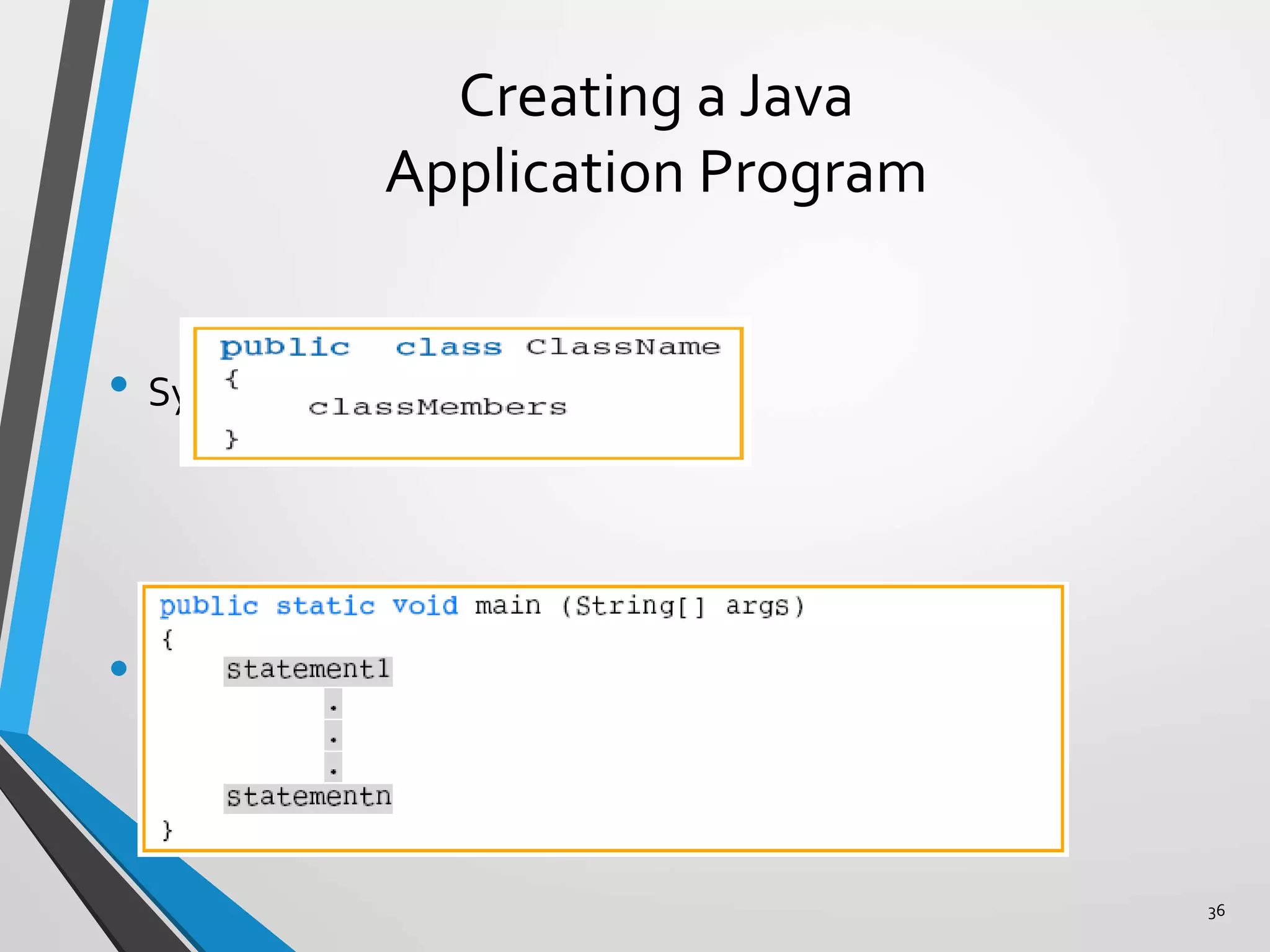
Creating a Java
Application Program
• Syntax of a class:
• Syntax of the main method:
36
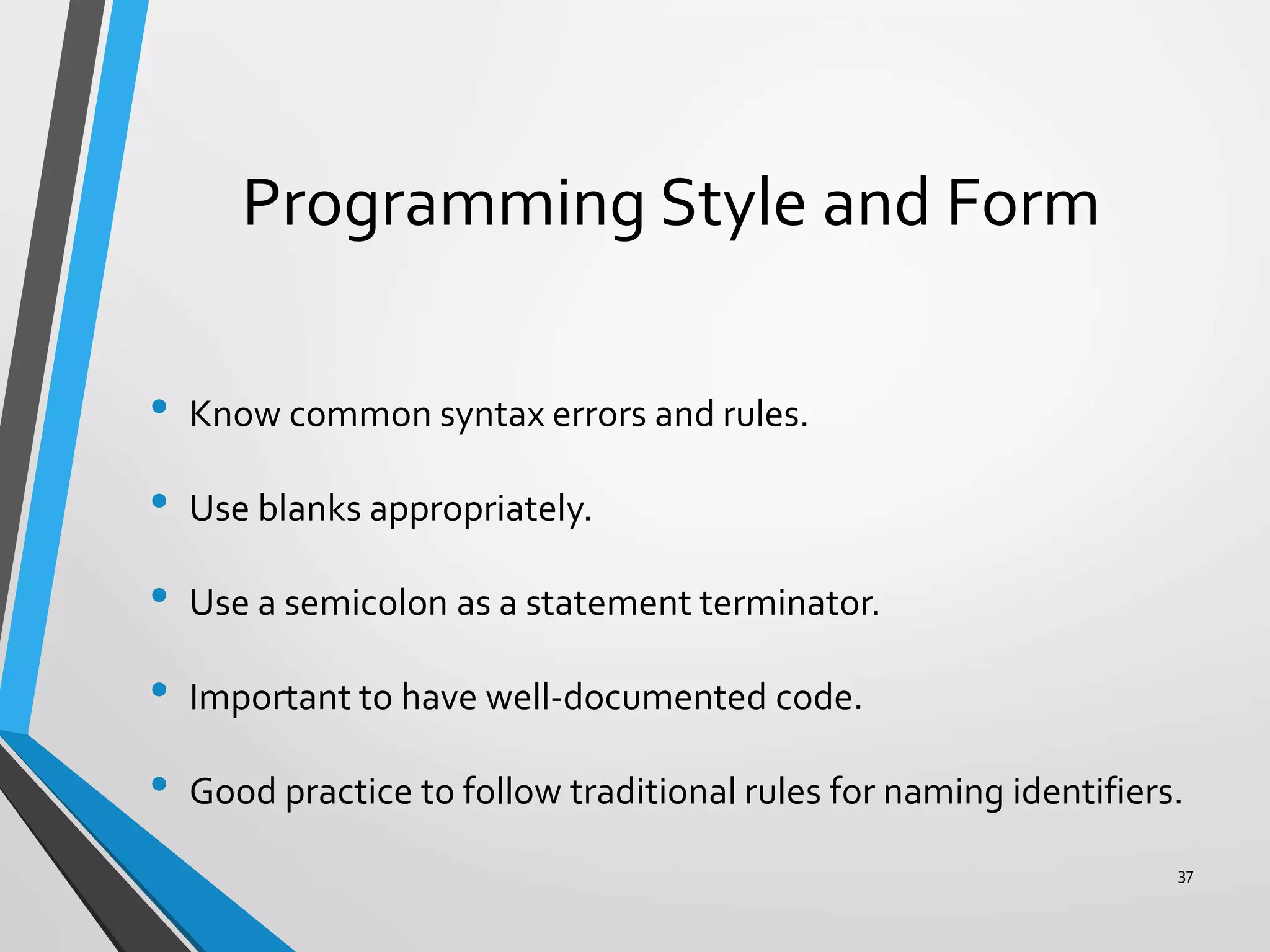
Programming Style and Form
• Know common syntax errors and rules.
• Use blanks appropriately.
• Use a semicolon as a statement terminator.
• Important to have well-documented code.
• Good practice to follow traditional rules for naming identifiers.
37
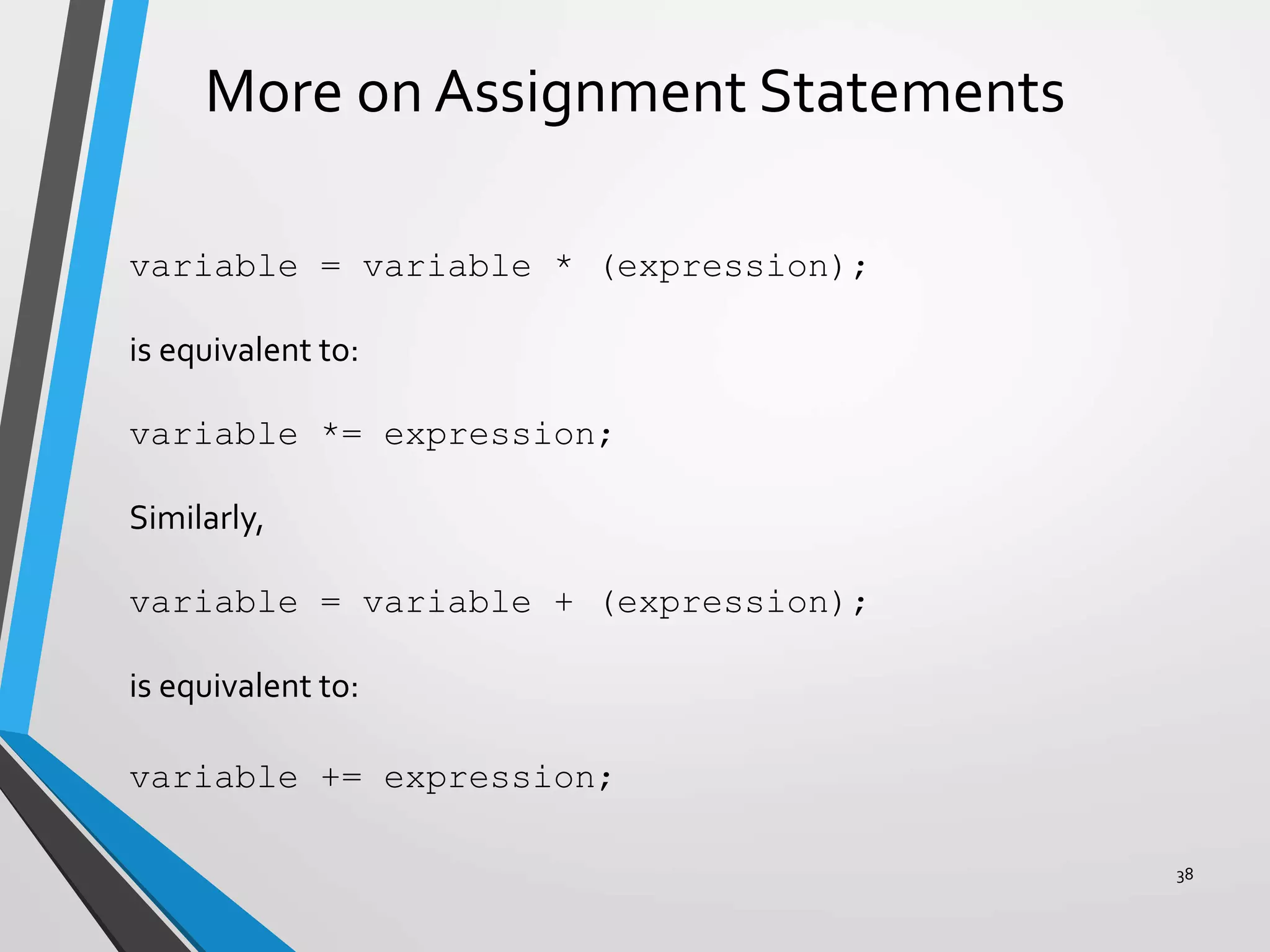
More on Assignment Statements
variable = variable * (expression);
is equivalent to:
variable *= expression;
Similarly,
variable = variable + (expression);
is equivalent to:
variable += expression;
38
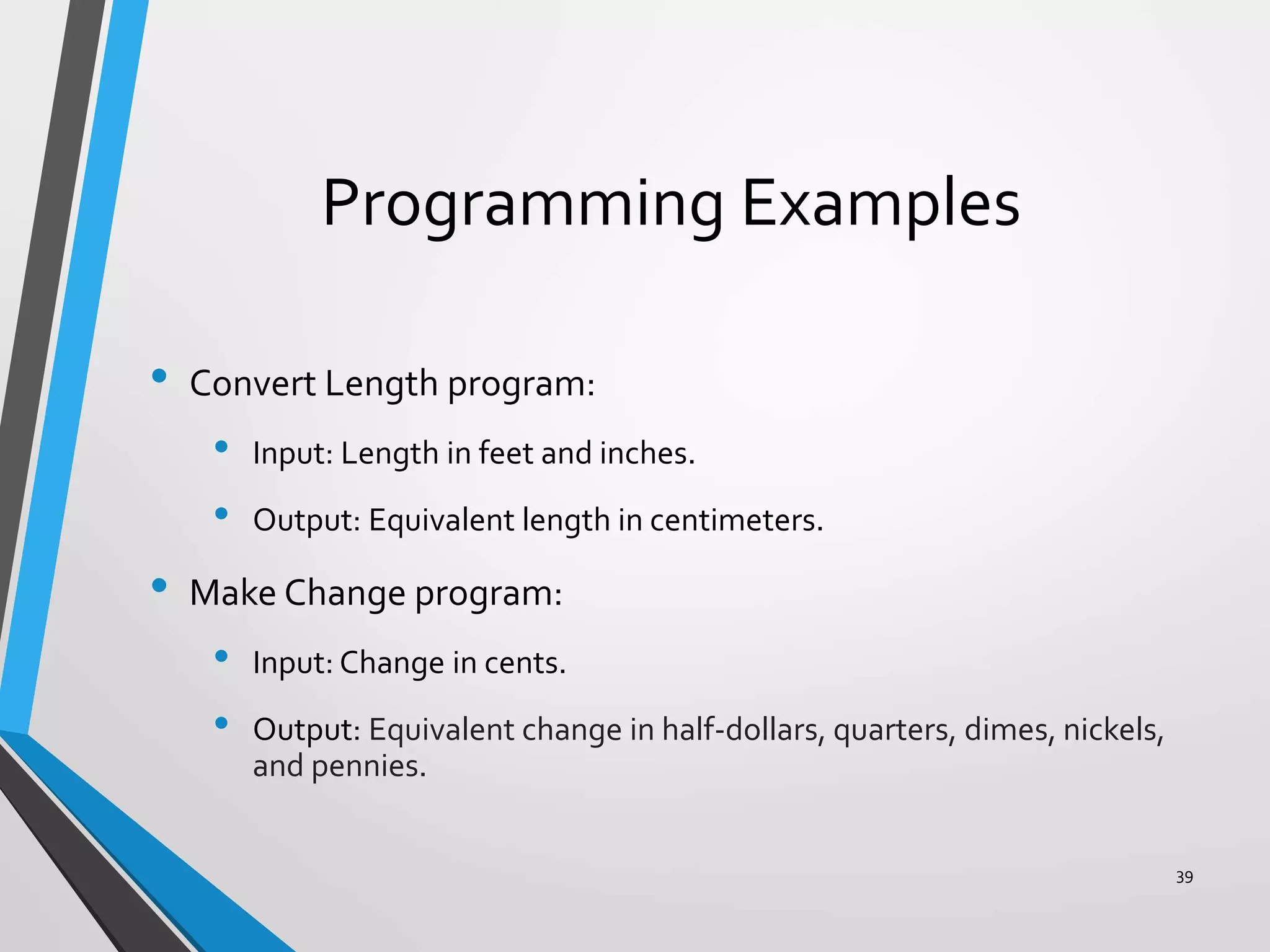
Programming Examples
• Convert Length program:
• Input: Length in feet and inches.
• Output: Equivalent length in centimeters.
• Make Change program:
• Input: Change in cents.
• Output: Equivalent change in half-dollars, quarters, dimes, nickels,
and pennies.
39
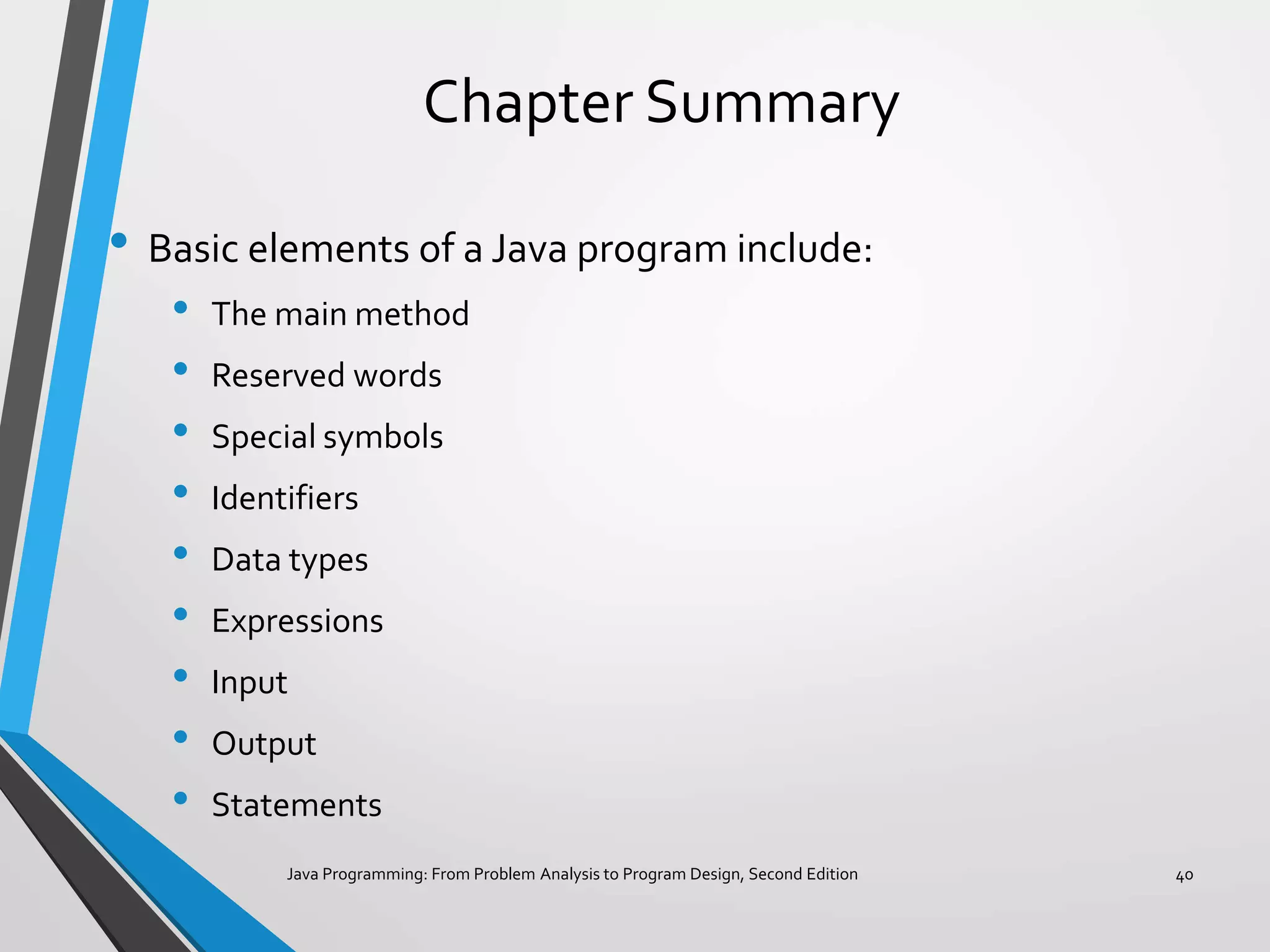
Chapter Summary
• Basic elements of a Java program include:
• The main method
• Reserved words
• Special symbols
• Identifiers
• Data types
• Expressions
• Input
• Output
• Statements
Java Programming: From Problem Analysis to Program Design, Second Edition 40
Chapter Summary
• To create a Java application, it is important to understand:
• Syntax rules.
• Semantic rules.
• How to manipulate strings and numbers.
• How to declare variables and named constants.
• How to receive input and display output.
• Good programming style and form.
Java Programming: From Problem Analysis to Program Design, Second Edition 41

Basic elements of java

  • 1.
    Chapter 2: BasicElements of Java
  • 2.
    Chapter Objectives • Becomefamiliar with the basic components of a Java program, including methods, special symbols, and identifiers. • Explore primitive data types. • Discover how to use arithmetic operators. • Examine how a program evaluates arithmetic expressions. • Explore how mixed expressions are evaluated. 2
  • 3.
    Chapter Objectives • Learnabout type casting. • Become familiar with the String type. • Learn what an assignment statement is and what it does. • Discover how to input data into memory by using input statements. • Become familiar with the use of increment and decrement operators. 3
  • 4.
    Chapter Objectives • Examineways to output results using output statements. • Learn how to import packages and why they are necessary. • Discover how to create a Java application program. • Explore how to properly structure a program, including using comments to document a program. 4
  • 5.
    Introduction • Computer program:A sequence of statements designed to accomplish a task. • Programming:The process of planning and creating a program. 5
  • 6.
    The Basics ofa Java Program • Java program: A collection of classes. • There is a main method in every Java application program. • Token:The smallest individual unit of a program. 6
  • 7.
  • 8.
    Word Symbols • int •float • double • char • void • public • static • throws • return 8
  • 9.
    Java Identifiers • Namesof things. • Consists of: • Letters • Digits • The underscore character (_) • The dollar sign ($) • Must begin with a letter, underscore, or the dollar sign. 9
  • 10.
  • 11.
    DataTypes A set ofvalues together with a set of operations. 11
  • 12.
  • 13.
    Primitive DataTypes • Floating-pointdata types: • Float: Precision = 6 or 7 • Double: Precision = 15 • Boolean: • True • False 13
  • 14.
  • 15.
    Values and MemoryAllocation for Integral DataTypes 15
  • 16.
    Arithmetic Operators andOperator Precedence • Five arithmetic operators: • + addition • - subtraction • * multiplication • / division • % mod (modulus) • Unary operator: An operator that has one operand. • Binary operator: An operator that has two operands. 16
  • 17.
    Order of Precedence */ % (same precedence) + - (same precedence) • Operators in 1 have a higher precedence than operators in 2. • When operators have the same level of precedence, operations are performed from left to right. 17
  • 18.
    Expressions • Integral expressions •Floating-point or decimal expressions • Mixed expressions 18
  • 19.
    Integral Expressions • Alloperands are integers. • Examples: 2 + 3 * 5 3 + x – y / 7 x + 2 * (y – z) + 18 19
  • 20.
    Floating-Point Expressions • Alloperands are floating-point numbers. • Examples: 12.8 * 17.5 – 34.50 x * 10.5 + y - 16.2 20
  • 21.
    Mixed Expressions • Operandsof different types. • Examples: 2 + 3.5 6 / 4 + 3.9 • Integer operands yield an integer result; floating-point numbers yield floating-point results. • If both types of operands are present, the result is a floating- point number. • Precedence rules are followed. 21
  • 22.
    Type Conversion (Casting) •Used to avoid implicit type coercion. • Syntax: (dataTypeName) expression • Expression evaluated first, then type converted to: dataTypeName • Examples: (int)(7.9 + 6.7) = 14 (int)(7.9) + (int)(6.7) = 13 22
  • 23.
    The class String •Used to manipulate strings. • String: • Sequence of zero or more characters. • Enclosed in double quotation marks. • Null or empty strings have no characters. • Numeric strings consist of integers or decimal numbers. • Length is the number of characters in a string. 23
  • 24.
    Input Named constant • Cannotbe changed during program execution. • Declared by using the reserved word final. • Initialized when it is declared. Example 2-11 final double CENTIMETERS_PER_INCH = 2.54; final int NO_OF_STUDENTS = 20; final char BLANK = ' '; final double PAY_RATE = 15.75; 24
  • 25.
    Input Variable (name, value,data type, size) • Content may change during program execution. • Must be declared before it can be used. • May not be automatically initialized. • If new value is assigned, old one is destroyed. • Value can only be changed by an assignment statement or an input (read) statement. Example 2-12 double amountDue; int counter; char ch; int x, y; 25
  • 26.
    Input The Assignment Statement variable= expression; Example 2-13 int i, j; double sale; char first; String str; i = 4; j = 4 * 5 - 11; sale = 0.02 * 1000; first = 'D'; str = "It is a sunny day."; 26
  • 27.
    Input • Standard inputstream object is System.in. • Input numeric data to program. • Separate by blanks, lines, or tabs. • To read data: 1. Create an input stream object of the class Scanner. 2. Use the methods such as next, nextLine, nextInt, and nextDouble. 27
  • 28.
    Input static Scanner console= new Scanner(System.in); Example 2-16 static Scanner console = new Scanner(System.in); int feet; int inches; Suppose the input is 23 7 feet = console.nextInt(); //Line 1 inches = console.nextInt(); //Line 2 28
  • 29.
    Increment and Decrement Operators •++ increments the value of its operand by 1. • -- decrements the value of its operand by 1. • Syntax: Pre-increment: ++variable Post-increment: variable++ Pre-decrement: --variable Post-decrement: variable-- 29
  • 30.
    Strings and theOperator + • Operator + can be used to concatenate two strings, or a string and a numeric value or character. Example 2-20 String str; int num1, num2; num1 = 12; num2 = 26; str = "The sum = " + num1 + num2; After this statement executes, the string assigned to str is: "The sum = 1226"; 30
  • 31.
    Strings and theOperator + • Example 2-20 String str; int num1, num2; num1 = 12; num2 = 26; str = "The sum = " + num1 + num2; After this statement executes, the string assigned to str is: "The sum = 1226"; • Consider the following statement: str = "The sum = " + (num1 + num2); • In this statement, because of the parentheses, you first evaluate num1 + num2. Because num1 and num2 are both int variables, num1 + num2 = 12 + 26 = 38. After this statement executes, the string assigned to str is: "The sum = 38"; 31
  • 32.
    Output • Standard outputobject is System.out. • Methods: print println • Syntax: System.out.print(stringExp); System.out.println(stringExp); System.out.println(); 32
  • 33.
  • 34.
    Packages, Classes, Methods,and the import Statement • Package: A collection of related classes. • Class: Consists of methods. • Method: Designed to accomplish a specific task. 34
  • 35.
    import Statement • Usedto import the components of a package into a program. • Reserved word. • import java.io.*; Imports the (components of the) package java.io into the program. • Primitive data types and the class String: • Part of the Java language. • Don’t need to be imported. 35
  • 36.
    Creating a Java ApplicationProgram • Syntax of a class: • Syntax of the main method: 36
  • 37.
    Programming Style andForm • Know common syntax errors and rules. • Use blanks appropriately. • Use a semicolon as a statement terminator. • Important to have well-documented code. • Good practice to follow traditional rules for naming identifiers. 37
  • 38.
    More on AssignmentStatements variable = variable * (expression); is equivalent to: variable *= expression; Similarly, variable = variable + (expression); is equivalent to: variable += expression; 38
  • 39.
    Programming Examples • ConvertLength program: • Input: Length in feet and inches. • Output: Equivalent length in centimeters. • Make Change program: • Input: Change in cents. • Output: Equivalent change in half-dollars, quarters, dimes, nickels, and pennies. 39
  • 40.
    Chapter Summary • Basicelements of a Java program include: • The main method • Reserved words • Special symbols • Identifiers • Data types • Expressions • Input • Output • Statements Java Programming: From Problem Analysis to Program Design, Second Edition 40
  • 41.
    Chapter Summary • Tocreate a Java application, it is important to understand: • Syntax rules. • Semantic rules. • How to manipulate strings and numbers. • How to declare variables and named constants. • How to receive input and display output. • Good programming style and form. Java Programming: From Problem Analysis to Program Design, Second Edition 41