Basic Computer andInternet
Safety Tips
Sapiens AI T
eam
Protecting Yourself in the Digital World
2.
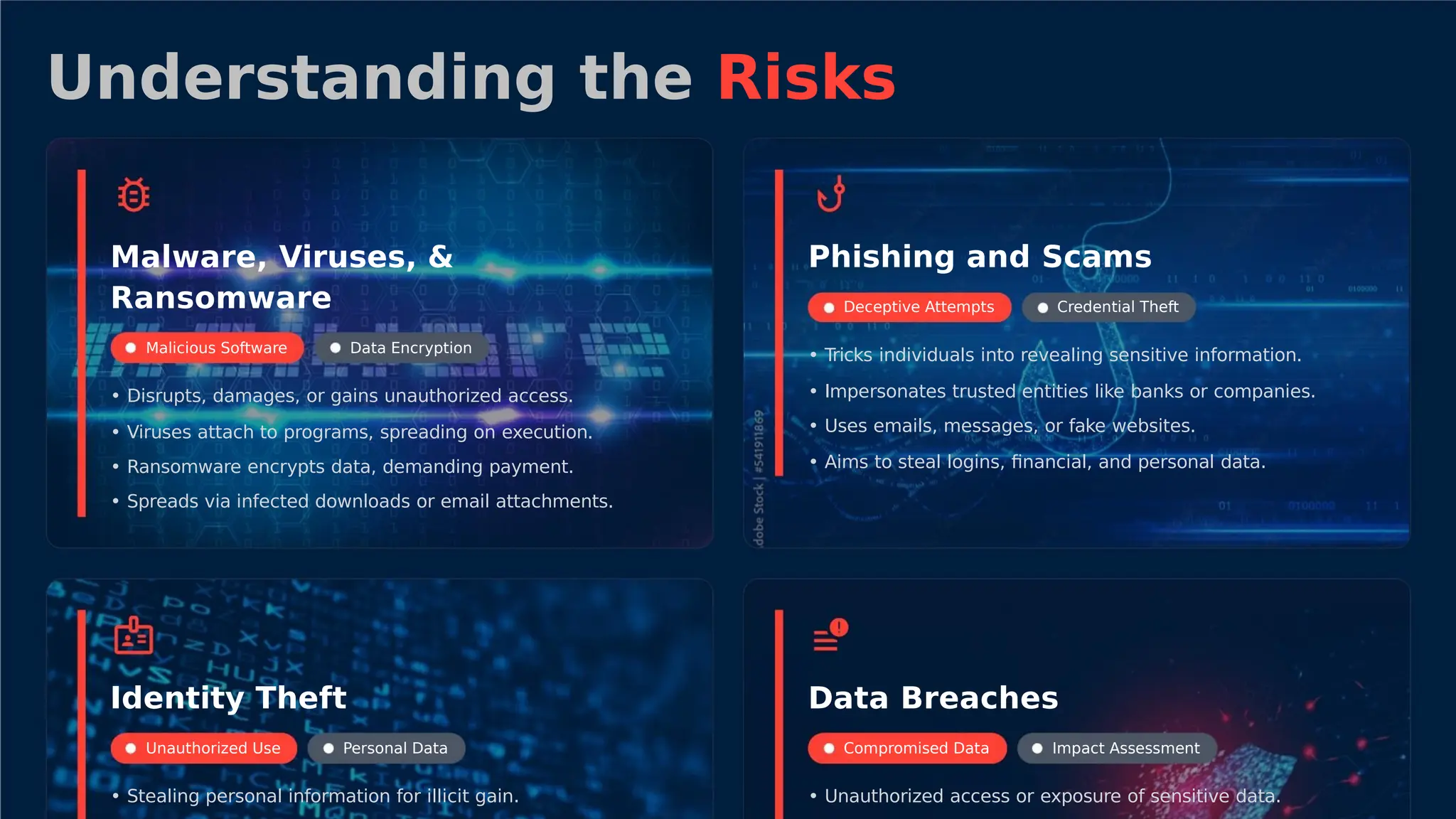
Understanding the Risks
Malware,Viruses, &
Ransomware
Phishing and Scams
Deceptive Attempts Credential Theft
Malicious Software Data Encryption
• Tricks individuals into revealing sensitive information.
• Impersonates trusted entities like banks or companies.
• Uses emails, messages, or fake websites.
• Disrupts, damages, or gains unauthorized access.
• Viruses attach to programs, spreading on execution.
• Ransomware encrypts data, demanding payment.
• Spreads via infected downloads or email attachments.
• Aims to steal logins, financial, and personal data.
Identity Theft Data Breaches
Unauthorized Use Personal Data Compromised Data Impact Assessment
• Stealing personal information for illicit gain. • Unauthorized access or exposure of sensitive data.
3.
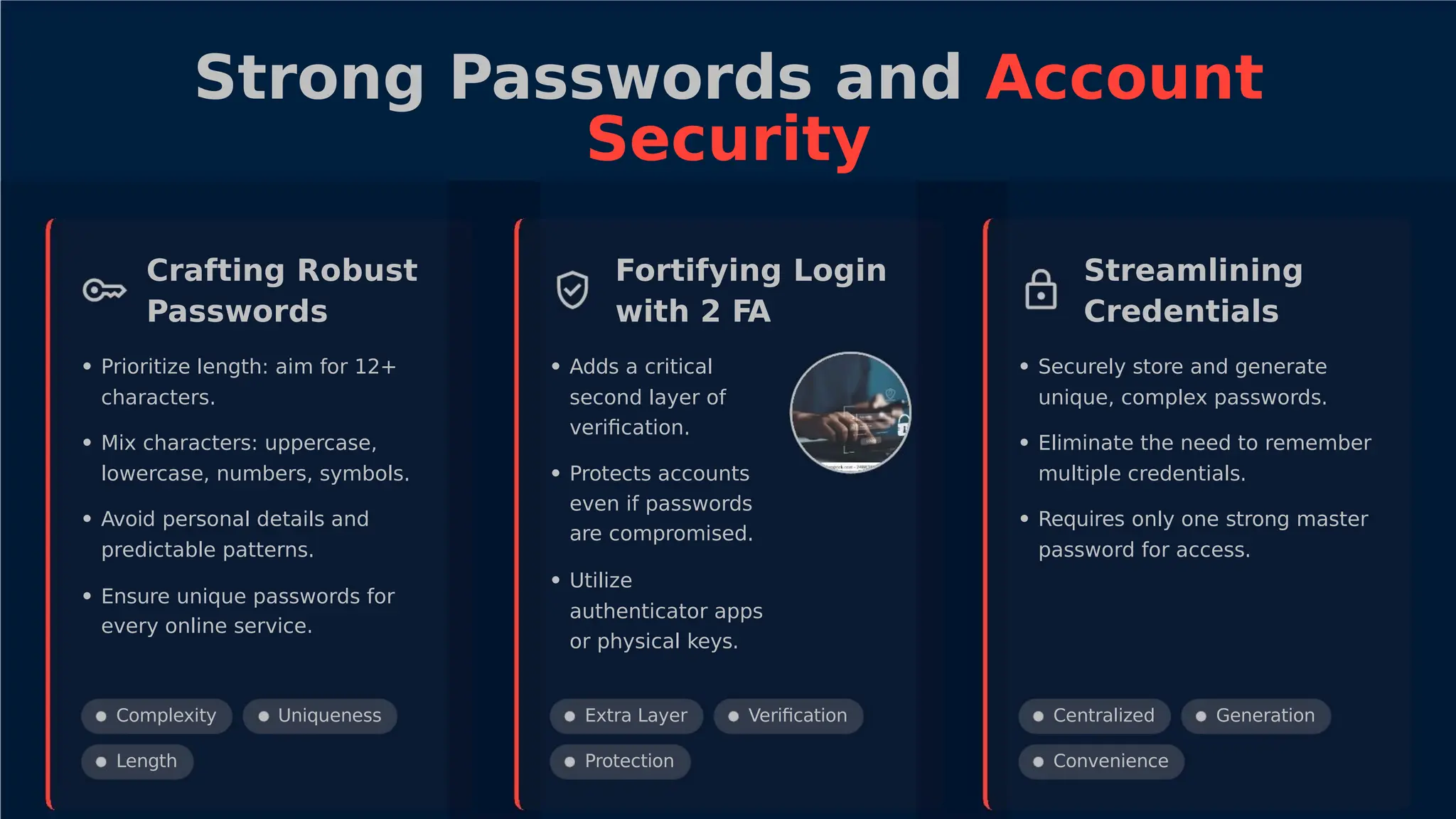
Strong Passwords andAccount
Security
Crafting Robust
Passwords
Fortifying Login
with 2 FA
Streamlining
Credentials
• Prioritize length: aim for 12+ • Adds a critical • Securely store and generate
characters. second layer of
verification.
unique, complex passwords.
• Mix characters: uppercase, • Eliminate the need to remember
lowercase, numbers, symbols. • Protects accounts
even if passwords
are compromised.
multiple credentials.
• Avoid personal details and • Requires only one strong master
predictable patterns. password for access.
• Utilize
• Ensure unique passwords for
authenticator apps
or physical keys.
every online service.
Complexity
Length
Uniqueness Extra Layer
Protection
Verification Centralized Generation
Convenience
4.
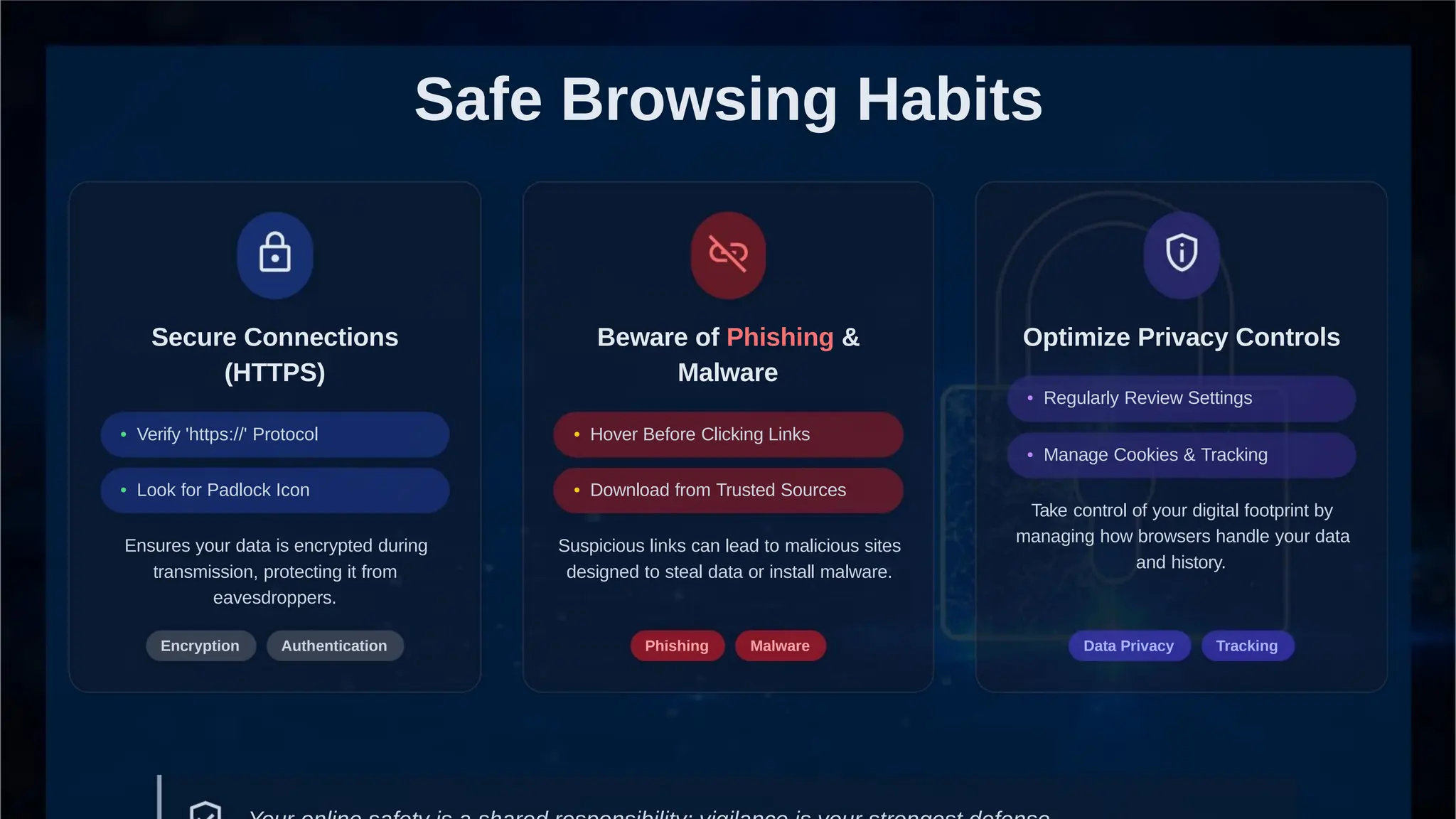
Safe Browsing Habits
SecureConnections
(HTTPS)
Beware of Phishing & Optimize Privacy Controls
Malware
• Regularly Review Settings
• Verify 'https://' Protocol • Hover Before Clicking Links
• Manage Cookies & Tracking
• Look for Padlock Icon • Download from Trusted Sources
Take control of your digital footprint by
managing how browsers handle your data
and history.
Ensures your data is encrypted during
transmission, protecting it from
eavesdroppers.
Suspicious links can lead to malicious sites
designed to steal data or install malware.
Encryption Authentication Phishing Malware Data Privacy Tracking
5.
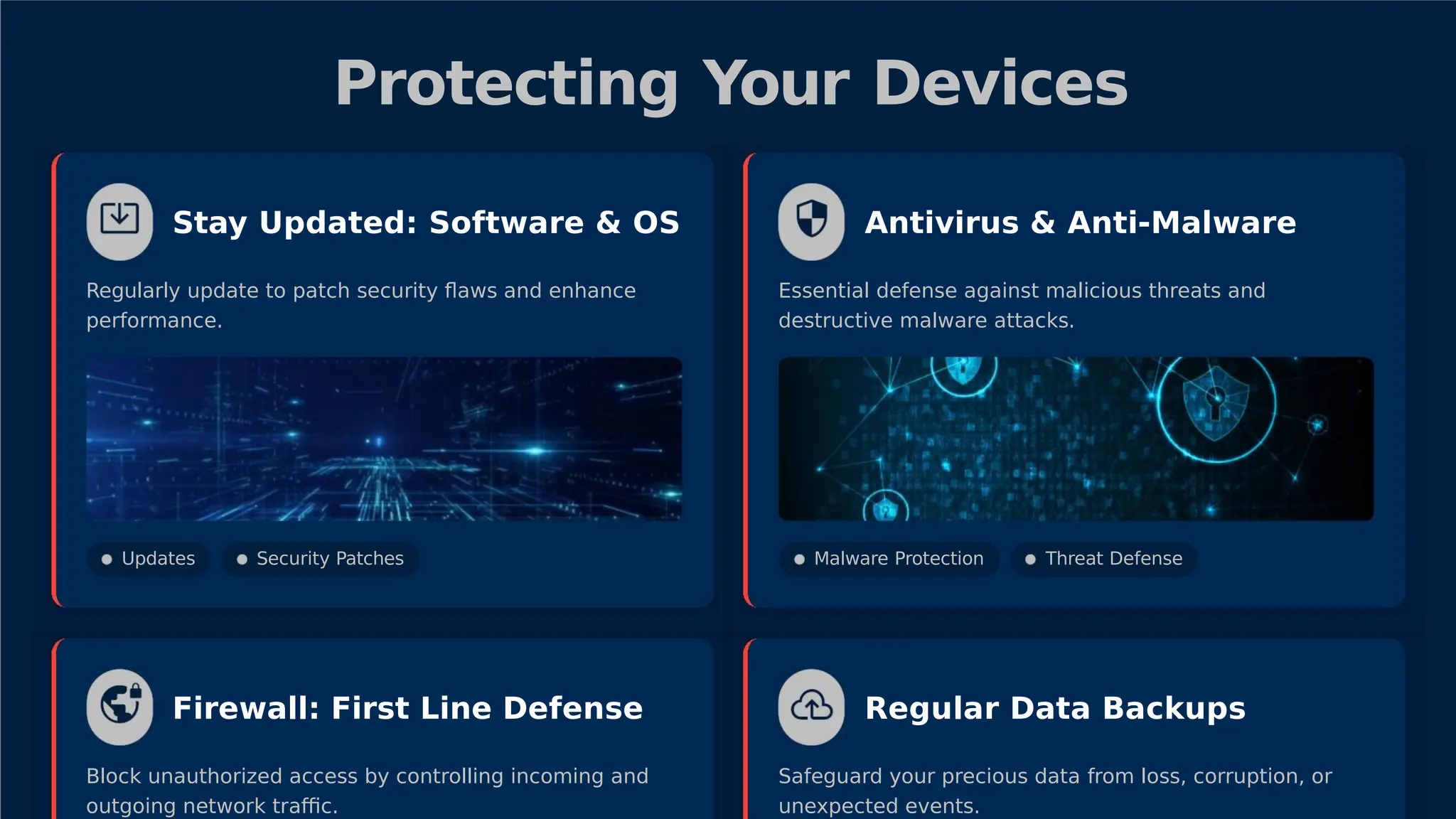
Protecting Your Devices
StayUpdated: Software & OS Antivirus & Anti-Malware
Regularly update to patch security flaws and enhance
performance.
Essential defense against malicious threats and
destructive malware attacks.
Updates Security Patches Malware Protection Threat Defense
Firewall: First Line Defense Regular Data Backups
Block unauthorized access by controlling incoming and
outgoing network traffic.
Safeguard your precious data from loss, corruption, or
unexpected events.
6.
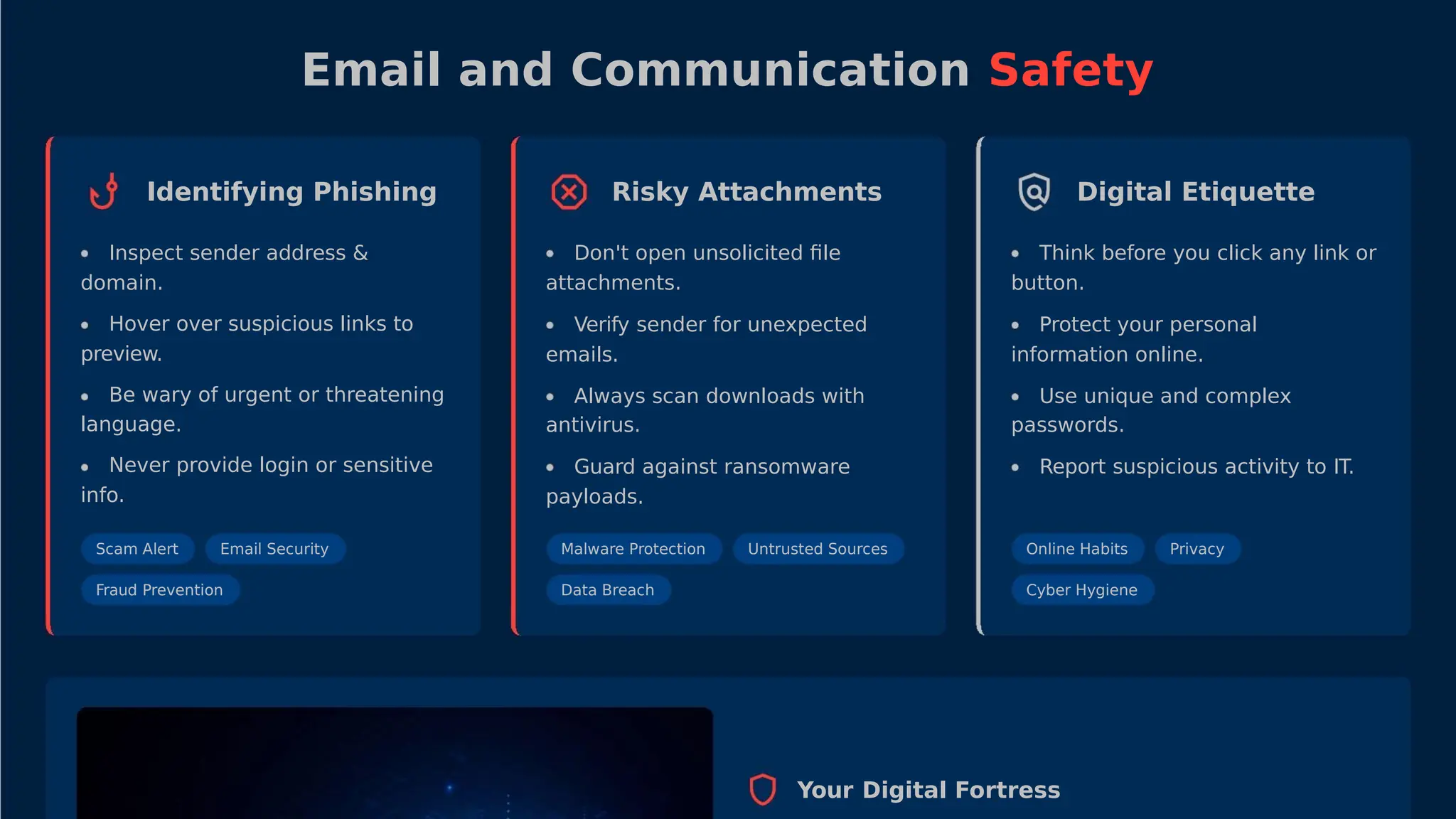
Email and CommunicationSafety
Identifying Phishing Risky Attachments Digital Etiquette
Inspect sender address &
domain.
Hover over suspicious links to
preview.
Be wary of urgent or threatening
language.
Never provide login or sensitive
info.
Don't open unsolicited file
attachments.
Think before you click any link or
button.
Verify sender for unexpected
emails.
Protect your personal
information online.
Always scan downloads with
antivirus.
Use unique and complex
passwords.
Guard against ransomware
payloads.
Report suspicious activity to IT.
Scam Alert Email Security Malware Protection
Data Breach
Untrusted Sources Online Habits
Cyber Hygiene
Privacy
Fraud Prevention
Your Digital Fortress
7.
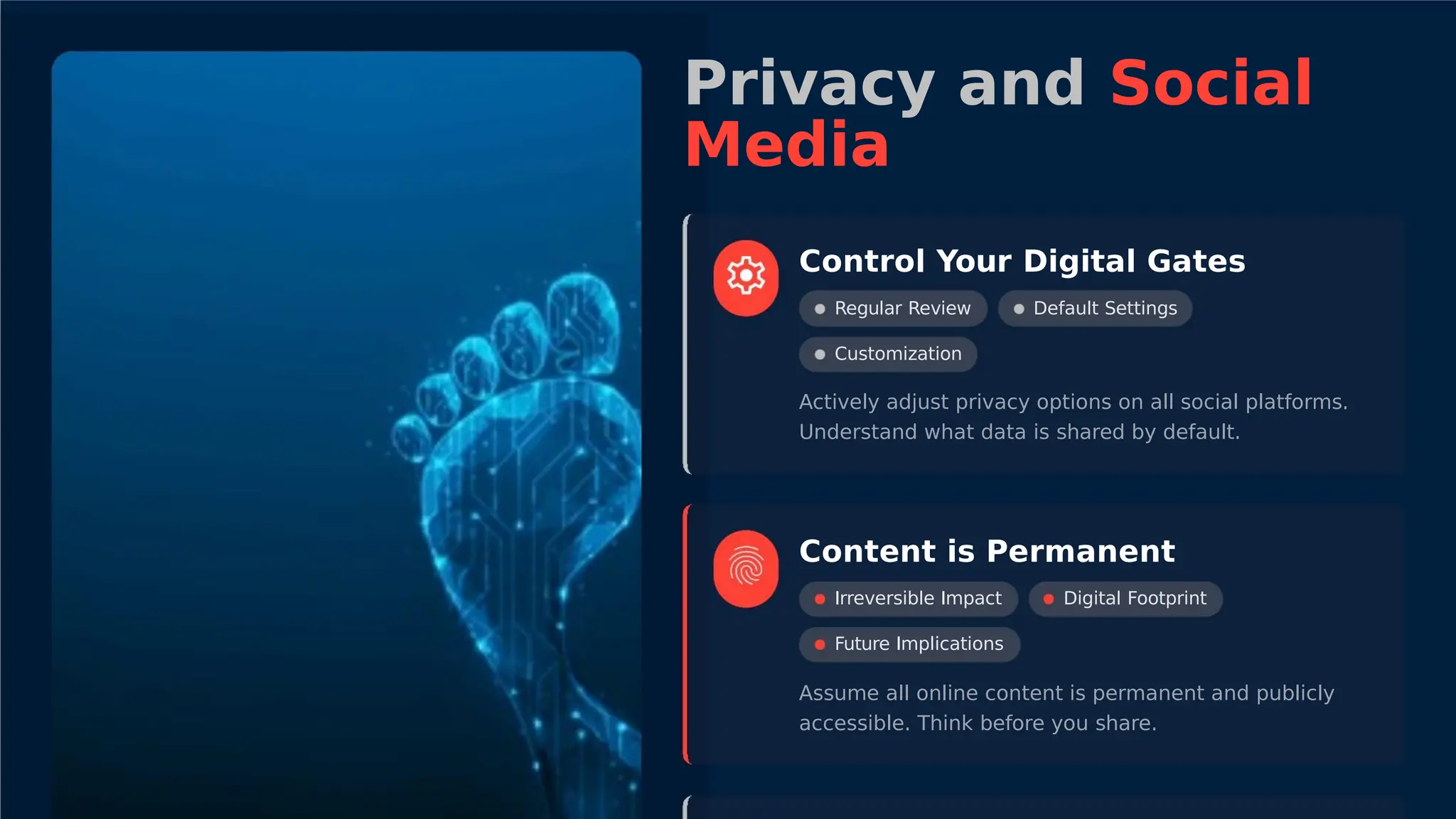
Privacy and Social
Media
ControlYour Digital Gates
Regular Review
Customization
Default Settings
Actively adjust privacy options on all social platforms.
Understand what data is shared by default.
Content is Permanent
Irreversible Impact
Future Implications
Digital Footprint
Assume all online content is permanent and publicly
accessible. Think before you share.
8.
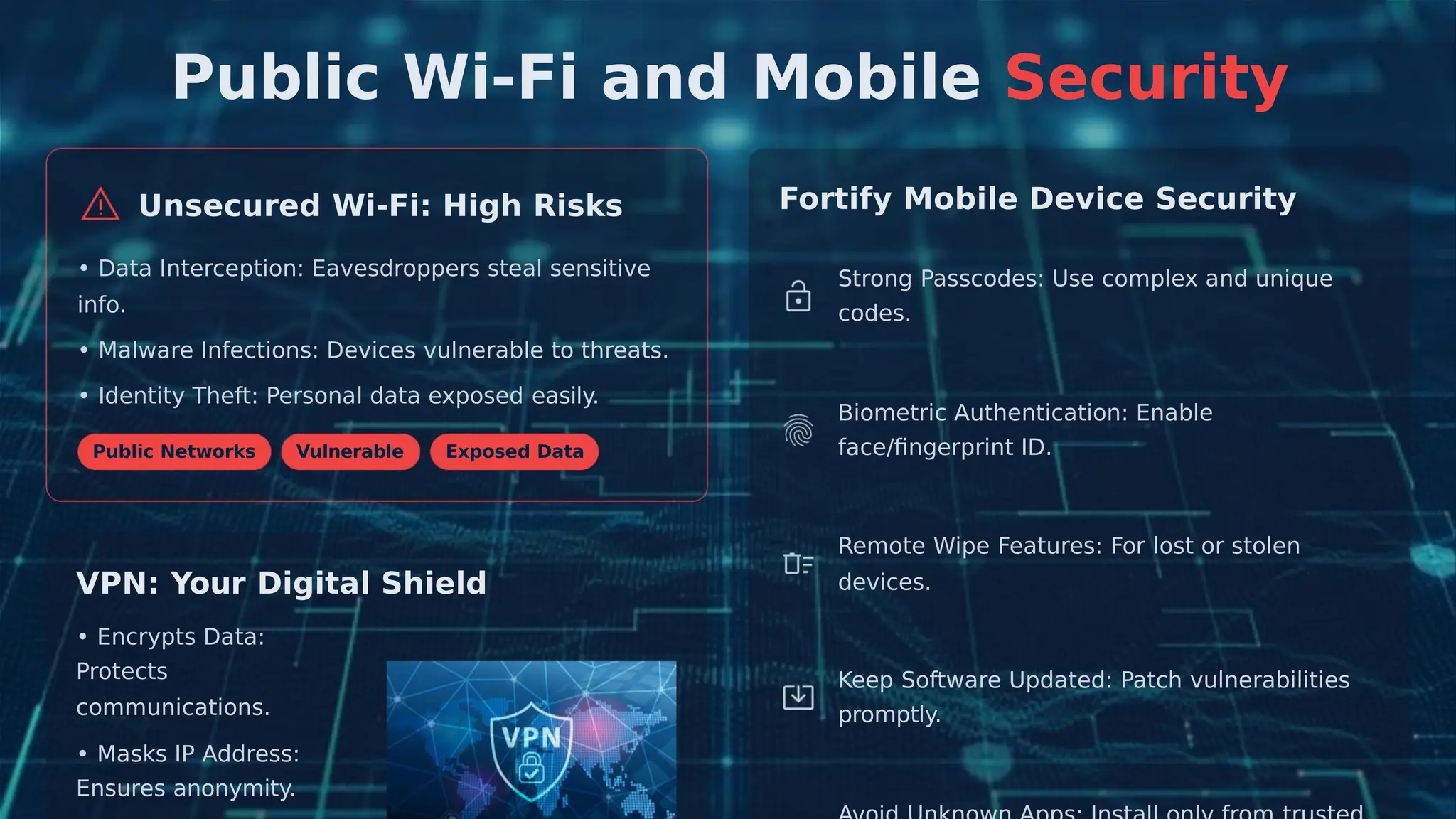
Public Wi-Fi andMobile Security
Fortify Mobile Device Security
Unsecured Wi-Fi: High Risks
• Data Interception: Eavesdroppers steal sensitive
info.
Strong Passcodes: Use complex and unique
codes.
• Malware Infections: Devices vulnerable to threats.
• Identity Theft: Personal data exposed easily.
Biometric Authentication: Enable
face/fingerprint ID.
Public Networks Vulnerable Exposed Data
Remote Wipe Features: For lost or stolen
devices.
VPN: Your Digital Shield
• Encrypts Data:
Protects Keep Software Updated: Patch vulnerabilities
promptly.
communications.
• Masks IP Address:
Ensures anonymity.
9.
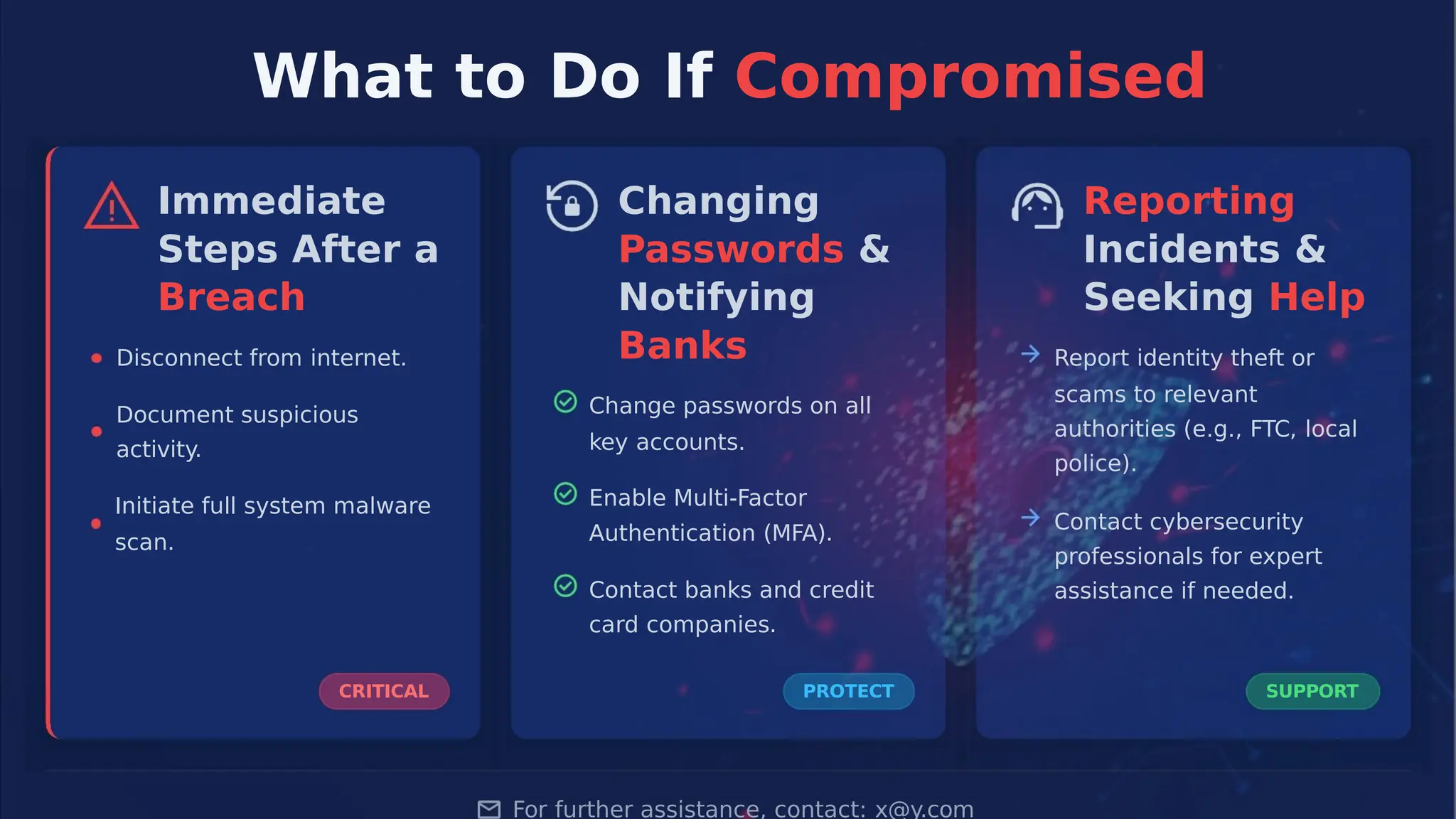
What to DoIf Compromised
Immediate
Steps After a
Breach
Changing
Passwords &
Notifying
Banks
Reporting
Incidents &
Seeking Help
Disconnect from internet. Report identity theft or
scams to relevant
authorities (e.g., FTC, local
police).
Change passwords on all
key accounts.
Document suspicious
activity.
Enable Multi-Factor
Initiate full system malware
scan.
Contact cybersecurity
professionals for expert
assistance if needed.
Authentication (MFA).
Contact banks and credit
card companies.
CRITICAL PROTECT SUPPORT
For further assistance, contact: x@y.com


![Cyber-Security]shhsjjsjsjdjdjjddjjdjh.ppt](https://cdn.slidesharecdn.com/ss_thumbnails/cyber-security-20211013105857-240507130621-7a440293-thumbnail.jpg?width=640&height=640&fit=bounds)


![Computer Networks 01[1 using all terms].pptx](https://cdn.slidesharecdn.com/ss_thumbnails/computernetworks011-251214040533-327dd9f8-thumbnail.jpg?width=640&height=640&fit=bounds)


