GANDHINAGAR INSTITUTE OF TECHNOLOGY
Computer Engineering Department
Web Technology
(2160708)
Background property in CSS
Prepared By:
Nakrani Dhruvinkumar Janakbhai
(160120107066)
Guided By:
Prof. Shreya Patel
Contents
▪ CSS & Importance of it
▪ Background property
▪ Examples
▪ References
What is CSS?
▪ A simple design language intended to simplify the process of making web
pages presentable
▪ CSS defines layout of HTML documents.
▪ For example, CSS covers Fonts, colors, margins, lines, height, width,
background images, advanced positions and many other things
Importance of CSS
▪ CSS defines HOW HTML elements are to be displayed
▪ Styles are normally saved in external .css files
▪ External style sheets enable you to change the appearance and layout of all the pages in a
Web site, just by editing one single file
▪ Advantages :
• Improves Website Presentation
• External CSS makes Updates Easier and Smoother
• External CSS helps Web Pages Load Faster
▪ Disadvantages :
• Browser Dependent
• Difficult to retrofit in old websites
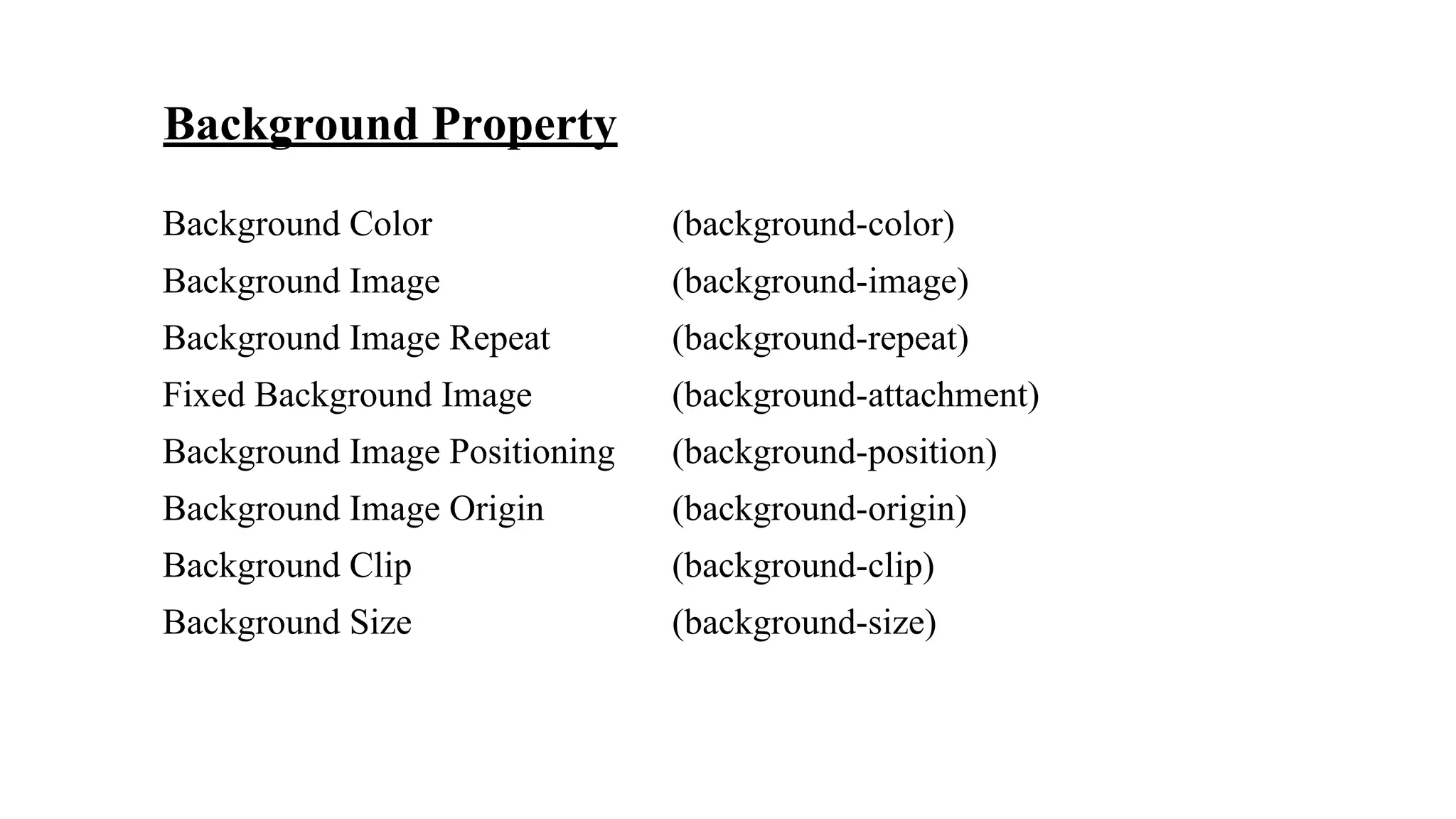
Background Property
Background Color (background-color)
Background Image (background-image)
Background Image Repeat (background-repeat)
Fixed Background Image (background-attachment)
Background Image Positioning (background-position)
Background Image Origin (background-origin)
Background Clip (background-clip)
Background Size (background-size)
Background Color
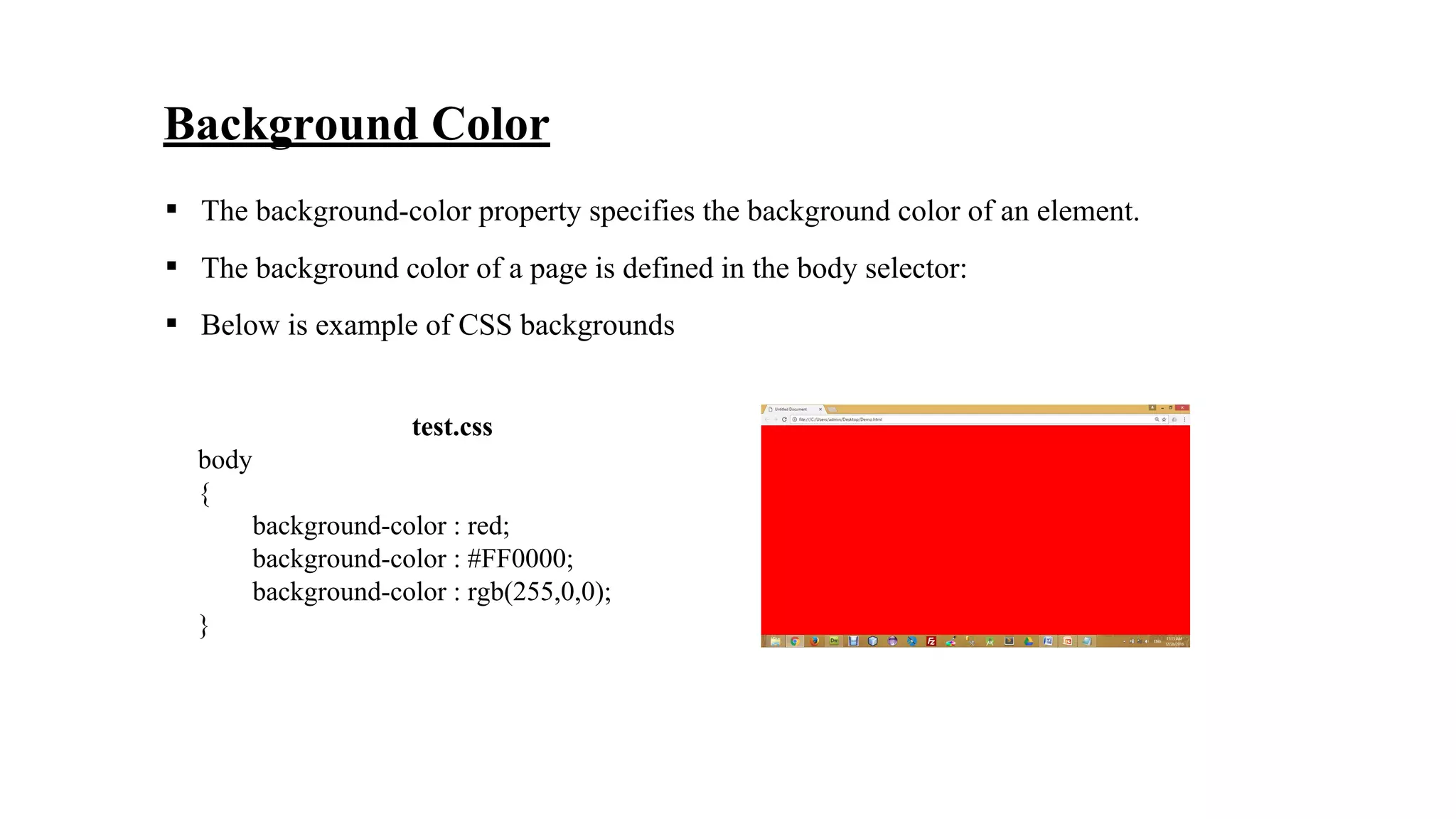
▪ The background-color property specifies the background color of an element.
▪ The background color of a page is defined in the body selector:
▪ Below is example of CSS backgrounds
test.css
body
{
background-color : red;
background-color : #FF0000;
background-color : rgb(255,0,0);
}
Background Image
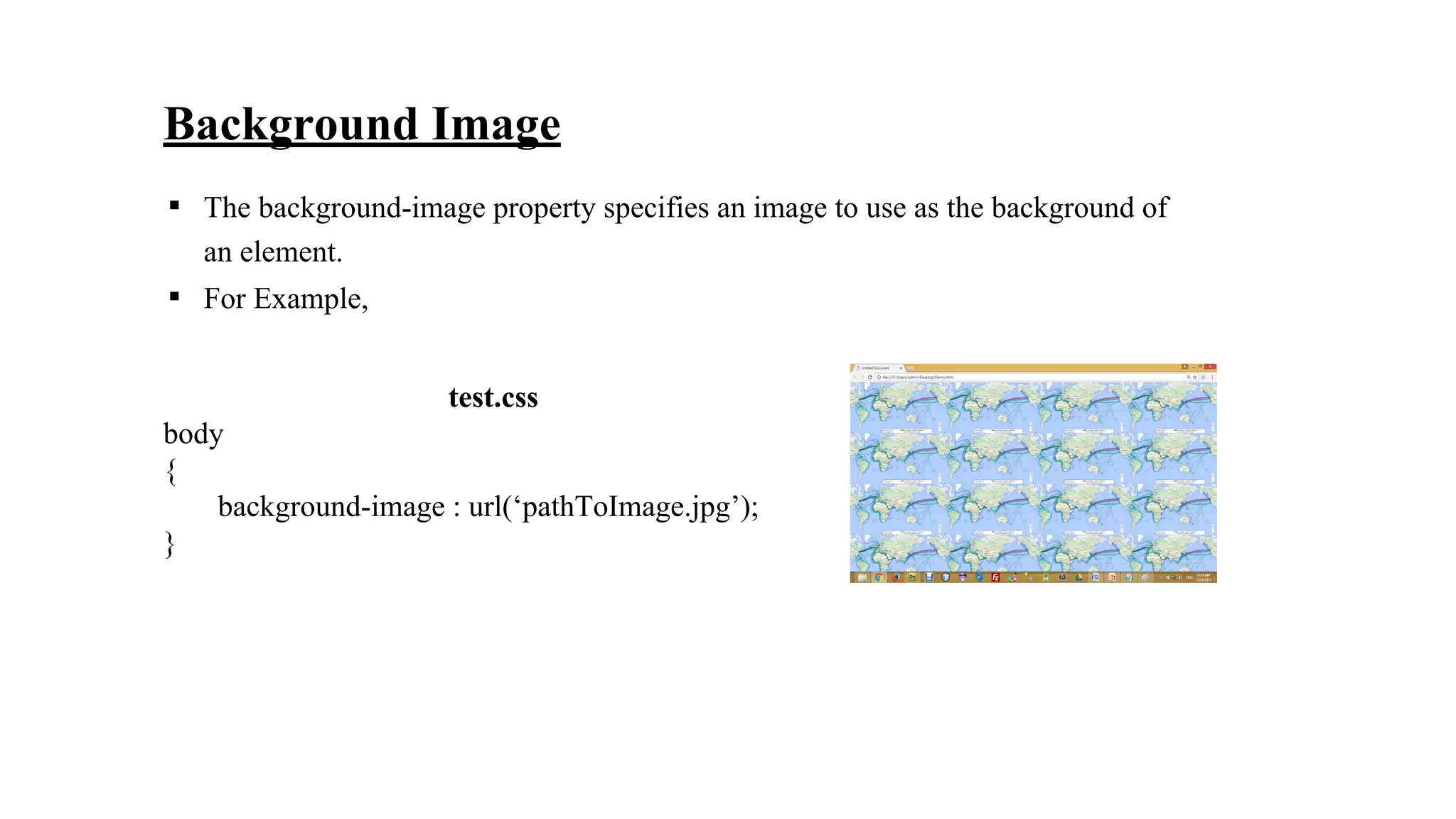
▪ The background-image property specifies an image to use as the background of
an element.
▪ For Example,
test.css
body
{
background-image : url(‘pathToImage.jpg’);
}
test.css
body
{
background-image : url(‘pathToImage.jpg’);
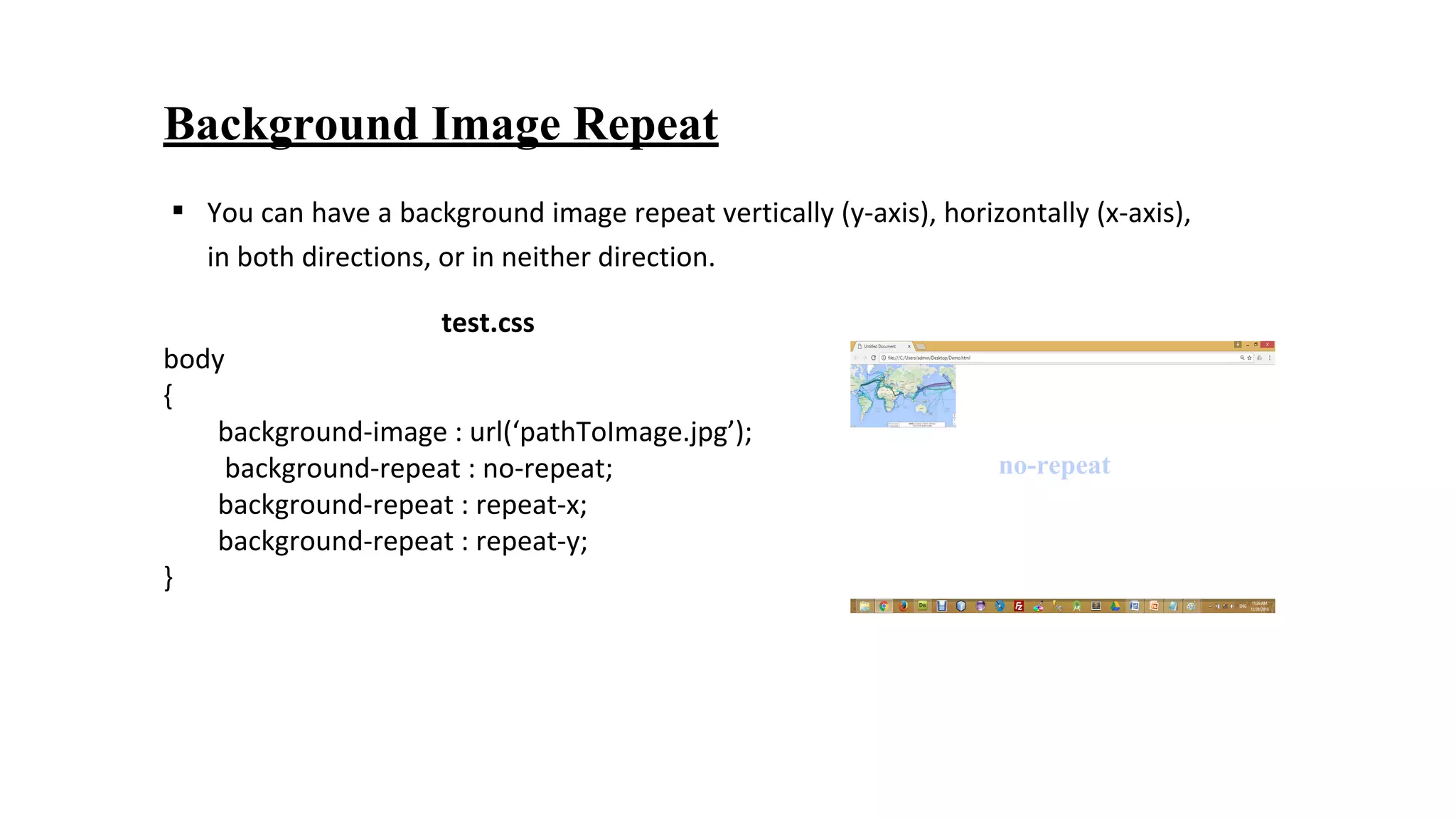
background-repeat : no-repeat;
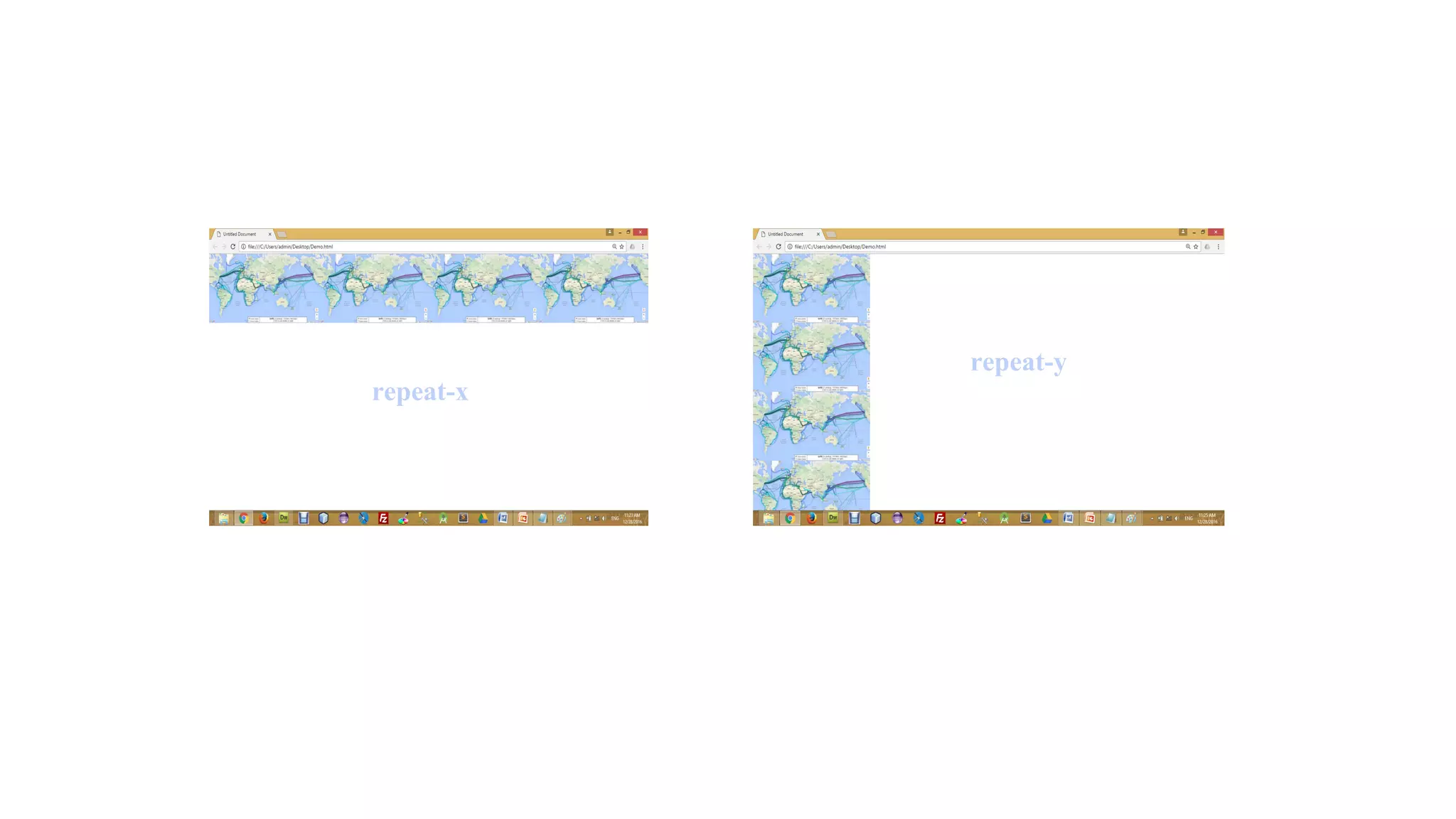
background-repeat : repeat-x;
background-repeat : repeat-y;
}
Background Image Repeat
▪ You can have a background image repeat vertically (y-axis), horizontally (x-axis),
in both directions, or in neither direction.
no-repeat
repeat-y
repeat-x
Fixed Background Image
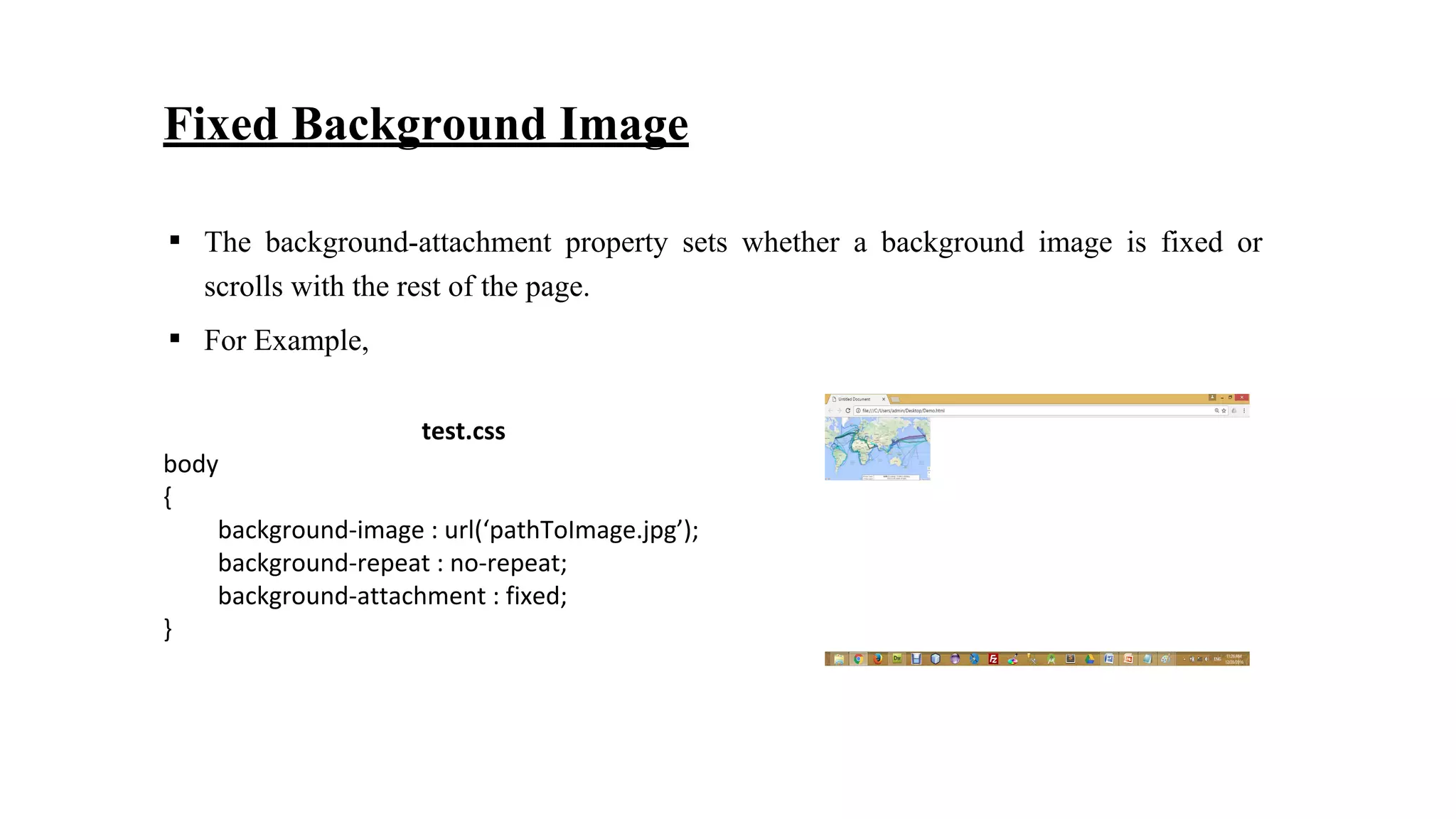
▪ The background-attachment property sets whether a background image is fixed or
scrolls with the rest of the page.
▪ For Example,
test.css
body
{
background-image : url(‘pathToImage.jpg’);
background-repeat : no-repeat;
background-attachment : fixed;
}
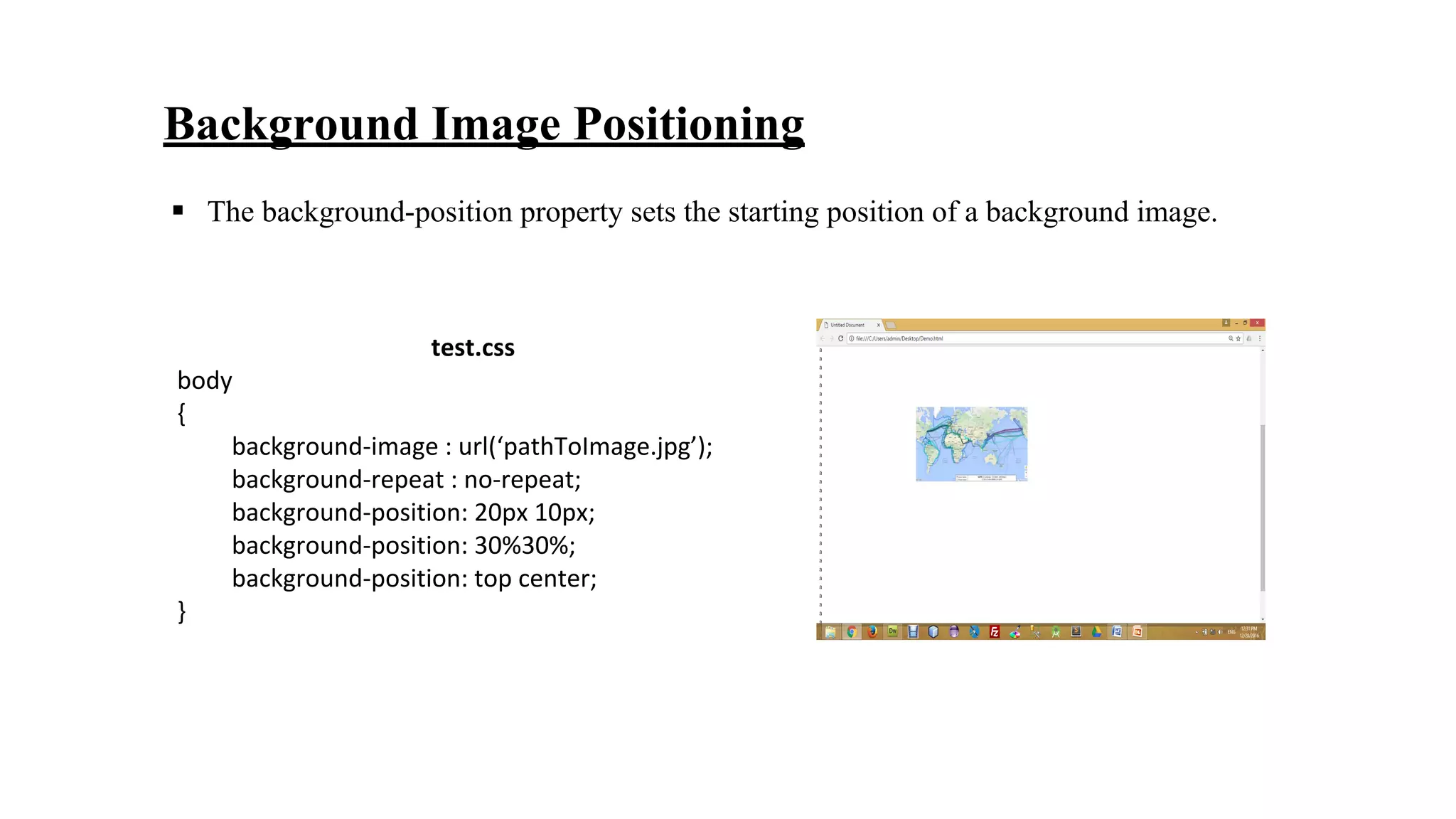
Background Image Positioning
test.css
body
{
background-image : url(‘pathToImage.jpg’);
background-repeat : no-repeat;
background-position: 20px 10px;
background-position: 30%30%;
background-position: top center;
}
▪ The background-position property sets the starting position of a background image.
Background-origin
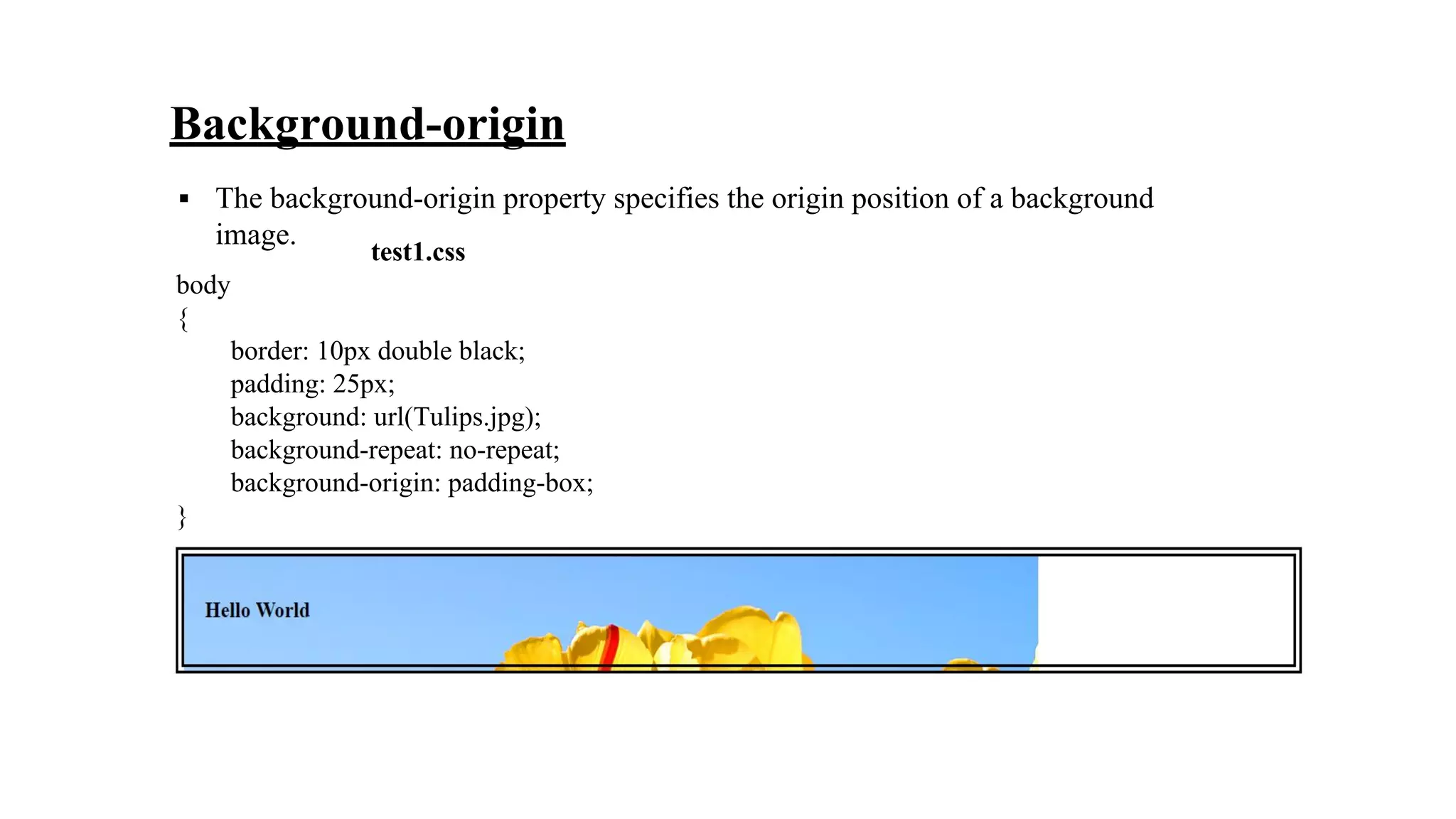
▪ The background-origin property specifies the origin position of a background
image.
test1.css
body
{
border: 10px double black;
padding: 25px;
background: url(Tulips.jpg);
background-repeat: no-repeat;
background-origin: padding-box;
}
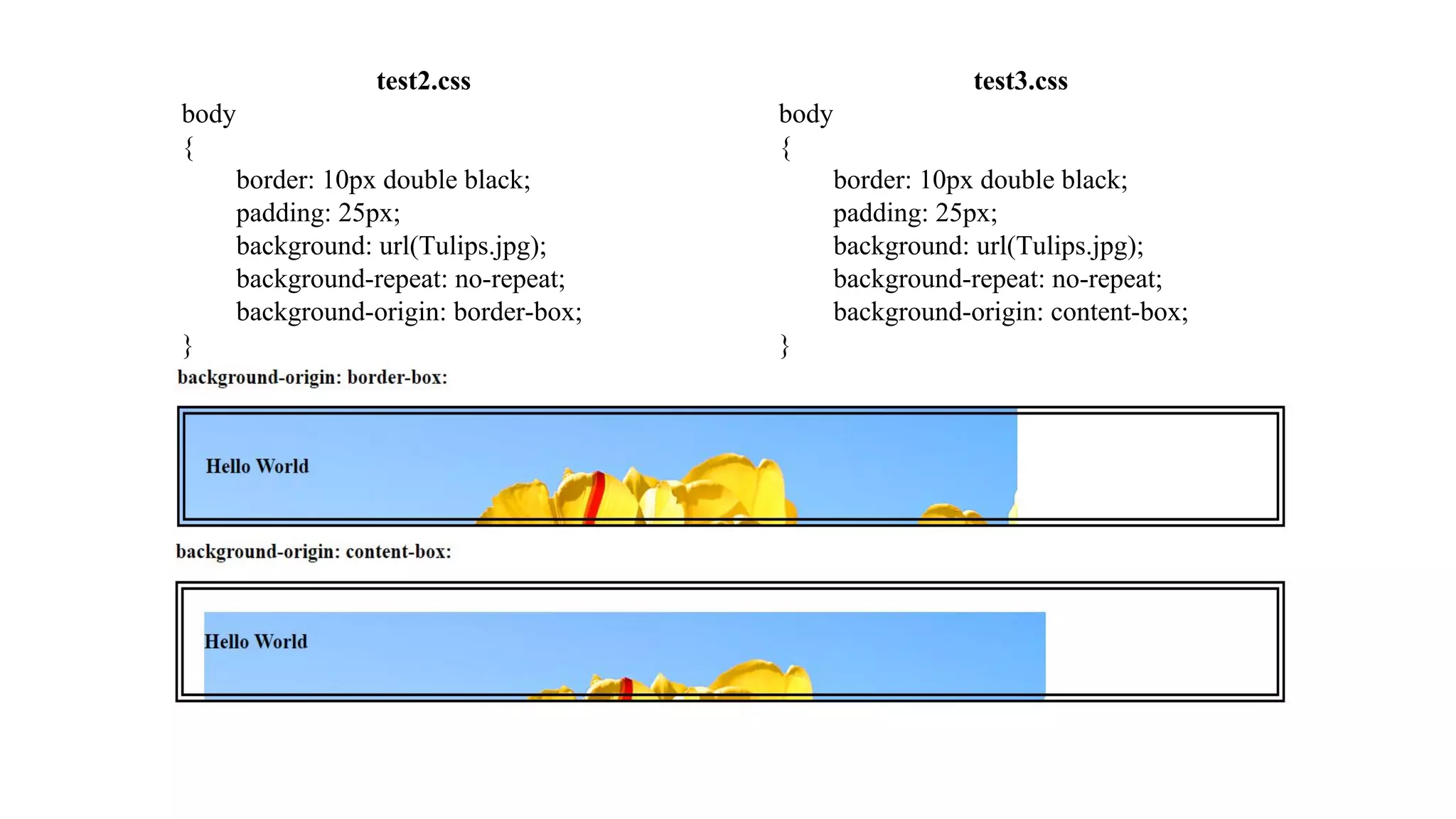
test3.css
body
{
border: 10px double black;
padding: 25px;
background: url(Tulips.jpg);
background-repeat: no-repeat;
background-origin: content-box;
}
test2.css
body
{
border: 10px double black;
padding: 25px;
background: url(Tulips.jpg);
background-repeat: no-repeat;
background-origin: border-box;
}
Background-clip
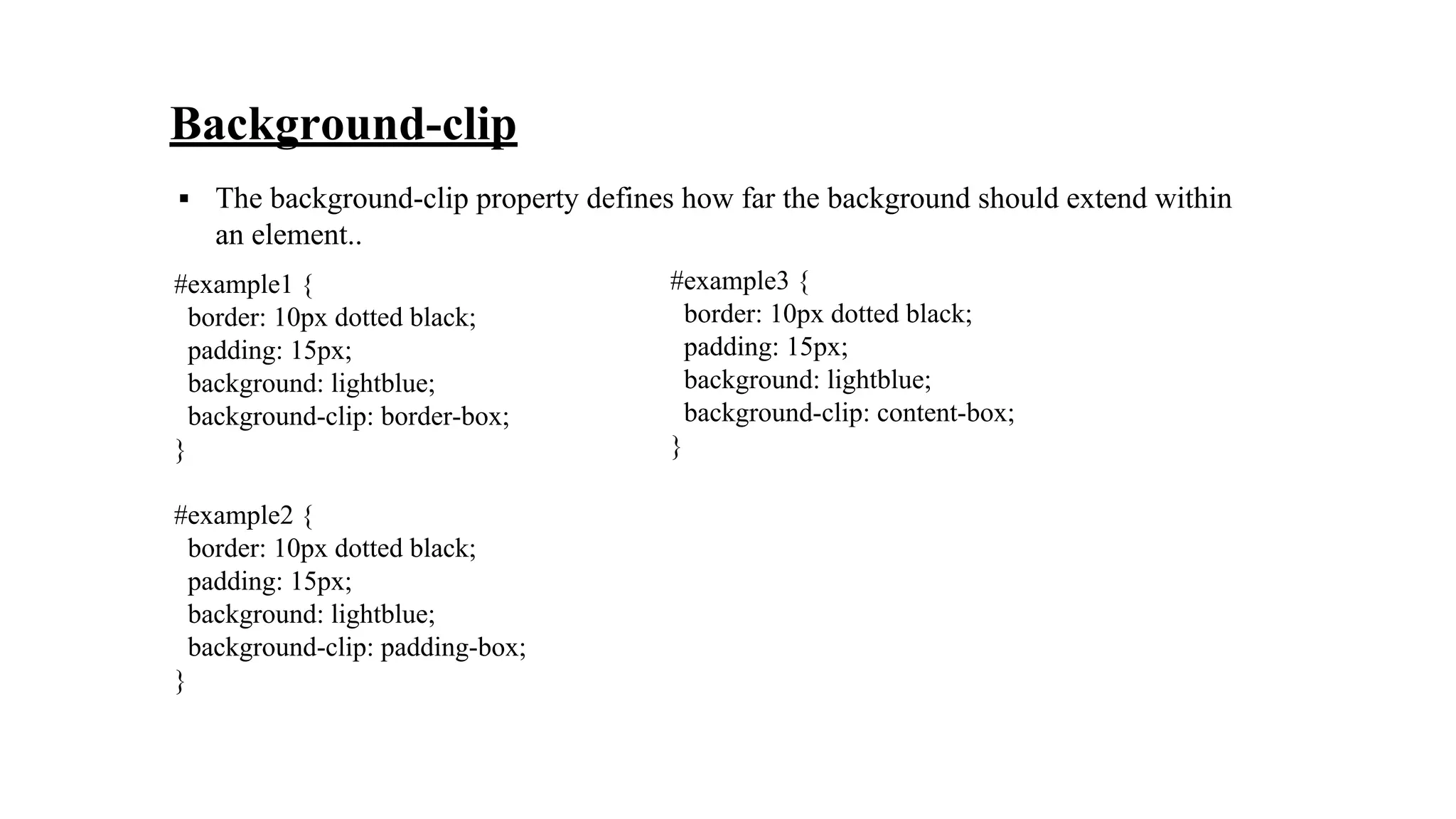
▪ The background-clip property defines how far the background should extend within
an element..
#example1 {
border: 10px dotted black;
padding: 15px;
background: lightblue;
background-clip: border-box;
}
#example2 {
border: 10px dotted black;
padding: 15px;
background: lightblue;
background-clip: padding-box;
}
#example3 {
border: 10px dotted black;
padding: 15px;
background: lightblue;
background-clip: content-box;
}
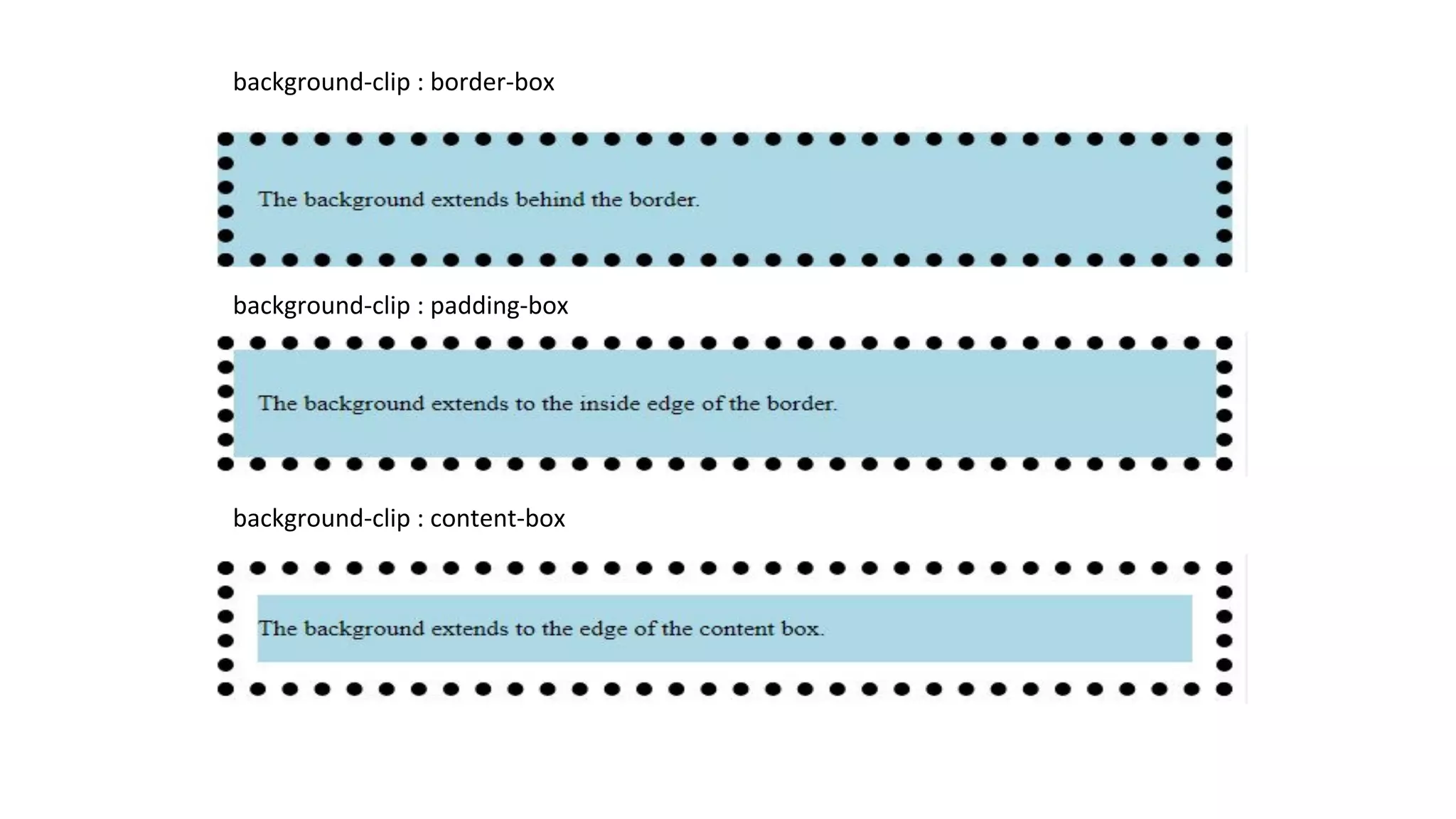
background-clip : border-box
background-clip : padding-box
background-clip : content-box
Background-size
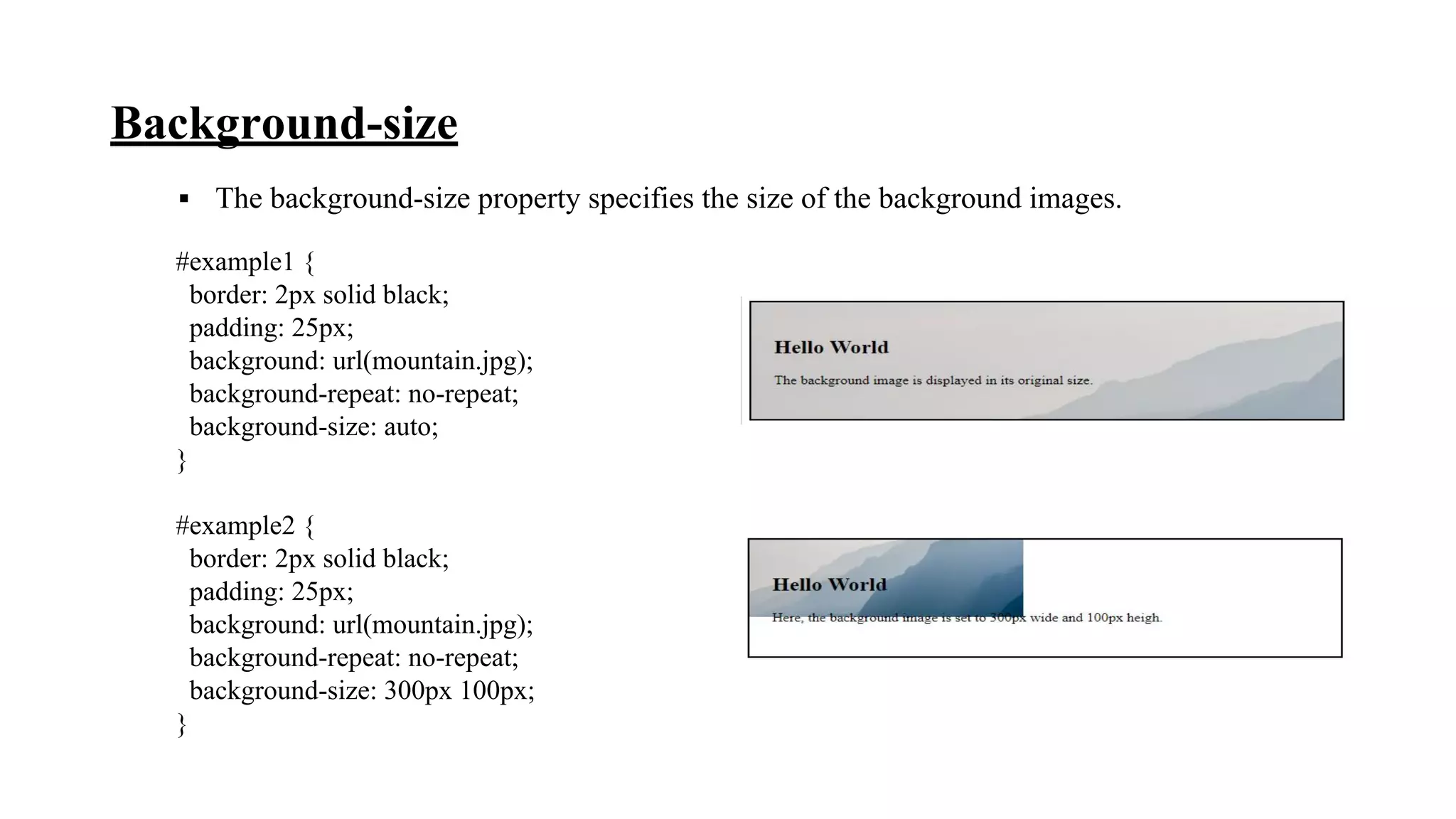
▪ The background-size property specifies the size of the background images.
#example1 {
border: 2px solid black;
padding: 25px;
background: url(mountain.jpg);
background-repeat: no-repeat;
background-size: auto;
}
#example2 {
border: 2px solid black;
padding: 25px;
background: url(mountain.jpg);
background-repeat: no-repeat;
background-size: 300px 100px;
}
References
• www.w3schools.com
• Web Technologies Black Book
- by Kogent Learning Solution Inc.
Thank
You

Background property in css

  • 1.
    GANDHINAGAR INSTITUTE OFTECHNOLOGY Computer Engineering Department Web Technology (2160708) Background property in CSS Prepared By: Nakrani Dhruvinkumar Janakbhai (160120107066) Guided By: Prof. Shreya Patel
  • 2.
    Contents ▪ CSS &Importance of it ▪ Background property ▪ Examples ▪ References
  • 3.
    What is CSS? ▪A simple design language intended to simplify the process of making web pages presentable ▪ CSS defines layout of HTML documents. ▪ For example, CSS covers Fonts, colors, margins, lines, height, width, background images, advanced positions and many other things
  • 4.
    Importance of CSS ▪CSS defines HOW HTML elements are to be displayed ▪ Styles are normally saved in external .css files ▪ External style sheets enable you to change the appearance and layout of all the pages in a Web site, just by editing one single file ▪ Advantages : • Improves Website Presentation • External CSS makes Updates Easier and Smoother • External CSS helps Web Pages Load Faster ▪ Disadvantages : • Browser Dependent • Difficult to retrofit in old websites
  • 5.
    Background Property Background Color(background-color) Background Image (background-image) Background Image Repeat (background-repeat) Fixed Background Image (background-attachment) Background Image Positioning (background-position) Background Image Origin (background-origin) Background Clip (background-clip) Background Size (background-size)
  • 6.
    Background Color ▪ Thebackground-color property specifies the background color of an element. ▪ The background color of a page is defined in the body selector: ▪ Below is example of CSS backgrounds test.css body { background-color : red; background-color : #FF0000; background-color : rgb(255,0,0); }
  • 7.
    Background Image ▪ Thebackground-image property specifies an image to use as the background of an element. ▪ For Example, test.css body { background-image : url(‘pathToImage.jpg’); }
  • 8.
    test.css body { background-image : url(‘pathToImage.jpg’); background-repeat: no-repeat; background-repeat : repeat-x; background-repeat : repeat-y; } Background Image Repeat ▪ You can have a background image repeat vertically (y-axis), horizontally (x-axis), in both directions, or in neither direction. no-repeat
  • 9.
  • 10.
    Fixed Background Image ▪The background-attachment property sets whether a background image is fixed or scrolls with the rest of the page. ▪ For Example, test.css body { background-image : url(‘pathToImage.jpg’); background-repeat : no-repeat; background-attachment : fixed; }
  • 11.
    Background Image Positioning test.css body { background-image: url(‘pathToImage.jpg’); background-repeat : no-repeat; background-position: 20px 10px; background-position: 30%30%; background-position: top center; } ▪ The background-position property sets the starting position of a background image.
  • 12.
    Background-origin ▪ The background-originproperty specifies the origin position of a background image. test1.css body { border: 10px double black; padding: 25px; background: url(Tulips.jpg); background-repeat: no-repeat; background-origin: padding-box; }
  • 13.
    test3.css body { border: 10px doubleblack; padding: 25px; background: url(Tulips.jpg); background-repeat: no-repeat; background-origin: content-box; } test2.css body { border: 10px double black; padding: 25px; background: url(Tulips.jpg); background-repeat: no-repeat; background-origin: border-box; }
  • 14.
    Background-clip ▪ The background-clipproperty defines how far the background should extend within an element.. #example1 { border: 10px dotted black; padding: 15px; background: lightblue; background-clip: border-box; } #example2 { border: 10px dotted black; padding: 15px; background: lightblue; background-clip: padding-box; } #example3 { border: 10px dotted black; padding: 15px; background: lightblue; background-clip: content-box; }
  • 15.
    background-clip : border-box background-clip: padding-box background-clip : content-box
  • 16.
    Background-size ▪ The background-sizeproperty specifies the size of the background images. #example1 { border: 2px solid black; padding: 25px; background: url(mountain.jpg); background-repeat: no-repeat; background-size: auto; } #example2 { border: 2px solid black; padding: 25px; background: url(mountain.jpg); background-repeat: no-repeat; background-size: 300px 100px; }
  • 17.
    References • www.w3schools.com • WebTechnologies Black Book - by Kogent Learning Solution Inc.
  • 18.