AWS, Terraform, advanced techniques
DevOps Training
Few things...
before we start
Shall we use our first name instead Mr/Ms?
??
Are current hours OK?
??
Who am
I?
Who are we all? Who are you?
What do we do here? What’s my
purpose? Is there something more
than this? Why we all are here?
Why 42?
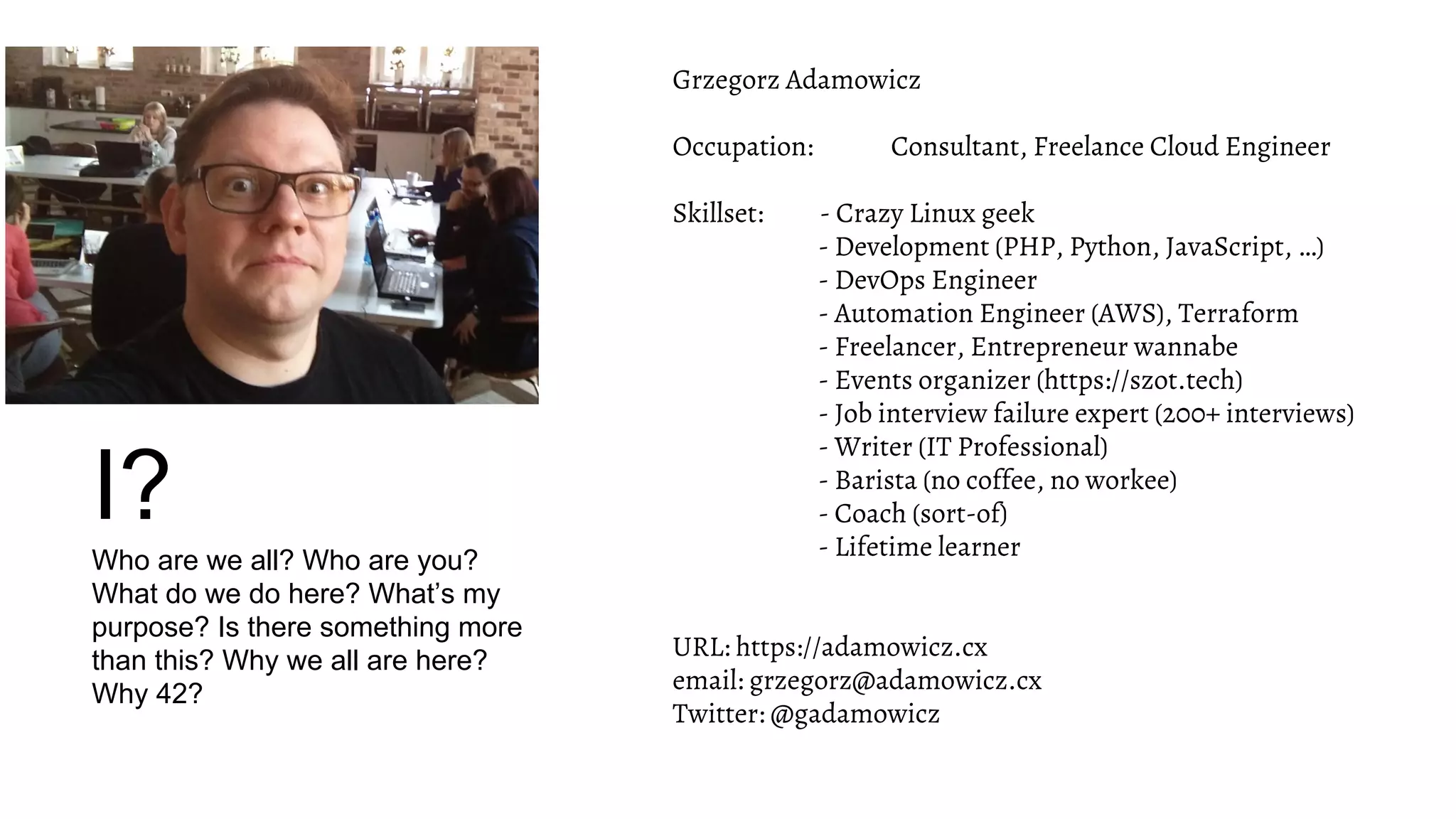
Grzegorz Adamowicz
Occupation: Consultant, Freelance Cloud Engineer
Skillset: - Crazy Linux geek
- Development (PHP, Python, JavaScript, …)
- DevOps Engineer
- Automation Engineer (AWS), Terraform
- Freelancer, Entrepreneur wannabe
- Events organizer (https://szot.tech)
- Job interview failure expert (200+ interviews)
- Writer (IT Professional)
- Barista (no coffee, no workee)
- Coach (sort-of)
- Lifetime learner
URL: https://adamowicz.cx
email: grzegorz@adamowicz.cx
Twitter: @gadamowicz
How about
you?
● What’s your name?
● What do you want to get out of this training?
● What’s your superpower? :-)
Practice
practice, practice, practice
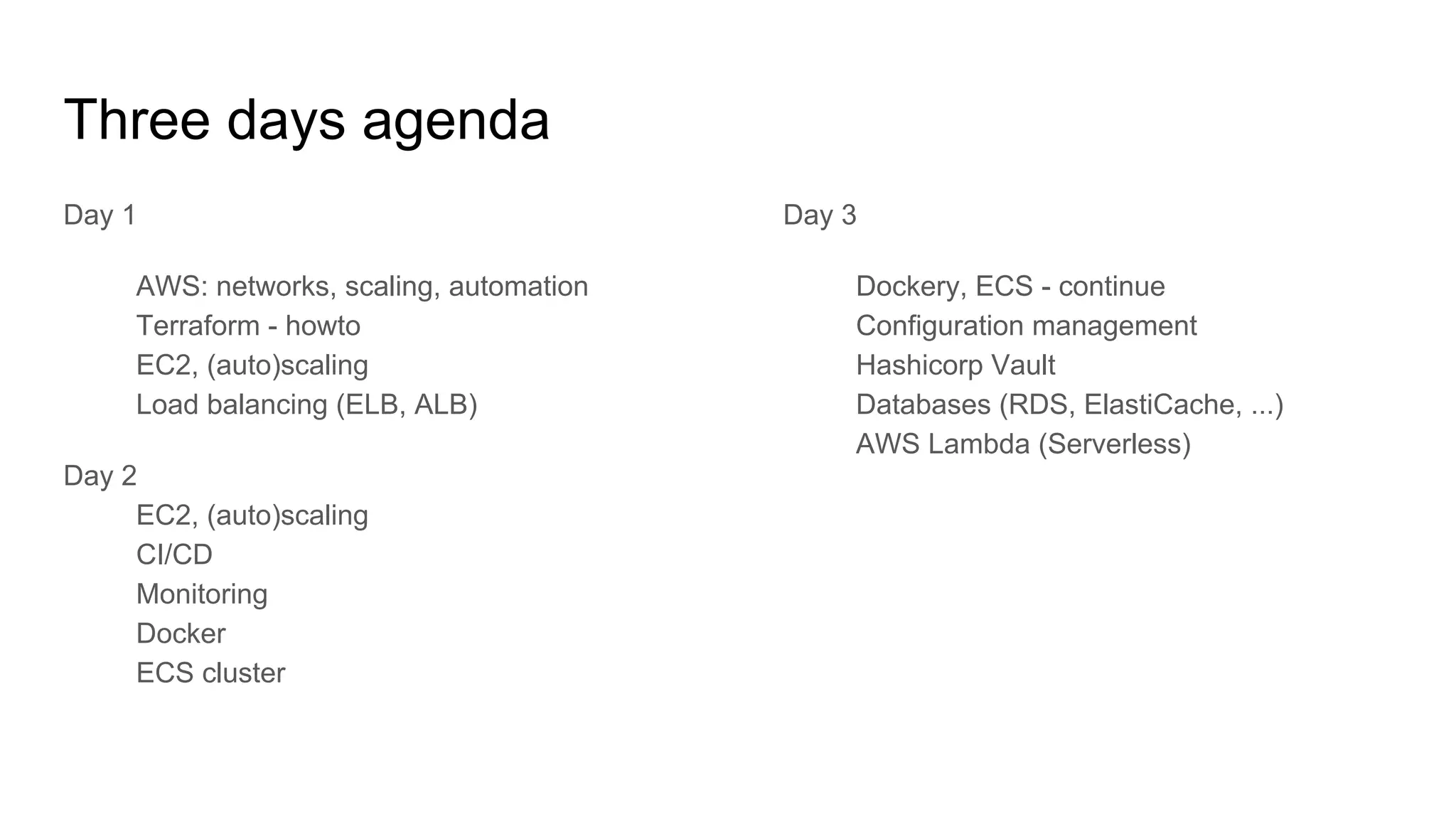
Three days agenda
Day 1
AWS: networks, scaling, automation
Terraform - howto
EC2, (auto)scaling
Load balancing (ELB, ALB)
Day 2
EC2, (auto)scaling
CI/CD
Monitoring
Docker
ECS cluster
Day 3
Dockery, ECS - continue
Configuration management
Hashicorp Vault
Databases (RDS, ElastiCache, ...)
AWS Lambda (Serverless)
Day 1
AWS IAM, role, EC2, autoscaling, Terraform
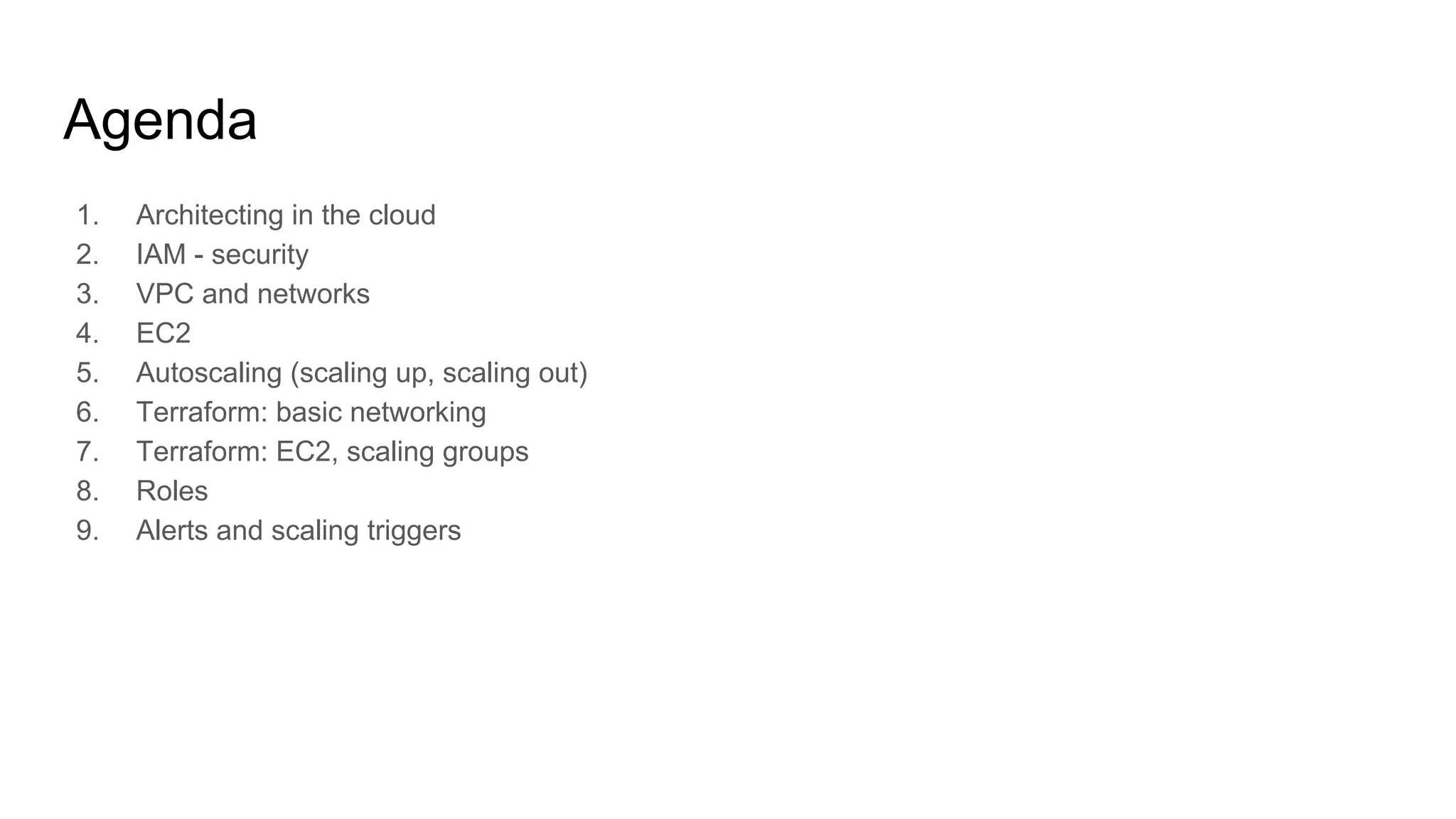
Agenda
1. Architecting in the cloud
2. IAM - security
3. VPC and networks
4. EC2
5. Autoscaling (scaling up, scaling out)
6. Terraform: basic networking
7. Terraform: EC2, scaling groups
8. Roles
9. Alerts and scaling triggers
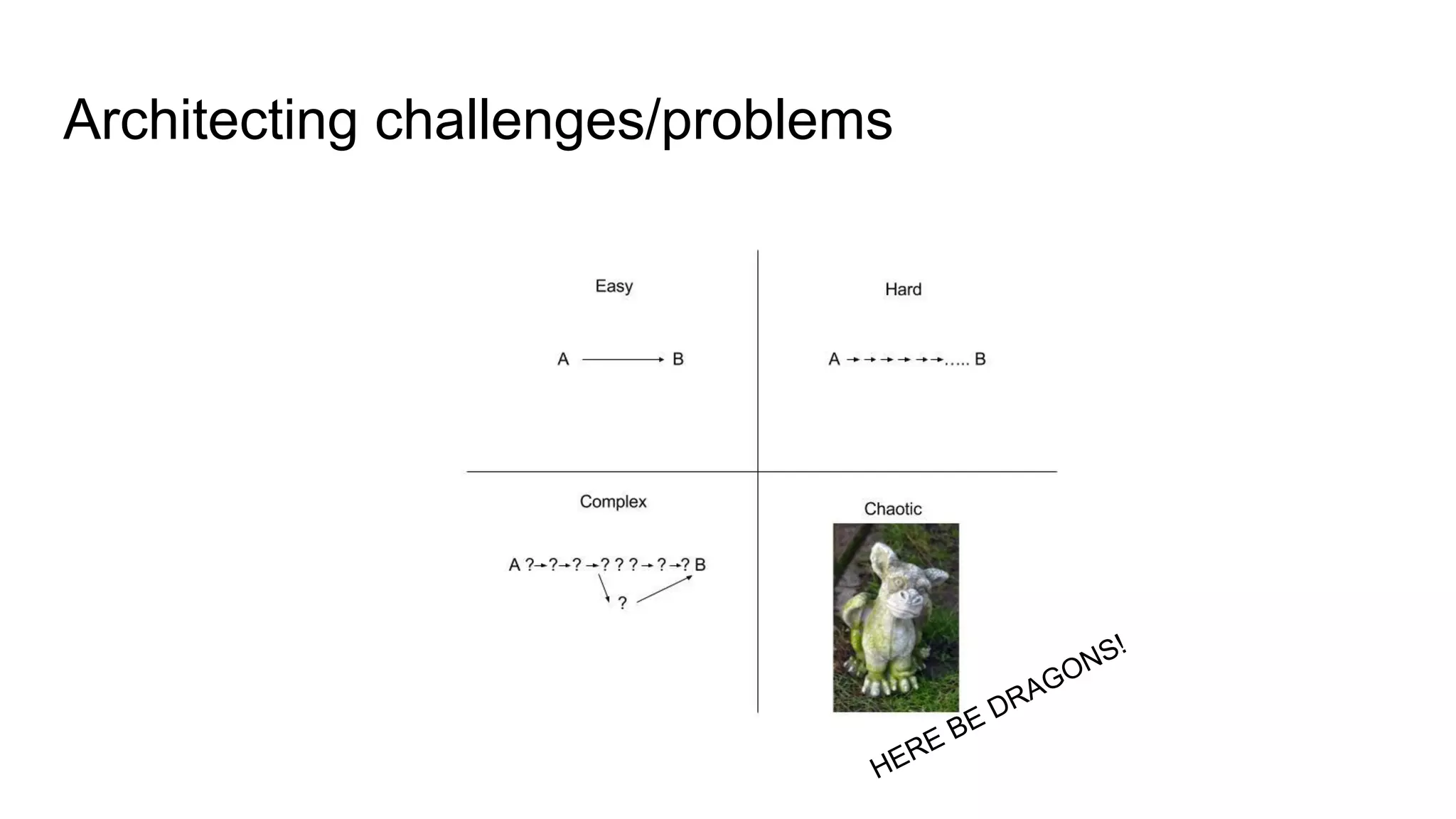
Architecting challenges/problems
HERE BE DRAGONS!
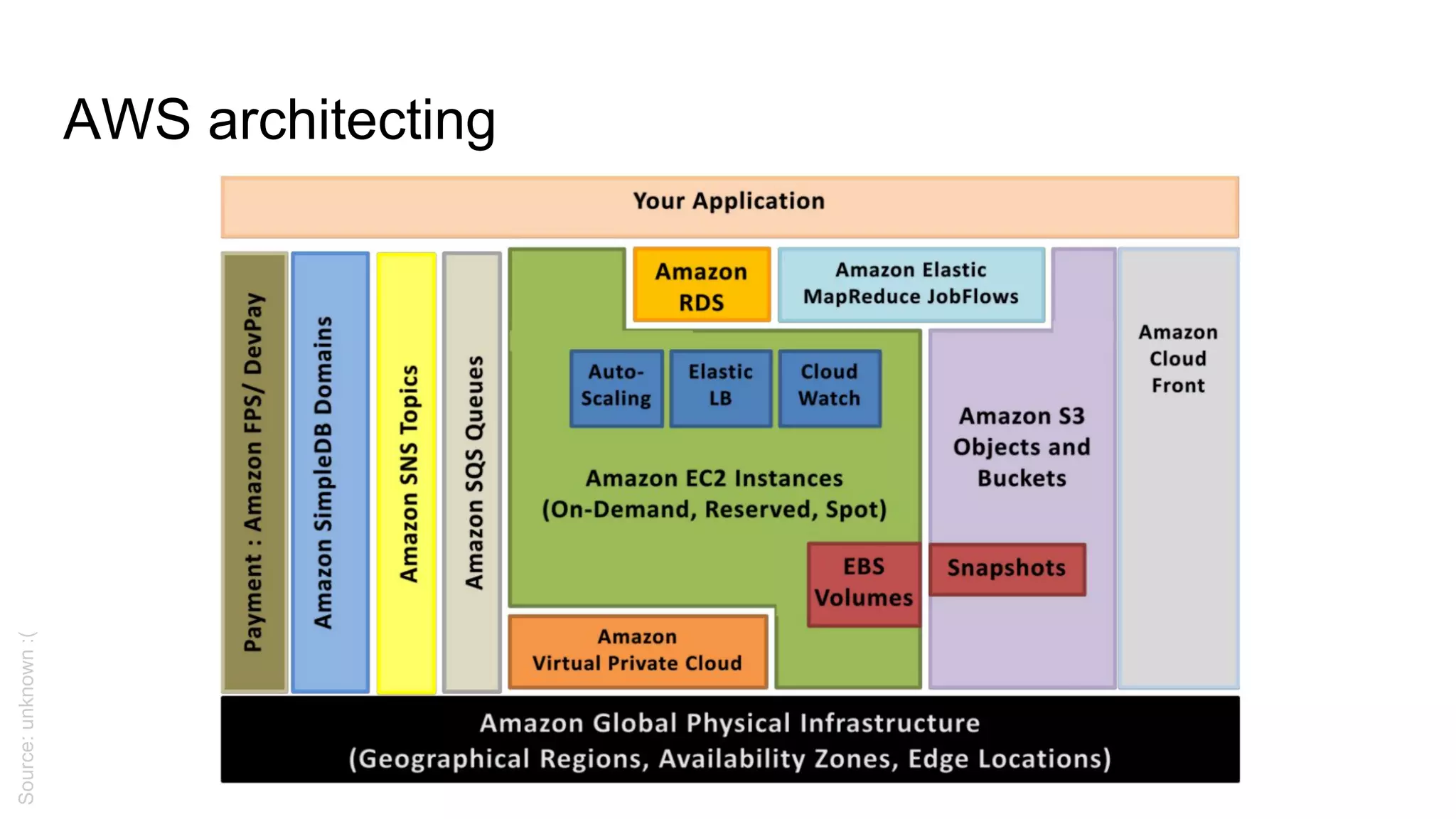
AWS architecting
Source:unknown:(
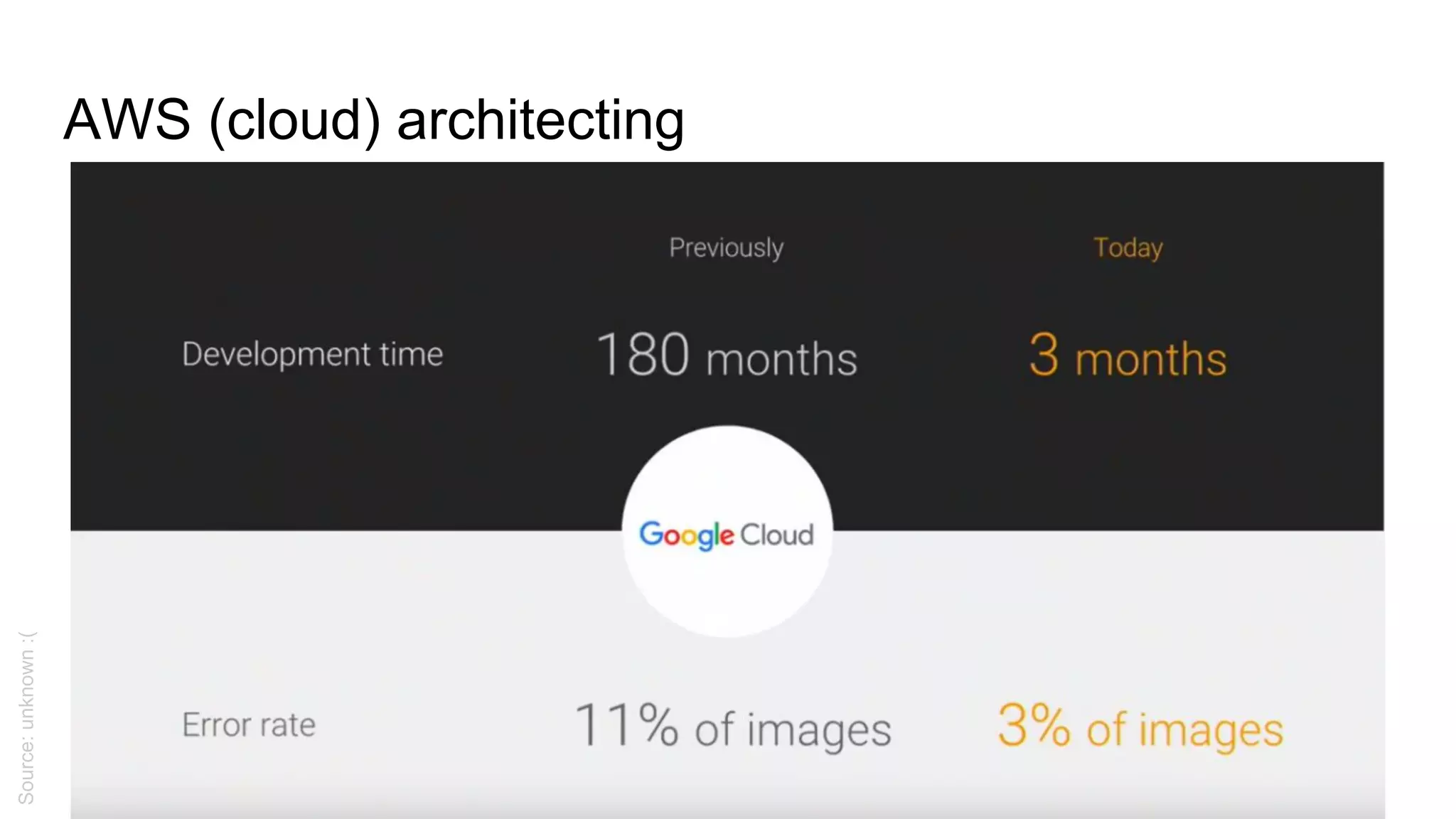
AWS (cloud) architecting
Source:unknown:(
AWS architecting
Effectiveness vs efficiency
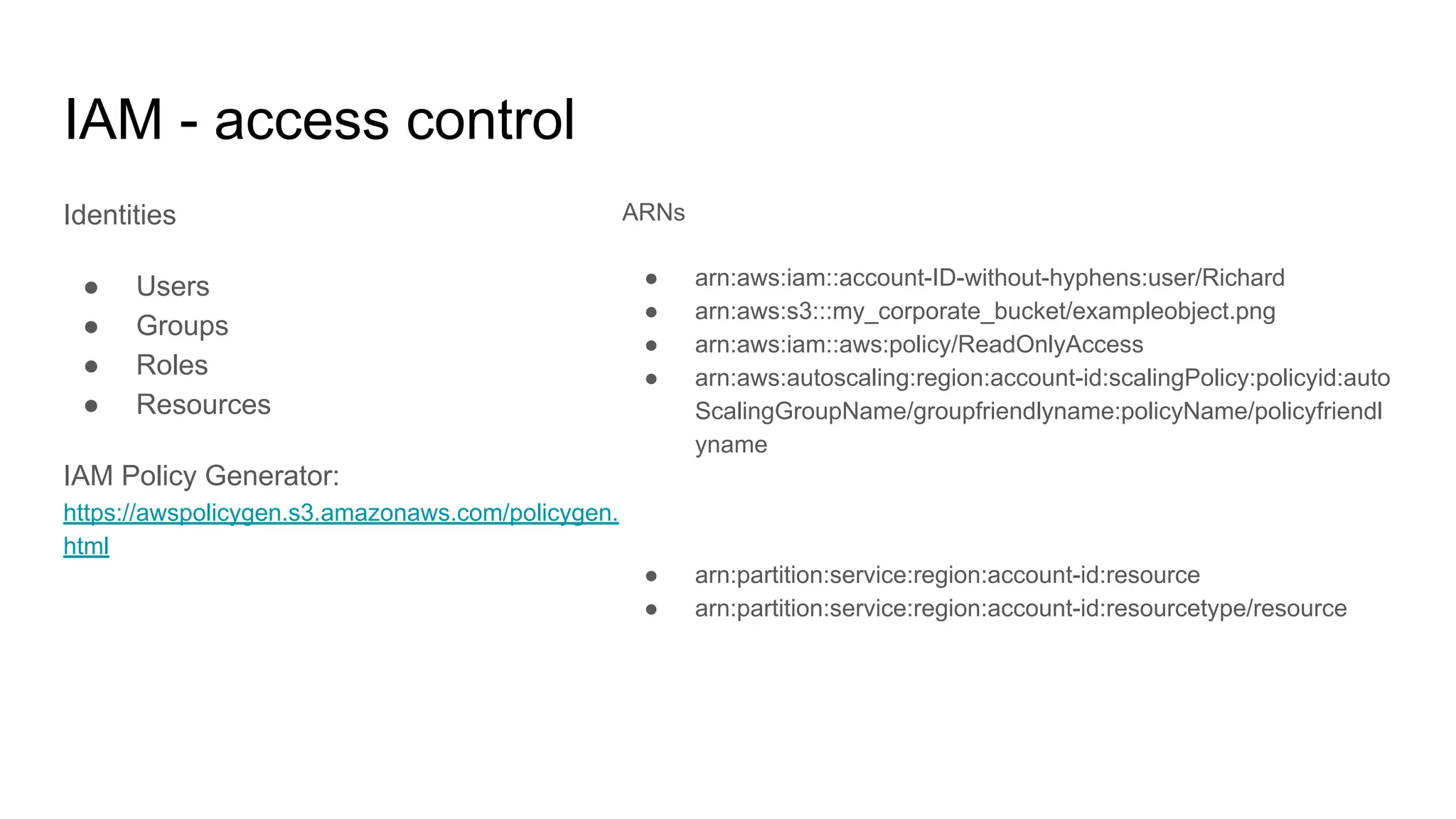
IAM - access control
Identities
● Users
● Groups
● Roles
● Resources
IAM Policy Generator:
https://awspolicygen.s3.amazonaws.com/policygen.
html
ARNs
● arn:aws:iam::account-ID-without-hyphens:user/Richard
● arn:aws:s3:::my_corporate_bucket/exampleobject.png
● arn:aws:iam::aws:policy/ReadOnlyAccess
● arn:aws:autoscaling:region:account-id:scalingPolicy:policyid:auto
ScalingGroupName/groupfriendlyname:policyName/policyfriendl
yname
● arn:partition:service:region:account-id:resource
● arn:partition:service:region:account-id:resourcetype/resource
IAM - examples
{
"Version": "2012-10-17",
"Statement": [
{
"Effect": "Allow",
"Action": [
"ec2:AttachVolume",
"ec2:DetachVolume"
],
"Resource": [
"arn:aws:ec2:*:*:volume/*",
"arn:aws:ec2:*:*:instance/*"
],
"Condition": {
"ArnEquals":
{"ec2:SourceInstanceARN":
"arn:aws:ec2:*:*:instance/<INSTANCE-ID>"}
}
}
]
}
{
"Version": "2012-10-17",
"Statement": {
"Effect": "Allow",
"Action":
"<SERVICE-NAME>:<ACTION-NAME>",
"Resource": "*",
"Condition": {
"DateGreaterThan":
{"aws:CurrentTime": "2017-07-01T00:00:00Z"},
"DateLessThan": {"aws:CurrentTime":
"2017-12-31T23:59:59Z"}
}
}
}
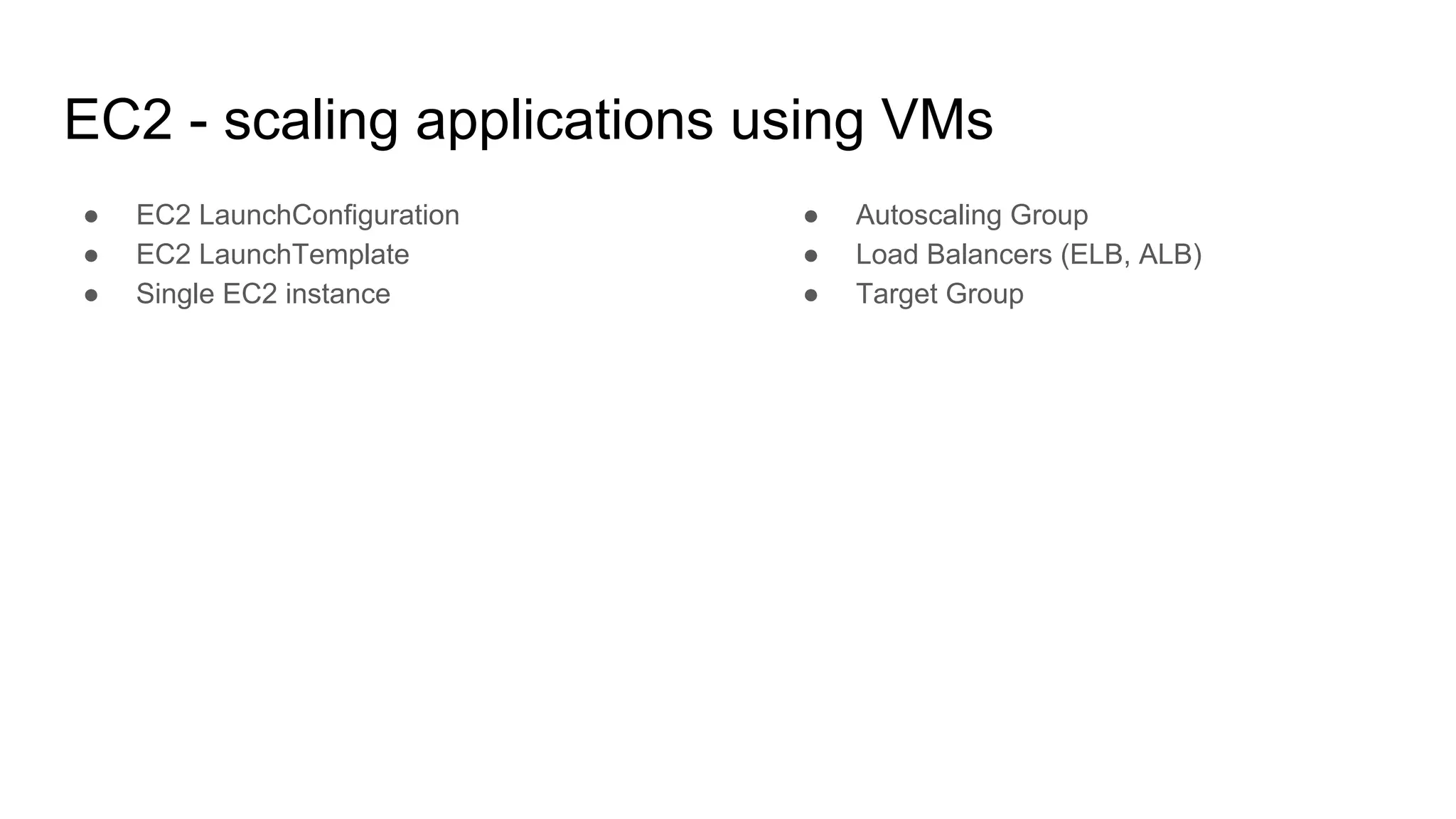
EC2 - scaling applications using VMs
● EC2 LaunchConfiguration
● EC2 LaunchTemplate
● Single EC2 instance
● Autoscaling Group
● Load Balancers (ELB, ALB)
● Target Group
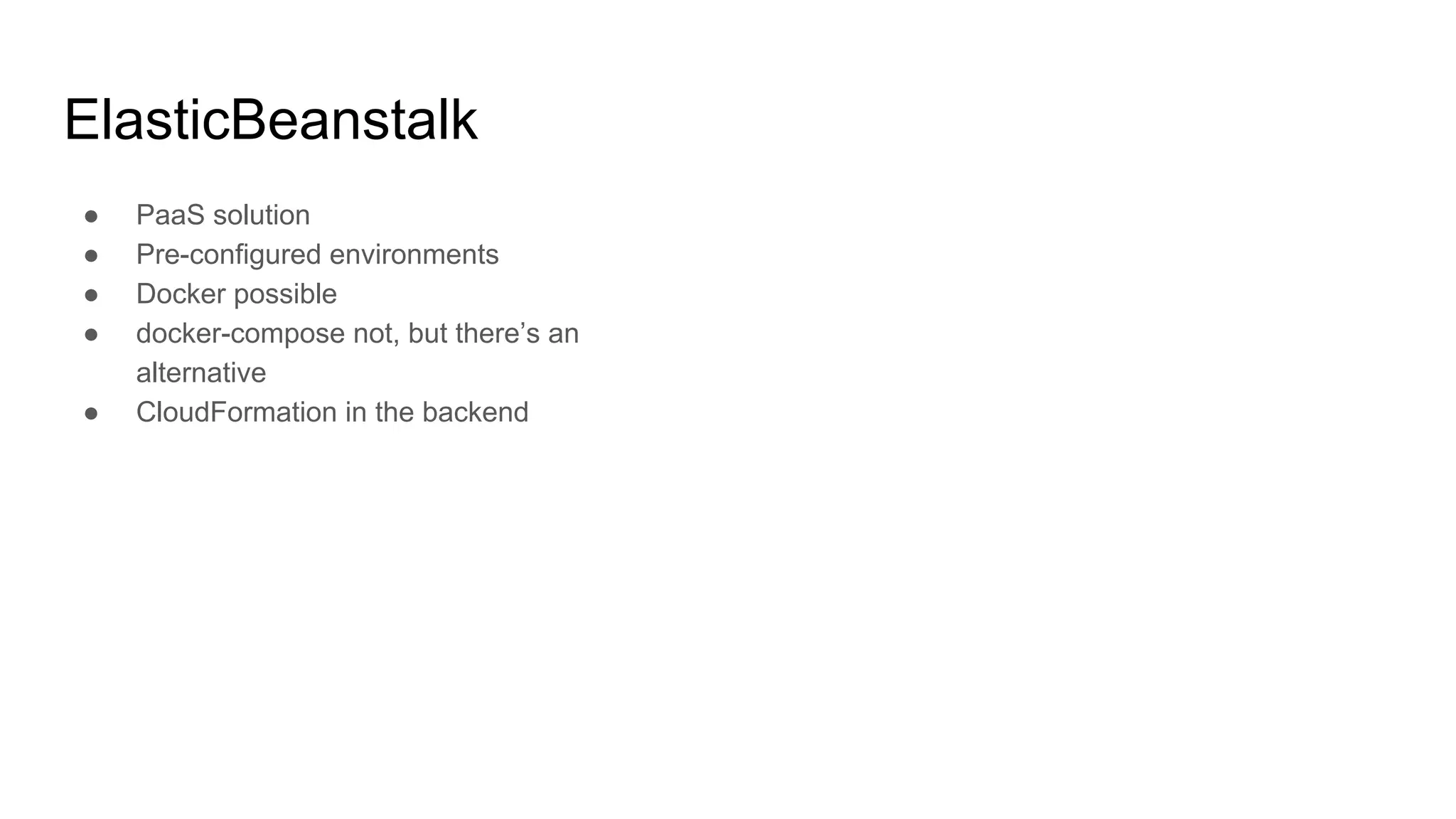
ElasticBeanstalk
● PaaS solution
● Pre-configured environments
● Docker possible
● docker-compose not, but there’s an
alternative
● CloudFormation in the backend
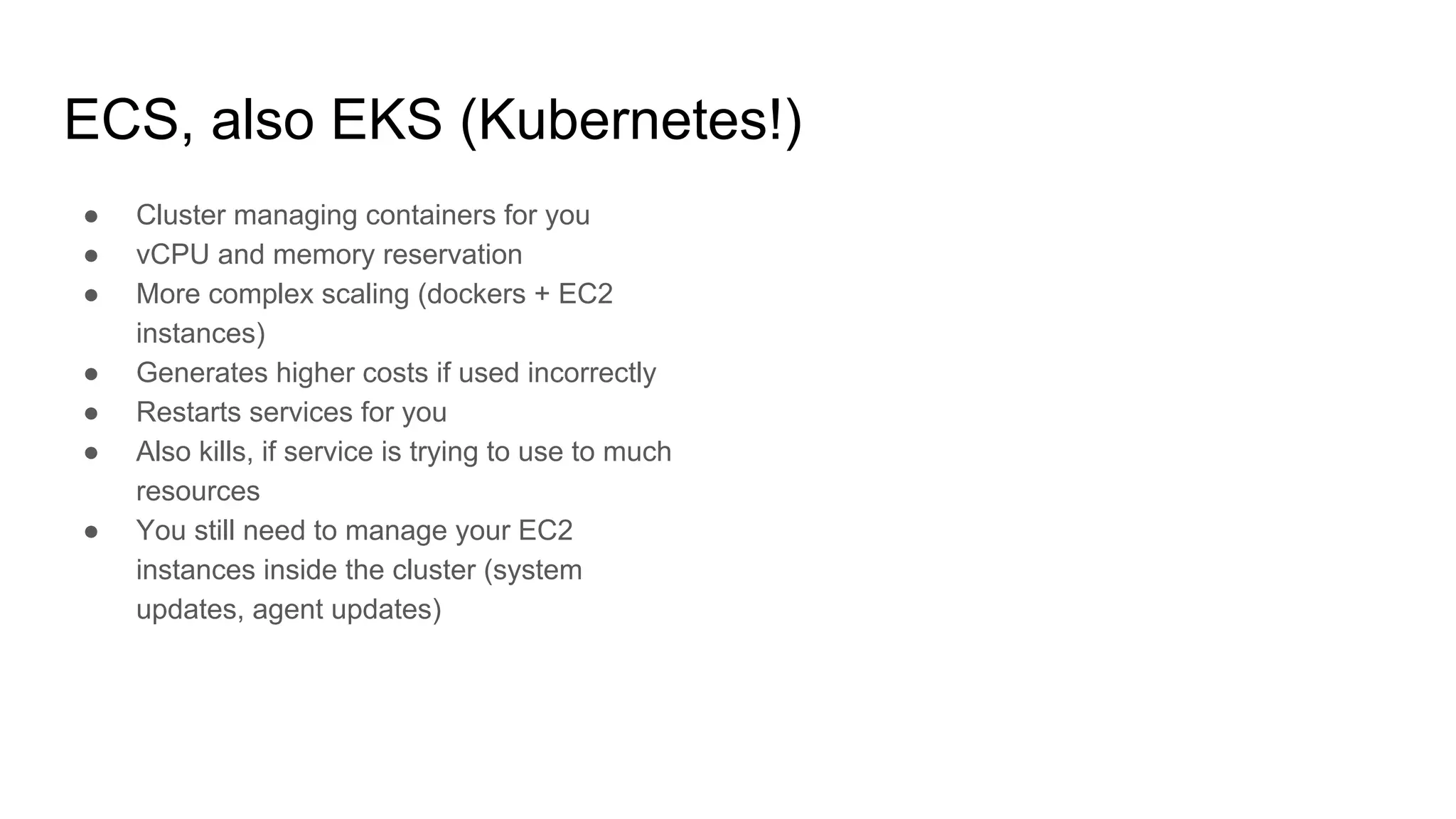
ECS, also EKS (Kubernetes!)
● Cluster managing containers for you
● vCPU and memory reservation
● More complex scaling (dockers + EC2
instances)
● Generates higher costs if used incorrectly
● Restarts services for you
● Also kills, if service is trying to use to much
resources
● You still need to manage your EC2
instances inside the cluster (system
updates, agent updates)
ECS Fargate
● You don’t manage EC2 instances
● Can’t mount persistent data volume
● … well, you can, but it’ll be ephemeral
volume (nonpersistent)
See:
https://docs.aws.amazon.com/AmazonEC
S/latest/developerguide/fargate-task-stora
ge.html
Docker
● Single process
● No logs inside container
● No IP address for container
● Small images
● Use Dockerfile or Packer
● NO security credentials in container
● … but put your code in there
● Don’t use “latest” tag
● Don’t run as root user
● Stateless services - no dependencies
across containers
FROM ubuntu:18.04
RUN apt-get update && 
apt-get -y upgrade && 
DEBIAN_FRONTEND=noninteractive apt-get -y install 
apache2 php7.2 php7.2-mysql 
libapache2-mod-php7.2 curl lynx
EXPOSE 80
ENTRYPOINT ["/bin/sh"]
CMD ["/usr/sbin/apache2ctl", "-D", "FOREGROUND"]
Route53 - DNS
● ALIAS != CNAME
● strtolower()
● Can act as a load balancer
● Implements health checks
● Zone can be removed after deleting all
records
● Public
● Private (non-routable, second address in
available pool)
S3 - object storage
● Eventually consistent
● Easy to use
● Can be attached to VPC
● Can be encrypted (KMS)
● Versioning available
● Replication
● Can serve static pages (Vue, React,
Angular)
AWS limits
● Every service have set some limits (eg.
number of EC2 instances) - very important
to think ahead demand - show
● Limits for LB naming, services naming (eg.
Lambdas name) - different for every
service (!) - 74, 128, 512 characters
● API rate limiting
● Hard to predict cost of running services
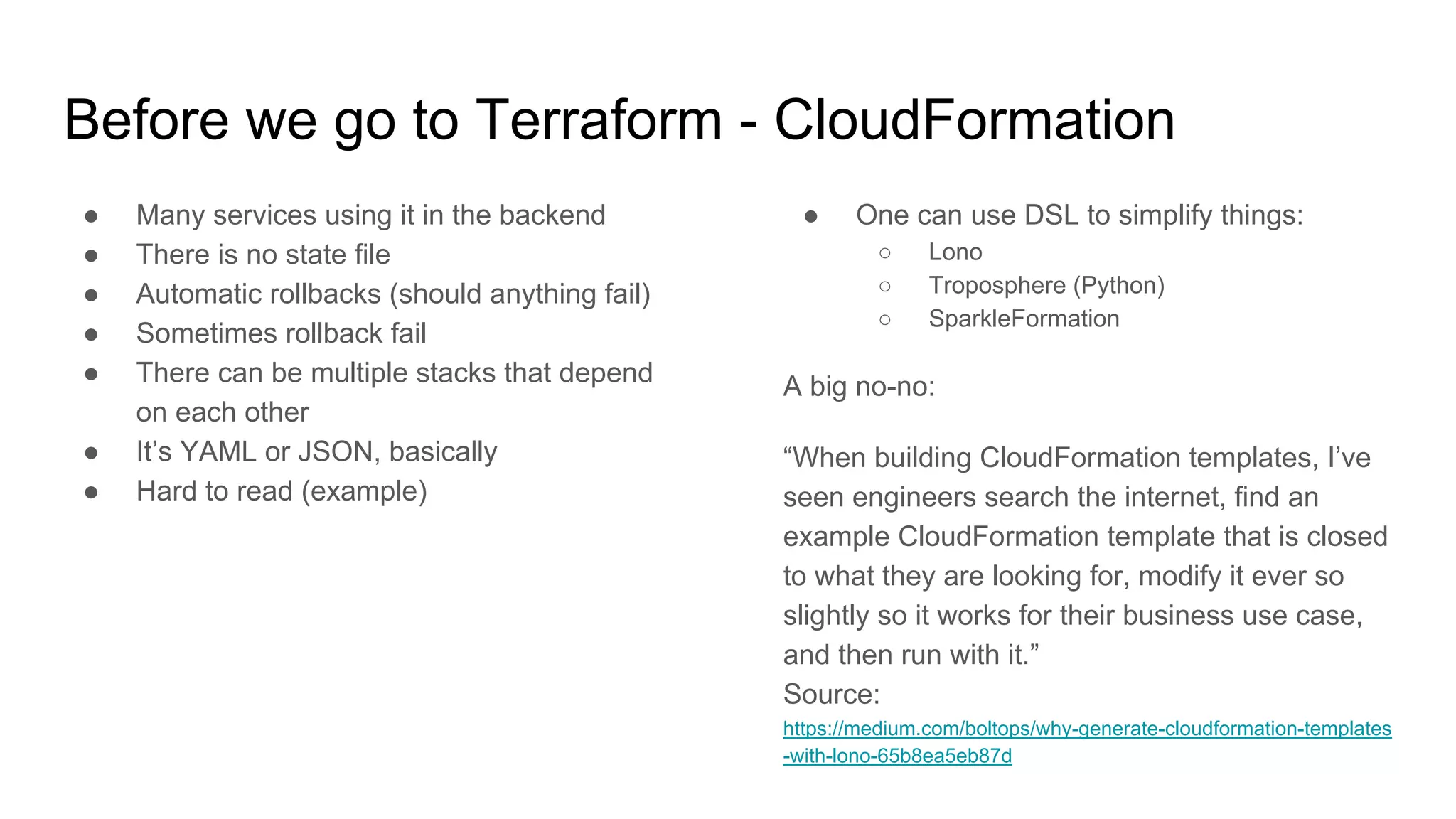
Before we go to Terraform - CloudFormation
● Many services using it in the backend
● There is no state file
● Automatic rollbacks (should anything fail)
● Sometimes rollback fail
● There can be multiple stacks that depend
on each other
● It’s YAML or JSON, basically
● Hard to read (example)
● One can use DSL to simplify things:
○ Lono
○ Troposphere (Python)
○ SparkleFormation
A big no-no:
“When building CloudFormation templates, I’ve
seen engineers search the internet, find an
example CloudFormation template that is closed
to what they are looking for, modify it ever so
slightly so it works for their business use case,
and then run with it.”
Source:
https://medium.com/boltops/why-generate-cloudformation-templates
-with-lono-65b8ea5eb87d
CloudFormation best practices book
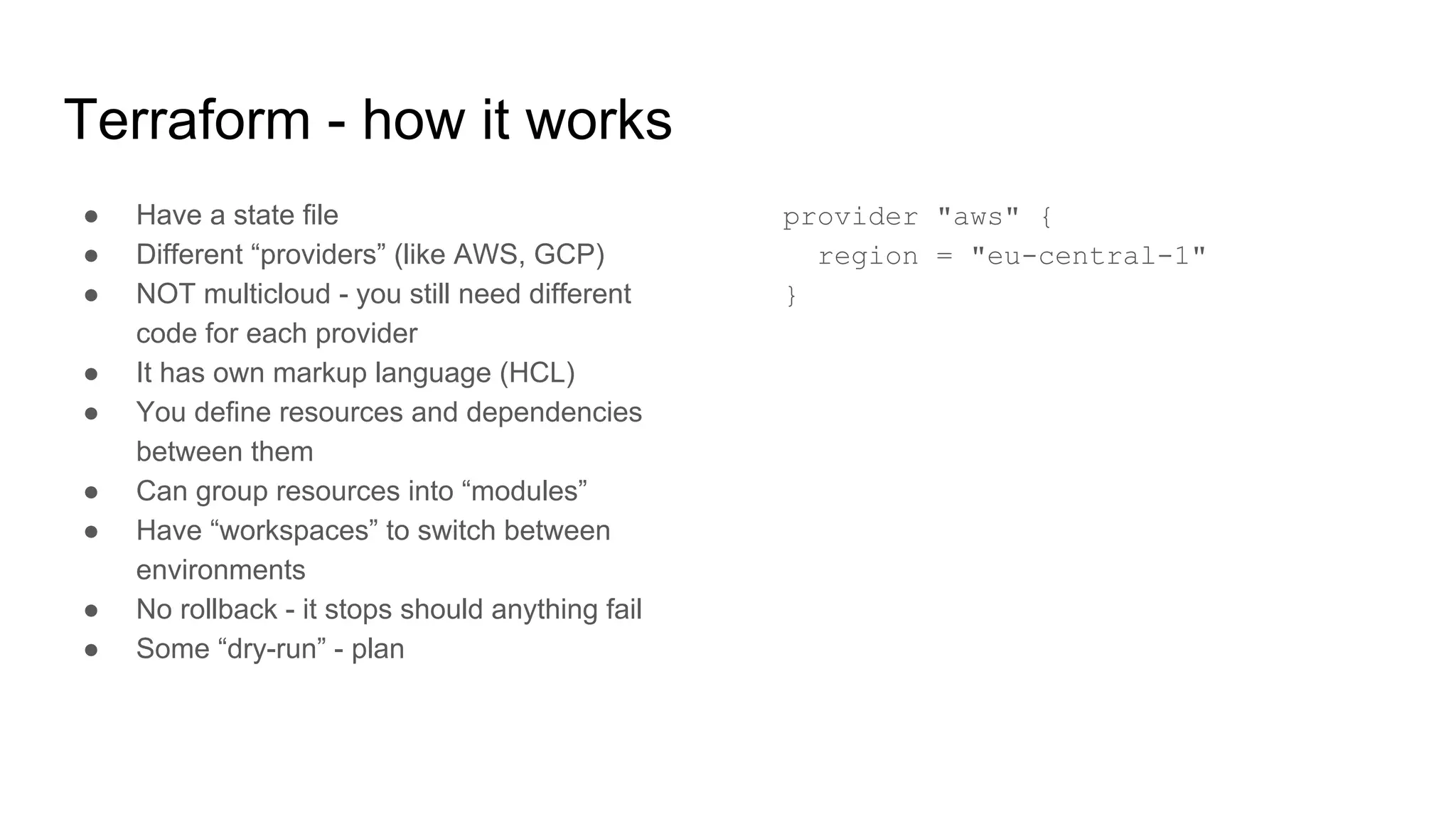
Terraform - how it works
● Have a state file
● Different “providers” (like AWS, GCP)
● NOT multicloud - you still need different
code for each provider
● It has own markup language (HCL)
● You define resources and dependencies
between them
● Can group resources into “modules”
● Have “workspaces” to switch between
environments
● No rollback - it stops should anything fail
● Some “dry-run” - plan
provider "aws" {
region = "eu-central-1"
}
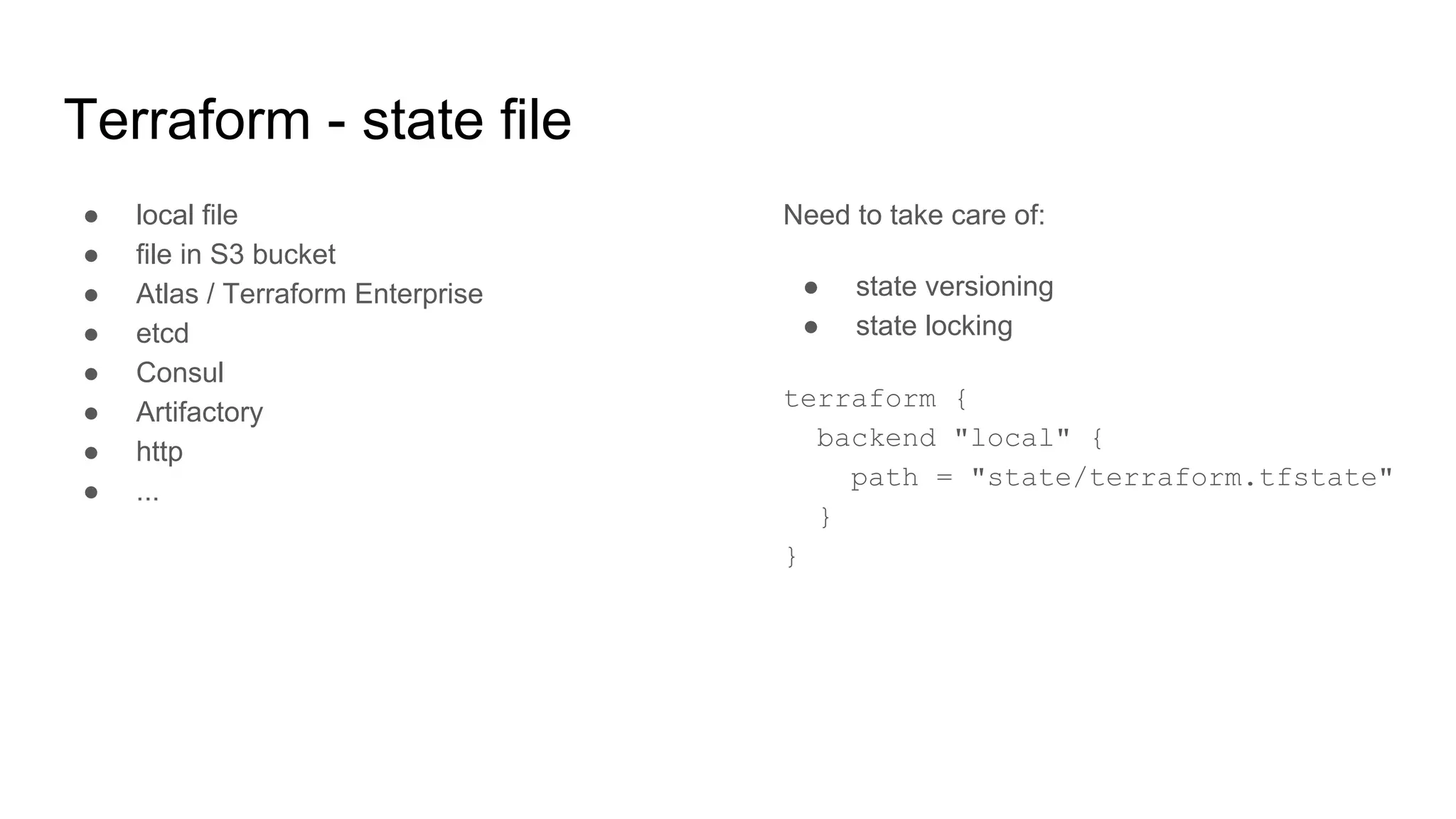
Terraform - state file
● local file
● file in S3 bucket
● Atlas / Terraform Enterprise
● etcd
● Consul
● Artifactory
● http
● ...
Need to take care of:
● state versioning
● state locking
terraform {
backend "local" {
path = "state/terraform.tfstate"
}
}
Terraform - let’s install!
● AWSCLI
● https://terraform.io (0.11.x)
$ export AWS_PROFILE=blah
$ export PATH=$PATH:/path/to/terraform
$ terraform init
$ terraform plan
$ terraform fmt
$ terraform apply
Terraform - VPC and basic subnets
● Multi AZ
● Public and private subnets
● NAT gateway
● Internet gateway
● Endpoints
● Route tables
● Network ACLs
https://randops.org/2016/11/29/quick-vpc-reference-configuration-for-scenario-2/
Terraform - NAT gateways, internet gateways
● Internet gateway connected to a VPC
● NAT gateways in a public network
● Route tables must contain IGW and NAT
GW
Terraform - basic EC2 instance
● Single EC2 instance in a public subnet
● t2.micro
● SSH open
● Must create SSH key in AWS
resource "aws_instance" "ssh_host" {
ami = "ami-0bdf93799014acdc4"
instance_type = "t2.micro"
key_name = "${aws_key_pair.admin.key_name}"
subnet_id = "${aws_subnet.public.id}"
vpc_security_group_ids = [
"${aws_security_group.allow_ssh.id}",
"${aws_security_group.allow_all_outbound.id}",
]
tags {
Name = "SSH bastion"
}
}
Terraform - EC2 (auto)scaling
● Launch configuration
● Autoscaling group
● Load balancer (ELB)
● EC2 in a private subnet
● LB in a public subnet (public)
● CloudWatch setup:
○ EC2 instance role
○ CloudWatch metrics sent from EC2 using
cron job
● Alerts (high/low)
● Scale strategy
VPC and subnets
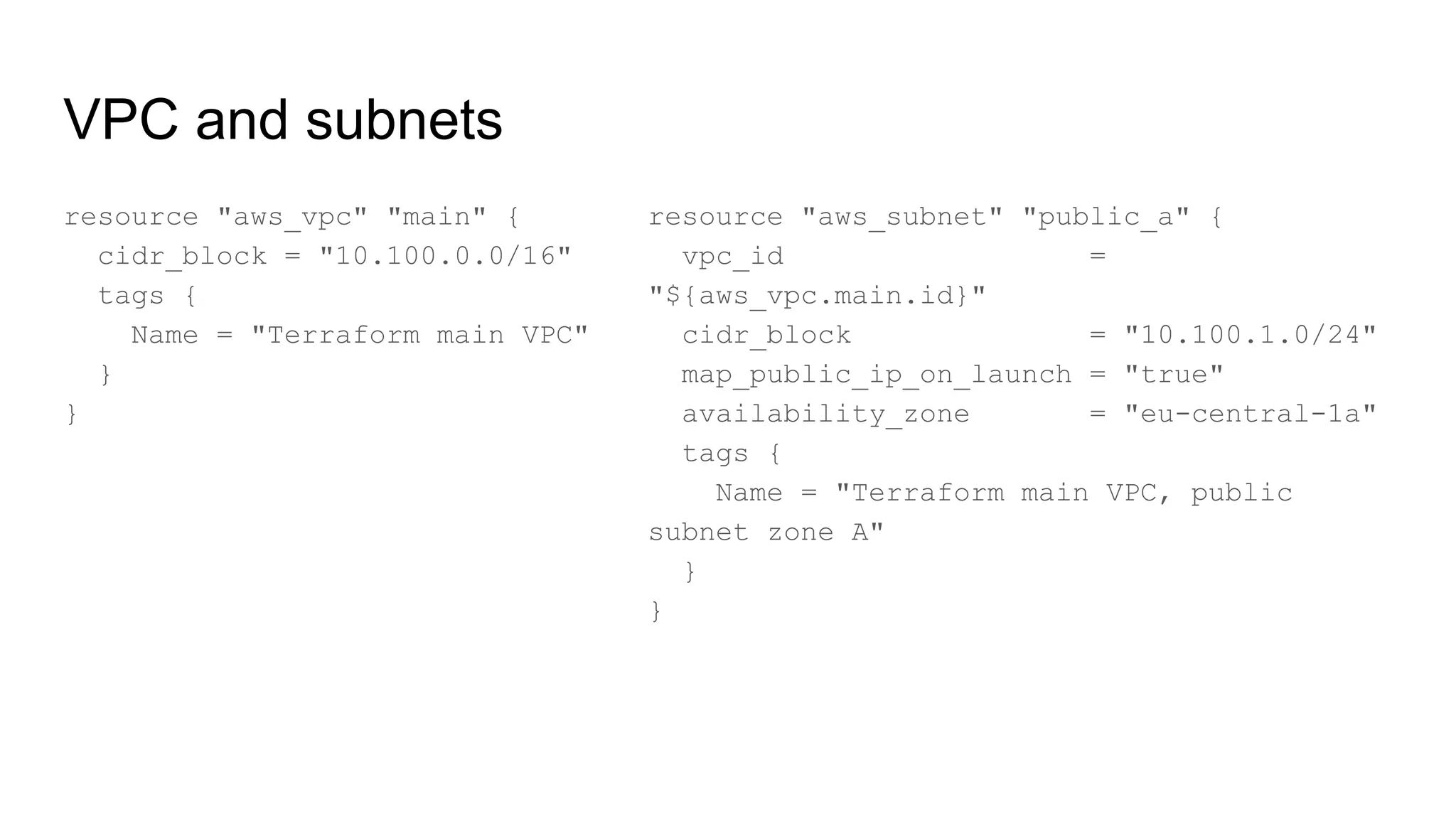
resource "aws_vpc" "main" {
cidr_block = "10.100.0.0/16"
tags {
Name = "Terraform main VPC"
}
}
resource "aws_subnet" "public_a" {
vpc_id =
"${aws_vpc.main.id}"
cidr_block = "10.100.1.0/24"
map_public_ip_on_launch = "true"
availability_zone = "eu-central-1a"
tags {
Name = "Terraform main VPC, public
subnet zone A"
}
}
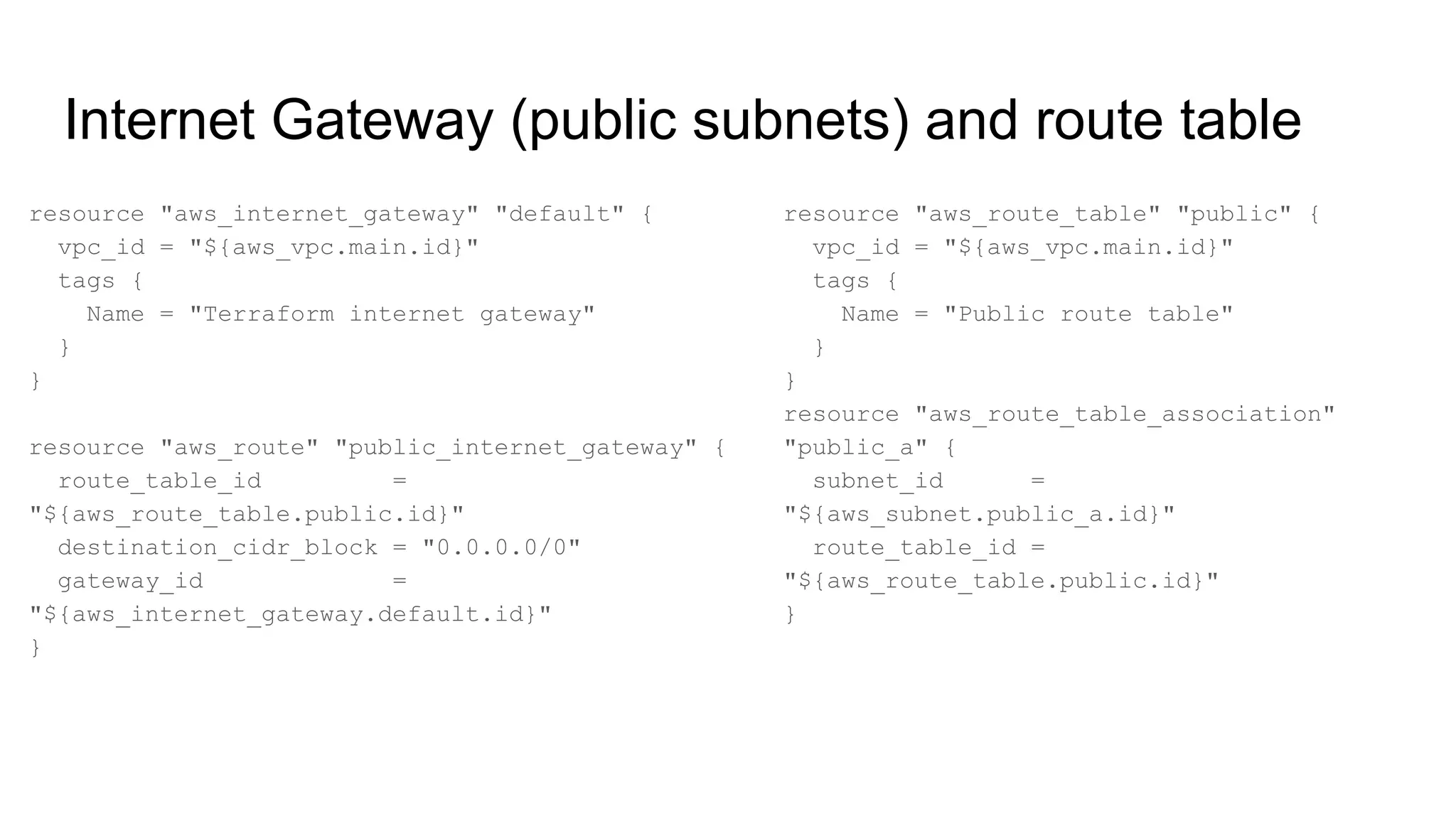
Internet Gateway (public subnets) and route table
resource "aws_internet_gateway" "default" {
vpc_id = "${aws_vpc.main.id}"
tags {
Name = "Terraform internet gateway"
}
}
resource "aws_route" "public_internet_gateway" {
route_table_id =
"${aws_route_table.public.id}"
destination_cidr_block = "0.0.0.0/0"
gateway_id =
"${aws_internet_gateway.default.id}"
}
resource "aws_route_table" "public" {
vpc_id = "${aws_vpc.main.id}"
tags {
Name = "Public route table"
}
}
resource "aws_route_table_association"
"public_a" {
subnet_id =
"${aws_subnet.public_a.id}"
route_table_id =
"${aws_route_table.public.id}"
}
NAT gateway and private subnets
resource "aws_subnet" "private_a" {
vpc_id = "${aws_vpc.main.id}"
cidr_block = "10.100.10.0/24"
map_public_ip_on_launch = false
availability_zone = "eu-central-1a"
tags {
Name = "Terraform main VPC, private
subnet zone A"
}
}
resource "aws_nat_gateway" "natgw_a" {
allocation_id =
"${element(aws_eip.nateip.*.id, 0)}"
subnet_id = "${aws_subnet.public_a.id}"
depends_on =
["aws_internet_gateway.default"]
}
EC2 instance, security group, ssh key (bastion host)
resource "aws_security_group" "allow_ssh" {
name = "allow_ssh"
description = "Allow inbound SSH traffic"
vpc_id = "${aws_vpc.main.id}"
ingress {
from_port = 22
to_port = 22
protocol = "tcp"
cidr_blocks = ["0.0.0.0/0"]
}
egress {
from_port = 0
to_port = 0
protocol = "-1"
cidr_blocks = ["0.0.0.0/0"]
}
}
resource "aws_key_pair" "admin" {
key_name = "admin-key"
public_key = "${var.ssh_key}"
}
resource "aws_instance" "ssh_host" {
ami = "ami-0bdf93799014acdc4"
instance_type = "t2.micro"
key_name = "${aws_key_pair.admin.key_name}"
subnet_id = "${aws_subnet.public_a.id}"
vpc_security_group_ids = [
"${aws_security_group.allow_ssh.id}",
"${aws_security_group.allow_all_outbound.id}",
]
tags {
Name = "SSH bastion"
}
}
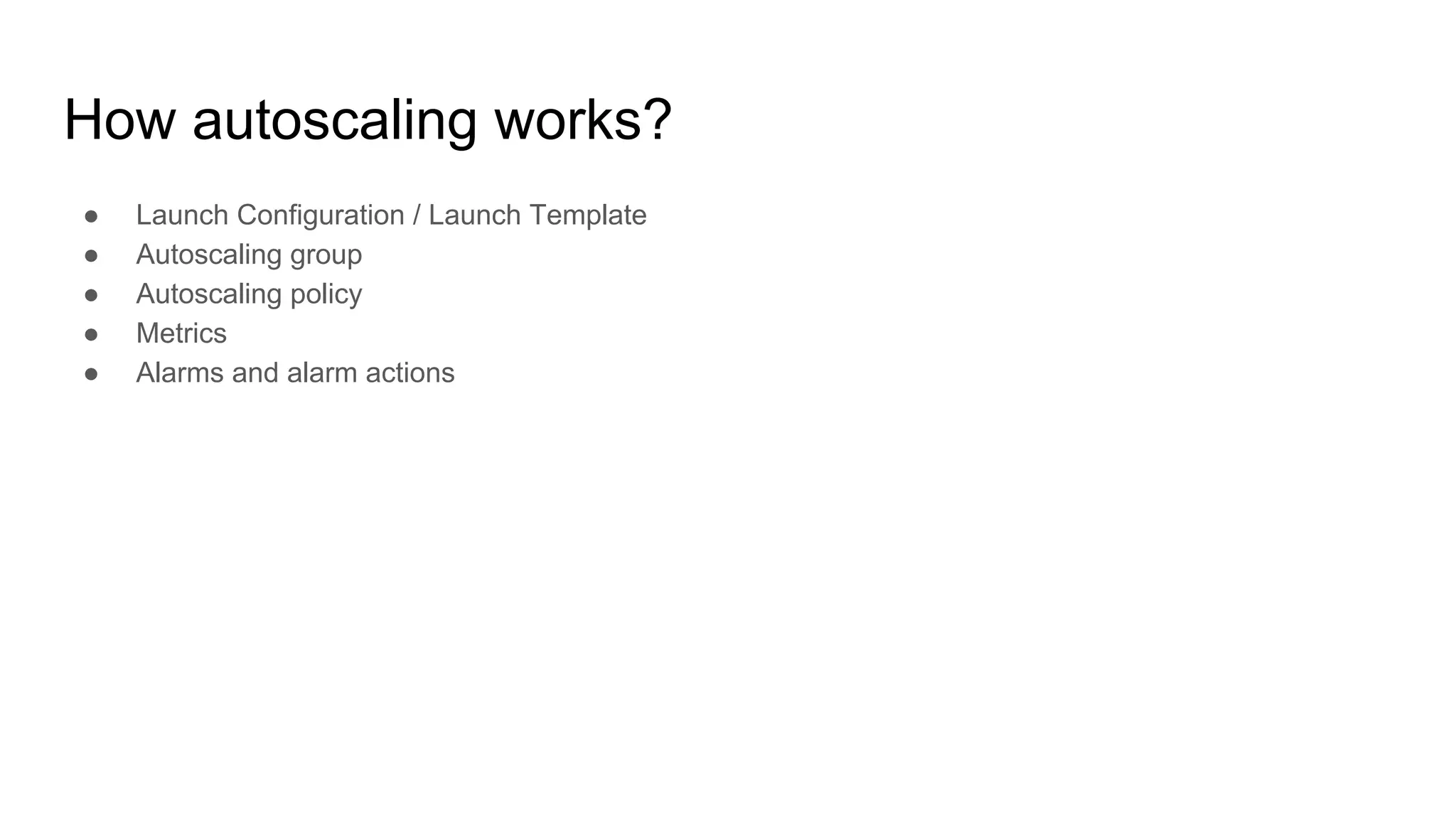
How autoscaling works?
● Launch Configuration / Launch Template
● Autoscaling group
● Autoscaling policy
● Metrics
● Alarms and alarm actions
Launch configuration
resource "aws_launch_configuration" "as_conf" {
image_id = "${data.aws_ami.ubuntu.id}"
instance_type = "${var.instance_type}"
key_name = "${aws_key_pair.admin.key_name}"
user_data = "${data.template_file.init.rendered}"
security_groups = [
"${aws_security_group.http_server_public.id}",
"${aws_security_group.allow_ssh_ip.id}",
"${aws_security_group.allow_all_outbound.id}",
]
iam_instance_profile = "${aws_iam_instance_profile.ec2_default.name}"
associate_public_ip_address = "${var.associate_public_ip_address}"
}
Autoscaling group
resource "aws_autoscaling_group" "application" {
name = "ASG"
launch_configuration = "${aws_launch_configuration.as_conf.name}"
vpc_zone_identifier = [
"${aws_subnet.private_a.id}",
"${aws_subnet.private_b.id}",
"${aws_subnet.private_c.id}"
]
min_size = "${var.min_size}"
max_size = "${var.max_size}"
load_balancers = ["${aws_elb.default-elb.name}"]
termination_policies = ["OldestInstance"]
tag {
key = "Name"
value = "EC2-sample-service"
propagate_at_launch = true
}
}
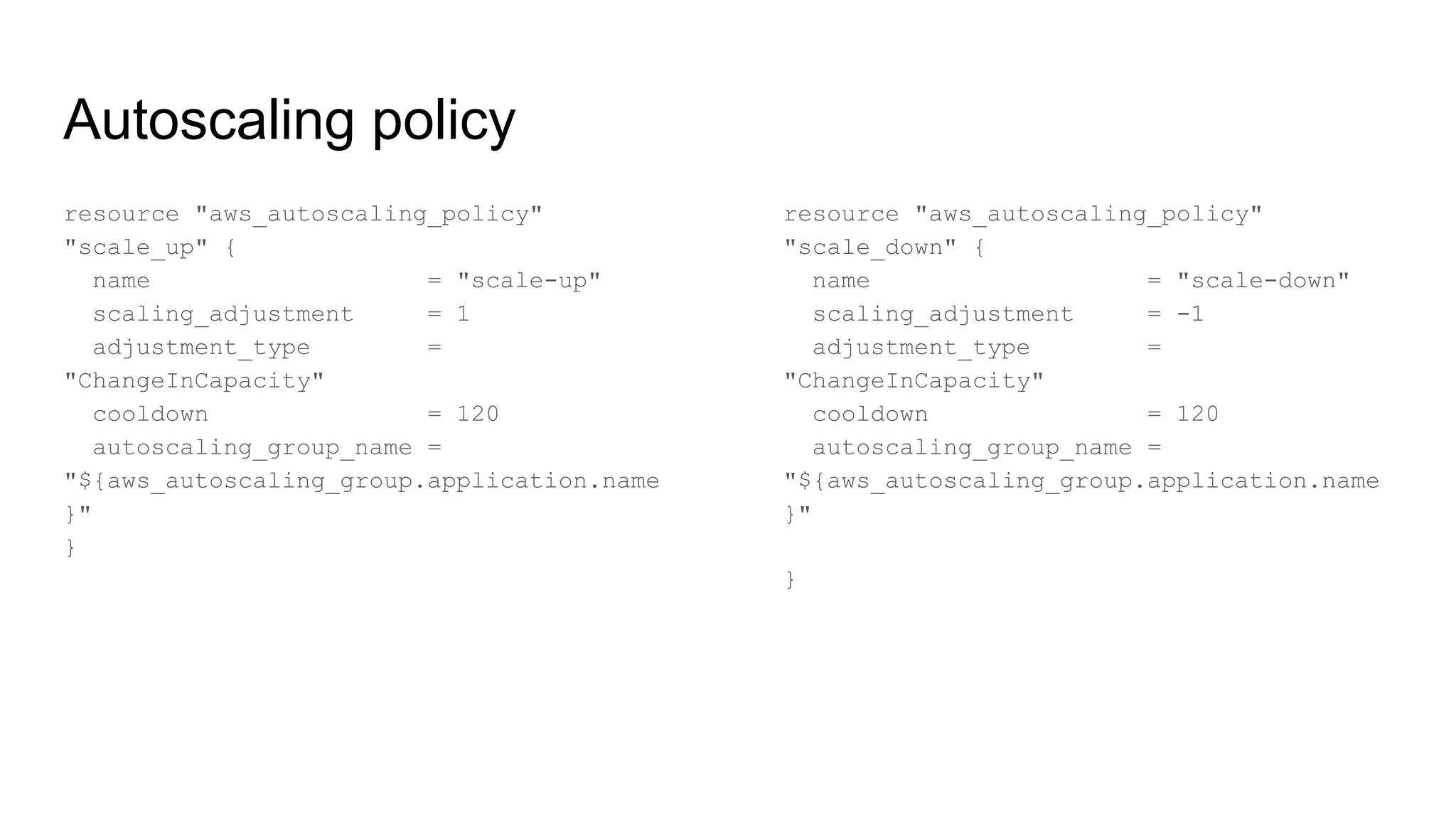
Autoscaling policy
resource "aws_autoscaling_policy"
"scale_up" {
name = "scale-up"
scaling_adjustment = 1
adjustment_type =
"ChangeInCapacity"
cooldown = 120
autoscaling_group_name =
"${aws_autoscaling_group.application.name
}"
}
resource "aws_autoscaling_policy"
"scale_down" {
name = "scale-down"
scaling_adjustment = -1
adjustment_type =
"ChangeInCapacity"
cooldown = 120
autoscaling_group_name =
"${aws_autoscaling_group.application.name
}"
}
Metric and alarm action
resource "aws_cloudwatch_metric_alarm" "cpu_utilization_high" {
alarm_name = "cpu-utilization"
comparison_operator = "GreaterThanOrEqualToThreshold"
evaluation_periods = "2"
metric_name = "CPUUtilization"
namespace = "AWS/EC2"
period = "60"
statistic = "Average"
threshold = "80"
dimensions {
AutoScalingGroupName = "${aws_autoscaling_group.application.name}"
}
alarm_description = "CPU Utilization high"
alarm_actions = ["${aws_autoscaling_policy.scale_up.arn}"]
}
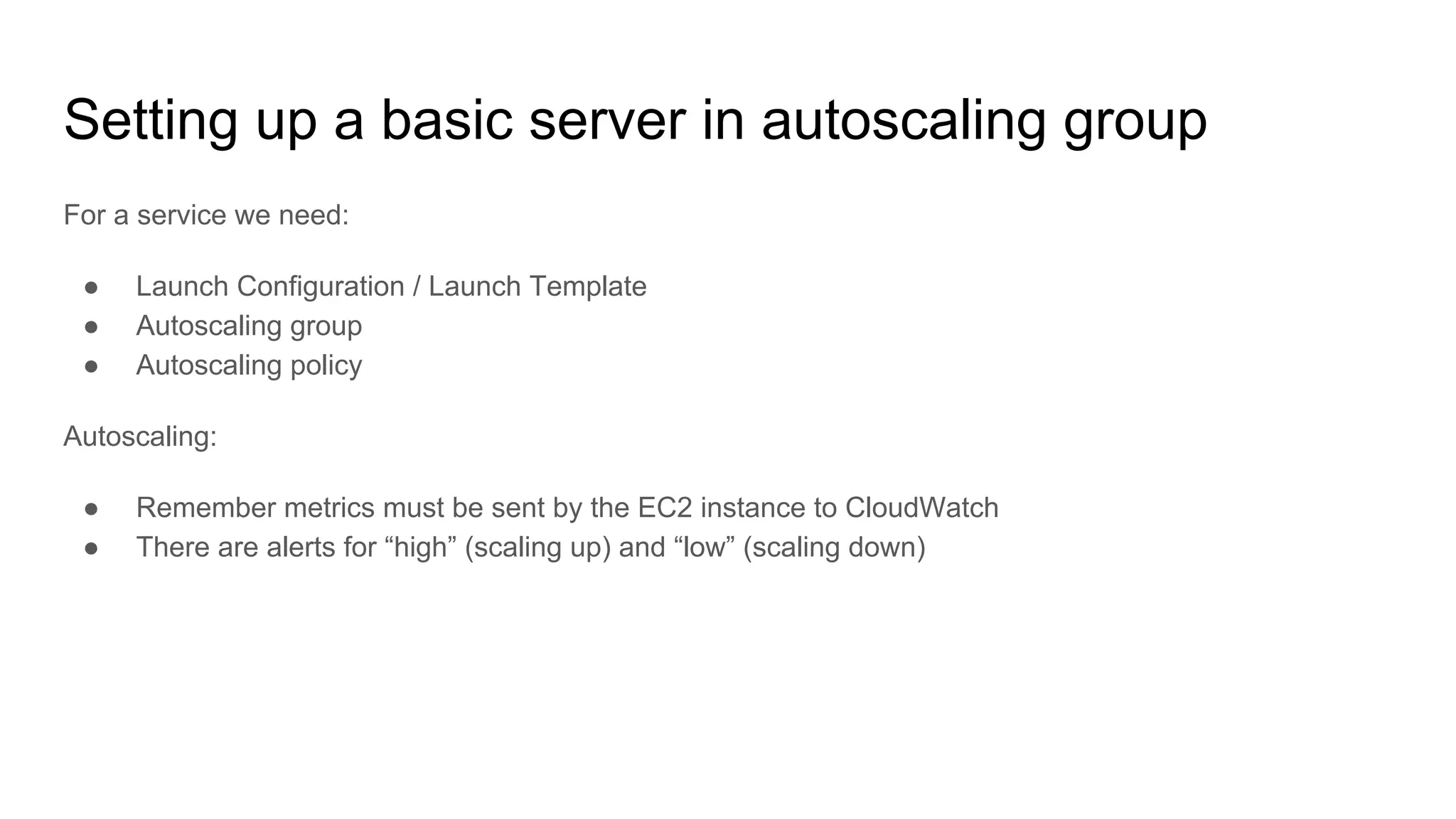
Setting up a basic server in autoscaling group
For a service we need:
● Launch Configuration / Launch Template
● Autoscaling group
● Autoscaling policy
Autoscaling:
● Remember metrics must be sent by the EC2 instance to CloudWatch
● There are alerts for “high” (scaling up) and “low” (scaling down)
Side quest: Let’s develop a service
● Python 3.x
● Have /health URI
● Automatically deployed!
● Need an S3 bucket for deployment
● Launch configuration should deploy
“latest” build
● Remember IAM role to allow EC2 access
the S3 bucket
● You need AWSCLI on EC2 instance
● ELB in public subnet(s)
● EC2 in private subnet(s)
Autoscaling:
● Remember metrics must be sent by the
EC2 instance to CloudWatch
● There are alerts for “high” (scaling up) and
“low” (scaling down)
See you tomorrow! :-)
Day 2
EC2 autoscaling, ECS + Terraform, Monitoring, CI/CD
Three days doing stuff
Day 1
AWS: networks, scaling, automation
Terraform - howto
EC2, (auto)scaling
Load balancing (ELB, ALB)
Day 2
EC2, (auto)scaling
CI/CD
Monitoring
Docker
ECS cluster
Day 3
Dockery, ECS - continue
Configuration management
Hashicorp Vault
Databases (RDS, ElastiCache, ...)
AWS Lambda
Agenda
1. Finishing up EC2 autoscaling
2. Let’s talk about Docker antipatterns
3. ECS cluster intro
4. Monitoring (Servers, Applications, Logs)
5. Continuous everything (CI/CD)
6. Terraform: code structure
7. Terraform: ECS cluster + services with
autoscaling
EC2 autoscaling - continue!
● Launch configuration
● Autoscaling group
● Load balancer (ELB)
● EC2 in a private subnet
● LB in a public subnet (public)
● CloudWatch setup:
○ EC2 instance role
○ CloudWatch metrics sent from EC2 using
cron job
● Alerts (high/low)
● Scale strategy
Docker
● Single process
● No logs inside container
● No IP address for container
● Small images
● Use Dockerfile or Packer
● NO security credentials in container
● … but put your code in there
● Don’t use “latest” tag
● Don’t run as root user
● Stateless services - no dependencies
across containers
ECS
● Cluster managing containers for you
● vCPU and memory reservation
● More complex scaling (dockers + EC2
instances)
● Generates higher costs if used incorrectly
● Restarts services for you
● Also kills, if service is trying to use too
much resources
● You still need to manage your EC2
instances inside the cluster (system
updates, agent updates)
Monitoring
From Amazon:
● CloudWatch
● X-Ray (need code alterations, APM)
● ElasticSearch (logs, SaaS)
● CloudTrail (logs)
External:
● Datadog (metrics, APM, logs)
● NewRelic
● Ruxit
● ...
CI/CD
Continuous Integration
“practice of merging all developer working
copies to a shared mainline several times a day”
- Wikipedia
Continuous Delivery
“making sure the software checked in on the
mainline is always in a state that can be
deployed to users and makes the actual
deployment process very rapid” - Wikipedia
Continuous Deployment
“software engineering approach in which
software functionalities are delivered frequently
through automated deployments” - also
Wikipedia
What that means?
Terraform code structure
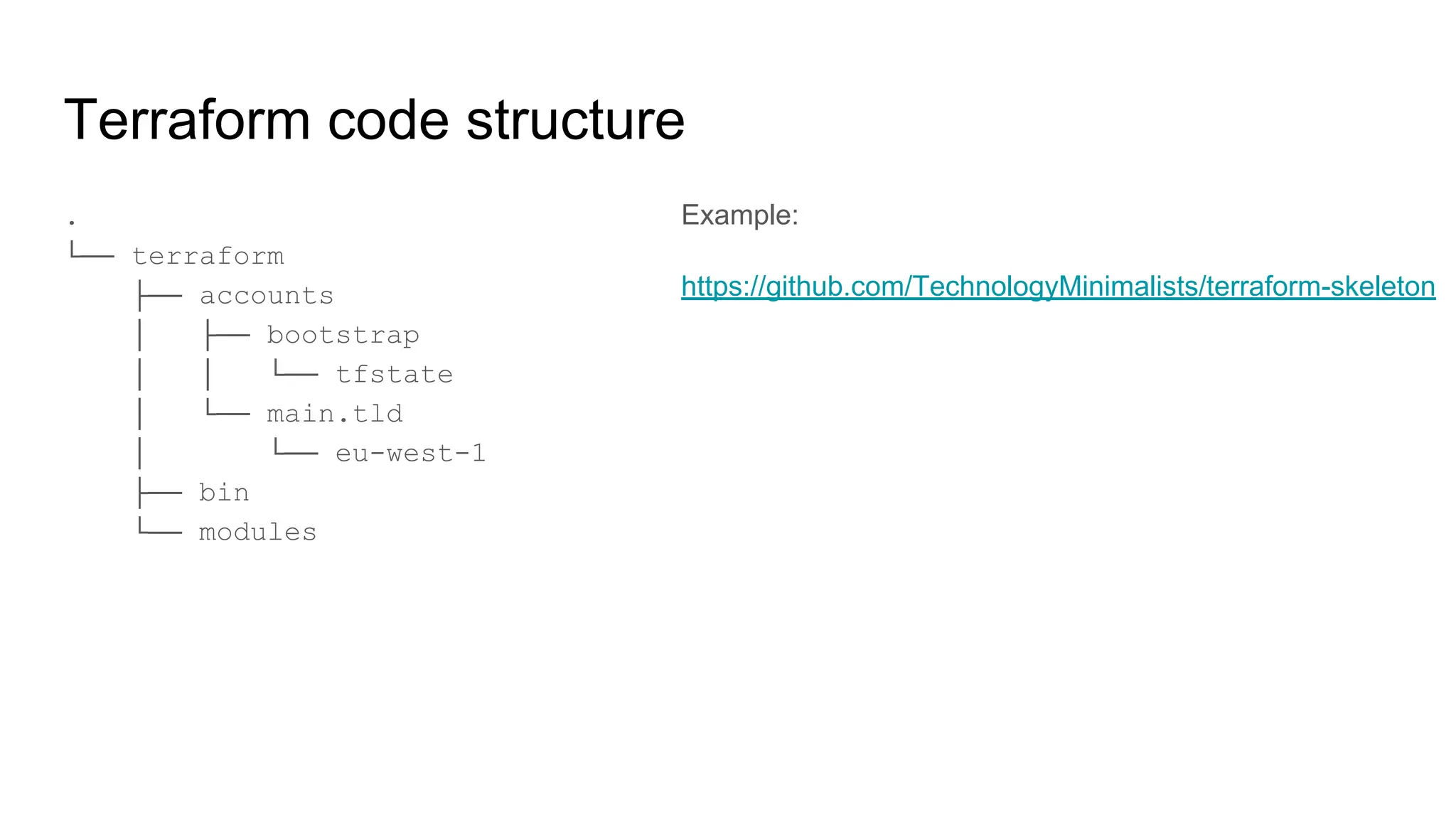
.
└── terraform
├── accounts
│ ├── bootstrap
│ │ └── tfstate
│ └── main.tld
│ └── eu-west-1
├── bin
└── modules
Example:
https://github.com/TechnologyMinimalists/terraform-skeleton
Jenkins - Jenkinsfile example
node("master") {
stage("Prep") {
deleteDir() // Clean up the workspace
checkout scm
withCredentials([file(credentialsId: 'tfvars', variable: 'tfvars')]) {
sh "cp $tfvars terraform.tfvars"
}
sh "terraform init --get=true"
}
stage("Plan") {
sh "terraform plan -out=plan.out -no-color"
}
if (env.BRANCH_NAME == "master") {
stage("Apply") {
input 'Do you want to apply this plan?'
sh "terraform apply -no-color plan.out"
}
}
}
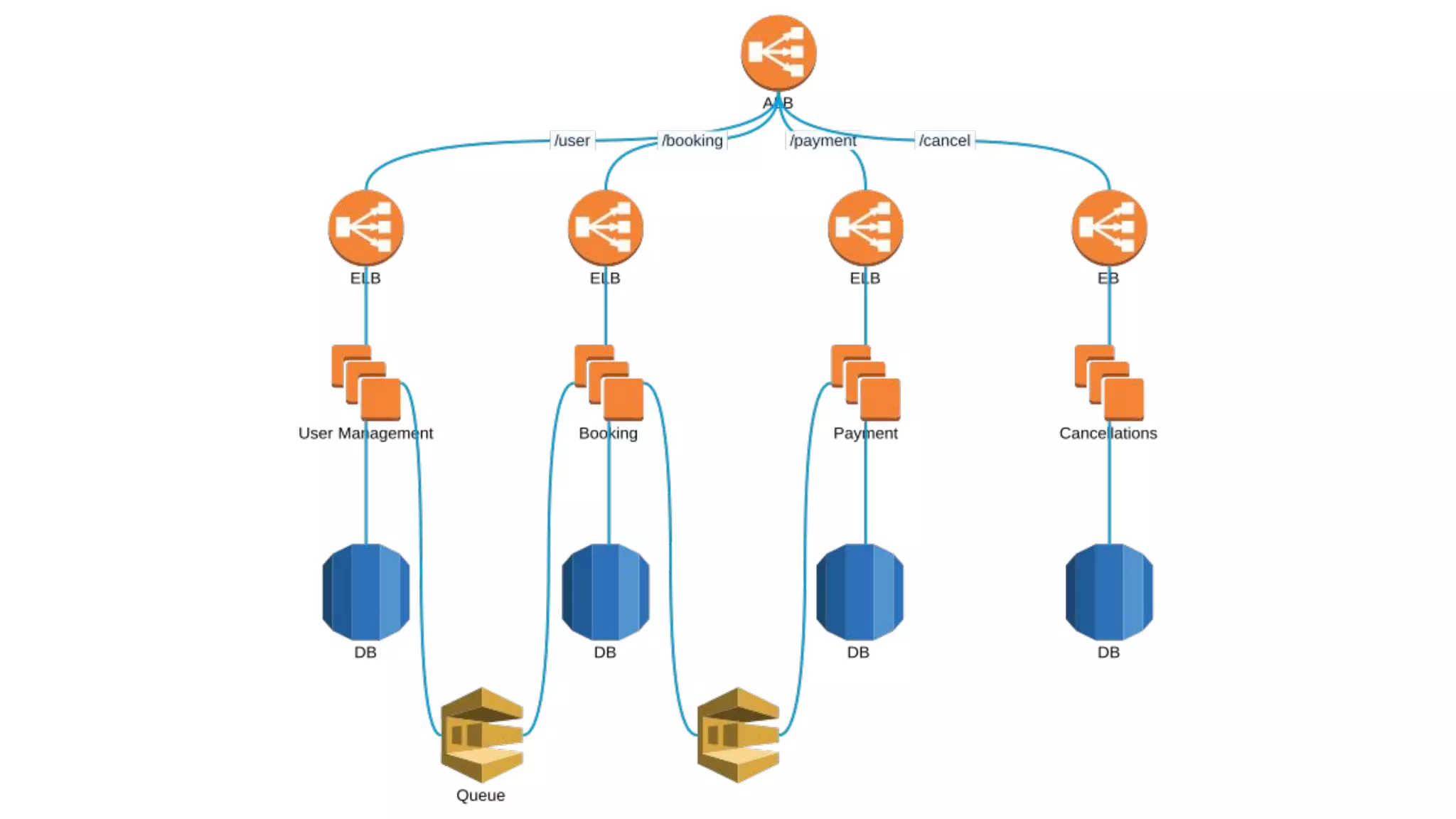
ECS + 1-2 services
● Let’s use a module to set up cluster with
autoscaling
● Reuse module for task definition
● Reuse code of Python app we created
● ELB and ALB - differences and why using
ALB?
● Where to keep your images? (Docker
HUB, ECR)
Terraform modules
● There are community modules
● https://registry.terraform.io/
● https://github.com/terraform-community-modules
● Modules take inputs (variables) and generate outputs
that could be used in other code
More on modules
ECS cluster
module "ecs-cluster" {
source = "azavea/ecs-cluster/aws"
version = "2.0.0"
vpc_id = "${aws_vpc.main.id}"
instance_type = "t2.small"
key_name = "blah"
root_block_device_type = "gp2"
root_block_device_size = "10"
health_check_grace_period = "600"
desired_capacity = "1"
min_size = "0"
max_size = "2"
enabled_metrics = [...]
private_subnet_ids = [...]
project = "Something"
environment = "Staging"
lookup_latest_ami = "true"
}
● It’s worth to invest time to prepare
modules tailored to your needs, but there
are great ones ready to use
● It’s going to take time to understand how
module works
● … but it’ll be shorter than creating your
own
● Not everything should be a module (do
NOT securityGroupModuleFactory)
● Group important things together
ECS cluster
● IAM Role for EC2 instances
● Use ECS-optimized instances (Amazon
Linux)
● IAM Role for Services
● VPC and networking
● ECR for keeping home-baked images
(optional)
● Aggregated metrics for “group”
● CloudWatch log group for logs (optional)
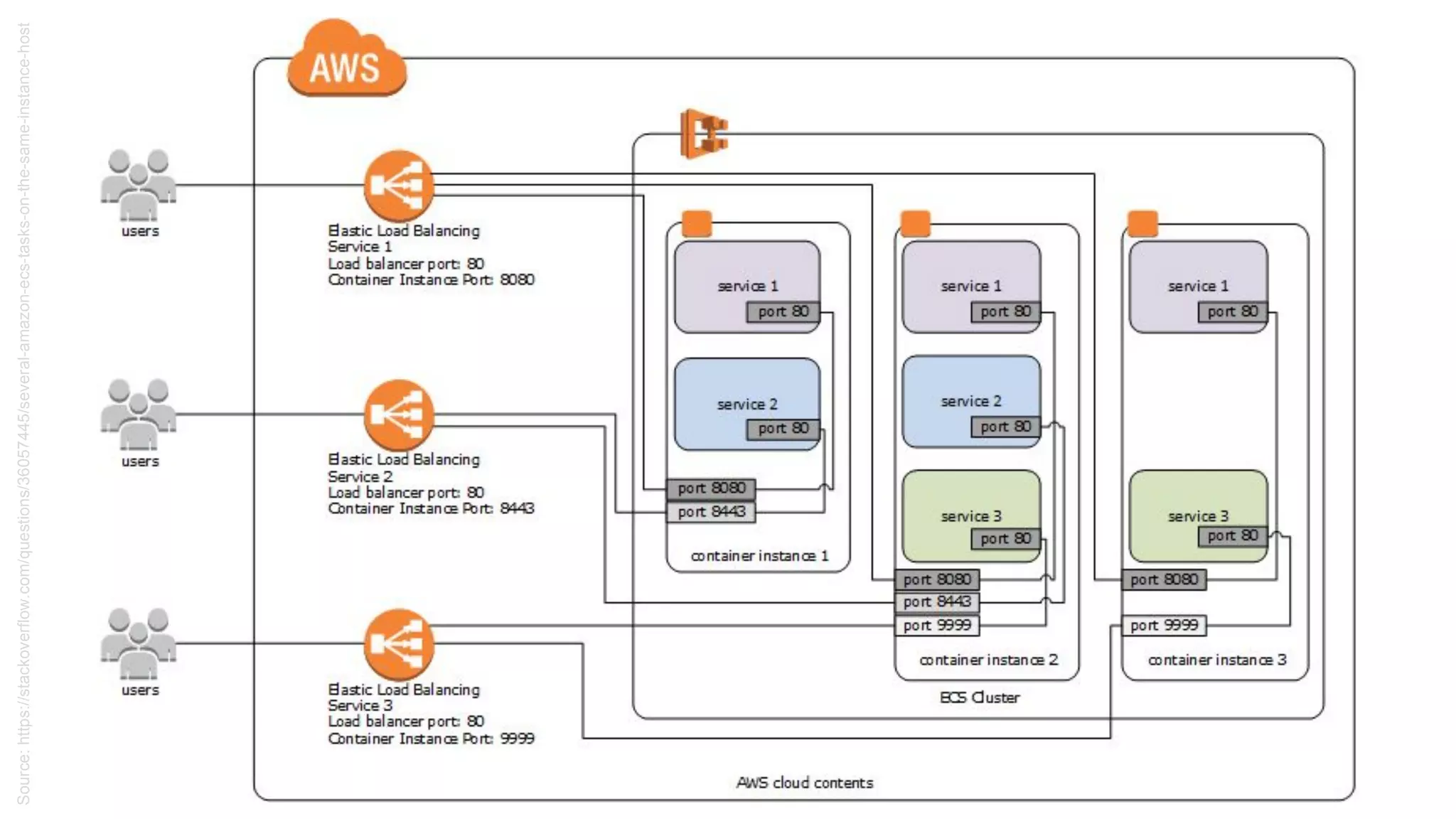
Source:https://stackoverflow.com/questions/36057445/several-amazon-ecs-tasks-on-the-same-instance-host
ECS task definition
resource "aws_ecs_task_definition" "main" {
family = "some-name"
container_definitions = "${var.task_definition}"
task_role_arn = "${var.task_role_arn}"
network_mode = "${var.task_network_mode}"
cpu = "${var.task_cpu}"
memory = "${var.task_memory}"
requires_compatibilities = ["service_launch_type"]
execution_role_arn = execution_role_arn
}
https://github.com/TechnologyMinimalists/aws-containers
-task-definitions
[{
"environment": [{
"name": "SECRET",
"value": "KEY"
}],
"essential": true,
"memoryReservation": 128,
"cpu": 10,
"image": "nginx:latest",
"name": "nginx",
"portMappings": [
{
"hostPort": 80,
"protocol": "tcp",
"containerPort": 80
}
]
}
}]
ECS - service
resource "aws_ecs_service" "awsvpc_alb" {
name = "service_name"
cluster = "ecs_cluster_id"
task_definition = "aws_ecs_task_definition"
desired_count = "1"
load_balancer = {
target_group_arn = "${aws_alb_target_group}"
container_name = "${thename}"
container_port = "80"
}
launch_type = "${var.service_launch_type}"
network_configuration {
security_groups = ["${security_groups}"]
subnets = ["${subnets}"]
}
}
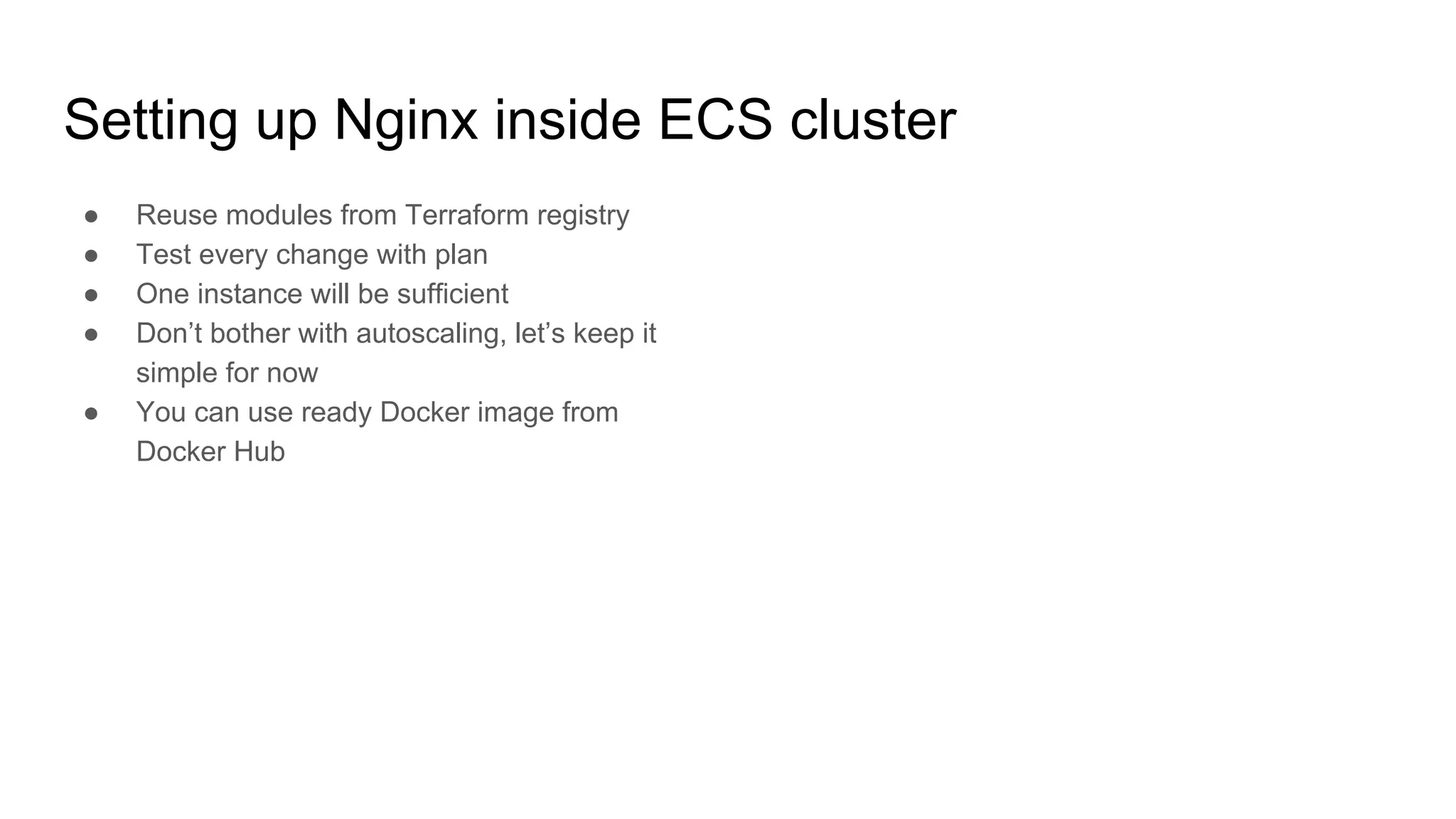
Setting up Nginx inside ECS cluster
● Reuse modules from Terraform registry
● Test every change with plan
● One instance will be sufficient
● Don’t bother with autoscaling, let’s keep it
simple for now
● You can use ready Docker image from
Docker Hub
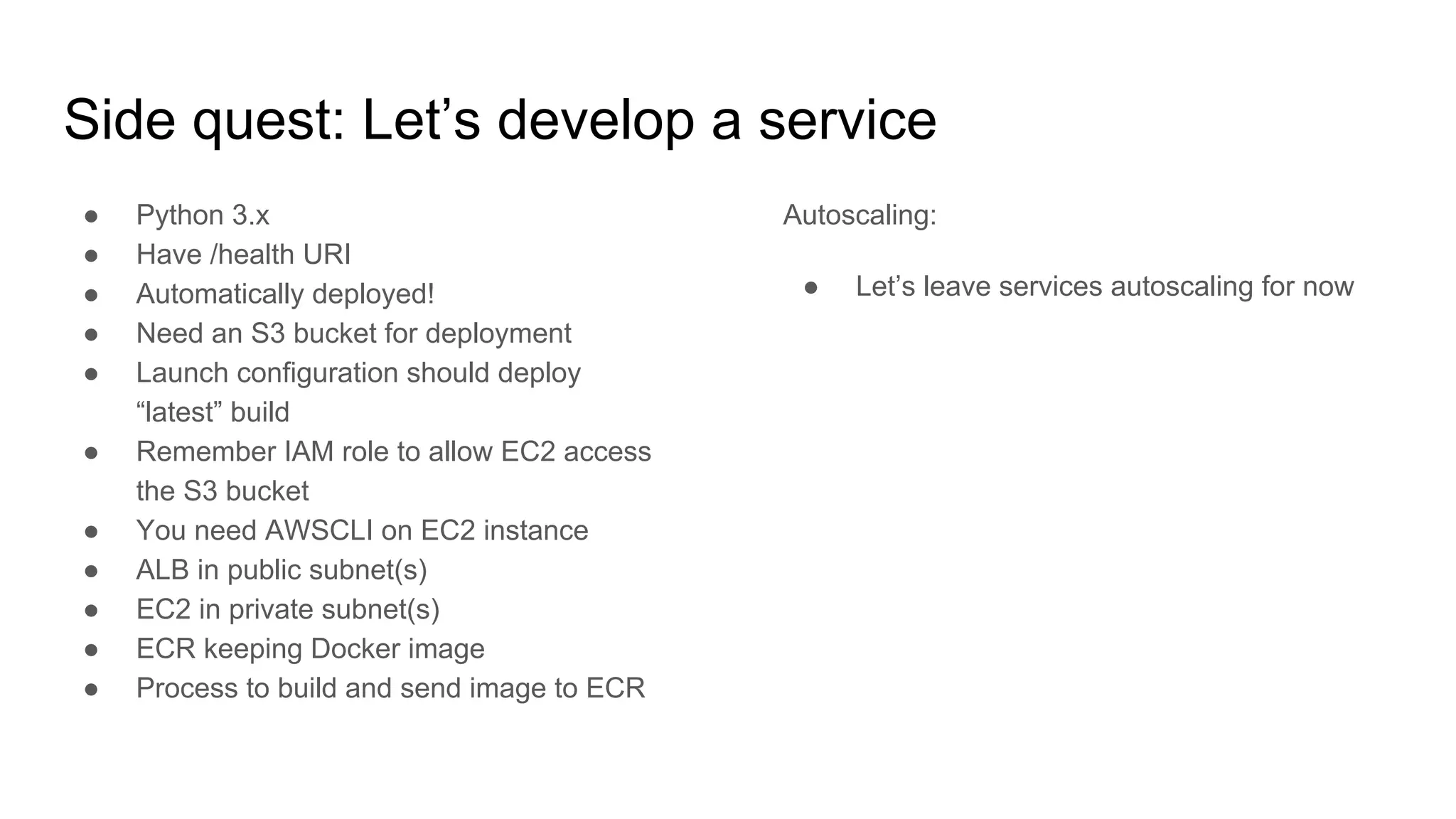
Side quest: Let’s develop a service
● Python 3.x
● Have /health URI
● Automatically deployed!
● Need an S3 bucket for deployment
● Launch configuration should deploy
“latest” build
● Remember IAM role to allow EC2 access
the S3 bucket
● You need AWSCLI on EC2 instance
● ALB in public subnet(s)
● EC2 in private subnet(s)
● ECR keeping Docker image
● Process to build and send image to ECR
Autoscaling:
● Let’s leave services autoscaling for now
See you tomorrow! :-)
Day 3
ECS - continue
Various tools:
Configuration Management, HashiCorp Vault + Consul, Databases, Serverless
Three days doing stuff
Day 1
AWS: networks, scaling, automation
Terraform - howto
EC2, (auto)scaling
Load balancing (ELB, ALB)
Day 2
EC2, (auto)scaling
CI/CD
Monitoring
Docker
ECS cluster
Day 3
Dockery, ECS - continue
Configuration management
Hashicorp Vault
Databases (RDS, ElastiCache, ...)
AWS Lambda
Yesterday's assignment
● Status check
● Let’s finish what we’ve started yesterday
Configuration management
● What’s that?
● What’s being used in AWS?
● Toolset
● Idempotence - what that means?
Configuration management - tools
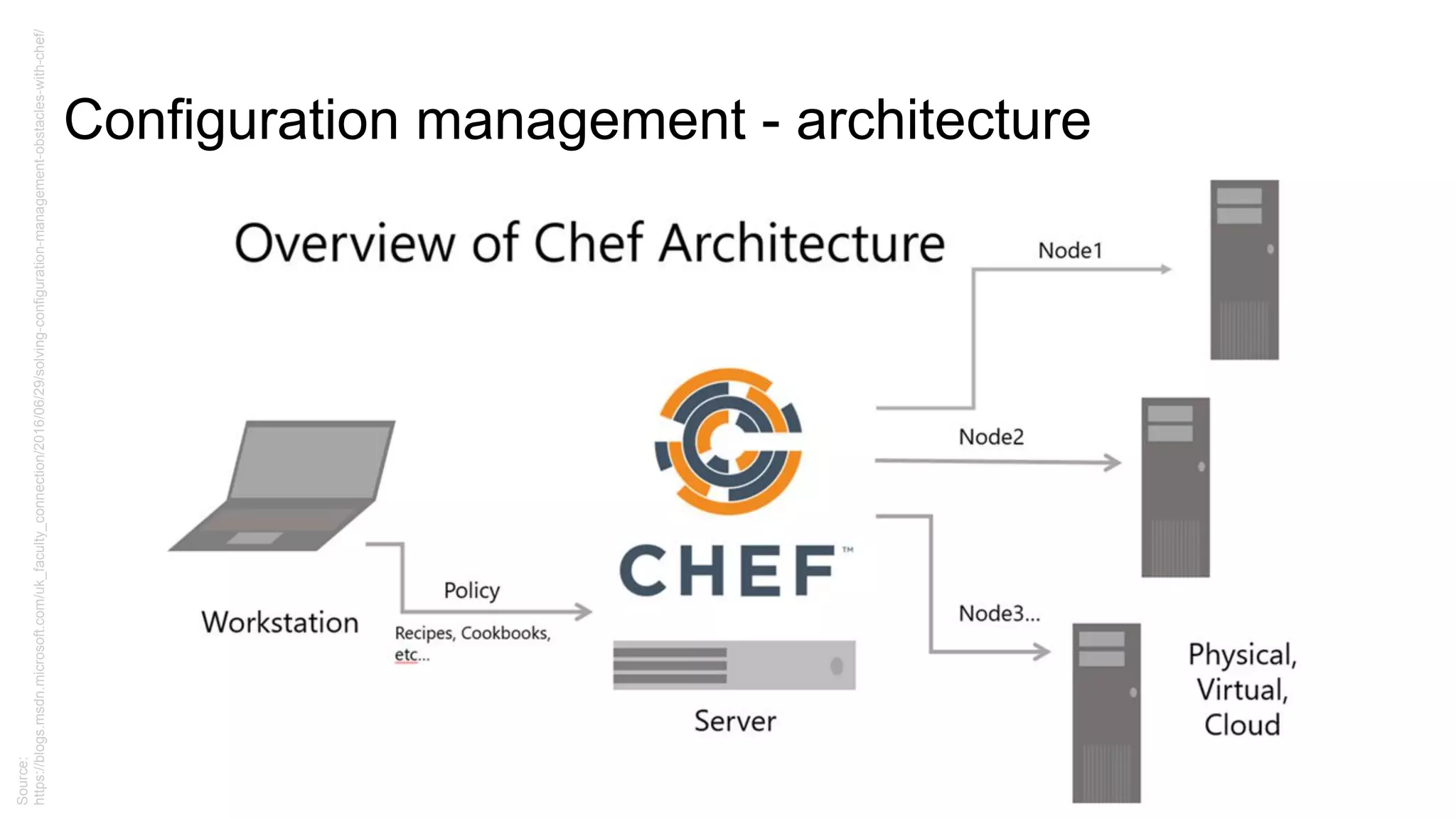
● CFEngine (mid 90s)
● Puppet
● Chef
● Ansible
● Saltstack
Configuration management - architecture
Source:
https://blogs.msdn.microsoft.com/uk_faculty_connection/2016/06/29/solving-configuration-management-obstacles-with-chef/
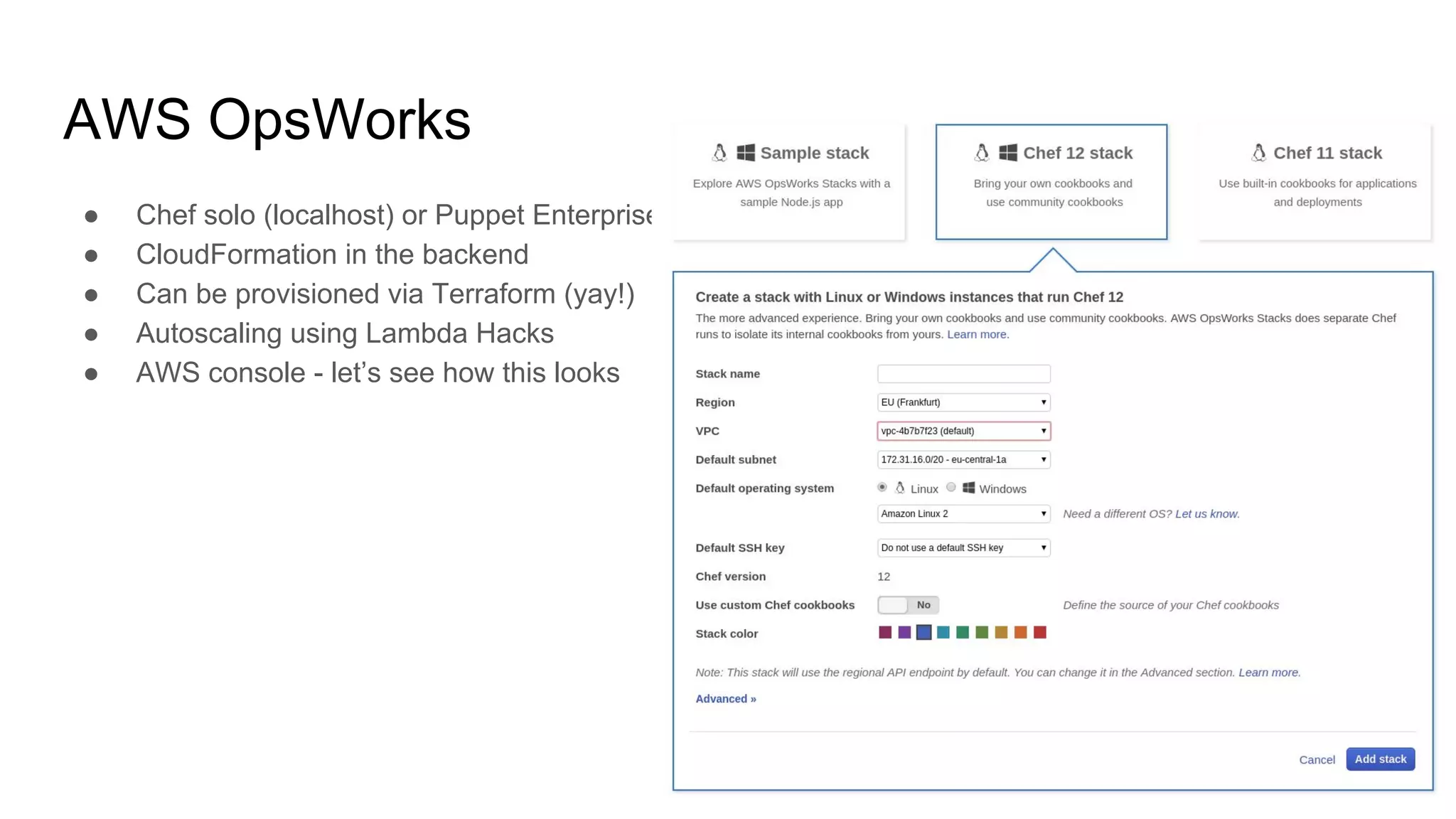
AWS OpsWorks
● Chef solo (localhost) or Puppet Enterprise
● CloudFormation in the backend
● Can be provisioned via Terraform (yay!)
● Autoscaling using Lambda Hacks
● AWS console - let’s see how this looks
HashiCorp Vault
● Key-value secret storage
● Encrypt secrets at rest (storage) and at transfer (https)
● Takes care of invalidating old secrets (API keys rotation)
● Versioning of the key-value storage is also possible
● One-time secrets
● “Cubbyhole” secrets wrapping
● Possible to integrate with Terraform (yay!)
● … and more
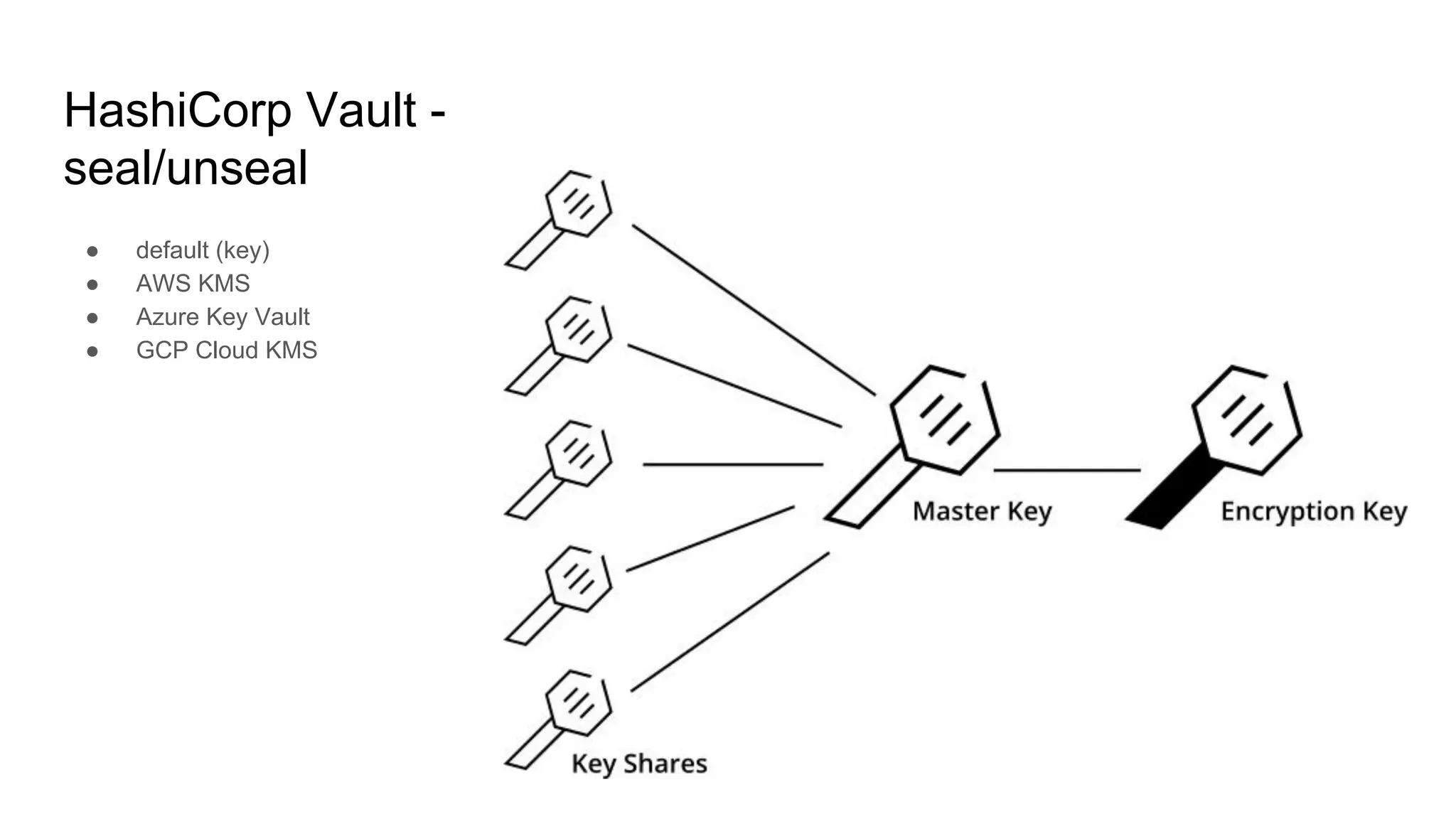
HashiCorp Vault -
seal/unseal
● default (key)
● AWS KMS
● Azure Key Vault
● GCP Cloud KMS
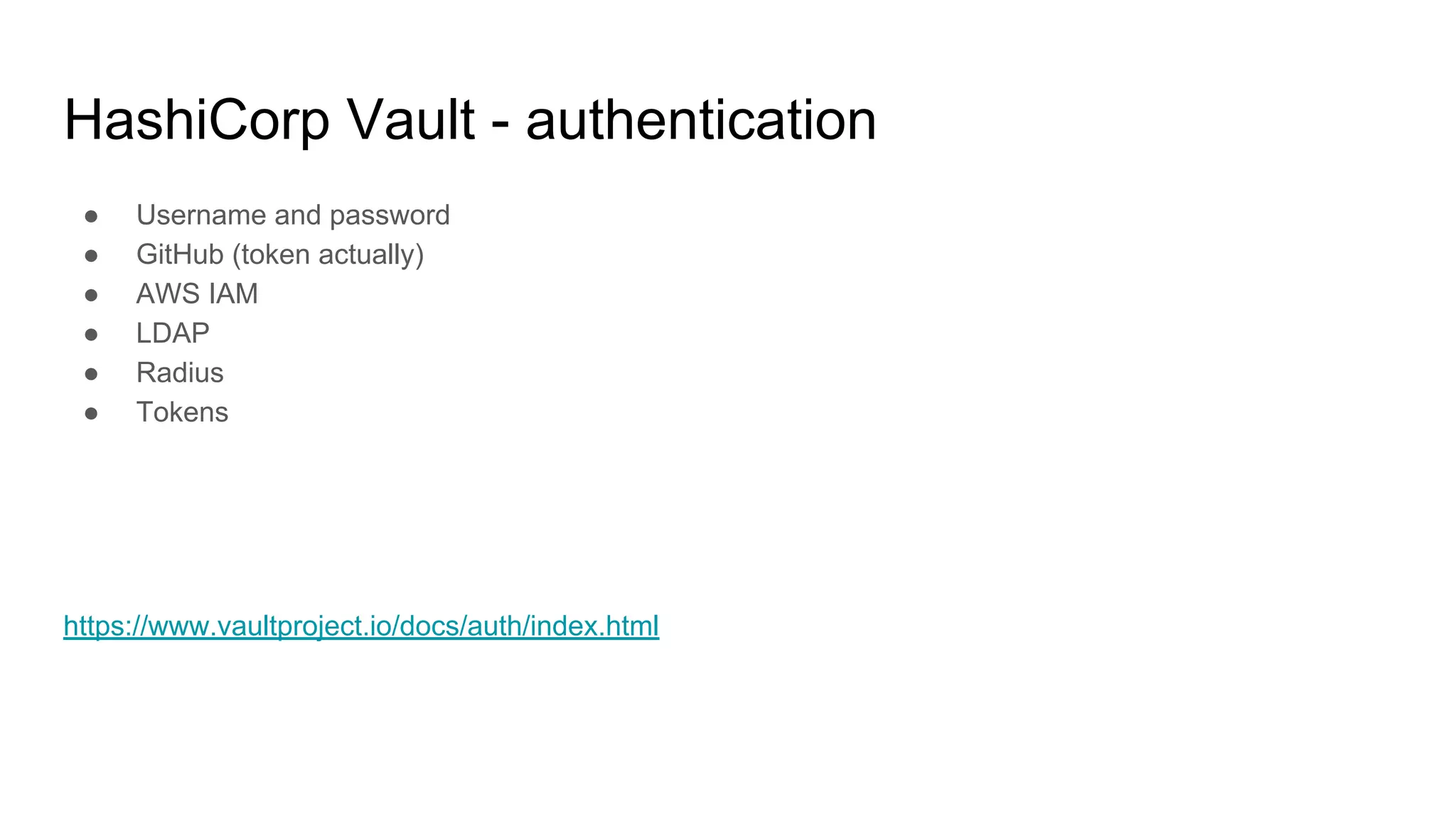
HashiCorp Vault - authentication
● Username and password
● GitHub (token actually)
● AWS IAM
● LDAP
● Radius
● Tokens
https://www.vaultproject.io/docs/auth/index.html
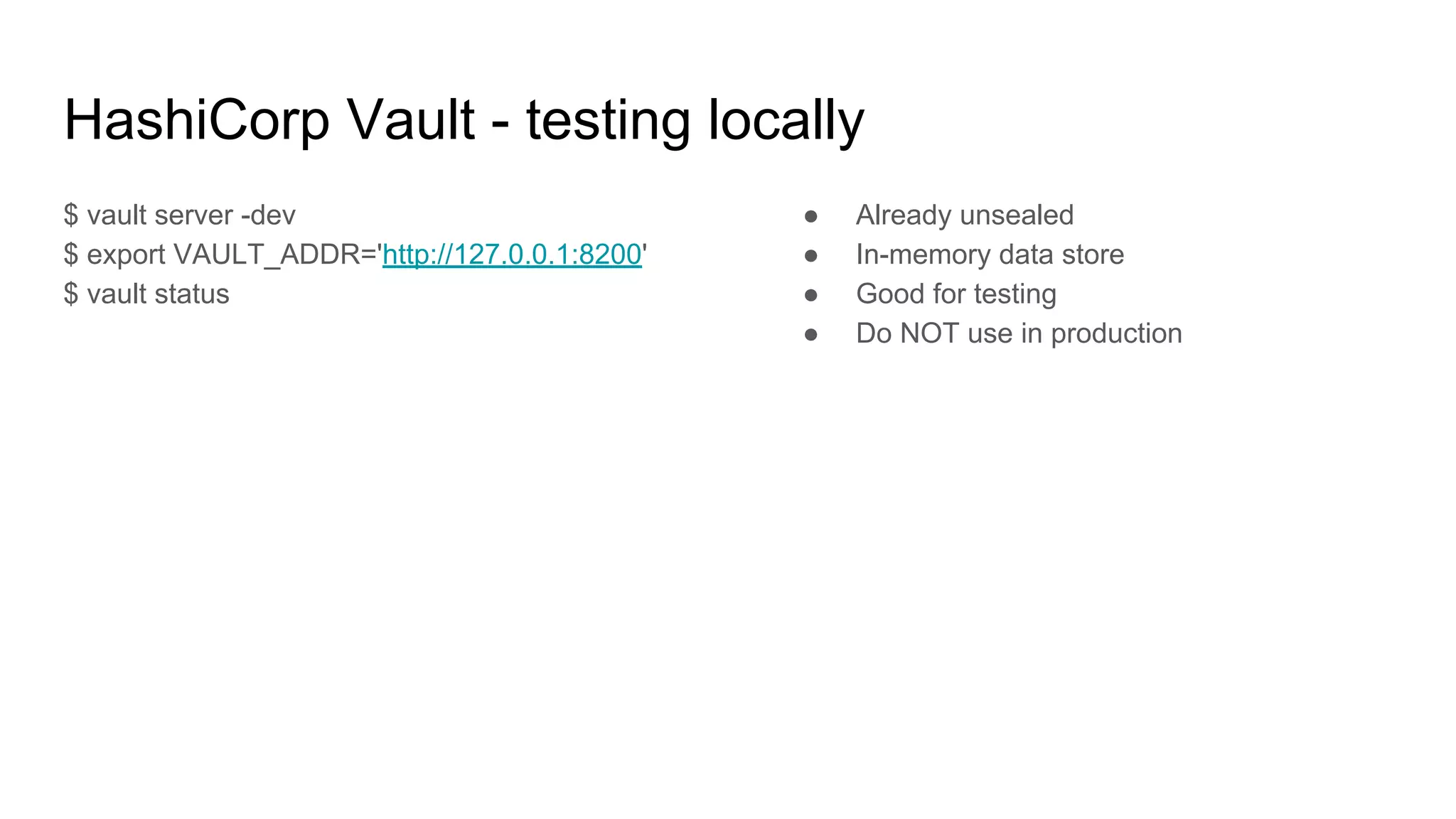
HashiCorp Vault - testing locally
$ vault server -dev
$ export VAULT_ADDR='http://127.0.0.1:8200'
$ vault status
● Already unsealed
● In-memory data store
● Good for testing
● Do NOT use in production
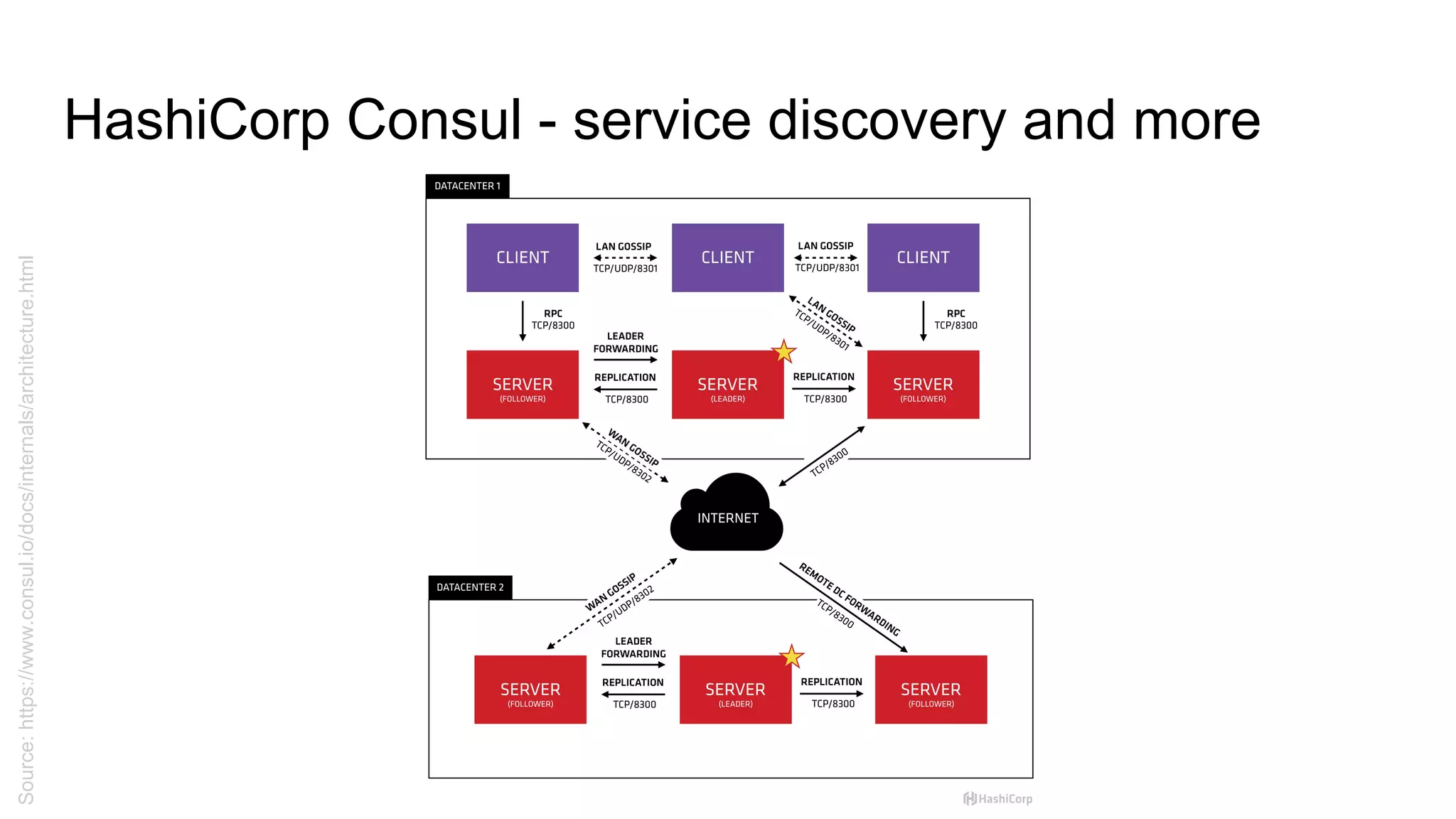
HashiCorp Consul - service discovery and more
Source:https://www.consul.io/docs/internals/architecture.html
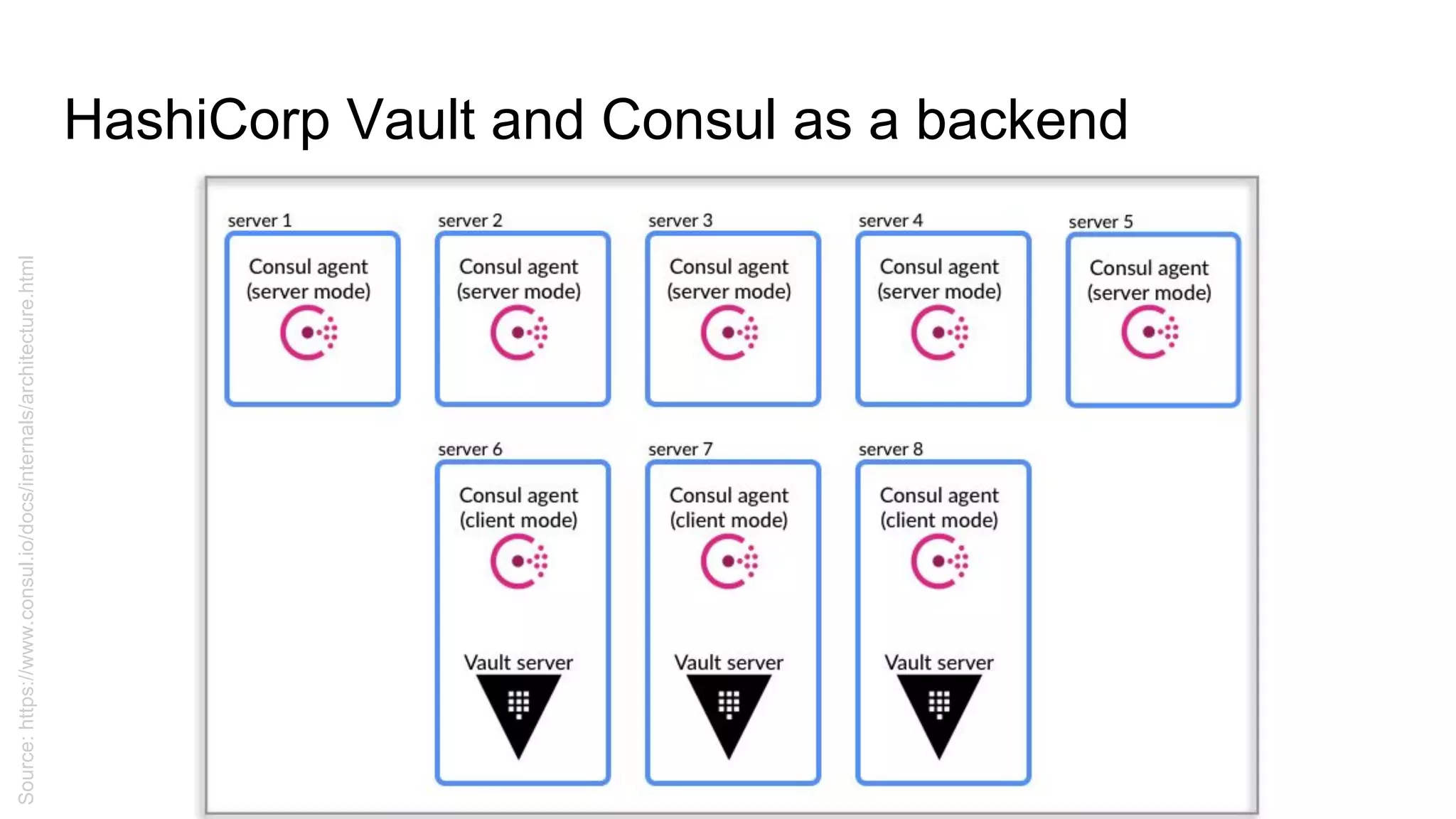
HashiCorp Vault and Consul as a backend
Source:https://www.consul.io/docs/internals/architecture.html
HashiCorp Vault + Consul - setting up Consul
{
"acl_datacenter": "dev1",
"server": true,
"datacenter": "dev1",
"data_dir": "/var/lib/consul",
"disable_anonymous_signature": true,
"disable_remote_exec": true,
"encrypt": "Owpx3FUSQPGswEAeIhcrFQ==",
"log_level": "DEBUG",
"enable_syslog": true,
"start_join": ["192.168.33.10",
"192.168.33.20", "192.168.33.30"],
"services": []
}
# consul agent -server 
-bootstrap-expect=1 -data-dir 
/var/lib/consul/data 
-bind=192.168.33.10 
-enable-script-checks=true 
-config-dir=/etc/consul/bootstrap
CTRL+C when done
# servicectl start consul
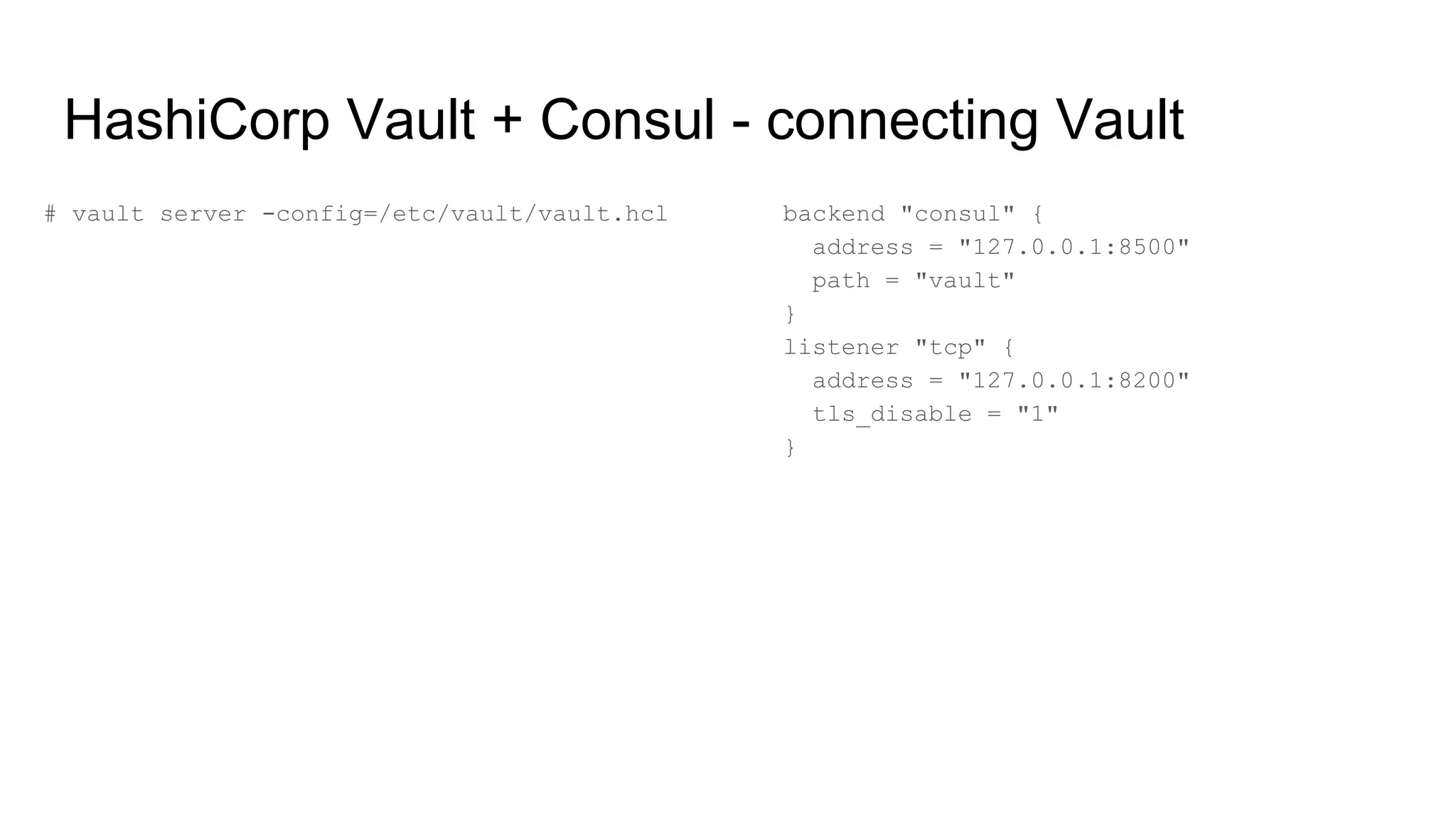
HashiCorp Vault + Consul - connecting Vault
# vault server -config=/etc/vault/vault.hcl backend "consul" {
address = "127.0.0.1:8500"
path = "vault"
}
listener "tcp" {
address = "127.0.0.1:8200"
tls_disable = "1"
}
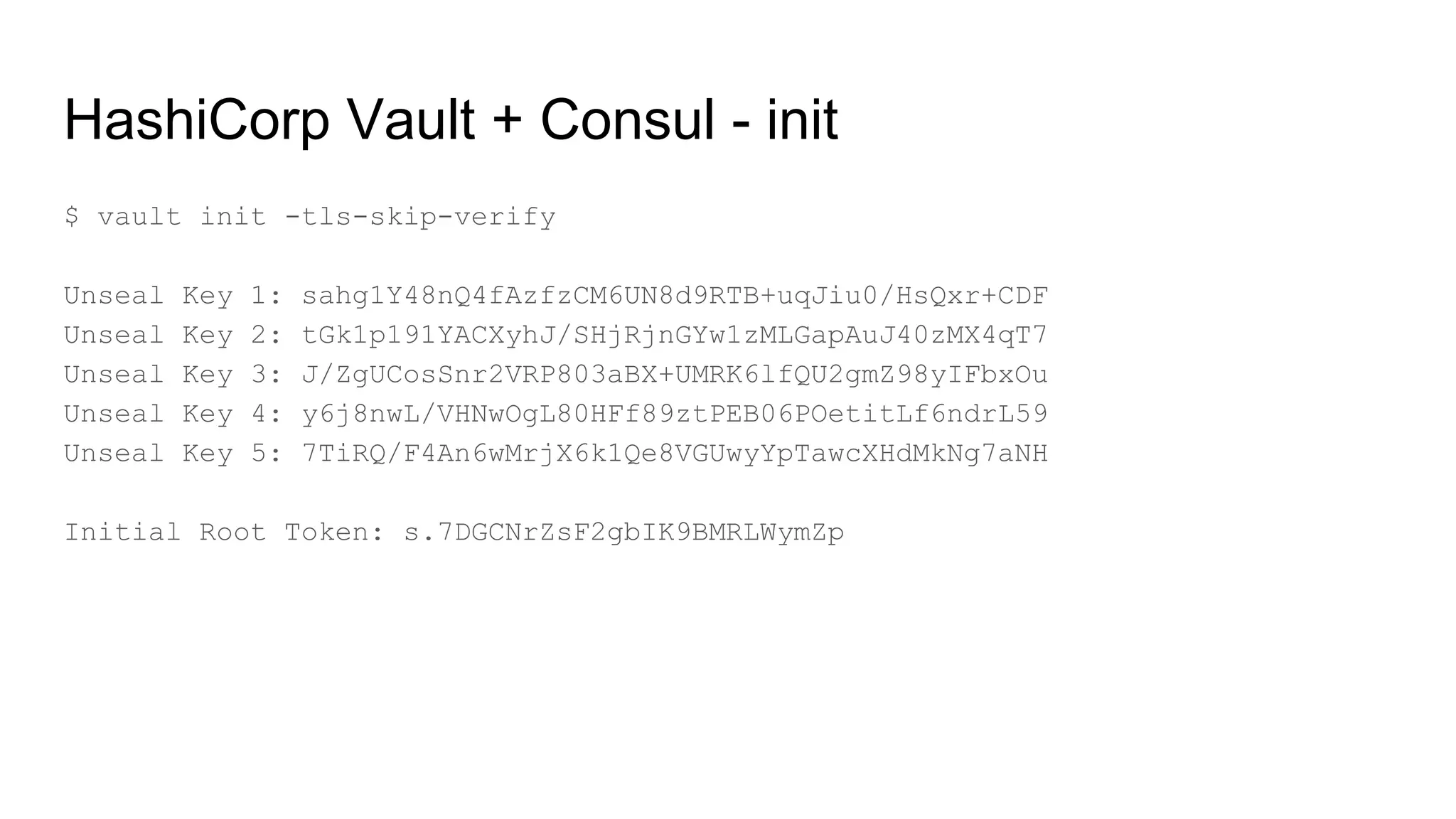
HashiCorp Vault + Consul - init
$ vault init -tls-skip-verify
Unseal Key 1: sahg1Y48nQ4fAzfzCM6UN8d9RTB+uqJiu0/HsQxr+CDF
Unseal Key 2: tGk1p191YACXyhJ/SHjRjnGYw1zMLGapAuJ40zMX4qT7
Unseal Key 3: J/ZgUCosSnr2VRP803aBX+UMRK6lfQU2gmZ98yIFbxOu
Unseal Key 4: y6j8nwL/VHNwOgL80HFf89ztPEB06POetitLf6ndrL59
Unseal Key 5: 7TiRQ/F4An6wMrjX6k1Qe8VGUwyYpTawcXHdMkNg7aNH
Initial Root Token: s.7DGCNrZsF2gbIK9BMRLWymZp
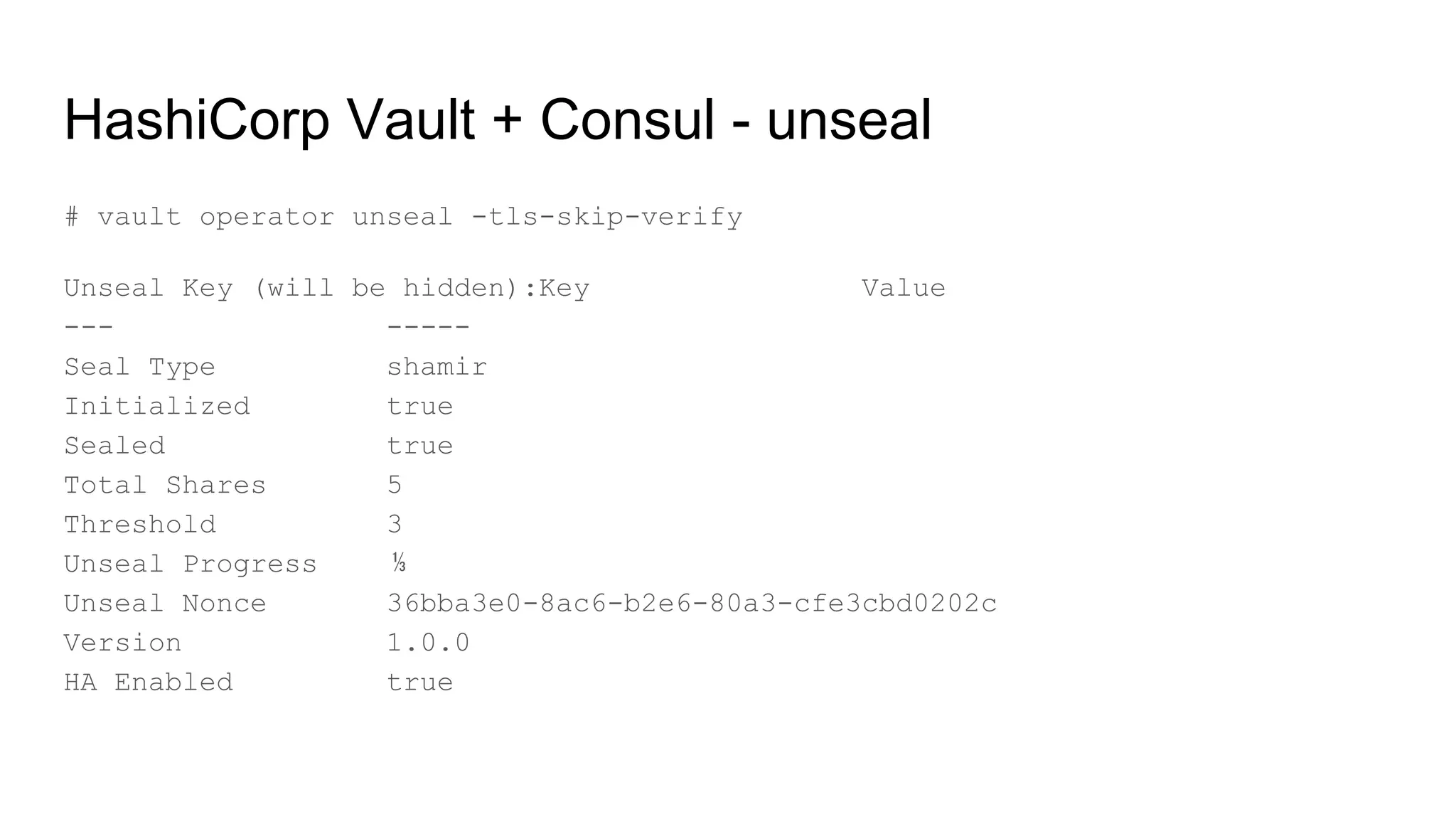
HashiCorp Vault + Consul - unseal
# vault operator unseal -tls-skip-verify
Unseal Key (will be hidden):Key Value
--- -----
Seal Type shamir
Initialized true
Sealed true
Total Shares 5
Threshold 3
Unseal Progress ⅓
Unseal Nonce 36bba3e0-8ac6-b2e6-80a3-cfe3cbd0202c
Version 1.0.0
HA Enabled true
HashiCorp Vault - first secret
[vagrant@vault-01 ~]$ vault kv put secret/hello foo=world
Key Value
--- -----
created_time 2018-12-12T11:50:21.722423496Z
deletion_time n/a
destroyed false
version 1
HashiCorp Vault - get secret
[vagrant@vault-01 ~]$ vault kv get secret/hello
====== Metadata ======
Key Value
--- -----
created_time 2018-12-12T11:50:21.722423496Z
deletion_time n/a
destroyed false
version 1
=== Data ===
Key Value
--- -----
foo world
[vagrant@vault-01 ~]$ vault kv get -format=json secret/hello
HashiCorp Vault - token create
[vagrant@vault-01 ~]$ vault token create
Key Value
--- -----
token s.4fQYZpivxLRZVYGhjpTQm1Ob
token_accessor XYOqtACs0aatIkUBgAcI6qID
token_duration ∞
token_renewable false
token_policies ["root"]
identity_policies []
policies ["root"]
HashiCorp Vault - login using token
[vagrant@vault-01 ~]$ vault login s.hAnm1Oj9YYoDtxkqQVkLyxr7
Success! You are now authenticated. The token information displayed below is already stored
in the token helper. You do NOT need to run "vault login" again. Future Vault requests will
automatically use this token.
Key Value
--- -----
token s.hAnm1Oj9YYoDtxkqQVkLyxr7
token_accessor 6bPASelFhdZ2ClSzwfq31Ucr
token_duration ∞
token_renewable false
token_policies ["root"]
identity_policies []
policies ["root"]
HashiCorp Vault - token revoke
[vagrant@vault-01 ~]$ vault token revoke s.6WYXXVRPNmEKfaXfnyAjcMsR
Success! Revoked token (if it existed)
See more on auth: https://learn.hashicorp.com/vault/getting-started/authentication
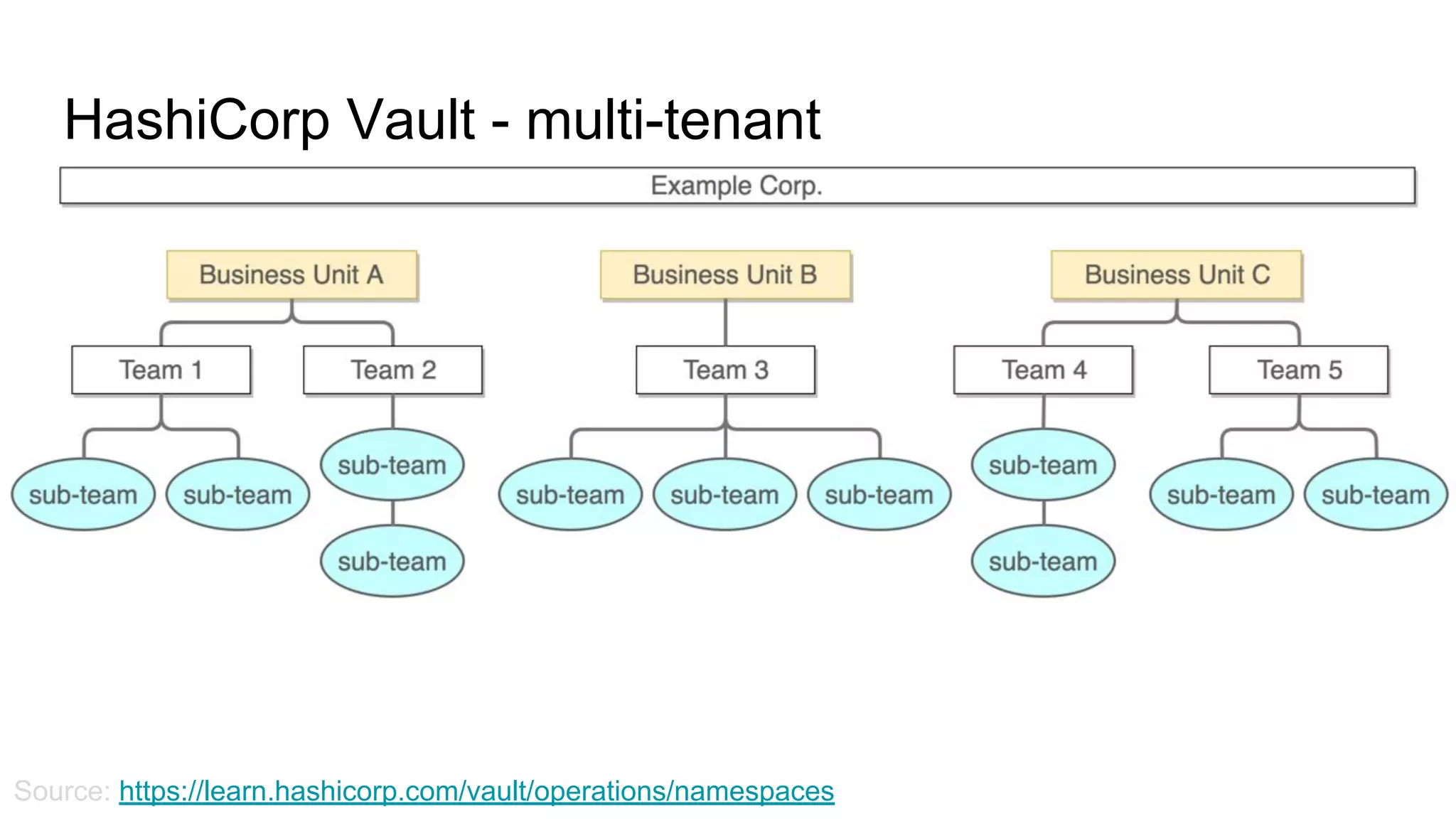
HashiCorp Vault - multi-tenant
Source: https://learn.hashicorp.com/vault/operations/namespaces
HashiCorp Vault - multi-tenant - exercises
● Let’s create two namespaces
● Create policies for the namespaces
● Create a few secrets in each
● Create one user in each
● Test if users have access to their own
namespaces
Databases in AWS - quick introduction
● Aurora
● RDS
● DynamoDB
● Elasticsearch + Kibana
● ElastiCache (Memcache, Redis)
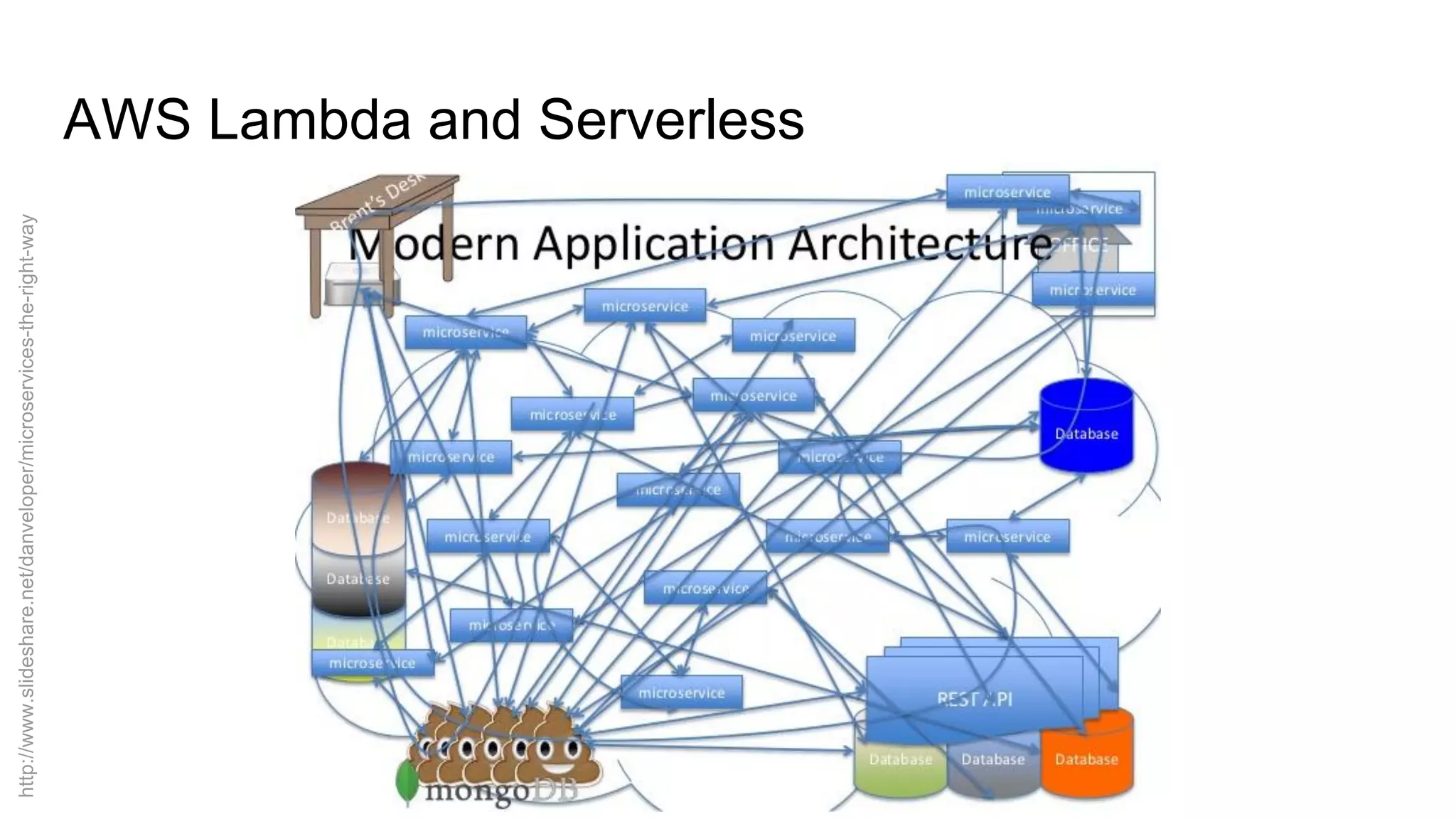
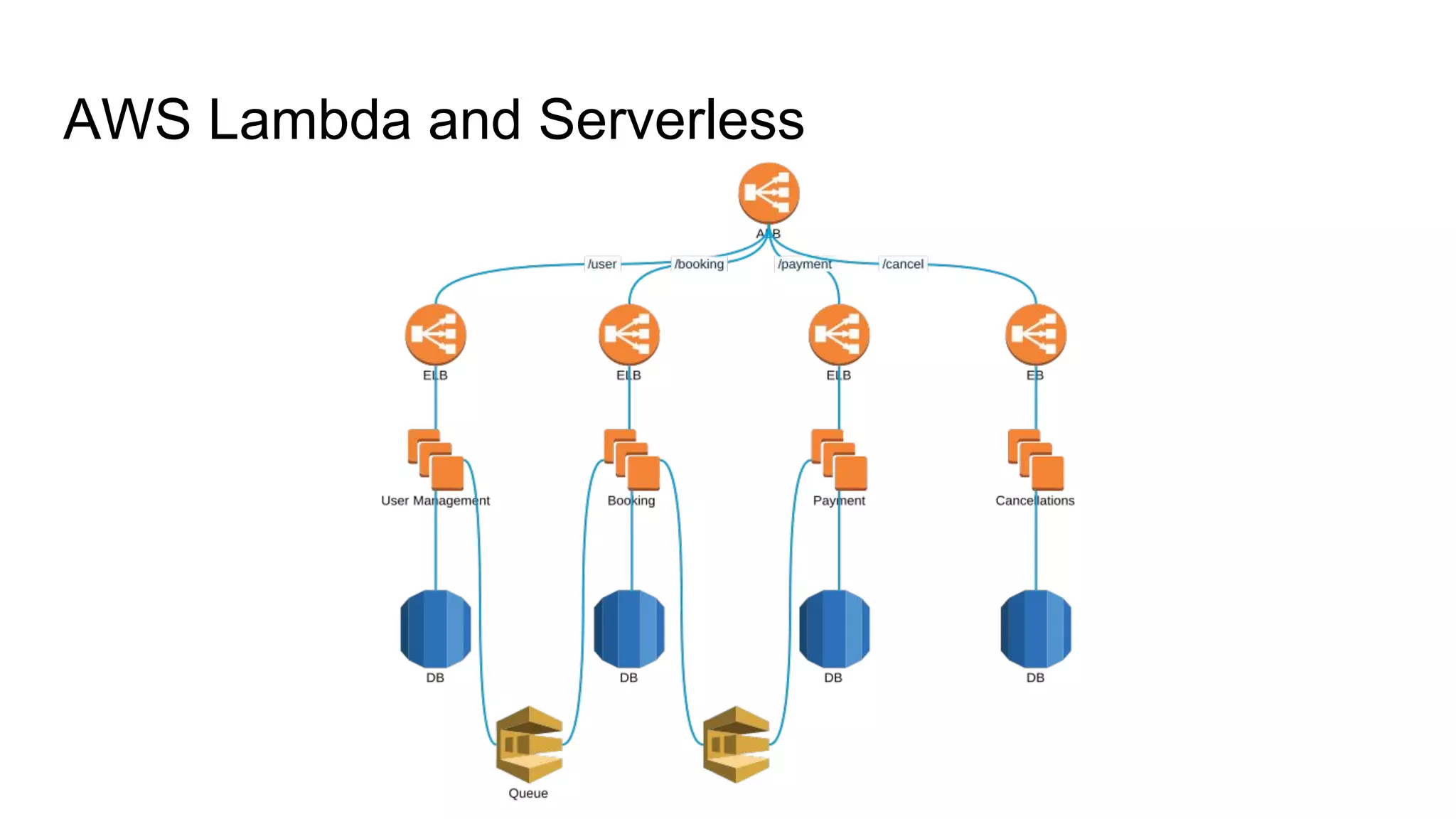
AWS Lambda and Serverless
http://www.slideshare.net/danveloper/microservices-the-right-way
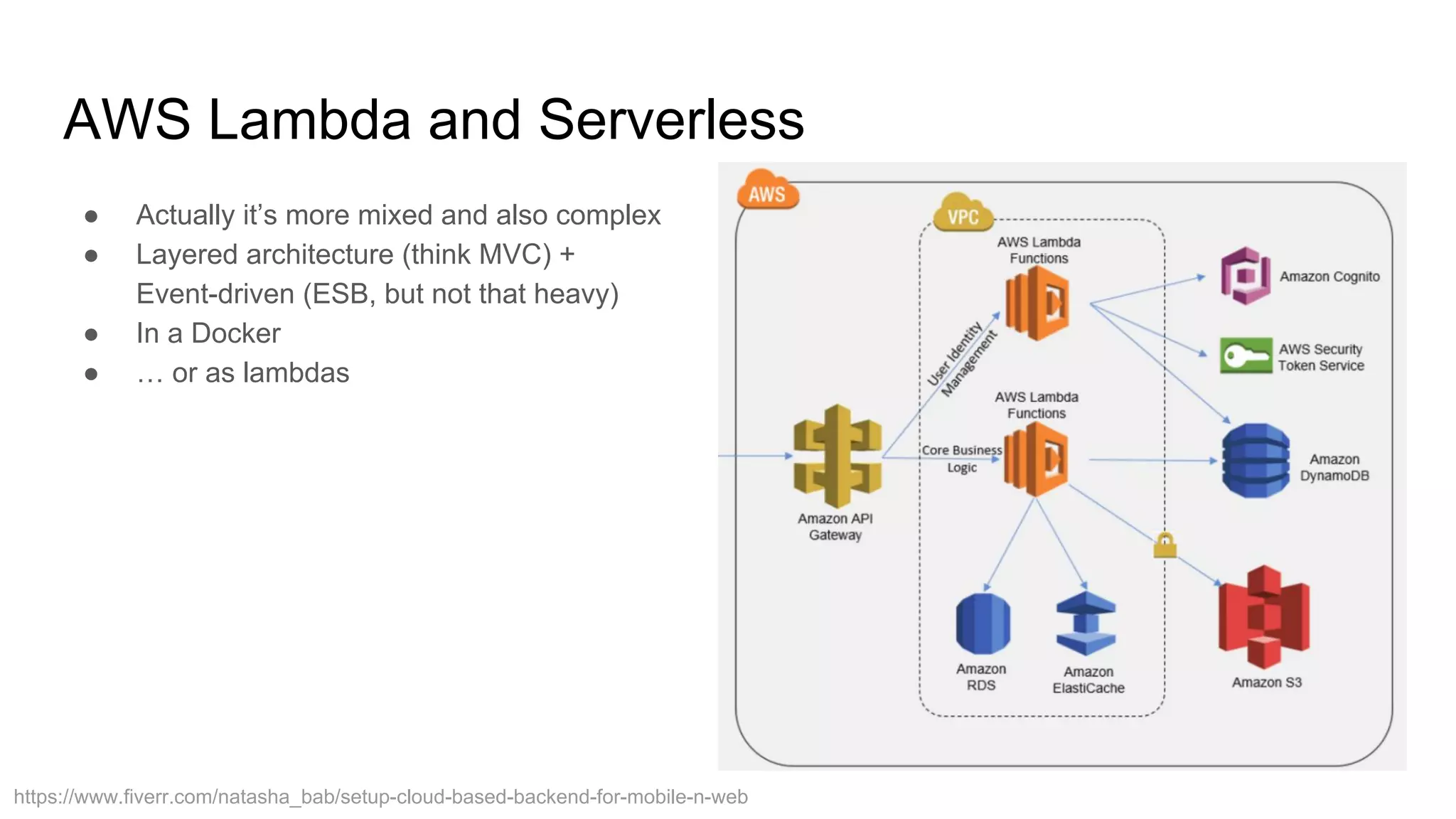
AWS Lambda and Serverless
https://www.fiverr.com/natasha_bab/setup-cloud-based-backend-for-mobile-n-web
● Actually it’s more mixed and also complex
● Layered architecture (think MVC) +
Event-driven (ESB, but not that heavy)
● In a Docker
● … or as lambdas
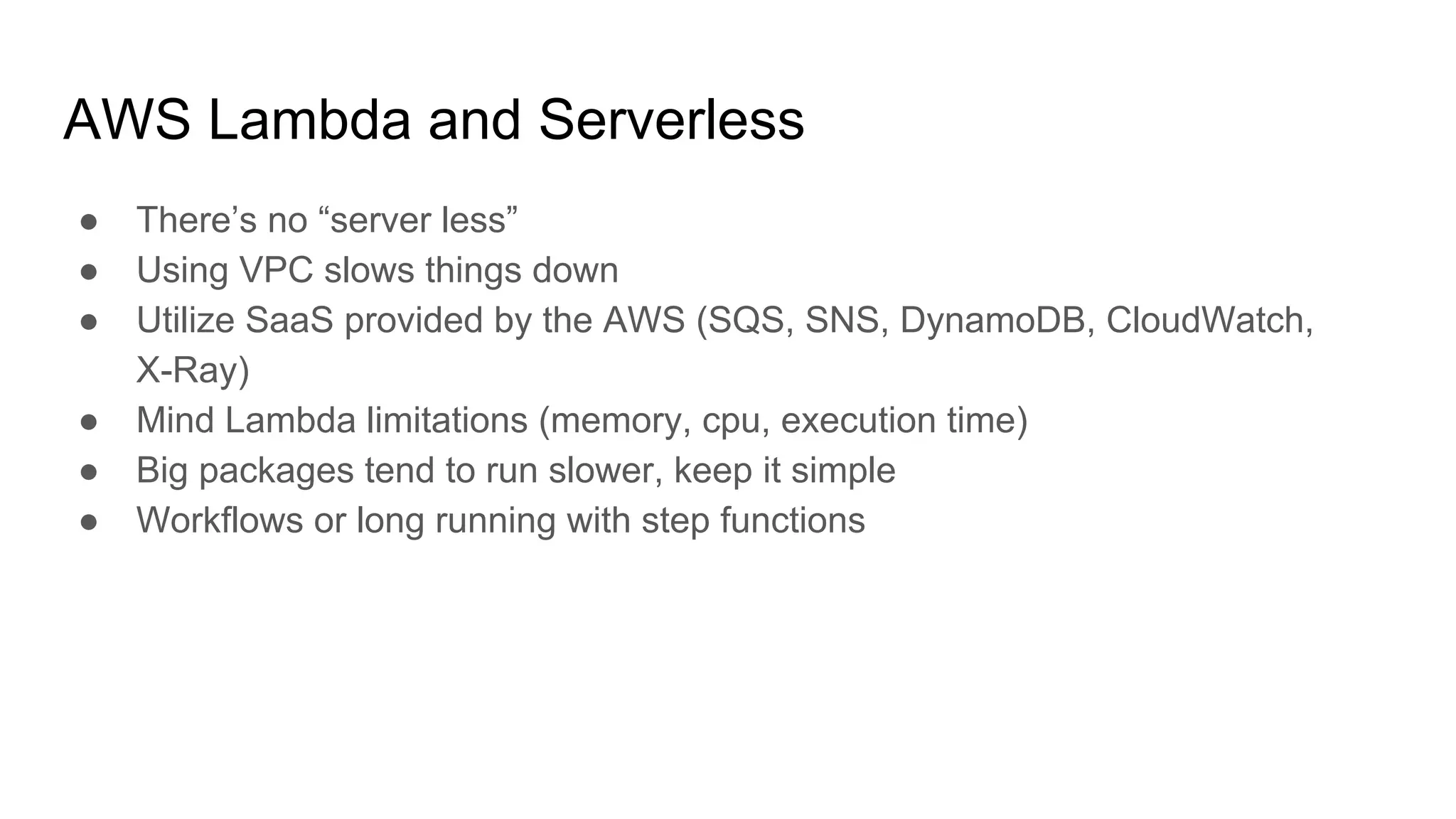
AWS Lambda and Serverless
● There’s no “server less”
● Using VPC slows things down
● Utilize SaaS provided by the AWS (SQS, SNS, DynamoDB, CloudWatch,
X-Ray)
● Mind Lambda limitations (memory, cpu, execution time)
● Big packages tend to run slower, keep it simple
● Workflows or long running with step functions
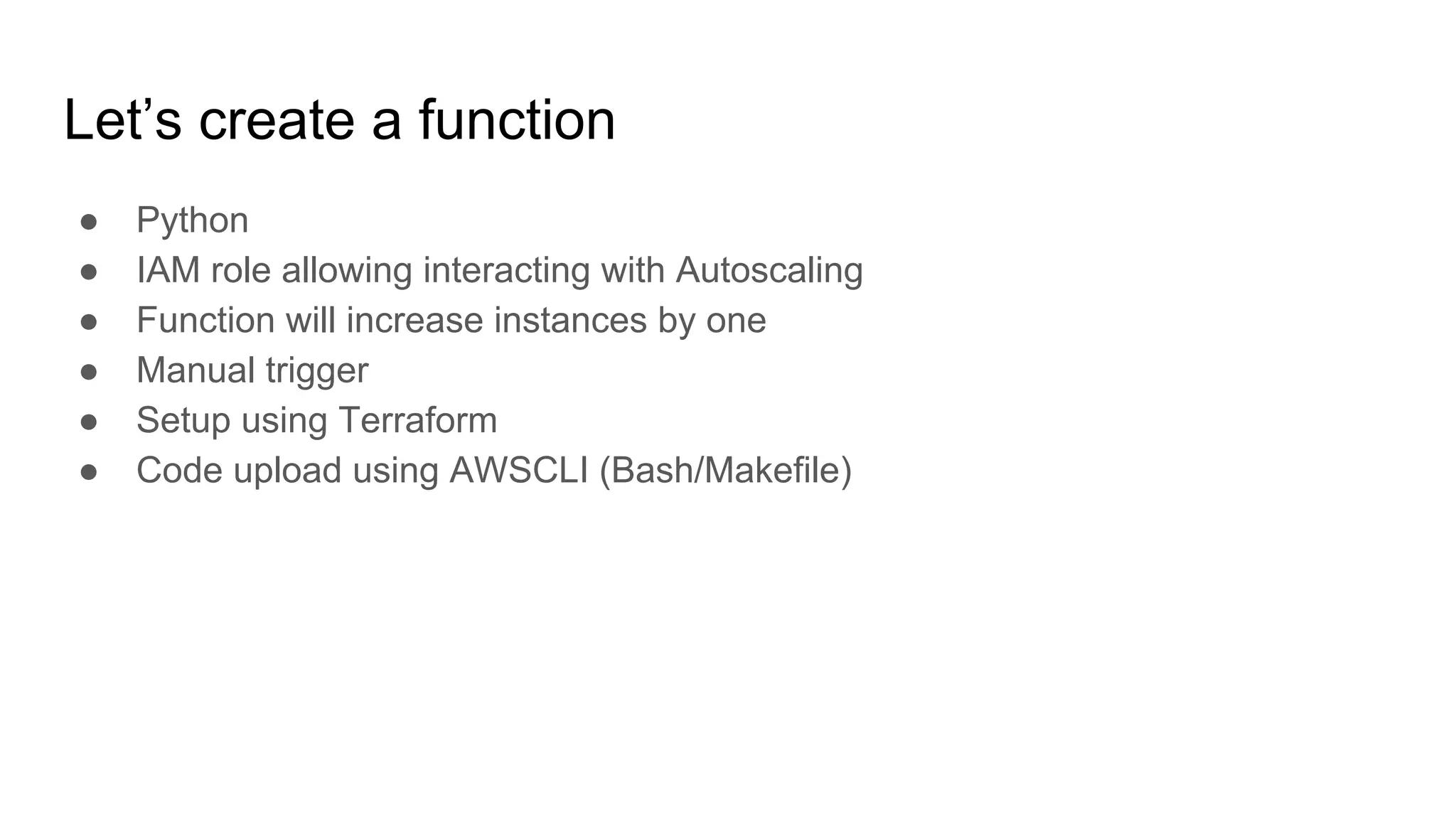
Let’s create a function
● Python
● IAM role allowing interacting with Autoscaling
● Function will increase instances by one
● Manual trigger
● Setup using Terraform
● Code upload using AWSCLI (Bash/Makefile)
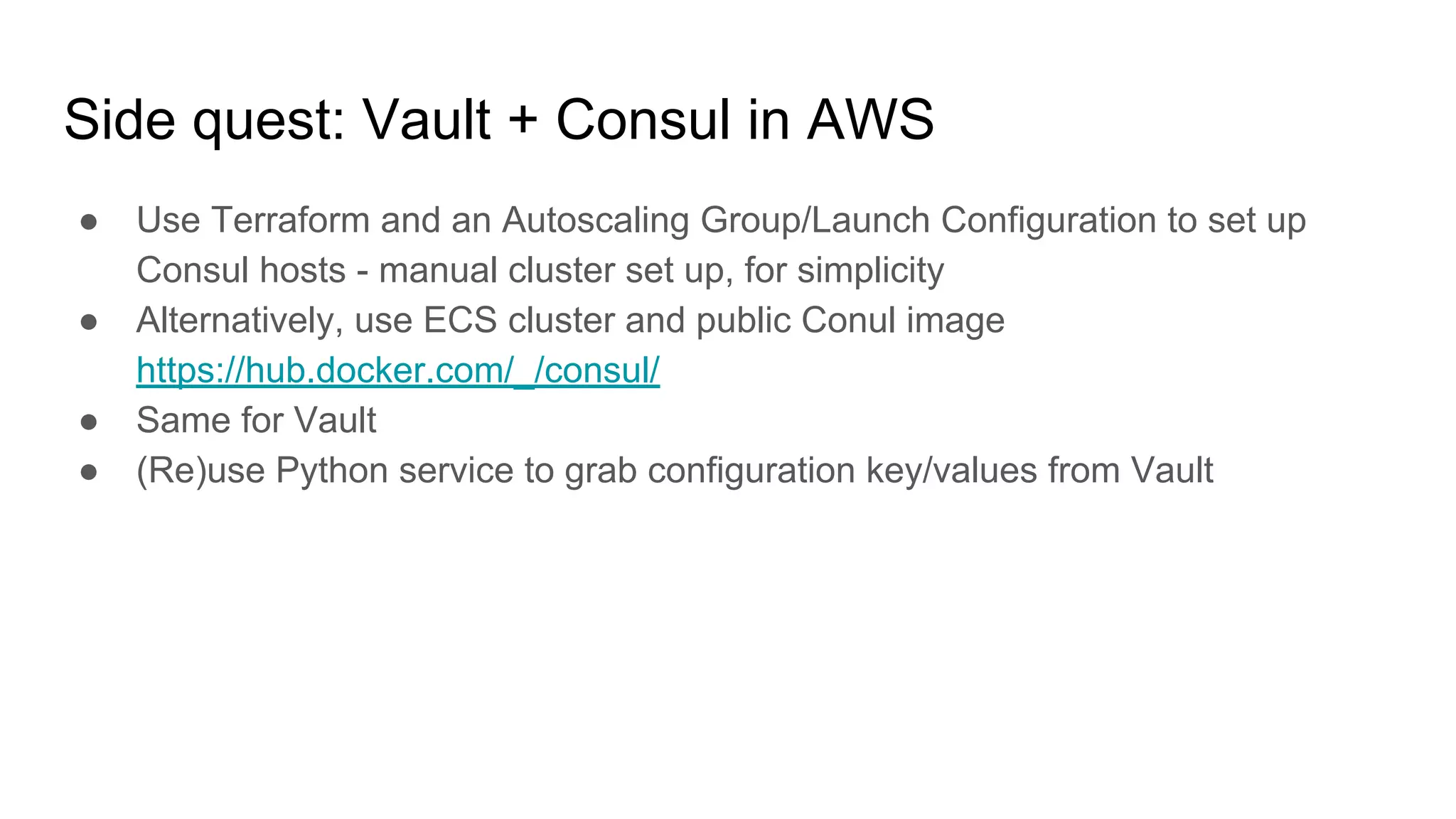
Side quest: Vault + Consul in AWS
● Use Terraform and an Autoscaling Group/Launch Configuration to set up
Consul hosts - manual cluster set up, for simplicity
● Alternatively, use ECS cluster and public Conul image
https://hub.docker.com/_/consul/
● Same for Vault
● (Re)use Python service to grab configuration key/values from Vault
Thanks a bunch!
Grzegorz Adamowicz
LinkedIN: /in/gadamowicz
Twitter: @gadamowicz
grzegorz@adamowicz.cx
https://szot.tech

AWS DevOps - Terraform, Docker, HashiCorp Vault

  • 1.
    AWS, Terraform, advancedtechniques DevOps Training
  • 2.
  • 3.
    Shall we useour first name instead Mr/Ms? ??
  • 4.
  • 5.
    Who am I? Who arewe all? Who are you? What do we do here? What’s my purpose? Is there something more than this? Why we all are here? Why 42? Grzegorz Adamowicz Occupation: Consultant, Freelance Cloud Engineer Skillset: - Crazy Linux geek - Development (PHP, Python, JavaScript, …) - DevOps Engineer - Automation Engineer (AWS), Terraform - Freelancer, Entrepreneur wannabe - Events organizer (https://szot.tech) - Job interview failure expert (200+ interviews) - Writer (IT Professional) - Barista (no coffee, no workee) - Coach (sort-of) - Lifetime learner URL: https://adamowicz.cx email: grzegorz@adamowicz.cx Twitter: @gadamowicz
  • 6.
    How about you? ● What’syour name? ● What do you want to get out of this training? ● What’s your superpower? :-)
  • 7.
  • 8.
    Three days agenda Day1 AWS: networks, scaling, automation Terraform - howto EC2, (auto)scaling Load balancing (ELB, ALB) Day 2 EC2, (auto)scaling CI/CD Monitoring Docker ECS cluster Day 3 Dockery, ECS - continue Configuration management Hashicorp Vault Databases (RDS, ElastiCache, ...) AWS Lambda (Serverless)
  • 9.
    Day 1 AWS IAM,role, EC2, autoscaling, Terraform
  • 10.
    Agenda 1. Architecting inthe cloud 2. IAM - security 3. VPC and networks 4. EC2 5. Autoscaling (scaling up, scaling out) 6. Terraform: basic networking 7. Terraform: EC2, scaling groups 8. Roles 9. Alerts and scaling triggers
  • 11.
  • 12.
  • 13.
  • 14.
  • 15.
    IAM - accesscontrol Identities ● Users ● Groups ● Roles ● Resources IAM Policy Generator: https://awspolicygen.s3.amazonaws.com/policygen. html ARNs ● arn:aws:iam::account-ID-without-hyphens:user/Richard ● arn:aws:s3:::my_corporate_bucket/exampleobject.png ● arn:aws:iam::aws:policy/ReadOnlyAccess ● arn:aws:autoscaling:region:account-id:scalingPolicy:policyid:auto ScalingGroupName/groupfriendlyname:policyName/policyfriendl yname ● arn:partition:service:region:account-id:resource ● arn:partition:service:region:account-id:resourcetype/resource
  • 16.
    IAM - examples { "Version":"2012-10-17", "Statement": [ { "Effect": "Allow", "Action": [ "ec2:AttachVolume", "ec2:DetachVolume" ], "Resource": [ "arn:aws:ec2:*:*:volume/*", "arn:aws:ec2:*:*:instance/*" ], "Condition": { "ArnEquals": {"ec2:SourceInstanceARN": "arn:aws:ec2:*:*:instance/<INSTANCE-ID>"} } } ] } { "Version": "2012-10-17", "Statement": { "Effect": "Allow", "Action": "<SERVICE-NAME>:<ACTION-NAME>", "Resource": "*", "Condition": { "DateGreaterThan": {"aws:CurrentTime": "2017-07-01T00:00:00Z"}, "DateLessThan": {"aws:CurrentTime": "2017-12-31T23:59:59Z"} } } }
  • 17.
    EC2 - scalingapplications using VMs ● EC2 LaunchConfiguration ● EC2 LaunchTemplate ● Single EC2 instance ● Autoscaling Group ● Load Balancers (ELB, ALB) ● Target Group
  • 18.
    ElasticBeanstalk ● PaaS solution ●Pre-configured environments ● Docker possible ● docker-compose not, but there’s an alternative ● CloudFormation in the backend
  • 19.
    ECS, also EKS(Kubernetes!) ● Cluster managing containers for you ● vCPU and memory reservation ● More complex scaling (dockers + EC2 instances) ● Generates higher costs if used incorrectly ● Restarts services for you ● Also kills, if service is trying to use to much resources ● You still need to manage your EC2 instances inside the cluster (system updates, agent updates)
  • 20.
    ECS Fargate ● Youdon’t manage EC2 instances ● Can’t mount persistent data volume ● … well, you can, but it’ll be ephemeral volume (nonpersistent) See: https://docs.aws.amazon.com/AmazonEC S/latest/developerguide/fargate-task-stora ge.html
  • 21.
    Docker ● Single process ●No logs inside container ● No IP address for container ● Small images ● Use Dockerfile or Packer ● NO security credentials in container ● … but put your code in there ● Don’t use “latest” tag ● Don’t run as root user ● Stateless services - no dependencies across containers FROM ubuntu:18.04 RUN apt-get update && apt-get -y upgrade && DEBIAN_FRONTEND=noninteractive apt-get -y install apache2 php7.2 php7.2-mysql libapache2-mod-php7.2 curl lynx EXPOSE 80 ENTRYPOINT ["/bin/sh"] CMD ["/usr/sbin/apache2ctl", "-D", "FOREGROUND"]
  • 22.
    Route53 - DNS ●ALIAS != CNAME ● strtolower() ● Can act as a load balancer ● Implements health checks ● Zone can be removed after deleting all records ● Public ● Private (non-routable, second address in available pool)
  • 23.
    S3 - objectstorage ● Eventually consistent ● Easy to use ● Can be attached to VPC ● Can be encrypted (KMS) ● Versioning available ● Replication ● Can serve static pages (Vue, React, Angular)
  • 24.
    AWS limits ● Everyservice have set some limits (eg. number of EC2 instances) - very important to think ahead demand - show ● Limits for LB naming, services naming (eg. Lambdas name) - different for every service (!) - 74, 128, 512 characters ● API rate limiting ● Hard to predict cost of running services
  • 25.
    Before we goto Terraform - CloudFormation ● Many services using it in the backend ● There is no state file ● Automatic rollbacks (should anything fail) ● Sometimes rollback fail ● There can be multiple stacks that depend on each other ● It’s YAML or JSON, basically ● Hard to read (example) ● One can use DSL to simplify things: ○ Lono ○ Troposphere (Python) ○ SparkleFormation A big no-no: “When building CloudFormation templates, I’ve seen engineers search the internet, find an example CloudFormation template that is closed to what they are looking for, modify it ever so slightly so it works for their business use case, and then run with it.” Source: https://medium.com/boltops/why-generate-cloudformation-templates -with-lono-65b8ea5eb87d
  • 26.
  • 27.
    Terraform - howit works ● Have a state file ● Different “providers” (like AWS, GCP) ● NOT multicloud - you still need different code for each provider ● It has own markup language (HCL) ● You define resources and dependencies between them ● Can group resources into “modules” ● Have “workspaces” to switch between environments ● No rollback - it stops should anything fail ● Some “dry-run” - plan provider "aws" { region = "eu-central-1" }
  • 28.
    Terraform - statefile ● local file ● file in S3 bucket ● Atlas / Terraform Enterprise ● etcd ● Consul ● Artifactory ● http ● ... Need to take care of: ● state versioning ● state locking terraform { backend "local" { path = "state/terraform.tfstate" } }
  • 29.
    Terraform - let’sinstall! ● AWSCLI ● https://terraform.io (0.11.x) $ export AWS_PROFILE=blah $ export PATH=$PATH:/path/to/terraform $ terraform init $ terraform plan $ terraform fmt $ terraform apply
  • 30.
    Terraform - VPCand basic subnets ● Multi AZ ● Public and private subnets ● NAT gateway ● Internet gateway ● Endpoints ● Route tables ● Network ACLs https://randops.org/2016/11/29/quick-vpc-reference-configuration-for-scenario-2/
  • 31.
    Terraform - NATgateways, internet gateways ● Internet gateway connected to a VPC ● NAT gateways in a public network ● Route tables must contain IGW and NAT GW
  • 32.
    Terraform - basicEC2 instance ● Single EC2 instance in a public subnet ● t2.micro ● SSH open ● Must create SSH key in AWS resource "aws_instance" "ssh_host" { ami = "ami-0bdf93799014acdc4" instance_type = "t2.micro" key_name = "${aws_key_pair.admin.key_name}" subnet_id = "${aws_subnet.public.id}" vpc_security_group_ids = [ "${aws_security_group.allow_ssh.id}", "${aws_security_group.allow_all_outbound.id}", ] tags { Name = "SSH bastion" } }
  • 33.
    Terraform - EC2(auto)scaling ● Launch configuration ● Autoscaling group ● Load balancer (ELB) ● EC2 in a private subnet ● LB in a public subnet (public) ● CloudWatch setup: ○ EC2 instance role ○ CloudWatch metrics sent from EC2 using cron job ● Alerts (high/low) ● Scale strategy
  • 34.
    VPC and subnets resource"aws_vpc" "main" { cidr_block = "10.100.0.0/16" tags { Name = "Terraform main VPC" } } resource "aws_subnet" "public_a" { vpc_id = "${aws_vpc.main.id}" cidr_block = "10.100.1.0/24" map_public_ip_on_launch = "true" availability_zone = "eu-central-1a" tags { Name = "Terraform main VPC, public subnet zone A" } }
  • 35.
    Internet Gateway (publicsubnets) and route table resource "aws_internet_gateway" "default" { vpc_id = "${aws_vpc.main.id}" tags { Name = "Terraform internet gateway" } } resource "aws_route" "public_internet_gateway" { route_table_id = "${aws_route_table.public.id}" destination_cidr_block = "0.0.0.0/0" gateway_id = "${aws_internet_gateway.default.id}" } resource "aws_route_table" "public" { vpc_id = "${aws_vpc.main.id}" tags { Name = "Public route table" } } resource "aws_route_table_association" "public_a" { subnet_id = "${aws_subnet.public_a.id}" route_table_id = "${aws_route_table.public.id}" }
  • 36.
    NAT gateway andprivate subnets resource "aws_subnet" "private_a" { vpc_id = "${aws_vpc.main.id}" cidr_block = "10.100.10.0/24" map_public_ip_on_launch = false availability_zone = "eu-central-1a" tags { Name = "Terraform main VPC, private subnet zone A" } } resource "aws_nat_gateway" "natgw_a" { allocation_id = "${element(aws_eip.nateip.*.id, 0)}" subnet_id = "${aws_subnet.public_a.id}" depends_on = ["aws_internet_gateway.default"] }
  • 37.
    EC2 instance, securitygroup, ssh key (bastion host) resource "aws_security_group" "allow_ssh" { name = "allow_ssh" description = "Allow inbound SSH traffic" vpc_id = "${aws_vpc.main.id}" ingress { from_port = 22 to_port = 22 protocol = "tcp" cidr_blocks = ["0.0.0.0/0"] } egress { from_port = 0 to_port = 0 protocol = "-1" cidr_blocks = ["0.0.0.0/0"] } } resource "aws_key_pair" "admin" { key_name = "admin-key" public_key = "${var.ssh_key}" } resource "aws_instance" "ssh_host" { ami = "ami-0bdf93799014acdc4" instance_type = "t2.micro" key_name = "${aws_key_pair.admin.key_name}" subnet_id = "${aws_subnet.public_a.id}" vpc_security_group_ids = [ "${aws_security_group.allow_ssh.id}", "${aws_security_group.allow_all_outbound.id}", ] tags { Name = "SSH bastion" } }
  • 38.
    How autoscaling works? ●Launch Configuration / Launch Template ● Autoscaling group ● Autoscaling policy ● Metrics ● Alarms and alarm actions
  • 39.
    Launch configuration resource "aws_launch_configuration""as_conf" { image_id = "${data.aws_ami.ubuntu.id}" instance_type = "${var.instance_type}" key_name = "${aws_key_pair.admin.key_name}" user_data = "${data.template_file.init.rendered}" security_groups = [ "${aws_security_group.http_server_public.id}", "${aws_security_group.allow_ssh_ip.id}", "${aws_security_group.allow_all_outbound.id}", ] iam_instance_profile = "${aws_iam_instance_profile.ec2_default.name}" associate_public_ip_address = "${var.associate_public_ip_address}" }
  • 40.
    Autoscaling group resource "aws_autoscaling_group""application" { name = "ASG" launch_configuration = "${aws_launch_configuration.as_conf.name}" vpc_zone_identifier = [ "${aws_subnet.private_a.id}", "${aws_subnet.private_b.id}", "${aws_subnet.private_c.id}" ] min_size = "${var.min_size}" max_size = "${var.max_size}" load_balancers = ["${aws_elb.default-elb.name}"] termination_policies = ["OldestInstance"] tag { key = "Name" value = "EC2-sample-service" propagate_at_launch = true } }
  • 41.
    Autoscaling policy resource "aws_autoscaling_policy" "scale_up"{ name = "scale-up" scaling_adjustment = 1 adjustment_type = "ChangeInCapacity" cooldown = 120 autoscaling_group_name = "${aws_autoscaling_group.application.name }" } resource "aws_autoscaling_policy" "scale_down" { name = "scale-down" scaling_adjustment = -1 adjustment_type = "ChangeInCapacity" cooldown = 120 autoscaling_group_name = "${aws_autoscaling_group.application.name }" }
  • 42.
    Metric and alarmaction resource "aws_cloudwatch_metric_alarm" "cpu_utilization_high" { alarm_name = "cpu-utilization" comparison_operator = "GreaterThanOrEqualToThreshold" evaluation_periods = "2" metric_name = "CPUUtilization" namespace = "AWS/EC2" period = "60" statistic = "Average" threshold = "80" dimensions { AutoScalingGroupName = "${aws_autoscaling_group.application.name}" } alarm_description = "CPU Utilization high" alarm_actions = ["${aws_autoscaling_policy.scale_up.arn}"] }
  • 43.
    Setting up abasic server in autoscaling group For a service we need: ● Launch Configuration / Launch Template ● Autoscaling group ● Autoscaling policy Autoscaling: ● Remember metrics must be sent by the EC2 instance to CloudWatch ● There are alerts for “high” (scaling up) and “low” (scaling down)
  • 44.
    Side quest: Let’sdevelop a service ● Python 3.x ● Have /health URI ● Automatically deployed! ● Need an S3 bucket for deployment ● Launch configuration should deploy “latest” build ● Remember IAM role to allow EC2 access the S3 bucket ● You need AWSCLI on EC2 instance ● ELB in public subnet(s) ● EC2 in private subnet(s) Autoscaling: ● Remember metrics must be sent by the EC2 instance to CloudWatch ● There are alerts for “high” (scaling up) and “low” (scaling down)
  • 45.
  • 46.
    Day 2 EC2 autoscaling,ECS + Terraform, Monitoring, CI/CD
  • 47.
    Three days doingstuff Day 1 AWS: networks, scaling, automation Terraform - howto EC2, (auto)scaling Load balancing (ELB, ALB) Day 2 EC2, (auto)scaling CI/CD Monitoring Docker ECS cluster Day 3 Dockery, ECS - continue Configuration management Hashicorp Vault Databases (RDS, ElastiCache, ...) AWS Lambda
  • 48.
    Agenda 1. Finishing upEC2 autoscaling 2. Let’s talk about Docker antipatterns 3. ECS cluster intro 4. Monitoring (Servers, Applications, Logs) 5. Continuous everything (CI/CD) 6. Terraform: code structure 7. Terraform: ECS cluster + services with autoscaling
  • 49.
    EC2 autoscaling -continue! ● Launch configuration ● Autoscaling group ● Load balancer (ELB) ● EC2 in a private subnet ● LB in a public subnet (public) ● CloudWatch setup: ○ EC2 instance role ○ CloudWatch metrics sent from EC2 using cron job ● Alerts (high/low) ● Scale strategy
  • 50.
    Docker ● Single process ●No logs inside container ● No IP address for container ● Small images ● Use Dockerfile or Packer ● NO security credentials in container ● … but put your code in there ● Don’t use “latest” tag ● Don’t run as root user ● Stateless services - no dependencies across containers
  • 51.
    ECS ● Cluster managingcontainers for you ● vCPU and memory reservation ● More complex scaling (dockers + EC2 instances) ● Generates higher costs if used incorrectly ● Restarts services for you ● Also kills, if service is trying to use too much resources ● You still need to manage your EC2 instances inside the cluster (system updates, agent updates)
  • 52.
    Monitoring From Amazon: ● CloudWatch ●X-Ray (need code alterations, APM) ● ElasticSearch (logs, SaaS) ● CloudTrail (logs) External: ● Datadog (metrics, APM, logs) ● NewRelic ● Ruxit ● ...
  • 53.
    CI/CD Continuous Integration “practice ofmerging all developer working copies to a shared mainline several times a day” - Wikipedia Continuous Delivery “making sure the software checked in on the mainline is always in a state that can be deployed to users and makes the actual deployment process very rapid” - Wikipedia Continuous Deployment “software engineering approach in which software functionalities are delivered frequently through automated deployments” - also Wikipedia
  • 54.
  • 55.
    Terraform code structure . └──terraform ├── accounts │ ├── bootstrap │ │ └── tfstate │ └── main.tld │ └── eu-west-1 ├── bin └── modules Example: https://github.com/TechnologyMinimalists/terraform-skeleton
  • 56.
    Jenkins - Jenkinsfileexample node("master") { stage("Prep") { deleteDir() // Clean up the workspace checkout scm withCredentials([file(credentialsId: 'tfvars', variable: 'tfvars')]) { sh "cp $tfvars terraform.tfvars" } sh "terraform init --get=true" } stage("Plan") { sh "terraform plan -out=plan.out -no-color" } if (env.BRANCH_NAME == "master") { stage("Apply") { input 'Do you want to apply this plan?' sh "terraform apply -no-color plan.out" } } }
  • 57.
    ECS + 1-2services ● Let’s use a module to set up cluster with autoscaling ● Reuse module for task definition ● Reuse code of Python app we created ● ELB and ALB - differences and why using ALB? ● Where to keep your images? (Docker HUB, ECR)
  • 58.
    Terraform modules ● Thereare community modules ● https://registry.terraform.io/ ● https://github.com/terraform-community-modules ● Modules take inputs (variables) and generate outputs that could be used in other code
  • 59.
    More on modules ECScluster module "ecs-cluster" { source = "azavea/ecs-cluster/aws" version = "2.0.0" vpc_id = "${aws_vpc.main.id}" instance_type = "t2.small" key_name = "blah" root_block_device_type = "gp2" root_block_device_size = "10" health_check_grace_period = "600" desired_capacity = "1" min_size = "0" max_size = "2" enabled_metrics = [...] private_subnet_ids = [...] project = "Something" environment = "Staging" lookup_latest_ami = "true" } ● It’s worth to invest time to prepare modules tailored to your needs, but there are great ones ready to use ● It’s going to take time to understand how module works ● … but it’ll be shorter than creating your own ● Not everything should be a module (do NOT securityGroupModuleFactory) ● Group important things together
  • 60.
    ECS cluster ● IAMRole for EC2 instances ● Use ECS-optimized instances (Amazon Linux) ● IAM Role for Services ● VPC and networking ● ECR for keeping home-baked images (optional) ● Aggregated metrics for “group” ● CloudWatch log group for logs (optional)
  • 61.
  • 63.
    ECS task definition resource"aws_ecs_task_definition" "main" { family = "some-name" container_definitions = "${var.task_definition}" task_role_arn = "${var.task_role_arn}" network_mode = "${var.task_network_mode}" cpu = "${var.task_cpu}" memory = "${var.task_memory}" requires_compatibilities = ["service_launch_type"] execution_role_arn = execution_role_arn } https://github.com/TechnologyMinimalists/aws-containers -task-definitions [{ "environment": [{ "name": "SECRET", "value": "KEY" }], "essential": true, "memoryReservation": 128, "cpu": 10, "image": "nginx:latest", "name": "nginx", "portMappings": [ { "hostPort": 80, "protocol": "tcp", "containerPort": 80 } ] } }]
  • 64.
    ECS - service resource"aws_ecs_service" "awsvpc_alb" { name = "service_name" cluster = "ecs_cluster_id" task_definition = "aws_ecs_task_definition" desired_count = "1" load_balancer = { target_group_arn = "${aws_alb_target_group}" container_name = "${thename}" container_port = "80" } launch_type = "${var.service_launch_type}" network_configuration { security_groups = ["${security_groups}"] subnets = ["${subnets}"] } }
  • 65.
    Setting up Nginxinside ECS cluster ● Reuse modules from Terraform registry ● Test every change with plan ● One instance will be sufficient ● Don’t bother with autoscaling, let’s keep it simple for now ● You can use ready Docker image from Docker Hub
  • 66.
    Side quest: Let’sdevelop a service ● Python 3.x ● Have /health URI ● Automatically deployed! ● Need an S3 bucket for deployment ● Launch configuration should deploy “latest” build ● Remember IAM role to allow EC2 access the S3 bucket ● You need AWSCLI on EC2 instance ● ALB in public subnet(s) ● EC2 in private subnet(s) ● ECR keeping Docker image ● Process to build and send image to ECR Autoscaling: ● Let’s leave services autoscaling for now
  • 67.
  • 68.
    Day 3 ECS -continue Various tools: Configuration Management, HashiCorp Vault + Consul, Databases, Serverless
  • 69.
    Three days doingstuff Day 1 AWS: networks, scaling, automation Terraform - howto EC2, (auto)scaling Load balancing (ELB, ALB) Day 2 EC2, (auto)scaling CI/CD Monitoring Docker ECS cluster Day 3 Dockery, ECS - continue Configuration management Hashicorp Vault Databases (RDS, ElastiCache, ...) AWS Lambda
  • 70.
    Yesterday's assignment ● Statuscheck ● Let’s finish what we’ve started yesterday
  • 71.
    Configuration management ● What’sthat? ● What’s being used in AWS? ● Toolset ● Idempotence - what that means?
  • 72.
    Configuration management -tools ● CFEngine (mid 90s) ● Puppet ● Chef ● Ansible ● Saltstack
  • 73.
    Configuration management -architecture Source: https://blogs.msdn.microsoft.com/uk_faculty_connection/2016/06/29/solving-configuration-management-obstacles-with-chef/
  • 74.
    AWS OpsWorks ● Chefsolo (localhost) or Puppet Enterprise ● CloudFormation in the backend ● Can be provisioned via Terraform (yay!) ● Autoscaling using Lambda Hacks ● AWS console - let’s see how this looks
  • 75.
    HashiCorp Vault ● Key-valuesecret storage ● Encrypt secrets at rest (storage) and at transfer (https) ● Takes care of invalidating old secrets (API keys rotation) ● Versioning of the key-value storage is also possible ● One-time secrets ● “Cubbyhole” secrets wrapping ● Possible to integrate with Terraform (yay!) ● … and more
  • 76.
    HashiCorp Vault - seal/unseal ●default (key) ● AWS KMS ● Azure Key Vault ● GCP Cloud KMS
  • 77.
    HashiCorp Vault -authentication ● Username and password ● GitHub (token actually) ● AWS IAM ● LDAP ● Radius ● Tokens https://www.vaultproject.io/docs/auth/index.html
  • 78.
    HashiCorp Vault -testing locally $ vault server -dev $ export VAULT_ADDR='http://127.0.0.1:8200' $ vault status ● Already unsealed ● In-memory data store ● Good for testing ● Do NOT use in production
  • 79.
    HashiCorp Consul -service discovery and more Source:https://www.consul.io/docs/internals/architecture.html
  • 80.
    HashiCorp Vault andConsul as a backend Source:https://www.consul.io/docs/internals/architecture.html
  • 81.
    HashiCorp Vault +Consul - setting up Consul { "acl_datacenter": "dev1", "server": true, "datacenter": "dev1", "data_dir": "/var/lib/consul", "disable_anonymous_signature": true, "disable_remote_exec": true, "encrypt": "Owpx3FUSQPGswEAeIhcrFQ==", "log_level": "DEBUG", "enable_syslog": true, "start_join": ["192.168.33.10", "192.168.33.20", "192.168.33.30"], "services": [] } # consul agent -server -bootstrap-expect=1 -data-dir /var/lib/consul/data -bind=192.168.33.10 -enable-script-checks=true -config-dir=/etc/consul/bootstrap CTRL+C when done # servicectl start consul
  • 82.
    HashiCorp Vault +Consul - connecting Vault # vault server -config=/etc/vault/vault.hcl backend "consul" { address = "127.0.0.1:8500" path = "vault" } listener "tcp" { address = "127.0.0.1:8200" tls_disable = "1" }
  • 83.
    HashiCorp Vault +Consul - init $ vault init -tls-skip-verify Unseal Key 1: sahg1Y48nQ4fAzfzCM6UN8d9RTB+uqJiu0/HsQxr+CDF Unseal Key 2: tGk1p191YACXyhJ/SHjRjnGYw1zMLGapAuJ40zMX4qT7 Unseal Key 3: J/ZgUCosSnr2VRP803aBX+UMRK6lfQU2gmZ98yIFbxOu Unseal Key 4: y6j8nwL/VHNwOgL80HFf89ztPEB06POetitLf6ndrL59 Unseal Key 5: 7TiRQ/F4An6wMrjX6k1Qe8VGUwyYpTawcXHdMkNg7aNH Initial Root Token: s.7DGCNrZsF2gbIK9BMRLWymZp
  • 84.
    HashiCorp Vault +Consul - unseal # vault operator unseal -tls-skip-verify Unseal Key (will be hidden):Key Value --- ----- Seal Type shamir Initialized true Sealed true Total Shares 5 Threshold 3 Unseal Progress ⅓ Unseal Nonce 36bba3e0-8ac6-b2e6-80a3-cfe3cbd0202c Version 1.0.0 HA Enabled true
  • 85.
    HashiCorp Vault -first secret [vagrant@vault-01 ~]$ vault kv put secret/hello foo=world Key Value --- ----- created_time 2018-12-12T11:50:21.722423496Z deletion_time n/a destroyed false version 1
  • 86.
    HashiCorp Vault -get secret [vagrant@vault-01 ~]$ vault kv get secret/hello ====== Metadata ====== Key Value --- ----- created_time 2018-12-12T11:50:21.722423496Z deletion_time n/a destroyed false version 1 === Data === Key Value --- ----- foo world [vagrant@vault-01 ~]$ vault kv get -format=json secret/hello
  • 87.
    HashiCorp Vault -token create [vagrant@vault-01 ~]$ vault token create Key Value --- ----- token s.4fQYZpivxLRZVYGhjpTQm1Ob token_accessor XYOqtACs0aatIkUBgAcI6qID token_duration ∞ token_renewable false token_policies ["root"] identity_policies [] policies ["root"]
  • 88.
    HashiCorp Vault -login using token [vagrant@vault-01 ~]$ vault login s.hAnm1Oj9YYoDtxkqQVkLyxr7 Success! You are now authenticated. The token information displayed below is already stored in the token helper. You do NOT need to run "vault login" again. Future Vault requests will automatically use this token. Key Value --- ----- token s.hAnm1Oj9YYoDtxkqQVkLyxr7 token_accessor 6bPASelFhdZ2ClSzwfq31Ucr token_duration ∞ token_renewable false token_policies ["root"] identity_policies [] policies ["root"]
  • 89.
    HashiCorp Vault -token revoke [vagrant@vault-01 ~]$ vault token revoke s.6WYXXVRPNmEKfaXfnyAjcMsR Success! Revoked token (if it existed) See more on auth: https://learn.hashicorp.com/vault/getting-started/authentication
  • 90.
    HashiCorp Vault -multi-tenant Source: https://learn.hashicorp.com/vault/operations/namespaces
  • 91.
    HashiCorp Vault -multi-tenant - exercises ● Let’s create two namespaces ● Create policies for the namespaces ● Create a few secrets in each ● Create one user in each ● Test if users have access to their own namespaces
  • 92.
    Databases in AWS- quick introduction ● Aurora ● RDS ● DynamoDB ● Elasticsearch + Kibana ● ElastiCache (Memcache, Redis)
  • 93.
    AWS Lambda andServerless http://www.slideshare.net/danveloper/microservices-the-right-way
  • 94.
    AWS Lambda andServerless https://www.fiverr.com/natasha_bab/setup-cloud-based-backend-for-mobile-n-web ● Actually it’s more mixed and also complex ● Layered architecture (think MVC) + Event-driven (ESB, but not that heavy) ● In a Docker ● … or as lambdas
  • 95.
    AWS Lambda andServerless
  • 96.
    AWS Lambda andServerless ● There’s no “server less” ● Using VPC slows things down ● Utilize SaaS provided by the AWS (SQS, SNS, DynamoDB, CloudWatch, X-Ray) ● Mind Lambda limitations (memory, cpu, execution time) ● Big packages tend to run slower, keep it simple ● Workflows or long running with step functions
  • 97.
    Let’s create afunction ● Python ● IAM role allowing interacting with Autoscaling ● Function will increase instances by one ● Manual trigger ● Setup using Terraform ● Code upload using AWSCLI (Bash/Makefile)
  • 98.
    Side quest: Vault+ Consul in AWS ● Use Terraform and an Autoscaling Group/Launch Configuration to set up Consul hosts - manual cluster set up, for simplicity ● Alternatively, use ECS cluster and public Conul image https://hub.docker.com/_/consul/ ● Same for Vault ● (Re)use Python service to grab configuration key/values from Vault
  • 99.
    Thanks a bunch! GrzegorzAdamowicz LinkedIN: /in/gadamowicz Twitter: @gadamowicz grzegorz@adamowicz.cx https://szot.tech