Automation testing
with Appium
Presented By:
Ankur Thakur
QA Consultant
&
Vandana Yadav
Sr. QA Consultant
Our Agenda
01 Introduction of Appium
02 Basic Appium Concepts
03 Appium supported drivers
04 Demo
Introduction
What is Appium
Appium is an open-source automation tool or we can call it an open-source
automation framework which allows us to automate the different type of mobile
applications, it could be a web application, it could be a native or hybrid
application.
Why Appium
● Appium is an open source tool.
● Appium is cross-platform.
● It supports multiple programming languages(java, python, ruby, c#
and many more).
● Appium can work on the emulator as well as on the real devices.
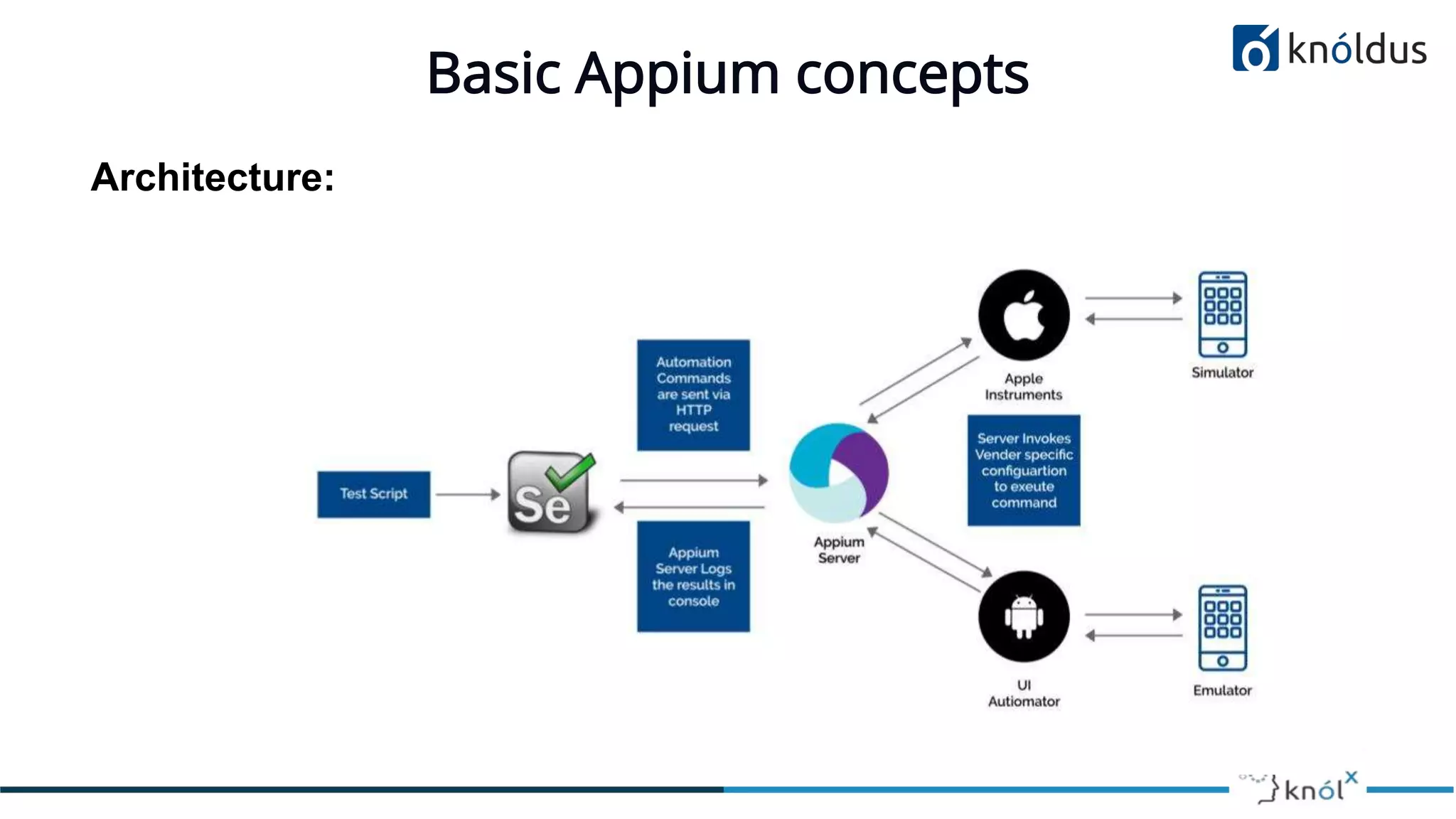
Basic Appium concepts
Architecture:
Session
● The session is a communication medium between client and Appium
server
● The client can create a session by sending the post/session request to the
server.
● This session req contains desired capabilities.
Desired Capabilities
Desired capabilities are a list of keys and values sent to the Appium server for
creating a new session.
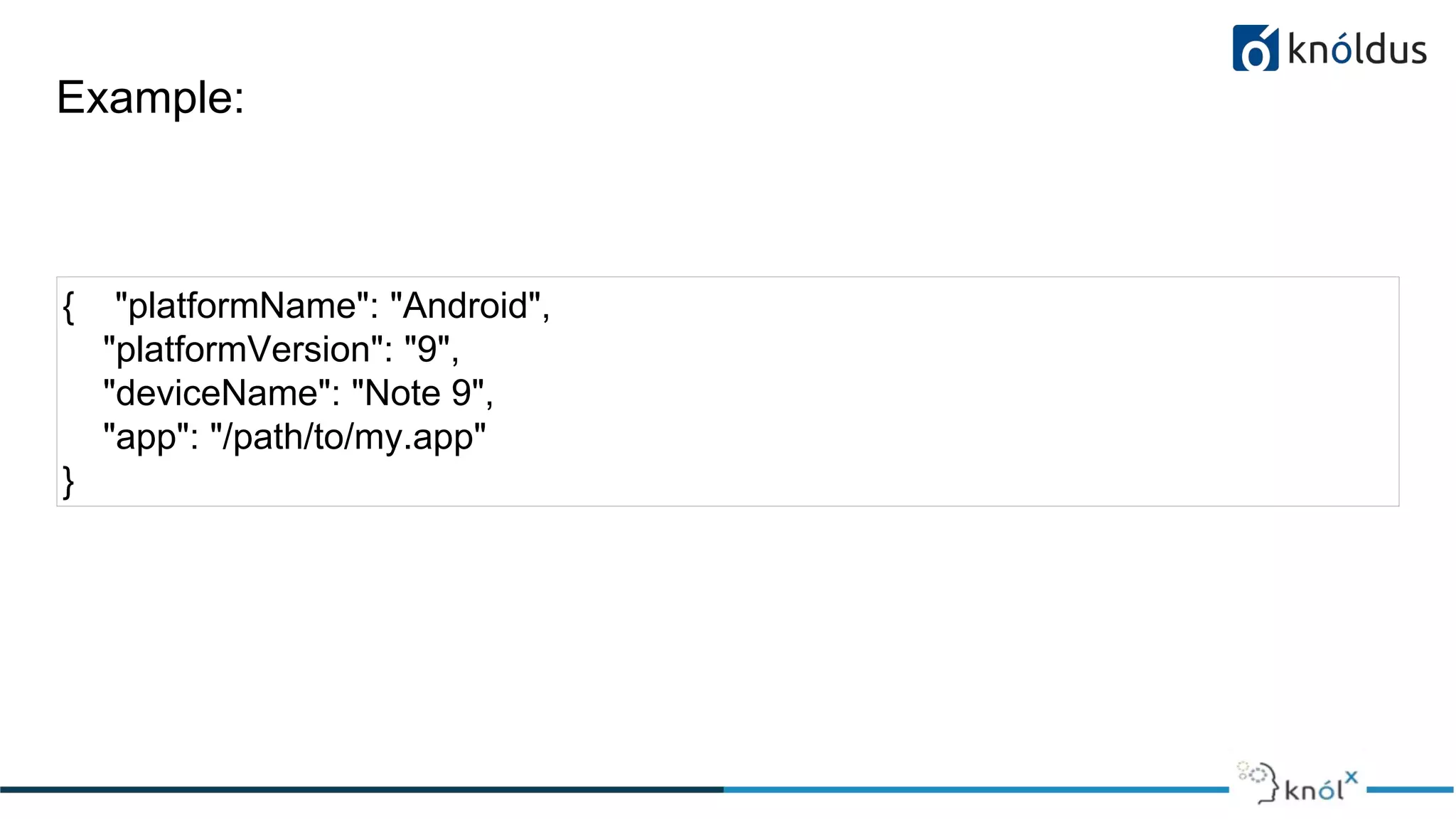
For example:
If we want to create an android session for testing an android app, we will be
required to provide these fields in the desired capabilities file.
● platformName : Which defines on which platform we are performing
testing.
● platformVersion : Operating system version is defined in this field.
● deviceName : Name of the device which we are using to run our tests on.
● app : Defines the path to the installation file i.e. APK or .IPA file from
where the driver can get and install the application to the device.
Example:
{ "platformName": "Android",
"platformVersion": "9",
"deviceName": "Note 9",
"app": "/path/to/my.app"
}
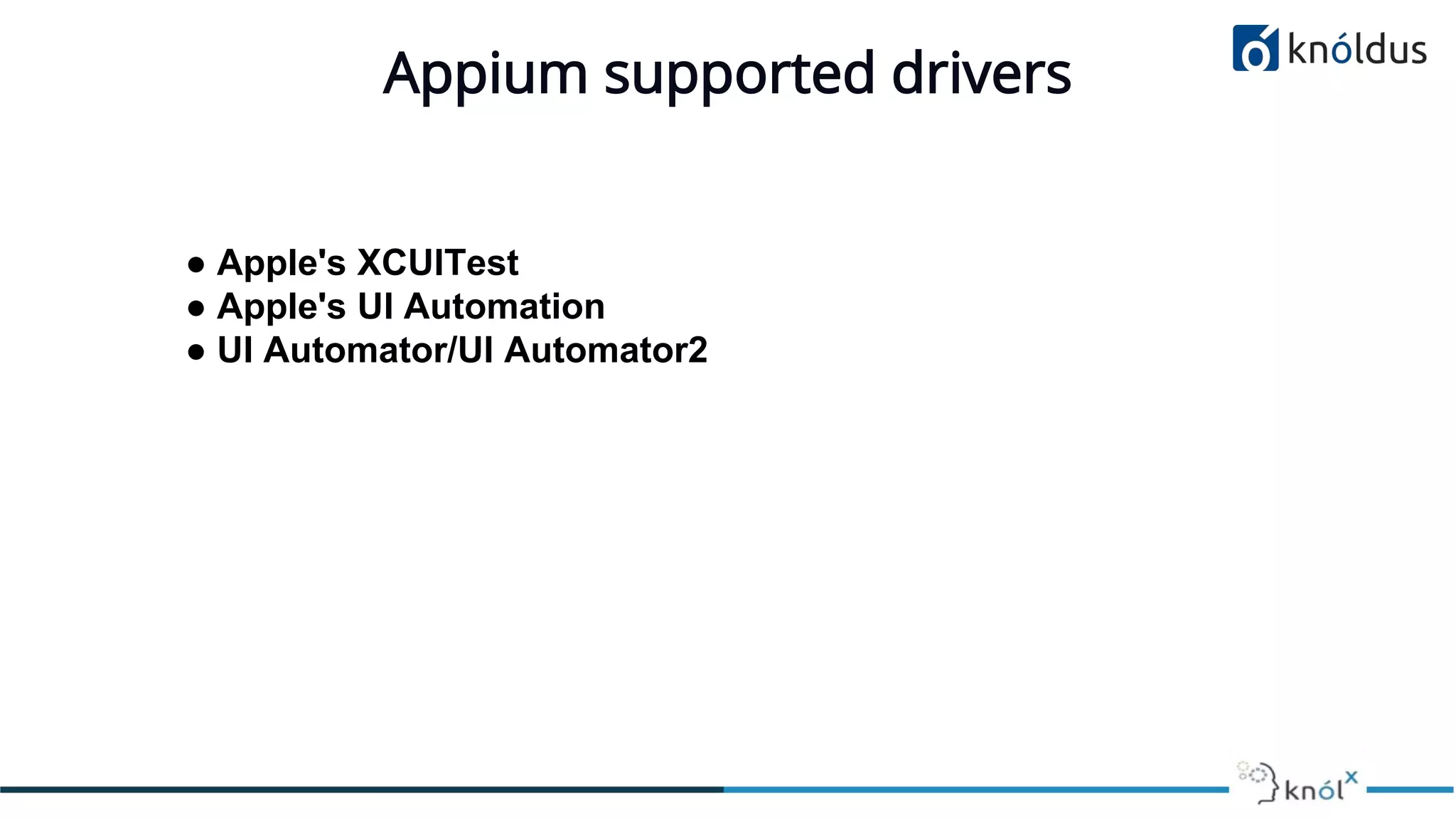
Appium supported drivers
● Apple's XCUITest
● Apple's UI Automation
● UI Automator/UI Automator2
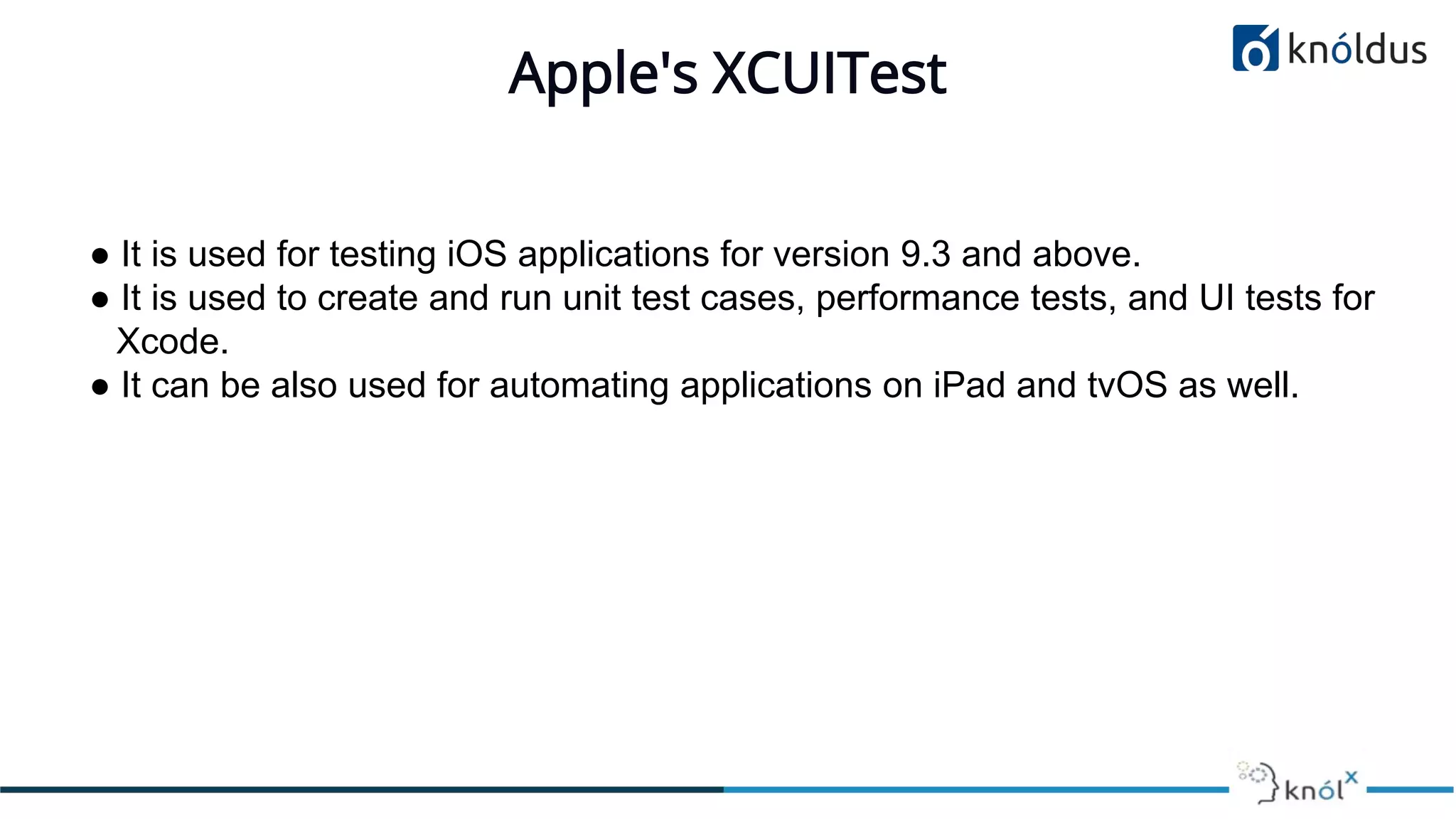
Apple's XCUITest
● It is used for testing iOS applications for version 9.3 and above.
● It is used to create and run unit test cases, performance tests, and UI tests for
Xcode.
● It can be also used for automating applications on iPad and tvOS as well.
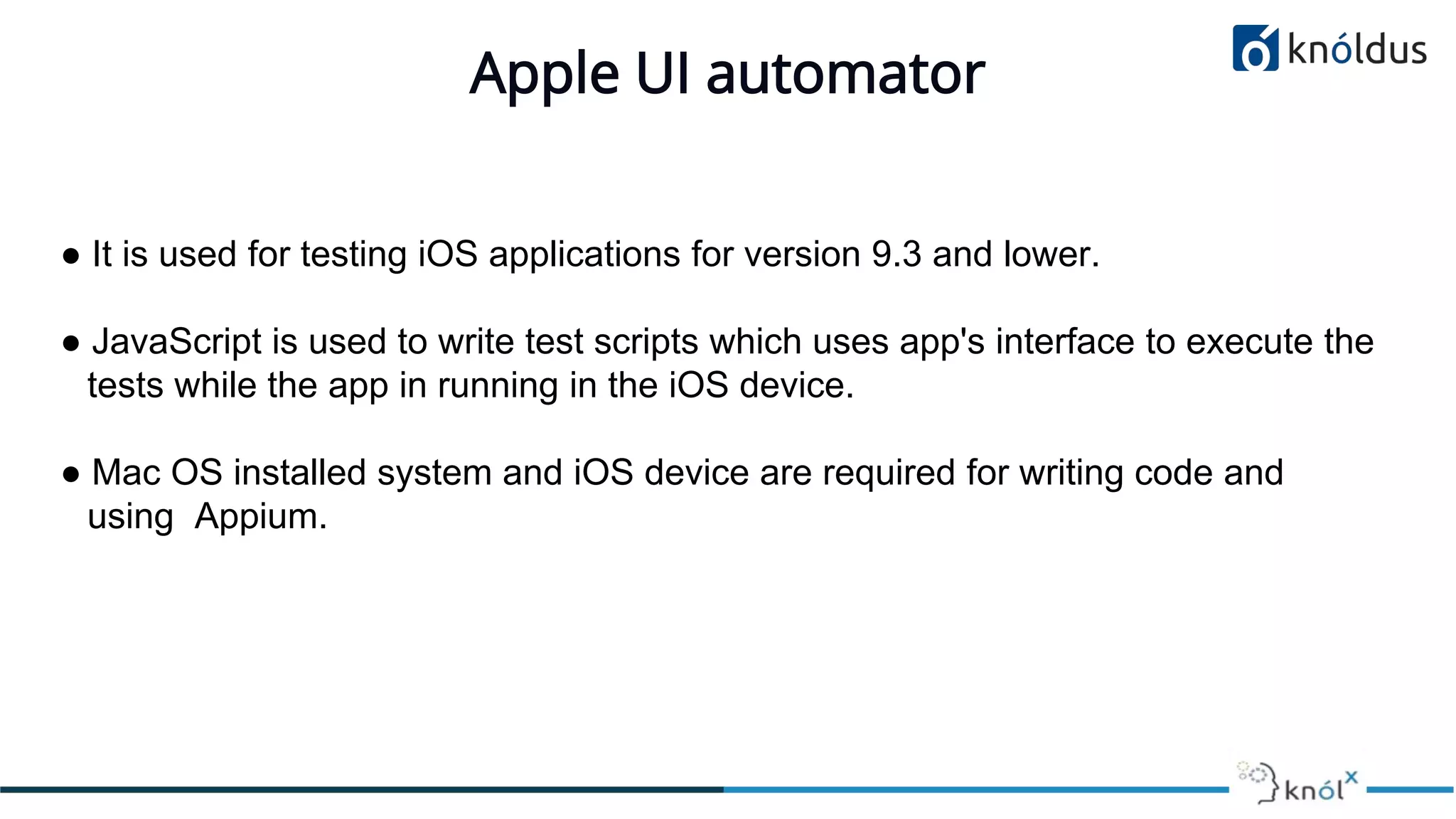
Apple UI automator
● It is used for testing iOS applications for version 9.3 and lower.
● JavaScript is used to write test scripts which uses app's interface to execute the
tests while the app in running in the iOS device.
● Mac OS installed system and iOS device are required for writing code and
using Appium.
UI Automator/UI Automator2 for Android
● UI Automator is a UI testing framework suitable for functional UI testing
across system and installed apps.
● It provides a framework for testing UI elements of the applications.
● It can be used to automate the all aspects of android applications.
Appium Installation
Prerequisite:
● Java
● Android SDK
● Node
ADB
● ADB stands for Android Debug Bridge.
● It is a versatile command-line tool that lets you communicate with any
connected device.
● It is used for installing and debugging apps in emulator and real devices as
well.
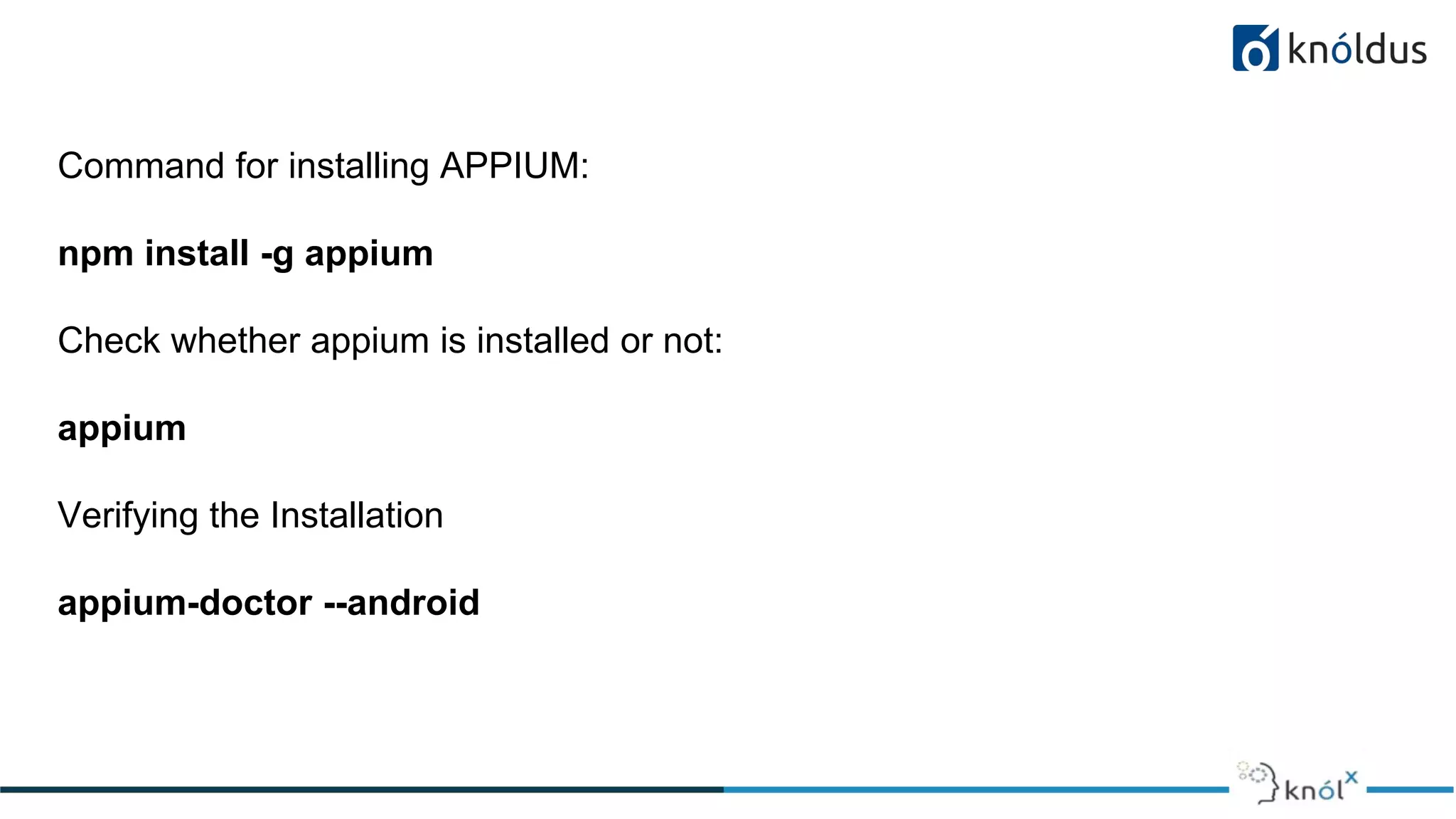
Command for installing APPIUM:
npm install -g appium
Check whether appium is installed or not:
appium
Verifying the Installation
appium-doctor --android
appium-doctor
● Attempts to diagnose and fix common Node, iOS and Android configuration
issues before starting Appium.
References
● http://appium.io/docs/en/about-appium/intro/
● http://appium.io/
● https://www.udemy.com/course/appium-selenium-for-mobile-
automation-testing/
Thank You !

Automation Testing With Appium

  • 1.
    Automation testing with Appium PresentedBy: Ankur Thakur QA Consultant & Vandana Yadav Sr. QA Consultant
  • 2.
    Our Agenda 01 Introductionof Appium 02 Basic Appium Concepts 03 Appium supported drivers 04 Demo
  • 3.
    Introduction What is Appium Appiumis an open-source automation tool or we can call it an open-source automation framework which allows us to automate the different type of mobile applications, it could be a web application, it could be a native or hybrid application.
  • 4.
    Why Appium ● Appiumis an open source tool. ● Appium is cross-platform. ● It supports multiple programming languages(java, python, ruby, c# and many more). ● Appium can work on the emulator as well as on the real devices.
  • 5.
  • 6.
    Session ● The sessionis a communication medium between client and Appium server ● The client can create a session by sending the post/session request to the server. ● This session req contains desired capabilities.
  • 7.
    Desired Capabilities Desired capabilitiesare a list of keys and values sent to the Appium server for creating a new session. For example: If we want to create an android session for testing an android app, we will be required to provide these fields in the desired capabilities file.
  • 8.
    ● platformName :Which defines on which platform we are performing testing. ● platformVersion : Operating system version is defined in this field. ● deviceName : Name of the device which we are using to run our tests on. ● app : Defines the path to the installation file i.e. APK or .IPA file from where the driver can get and install the application to the device.
  • 9.
    Example: { "platformName": "Android", "platformVersion":"9", "deviceName": "Note 9", "app": "/path/to/my.app" }
  • 10.
    Appium supported drivers ●Apple's XCUITest ● Apple's UI Automation ● UI Automator/UI Automator2
  • 11.
    Apple's XCUITest ● Itis used for testing iOS applications for version 9.3 and above. ● It is used to create and run unit test cases, performance tests, and UI tests for Xcode. ● It can be also used for automating applications on iPad and tvOS as well.
  • 12.
    Apple UI automator ●It is used for testing iOS applications for version 9.3 and lower. ● JavaScript is used to write test scripts which uses app's interface to execute the tests while the app in running in the iOS device. ● Mac OS installed system and iOS device are required for writing code and using Appium.
  • 13.
    UI Automator/UI Automator2for Android ● UI Automator is a UI testing framework suitable for functional UI testing across system and installed apps. ● It provides a framework for testing UI elements of the applications. ● It can be used to automate the all aspects of android applications.
  • 14.
  • 15.
    ADB ● ADB standsfor Android Debug Bridge. ● It is a versatile command-line tool that lets you communicate with any connected device. ● It is used for installing and debugging apps in emulator and real devices as well.
  • 16.
    Command for installingAPPIUM: npm install -g appium Check whether appium is installed or not: appium Verifying the Installation appium-doctor --android
  • 17.
    appium-doctor ● Attempts todiagnose and fix common Node, iOS and Android configuration issues before starting Appium.
  • 18.
    References ● http://appium.io/docs/en/about-appium/intro/ ● http://appium.io/ ●https://www.udemy.com/course/appium-selenium-for-mobile- automation-testing/
  • 19.