APPLET IN JAVA
JAVA PROGRAMMING
Presented by
Mrs.N.Kavitha,
Department of Computer Science.
Applet in Java
An applet is a special kind of Java program that runs in a Java enabled browser.
This is the first Java program that can run over the network using the browser.
Applet is typically embedded inside a web page and runs in the browser.
 Applets are small Java applications that can be accessed on an Internet server,
transported over Internet, and can be automatically installed and run as apart of a
web document.
 The applet can produce a graphical user interface.
To create an applet, a class must extends java.applet.Applet class.
An Applet class does not have any main() method.
It is viewed using JVM. The JVM can use either a plug-in of the Web browser or a
separate runtime environment to run an applet application.
JVM creates an instance of the applet class and invokes init() method to initialize
an Applet.
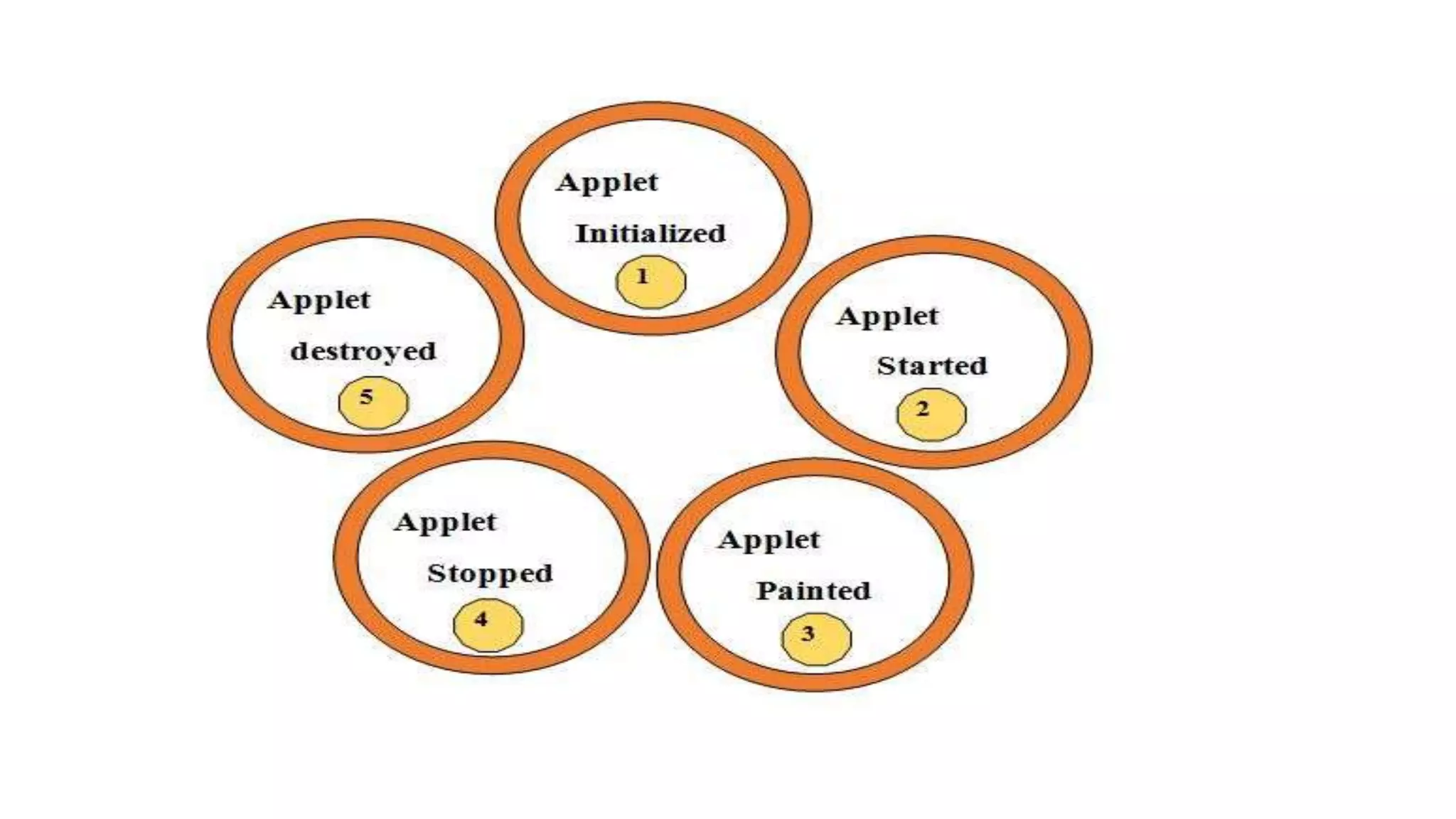
Lifecycle of Java Applet
The following are the stages in Applet
1.Applet is initialized.
2.Applet is started
3.Applet is painted.
4.Applet is stopped.
5.Applet is destroyed.
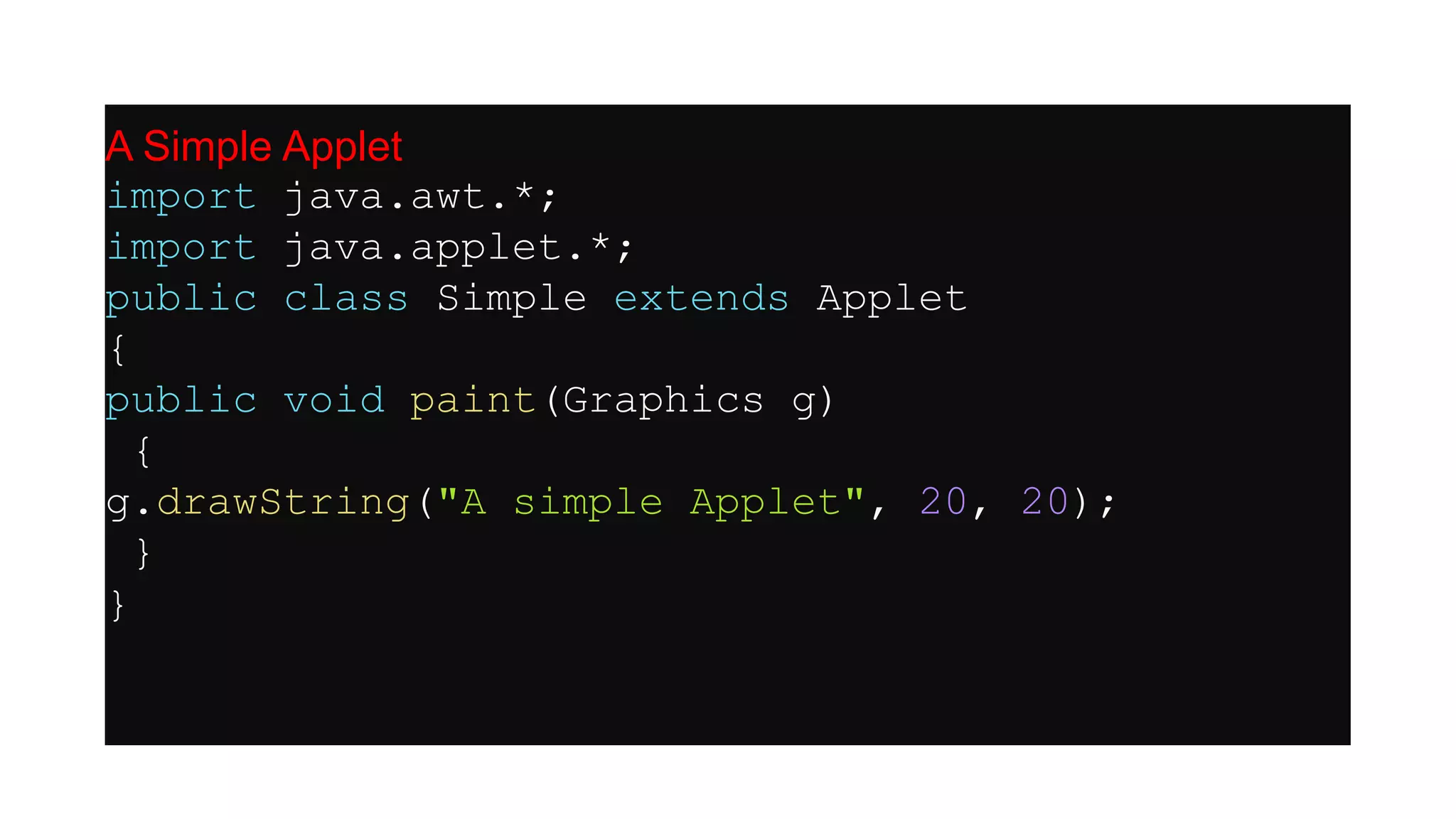
A Simple Applet
import java.awt.*;
import java.applet.*;
public class Simple extends Applet
{
public void paint(Graphics g)
{
g.drawString("A simple Applet", 20, 20);
}
}
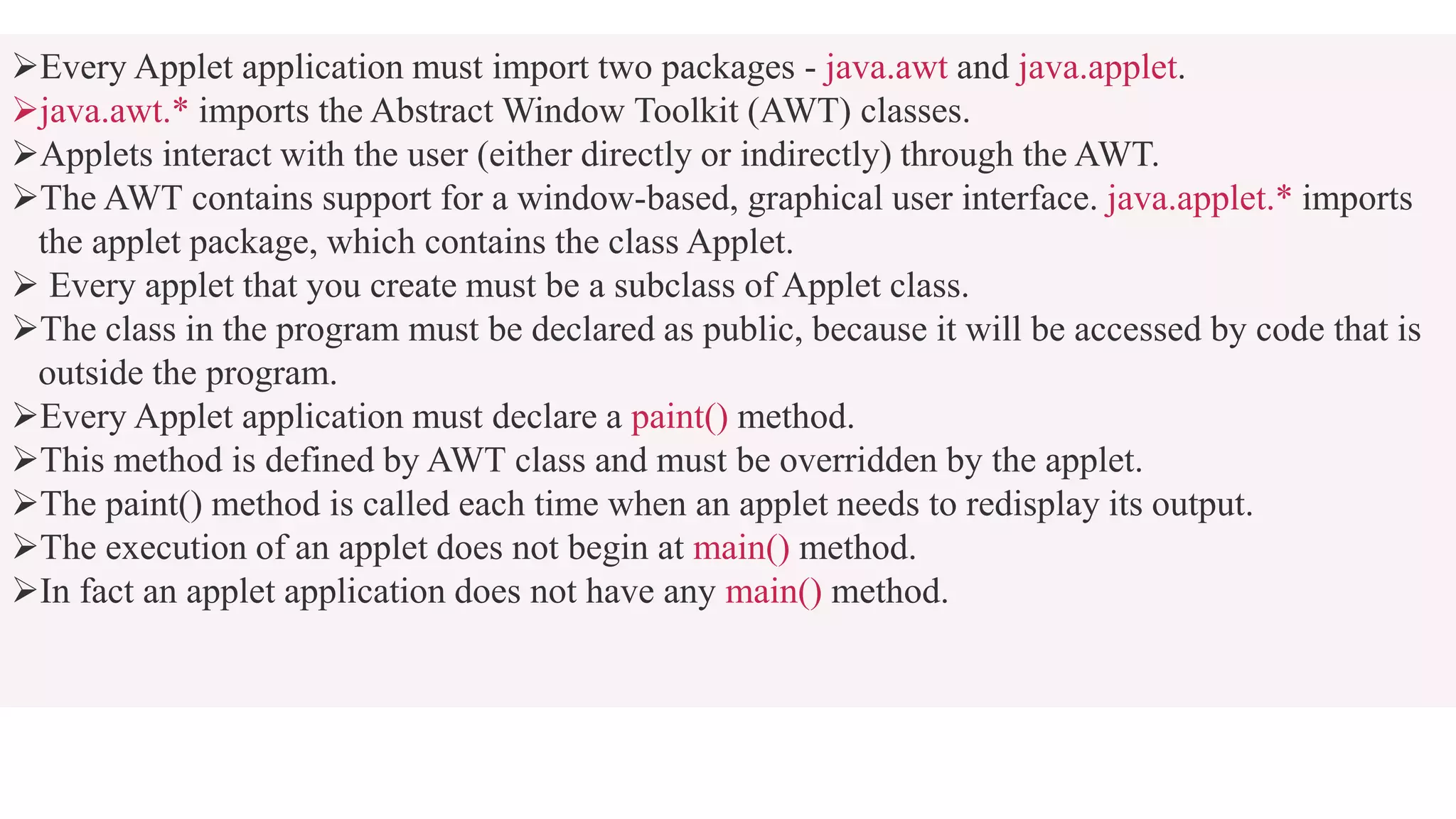
Every Applet application must import two packages - java.awt and java.applet.
java.awt.* imports the Abstract Window Toolkit (AWT) classes.
Applets interact with the user (either directly or indirectly) through the AWT.
The AWT contains support for a window-based, graphical user interface. java.applet.* imports
the applet package, which contains the class Applet.
 Every applet that you create must be a subclass of Applet class.
The class in the program must be declared as public, because it will be accessed by code that is
outside the program.
Every Applet application must declare a paint() method.
This method is defined by AWT class and must be overridden by the applet.
The paint() method is called each time when an applet needs to redisplay its output.
The execution of an applet does not begin at main() method.
In fact an applet application does not have any main() method.
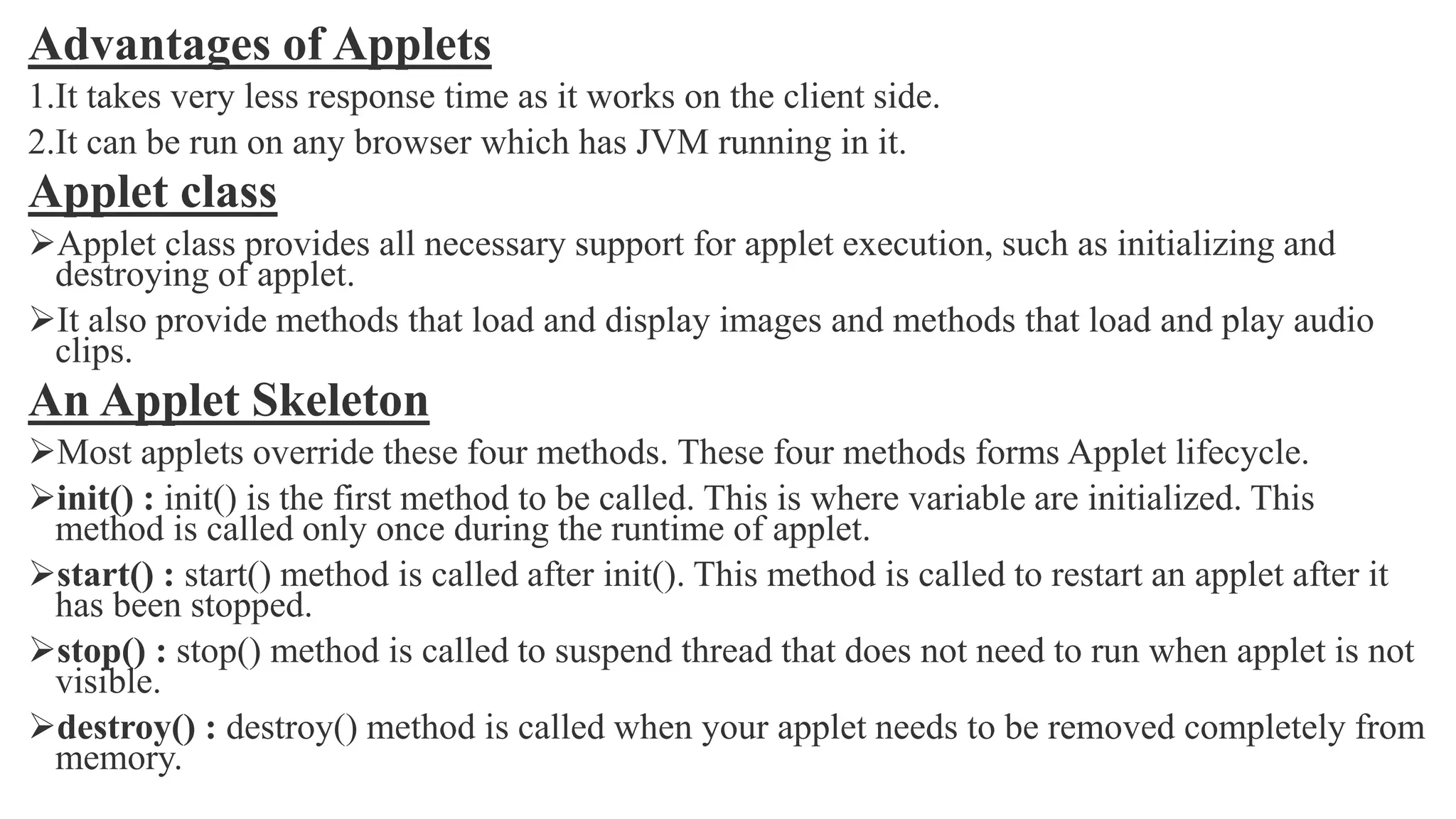
Advantages of Applets
1.It takes very less response time as it works on the client side.
2.It can be run on any browser which has JVM running in it.
Applet class
Applet class provides all necessary support for applet execution, such as initializing and
destroying of applet.
It also provide methods that load and display images and methods that load and play audio
clips.
An Applet Skeleton
Most applets override these four methods. These four methods forms Applet lifecycle.
init() : init() is the first method to be called. This is where variable are initialized. This
method is called only once during the runtime of applet.
start() : start() method is called after init(). This method is called to restart an applet after it
has been stopped.
stop() : stop() method is called to suspend thread that does not need to run when applet is not
visible.
destroy() : destroy() method is called when your applet needs to be removed completely from
memory.
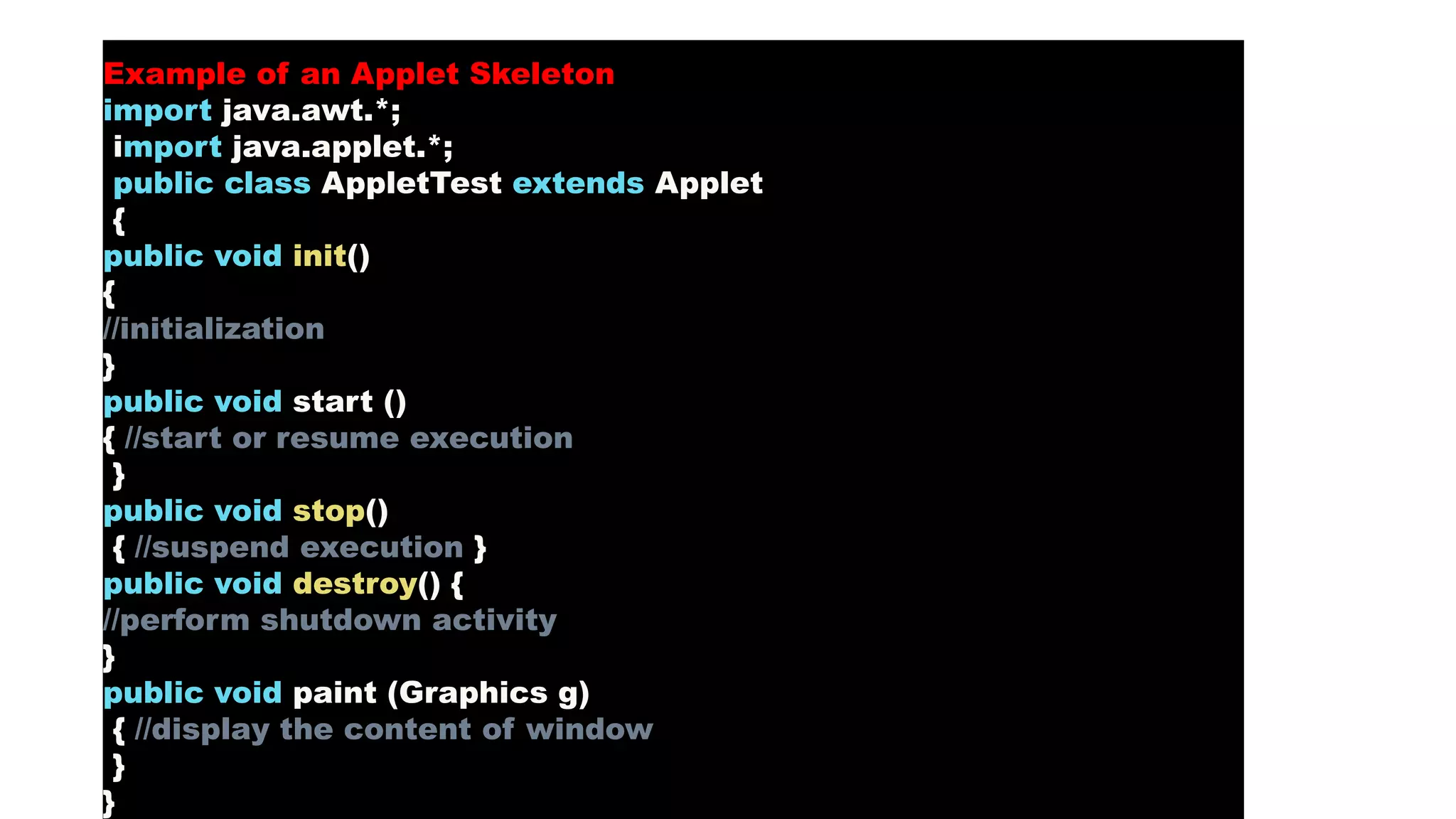
Example of an Applet Skeleton
import java.awt.*;
import java.applet.*;
public class AppletTest extends Applet
{
public void init()
{
//initialization
}
public void start ()
{ //start or resume execution
}
public void stop()
{ //suspend execution }
public void destroy() {
//perform shutdown activity
}
public void paint (Graphics g)
{ //display the content of window
}
}
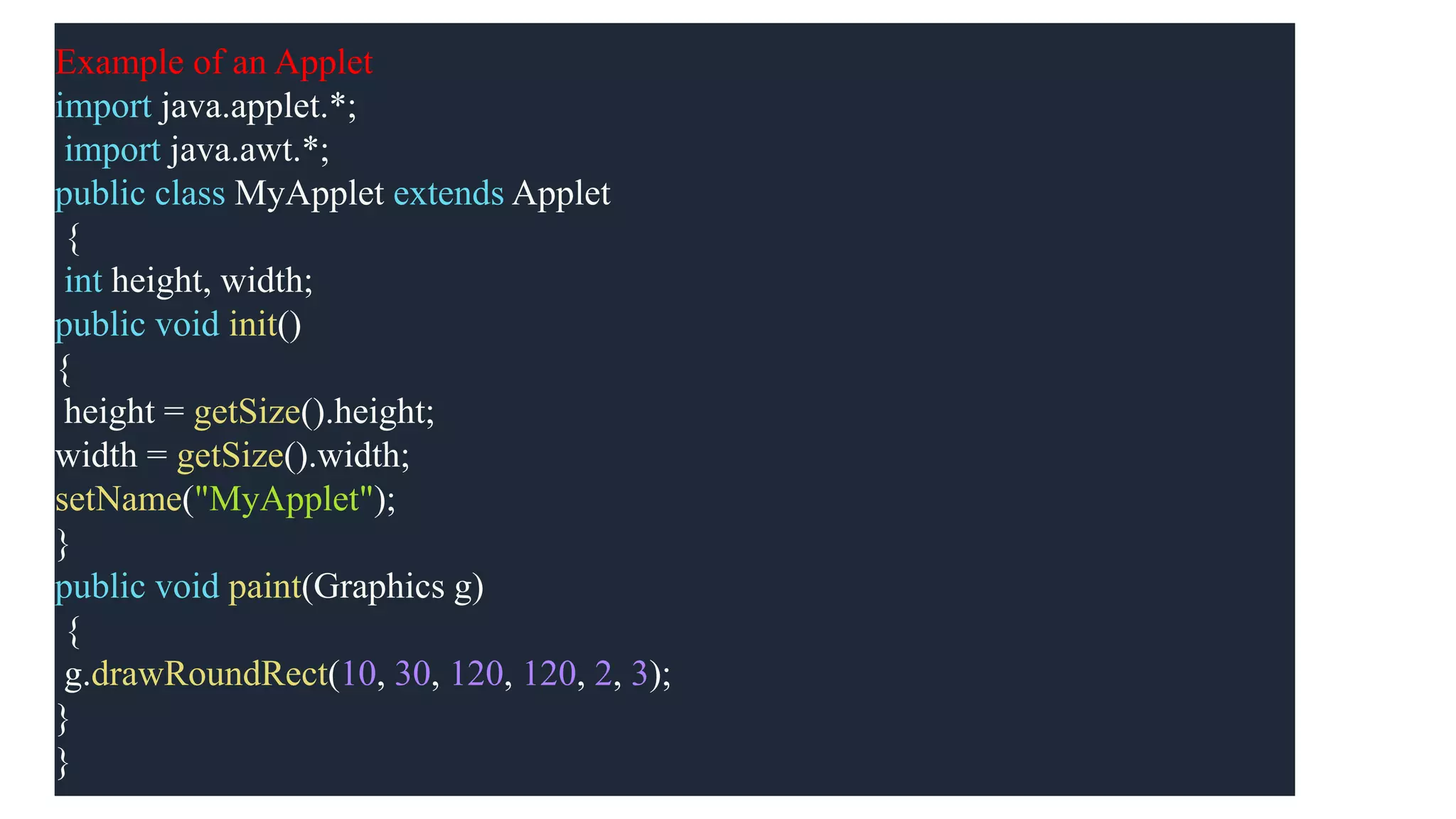
Example of an Applet
import java.applet.*;
import java.awt.*;
public class MyApplet extends Applet
{
int height, width;
public void init()
{
height = getSize().height;
width = getSize().width;
setName("MyApplet");
}
public void paint(Graphics g)
{
g.drawRoundRect(10, 30, 120, 120, 2, 3);
}
}
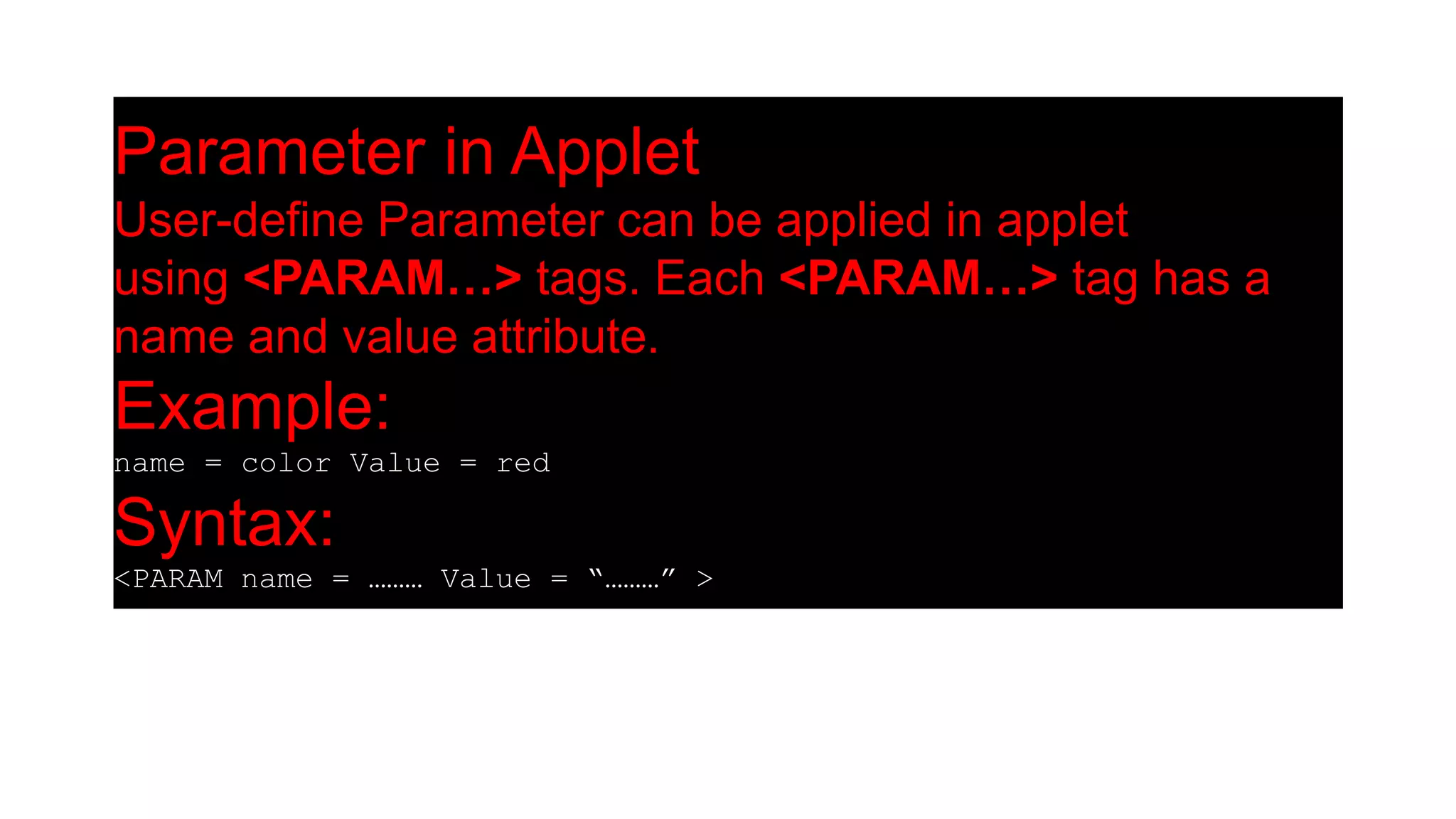
Parameter in Applet
User-define Parameter can be applied in applet
using <PARAM…> tags. Each <PARAM…> tag has a
name and value attribute.
Example:
name = color Value = red
Syntax:
<PARAM name = ……… Value = “………” >
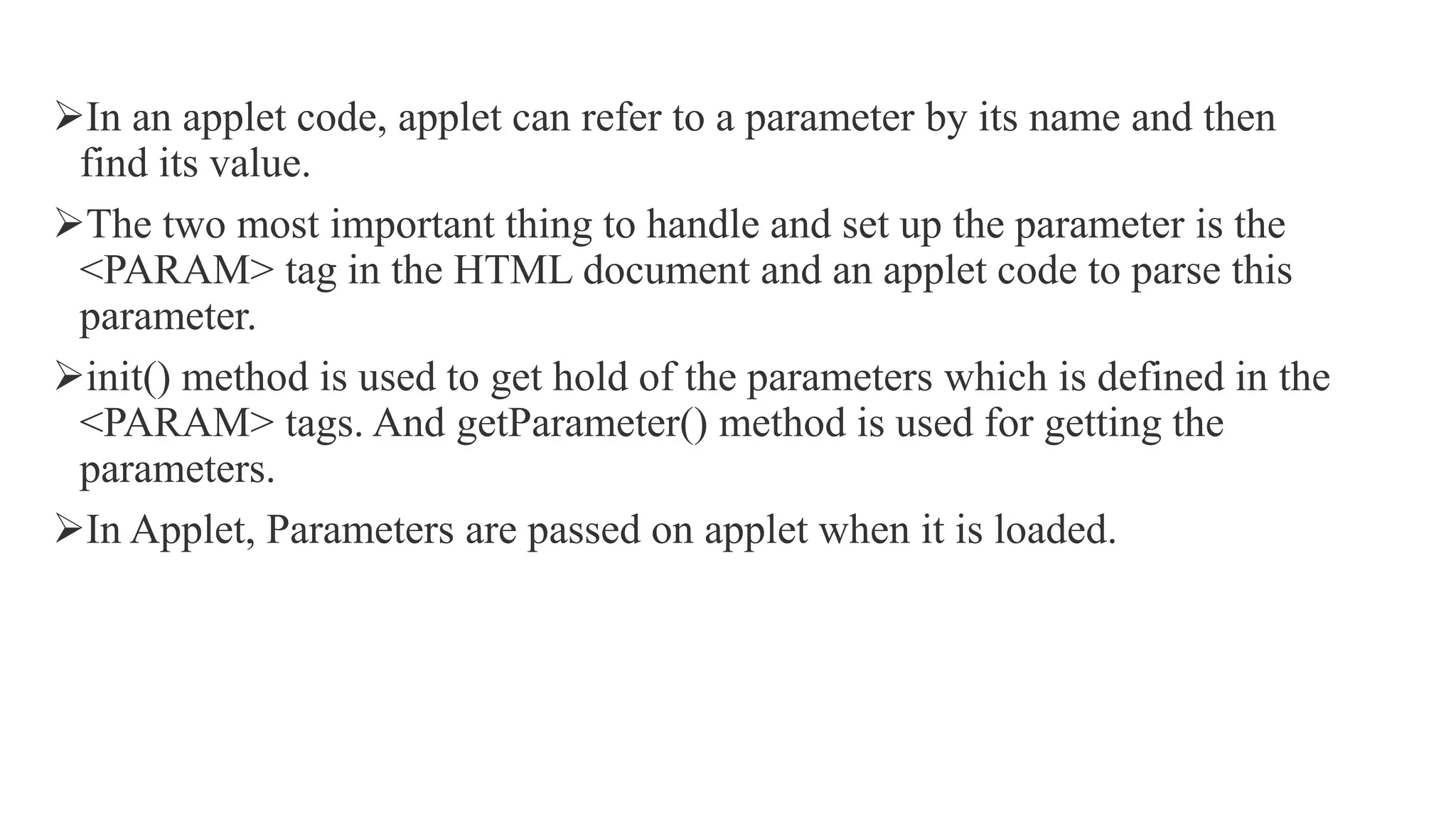
In an applet code, applet can refer to a parameter by its name and then
find its value.
The two most important thing to handle and set up the parameter is the
<PARAM> tag in the HTML document and an applet code to parse this
parameter.
init() method is used to get hold of the parameters which is defined in the
<PARAM> tags. And getParameter() method is used for getting the
parameters.
In Applet, Parameters are passed on applet when it is loaded.
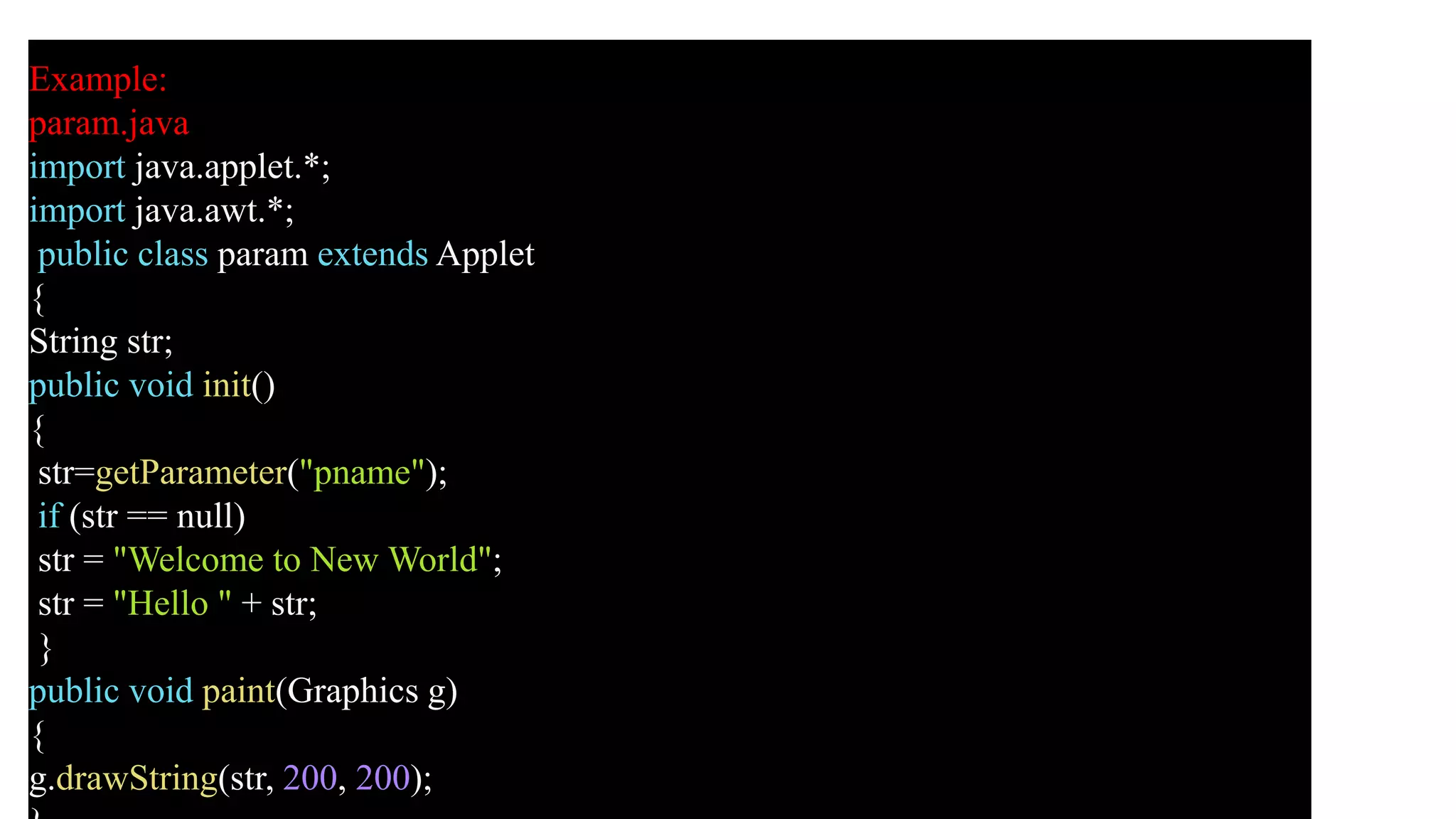
Example:
param.java
import java.applet.*;
import java.awt.*;
public class param extends Applet
{
String str;
public void init()
{
str=getParameter("pname");
if (str == null)
str = "Welcome to New World";
str = "Hello " + str;
}
public void paint(Graphics g)
{
g.drawString(str, 200, 200);
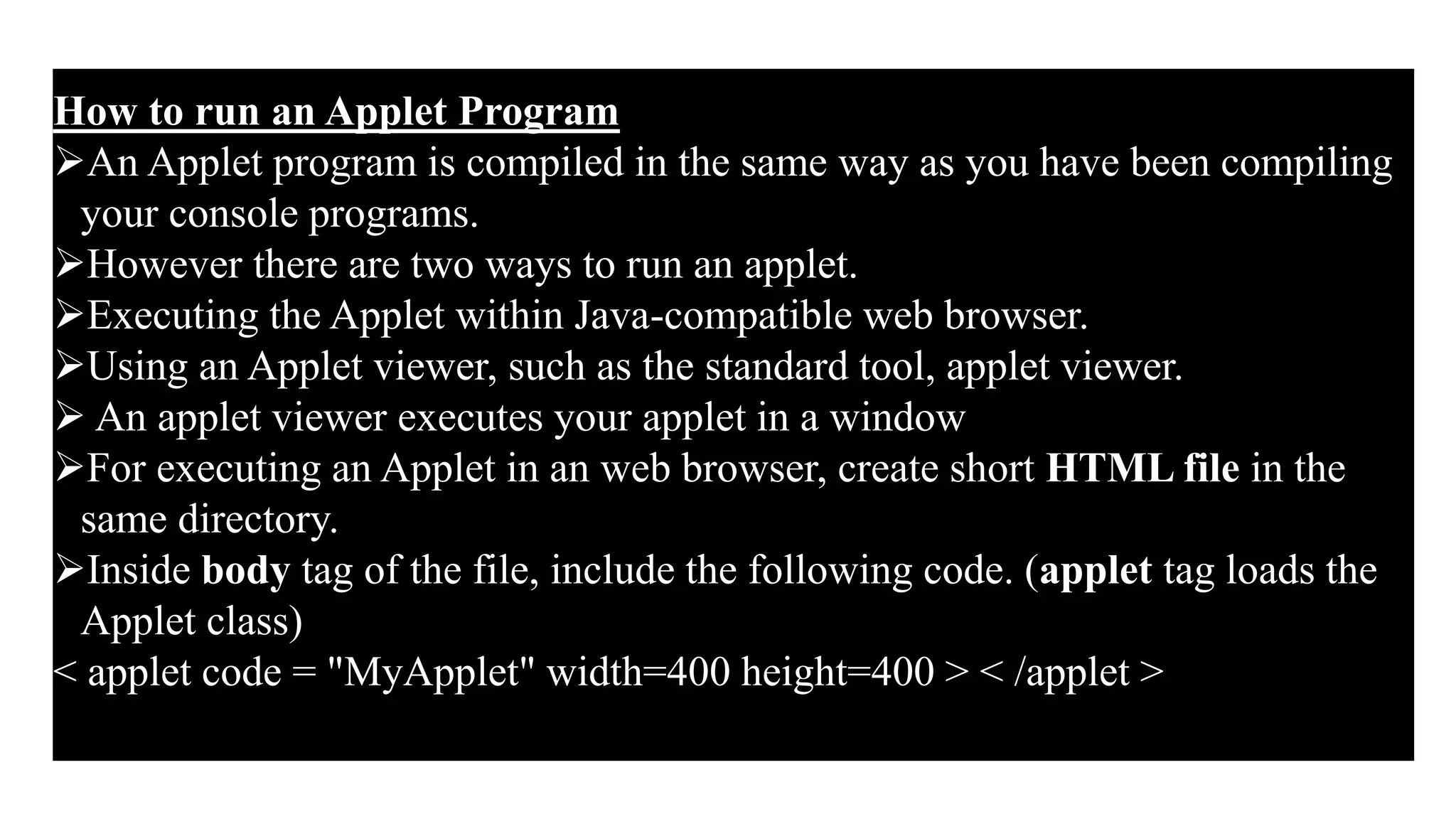
How to run an Applet Program
An Applet program is compiled in the same way as you have been compiling
your console programs.
However there are two ways to run an applet.
Executing the Applet within Java-compatible web browser.
Using an Applet viewer, such as the standard tool, applet viewer.
 An applet viewer executes your applet in a window
For executing an Applet in an web browser, create short HTML file in the
same directory.
Inside body tag of the file, include the following code. (applet tag loads the
Applet class)
< applet code = "MyApplet" width=400 height=400 > < /applet >
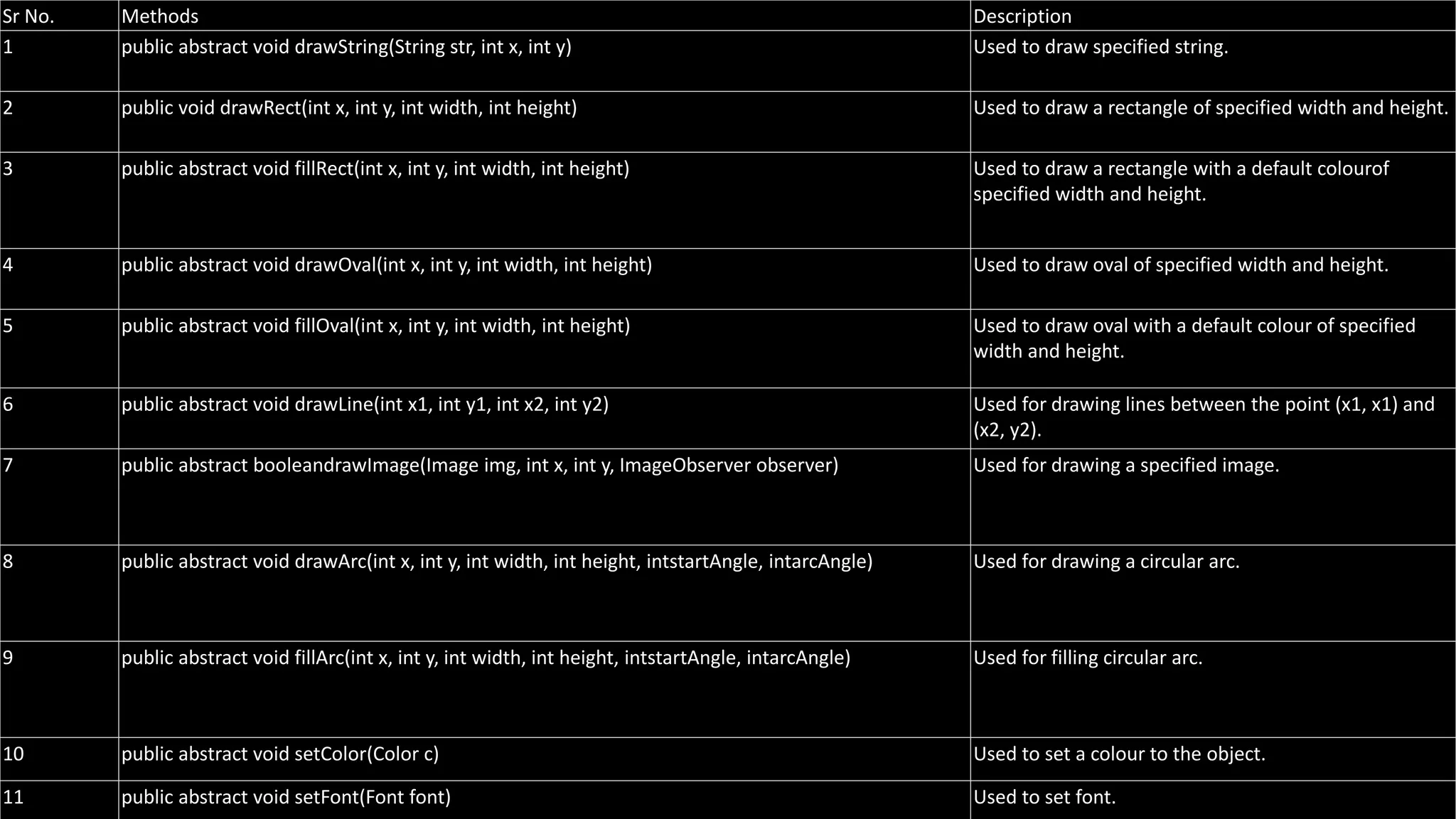
Sr No. Methods Description
1 public abstract void drawString(String str, int x, int y) Used to draw specified string.
2 public void drawRect(int x, int y, int width, int height) Used to draw a rectangle of specified width and height.
3 public abstract void fillRect(int x, int y, int width, int height) Used to draw a rectangle with a default colourof
specified width and height.
4 public abstract void drawOval(int x, int y, int width, int height) Used to draw oval of specified width and height.
5 public abstract void fillOval(int x, int y, int width, int height) Used to draw oval with a default colour of specified
width and height.
6 public abstract void drawLine(int x1, int y1, int x2, int y2) Used for drawing lines between the point (x1, x1) and
(x2, y2).
7 public abstract booleandrawImage(Image img, int x, int y, ImageObserver observer) Used for drawing a specified image.
8 public abstract void drawArc(int x, int y, int width, int height, intstartAngle, intarcAngle) Used for drawing a circular arc.
9 public abstract void fillArc(int x, int y, int width, int height, intstartAngle, intarcAngle) Used for filling circular arc.
10 public abstract void setColor(Color c) Used to set a colour to the object.
11 public abstract void setFont(Font font) Used to set font.
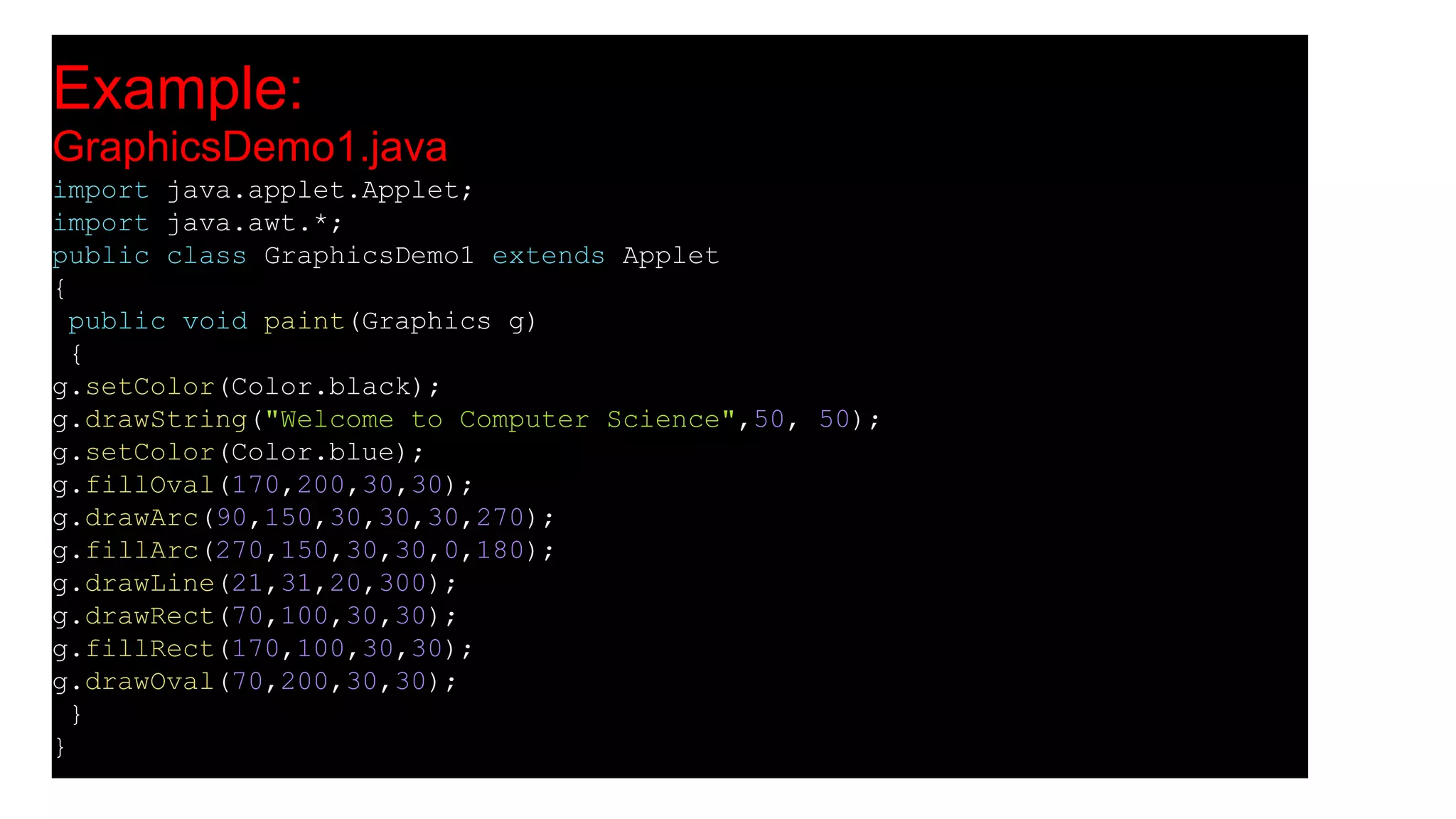
Example:
GraphicsDemo1.java
import java.applet.Applet;
import java.awt.*;
public class GraphicsDemo1 extends Applet
{
public void paint(Graphics g)
{
g.setColor(Color.black);
g.drawString("Welcome to Computer Science",50, 50);
g.setColor(Color.blue);
g.fillOval(170,200,30,30);
g.drawArc(90,150,30,30,30,270);
g.fillArc(270,150,30,30,0,180);
g.drawLine(21,31,20,300);
g.drawRect(70,100,30,30);
g.fillRect(170,100,30,30);
g.drawOval(70,200,30,30);
}
}
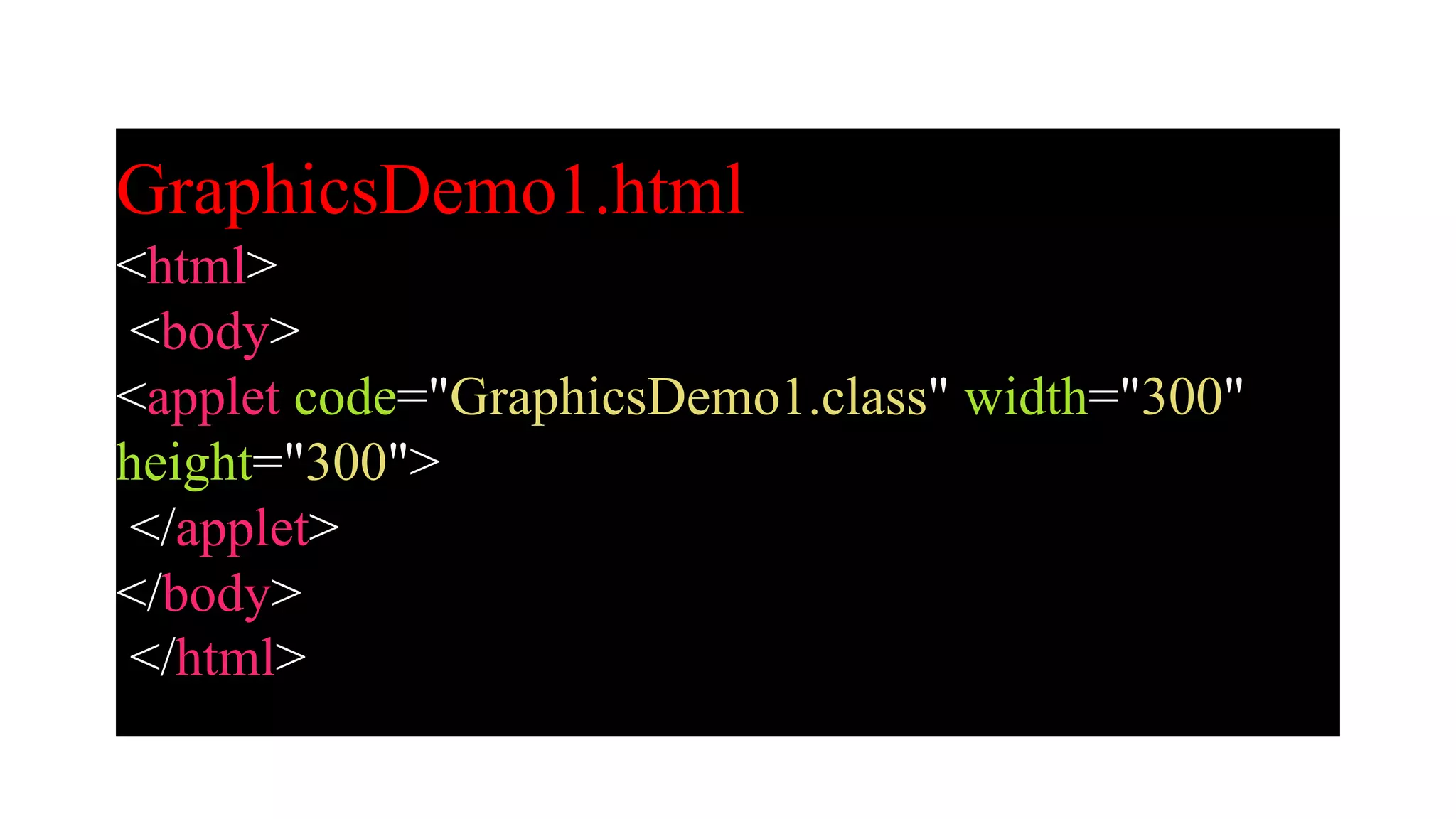
GraphicsDemo1.html
<html>
<body>
<applet code="GraphicsDemo1.class" width="300"
height="300">
</applet>
</body>
</html>
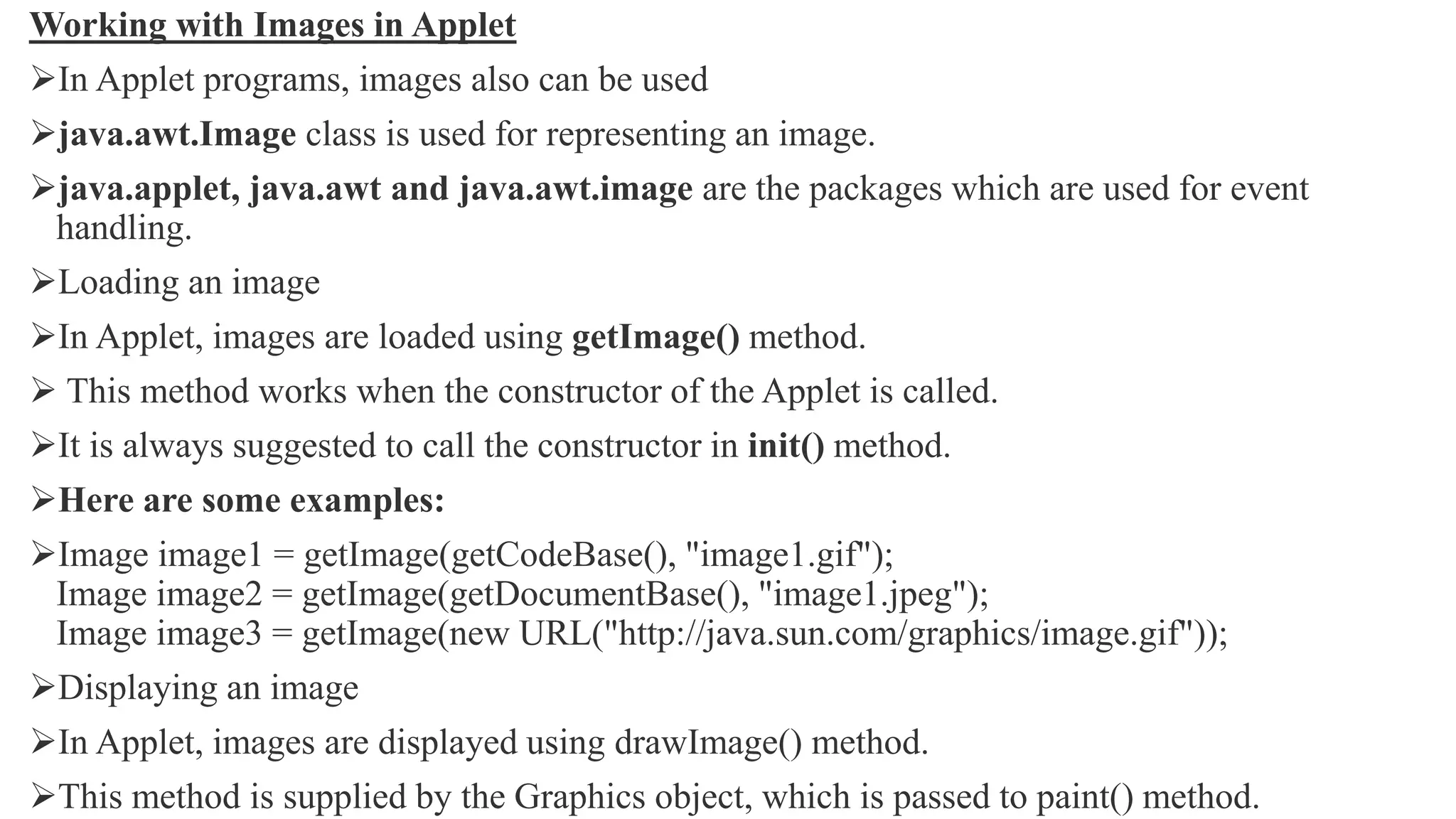
Working with Images in Applet
In Applet programs, images also can be used
java.awt.Image class is used for representing an image.
java.applet, java.awt and java.awt.image are the packages which are used for event
handling.
Loading an image
In Applet, images are loaded using getImage() method.
 This method works when the constructor of the Applet is called.
It is always suggested to call the constructor in init() method.
Here are some examples:
Image image1 = getImage(getCodeBase(), "image1.gif");
Image image2 = getImage(getDocumentBase(), "image1.jpeg");
Image image3 = getImage(new URL("http://java.sun.com/graphics/image.gif"));
Displaying an image
In Applet, images are displayed using drawImage() method.
This method is supplied by the Graphics object, which is passed to paint() method.
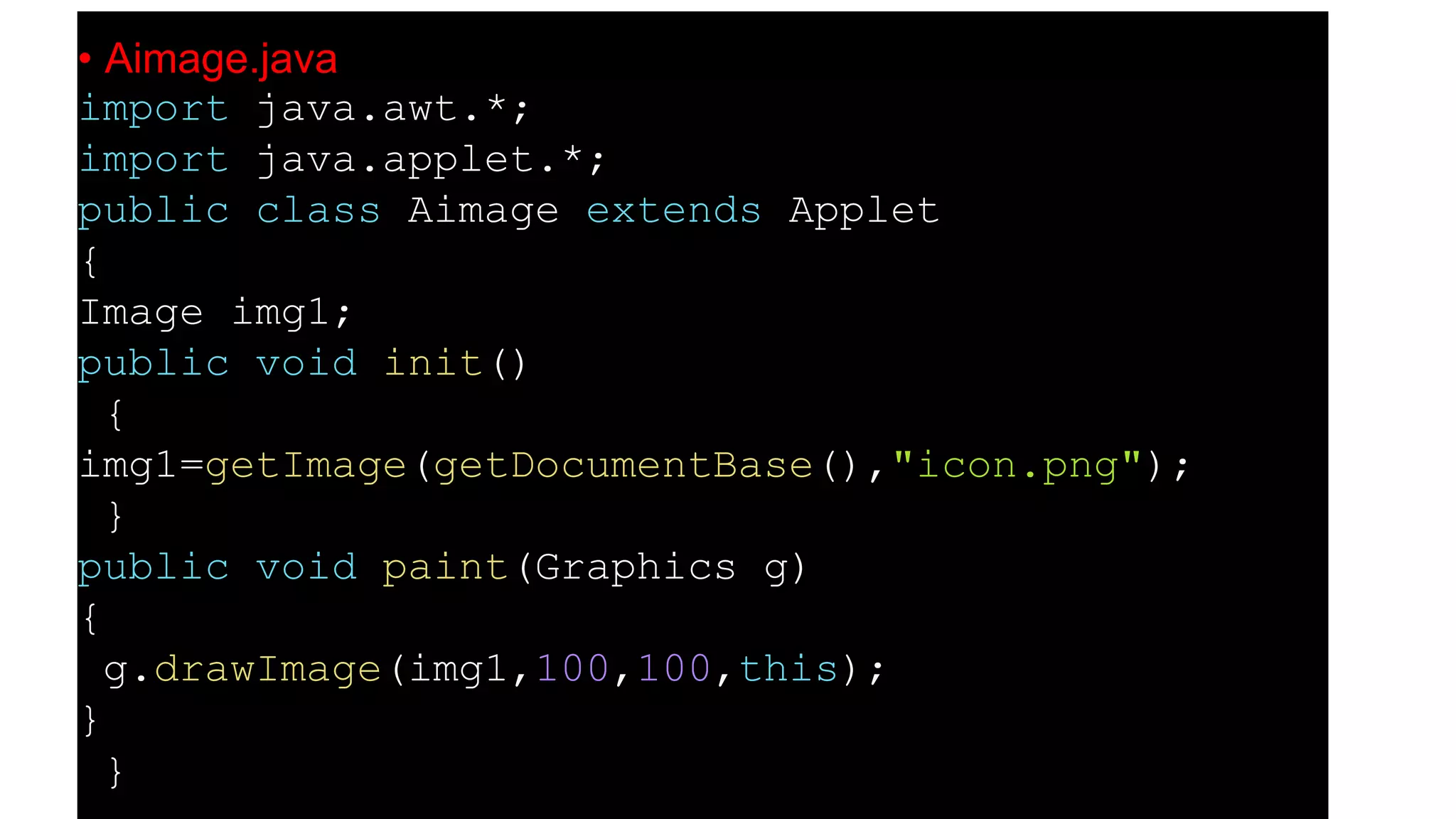
• Aimage.java
import java.awt.*;
import java.applet.*;
public class Aimage extends Applet
{
Image img1;
public void init()
{
img1=getImage(getDocumentBase(),"icon.png");
}
public void paint(Graphics g)
{
g.drawImage(img1,100,100,this);
}
}
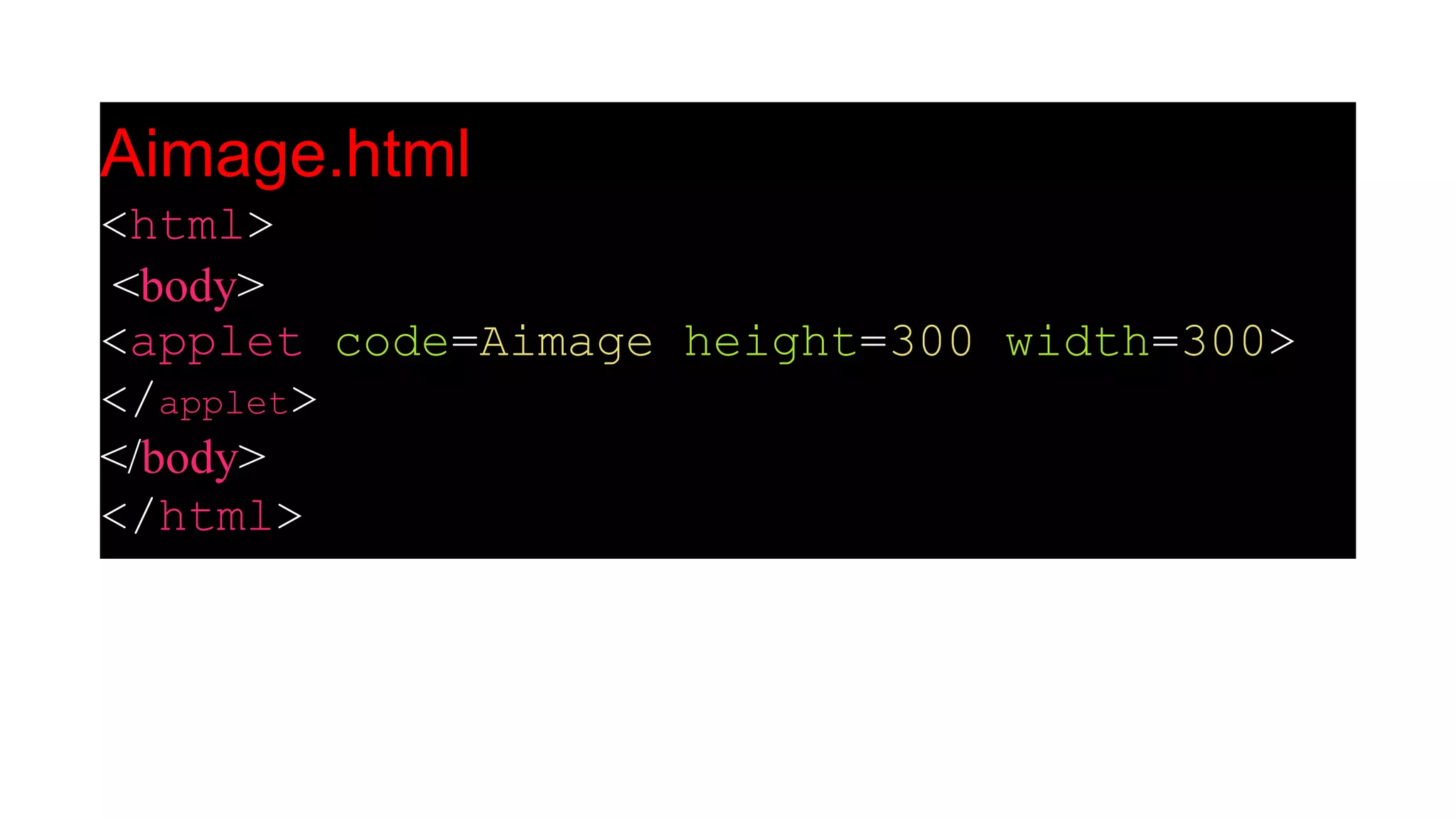
Aimage.html
<html>
<body>
<applet code=Aimage height=300 width=300>
</applet>
</body>
</html>

Applet in java new

  • 1.
    APPLET IN JAVA JAVAPROGRAMMING Presented by Mrs.N.Kavitha, Department of Computer Science.
  • 2.
    Applet in Java Anapplet is a special kind of Java program that runs in a Java enabled browser. This is the first Java program that can run over the network using the browser. Applet is typically embedded inside a web page and runs in the browser.  Applets are small Java applications that can be accessed on an Internet server, transported over Internet, and can be automatically installed and run as apart of a web document.  The applet can produce a graphical user interface. To create an applet, a class must extends java.applet.Applet class. An Applet class does not have any main() method. It is viewed using JVM. The JVM can use either a plug-in of the Web browser or a separate runtime environment to run an applet application. JVM creates an instance of the applet class and invokes init() method to initialize an Applet.
  • 3.
    Lifecycle of JavaApplet The following are the stages in Applet 1.Applet is initialized. 2.Applet is started 3.Applet is painted. 4.Applet is stopped. 5.Applet is destroyed.
  • 5.
    A Simple Applet importjava.awt.*; import java.applet.*; public class Simple extends Applet { public void paint(Graphics g) { g.drawString("A simple Applet", 20, 20); } }
  • 6.
    Every Applet applicationmust import two packages - java.awt and java.applet. java.awt.* imports the Abstract Window Toolkit (AWT) classes. Applets interact with the user (either directly or indirectly) through the AWT. The AWT contains support for a window-based, graphical user interface. java.applet.* imports the applet package, which contains the class Applet.  Every applet that you create must be a subclass of Applet class. The class in the program must be declared as public, because it will be accessed by code that is outside the program. Every Applet application must declare a paint() method. This method is defined by AWT class and must be overridden by the applet. The paint() method is called each time when an applet needs to redisplay its output. The execution of an applet does not begin at main() method. In fact an applet application does not have any main() method.
  • 7.
    Advantages of Applets 1.Ittakes very less response time as it works on the client side. 2.It can be run on any browser which has JVM running in it. Applet class Applet class provides all necessary support for applet execution, such as initializing and destroying of applet. It also provide methods that load and display images and methods that load and play audio clips. An Applet Skeleton Most applets override these four methods. These four methods forms Applet lifecycle. init() : init() is the first method to be called. This is where variable are initialized. This method is called only once during the runtime of applet. start() : start() method is called after init(). This method is called to restart an applet after it has been stopped. stop() : stop() method is called to suspend thread that does not need to run when applet is not visible. destroy() : destroy() method is called when your applet needs to be removed completely from memory.
  • 8.
    Example of anApplet Skeleton import java.awt.*; import java.applet.*; public class AppletTest extends Applet { public void init() { //initialization } public void start () { //start or resume execution } public void stop() { //suspend execution } public void destroy() { //perform shutdown activity } public void paint (Graphics g) { //display the content of window } }
  • 9.
    Example of anApplet import java.applet.*; import java.awt.*; public class MyApplet extends Applet { int height, width; public void init() { height = getSize().height; width = getSize().width; setName("MyApplet"); } public void paint(Graphics g) { g.drawRoundRect(10, 30, 120, 120, 2, 3); } }
  • 10.
    Parameter in Applet User-defineParameter can be applied in applet using <PARAM…> tags. Each <PARAM…> tag has a name and value attribute. Example: name = color Value = red Syntax: <PARAM name = ……… Value = “………” >
  • 11.
    In an appletcode, applet can refer to a parameter by its name and then find its value. The two most important thing to handle and set up the parameter is the <PARAM> tag in the HTML document and an applet code to parse this parameter. init() method is used to get hold of the parameters which is defined in the <PARAM> tags. And getParameter() method is used for getting the parameters. In Applet, Parameters are passed on applet when it is loaded.
  • 12.
    Example: param.java import java.applet.*; import java.awt.*; publicclass param extends Applet { String str; public void init() { str=getParameter("pname"); if (str == null) str = "Welcome to New World"; str = "Hello " + str; } public void paint(Graphics g) { g.drawString(str, 200, 200);
  • 13.
    How to runan Applet Program An Applet program is compiled in the same way as you have been compiling your console programs. However there are two ways to run an applet. Executing the Applet within Java-compatible web browser. Using an Applet viewer, such as the standard tool, applet viewer.  An applet viewer executes your applet in a window For executing an Applet in an web browser, create short HTML file in the same directory. Inside body tag of the file, include the following code. (applet tag loads the Applet class) < applet code = "MyApplet" width=400 height=400 > < /applet >
  • 14.
    Sr No. MethodsDescription 1 public abstract void drawString(String str, int x, int y) Used to draw specified string. 2 public void drawRect(int x, int y, int width, int height) Used to draw a rectangle of specified width and height. 3 public abstract void fillRect(int x, int y, int width, int height) Used to draw a rectangle with a default colourof specified width and height. 4 public abstract void drawOval(int x, int y, int width, int height) Used to draw oval of specified width and height. 5 public abstract void fillOval(int x, int y, int width, int height) Used to draw oval with a default colour of specified width and height. 6 public abstract void drawLine(int x1, int y1, int x2, int y2) Used for drawing lines between the point (x1, x1) and (x2, y2). 7 public abstract booleandrawImage(Image img, int x, int y, ImageObserver observer) Used for drawing a specified image. 8 public abstract void drawArc(int x, int y, int width, int height, intstartAngle, intarcAngle) Used for drawing a circular arc. 9 public abstract void fillArc(int x, int y, int width, int height, intstartAngle, intarcAngle) Used for filling circular arc. 10 public abstract void setColor(Color c) Used to set a colour to the object. 11 public abstract void setFont(Font font) Used to set font.
  • 15.
    Example: GraphicsDemo1.java import java.applet.Applet; import java.awt.*; publicclass GraphicsDemo1 extends Applet { public void paint(Graphics g) { g.setColor(Color.black); g.drawString("Welcome to Computer Science",50, 50); g.setColor(Color.blue); g.fillOval(170,200,30,30); g.drawArc(90,150,30,30,30,270); g.fillArc(270,150,30,30,0,180); g.drawLine(21,31,20,300); g.drawRect(70,100,30,30); g.fillRect(170,100,30,30); g.drawOval(70,200,30,30); } }
  • 16.
  • 17.
    Working with Imagesin Applet In Applet programs, images also can be used java.awt.Image class is used for representing an image. java.applet, java.awt and java.awt.image are the packages which are used for event handling. Loading an image In Applet, images are loaded using getImage() method.  This method works when the constructor of the Applet is called. It is always suggested to call the constructor in init() method. Here are some examples: Image image1 = getImage(getCodeBase(), "image1.gif"); Image image2 = getImage(getDocumentBase(), "image1.jpeg"); Image image3 = getImage(new URL("http://java.sun.com/graphics/image.gif")); Displaying an image In Applet, images are displayed using drawImage() method. This method is supplied by the Graphics object, which is passed to paint() method.
  • 18.
    • Aimage.java import java.awt.*; importjava.applet.*; public class Aimage extends Applet { Image img1; public void init() { img1=getImage(getDocumentBase(),"icon.png"); } public void paint(Graphics g) { g.drawImage(img1,100,100,this); } }
  • 19.