






Android UI Testing 
with uiautomator 
Jana Moudrá | @Janamou | +JanaMoudrá
Me 
Co-Founder at Juicymo 
GDG ČVUT Prague/GDG Prague 
Web, Android, Design, Dart 
about.me/janamou
Motivation
UI Testing 
UI testing ensures that your 
application returns the correct UI 
output in response to a sequence 
of user actions on a device. 
http://developer.android.com/tools/testing/testing_ui.html
UI Testing 
No knowledge of 
implementation 
Testing and 
implementation 
separated
Manual? 
Time consuming 
Not repeatable 
Error prone
Manual? 
Time consuming 
Not repeatable 
Error prone 
We want to automate
Android?
Android? 
uiautomator
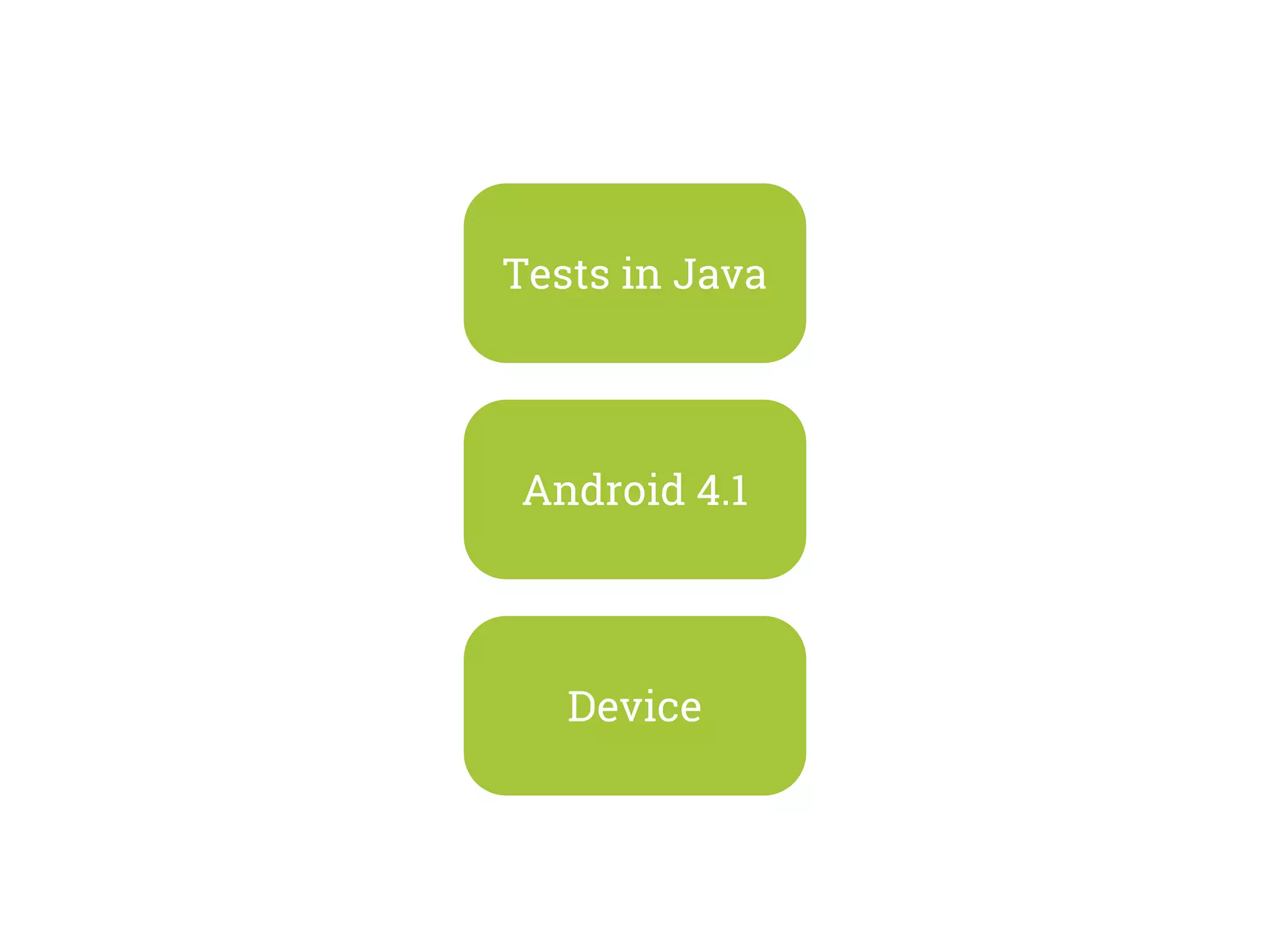
Tests in Java 
Android 4.1 
Device
How to test 
in 3 steps
1 
Create 
the App
2 
Prepare 
the Test
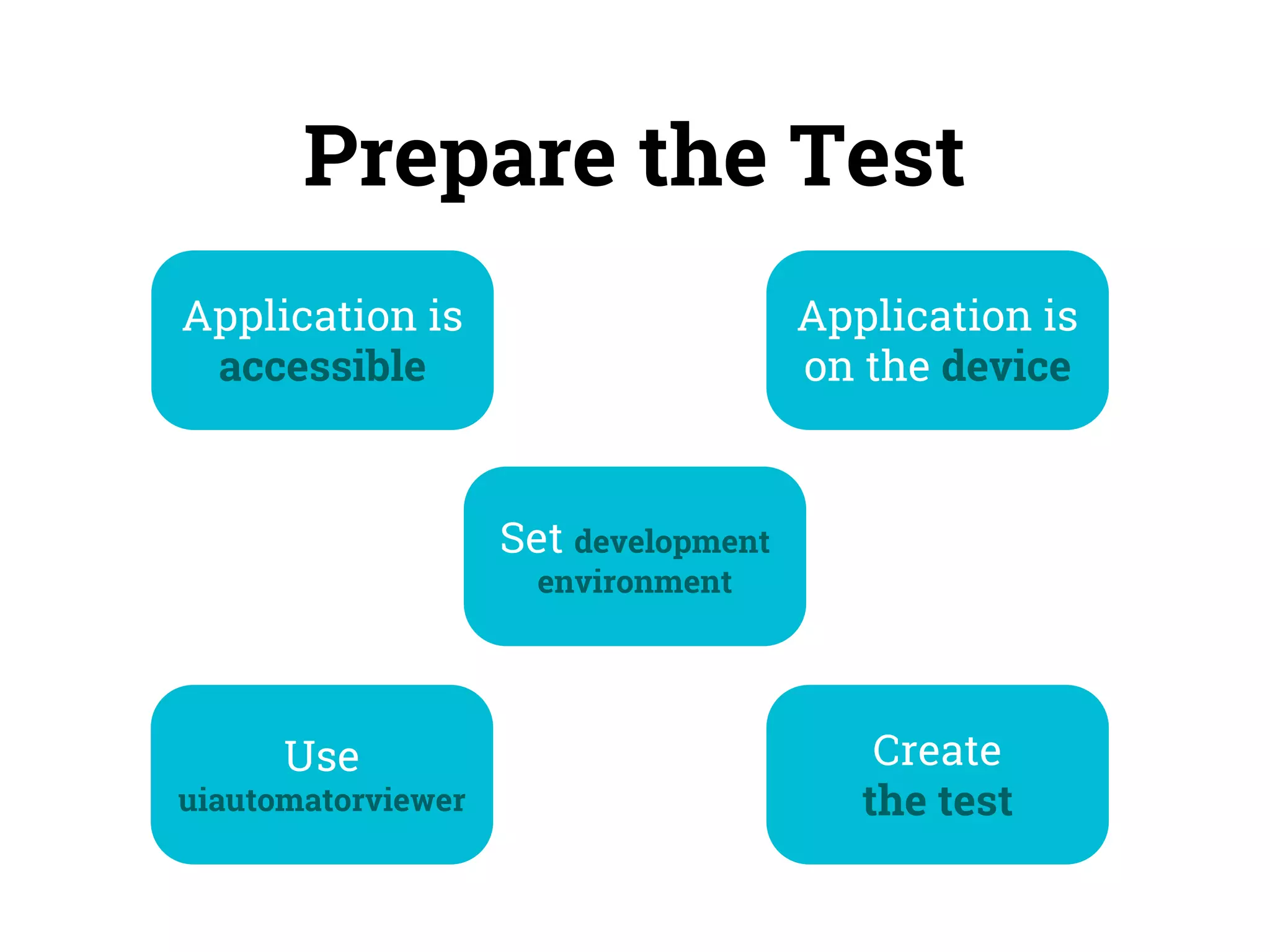
Prepare the Test 
Application is 
accessible 
Application is 
on the device 
Use 
uiautomatorviewer 
Set development 
environment 
Create 
the test
Development environment 
Java project 
+ 
JUnit + uiautomator.jar + android.jar
Use uiautomatorviewer
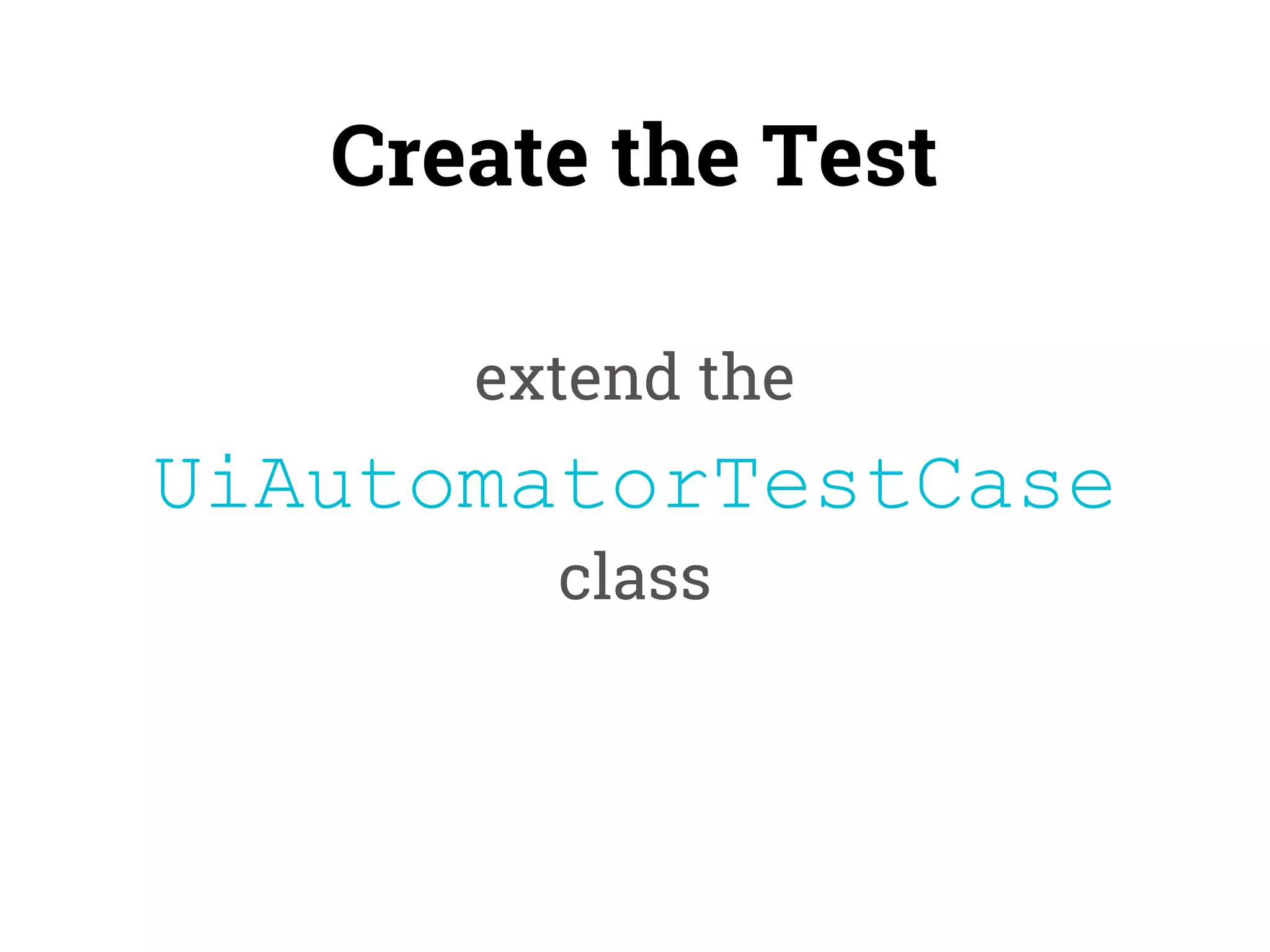
Create the Test 
extend the 
UiAutomatorTestCase 
class
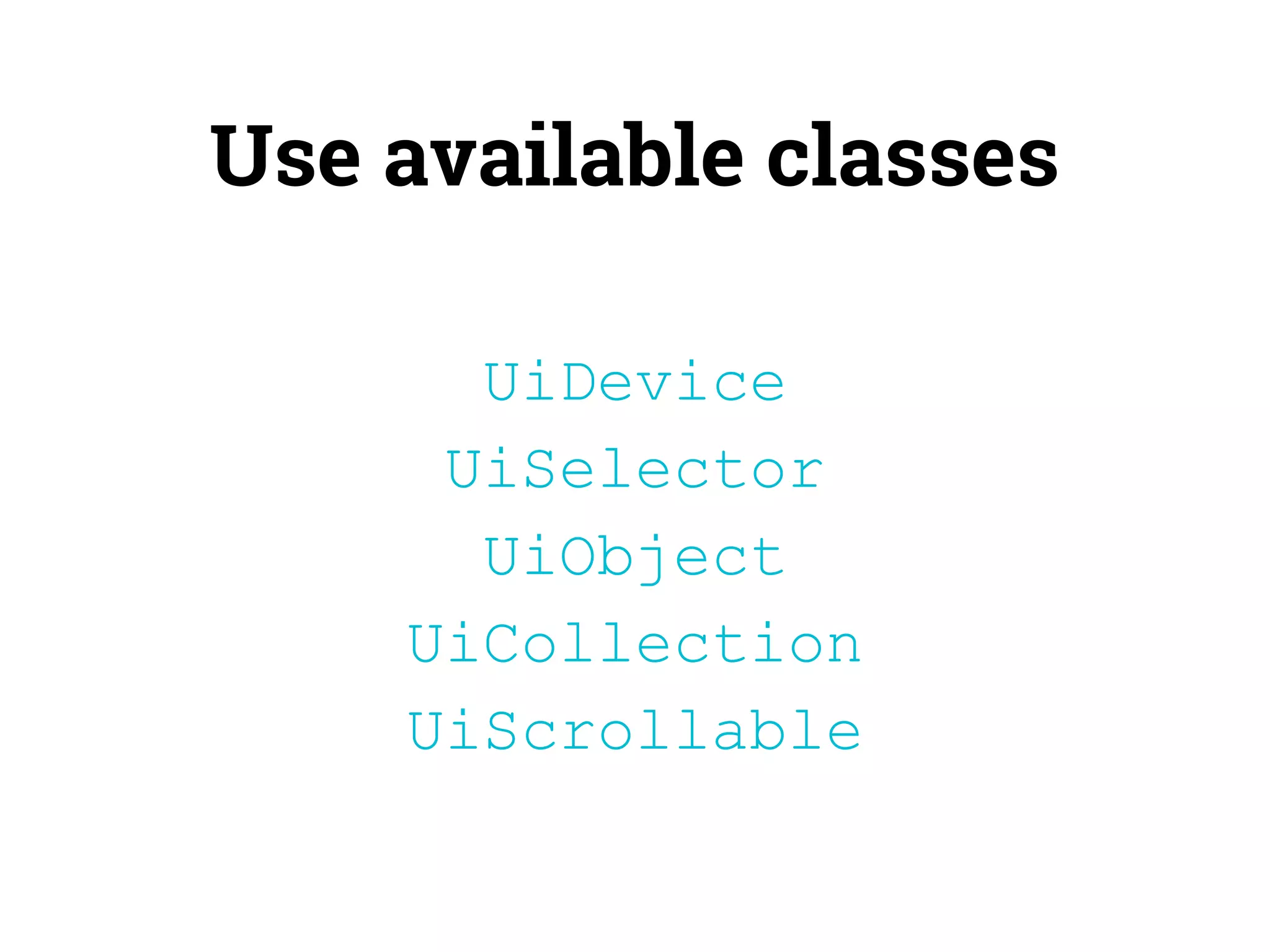
Use available classes 
UiDevice 
UiSelector 
UiObject 
UiCollection 
UiScrollable
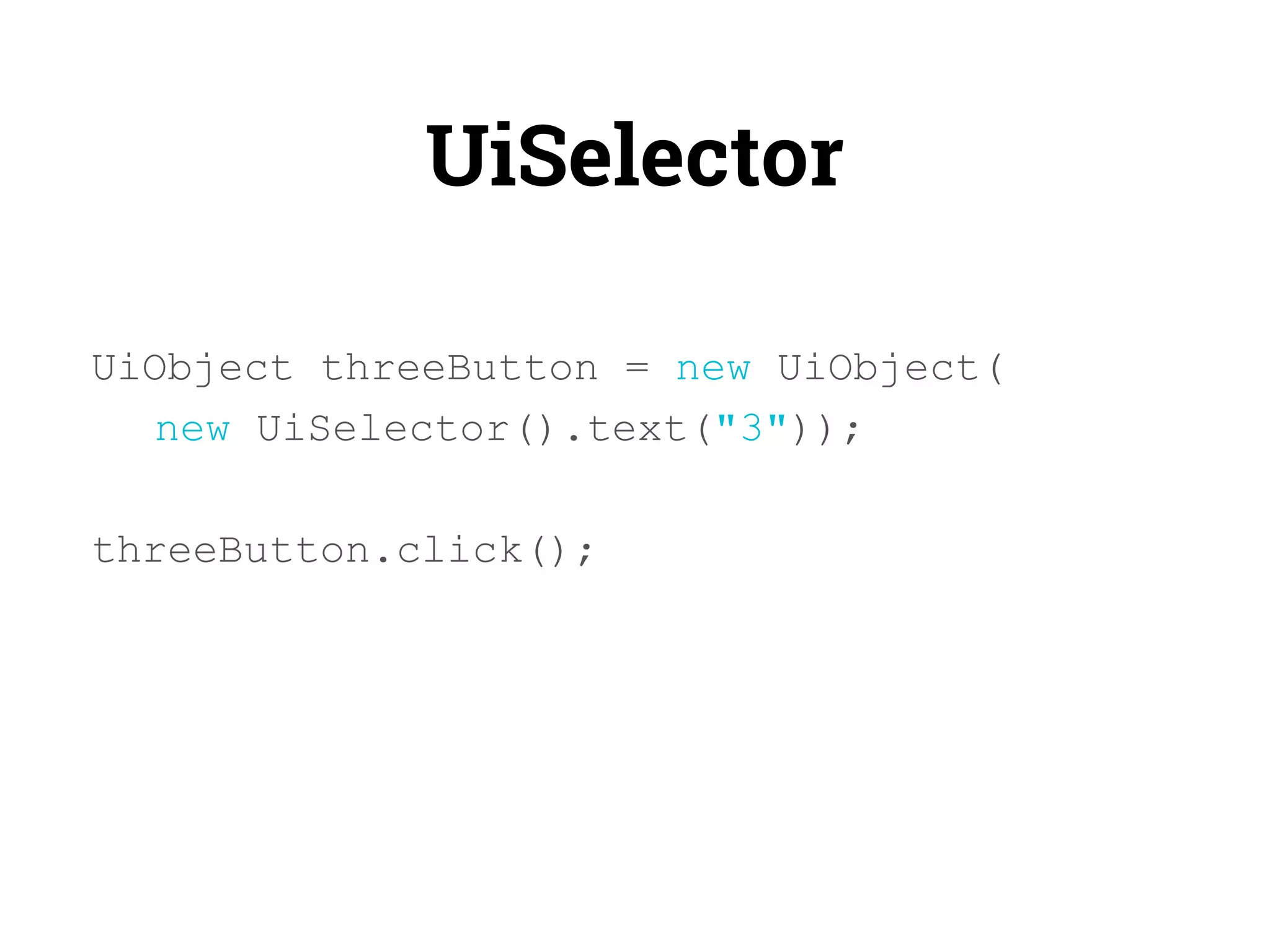
UiSelector 
UiObject threeButton = new UiObject( 
new UiSelector().text("3")); 
threeButton.click();
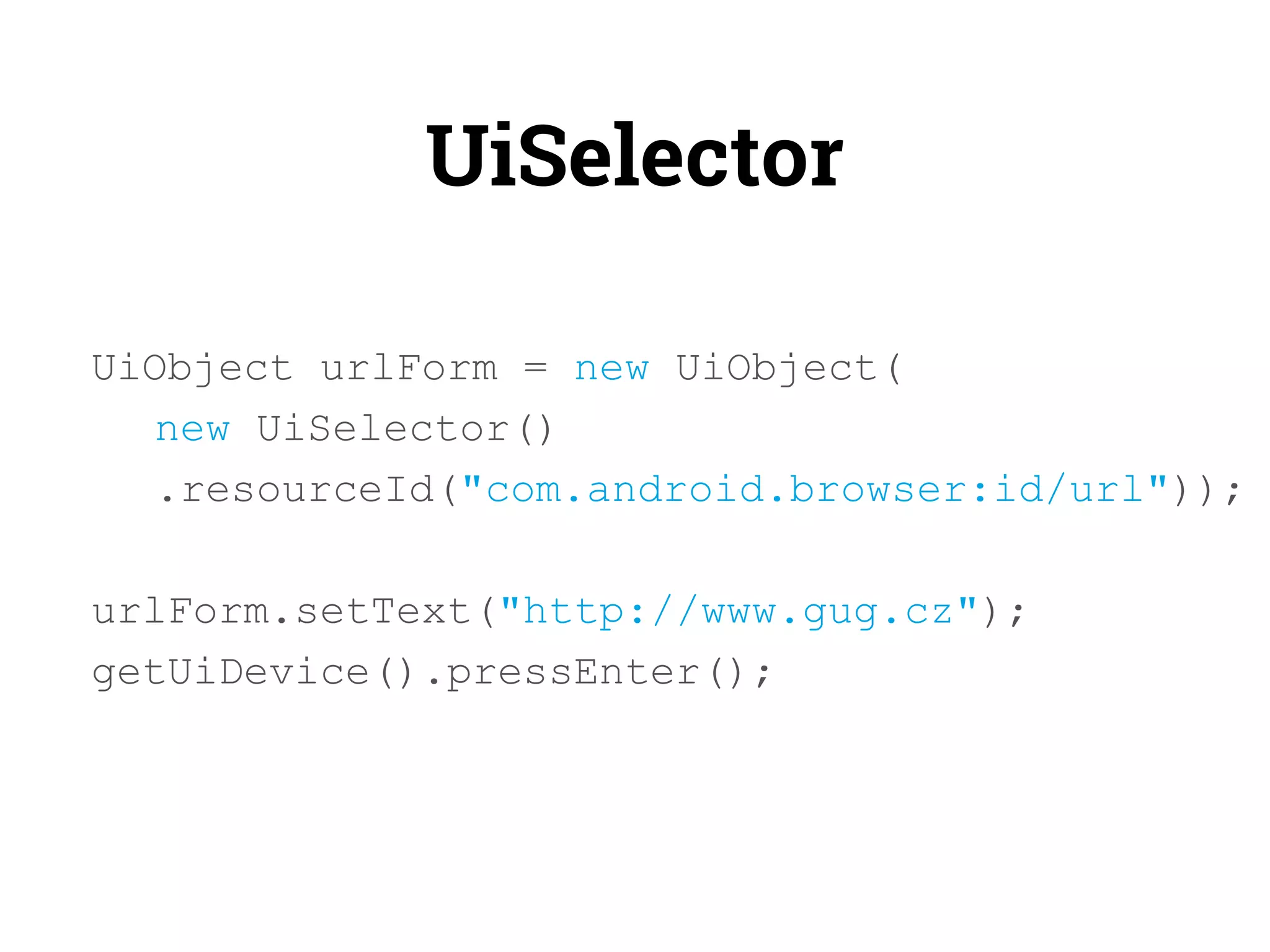
UiSelector 
UiObject urlForm = new UiObject( 
new UiSelector() 
.resourceId("com.android.browser:id/url")); 
urlForm.setText("http://www.gug.cz"); 
getUiDevice().pressEnter();
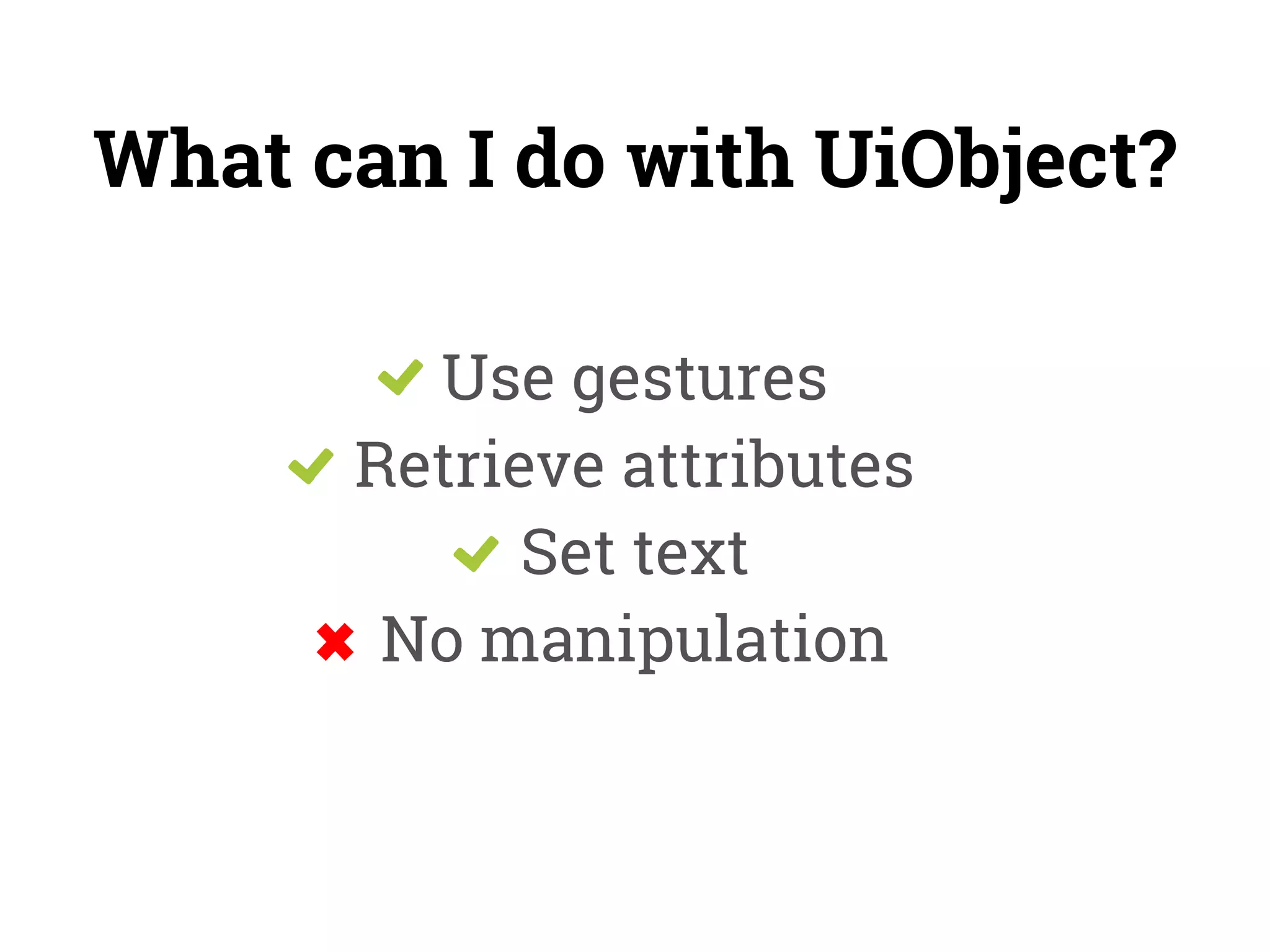
What can I do with UiObject? 
Use gestures 
Retrieve attributes 
Set text 
No manipulation
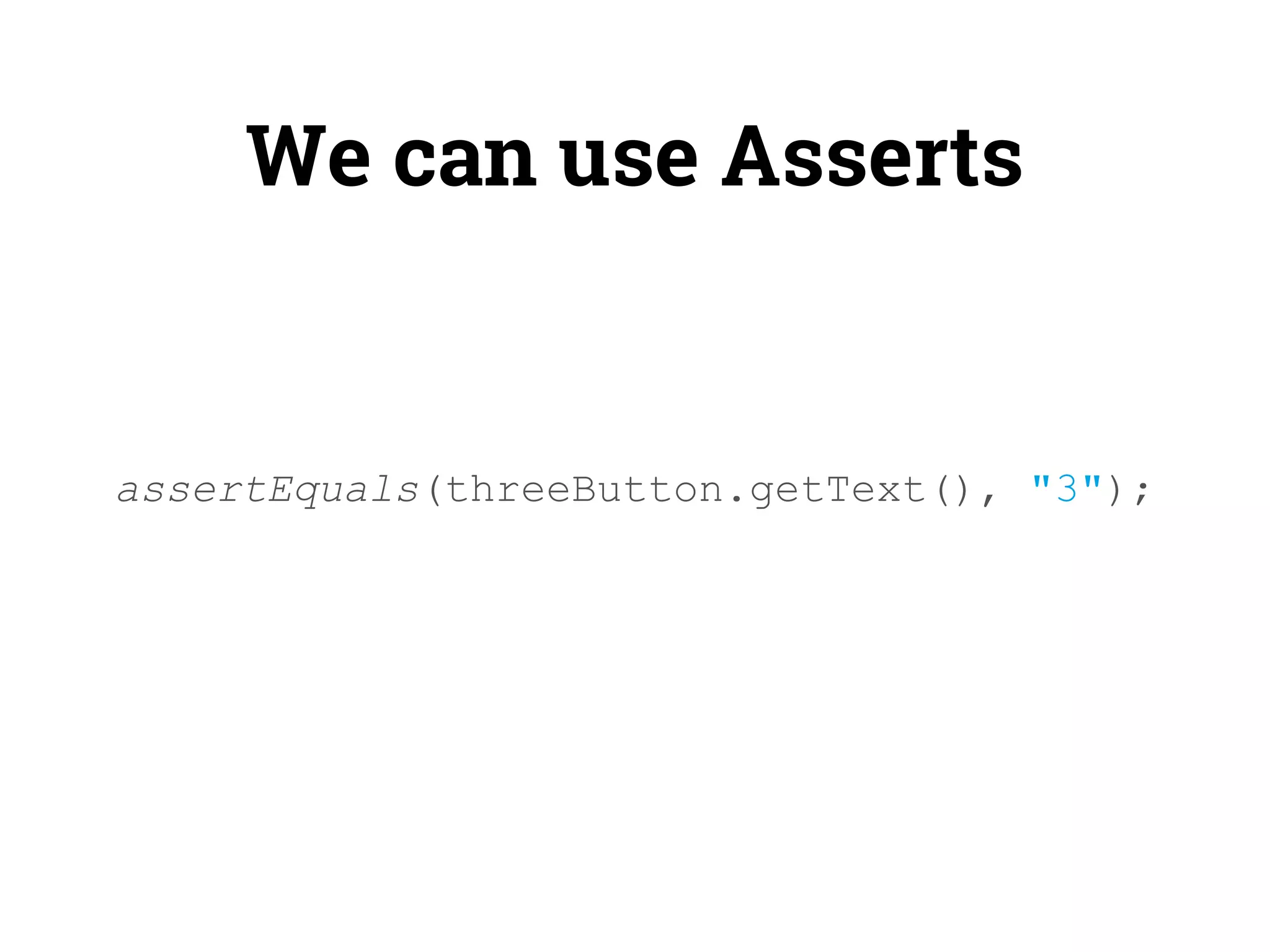
We can use Asserts 
assertEquals(threeButton.getText(), "3");
3 
Run 
the Test
Run the Test 
1) Build with Ant 
2) Push to device 
3) Run the test
DEMO
Thank You! 
Questions??? 
about.me/janamou

Android UI Testing with uiautomator