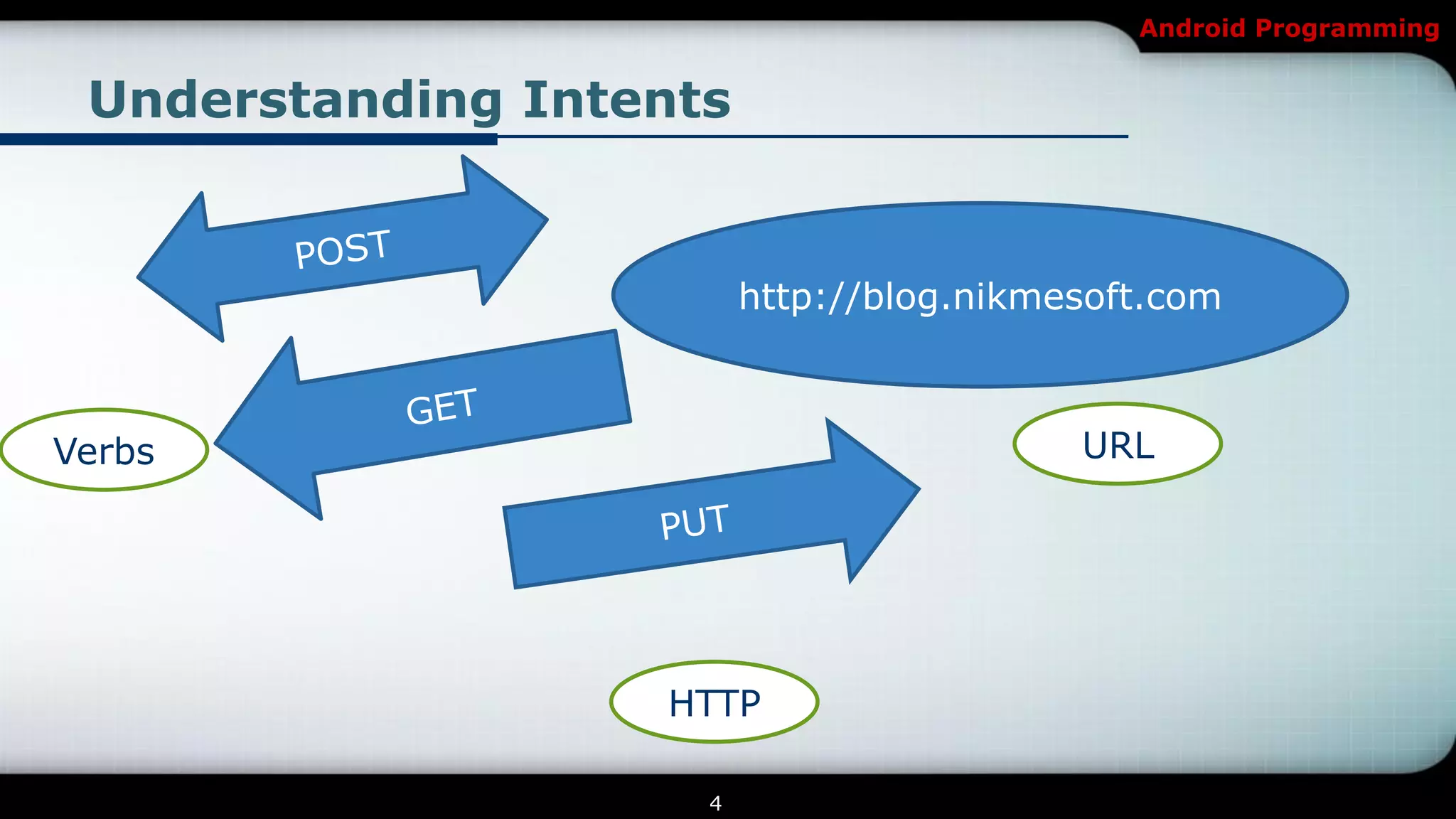
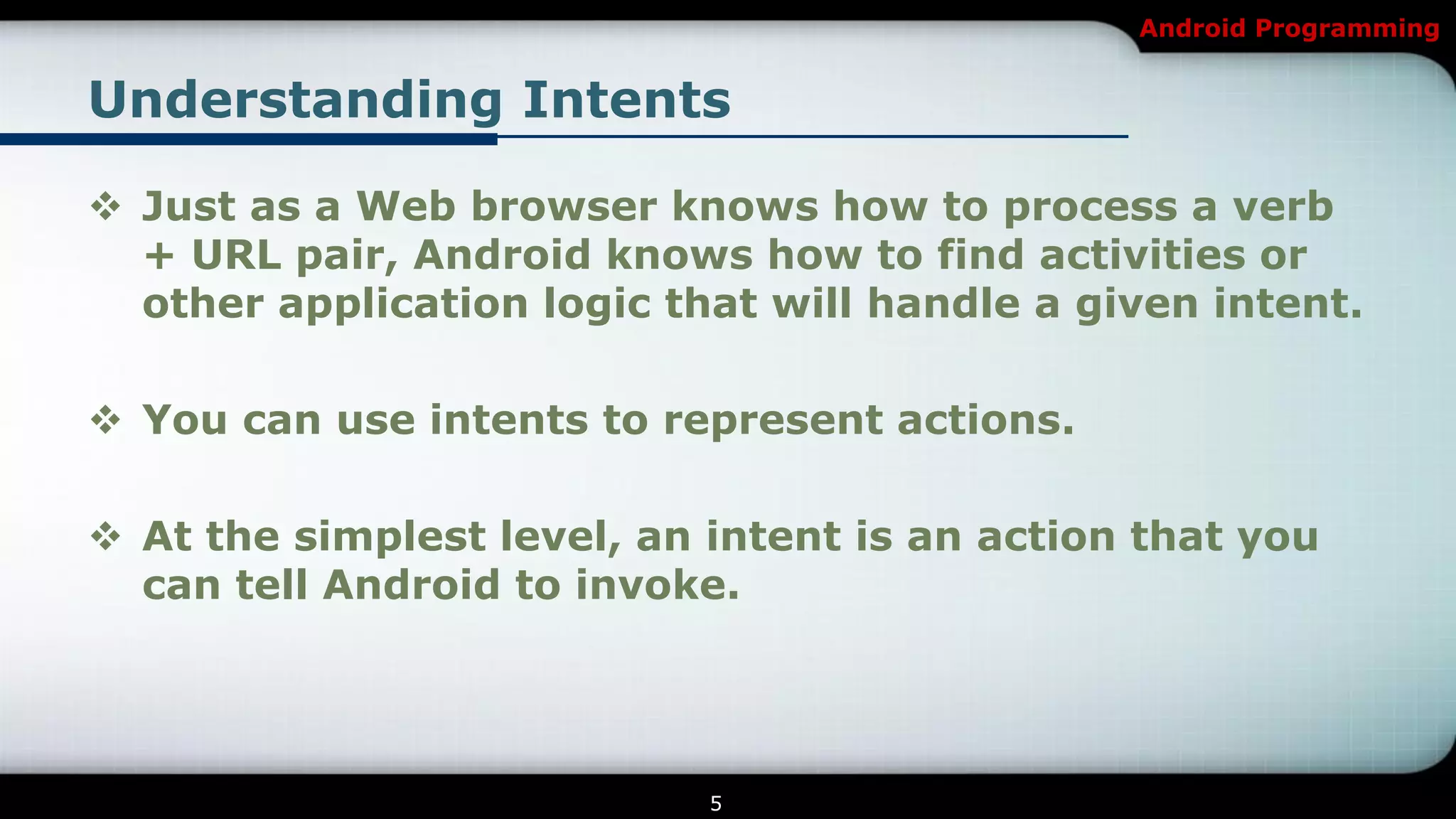
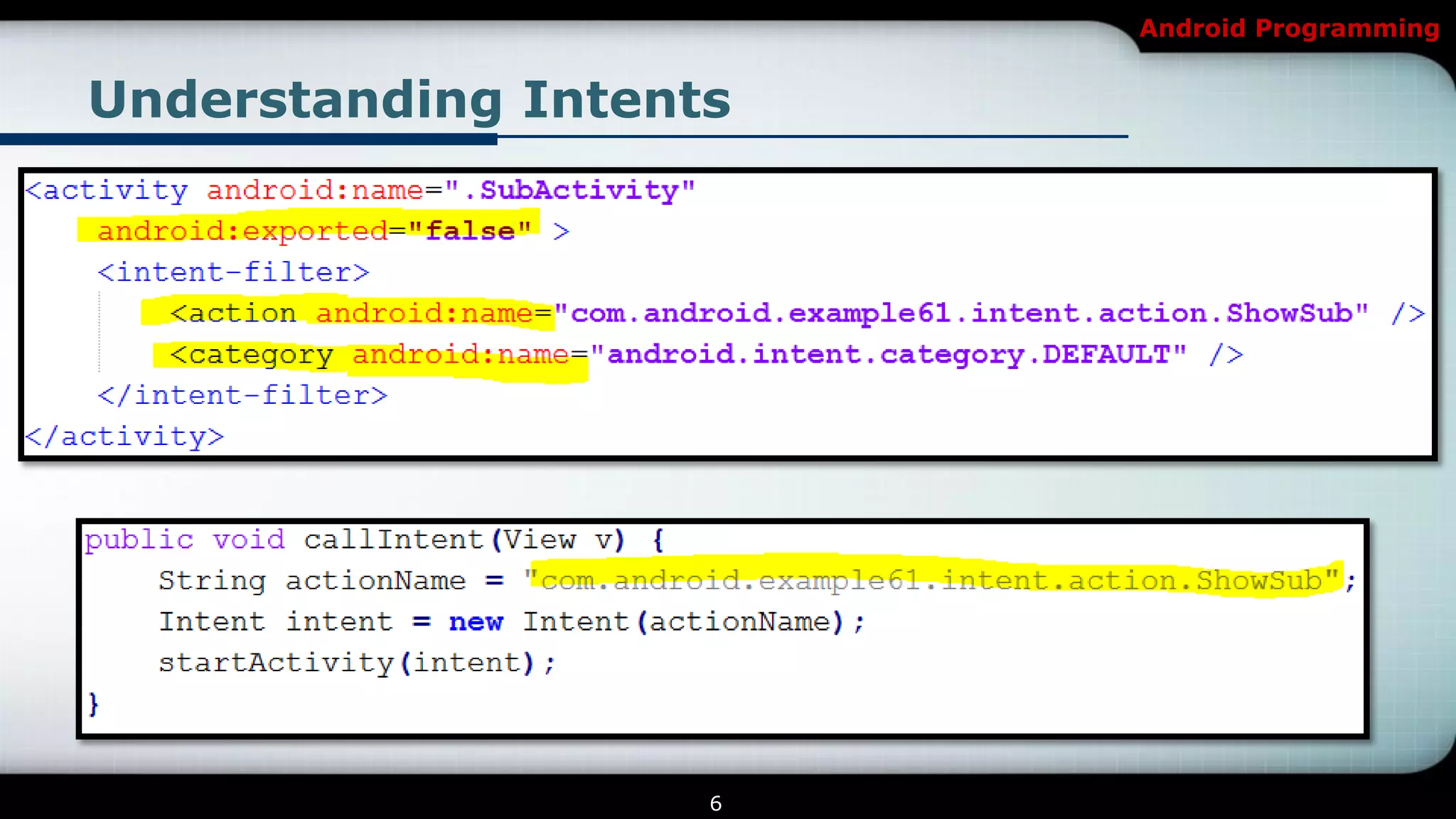
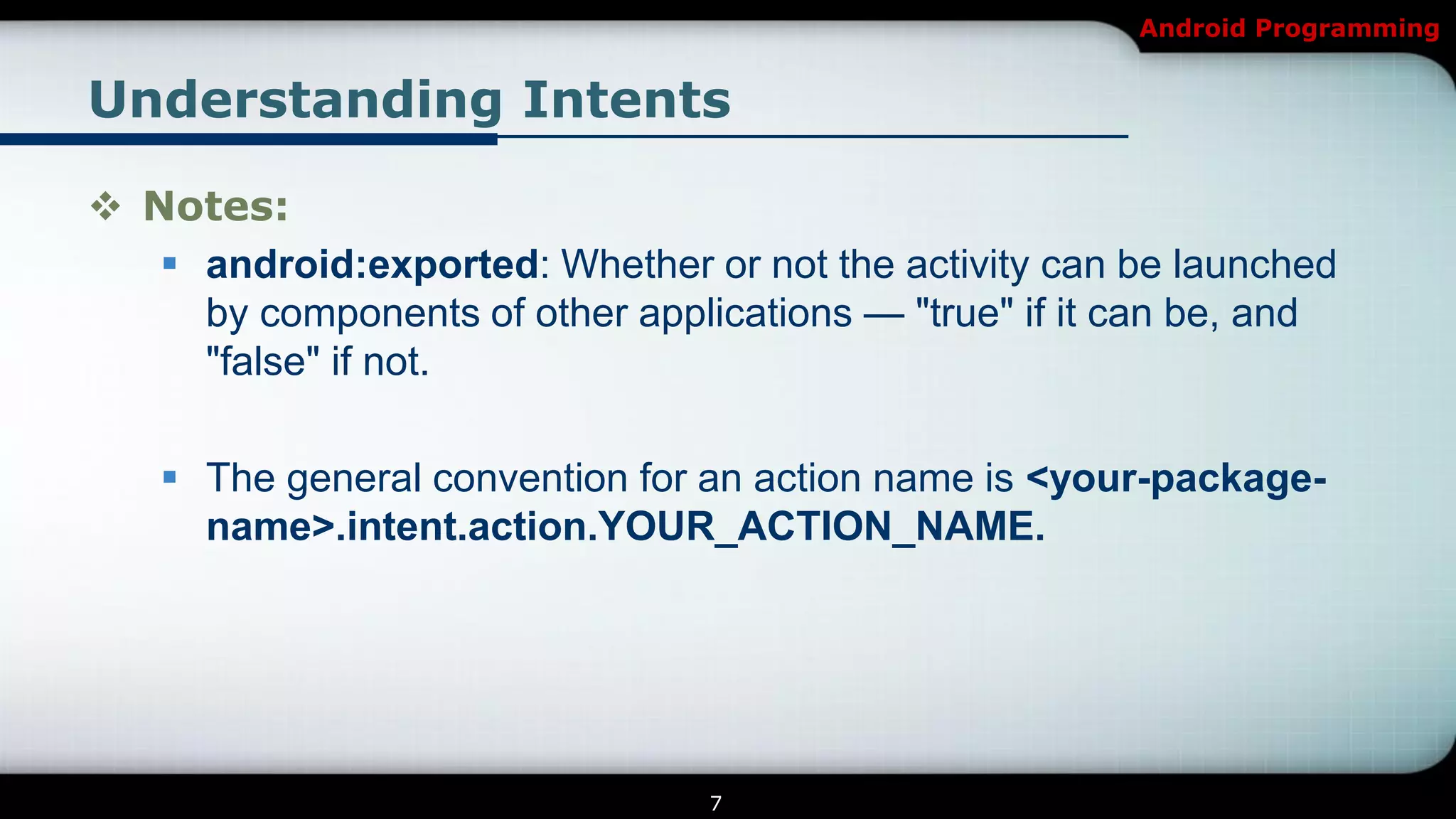
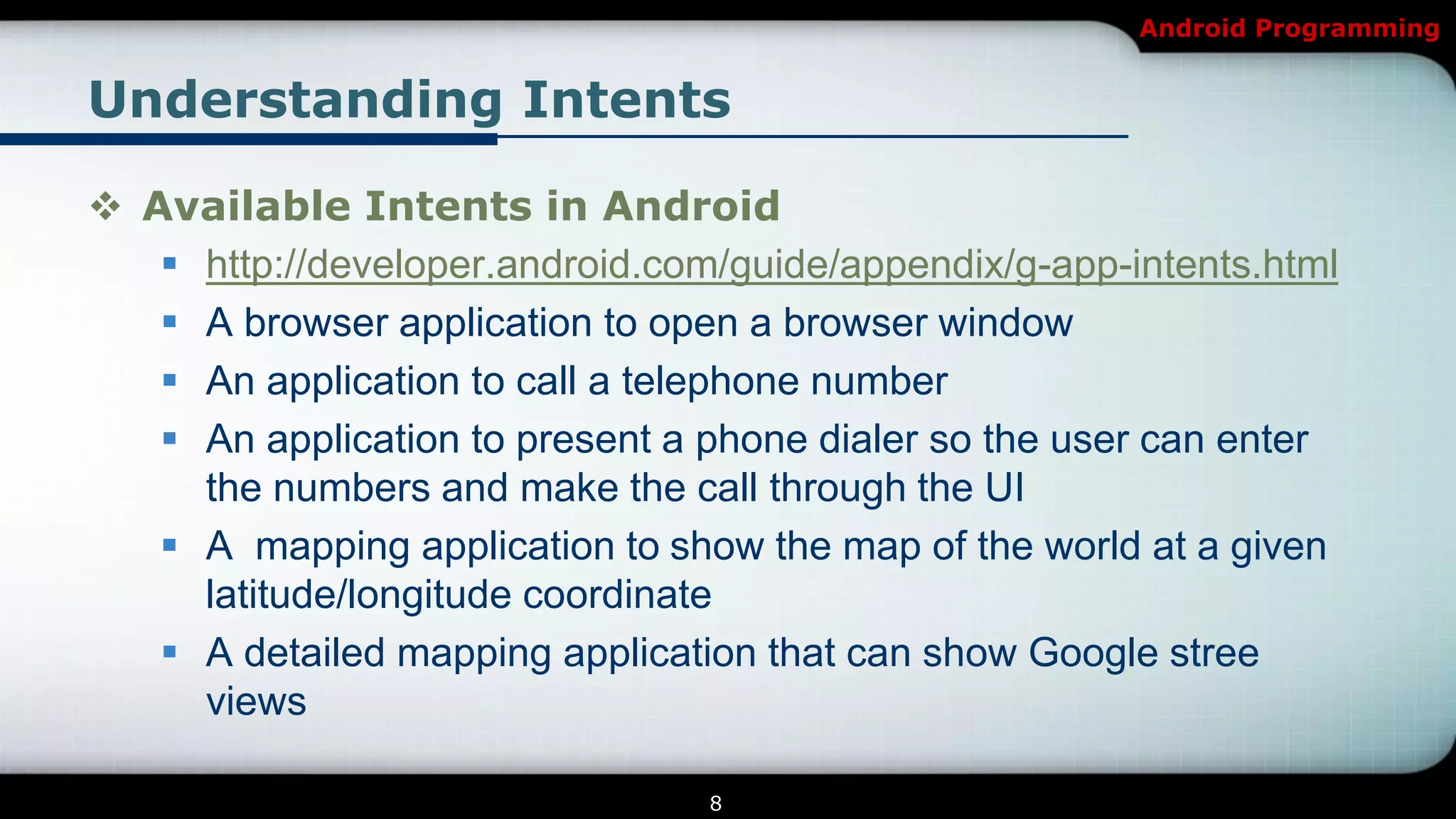
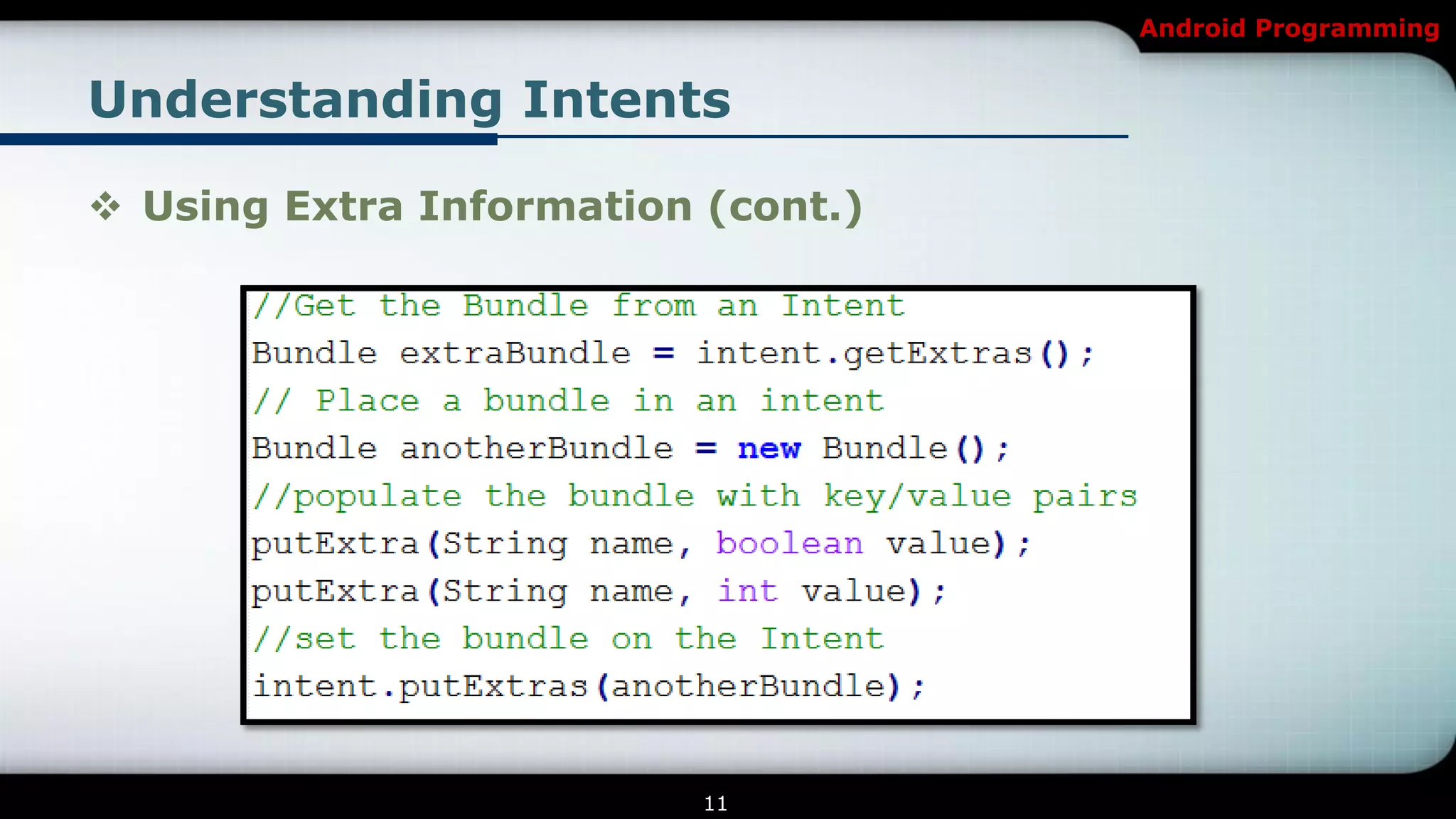
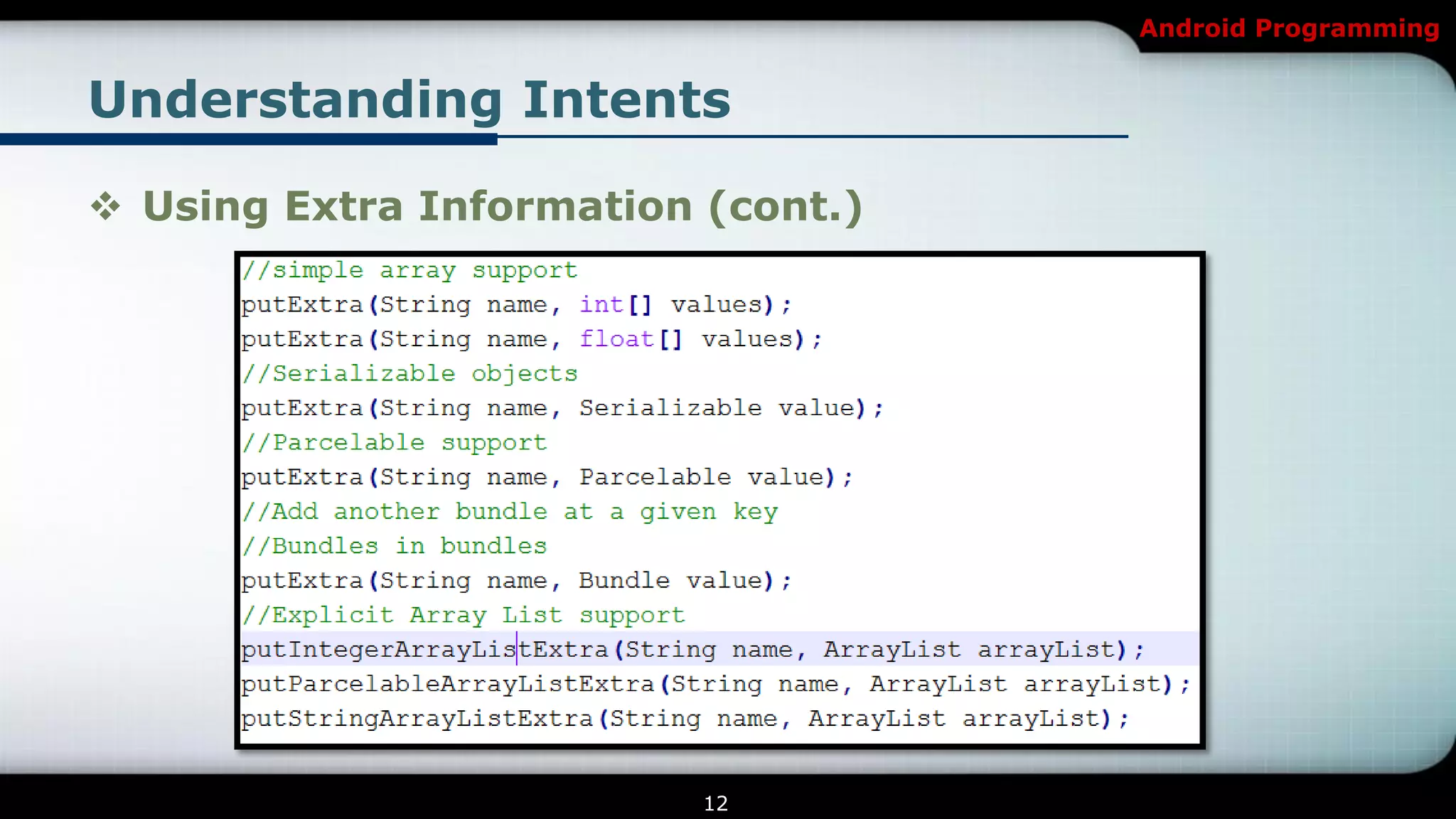
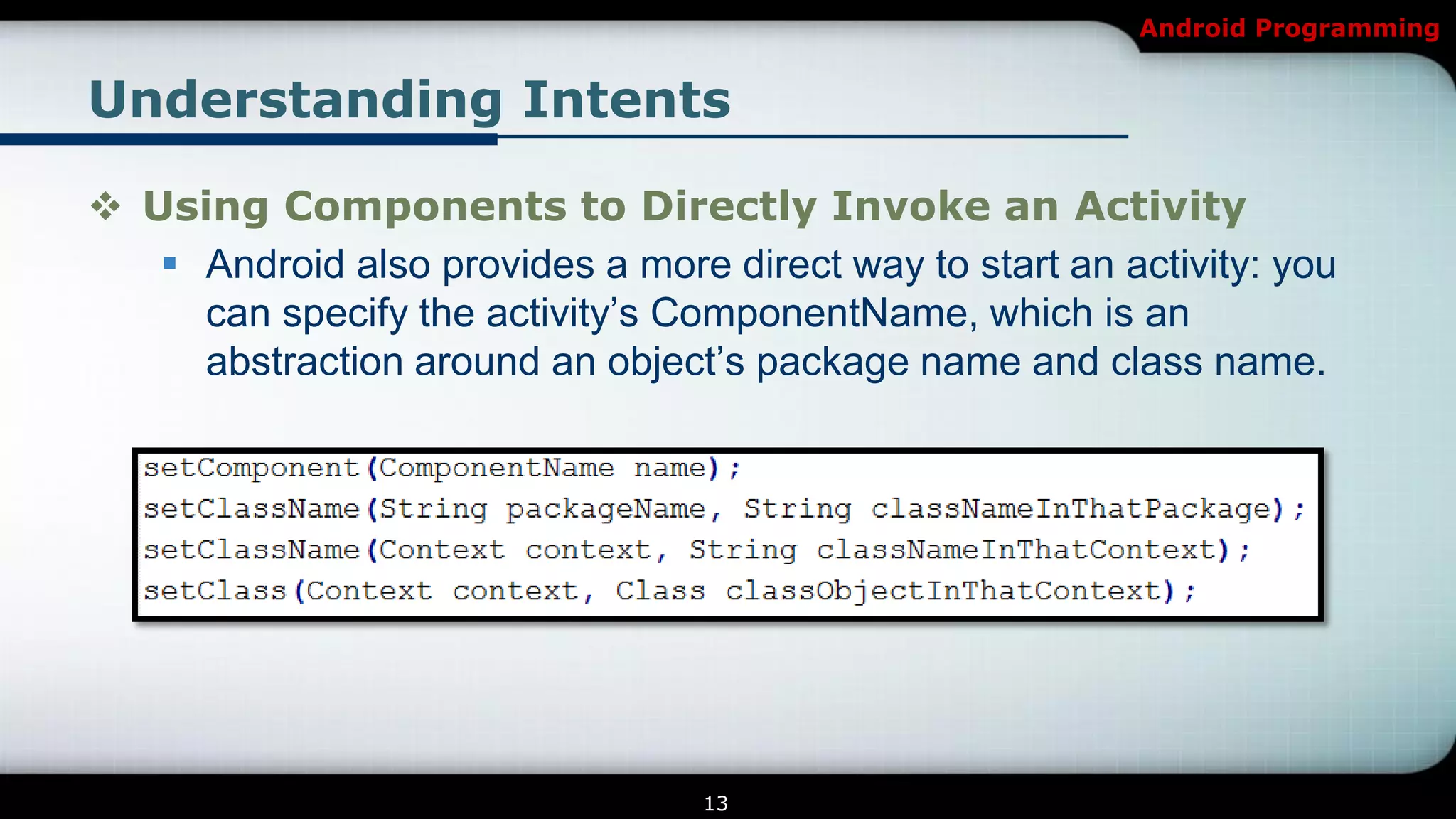
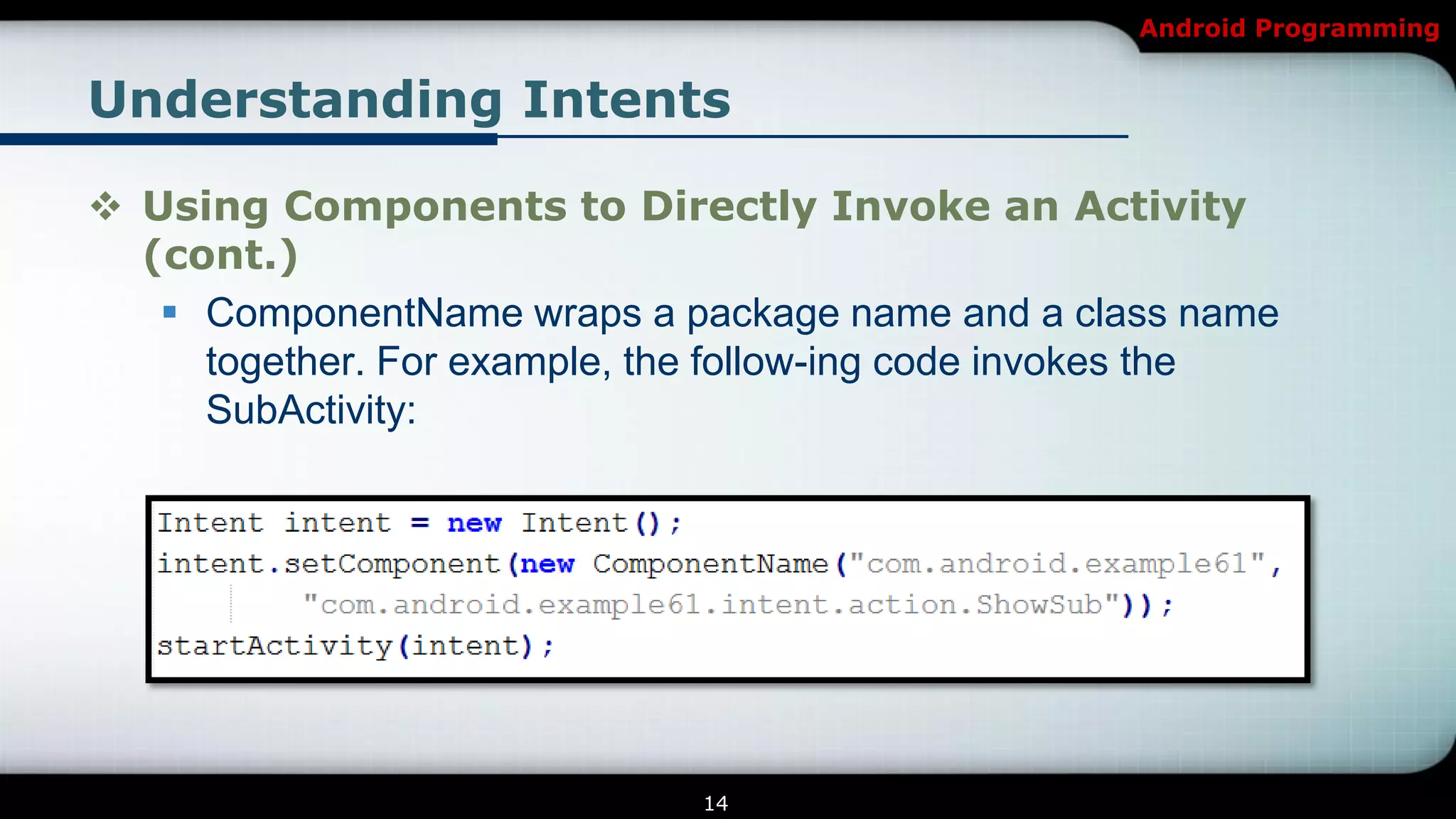
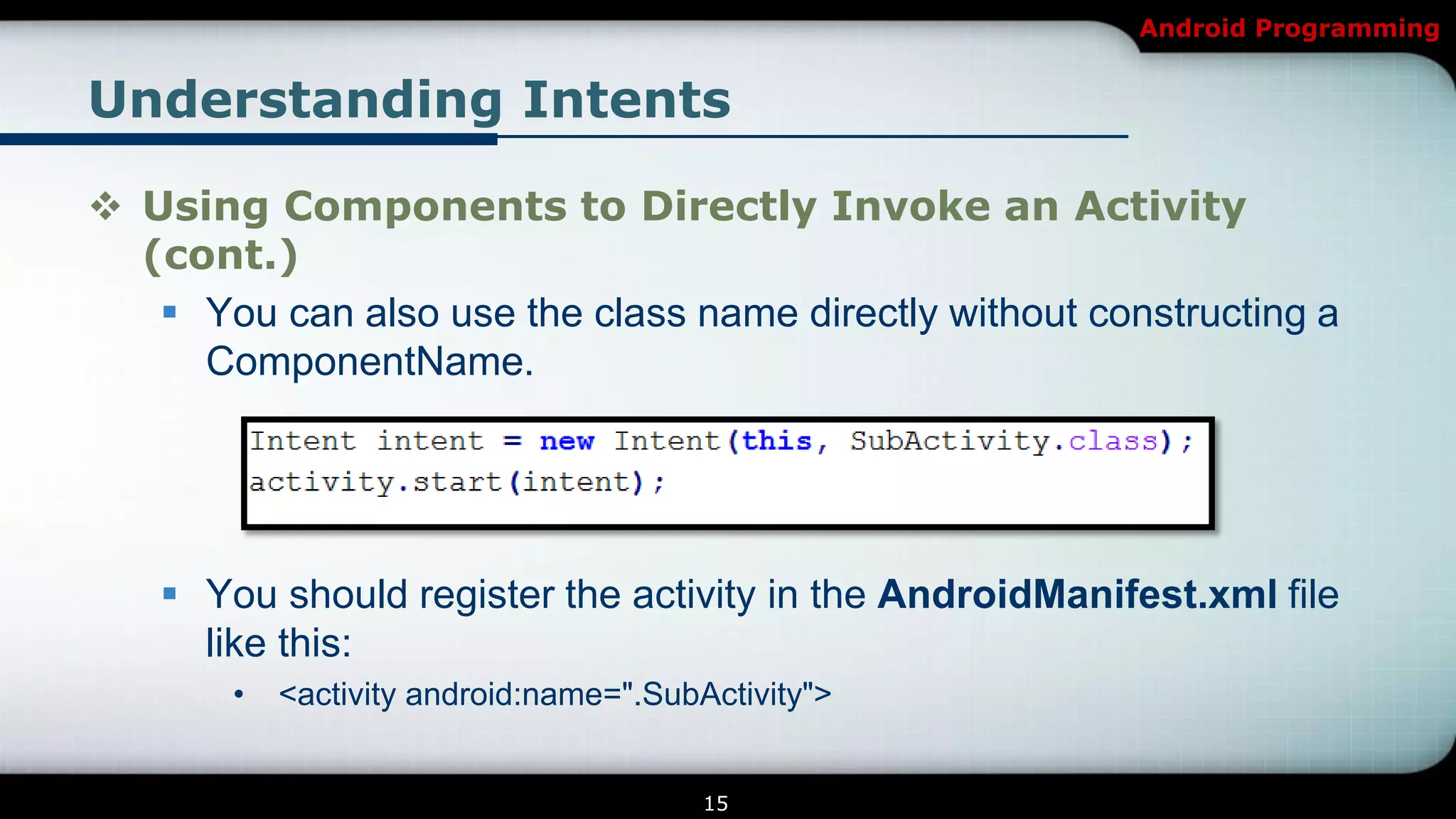
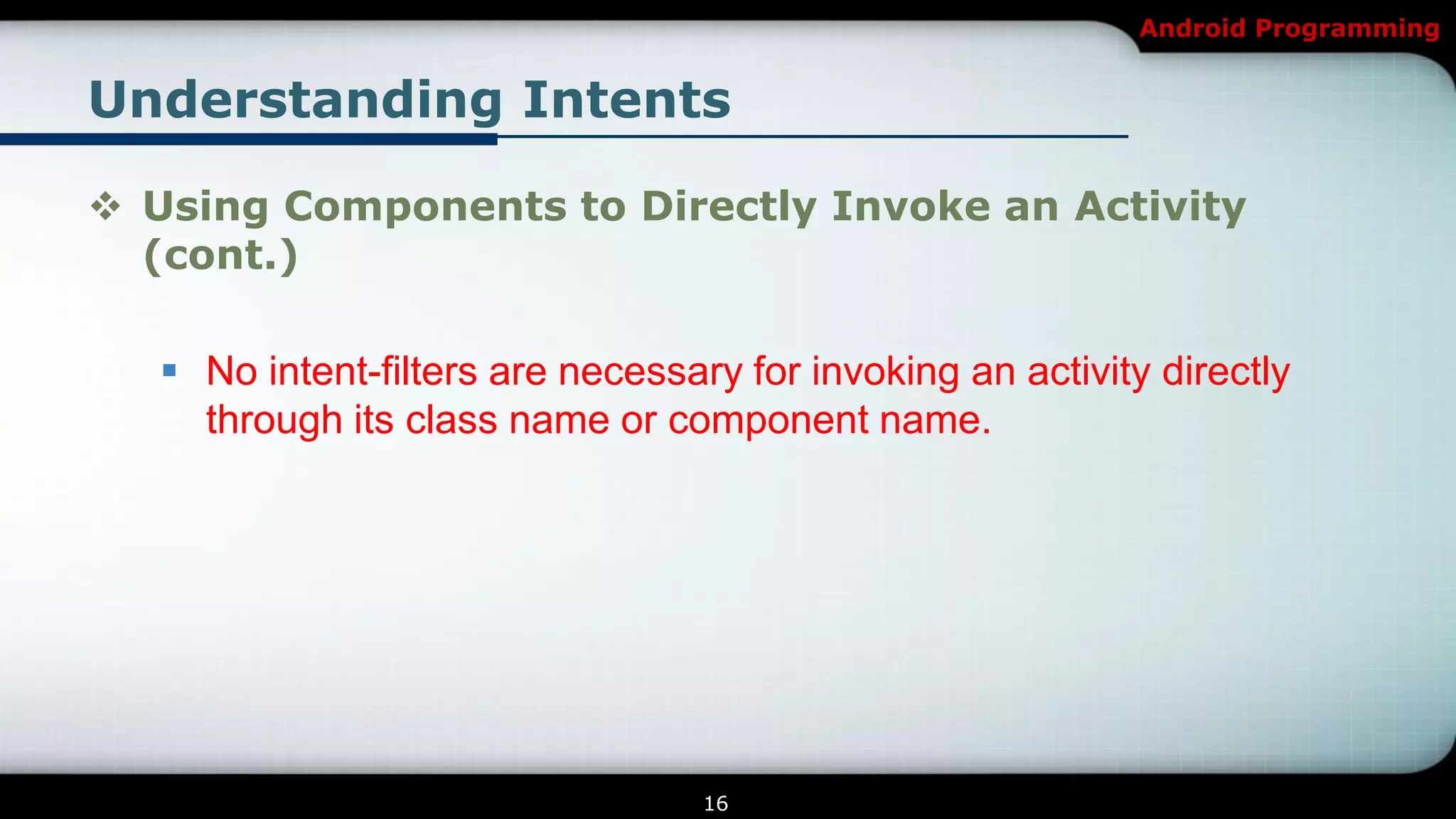
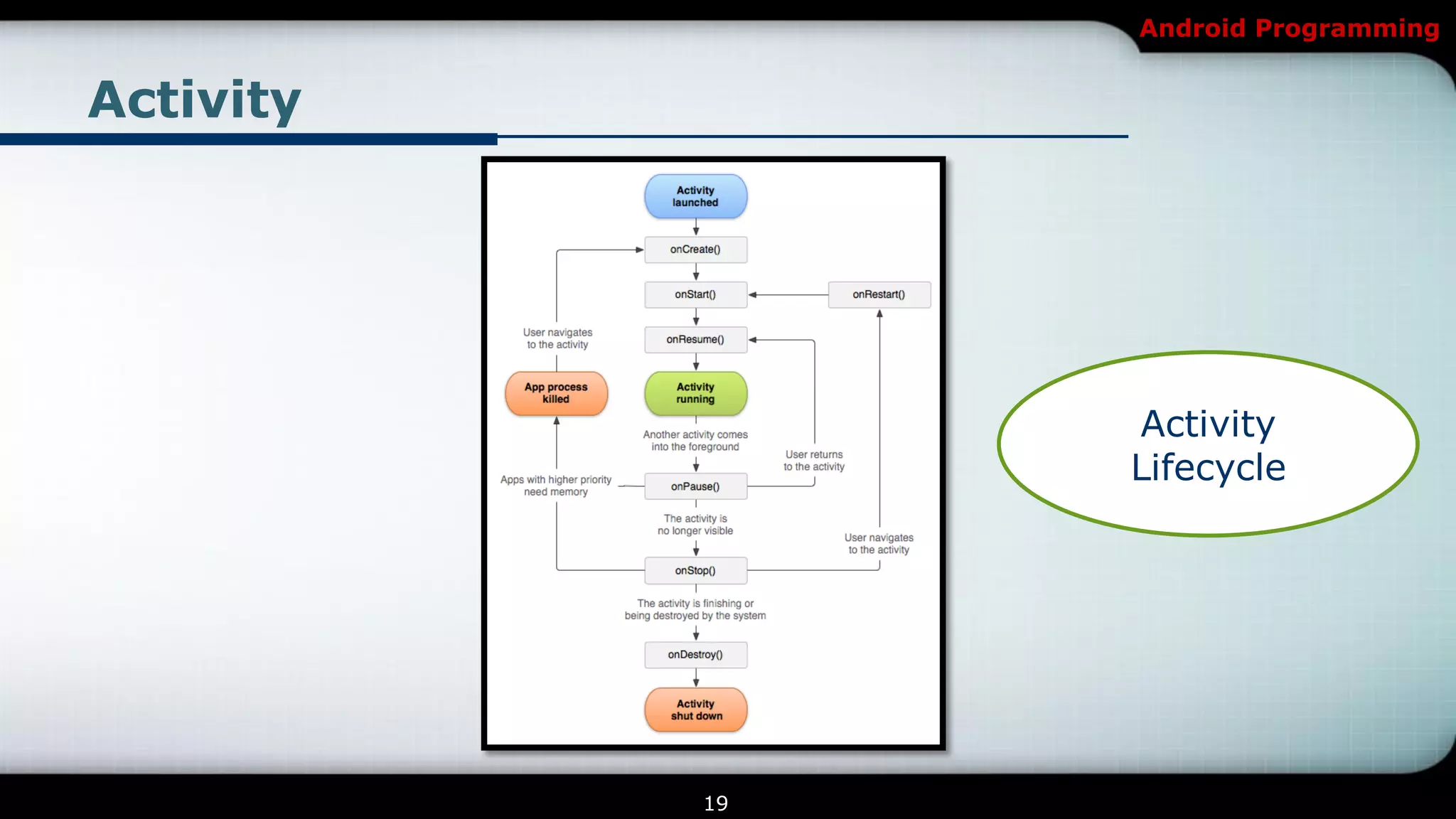
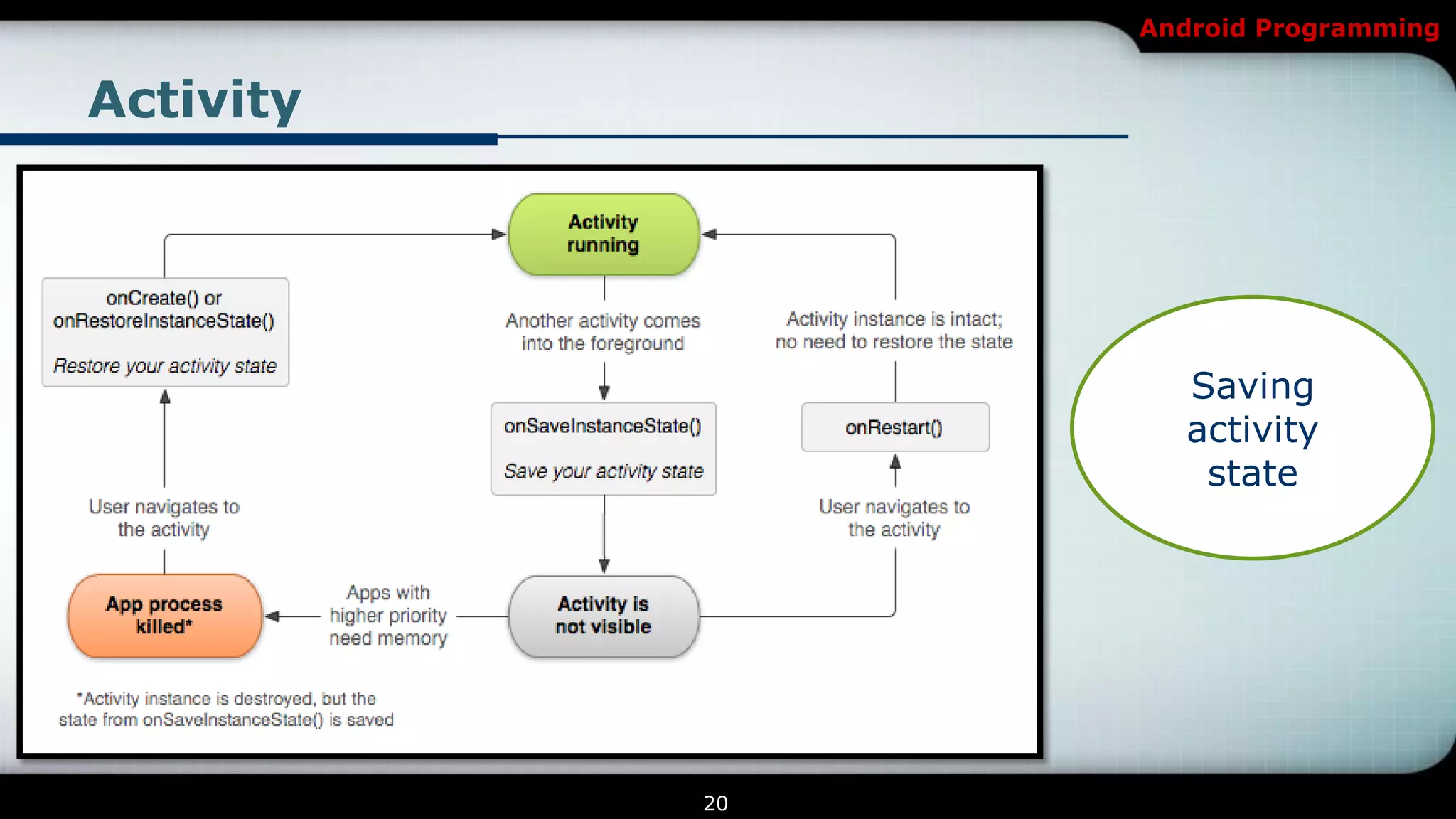
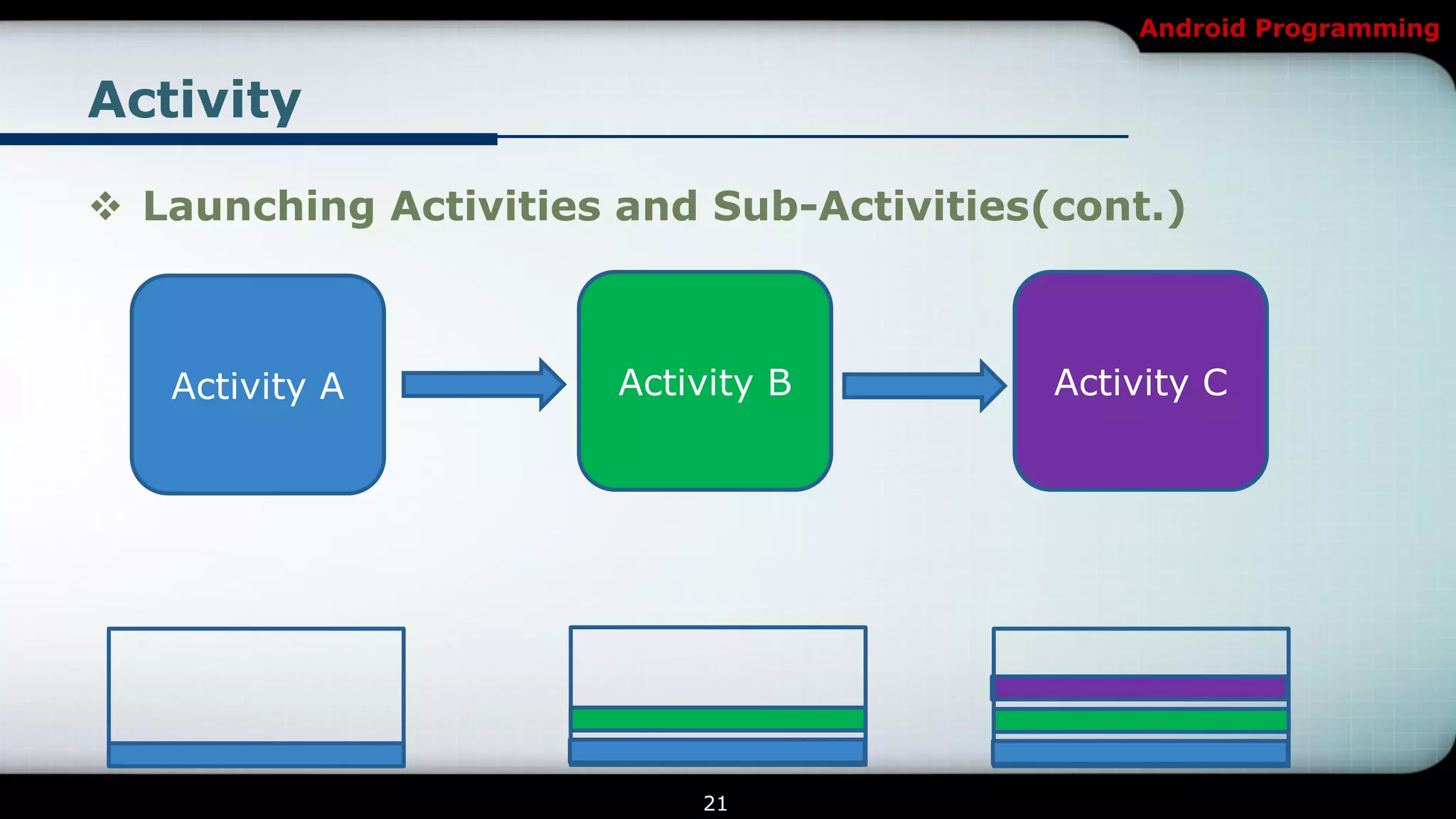
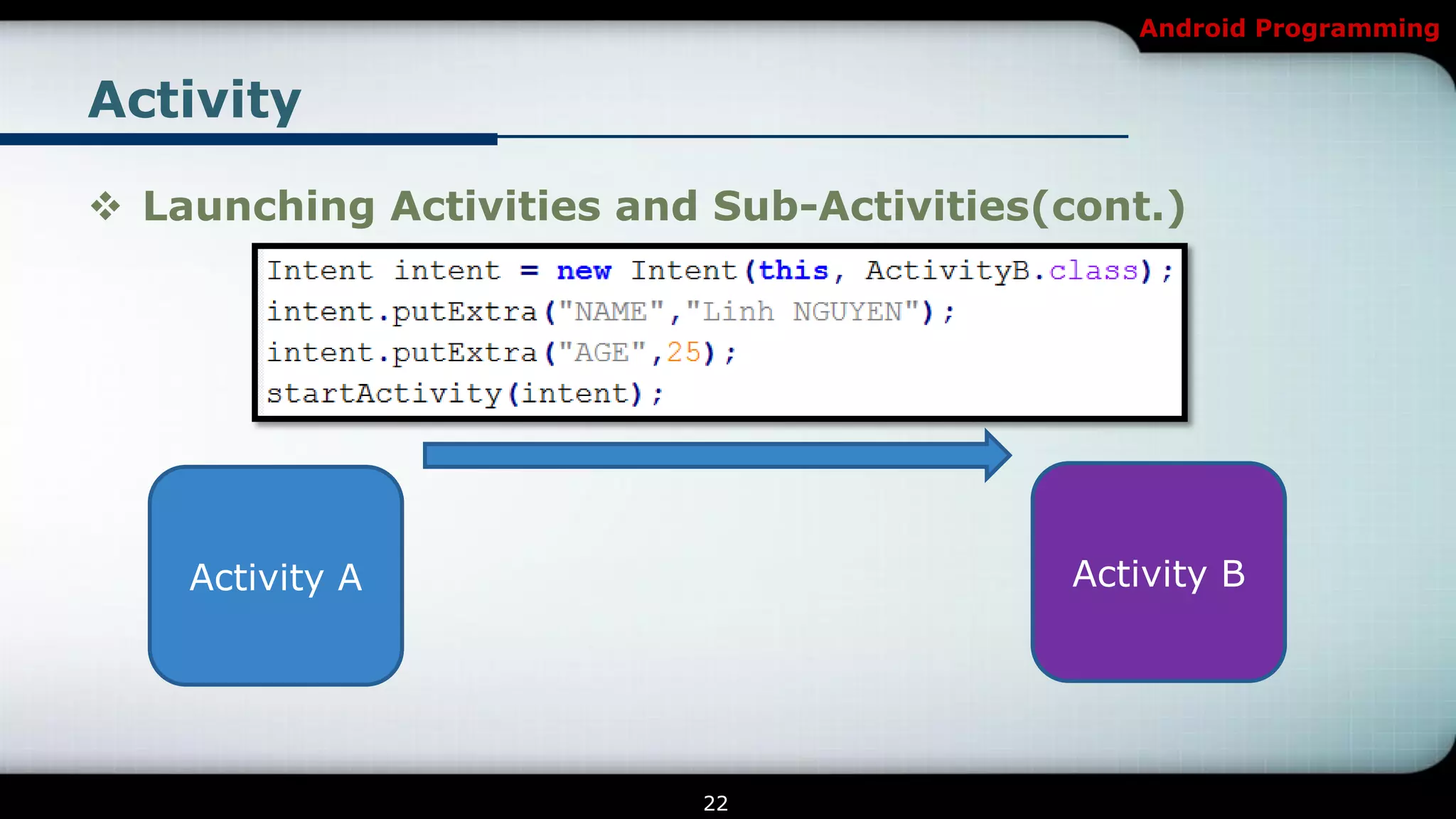
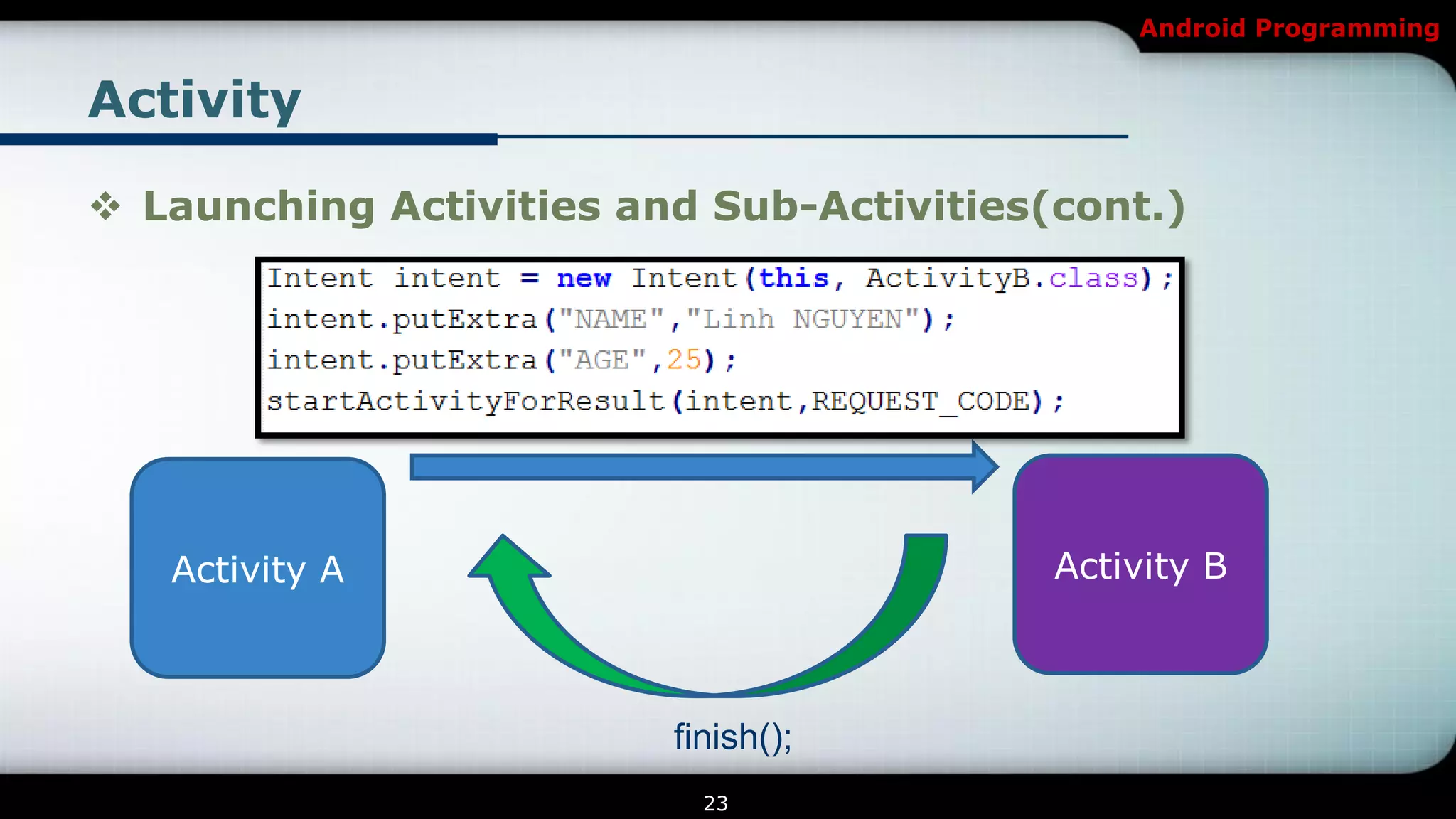
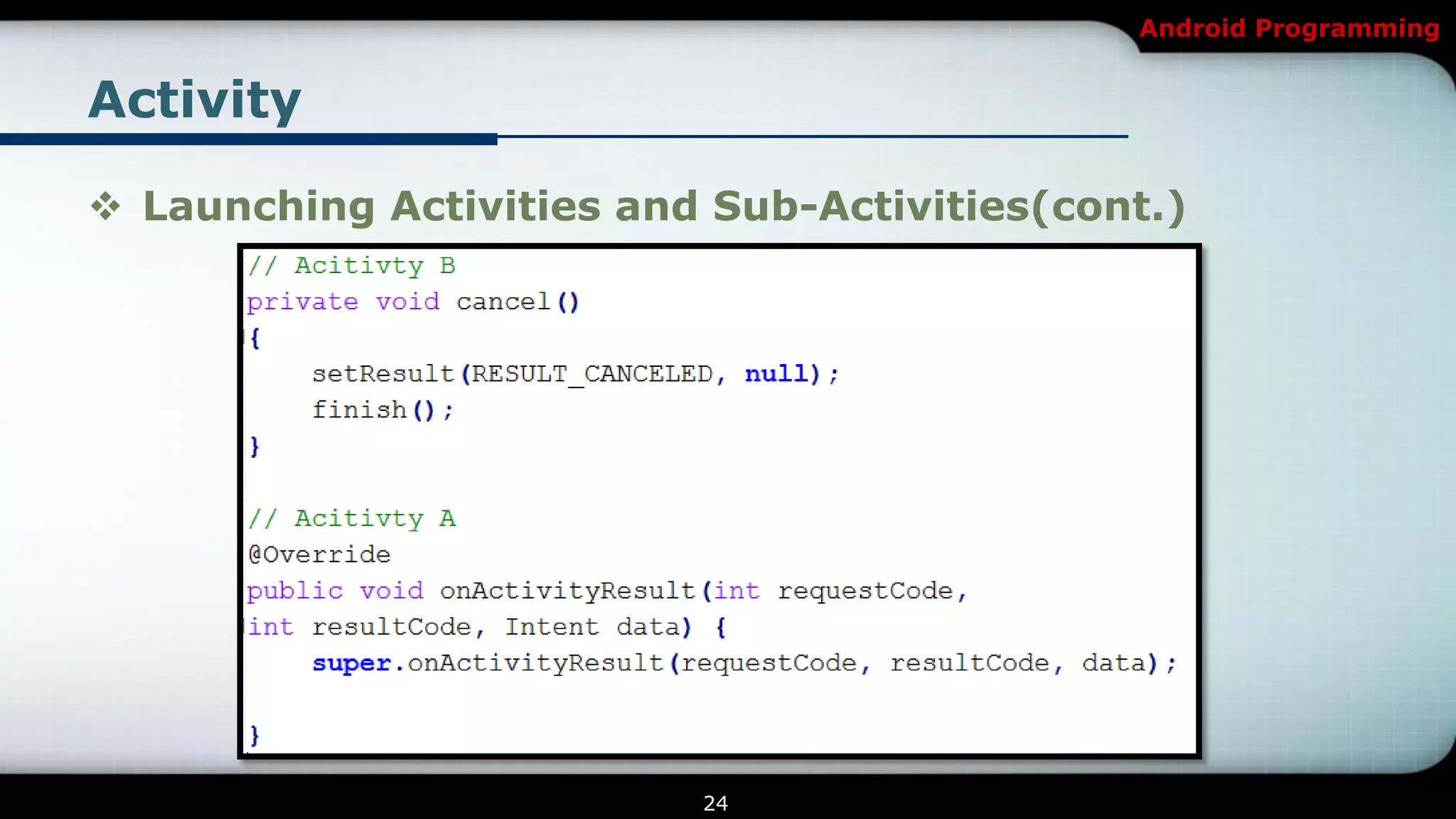
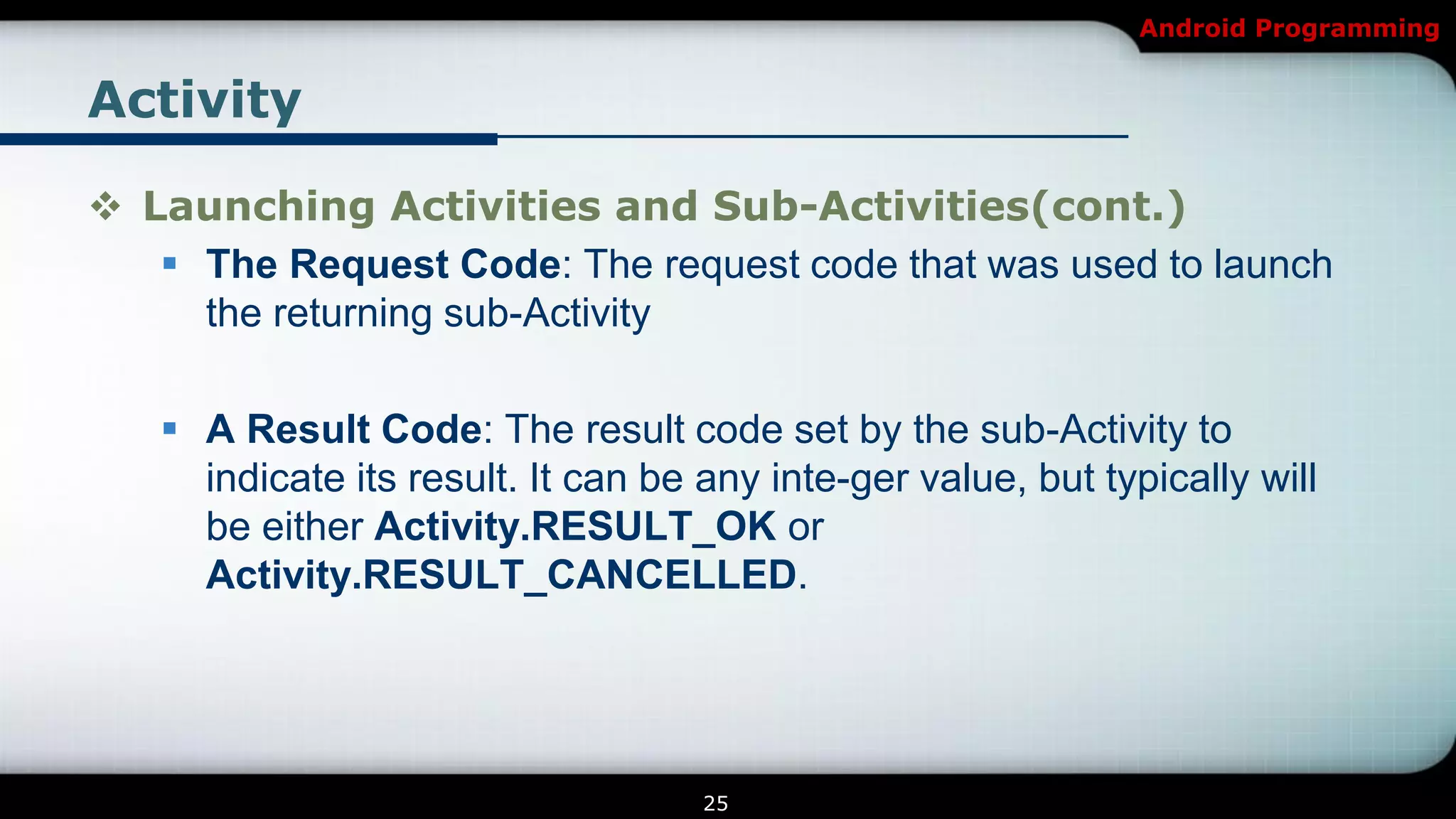
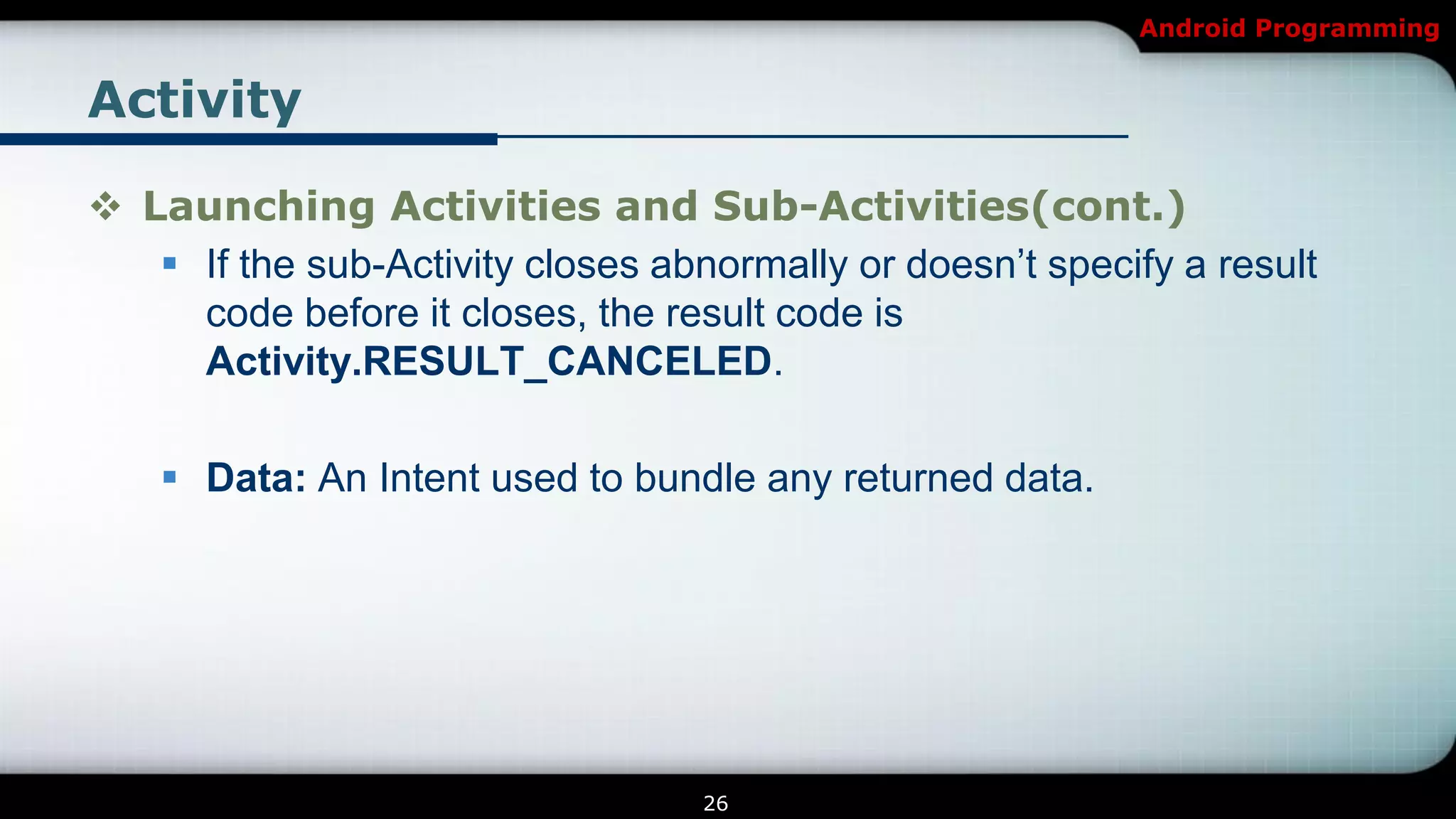

The document provides an overview of Android programming focusing on intents and activities, explaining how intents represent actions in Android, and how to use them to launch activities. It covers essential concepts such as exporting activities, using extras to pass information, and managing the activity lifecycle with specific method callbacks. Additionally, it discusses launching activities and sub-activities, including handling result codes and data returned from sub-activities.


![[Android] Introduction to Android Programming](https://cdn.slidesharecdn.com/ss_thumbnails/trainingandroidlesson1-130304082558-phpapp02-thumbnail.jpg?width=640&height=640&fit=bounds)
![[Android] Using Selection Widgets](https://cdn.slidesharecdn.com/ss_thumbnails/trainingandroidlesson3-130304082858-phpapp01-thumbnail.jpg?width=640&height=640&fit=bounds)
![[Android] Widget Event Handling](https://cdn.slidesharecdn.com/ss_thumbnails/trainingandroidlesson5-130304083131-phpapp02-thumbnail.jpg?width=640&height=640&fit=bounds)

![[Android] Data Storage](https://cdn.slidesharecdn.com/ss_thumbnails/trainingandroidlesson7-130304083333-phpapp02-thumbnail.jpg?width=640&height=640&fit=bounds)


![[iOS] Networking](https://cdn.slidesharecdn.com/ss_thumbnails/nikmetrainingioslecture6-150129213919-conversion-gate02-thumbnail.jpg?width=640&height=640&fit=bounds)


![[Android] Basic Widgets and Containers](https://cdn.slidesharecdn.com/ss_thumbnails/trainingandroidlesson2-130304082650-phpapp02-thumbnail.jpg?width=640&height=640&fit=bounds)


![[iOS] Introduction to iOS Programming](https://cdn.slidesharecdn.com/ss_thumbnails/nikmetrainingioslecture1-150129212649-conversion-gate01-thumbnail.jpg?width=640&height=640&fit=bounds)


![[Android] Services and Broadcast Receivers](https://cdn.slidesharecdn.com/ss_thumbnails/trainingandroidlesson11-130304083805-phpapp01-thumbnail.jpg?width=640&height=640&fit=bounds)
![[Android] Maps, Geocoding and Location-Based Services](https://cdn.slidesharecdn.com/ss_thumbnails/trainingandroidlesson8-130304083435-phpapp01-thumbnail.jpg?width=640&height=640&fit=bounds)
![[Android] Multimedia Programming](https://cdn.slidesharecdn.com/ss_thumbnails/trainingandroidlesson14-130304084133-phpapp01-thumbnail.jpg?width=640&height=640&fit=bounds)
![[Android] 2D Graphics](https://cdn.slidesharecdn.com/ss_thumbnails/trainingandroidlesson12-130304083929-phpapp01-thumbnail.jpg?width=640&height=640&fit=bounds)
![[Android] Web services](https://cdn.slidesharecdn.com/ss_thumbnails/trainingandroidlesson10-130304083658-phpapp01-thumbnail.jpg?width=640&height=640&fit=bounds)
![[Android] Android Animation](https://cdn.slidesharecdn.com/ss_thumbnails/trainingandroidlesson13-130304084038-phpapp01-thumbnail.jpg?width=640&height=640&fit=bounds)
![[Android] Multiple Background Threads](https://cdn.slidesharecdn.com/ss_thumbnails/trainingandroidlesson9-130304083605-phpapp01-thumbnail.jpg?width=640&height=640&fit=bounds)
![[iOS] Basic UI Elements](https://cdn.slidesharecdn.com/ss_thumbnails/nikmetrainingioslecture2-150129212941-conversion-gate01-thumbnail.jpg?width=640&height=640&fit=bounds)
![[iOS] Multiple Background Threads](https://cdn.slidesharecdn.com/ss_thumbnails/nikmetrainingioslecture4-150129213731-conversion-gate02-thumbnail.jpg?width=640&height=640&fit=bounds)
![[iOS] Data Storage](https://cdn.slidesharecdn.com/ss_thumbnails/nikmetrainingioslecture5-150129213804-conversion-gate01-thumbnail.jpg?width=640&height=640&fit=bounds)
![[iOS] Navigation](https://cdn.slidesharecdn.com/ss_thumbnails/nikmetrainingioslecture3-150129213025-conversion-gate02-thumbnail.jpg?width=640&height=640&fit=bounds)


