Develop on Android
Android Lab Test
www.AndroidLabTest.com
Youku
By Bruno Delb
www.weibo.com/brunodelb
i.youku.com/brunodelb | www.weibo.com/brunodelb | blog.delb.cn
http://i.youku.com/brunoparis
Weibo
Officialsite
Lesson : The UI, the gallery (Gallery)
The UI, the gallery (Gallery)
• In this lesson, you will learn to create a gallery (Gallery)
of strings.
• For this, you will use the object Gallery and
ArrayAdapter.
The UI, the gallery (Gallery)
• Add a Gallery to the layout.
Gallery gallery = (Gallery)findViewById (R.id.gallery);
• To add strings to the Gallery, create an ArrayAdapter :
ArrayAdapter<String> adapter = new ArrayAdapter<String>(
Main.this, // content
android.R.layout.simple_spinner_item, // layout provided by Android
new String[]{"One", "Two", "Three", ...} // items to add
);
The UI, the gallery (Gallery)
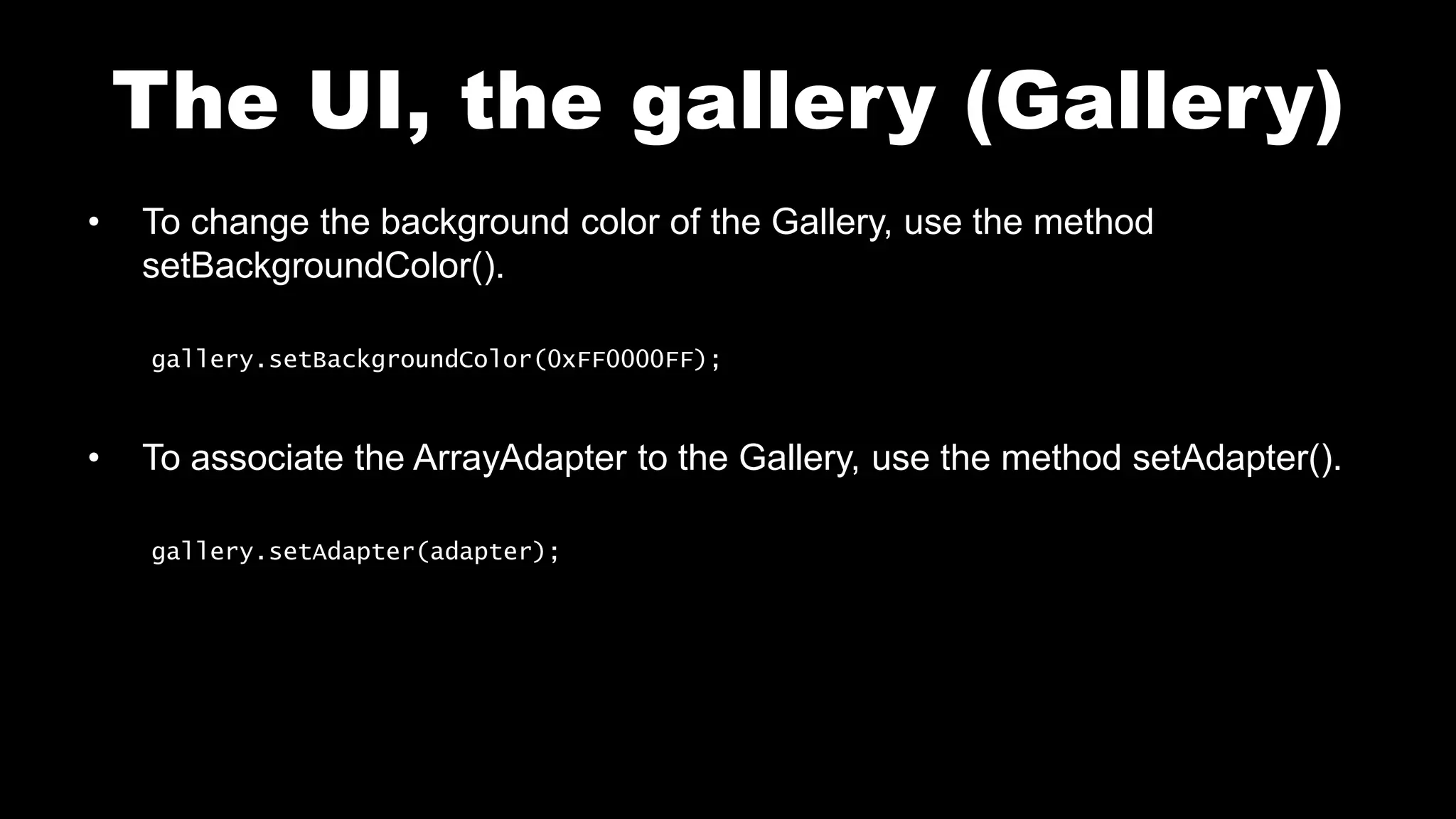
• To change the background color of the Gallery, use the method
setBackgroundColor().
gallery.setBackgroundColor(0xFF0000FF);
• To associate the ArrayAdapter to the Gallery, use the method setAdapter().
gallery.setAdapter(adapter);
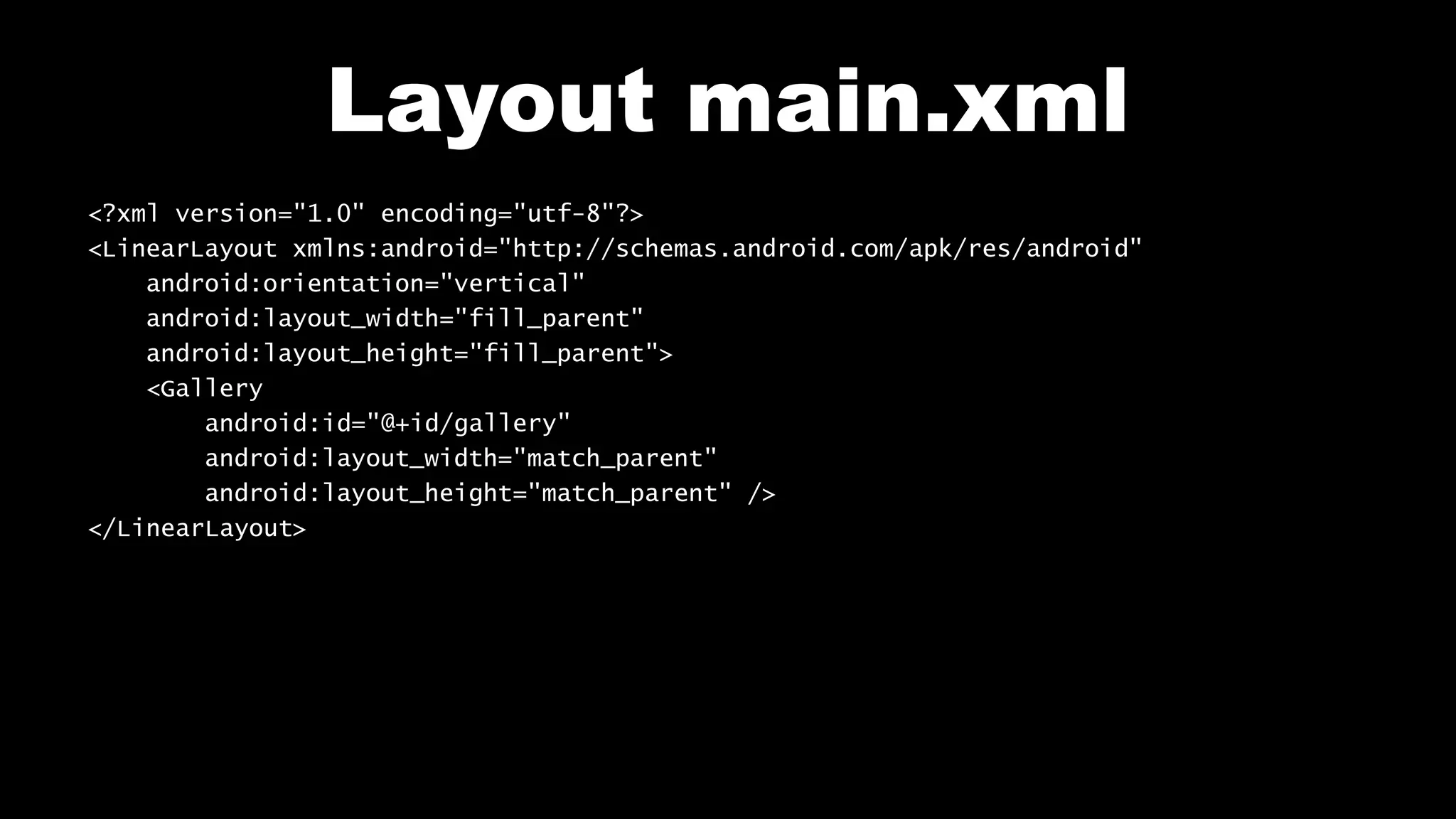
Layout main.xml
<?xml version="1.0" encoding="utf-8"?>
<LinearLayout xmlns:android="http://schemas.android.com/apk/res/android"
android:orientation="vertical"
android:layout_width="fill_parent"
android:layout_height="fill_parent">
<Gallery
android:id="@+id/gallery"
android:layout_width="match_parent"
android:layout_height="match_parent" />
</LinearLayout>
File Main.java
public class Main extends Activity {
public void onCreate(Bundle savedInstanceState) {
super.onCreate(savedInstanceState);
setContentView (R.layout.main);
Gallery gallery = (Gallery)findViewById (R.id.gallery);
ArrayAdapter<String> adapter = new ArrayAdapter<String>(
Main.this,
android.R.layout.simple_spinner_item,
new String[]{"One", "Two",
"Three","Four","Five","Six","Seven","Eight","Nine","Ten"}
);
gallery.setBackgroundColor(0xFF0000FF);
gallery.setAdapter(adapter);
}
}
Test on your mobile
View_Gallery
Follow me on my channel PengYooTV …
On my Youku channel
http://i.youku.com/brunoparis
Who am I ?
Bruno Delb (www.delb.cn),
Author of the first french book of development of Java mobile application (2002),
Consultant, project manager and developer of social & mobile applications,
let’s talk about your needs ...
And on Weibo :
http://www.weibo.com/brunodelb

Android Lab Test : The views, the Gallery (english)

  • 1.
    Develop on Android AndroidLab Test www.AndroidLabTest.com Youku By Bruno Delb www.weibo.com/brunodelb i.youku.com/brunodelb | www.weibo.com/brunodelb | blog.delb.cn http://i.youku.com/brunoparis Weibo Officialsite Lesson : The UI, the gallery (Gallery)
  • 2.
    The UI, thegallery (Gallery) • In this lesson, you will learn to create a gallery (Gallery) of strings. • For this, you will use the object Gallery and ArrayAdapter.
  • 3.
    The UI, thegallery (Gallery) • Add a Gallery to the layout. Gallery gallery = (Gallery)findViewById (R.id.gallery); • To add strings to the Gallery, create an ArrayAdapter : ArrayAdapter<String> adapter = new ArrayAdapter<String>( Main.this, // content android.R.layout.simple_spinner_item, // layout provided by Android new String[]{"One", "Two", "Three", ...} // items to add );
  • 4.
    The UI, thegallery (Gallery) • To change the background color of the Gallery, use the method setBackgroundColor(). gallery.setBackgroundColor(0xFF0000FF); • To associate the ArrayAdapter to the Gallery, use the method setAdapter(). gallery.setAdapter(adapter);
  • 5.
    Layout main.xml <?xml version="1.0"encoding="utf-8"?> <LinearLayout xmlns:android="http://schemas.android.com/apk/res/android" android:orientation="vertical" android:layout_width="fill_parent" android:layout_height="fill_parent"> <Gallery android:id="@+id/gallery" android:layout_width="match_parent" android:layout_height="match_parent" /> </LinearLayout>
  • 6.
    File Main.java public classMain extends Activity { public void onCreate(Bundle savedInstanceState) { super.onCreate(savedInstanceState); setContentView (R.layout.main); Gallery gallery = (Gallery)findViewById (R.id.gallery); ArrayAdapter<String> adapter = new ArrayAdapter<String>( Main.this, android.R.layout.simple_spinner_item, new String[]{"One", "Two", "Three","Four","Five","Six","Seven","Eight","Nine","Ten"} ); gallery.setBackgroundColor(0xFF0000FF); gallery.setAdapter(adapter); } }
  • 7.
    Test on yourmobile View_Gallery
  • 8.
    Follow me onmy channel PengYooTV … On my Youku channel http://i.youku.com/brunoparis Who am I ? Bruno Delb (www.delb.cn), Author of the first french book of development of Java mobile application (2002), Consultant, project manager and developer of social & mobile applications, let’s talk about your needs ... And on Weibo : http://www.weibo.com/brunodelb