Develop on Android
Android Lab Test
www.AndroidLabTest.com
Youku
By Bruno Delb
www.weibo.com/brunodelb
i.youku.com/brunodelb | www.weibo.com/brunodelb | blog.delb.cn
http://i.youku.com/brunoparis
Weibo
Officialsite
Lesson : Reading HTTP
Reading HTTP
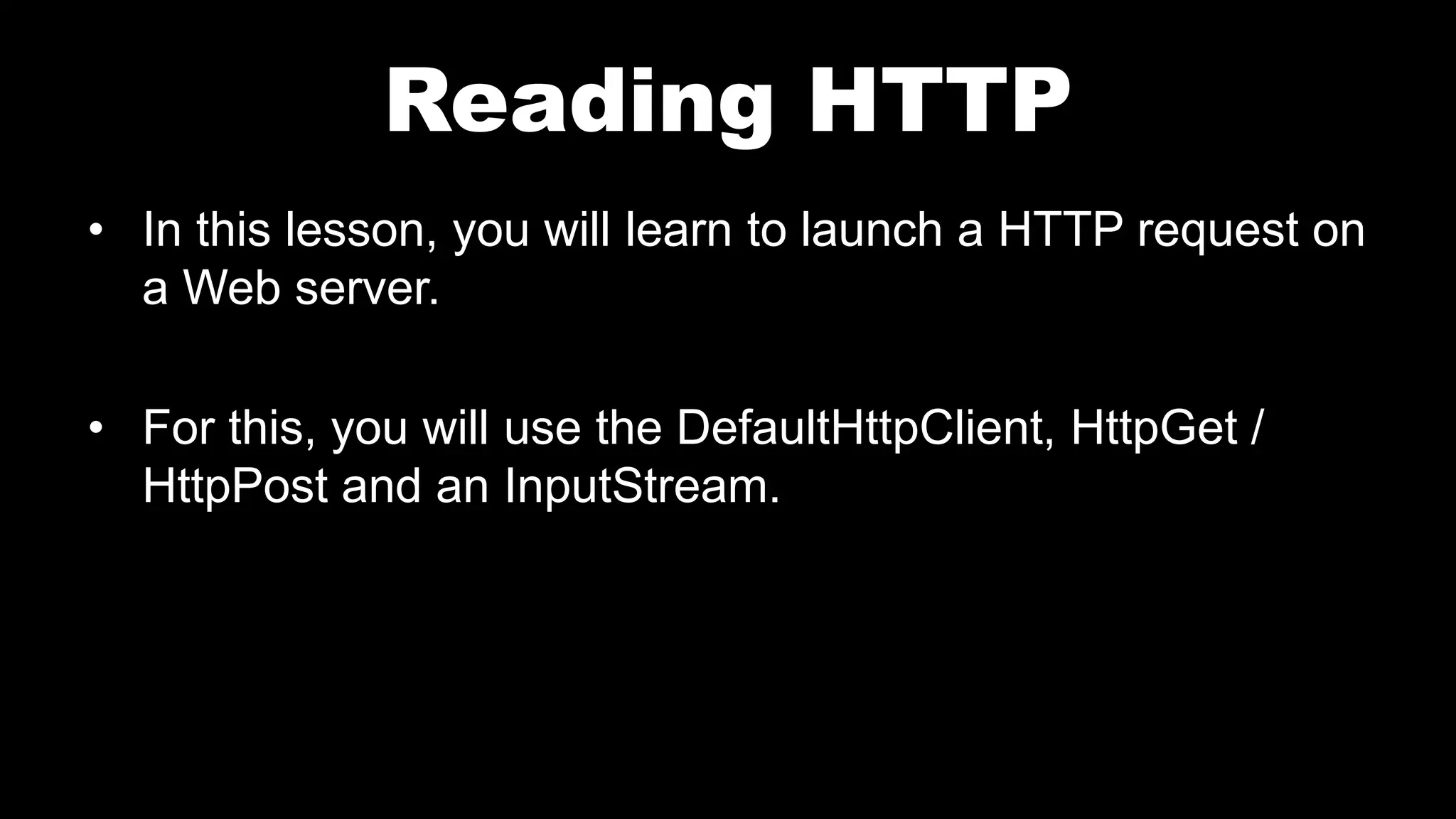
• In this lesson, you will learn to launch a HTTP request on
a Web server.
• For this, you will use the DefaultHttpClient, HttpGet /
HttpPost and an InputStream.
Reading HTTP
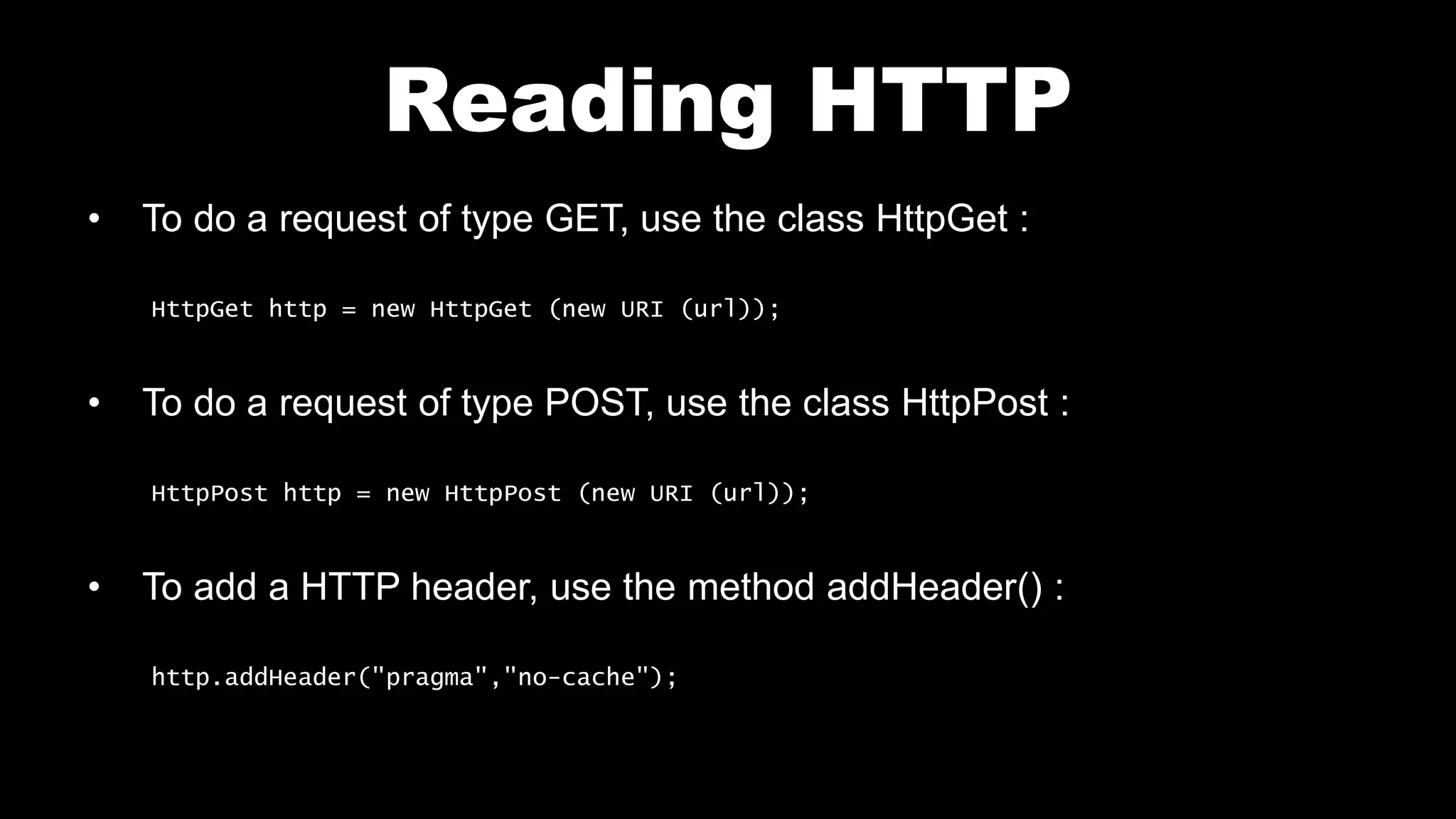
• To do a request of type GET, use the class HttpGet :
HttpGet http = new HttpGet (new URI (url));
• To do a request of type POST, use the class HttpPost :
HttpPost http = new HttpPost (new URI (url));
• To add a HTTP header, use the method addHeader() :
http.addHeader("pragma","no-cache");
Reading HTTP
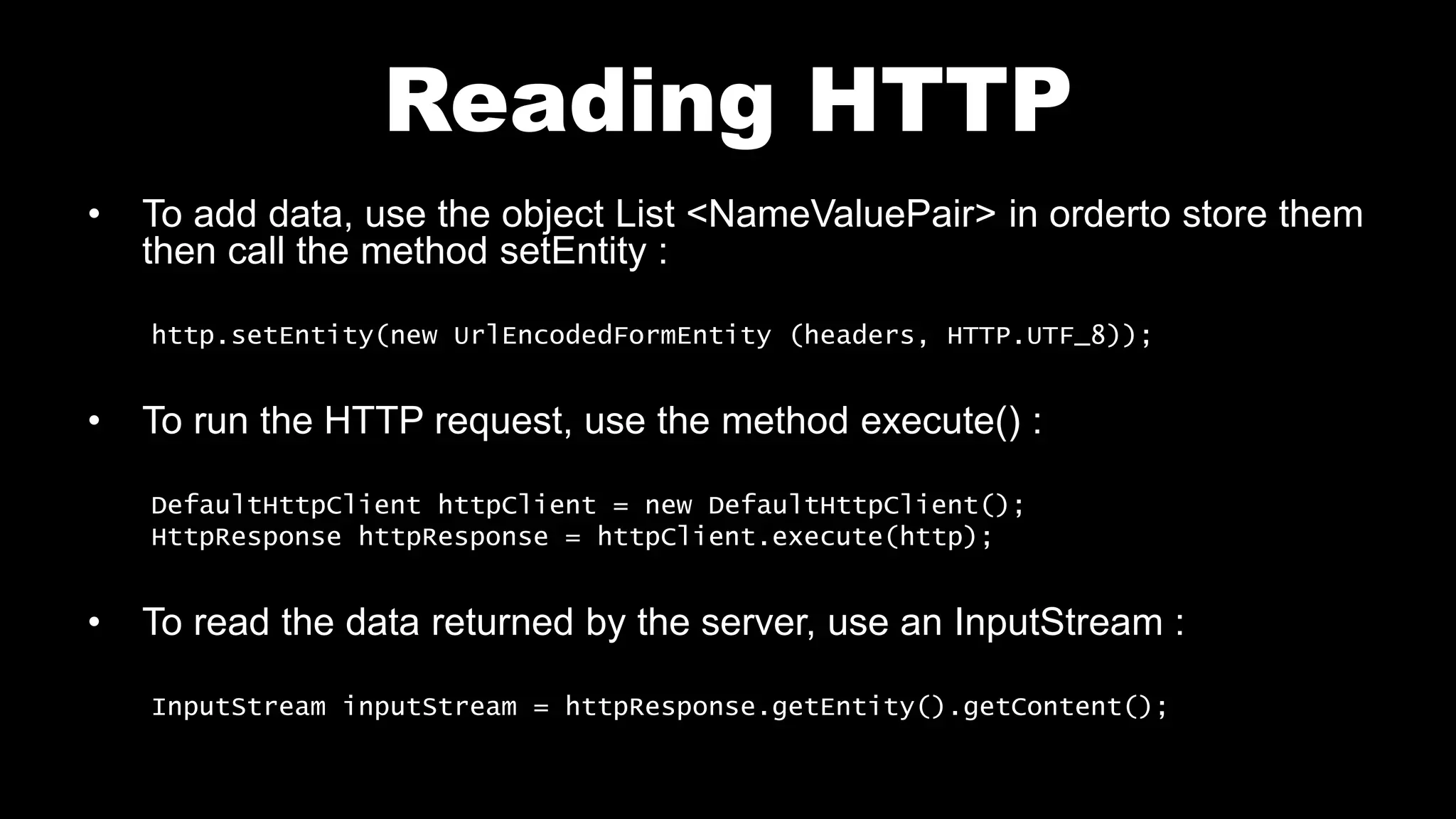
• To add data, use the object List <NameValuePair> in orderto store them
then call the method setEntity :
http.setEntity(new UrlEncodedFormEntity (headers, HTTP.UTF_8));
• To run the HTTP request, use the method execute() :
DefaultHttpClient httpClient = new DefaultHttpClient();
HttpResponse httpResponse = httpClient.execute(http);
• To read the data returned by the server, use an InputStream :
InputStream inputStream = httpResponse.getEntity().getContent();
Reading HTTP
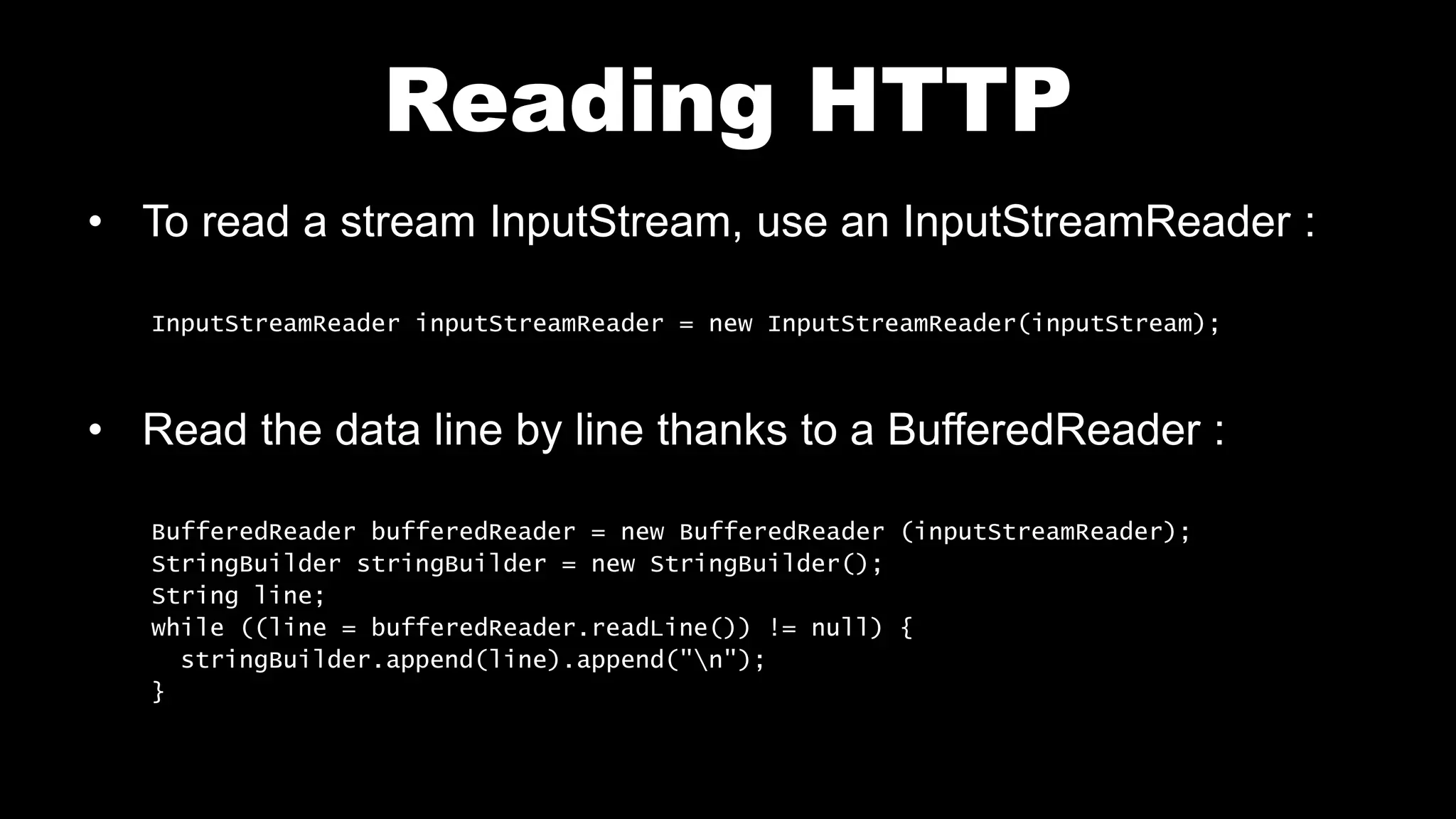
• To read a stream InputStream, use an InputStreamReader :
InputStreamReader inputStreamReader = new InputStreamReader(inputStream);
• Read the data line by line thanks to a BufferedReader :
BufferedReader bufferedReader = new BufferedReader (inputStreamReader);
StringBuilder stringBuilder = new StringBuilder();
String line;
while ((line = bufferedReader.readLine()) != null) {
stringBuilder.append(line).append("n");
}
Reading HTTP
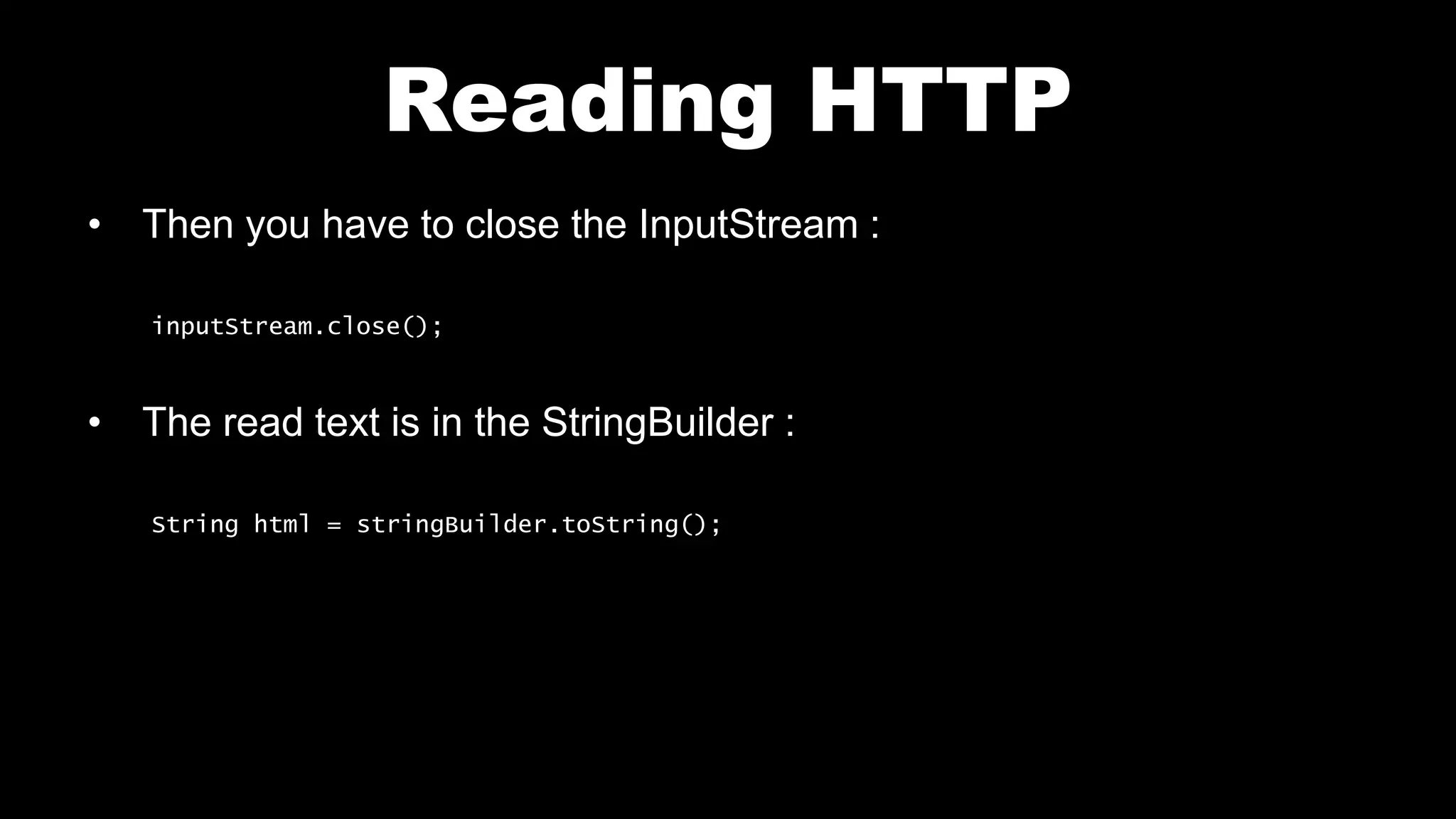
• Then you have to close the InputStream :
inputStream.close();
• The read text is in the StringBuilder :
String html = stringBuilder.toString();
Layout main.xml
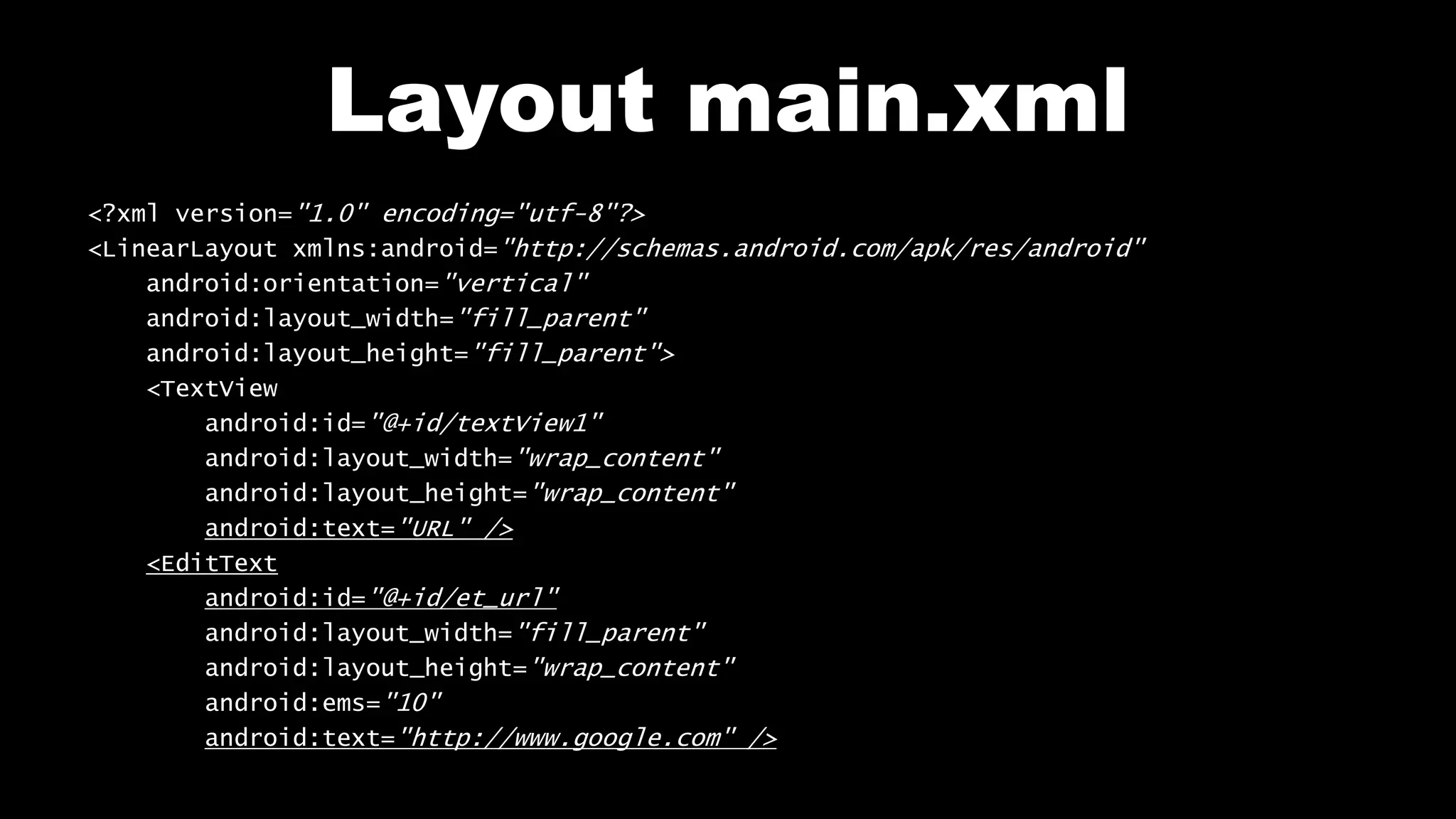
<?xml version="1.0" encoding="utf-8"?>
<LinearLayout xmlns:android="http://schemas.android.com/apk/res/android"
android:orientation="vertical"
android:layout_width="fill_parent"
android:layout_height="fill_parent">
<TextView
android:id="@+id/textView1"
android:layout_width="wrap_content"
android:layout_height="wrap_content"
android:text="URL" />
<EditText
android:id="@+id/et_url"
android:layout_width="fill_parent"
android:layout_height="wrap_content"
android:ems="10"
android:text="http://www.google.com" />
Layout main.xml
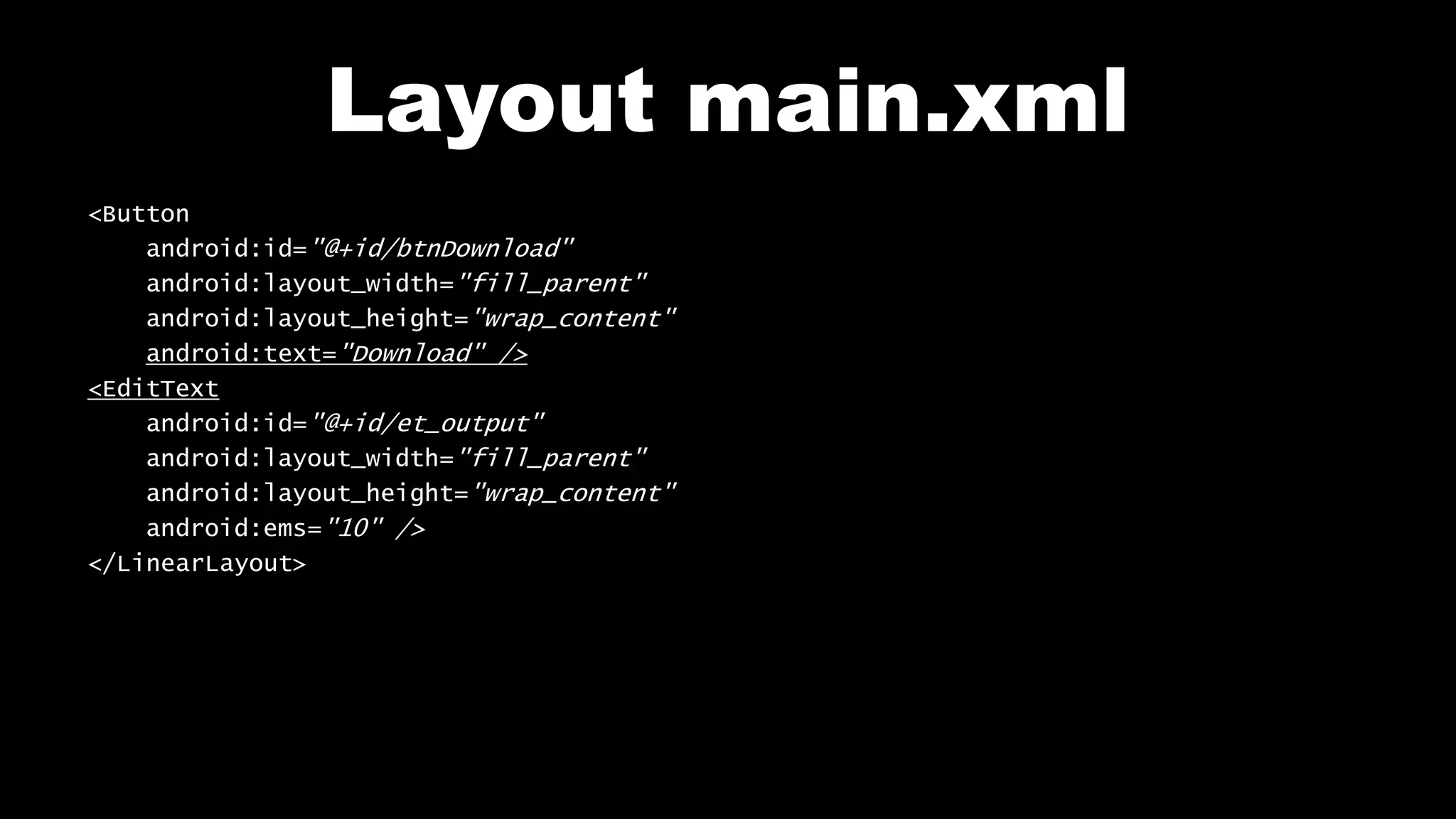
<Button
android:id="@+id/btnDownload"
android:layout_width="fill_parent"
android:layout_height="wrap_content"
android:text="Download" />
<EditText
android:id="@+id/et_output"
android:layout_width="fill_parent"
android:layout_height="wrap_content"
android:ems="10" />
</LinearLayout>
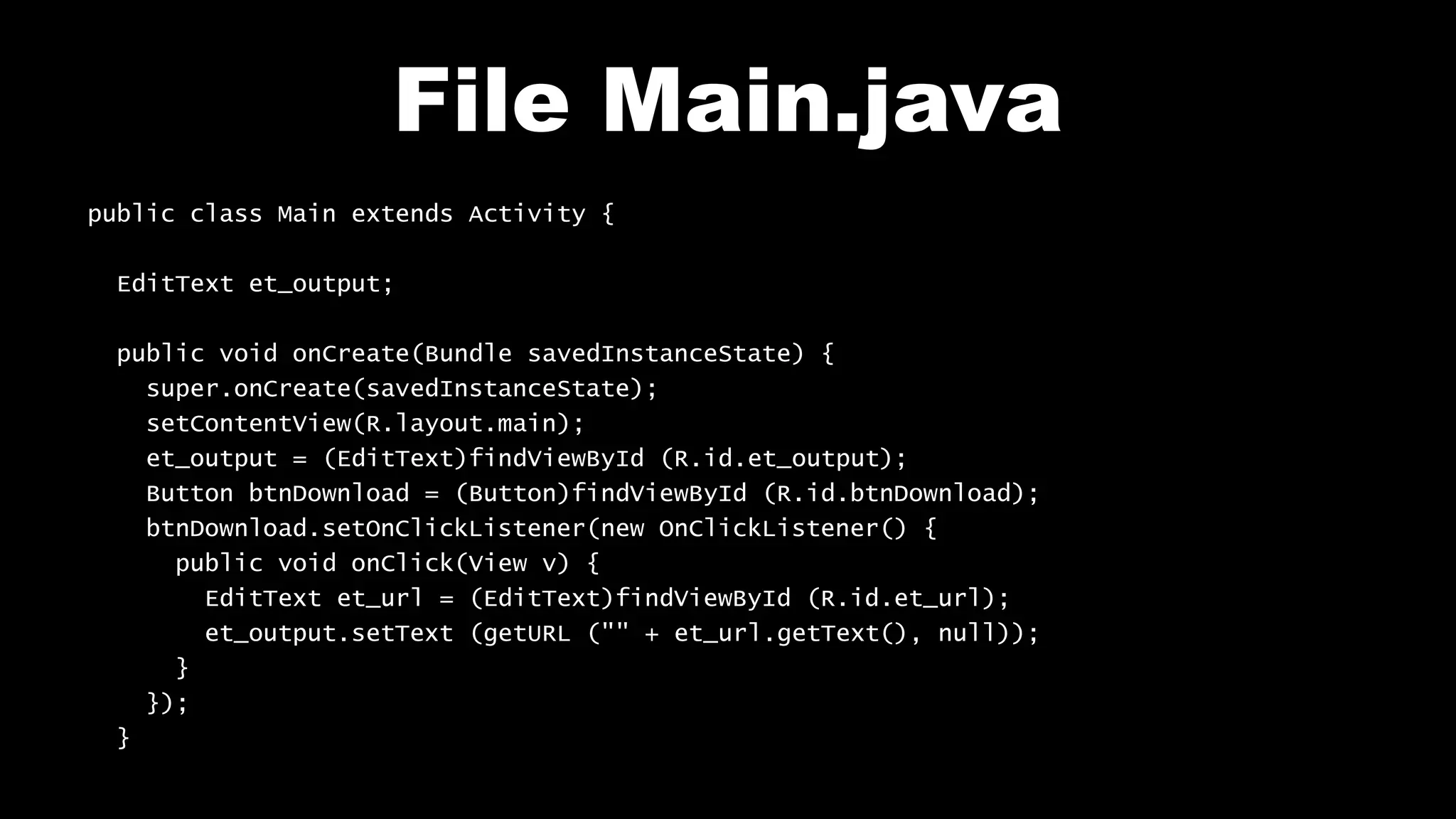
File Main.java
public class Main extends Activity {
EditText et_output;
public void onCreate(Bundle savedInstanceState) {
super.onCreate(savedInstanceState);
setContentView(R.layout.main);
et_output = (EditText)findViewById (R.id.et_output);
Button btnDownload = (Button)findViewById (R.id.btnDownload);
btnDownload.setOnClickListener(new OnClickListener() {
public void onClick(View v) {
EditText et_url = (EditText)findViewById (R.id.et_url);
et_output.setText (getURL ("" + et_url.getText(), null));
}
});
}
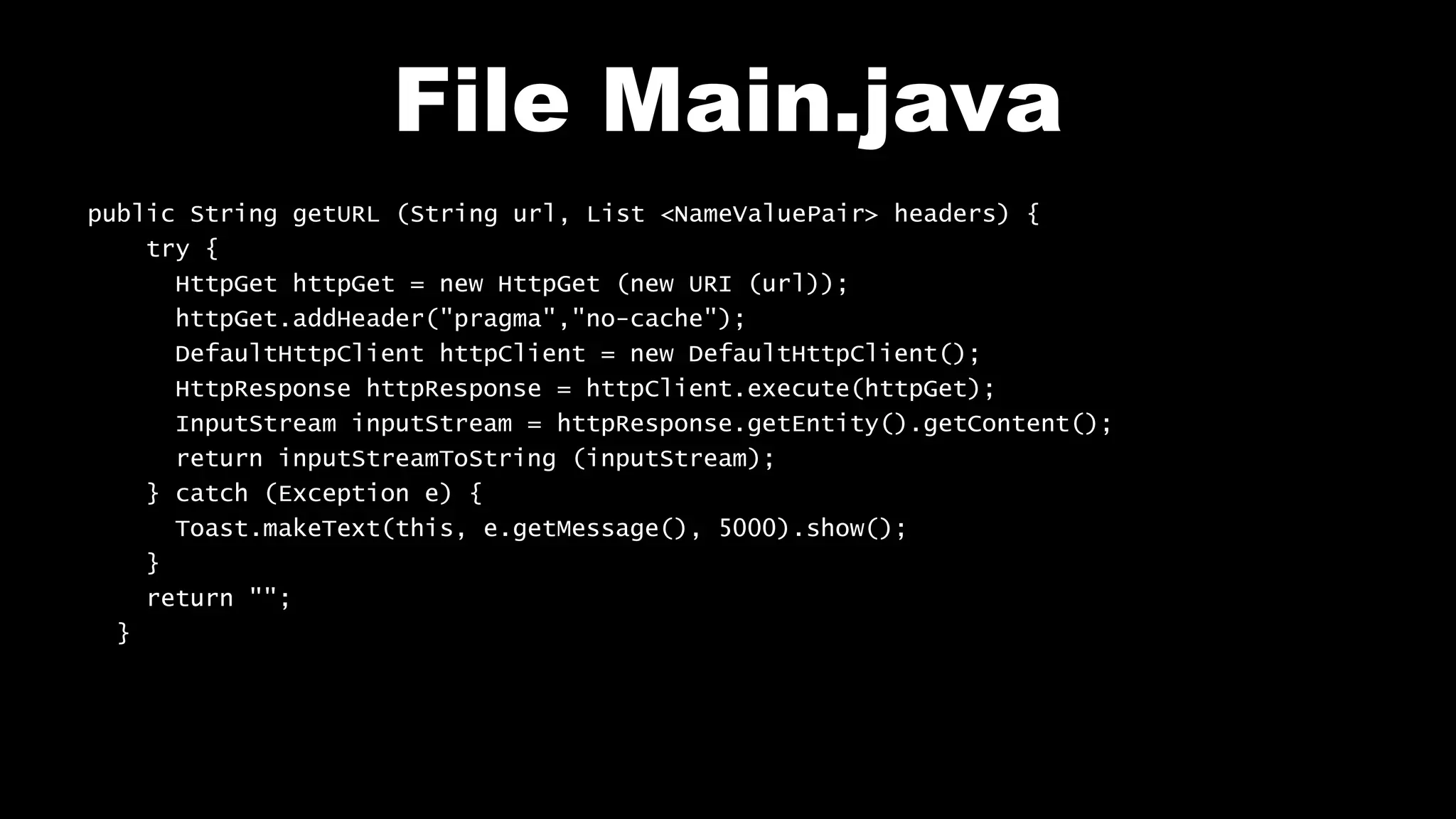
File Main.java
public String getURL (String url, List <NameValuePair> headers) {
try {
HttpGet httpGet = new HttpGet (new URI (url));
httpGet.addHeader("pragma","no-cache");
DefaultHttpClient httpClient = new DefaultHttpClient();
HttpResponse httpResponse = httpClient.execute(httpGet);
InputStream inputStream = httpResponse.getEntity().getContent();
return inputStreamToString (inputStream);
} catch (Exception e) {
Toast.makeText(this, e.getMessage(), 5000).show();
}
return "";
}
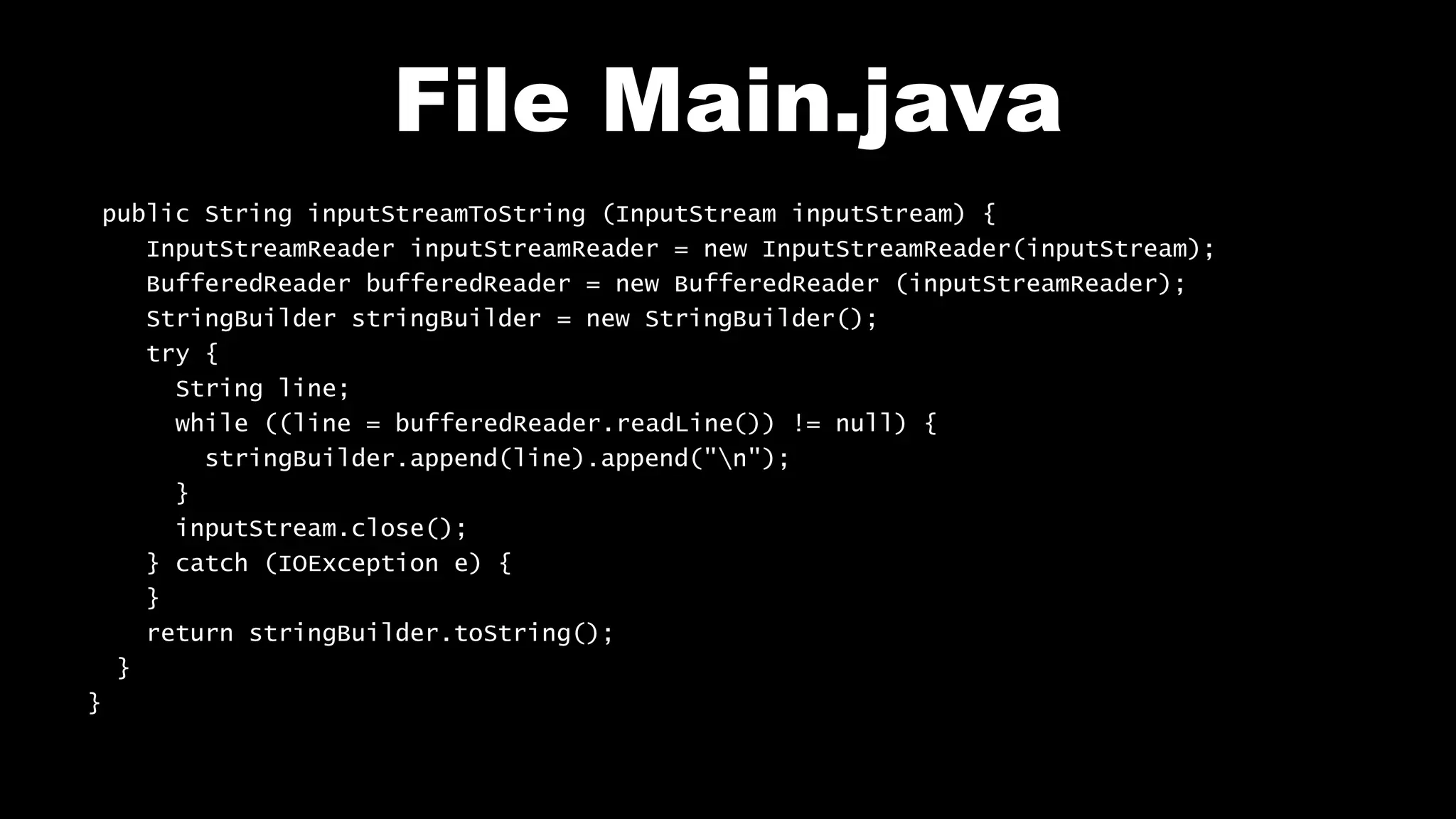
File Main.java
public String inputStreamToString (InputStream inputStream) {
InputStreamReader inputStreamReader = new InputStreamReader(inputStream);
BufferedReader bufferedReader = new BufferedReader (inputStreamReader);
StringBuilder stringBuilder = new StringBuilder();
try {
String line;
while ((line = bufferedReader.readLine()) != null) {
stringBuilder.append(line).append("n");
}
inputStream.close();
} catch (IOException e) {
}
return stringBuilder.toString();
}
}
Test on your mobile
Network_Http
Follow me on my channel PengYooTV …
On my Youku channel
http://i.youku.com/brunoparis
Who am I ?
Bruno Delb (www.delb.cn),
Author of the first french book of development of Java mobile application (2002),
Consultant, project manager and developer of social & mobile applications,
let’s talk about your needs ...
And on Weibo :
http://www.weibo.com/brunodelb

Android Lab Test : Using the network with HTTP (english)

  • 1.
    Develop on Android AndroidLab Test www.AndroidLabTest.com Youku By Bruno Delb www.weibo.com/brunodelb i.youku.com/brunodelb | www.weibo.com/brunodelb | blog.delb.cn http://i.youku.com/brunoparis Weibo Officialsite Lesson : Reading HTTP
  • 2.
    Reading HTTP • Inthis lesson, you will learn to launch a HTTP request on a Web server. • For this, you will use the DefaultHttpClient, HttpGet / HttpPost and an InputStream.
  • 3.
    Reading HTTP • Todo a request of type GET, use the class HttpGet : HttpGet http = new HttpGet (new URI (url)); • To do a request of type POST, use the class HttpPost : HttpPost http = new HttpPost (new URI (url)); • To add a HTTP header, use the method addHeader() : http.addHeader("pragma","no-cache");
  • 4.
    Reading HTTP • Toadd data, use the object List <NameValuePair> in orderto store them then call the method setEntity : http.setEntity(new UrlEncodedFormEntity (headers, HTTP.UTF_8)); • To run the HTTP request, use the method execute() : DefaultHttpClient httpClient = new DefaultHttpClient(); HttpResponse httpResponse = httpClient.execute(http); • To read the data returned by the server, use an InputStream : InputStream inputStream = httpResponse.getEntity().getContent();
  • 5.
    Reading HTTP • Toread a stream InputStream, use an InputStreamReader : InputStreamReader inputStreamReader = new InputStreamReader(inputStream); • Read the data line by line thanks to a BufferedReader : BufferedReader bufferedReader = new BufferedReader (inputStreamReader); StringBuilder stringBuilder = new StringBuilder(); String line; while ((line = bufferedReader.readLine()) != null) { stringBuilder.append(line).append("n"); }
  • 6.
    Reading HTTP • Thenyou have to close the InputStream : inputStream.close(); • The read text is in the StringBuilder : String html = stringBuilder.toString();
  • 7.
    Layout main.xml <?xml version="1.0"encoding="utf-8"?> <LinearLayout xmlns:android="http://schemas.android.com/apk/res/android" android:orientation="vertical" android:layout_width="fill_parent" android:layout_height="fill_parent"> <TextView android:id="@+id/textView1" android:layout_width="wrap_content" android:layout_height="wrap_content" android:text="URL" /> <EditText android:id="@+id/et_url" android:layout_width="fill_parent" android:layout_height="wrap_content" android:ems="10" android:text="http://www.google.com" />
  • 8.
  • 9.
    File Main.java public classMain extends Activity { EditText et_output; public void onCreate(Bundle savedInstanceState) { super.onCreate(savedInstanceState); setContentView(R.layout.main); et_output = (EditText)findViewById (R.id.et_output); Button btnDownload = (Button)findViewById (R.id.btnDownload); btnDownload.setOnClickListener(new OnClickListener() { public void onClick(View v) { EditText et_url = (EditText)findViewById (R.id.et_url); et_output.setText (getURL ("" + et_url.getText(), null)); } }); }
  • 10.
    File Main.java public StringgetURL (String url, List <NameValuePair> headers) { try { HttpGet httpGet = new HttpGet (new URI (url)); httpGet.addHeader("pragma","no-cache"); DefaultHttpClient httpClient = new DefaultHttpClient(); HttpResponse httpResponse = httpClient.execute(httpGet); InputStream inputStream = httpResponse.getEntity().getContent(); return inputStreamToString (inputStream); } catch (Exception e) { Toast.makeText(this, e.getMessage(), 5000).show(); } return ""; }
  • 11.
    File Main.java public StringinputStreamToString (InputStream inputStream) { InputStreamReader inputStreamReader = new InputStreamReader(inputStream); BufferedReader bufferedReader = new BufferedReader (inputStreamReader); StringBuilder stringBuilder = new StringBuilder(); try { String line; while ((line = bufferedReader.readLine()) != null) { stringBuilder.append(line).append("n"); } inputStream.close(); } catch (IOException e) { } return stringBuilder.toString(); } }
  • 12.
    Test on yourmobile Network_Http
  • 13.
    Follow me onmy channel PengYooTV … On my Youku channel http://i.youku.com/brunoparis Who am I ? Bruno Delb (www.delb.cn), Author of the first french book of development of Java mobile application (2002), Consultant, project manager and developer of social & mobile applications, let’s talk about your needs ... And on Weibo : http://www.weibo.com/brunodelb