An overview of
IONIC
BUILDING HYBRID APPS WITH ANGULARJS AND IONIC
Table of Content
 Native v/s Hybrid.
 What is ionic
 What is Cordova
 Prerequisites
 Setup
Native v/s Hybrid
The Downside of Native.
 Proficiency in each platform.
 Entirely separate code bases.
 Timely & expensive development.
"What is the alternate?"
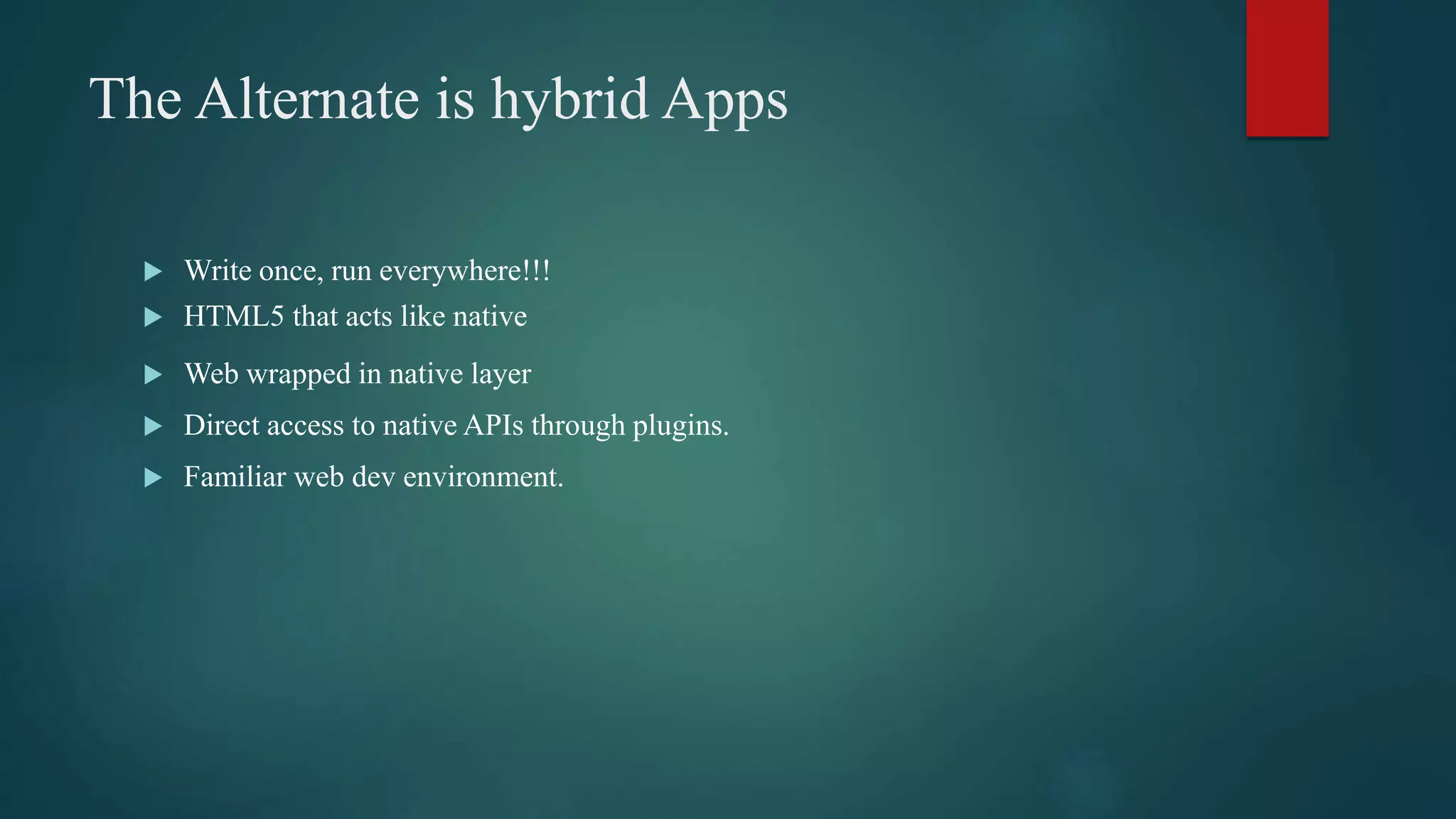
The Alternate is hybrid Apps
 Write once, run everywhere!!!
 HTML5 that acts like native
 Web wrapped in native layer
 Direct access to native APIs through plugins.
 Familiar web dev environment.
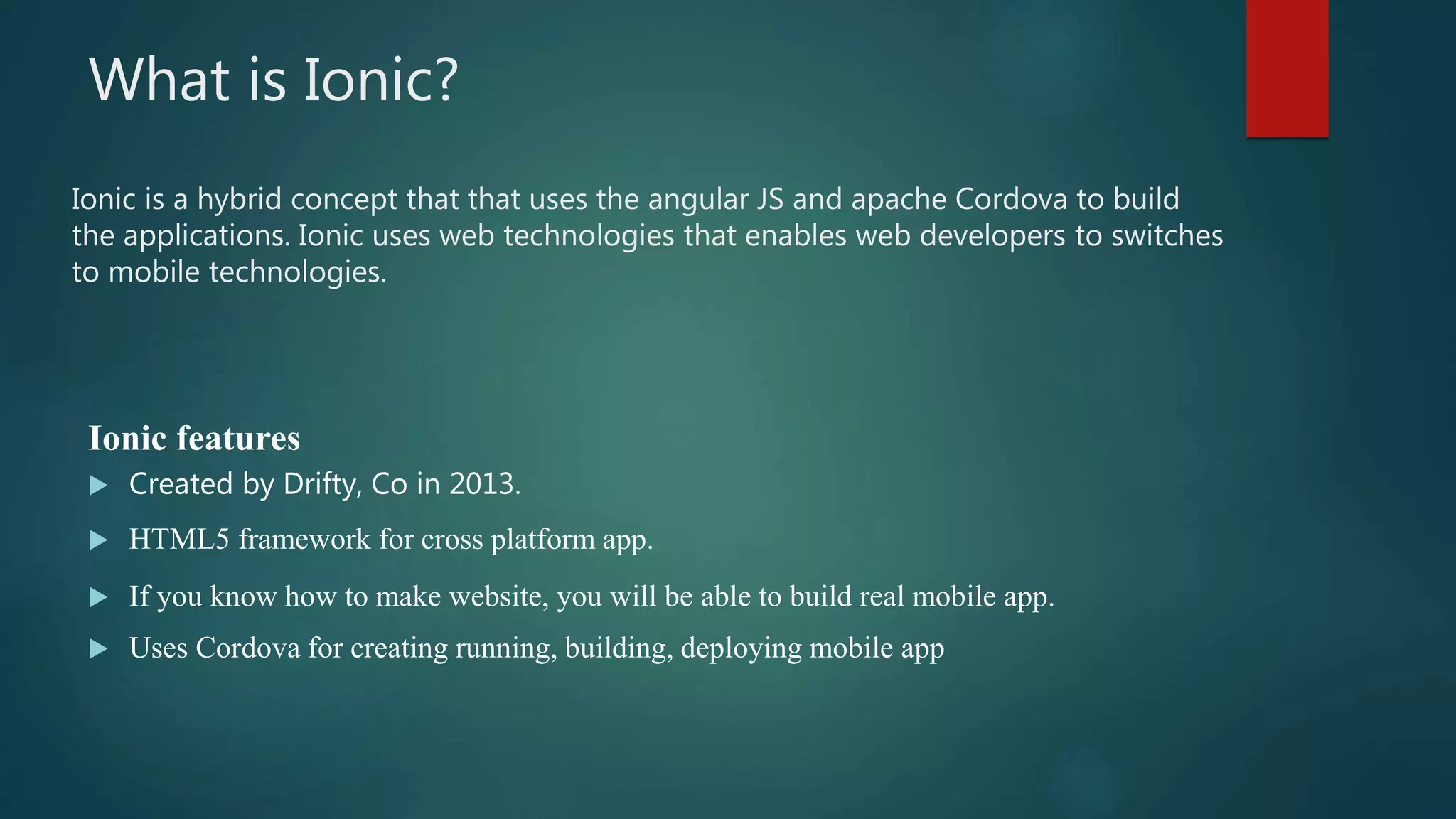
What is Ionic?
Ionic features
 Created by Drifty, Co in 2013.
 HTML5 framework for cross platform app.
 If you know how to make website, you will be able to build real mobile app.
 Uses Cordova for creating running, building, deploying mobile app
Ionic is a hybrid concept that that uses the angular JS and apache Cordova to build
the applications. Ionic uses web technologies that enables web developers to switches
to mobile technologies.
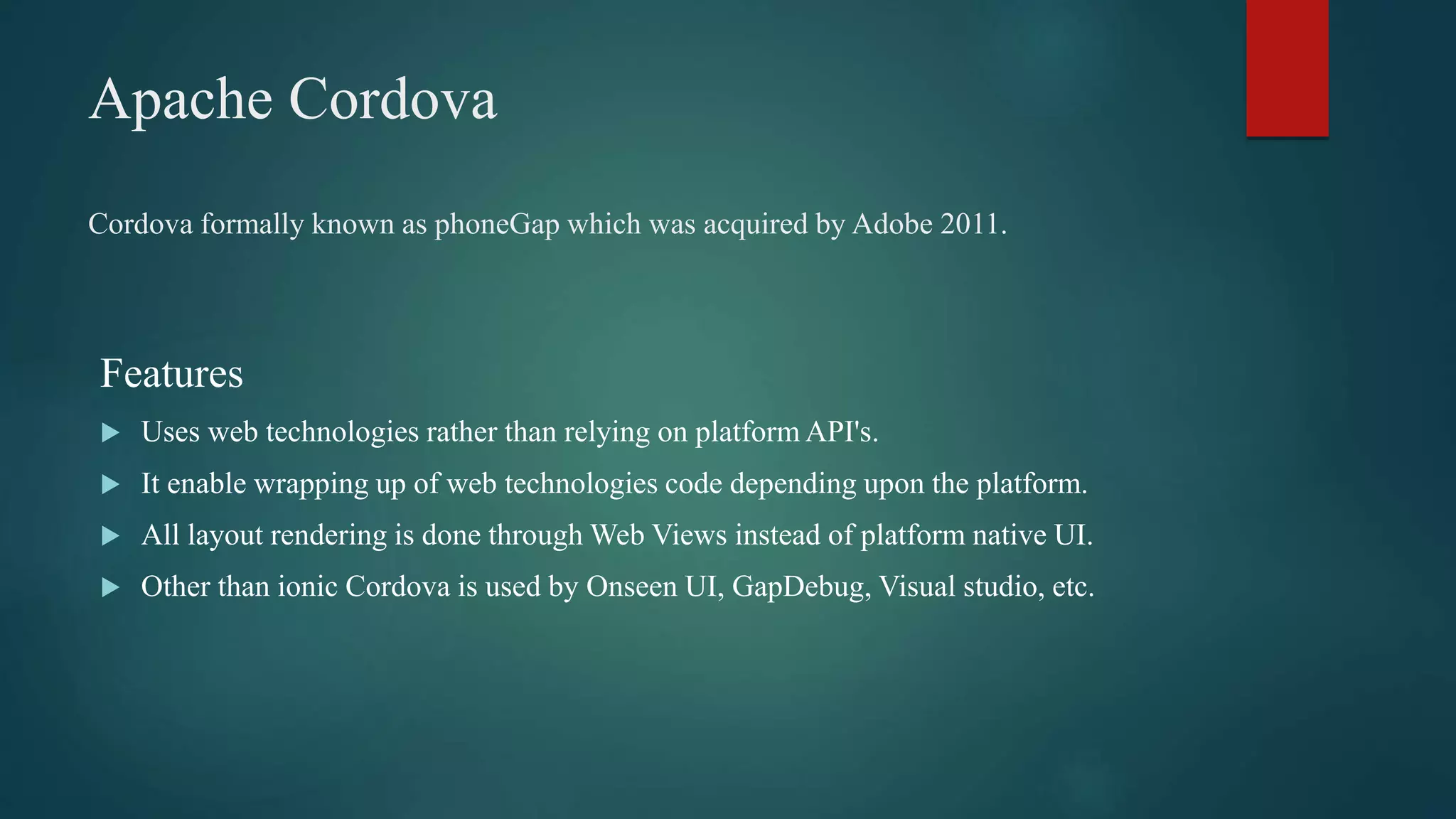
Apache Cordova
Features
 Uses web technologies rather than relying on platform API's.
 It enable wrapping up of web technologies code depending upon the platform.
 All layout rendering is done through Web Views instead of platform native UI.
 Other than ionic Cordova is used by Onseen UI, GapDebug, Visual studio, etc.
Cordova formally known as phoneGap which was acquired by Adobe 2011.
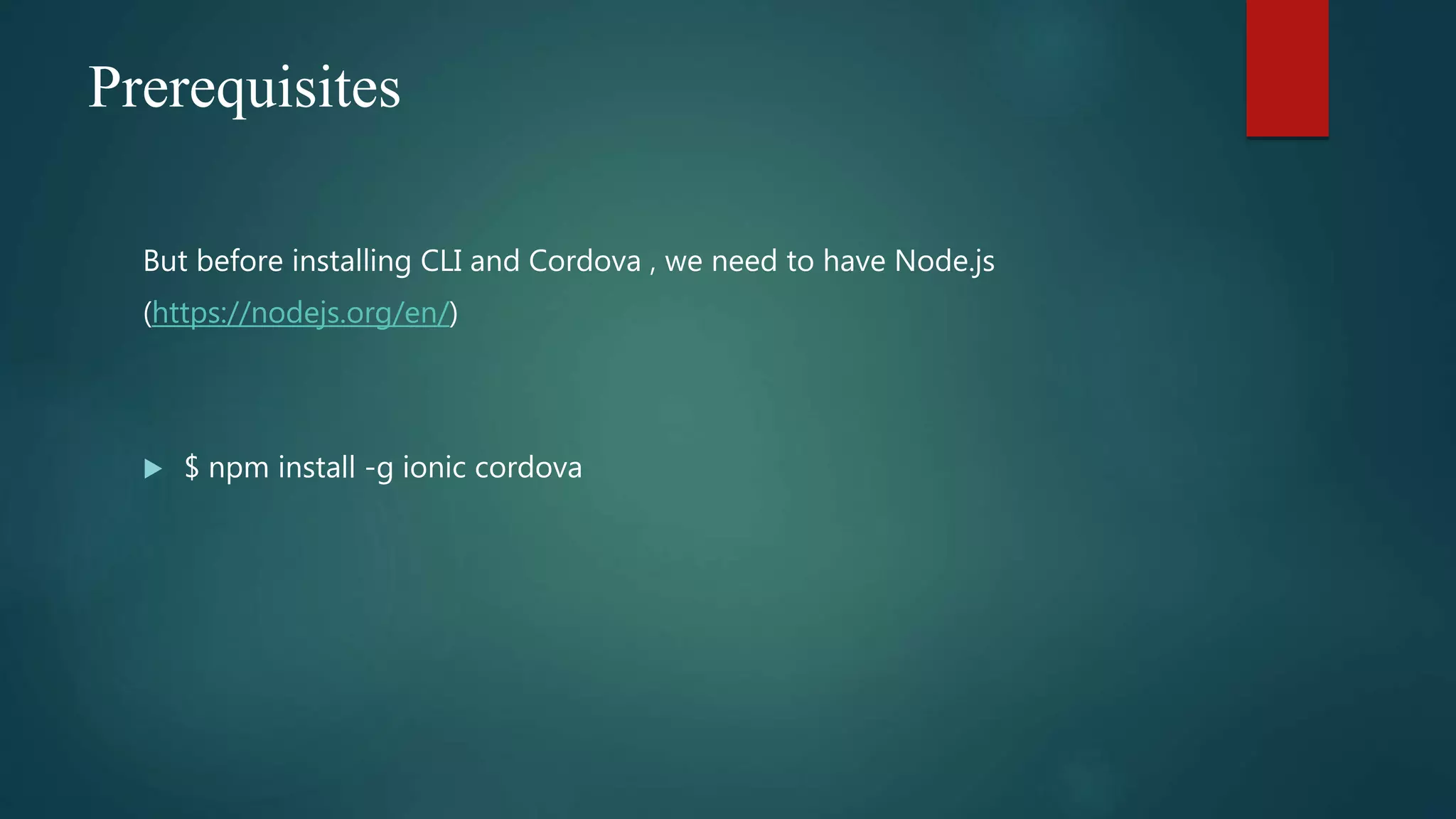
Prerequisites
But before installing CLI and Cordova , we need to have Node.js
(https://nodejs.org/en/)
 $ npm install -g ionic cordova
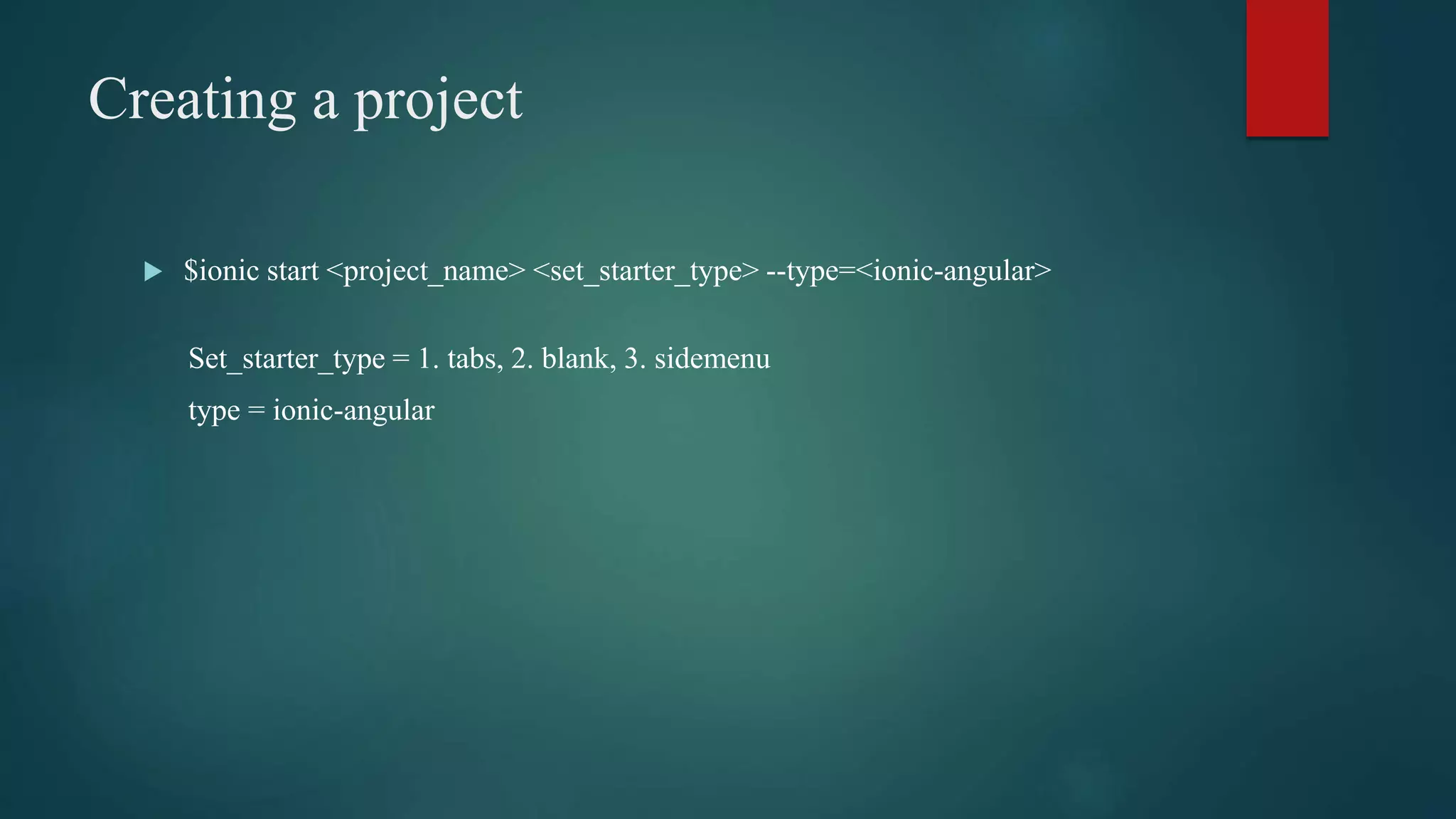
Creating a project
 $ionic start <project_name> <set_starter_type> --type=<ionic-angular>
Set_starter_type = 1. tabs, 2. blank, 3. sidemenu
type = ionic-angular
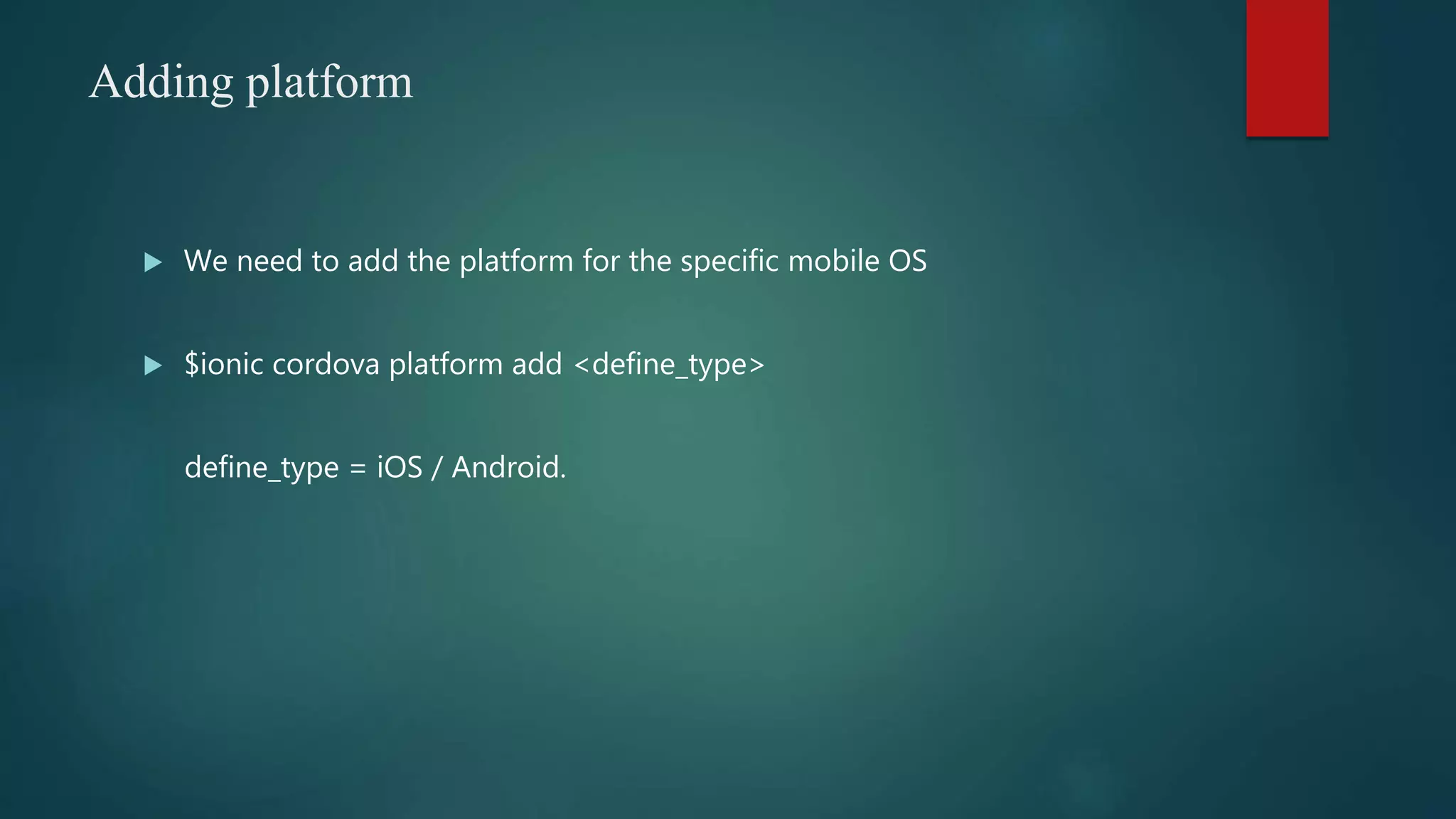
Adding platform
 We need to add the platform for the specific mobile OS
 $ionic cordova platform add <define_type>
define_type = iOS / Android.
Adding a new page
 Whenever we need to have a new page , run this command.
 $ ionic g page <pageName>
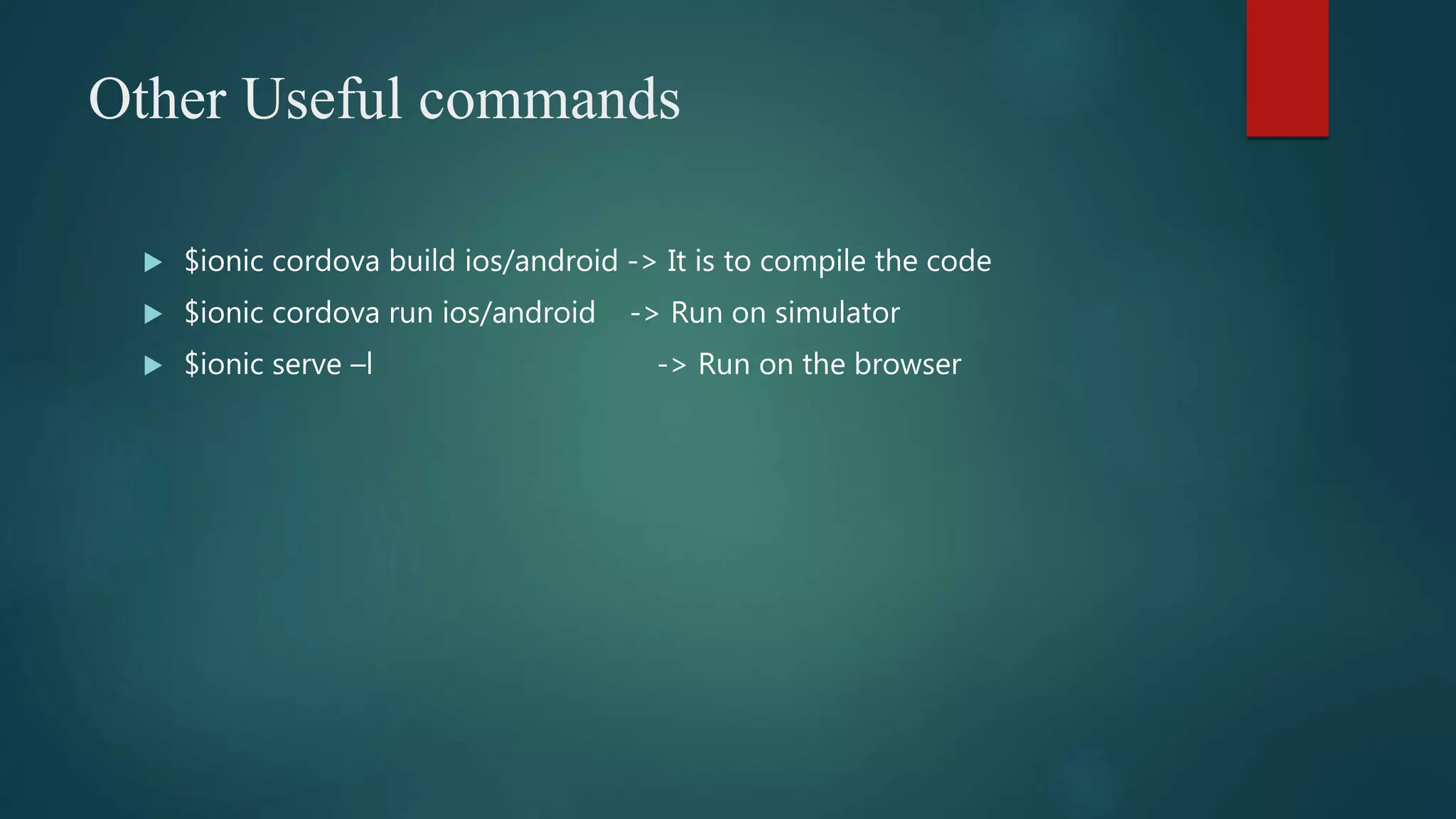
Other Useful commands
 $ionic cordova build ios/android -> It is to compile the code
 $ionic cordova run ios/android -> Run on simulator
 $ionic serve –l -> Run on the browser
Contact for any assistance
www.cynoteck.com
Contact No: +1-612-800-9092,+918272014440,
+918430155522s
Website : www.cynoteck.com
Email : sales@Cynoteck.com
Thank You!

An overview of Ionic

  • 1.
    An overview of IONIC BUILDINGHYBRID APPS WITH ANGULARJS AND IONIC
  • 2.
    Table of Content Native v/s Hybrid.  What is ionic  What is Cordova  Prerequisites  Setup
  • 3.
    Native v/s Hybrid TheDownside of Native.  Proficiency in each platform.  Entirely separate code bases.  Timely & expensive development. "What is the alternate?"
  • 4.
    The Alternate ishybrid Apps  Write once, run everywhere!!!  HTML5 that acts like native  Web wrapped in native layer  Direct access to native APIs through plugins.  Familiar web dev environment.
  • 5.
    What is Ionic? Ionicfeatures  Created by Drifty, Co in 2013.  HTML5 framework for cross platform app.  If you know how to make website, you will be able to build real mobile app.  Uses Cordova for creating running, building, deploying mobile app Ionic is a hybrid concept that that uses the angular JS and apache Cordova to build the applications. Ionic uses web technologies that enables web developers to switches to mobile technologies.
  • 6.
    Apache Cordova Features  Usesweb technologies rather than relying on platform API's.  It enable wrapping up of web technologies code depending upon the platform.  All layout rendering is done through Web Views instead of platform native UI.  Other than ionic Cordova is used by Onseen UI, GapDebug, Visual studio, etc. Cordova formally known as phoneGap which was acquired by Adobe 2011.
  • 7.
    Prerequisites But before installingCLI and Cordova , we need to have Node.js (https://nodejs.org/en/)  $ npm install -g ionic cordova
  • 8.
    Creating a project $ionic start <project_name> <set_starter_type> --type=<ionic-angular> Set_starter_type = 1. tabs, 2. blank, 3. sidemenu type = ionic-angular
  • 9.
    Adding platform  Weneed to add the platform for the specific mobile OS  $ionic cordova platform add <define_type> define_type = iOS / Android.
  • 10.
    Adding a newpage  Whenever we need to have a new page , run this command.  $ ionic g page <pageName>
  • 11.
    Other Useful commands $ionic cordova build ios/android -> It is to compile the code  $ionic cordova run ios/android -> Run on simulator  $ionic serve –l -> Run on the browser
  • 12.
    Contact for anyassistance www.cynoteck.com Contact No: +1-612-800-9092,+918272014440, +918430155522s Website : www.cynoteck.com Email : sales@Cynoteck.com
  • 13.