Advanced Guide to Develop Ajax
       Applications using Dojo


           CHENG Fu
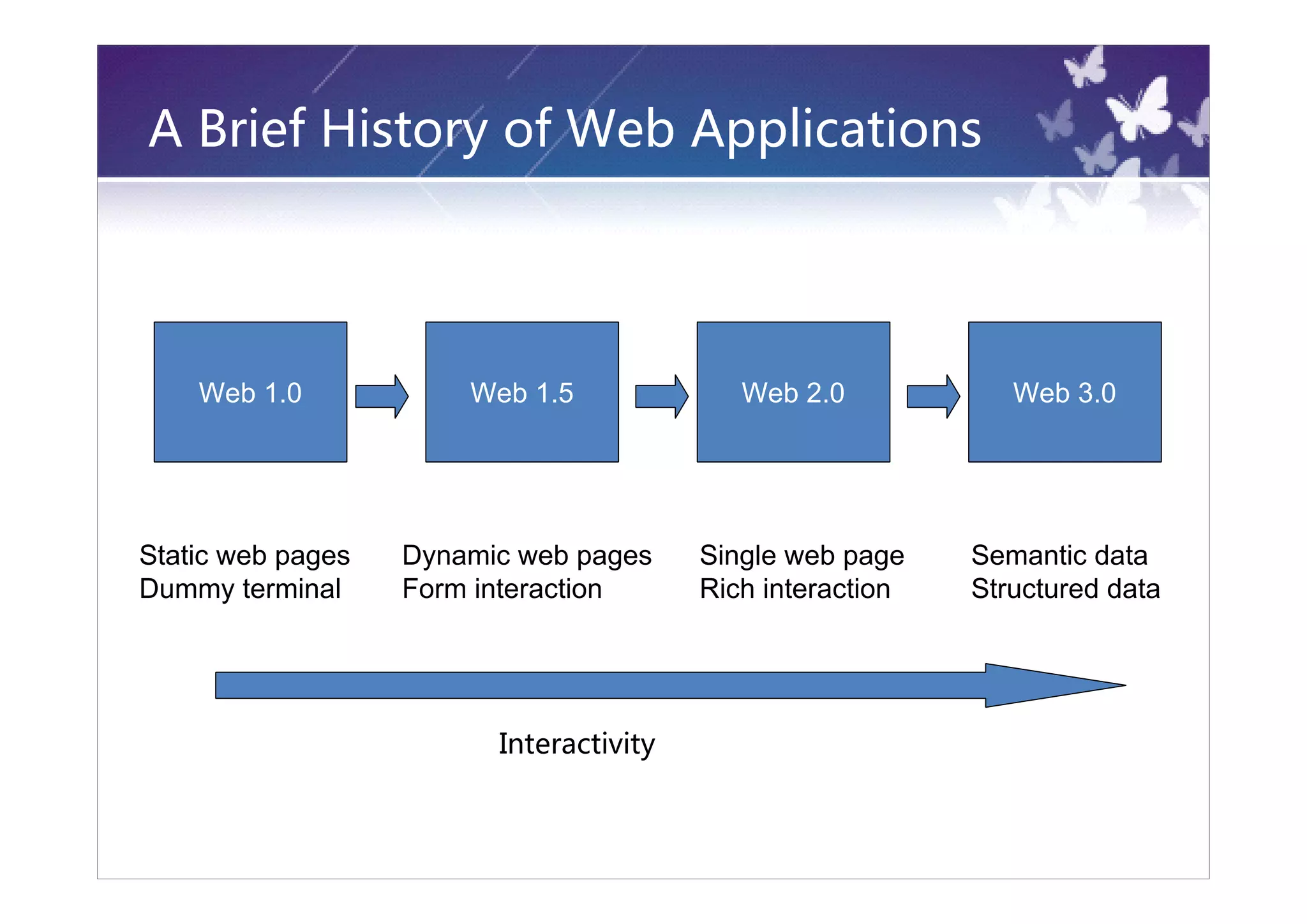
A Brief History of Web Applications


    Web 1.0            Web 1.5              Web 2.0            Web 3.0


Static web pages   Dynamic web pages     Single web page    Semantic data
Dummy terminal     Form interaction      Rich interaction   Structured data


                         Interactivity
Rich Internet Applications


                Ajax
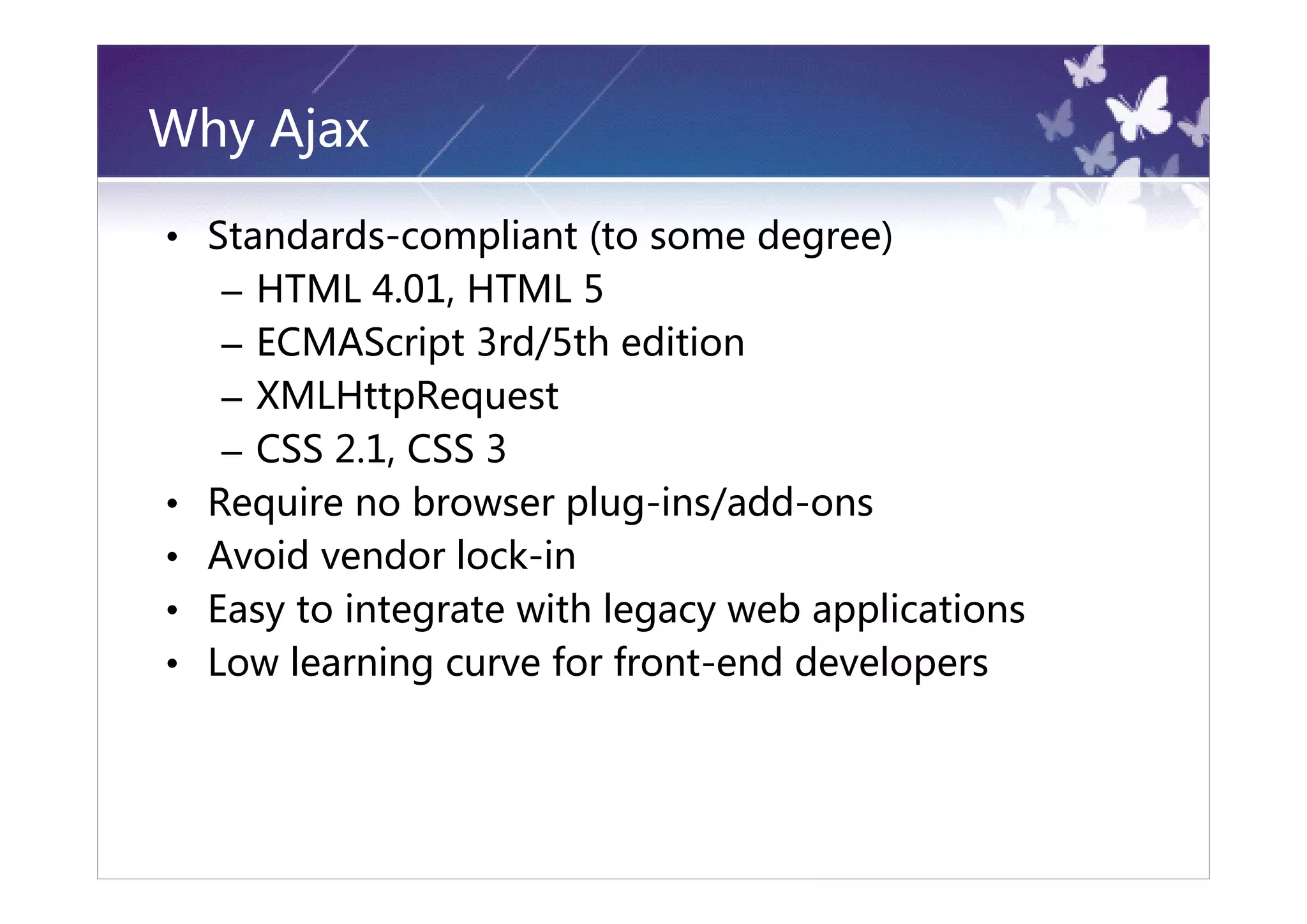
Why Ajax

• Standards-compliant (to some degree)
   – HTML 4.01, HTML 5
   – ECMAScript 3rd/5th edition
   – XMLHttpRequest
   – CSS 2.1, CSS 3
• Require no browser plug-ins/add-ons
• Avoid vendor lock-in
• Easy to integrate with legacy web applications
• Low learning curve for front-end developers
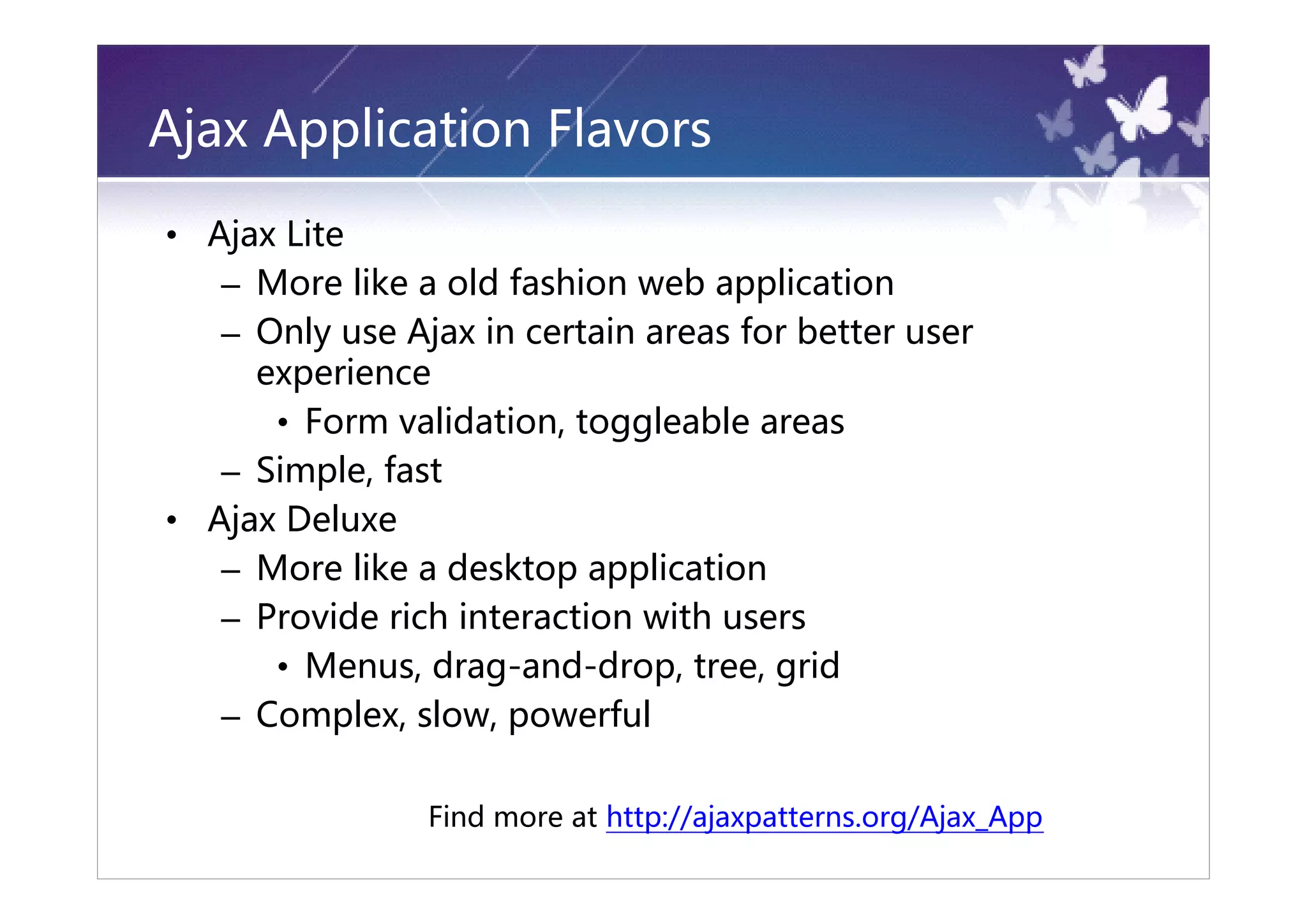
Ajax Application Flavors

• Ajax Lite
   – More like a old fashion web application
   – Only use Ajax in certain areas for better user
     experience
      • Form validation, toggleable areas
   – Simple, fast
• Ajax Deluxe
   – More like a desktop application
   – Provide rich interaction with users
      • Menus, drag-and-drop, tree, grid
   – Complex, slow, powerful

                Find more at http://ajaxpatterns.org/Ajax_App
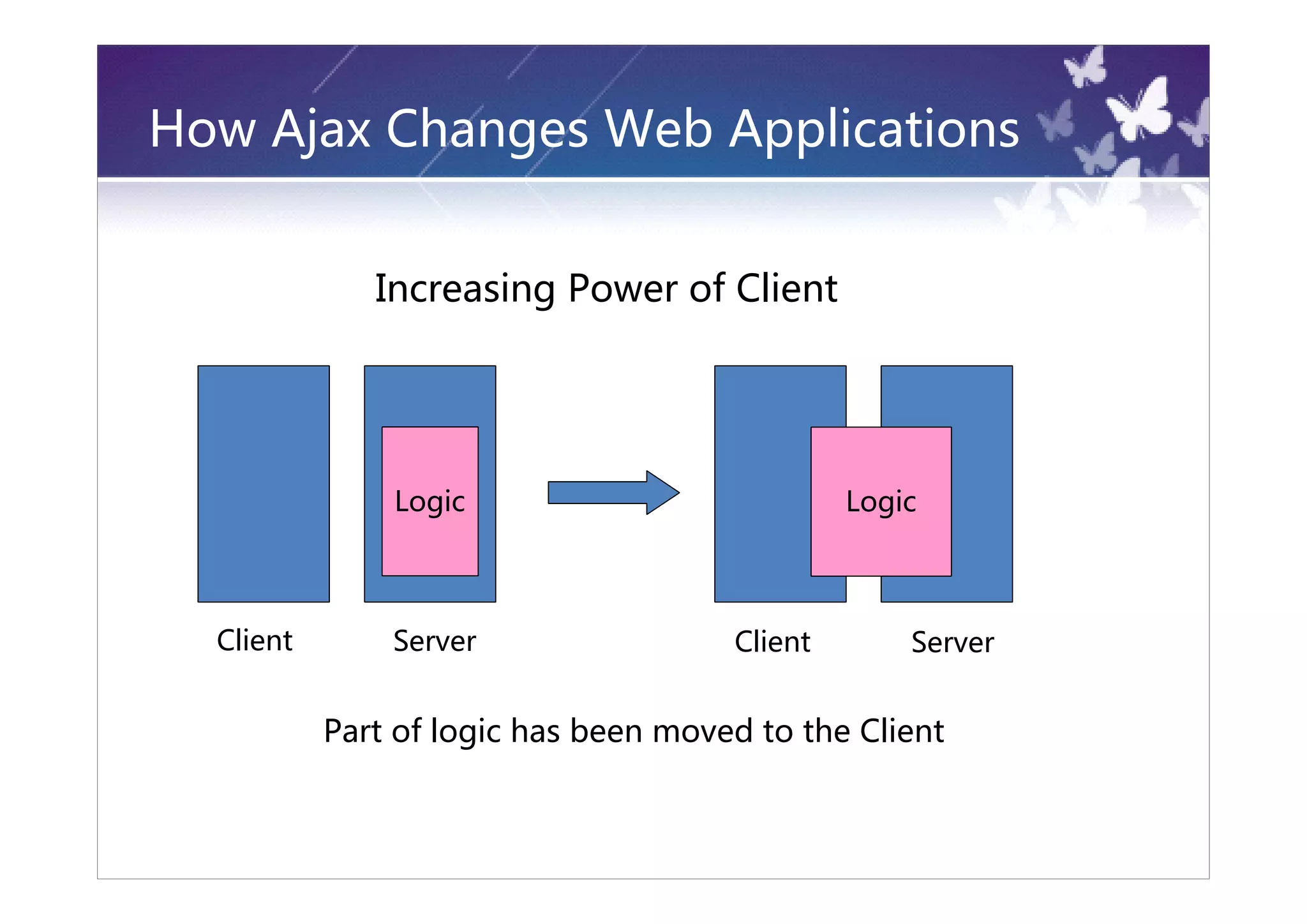
How Ajax Changes Web Applications


              Increasing Power of Client


               Logic                           Logic


  Client       Server                 Client       Server


           Part of logic has been moved to the Client
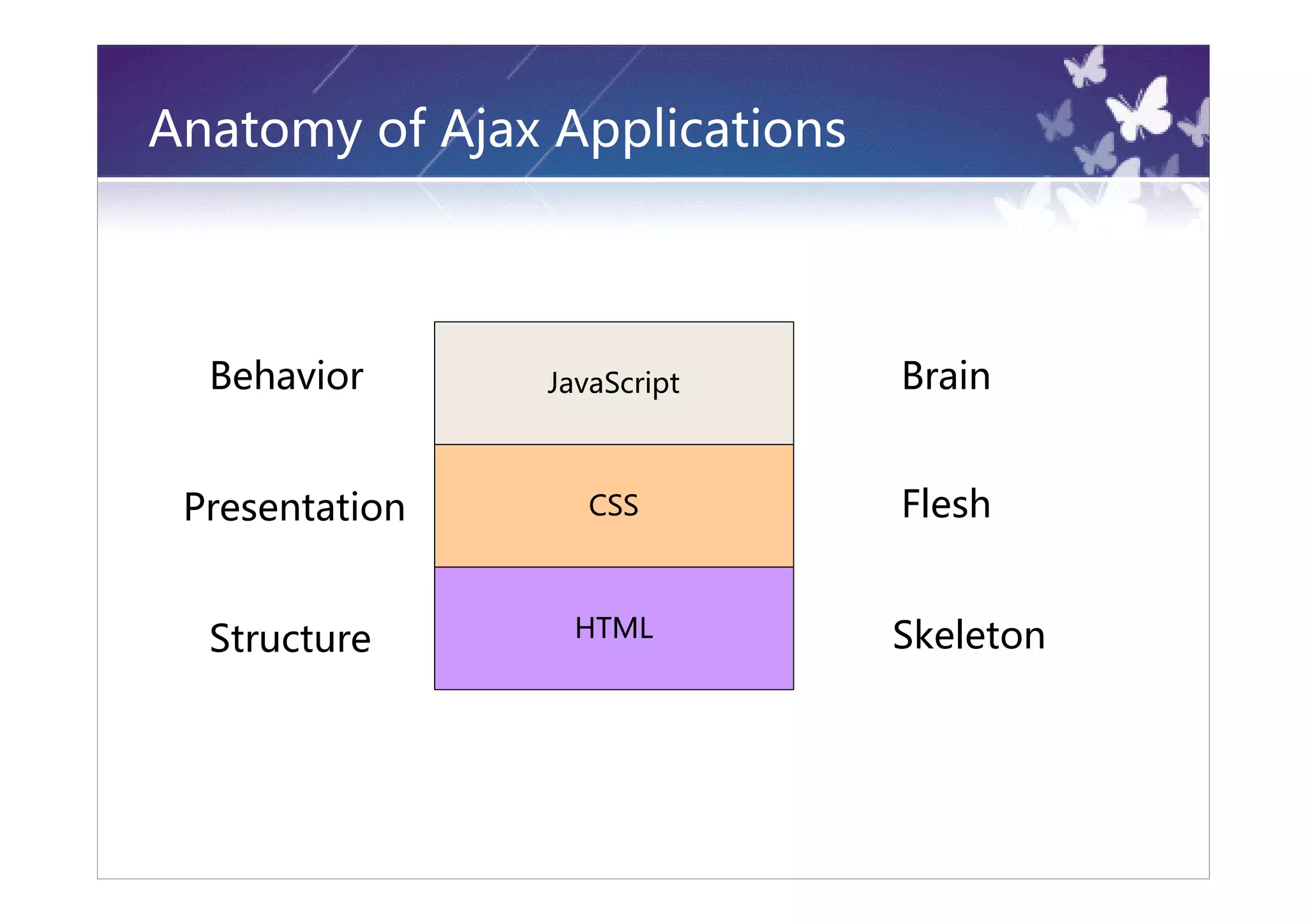
Anatomy of Ajax Applications


  Behavior      JavaScript     Brain


 Presentation      CSS         Flesh


  Structure       HTML         Skeleton
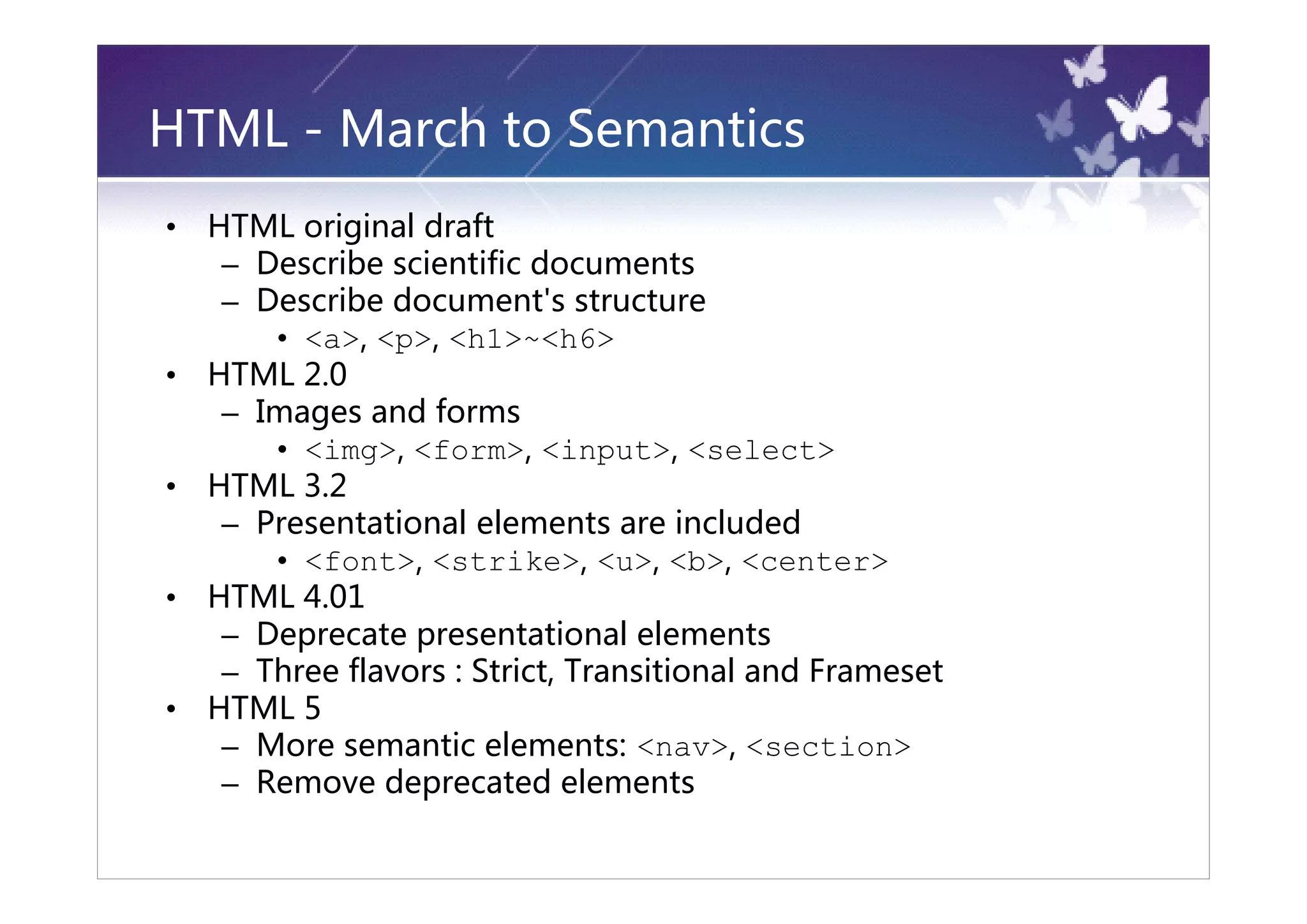
HTML - March to Semantics
•   HTML original draft
     – Describe scientific documents
     – Describe document's structure
        • <a>, <p>, <h1>~<h6>
•   HTML 2.0
     – Images and forms
        • <img>, <form>, <input>, <select>
•   HTML 3.2
     – Presentational elements are included
        • <font>, <strike>, <u>, <b>, <center>
•   HTML 4.01
     – Deprecate presentational elements
     – Three flavors : Strict, Transitional and Frameset
•   HTML 5
     – More semantic elements: <nav>, <section>
     – Remove deprecated elements
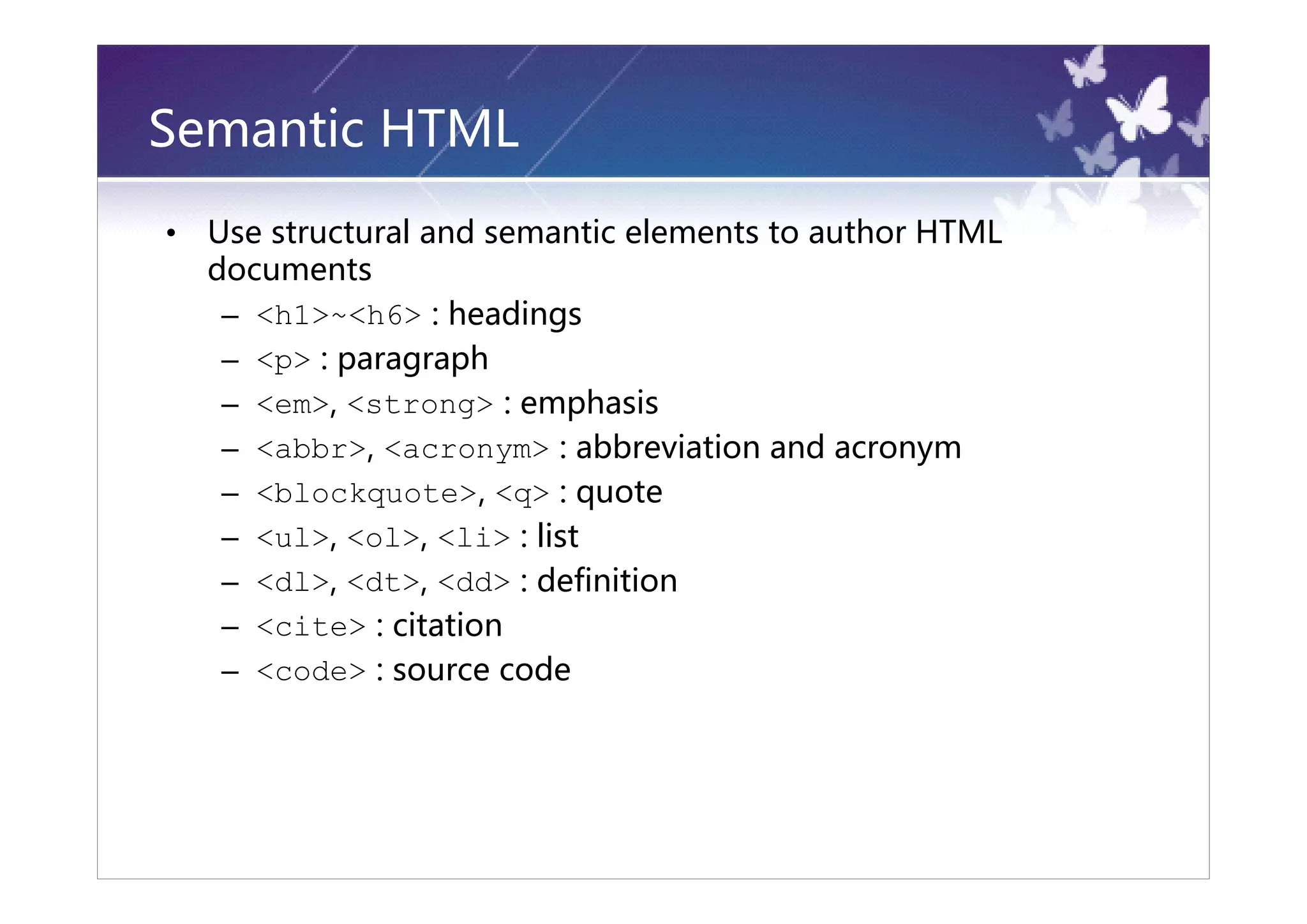
Semantic HTML
•   Use structural and semantic elements to author HTML
    documents
     – <h1>~<h6> : headings
     – <p> : paragraph
     – <em>, <strong> : emphasis
     – <abbr>, <acronym> : abbreviation and acronym
     – <blockquote>, <q> : quote
     – <ul>, <ol>, <li> : list
     – <dl>, <dt>, <dd> : definition
     – <cite> : citation
     – <code> : source code
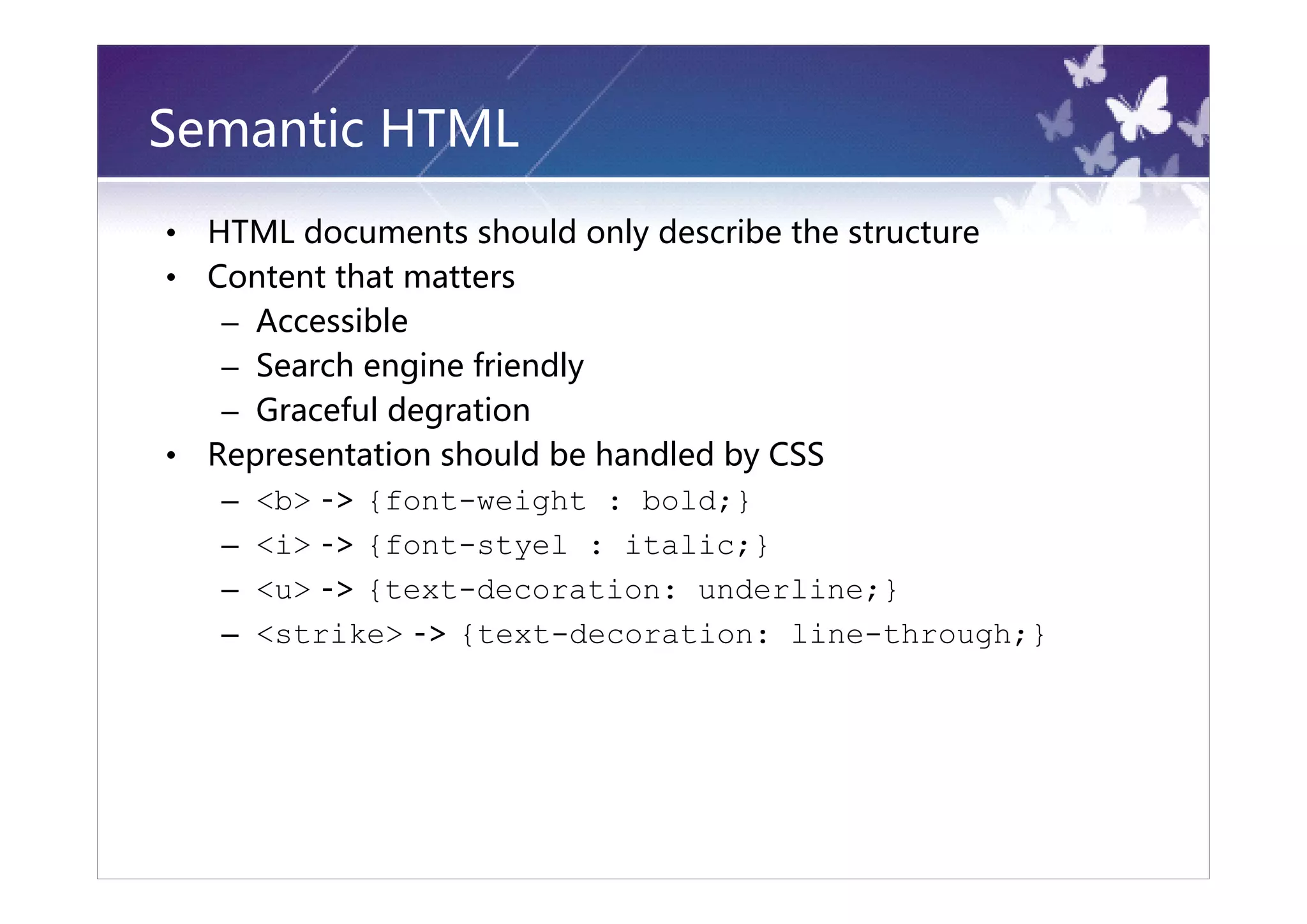
Semantic HTML
•   HTML documents should only describe the structure
•   Content that matters
     – Accessible
     – Search engine friendly
     – Graceful degration
•   Representation should be handled by CSS
     – <b> -> {font-weight : bold;}
     – <i> -> {font-styel : italic;}
     – <u> -> {text-decoration: underline;}
     – <strike> -> {text-decoration: line-through;}
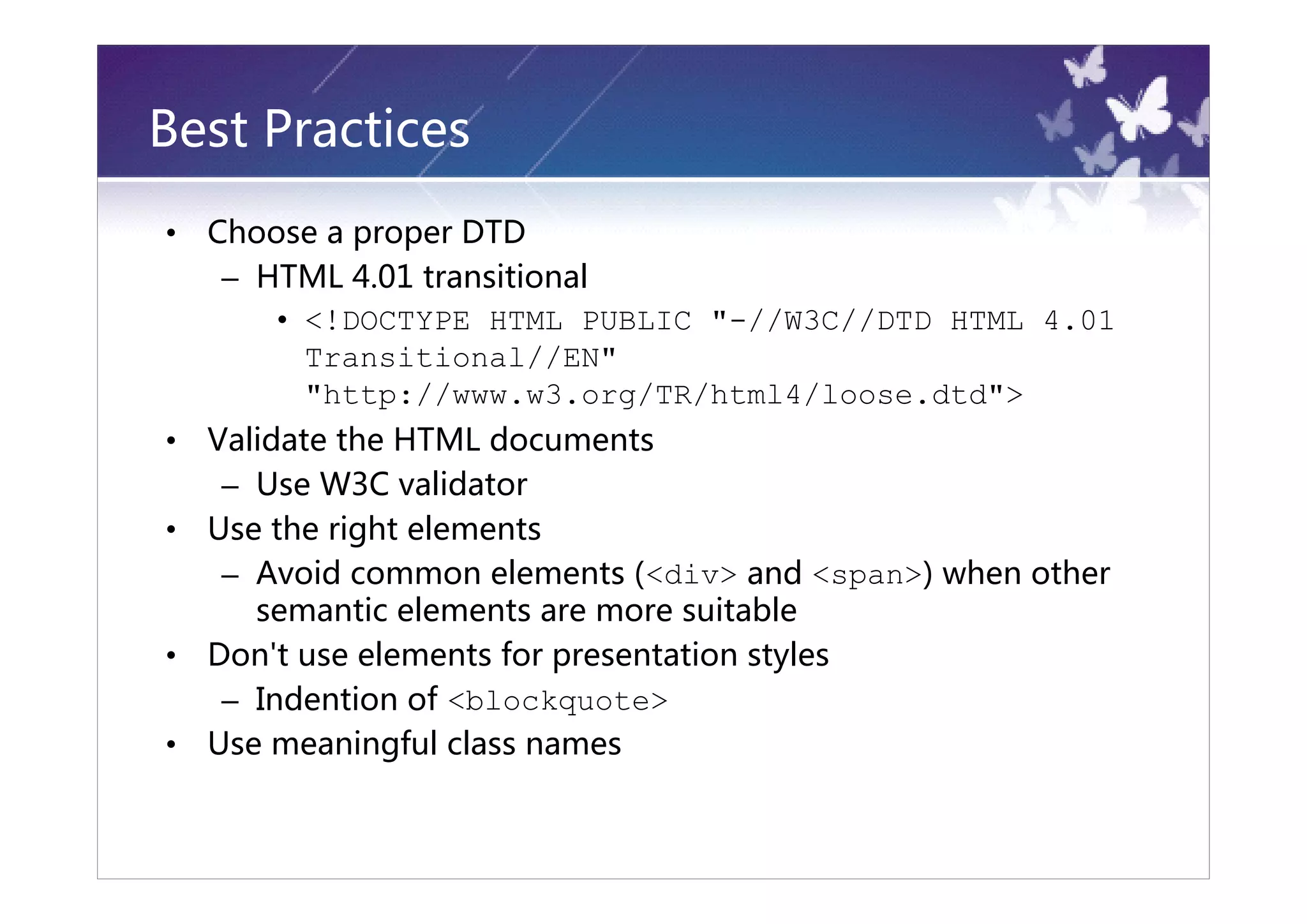
Best Practices
•   Choose a proper DTD
     – HTML 4.01 transitional
        • <!DOCTYPE HTML PUBLIC "-//W3C//DTD HTML 4.01
          Transitional//EN"
          "http://www.w3.org/TR/html4/loose.dtd">
•   Validate the HTML documents
     – Use W3C validator
•   Use the right elements
     – Avoid common elements (<div> and <span>) when other
       semantic elements are more suitable
•   Don't use elements for presentation styles
     – Indention of <blockquote>
•   Use meaningful class names
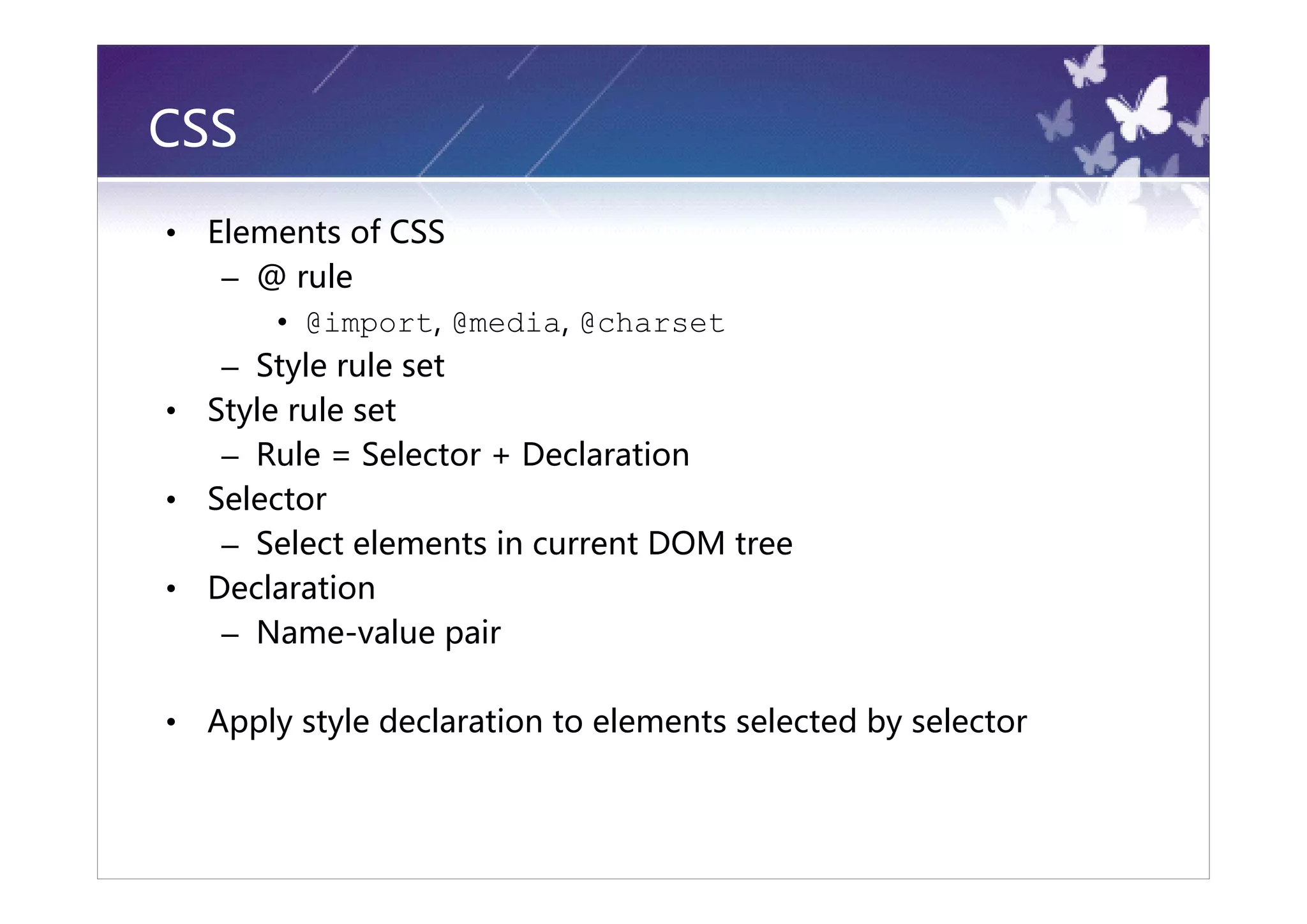
CSS
•   Elements of CSS
     – @ rule
         • @import, @media, @charset
     – Style rule set
•   Style rule set
     – Rule = Selector + Declaration
•   Selector
     – Select elements in current DOM tree
•   Declaration
     – Name-value pair

•   Apply style declaration to elements selected by selector
Selectors

• Universal selector : *
• Type selector : span, div
• Descendant selector : div span
• Child selector : div > span
• Adjacent sibling selector : div + span
• Attribute selector : div[title]
   – Class selector : .content
• ID selector : #myId
• Pseudo-elements and pseudo-classes : :first-
  child, :hover
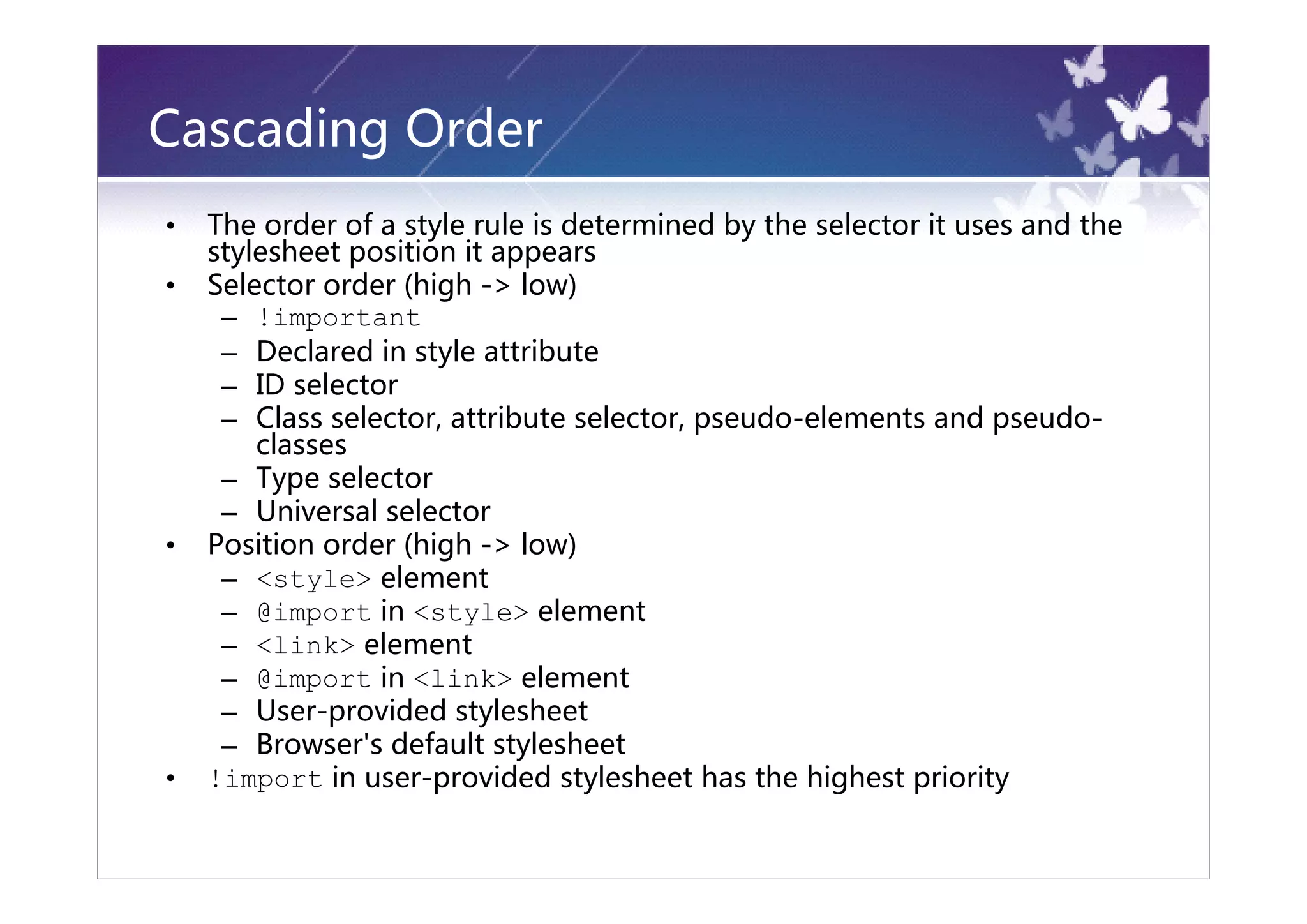
Cascading Order
•   The order of a style rule is determined by the selector it uses and the
    stylesheet position it appears
•   Selector order (high -> low)
     – !important
     – Declared in style attribute
     – ID selector
     – Class selector, attribute selector, pseudo-elements and pseudo-
        classes
     – Type selector
     – Universal selector
•   Position order (high -> low)
     – <style> element
     – @import in <style> element
     – <link> element
     – @import in <link> element
     – User-provided stylesheet
     – Browser's default stylesheet
•   !import in user-provided stylesheet has the highest priority
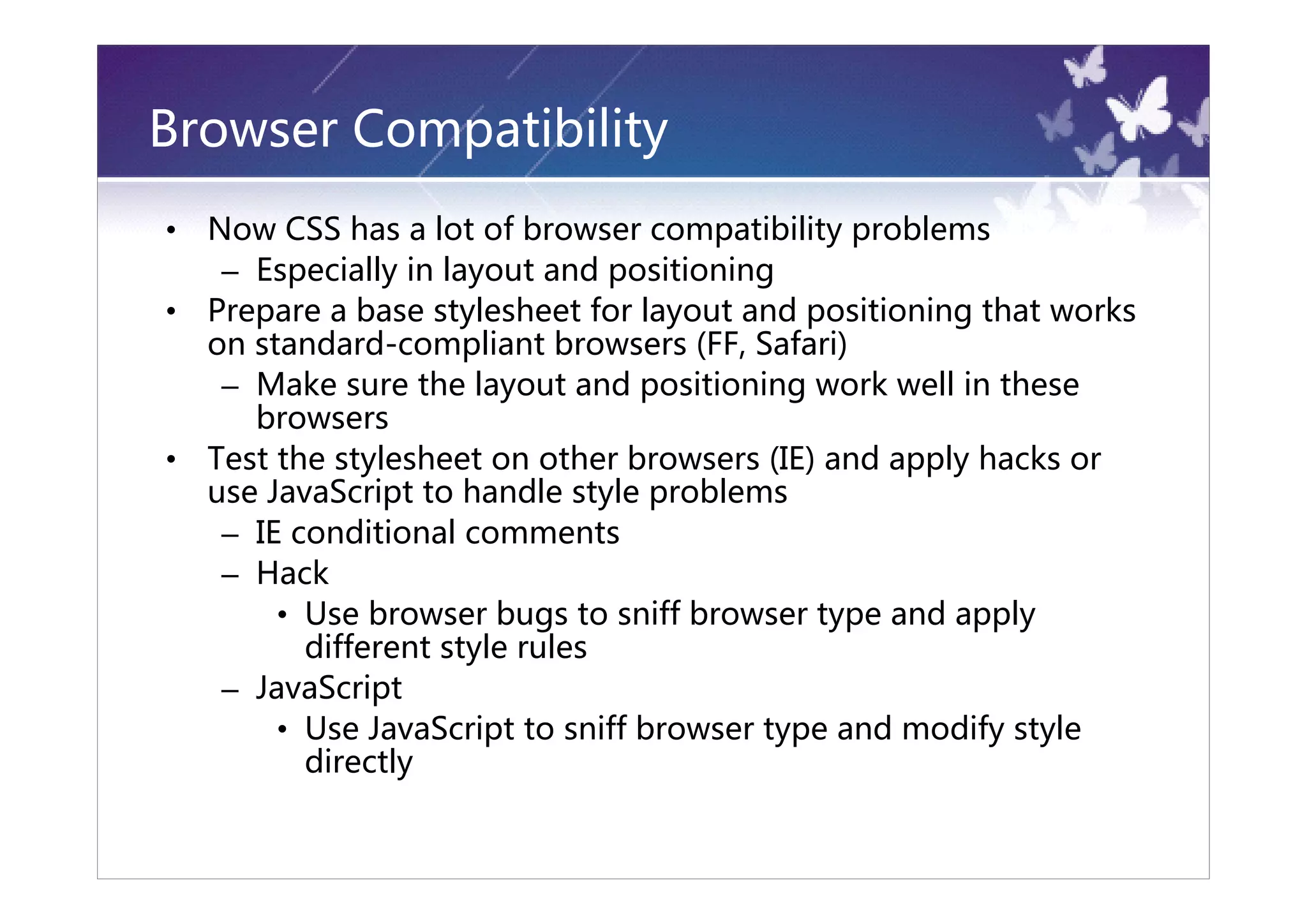
Browser Compatibility
•   Now CSS has a lot of browser compatibility problems
     – Especially in layout and positioning
•   Prepare a base stylesheet for layout and positioning that works
    on standard-compliant browsers (FF, Safari)
     – Make sure the layout and positioning work well in these
       browsers
•   Test the stylesheet on other browsers (IE) and apply hacks or
    use JavaScript to handle style problems
     – IE conditional comments
     – Hack
         • Use browser bugs to sniff browser type and apply
           different style rules
     – JavaScript
         • Use JavaScript to sniff browser type and modify style
           directly
Maintainable CSS

• Object-oriented CSS
• Divide CSS files into multiple components
   – Heading, buttons, menus
• Single responsibility
   – Separate structure and visual style
• Organize multiple CSS files using @import
Advanced JavaScript (1/2)
•   JavaScript is not a object-oriented programming language
•   JavaScript uses prototype-based object construction
     – Each object in JavaScript has a reference to its prototype
     – This prototype object is used when searching for properties
     – To some degree, a object inherites properties from its
       prototype
     – A object created by new operator has a reference to its
       creator's prototype
•   Function is first-class citizen in JavaScript
     – Functions can be used as parameters and return values
•   JavaScript uses function scope for variables
Advanced JavaScript (2/2)
•   this keyword points to what?
     – Depends on how a function is invoked
         • myObj.func() : this -> myObj
         • func() : this -> global object
         • new User() : this -> newly created object
         • func.apply / func.call : this -> first argument
     – Use another variable to reference this
         • var that = this;
     – Use dojo.hitch(obj, func)
•   Closure
     – Only use closure to encapsulate internal state
        • True private properties
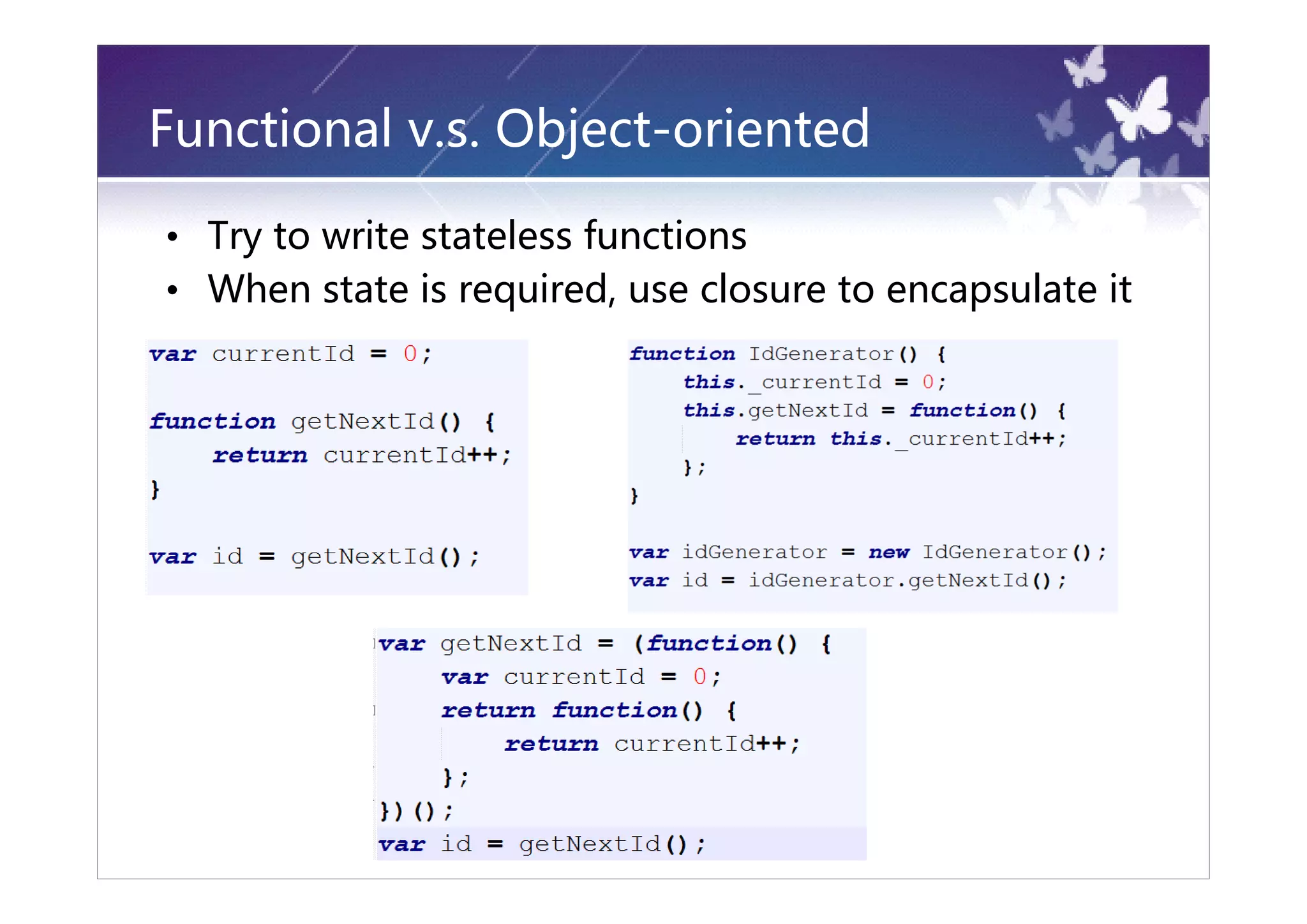
Functional v.s. Object-oriented

• Try to write stateless functions
• When state is required, use closure to encapsulate it
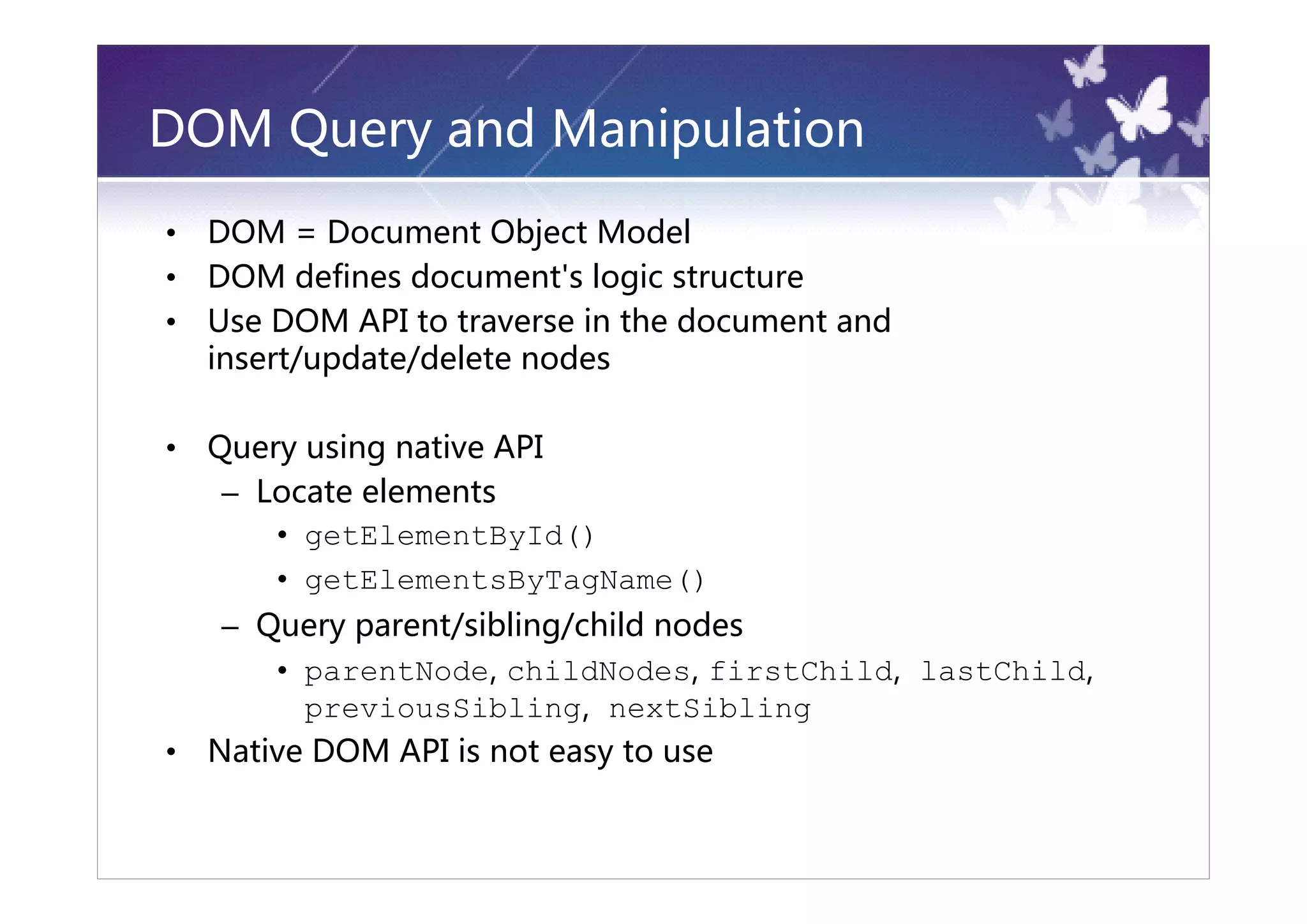
DOM Query and Manipulation
•   DOM = Document Object Model
•   DOM defines document's logic structure
•   Use DOM API to traverse in the document and
    insert/update/delete nodes

•   Query using native API
     – Locate elements
        • getElementById()
        • getElementsByTagName()
     – Query parent/sibling/child nodes
        • parentNode, childNodes, firstChild, lastChild,
          previousSibling, nextSibling
•   Native DOM API is not easy to use
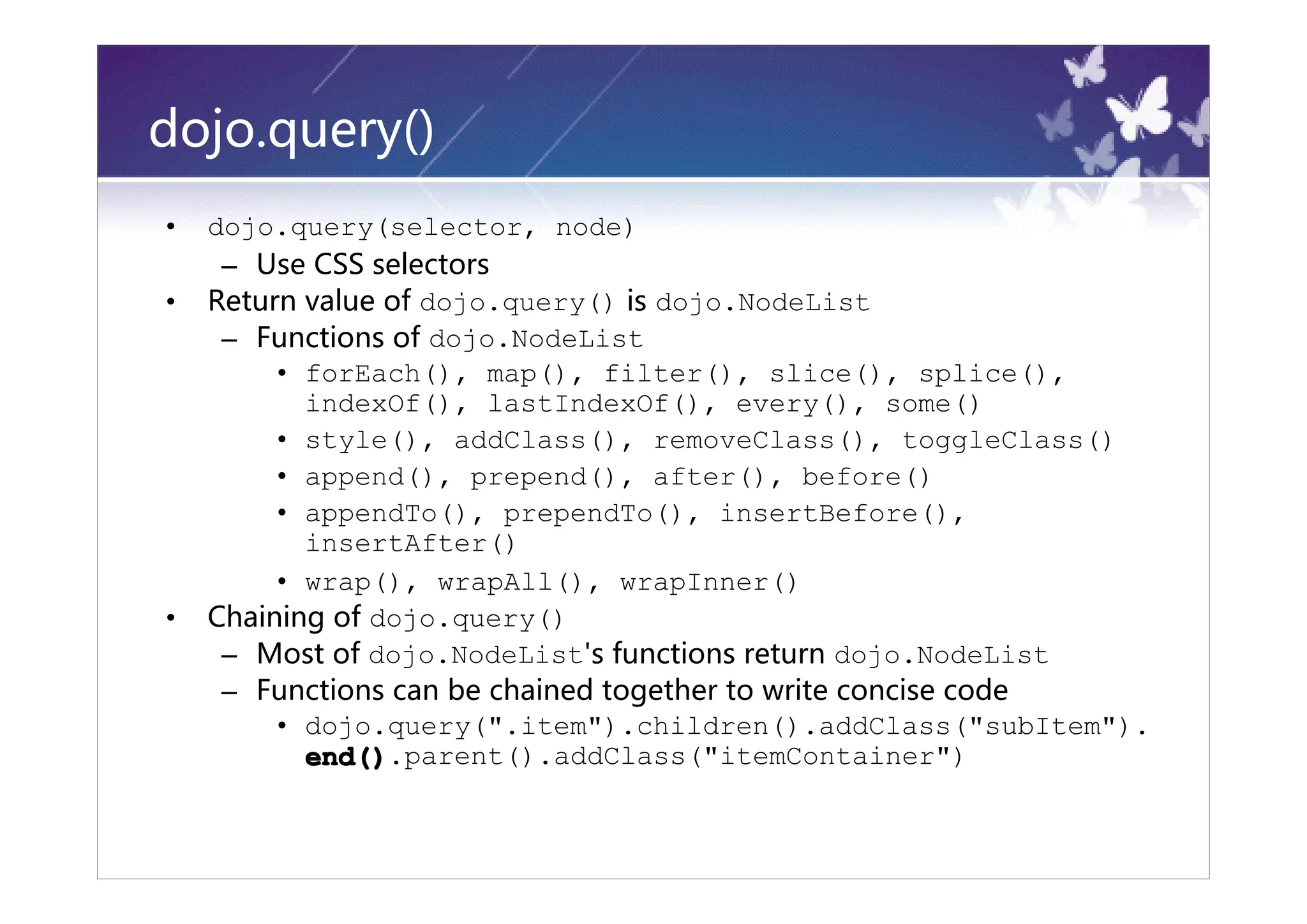
dojo.query()
•   dojo.query(selector, node)
     – Use CSS selectors
•   Return value of dojo.query() is dojo.NodeList
     – Functions of dojo.NodeList
         • forEach(), map(), filter(), slice(), splice(),
           indexOf(), lastIndexOf(), every(), some()
         • style(), addClass(), removeClass(), toggleClass()
         • append(), prepend(), after(), before()
         • appendTo(), prependTo(), insertBefore(),
           insertAfter()
         • wrap(), wrapAll(), wrapInner()
•   Chaining of dojo.query()
     – Most of dojo.NodeList's functions return dojo.NodeList
     – Functions can be chained together to write concise code
         • dojo.query(".item").children().addClass("subItem").
           end().parent().addClass("itemContainer")
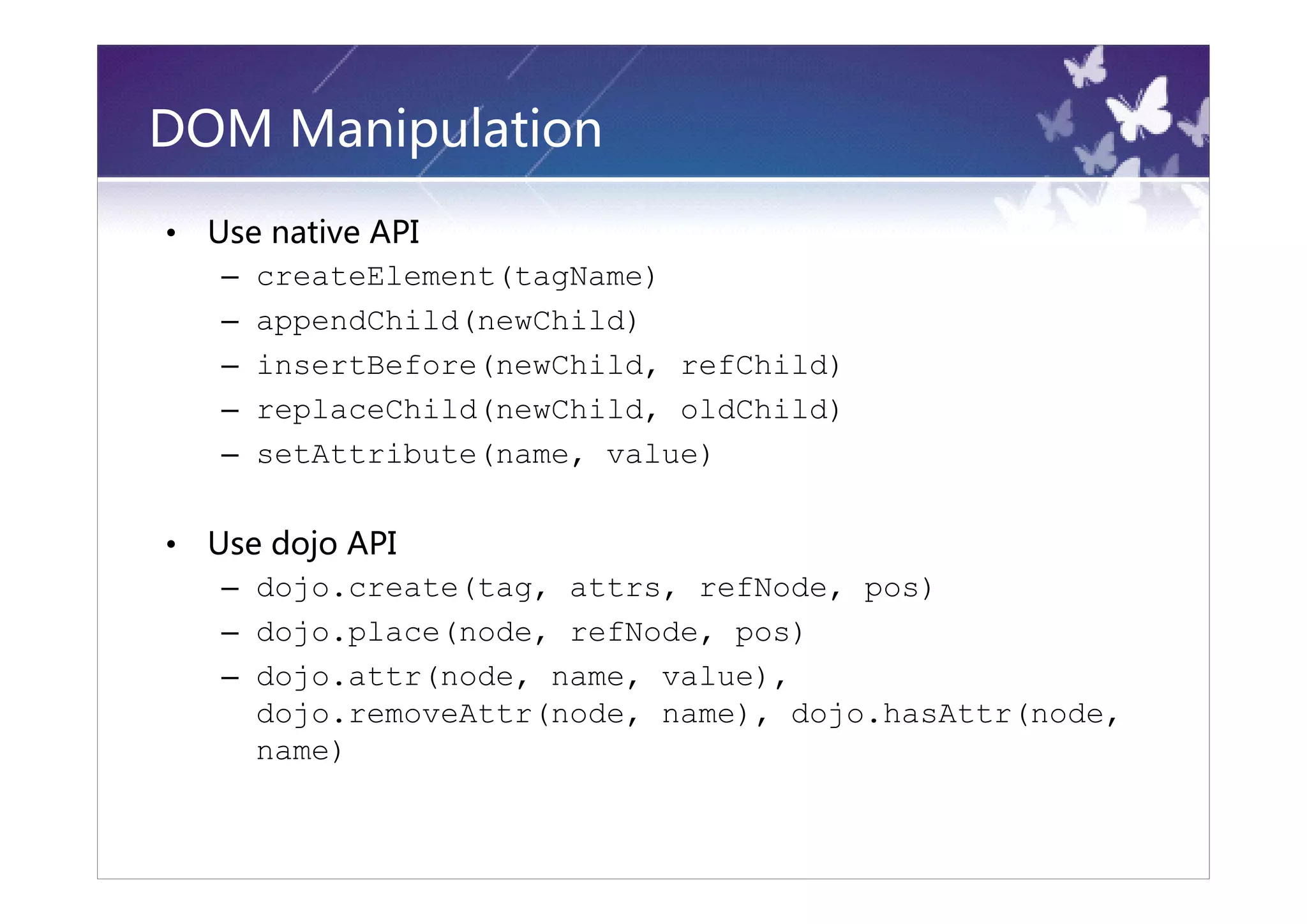
DOM Manipulation
•   Use native API
     – createElement(tagName)
     – appendChild(newChild)
     – insertBefore(newChild, refChild)
     – replaceChild(newChild, oldChild)
     – setAttribute(name, value)

•   Use dojo API
     – dojo.create(tag, attrs, refNode, pos)
     – dojo.place(node, refNode, pos)
     – dojo.attr(node, name, value),
       dojo.removeAttr(node, name), dojo.hasAttr(node,
       name)
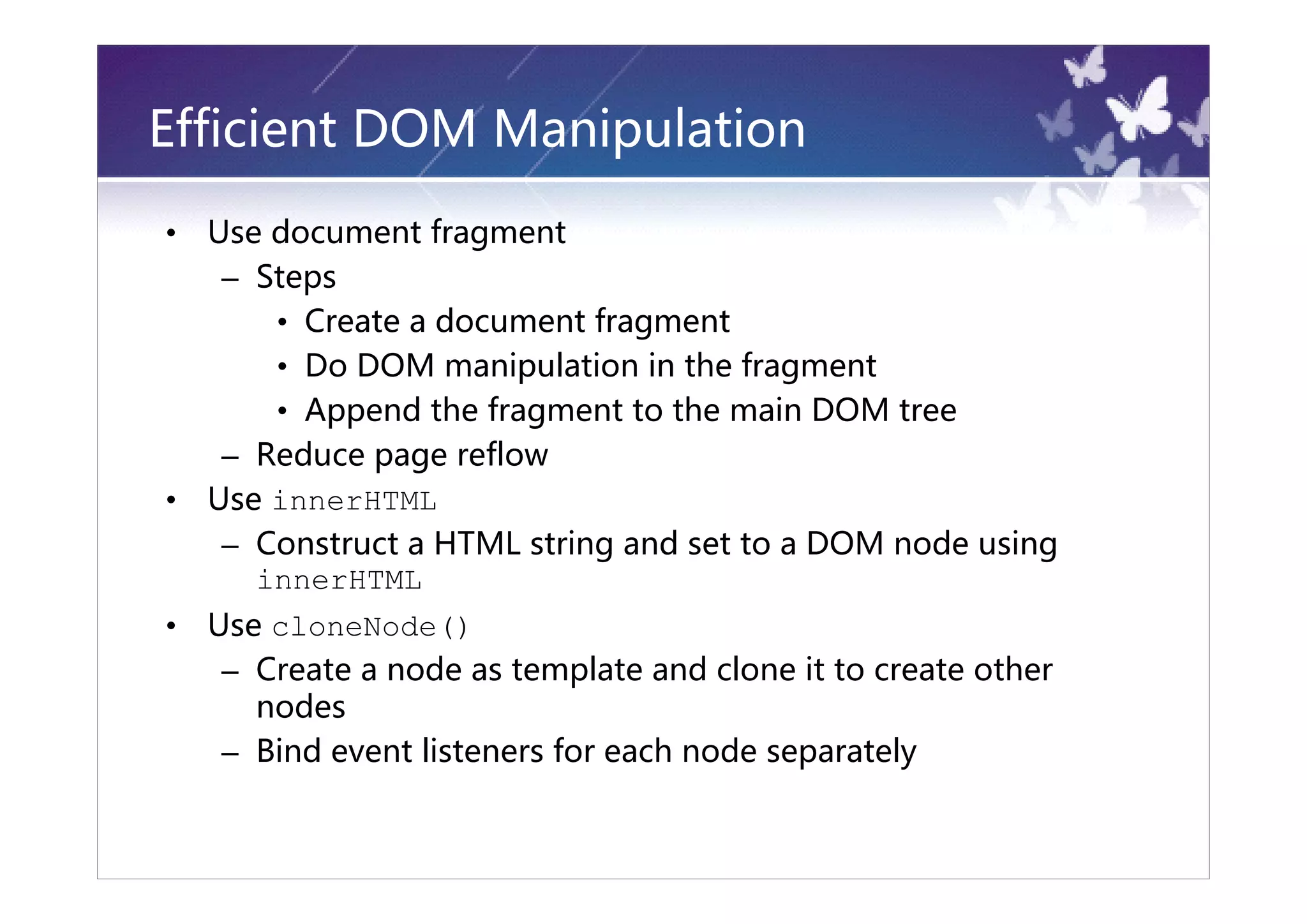
Efficient DOM Manipulation
•   Use document fragment
     – Steps
        • Create a document fragment
        • Do DOM manipulation in the fragment
        • Append the fragment to the main DOM tree
     – Reduce page reflow
•   Use innerHTML
     – Construct a HTML string and set to a DOM node using
       innerHTML
•   Use cloneNode()
     – Create a node as template and clone it to create other
       nodes
     – Bind event listeners for each node separately
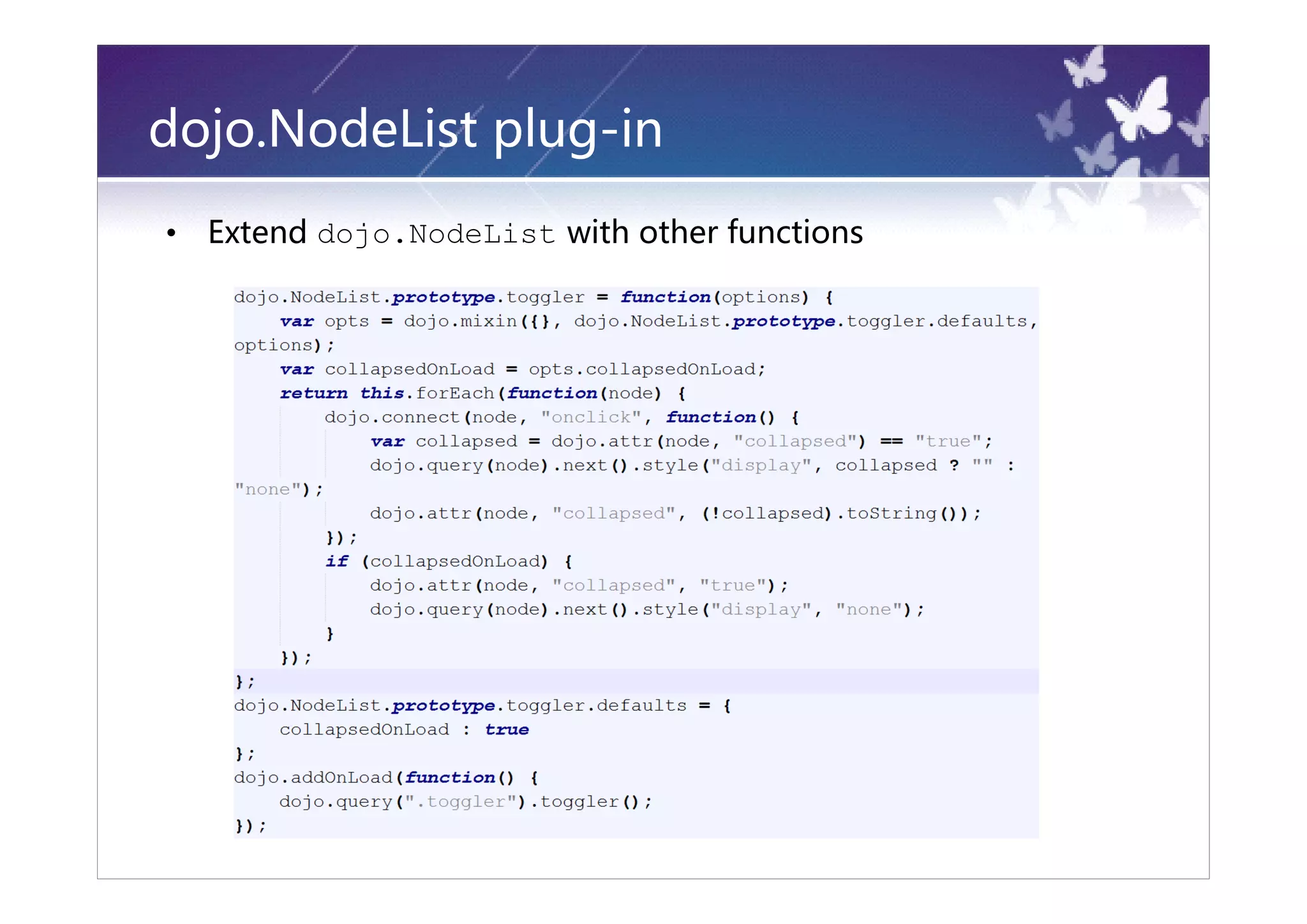
dojo.NodeList plug-in
•   Extend dojo.NodeList with other functions
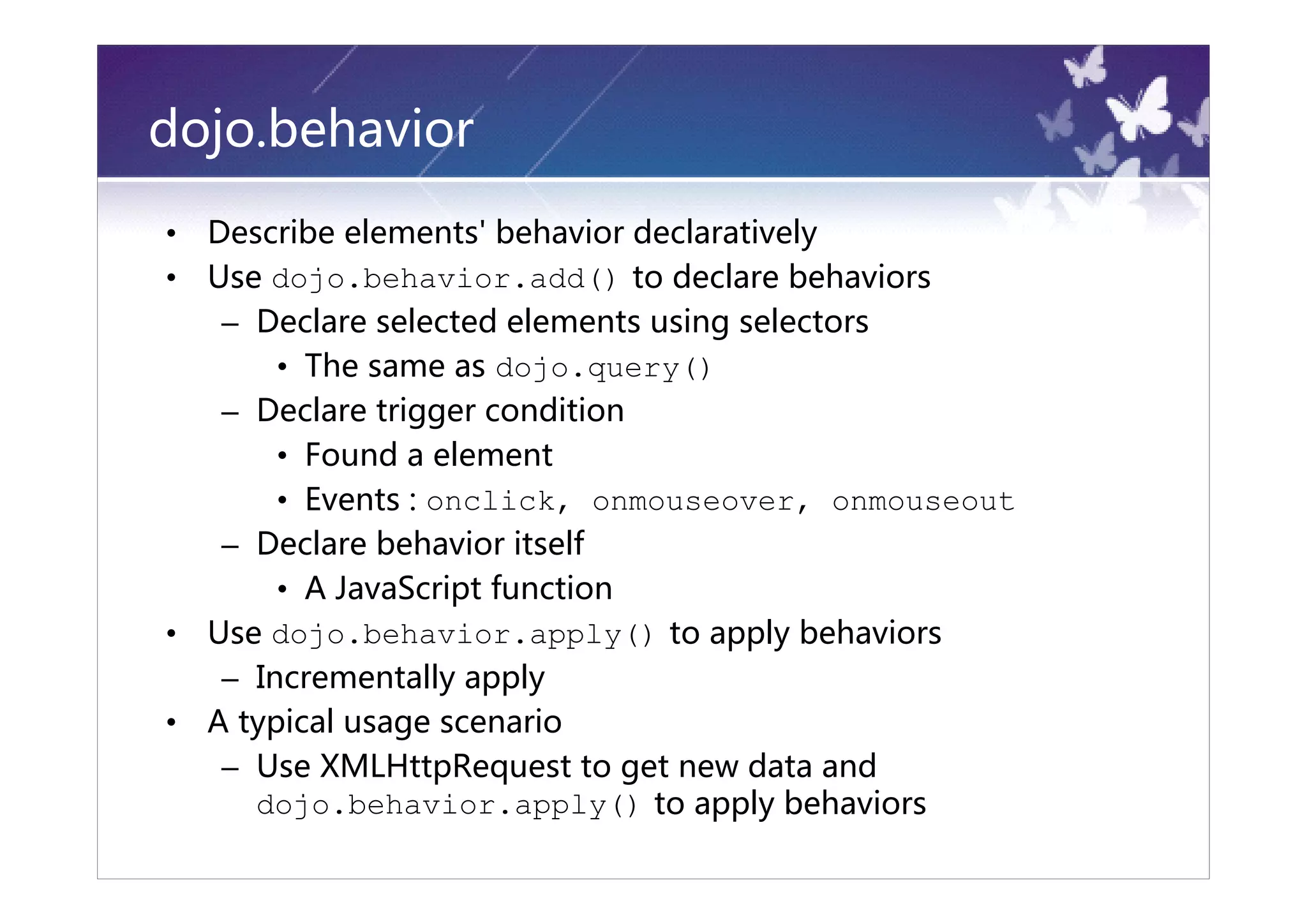
dojo.behavior
•   Describe elements' behavior declaratively
•   Use dojo.behavior.add() to declare behaviors
     – Declare selected elements using selectors
         • The same as dojo.query()
     – Declare trigger condition
         • Found a element
         • Events : onclick, onmouseover, onmouseout
     – Declare behavior itself
         • A JavaScript function
•   Use dojo.behavior.apply() to apply behaviors
     – Incrementally apply
•   A typical usage scenario
     – Use XMLHttpRequest to get new data and
       dojo.behavior.apply() to apply behaviors
Events
•   Register event listeners
     – DOM level 0
        • Handler function as DOM node's property
     – W3C event model
        • addEventListener(type, listener, useCapture)
     – IE event model
         • attachEvent(type, listener)
•   Use dojo.connect()
Event Propagation
•   An event propagates in current DOM tree
     – Capture phase
         • From document root to target node
     – Target phase
         • Target node
     – Bubble phase
         • From target node to document root
•   IE doesn't support capture phase
•   Browser's default behavior
     – Clicking on an anchor (<a>) will navigate to another
        document
•   Use dojo.stopEvent(e) to stop event propagation and
    prevent default behavior
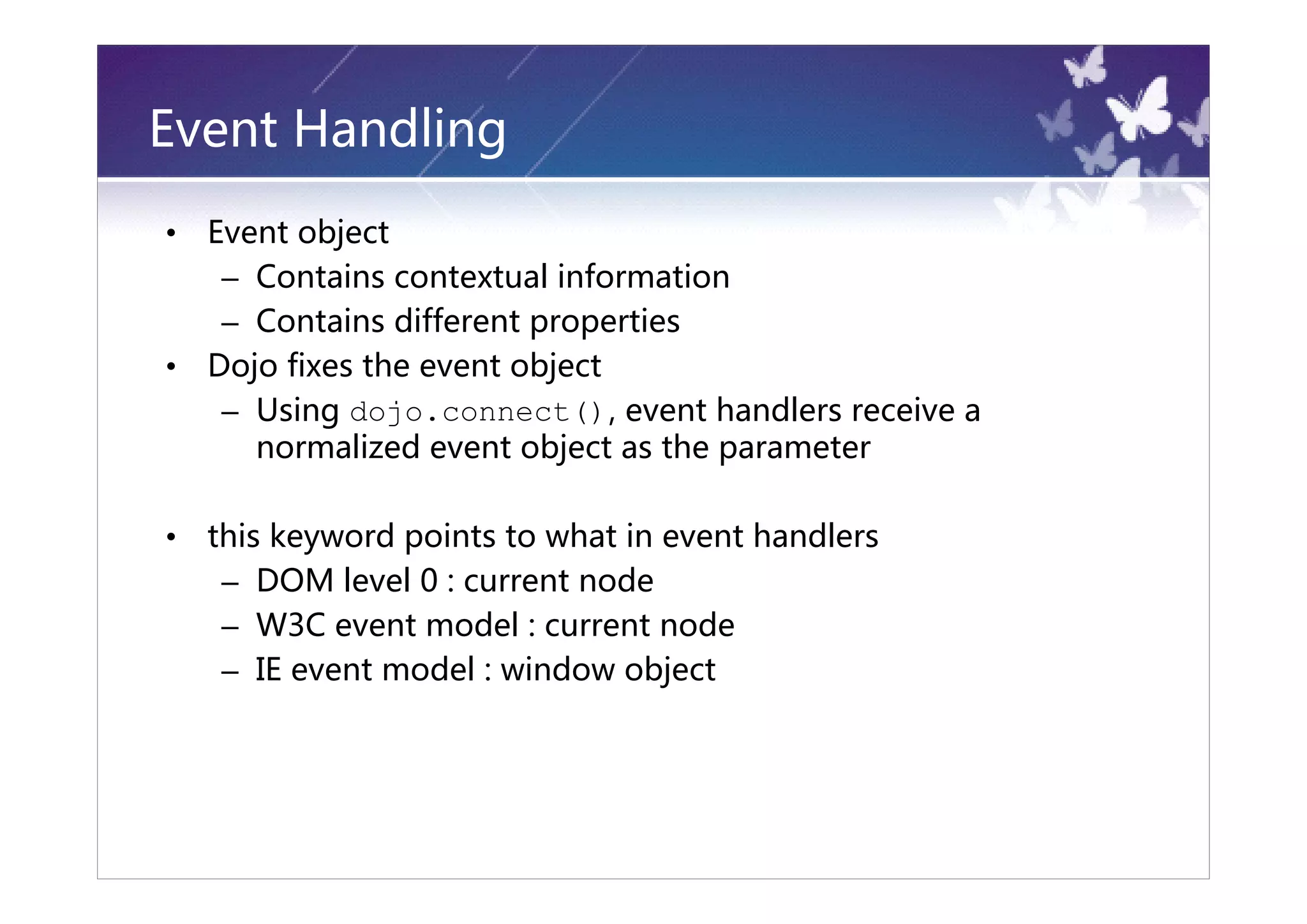
Event Handling
•   Event object
     – Contains contextual information
     – Contains different properties
•   Dojo fixes the event object
     – Using dojo.connect(), event handlers receive a
       normalized event object as the parameter

•   this keyword points to what in event handlers
     – DOM level 0 : current node
     – W3C event model : current node
     – IE event model : window object
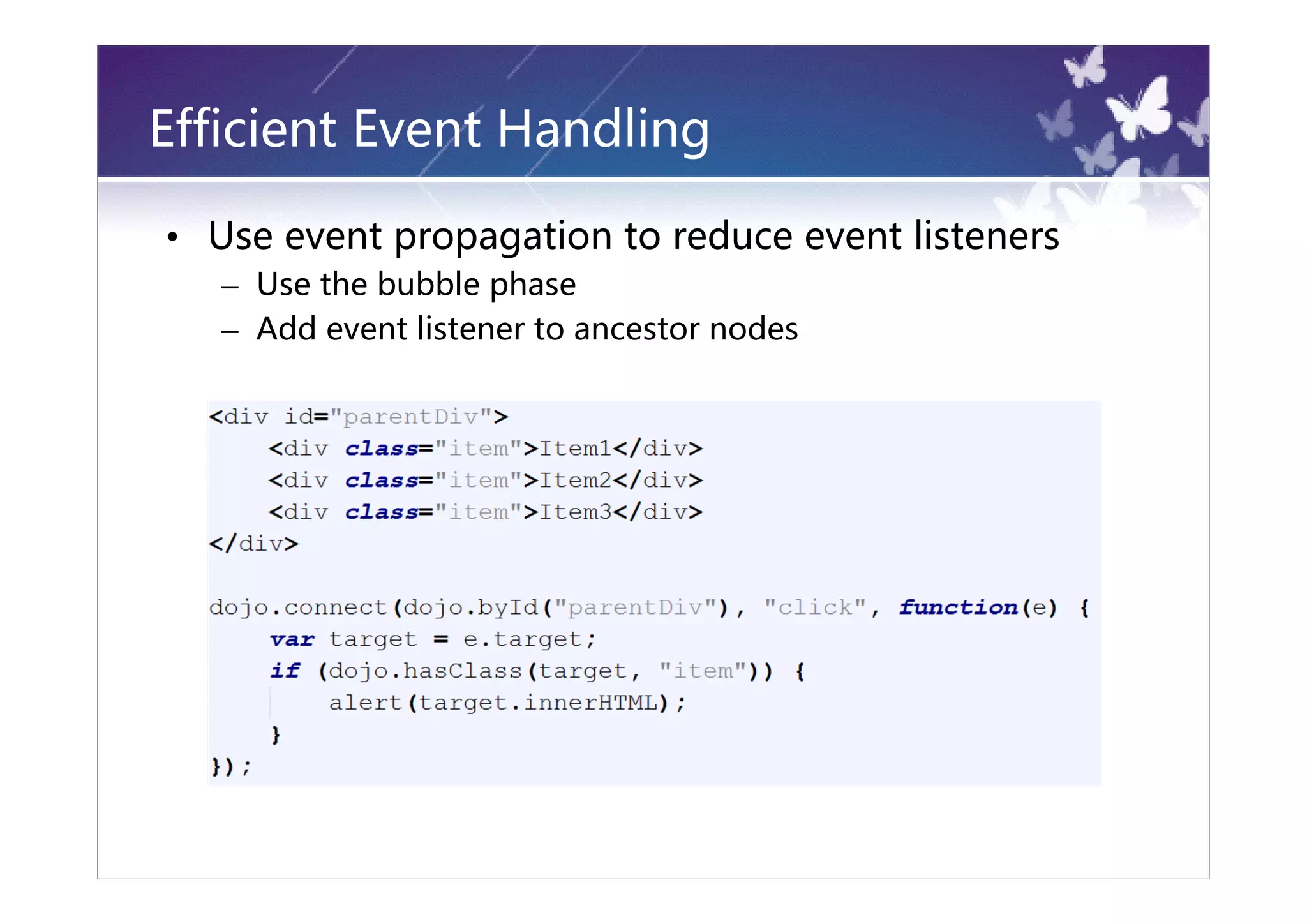
Efficient Event Handling

• Use event propagation to reduce event listeners
   – Use the bubble phase
   – Add event listener to ancestor nodes
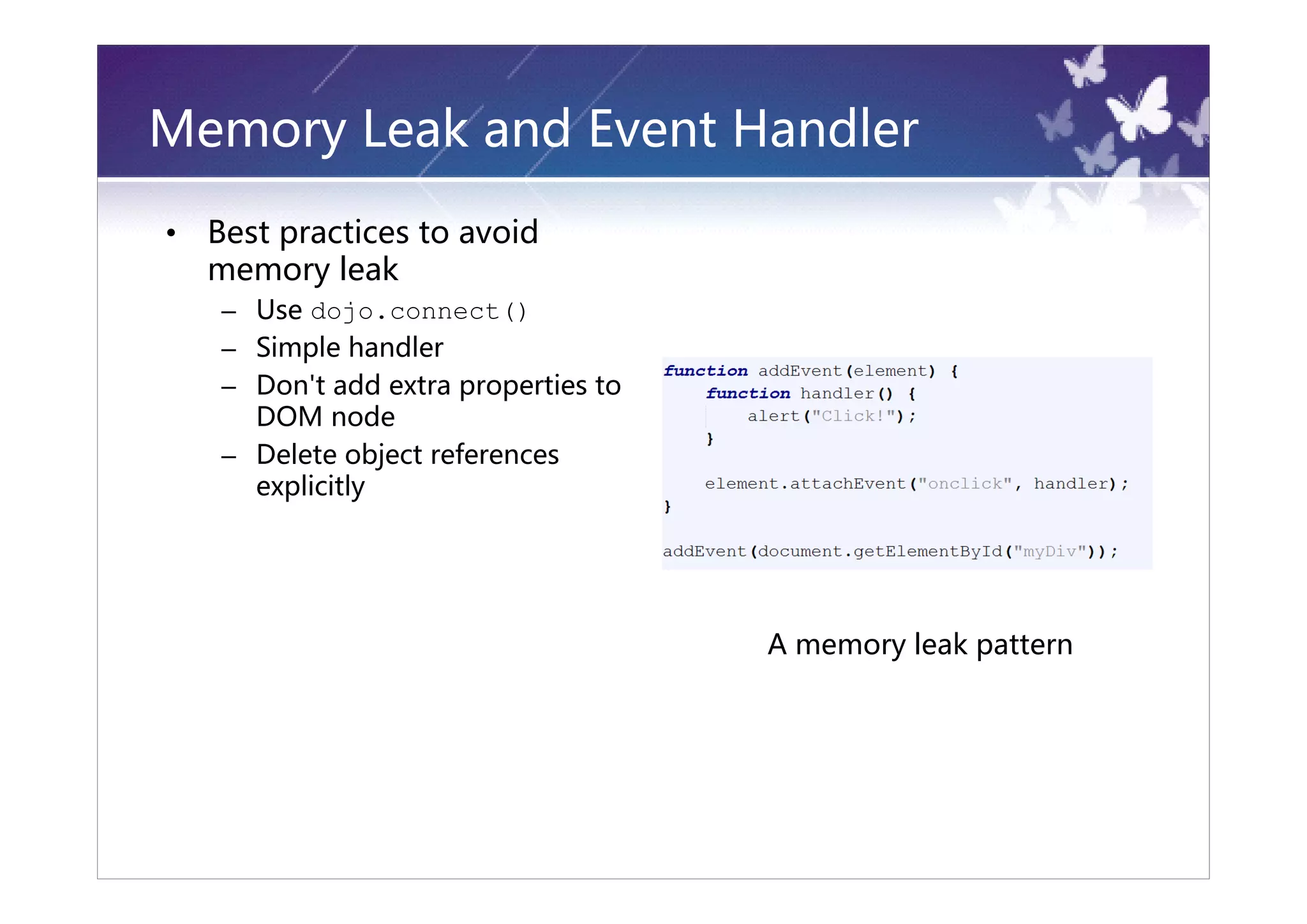
Memory Leak and Event Handler
•   Best practices to avoid
    memory leak
    – Use dojo.connect()
    – Simple handler
    – Don't add extra properties to
      DOM node
    – Delete object references
      explicitly


                                      A memory leak pattern
Dojo

• Dojo base
  – Basic features for Ajax applications
• Dojo core
  – Core features useful for many Ajax applications
• Dijit
  – Dojo widgets
• Dojox
  – Dojo extensions
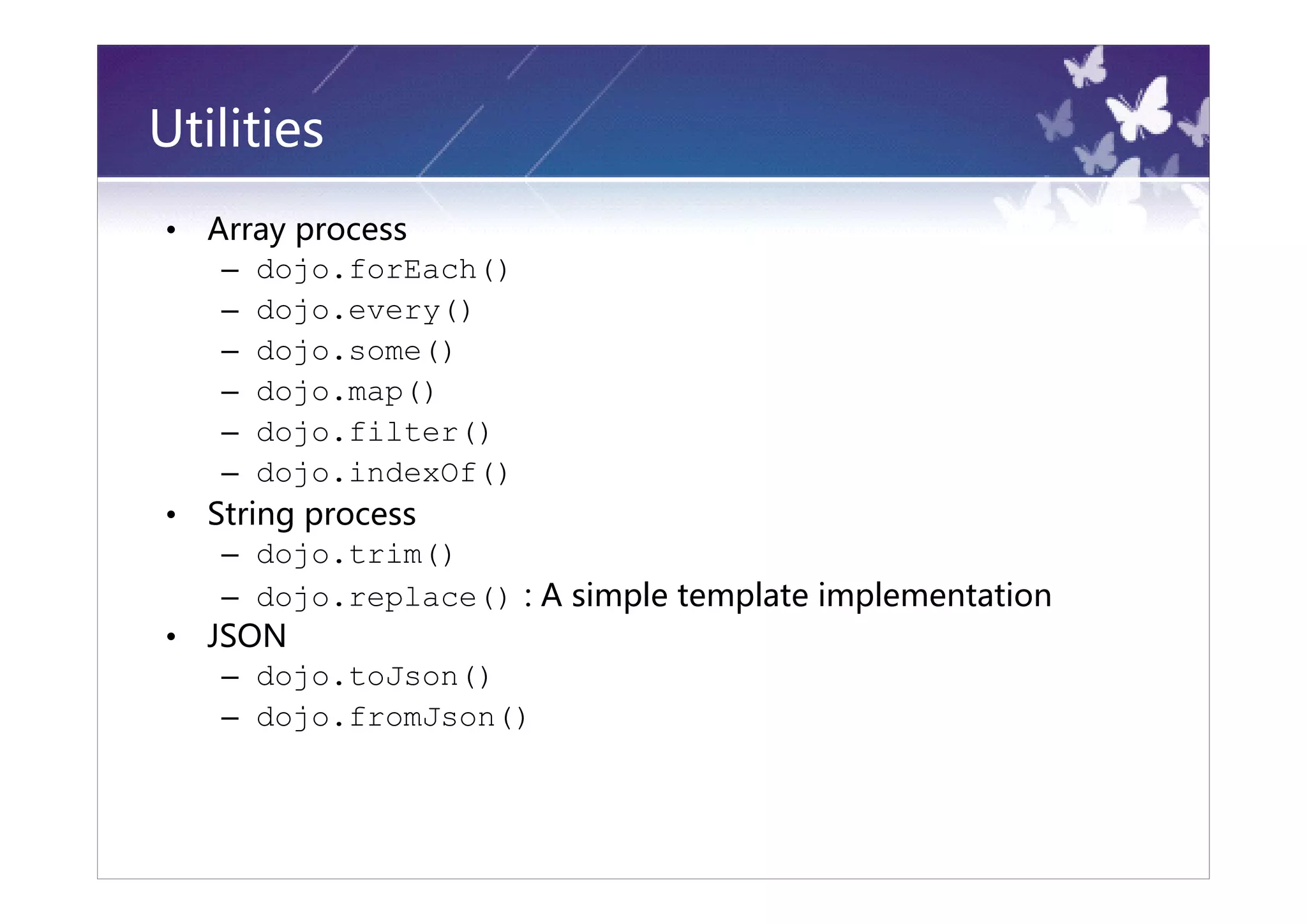
Utilities
•   Array process
     – dojo.forEach()
     – dojo.every()
     – dojo.some()
     – dojo.map()
     – dojo.filter()
     – dojo.indexOf()
•   String process
     – dojo.trim()
     – dojo.replace() : A simple template implementation
•   JSON
     – dojo.toJson()
     – dojo.fromJson()
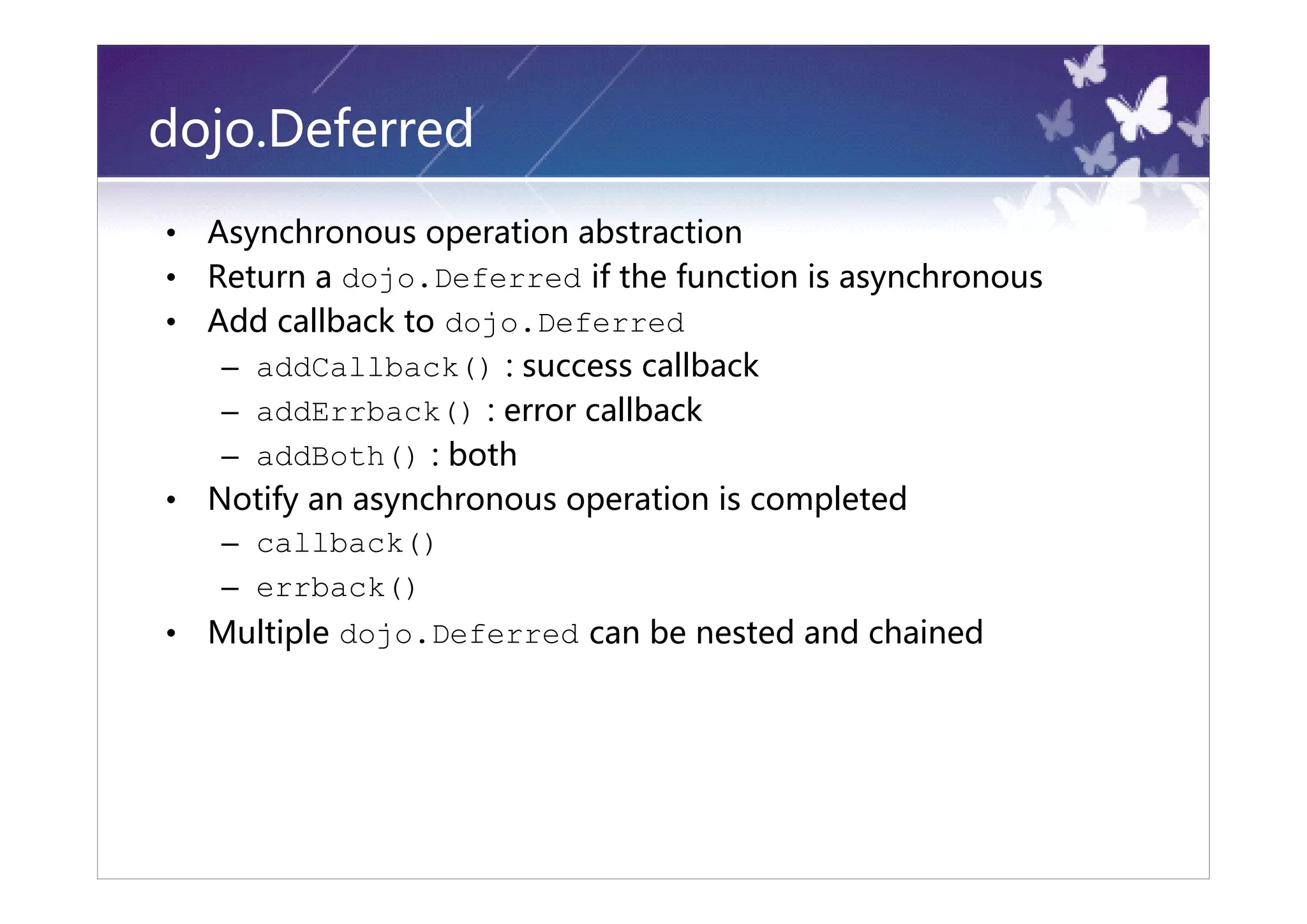
dojo.Deferred
•   Asynchronous operation abstraction
•   Return a dojo.Deferred if the function is asynchronous
•   Add callback to dojo.Deferred
     – addCallback() : success callback
     – addErrback() : error callback
     – addBoth() : both
•   Notify an asynchronous operation is completed
     – callback()
     – errback()
•   Multiple dojo.Deferred can be nested and chained
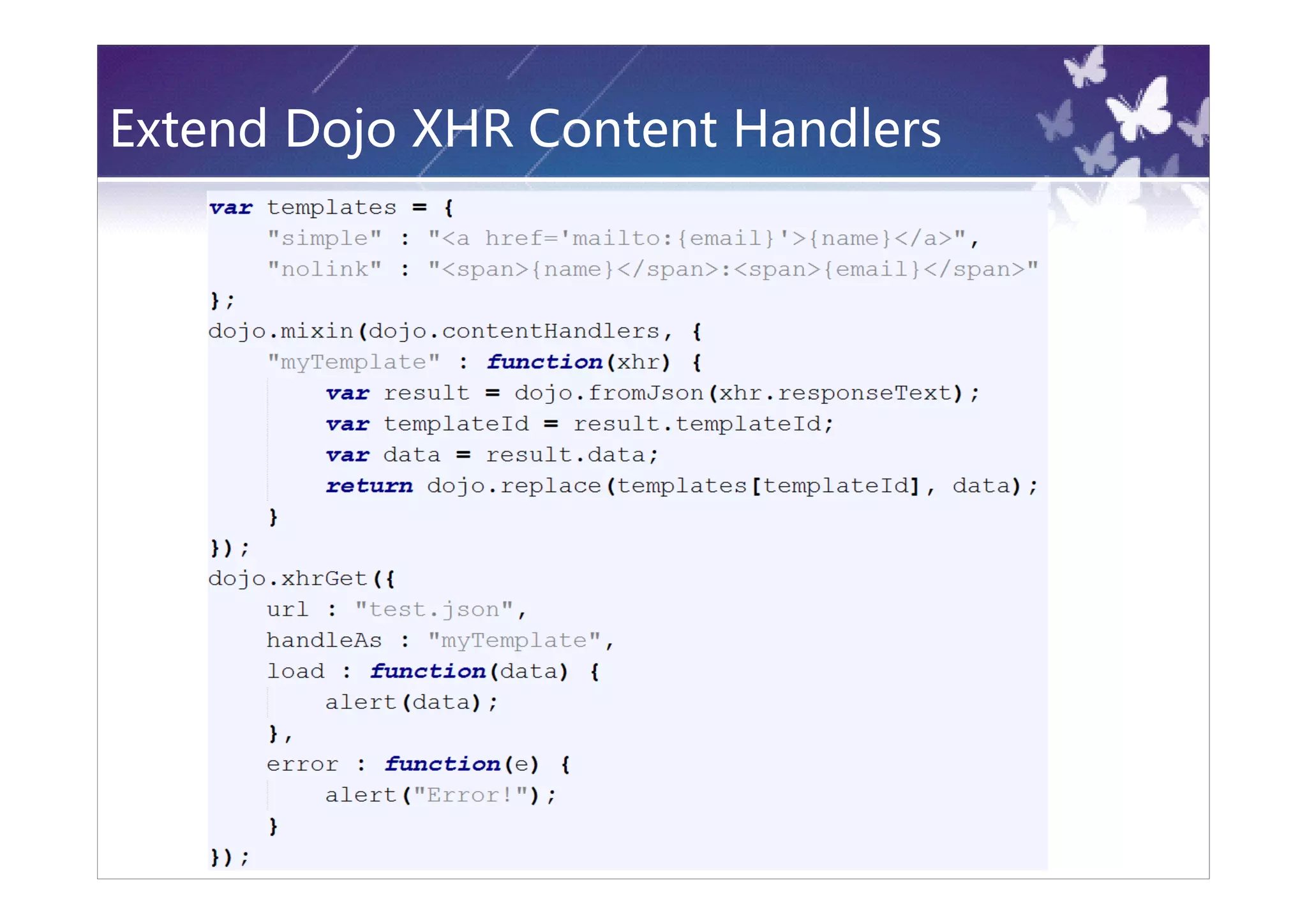
Extend Dojo XHR Content Handlers
Object-oriented JavaScript
•   Declare classes
     – Looks like Java classes
     – dojo.declare("com.example.Sample",
       [com.example.AbstractSample], {})
•   Mixin properties
     – dojo.mixin({}, defaultOptions, userOptions)
•   dojo.extend
     – Extends a object's prototype
•   dojo.delegate
     – Delegate the properties search to another object
•   dojo.getObject
     – Get a property using dot expression
•   dojo.setObject
     – Set a property using dot expression
•   dojo.exists
     – Check property existence
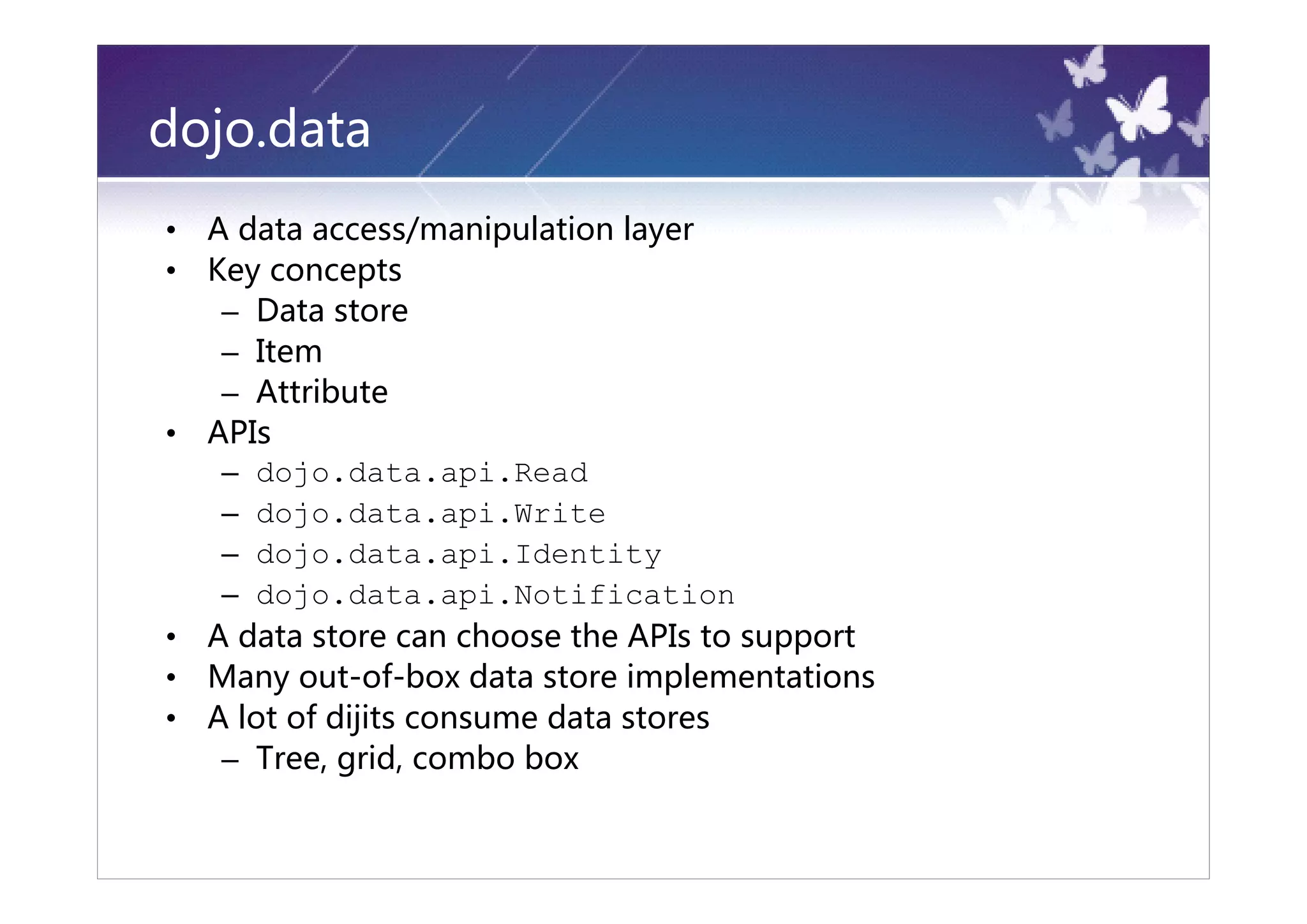
dojo.data
•   A data access/manipulation layer
•   Key concepts
     – Data store
     – Item
     – Attribute
•   APIs
     – dojo.data.api.Read
     – dojo.data.api.Write
     – dojo.data.api.Identity
     – dojo.data.api.Notification
•   A data store can choose the APIs to support
•   Many out-of-box data store implementations
•   A lot of dijits consume data stores
     – Tree, grid, combo box
Advanced I/O

• Script
   – Use JSONP
   – Can access data from other domains
• iframe
   – Useful for file uploading
• window.name
• Multi-part
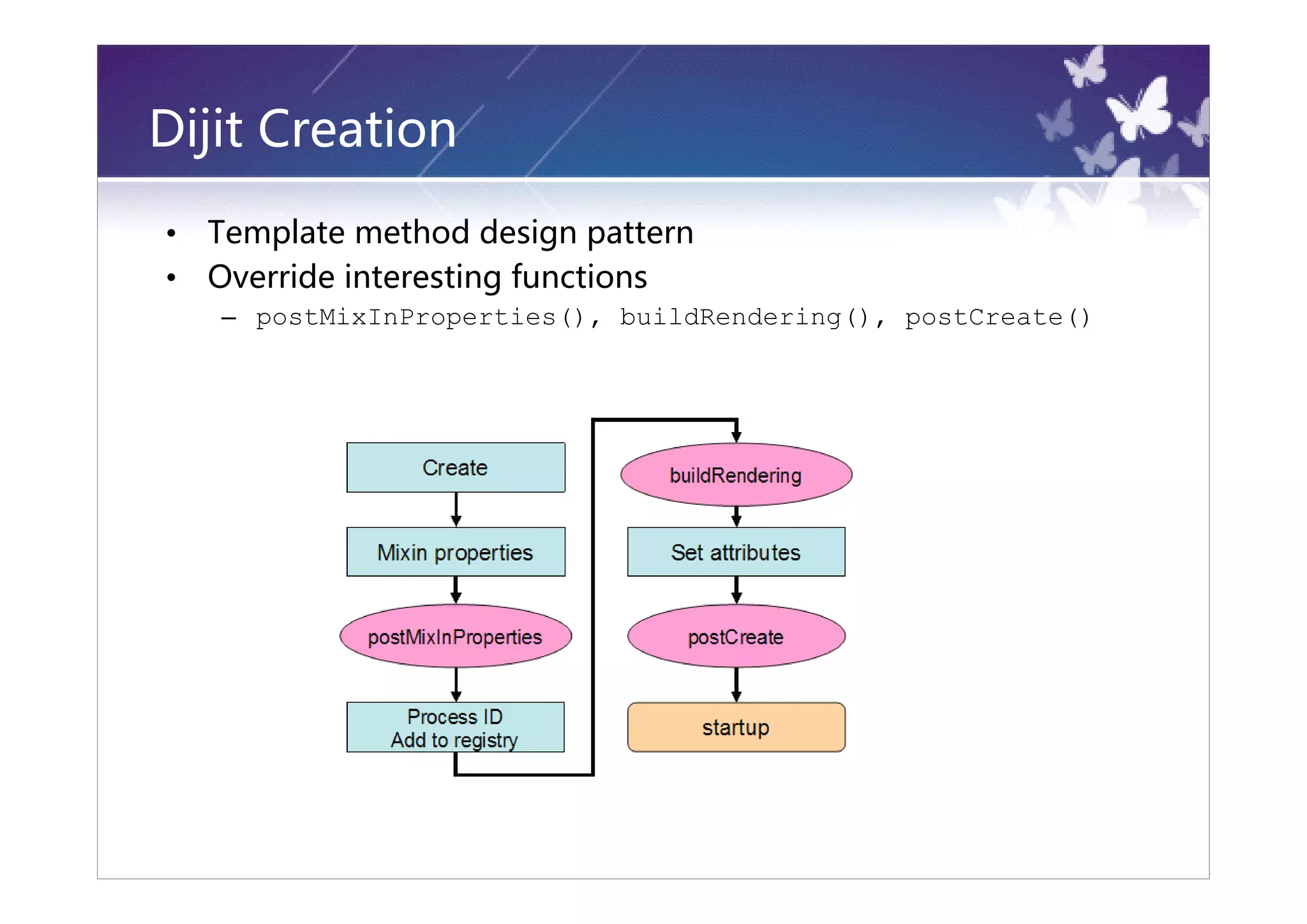
Dijit Creation
•   Template method design pattern
•   Override interesting functions
    – postMixInProperties(), buildRendering(), postCreate()
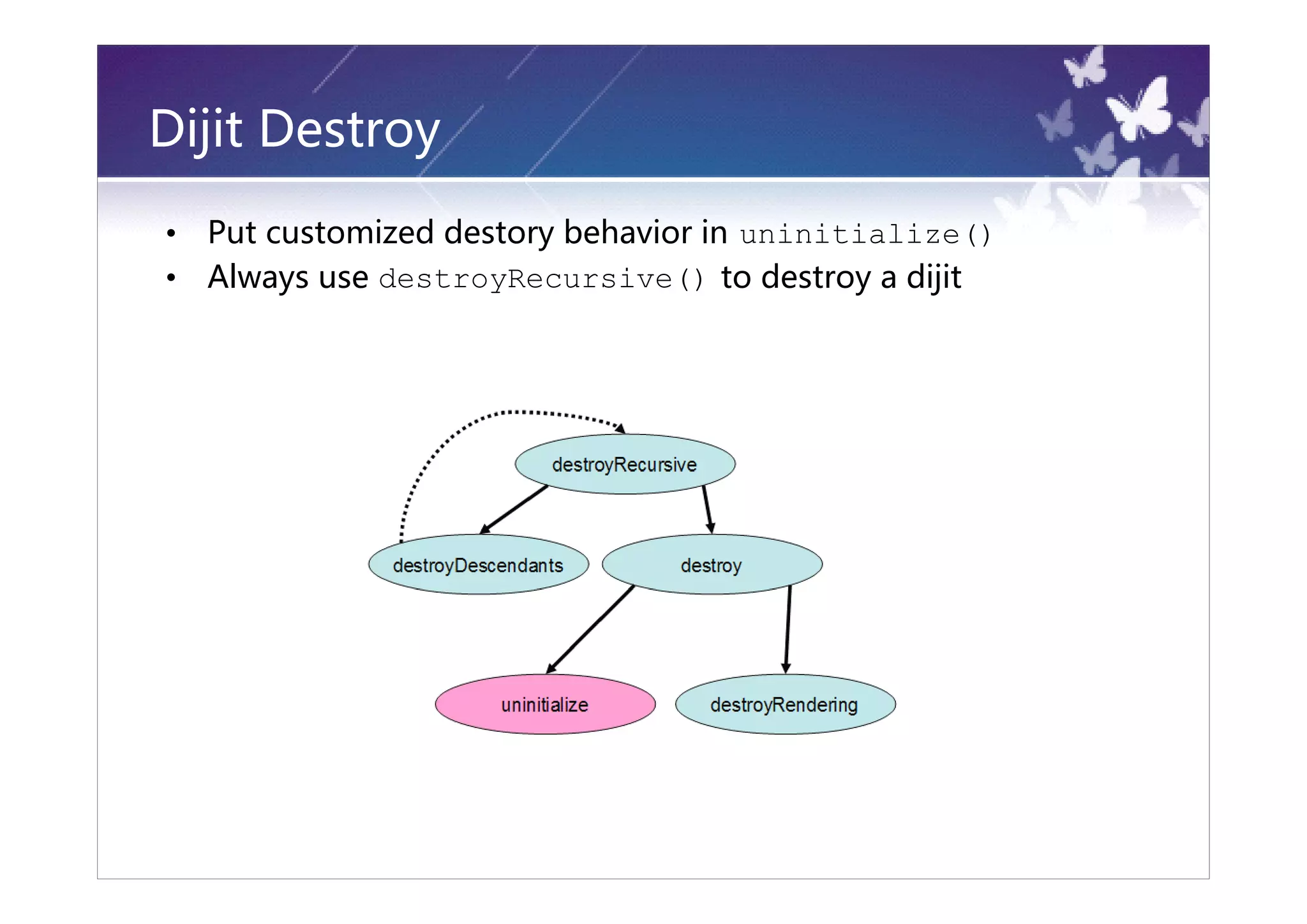
Dijit Destroy
•   Put customized destory behavior in uninitialize()
•   Always use destroyRecursive() to destroy a dijit
Create Dijits
•   Declaratively
     – Use HTML markup and custom attributes
        • dojoType attribute is the dijit's class name
        • Other attributes are mapped to dijit's properties
            – Properties in dijit's prototype, excluding those in
              Object.prototype and name starts with "_", are
              mapped
            – DOM node attributes are transformed according to
              properties' data type
        • Use <script> element to declare functions
     – dojo.parser.parse() is used to create the dijits behind
       the scene
•   Programmatically
     – Use new operator
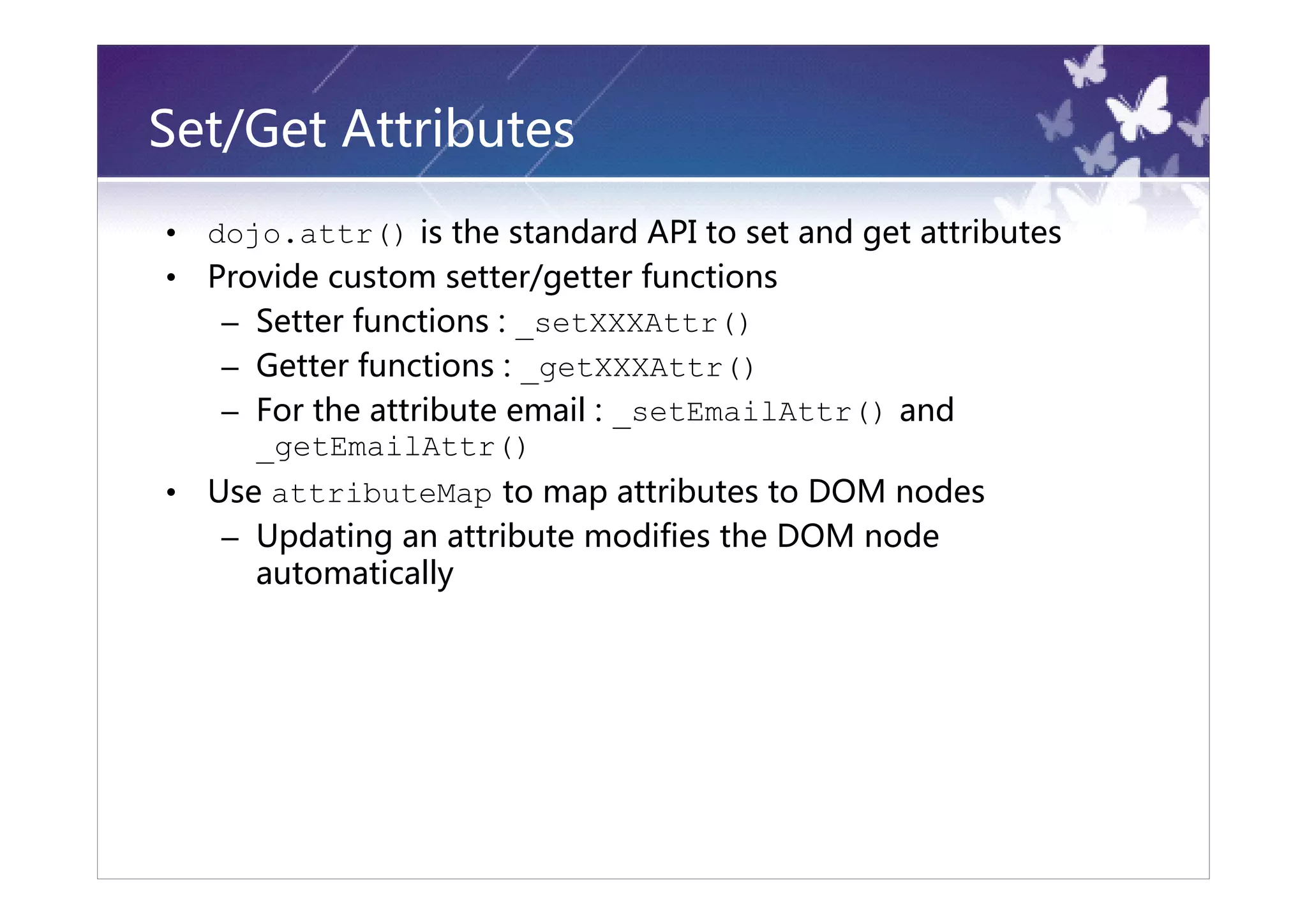
Set/Get Attributes
•   dojo.attr() is the standard API to set and get attributes
•   Provide custom setter/getter functions
     – Setter functions : _setXXXAttr()
     – Getter functions : _getXXXAttr()
     – For the attribute email : _setEmailAttr() and
       _getEmailAttr()
•   Use attributeMap to map attributes to DOM nodes
     – Updating an attribute modifies the DOM node
       automatically
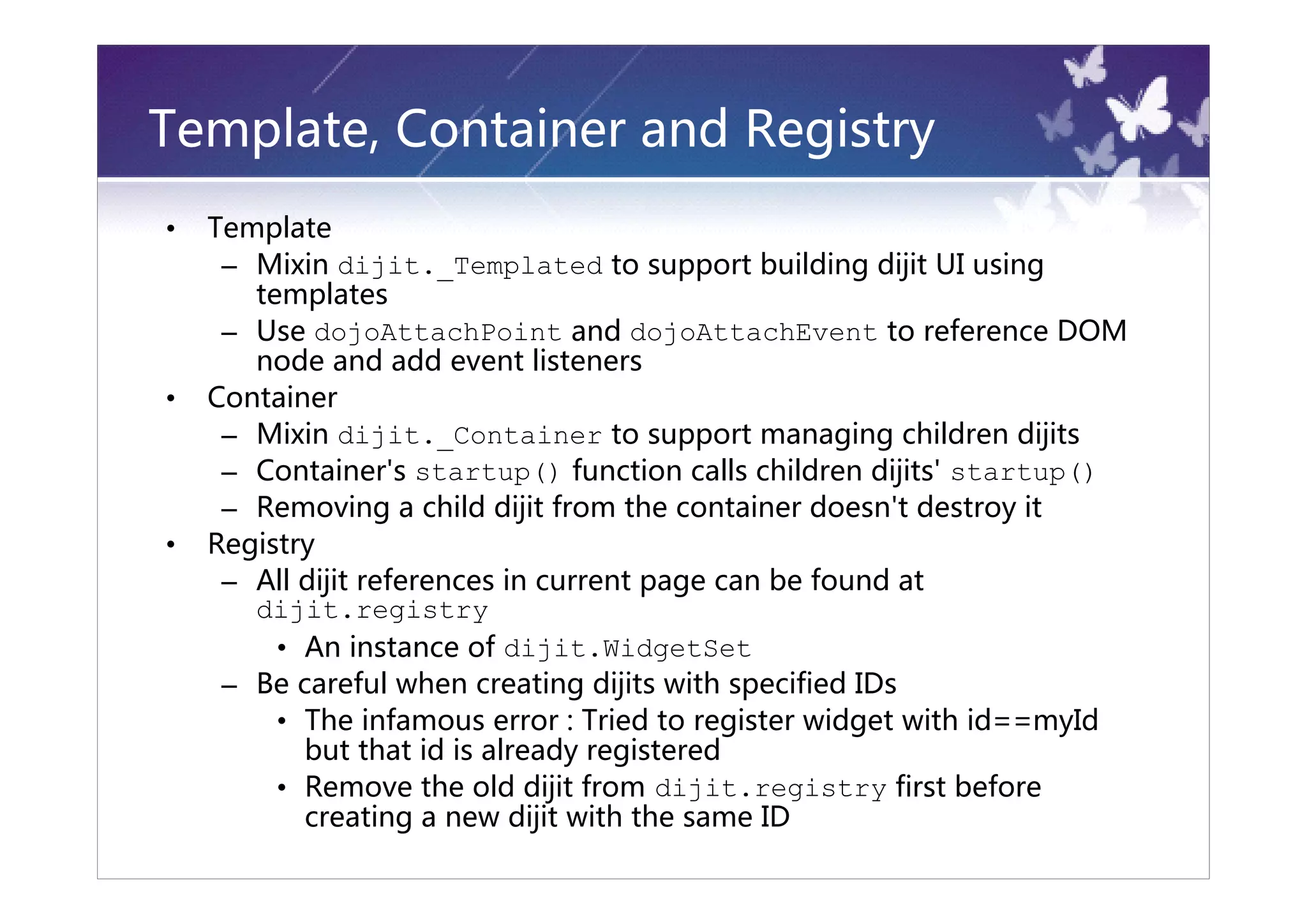
Template, Container and Registry
•   Template
     – Mixin dijit._Templated to support building dijit UI using
       templates
     – Use dojoAttachPoint and dojoAttachEvent to reference DOM
       node and add event listeners
•   Container
     – Mixin dijit._Container to support managing children dijits
     – Container's startup() function calls children dijits' startup()
     – Removing a child dijit from the container doesn't destroy it
•   Registry
     – All dijit references in current page can be found at
       dijit.registry
         • An instance of dijit.WidgetSet
     – Be careful when creating dijits with specified IDs
         • The infamous error : Tried to register widget with id==myId
           but that id is already registered
         • Remove the old dijit from dijit.registry first before
           creating a new dijit with the same ID
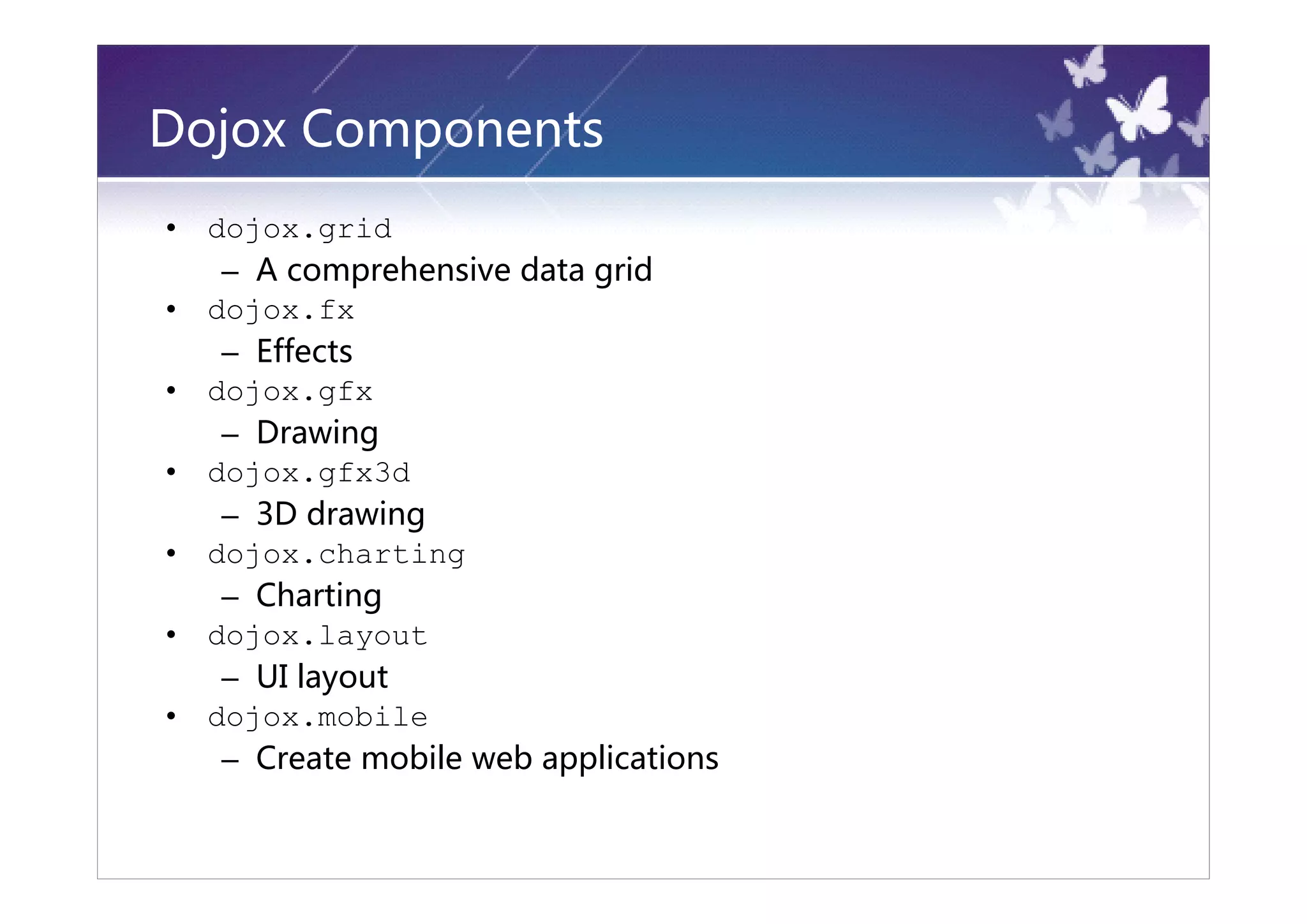
Dojox Components
•   dojox.grid
     – A comprehensive data grid
•   dojox.fx
     – Effects
•   dojox.gfx
     – Drawing
•   dojox.gfx3d
     – 3D drawing
•   dojox.charting
     – Charting
•   dojox.layout
     – UI layout
•   dojox.mobile
     – Create mobile web applications
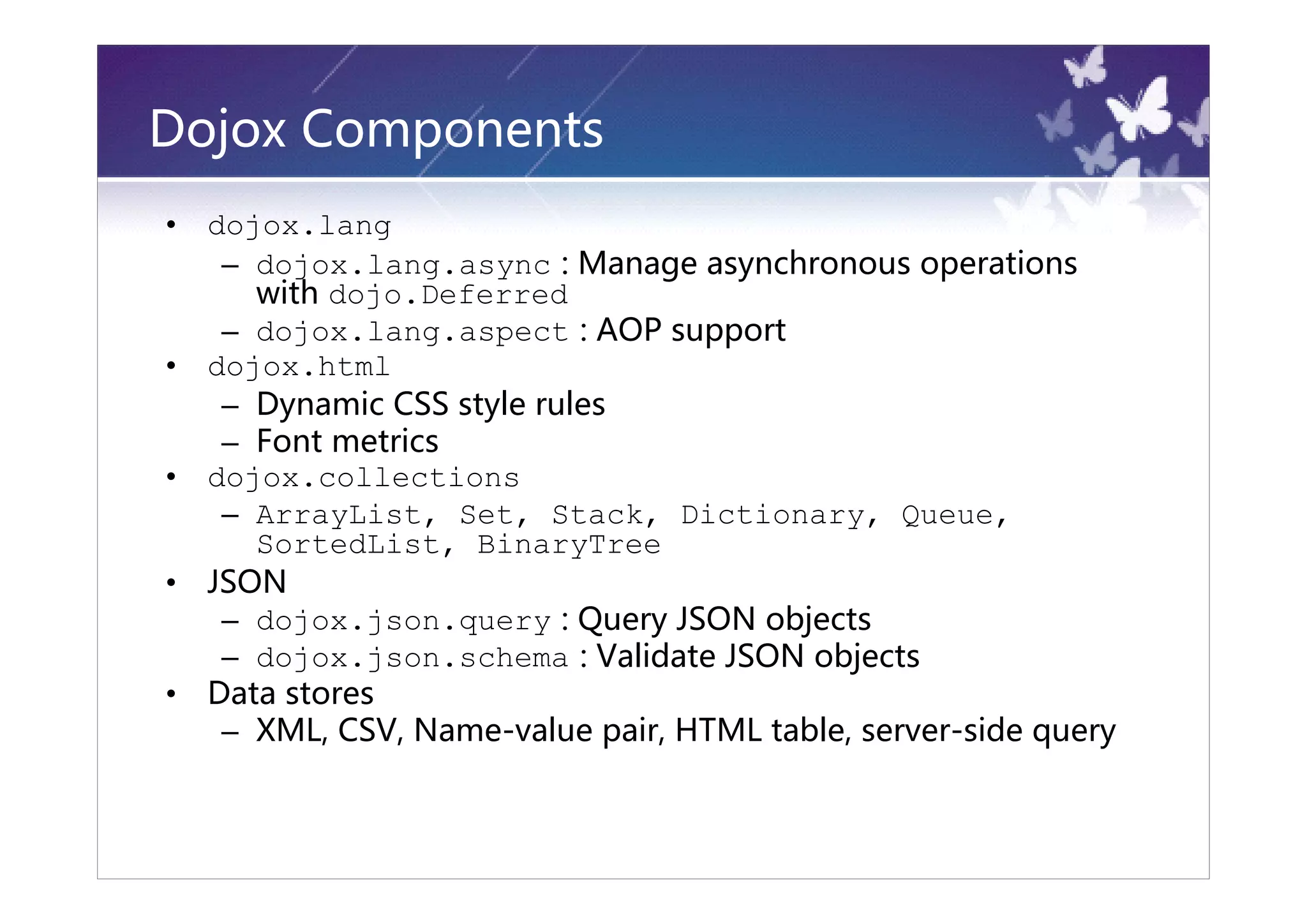
Dojox Components
•   dojox.lang
     – dojox.lang.async : Manage asynchronous operations
       with dojo.Deferred
     – dojox.lang.aspect : AOP support
•   dojox.html
     – Dynamic CSS style rules
     – Font metrics
•   dojox.collections
     – ArrayList, Set, Stack, Dictionary, Queue,
       SortedList, BinaryTree
•   JSON
     – dojox.json.query : Query JSON objects
     – dojox.json.schema : Validate JSON objects
•   Data stores
     – XML, CSV, Name-value pair, HTML table, server-side query
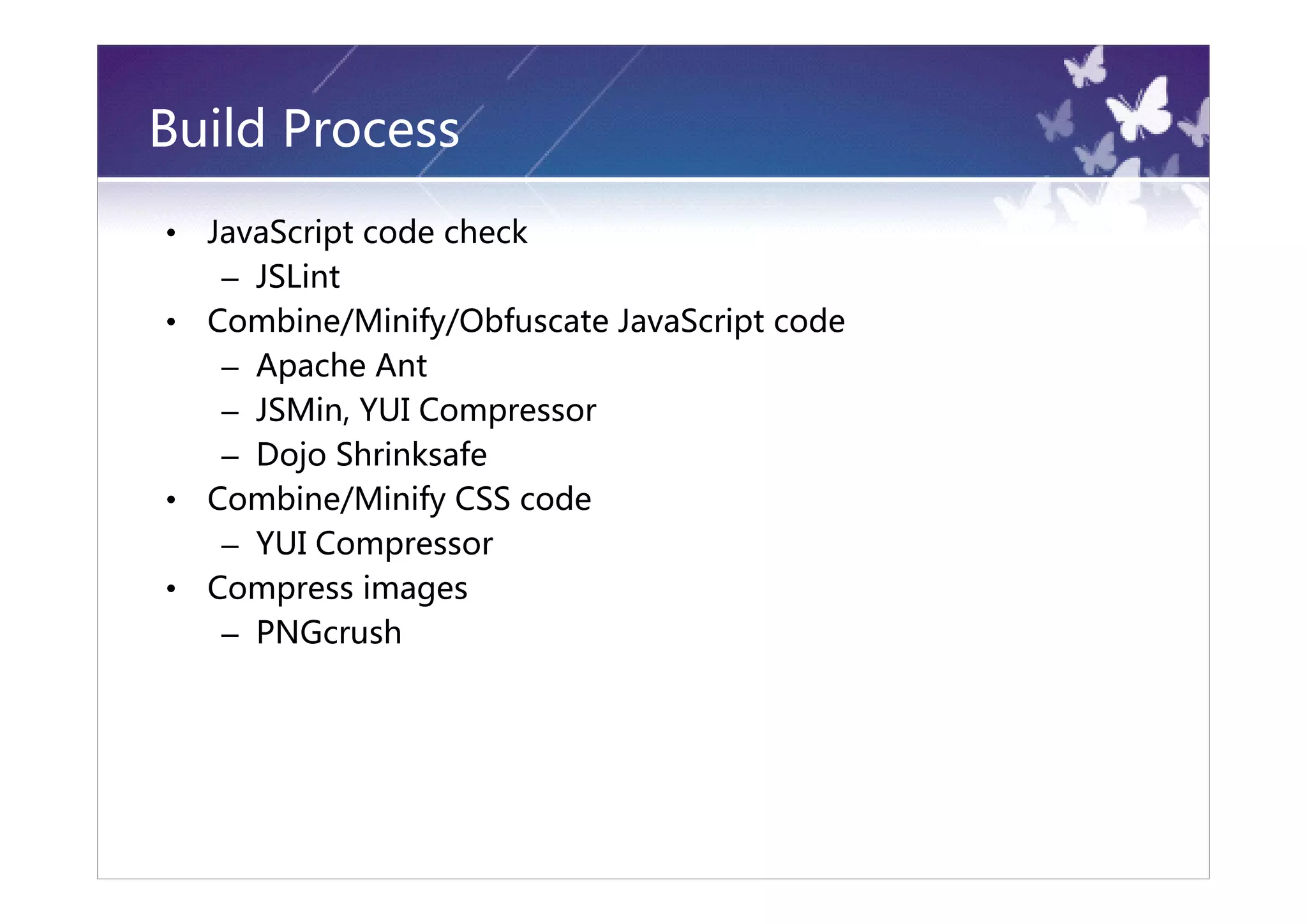
Build Process
•   JavaScript code check
     – JSLint
•   Combine/Minify/Obfuscate JavaScript code
     – Apache Ant
     – JSMin, YUI Compressor
     – Dojo Shrinksafe
•   Combine/Minify CSS code
     – YUI Compressor
•   Compress images
     – PNGcrush
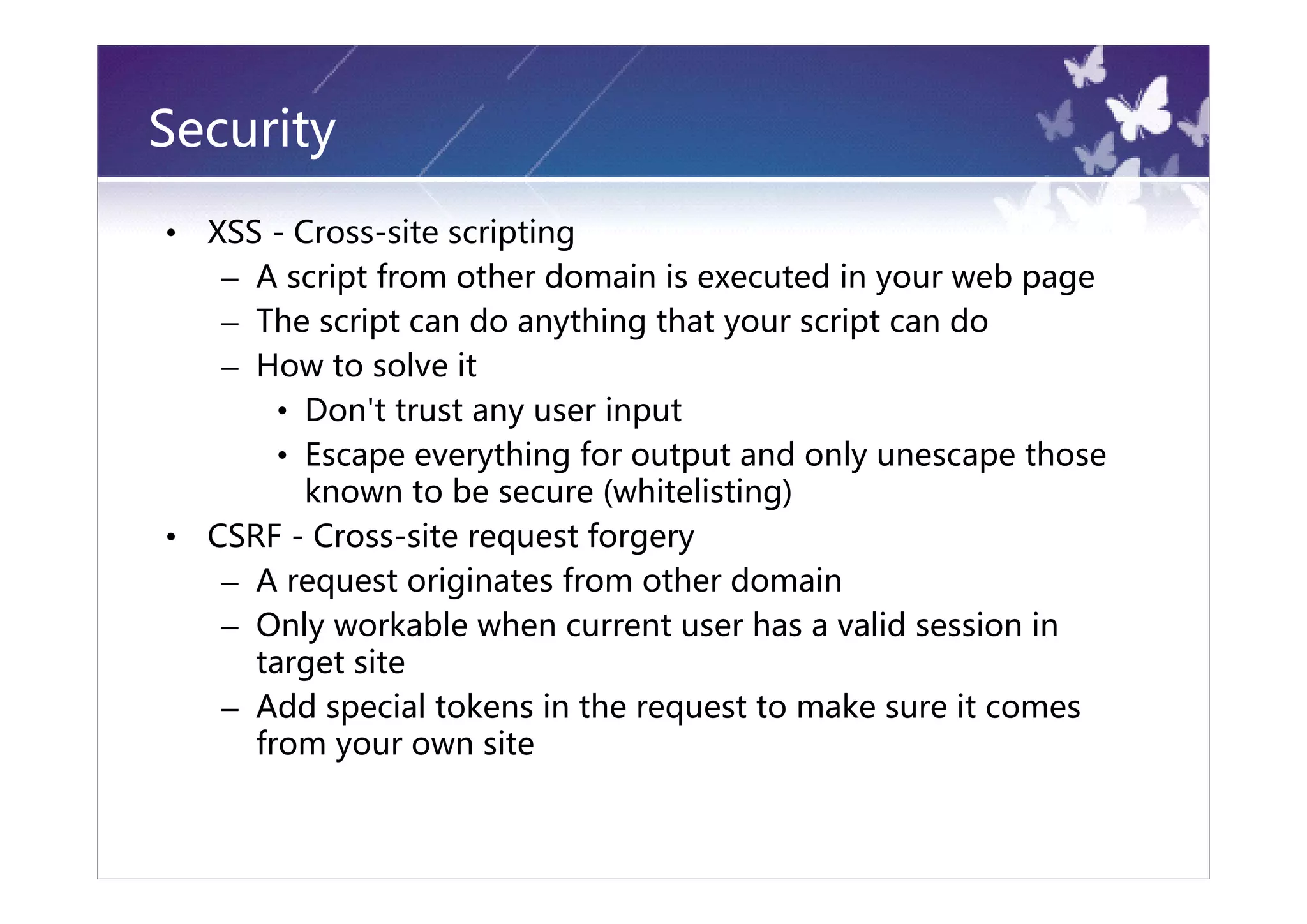
Security
•   XSS - Cross-site scripting
     – A script from other domain is executed in your web page
     – The script can do anything that your script can do
     – How to solve it
         • Don't trust any user input
         • Escape everything for output and only unescape those
           known to be secure (whitelisting)
•   CSRF - Cross-site request forgery
     – A request originates from other domain
     – Only workable when current user has a valid session in
       target site
     – Add special tokens in the request to make sure it comes
       from your own site
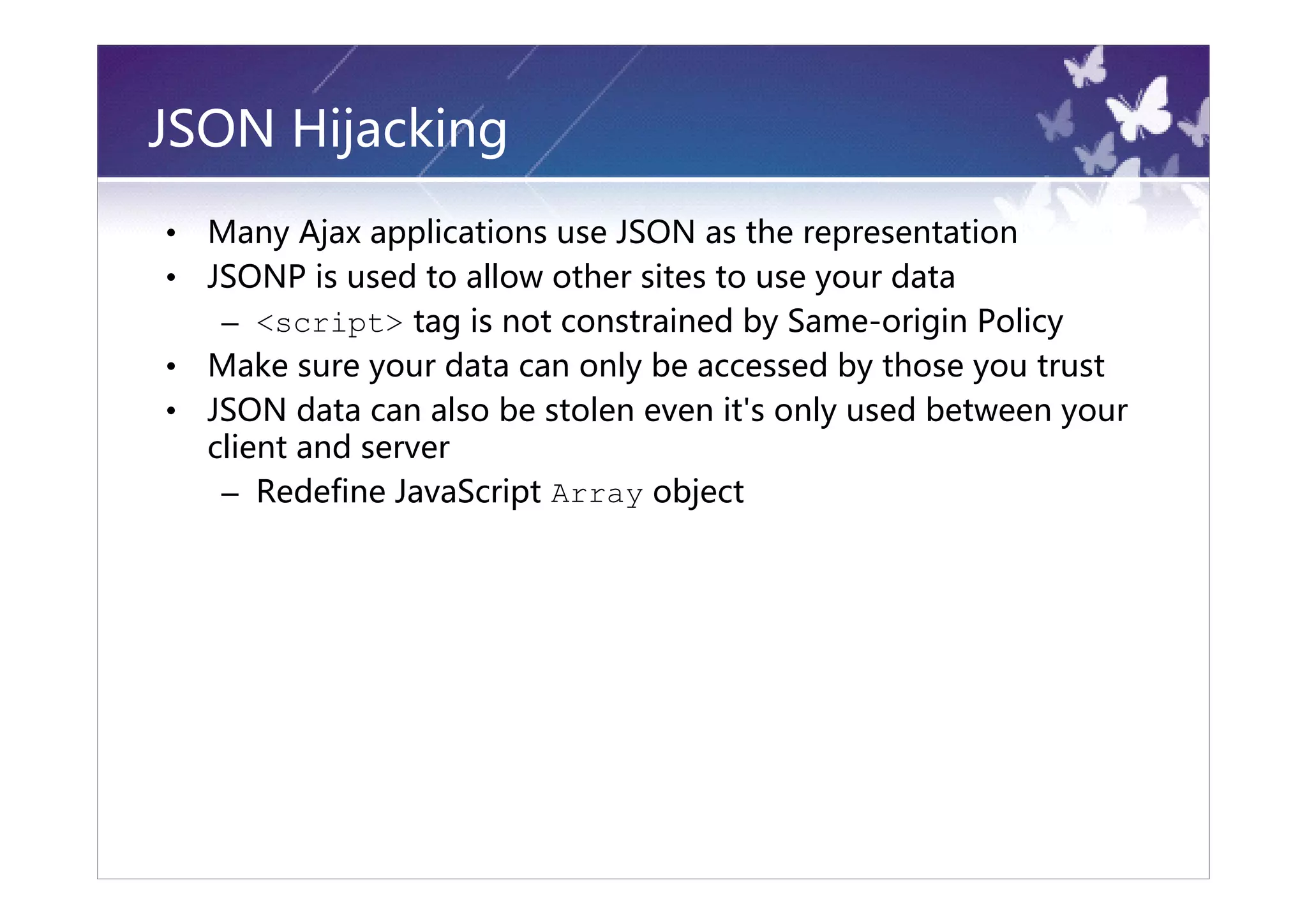
JSON Hijacking
•   Many Ajax applications use JSON as the representation
•   JSONP is used to allow other sites to use your data
     – <script> tag is not constrained by Same-origin Policy
•   Make sure your data can only be accessed by those you trust
•   JSON data can also be stolen even it's only used between your
    client and server
     – Redefine JavaScript Array object
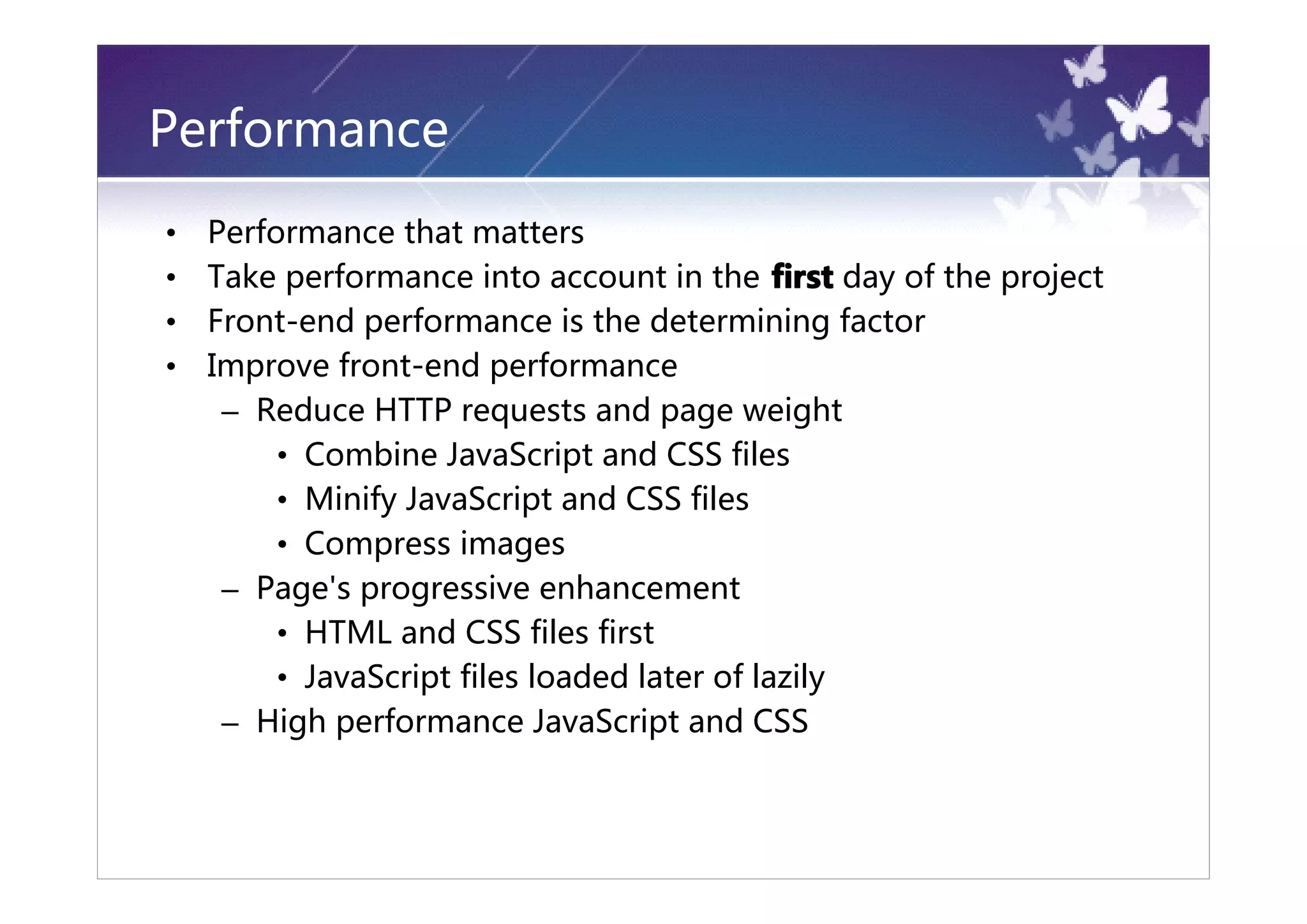
Performance
•   Performance that matters
•   Take performance into account in the first day of the project
•   Front-end performance is the determining factor
•   Improve front-end performance
     – Reduce HTTP requests and page weight
         • Combine JavaScript and CSS files
         • Minify JavaScript and CSS files
         • Compress images
     – Page's progressive enhancement
         • HTML and CSS files first
         • JavaScript files loaded later of lazily
     – High performance JavaScript and CSS
Read Two Books
•   High Performance Web Sites
•   Even Faster Web Sites
Thank you!

Advanced guide to develop ajax applications using dojo

  • 1.
    Advanced Guide toDevelop Ajax Applications using Dojo CHENG Fu
  • 2.
    A Brief Historyof Web Applications Web 1.0 Web 1.5 Web 2.0 Web 3.0 Static web pages Dynamic web pages Single web page Semantic data Dummy terminal Form interaction Rich interaction Structured data Interactivity
  • 3.
  • 4.
    Why Ajax • Standards-compliant(to some degree) – HTML 4.01, HTML 5 – ECMAScript 3rd/5th edition – XMLHttpRequest – CSS 2.1, CSS 3 • Require no browser plug-ins/add-ons • Avoid vendor lock-in • Easy to integrate with legacy web applications • Low learning curve for front-end developers
  • 5.
    Ajax Application Flavors •Ajax Lite – More like a old fashion web application – Only use Ajax in certain areas for better user experience • Form validation, toggleable areas – Simple, fast • Ajax Deluxe – More like a desktop application – Provide rich interaction with users • Menus, drag-and-drop, tree, grid – Complex, slow, powerful Find more at http://ajaxpatterns.org/Ajax_App
  • 6.
    How Ajax ChangesWeb Applications Increasing Power of Client Logic Logic Client Server Client Server Part of logic has been moved to the Client
  • 7.
    Anatomy of AjaxApplications Behavior JavaScript Brain Presentation CSS Flesh Structure HTML Skeleton
  • 8.
    HTML - Marchto Semantics • HTML original draft – Describe scientific documents – Describe document's structure • <a>, <p>, <h1>~<h6> • HTML 2.0 – Images and forms • <img>, <form>, <input>, <select> • HTML 3.2 – Presentational elements are included • <font>, <strike>, <u>, <b>, <center> • HTML 4.01 – Deprecate presentational elements – Three flavors : Strict, Transitional and Frameset • HTML 5 – More semantic elements: <nav>, <section> – Remove deprecated elements
  • 9.
    Semantic HTML • Use structural and semantic elements to author HTML documents – <h1>~<h6> : headings – <p> : paragraph – <em>, <strong> : emphasis – <abbr>, <acronym> : abbreviation and acronym – <blockquote>, <q> : quote – <ul>, <ol>, <li> : list – <dl>, <dt>, <dd> : definition – <cite> : citation – <code> : source code
  • 10.
    Semantic HTML • HTML documents should only describe the structure • Content that matters – Accessible – Search engine friendly – Graceful degration • Representation should be handled by CSS – <b> -> {font-weight : bold;} – <i> -> {font-styel : italic;} – <u> -> {text-decoration: underline;} – <strike> -> {text-decoration: line-through;}
  • 11.
    Best Practices • Choose a proper DTD – HTML 4.01 transitional • <!DOCTYPE HTML PUBLIC "-//W3C//DTD HTML 4.01 Transitional//EN" "http://www.w3.org/TR/html4/loose.dtd"> • Validate the HTML documents – Use W3C validator • Use the right elements – Avoid common elements (<div> and <span>) when other semantic elements are more suitable • Don't use elements for presentation styles – Indention of <blockquote> • Use meaningful class names
  • 12.
    CSS • Elements of CSS – @ rule • @import, @media, @charset – Style rule set • Style rule set – Rule = Selector + Declaration • Selector – Select elements in current DOM tree • Declaration – Name-value pair • Apply style declaration to elements selected by selector
  • 13.
    Selectors • Universal selector: * • Type selector : span, div • Descendant selector : div span • Child selector : div > span • Adjacent sibling selector : div + span • Attribute selector : div[title] – Class selector : .content • ID selector : #myId • Pseudo-elements and pseudo-classes : :first- child, :hover
  • 14.
    Cascading Order • The order of a style rule is determined by the selector it uses and the stylesheet position it appears • Selector order (high -> low) – !important – Declared in style attribute – ID selector – Class selector, attribute selector, pseudo-elements and pseudo- classes – Type selector – Universal selector • Position order (high -> low) – <style> element – @import in <style> element – <link> element – @import in <link> element – User-provided stylesheet – Browser's default stylesheet • !import in user-provided stylesheet has the highest priority
  • 15.
    Browser Compatibility • Now CSS has a lot of browser compatibility problems – Especially in layout and positioning • Prepare a base stylesheet for layout and positioning that works on standard-compliant browsers (FF, Safari) – Make sure the layout and positioning work well in these browsers • Test the stylesheet on other browsers (IE) and apply hacks or use JavaScript to handle style problems – IE conditional comments – Hack • Use browser bugs to sniff browser type and apply different style rules – JavaScript • Use JavaScript to sniff browser type and modify style directly
  • 16.
    Maintainable CSS • Object-orientedCSS • Divide CSS files into multiple components – Heading, buttons, menus • Single responsibility – Separate structure and visual style • Organize multiple CSS files using @import
  • 17.
    Advanced JavaScript (1/2) • JavaScript is not a object-oriented programming language • JavaScript uses prototype-based object construction – Each object in JavaScript has a reference to its prototype – This prototype object is used when searching for properties – To some degree, a object inherites properties from its prototype – A object created by new operator has a reference to its creator's prototype • Function is first-class citizen in JavaScript – Functions can be used as parameters and return values • JavaScript uses function scope for variables
  • 18.
    Advanced JavaScript (2/2) • this keyword points to what? – Depends on how a function is invoked • myObj.func() : this -> myObj • func() : this -> global object • new User() : this -> newly created object • func.apply / func.call : this -> first argument – Use another variable to reference this • var that = this; – Use dojo.hitch(obj, func) • Closure – Only use closure to encapsulate internal state • True private properties
  • 19.
    Functional v.s. Object-oriented •Try to write stateless functions • When state is required, use closure to encapsulate it
  • 20.
    DOM Query andManipulation • DOM = Document Object Model • DOM defines document's logic structure • Use DOM API to traverse in the document and insert/update/delete nodes • Query using native API – Locate elements • getElementById() • getElementsByTagName() – Query parent/sibling/child nodes • parentNode, childNodes, firstChild, lastChild, previousSibling, nextSibling • Native DOM API is not easy to use
  • 21.
    dojo.query() • dojo.query(selector, node) – Use CSS selectors • Return value of dojo.query() is dojo.NodeList – Functions of dojo.NodeList • forEach(), map(), filter(), slice(), splice(), indexOf(), lastIndexOf(), every(), some() • style(), addClass(), removeClass(), toggleClass() • append(), prepend(), after(), before() • appendTo(), prependTo(), insertBefore(), insertAfter() • wrap(), wrapAll(), wrapInner() • Chaining of dojo.query() – Most of dojo.NodeList's functions return dojo.NodeList – Functions can be chained together to write concise code • dojo.query(".item").children().addClass("subItem"). end().parent().addClass("itemContainer")
  • 22.
    DOM Manipulation • Use native API – createElement(tagName) – appendChild(newChild) – insertBefore(newChild, refChild) – replaceChild(newChild, oldChild) – setAttribute(name, value) • Use dojo API – dojo.create(tag, attrs, refNode, pos) – dojo.place(node, refNode, pos) – dojo.attr(node, name, value), dojo.removeAttr(node, name), dojo.hasAttr(node, name)
  • 23.
    Efficient DOM Manipulation • Use document fragment – Steps • Create a document fragment • Do DOM manipulation in the fragment • Append the fragment to the main DOM tree – Reduce page reflow • Use innerHTML – Construct a HTML string and set to a DOM node using innerHTML • Use cloneNode() – Create a node as template and clone it to create other nodes – Bind event listeners for each node separately
  • 24.
    dojo.NodeList plug-in • Extend dojo.NodeList with other functions
  • 25.
    dojo.behavior • Describe elements' behavior declaratively • Use dojo.behavior.add() to declare behaviors – Declare selected elements using selectors • The same as dojo.query() – Declare trigger condition • Found a element • Events : onclick, onmouseover, onmouseout – Declare behavior itself • A JavaScript function • Use dojo.behavior.apply() to apply behaviors – Incrementally apply • A typical usage scenario – Use XMLHttpRequest to get new data and dojo.behavior.apply() to apply behaviors
  • 26.
    Events • Register event listeners – DOM level 0 • Handler function as DOM node's property – W3C event model • addEventListener(type, listener, useCapture) – IE event model • attachEvent(type, listener) • Use dojo.connect()
  • 27.
    Event Propagation • An event propagates in current DOM tree – Capture phase • From document root to target node – Target phase • Target node – Bubble phase • From target node to document root • IE doesn't support capture phase • Browser's default behavior – Clicking on an anchor (<a>) will navigate to another document • Use dojo.stopEvent(e) to stop event propagation and prevent default behavior
  • 28.
    Event Handling • Event object – Contains contextual information – Contains different properties • Dojo fixes the event object – Using dojo.connect(), event handlers receive a normalized event object as the parameter • this keyword points to what in event handlers – DOM level 0 : current node – W3C event model : current node – IE event model : window object
  • 29.
    Efficient Event Handling •Use event propagation to reduce event listeners – Use the bubble phase – Add event listener to ancestor nodes
  • 30.
    Memory Leak andEvent Handler • Best practices to avoid memory leak – Use dojo.connect() – Simple handler – Don't add extra properties to DOM node – Delete object references explicitly A memory leak pattern
  • 31.
    Dojo • Dojo base – Basic features for Ajax applications • Dojo core – Core features useful for many Ajax applications • Dijit – Dojo widgets • Dojox – Dojo extensions
  • 32.
    Utilities • Array process – dojo.forEach() – dojo.every() – dojo.some() – dojo.map() – dojo.filter() – dojo.indexOf() • String process – dojo.trim() – dojo.replace() : A simple template implementation • JSON – dojo.toJson() – dojo.fromJson()
  • 33.
    dojo.Deferred • Asynchronous operation abstraction • Return a dojo.Deferred if the function is asynchronous • Add callback to dojo.Deferred – addCallback() : success callback – addErrback() : error callback – addBoth() : both • Notify an asynchronous operation is completed – callback() – errback() • Multiple dojo.Deferred can be nested and chained
  • 34.
    Extend Dojo XHRContent Handlers
  • 35.
    Object-oriented JavaScript • Declare classes – Looks like Java classes – dojo.declare("com.example.Sample", [com.example.AbstractSample], {}) • Mixin properties – dojo.mixin({}, defaultOptions, userOptions) • dojo.extend – Extends a object's prototype • dojo.delegate – Delegate the properties search to another object • dojo.getObject – Get a property using dot expression • dojo.setObject – Set a property using dot expression • dojo.exists – Check property existence
  • 36.
    dojo.data • A data access/manipulation layer • Key concepts – Data store – Item – Attribute • APIs – dojo.data.api.Read – dojo.data.api.Write – dojo.data.api.Identity – dojo.data.api.Notification • A data store can choose the APIs to support • Many out-of-box data store implementations • A lot of dijits consume data stores – Tree, grid, combo box
  • 37.
    Advanced I/O • Script – Use JSONP – Can access data from other domains • iframe – Useful for file uploading • window.name • Multi-part
  • 38.
    Dijit Creation • Template method design pattern • Override interesting functions – postMixInProperties(), buildRendering(), postCreate()
  • 39.
    Dijit Destroy • Put customized destory behavior in uninitialize() • Always use destroyRecursive() to destroy a dijit
  • 40.
    Create Dijits • Declaratively – Use HTML markup and custom attributes • dojoType attribute is the dijit's class name • Other attributes are mapped to dijit's properties – Properties in dijit's prototype, excluding those in Object.prototype and name starts with "_", are mapped – DOM node attributes are transformed according to properties' data type • Use <script> element to declare functions – dojo.parser.parse() is used to create the dijits behind the scene • Programmatically – Use new operator
  • 41.
    Set/Get Attributes • dojo.attr() is the standard API to set and get attributes • Provide custom setter/getter functions – Setter functions : _setXXXAttr() – Getter functions : _getXXXAttr() – For the attribute email : _setEmailAttr() and _getEmailAttr() • Use attributeMap to map attributes to DOM nodes – Updating an attribute modifies the DOM node automatically
  • 42.
    Template, Container andRegistry • Template – Mixin dijit._Templated to support building dijit UI using templates – Use dojoAttachPoint and dojoAttachEvent to reference DOM node and add event listeners • Container – Mixin dijit._Container to support managing children dijits – Container's startup() function calls children dijits' startup() – Removing a child dijit from the container doesn't destroy it • Registry – All dijit references in current page can be found at dijit.registry • An instance of dijit.WidgetSet – Be careful when creating dijits with specified IDs • The infamous error : Tried to register widget with id==myId but that id is already registered • Remove the old dijit from dijit.registry first before creating a new dijit with the same ID
  • 43.
    Dojox Components • dojox.grid – A comprehensive data grid • dojox.fx – Effects • dojox.gfx – Drawing • dojox.gfx3d – 3D drawing • dojox.charting – Charting • dojox.layout – UI layout • dojox.mobile – Create mobile web applications
  • 44.
    Dojox Components • dojox.lang – dojox.lang.async : Manage asynchronous operations with dojo.Deferred – dojox.lang.aspect : AOP support • dojox.html – Dynamic CSS style rules – Font metrics • dojox.collections – ArrayList, Set, Stack, Dictionary, Queue, SortedList, BinaryTree • JSON – dojox.json.query : Query JSON objects – dojox.json.schema : Validate JSON objects • Data stores – XML, CSV, Name-value pair, HTML table, server-side query
  • 45.
    Build Process • JavaScript code check – JSLint • Combine/Minify/Obfuscate JavaScript code – Apache Ant – JSMin, YUI Compressor – Dojo Shrinksafe • Combine/Minify CSS code – YUI Compressor • Compress images – PNGcrush
  • 46.
    Security • XSS - Cross-site scripting – A script from other domain is executed in your web page – The script can do anything that your script can do – How to solve it • Don't trust any user input • Escape everything for output and only unescape those known to be secure (whitelisting) • CSRF - Cross-site request forgery – A request originates from other domain – Only workable when current user has a valid session in target site – Add special tokens in the request to make sure it comes from your own site
  • 47.
    JSON Hijacking • Many Ajax applications use JSON as the representation • JSONP is used to allow other sites to use your data – <script> tag is not constrained by Same-origin Policy • Make sure your data can only be accessed by those you trust • JSON data can also be stolen even it's only used between your client and server – Redefine JavaScript Array object
  • 48.
    Performance • Performance that matters • Take performance into account in the first day of the project • Front-end performance is the determining factor • Improve front-end performance – Reduce HTTP requests and page weight • Combine JavaScript and CSS files • Minify JavaScript and CSS files • Compress images – Page's progressive enhancement • HTML and CSS files first • JavaScript files loaded later of lazily – High performance JavaScript and CSS
  • 49.
    Read Two Books • High Performance Web Sites • Even Faster Web Sites
  • 50.