Data Access Changes in .Net 2.0 David Truxall, Ph.D. Principal Consultant NuSoft Solutions
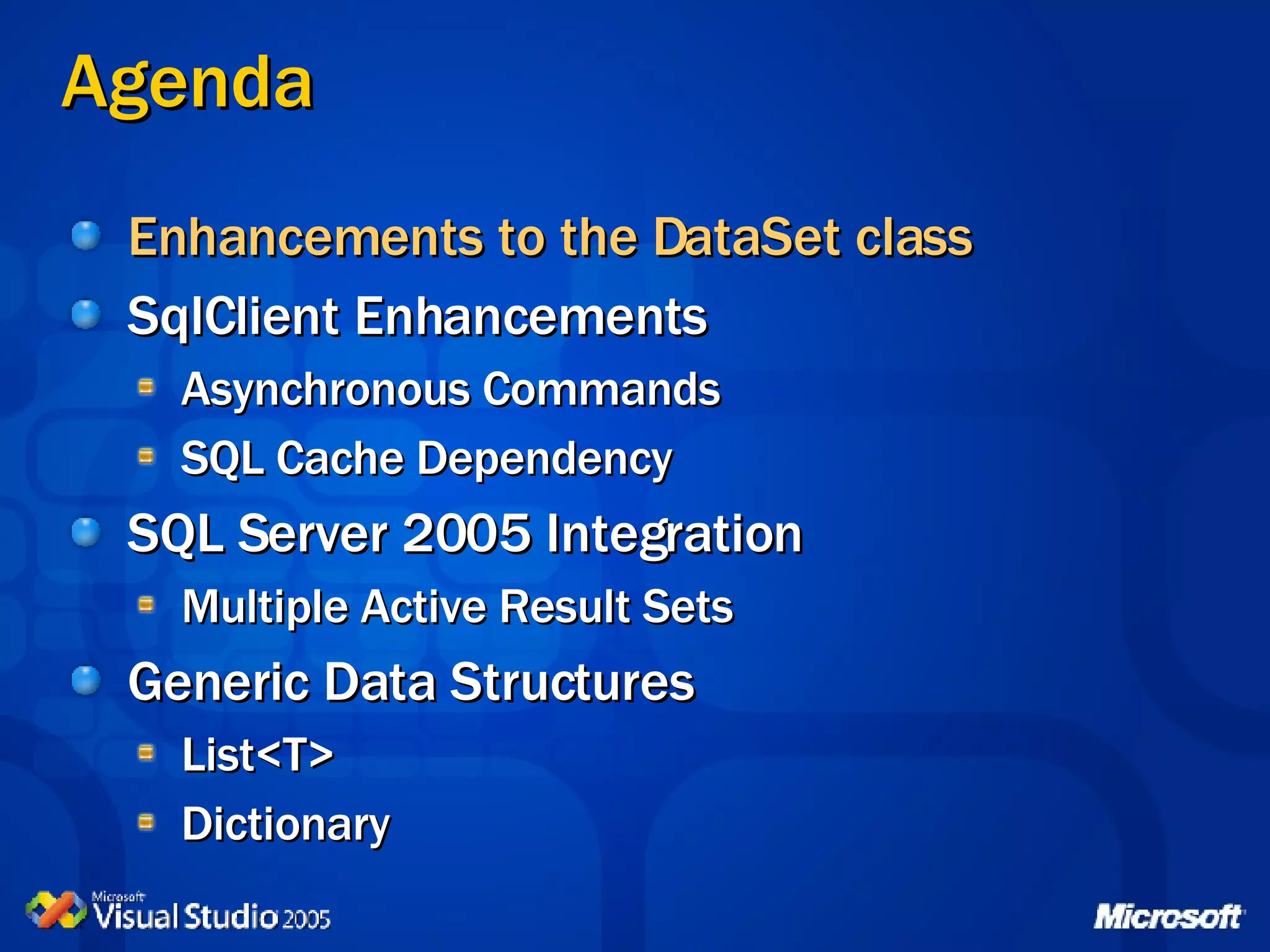
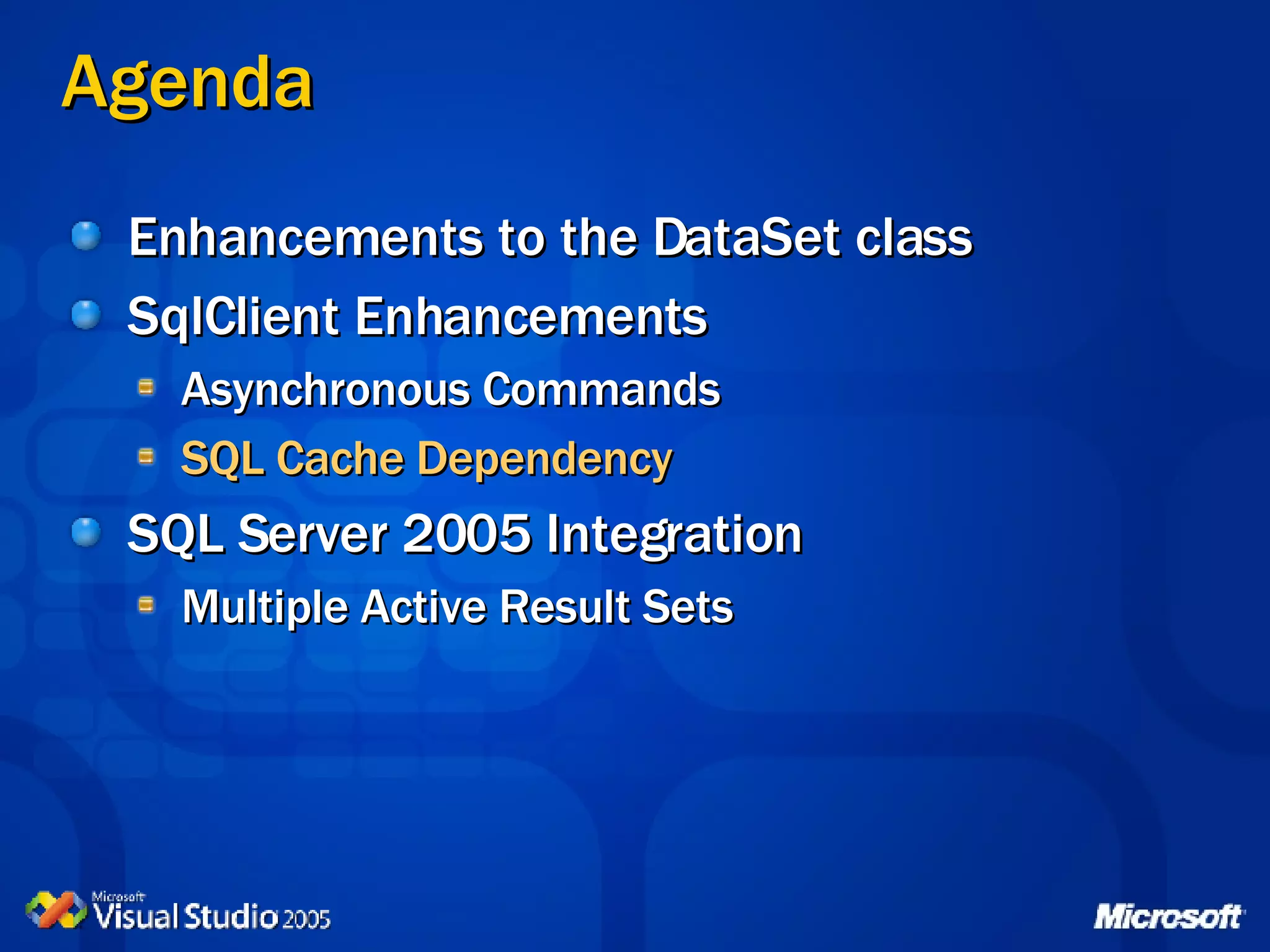
Agenda Enhancements to the DataSet class SqlClient Enhancements Asynchronous Commands SQL Cache Dependency SQL Server 2005 Integration Multiple Active Result Sets Generic Data Structures List<T> Dictionary
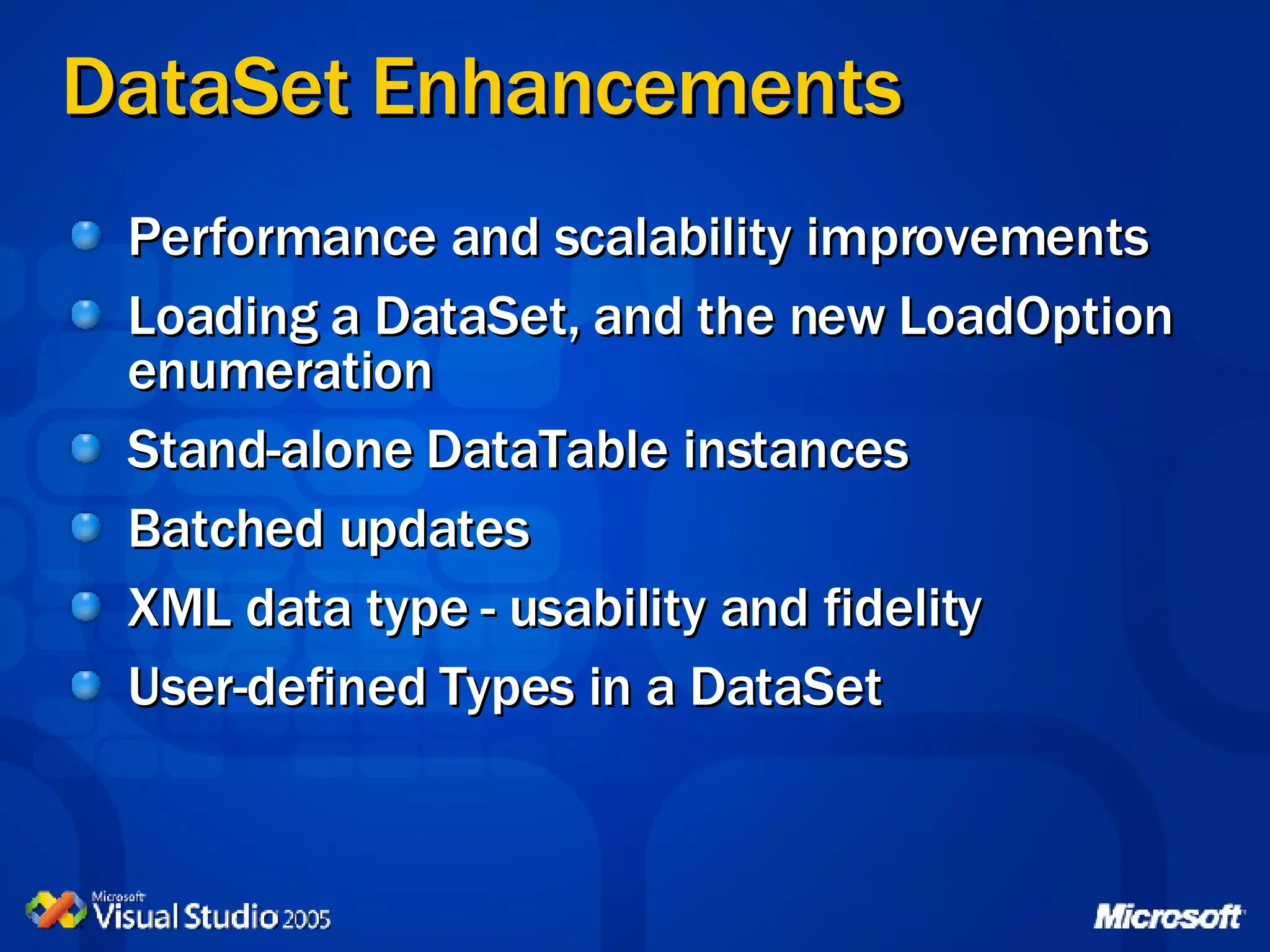
DataSet Enhancements Performance and scalability improvements Loading a DataSet, and the new LoadOption enumeration Stand-alone DataTable instances Batched updates XML data type - usability and fidelity User-defined Types in a DataSet
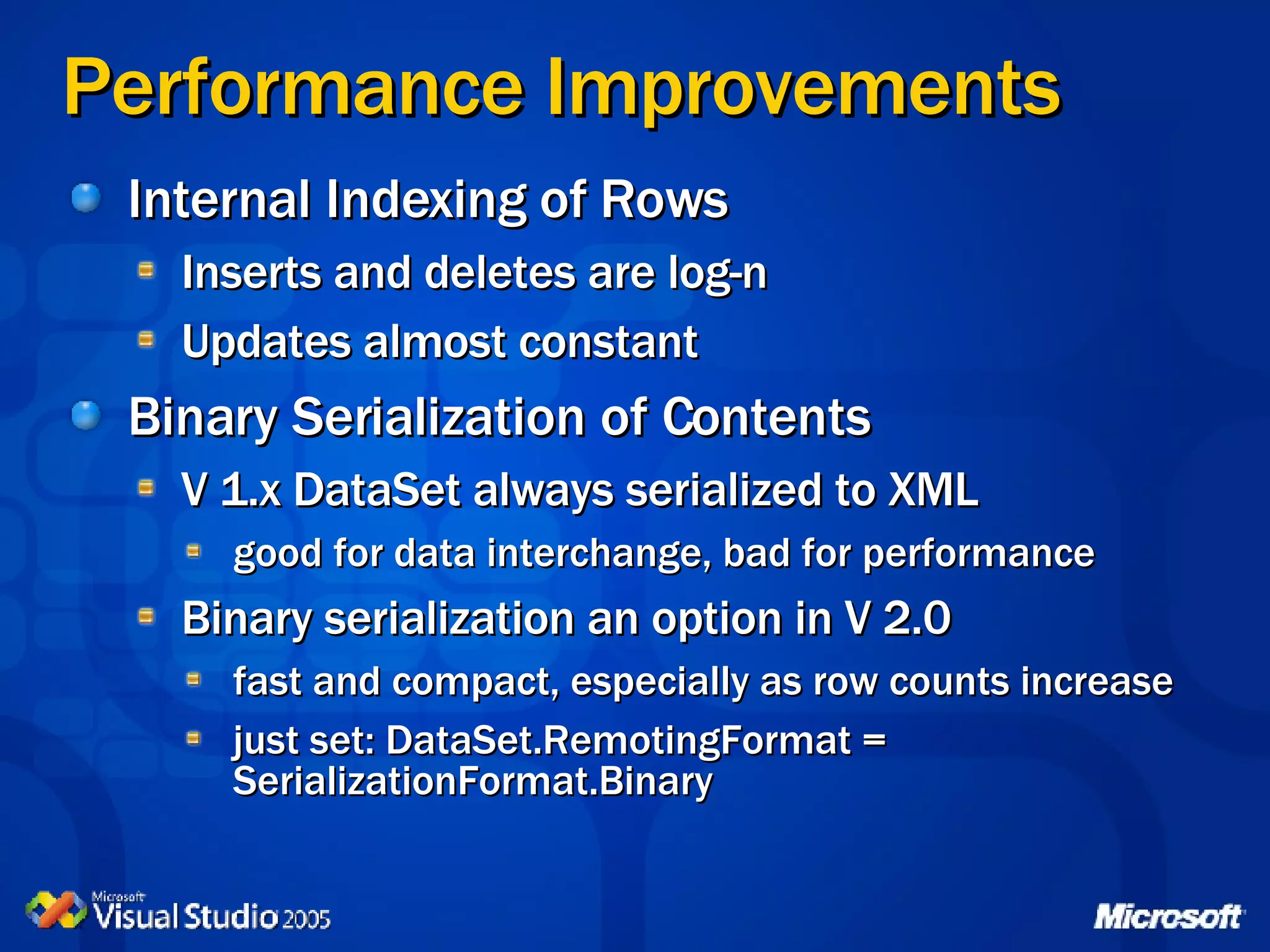
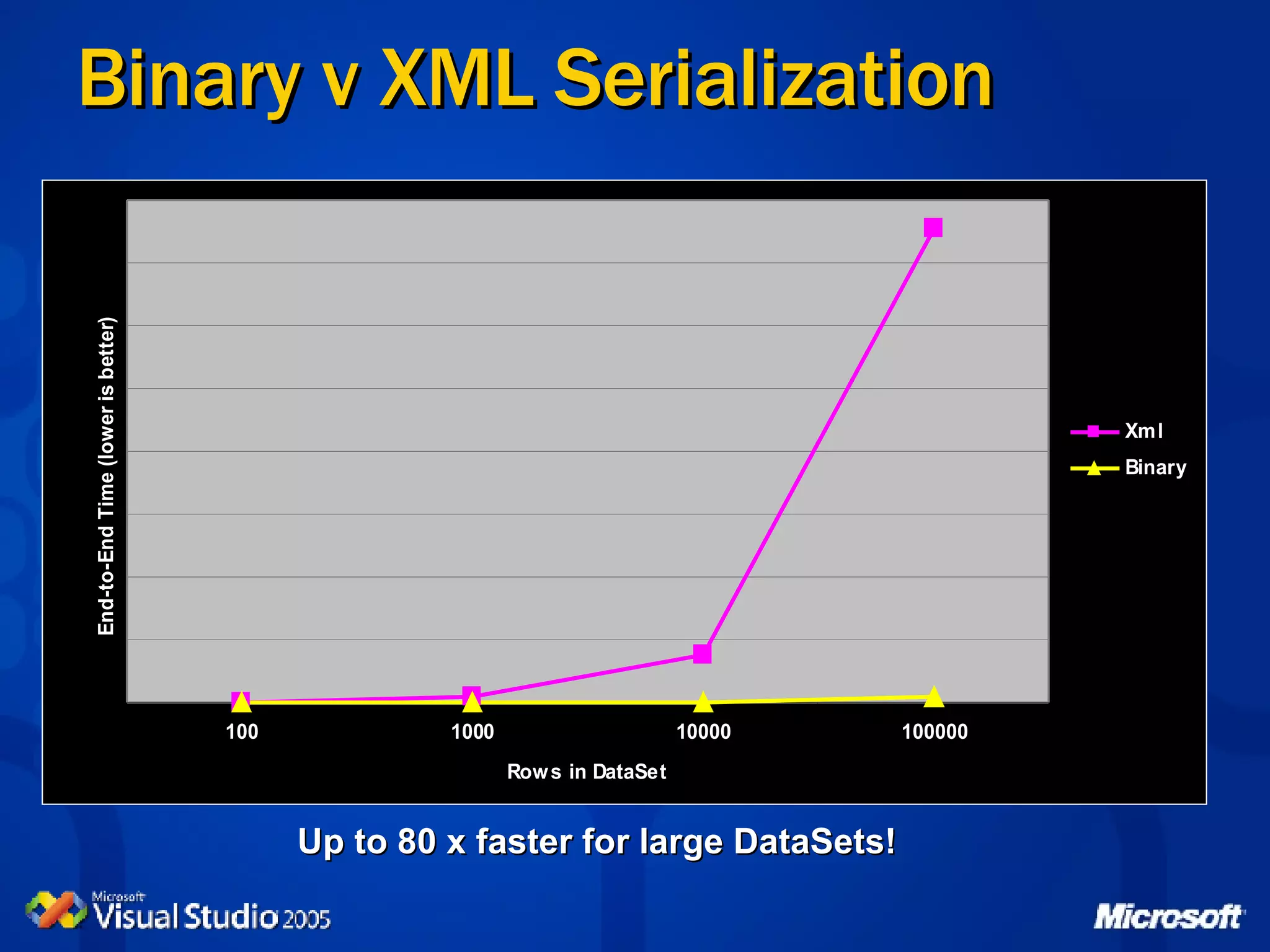
Performance Improvements Internal Indexing of Rows Inserts and deletes are log-n Updates almost constant Binary Serialization of Contents V 1.x DataSet always serialized to XML good for data interchange, bad for performance Binary serialization an option in V 2.0 fast and compact, especially as row counts increase just set: DataSet.RemotingFormat = SerializationFormat.Binary
Binary v XML Serialization Up to 80 x faster for large DataSets!
Loading a DataSet DataAdapter.Fill(DataSet,&quot;table-name&quot;) NEW: DataAdapter.FillLoadOption and AcceptChangesDuringUpdate properties NEW: DataSet.Load method Load(DataReader [, load-option] [, tables-array]) optionally can use FillErrorEventHandler to trap errors NEW: LoadOption enumeration PreserveCurrentValues | UpdateCurrentValues | OverwriteRow
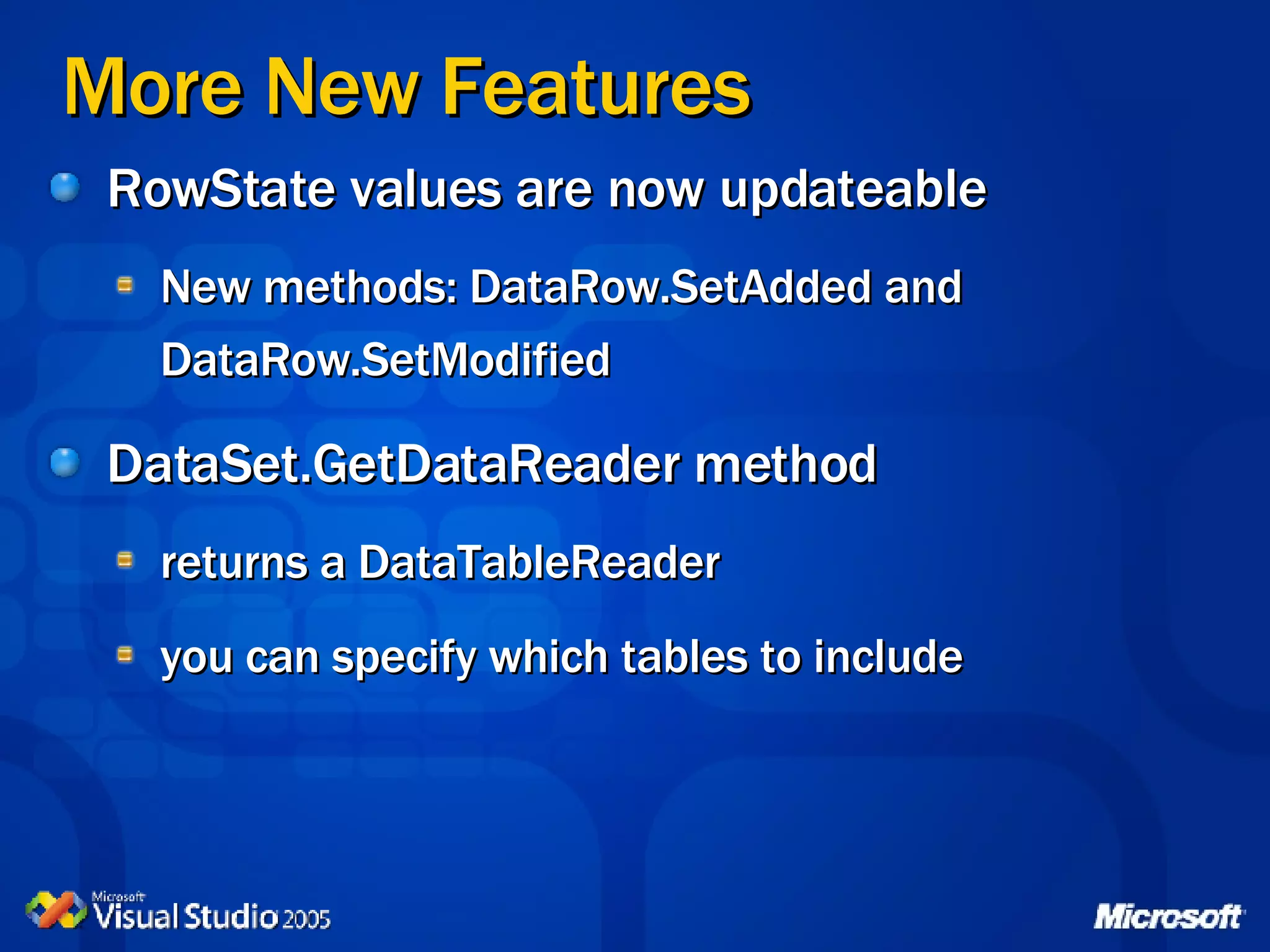
More New Features RowState values are now updateable New methods: DataRow.SetAdded and DataRow.SetModified DataSet.GetDataReader method returns a DataTableReader you can specify which tables to include
Loading a DataSet with a DataReader Binary Serialization Using a DataTableReader
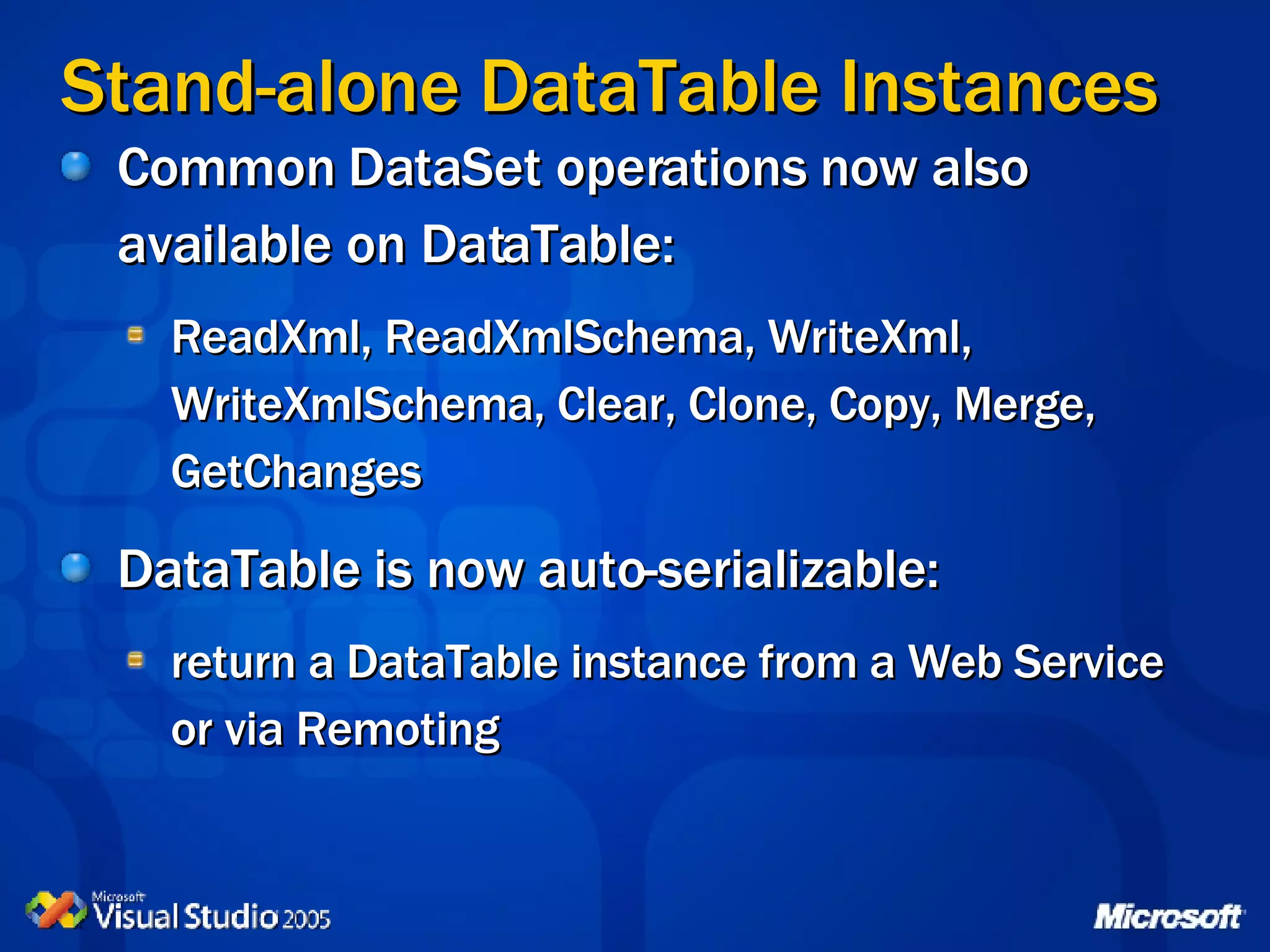
Stand-alone DataTable Instances Common DataSet operations now also available on DataTable: ReadXml, ReadXmlSchema, WriteXml, WriteXmlSchema, Clear, Clone, Copy, Merge, GetChanges  DataTable is now auto-serializable: return a DataTable instance from a Web Service or via Remoting
Loading and Using a DataTable DataAdapter.Fill(DataTable) DataAdapter.Fill(DataTable[ ]) and more, including subsets of rows DataAdapter.Update(DataTable) DataTable.Load(DataReader [, load-option] [, FillErrorEventHandler]) new methods: BeginLoadData, Load, EndLoadData DataTable.GetDataReader method stream data from a DataTable
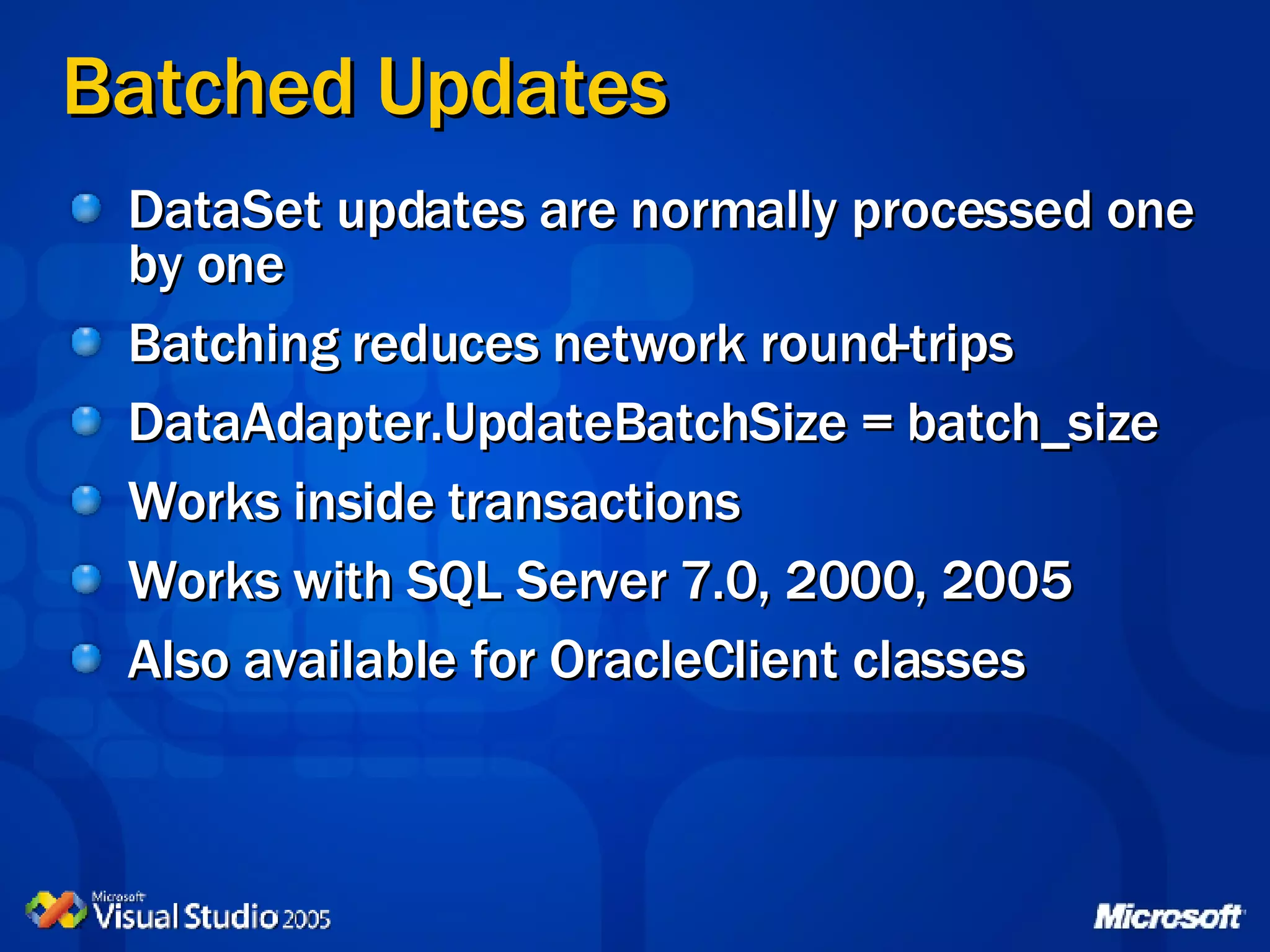
Batched Updates DataSet updates are normally processed one by one Batching reduces network round-trips DataAdapter.UpdateBatchSize = batch_size Works inside transactions Works with SQL Server 7.0, 2000, 2005 Also available for OracleClient classes
Stand-alone DataTable  Batched Updates feature
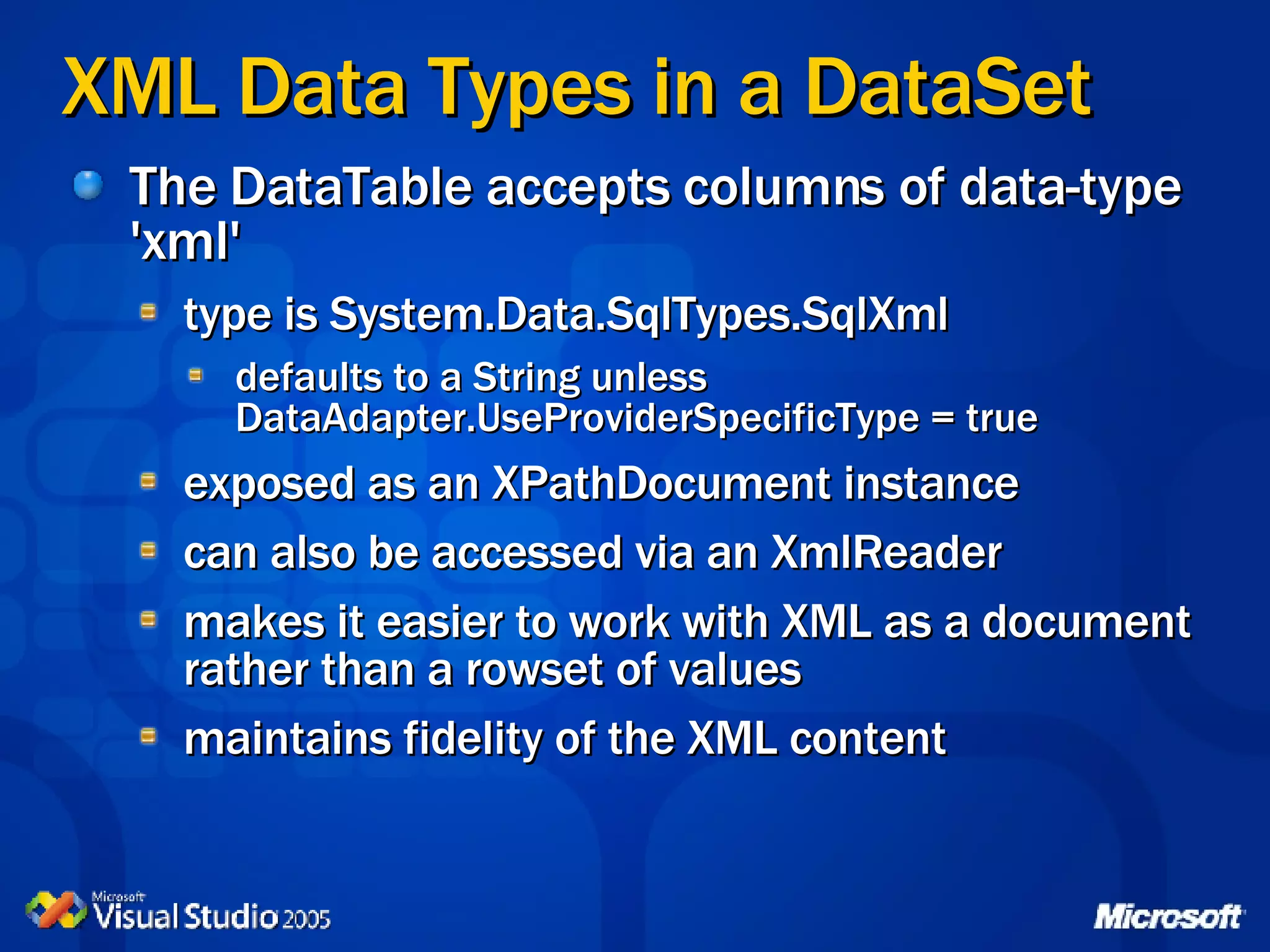
XML Data Types in a DataSet The DataTable accepts columns of data-type 'xml' type is System.Data.SqlTypes.SqlXml  defaults to a String unless DataAdapter. UseProviderSpecificType = true exposed as an XPathDocument instance can also be accessed via an XmlReader makes it easier to work with XML as a document rather than a rowset of values maintains fidelity of the XML content
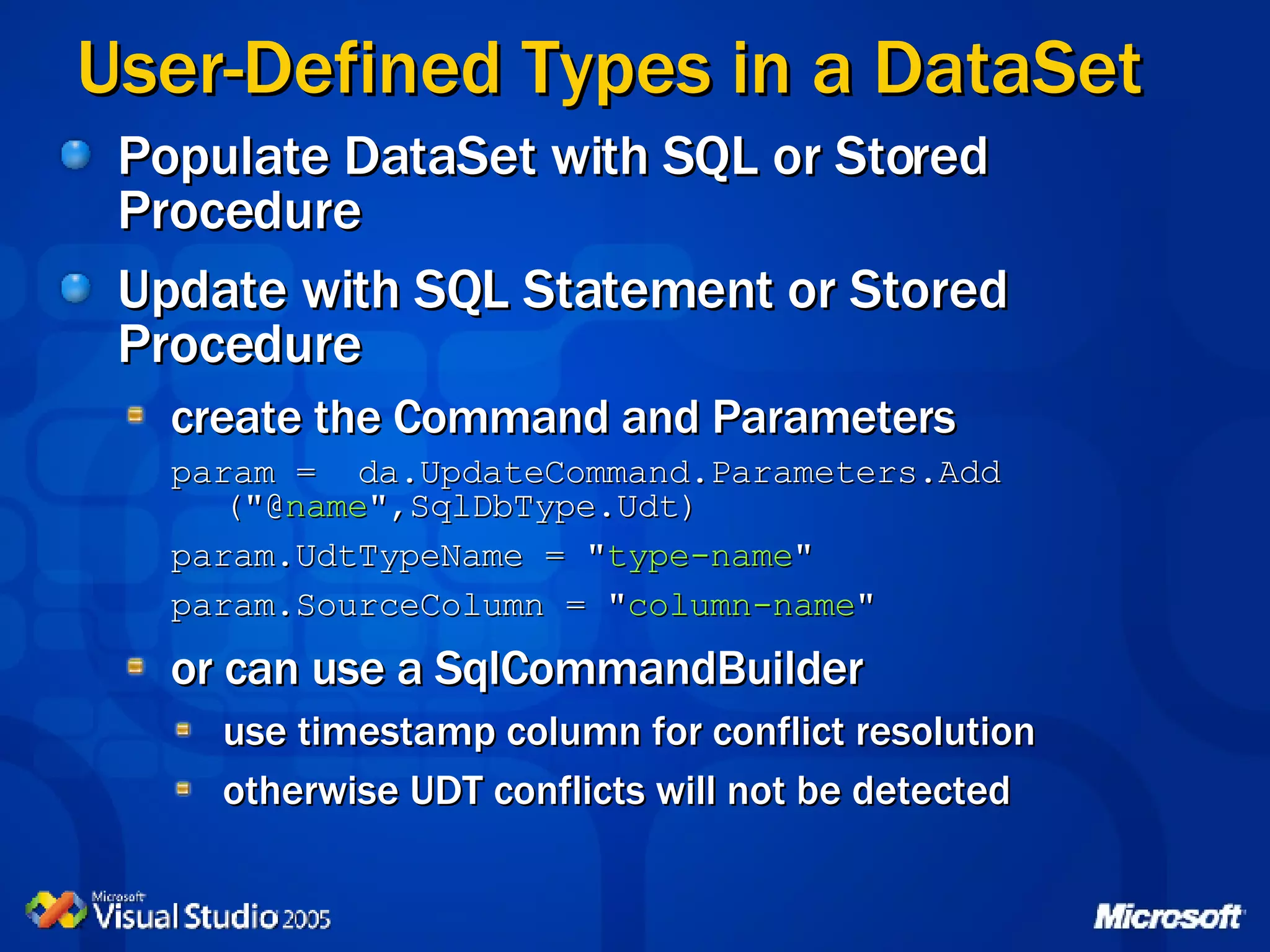
User-Defined Types in a DataSet Populate DataSet with SQL or Stored Procedure Update with SQL Statement or Stored Procedure create the Command and Parameters param =  da.UpdateCommand.Parameters.Add  (&quot;@ name &quot;,SqlDbType.Udt) param.UdtTypeName = &quot; type-name &quot; param.SourceColumn = &quot; column-name &quot; or can use a SqlCommandBuilder use timestamp column for conflict resolution otherwise UDT conflicts will not be detected
Agenda Enhancements to the DataSet class SqlClient Enhancements Asynchronous Commands SQL Cache Dependency SQL Server 2005 Integration Multiple Active Result Sets Generic Data Structures List<T> Dictionary
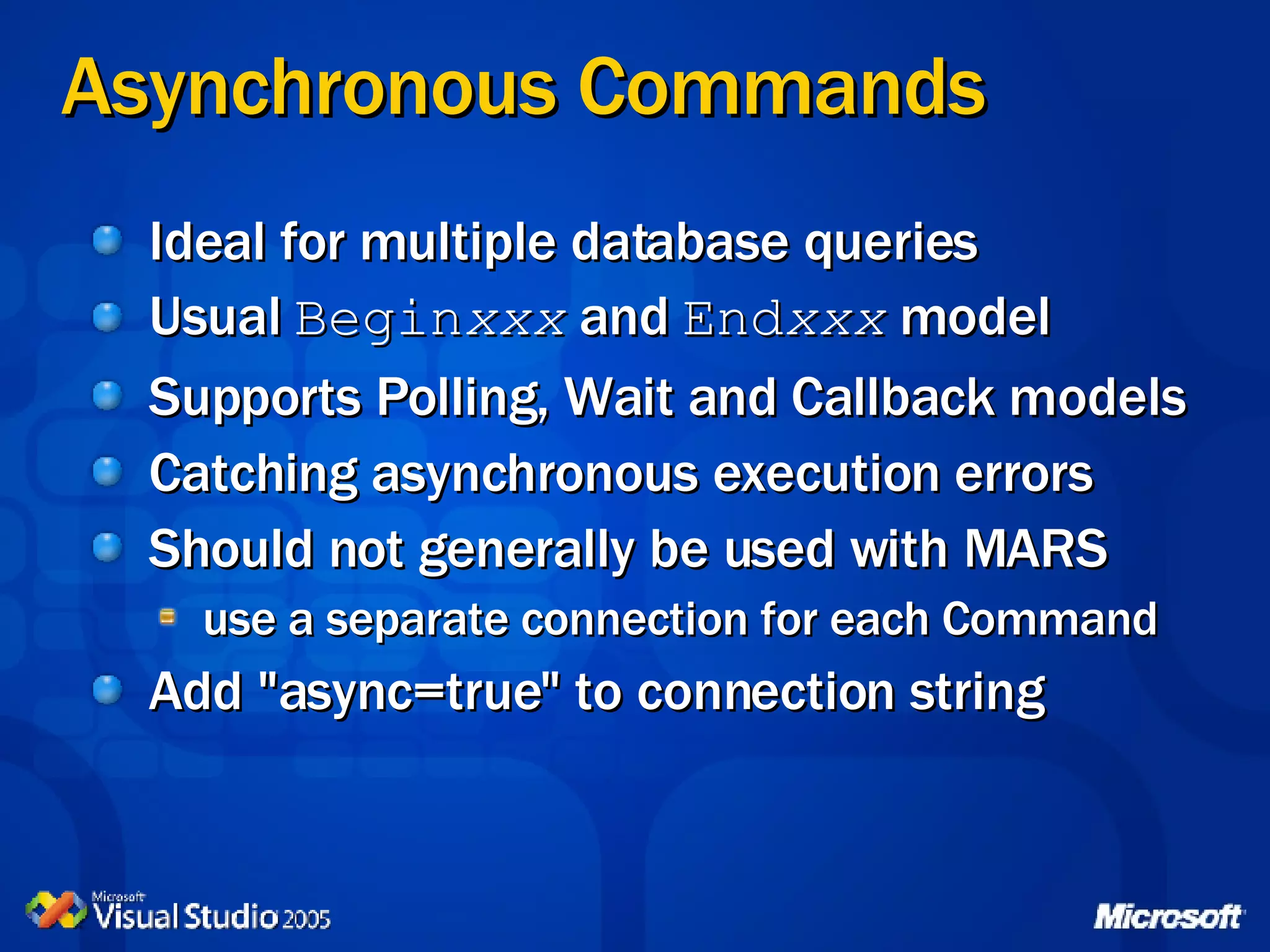
Asynchronous Commands Ideal for multiple database queries Usual  Begin xxx  and  End xxx  model Supports Polling, Wait and Callback models Catching asynchronous execution errors Should not generally be used with MARS use a separate connection for each Command Add &quot;async=true&quot; to connection string
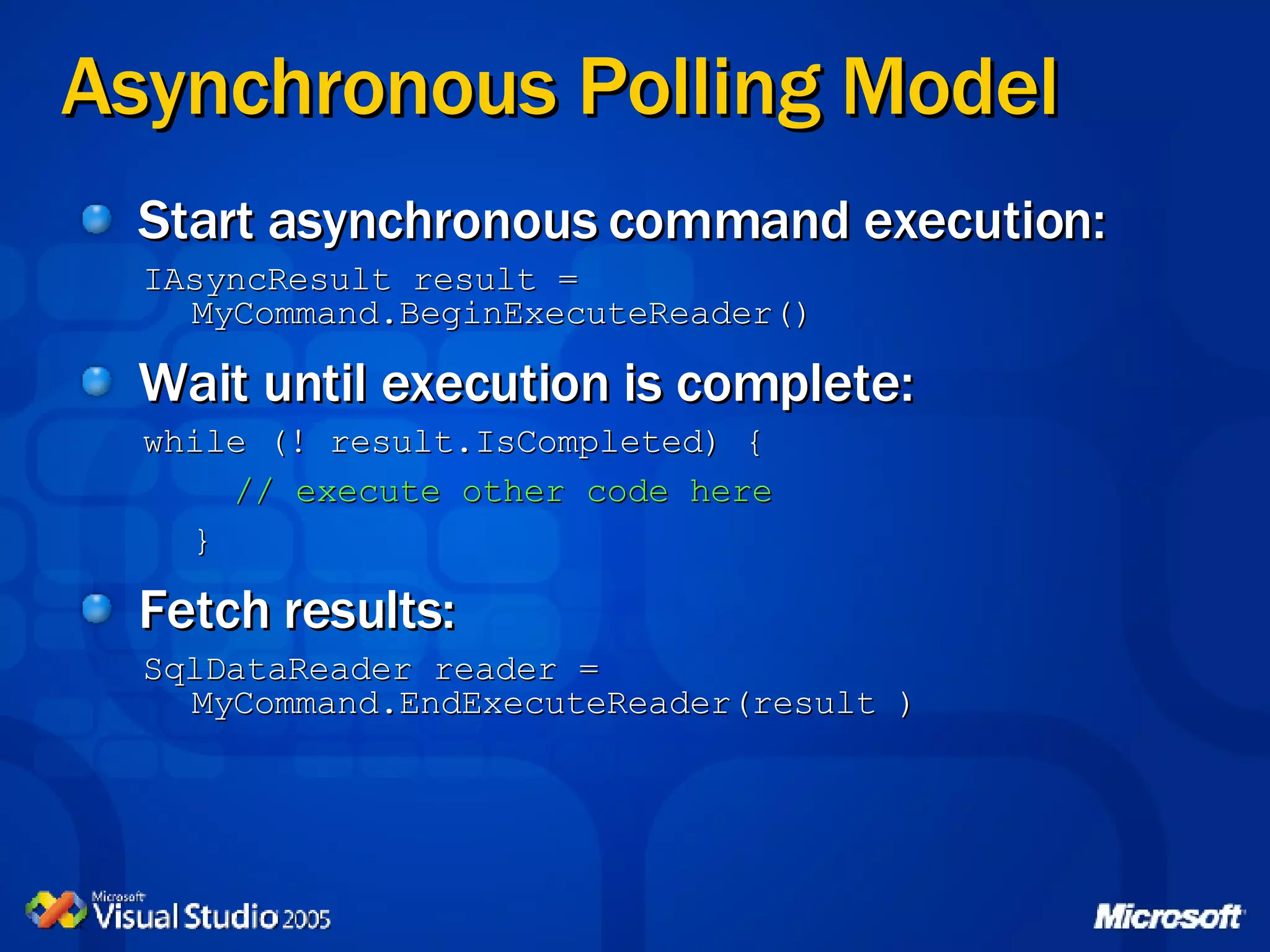
Asynchronous Polling Model Start asynchronous command execution: IAsyncResult result = MyCommand.BeginExecuteReader() Wait until execution is complete: while (! result.IsCompleted) {   // execute other code here } Fetch results: SqlDataReader reader = MyCommand.EndExecuteReader(result )
Asynchronous Wait (All) Model Start one or more asynchronous commands: IAsyncResult result x  = MyCommand.BeginExecuteReader() Wait for all commands to complete: WaitHandle.WaitAll(new WaitHandle[] {result1.AsyncWaitHandle, result2.AsyncWaitHandle, result3.AsyncWaitHandle}, timeout-ms, true) Fetch results: SqlDataReader reader = MyCommand.EndExecuteReader(result x ) Ideal for ASP.NET Web applications
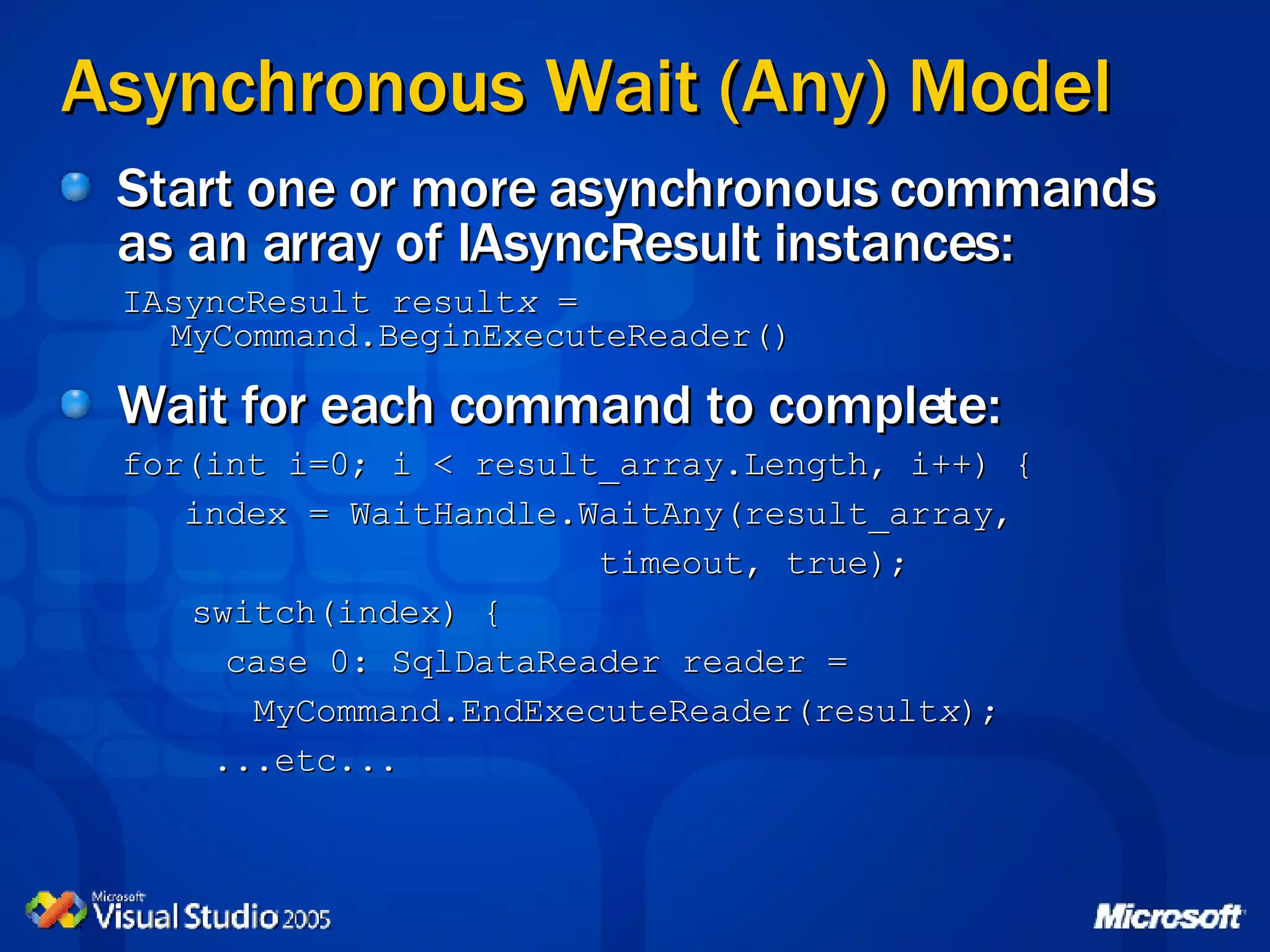
Asynchronous Wait (Any) Model Start one or more asynchronous commands as an array of IAsyncResult instances: IAsyncResult result x  = MyCommand.BeginExecuteReader() Wait for each command to complete: for(int i=0; i < result_array.Length, i++) { index = WaitHandle.WaitAny(result_array, timeout, true);   switch(index) { case 0: SqlDataReader reader =   MyCommand.EndExecuteReader(result x );   ...etc...
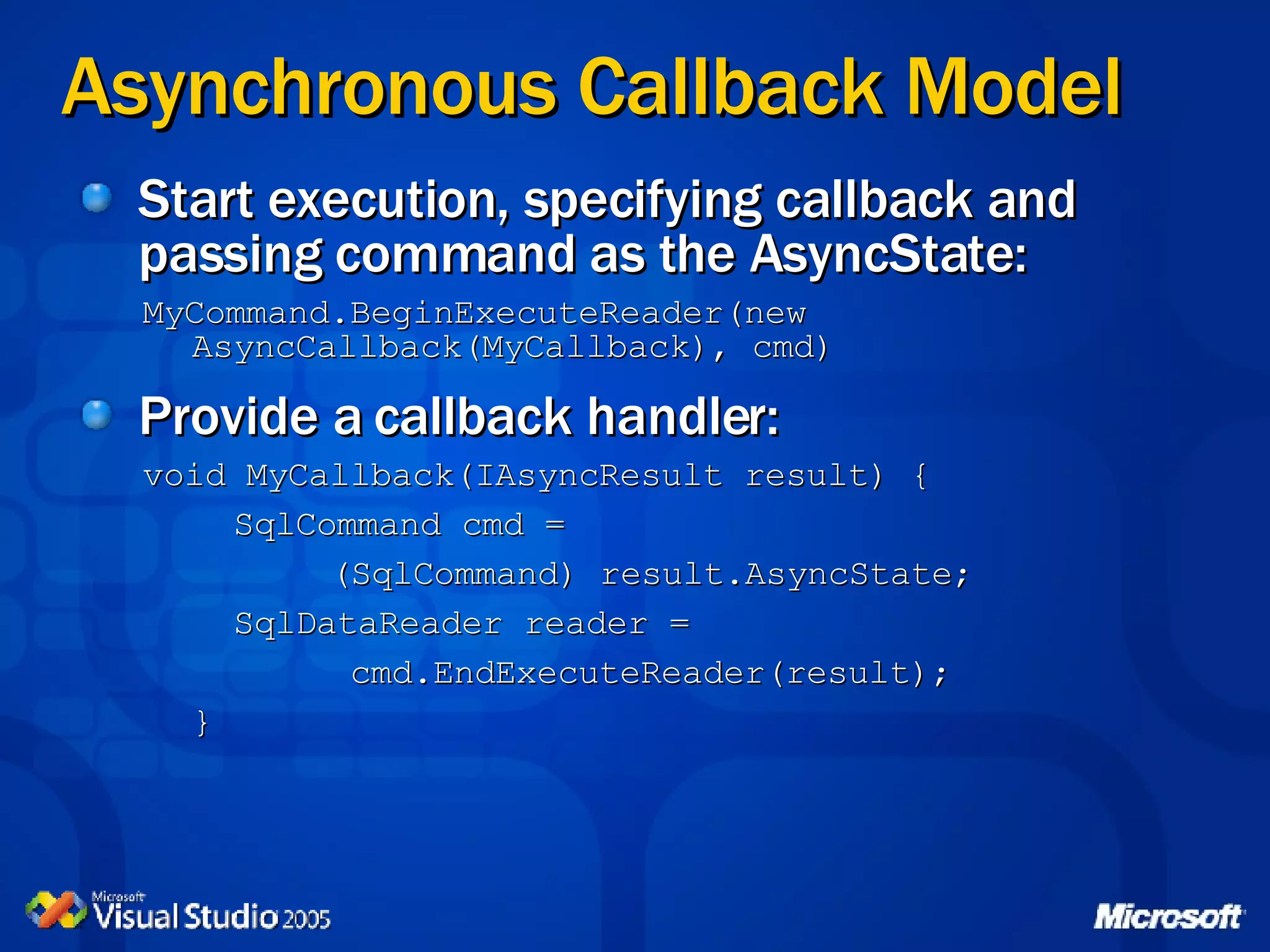
Asynchronous Callback Model Start execution, specifying callback and passing command as the AsyncState: MyCommand.BeginExecuteReader(new AsyncCallback(MyCallback), cmd) Provide a callback handler: void MyCallback(IAsyncResult result) {   SqlCommand cmd = (SqlCommand) result.AsyncState;   SqlDataReader reader = cmd.EndExecuteReader(result); }
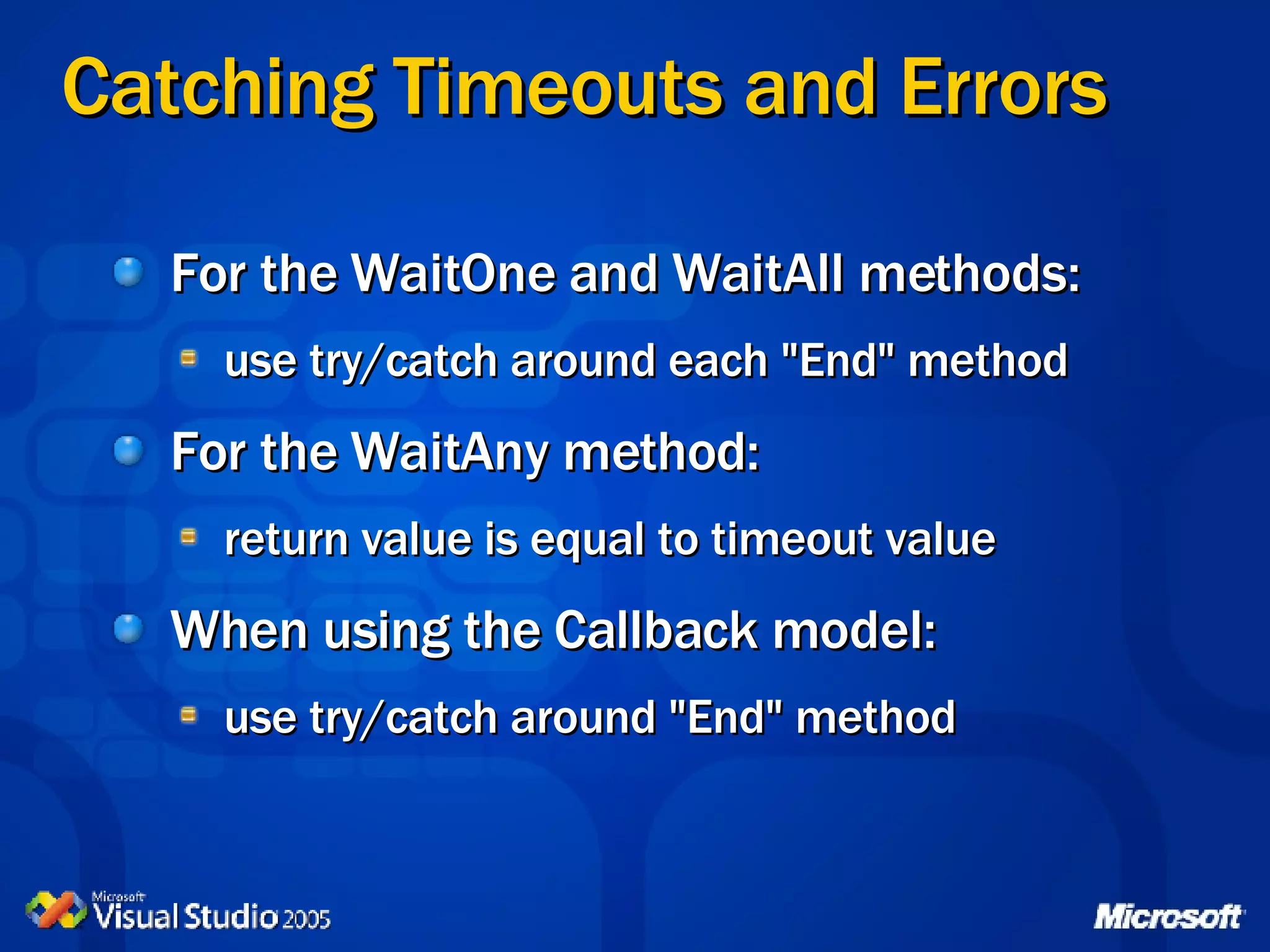
Catching Timeouts and Errors For the WaitOne and WaitAll methods: use try/catch around each &quot;End&quot; method For the WaitAny method: return value is equal to timeout value When using the Callback model: use try/catch around &quot;End&quot; method
Asynchronous Commands Execution Models
Agenda Enhancements to the DataSet class SqlClient Enhancements Asynchronous Commands SQL Cache Dependency SQL Server 2005 Integration Multiple Active Result Sets
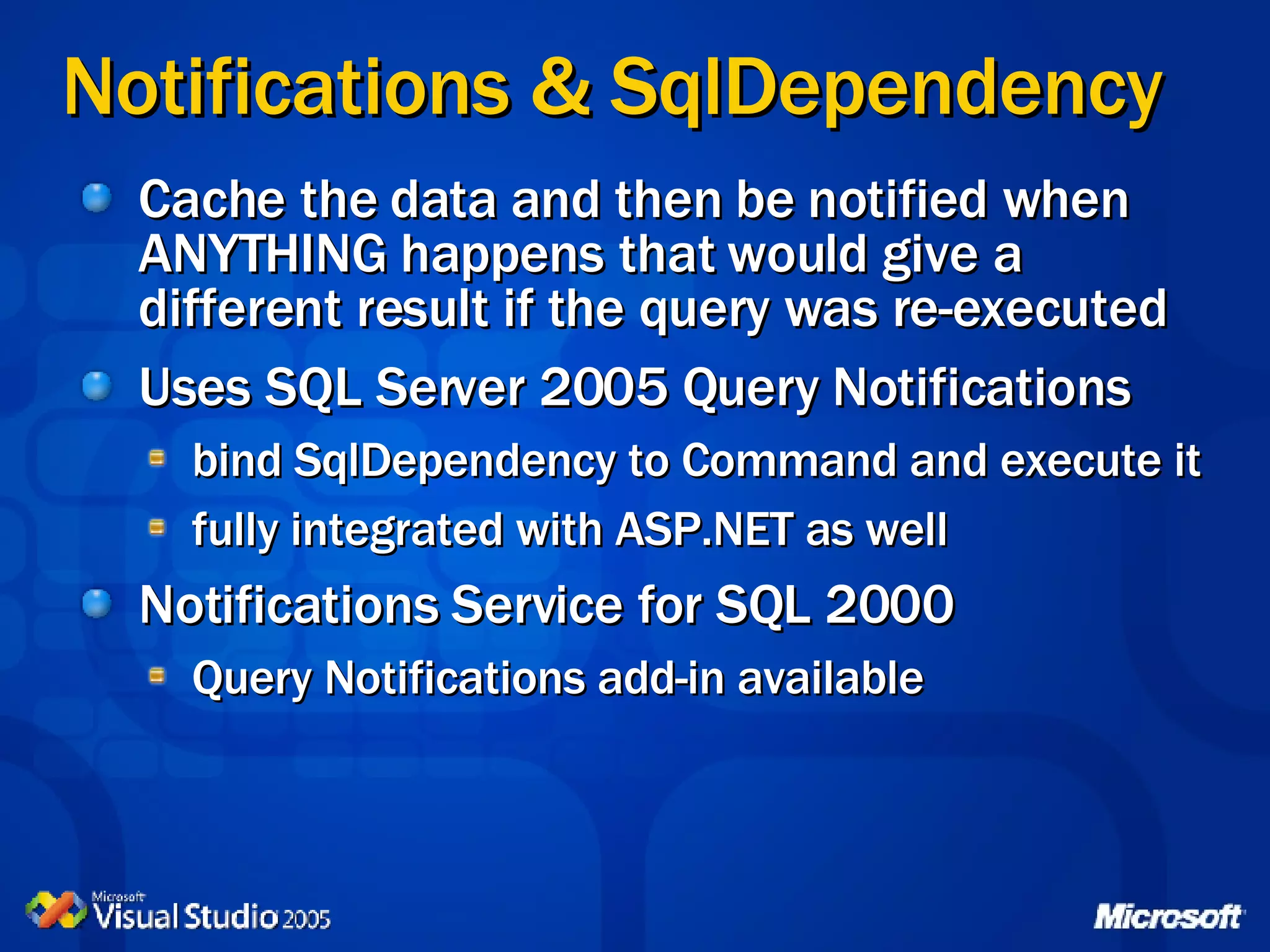
Notifications & SqlDependency Cache the data and then be notified when ANYTHING happens that would give a different result if the query was re-executed Uses SQL Server 2005 Query Notifications bind SqlDependency to Command and execute it fully integrated with ASP.NET as well Notifications Service for SQL 2000 Query Notifications add-in available
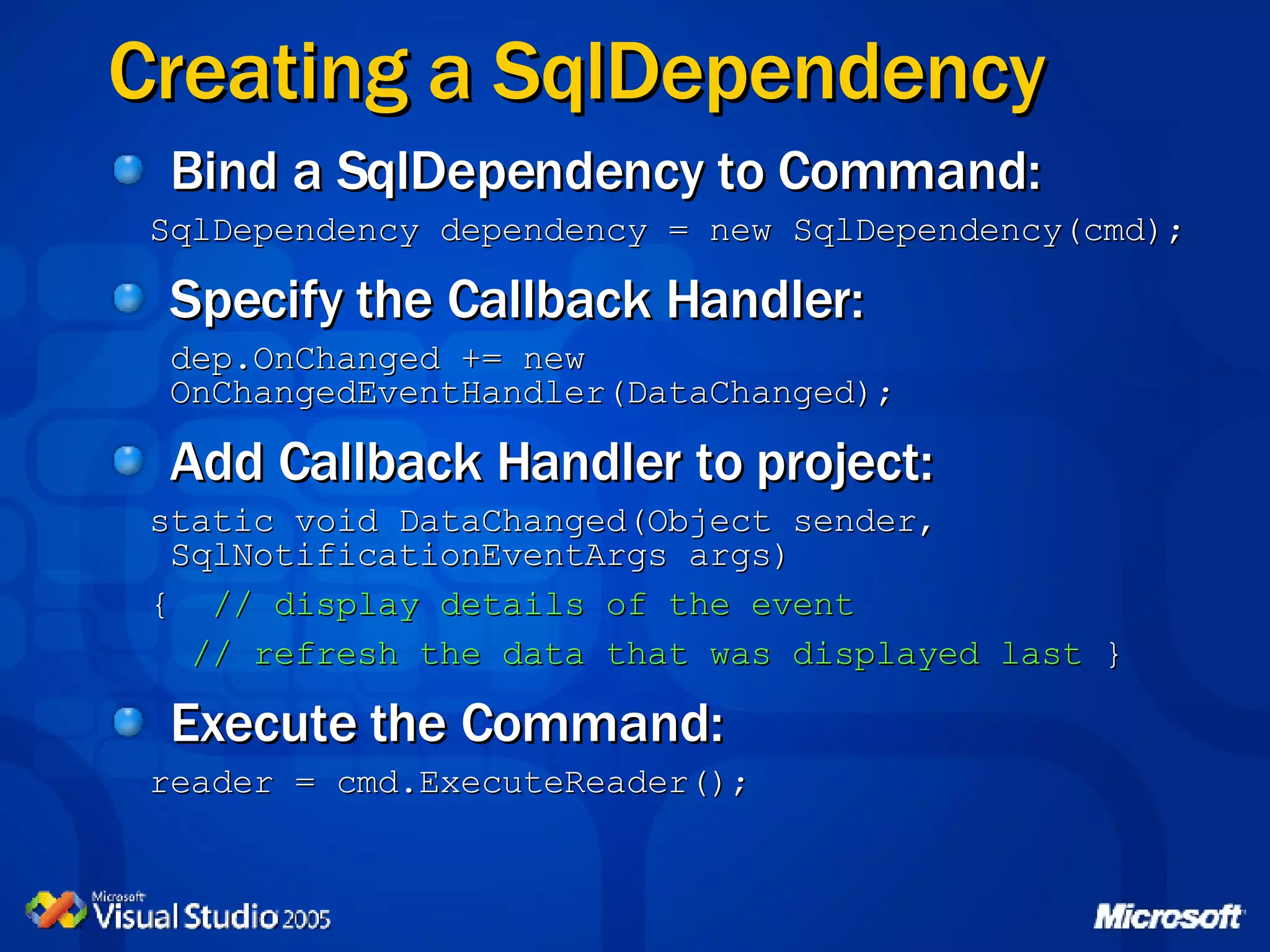
Creating a SqlDependency Bind a SqlDependency to Command: SqlDependency dependency = new SqlDependency(cmd); Specify the Callback Handler: dep.OnChanged += new  OnChangedEventHandler(DataChanged); Add Callback Handler to project: static void DataChanged(Object sender, SqlNotificationEventArgs args) {  // display details of the event // refresh the data that was displayed last  } Execute the Command: reader = cmd.ExecuteReader();
Agenda Enhancements to the DataSet class SqlClient Enhancements Asynchronous Commands SQL Cache Dependency SQL Server 2005 Integration Multiple Active Result Sets Generic Data Structures List<T> Dictionary
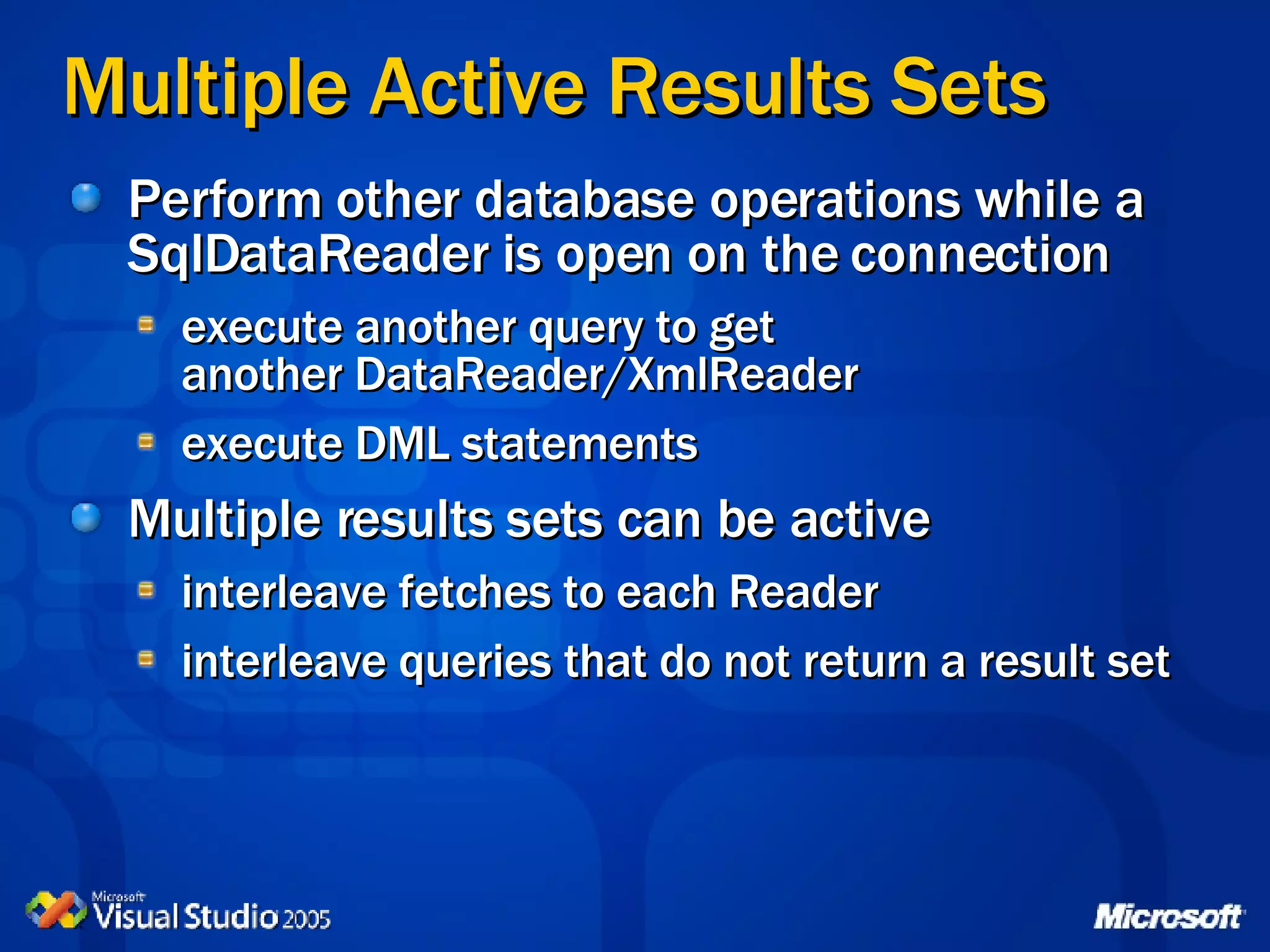
Multiple Active Results Sets Perform other database operations while a SqlDataReader is open on the connection execute another query to get  another DataReader/XmlReader execute DML statements Multiple results sets can be active interleave fetches to each Reader interleave queries that do not return a result set
Interleaving Results Sets Typical scenario: get a list of customers and iterate through them for each customer, get a list of orders for each order, get a list of order lines Previously this would require multiple connections With MARS, use only one connection providing data is in the same database requires SQL Server 2005 or MDAC9
Interleaved Results Sets Example DataReader parentReader = Command1.ExecuteReader(); while (parentReader.Read()) { // process parent row data here // then get rowset from child table Command2.Parameters[&quot;@id&quot;].Value  = parentReader[&quot;id&quot;]; DataReader childReader  = Command2.ExecuteReader(); // process child rows here childReader.Close(); } parentReader.Close();
Multiple Active Result Sets
Agenda Enhancements to the DataSet class SqlClient Enhancements Asynchronous Commands SQL Cache Dependency SQL Server 2005 Integration Multiple Active Result Sets Generic Data Structures List<T> Dictionary
Generics -  List<T> Self Re-dimensioning array Similar to ArrayList but better Type-safe == faster Easy to cast List<string> employees = new List<string> employees.Add(“Joe”); employees.Add(“Jane”); string[] developers = employees.ToArray();
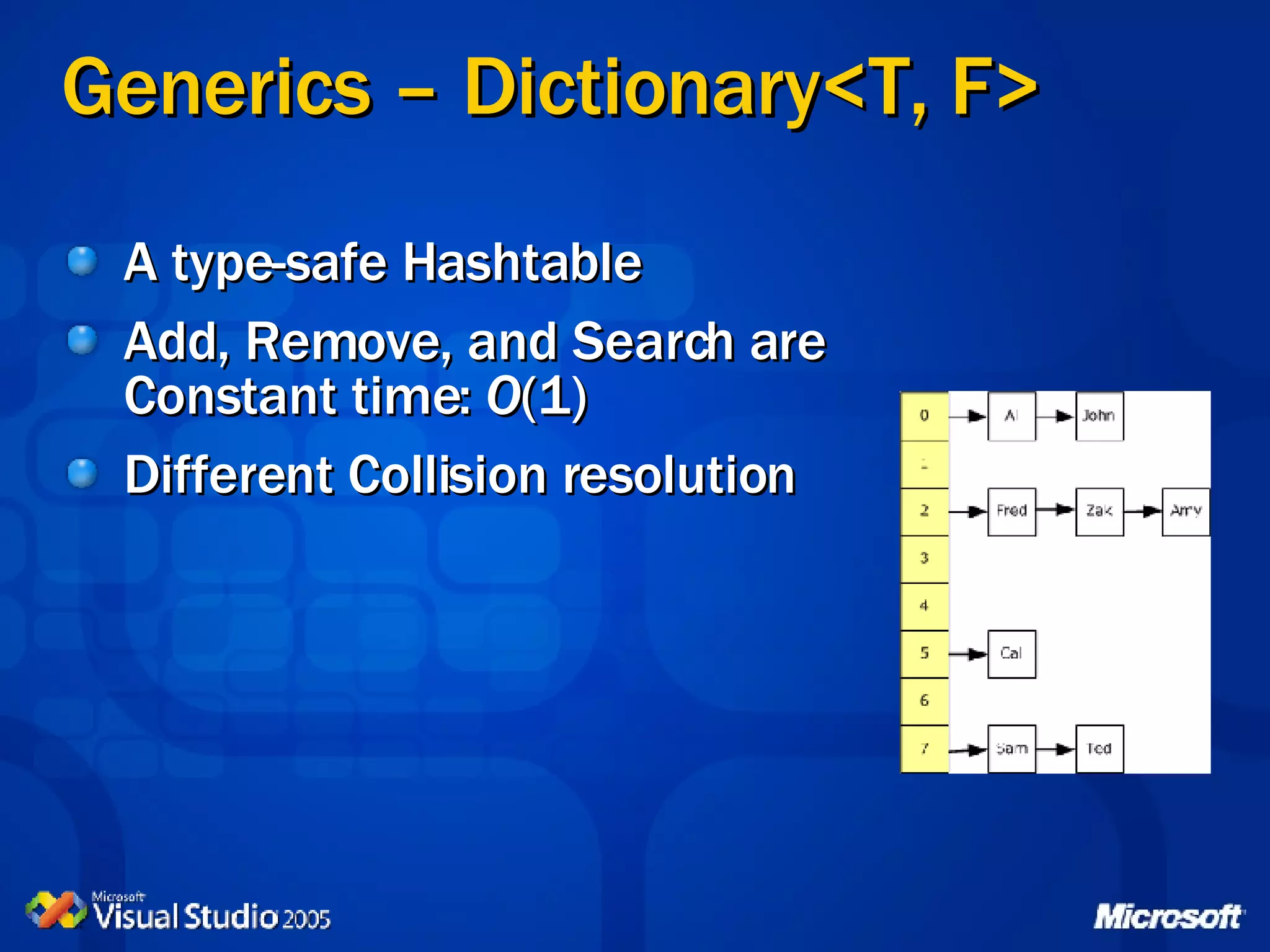
Generics – Dictionary<T, F> A type-safe Hashtable Add, Remove, and Search are  Constant time:  O (1) Different Collision resolution
© 2005 Microsoft Corporation. All rights reserved. This presentation is for informational purposes only. Microsoft makes no warranties, express or implied, in this summary.

ADO.Net Improvements in .Net 2.0

  • 1.
    Data Access Changesin .Net 2.0 David Truxall, Ph.D. Principal Consultant NuSoft Solutions
  • 2.
    Agenda Enhancements tothe DataSet class SqlClient Enhancements Asynchronous Commands SQL Cache Dependency SQL Server 2005 Integration Multiple Active Result Sets Generic Data Structures List<T> Dictionary
  • 3.
    DataSet Enhancements Performanceand scalability improvements Loading a DataSet, and the new LoadOption enumeration Stand-alone DataTable instances Batched updates XML data type - usability and fidelity User-defined Types in a DataSet
  • 4.
    Performance Improvements InternalIndexing of Rows Inserts and deletes are log-n Updates almost constant Binary Serialization of Contents V 1.x DataSet always serialized to XML good for data interchange, bad for performance Binary serialization an option in V 2.0 fast and compact, especially as row counts increase just set: DataSet.RemotingFormat = SerializationFormat.Binary
  • 5.
    Binary v XMLSerialization Up to 80 x faster for large DataSets!
  • 6.
    Loading a DataSetDataAdapter.Fill(DataSet,&quot;table-name&quot;) NEW: DataAdapter.FillLoadOption and AcceptChangesDuringUpdate properties NEW: DataSet.Load method Load(DataReader [, load-option] [, tables-array]) optionally can use FillErrorEventHandler to trap errors NEW: LoadOption enumeration PreserveCurrentValues | UpdateCurrentValues | OverwriteRow
  • 7.
    More New FeaturesRowState values are now updateable New methods: DataRow.SetAdded and DataRow.SetModified DataSet.GetDataReader method returns a DataTableReader you can specify which tables to include
  • 8.
    Loading a DataSetwith a DataReader Binary Serialization Using a DataTableReader
  • 9.
    Stand-alone DataTable InstancesCommon DataSet operations now also available on DataTable: ReadXml, ReadXmlSchema, WriteXml, WriteXmlSchema, Clear, Clone, Copy, Merge, GetChanges DataTable is now auto-serializable: return a DataTable instance from a Web Service or via Remoting
  • 10.
    Loading and Usinga DataTable DataAdapter.Fill(DataTable) DataAdapter.Fill(DataTable[ ]) and more, including subsets of rows DataAdapter.Update(DataTable) DataTable.Load(DataReader [, load-option] [, FillErrorEventHandler]) new methods: BeginLoadData, Load, EndLoadData DataTable.GetDataReader method stream data from a DataTable
  • 11.
    Batched Updates DataSetupdates are normally processed one by one Batching reduces network round-trips DataAdapter.UpdateBatchSize = batch_size Works inside transactions Works with SQL Server 7.0, 2000, 2005 Also available for OracleClient classes
  • 12.
    Stand-alone DataTable Batched Updates feature
  • 13.
    XML Data Typesin a DataSet The DataTable accepts columns of data-type 'xml' type is System.Data.SqlTypes.SqlXml defaults to a String unless DataAdapter. UseProviderSpecificType = true exposed as an XPathDocument instance can also be accessed via an XmlReader makes it easier to work with XML as a document rather than a rowset of values maintains fidelity of the XML content
  • 14.
    User-Defined Types ina DataSet Populate DataSet with SQL or Stored Procedure Update with SQL Statement or Stored Procedure create the Command and Parameters param = da.UpdateCommand.Parameters.Add (&quot;@ name &quot;,SqlDbType.Udt) param.UdtTypeName = &quot; type-name &quot; param.SourceColumn = &quot; column-name &quot; or can use a SqlCommandBuilder use timestamp column for conflict resolution otherwise UDT conflicts will not be detected
  • 15.
    Agenda Enhancements tothe DataSet class SqlClient Enhancements Asynchronous Commands SQL Cache Dependency SQL Server 2005 Integration Multiple Active Result Sets Generic Data Structures List<T> Dictionary
  • 16.
    Asynchronous Commands Idealfor multiple database queries Usual Begin xxx and End xxx model Supports Polling, Wait and Callback models Catching asynchronous execution errors Should not generally be used with MARS use a separate connection for each Command Add &quot;async=true&quot; to connection string
  • 17.
    Asynchronous Polling ModelStart asynchronous command execution: IAsyncResult result = MyCommand.BeginExecuteReader() Wait until execution is complete: while (! result.IsCompleted) { // execute other code here } Fetch results: SqlDataReader reader = MyCommand.EndExecuteReader(result )
  • 18.
    Asynchronous Wait (All)Model Start one or more asynchronous commands: IAsyncResult result x = MyCommand.BeginExecuteReader() Wait for all commands to complete: WaitHandle.WaitAll(new WaitHandle[] {result1.AsyncWaitHandle, result2.AsyncWaitHandle, result3.AsyncWaitHandle}, timeout-ms, true) Fetch results: SqlDataReader reader = MyCommand.EndExecuteReader(result x ) Ideal for ASP.NET Web applications
  • 19.
    Asynchronous Wait (Any)Model Start one or more asynchronous commands as an array of IAsyncResult instances: IAsyncResult result x = MyCommand.BeginExecuteReader() Wait for each command to complete: for(int i=0; i < result_array.Length, i++) { index = WaitHandle.WaitAny(result_array, timeout, true); switch(index) { case 0: SqlDataReader reader = MyCommand.EndExecuteReader(result x ); ...etc...
  • 20.
    Asynchronous Callback ModelStart execution, specifying callback and passing command as the AsyncState: MyCommand.BeginExecuteReader(new AsyncCallback(MyCallback), cmd) Provide a callback handler: void MyCallback(IAsyncResult result) { SqlCommand cmd = (SqlCommand) result.AsyncState; SqlDataReader reader = cmd.EndExecuteReader(result); }
  • 21.
    Catching Timeouts andErrors For the WaitOne and WaitAll methods: use try/catch around each &quot;End&quot; method For the WaitAny method: return value is equal to timeout value When using the Callback model: use try/catch around &quot;End&quot; method
  • 22.
  • 23.
    Agenda Enhancements tothe DataSet class SqlClient Enhancements Asynchronous Commands SQL Cache Dependency SQL Server 2005 Integration Multiple Active Result Sets
  • 24.
    Notifications & SqlDependencyCache the data and then be notified when ANYTHING happens that would give a different result if the query was re-executed Uses SQL Server 2005 Query Notifications bind SqlDependency to Command and execute it fully integrated with ASP.NET as well Notifications Service for SQL 2000 Query Notifications add-in available
  • 25.
    Creating a SqlDependencyBind a SqlDependency to Command: SqlDependency dependency = new SqlDependency(cmd); Specify the Callback Handler: dep.OnChanged += new OnChangedEventHandler(DataChanged); Add Callback Handler to project: static void DataChanged(Object sender, SqlNotificationEventArgs args) { // display details of the event // refresh the data that was displayed last } Execute the Command: reader = cmd.ExecuteReader();
  • 26.
    Agenda Enhancements tothe DataSet class SqlClient Enhancements Asynchronous Commands SQL Cache Dependency SQL Server 2005 Integration Multiple Active Result Sets Generic Data Structures List<T> Dictionary
  • 27.
    Multiple Active ResultsSets Perform other database operations while a SqlDataReader is open on the connection execute another query to get another DataReader/XmlReader execute DML statements Multiple results sets can be active interleave fetches to each Reader interleave queries that do not return a result set
  • 28.
    Interleaving Results SetsTypical scenario: get a list of customers and iterate through them for each customer, get a list of orders for each order, get a list of order lines Previously this would require multiple connections With MARS, use only one connection providing data is in the same database requires SQL Server 2005 or MDAC9
  • 29.
    Interleaved Results SetsExample DataReader parentReader = Command1.ExecuteReader(); while (parentReader.Read()) { // process parent row data here // then get rowset from child table Command2.Parameters[&quot;@id&quot;].Value = parentReader[&quot;id&quot;]; DataReader childReader = Command2.ExecuteReader(); // process child rows here childReader.Close(); } parentReader.Close();
  • 30.
  • 31.
    Agenda Enhancements tothe DataSet class SqlClient Enhancements Asynchronous Commands SQL Cache Dependency SQL Server 2005 Integration Multiple Active Result Sets Generic Data Structures List<T> Dictionary
  • 32.
    Generics - List<T> Self Re-dimensioning array Similar to ArrayList but better Type-safe == faster Easy to cast List<string> employees = new List<string> employees.Add(“Joe”); employees.Add(“Jane”); string[] developers = employees.ToArray();
  • 33.
    Generics – Dictionary<T,F> A type-safe Hashtable Add, Remove, and Search are Constant time: O (1) Different Collision resolution
  • 34.
    © 2005 MicrosoftCorporation. All rights reserved. This presentation is for informational purposes only. Microsoft makes no warranties, express or implied, in this summary.