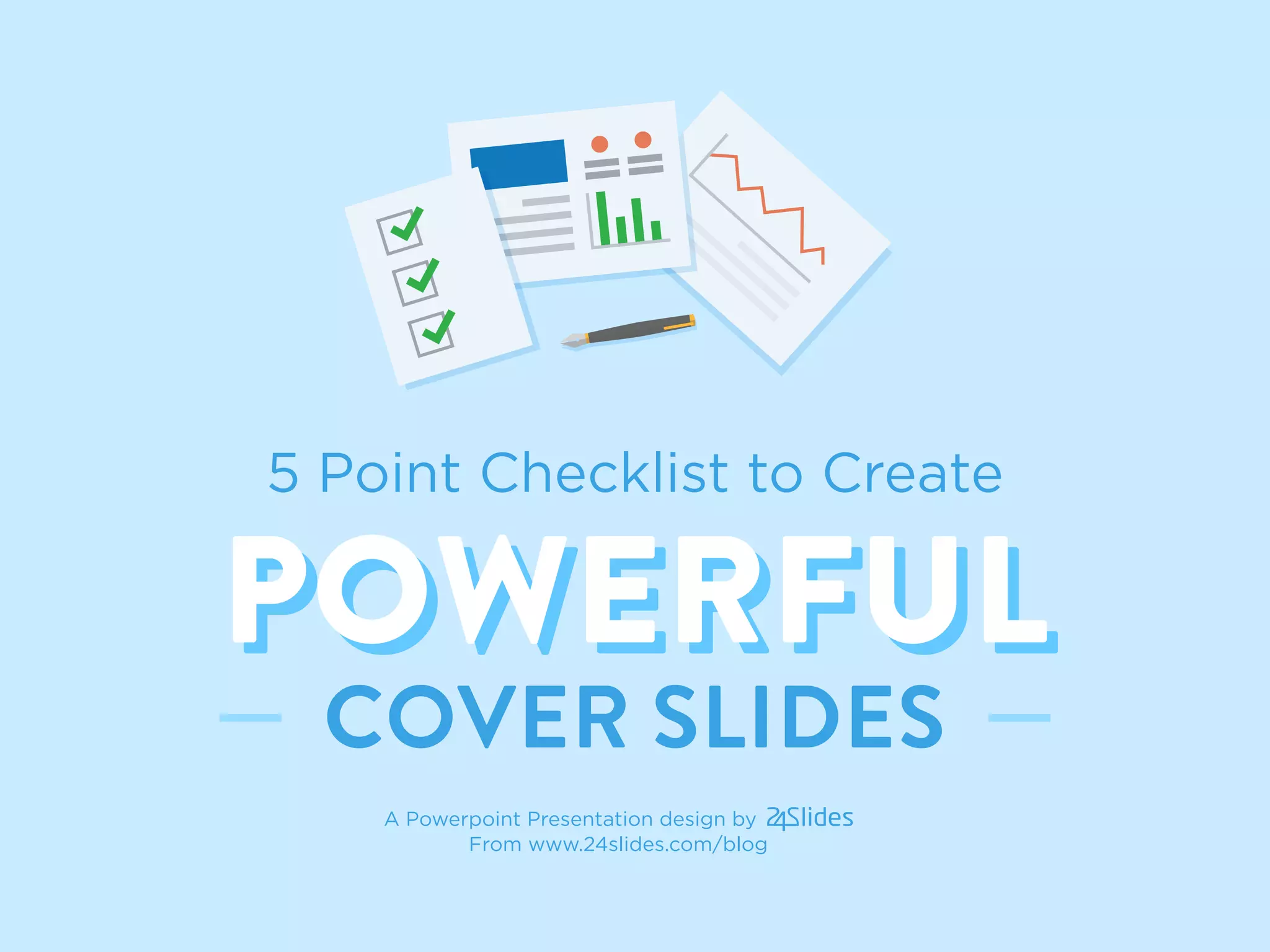
5 Point Checklist to Create
POWERFULPOWERFUL
COVER SLIDES
A Powerpoint Presentation design by
From www.24slides.com/blog
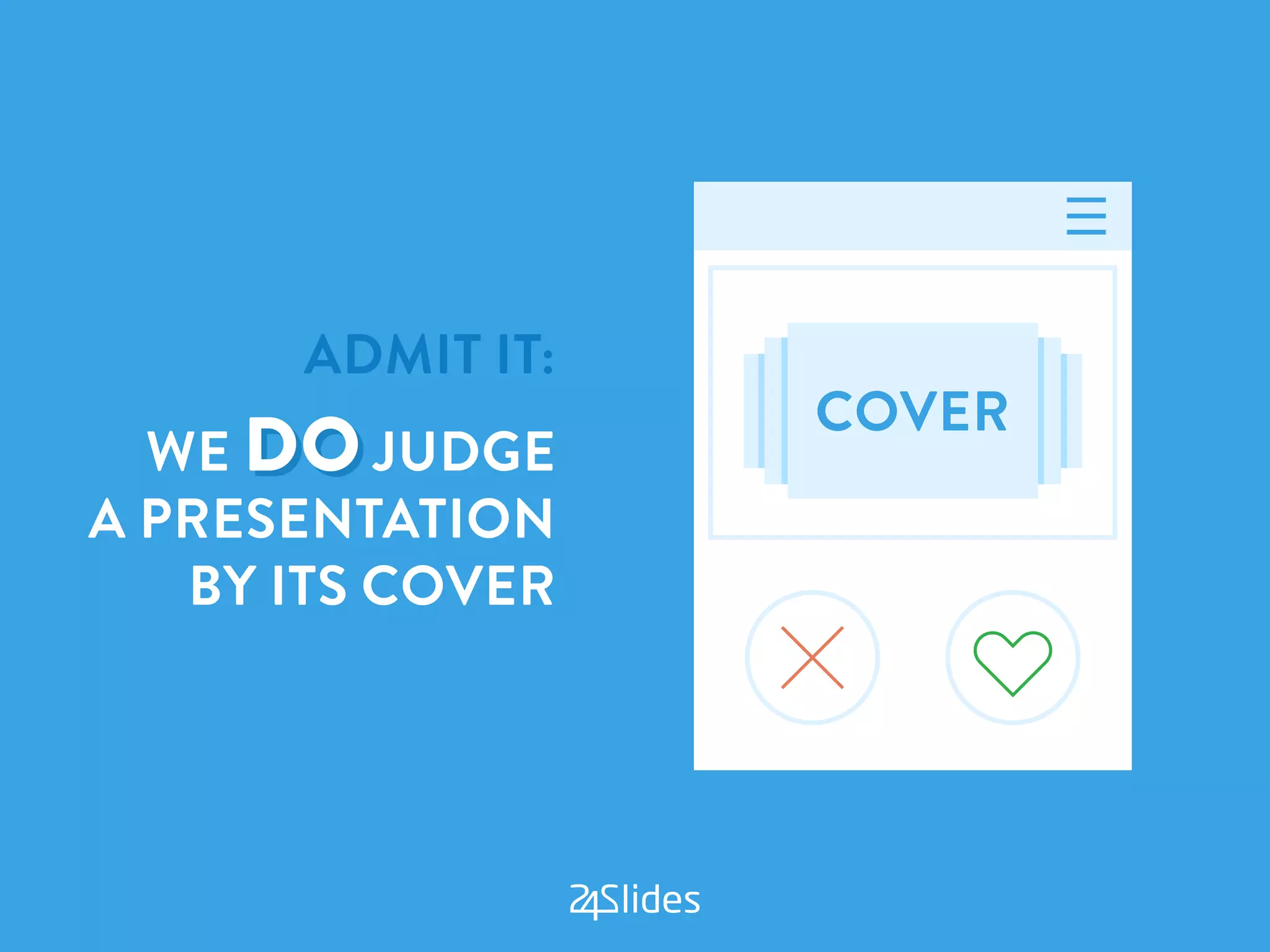
ADMIT IT:
WE DO JUDGE
A PRESENTATION
BY ITS COVER
MAKE A KILLER COVER SLIDE
AND YOU CAN CAPTIVATE YOUR AUDIENCE
FROM THE VERY SECOND THEY LOOK AT IT
NOW ASK YOURSELF
THIS MAIN QUESTION:
“Does my cover
slide stand out?”
IF YOU’RE IN DOUBT,
HERE’S A SIMPLE 5-POINT CHECKLIST
TO ANSWER THE QUESTION:
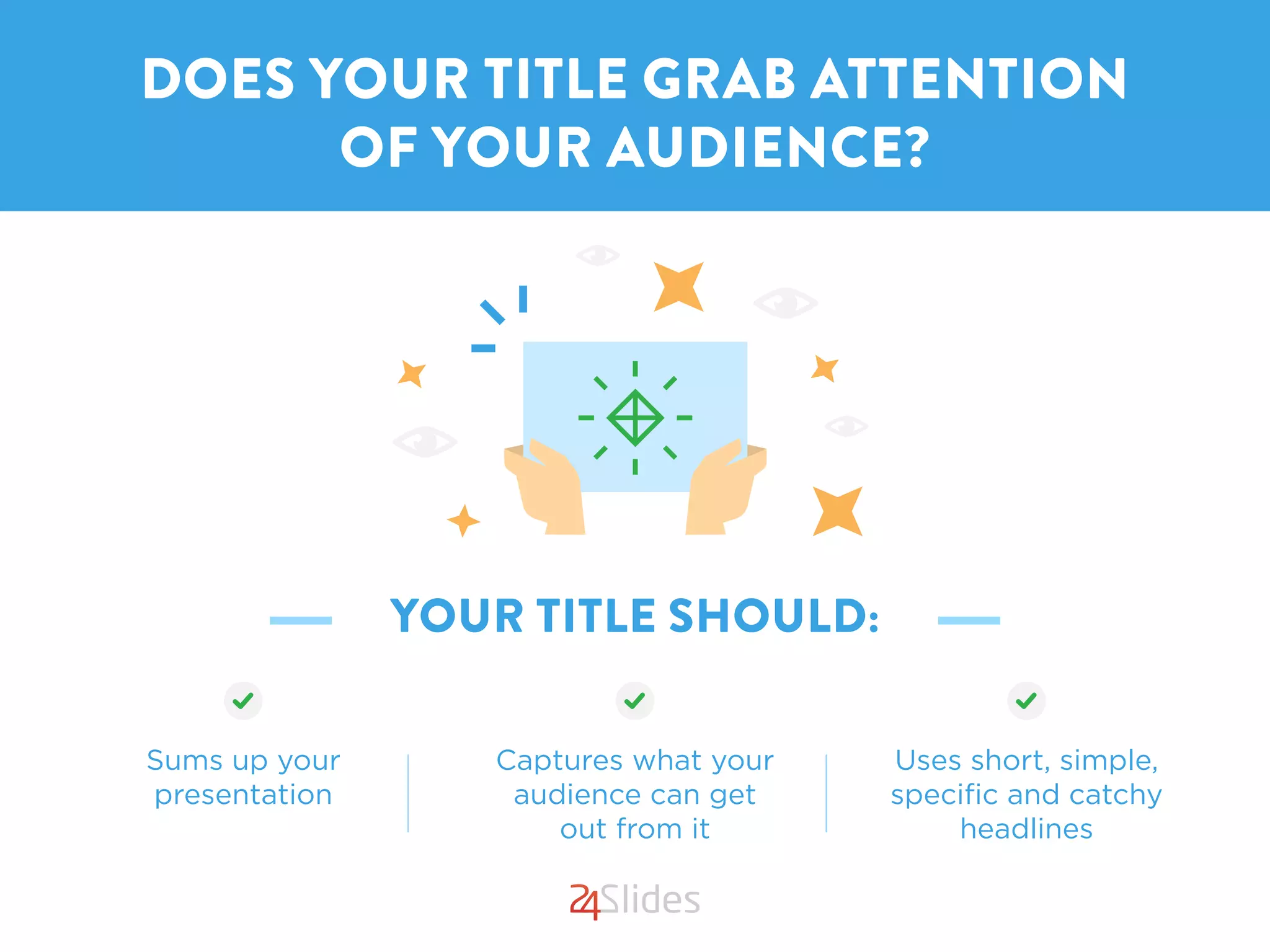
YOUR TITLE SHOULD:
DOES YOUR TITLE GRAB ATTENTION
OF YOUR AUDIENCE?
Sums up your
presentation
Captures what your
audience can get
out from it
Uses short, simple,
specific and catchy
headlines
DOES YOUR TITLE GRAB ATTENTION
OF YOUR AUDIENCE?#1
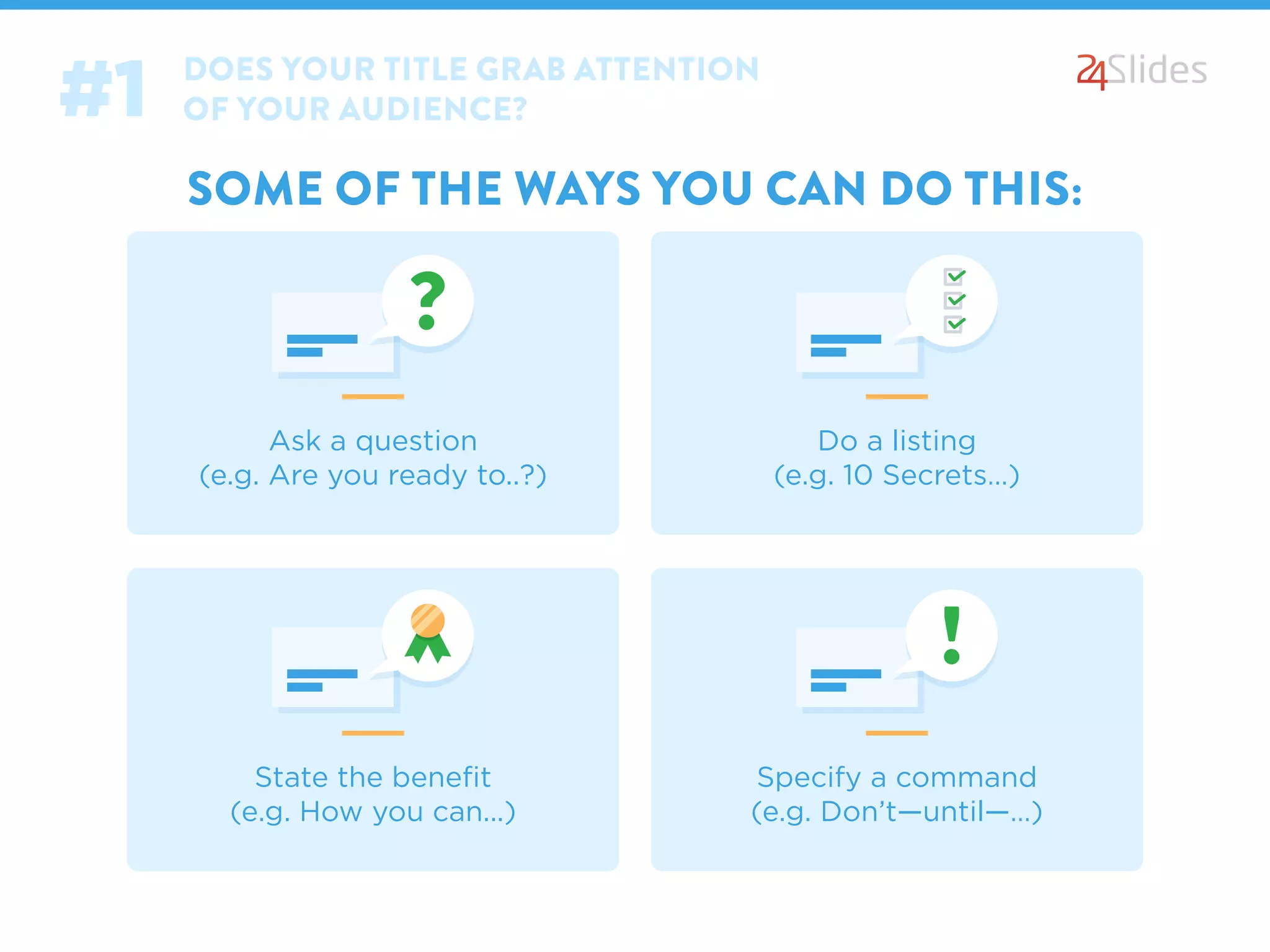
SOME OF THE WAYS YOU CAN DO THIS:
Ask a question
(e.g. Are you ready to..?)
Do a listing
(e.g. 10 Secrets…)
State the benefit
(e.g. How you can...)
Specify a command
(e.g. Don’t—until—…)
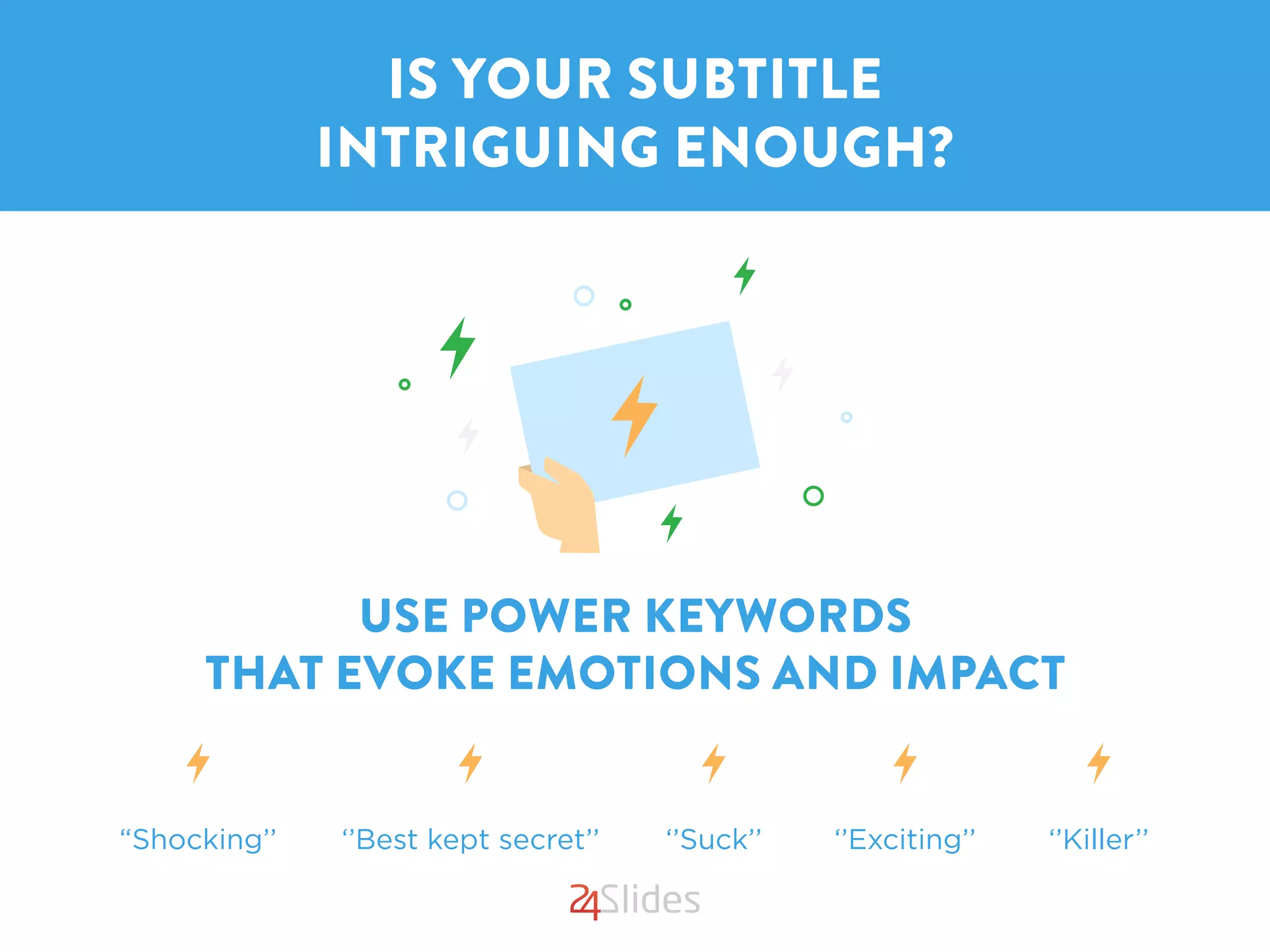
USE POWER KEYWORDS
THAT EVOKE EMOTIONS AND IMPACT
IS YOUR SUBTITLE
INTRIGUING ENOUGH?
“Shocking’’ ‘’Best kept secret’’ ‘’Suck’’ ‘’Exciting’’ ‘’Killer’’
IS YOUR SUBTITLE
INTRIGUING ENOUGH?#2
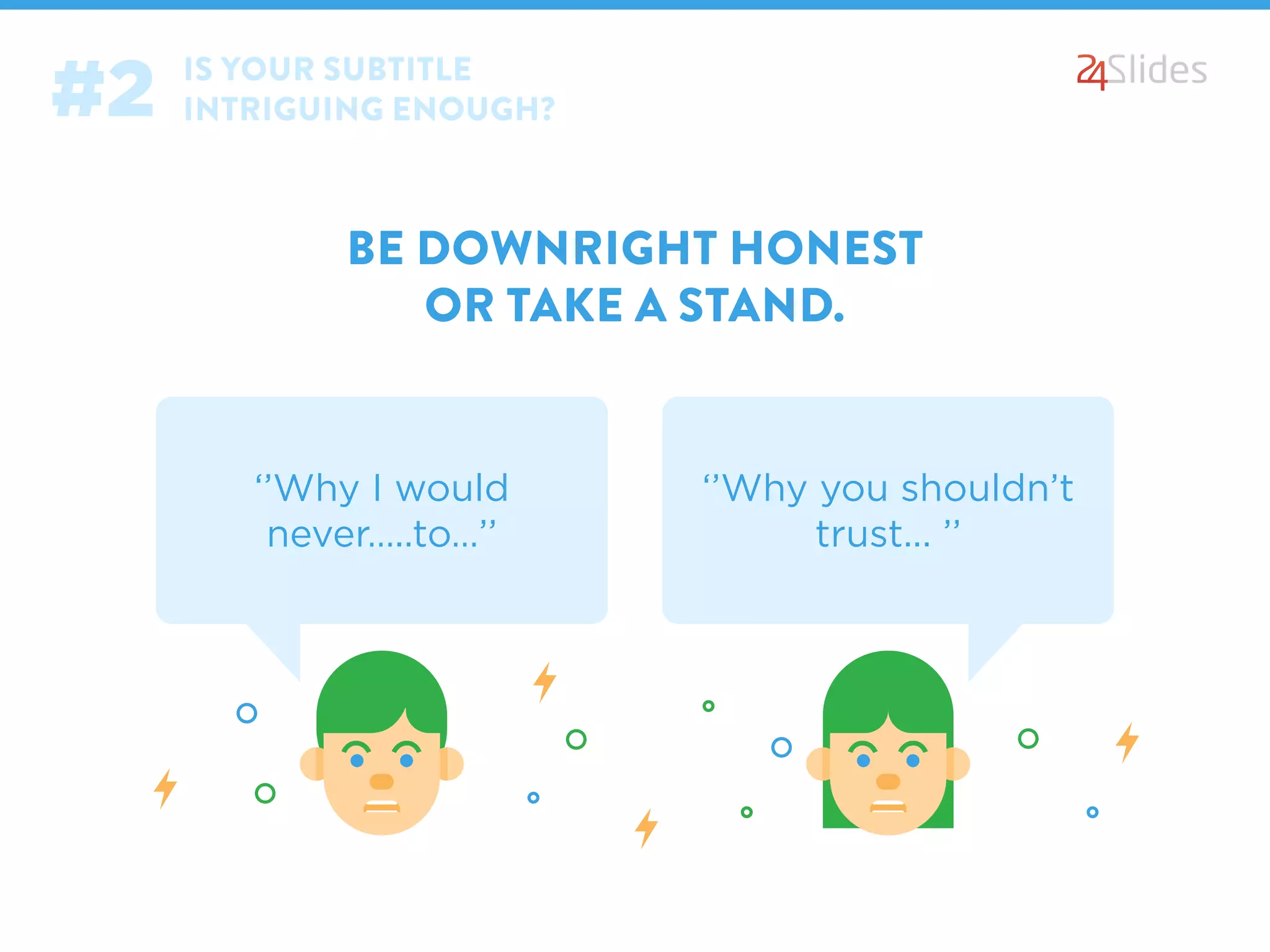
BE DOWNRIGHT HONEST
OR TAKE A STAND.
‘’Why I would
never…..to…’’
‘’Why you shouldn’t
trust... ’’
PICTURE TELLS MORE
THAN THOUSAND WORDS, DOES YOURS?
Use compelling photo
Search for images that best fit
and relate to your title or topic
Use only high quality, resolution
images
2 types of images that captivate
best are: humorous and shock-
ing ones
Feel free to emphasis
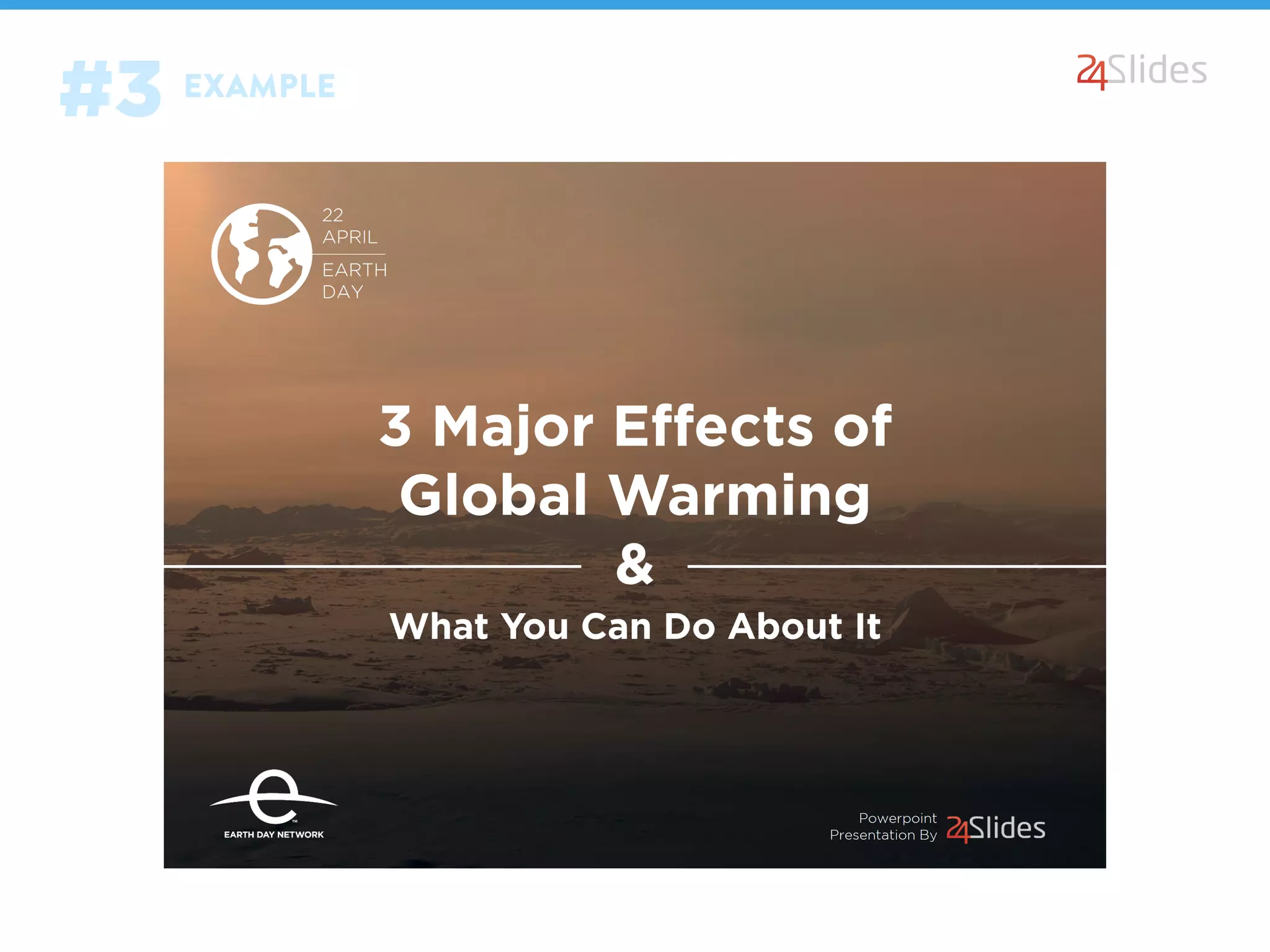
EXAMPLE
#3
CUSTOMIZE YOUR COVER SLIDE’S:
DID YOU TAKE CARE OF
THE “LITTLE DETAILS”?
Fonts Colors LinesTransparencies
Texture Text boxes Shapes
From www.24slides.com/blog
A powerpoint presentation design by
EXAMPLE
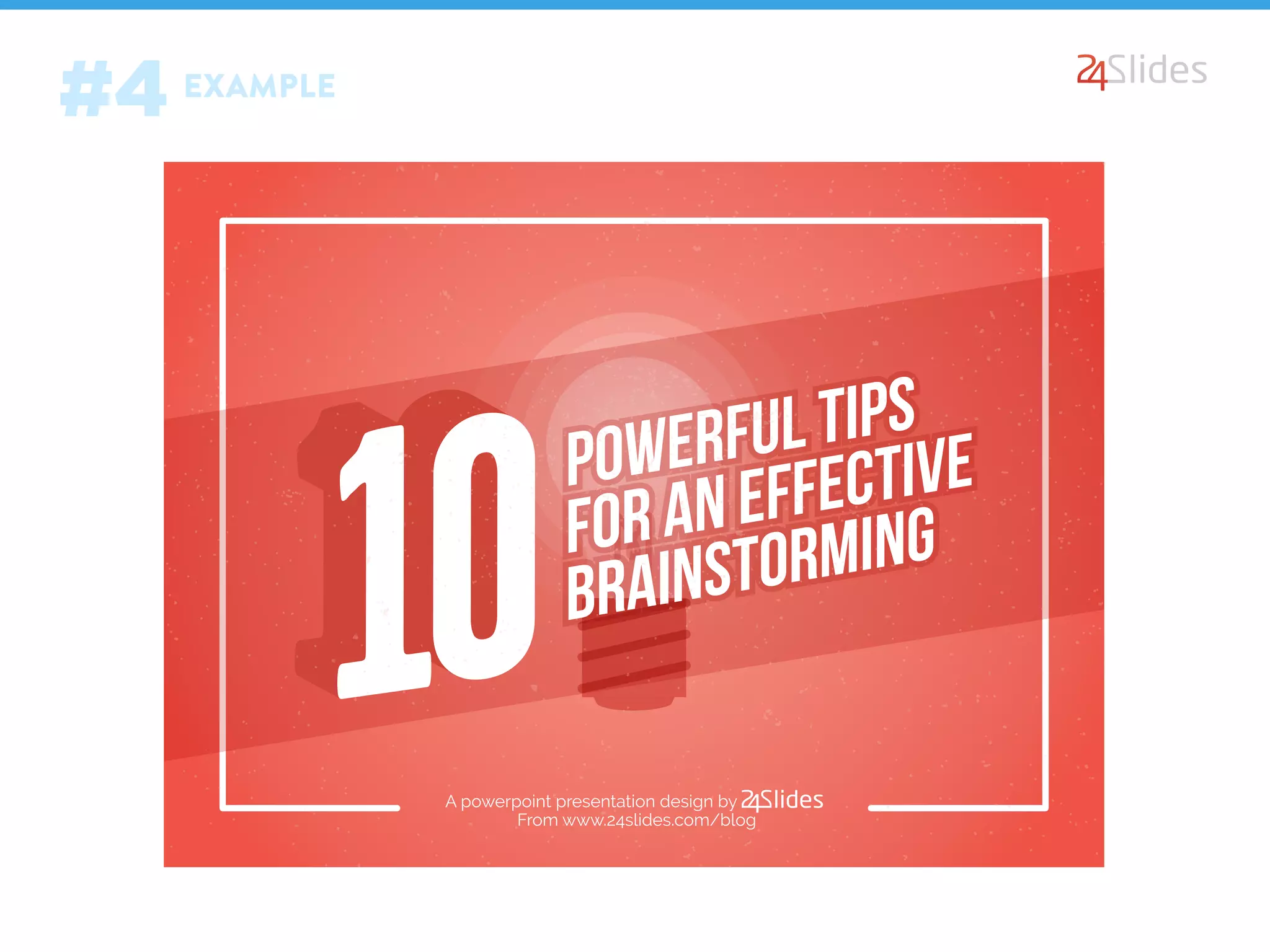
#4
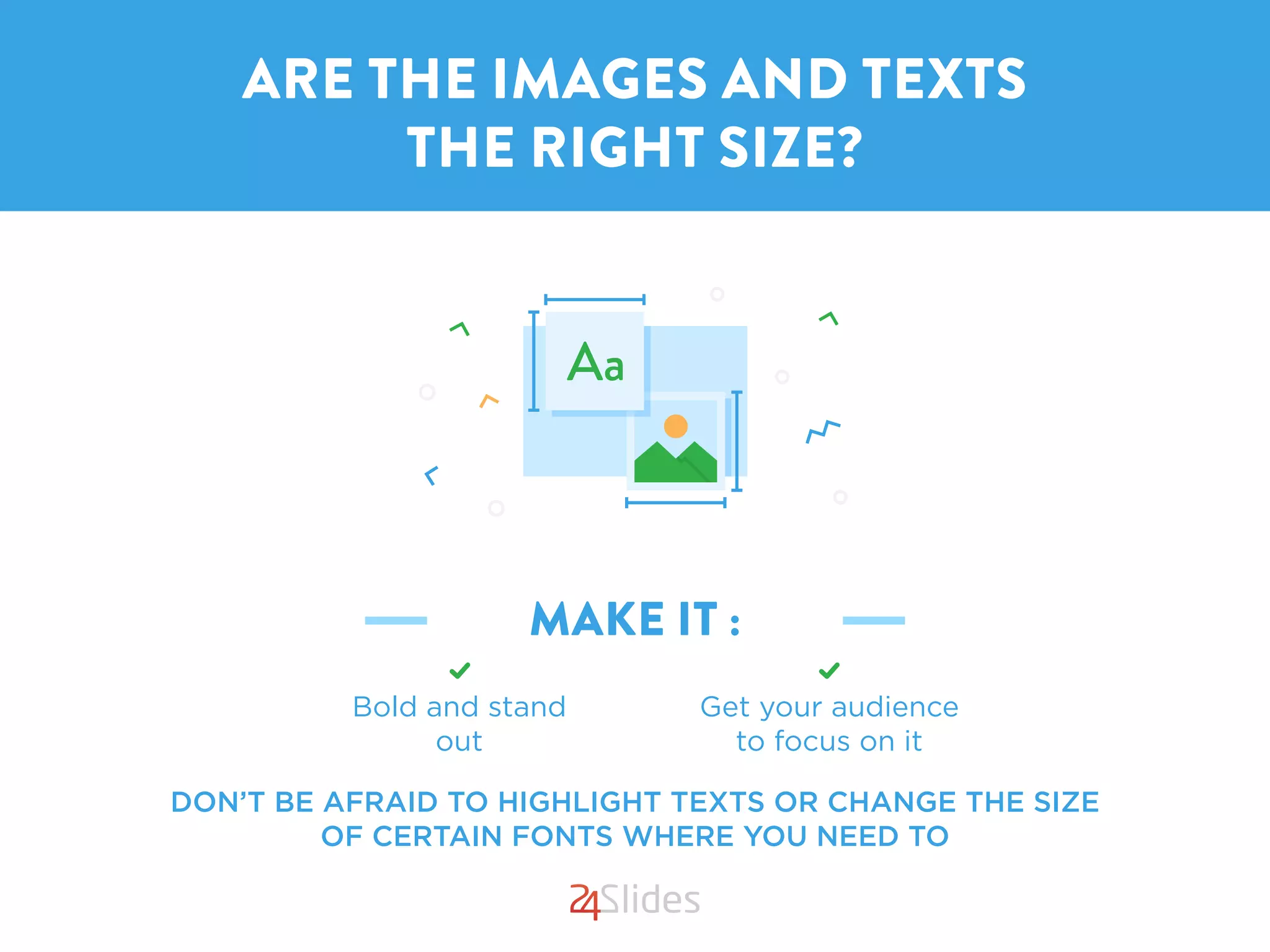
MAKE IT :
DON’T BE AFRAID TO HIGHLIGHT TEXTS OR CHANGE THE SIZE
OF CERTAIN FONTS WHERE YOU NEED TO
ARE THE IMAGES AND TEXTS
THE RIGHT SIZE?
Get your audience
to focus on it
Bold and stand
out
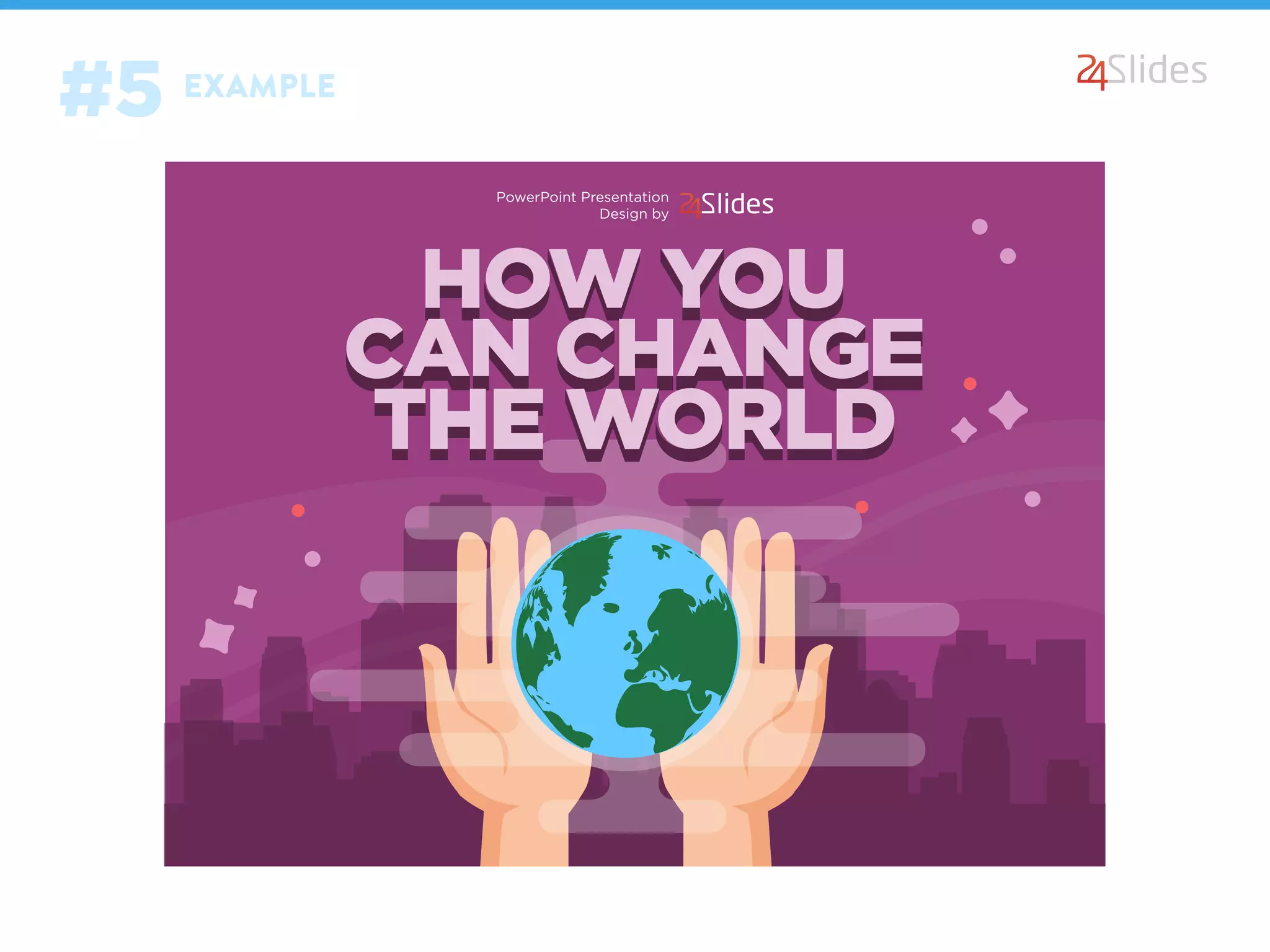
PowerPoint Presentation
Design by
EXAMPLE
#5
AN AWESOMEAN AWESOME
LOOKING COVER SLIDE,
YOU’RE OFF TO A GREAT START!
ONCE YOU HAVE
STILL STUCK? LET US HELP
DO OR RE-DO YOUR COVER SLIDE
http://www.slideshare.net/pptpop/pptpopcom-the-coverslide-35331200
SOURCE
This Powerpoint presentation
is brought to you by
Connect with us
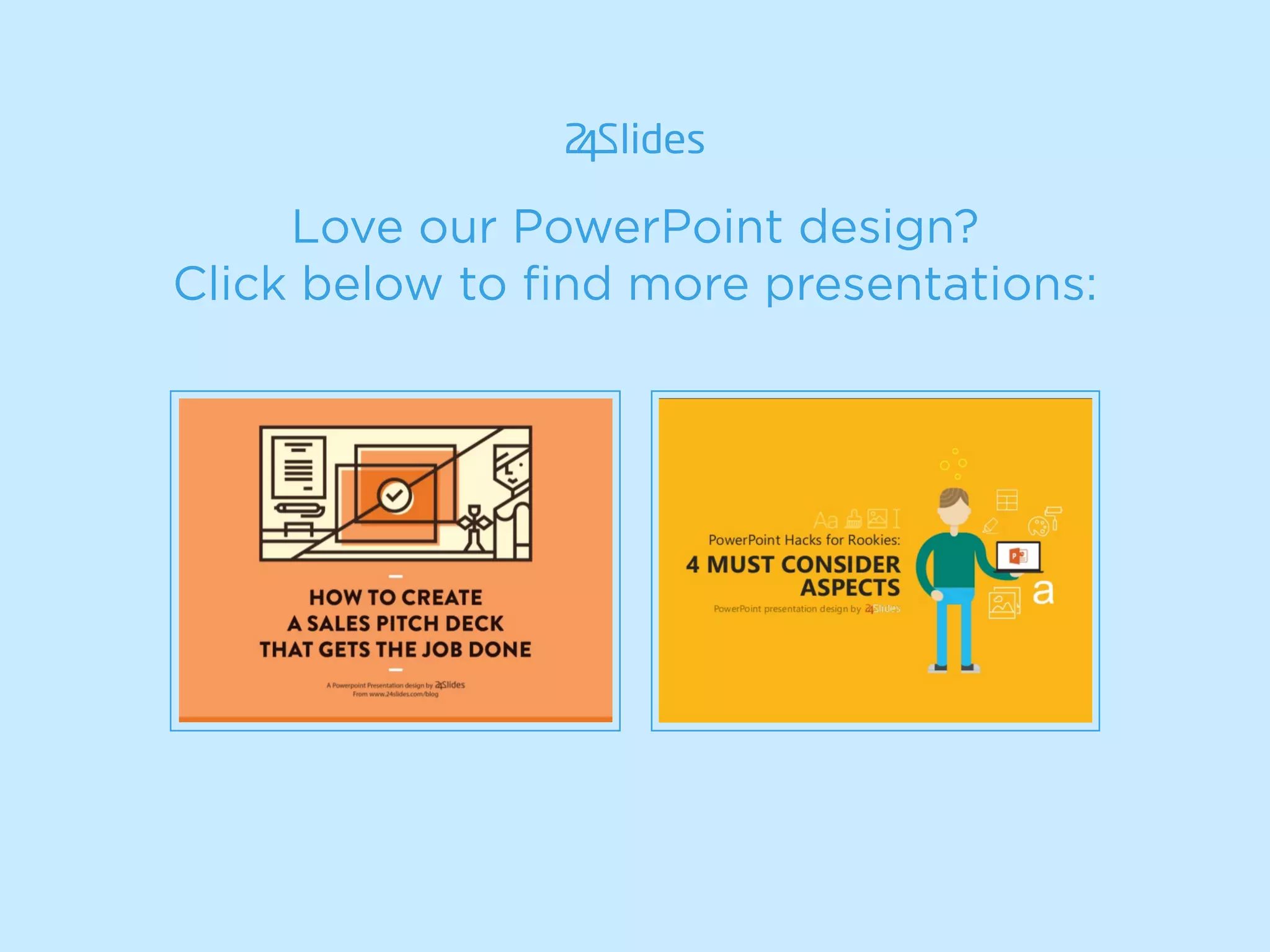
Love our PowerPoint design?
Click below to find more presentations:
Get 2 slides made for free
Or try us for one month
with no commitments
http://freetrial.24slides.com/ https://24slides.com/corporate_package
Submit your order now

5 Point Checklist to Create Powerful Cover Slides

  • 1.
    5 Point Checklistto Create POWERFULPOWERFUL COVER SLIDES A Powerpoint Presentation design by From www.24slides.com/blog
  • 2.
    ADMIT IT: WE DOJUDGE A PRESENTATION BY ITS COVER
  • 3.
    MAKE A KILLERCOVER SLIDE AND YOU CAN CAPTIVATE YOUR AUDIENCE FROM THE VERY SECOND THEY LOOK AT IT
  • 4.
    NOW ASK YOURSELF THISMAIN QUESTION: “Does my cover slide stand out?”
  • 5.
    IF YOU’RE INDOUBT, HERE’S A SIMPLE 5-POINT CHECKLIST TO ANSWER THE QUESTION:
  • 6.
    YOUR TITLE SHOULD: DOESYOUR TITLE GRAB ATTENTION OF YOUR AUDIENCE? Sums up your presentation Captures what your audience can get out from it Uses short, simple, specific and catchy headlines
  • 7.
    DOES YOUR TITLEGRAB ATTENTION OF YOUR AUDIENCE?#1 SOME OF THE WAYS YOU CAN DO THIS: Ask a question (e.g. Are you ready to..?) Do a listing (e.g. 10 Secrets…) State the benefit (e.g. How you can...) Specify a command (e.g. Don’t—until—…)
  • 8.
    USE POWER KEYWORDS THATEVOKE EMOTIONS AND IMPACT IS YOUR SUBTITLE INTRIGUING ENOUGH? “Shocking’’ ‘’Best kept secret’’ ‘’Suck’’ ‘’Exciting’’ ‘’Killer’’
  • 9.
    IS YOUR SUBTITLE INTRIGUINGENOUGH?#2 BE DOWNRIGHT HONEST OR TAKE A STAND. ‘’Why I would never…..to…’’ ‘’Why you shouldn’t trust... ’’
  • 10.
    PICTURE TELLS MORE THANTHOUSAND WORDS, DOES YOURS? Use compelling photo Search for images that best fit and relate to your title or topic Use only high quality, resolution images 2 types of images that captivate best are: humorous and shock- ing ones Feel free to emphasis
  • 11.
  • 12.
    CUSTOMIZE YOUR COVERSLIDE’S: DID YOU TAKE CARE OF THE “LITTLE DETAILS”? Fonts Colors LinesTransparencies Texture Text boxes Shapes
  • 13.
    From www.24slides.com/blog A powerpointpresentation design by EXAMPLE #4
  • 14.
    MAKE IT : DON’TBE AFRAID TO HIGHLIGHT TEXTS OR CHANGE THE SIZE OF CERTAIN FONTS WHERE YOU NEED TO ARE THE IMAGES AND TEXTS THE RIGHT SIZE? Get your audience to focus on it Bold and stand out
  • 15.
  • 16.
    AN AWESOMEAN AWESOME LOOKINGCOVER SLIDE, YOU’RE OFF TO A GREAT START! ONCE YOU HAVE
  • 17.
    STILL STUCK? LETUS HELP DO OR RE-DO YOUR COVER SLIDE
  • 18.
  • 19.
    This Powerpoint presentation isbrought to you by Connect with us
  • 20.
    Love our PowerPointdesign? Click below to find more presentations:
  • 21.
    Get 2 slidesmade for free Or try us for one month with no commitments http://freetrial.24slides.com/ https://24slides.com/corporate_package Submit your order now