JavaScript
CREATING A PROGRAMMABLE WEB
PAGE
1
Outline
 History & Implementation
 Basics of JavaScript
 Variables
 Date Object
 Expression & Operators
 JS Function
 Math Object
 Array
 Loop
2
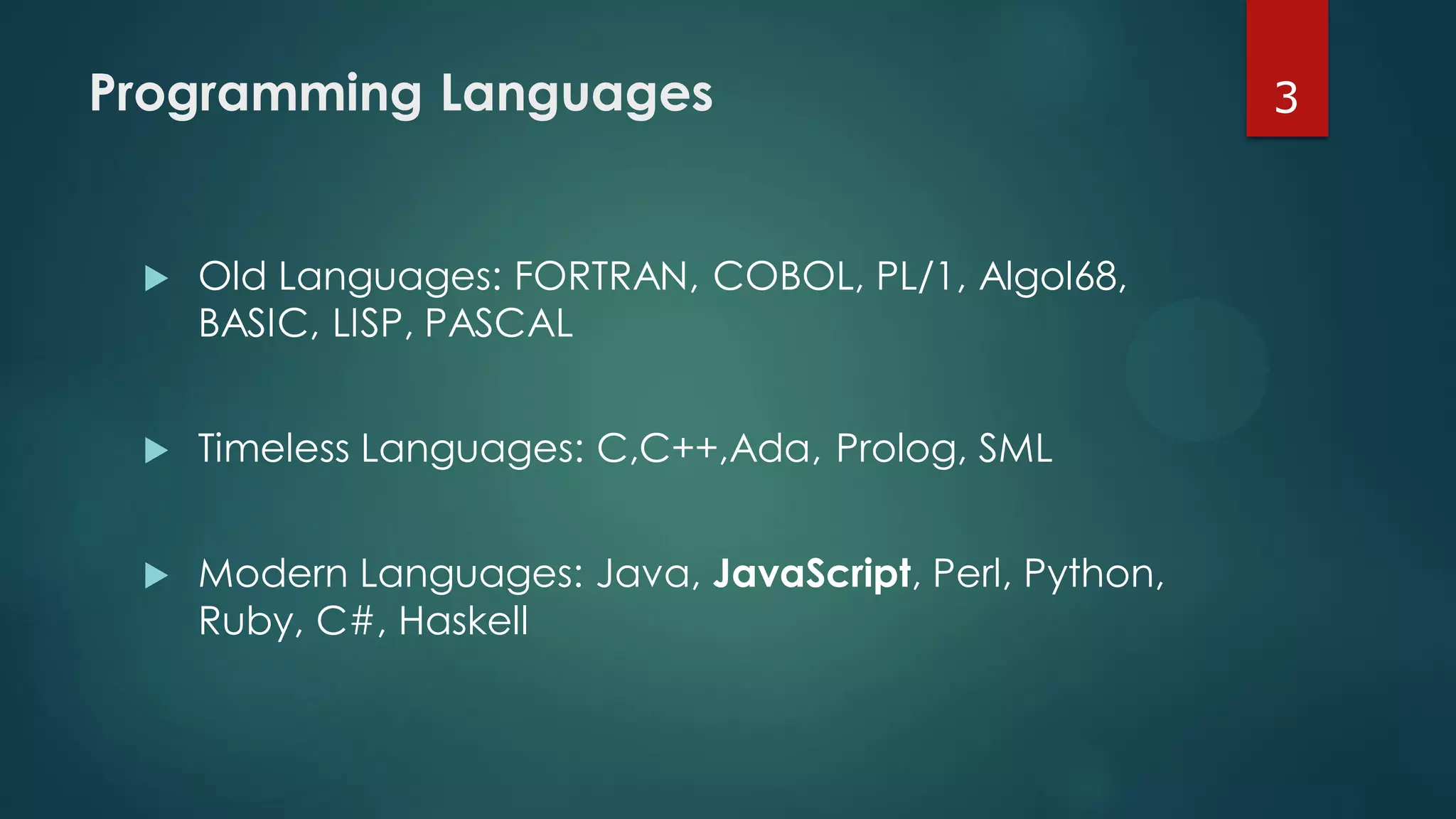
Programming Languages
 Old Languages: FORTRAN, COBOL, PL/1, Algol68,
BASIC, LISP, PASCAL
 Timeless Languages: C,C++,Ada, Prolog, SML
 Modern Languages: Java, JavaScript, Perl, Python,
Ruby, C#, Haskell
3
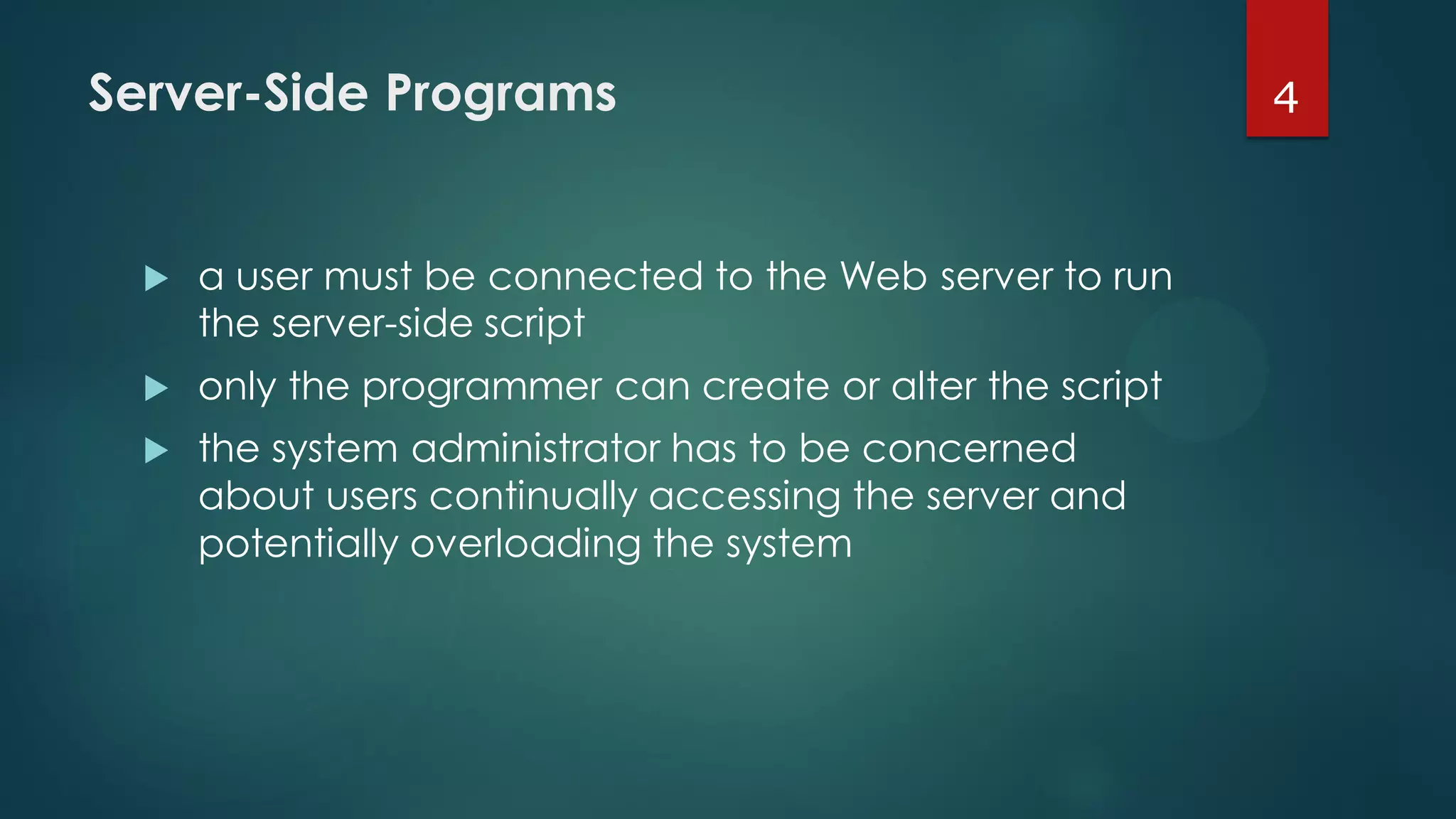
Server-Side Programs
 a user must be connected to the Web server to run
the server-side script
 only the programmer can create or alter the script
 the system administrator has to be concerned
about users continually accessing the server and
potentially overloading the system
4
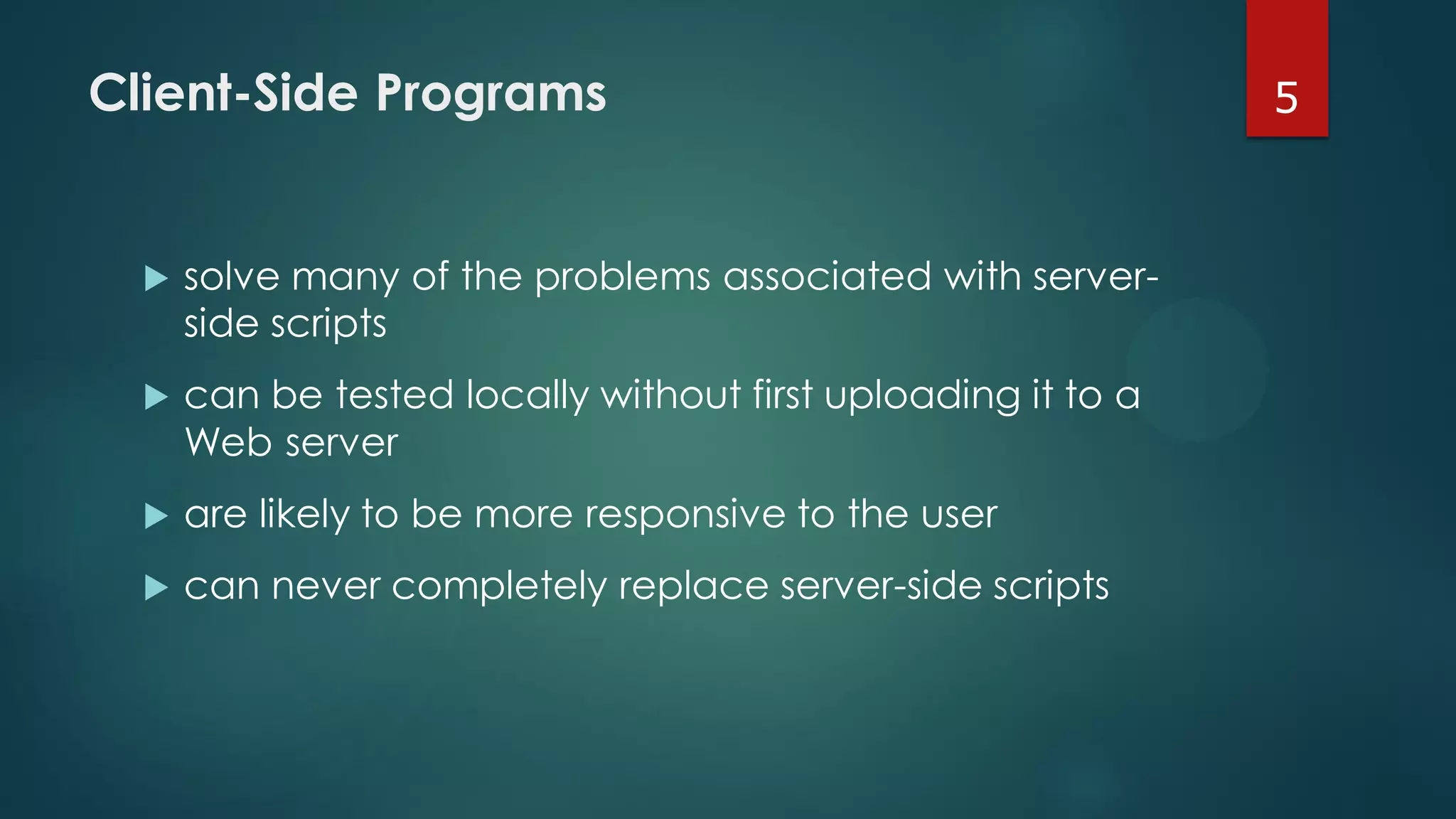
Client-Side Programs
 solve many of the problems associated with server-
side scripts
 can be tested locally without first uploading it to a
Web server
 are likely to be more responsive to the user
 can never completely replace server-side scripts
5
6
7
8
9
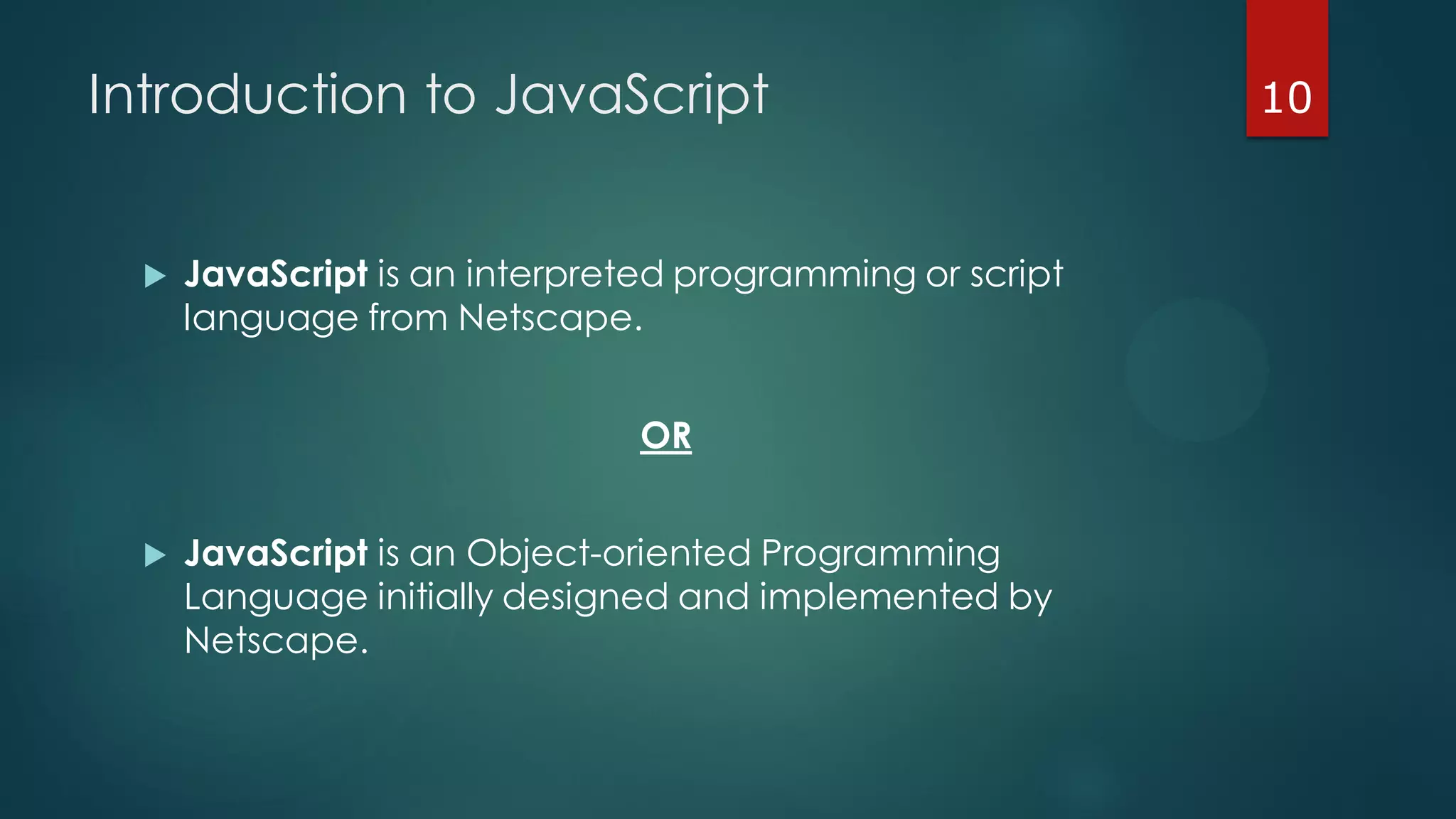
Introduction to JavaScript
 JavaScript is an interpreted programming or script
language from Netscape.
OR
 JavaScript is an Object-oriented Programming
Language initially designed and implemented by
Netscape.
10
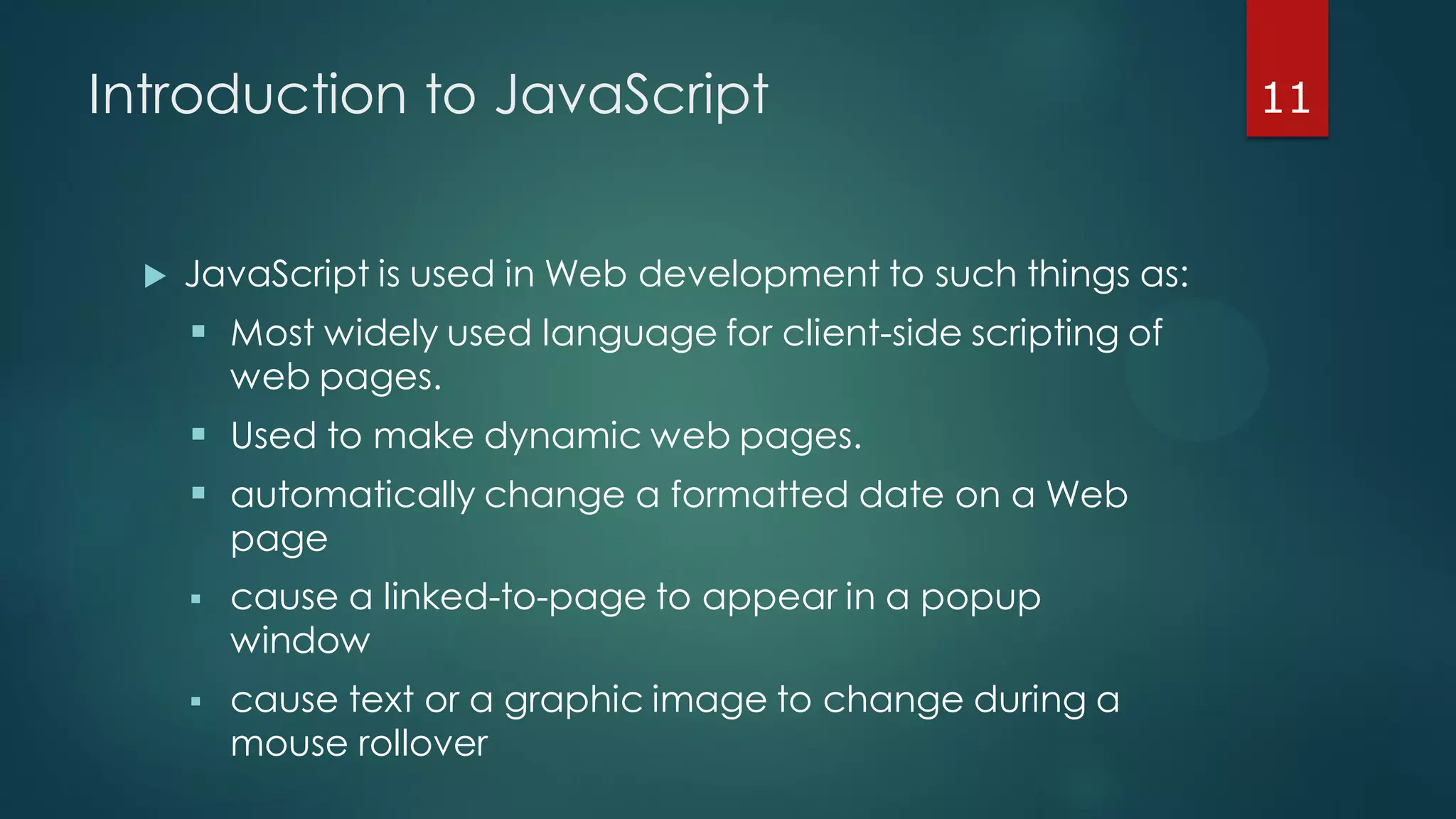
Introduction to JavaScript
 JavaScript is used in Web development to such things as:
 Most widely used language for client-side scripting of
web pages.
 Used to make dynamic web pages.
 automatically change a formatted date on a Web
page
 cause a linked-to-page to appear in a popup
window
 cause text or a graphic image to change during a
mouse rollover
11
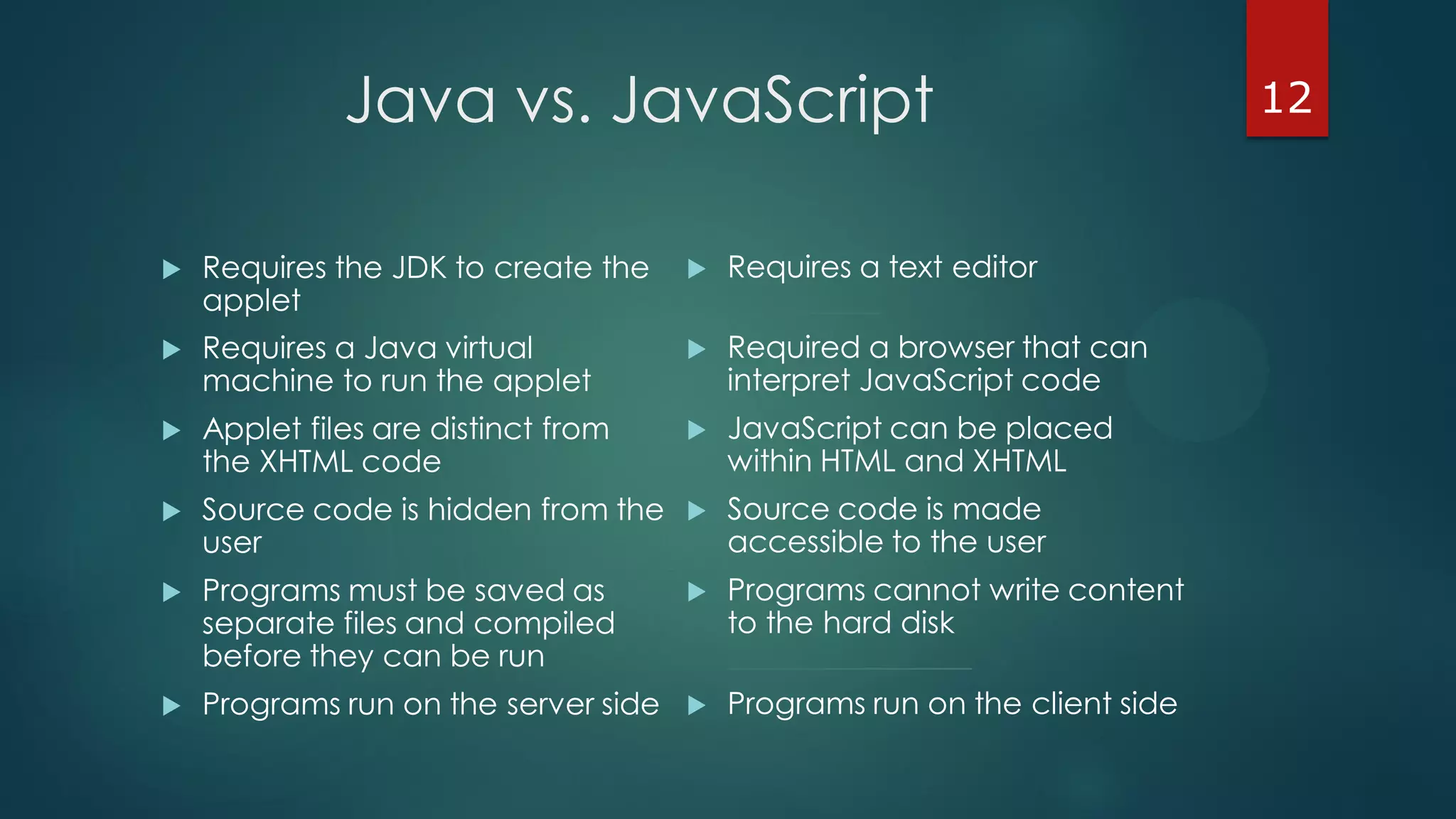
Java vs. JavaScript
 Requires the JDK to create the
applet
 Requires a Java virtual
machine to run the applet
 Applet files are distinct from
the XHTML code
 Source code is hidden from the
user
 Programs must be saved as
separate files and compiled
before they can be run
 Programs run on the server side
 Requires a text editor
__________
 Required a browser that can
interpret JavaScript code
 JavaScript can be placed
within HTML and XHTML
 Source code is made
accessible to the user
 Programs cannot write content
to the hard disk
________________
 Programs run on the client side
12
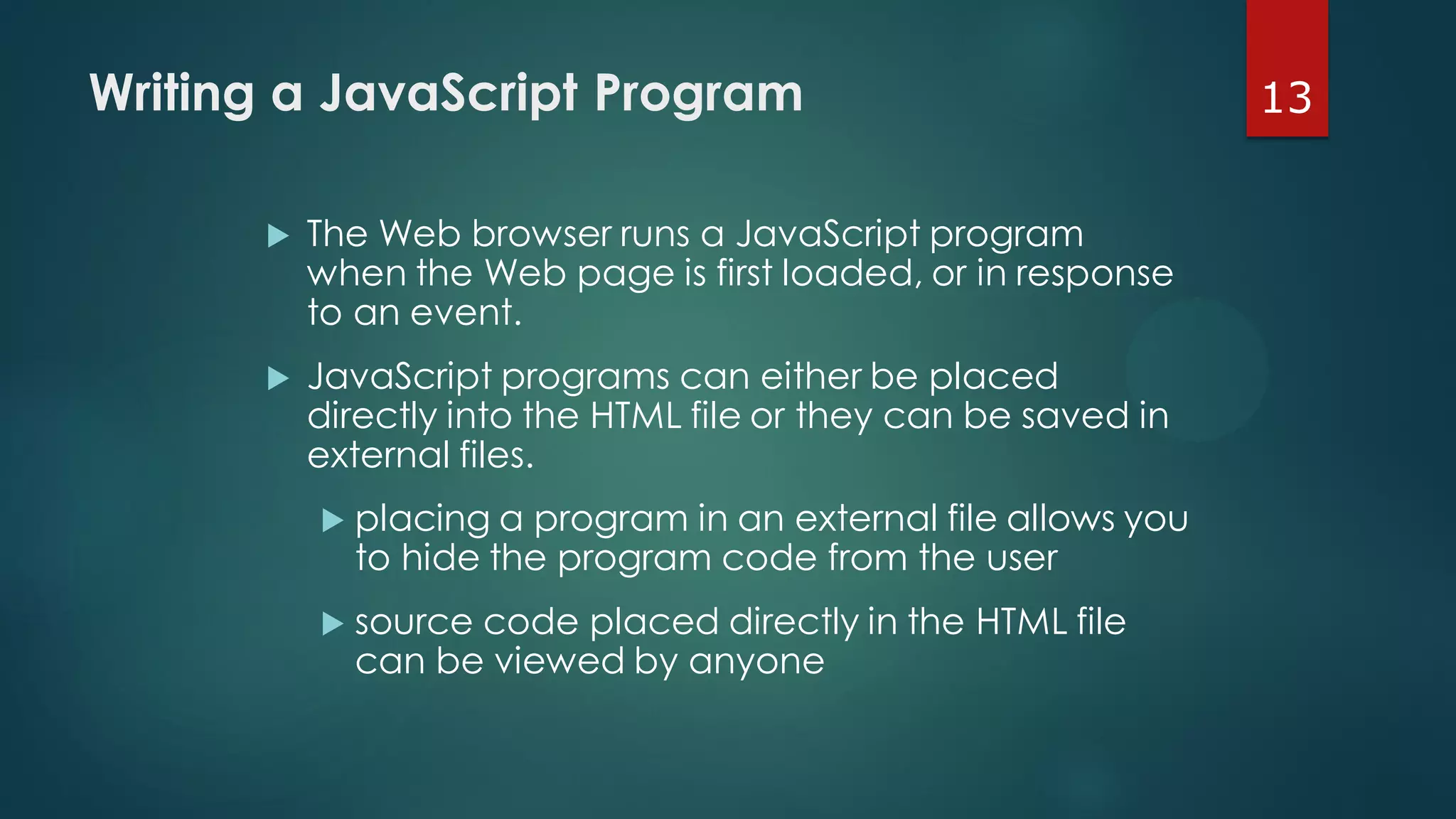
13Writing a JavaScript Program
 The Web browser runs a JavaScript program
when the Web page is first loaded, or in response
to an event.
 JavaScript programs can either be placed
directly into the HTML file or they can be saved in
external files.
 placing a program in an external file allows you
to hide the program code from the user
 source code placed directly in the HTML file
can be viewed by anyone
14Writing a JavaScript Program
 A JavaScript program can be placed anywhere
within the HTML file.
 Many programmers favor placing their programs
between <head> tags in order to separate the
programming code from the Web page content
and layout.
 Some programmers prefer placing programs
within the body of the Web page at the location
where the program output is generated and
displayed.
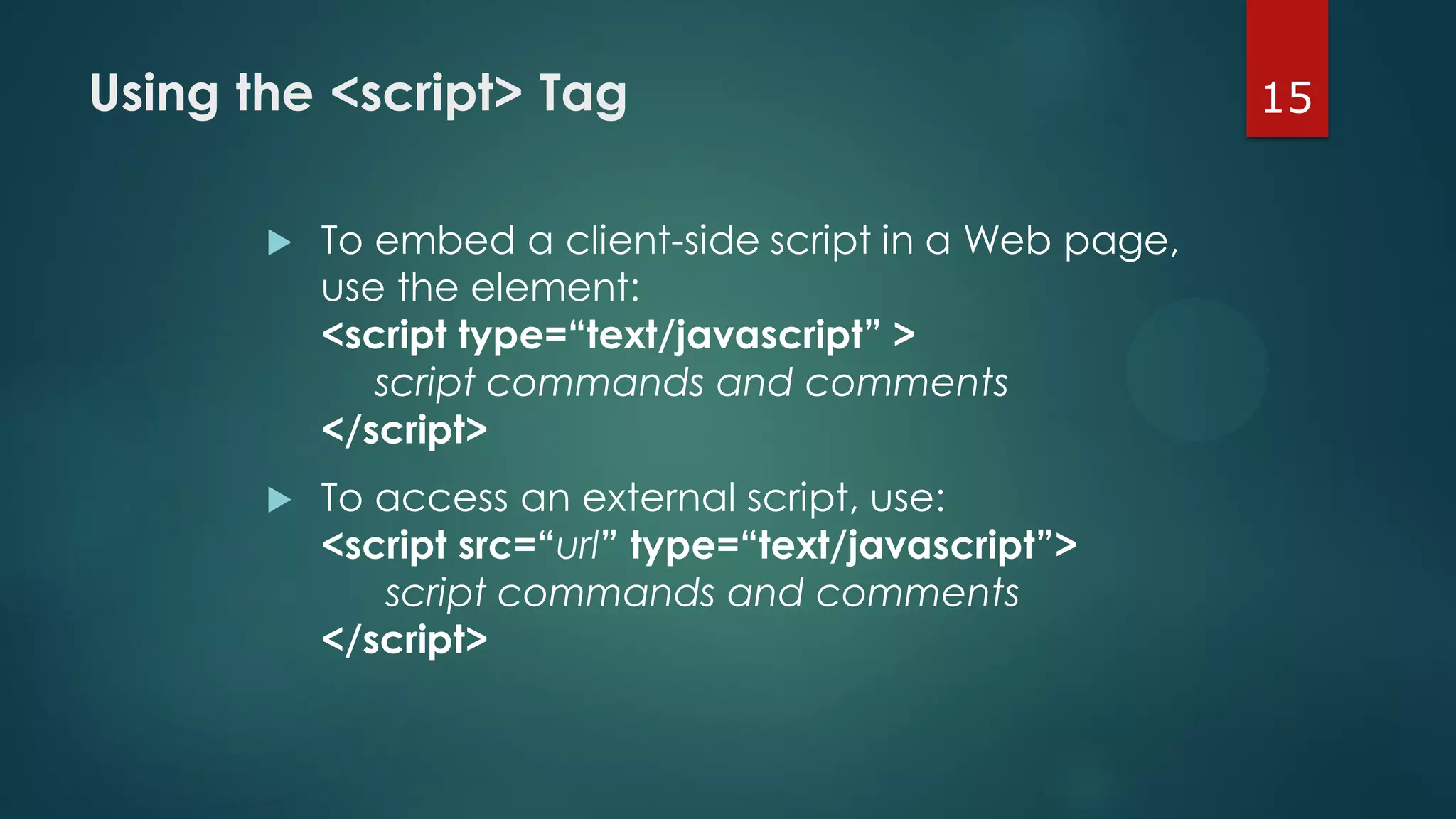
15Using the <script> Tag
 To embed a client-side script in a Web page,
use the element:
<script type=“text/javascript” >
script commands and comments
</script>
 To access an external script, use:
<script src=“url” type=“text/javascript”>
script commands and comments
</script>
16JavaScript Display Possibilities
JavaScript can "display" data in different ways:
 Writing into an HTML element, using innerHTML.
 Writing into the HTML output using document.write()
 Writing into an alert box, using window.alert()
 Writing into the browser console, using console.log()
17Comments
 The syntax for a single-line comment is:
// comment text
 The syntax of a multi-line comment is:
/*
comment text covering several lines
*/
19JavaScript Syntax Issues
 JavaScript commands and names are case-
sensitive.
 JavaScript command lines end with a semicolon to
separate it from the next command line in the
program.
 in some situations, the semicolon is optional
 semicolons are useful to make your code easier to follow and interpret
20Working with Variables & Data
 A variable is a name that is used to designate a
value. The following restrictions apply to variable
names:
 the first character must be either a letter or an
underscore character ( _ )
 the remaining characters can be letters,
numbers, or underscore characters
 variable names cannot contain spaces
 Variable names are case-sensitive.
 document.write(Year);
21Types of Variables
JavaScript supports four different types of variables:
 numeric variables can be a number, such as 13,
22.5, or -3.14159
 string variables is any group of characters, such
as “Hello” or “Happy Holidays!”
 Boolean variables are variables that accept one
of two values, either true or false
 null variables is a variable that has no value at all
22Declaring a Variable
 A variable can be introduced with an assignment or a
declaration.
 Assignment: variable = value;
 Declaration: var variable
 Before you can use a variable in your program, you
need to declare a variable using the var command or
by assigning the variable a value.
 Any of the following commands is a legitimate way of
creating a variable named “Month”:
var Month;
var Month = “December”;
Month = “December”;
23Working with Expressions
and Operators
 Expressions are JavaScript commands that
assign values to variables.
 Expressions are created using variables,
values, and operators.
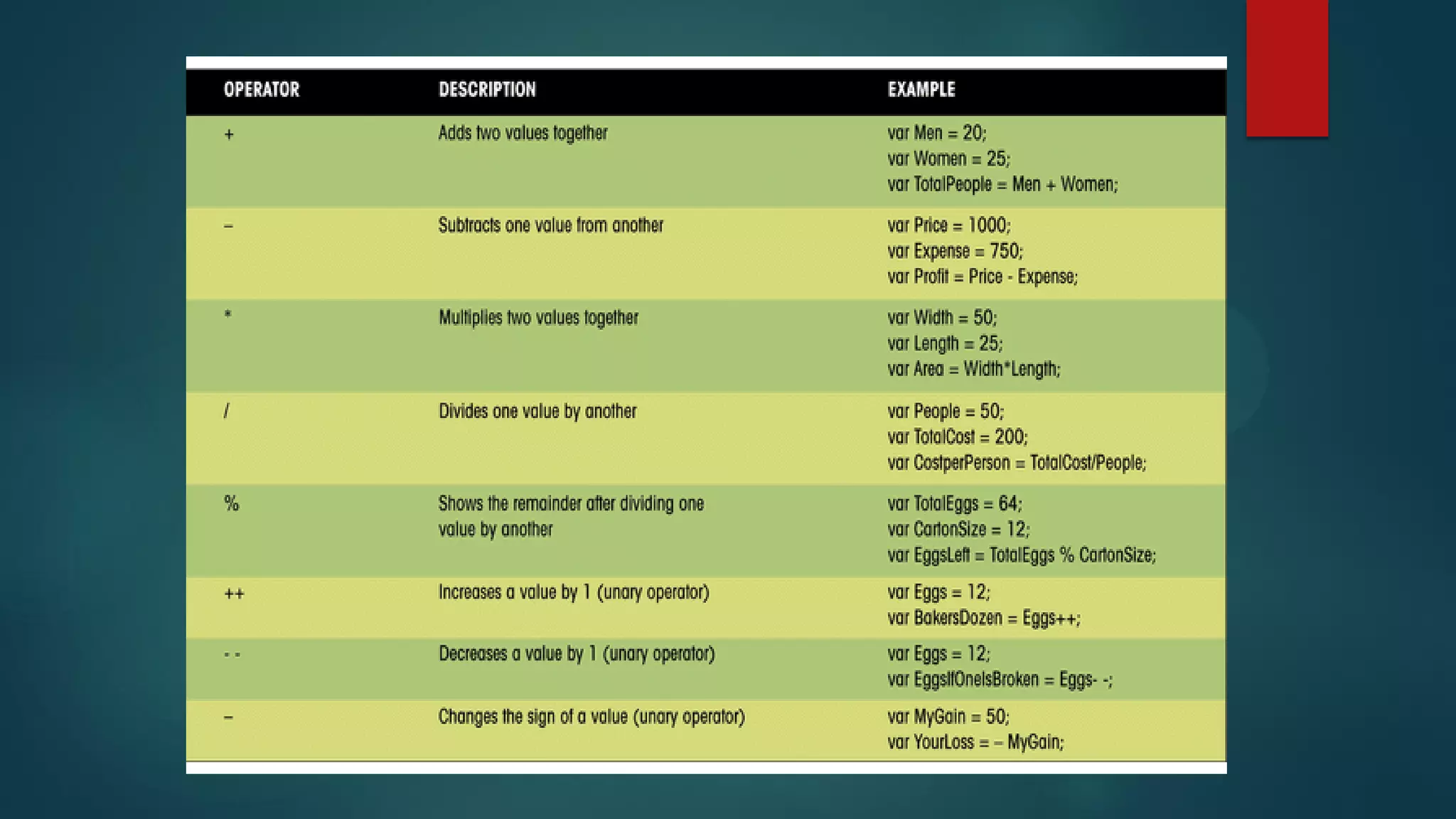
 The + operator performs the action of adding
or combining two elements. For example,
 var ThisMonth = Today.getMonth()+1;
25Operators
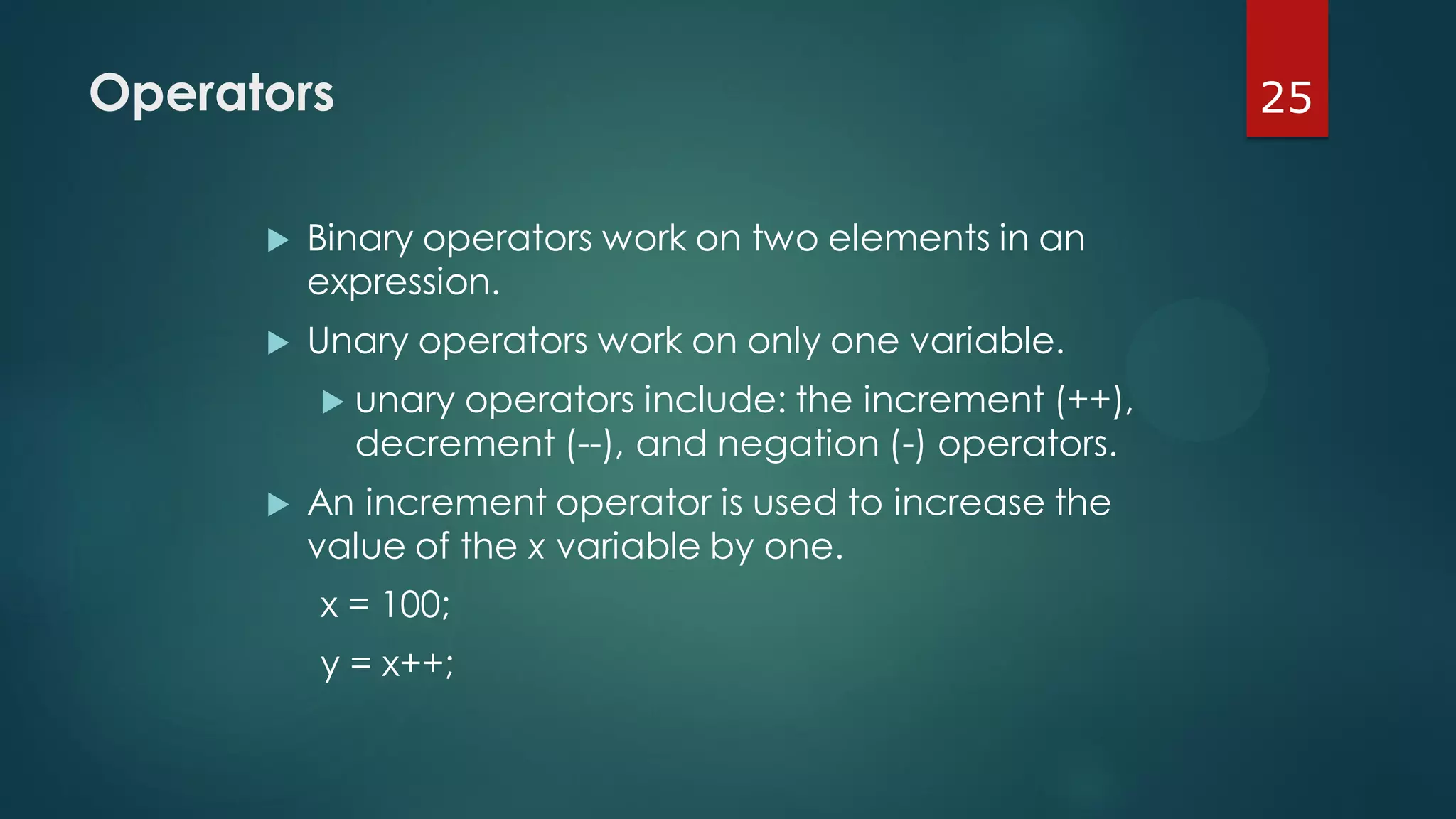
 Binary operators work on two elements in an
expression.
 Unary operators work on only one variable.
 unary operators include: the increment (++),
decrement (--), and negation (-) operators.
 An increment operator is used to increase the
value of the x variable by one.
x = 100;
y = x++;
26Operators
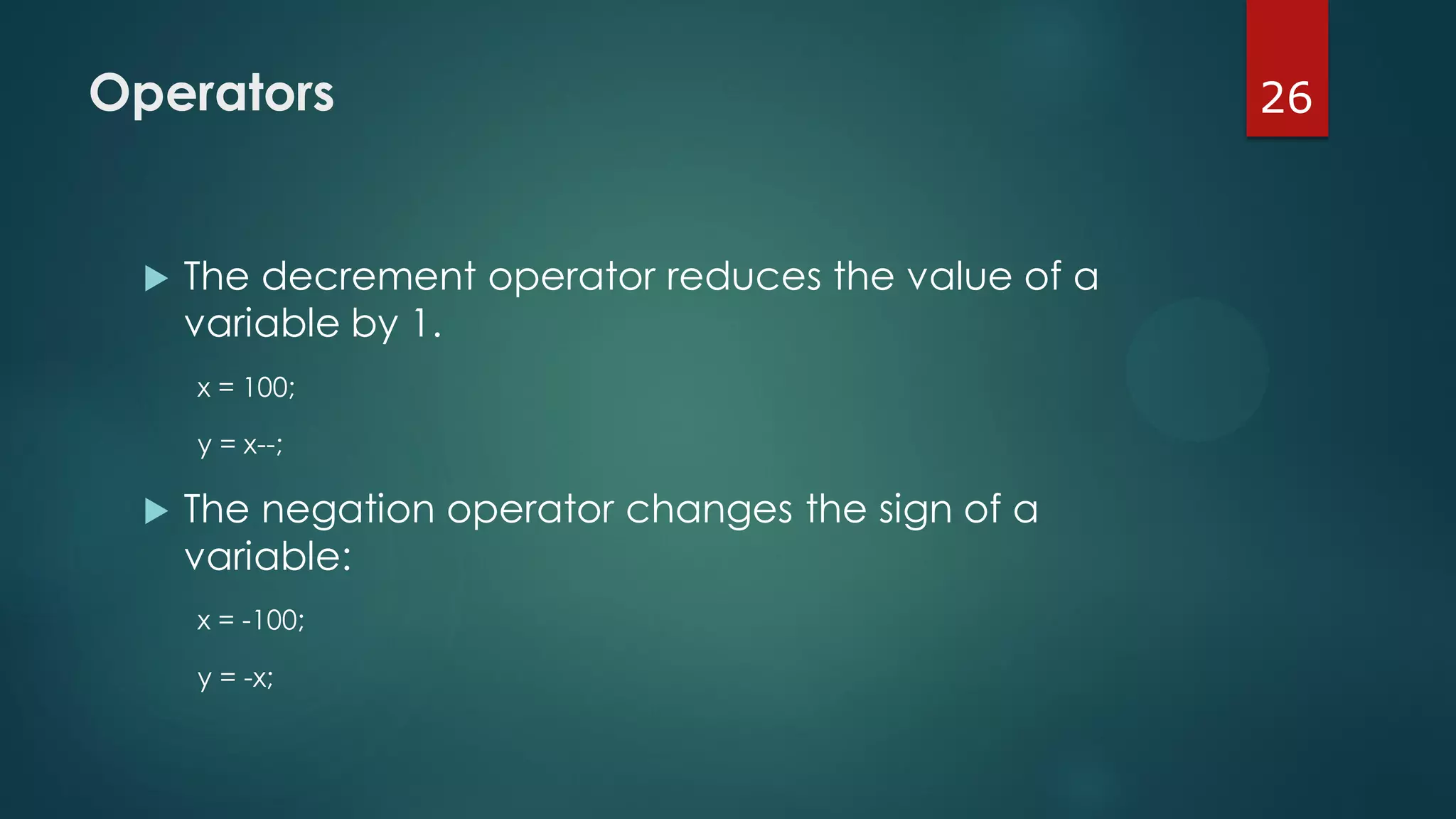
 The decrement operator reduces the value of a
variable by 1.
x = 100;
y = x--;
 The negation operator changes the sign of a
variable:
x = -100;
y = -x;
27Assignment Operators
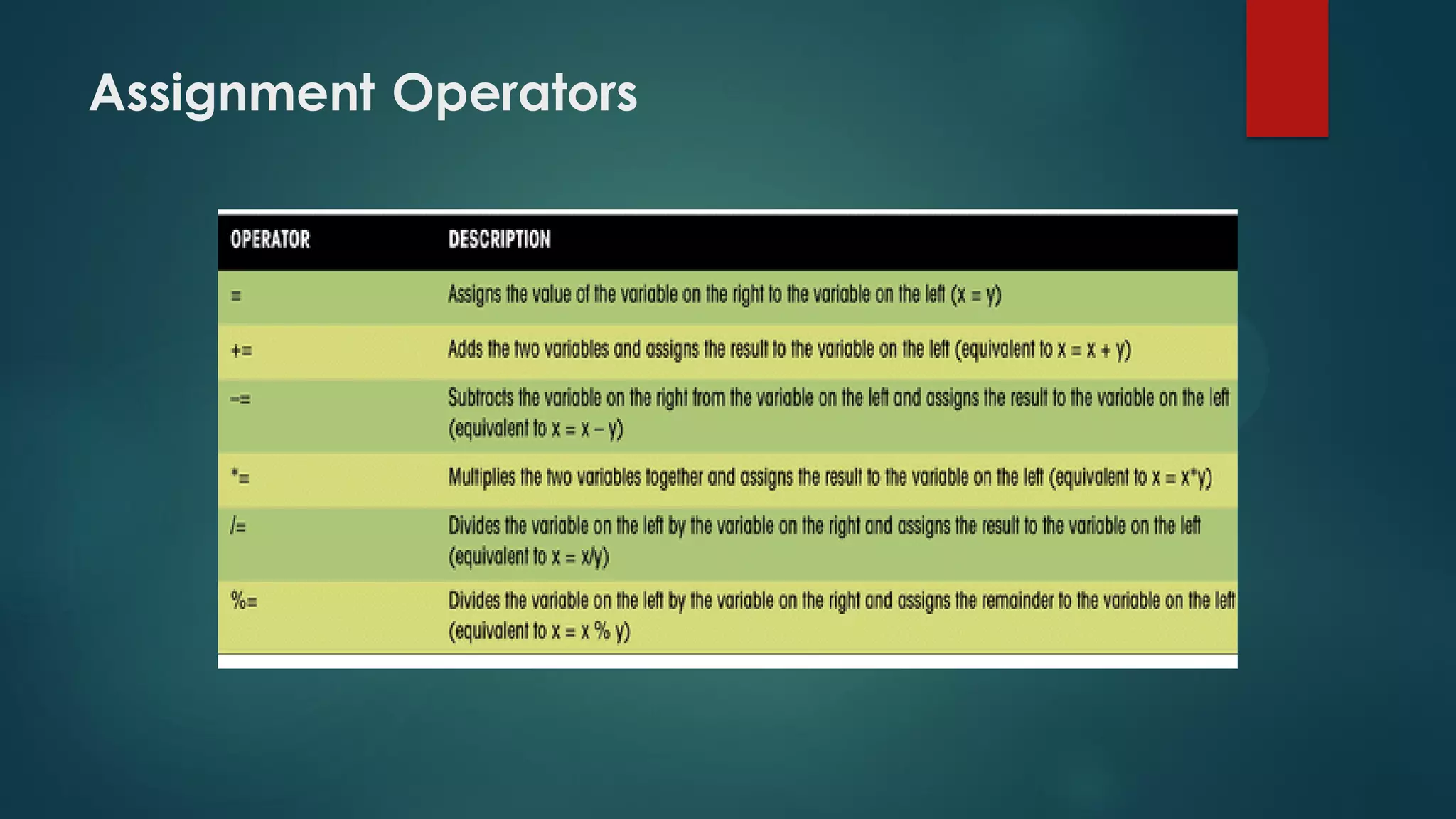
 Expressions assign values using assignment
operators. “=” is the most common one.
 Additional includes the += operator
 The following create the same results:
x = x + y;
x += y
 Either of the following increase the value of the x
variable by 2:
x = x + 2;
x += 2
Assignment Operators
29Creating JavaScript Functions
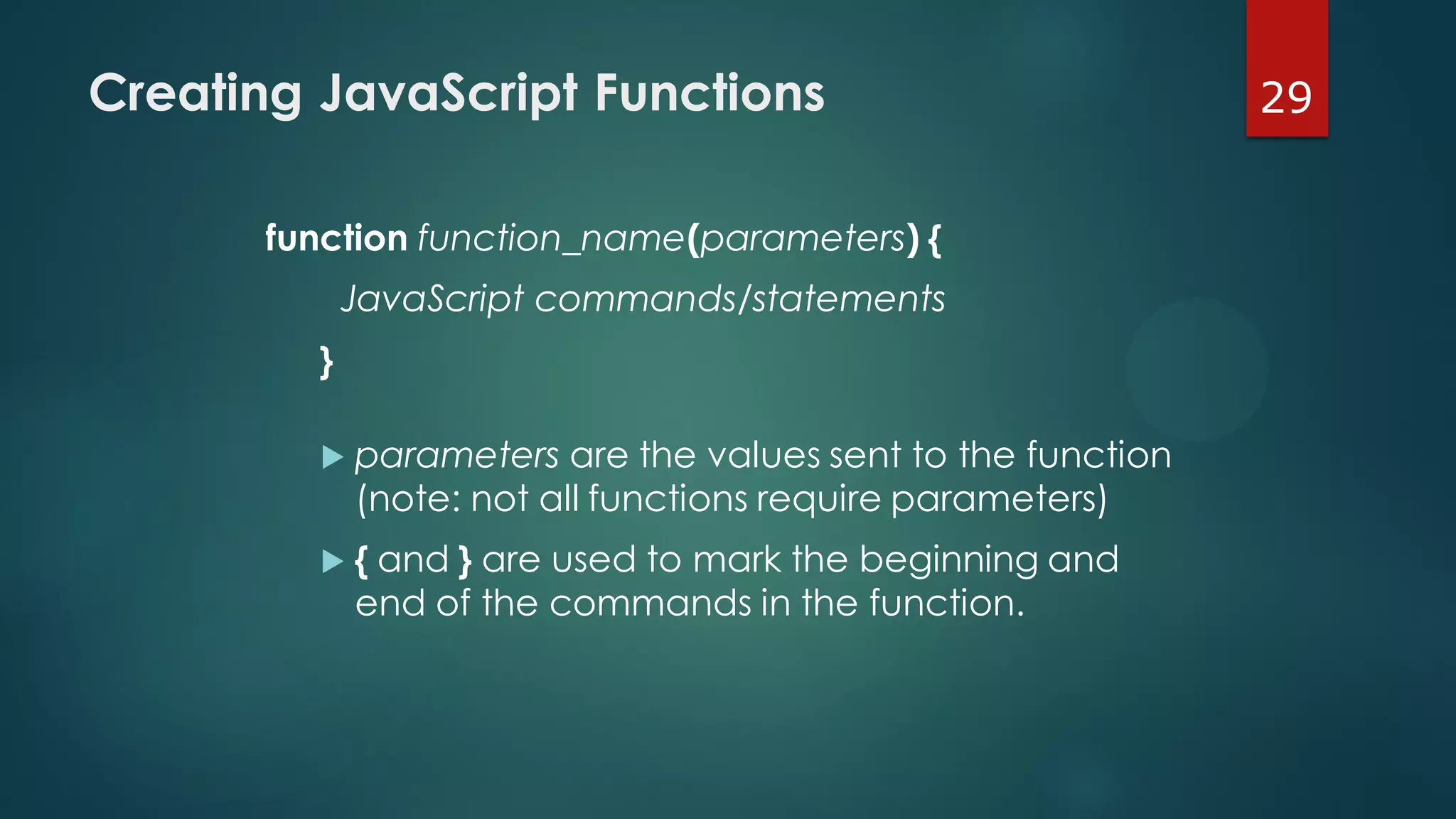
function function_name(parameters) {
JavaScript commands/statements
}
 parameters are the values sent to the function
(note: not all functions require parameters)
 { and } are used to mark the beginning and
end of the commands in the function.
30Creating JavaScript Functions
 Function names are case-sensitive.
 The function name must begin with a letter or
underscore ( _ ) and cannot contain any spaces.
 There is no limit to the number of function
parameters that a function may contain.
 The parameters must be placed within
parentheses, following the function name, and
the parameters must be separated by commas.
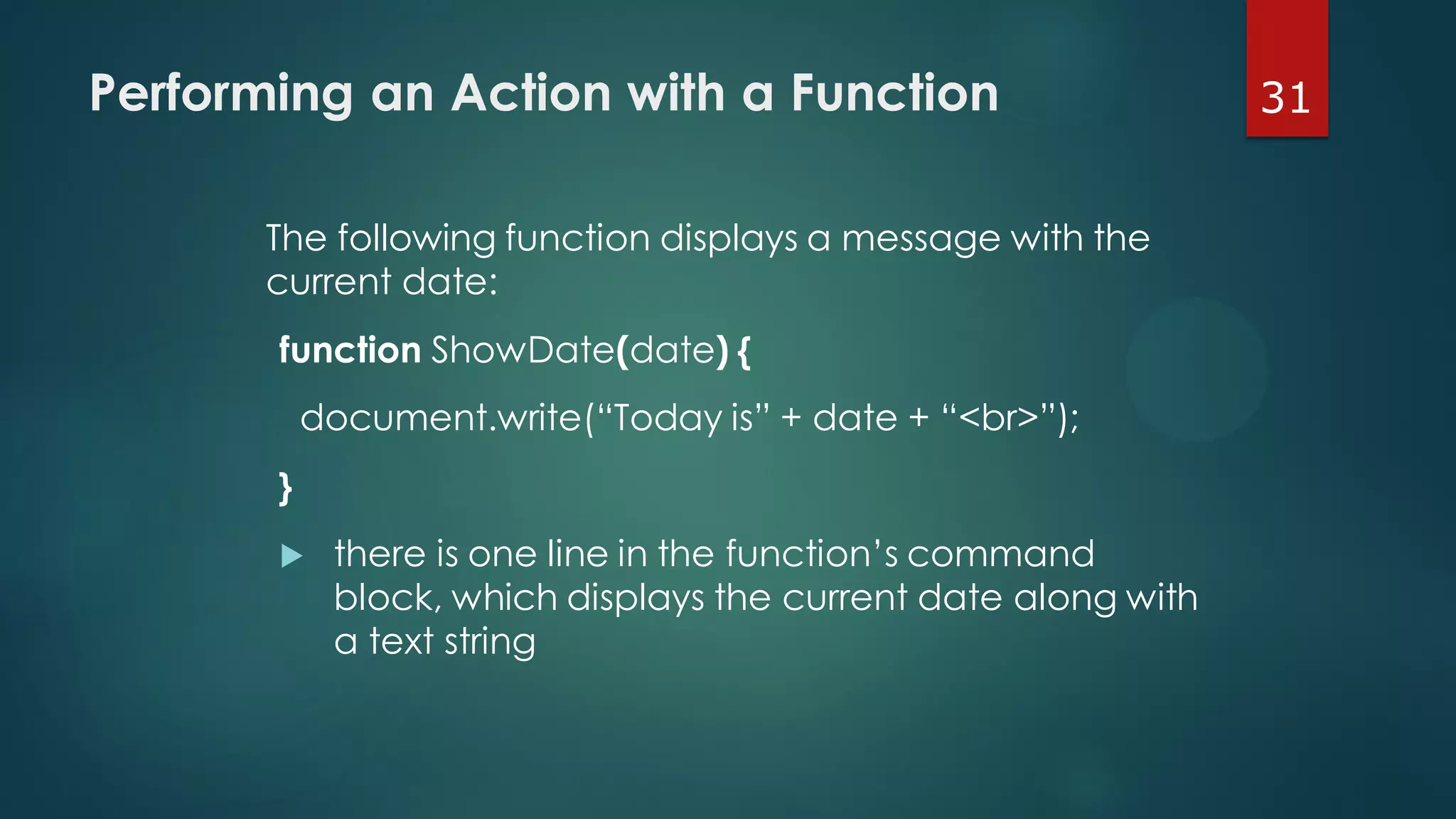
31Performing an Action with a Function
The following function displays a message with the
current date:
function ShowDate(date) {
document.write(“Today is” + date + “<br>”);
}
 there is one line in the function’s command
block, which displays the current date along with
a text string
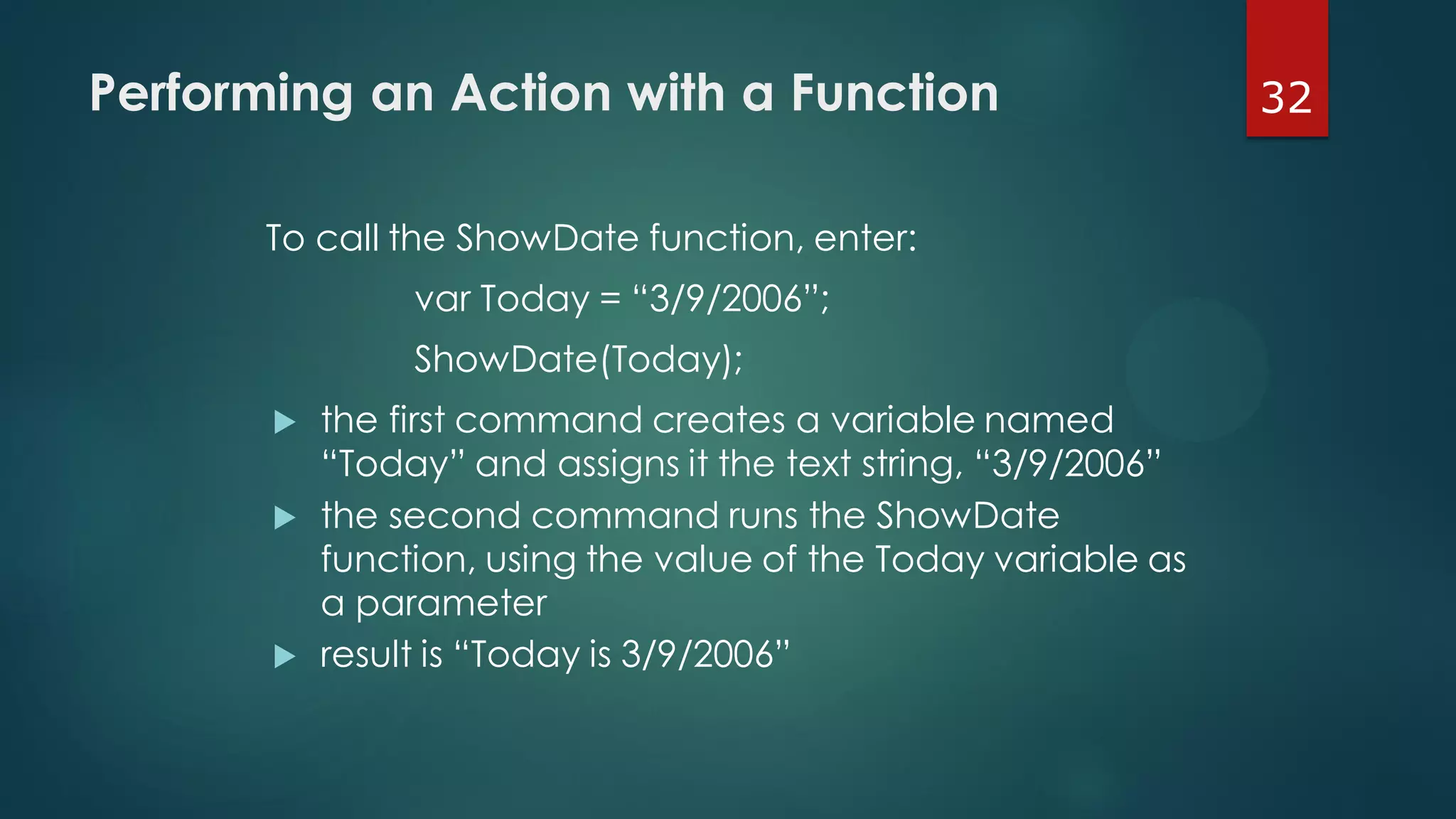
32Performing an Action with a Function
To call the ShowDate function, enter:
var Today = “3/9/2006”;
ShowDate(Today);
 the first command creates a variable named
“Today” and assigns it the text string, “3/9/2006”
 the second command runs the ShowDate
function, using the value of the Today variable as
a parameter
 result is “Today is 3/9/2006”
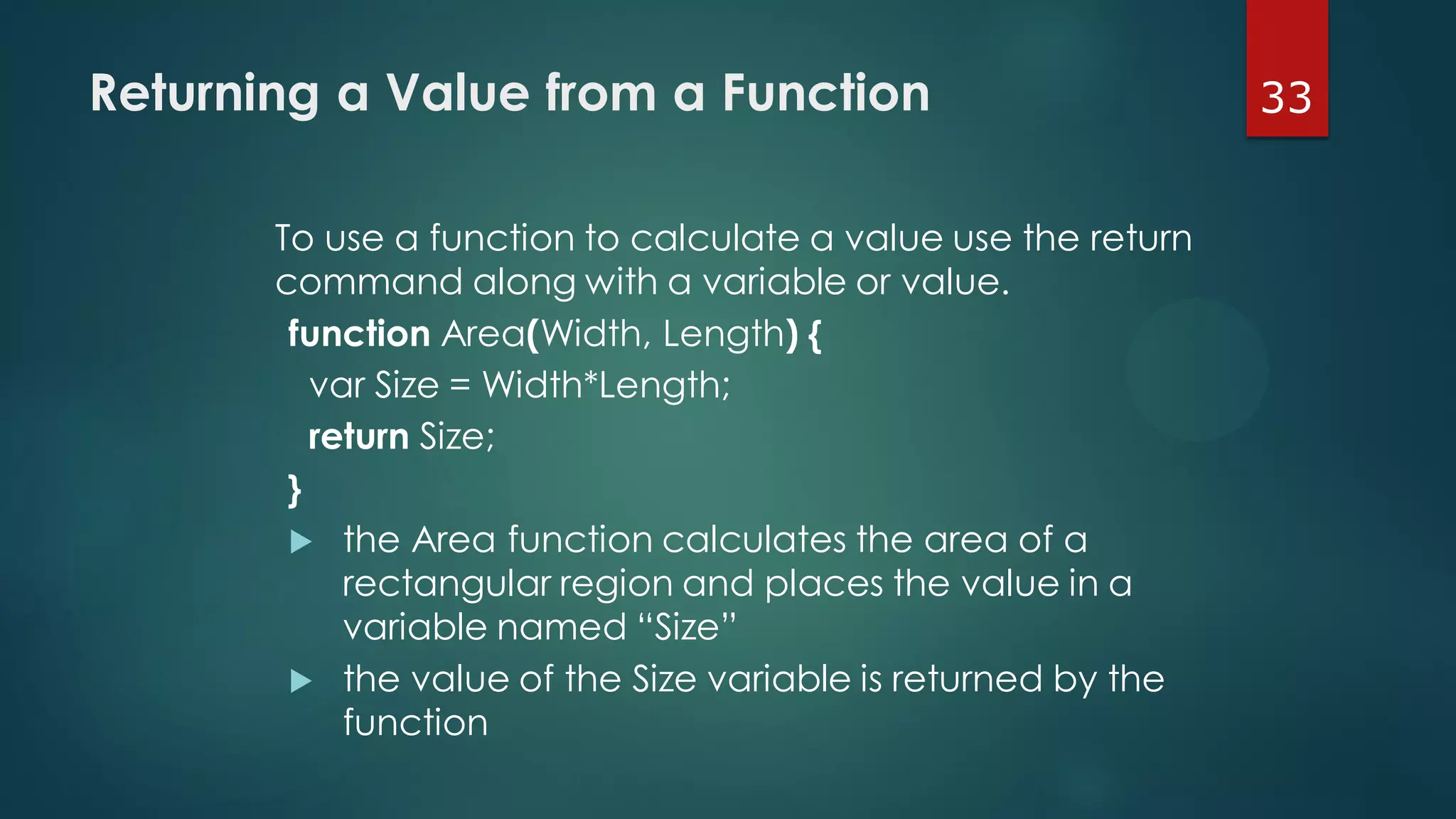
33Returning a Value from a Function
To use a function to calculate a value use the return
command along with a variable or value.
function Area(Width, Length) {
var Size = Width*Length;
return Size;
}
 the Area function calculates the area of a
rectangular region and places the value in a
variable named “Size”
 the value of the Size variable is returned by the
function
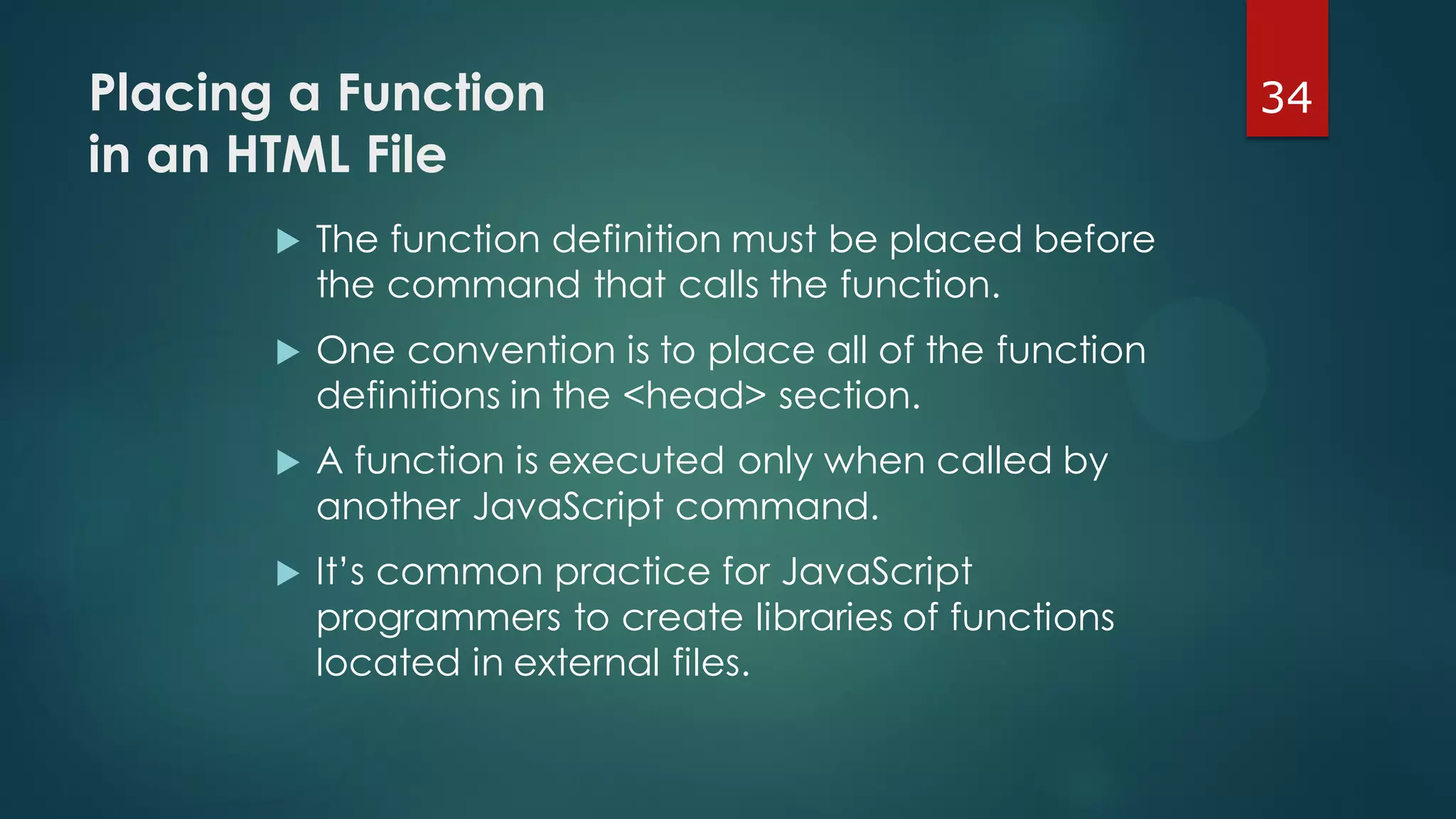
34Placing a Function
in an HTML File
 The function definition must be placed before
the command that calls the function.
 One convention is to place all of the function
definitions in the <head> section.
 A function is executed only when called by
another JavaScript command.
 It’s common practice for JavaScript
programmers to create libraries of functions
located in external files.
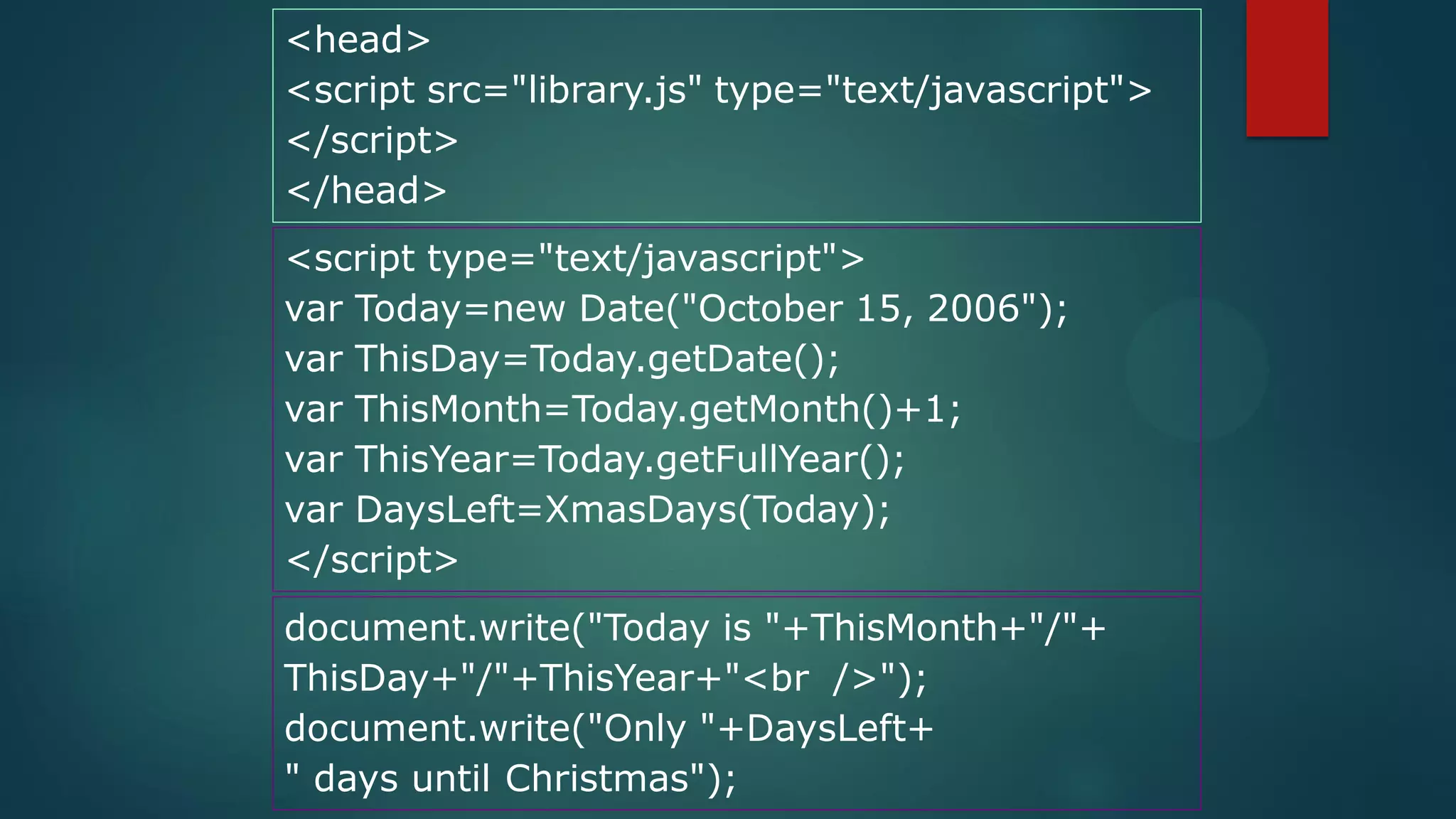
<head>
<script src="library.js" type="text/javascript">
</script>
</head>
<script type="text/javascript">
var Today=new Date("October 15, 2006");
var ThisDay=Today.getDate();
var ThisMonth=Today.getMonth()+1;
var ThisYear=Today.getFullYear();
var DaysLeft=XmasDays(Today);
</script>
document.write("Today is "+ThisMonth+"/"+
ThisDay+"/"+ThisYear+"<br />");
document.write("Only "+DaysLeft+
" days until Christmas");
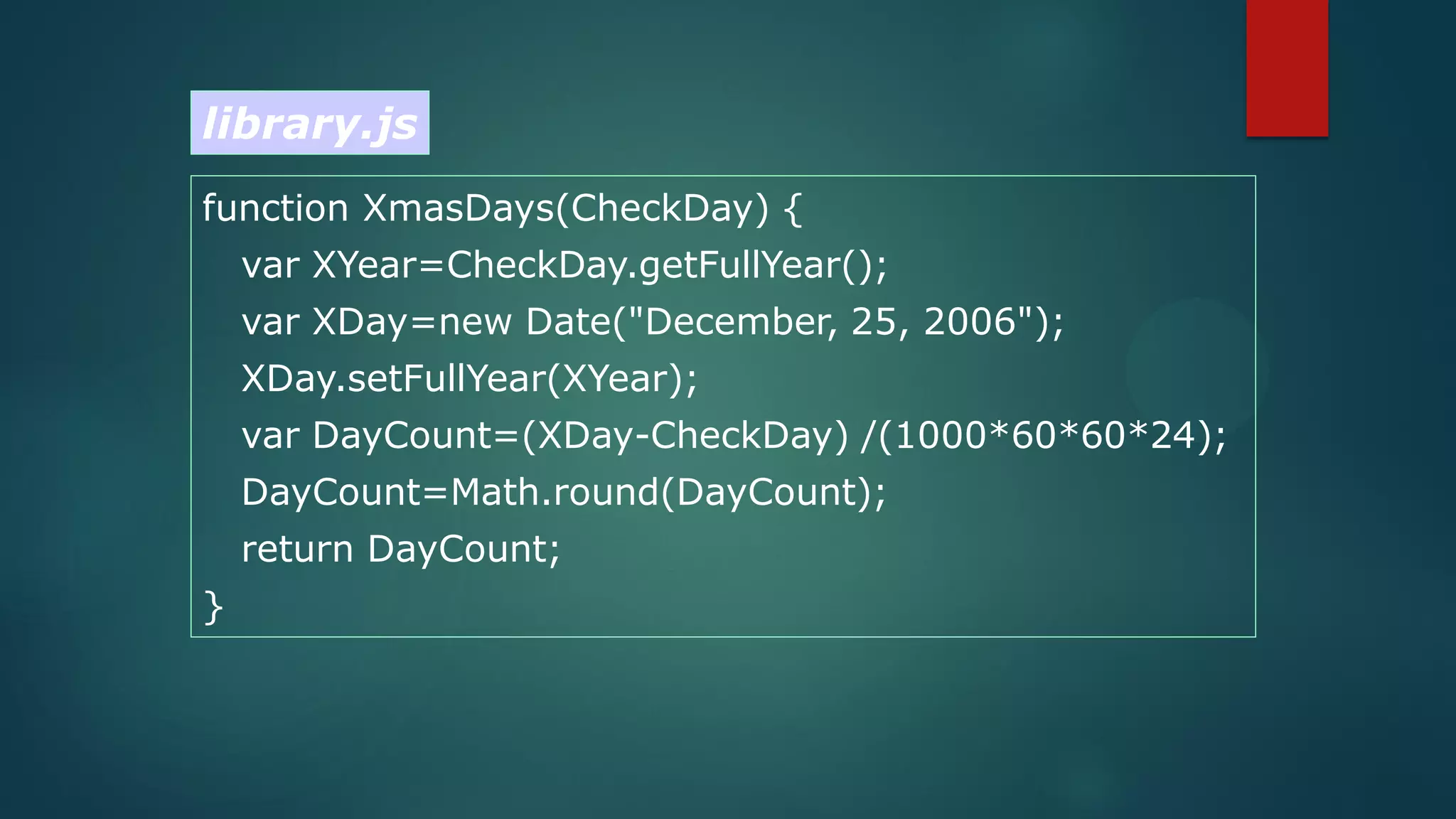
function XmasDays(CheckDay) {
var XYear=CheckDay.getFullYear();
var XDay=new Date("December, 25, 2006");
XDay.setFullYear(XYear);
var DayCount=(XDay-CheckDay) /(1000*60*60*24);
DayCount=Math.round(DayCount);
return DayCount;
}
library.js
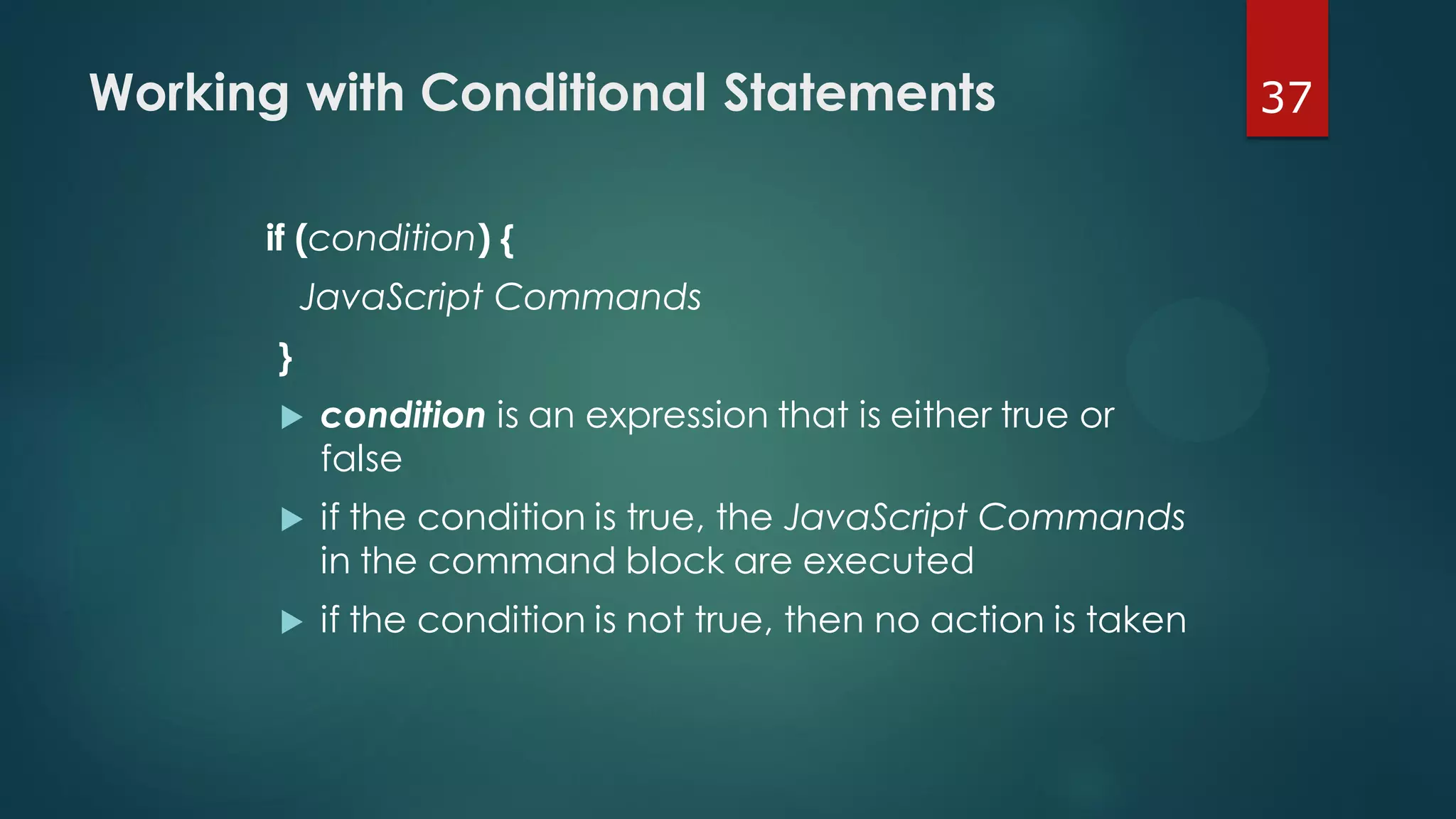
37Working with Conditional Statements
if (condition) {
JavaScript Commands
}
 condition is an expression that is either true or
false
 if the condition is true, the JavaScript Commands
in the command block are executed
 if the condition is not true, then no action is taken
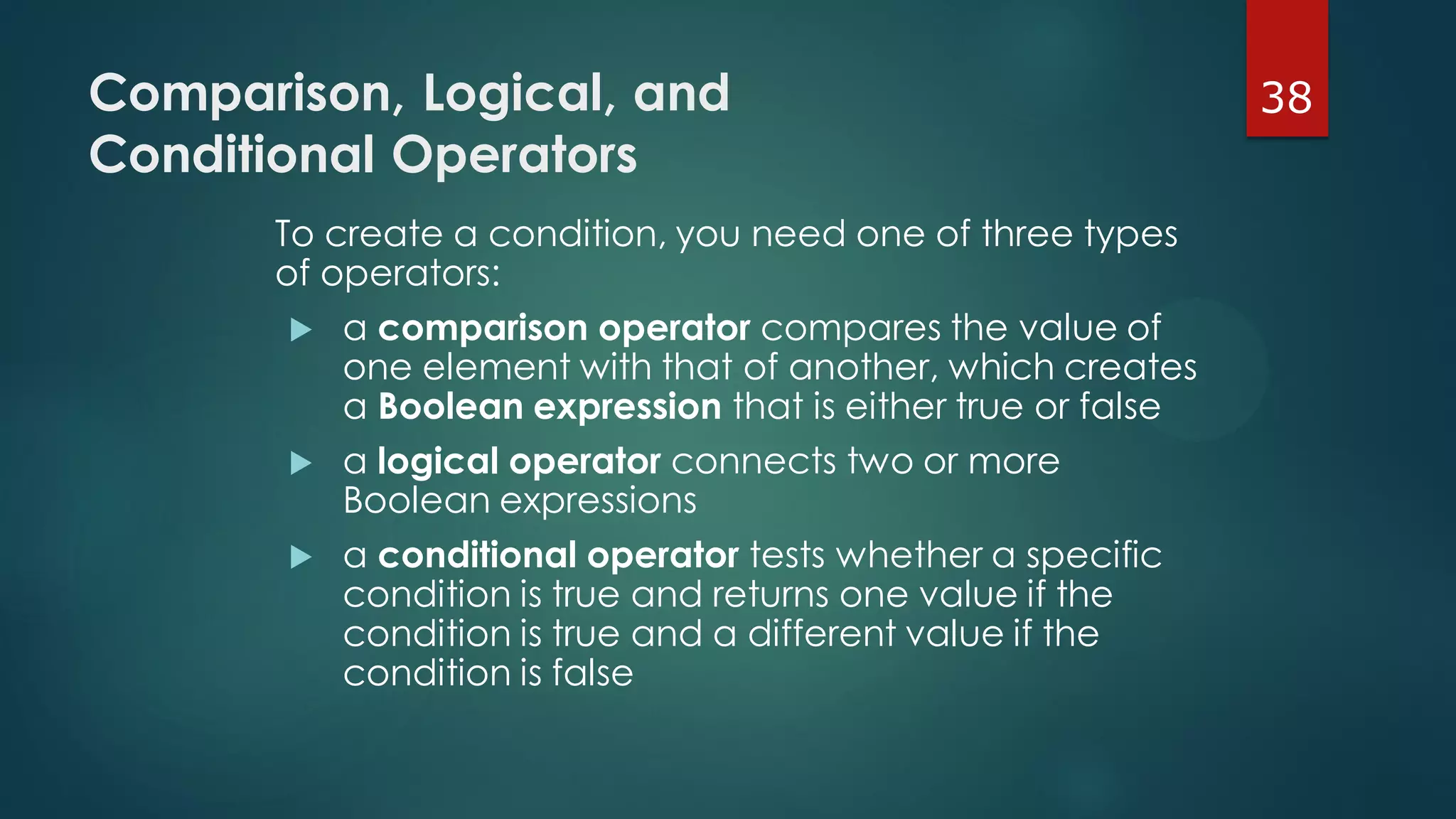
38Comparison, Logical, and
Conditional Operators
To create a condition, you need one of three types
of operators:
 a comparison operator compares the value of
one element with that of another, which creates
a Boolean expression that is either true or false
 a logical operator connects two or more
Boolean expressions
 a conditional operator tests whether a specific
condition is true and returns one value if the
condition is true and a different value if the
condition is false
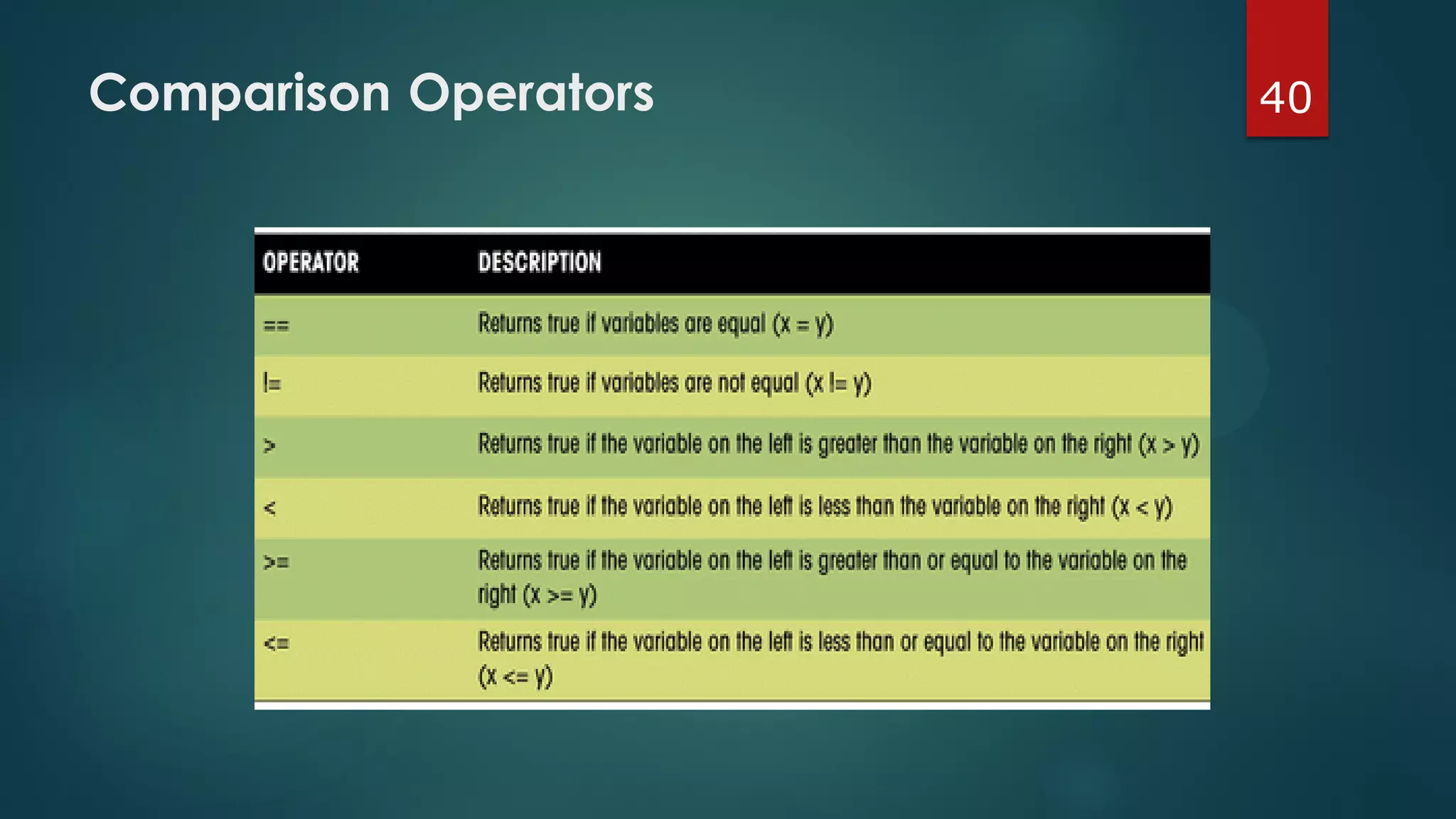
39An Example of
Boolean Expressions
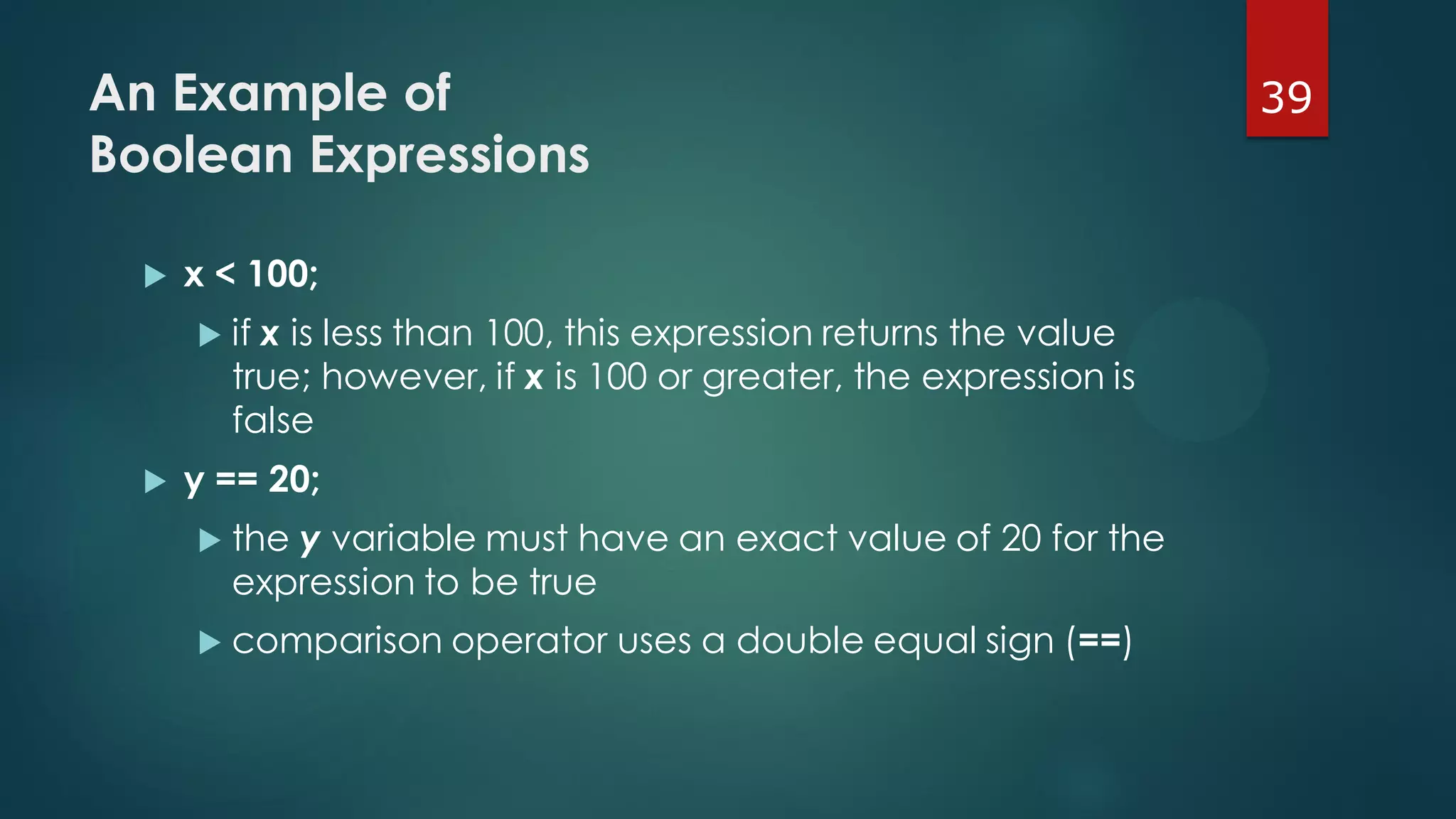
 x < 100;
 if x is less than 100, this expression returns the value
true; however, if x is 100 or greater, the expression is
false
 y == 20;
 the y variable must have an exact value of 20 for the
expression to be true
 comparison operator uses a double equal sign (==)
40Comparison Operators
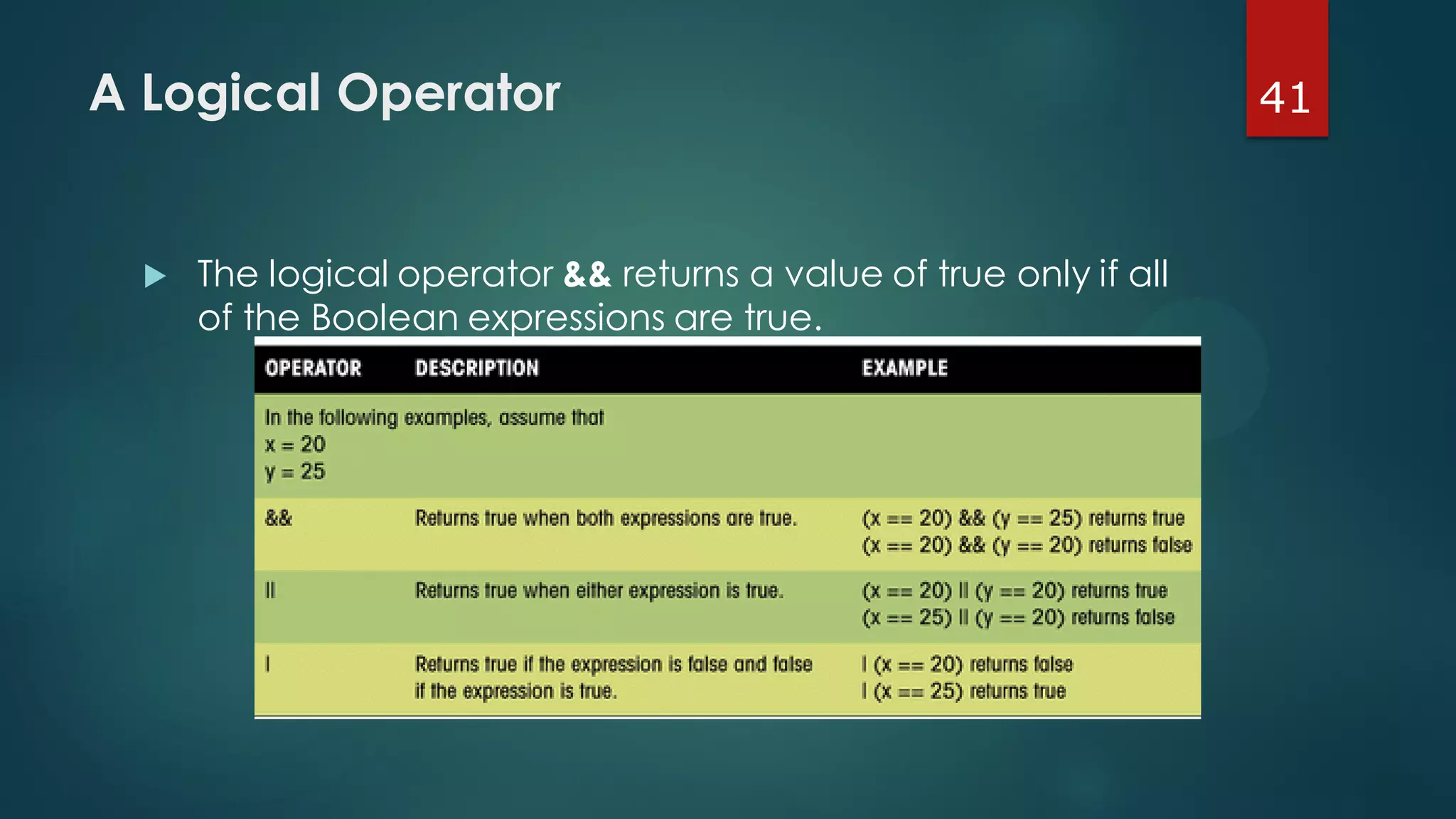
41A Logical Operator
 The logical operator && returns a value of true only if all
of the Boolean expressions are true.
42A Conditional Operator
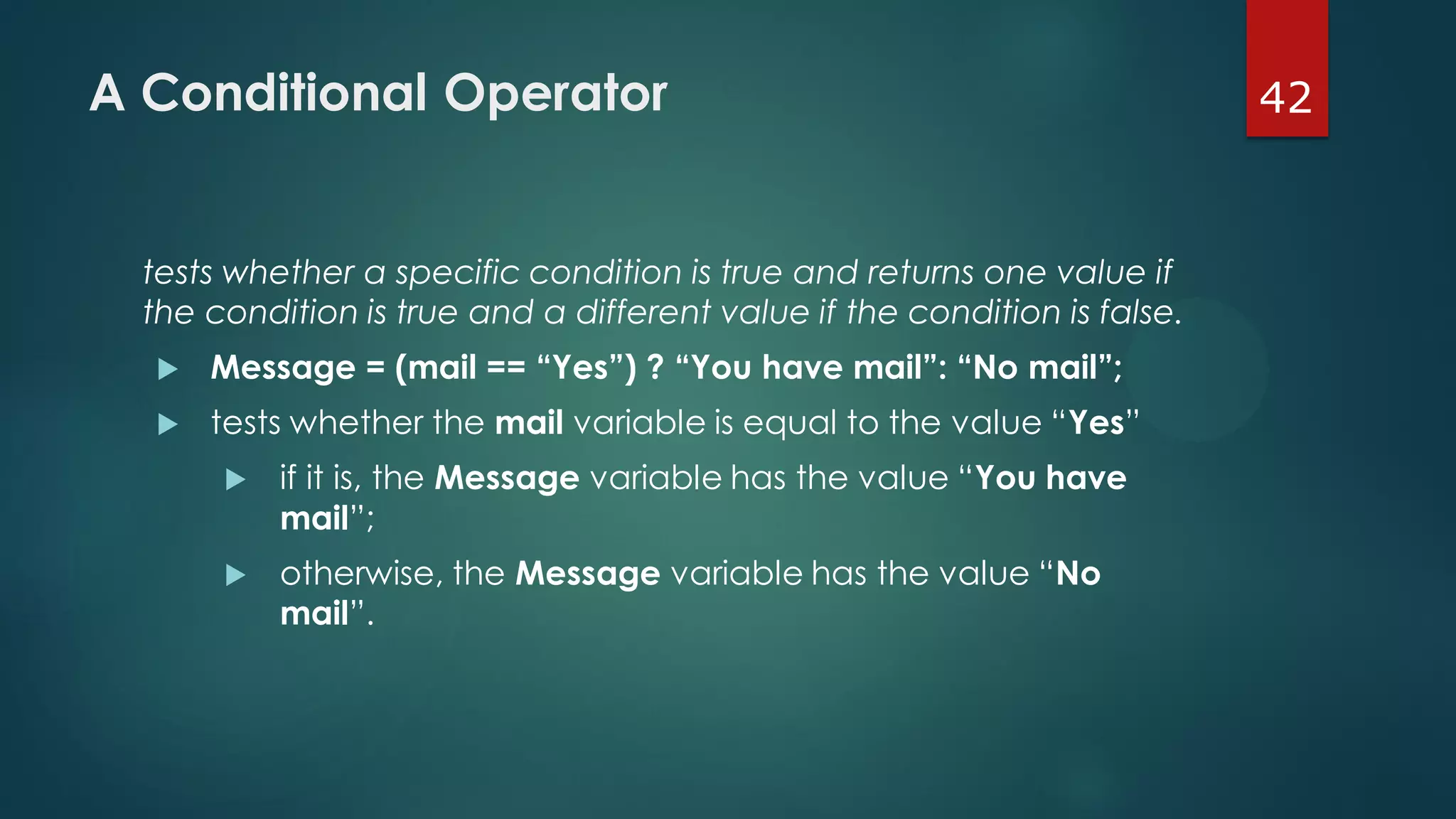
tests whether a specific condition is true and returns one value if
the condition is true and a different value if the condition is false.
 Message = (mail == “Yes”) ? “You have mail”: “No mail”;
 tests whether the mail variable is equal to the value “Yes”
 if it is, the Message variable has the value “You have
mail”;
 otherwise, the Message variable has the value “No
mail”.
43Using an If...Else Statement
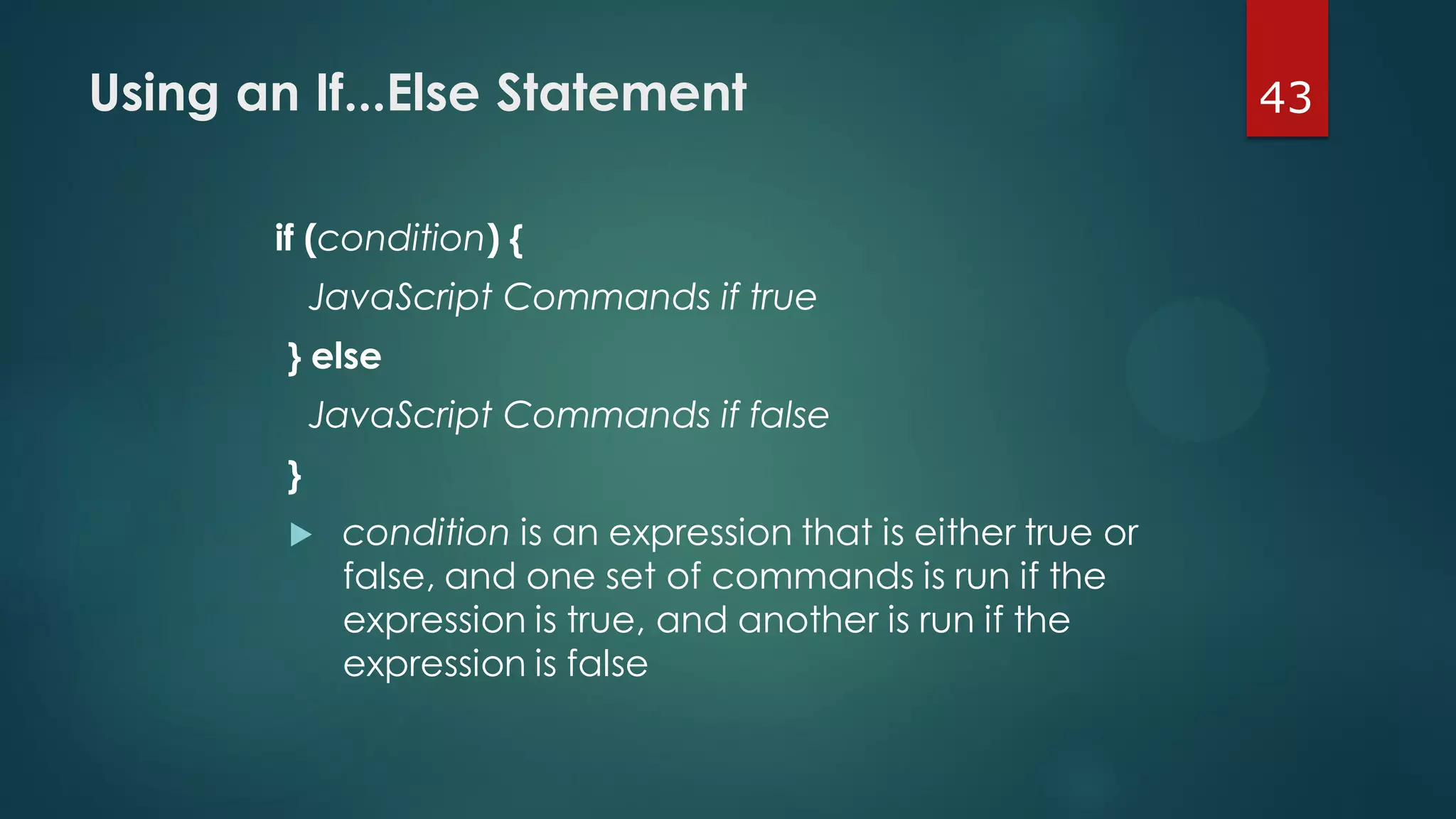
if (condition) {
JavaScript Commands if true
} else
JavaScript Commands if false
}
 condition is an expression that is either true or
false, and one set of commands is run if the
expression is true, and another is run if the
expression is false
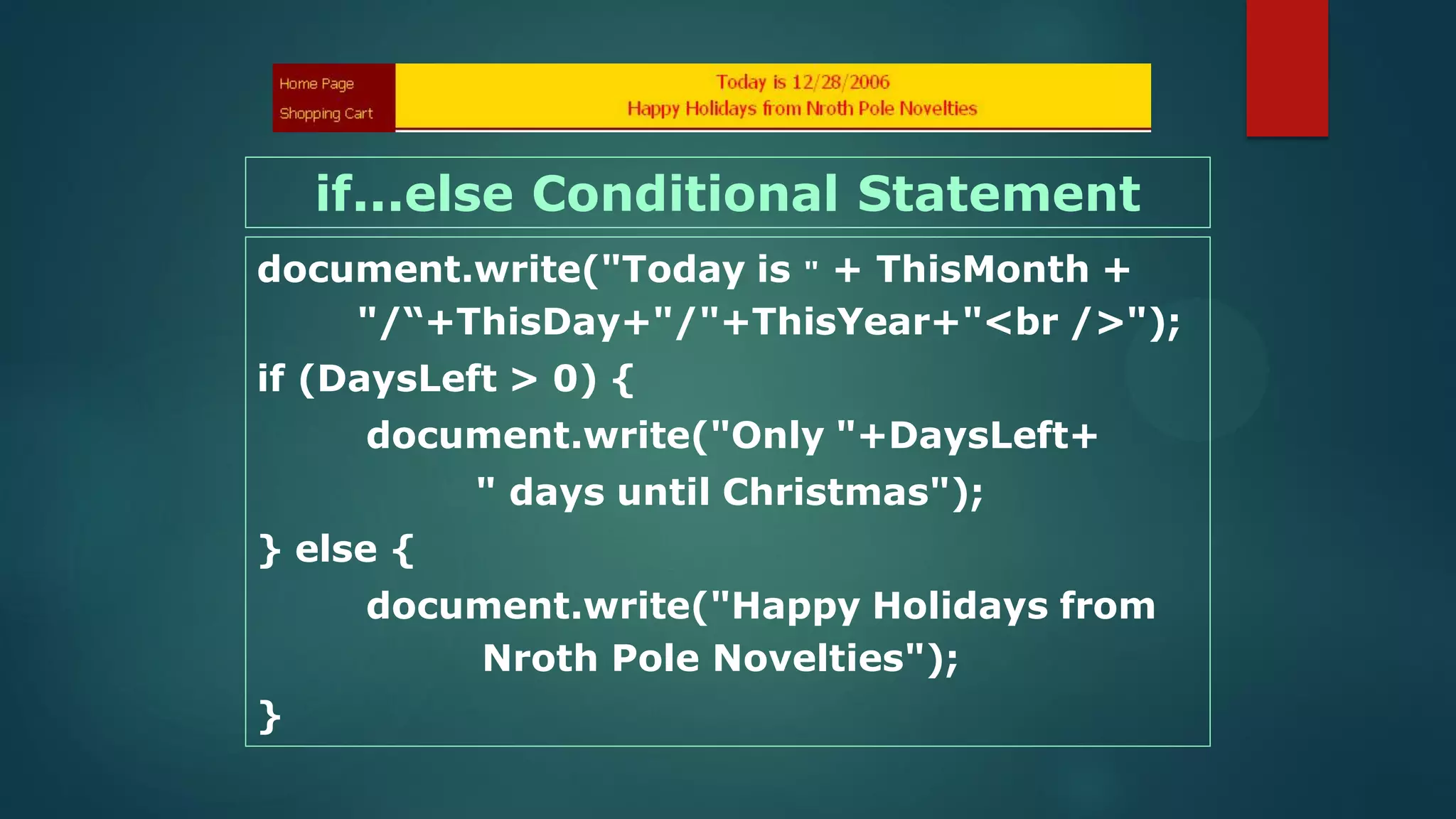
document.write("Today is " + ThisMonth +
"/“+ThisDay+"/"+ThisYear+"<br />");
if (DaysLeft > 0) {
document.write("Only "+DaysLeft+
" days until Christmas");
} else {
document.write("Happy Holidays from
Nroth Pole Novelties");
}
if...else Conditional Statement
45Working with Dates
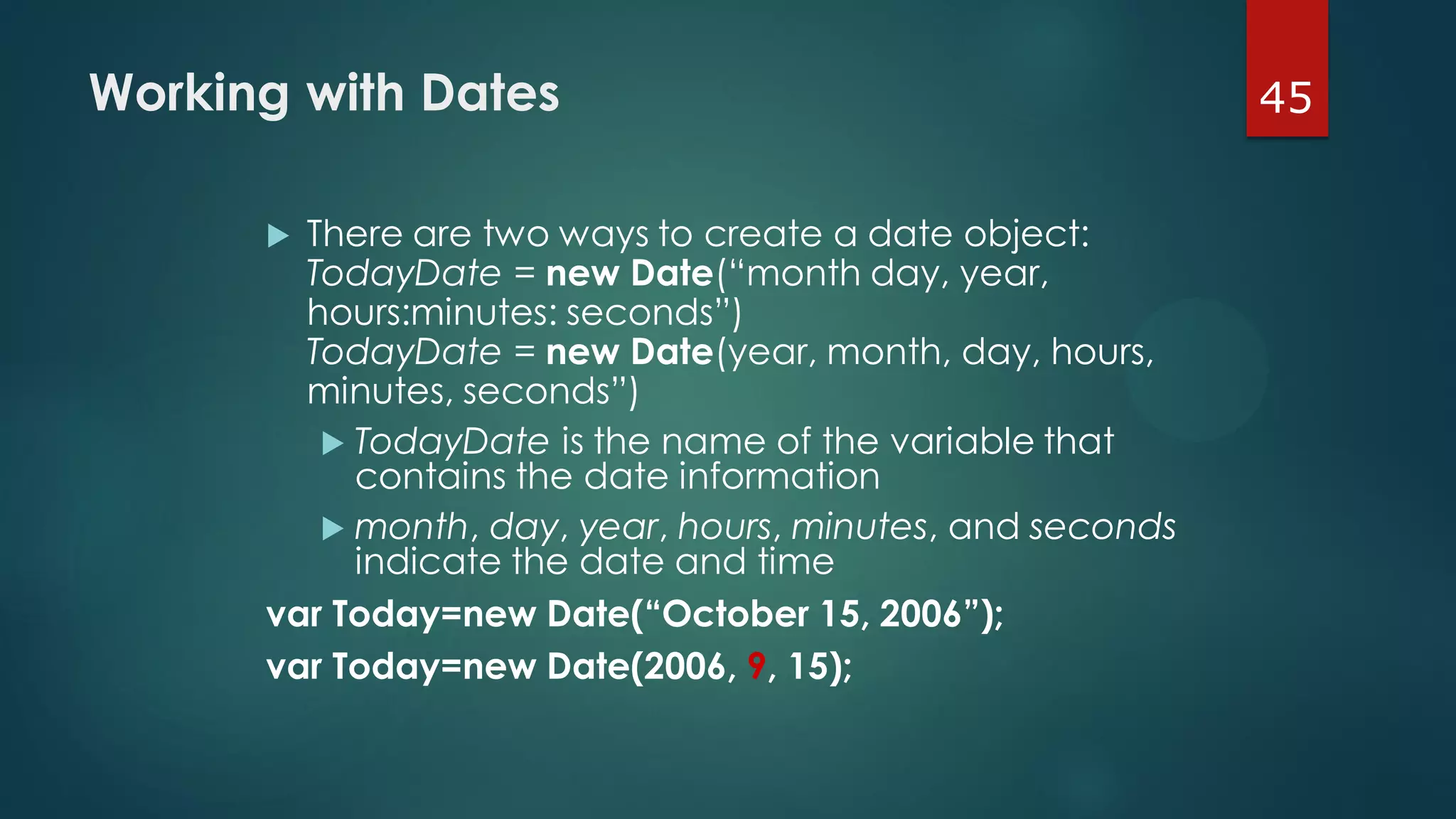
 There are two ways to create a date object:
TodayDate = new Date(“month day, year,
hours:minutes: seconds”)
TodayDate = new Date(year, month, day, hours,
minutes, seconds”)
 TodayDate is the name of the variable that
contains the date information
 month, day, year, hours, minutes, and seconds
indicate the date and time
var Today=new Date(“October 15, 2006”);
var Today=new Date(2006, 9, 15);
46Retrieving the Day & Time Values
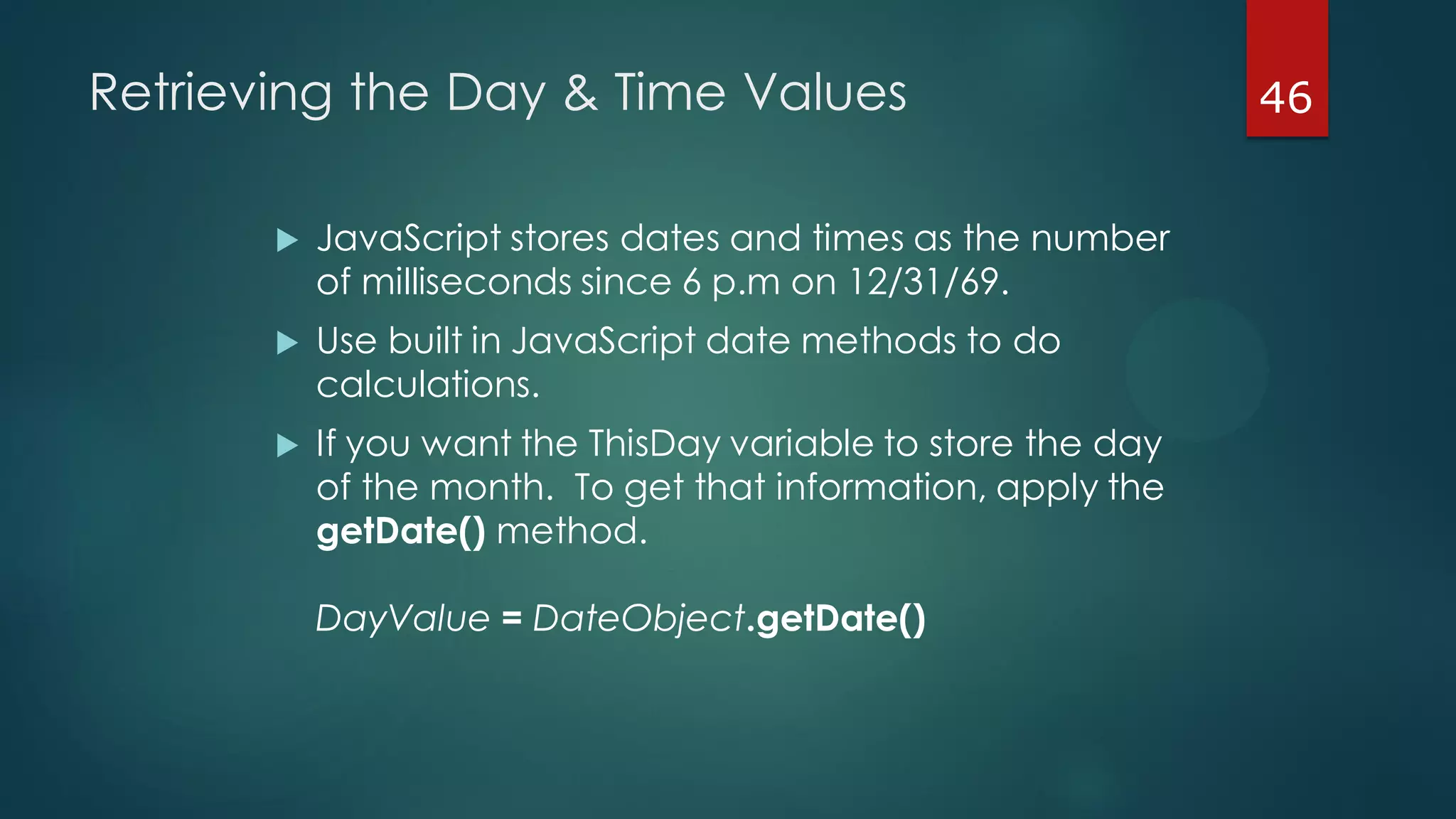
 JavaScript stores dates and times as the number
of milliseconds since 6 p.m on 12/31/69.
 Use built in JavaScript date methods to do
calculations.
 If you want the ThisDay variable to store the day
of the month. To get that information, apply the
getDate() method.
DayValue = DateObject.getDate()
47Retrieving the Month Value
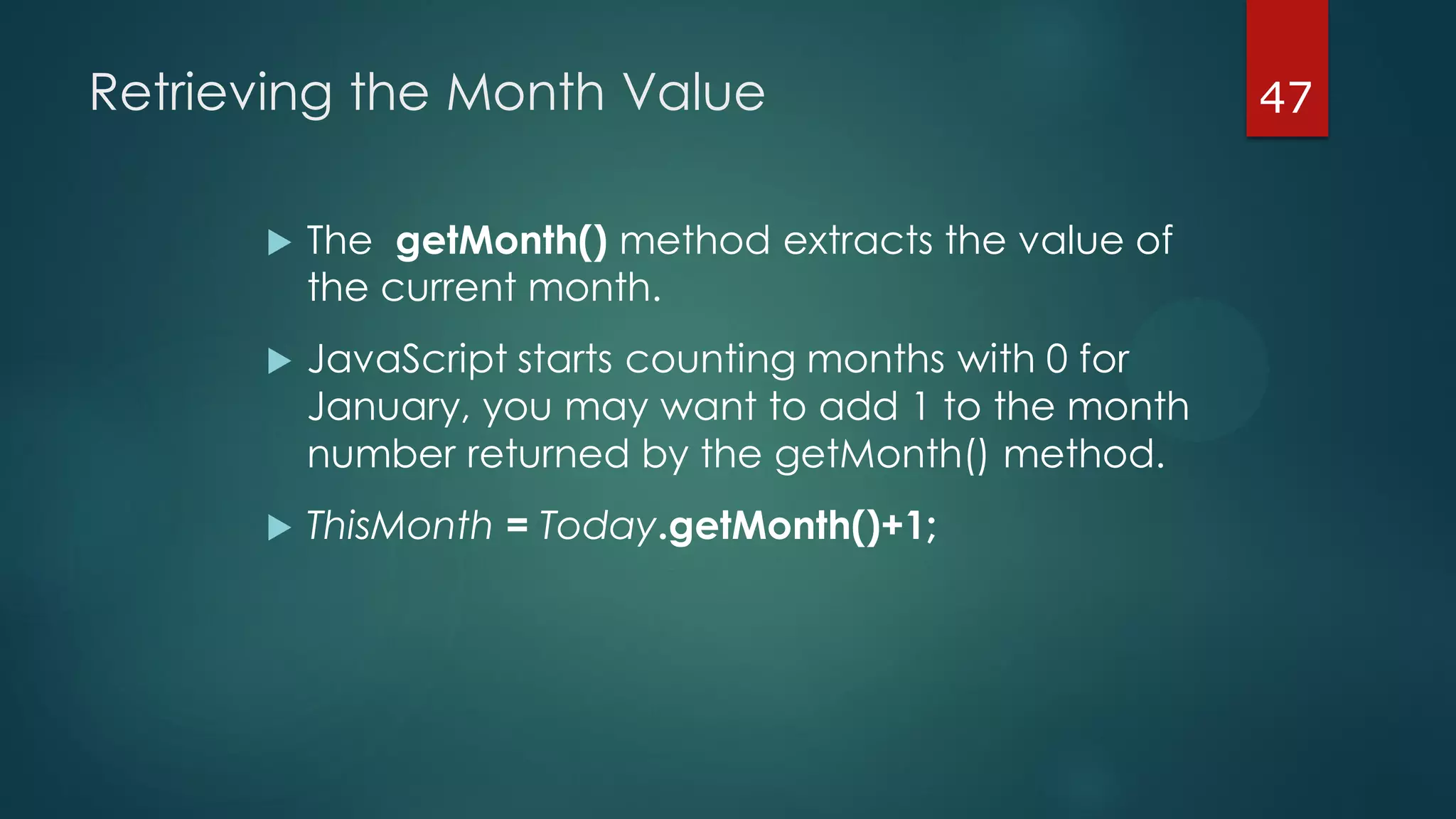
 The getMonth() method extracts the value of
the current month.
 JavaScript starts counting months with 0 for
January, you may want to add 1 to the month
number returned by the getMonth() method.
 ThisMonth = Today.getMonth()+1;
48Retrieving the Year Value
 The getFullYear() method extracts the year
value from the date variable.
 ThisYear = Today.getFullYear();
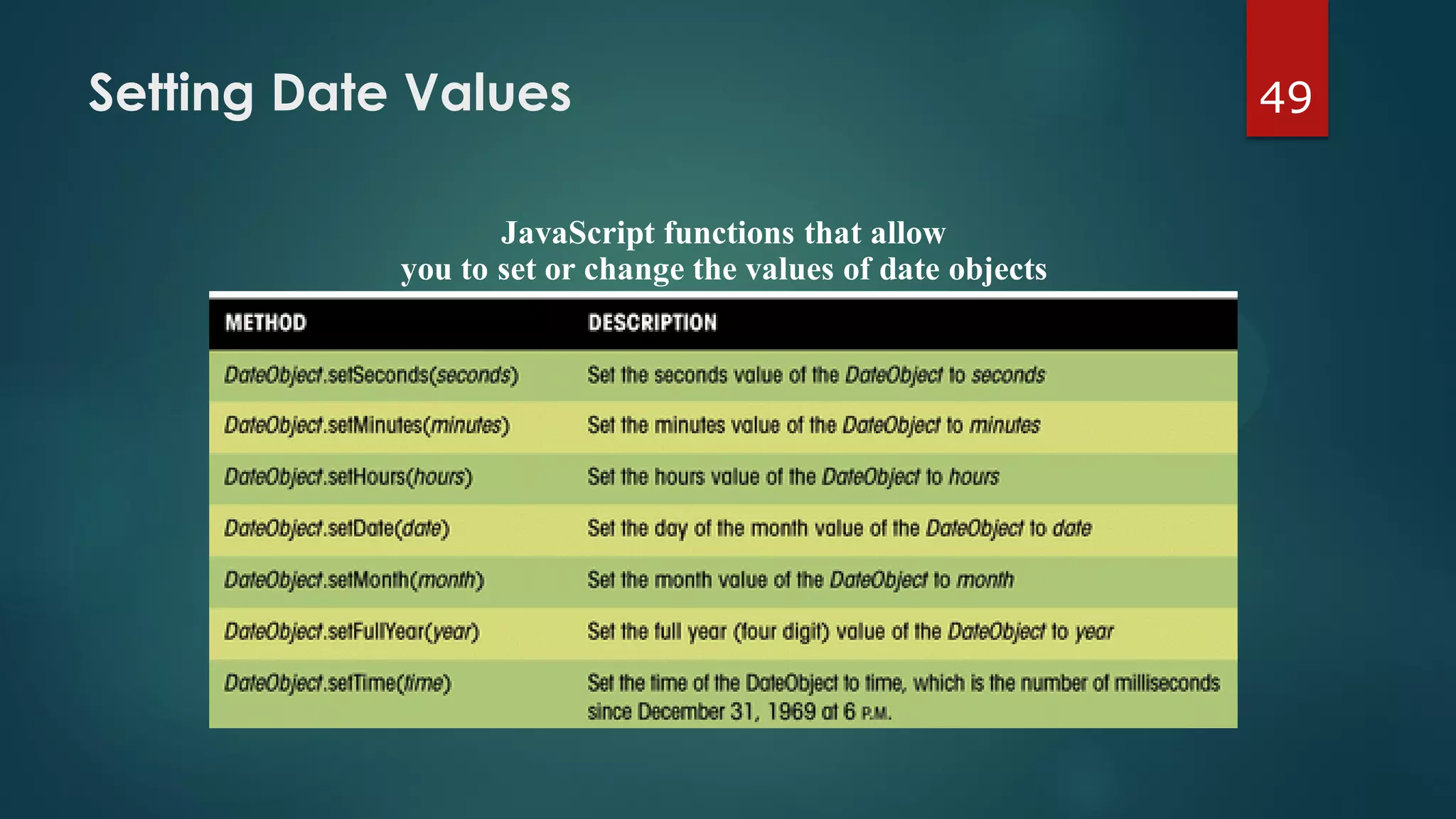
49Setting Date Values
JavaScript functions that allow
you to set or change the values of date objects
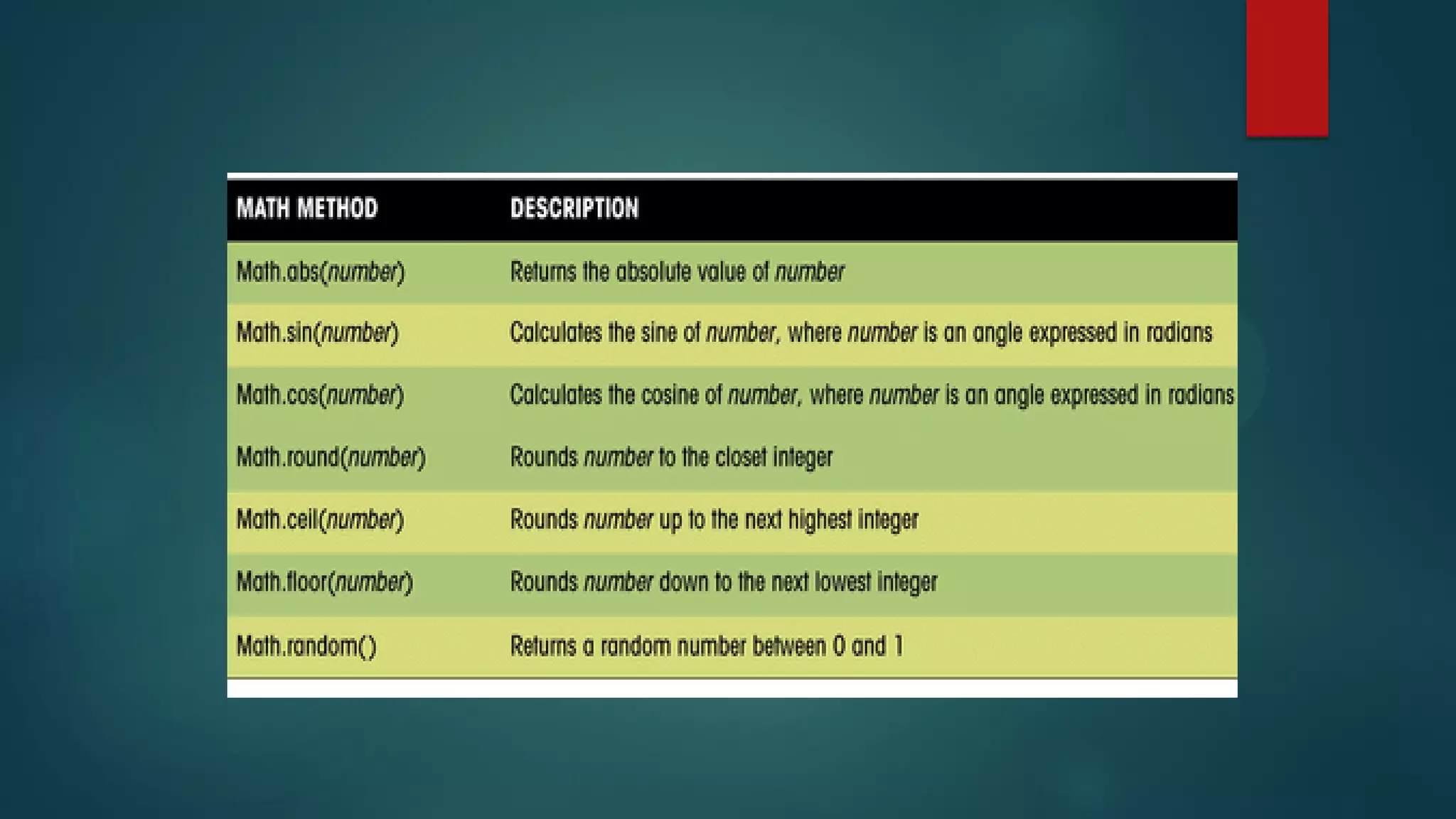
50The Math Object & Math Methods
 Another way of performing a calculation is to use
the JavaScript built-in Math methods.
 These methods are applied to an object called
the Math object.
 The syntax for applying a Math method is:
value = Math.method(variable);
 For example,
AbsValue = Math.abs(NumVar);
52Using Arrays
 An array is an ordered collection of values
referenced by a single variable name.
 The syntax for creating an array variable is:
var variable = new Array(size);
 variable is the name of the array variable
 size is the number of elements in the array
(optional)
 To populate the array with values, use:
variable[i]=value;
where i is the ith item of the array. The 1st item has
an index value of 0.
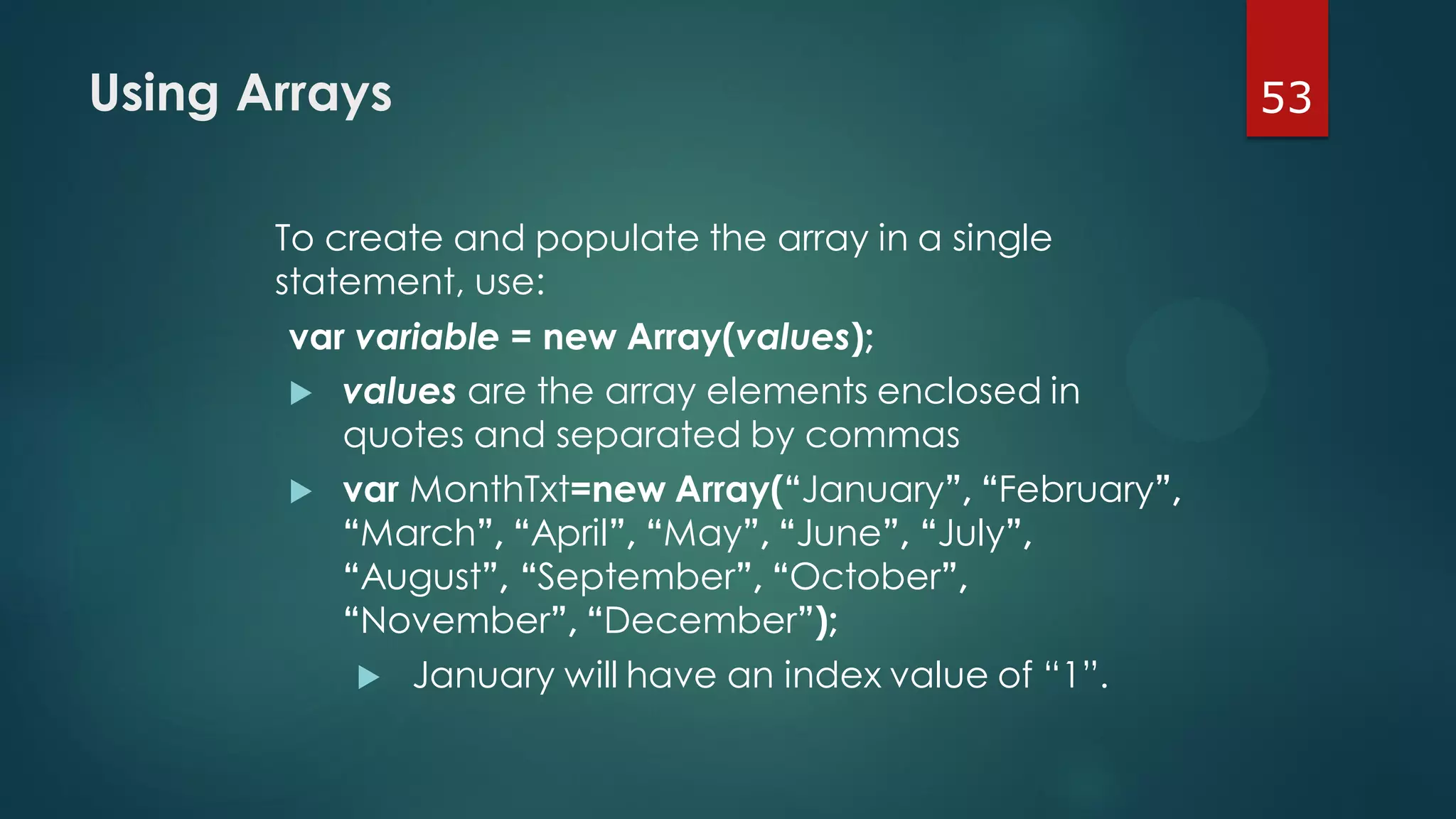
53Using Arrays
To create and populate the array in a single
statement, use:
var variable = new Array(values);
 values are the array elements enclosed in
quotes and separated by commas
 var MonthTxt=new Array(“January”, “February”,
“March”, “April”, “May”, “June”, “July”,
“August”, “September”, “October”,
“November”, “December”);
 January will have an index value of “1”.
<script type="text/javascript">
var Today=new Date();
var ThisDay=Today.getDate();
var ThisMonth=Today.getMonth()+1;
var ThisYear=Today.getFullYear();
var DaysLeft=XmasDays(Today);
var MonthTxt = new Array("", "January", "February", "March",
"April", "May", "June", "July", "August", "September",
"October","November", "December");
document.write("Today is "+MonthTxt[ThisMonth]+" " +
ThisDay+", "+ThisYear+"<br />");
if (DaysLeft > 0) {
document.write("Only "+DaysLeft+" days until Christmas");
} else {
document.write("Happy Holidays from North Pole
Novelties");
}
</script>
function MonthTxt(MonthNumber) {
var Month=new Array();
Month[0]="";
Month[1]="January";
Month[2]="February";
Month[3]="March";
Month[4]="April";
Month[5]="May";
Month[6]="June";
Month[7]="July";
Month[8]="August";
Month[9]="September";
Month[10]="October";
Month[11]="November";
Month[12]="December";
return Month[MonthNumber];
}
Creating the MonthText Function in library2.js
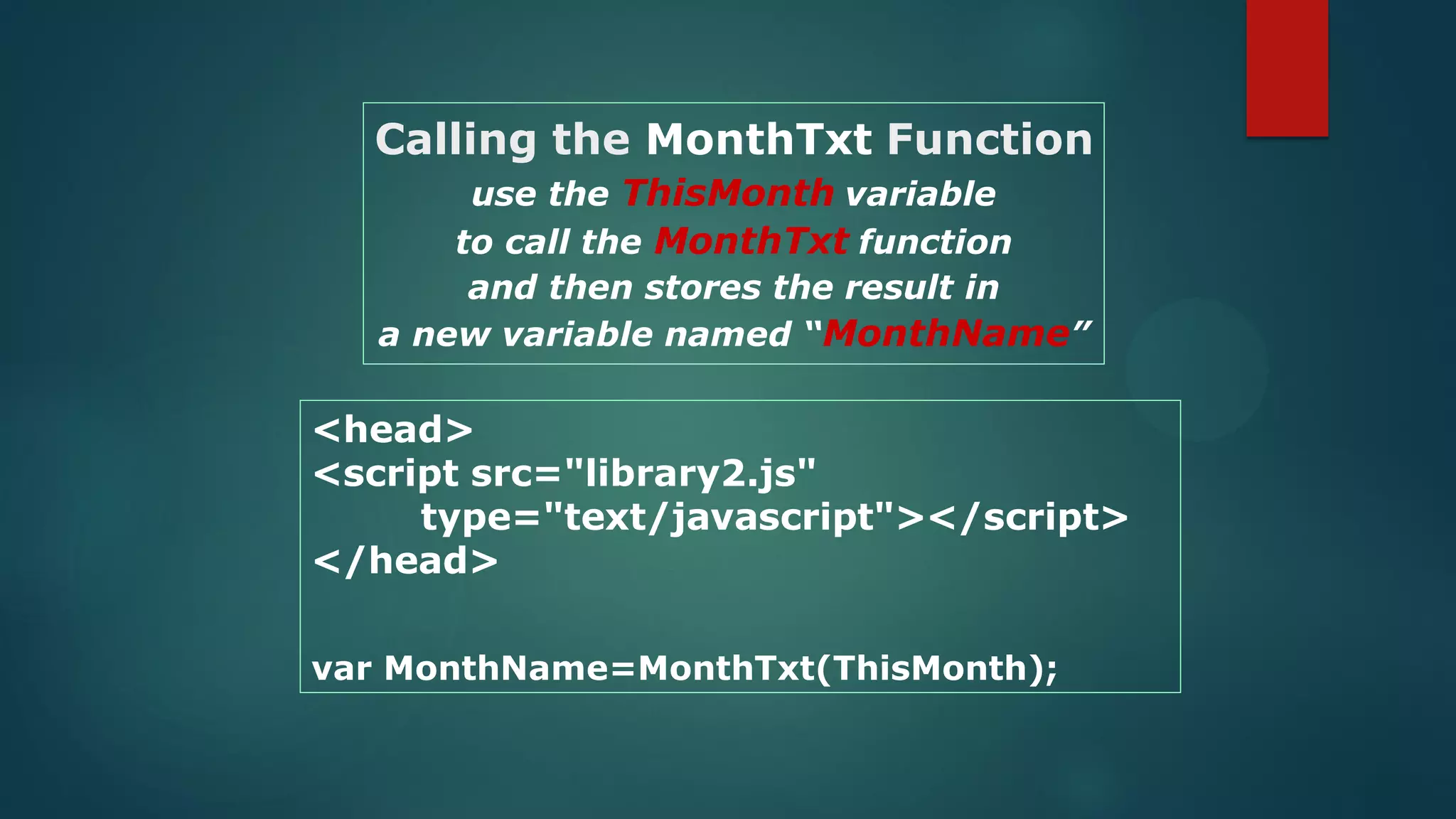
<head>
<script src="library2.js"
type="text/javascript"></script>
</head>
var MonthName=MonthTxt(ThisMonth);
Calling the MonthTxt Function
use the ThisMonth variable
to call the MonthTxt function
and then stores the result in
a new variable named “MonthName”
57Working with Program Loops
 A program loop is a set of instructions that
is executed repeatedly.
 There are two types of loops:
loops that repeat a set number of times
before quitting
loops that repeat as long as a certain
condition is met
58The For Loop
 The For loop allows you to create a group of
commands to be executed a set number of times
through the use of a counter that tracks the
number of times the command block has been
run.
 Set an initial value for the counter, and each time
the command block is executed, the counter
changes in value.
 When the counter reaches a value above or
below a certain stopping value, the loop ends.
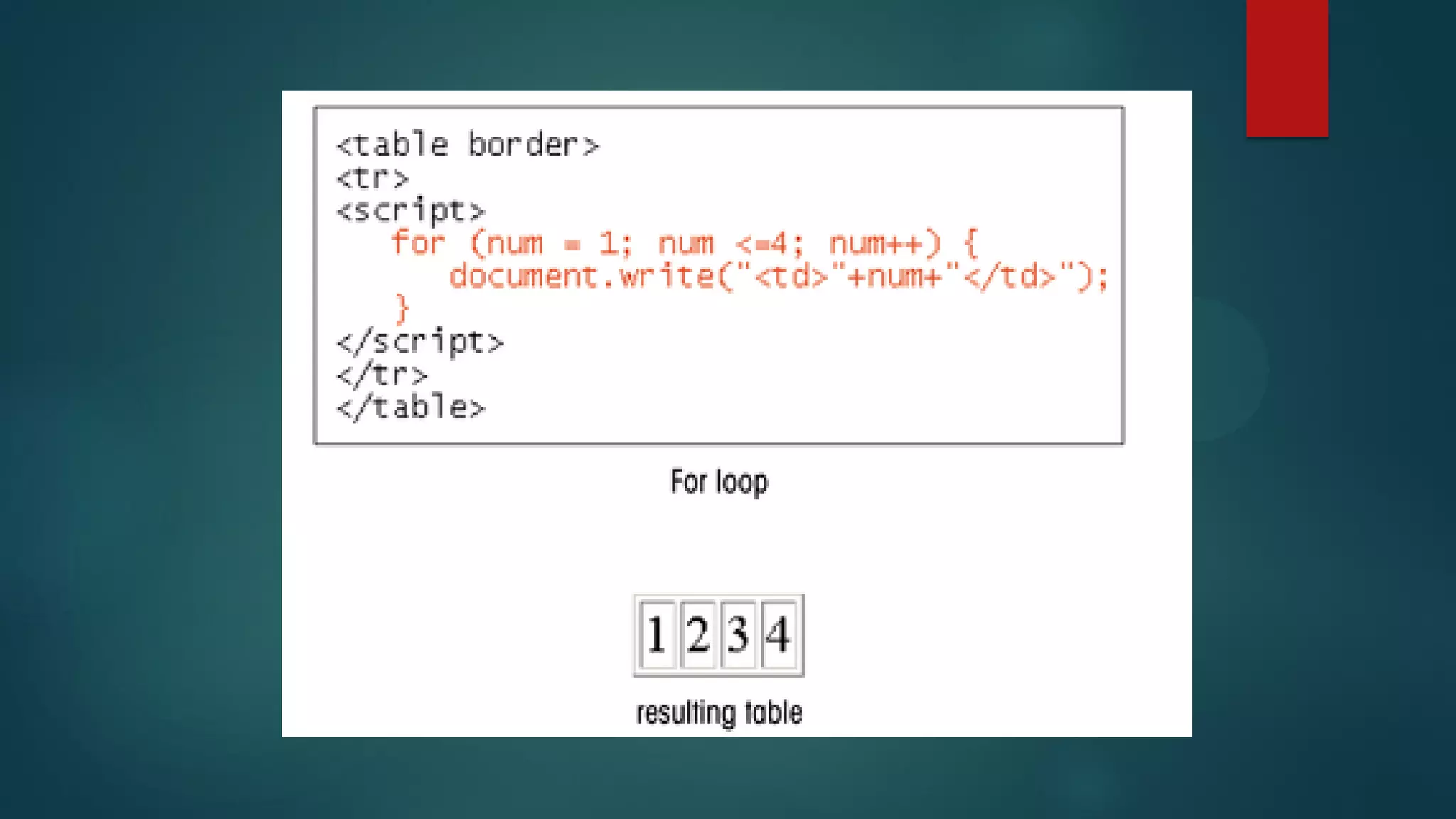
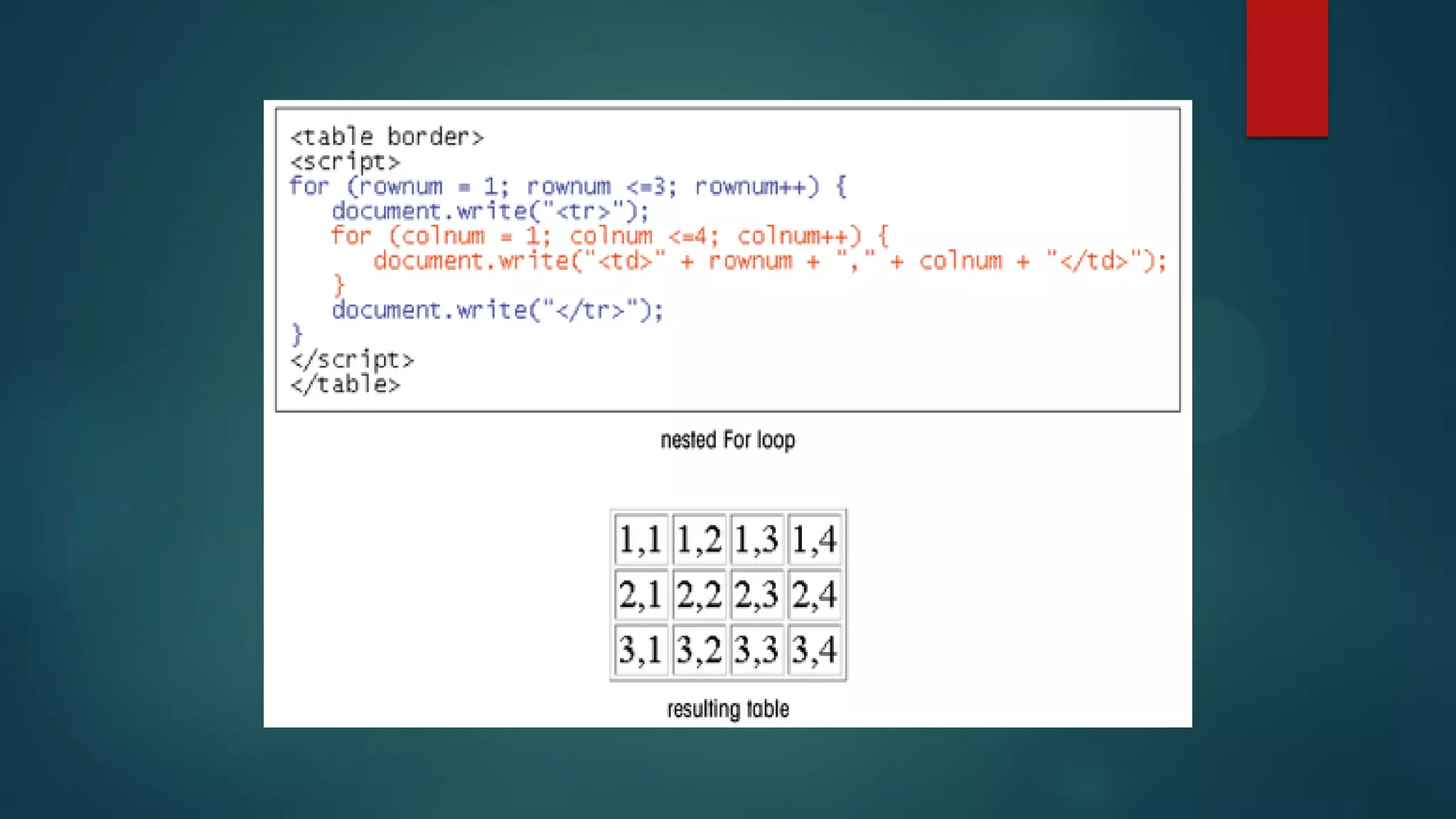
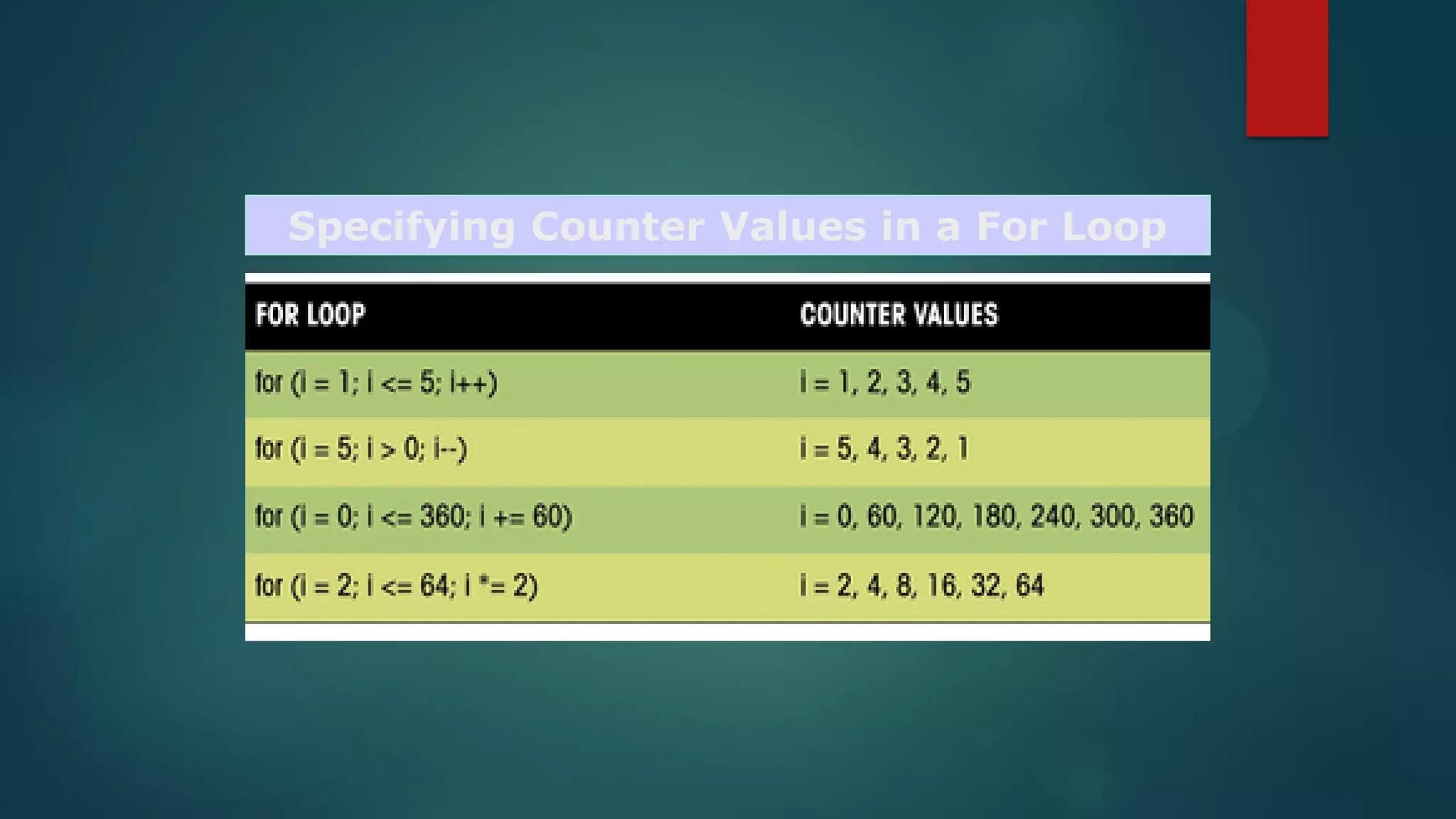
59The For Loop Continued
for (start; condition; update) {
JavaScript Commands
}
 start is the starting value of the counter
 condition is a Boolean expression that must be
true for the loop to continue
 update specifies how the counter changes in
value each time the command block is
executed
Specifying Counter Values in a For Loop
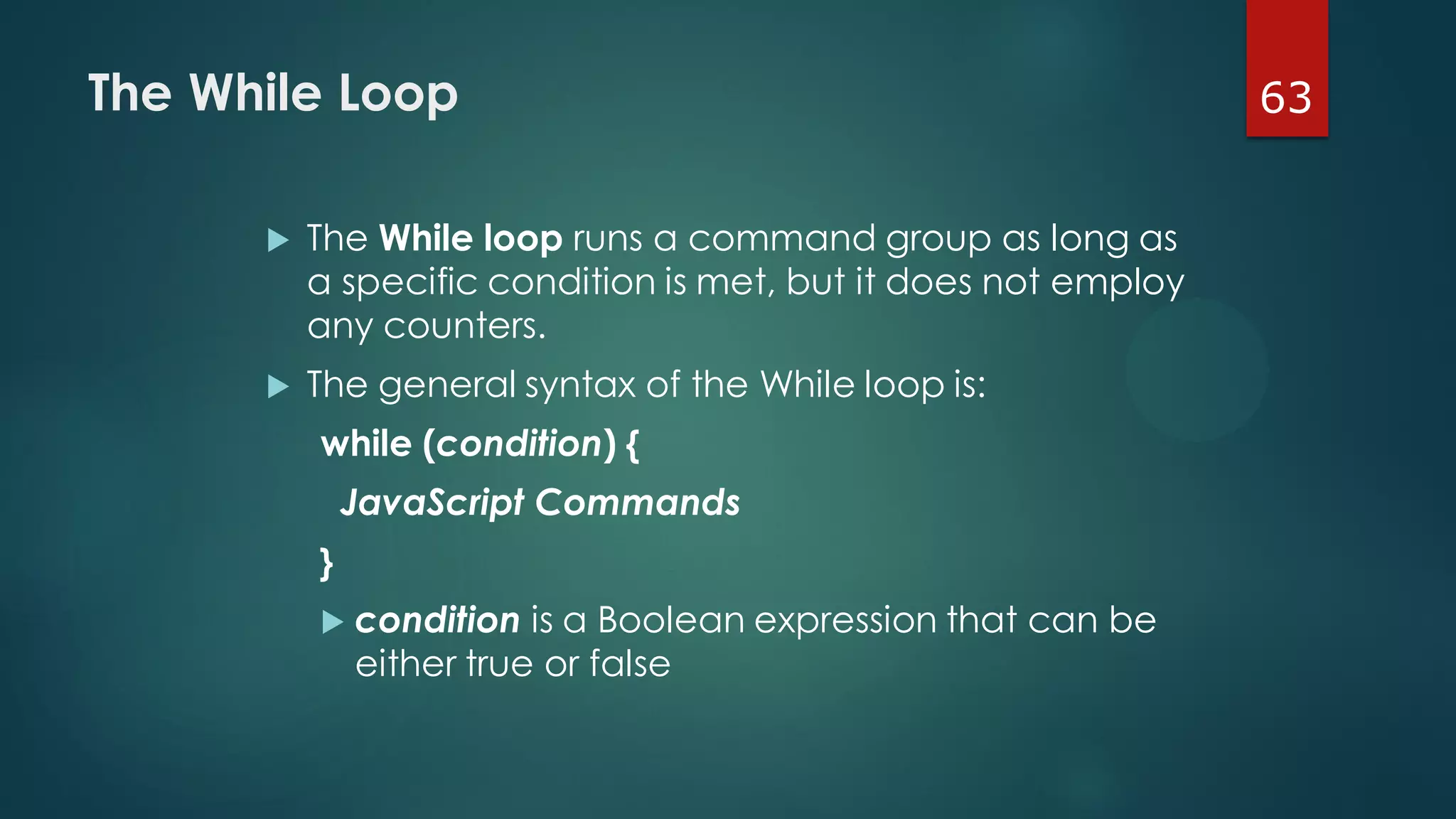
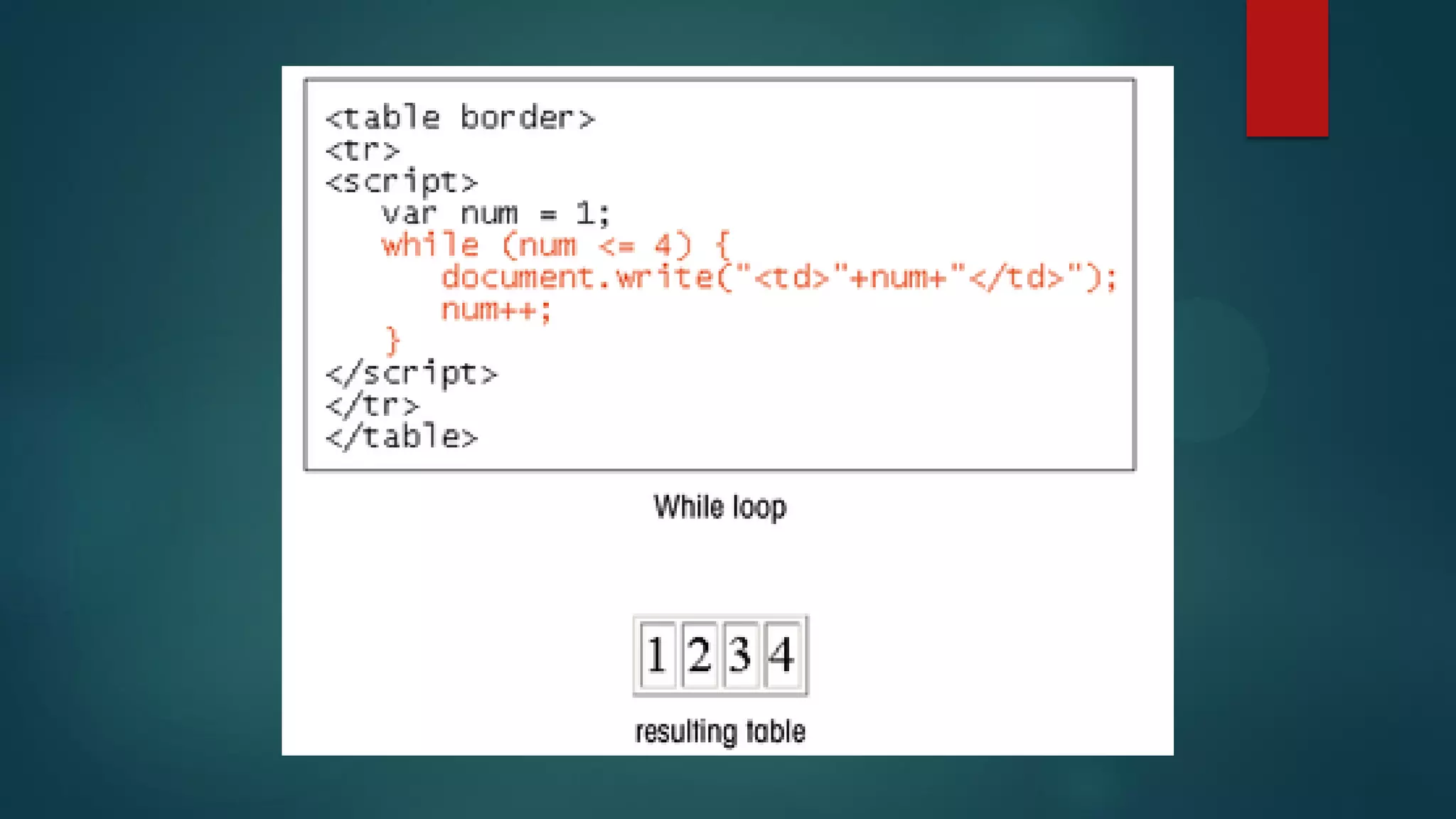
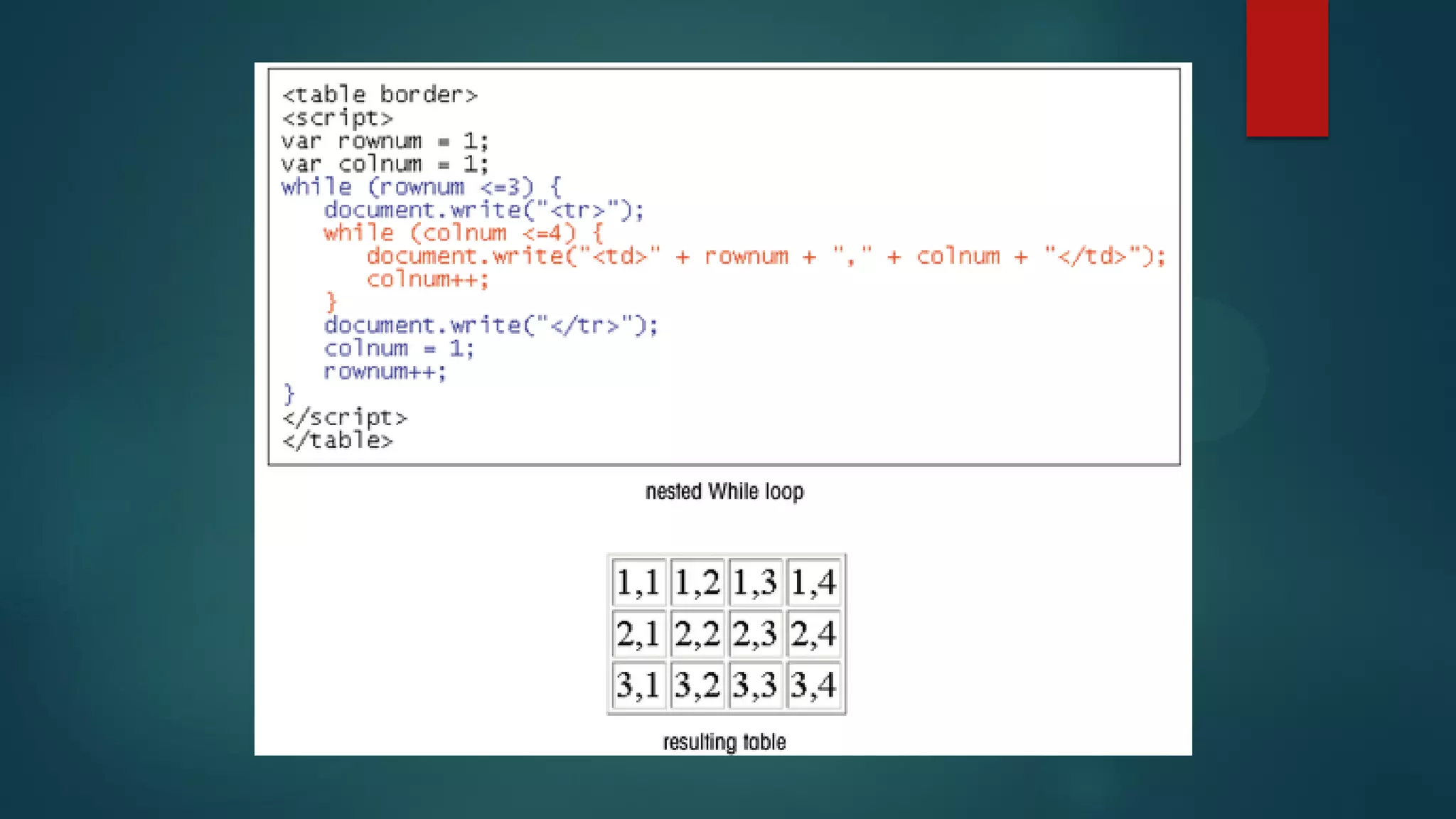
63The While Loop
 The While loop runs a command group as long as
a specific condition is met, but it does not employ
any counters.
 The general syntax of the While loop is:
while (condition) {
JavaScript Commands
}
 condition is a Boolean expression that can be
either true or false
3. Java Script
3. Java Script

3. Java Script

  • 1.
  • 2.
    Outline  History &Implementation  Basics of JavaScript  Variables  Date Object  Expression & Operators  JS Function  Math Object  Array  Loop 2
  • 3.
    Programming Languages  OldLanguages: FORTRAN, COBOL, PL/1, Algol68, BASIC, LISP, PASCAL  Timeless Languages: C,C++,Ada, Prolog, SML  Modern Languages: Java, JavaScript, Perl, Python, Ruby, C#, Haskell 3
  • 4.
    Server-Side Programs  auser must be connected to the Web server to run the server-side script  only the programmer can create or alter the script  the system administrator has to be concerned about users continually accessing the server and potentially overloading the system 4
  • 5.
    Client-Side Programs  solvemany of the problems associated with server- side scripts  can be tested locally without first uploading it to a Web server  are likely to be more responsive to the user  can never completely replace server-side scripts 5
  • 6.
  • 7.
  • 8.
  • 9.
  • 10.
    Introduction to JavaScript JavaScript is an interpreted programming or script language from Netscape. OR  JavaScript is an Object-oriented Programming Language initially designed and implemented by Netscape. 10
  • 11.
    Introduction to JavaScript JavaScript is used in Web development to such things as:  Most widely used language for client-side scripting of web pages.  Used to make dynamic web pages.  automatically change a formatted date on a Web page  cause a linked-to-page to appear in a popup window  cause text or a graphic image to change during a mouse rollover 11
  • 12.
    Java vs. JavaScript Requires the JDK to create the applet  Requires a Java virtual machine to run the applet  Applet files are distinct from the XHTML code  Source code is hidden from the user  Programs must be saved as separate files and compiled before they can be run  Programs run on the server side  Requires a text editor __________  Required a browser that can interpret JavaScript code  JavaScript can be placed within HTML and XHTML  Source code is made accessible to the user  Programs cannot write content to the hard disk ________________  Programs run on the client side 12
  • 13.
    13Writing a JavaScriptProgram  The Web browser runs a JavaScript program when the Web page is first loaded, or in response to an event.  JavaScript programs can either be placed directly into the HTML file or they can be saved in external files.  placing a program in an external file allows you to hide the program code from the user  source code placed directly in the HTML file can be viewed by anyone
  • 14.
    14Writing a JavaScriptProgram  A JavaScript program can be placed anywhere within the HTML file.  Many programmers favor placing their programs between <head> tags in order to separate the programming code from the Web page content and layout.  Some programmers prefer placing programs within the body of the Web page at the location where the program output is generated and displayed.
  • 15.
    15Using the <script>Tag  To embed a client-side script in a Web page, use the element: <script type=“text/javascript” > script commands and comments </script>  To access an external script, use: <script src=“url” type=“text/javascript”> script commands and comments </script>
  • 16.
    16JavaScript Display Possibilities JavaScriptcan "display" data in different ways:  Writing into an HTML element, using innerHTML.  Writing into the HTML output using document.write()  Writing into an alert box, using window.alert()  Writing into the browser console, using console.log()
  • 17.
    17Comments  The syntaxfor a single-line comment is: // comment text  The syntax of a multi-line comment is: /* comment text covering several lines */
  • 18.
    19JavaScript Syntax Issues JavaScript commands and names are case- sensitive.  JavaScript command lines end with a semicolon to separate it from the next command line in the program.  in some situations, the semicolon is optional  semicolons are useful to make your code easier to follow and interpret
  • 19.
    20Working with Variables& Data  A variable is a name that is used to designate a value. The following restrictions apply to variable names:  the first character must be either a letter or an underscore character ( _ )  the remaining characters can be letters, numbers, or underscore characters  variable names cannot contain spaces  Variable names are case-sensitive.  document.write(Year);
  • 20.
    21Types of Variables JavaScriptsupports four different types of variables:  numeric variables can be a number, such as 13, 22.5, or -3.14159  string variables is any group of characters, such as “Hello” or “Happy Holidays!”  Boolean variables are variables that accept one of two values, either true or false  null variables is a variable that has no value at all
  • 21.
    22Declaring a Variable A variable can be introduced with an assignment or a declaration.  Assignment: variable = value;  Declaration: var variable  Before you can use a variable in your program, you need to declare a variable using the var command or by assigning the variable a value.  Any of the following commands is a legitimate way of creating a variable named “Month”: var Month; var Month = “December”; Month = “December”;
  • 22.
    23Working with Expressions andOperators  Expressions are JavaScript commands that assign values to variables.  Expressions are created using variables, values, and operators.  The + operator performs the action of adding or combining two elements. For example,  var ThisMonth = Today.getMonth()+1;
  • 24.
    25Operators  Binary operatorswork on two elements in an expression.  Unary operators work on only one variable.  unary operators include: the increment (++), decrement (--), and negation (-) operators.  An increment operator is used to increase the value of the x variable by one. x = 100; y = x++;
  • 25.
    26Operators  The decrementoperator reduces the value of a variable by 1. x = 100; y = x--;  The negation operator changes the sign of a variable: x = -100; y = -x;
  • 26.
    27Assignment Operators  Expressionsassign values using assignment operators. “=” is the most common one.  Additional includes the += operator  The following create the same results: x = x + y; x += y  Either of the following increase the value of the x variable by 2: x = x + 2; x += 2
  • 27.
  • 28.
    29Creating JavaScript Functions functionfunction_name(parameters) { JavaScript commands/statements }  parameters are the values sent to the function (note: not all functions require parameters)  { and } are used to mark the beginning and end of the commands in the function.
  • 29.
    30Creating JavaScript Functions Function names are case-sensitive.  The function name must begin with a letter or underscore ( _ ) and cannot contain any spaces.  There is no limit to the number of function parameters that a function may contain.  The parameters must be placed within parentheses, following the function name, and the parameters must be separated by commas.
  • 30.
    31Performing an Actionwith a Function The following function displays a message with the current date: function ShowDate(date) { document.write(“Today is” + date + “<br>”); }  there is one line in the function’s command block, which displays the current date along with a text string
  • 31.
    32Performing an Actionwith a Function To call the ShowDate function, enter: var Today = “3/9/2006”; ShowDate(Today);  the first command creates a variable named “Today” and assigns it the text string, “3/9/2006”  the second command runs the ShowDate function, using the value of the Today variable as a parameter  result is “Today is 3/9/2006”
  • 32.
    33Returning a Valuefrom a Function To use a function to calculate a value use the return command along with a variable or value. function Area(Width, Length) { var Size = Width*Length; return Size; }  the Area function calculates the area of a rectangular region and places the value in a variable named “Size”  the value of the Size variable is returned by the function
  • 33.
    34Placing a Function inan HTML File  The function definition must be placed before the command that calls the function.  One convention is to place all of the function definitions in the <head> section.  A function is executed only when called by another JavaScript command.  It’s common practice for JavaScript programmers to create libraries of functions located in external files.
  • 34.
    <head> <script src="library.js" type="text/javascript"> </script> </head> <scripttype="text/javascript"> var Today=new Date("October 15, 2006"); var ThisDay=Today.getDate(); var ThisMonth=Today.getMonth()+1; var ThisYear=Today.getFullYear(); var DaysLeft=XmasDays(Today); </script> document.write("Today is "+ThisMonth+"/"+ ThisDay+"/"+ThisYear+"<br />"); document.write("Only "+DaysLeft+ " days until Christmas");
  • 35.
    function XmasDays(CheckDay) { varXYear=CheckDay.getFullYear(); var XDay=new Date("December, 25, 2006"); XDay.setFullYear(XYear); var DayCount=(XDay-CheckDay) /(1000*60*60*24); DayCount=Math.round(DayCount); return DayCount; } library.js
  • 36.
    37Working with ConditionalStatements if (condition) { JavaScript Commands }  condition is an expression that is either true or false  if the condition is true, the JavaScript Commands in the command block are executed  if the condition is not true, then no action is taken
  • 37.
    38Comparison, Logical, and ConditionalOperators To create a condition, you need one of three types of operators:  a comparison operator compares the value of one element with that of another, which creates a Boolean expression that is either true or false  a logical operator connects two or more Boolean expressions  a conditional operator tests whether a specific condition is true and returns one value if the condition is true and a different value if the condition is false
  • 38.
    39An Example of BooleanExpressions  x < 100;  if x is less than 100, this expression returns the value true; however, if x is 100 or greater, the expression is false  y == 20;  the y variable must have an exact value of 20 for the expression to be true  comparison operator uses a double equal sign (==)
  • 39.
  • 40.
    41A Logical Operator The logical operator && returns a value of true only if all of the Boolean expressions are true.
  • 41.
    42A Conditional Operator testswhether a specific condition is true and returns one value if the condition is true and a different value if the condition is false.  Message = (mail == “Yes”) ? “You have mail”: “No mail”;  tests whether the mail variable is equal to the value “Yes”  if it is, the Message variable has the value “You have mail”;  otherwise, the Message variable has the value “No mail”.
  • 42.
    43Using an If...ElseStatement if (condition) { JavaScript Commands if true } else JavaScript Commands if false }  condition is an expression that is either true or false, and one set of commands is run if the expression is true, and another is run if the expression is false
  • 43.
    document.write("Today is "+ ThisMonth + "/“+ThisDay+"/"+ThisYear+"<br />"); if (DaysLeft > 0) { document.write("Only "+DaysLeft+ " days until Christmas"); } else { document.write("Happy Holidays from Nroth Pole Novelties"); } if...else Conditional Statement
  • 44.
    45Working with Dates There are two ways to create a date object: TodayDate = new Date(“month day, year, hours:minutes: seconds”) TodayDate = new Date(year, month, day, hours, minutes, seconds”)  TodayDate is the name of the variable that contains the date information  month, day, year, hours, minutes, and seconds indicate the date and time var Today=new Date(“October 15, 2006”); var Today=new Date(2006, 9, 15);
  • 45.
    46Retrieving the Day& Time Values  JavaScript stores dates and times as the number of milliseconds since 6 p.m on 12/31/69.  Use built in JavaScript date methods to do calculations.  If you want the ThisDay variable to store the day of the month. To get that information, apply the getDate() method. DayValue = DateObject.getDate()
  • 46.
    47Retrieving the MonthValue  The getMonth() method extracts the value of the current month.  JavaScript starts counting months with 0 for January, you may want to add 1 to the month number returned by the getMonth() method.  ThisMonth = Today.getMonth()+1;
  • 47.
    48Retrieving the YearValue  The getFullYear() method extracts the year value from the date variable.  ThisYear = Today.getFullYear();
  • 48.
    49Setting Date Values JavaScriptfunctions that allow you to set or change the values of date objects
  • 49.
    50The Math Object& Math Methods  Another way of performing a calculation is to use the JavaScript built-in Math methods.  These methods are applied to an object called the Math object.  The syntax for applying a Math method is: value = Math.method(variable);  For example, AbsValue = Math.abs(NumVar);
  • 51.
    52Using Arrays  Anarray is an ordered collection of values referenced by a single variable name.  The syntax for creating an array variable is: var variable = new Array(size);  variable is the name of the array variable  size is the number of elements in the array (optional)  To populate the array with values, use: variable[i]=value; where i is the ith item of the array. The 1st item has an index value of 0.
  • 52.
    53Using Arrays To createand populate the array in a single statement, use: var variable = new Array(values);  values are the array elements enclosed in quotes and separated by commas  var MonthTxt=new Array(“January”, “February”, “March”, “April”, “May”, “June”, “July”, “August”, “September”, “October”, “November”, “December”);  January will have an index value of “1”.
  • 53.
    <script type="text/javascript"> var Today=newDate(); var ThisDay=Today.getDate(); var ThisMonth=Today.getMonth()+1; var ThisYear=Today.getFullYear(); var DaysLeft=XmasDays(Today); var MonthTxt = new Array("", "January", "February", "March", "April", "May", "June", "July", "August", "September", "October","November", "December"); document.write("Today is "+MonthTxt[ThisMonth]+" " + ThisDay+", "+ThisYear+"<br />"); if (DaysLeft > 0) { document.write("Only "+DaysLeft+" days until Christmas"); } else { document.write("Happy Holidays from North Pole Novelties"); } </script>
  • 54.
    function MonthTxt(MonthNumber) { varMonth=new Array(); Month[0]=""; Month[1]="January"; Month[2]="February"; Month[3]="March"; Month[4]="April"; Month[5]="May"; Month[6]="June"; Month[7]="July"; Month[8]="August"; Month[9]="September"; Month[10]="October"; Month[11]="November"; Month[12]="December"; return Month[MonthNumber]; } Creating the MonthText Function in library2.js
  • 55.
    <head> <script src="library2.js" type="text/javascript"></script> </head> var MonthName=MonthTxt(ThisMonth); Callingthe MonthTxt Function use the ThisMonth variable to call the MonthTxt function and then stores the result in a new variable named “MonthName”
  • 56.
    57Working with ProgramLoops  A program loop is a set of instructions that is executed repeatedly.  There are two types of loops: loops that repeat a set number of times before quitting loops that repeat as long as a certain condition is met
  • 57.
    58The For Loop The For loop allows you to create a group of commands to be executed a set number of times through the use of a counter that tracks the number of times the command block has been run.  Set an initial value for the counter, and each time the command block is executed, the counter changes in value.  When the counter reaches a value above or below a certain stopping value, the loop ends.
  • 58.
    59The For LoopContinued for (start; condition; update) { JavaScript Commands }  start is the starting value of the counter  condition is a Boolean expression that must be true for the loop to continue  update specifies how the counter changes in value each time the command block is executed
  • 61.
  • 62.
    63The While Loop The While loop runs a command group as long as a specific condition is met, but it does not employ any counters.  The general syntax of the While loop is: while (condition) { JavaScript Commands }  condition is a Boolean expression that can be either true or false