1 
AA qquuiicckk iinnttrroodduuccttiioonn ttoo CC++++
2 
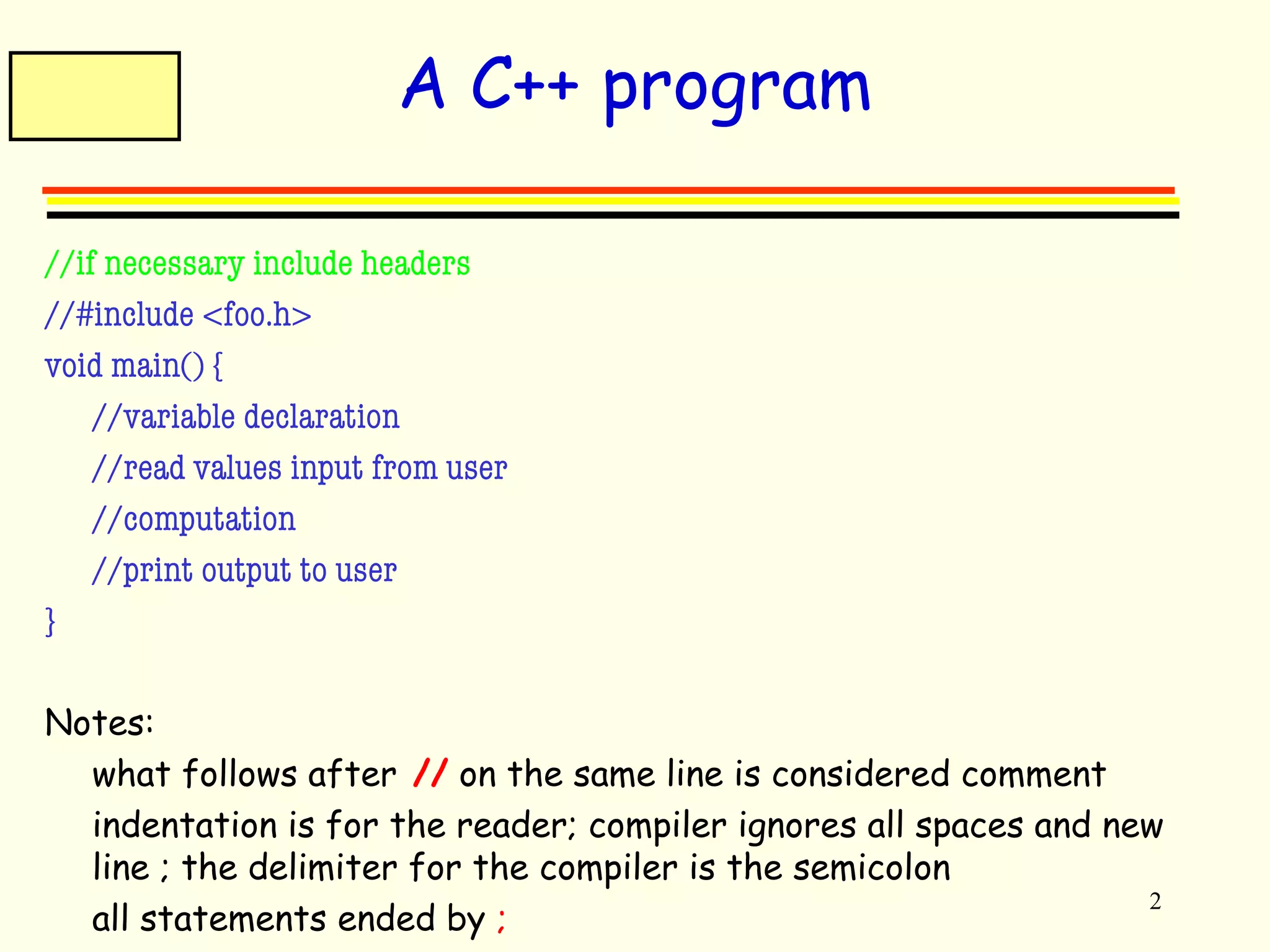
A C++ program 
//if necessary include headers 
//#include <foo.h> 
void main() { 
//variable declaration 
//read values input from user 
//computation 
//print output to user 
} 
Notes: 
 what follows after // on the same line is considered comment 
 indentation is for the reader; compiler ignores all spaces and new 
line ; the delimiter for the compiler is the semicolon 
 all statements ended by ;
3 
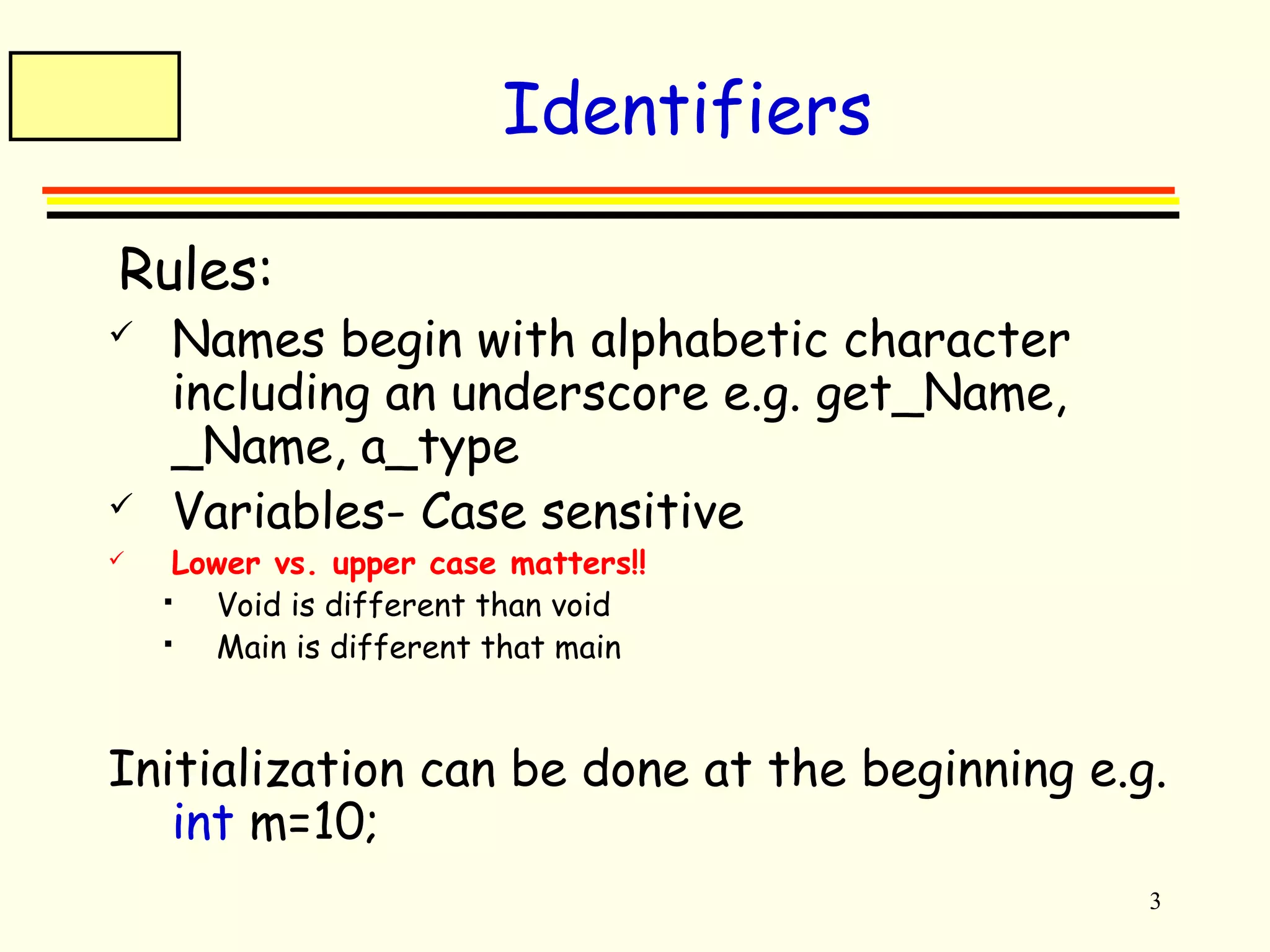
Identifiers 
 Rules: 
 Names begin with alphabetic character 
including an underscore e.g. get_Name, 
_Name, a_type 
 Variables- Case sensitive 
 Lower vs. upper case matters!! 
 Void is different than void 
 Main is different that main 
Initialization can be done at the beginning e.g. 
int m=10;
4 
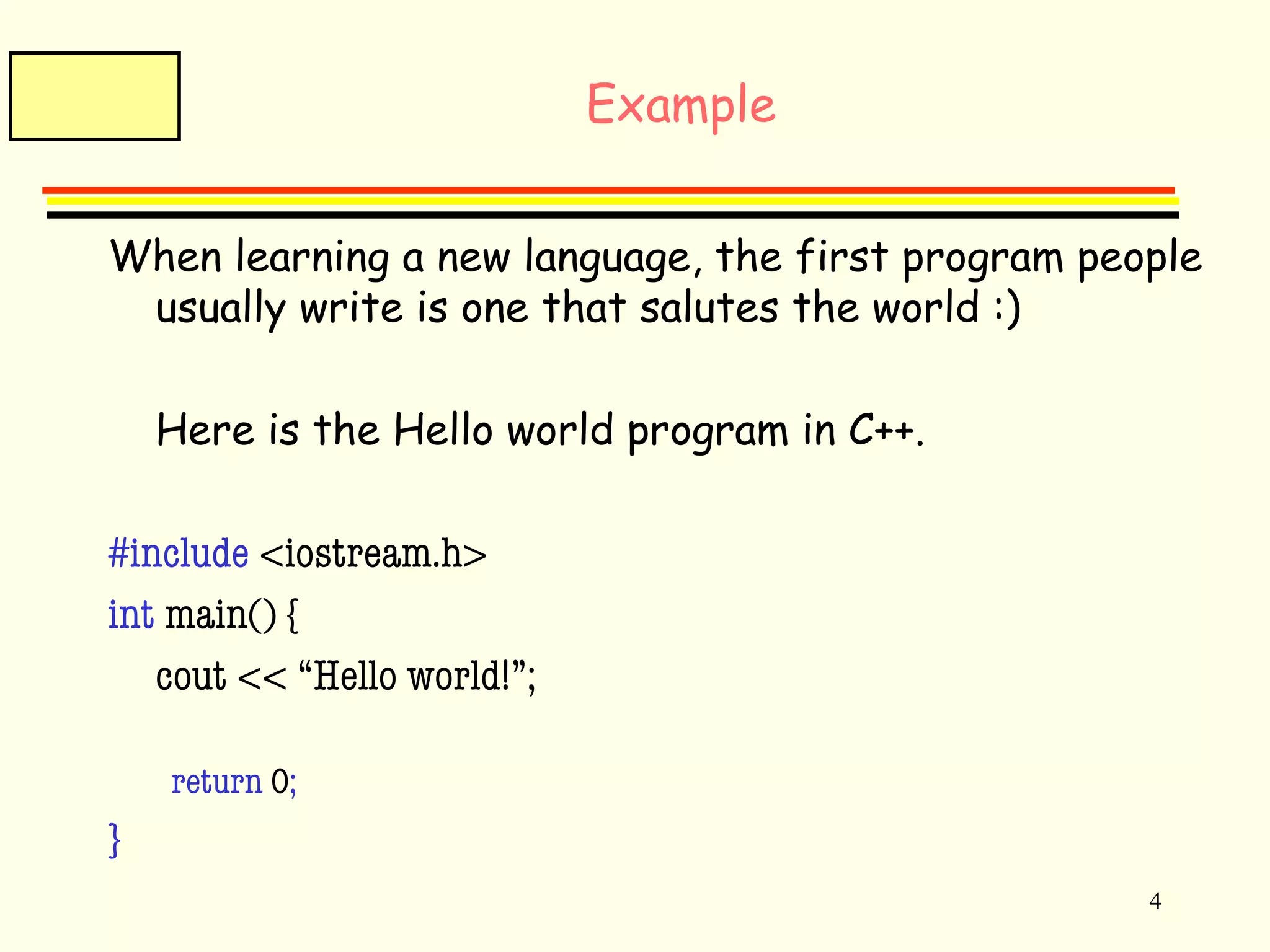
Example 
When learning a new language, the first program people 
usually write is one that salutes the world :) 
Here is the Hello world program in C++. 
#include <iostream.h> 
int main() { 
cout << “Hello world!”; 
return 0; 
}
5 
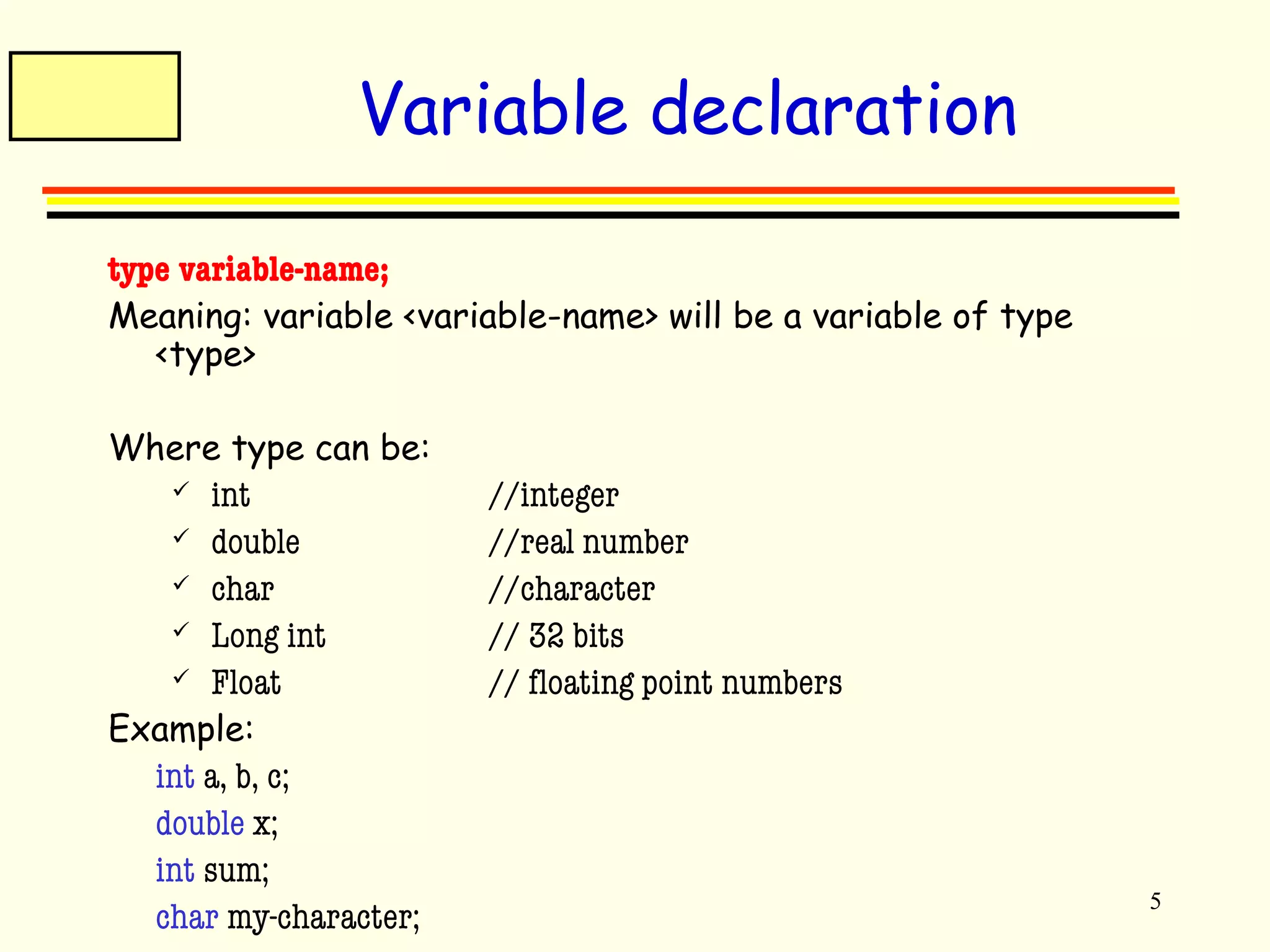
Variable declaration 
type variable-name; 
Meaning: variable <variable-name> will be a variable of type 
<type> 
Where type can be: 
 int //integer 
 double //real number 
 char //character 
 Long int // 32 bits 
 Float // floating point numbers 
Example: 
int a, b, c; 
double x; 
int sum; 
char my-character;
6 
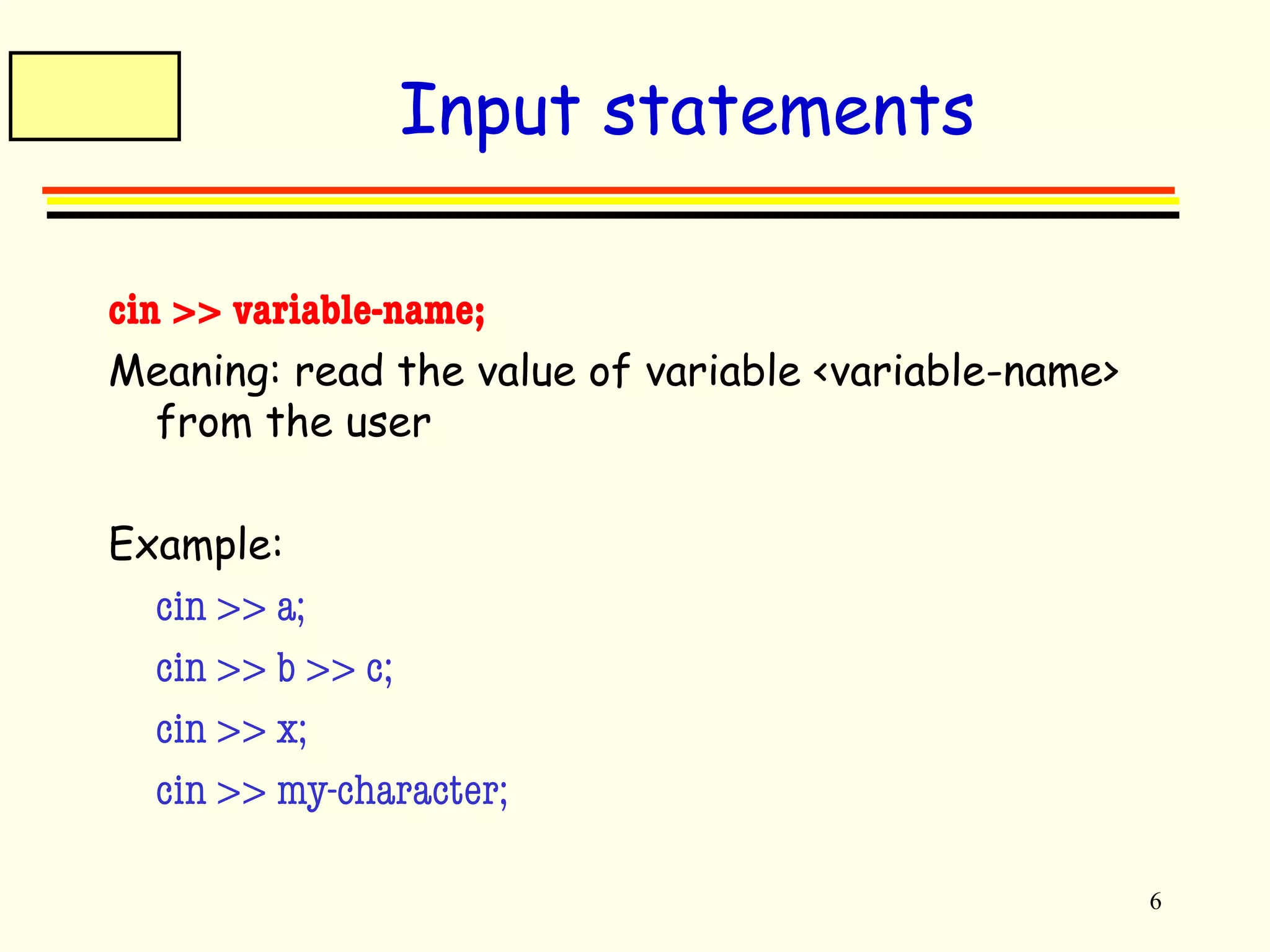
Input statements 
cin >> variable-name; 
Meaning: read the value of variable <variable-name> 
from the user 
Example: 
cin >> a; 
cin >> b >> c; 
cin >> x; 
cin >> my-character;
7 
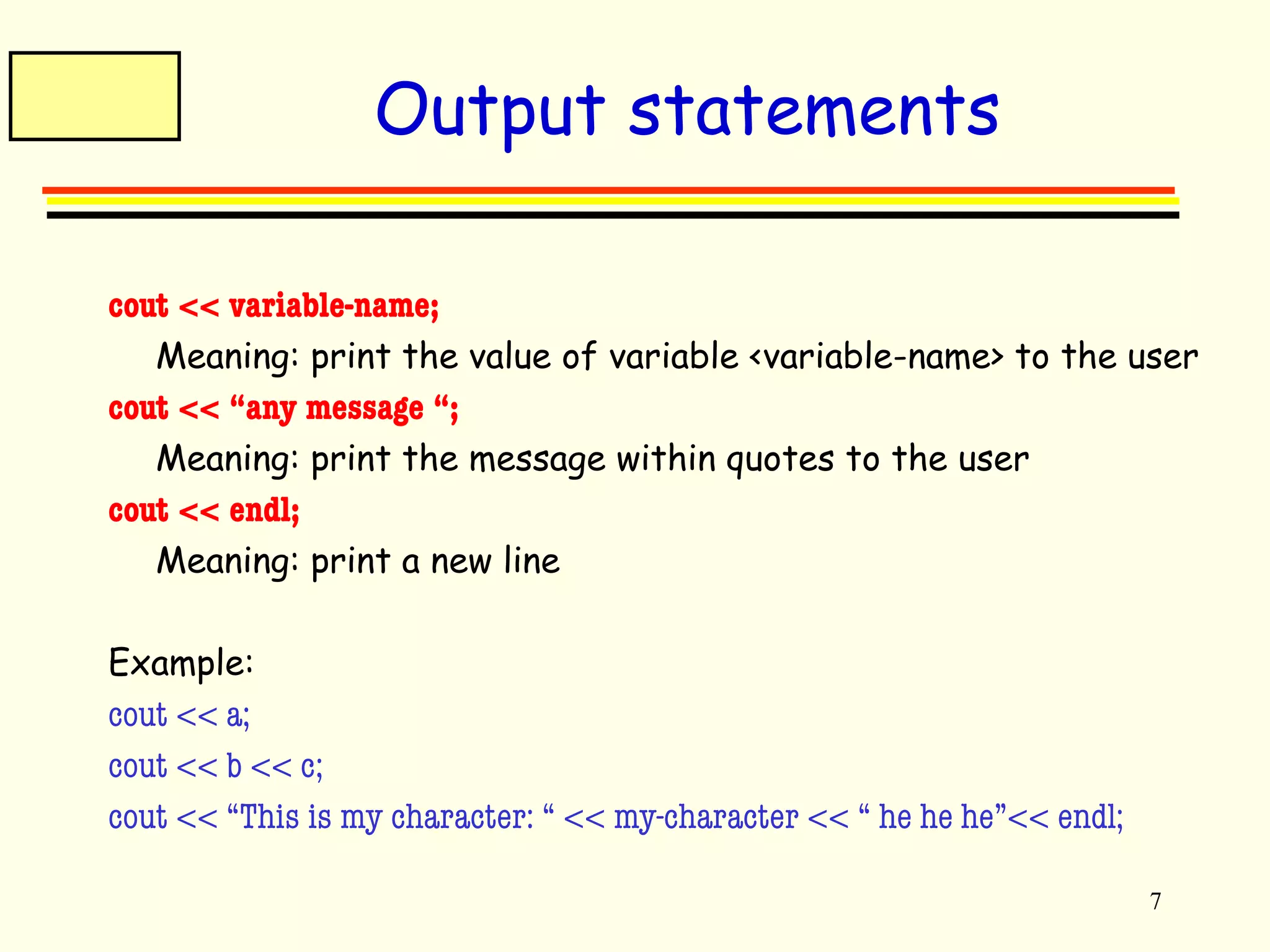
Output statements 
cout << variable-name; 
Meaning: print the value of variable <variable-name> to the user 
cout << “any message “; 
Meaning: print the message within quotes to the user 
cout << endl; 
Meaning: print a new line 
Example: 
cout << a; 
cout << b << c; 
cout << “This is my character: “ << my-character << “ he he he”<< endl;
8 
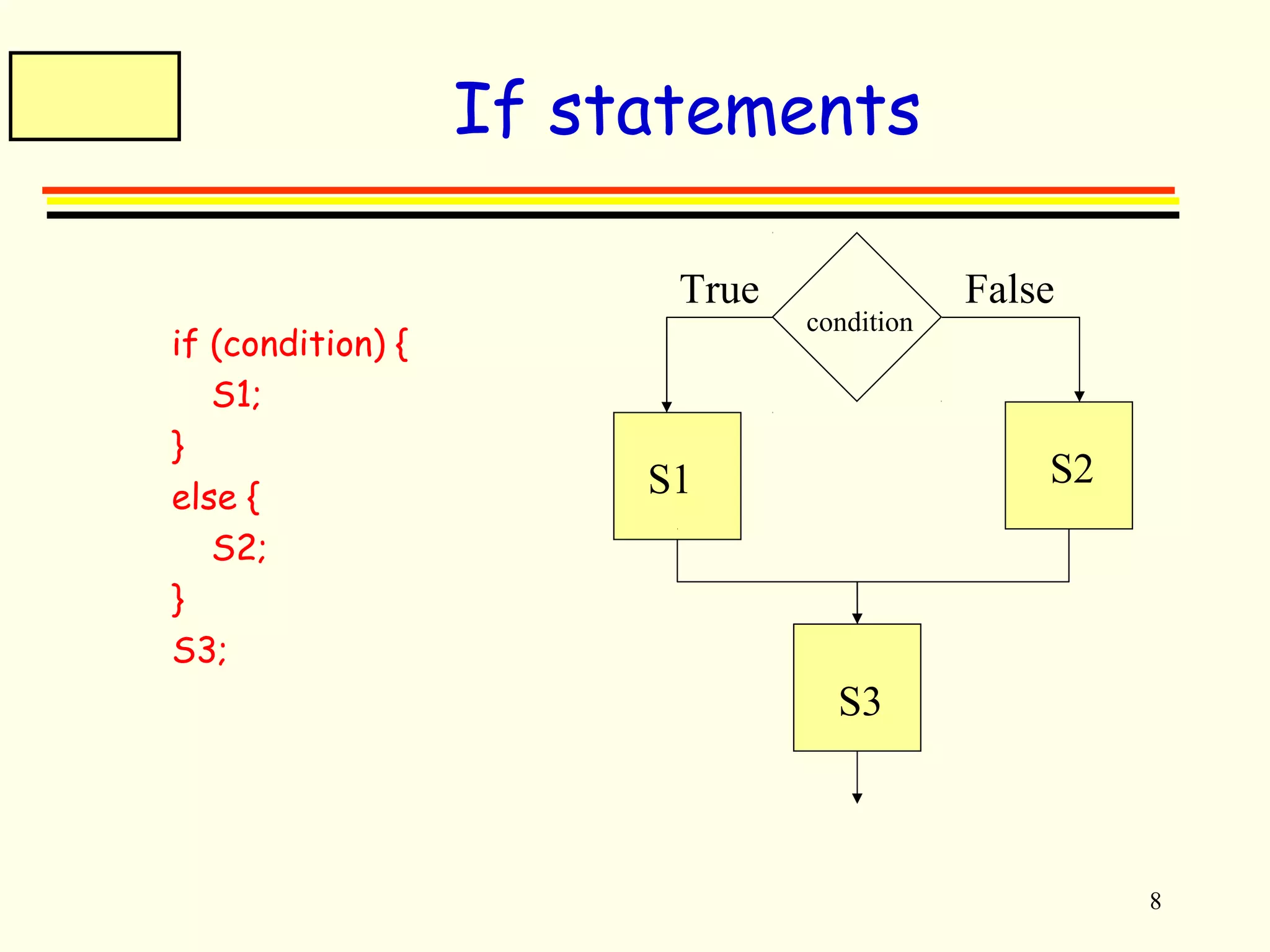
If statements 
if (condition) { 
S1; 
} 
else { 
S2; 
} 
S3; 
True False 
condition 
S1 S2 
S3
9 
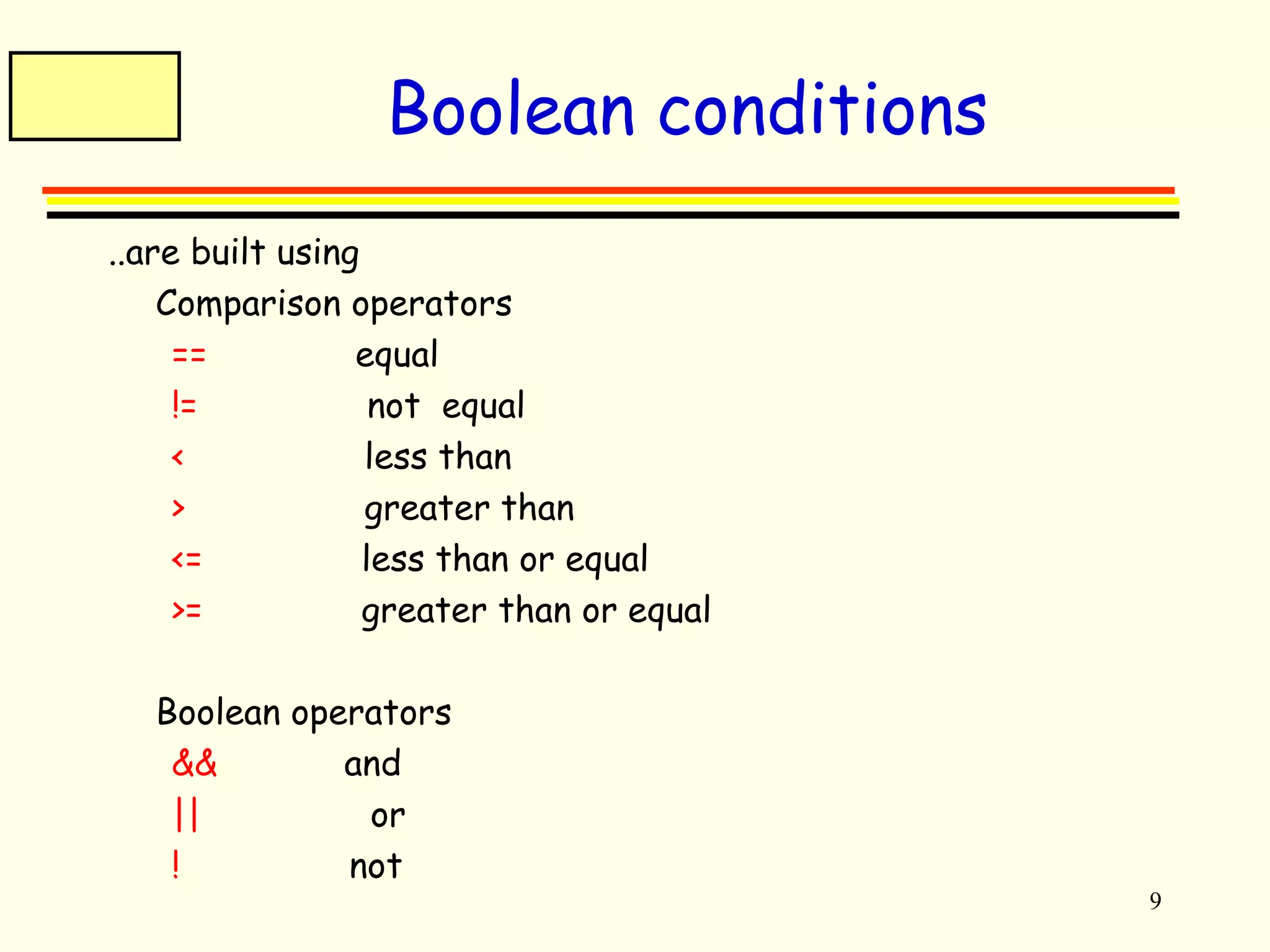
Boolean conditions 
..are built using 
 Comparison operators 
== equal 
!= not equal 
< less than 
> greater than 
<= less than or equal 
>= greater than or equal 
 Boolean operators 
&& and 
|| or 
! not
10 
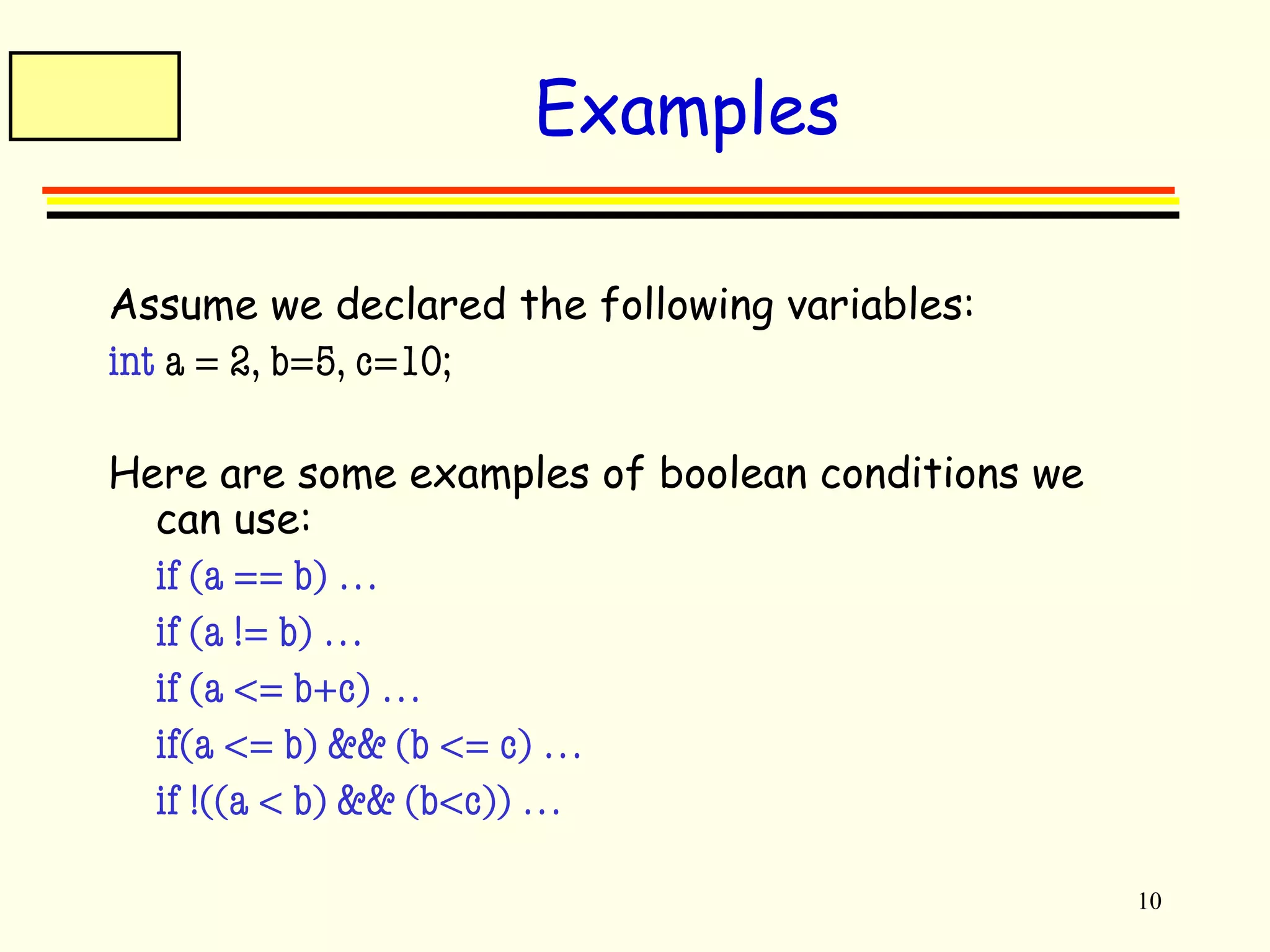
Examples 
Assume we declared the following variables: 
int a = 2, b=5, c=10; 
Here are some examples of boolean conditions we 
can use: 
 if (a == b) … 
 if (a != b) … 
 if (a <= b+c) … 
 if(a <= b) && (b <= c) … 
 if !((a < b) && (b<c)) …
11 
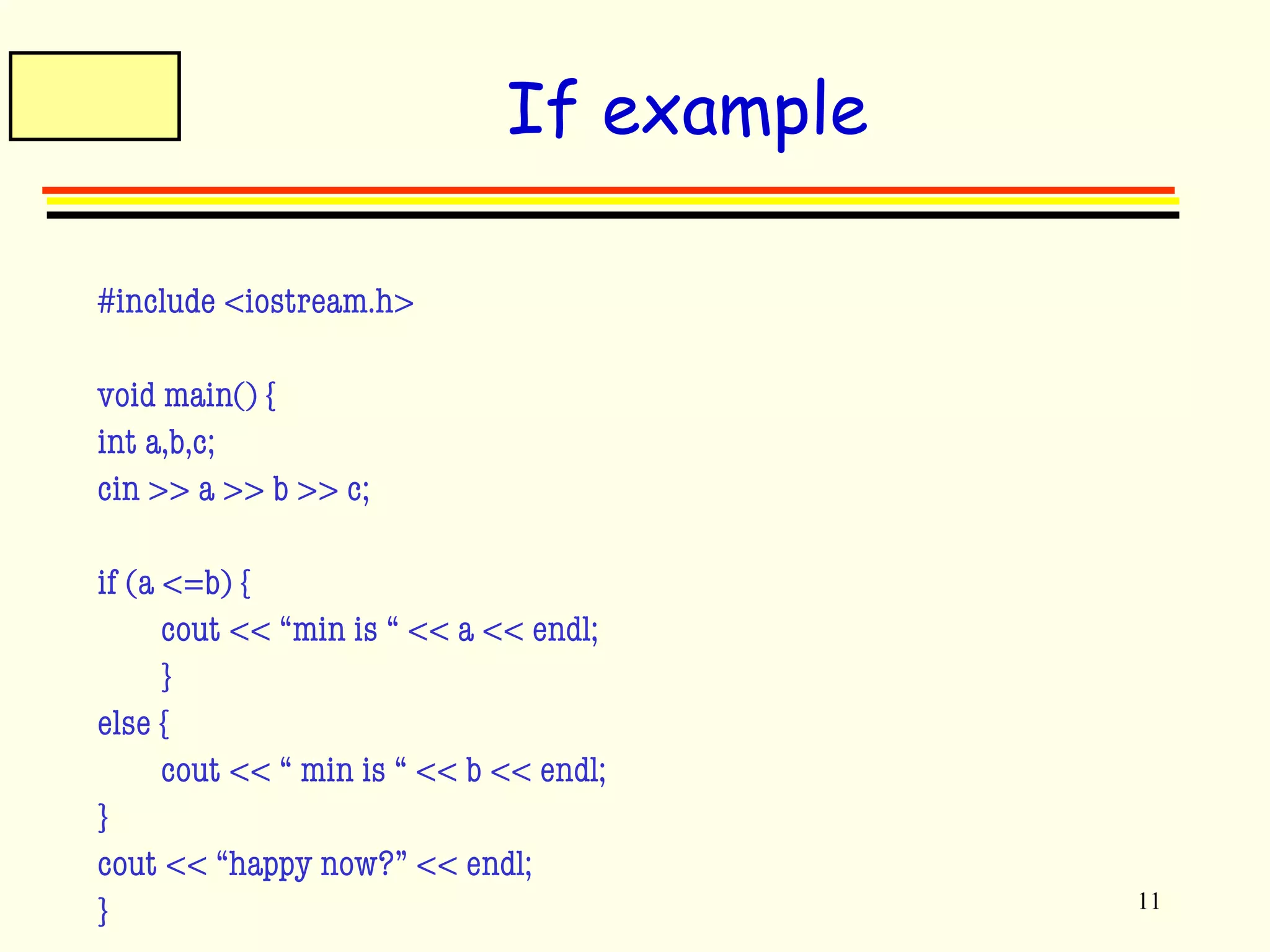
If example 
#include <iostream.h> 
void main() { 
int a,b,c; 
cin >> a >> b >> c; 
if (a <=b) { 
cout << “min is “ << a << endl; 
} 
else { 
cout << “ min is “ << b << endl; 
} 
cout << “happy now?” << endl; 
}
12 
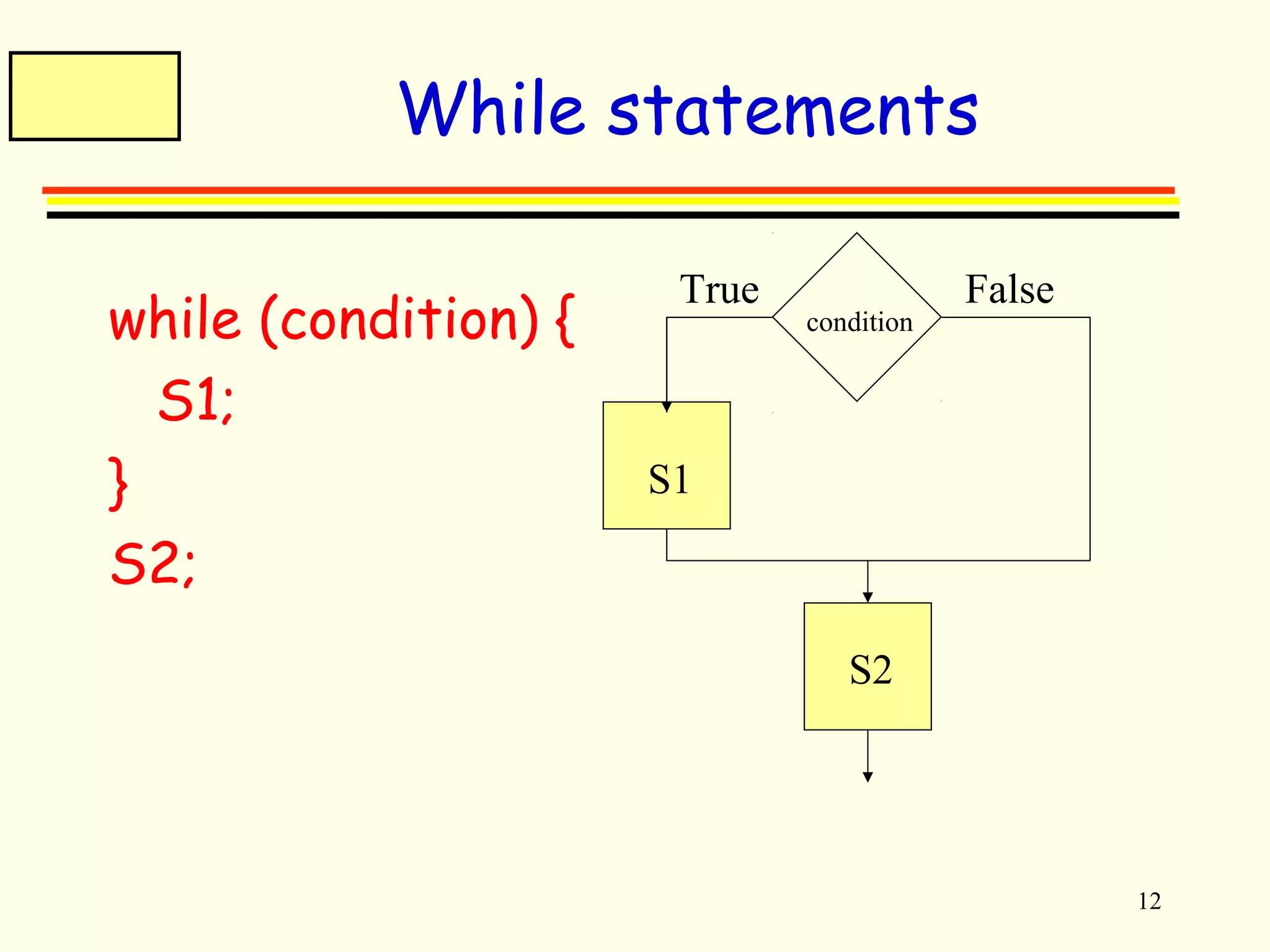
While statements 
while (condition) { 
S1; 
} 
S2; 
True False 
condition 
S1 
S2
13 
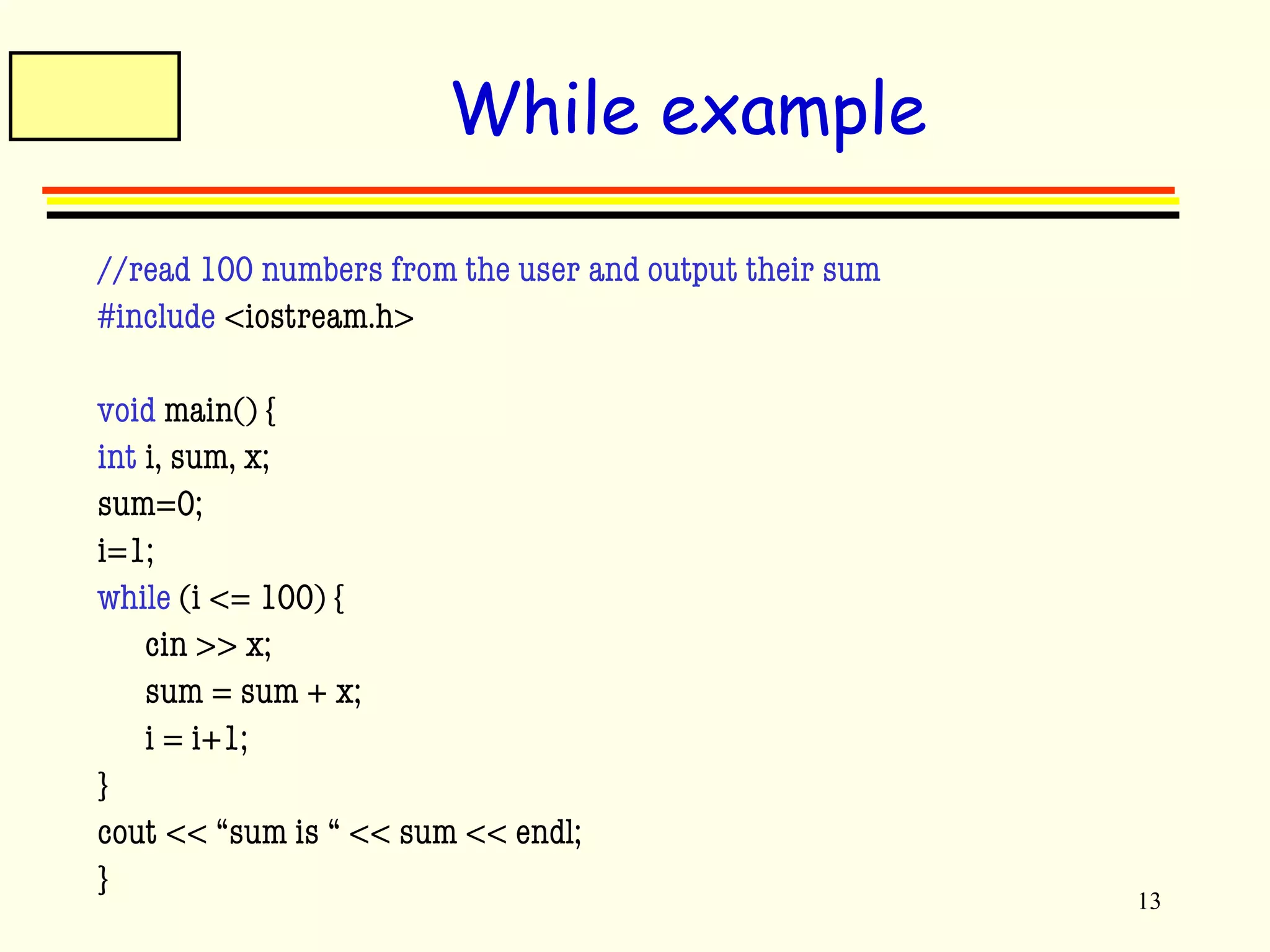
While example 
//read 100 numbers from the user and output their sum 
#include <iostream.h> 
void main() { 
int i, sum, x; 
sum=0; 
i=1; 
while (i <= 100) { 
cin >> x; 
sum = sum + x; 
i = i+1; 
} 
cout << “sum is “ << sum << endl; 
}
14 
Arrays 
Used to store a collection of elements (variables) 
type array-name[size]; 
Meaning: 
This declares a variable called <array-name> which contains 
<size> elements of type <type> 
The elements of an array can be accessed as: array-name[0], 
…array-name[size-1] 
Example: 
int a[100]; //a is a list of 100 integers, a[0], a[1], …a[99] 
double b[50]; 
char c[10];
15 
Array example 
//Read 100 numbers from the user 
#include <iostream.h> 
void main() { 
int i, a[100], n; 
i=0; n=100; 
while (i<n) { 
cout << “Input element “ << i << “: ”; 
cin >> a[i]; 
i = i+1; 
} 
//do somehing with it .. 
}
16 
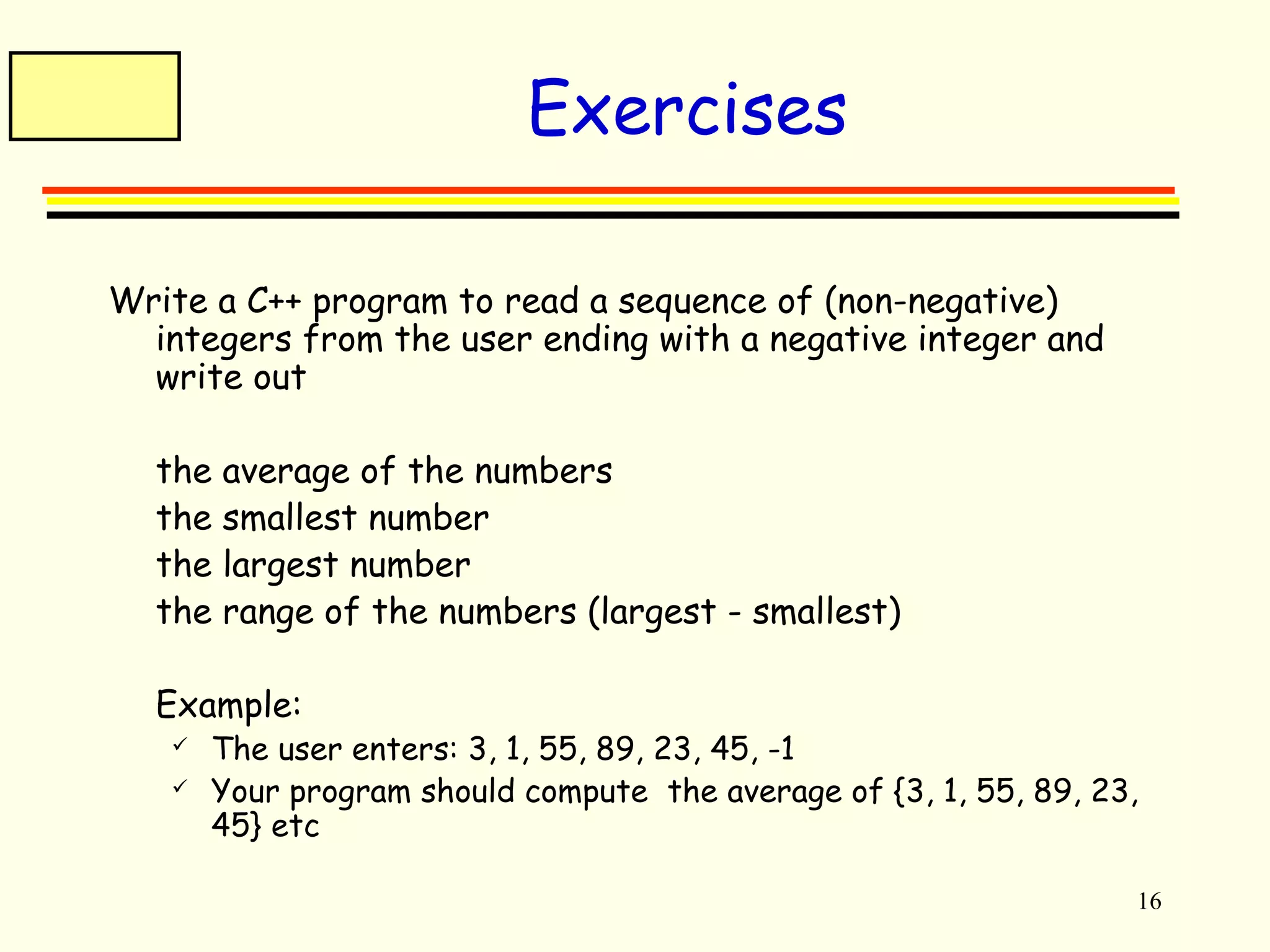
Exercises 
Write a C++ program to read a sequence of (non-negative) 
integers from the user ending with a negative integer and 
write out 
 the average of the numbers 
 the smallest number 
 the largest number 
 the range of the numbers (largest - smallest) 
 Example: 
 The user enters: 3, 1, 55, 89, 23, 45, -1 
 Your program should compute the average of {3, 1, 55, 89, 23, 
45} etc
17 
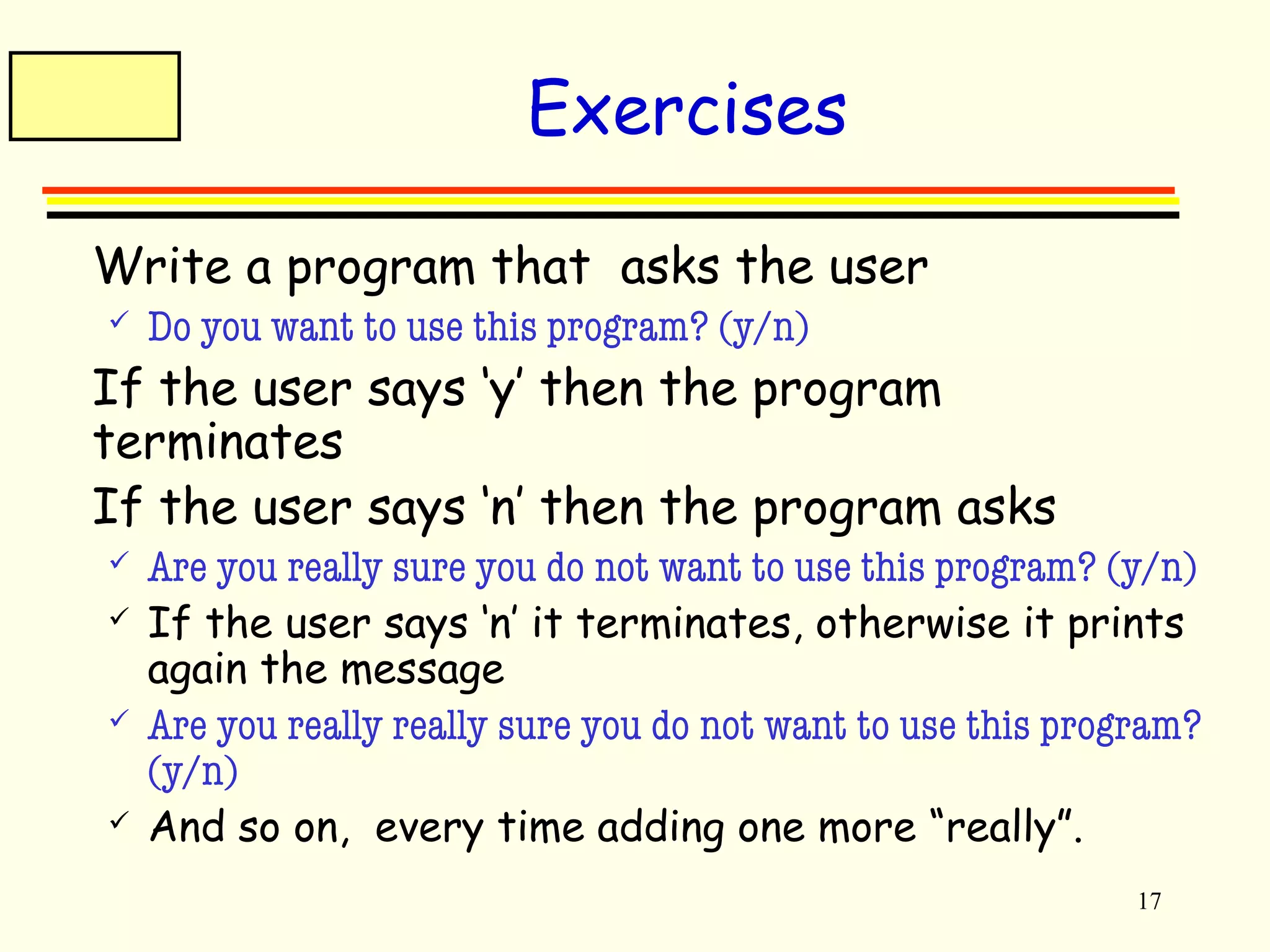
Exercises 
 Write a program that asks the user 
 Do you want to use this program? (y/n) 
 If the user says ‘y’ then the program 
terminates 
 If the user says ‘n’ then the program asks 
 Are you really sure you do not want to use this program? (y/n) 
 If the user says ‘n’ it terminates, otherwise it prints 
again the message 
 Are you really really sure you do not want to use this program? 
(y/n) 
 And so on, every time adding one more “really”.
18 
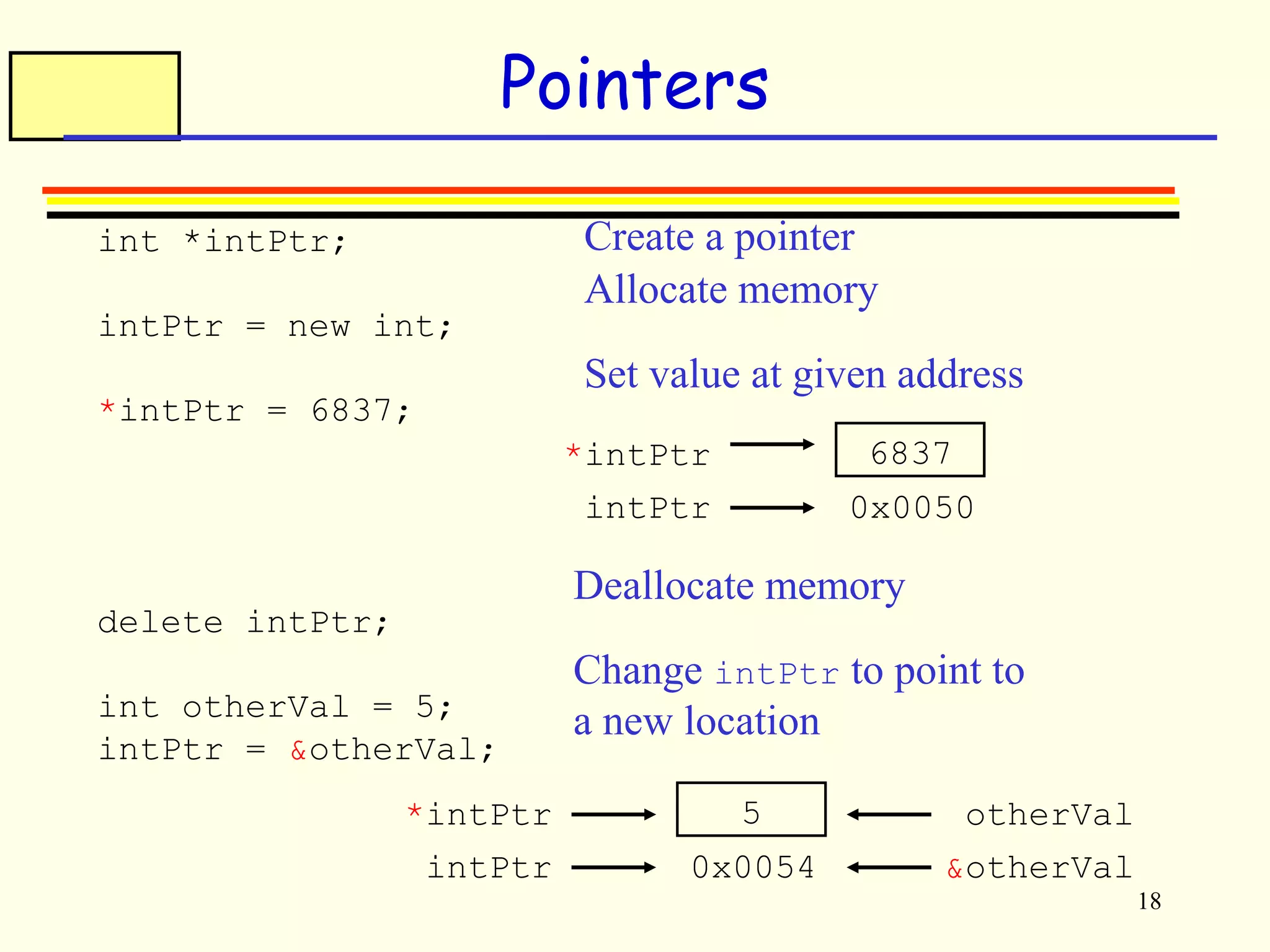
Pointers 
int *intPtr; 
intPtr = new int; 
*intPtr = 6837; 
delete intPtr; 
int otherVal = 5; 
intPtr = &otherVal; 
Create a pointer 
Allocate memory 
Set value at given address 
*intPtr 6837 
intPtr 0x0050 
Change intPtr to point to 
a new location 
*intPtr 5 
intPtr 0x0054 
otherVal 
&otherVal 
Deallocate memory
19 
Arrays 
Stack allocation 
int intArray[10]; 
intArray[0] = 6837; 
Heap allocation 
int *intArray; 
intArray = new int[10]; 
intArray[0] = 6837; 
... 
delete[] intArray;
20 
Strings 
A string in C++ is an array of characters 
char myString[20]; 
strcpy(myString, "Hello World"); 
Strings are terminated with the NULL or '0' character 
myString[0] = 'H'; 
myString[1] = 'i'; 
myString[2] = '0'; 
printf("%s", myString); 
output: Hi
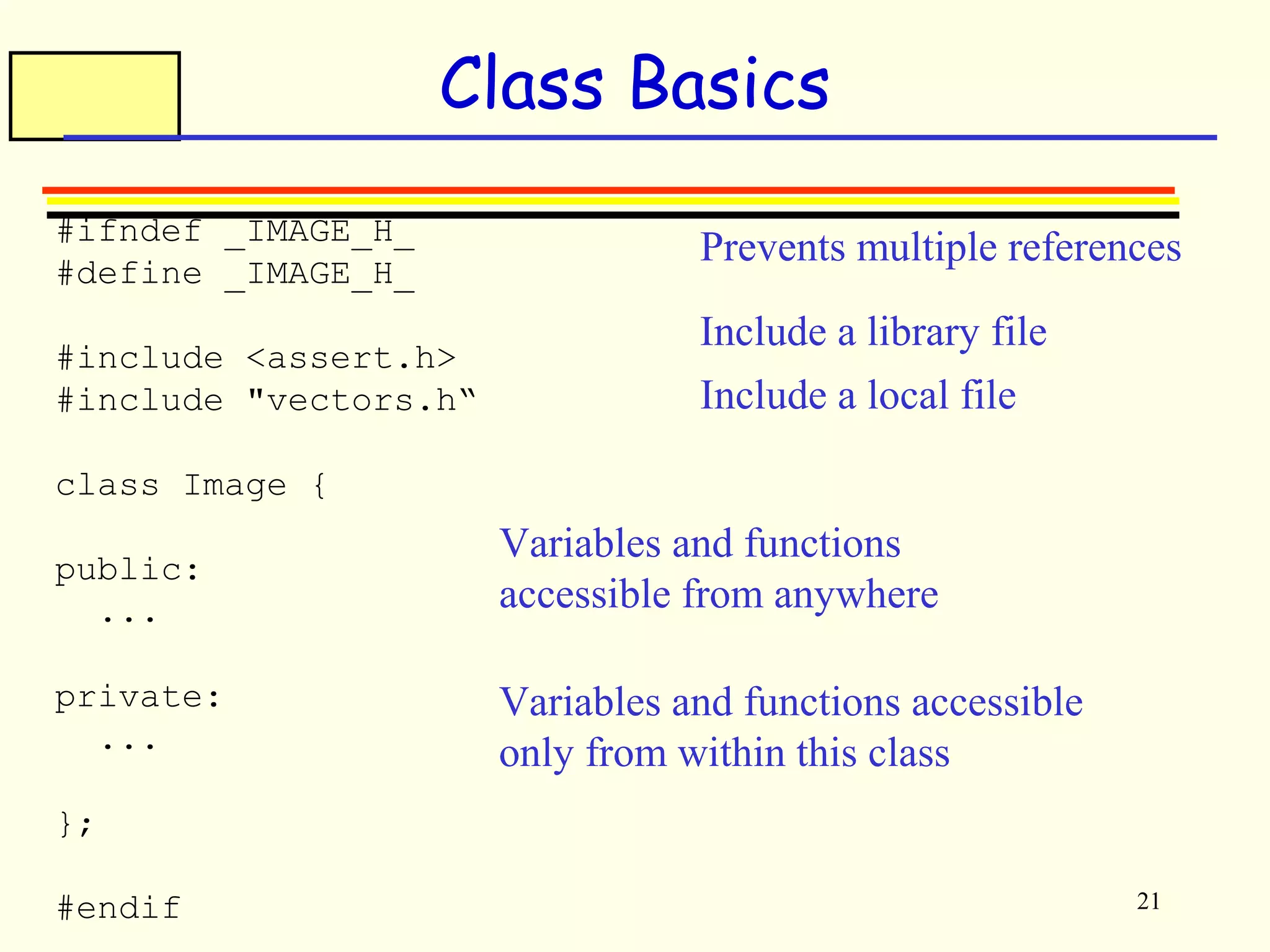
Prevents multiple references 
21 
Class Basics 
#ifndef _IMAGE_H_ 
#define _IMAGE_H_ 
#include <assert.h> 
#include "vectors.h“ 
class Image { 
public: 
... 
private: 
... 
}; 
#endif 
Include a library file 
Include a local file 
Variables and functions 
accessible from anywhere 
Variables and functions accessible 
only from within this class
22 
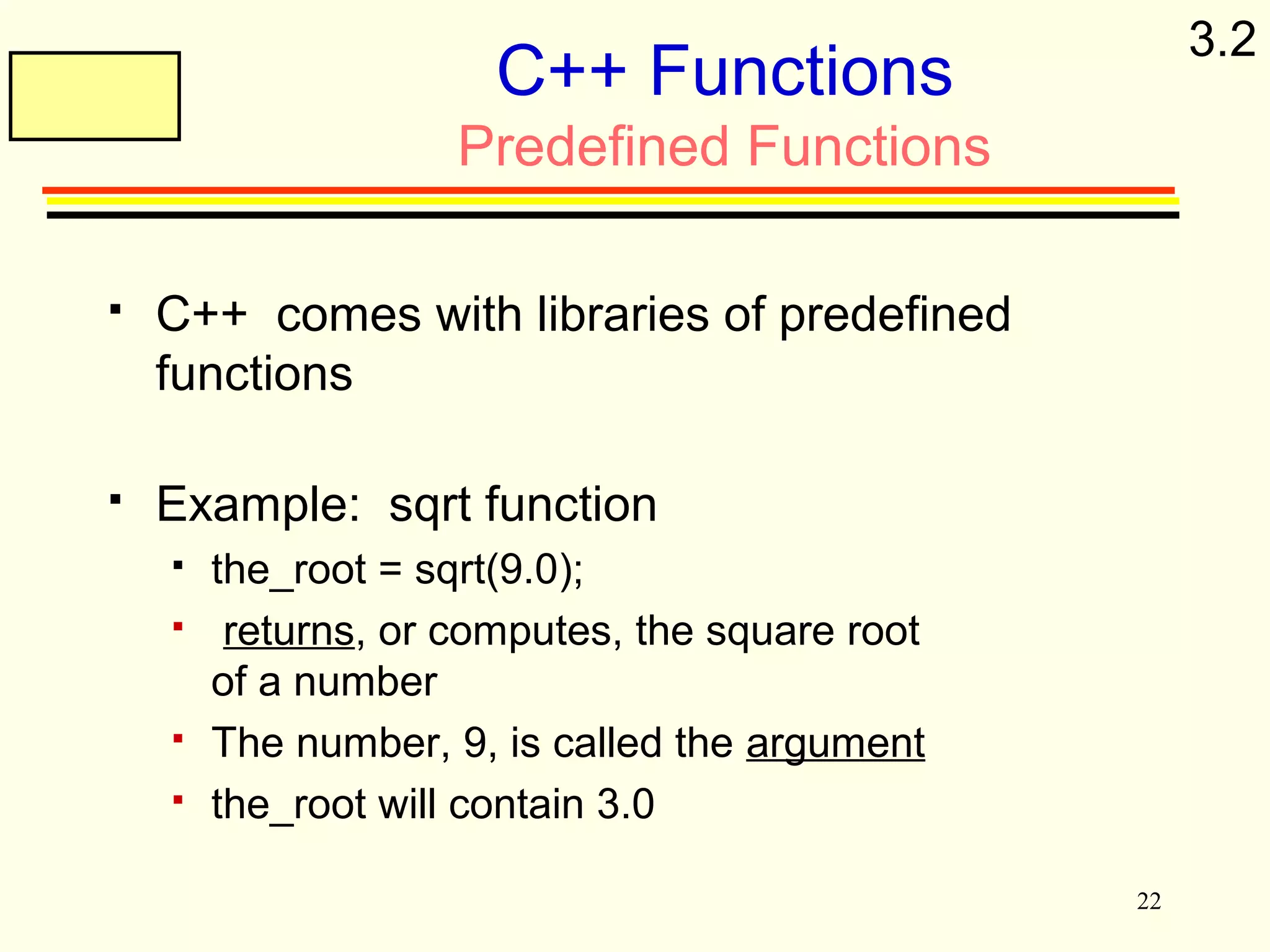
C++ Functions 
Predefined Functions 
 C++ comes with libraries of predefined 
functions 
 Example: sqrt function 
 the_root = sqrt(9.0); 
 returns, or computes, the square root 
of a number 
 The number, 9, is called the argument 
 the_root will contain 3.0 
3.2
23 
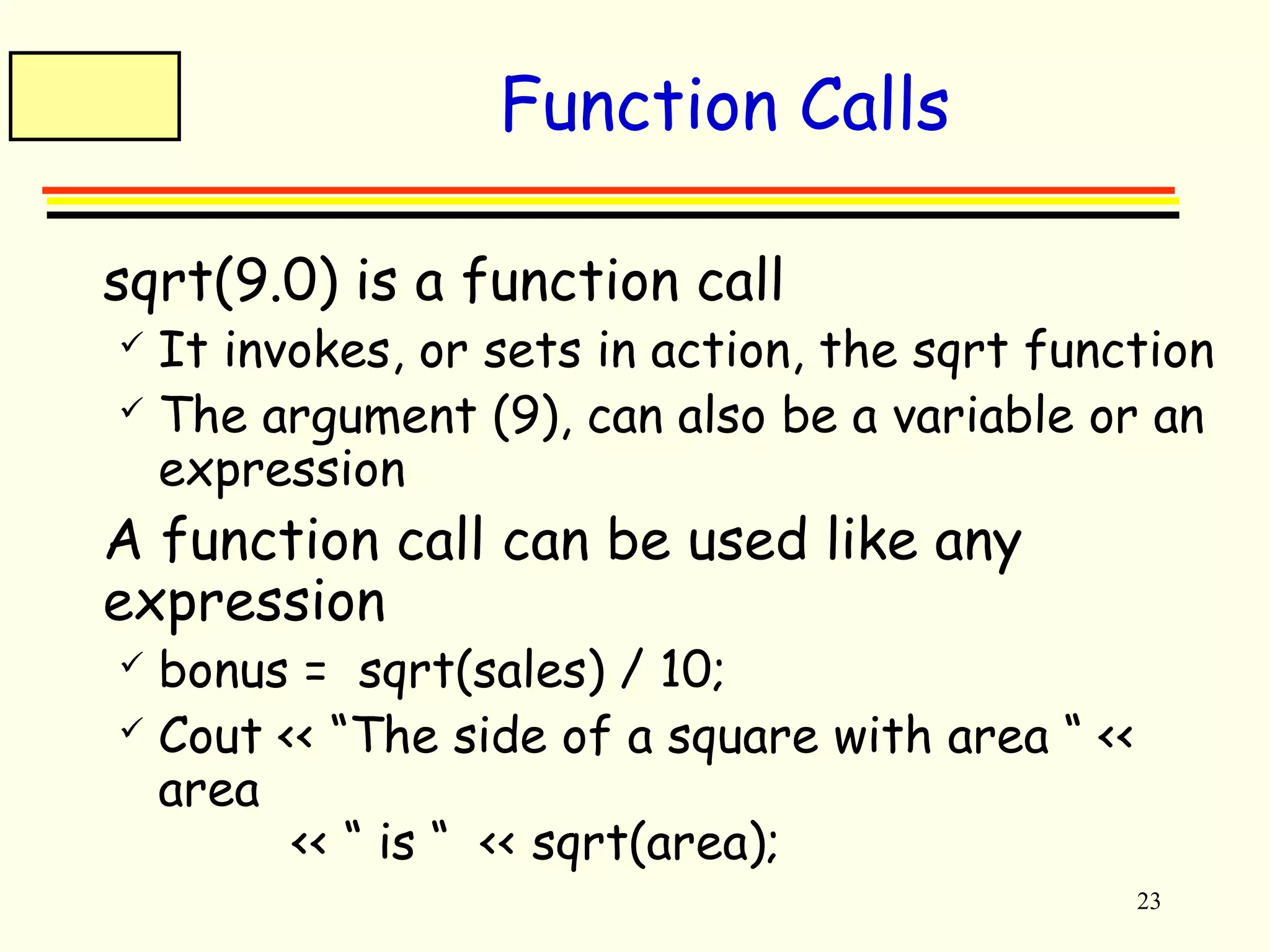
Function Calls 
 sqrt(9.0) is a function call 
 It invokes, or sets in action, the sqrt function 
 The argument (9), can also be a variable or an 
expression 
 A function call can be used like any 
expression 
 bonus = sqrt(sales) / 10; 
 Cout << “The side of a square with area “ << 
area 
<< “ is “ << sqrt(area);
24 
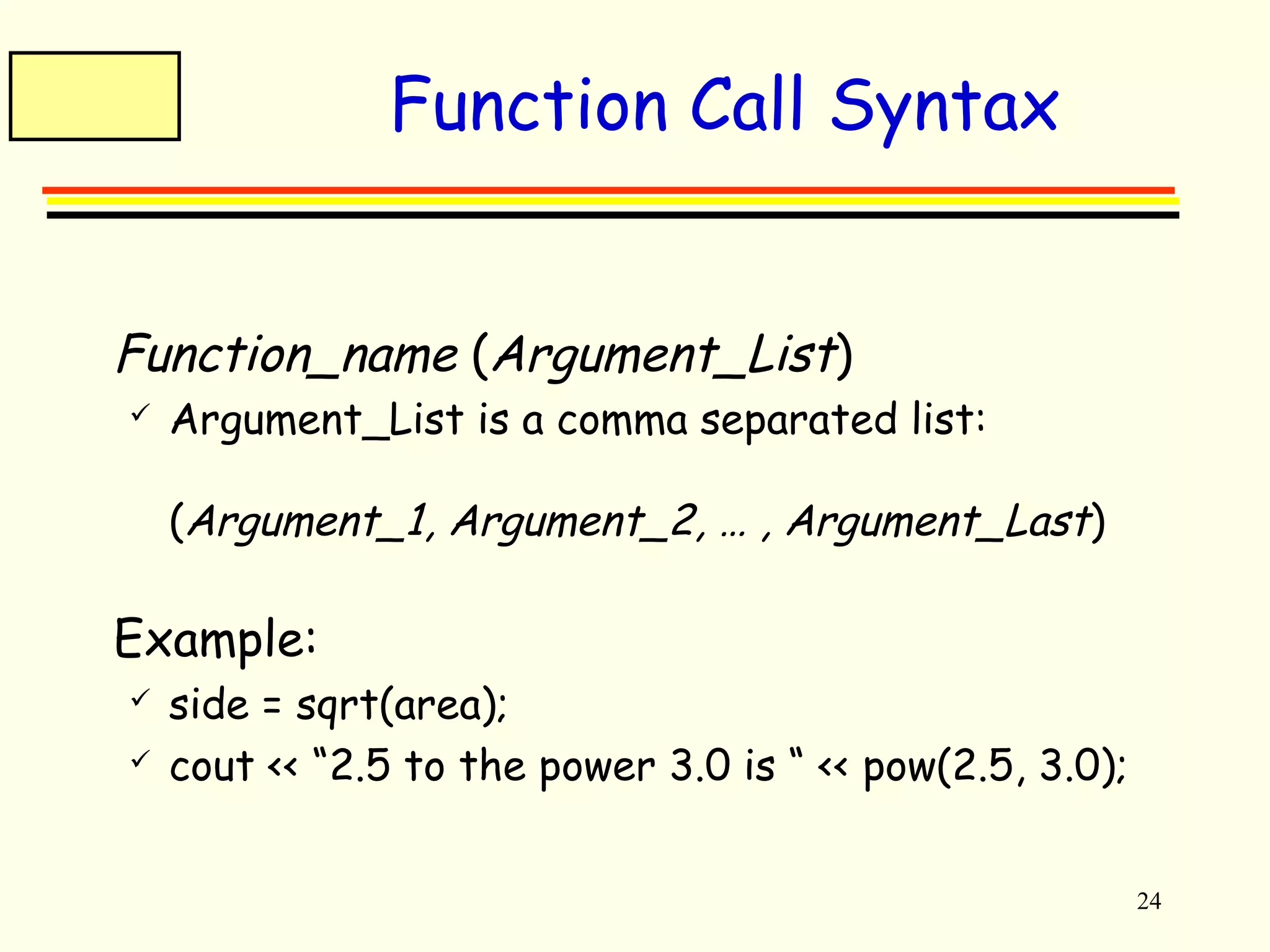
Function Call Syntax 
 Function_name (Argument_List) 
 Argument_List is a comma separated list: 
(Argument_1, Argument_2, … , Argument_Last) 
 Example: 
 side = sqrt(area); 
 cout << “2.5 to the power 3.0 is “ << pow(2.5, 3.0);
25 
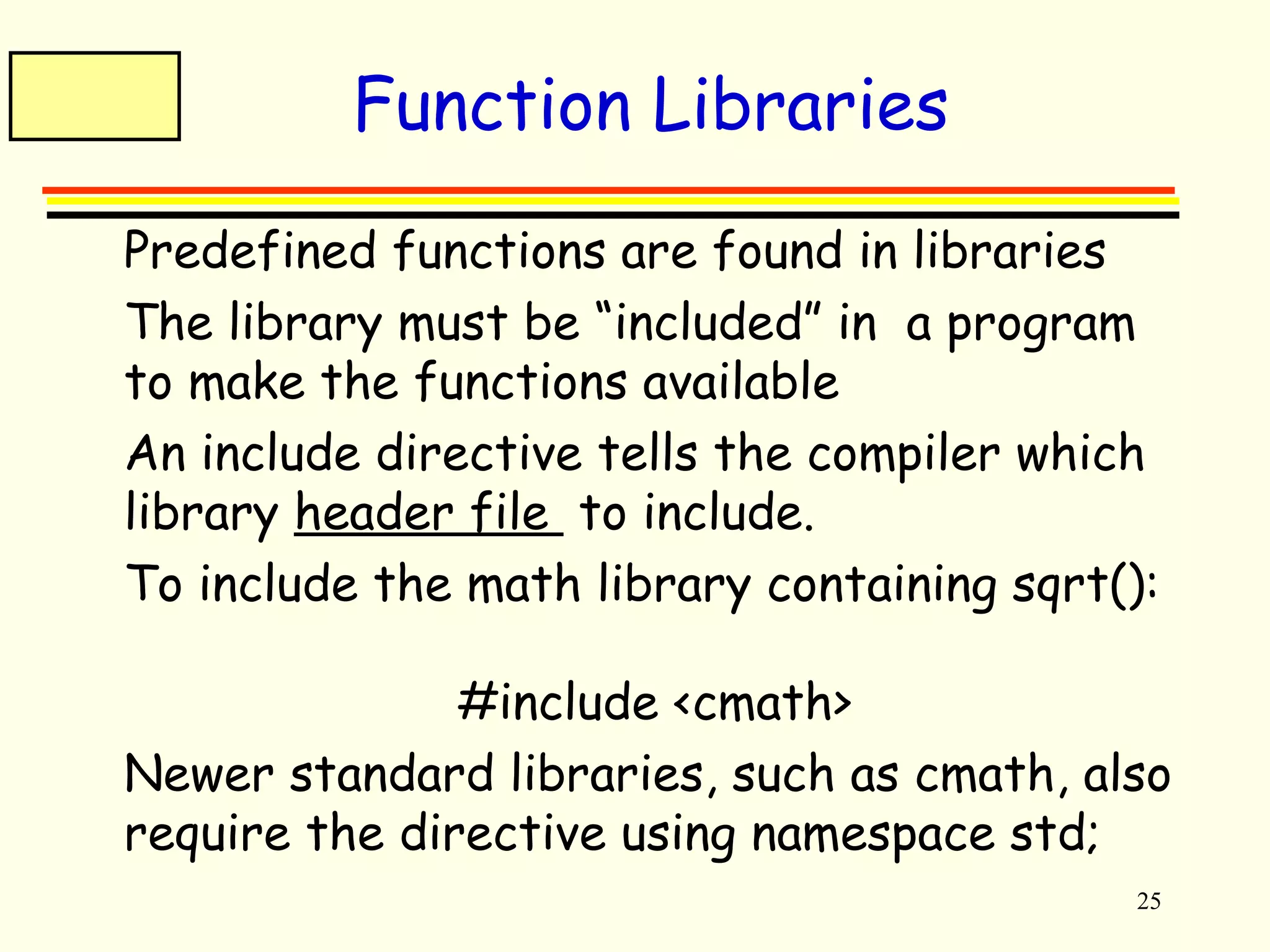
Function Libraries 
 Predefined functions are found in libraries 
 The library must be “included” in a program 
to make the functions available 
 An include directive tells the compiler which 
library header file to include. 
 To include the math library containing sqrt(): 
#include <cmath> 
 Newer standard libraries, such as cmath, also 
require the directive using namespace std;
26 
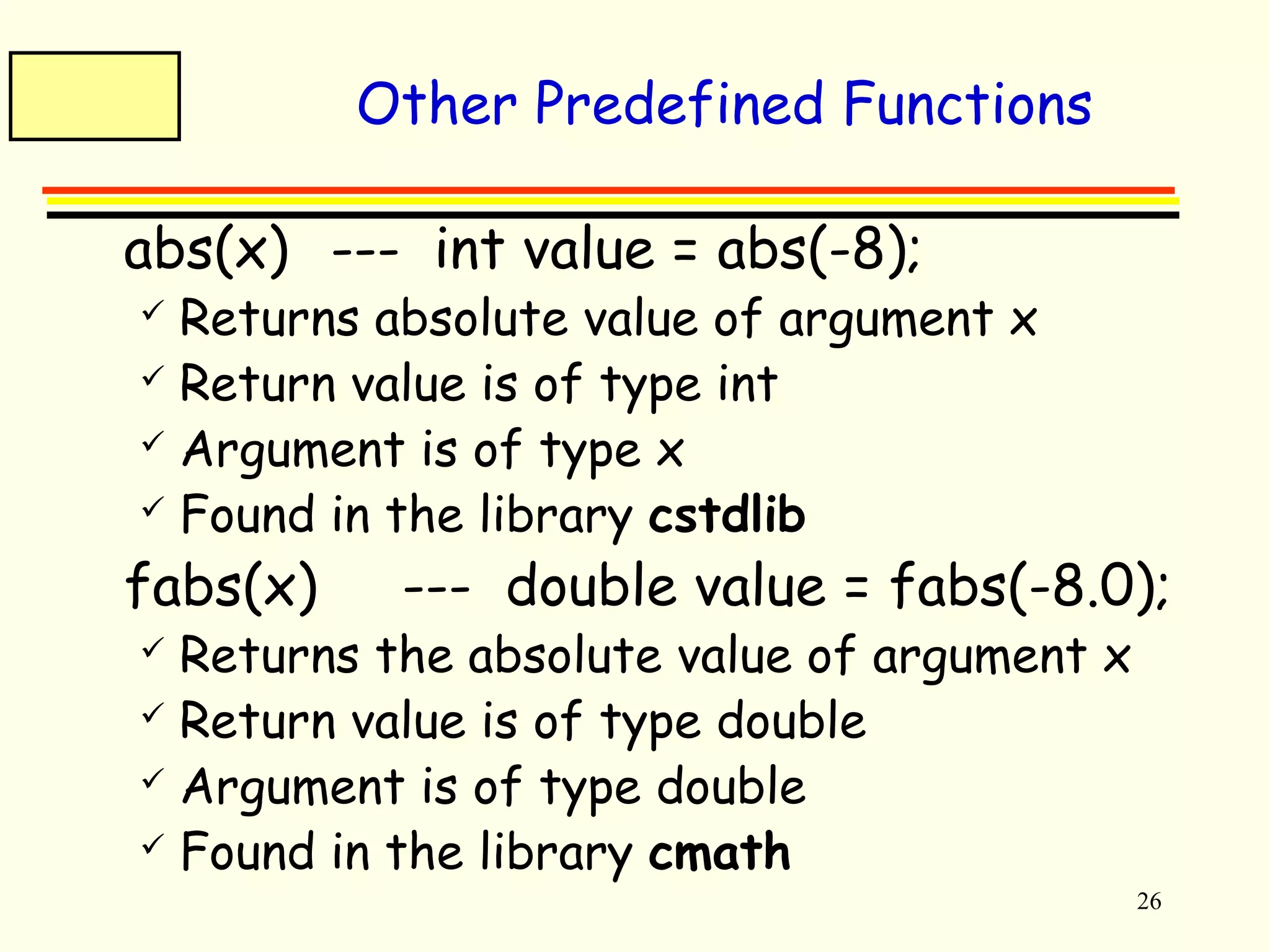
Other Predefined Functions 
 abs(x) --- int value = abs(-8); 
 Returns absolute value of argument x 
 Return value is of type int 
 Argument is of type x 
 Found in the library cstdlib 
 fabs(x) --- double value = fabs(-8.0); 
 Returns the absolute value of argument x 
 Return value is of type double 
 Argument is of type double 
 Found in the library cmath
27 
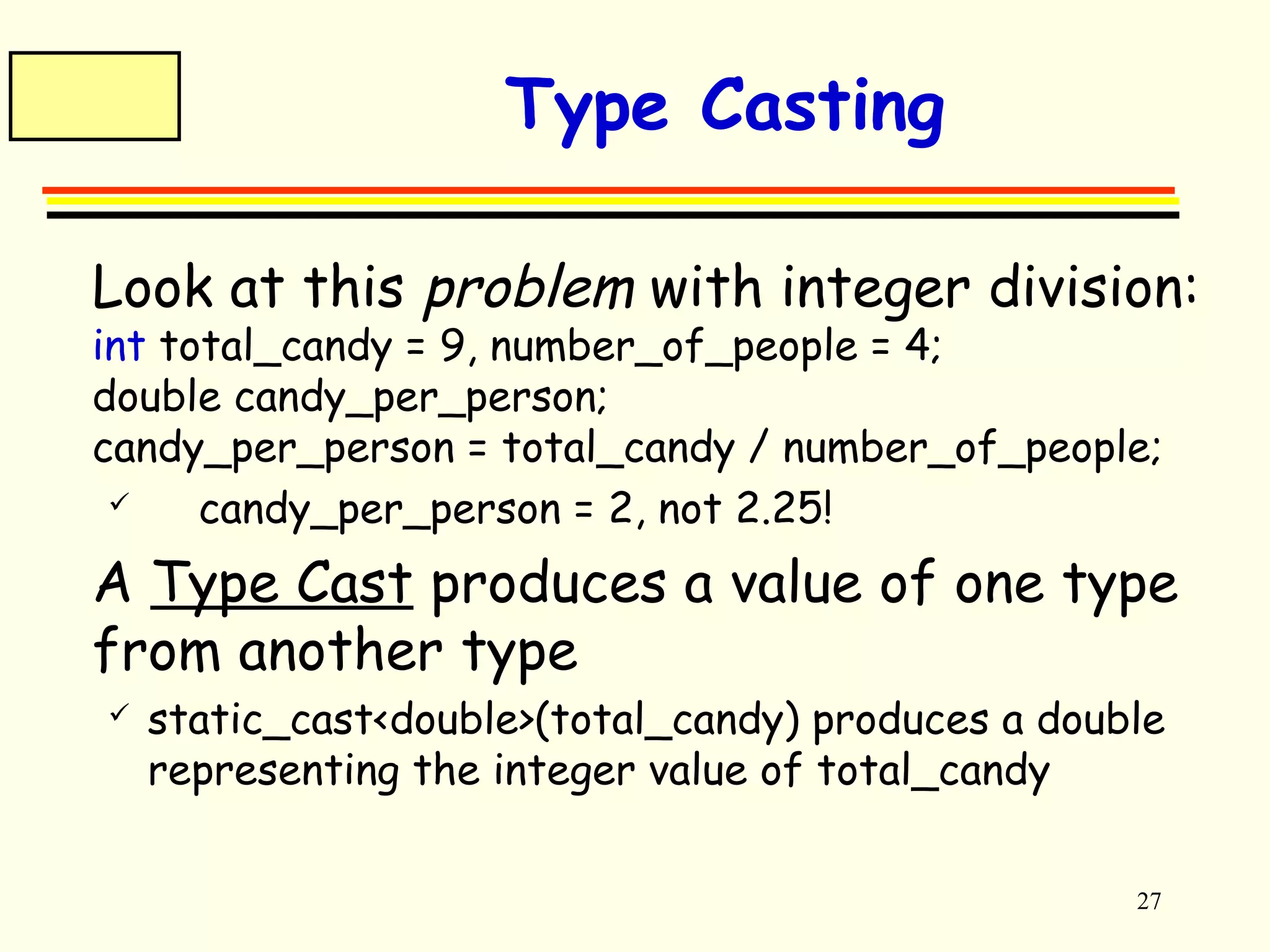
Type Casting 
 Look at this problem with integer division: 
int total_candy = 9, number_of_people = 4; 
double candy_per_person; 
candy_per_person = total_candy / number_of_people; 
 candy_per_person = 2, not 2.25! 
 A Type Cast produces a value of one type 
from another type 
 static_cast<double>(total_candy) produces a double 
representing the integer value of total_candy
28 
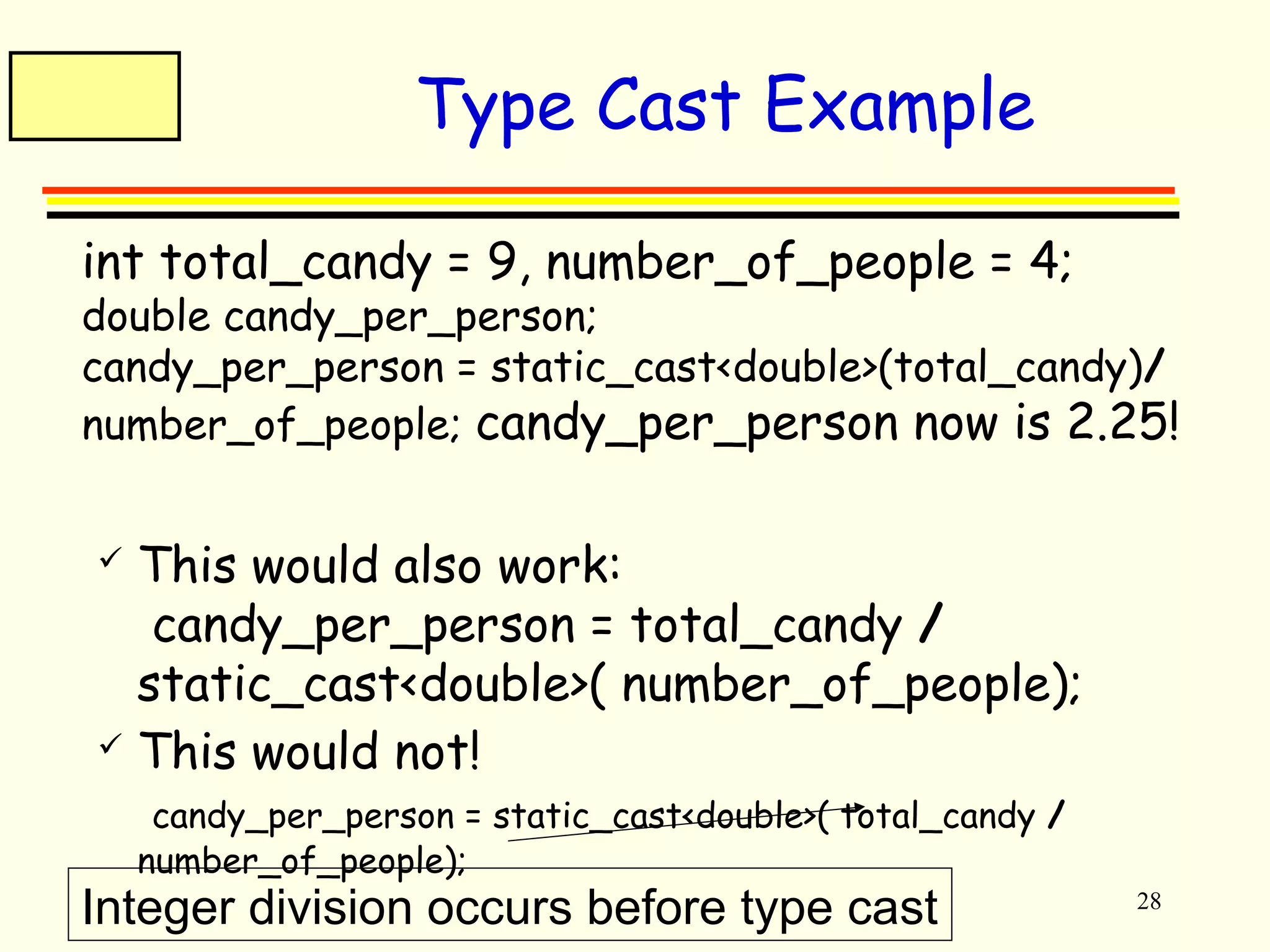
Type Cast Example 
 int total_candy = 9, number_of_people = 4; 
double candy_per_person; 
candy_per_person = static_cast<double>(total_candy)/ 
number_of_people; candy_per_person now is 2.25! 
 This would also work: 
candy_per_person = total_candy / 
static_cast<double>( number_of_people); 
 This would not! 
candy_per_person = static_cast<double>( total_candy / 
number_of_people); 
Integer division occurs before type cast
29 
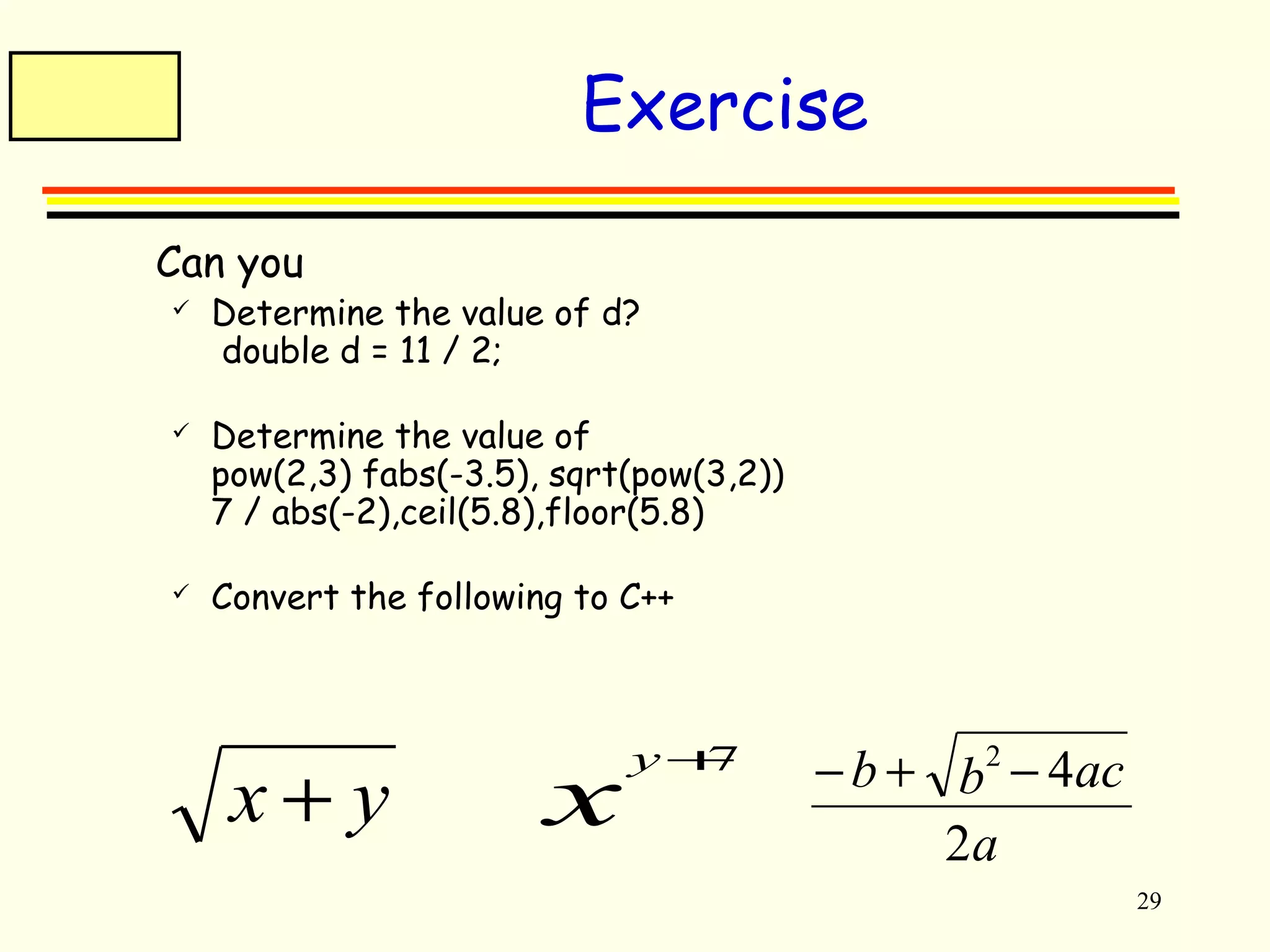
Exercise 
 Can you 
 Determine the value of d? 
double d = 11 / 2; 
 Determine the value of 
pow(2,3) fabs(-3.5), sqrt(pow(3,2)) 
7 / abs(-2),ceil(5.8),floor(5.8) 
 Convert the following to C++ 
x + y xy+7 
b b ac 
- + 2 - 4 
a 
2
30 
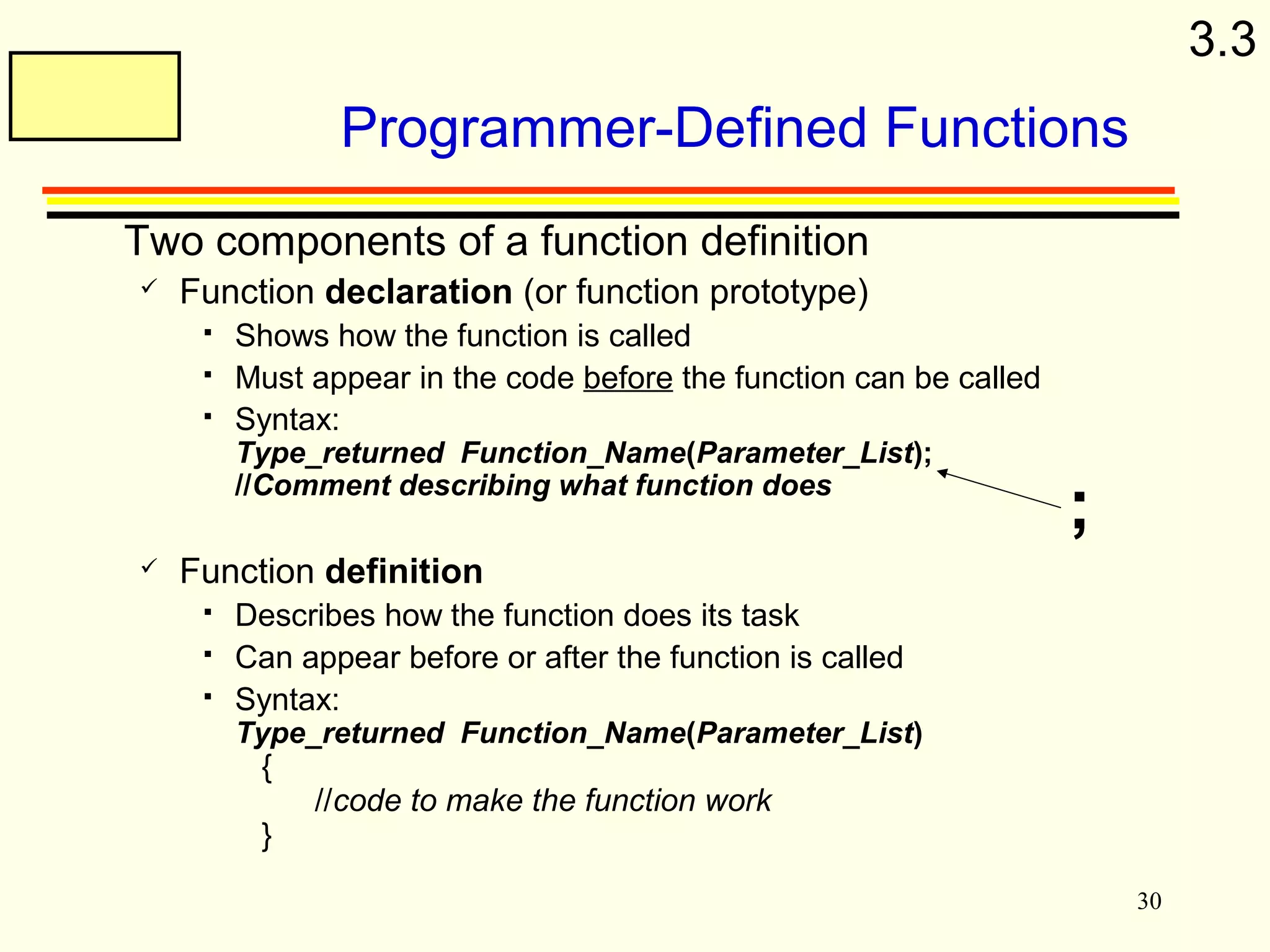
Programmer-Defined Functions 
 Two components of a function definition 
 Function declaration (or function prototype) 
 Shows how the function is called 
 Must appear in the code before the function can be called 
 Syntax: 
Type_returned Function_Name(Parameter_List); 
//Comment describing what function does 
 Function definition 
 Describes how the function does its task 
 Can appear before or after the function is called 
 Syntax: 
Type_returned Function_Name(Parameter_List) 
{ 
//code to make the function work 
} 
; 
3.3
31 
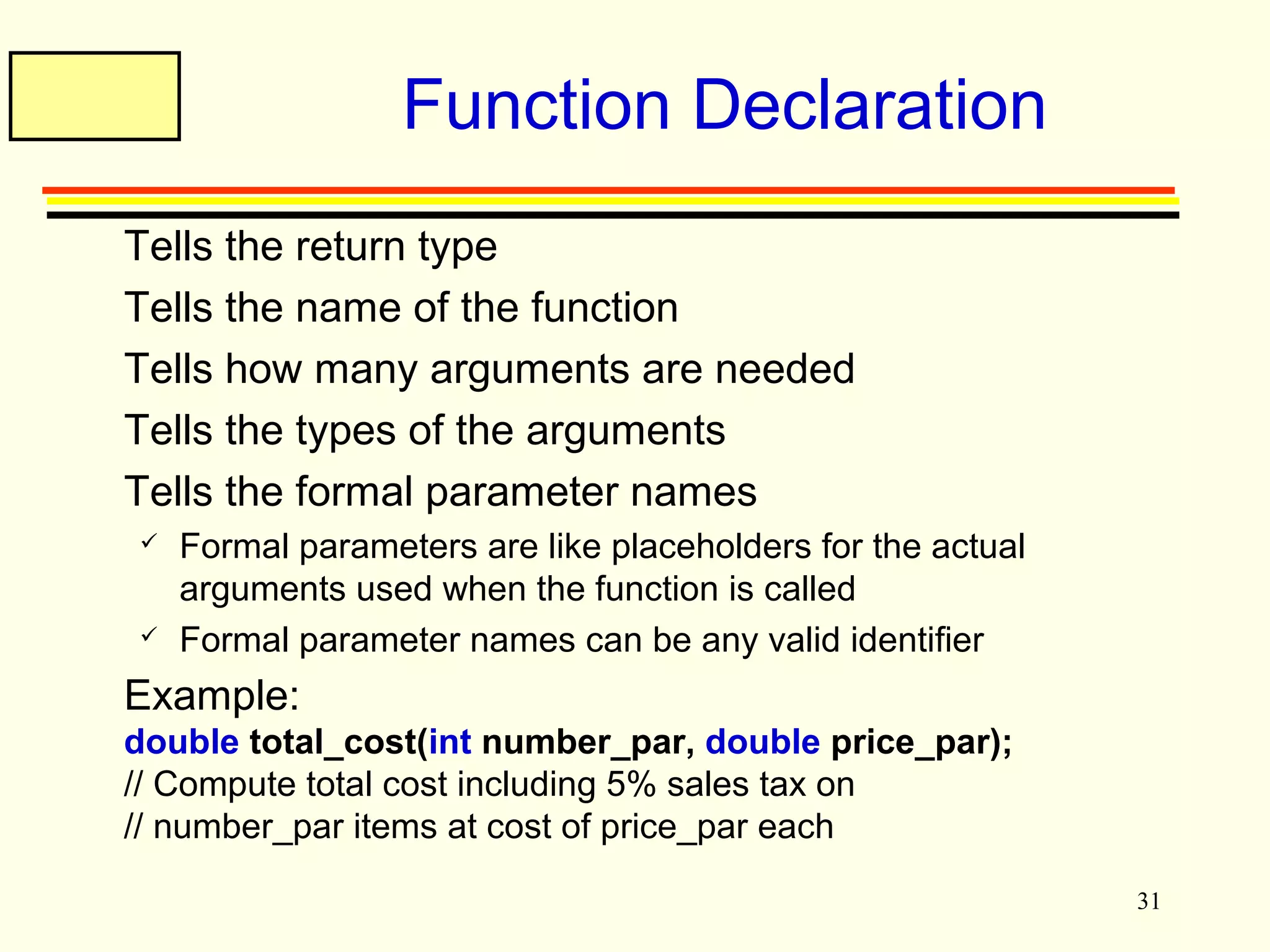
Function Declaration 
 Tells the return type 
 Tells the name of the function 
 Tells how many arguments are needed 
 Tells the types of the arguments 
 Tells the formal parameter names 
 Formal parameters are like placeholders for the actual 
arguments used when the function is called 
 Formal parameter names can be any valid identifier 
 Example: 
double total_cost(int number_par, double price_par); 
// Compute total cost including 5% sales tax on 
// number_par items at cost of price_par each
32 
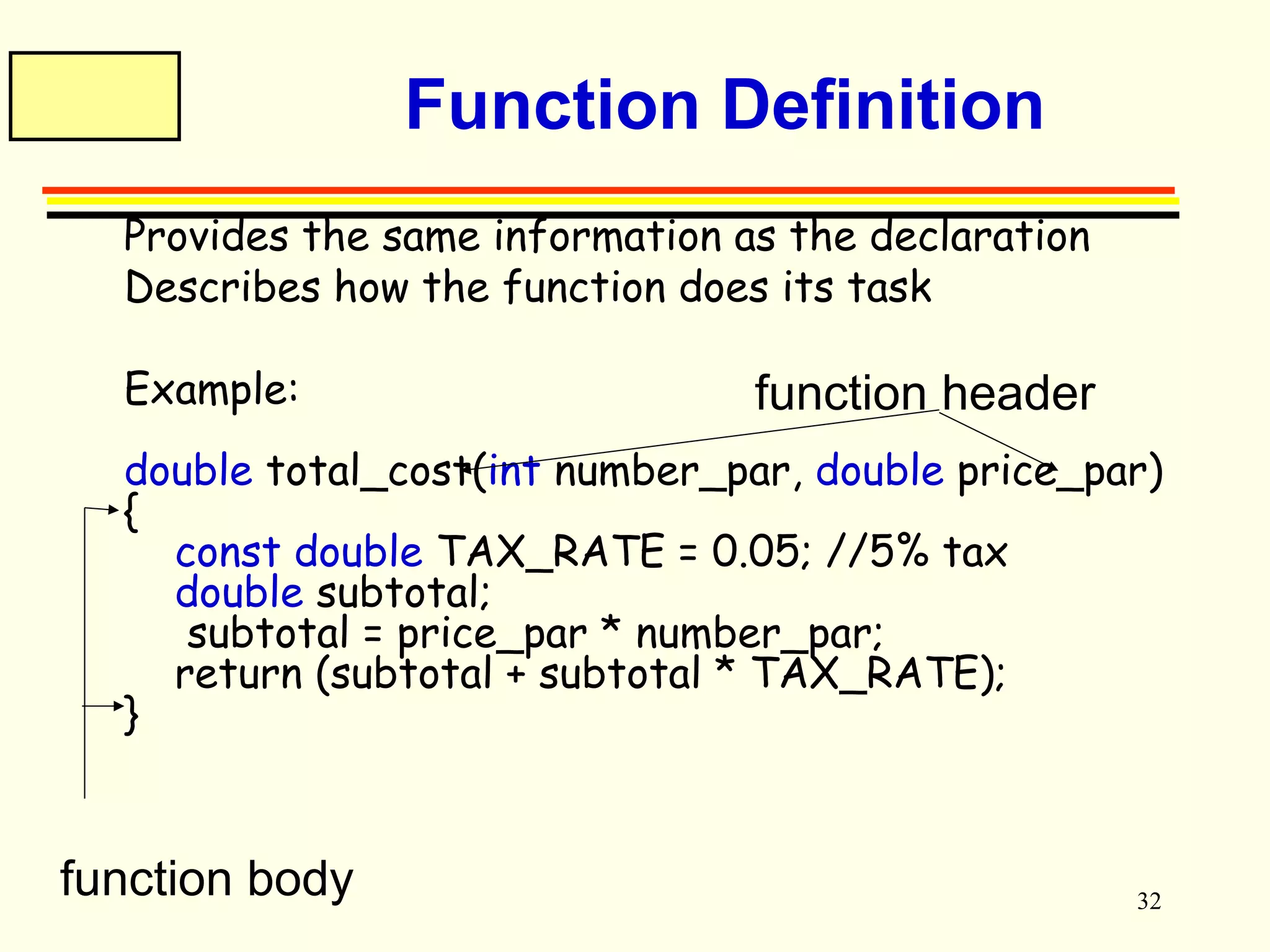
Function Definition 
 Provides the same information as the declaration 
 Describes how the function does its task 
 Example: 
function header 
double total_cost(int number_par, double price_par) 
{ 
const double TAX_RATE = 0.05; //5% tax 
double subtotal; 
subtotal = price_par * number_par; 
return (subtotal + subtotal * TAX_RATE); 
} 
function body
33 
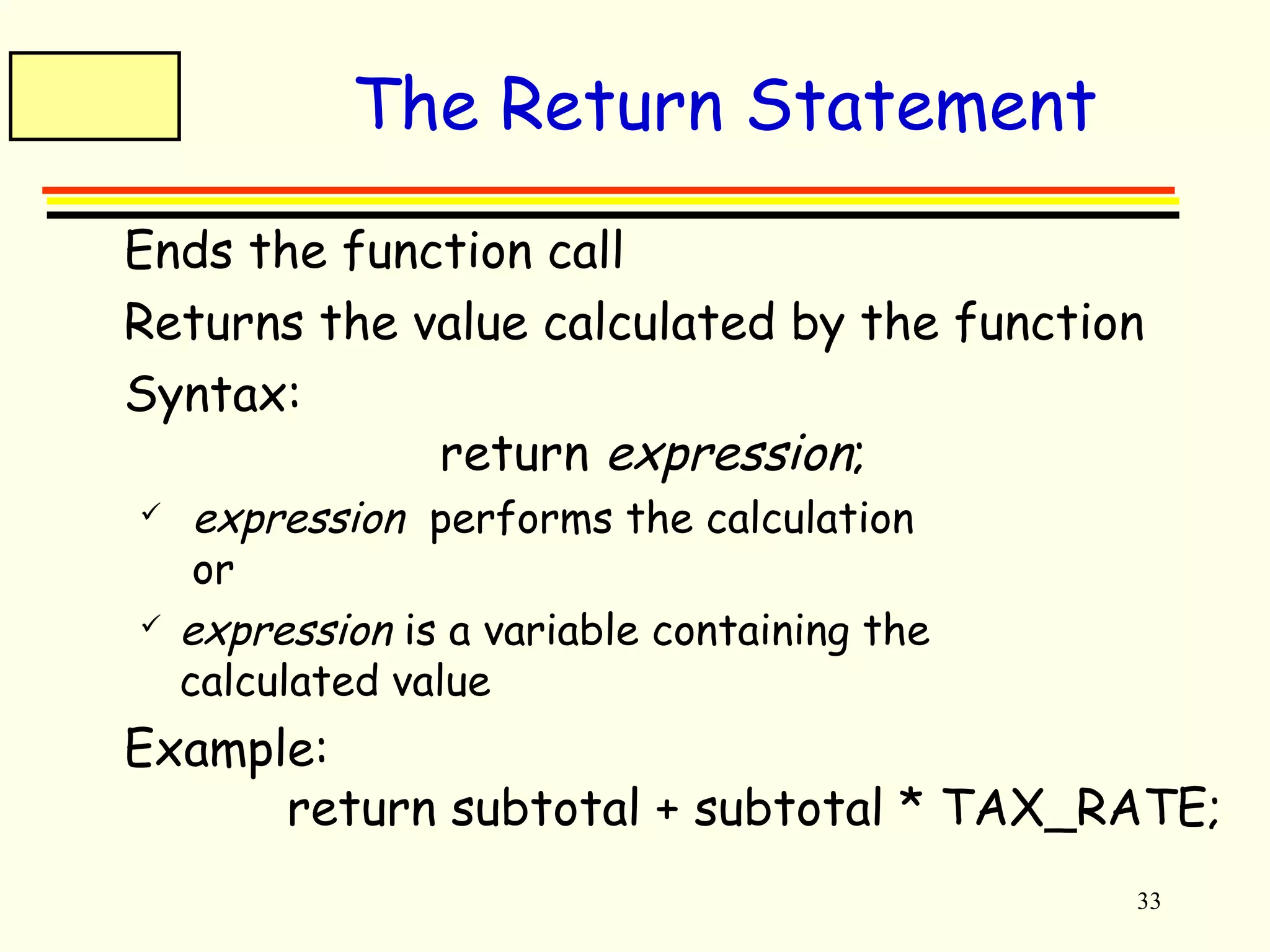
The Return Statement 
 Ends the function call 
 Returns the value calculated by the function 
 Syntax: 
return expression; 
 expression performs the calculation 
or 
 expression is a variable containing the 
calculated value 
 Example: 
return subtotal + subtotal * TAX_RATE;
34 
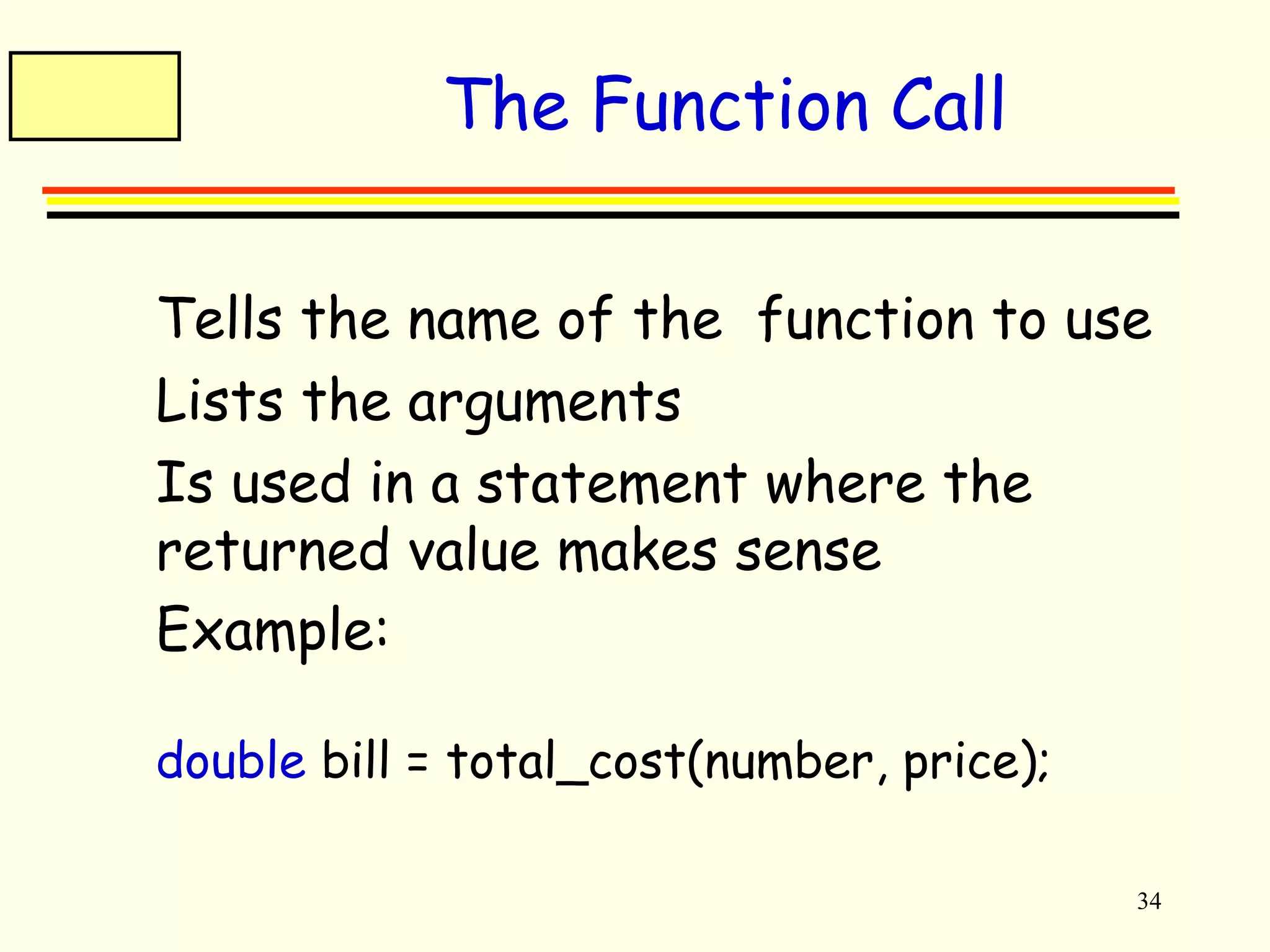
The Function Call 
 Tells the name of the function to use 
 Lists the arguments 
 Is used in a statement where the 
returned value makes sense 
 Example: 
double bill = total_cost(number, price);
35 
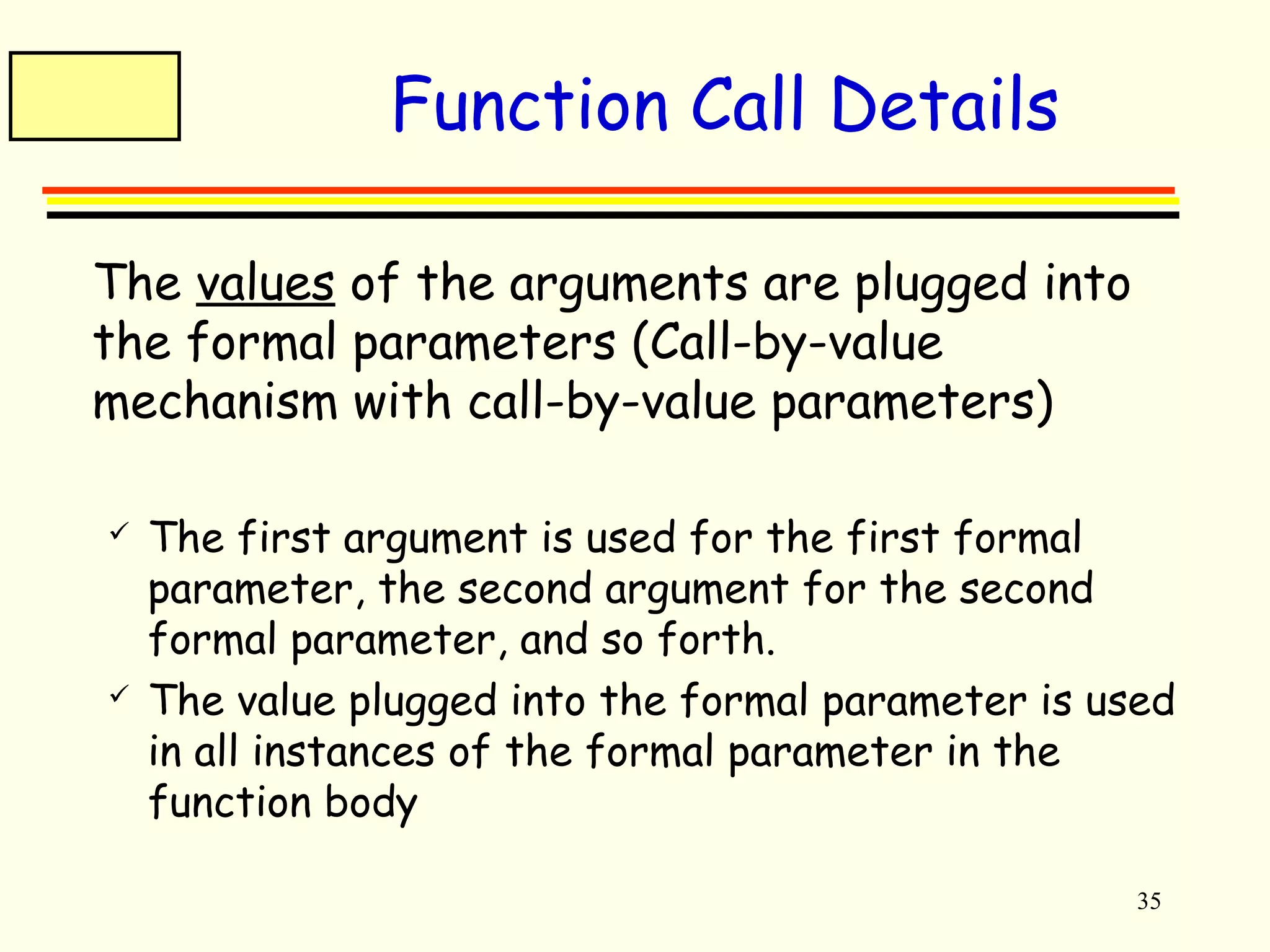
Function Call Details 
 The values of the arguments are plugged into 
the formal parameters (Call-by-value 
mechanism with call-by-value parameters) 
 The first argument is used for the first formal 
parameter, the second argument for the second 
formal parameter, and so forth. 
 The value plugged into the formal parameter is used 
in all instances of the formal parameter in the 
function body
36 
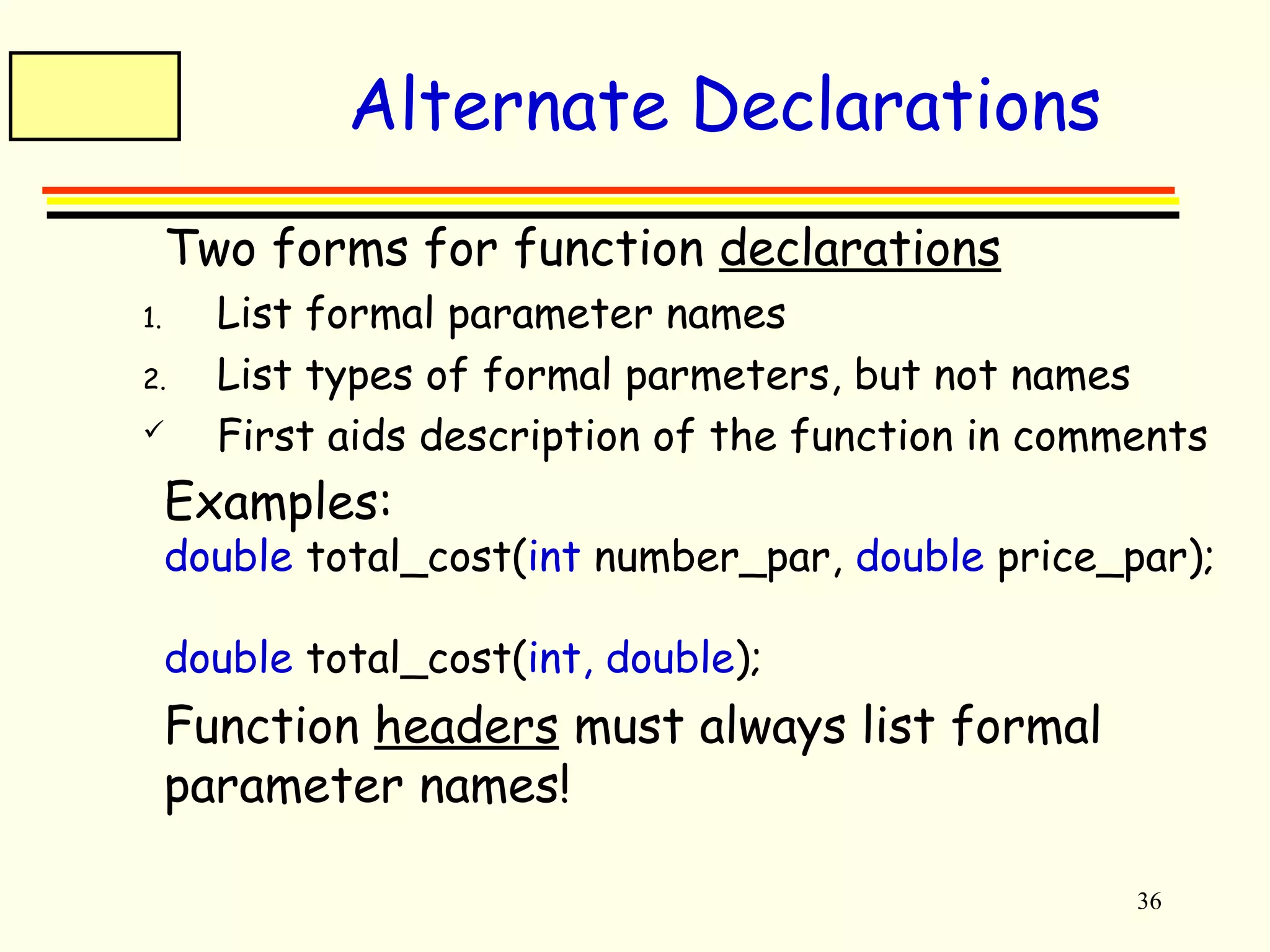
Alternate Declarations 
 Two forms for function declarations 
1. List formal parameter names 
2. List types of formal parmeters, but not names 
 First aids description of the function in comments 
 Examples: 
double total_cost(int number_par, double price_par); 
double total_cost(int, double); 
 Function headers must always list formal 
parameter names!
37 
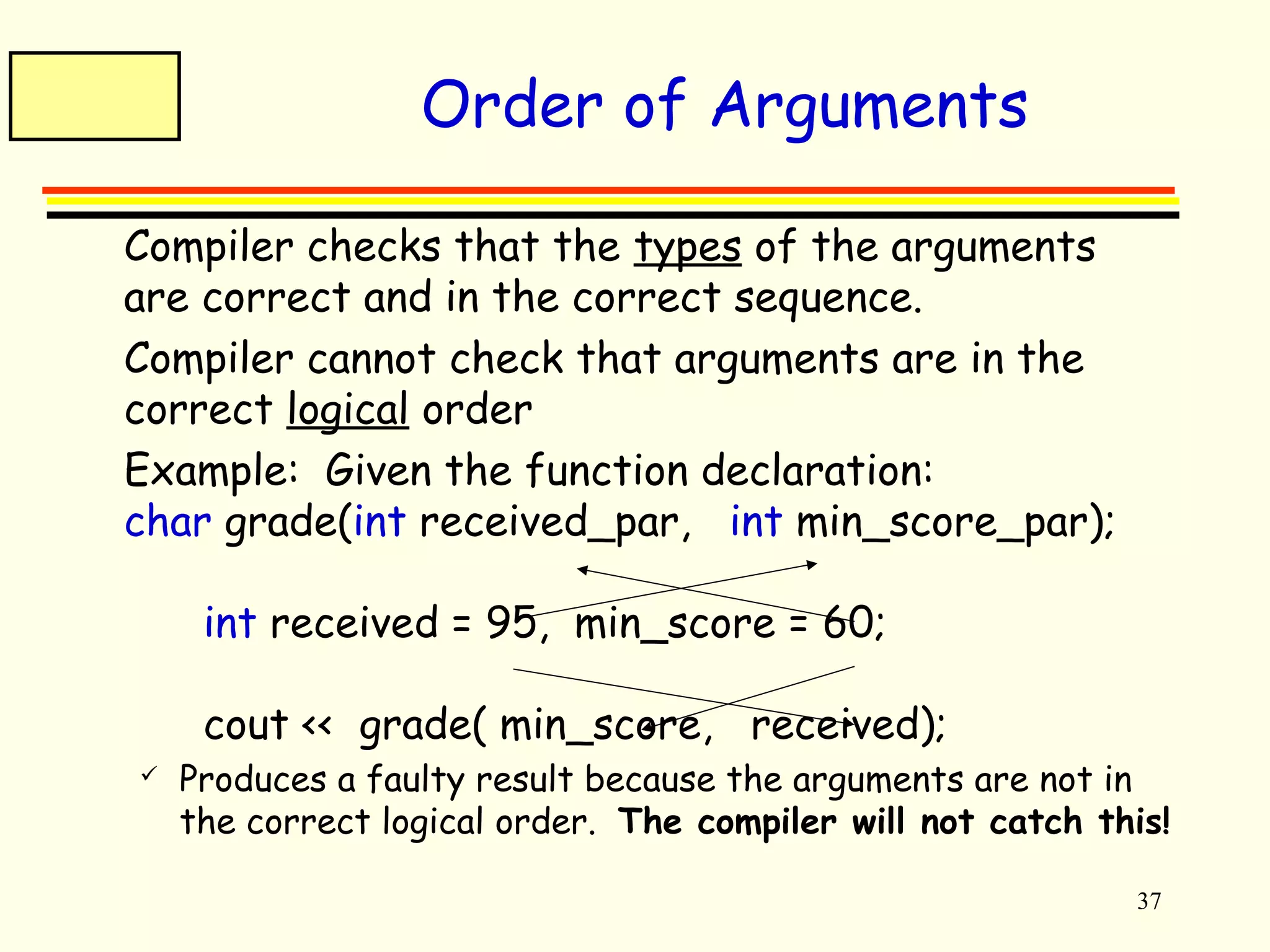
Order of Arguments 
 Compiler checks that the types of the arguments 
are correct and in the correct sequence. 
 Compiler cannot check that arguments are in the 
correct logical order 
 Example: Given the function declaration: 
char grade(int received_par, int min_score_par); 
int received = 95, min_score = 60; 
cout << grade( min_score, received); 
 Produces a faulty result because the arguments are not in 
the correct logical order. The compiler will not catch this!
38 
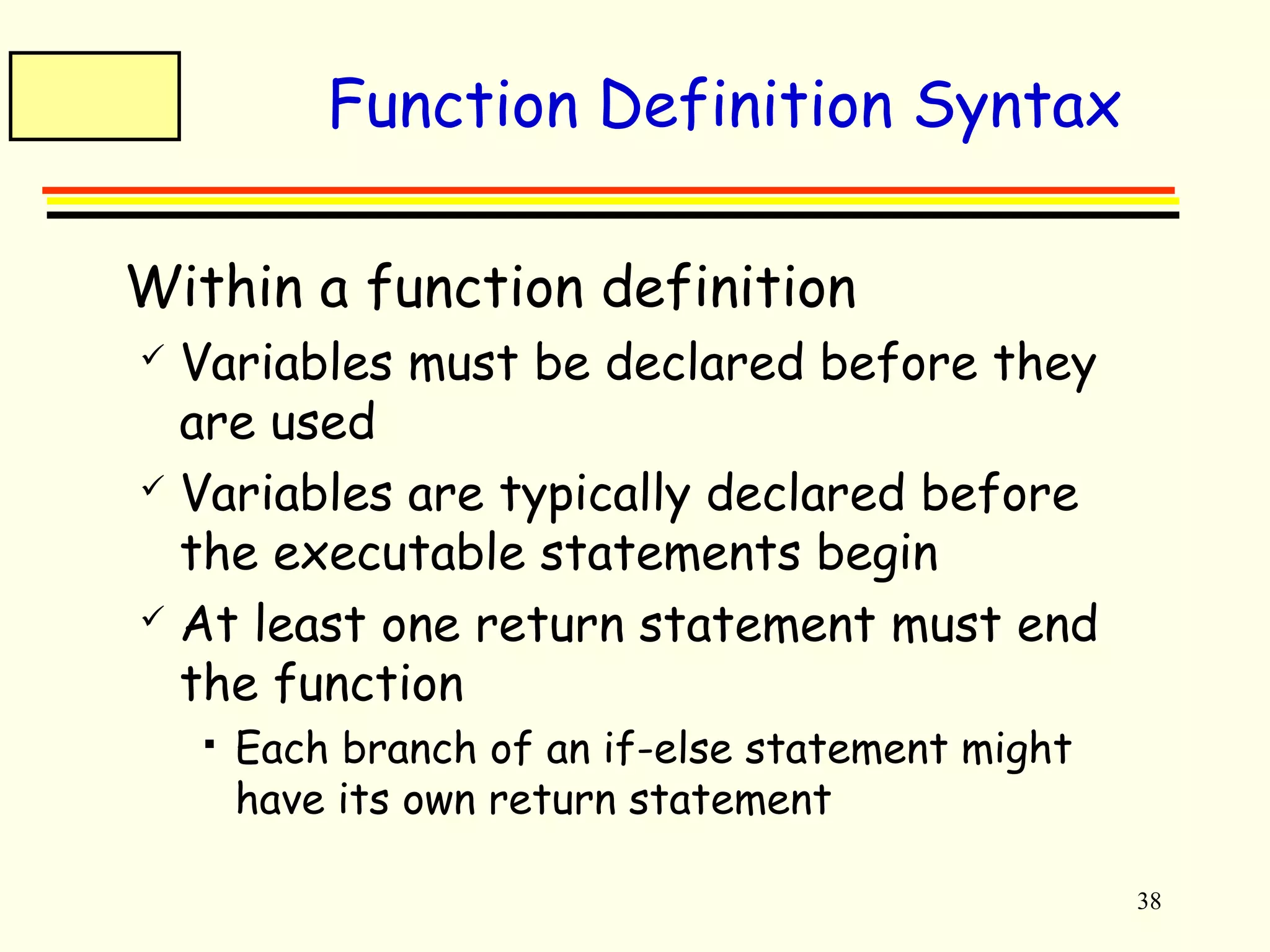
Function Definition Syntax 
 Within a function definition 
 Variables must be declared before they 
are used 
 Variables are typically declared before 
the executable statements begin 
 At least one return statement must end 
the function 
 Each branch of an if-else statement might 
have its own return statement
39 
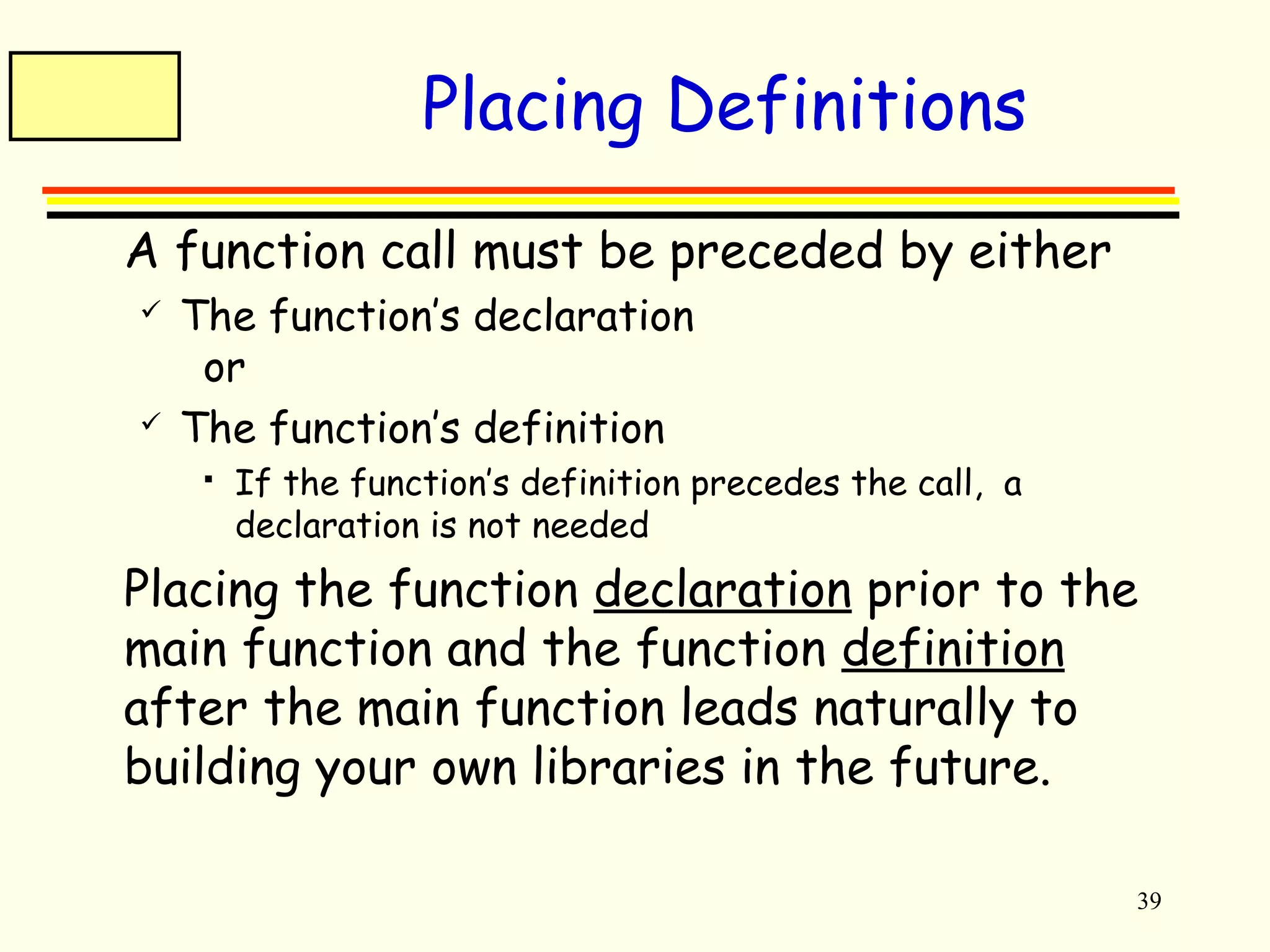
Placing Definitions 
 A function call must be preceded by either 
 The function’s declaration 
or 
 The function’s definition 
 If the function’s definition precedes the call, a 
declaration is not needed 
 Placing the function declaration prior to the 
main function and the function definition 
after the main function leads naturally to 
building your own libraries in the future.
40 
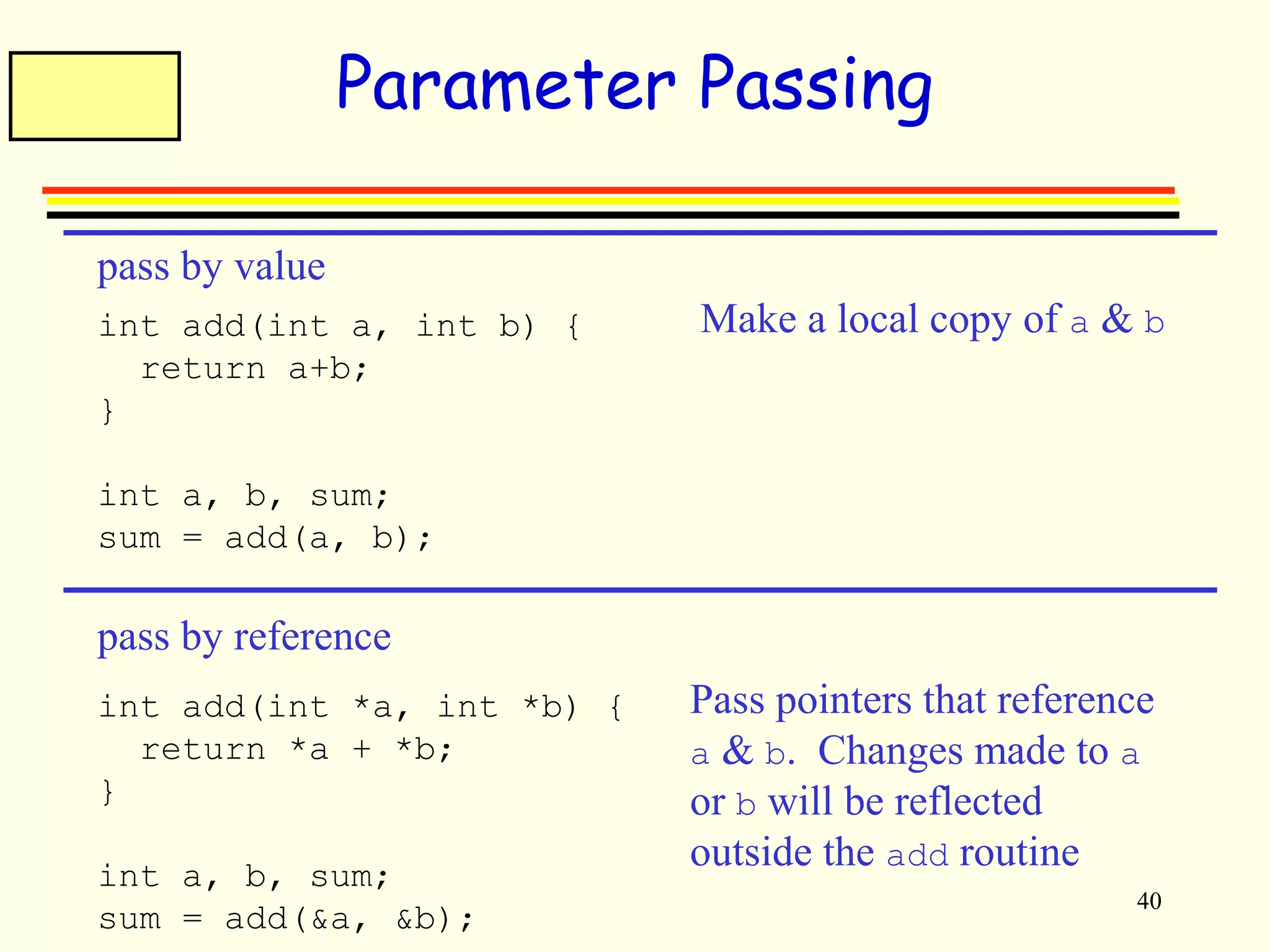
Parameter Passing 
pass by value 
int add(int a, int b) { 
return a+b; 
} 
int a, b, sum; 
sum = add(a, b); 
pass by reference 
int add(int *a, int *b) { 
return *a + *b; 
} 
int a, b, sum; 
sum = add(&a, &b); 
Make a local copy of a & b 
Pass pointers that reference 
a & b. Changes made to a 
or b will be reflected 
outside the add routine
41 
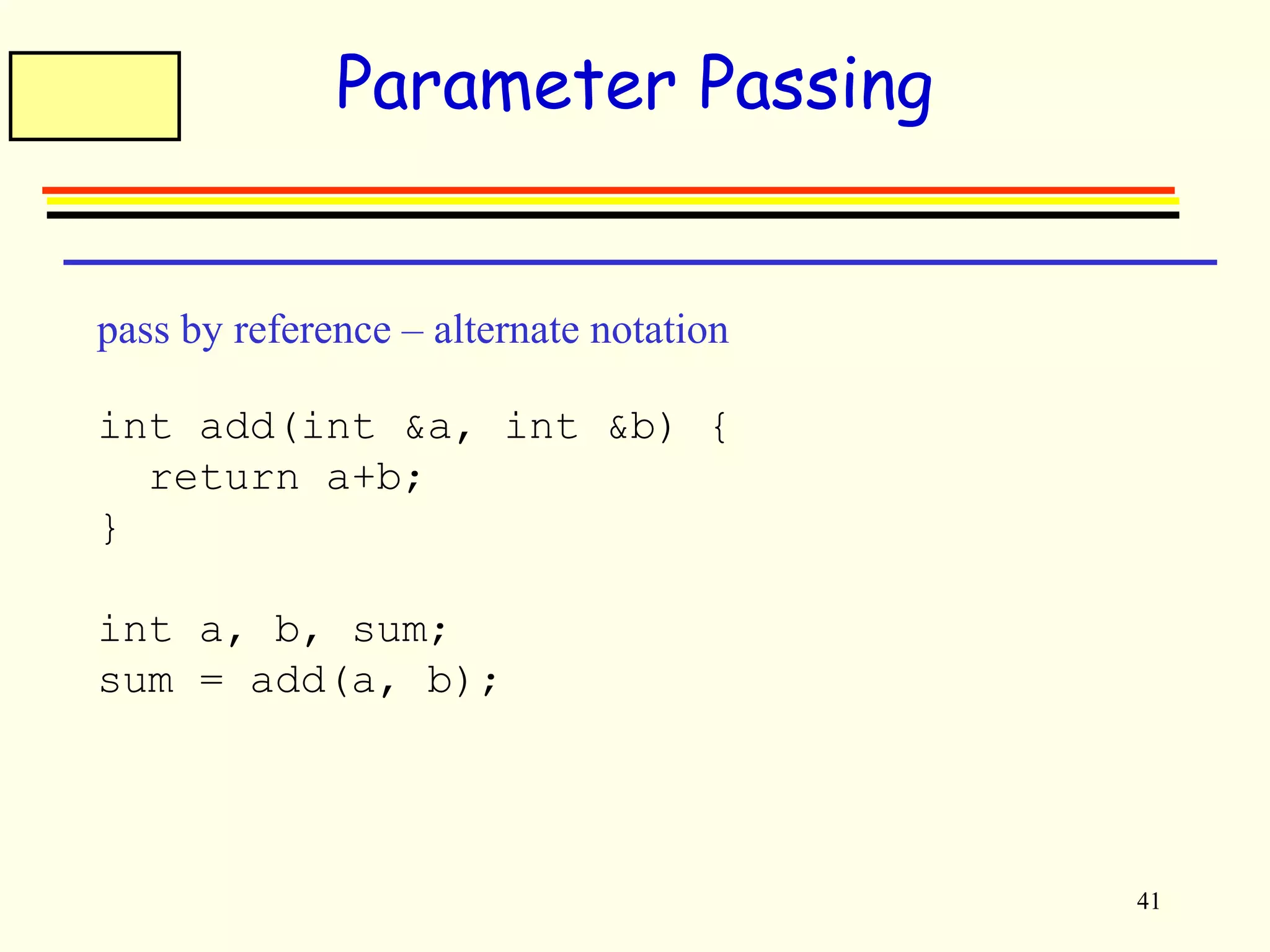
Parameter Passing 
pass by reference – alternate notation 
int add(int &a, int &b) { 
return a+b; 
} 
int a, b, sum; 
sum = add(a, b);
42 
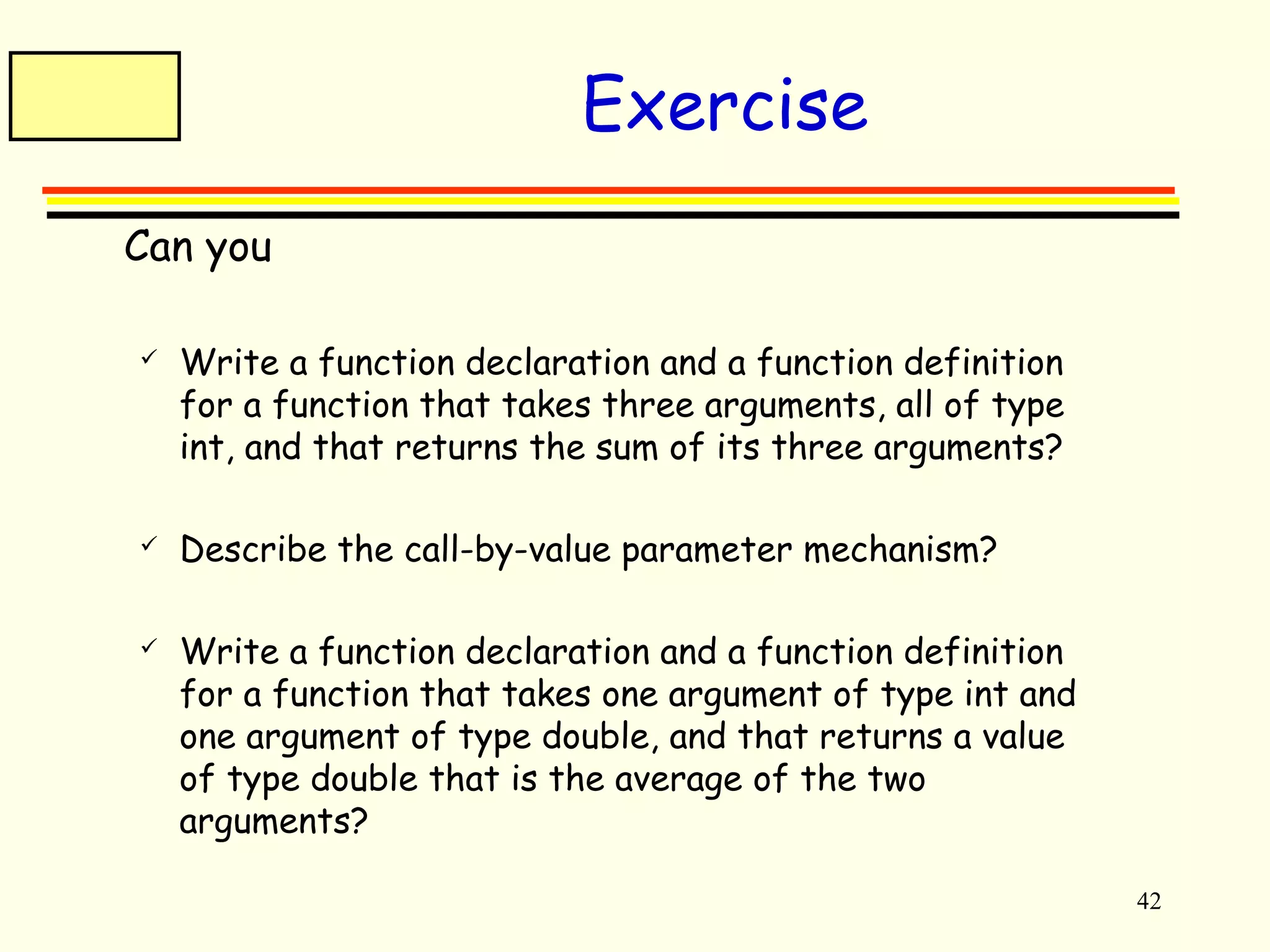
Exercise 
 Can you 
 Write a function declaration and a function definition 
for a function that takes three arguments, all of type 
int, and that returns the sum of its three arguments? 
 Describe the call-by-value parameter mechanism? 
 Write a function declaration and a function definition 
for a function that takes one argument of type int and 
one argument of type double, and that returns a value 
of type double that is the average of the two 
arguments?
43 
Good sites 
 http://www.cs.ucr.edu/cs10/cs10_03fal/slides/

2.overview of c++ ________lecture2

  • 1.
    1 AA qquuiicckkiinnttrroodduuccttiioonn ttoo CC++++
  • 2.
    2 A C++program //if necessary include headers //#include <foo.h> void main() { //variable declaration //read values input from user //computation //print output to user } Notes:  what follows after // on the same line is considered comment  indentation is for the reader; compiler ignores all spaces and new line ; the delimiter for the compiler is the semicolon  all statements ended by ;
  • 3.
    3 Identifiers Rules:  Names begin with alphabetic character including an underscore e.g. get_Name, _Name, a_type  Variables- Case sensitive  Lower vs. upper case matters!!  Void is different than void  Main is different that main Initialization can be done at the beginning e.g. int m=10;
  • 4.
    4 Example Whenlearning a new language, the first program people usually write is one that salutes the world :) Here is the Hello world program in C++. #include <iostream.h> int main() { cout << “Hello world!”; return 0; }
  • 5.
    5 Variable declaration type variable-name; Meaning: variable <variable-name> will be a variable of type <type> Where type can be:  int //integer  double //real number  char //character  Long int // 32 bits  Float // floating point numbers Example: int a, b, c; double x; int sum; char my-character;
  • 6.
    6 Input statements cin >> variable-name; Meaning: read the value of variable <variable-name> from the user Example: cin >> a; cin >> b >> c; cin >> x; cin >> my-character;
  • 7.
    7 Output statements cout << variable-name; Meaning: print the value of variable <variable-name> to the user cout << “any message “; Meaning: print the message within quotes to the user cout << endl; Meaning: print a new line Example: cout << a; cout << b << c; cout << “This is my character: “ << my-character << “ he he he”<< endl;
  • 8.
    8 If statements if (condition) { S1; } else { S2; } S3; True False condition S1 S2 S3
  • 9.
    9 Boolean conditions ..are built using  Comparison operators == equal != not equal < less than > greater than <= less than or equal >= greater than or equal  Boolean operators && and || or ! not
  • 10.
    10 Examples Assumewe declared the following variables: int a = 2, b=5, c=10; Here are some examples of boolean conditions we can use:  if (a == b) …  if (a != b) …  if (a <= b+c) …  if(a <= b) && (b <= c) …  if !((a < b) && (b<c)) …
  • 11.
    11 If example #include <iostream.h> void main() { int a,b,c; cin >> a >> b >> c; if (a <=b) { cout << “min is “ << a << endl; } else { cout << “ min is “ << b << endl; } cout << “happy now?” << endl; }
  • 12.
    12 While statements while (condition) { S1; } S2; True False condition S1 S2
  • 13.
    13 While example //read 100 numbers from the user and output their sum #include <iostream.h> void main() { int i, sum, x; sum=0; i=1; while (i <= 100) { cin >> x; sum = sum + x; i = i+1; } cout << “sum is “ << sum << endl; }
  • 14.
    14 Arrays Usedto store a collection of elements (variables) type array-name[size]; Meaning: This declares a variable called <array-name> which contains <size> elements of type <type> The elements of an array can be accessed as: array-name[0], …array-name[size-1] Example: int a[100]; //a is a list of 100 integers, a[0], a[1], …a[99] double b[50]; char c[10];
  • 15.
    15 Array example //Read 100 numbers from the user #include <iostream.h> void main() { int i, a[100], n; i=0; n=100; while (i<n) { cout << “Input element “ << i << “: ”; cin >> a[i]; i = i+1; } //do somehing with it .. }
  • 16.
    16 Exercises Writea C++ program to read a sequence of (non-negative) integers from the user ending with a negative integer and write out  the average of the numbers  the smallest number  the largest number  the range of the numbers (largest - smallest)  Example:  The user enters: 3, 1, 55, 89, 23, 45, -1  Your program should compute the average of {3, 1, 55, 89, 23, 45} etc
  • 17.
    17 Exercises Write a program that asks the user  Do you want to use this program? (y/n)  If the user says ‘y’ then the program terminates  If the user says ‘n’ then the program asks  Are you really sure you do not want to use this program? (y/n)  If the user says ‘n’ it terminates, otherwise it prints again the message  Are you really really sure you do not want to use this program? (y/n)  And so on, every time adding one more “really”.
  • 18.
    18 Pointers int*intPtr; intPtr = new int; *intPtr = 6837; delete intPtr; int otherVal = 5; intPtr = &otherVal; Create a pointer Allocate memory Set value at given address *intPtr 6837 intPtr 0x0050 Change intPtr to point to a new location *intPtr 5 intPtr 0x0054 otherVal &otherVal Deallocate memory
  • 19.
    19 Arrays Stackallocation int intArray[10]; intArray[0] = 6837; Heap allocation int *intArray; intArray = new int[10]; intArray[0] = 6837; ... delete[] intArray;
  • 20.
    20 Strings Astring in C++ is an array of characters char myString[20]; strcpy(myString, "Hello World"); Strings are terminated with the NULL or '0' character myString[0] = 'H'; myString[1] = 'i'; myString[2] = '0'; printf("%s", myString); output: Hi
  • 21.
    Prevents multiple references 21 Class Basics #ifndef _IMAGE_H_ #define _IMAGE_H_ #include <assert.h> #include "vectors.h“ class Image { public: ... private: ... }; #endif Include a library file Include a local file Variables and functions accessible from anywhere Variables and functions accessible only from within this class
  • 22.
    22 C++ Functions Predefined Functions  C++ comes with libraries of predefined functions  Example: sqrt function  the_root = sqrt(9.0);  returns, or computes, the square root of a number  The number, 9, is called the argument  the_root will contain 3.0 3.2
  • 23.
    23 Function Calls  sqrt(9.0) is a function call  It invokes, or sets in action, the sqrt function  The argument (9), can also be a variable or an expression  A function call can be used like any expression  bonus = sqrt(sales) / 10;  Cout << “The side of a square with area “ << area << “ is “ << sqrt(area);
  • 24.
    24 Function CallSyntax  Function_name (Argument_List)  Argument_List is a comma separated list: (Argument_1, Argument_2, … , Argument_Last)  Example:  side = sqrt(area);  cout << “2.5 to the power 3.0 is “ << pow(2.5, 3.0);
  • 25.
    25 Function Libraries  Predefined functions are found in libraries  The library must be “included” in a program to make the functions available  An include directive tells the compiler which library header file to include.  To include the math library containing sqrt(): #include <cmath>  Newer standard libraries, such as cmath, also require the directive using namespace std;
  • 26.
    26 Other PredefinedFunctions  abs(x) --- int value = abs(-8);  Returns absolute value of argument x  Return value is of type int  Argument is of type x  Found in the library cstdlib  fabs(x) --- double value = fabs(-8.0);  Returns the absolute value of argument x  Return value is of type double  Argument is of type double  Found in the library cmath
  • 27.
    27 Type Casting  Look at this problem with integer division: int total_candy = 9, number_of_people = 4; double candy_per_person; candy_per_person = total_candy / number_of_people;  candy_per_person = 2, not 2.25!  A Type Cast produces a value of one type from another type  static_cast<double>(total_candy) produces a double representing the integer value of total_candy
  • 28.
    28 Type CastExample  int total_candy = 9, number_of_people = 4; double candy_per_person; candy_per_person = static_cast<double>(total_candy)/ number_of_people; candy_per_person now is 2.25!  This would also work: candy_per_person = total_candy / static_cast<double>( number_of_people);  This would not! candy_per_person = static_cast<double>( total_candy / number_of_people); Integer division occurs before type cast
  • 29.
    29 Exercise Can you  Determine the value of d? double d = 11 / 2;  Determine the value of pow(2,3) fabs(-3.5), sqrt(pow(3,2)) 7 / abs(-2),ceil(5.8),floor(5.8)  Convert the following to C++ x + y xy+7 b b ac - + 2 - 4 a 2
  • 30.
    30 Programmer-Defined Functions  Two components of a function definition  Function declaration (or function prototype)  Shows how the function is called  Must appear in the code before the function can be called  Syntax: Type_returned Function_Name(Parameter_List); //Comment describing what function does  Function definition  Describes how the function does its task  Can appear before or after the function is called  Syntax: Type_returned Function_Name(Parameter_List) { //code to make the function work } ; 3.3
  • 31.
    31 Function Declaration  Tells the return type  Tells the name of the function  Tells how many arguments are needed  Tells the types of the arguments  Tells the formal parameter names  Formal parameters are like placeholders for the actual arguments used when the function is called  Formal parameter names can be any valid identifier  Example: double total_cost(int number_par, double price_par); // Compute total cost including 5% sales tax on // number_par items at cost of price_par each
  • 32.
    32 Function Definition  Provides the same information as the declaration  Describes how the function does its task  Example: function header double total_cost(int number_par, double price_par) { const double TAX_RATE = 0.05; //5% tax double subtotal; subtotal = price_par * number_par; return (subtotal + subtotal * TAX_RATE); } function body
  • 33.
    33 The ReturnStatement  Ends the function call  Returns the value calculated by the function  Syntax: return expression;  expression performs the calculation or  expression is a variable containing the calculated value  Example: return subtotal + subtotal * TAX_RATE;
  • 34.
    34 The FunctionCall  Tells the name of the function to use  Lists the arguments  Is used in a statement where the returned value makes sense  Example: double bill = total_cost(number, price);
  • 35.
    35 Function CallDetails  The values of the arguments are plugged into the formal parameters (Call-by-value mechanism with call-by-value parameters)  The first argument is used for the first formal parameter, the second argument for the second formal parameter, and so forth.  The value plugged into the formal parameter is used in all instances of the formal parameter in the function body
  • 36.
    36 Alternate Declarations  Two forms for function declarations 1. List formal parameter names 2. List types of formal parmeters, but not names  First aids description of the function in comments  Examples: double total_cost(int number_par, double price_par); double total_cost(int, double);  Function headers must always list formal parameter names!
  • 37.
    37 Order ofArguments  Compiler checks that the types of the arguments are correct and in the correct sequence.  Compiler cannot check that arguments are in the correct logical order  Example: Given the function declaration: char grade(int received_par, int min_score_par); int received = 95, min_score = 60; cout << grade( min_score, received);  Produces a faulty result because the arguments are not in the correct logical order. The compiler will not catch this!
  • 38.
    38 Function DefinitionSyntax  Within a function definition  Variables must be declared before they are used  Variables are typically declared before the executable statements begin  At least one return statement must end the function  Each branch of an if-else statement might have its own return statement
  • 39.
    39 Placing Definitions  A function call must be preceded by either  The function’s declaration or  The function’s definition  If the function’s definition precedes the call, a declaration is not needed  Placing the function declaration prior to the main function and the function definition after the main function leads naturally to building your own libraries in the future.
  • 40.
    40 Parameter Passing pass by value int add(int a, int b) { return a+b; } int a, b, sum; sum = add(a, b); pass by reference int add(int *a, int *b) { return *a + *b; } int a, b, sum; sum = add(&a, &b); Make a local copy of a & b Pass pointers that reference a & b. Changes made to a or b will be reflected outside the add routine
  • 41.
    41 Parameter Passing pass by reference – alternate notation int add(int &a, int &b) { return a+b; } int a, b, sum; sum = add(a, b);
  • 42.
    42 Exercise Can you  Write a function declaration and a function definition for a function that takes three arguments, all of type int, and that returns the sum of its three arguments?  Describe the call-by-value parameter mechanism?  Write a function declaration and a function definition for a function that takes one argument of type int and one argument of type double, and that returns a value of type double that is the average of the two arguments?
  • 43.
    43 Good sites  http://www.cs.ucr.edu/cs10/cs10_03fal/slides/

Editor's Notes

  • #20 C++ arrays are zero-indexed.
  • #22 Note that “private:” is the default