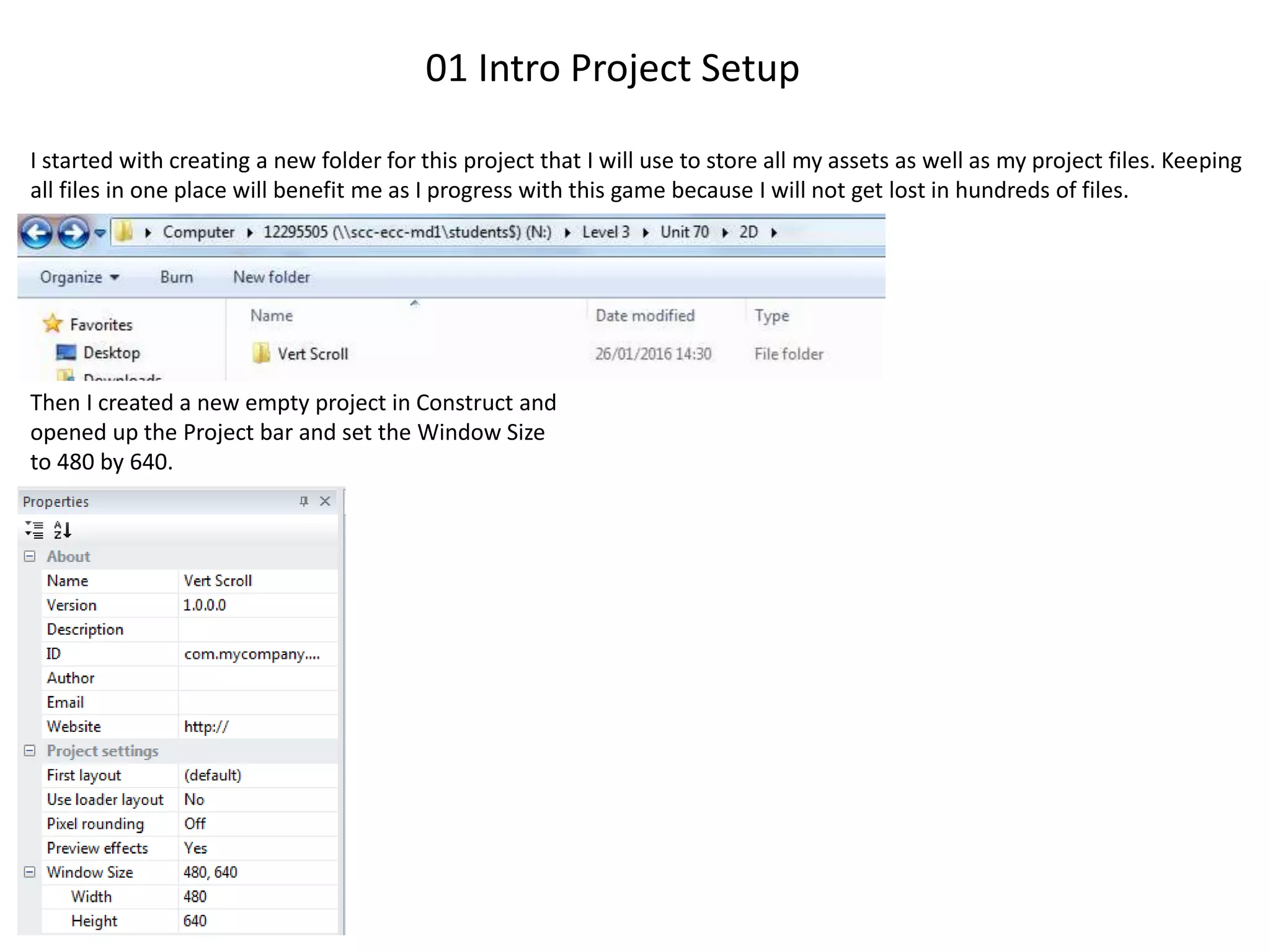
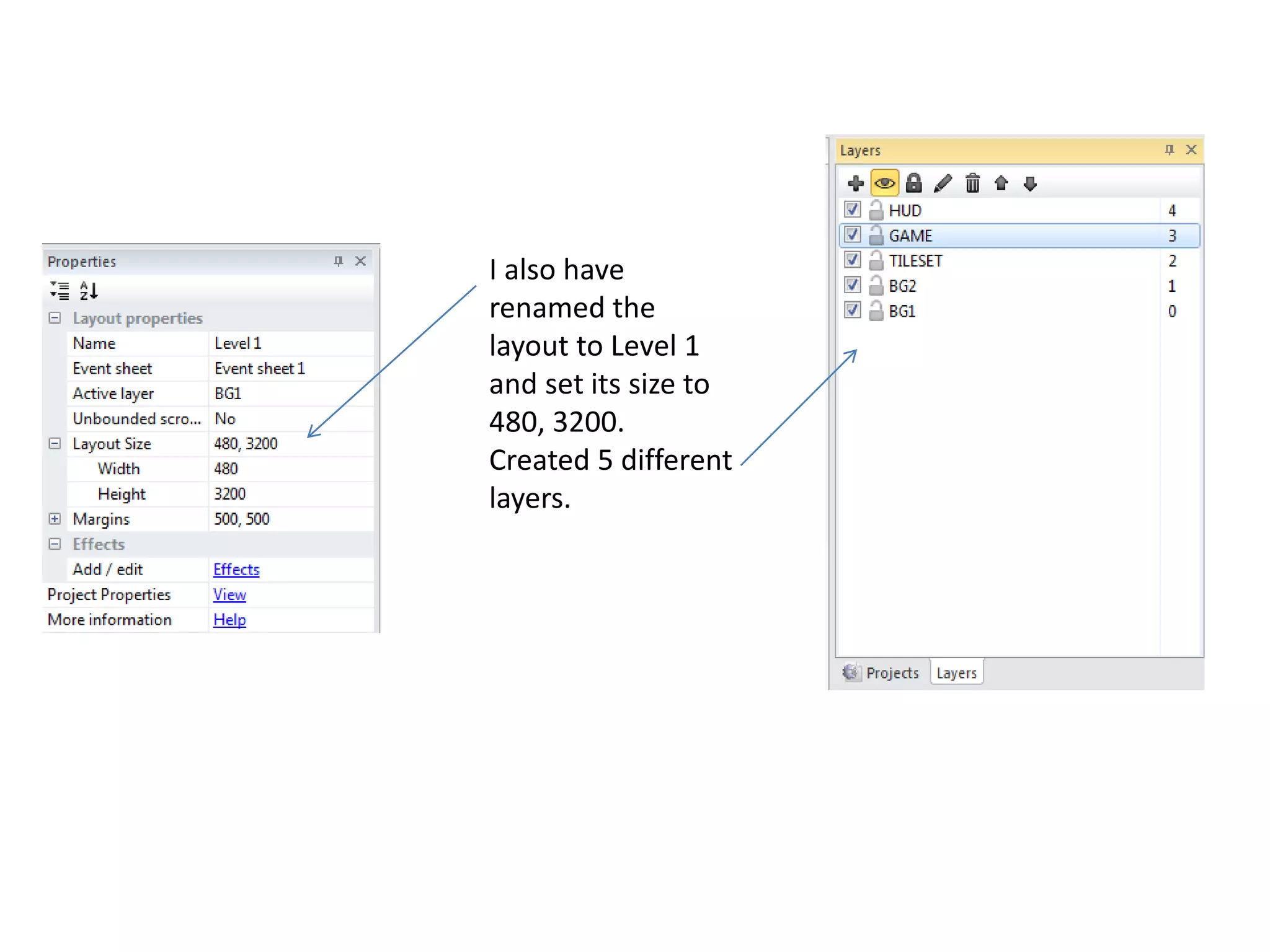
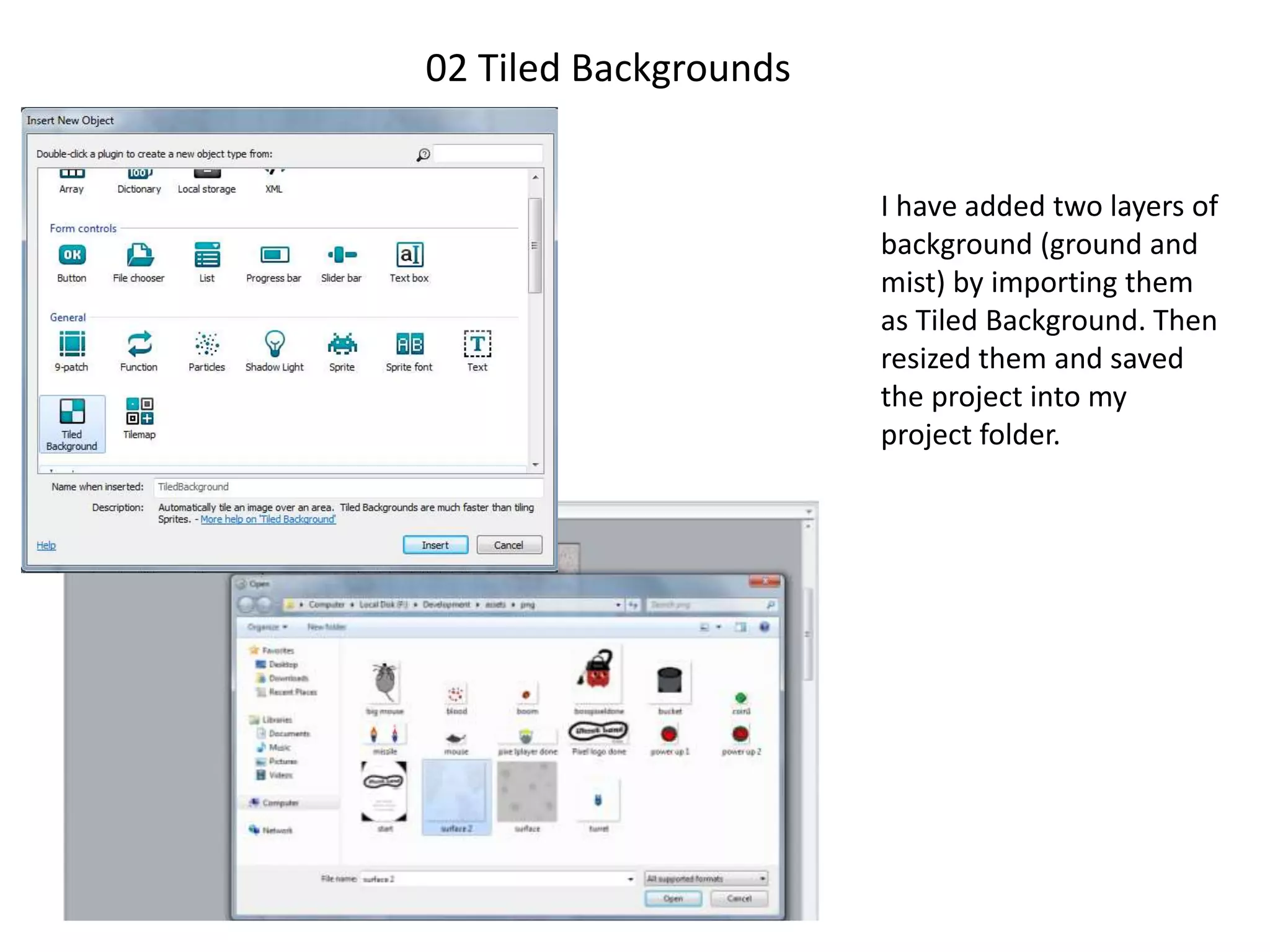
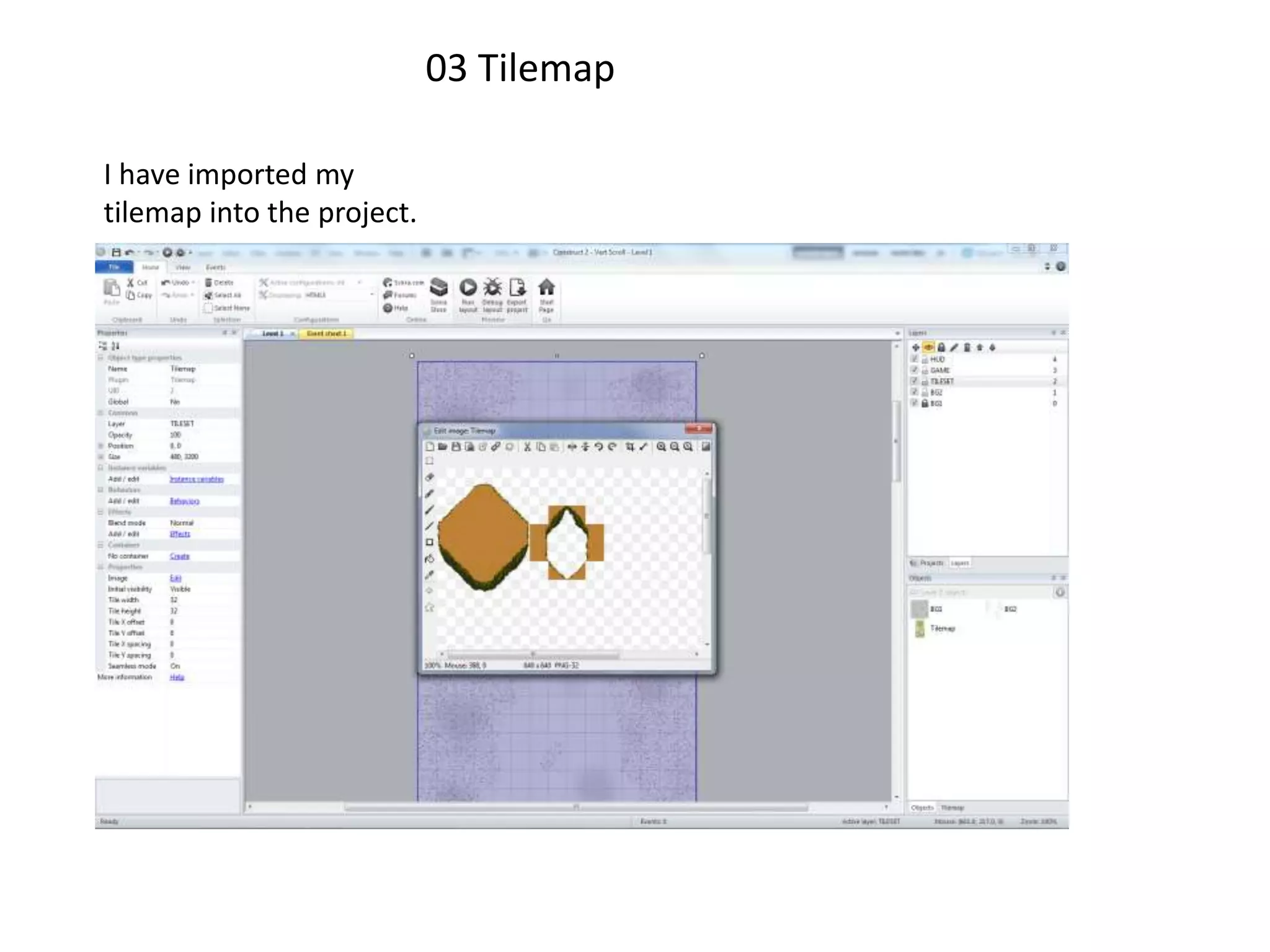
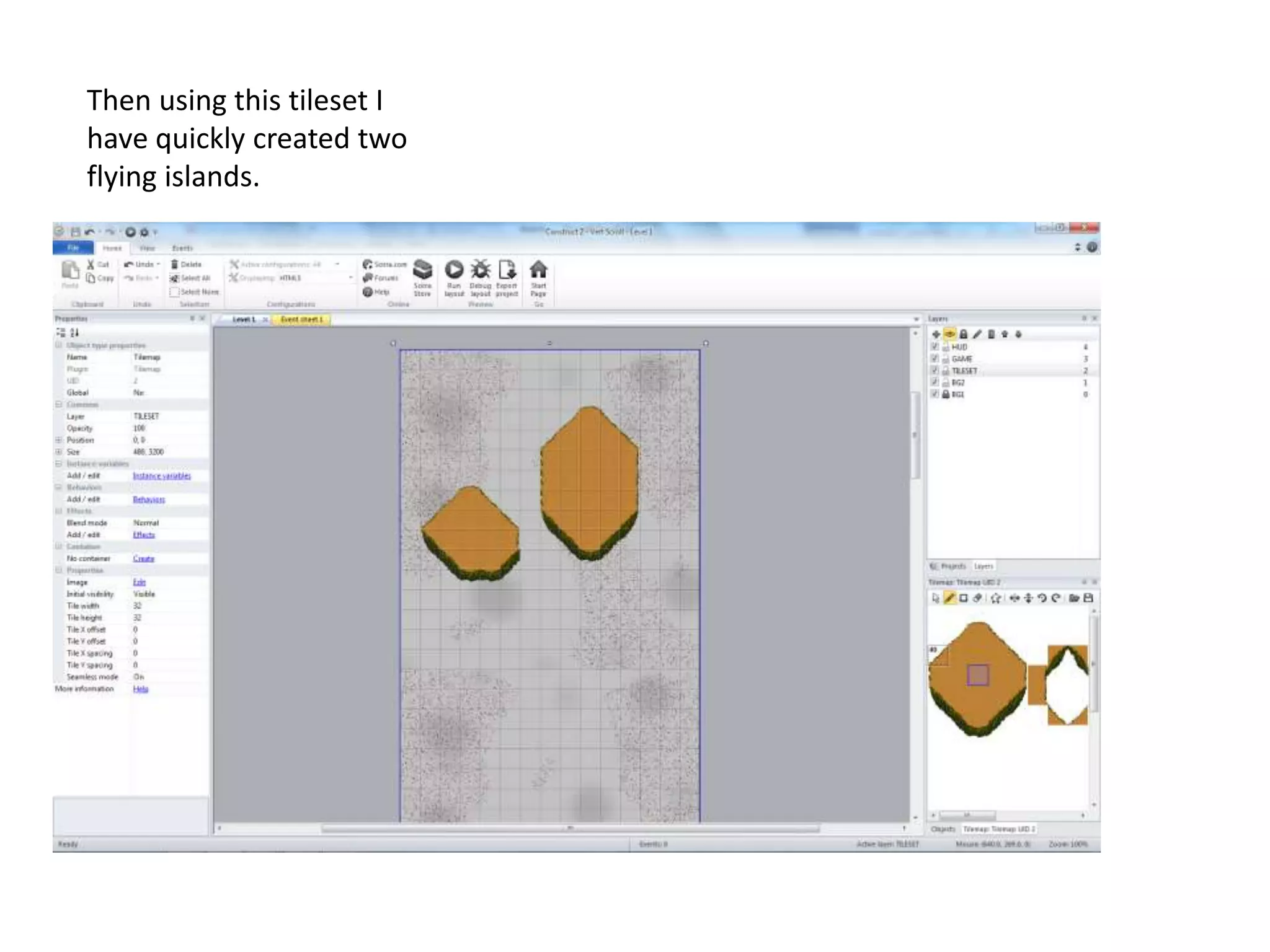
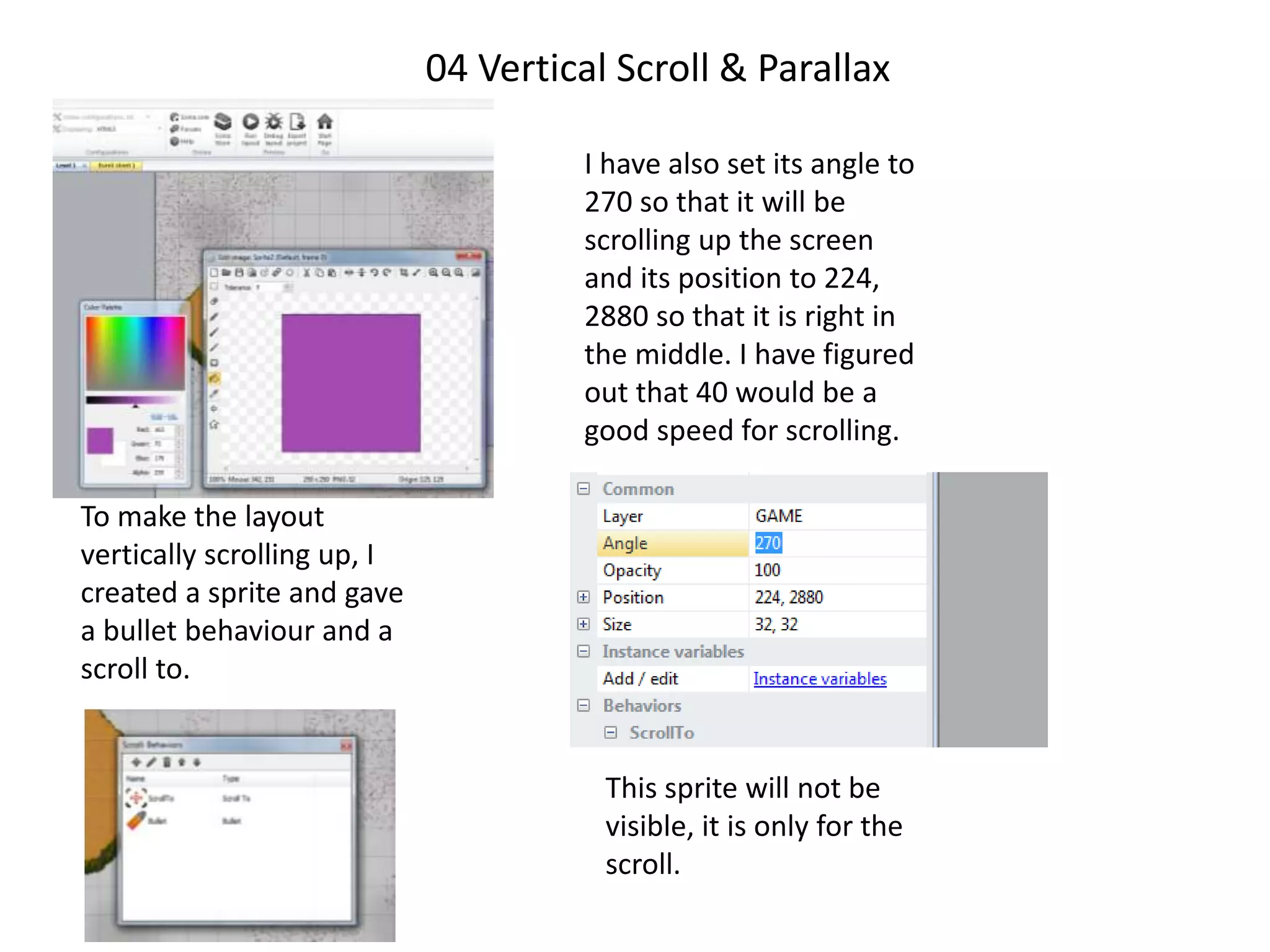
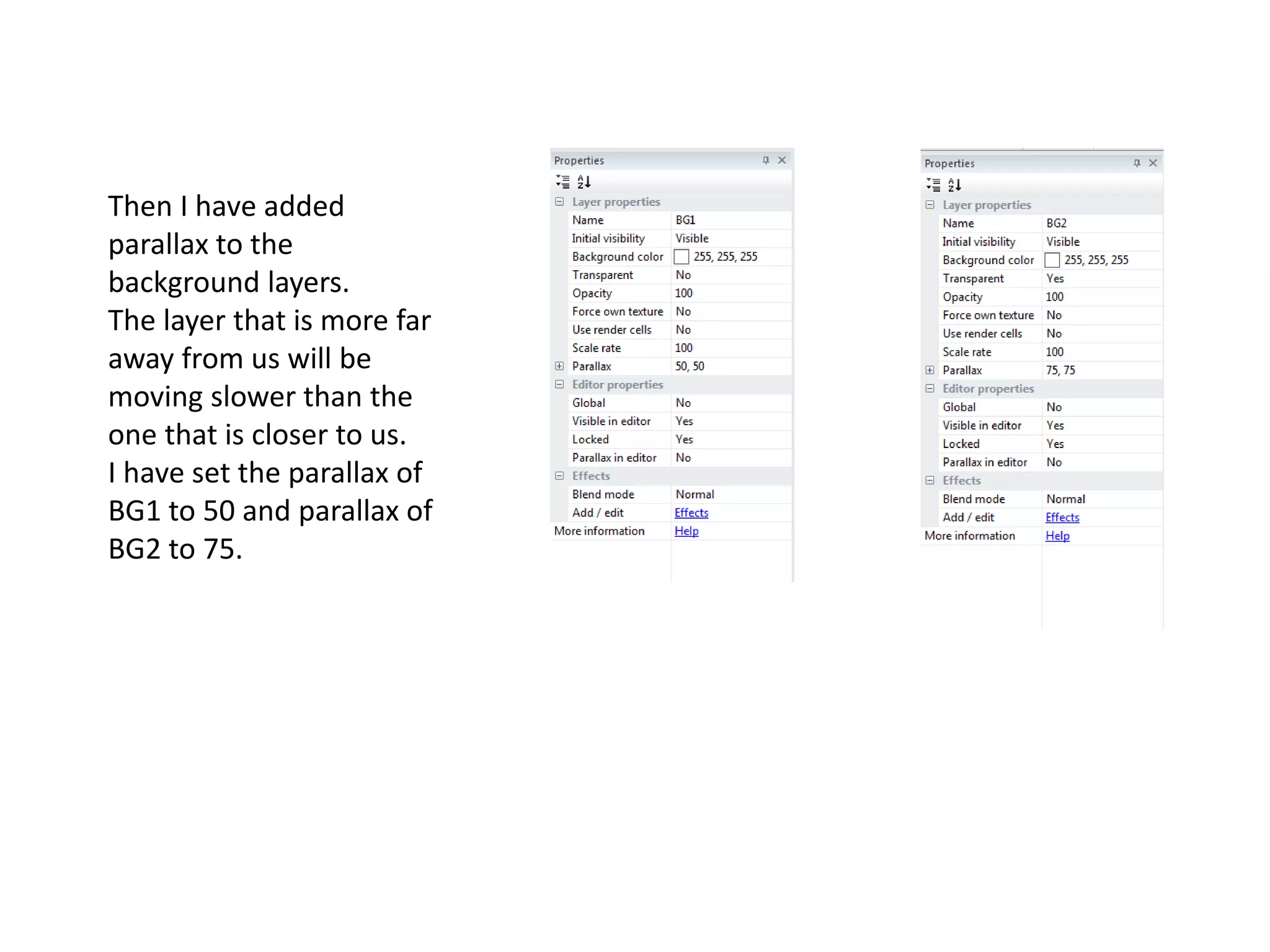
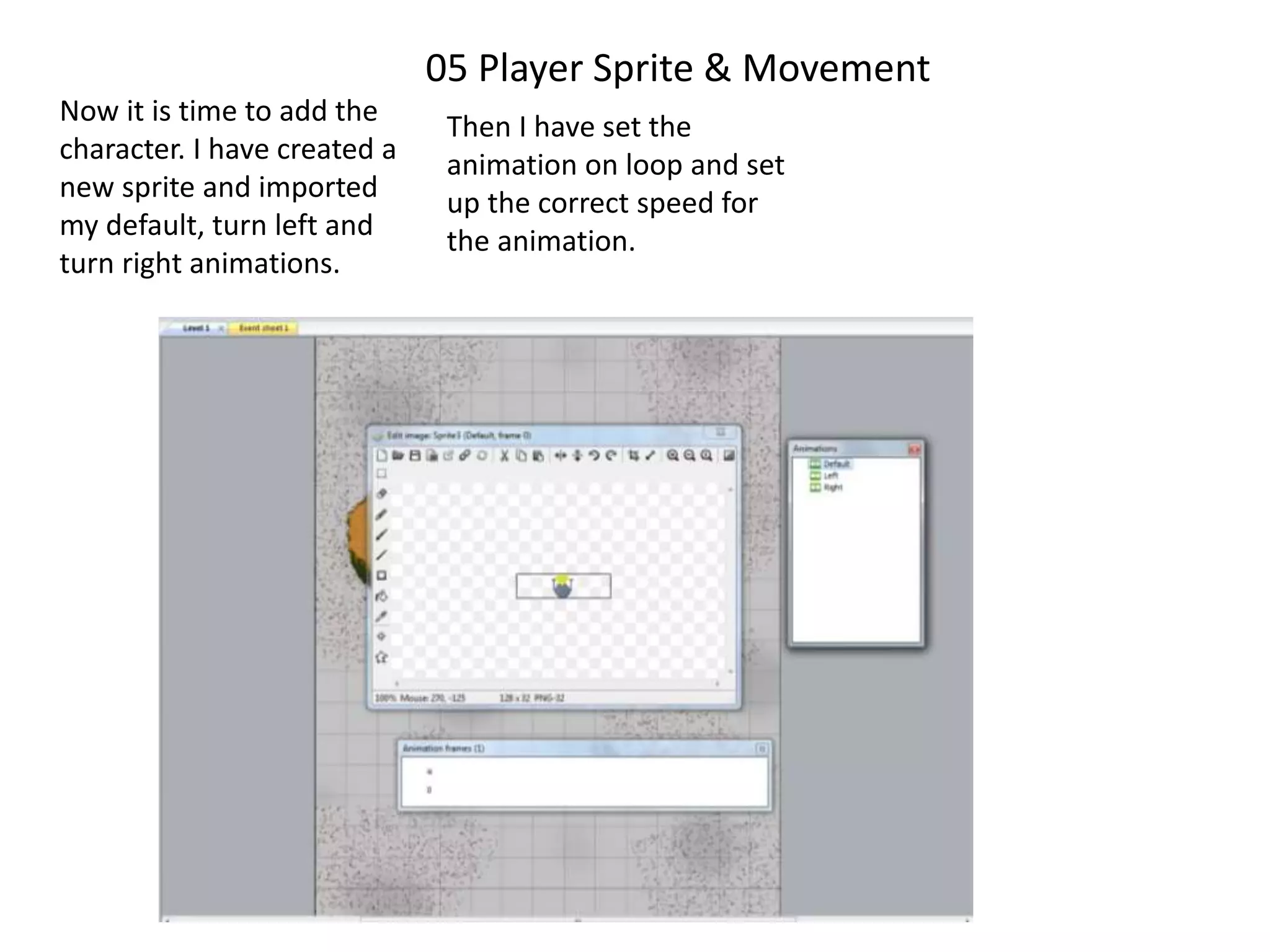
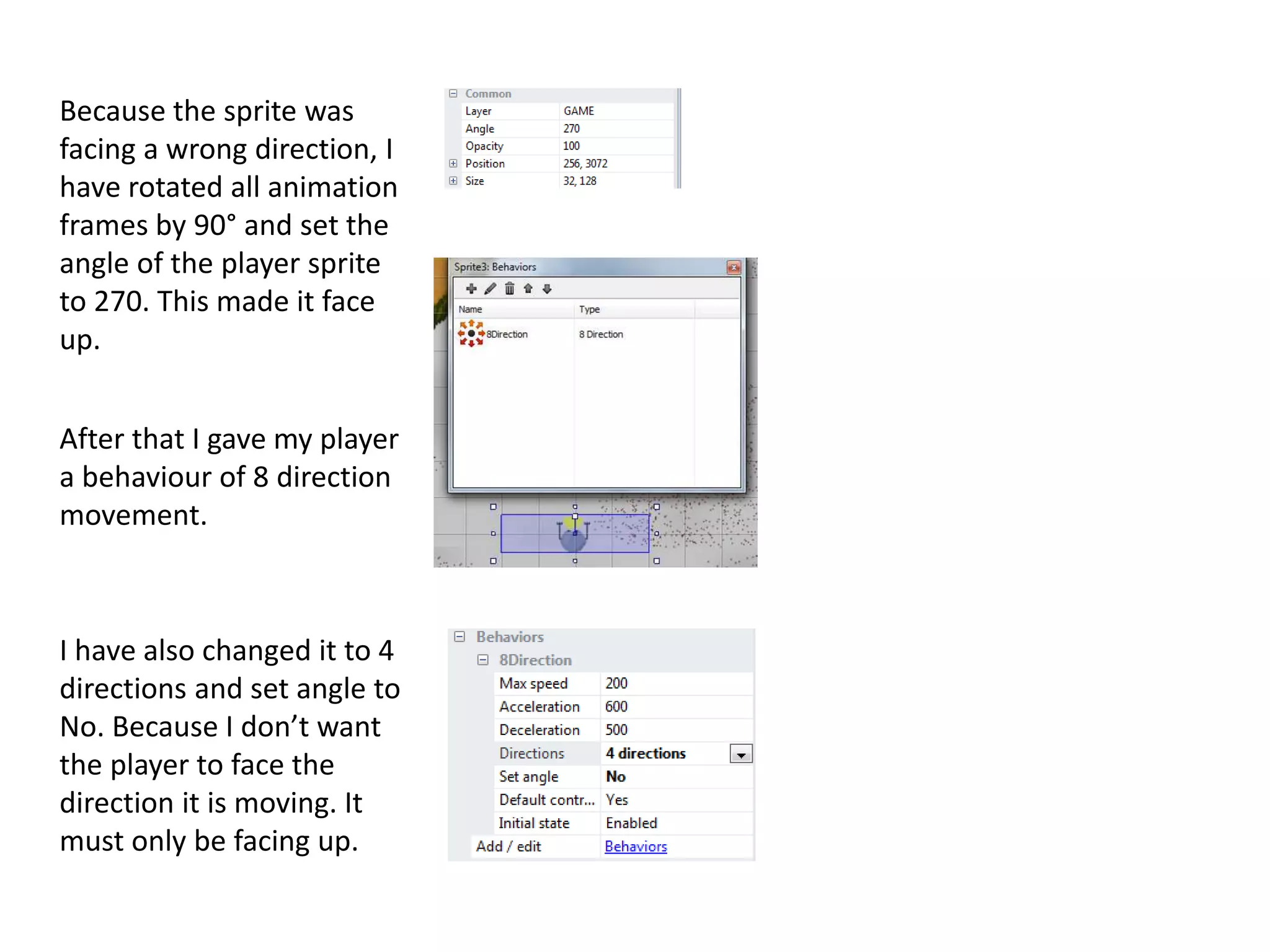
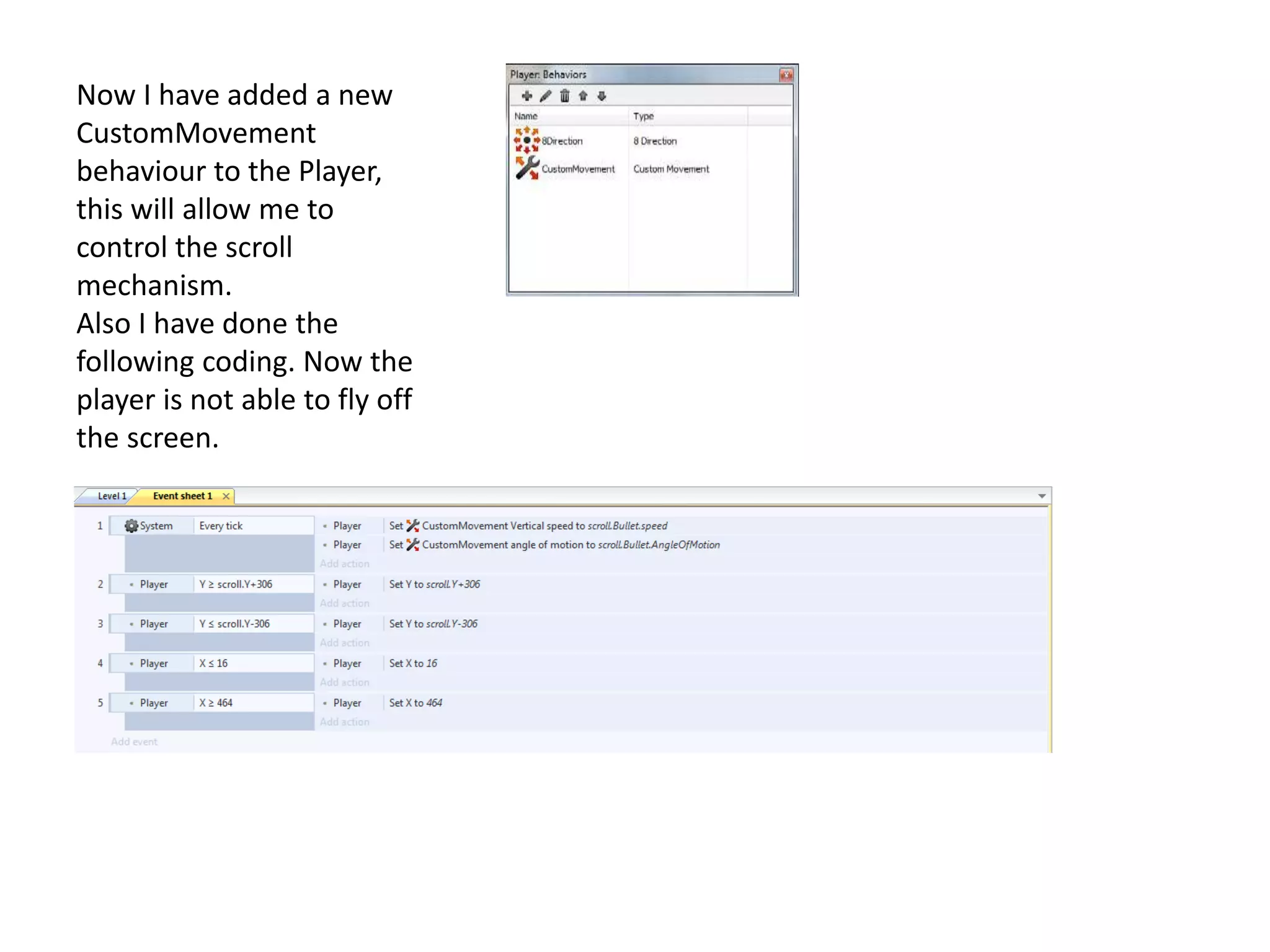
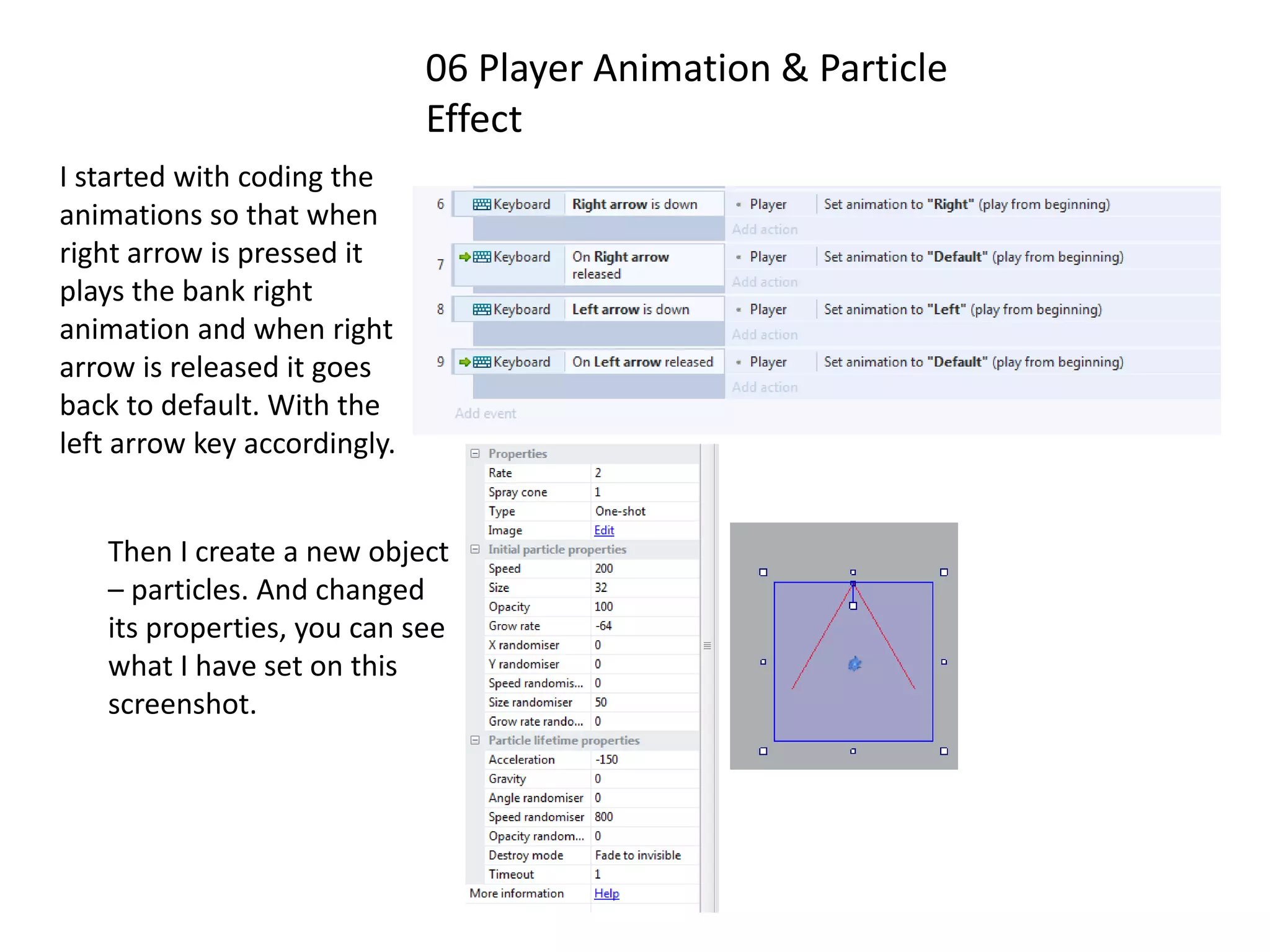
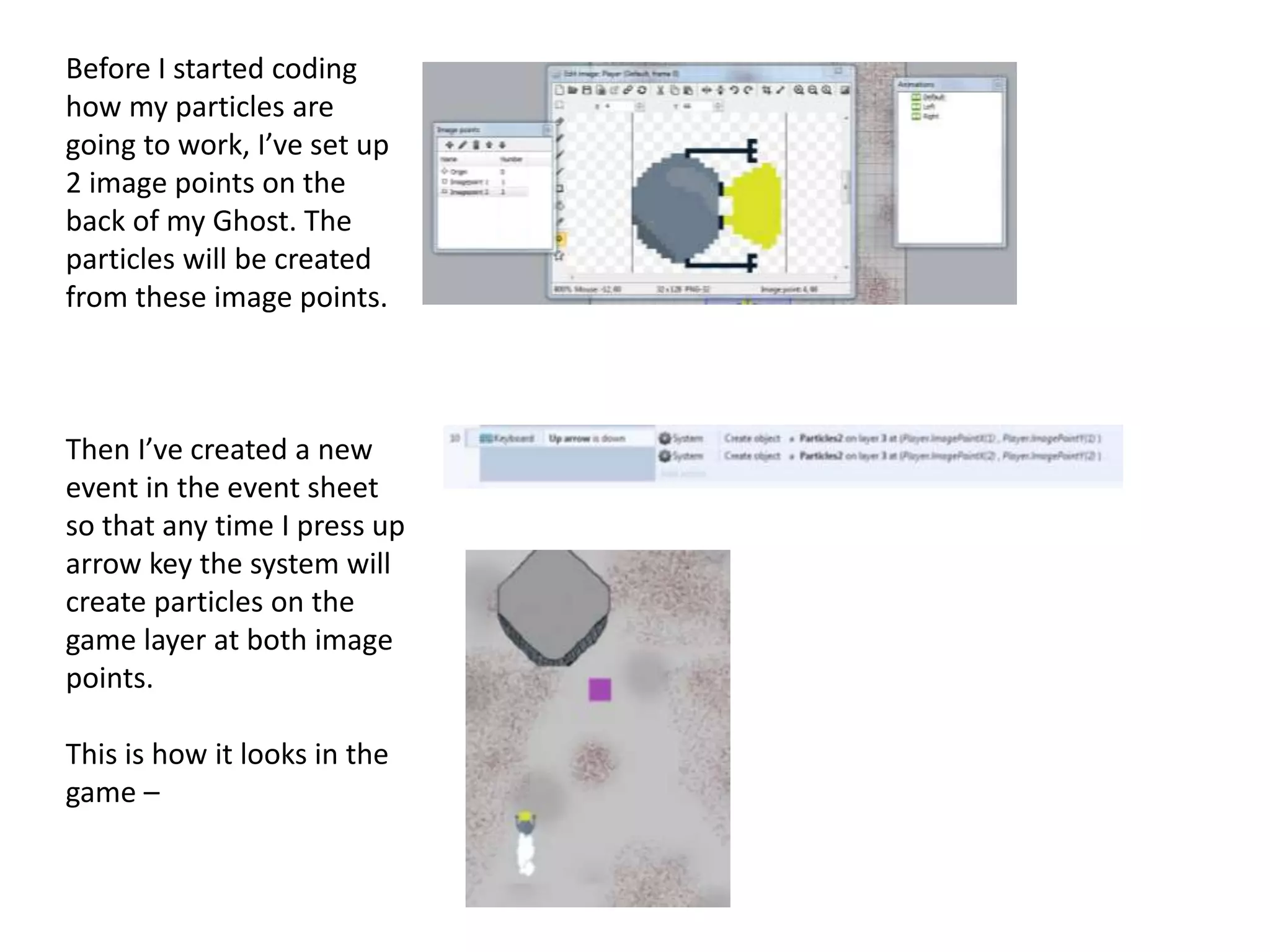
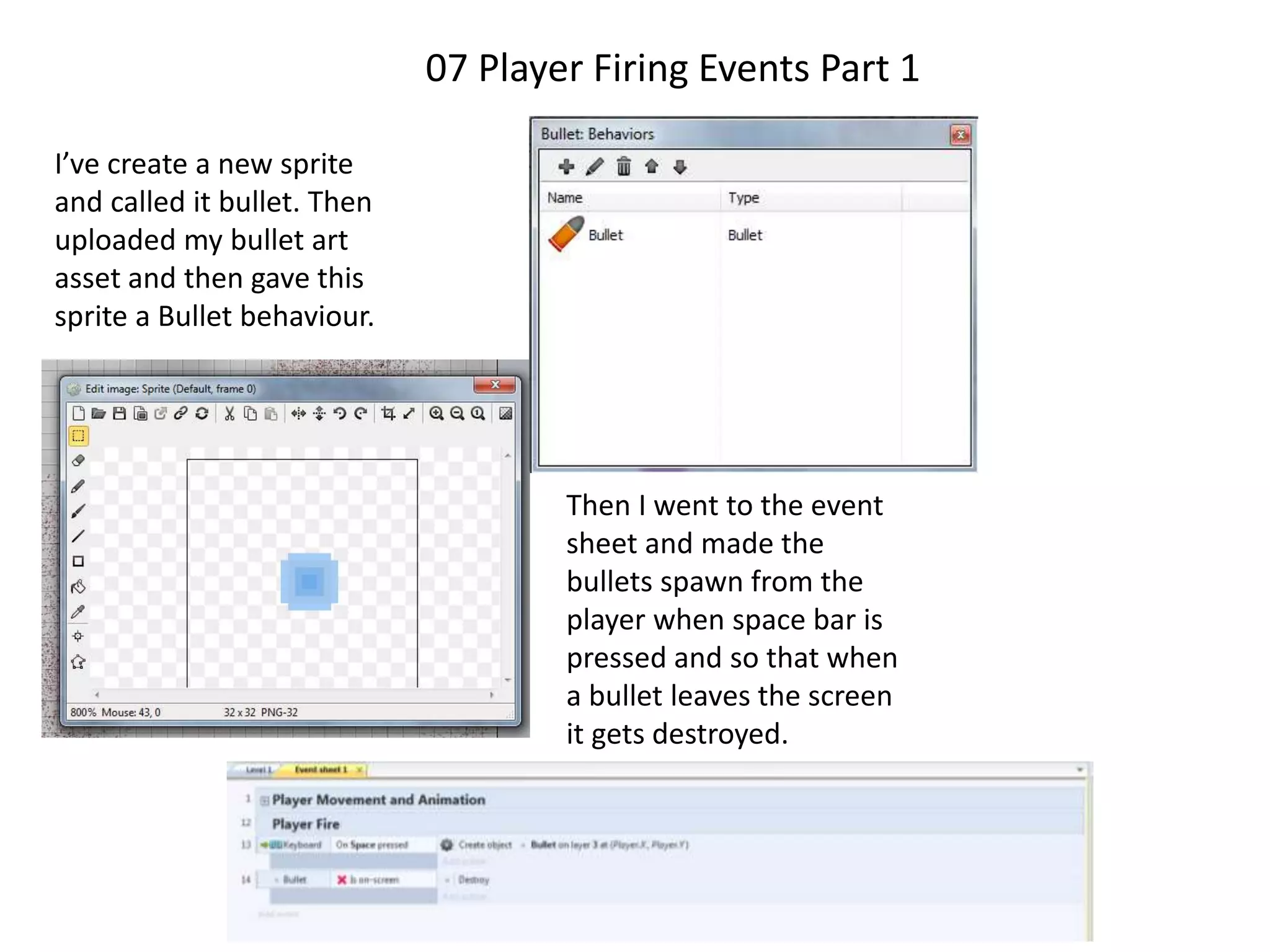
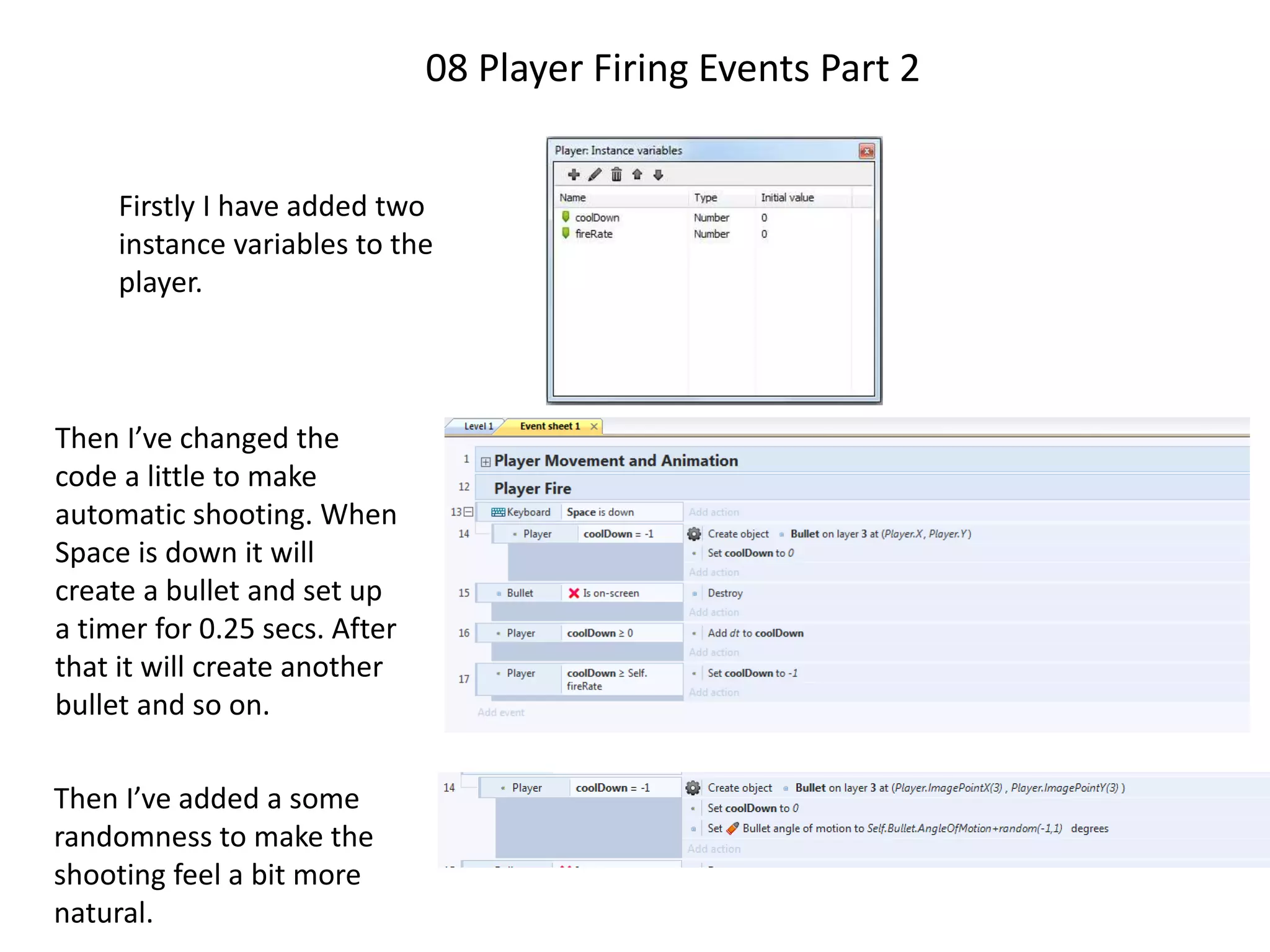
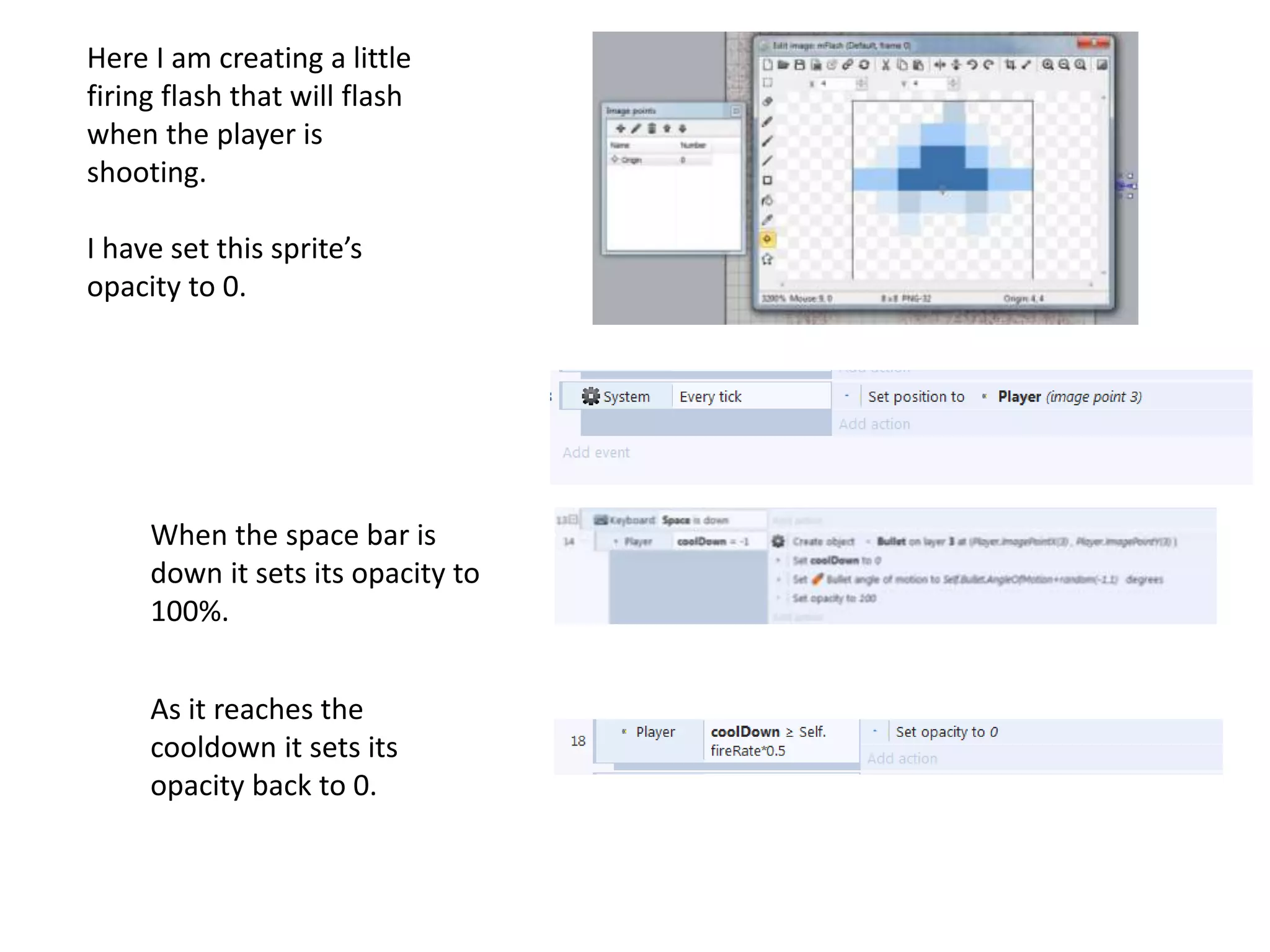
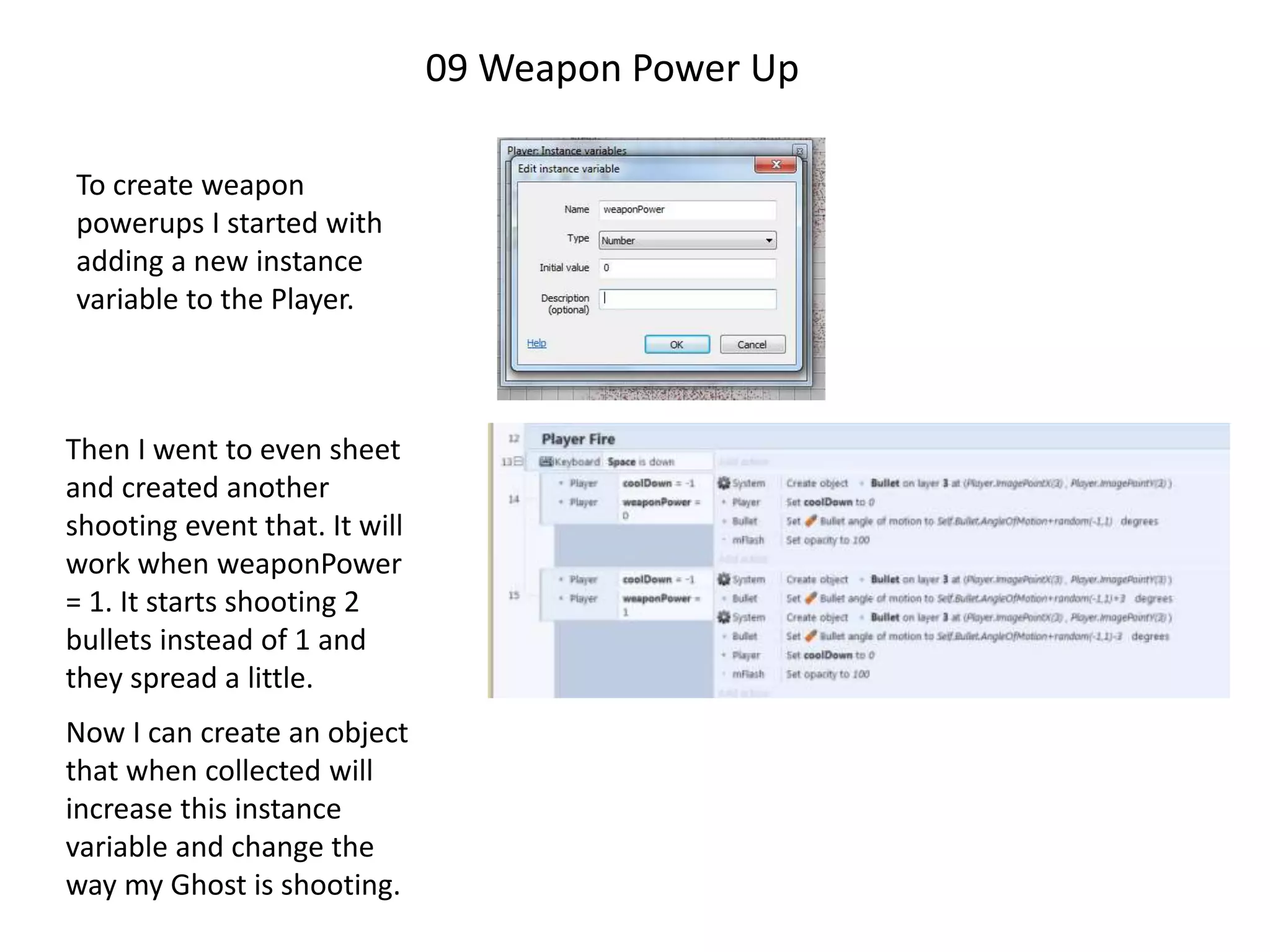
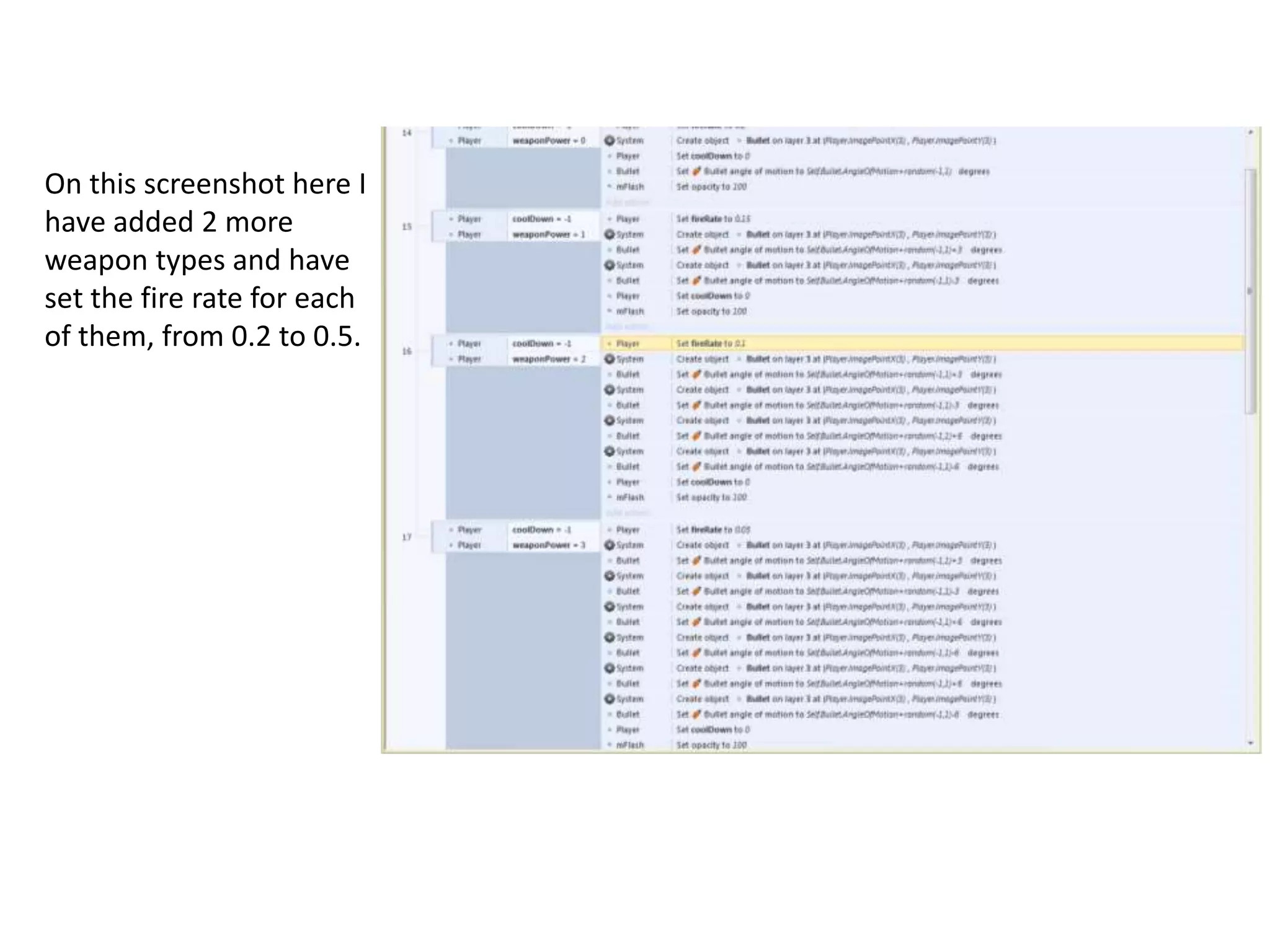
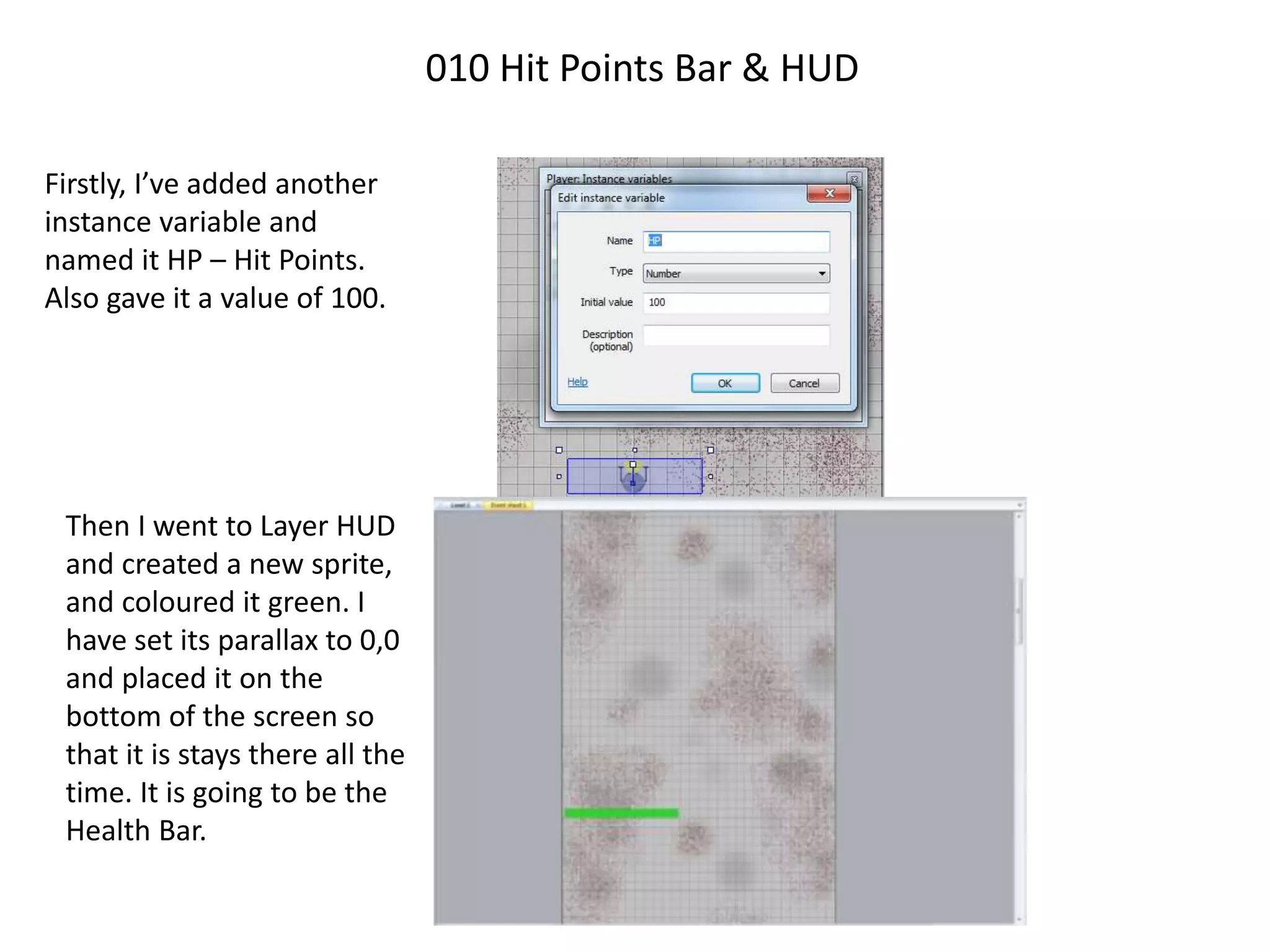
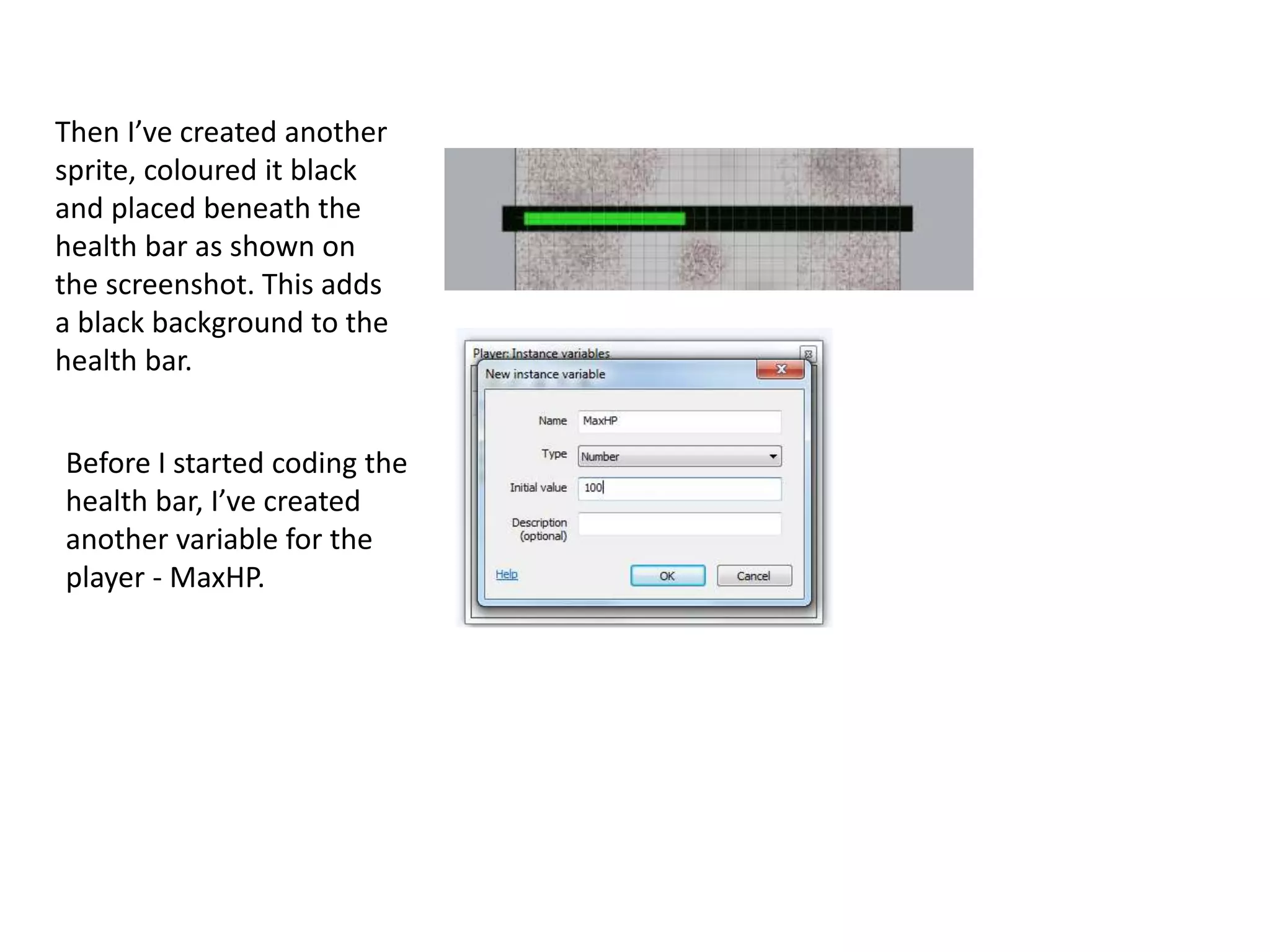
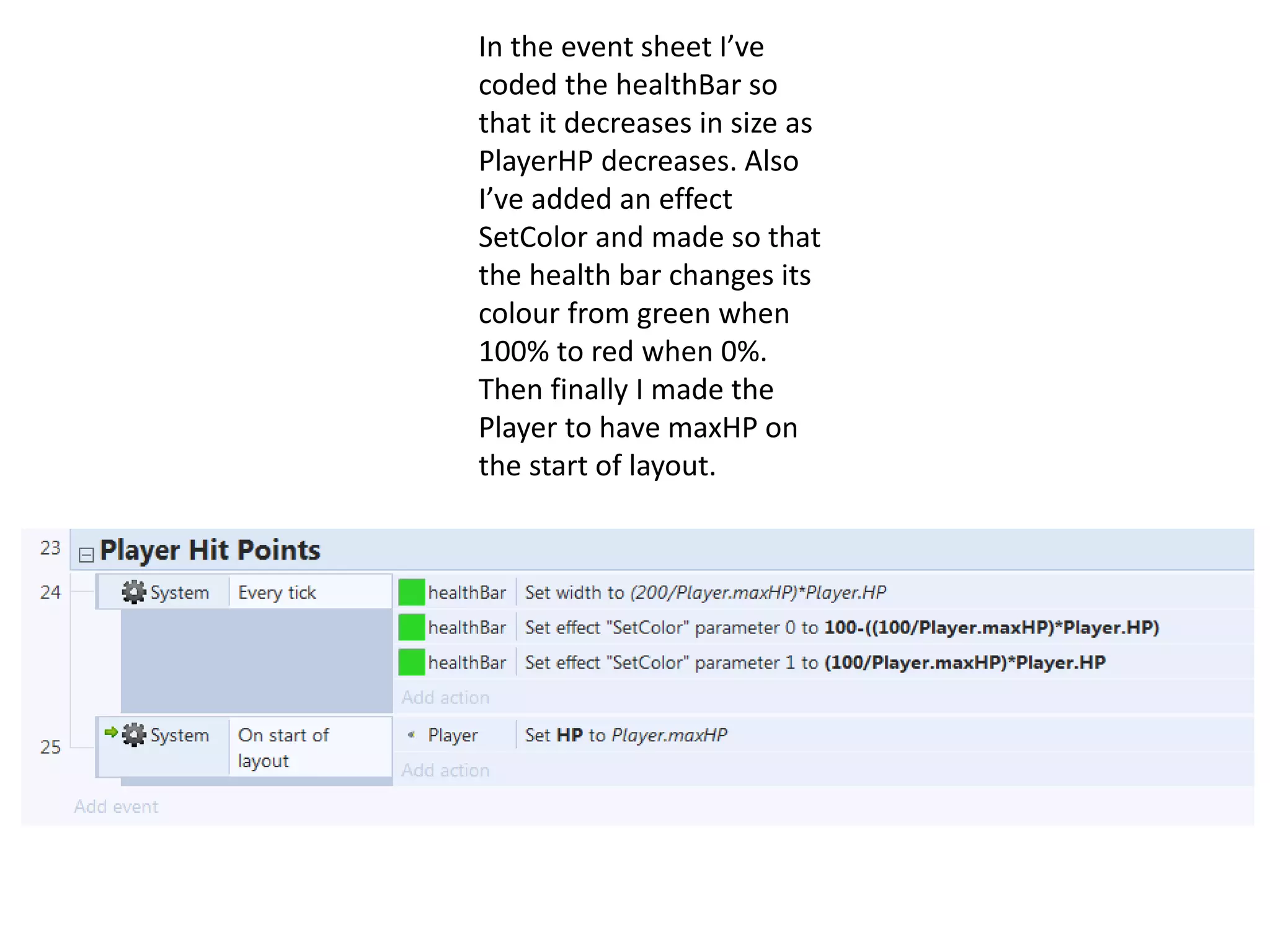
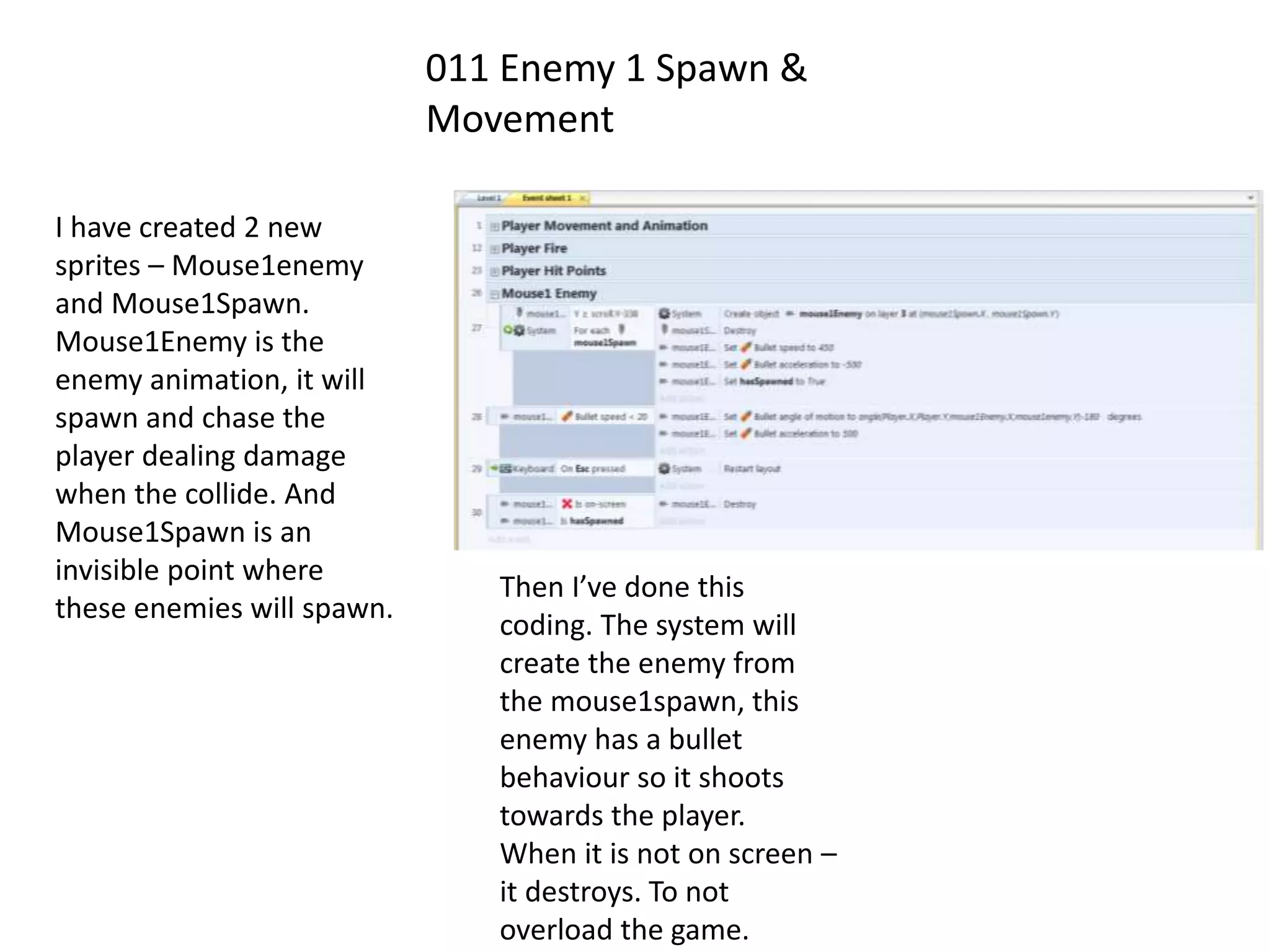
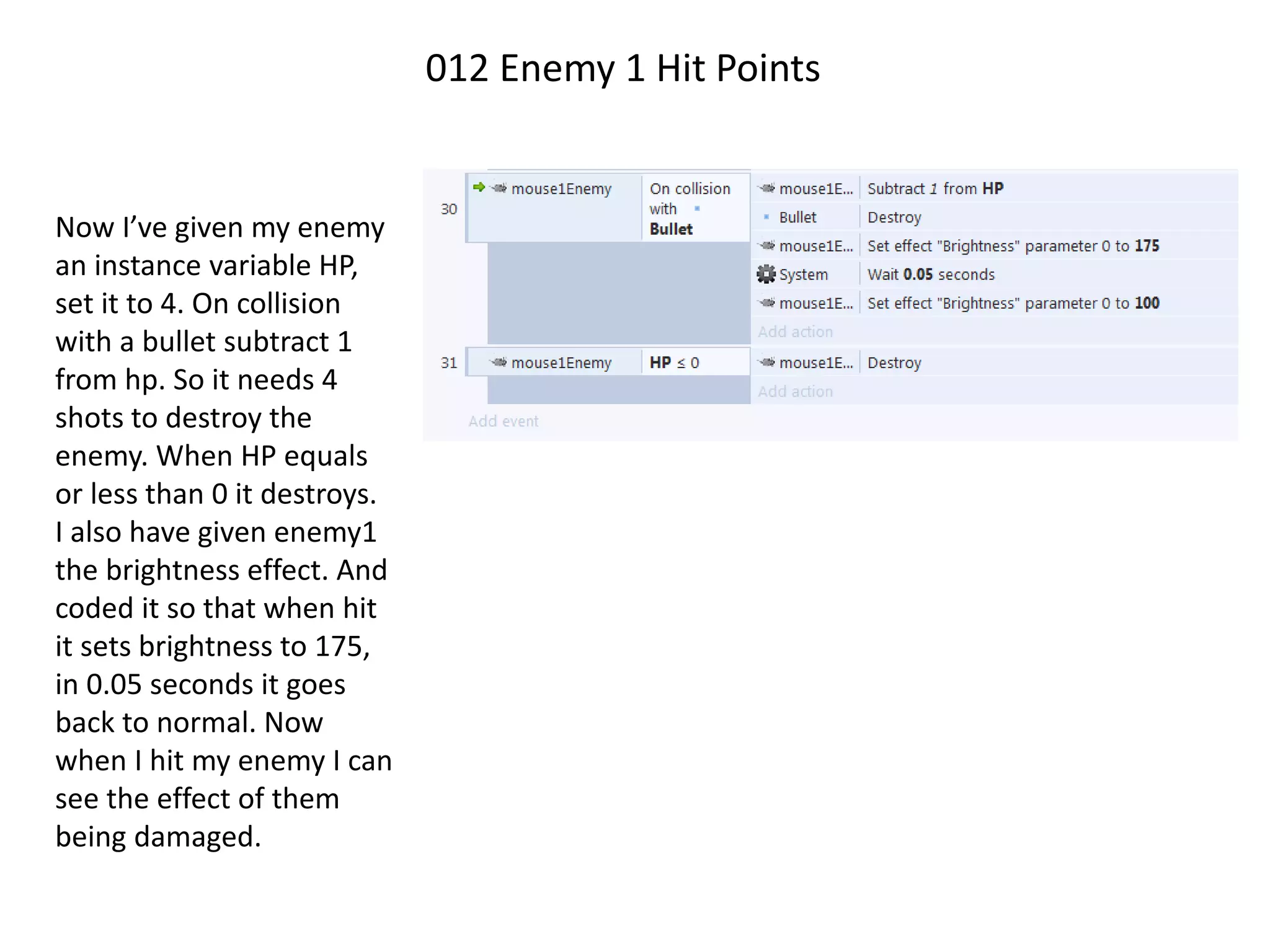
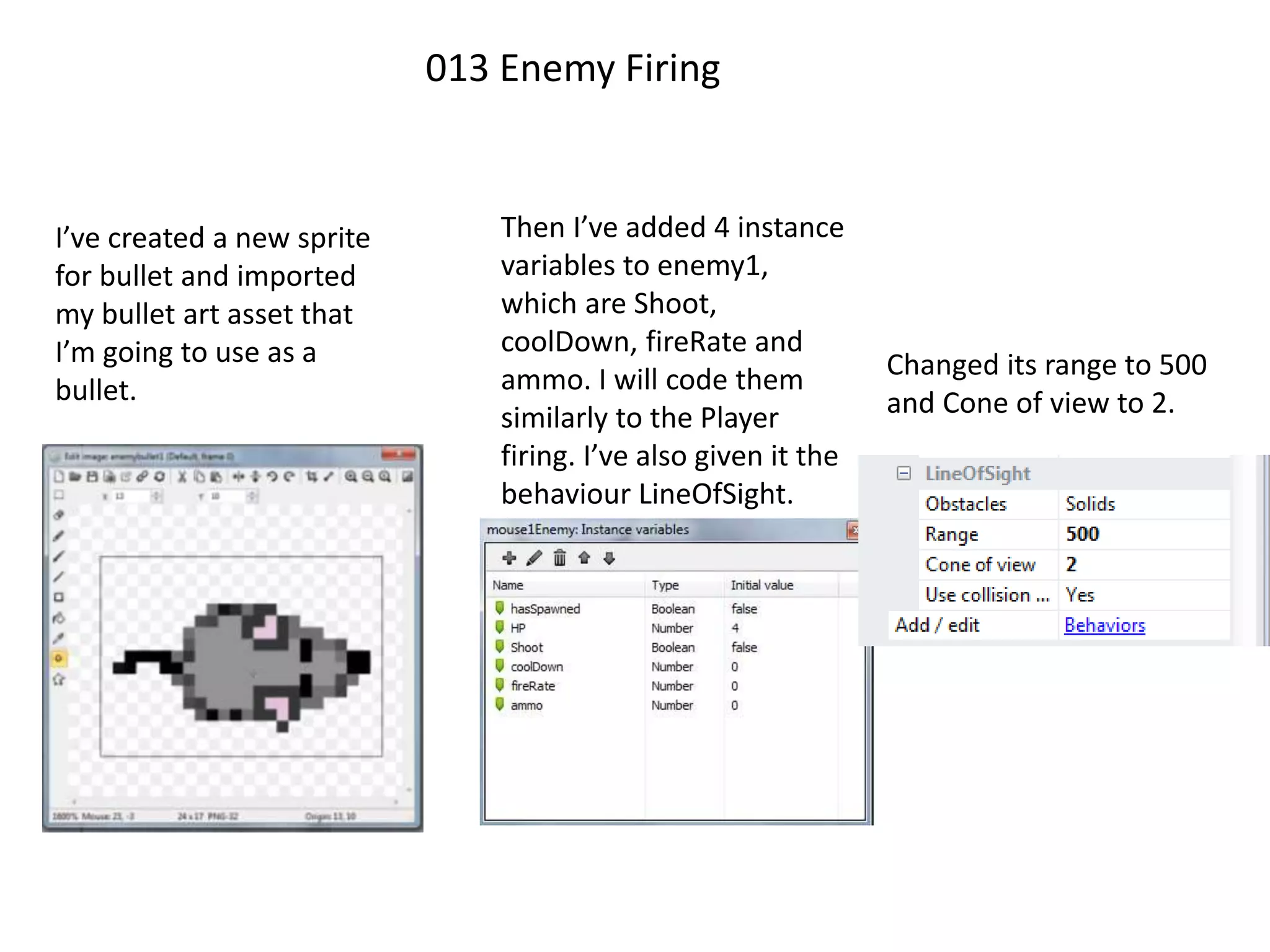
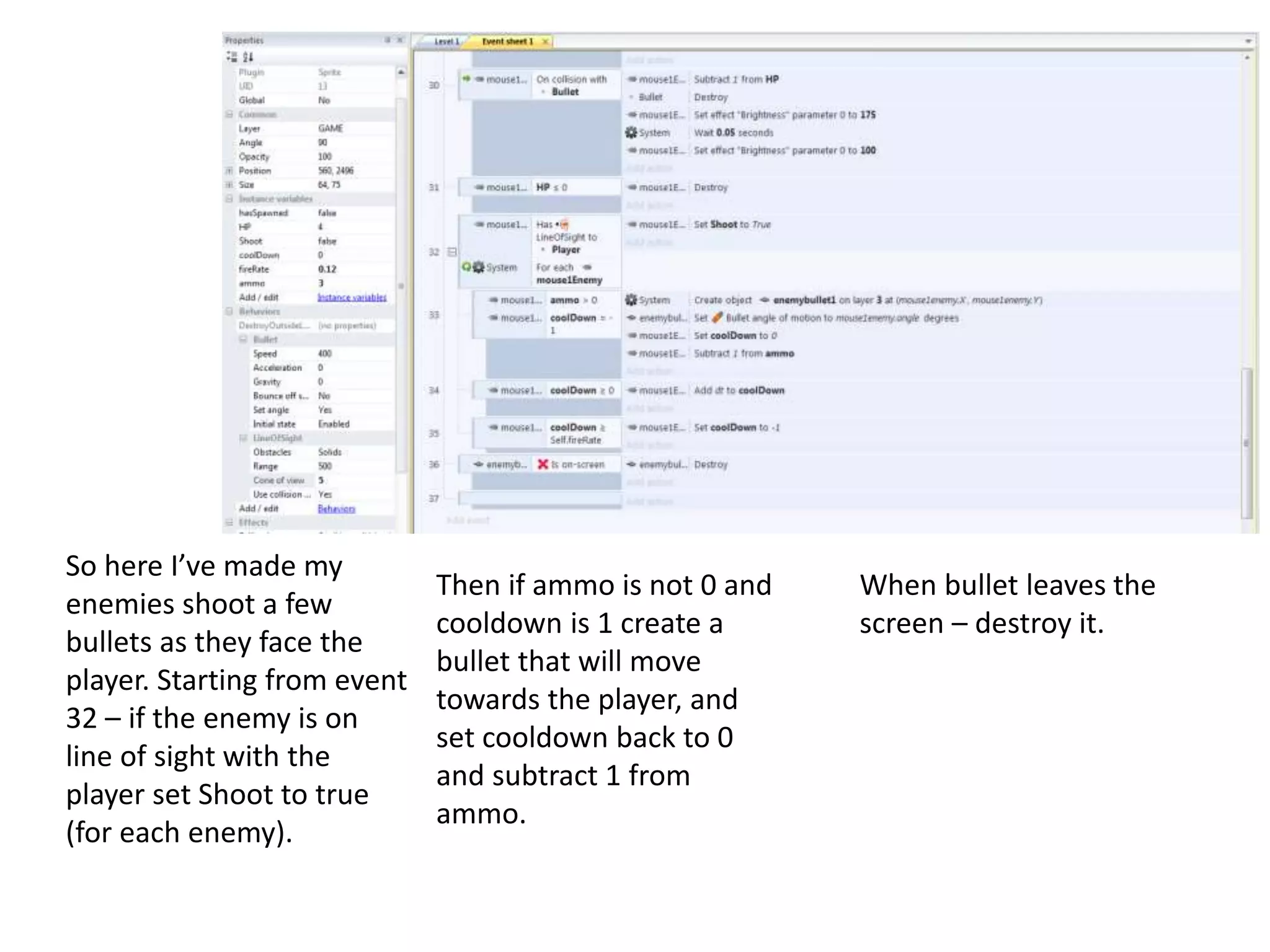
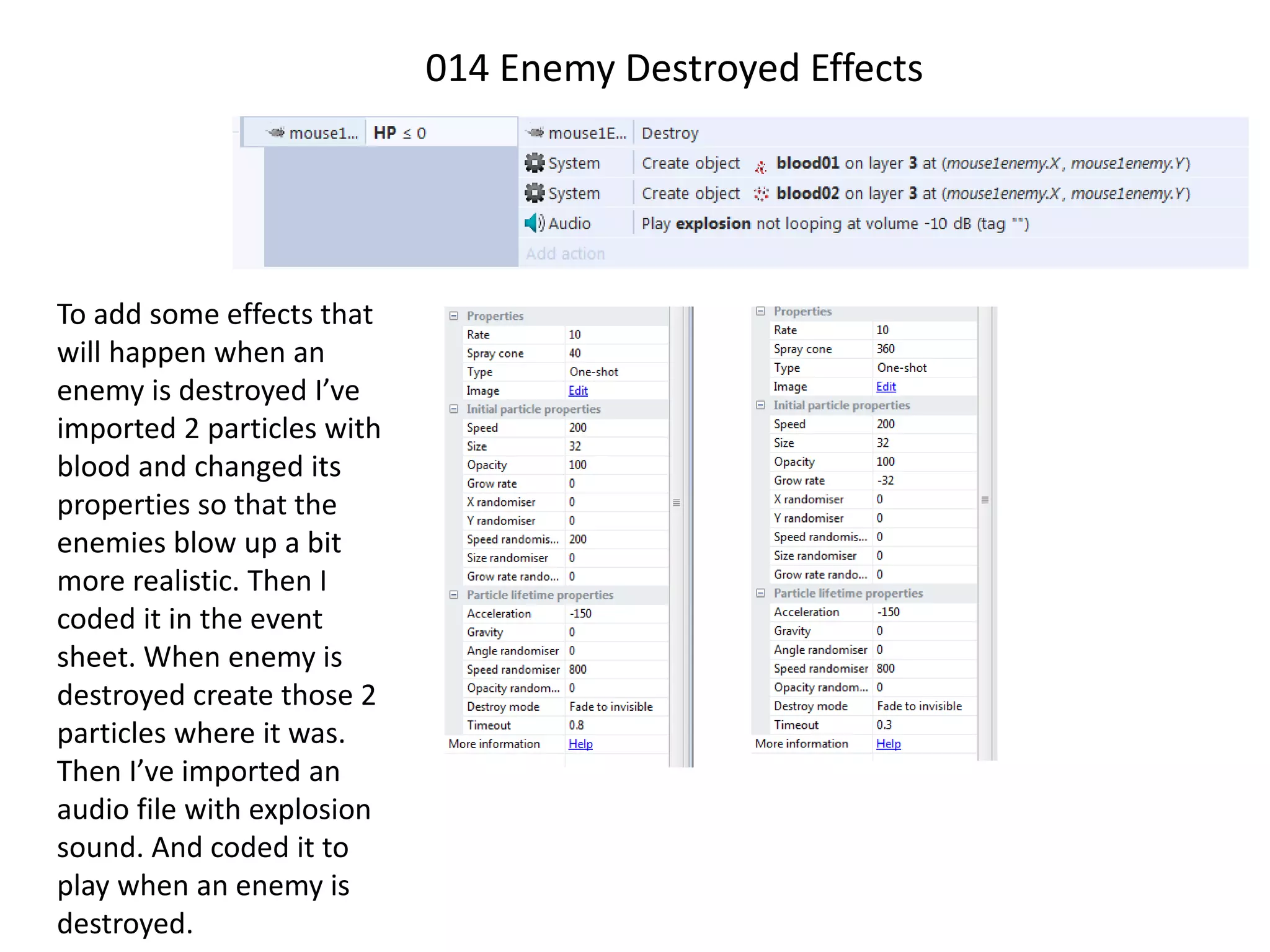
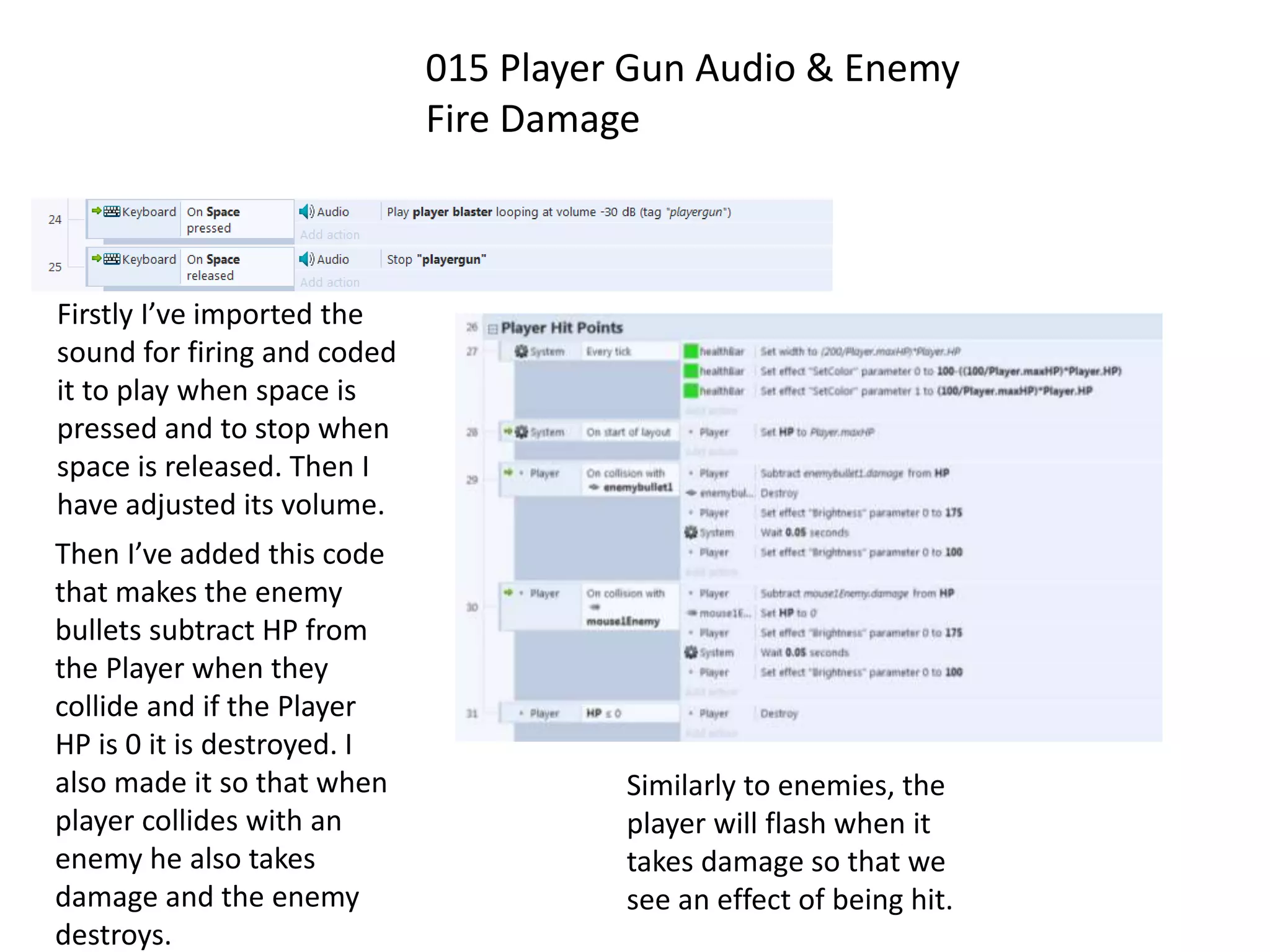
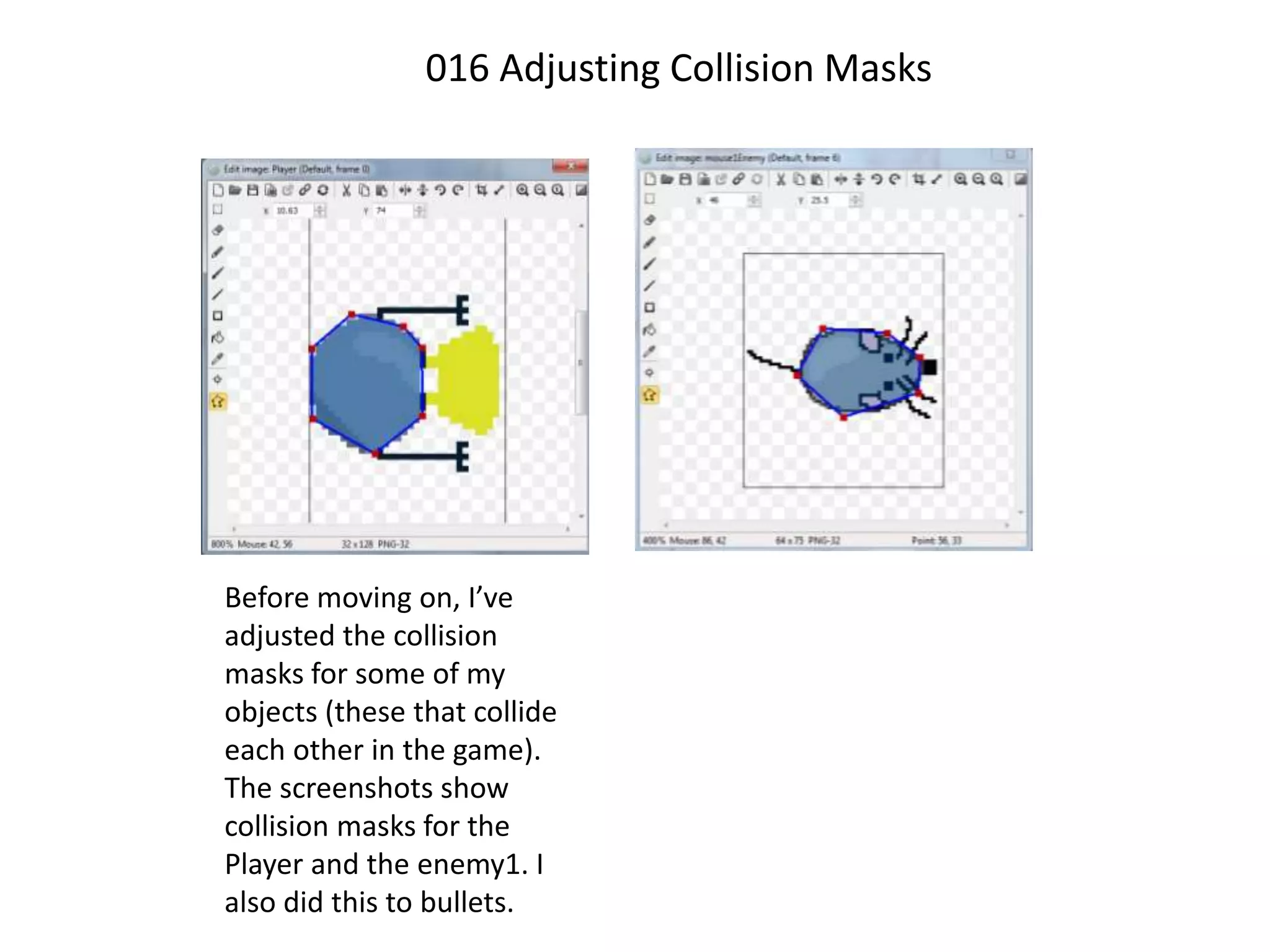
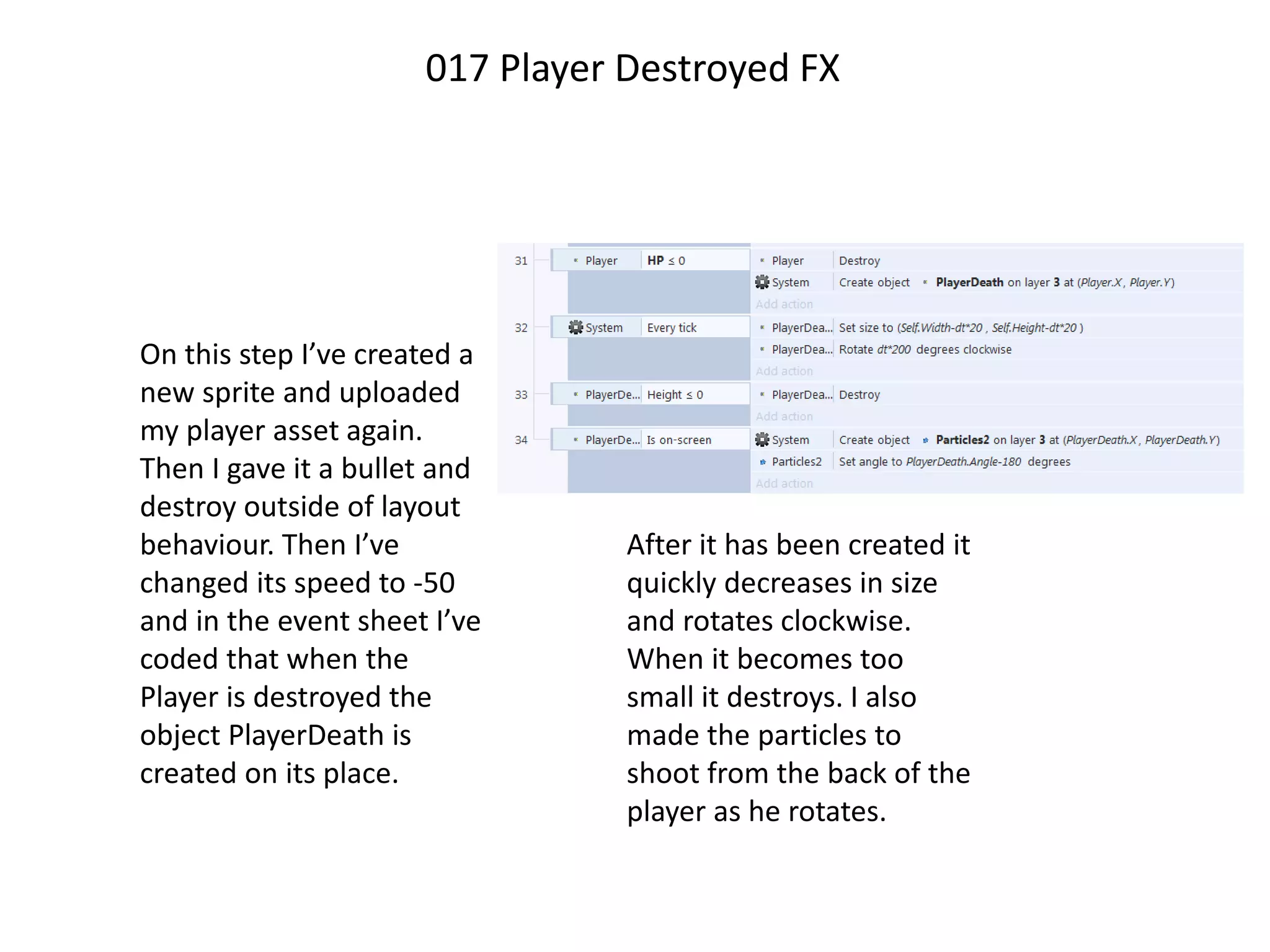
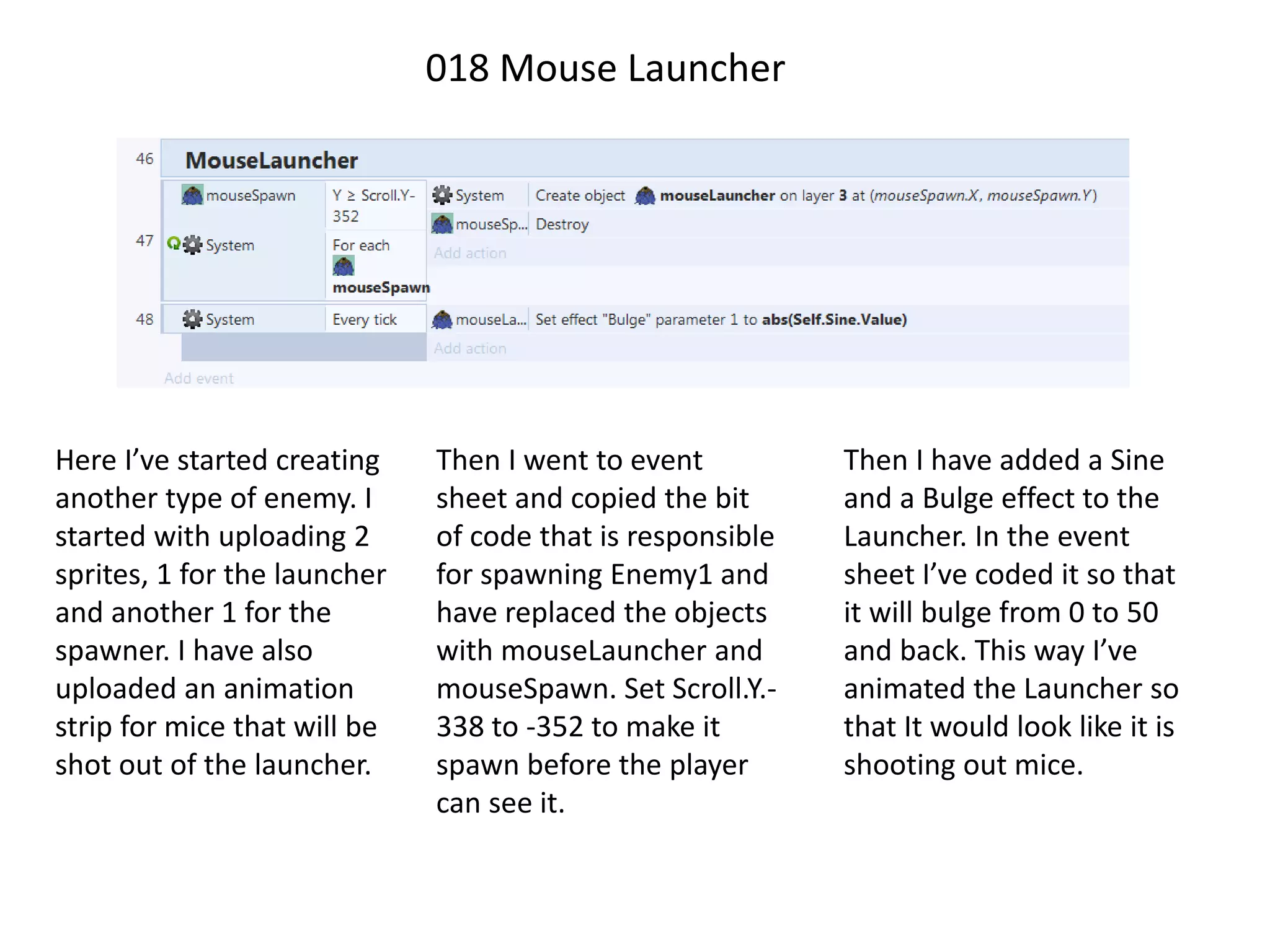
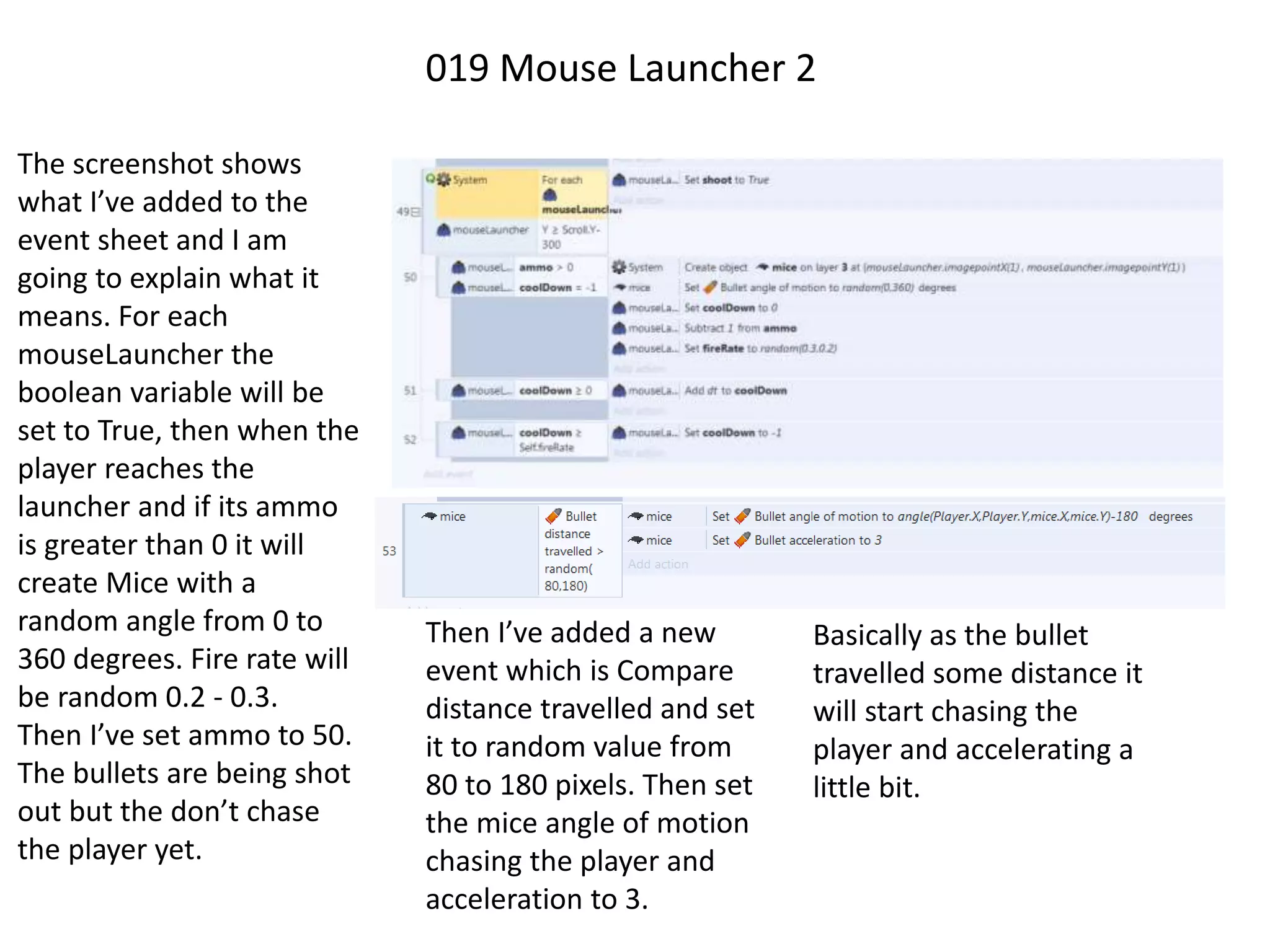
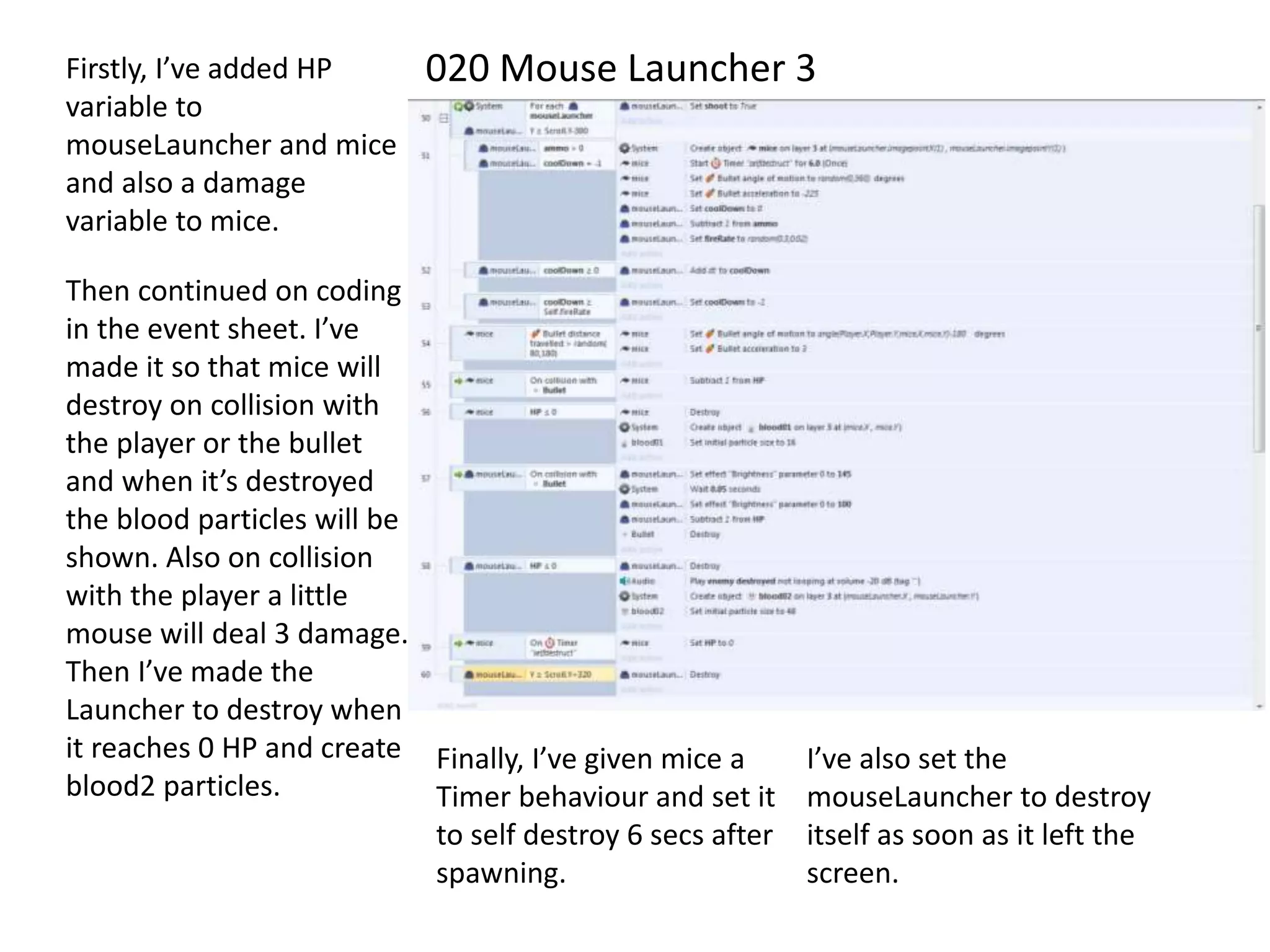
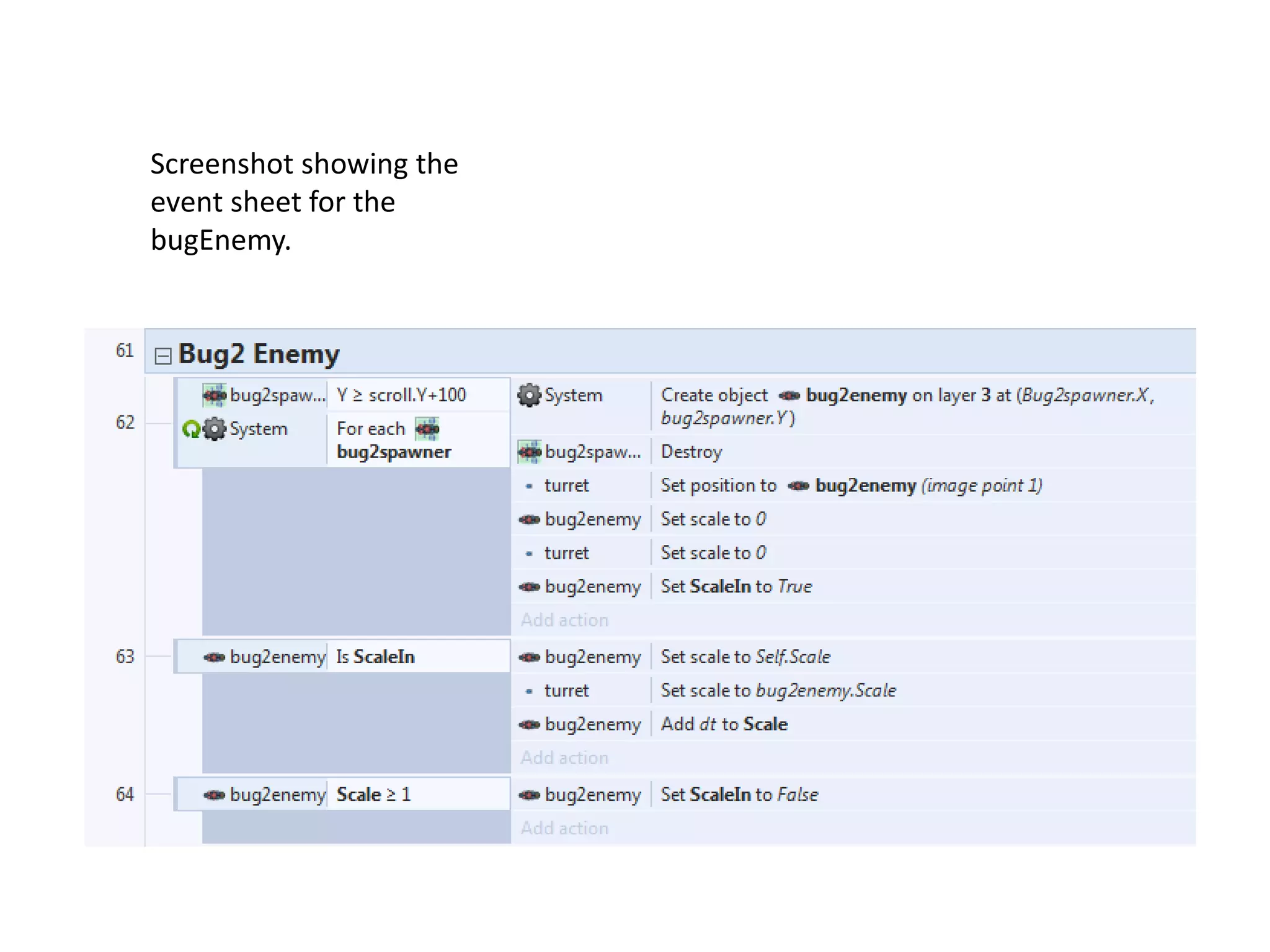
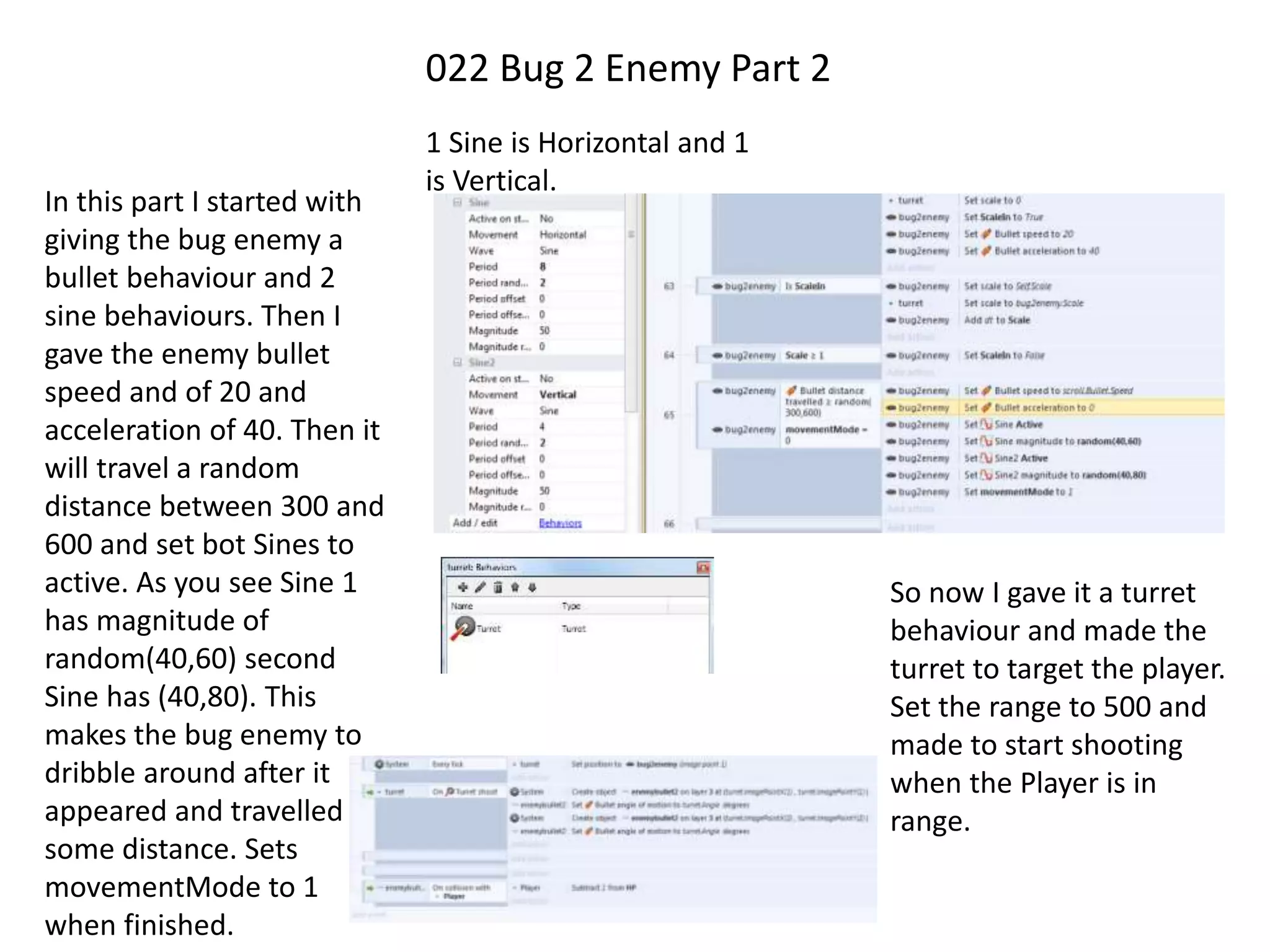
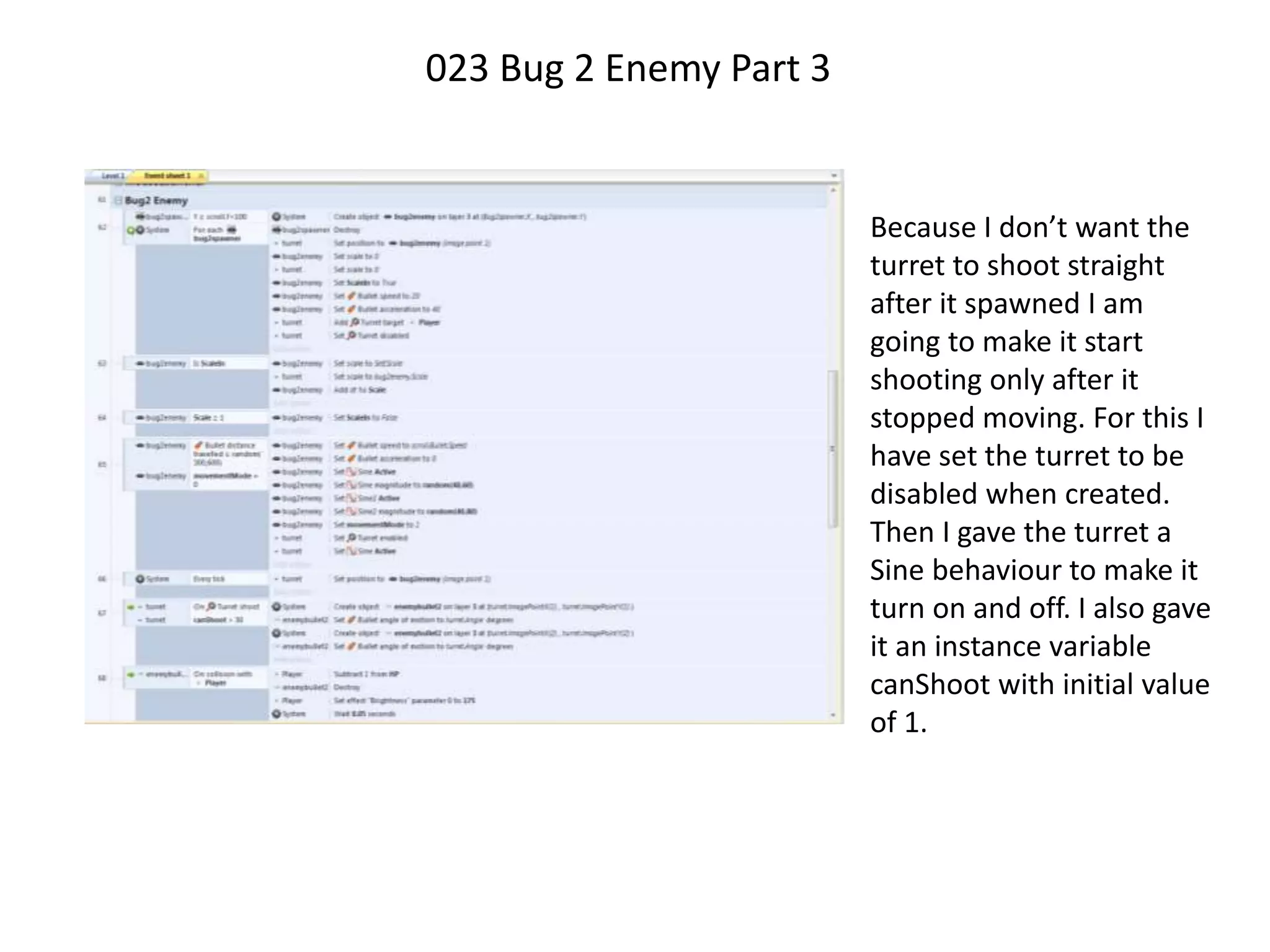
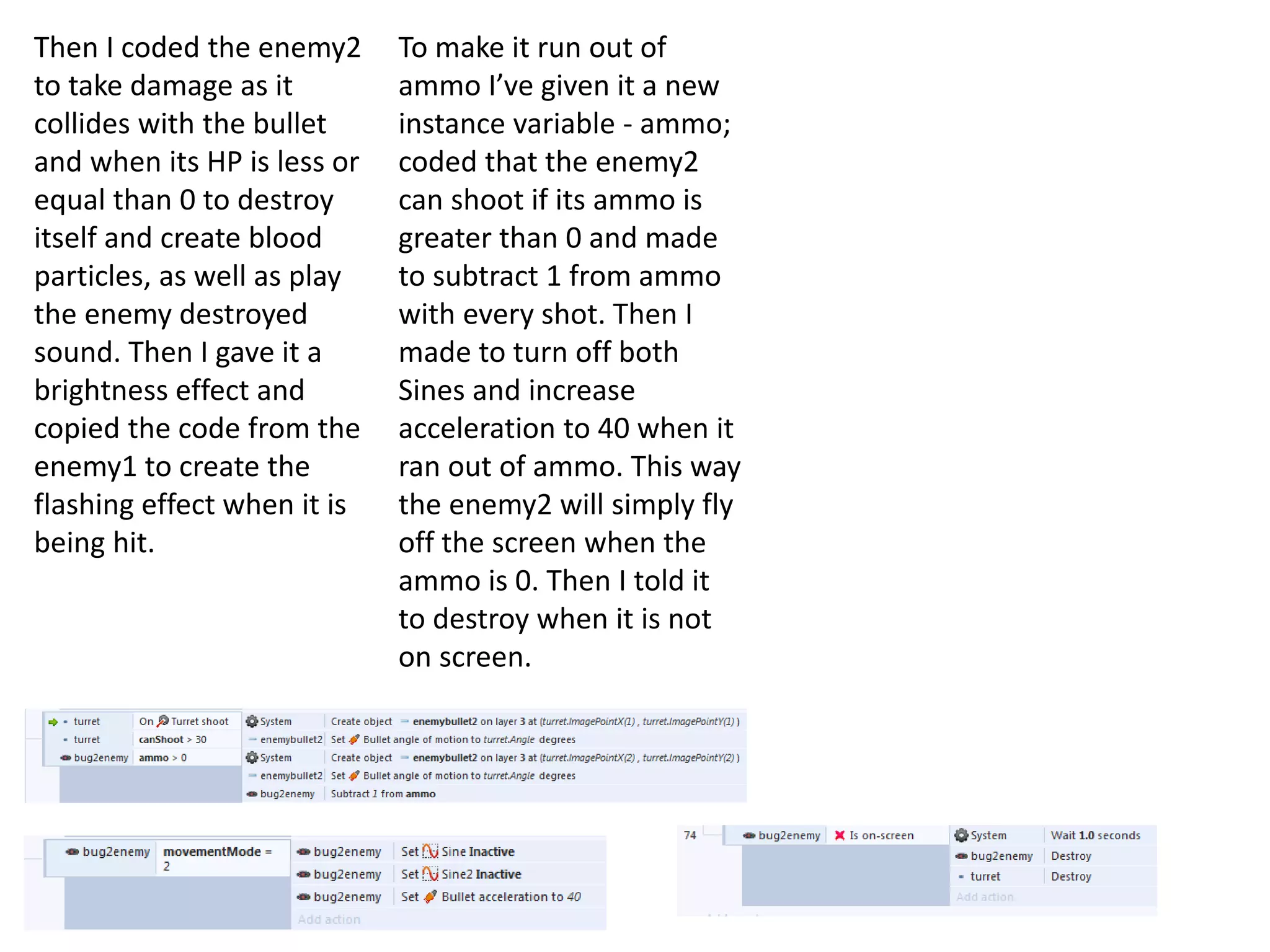
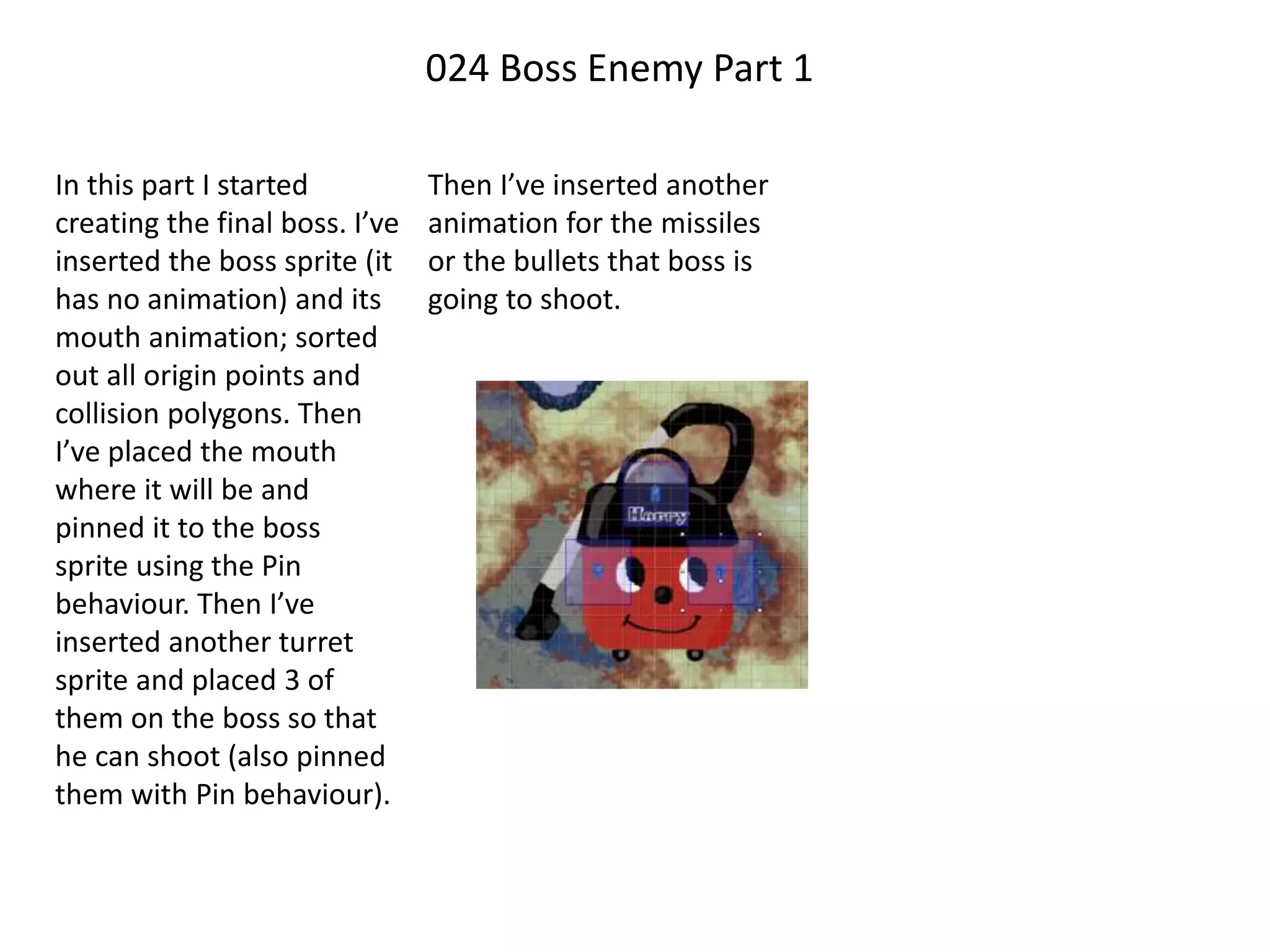
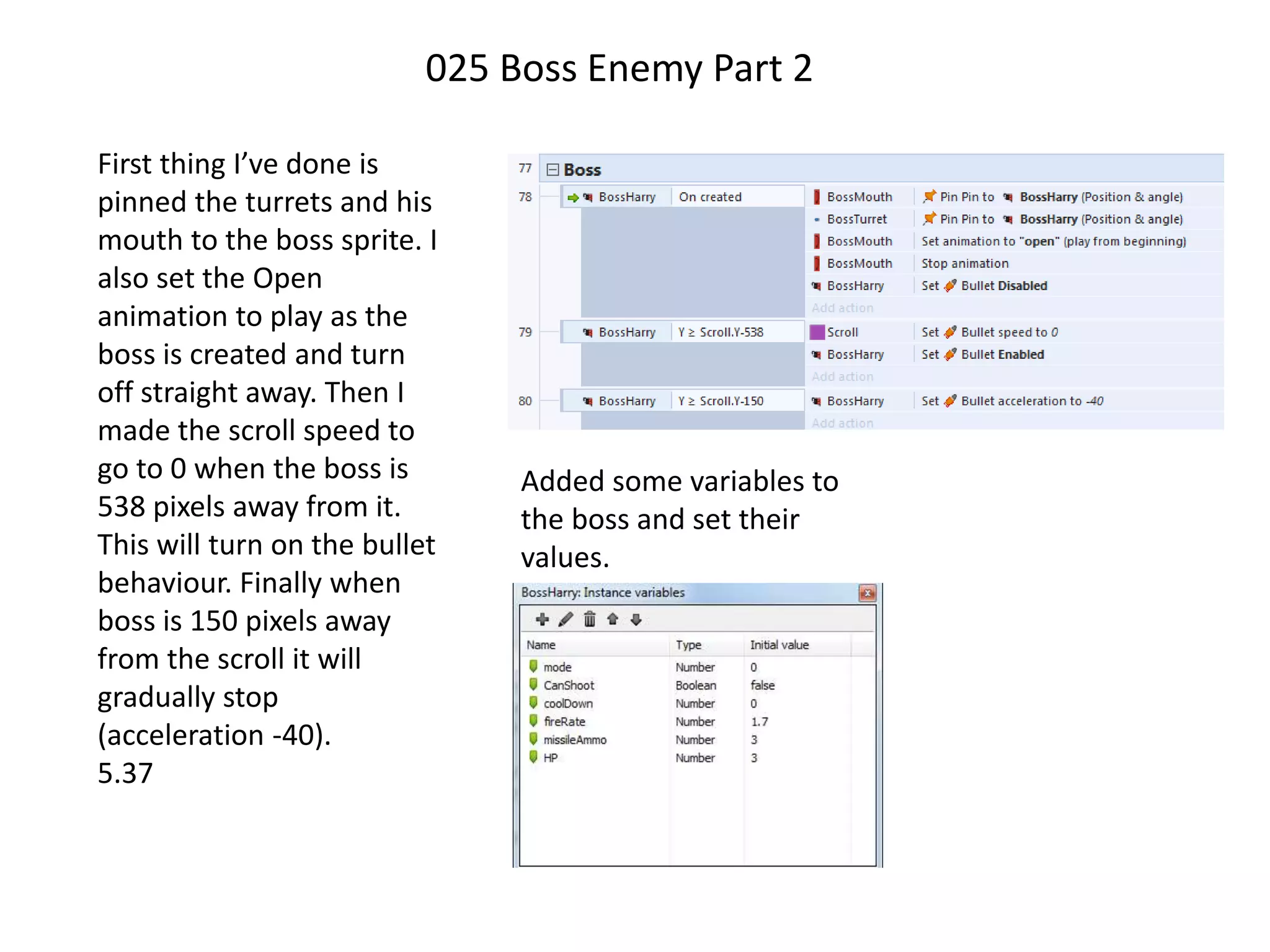
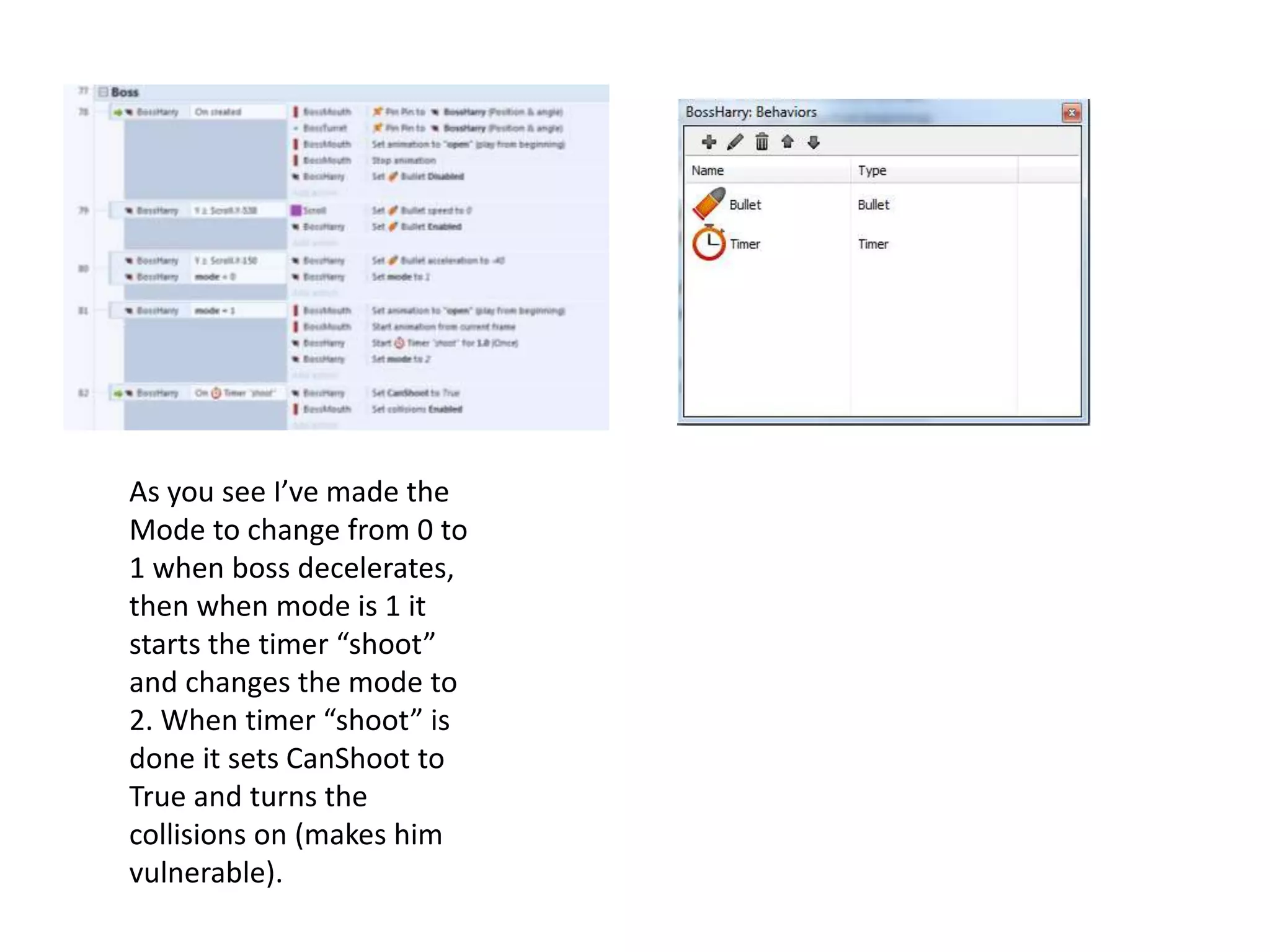
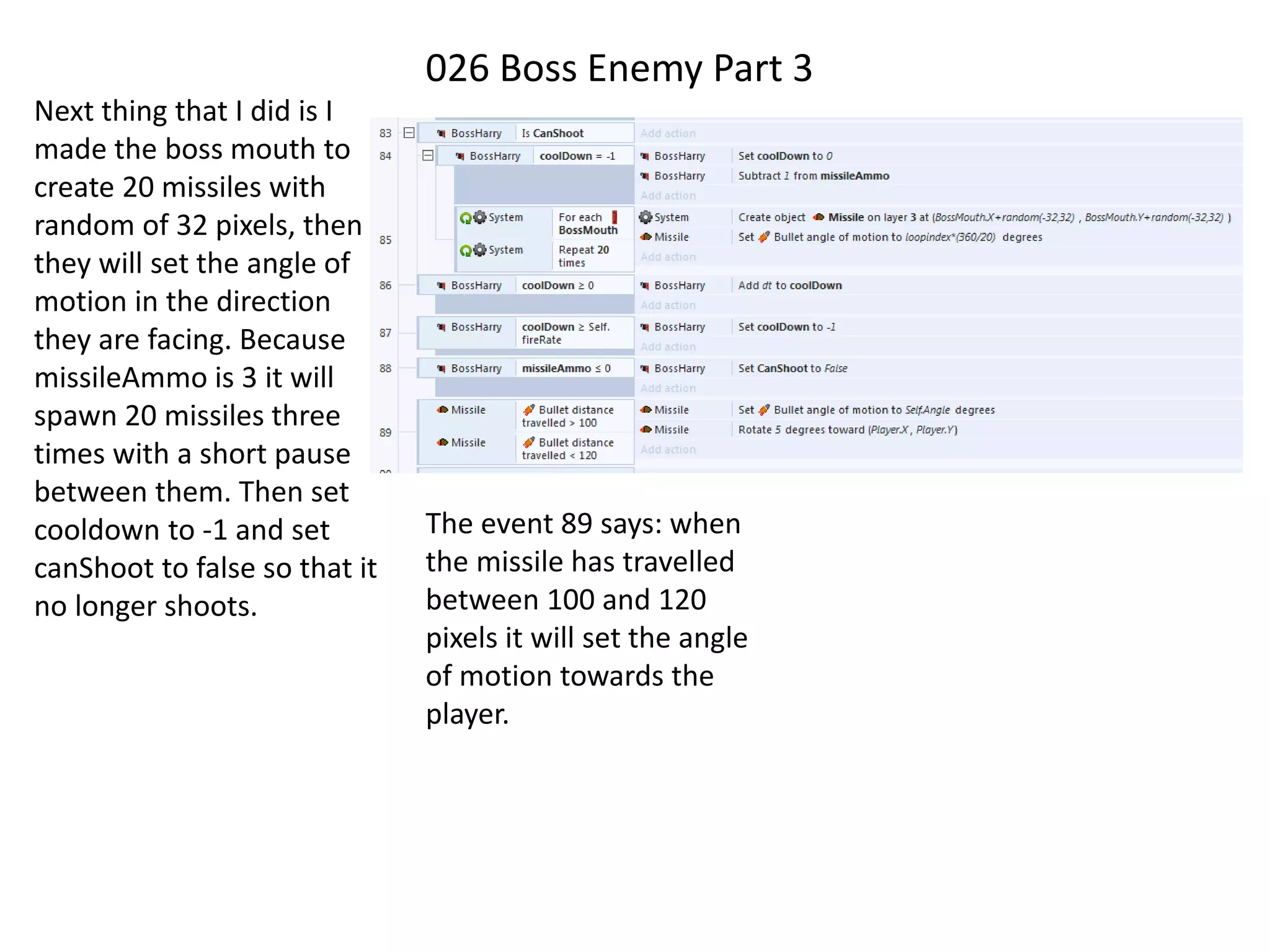
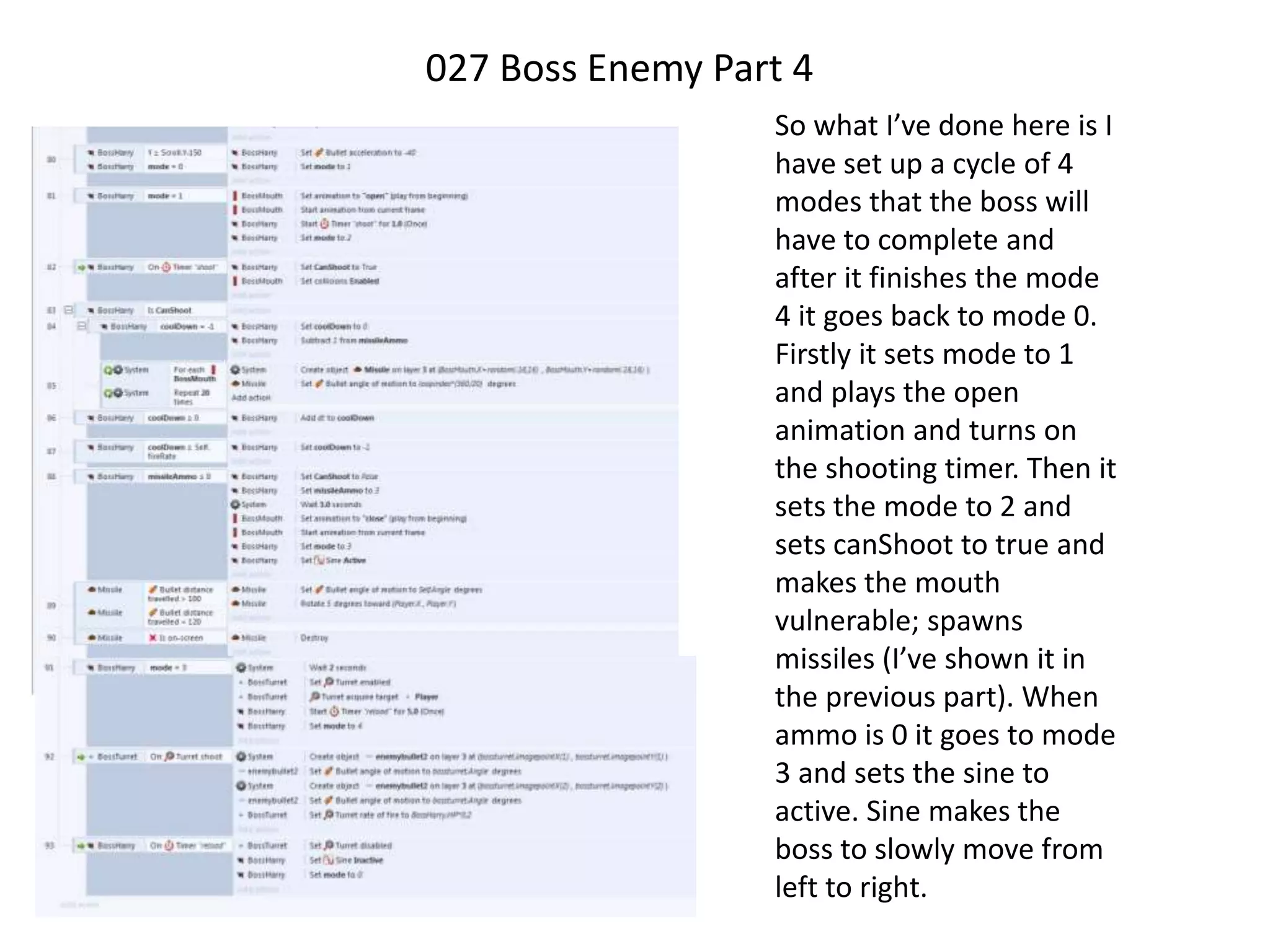
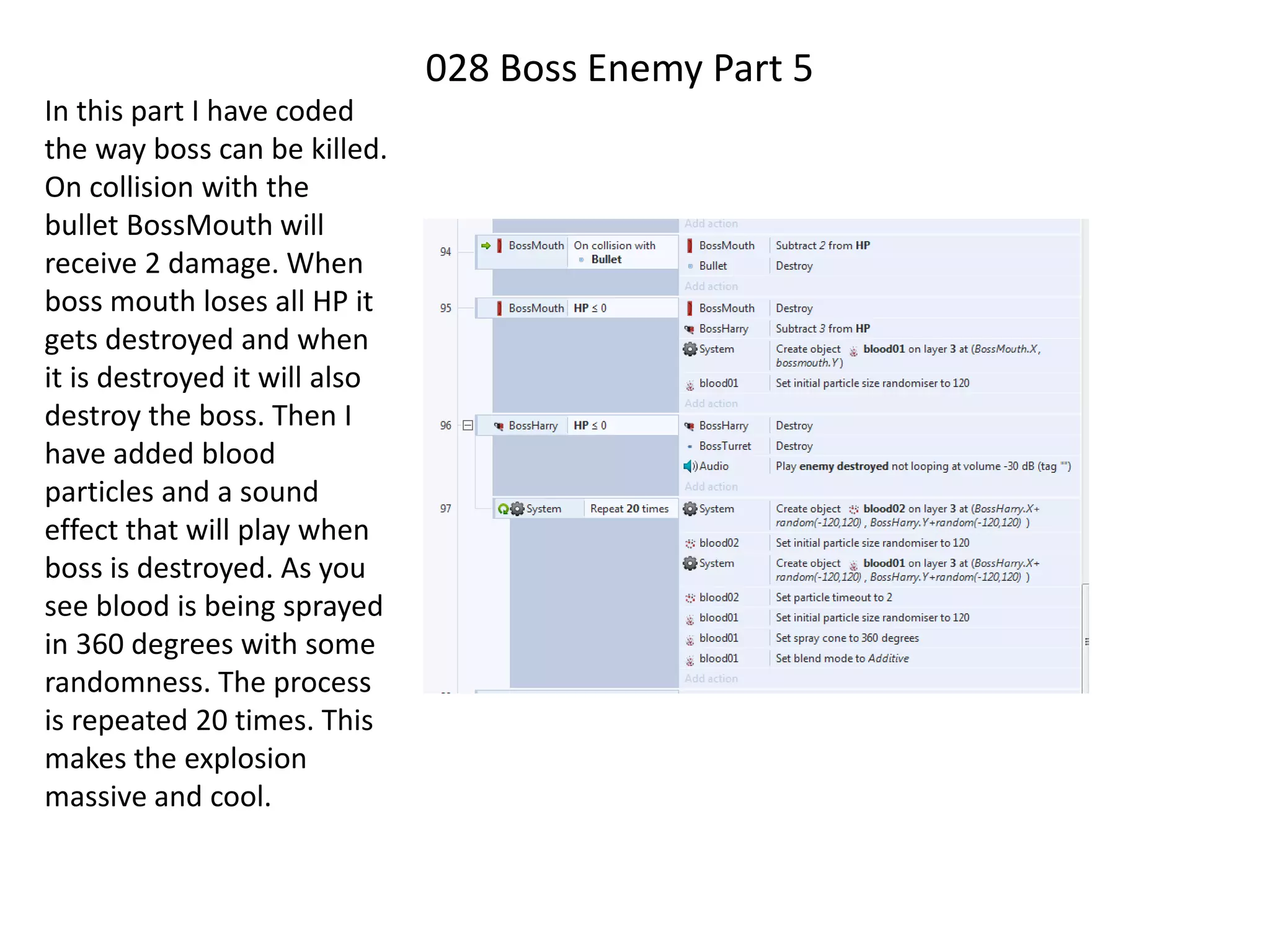
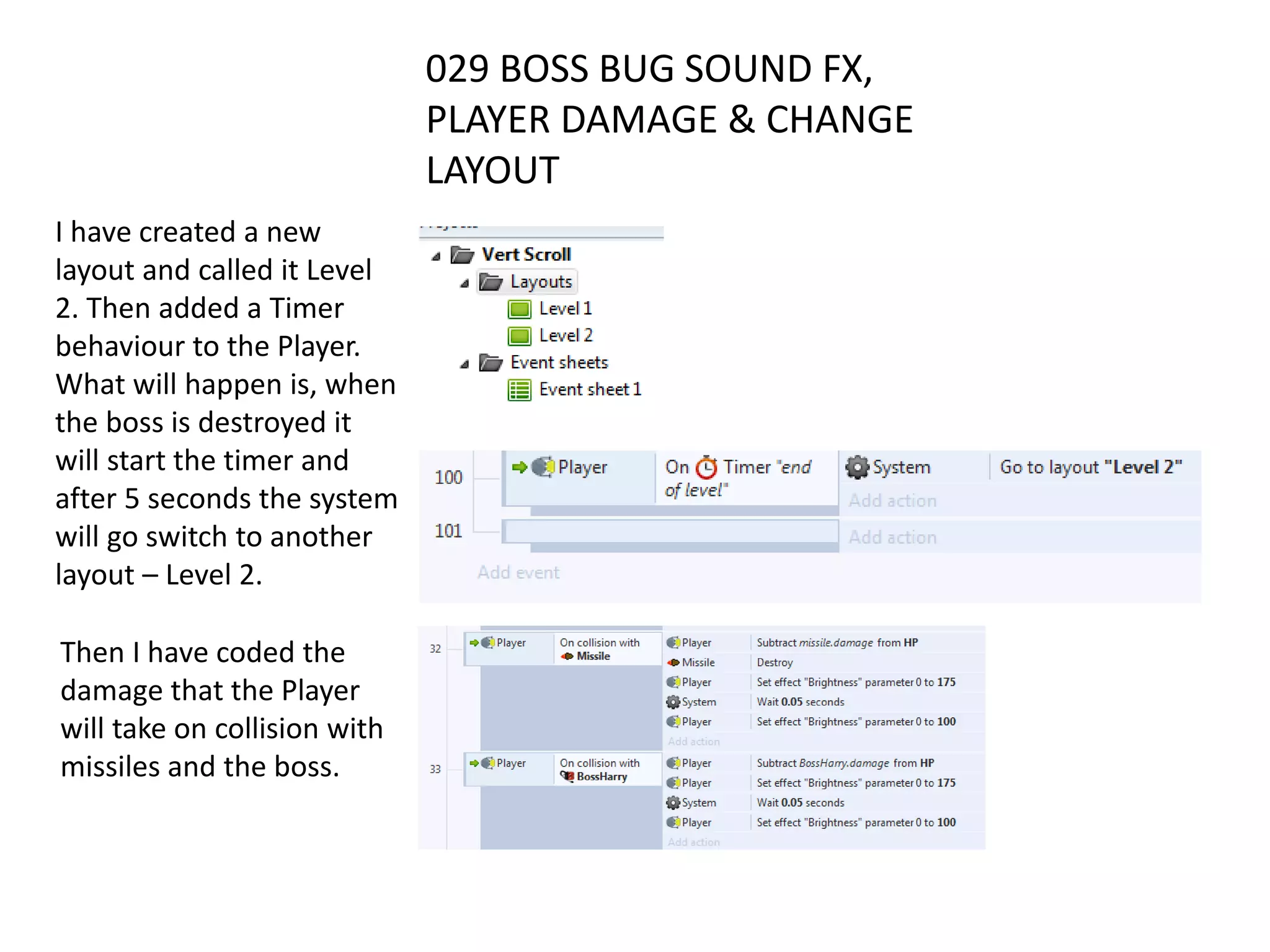
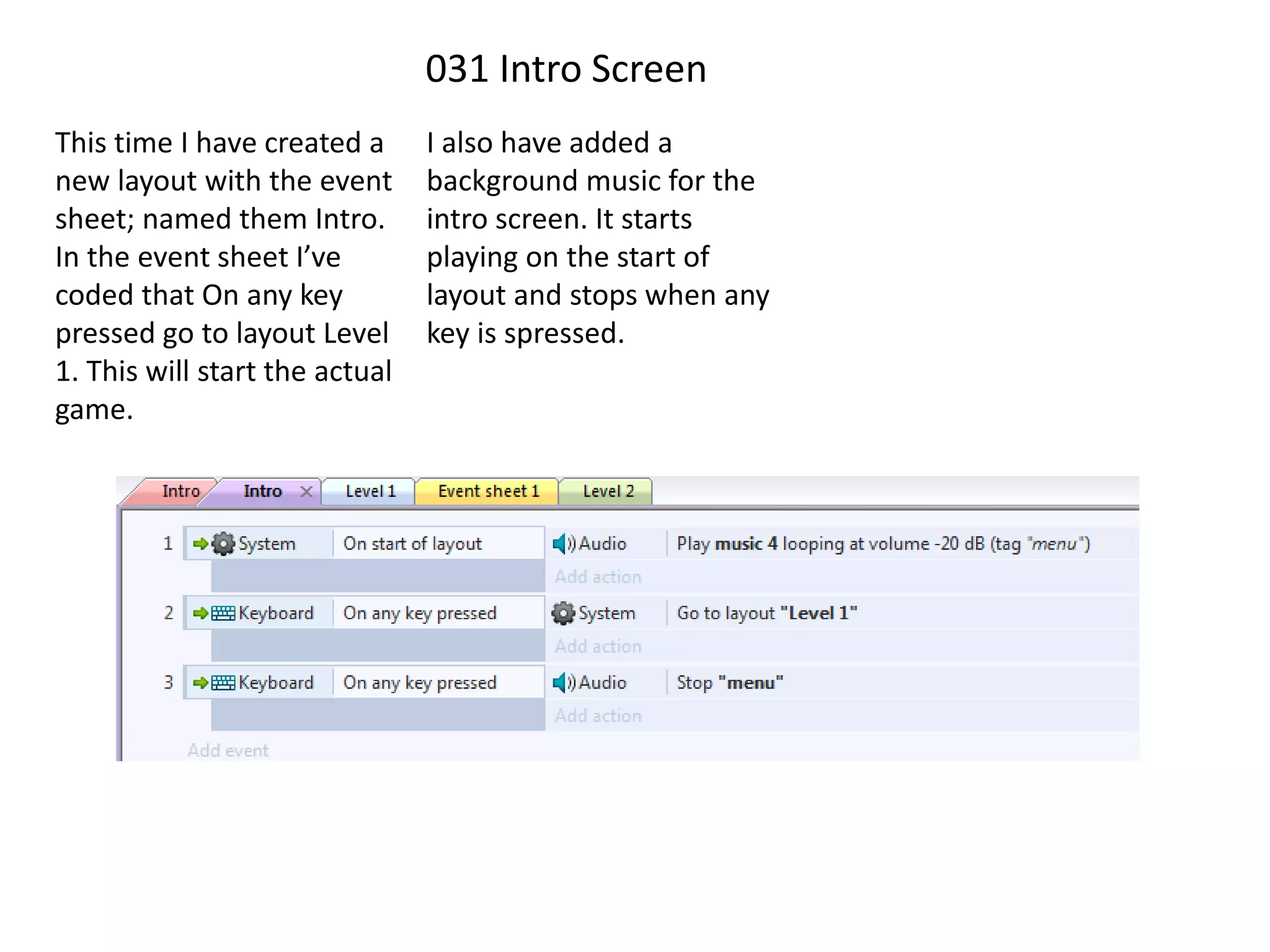
The document provides a step-by-step summary of setting up and developing a game project in Construct. It describes creating folders to organize project files, setting up the initial Construct project, adding background tiles and a tilemap, enabling vertical scrolling and parallax effects, adding a player sprite and movement controls, implementing player animations and particle effects, adding enemy spawns and firing events, integrating health bars and hit points, and continually expanding the game mechanics.