Download to read offline

![Iterator on Array
An array has its own iterator function implementation.
Example
var arr_one = [ 1, 2, 3, 4, 5 ];
for ( let element of arr_one){
console.log ( arr_one [ element ] );
}](https://image.slidesharecdn.com/11-170916115739/75/11-Iterators-ES6-JavaScript-TypeScript-4-2048.jpg)
![Iterator on Set
An set has its own iterator function implementation.
Example
var set_one = ( [ 1, 2, 3, 4, 5 ] );
for ( let element of set_one){
console.log ( set_one [ element ] );
}](https://image.slidesharecdn.com/11-170916115739/75/11-Iterators-ES6-JavaScript-TypeScript-5-2048.jpg)
![Iterator on Object (cont…)
Custom Iterator
obj [ Symbol.iterator ] = function( ) {
let keys = Object.keys (obj), count = 0, isDone = false;
let next = ( ) => {
if ( count >= keys.length ) { isDone = true }
return { done : isDone, value : obj [ keys [ count++ ] ] };
} return { next };
}](https://image.slidesharecdn.com/11-170916115739/75/11-Iterators-ES6-JavaScript-TypeScript-7-2048.jpg)
![Iterator on Object (cont…)
Custom Iterator
for ( let property of obj ) {
console.log ( obj [ property ] );
}
// PJ, SSE](https://image.slidesharecdn.com/11-170916115739/75/11-Iterators-ES6-JavaScript-TypeScript-8-2048.jpg)



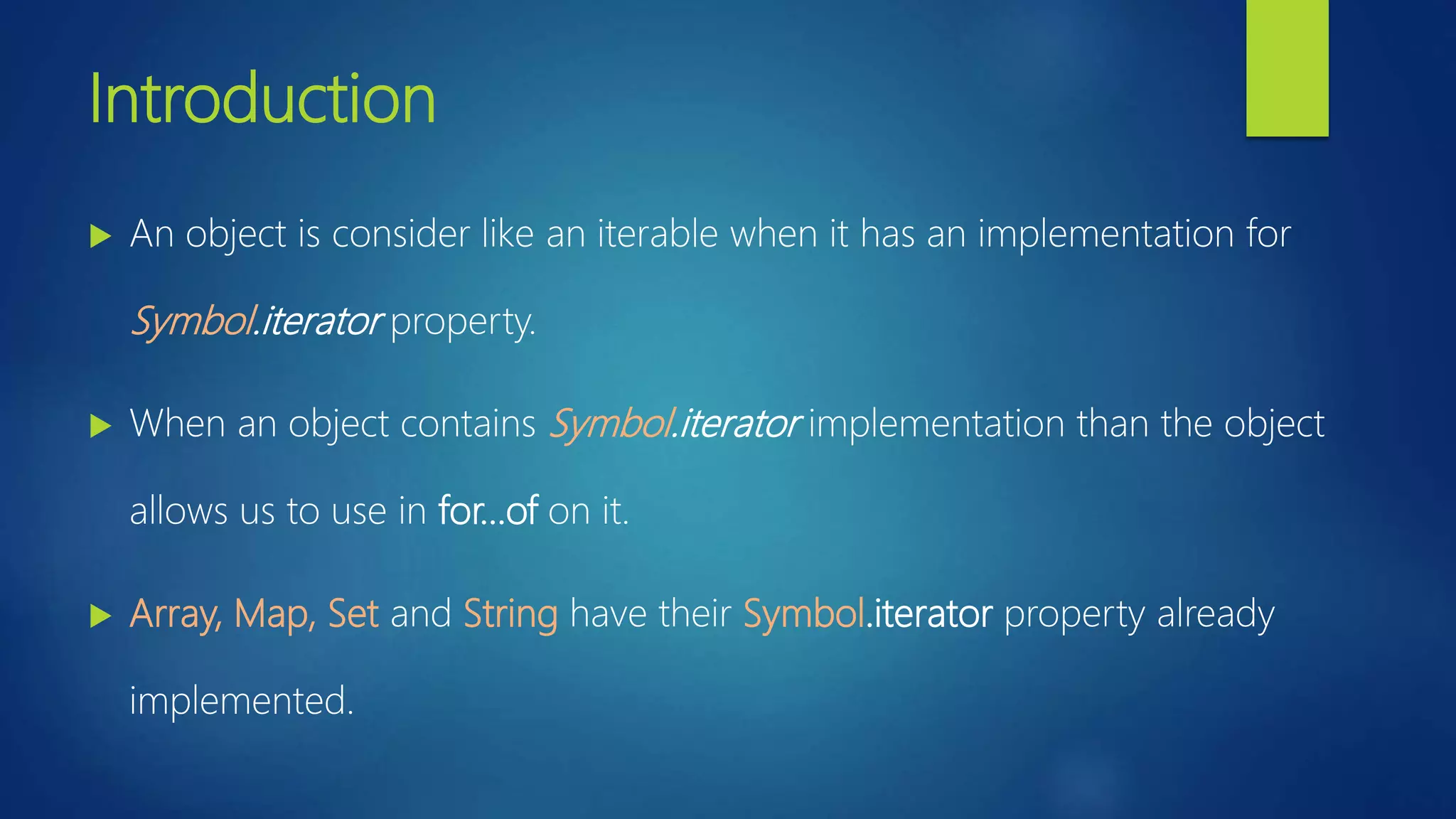
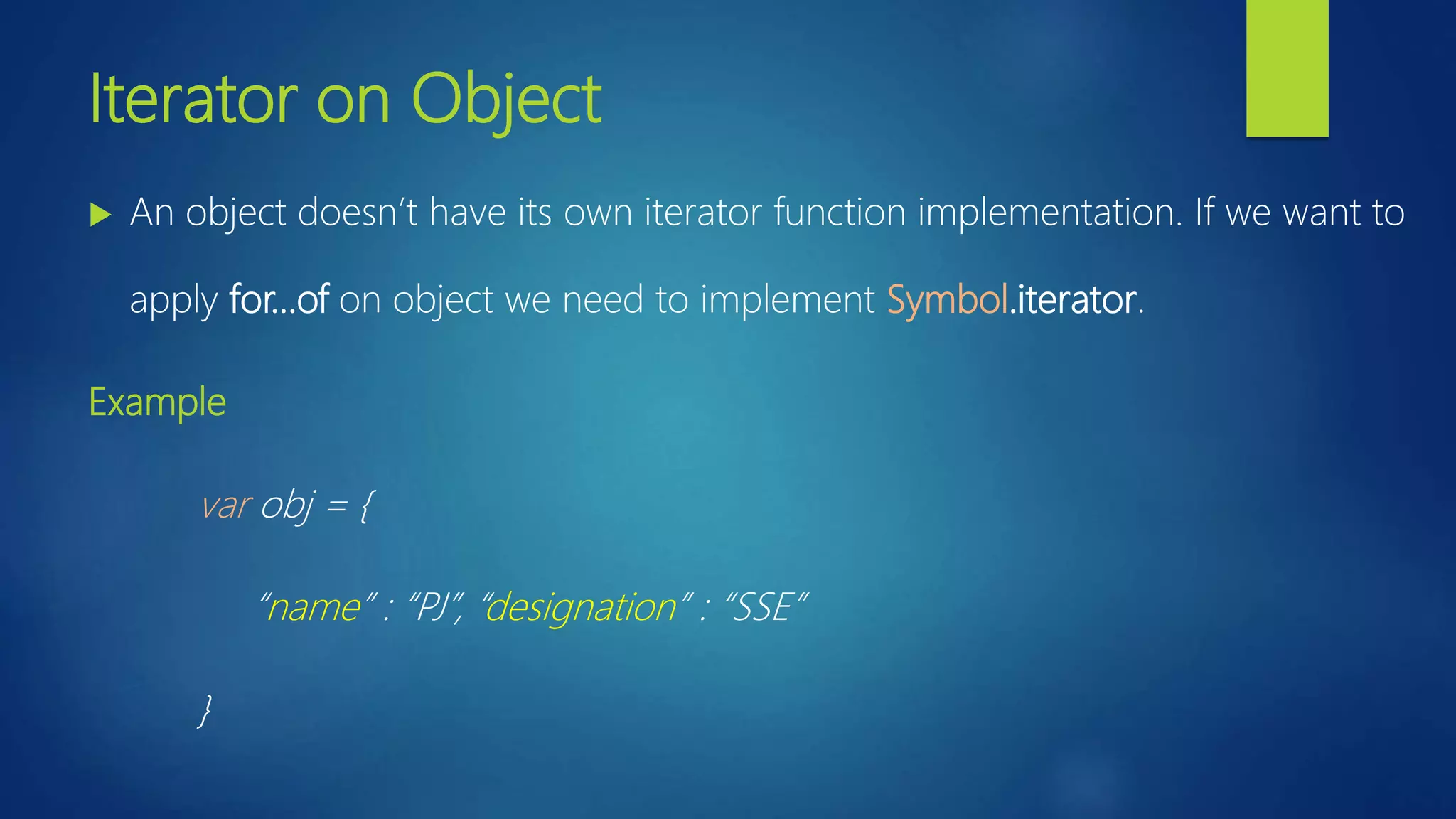
This document discusses iterators in ES6. It explains that an object is considered iterable if it has a Symbol.iterator property implementation. Arrays, Maps, and Sets have built-in iterator implementations, while objects do not by default. The document provides examples of using for-of loops to iterate over arrays, sets, and customizes an object to be iterable by implementing Symbol.iterator.


![Coded Agents – with UiPath SDK + LangGraph [Virtual Hands-on Workshop]](https://cdn.slidesharecdn.com/ss_thumbnails/codedagentsdeck-251215155422-5497c599-thumbnail.jpg?width=640&height=640&fit=bounds)


