Java Language and OOP
Part VI
By Hari Christian
Agenda
• 01 Threads - Basic
• 02 Threads - How to Obtain Threads
• 03 Threads - Threads Programming
• 04 Threads - Advanced
• 05 Threads - Concurrent
• 06 Parameters vs Arguments
• 07 Generics - Basic
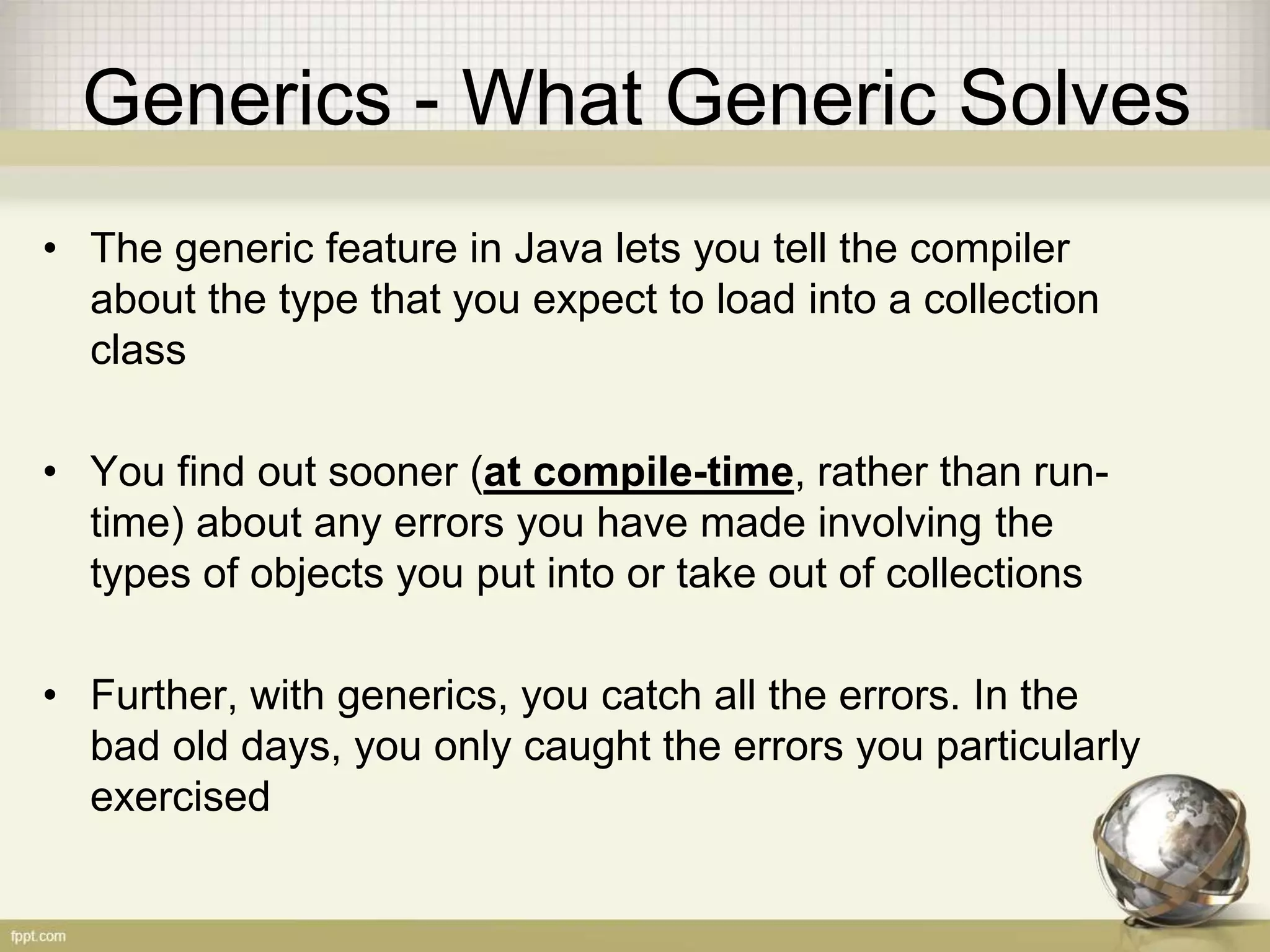
• 08 Generics - What Generic Solves
• 09 Generics - Generic Code
• 10 Generics - Generic Interfaces
• 11 Java Code Convention
Concurrency
• Concurrency is the ability to run several
programs or several parts of a program in
parallel
• If a time consuming task can be performed
asynchronously or in parallel, this improve the
throughput and the interactivity of the program
Concurrency
• A modern computer has several CPU's or
several cores within one CPU
• The ability to leverage these multi-cores can be
the key for a successful high-volume application
Process and Threads
• A process runs independently and isolated of
other processes
• It cannot directly access shared data in other
processes
• The resources of the process, e.g. memory and
CPU time, are allocated to it via the operating
system.
Process and Threads
• A thread is a so called lightweight process
• It can access shared data of other threads in the
same process
• Every thread has its own memory cache. If a
thread reads shared data it stores this data in its
own memory cache. A thread can re-read the
shared data
Process and Threads
• A Java application runs by default in one
process
• Within a Java application you work with several
threads to achieve parallel processing or
asynchronous behavior
Concurrency Issues
• Threads can also access shared data. Therefore
you have two basic problems
1. A visibility problem occurs if thread A reads
shared data which is later changed by thread B
and thread A is unaware of this change
2. An access problem can occur if several thread
access and change the same shared data at
the same time
Concurrency Issues
• Visibility and access problem can lead to
1. Liveness failure: The program does not react
anymore due to problems in the concurrent
access of data, e.g. deadlocks
2. Safety failure: The program creates incorrect
data
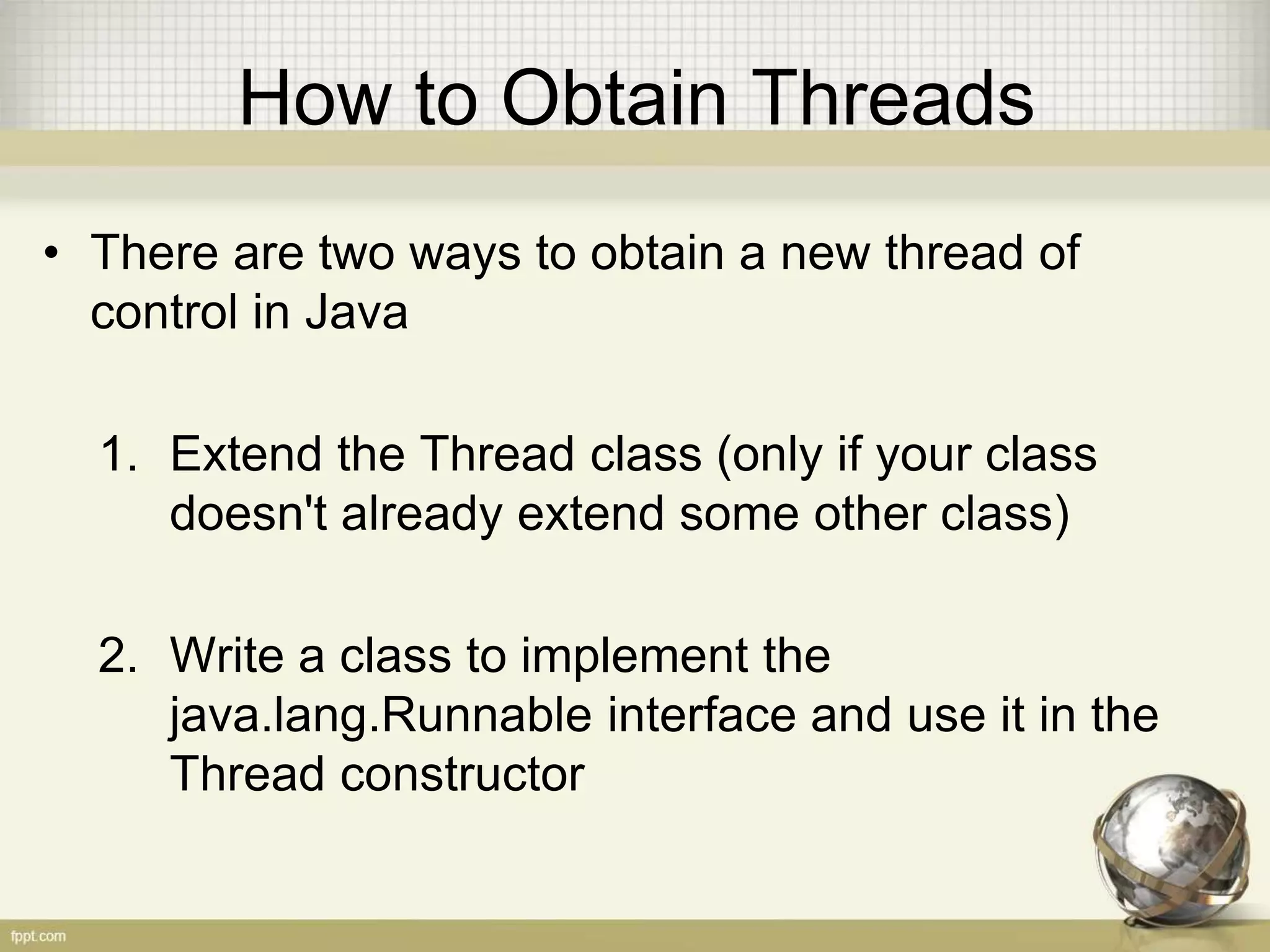
How to Obtain Threads
• There are two ways to obtain a new thread of
control in Java
1. Extend the Thread class (only if your class
doesn't already extend some other class)
2. Write a class to implement the
java.lang.Runnable interface and use it in the
Thread constructor
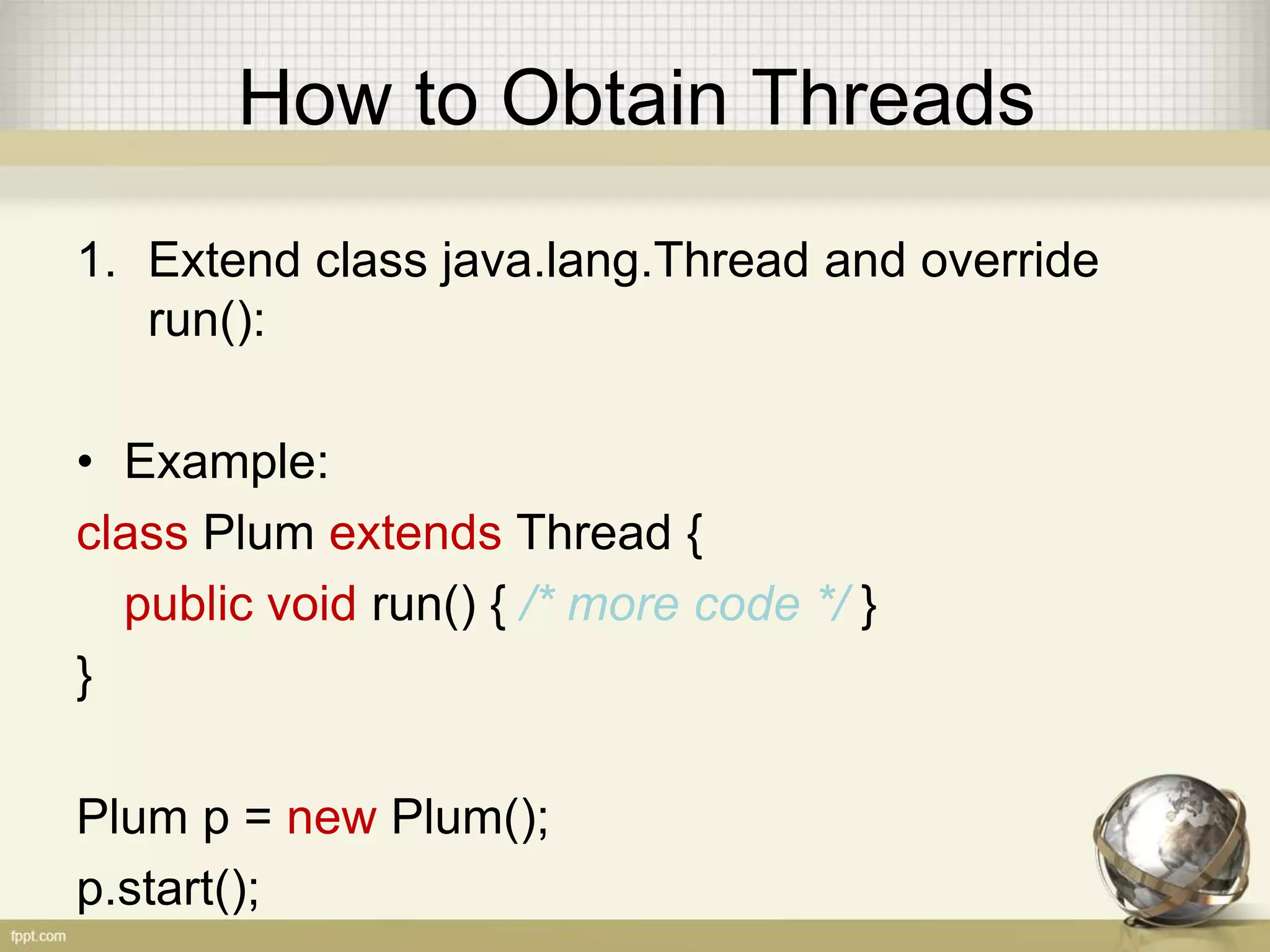
How to Obtain Threads
1. Extend class java.lang.Thread and override
run():
• Example:
class Plum extends Thread {
public void run() { /* more code */ }
}
Plum p = new Plum();
p.start();
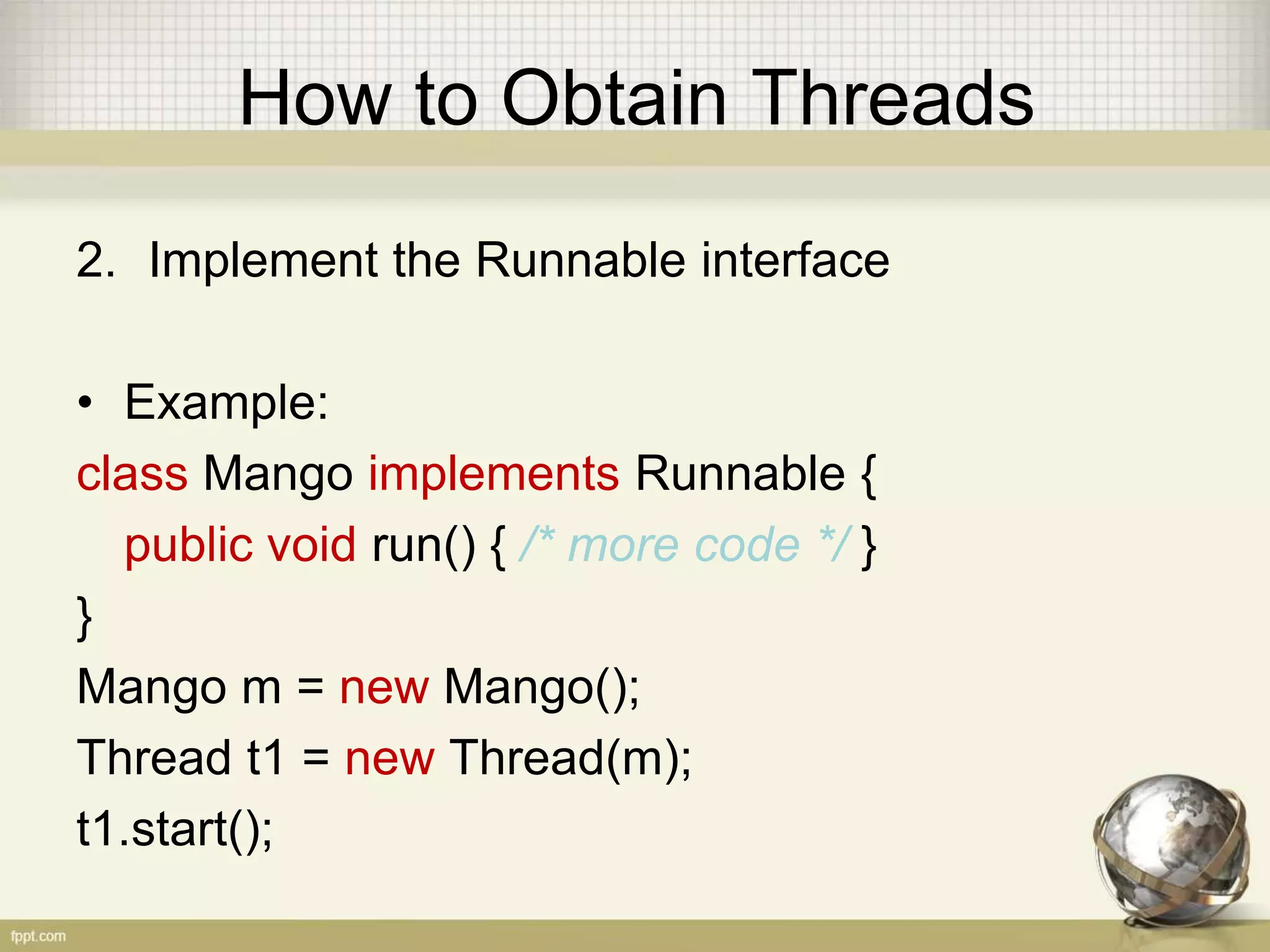
How to Obtain Threads
2. Implement the Runnable interface
• Example:
class Mango implements Runnable {
public void run() { /* more code */ }
}
Mango m = new Mango();
Thread t1 = new Thread(m);
t1.start();
Threads Programming
public class ThreadsTest1 implements Runnable {
public void run() {
for(int i = 0; i < 3; i++) {
System.out.println(Thread.currentThread().getName() + " - " + i);
}
}
public static void main(String[] args) {
ThreadsTest1 r = new ThreadsTest1();
Thread a = new Thread(r, "a");
Thread b = new Thread(r, "b");
Thread c = new Thread(r, "c");
a.start();
b.start();
c.start();
}
}
Threads Programming
public class ThreadsTest2 implements Runnable {
public void run() {
for(int i = 1; i <= 100; i++) {
System.out.println(i % 10 == 0? i + " = KELIPATAN 10" : i);
try {
Thread.sleep(1 * 1000);
} catch (InterruptedException e) {}
}
}
public static void main(String[] args) {
ThreadsTest2 r = new ThreadsTest1();
Thread a = new Thread(r, "a");
a.start();
}
}
Threads Programming
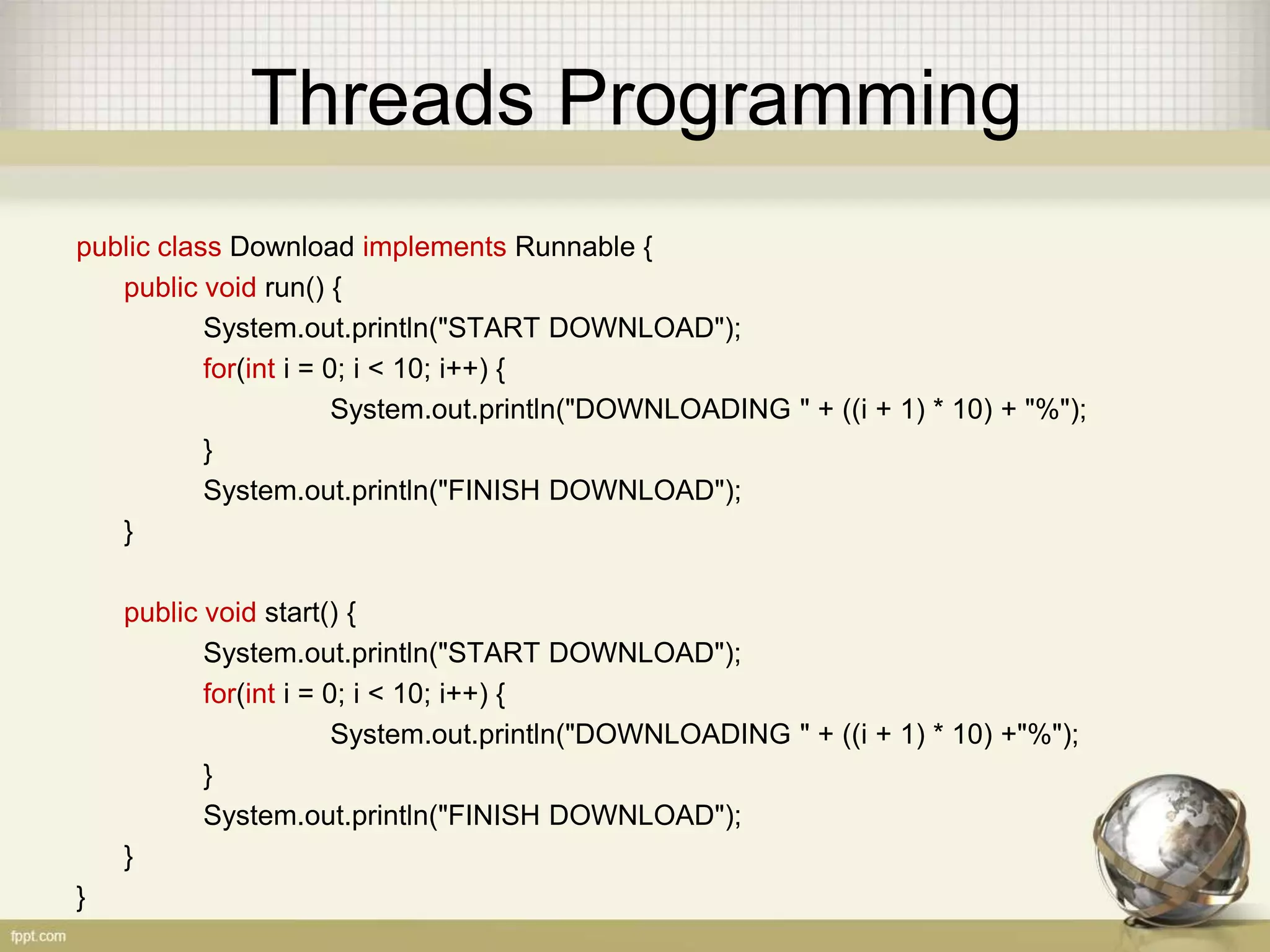
public class Download implements Runnable {
public void run() {
System.out.println("START DOWNLOAD");
for(int i = 0; i < 10; i++) {
System.out.println("DOWNLOADING " + ((i + 1) * 10) + "%");
}
System.out.println("FINISH DOWNLOAD");
}
public void start() {
System.out.println("START DOWNLOAD");
for(int i = 0; i < 10; i++) {
System.out.println("DOWNLOADING " + ((i + 1) * 10) +"%");
}
System.out.println("FINISH DOWNLOAD");
}
}
Threads Programming
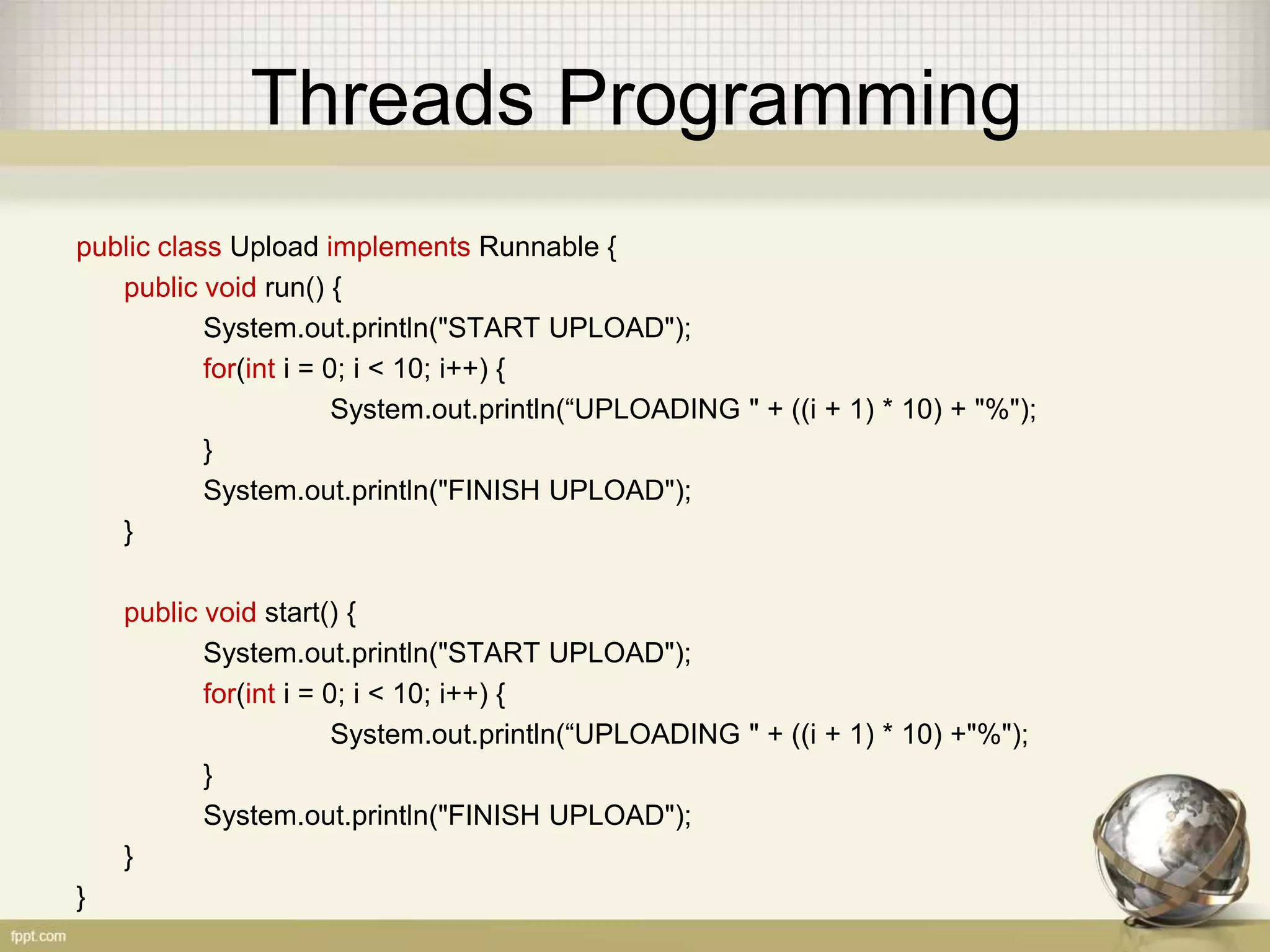
public class Upload implements Runnable {
public void run() {
System.out.println("START UPLOAD");
for(int i = 0; i < 10; i++) {
System.out.println(“UPLOADING " + ((i + 1) * 10) + "%");
}
System.out.println("FINISH UPLOAD");
}
public void start() {
System.out.println("START UPLOAD");
for(int i = 0; i < 10; i++) {
System.out.println(“UPLOADING " + ((i + 1) * 10) +"%");
}
System.out.println("FINISH UPLOAD");
}
}
Threads Programming
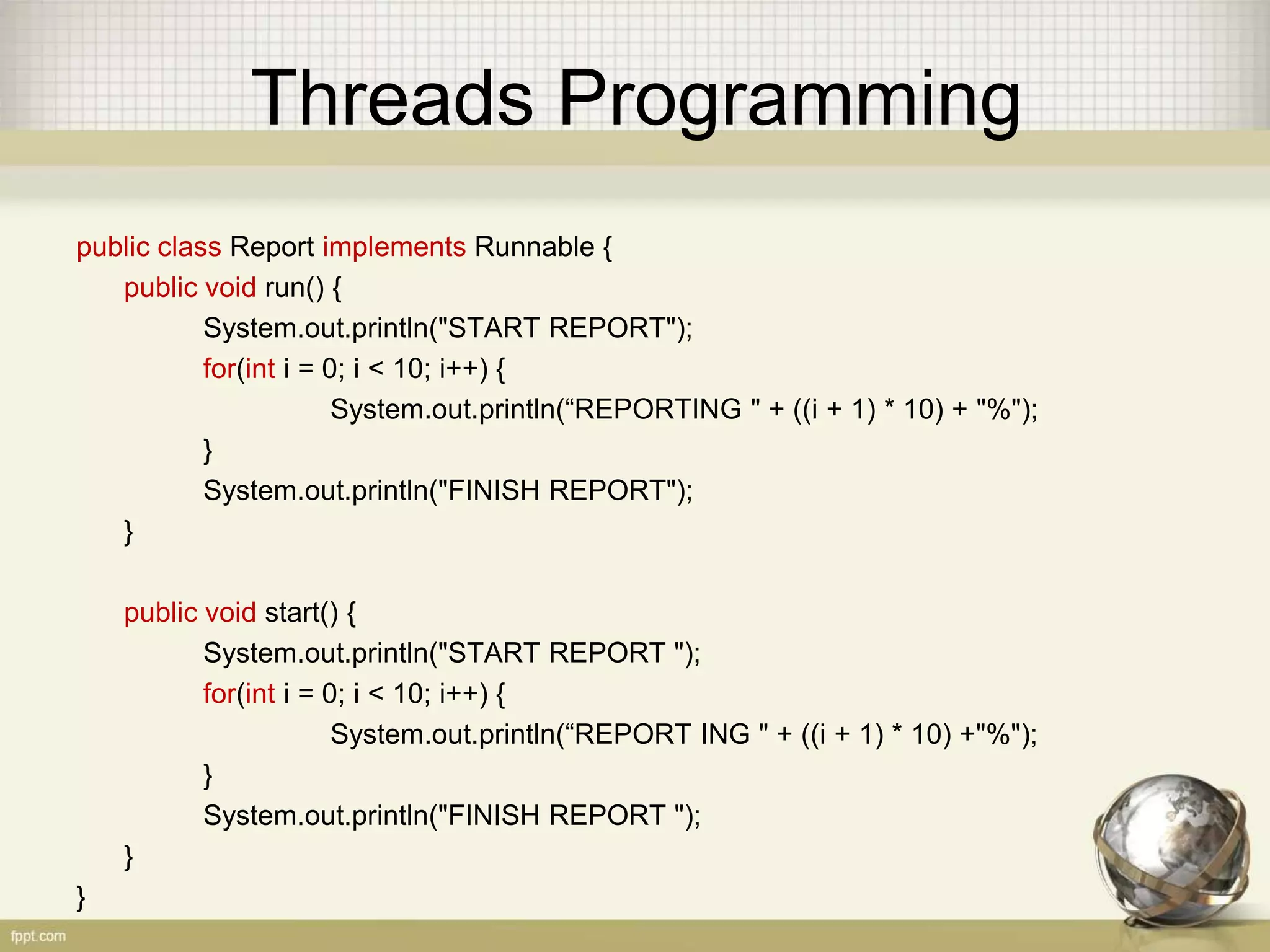
public class Report implements Runnable {
public void run() {
System.out.println("START REPORT");
for(int i = 0; i < 10; i++) {
System.out.println(“REPORTING " + ((i + 1) * 10) + "%");
}
System.out.println("FINISH REPORT");
}
public void start() {
System.out.println("START REPORT ");
for(int i = 0; i < 10; i++) {
System.out.println(“REPORT ING " + ((i + 1) * 10) +"%");
}
System.out.println("FINISH REPORT ");
}
}
Threads Programming
public class TestThread {
public static void main(String[] args) {
TestThread t = new TestThread();
t.exampleWithoutThread();
}
private void exampleWithoutThread() {
Download d = new Download();
Upload u = new Upload();
Report r = new Report();
d.start();
u.start();
r.start();
System.out.println("DOING OTHER THINGS");
}
}
Threads Programming
public class TestThread {
public static void main(String[] args) {
TestThread t = new TestThread();
t.exampleWithThread();
}
private void exampleWithThread() {
Download d = new Download();
Upload u = new Upload();
Report r = new Report();
Thread a = new Thread(d, "D");
Thread b = new Thread(u, "U");
Thread c = new Thread(r, "R");
a.start(); b.start(); c.start();
System.out.println("DOING OTHER THINGS");
}
}
Threads Programming
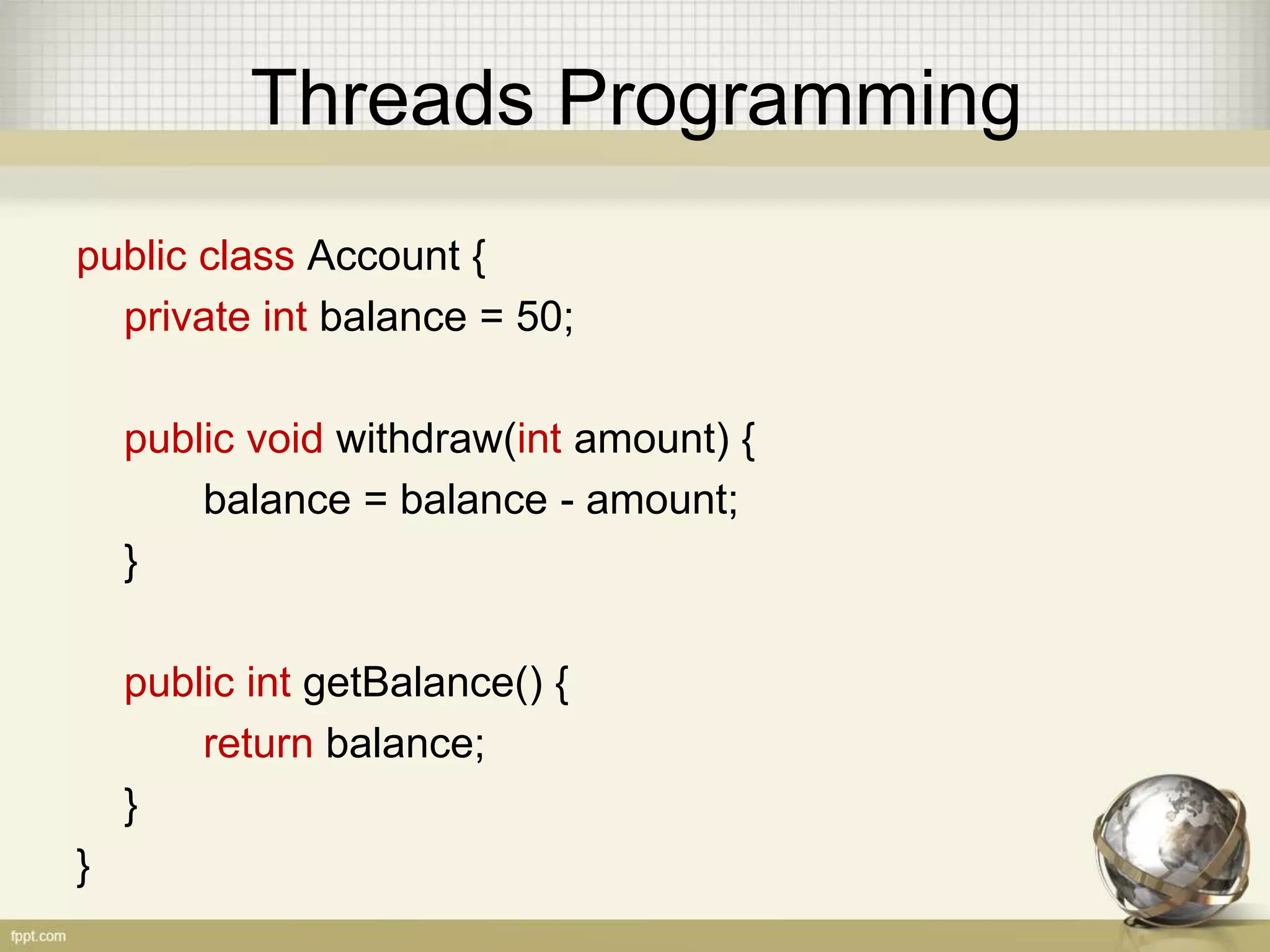
public class Account {
private int balance = 50;
public void withdraw(int amount) {
balance = balance - amount;
}
public int getBalance() {
return balance;
}
}
Threads Advanced
public class AccountTest {
private Account account = new Account();
public void run() {
for(int i = 0; i < 5; i++) {
makeWithdrawal(10);
if (account.getBalance() < 0) System.out.println("INSUFFICIENT BALANCE");
}
}
private void makeWithdrawal(int amount) {
if(account.getBalance() >= amount) {
System.out.println(Thread.currentThread().getName() + " is withdrawing");
account.withdraw(amount);
System.out.println(Thread.currentThread().getName() + " complete withdrawing");
} else System.out.println(Thread.currentThread().getName() + " not enough: " + account.getBalance());
public static void main(String[] args) {
AccountDanger r = new AccountDanger();
Thread a = new Thread(r, "Fred"); Thread b = new Thread(r, "Lucy");
a.start(); b.start();
}
}
Threads Advanced
public class AccountTest {
private Account account = new Account();
public void run() {
for(int i = 0; i < 5; i++) {
makeWithdrawal(10);
if (account.getBalance() < 0) System.out.println("INSUFFICIENT BALANCE");
}
}
private synchronized void makeWithdrawal(int amount) {
if(account.getBalance() >= amount) {
System.out.println(Thread.currentThread().getName() + " is withdrawing");
account.withdraw(amount);
System.out.println(Thread.currentThread().getName() + " complete withdrawing");
} else System.out.println(Thread.currentThread().getName() + " not enough: " + account.getBalance());
public static void main(String[] args) {
AccountDanger r = new AccountDanger();
Thread a = new Thread(r, "Fred"); Thread b = new Thread(r, "Lucy");
a.start(); b.start();
}
}
Threads Advanced
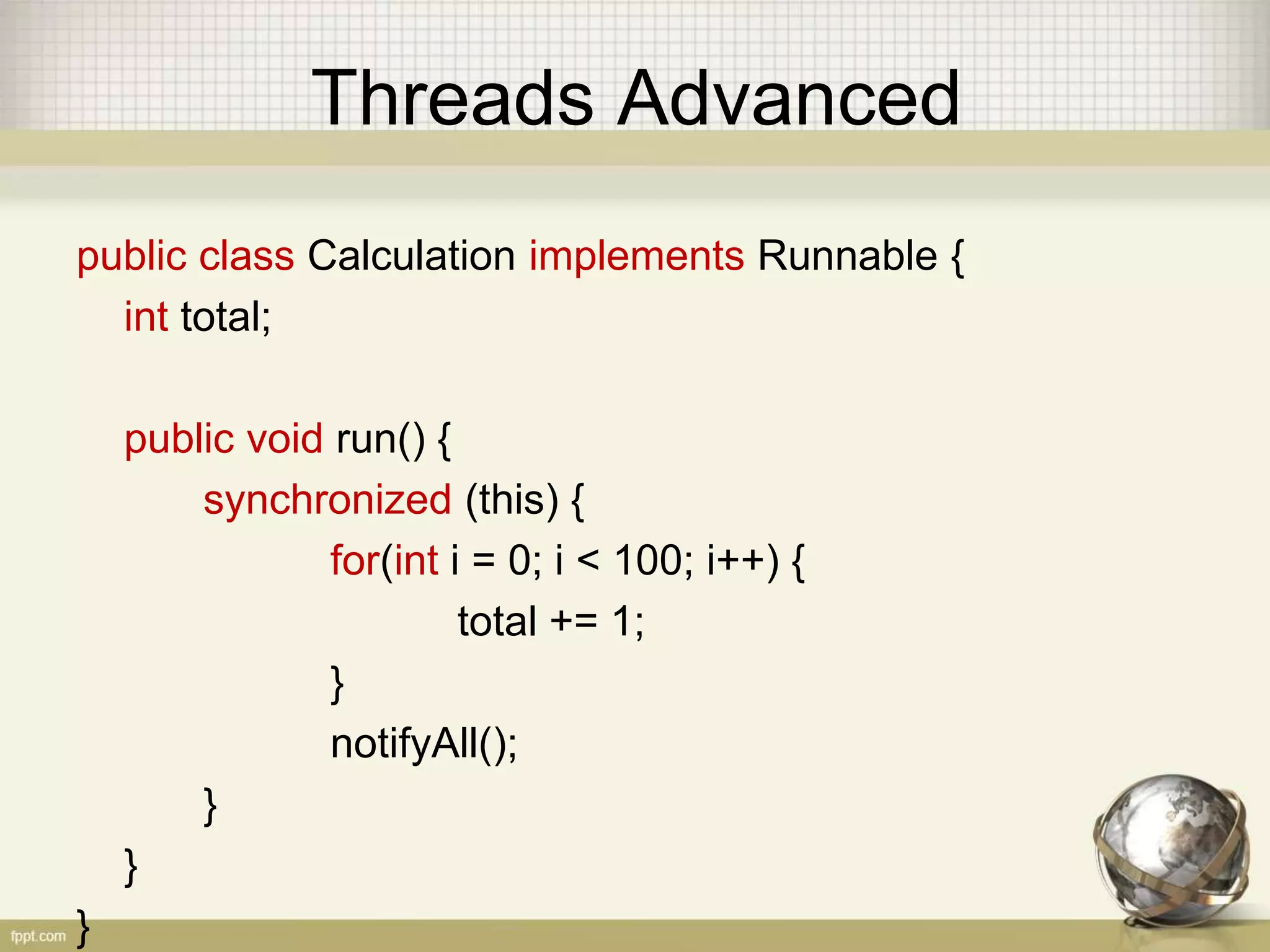
public class Calculation implements Runnable {
int total;
public void run() {
synchronized (this) {
for(int i = 0; i < 100; i++) {
total += 1;
}
notifyAll();
}
}
}
Threads Advanced
public class TestCalculation {
public static void main(String[] args) {
Calculation c = new Calculation();
Thread a = new Thread(c);
a.start();
synchronized (a) {
try {
System.out.println(“Waiting till finish");
a.wait();
} catch (Exception e) { }
System.out.println("TOTAL = " + t.total);
}
}
Parameters vs Arguments
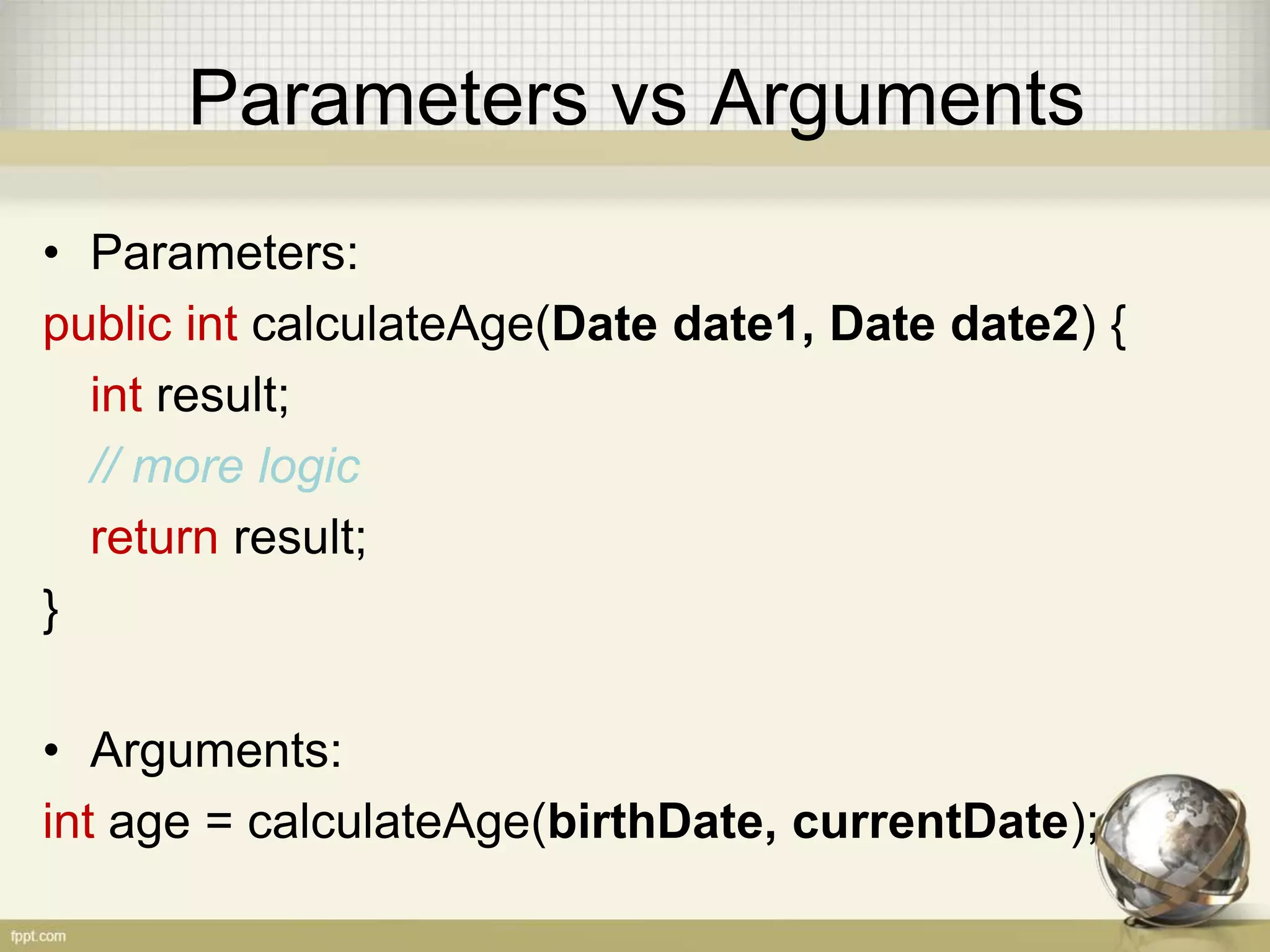
• Parameters:
public int calculateAge(Date date1, Date date2) {
int result;
// more logic
return result;
}
• Arguments:
int age = calculateAge(birthDate, currentDate);
Generics - Basic
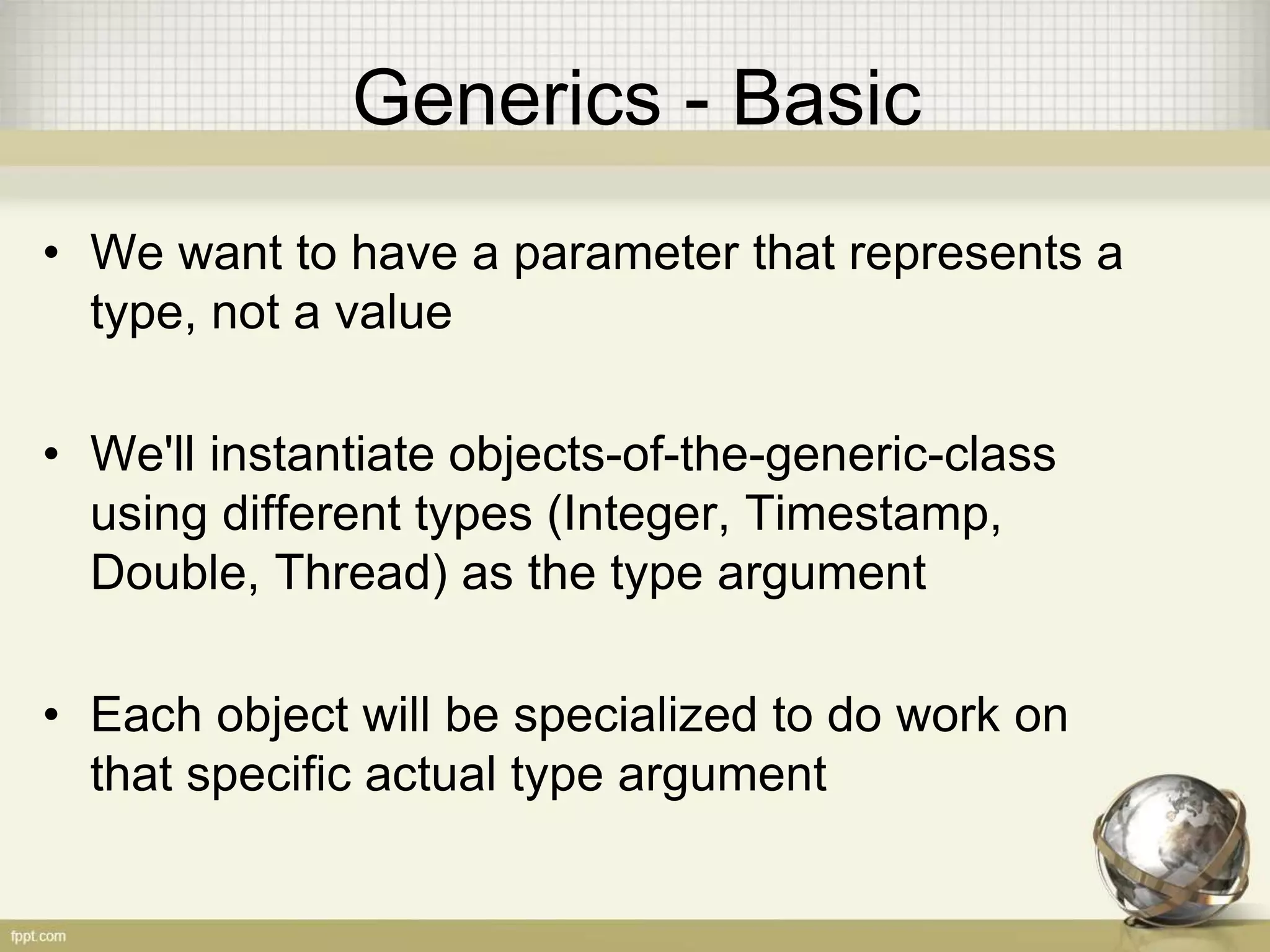
• We want to have a parameter that represents a
type, not a value
• We'll instantiate objects-of-the-generic-class
using different types (Integer, Timestamp,
Double, Thread) as the type argument
• Each object will be specialized to do work on
that specific actual type argument
Generics - What Generic Solves
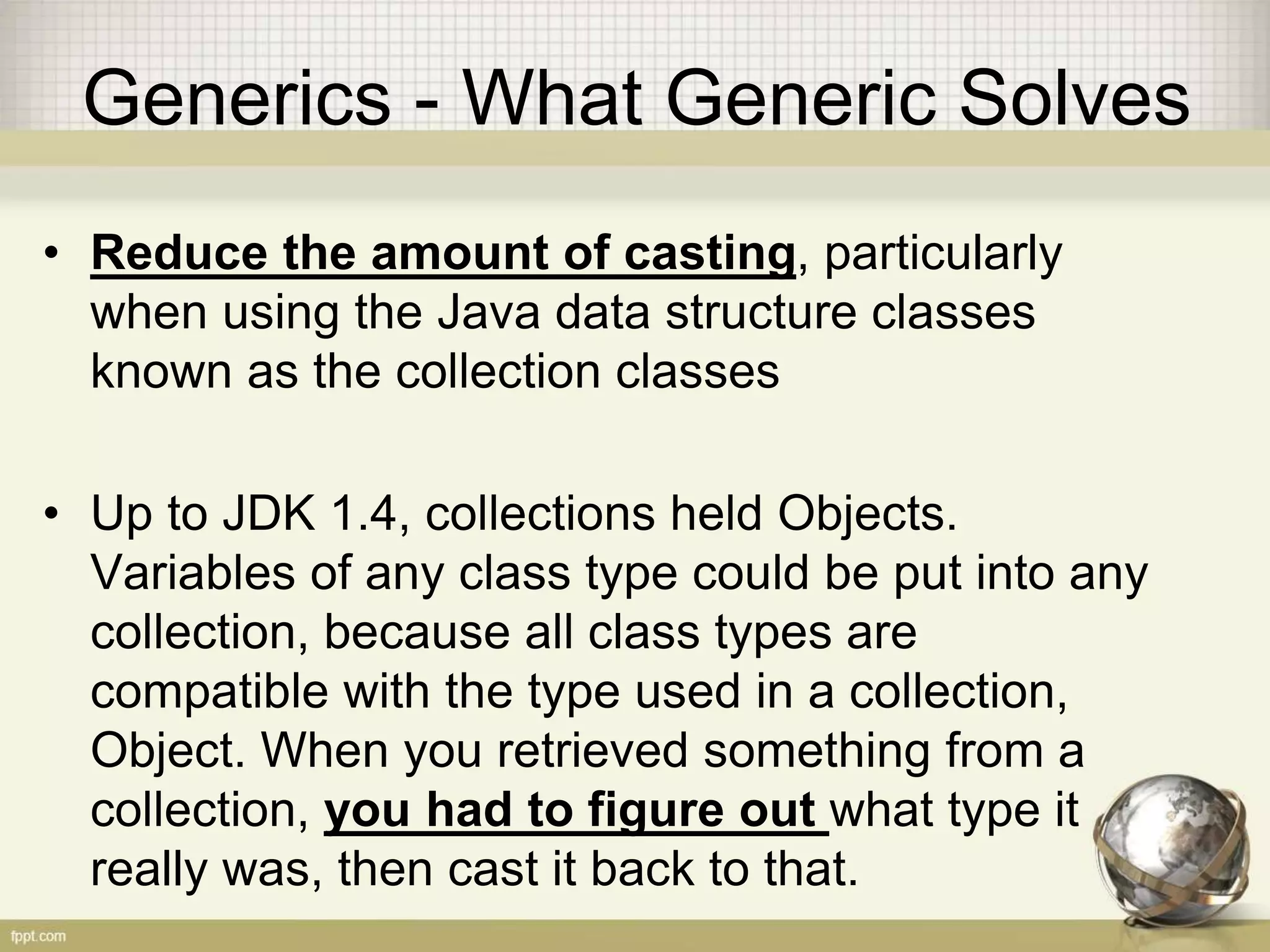
• Reduce the amount of casting, particularly
when using the Java data structure classes
known as the collection classes
• Up to JDK 1.4, collections held Objects.
Variables of any class type could be put into any
collection, because all class types are
compatible with the type used in a collection,
Object. When you retrieved something from a
collection, you had to figure out what type it
really was, then cast it back to that.
Generics - What Generic Solves
public static void main(String[] args) {
List nonGeneric = new ArrayList();
nonGeneric.add(new Student("1", "Hari"));
nonGeneric.add(new Student("2", “Solihin"));
for(int i = 0; i < nonGeneric.size(); i++) {
Student s = (Student) nonGeneric.get(i);
System.out.println(s.getName());
}
}
Generics - What Generic Solves
public static void main(String[] args) {
List<Student> generic = new ArrayList<Student> ();
generic.add(new Student("1", "Hari"));
generic.add(new Student("2", “Solihin"));
for(int i = 0; i < generic.size(); i++) {
Student s = generic.get(i);
System.out.println(s.getName());
}
}
Generics - What Generic Solves
• The generic feature in Java lets you tell the compiler
about the type that you expect to load into a collection
class
• You find out sooner (at compile-time, rather than run-
time) about any errors you have made involving the
types of objects you put into or take out of collections
• Further, with generics, you catch all the errors. In the
bad old days, you only caught the errors you particularly
exercised
Generics - What Generic Solves
public static void main(String[] args) {
List nonGeneric = new ArrayList();
nonGeneric.add(new Student("1", "Hari"));
nonGeneric.add(new Student("2", “Solihin"));
// No compile error, but will error in runtime
nonGeneric.add(“Ardi");
for(int i = 0; i < nonGeneric.size(); i++) {
Student s = (Student) nonGeneric.get(i);
System.out.println(s.getName());
}
}
Generics - What Generic Solves
public static void main(String[] args) {
List<Student> generic = new ArrayList<Student>();
generic.add(new Student("1", "Hari"));
generic.add(new Student("2", “Solihin"));
// Compile error, so won’t be able to run
generic.add(“Ardi");
for(int i = 0; i < generic.size(); i++) {
Student s = generic.get(i);
System.out.println(s.getName());
}
}
Generics - Code
public class Generic<T> {
public void getData(T data) {
System.out.println(“Data = " + data.getClass());
}
public static void main(String[] args) {
Generic<Integer> t = new Generic<Integer>();
t.getData(new Integer(3));
}
}
Generics - Code
public class Generic<T> {
public void getData(T data) {
System.out.println(“Data = " + data.getClass());
}
public static void main(String[] args) {
Generic<String> t = new Generic<String>();
t.getData(“”);
}
}
Generics - Code
public class Generic<T> {
public void getData(T data) {
System.out.println(“Data = " + data.getClass());
}
public static void main(String[] args) {
Generic<Student> t = new Generic<Student>();
t.getData(“”);
}
}
Generics – Class or Interface
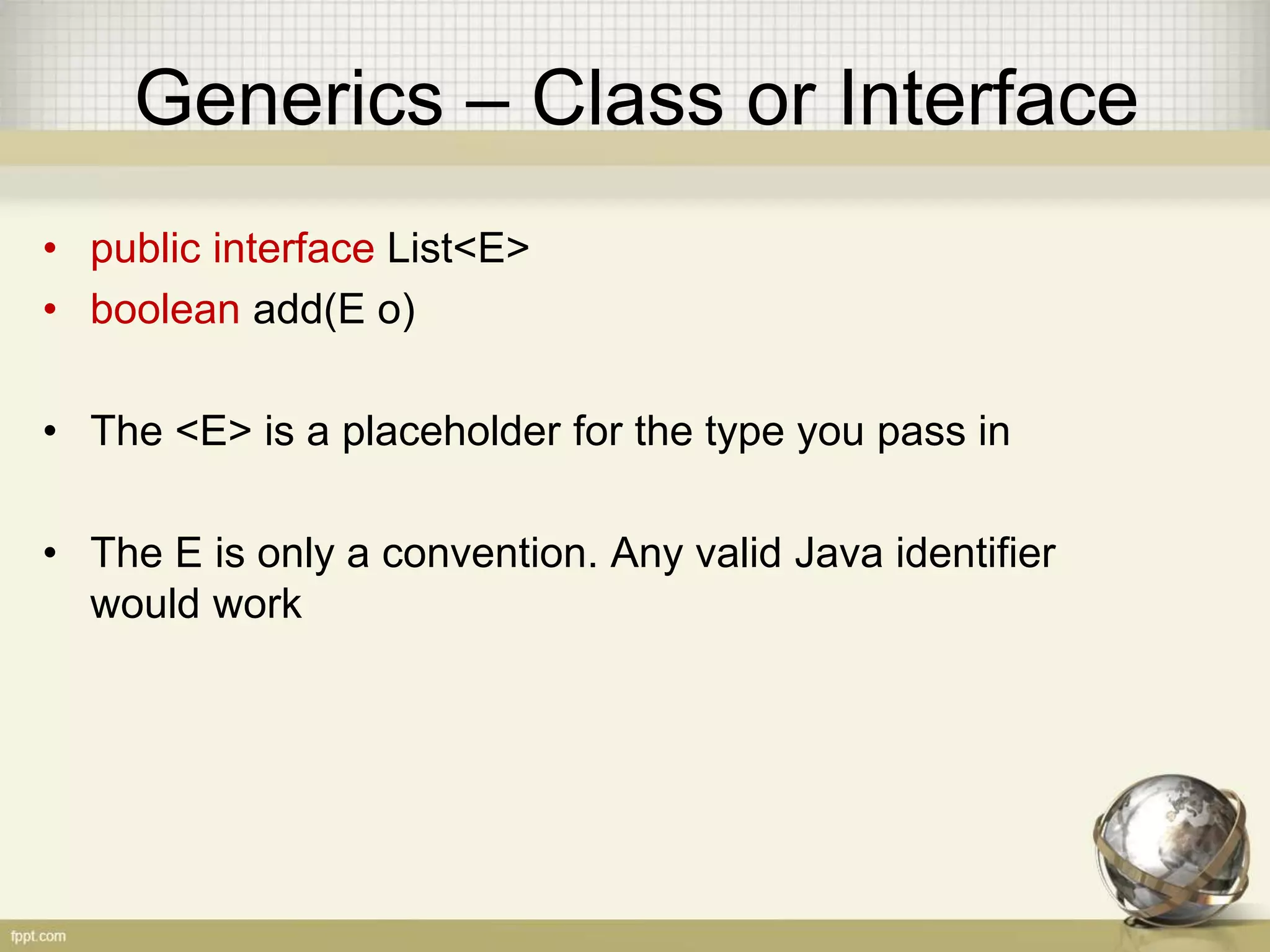
• public interface List<E>
• boolean add(E o)
• The <E> is a placeholder for the type you pass in
• The E is only a convention. Any valid Java identifier
would work
Generics – Class or Interface
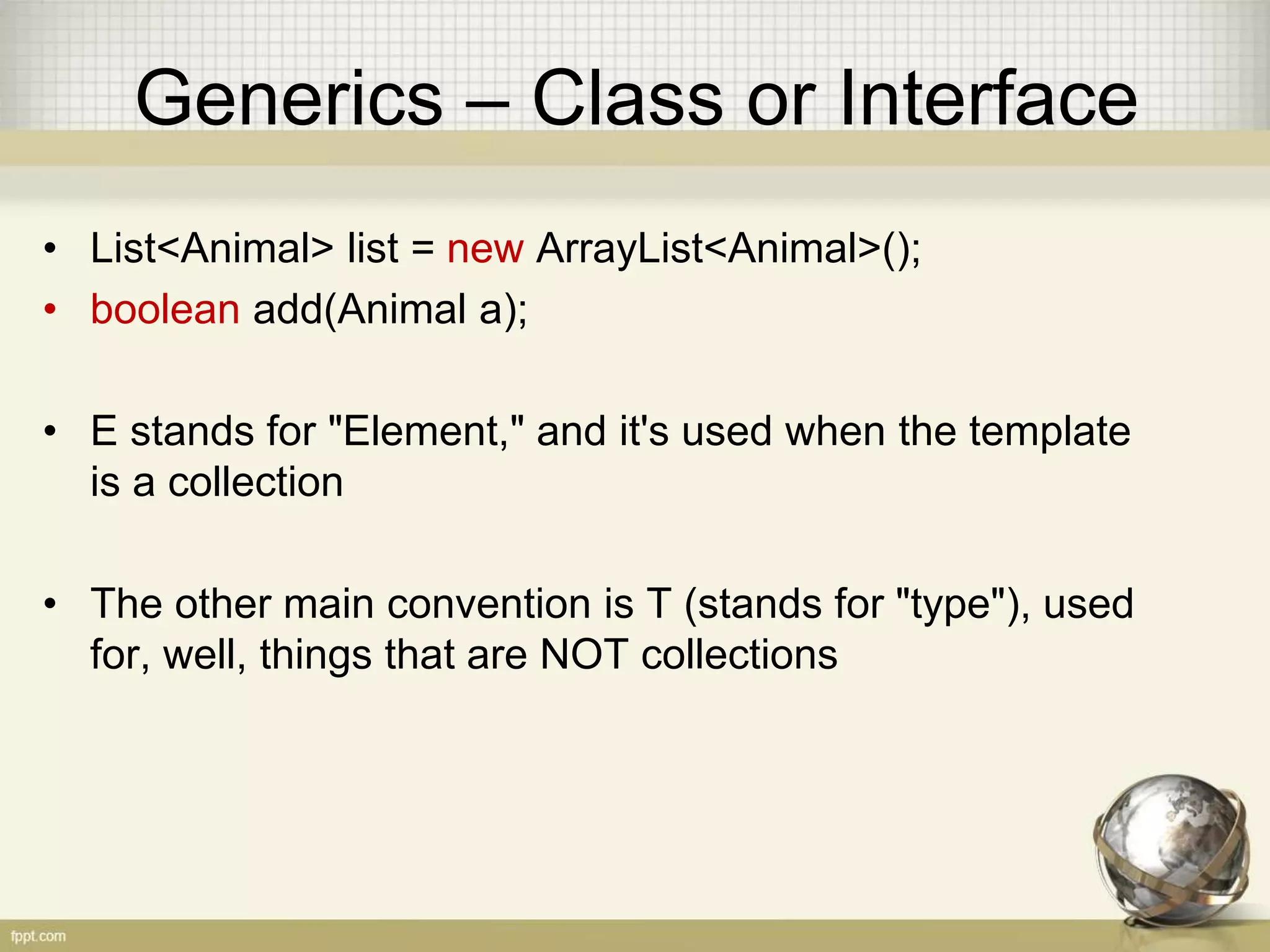
• List<Animal> list = new ArrayList<Animal>();
• boolean add(Animal a);
• E stands for "Element," and it's used when the template
is a collection
• The other main convention is T (stands for "type"), used
for, well, things that are NOT collections
Java Code Convention
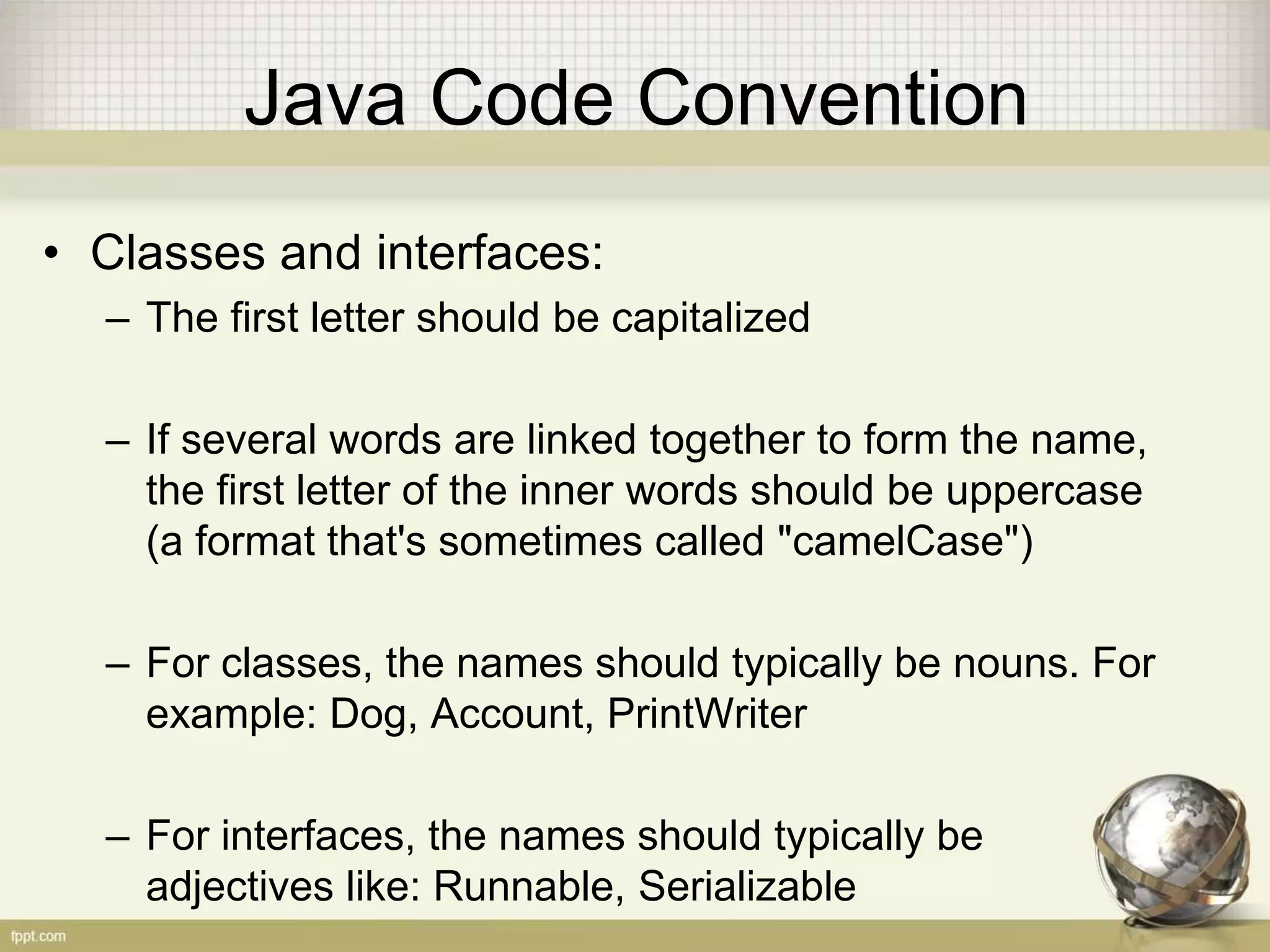
• Classes and interfaces:
– The first letter should be capitalized
– If several words are linked together to form the name,
the first letter of the inner words should be uppercase
(a format that's sometimes called "camelCase")
– For classes, the names should typically be nouns. For
example: Dog, Account, PrintWriter
– For interfaces, the names should typically be
adjectives like: Runnable, Serializable
Java Code Convention
• Methods:
– The first letter should be lowercase, and then normal
camelCase rules should be used
– In addition, the names should typically be verb-noun
pairs
– For example:
• getBalance
• doCalculation
• setCustomerName
Java Code Convention
• Variables:
– Like methods, the camelCase format should be used,
starting with a lowercase letter
– Sun recommends short, meaningful names, which
sounds good to us
– Some examples:
• buttonWidth
• accountBalance
• myString
Java Code Convention
• Constants:
– Java constants are created by marking variables
static and final
– They should be named using uppercase letters with
underscore characters as separators
– For example: MIN_HEIGHT, PAGE_SIZE
Thank You

06 Java Language And OOP Part VI

  • 1.
    Java Language andOOP Part VI By Hari Christian
  • 2.
    Agenda • 01 Threads- Basic • 02 Threads - How to Obtain Threads • 03 Threads - Threads Programming • 04 Threads - Advanced • 05 Threads - Concurrent • 06 Parameters vs Arguments • 07 Generics - Basic • 08 Generics - What Generic Solves • 09 Generics - Generic Code • 10 Generics - Generic Interfaces • 11 Java Code Convention
  • 3.
    Concurrency • Concurrency isthe ability to run several programs or several parts of a program in parallel • If a time consuming task can be performed asynchronously or in parallel, this improve the throughput and the interactivity of the program
  • 4.
    Concurrency • A moderncomputer has several CPU's or several cores within one CPU • The ability to leverage these multi-cores can be the key for a successful high-volume application
  • 5.
    Process and Threads •A process runs independently and isolated of other processes • It cannot directly access shared data in other processes • The resources of the process, e.g. memory and CPU time, are allocated to it via the operating system.
  • 6.
    Process and Threads •A thread is a so called lightweight process • It can access shared data of other threads in the same process • Every thread has its own memory cache. If a thread reads shared data it stores this data in its own memory cache. A thread can re-read the shared data
  • 7.
    Process and Threads •A Java application runs by default in one process • Within a Java application you work with several threads to achieve parallel processing or asynchronous behavior
  • 8.
    Concurrency Issues • Threadscan also access shared data. Therefore you have two basic problems 1. A visibility problem occurs if thread A reads shared data which is later changed by thread B and thread A is unaware of this change 2. An access problem can occur if several thread access and change the same shared data at the same time
  • 9.
    Concurrency Issues • Visibilityand access problem can lead to 1. Liveness failure: The program does not react anymore due to problems in the concurrent access of data, e.g. deadlocks 2. Safety failure: The program creates incorrect data
  • 10.
    How to ObtainThreads • There are two ways to obtain a new thread of control in Java 1. Extend the Thread class (only if your class doesn't already extend some other class) 2. Write a class to implement the java.lang.Runnable interface and use it in the Thread constructor
  • 11.
    How to ObtainThreads 1. Extend class java.lang.Thread and override run(): • Example: class Plum extends Thread { public void run() { /* more code */ } } Plum p = new Plum(); p.start();
  • 12.
    How to ObtainThreads 2. Implement the Runnable interface • Example: class Mango implements Runnable { public void run() { /* more code */ } } Mango m = new Mango(); Thread t1 = new Thread(m); t1.start();
  • 13.
    Threads Programming public classThreadsTest1 implements Runnable { public void run() { for(int i = 0; i < 3; i++) { System.out.println(Thread.currentThread().getName() + " - " + i); } } public static void main(String[] args) { ThreadsTest1 r = new ThreadsTest1(); Thread a = new Thread(r, "a"); Thread b = new Thread(r, "b"); Thread c = new Thread(r, "c"); a.start(); b.start(); c.start(); } }
  • 14.
    Threads Programming public classThreadsTest2 implements Runnable { public void run() { for(int i = 1; i <= 100; i++) { System.out.println(i % 10 == 0? i + " = KELIPATAN 10" : i); try { Thread.sleep(1 * 1000); } catch (InterruptedException e) {} } } public static void main(String[] args) { ThreadsTest2 r = new ThreadsTest1(); Thread a = new Thread(r, "a"); a.start(); } }
  • 15.
    Threads Programming public classDownload implements Runnable { public void run() { System.out.println("START DOWNLOAD"); for(int i = 0; i < 10; i++) { System.out.println("DOWNLOADING " + ((i + 1) * 10) + "%"); } System.out.println("FINISH DOWNLOAD"); } public void start() { System.out.println("START DOWNLOAD"); for(int i = 0; i < 10; i++) { System.out.println("DOWNLOADING " + ((i + 1) * 10) +"%"); } System.out.println("FINISH DOWNLOAD"); } }
  • 16.
    Threads Programming public classUpload implements Runnable { public void run() { System.out.println("START UPLOAD"); for(int i = 0; i < 10; i++) { System.out.println(“UPLOADING " + ((i + 1) * 10) + "%"); } System.out.println("FINISH UPLOAD"); } public void start() { System.out.println("START UPLOAD"); for(int i = 0; i < 10; i++) { System.out.println(“UPLOADING " + ((i + 1) * 10) +"%"); } System.out.println("FINISH UPLOAD"); } }
  • 17.
    Threads Programming public classReport implements Runnable { public void run() { System.out.println("START REPORT"); for(int i = 0; i < 10; i++) { System.out.println(“REPORTING " + ((i + 1) * 10) + "%"); } System.out.println("FINISH REPORT"); } public void start() { System.out.println("START REPORT "); for(int i = 0; i < 10; i++) { System.out.println(“REPORT ING " + ((i + 1) * 10) +"%"); } System.out.println("FINISH REPORT "); } }
  • 18.
    Threads Programming public classTestThread { public static void main(String[] args) { TestThread t = new TestThread(); t.exampleWithoutThread(); } private void exampleWithoutThread() { Download d = new Download(); Upload u = new Upload(); Report r = new Report(); d.start(); u.start(); r.start(); System.out.println("DOING OTHER THINGS"); } }
  • 19.
    Threads Programming public classTestThread { public static void main(String[] args) { TestThread t = new TestThread(); t.exampleWithThread(); } private void exampleWithThread() { Download d = new Download(); Upload u = new Upload(); Report r = new Report(); Thread a = new Thread(d, "D"); Thread b = new Thread(u, "U"); Thread c = new Thread(r, "R"); a.start(); b.start(); c.start(); System.out.println("DOING OTHER THINGS"); } }
  • 20.
    Threads Programming public classAccount { private int balance = 50; public void withdraw(int amount) { balance = balance - amount; } public int getBalance() { return balance; } }
  • 21.
    Threads Advanced public classAccountTest { private Account account = new Account(); public void run() { for(int i = 0; i < 5; i++) { makeWithdrawal(10); if (account.getBalance() < 0) System.out.println("INSUFFICIENT BALANCE"); } } private void makeWithdrawal(int amount) { if(account.getBalance() >= amount) { System.out.println(Thread.currentThread().getName() + " is withdrawing"); account.withdraw(amount); System.out.println(Thread.currentThread().getName() + " complete withdrawing"); } else System.out.println(Thread.currentThread().getName() + " not enough: " + account.getBalance()); public static void main(String[] args) { AccountDanger r = new AccountDanger(); Thread a = new Thread(r, "Fred"); Thread b = new Thread(r, "Lucy"); a.start(); b.start(); } }
  • 22.
    Threads Advanced public classAccountTest { private Account account = new Account(); public void run() { for(int i = 0; i < 5; i++) { makeWithdrawal(10); if (account.getBalance() < 0) System.out.println("INSUFFICIENT BALANCE"); } } private synchronized void makeWithdrawal(int amount) { if(account.getBalance() >= amount) { System.out.println(Thread.currentThread().getName() + " is withdrawing"); account.withdraw(amount); System.out.println(Thread.currentThread().getName() + " complete withdrawing"); } else System.out.println(Thread.currentThread().getName() + " not enough: " + account.getBalance()); public static void main(String[] args) { AccountDanger r = new AccountDanger(); Thread a = new Thread(r, "Fred"); Thread b = new Thread(r, "Lucy"); a.start(); b.start(); } }
  • 23.
    Threads Advanced public classCalculation implements Runnable { int total; public void run() { synchronized (this) { for(int i = 0; i < 100; i++) { total += 1; } notifyAll(); } } }
  • 24.
    Threads Advanced public classTestCalculation { public static void main(String[] args) { Calculation c = new Calculation(); Thread a = new Thread(c); a.start(); synchronized (a) { try { System.out.println(“Waiting till finish"); a.wait(); } catch (Exception e) { } System.out.println("TOTAL = " + t.total); } }
  • 25.
    Parameters vs Arguments •Parameters: public int calculateAge(Date date1, Date date2) { int result; // more logic return result; } • Arguments: int age = calculateAge(birthDate, currentDate);
  • 26.
    Generics - Basic •We want to have a parameter that represents a type, not a value • We'll instantiate objects-of-the-generic-class using different types (Integer, Timestamp, Double, Thread) as the type argument • Each object will be specialized to do work on that specific actual type argument
  • 27.
    Generics - WhatGeneric Solves • Reduce the amount of casting, particularly when using the Java data structure classes known as the collection classes • Up to JDK 1.4, collections held Objects. Variables of any class type could be put into any collection, because all class types are compatible with the type used in a collection, Object. When you retrieved something from a collection, you had to figure out what type it really was, then cast it back to that.
  • 28.
    Generics - WhatGeneric Solves public static void main(String[] args) { List nonGeneric = new ArrayList(); nonGeneric.add(new Student("1", "Hari")); nonGeneric.add(new Student("2", “Solihin")); for(int i = 0; i < nonGeneric.size(); i++) { Student s = (Student) nonGeneric.get(i); System.out.println(s.getName()); } }
  • 29.
    Generics - WhatGeneric Solves public static void main(String[] args) { List<Student> generic = new ArrayList<Student> (); generic.add(new Student("1", "Hari")); generic.add(new Student("2", “Solihin")); for(int i = 0; i < generic.size(); i++) { Student s = generic.get(i); System.out.println(s.getName()); } }
  • 30.
    Generics - WhatGeneric Solves • The generic feature in Java lets you tell the compiler about the type that you expect to load into a collection class • You find out sooner (at compile-time, rather than run- time) about any errors you have made involving the types of objects you put into or take out of collections • Further, with generics, you catch all the errors. In the bad old days, you only caught the errors you particularly exercised
  • 31.
    Generics - WhatGeneric Solves public static void main(String[] args) { List nonGeneric = new ArrayList(); nonGeneric.add(new Student("1", "Hari")); nonGeneric.add(new Student("2", “Solihin")); // No compile error, but will error in runtime nonGeneric.add(“Ardi"); for(int i = 0; i < nonGeneric.size(); i++) { Student s = (Student) nonGeneric.get(i); System.out.println(s.getName()); } }
  • 32.
    Generics - WhatGeneric Solves public static void main(String[] args) { List<Student> generic = new ArrayList<Student>(); generic.add(new Student("1", "Hari")); generic.add(new Student("2", “Solihin")); // Compile error, so won’t be able to run generic.add(“Ardi"); for(int i = 0; i < generic.size(); i++) { Student s = generic.get(i); System.out.println(s.getName()); } }
  • 33.
    Generics - Code publicclass Generic<T> { public void getData(T data) { System.out.println(“Data = " + data.getClass()); } public static void main(String[] args) { Generic<Integer> t = new Generic<Integer>(); t.getData(new Integer(3)); } }
  • 34.
    Generics - Code publicclass Generic<T> { public void getData(T data) { System.out.println(“Data = " + data.getClass()); } public static void main(String[] args) { Generic<String> t = new Generic<String>(); t.getData(“”); } }
  • 35.
    Generics - Code publicclass Generic<T> { public void getData(T data) { System.out.println(“Data = " + data.getClass()); } public static void main(String[] args) { Generic<Student> t = new Generic<Student>(); t.getData(“”); } }
  • 36.
    Generics – Classor Interface • public interface List<E> • boolean add(E o) • The <E> is a placeholder for the type you pass in • The E is only a convention. Any valid Java identifier would work
  • 37.
    Generics – Classor Interface • List<Animal> list = new ArrayList<Animal>(); • boolean add(Animal a); • E stands for "Element," and it's used when the template is a collection • The other main convention is T (stands for "type"), used for, well, things that are NOT collections
  • 38.
    Java Code Convention •Classes and interfaces: – The first letter should be capitalized – If several words are linked together to form the name, the first letter of the inner words should be uppercase (a format that's sometimes called "camelCase") – For classes, the names should typically be nouns. For example: Dog, Account, PrintWriter – For interfaces, the names should typically be adjectives like: Runnable, Serializable
  • 39.
    Java Code Convention •Methods: – The first letter should be lowercase, and then normal camelCase rules should be used – In addition, the names should typically be verb-noun pairs – For example: • getBalance • doCalculation • setCustomerName
  • 40.
    Java Code Convention •Variables: – Like methods, the camelCase format should be used, starting with a lowercase letter – Sun recommends short, meaningful names, which sounds good to us – Some examples: • buttonWidth • accountBalance • myString
  • 41.
    Java Code Convention •Constants: – Java constants are created by marking variables static and final – They should be named using uppercase letters with underscore characters as separators – For example: MIN_HEIGHT, PAGE_SIZE
  • 42.