Developing Mobile
Application
Ios : session # 2
By : Amr Elghadban
AMR
ELGHADBAN
ABOUT ME
———————————
SOFTWARE ENGINEER
FCI - HELWAN 2010
ITI INTAKE 32
WORKED BEFORE IN
- Tawasol IT
- Etisalat Masr
- NTG Clarity
Introduction to Objective C
Contents :
• Intro to .H and .M Files
• Making Class
• Creating Object
• Alloc & init vs new
• NSLOG
• MVC Framework
Class
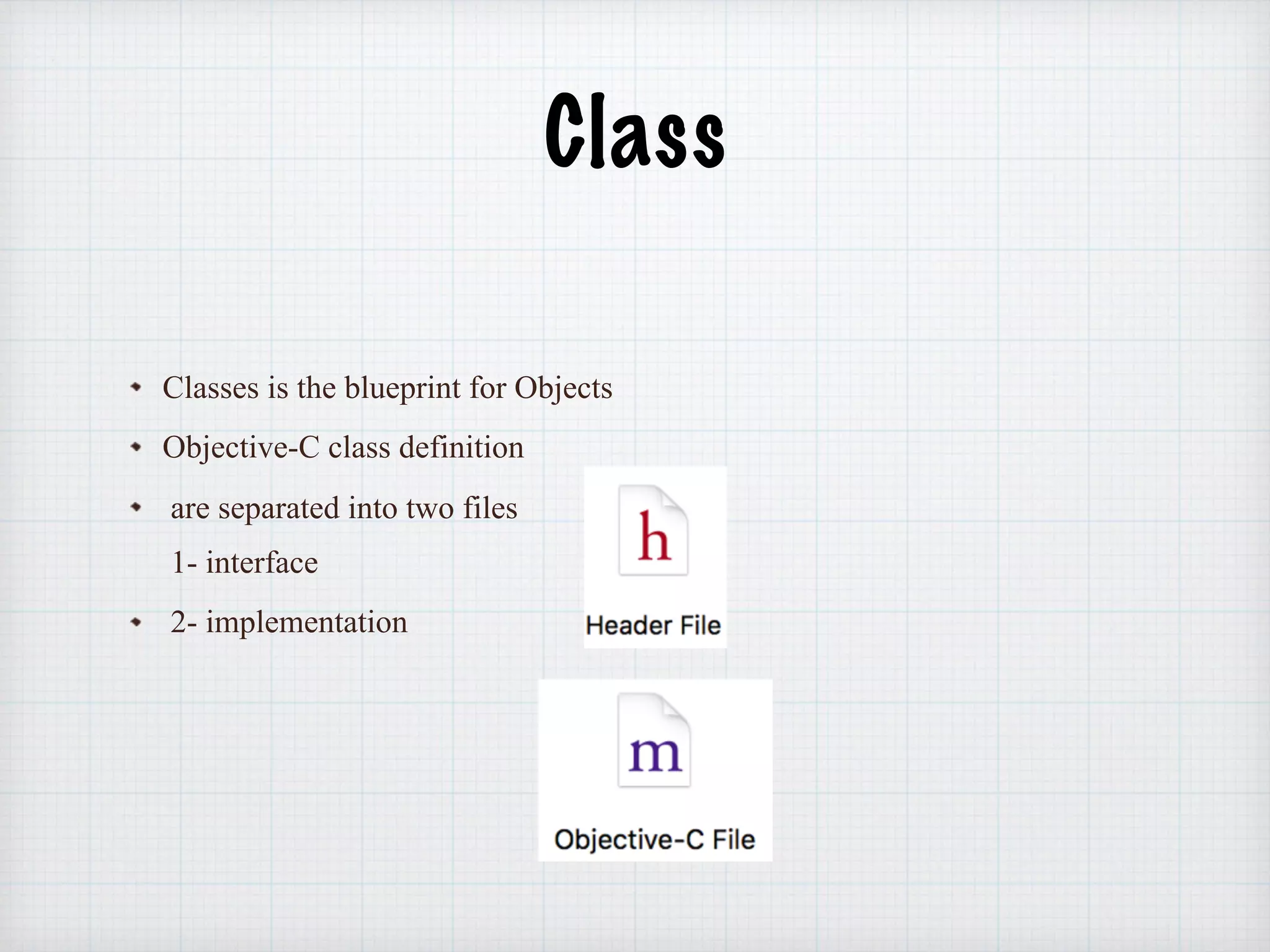
Classes is the blueprint for Objects
Objective-C class definition
are separated into two files 

1- interface
2- implementation
Class
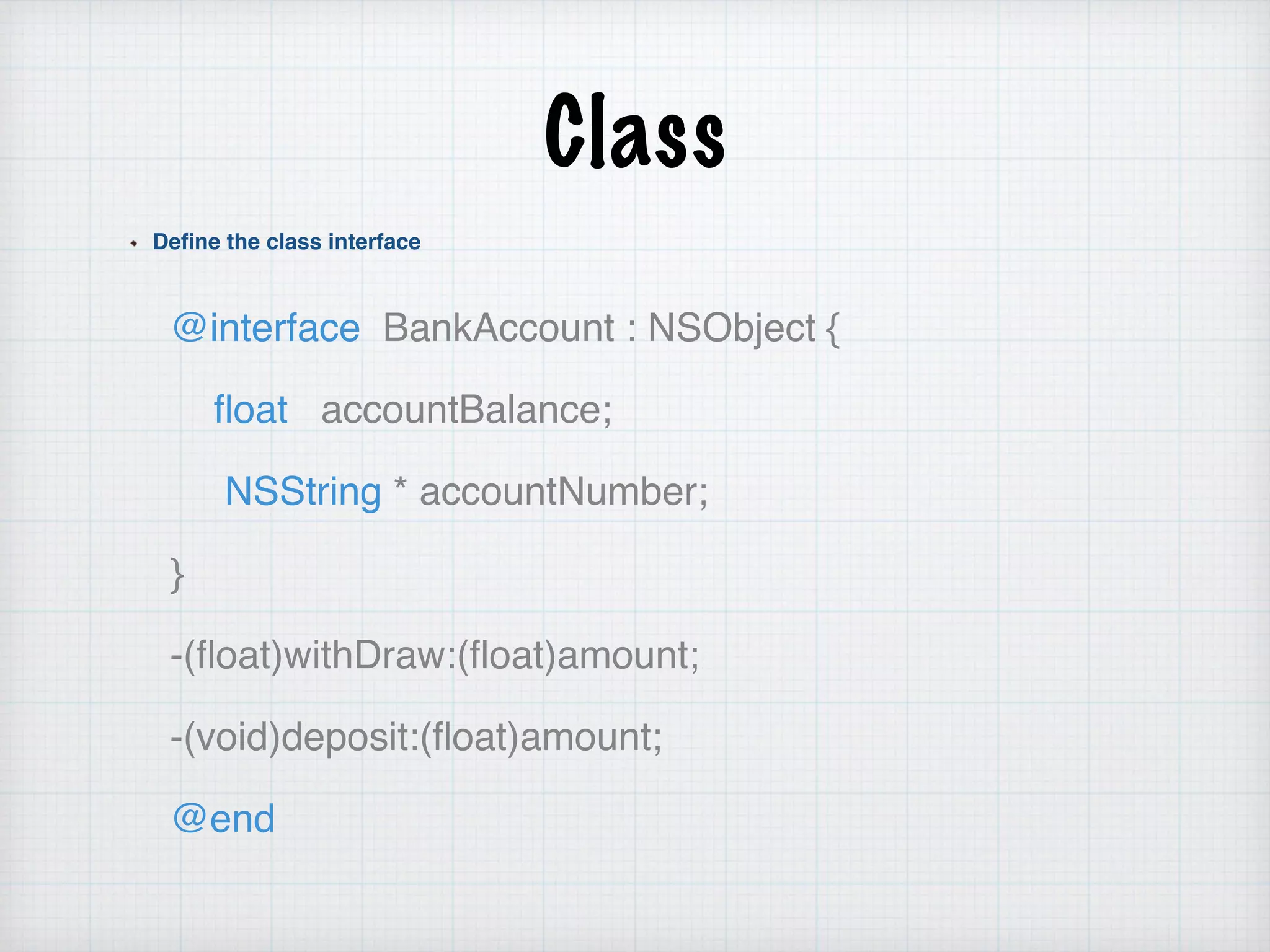
Define the class interface
@interface BankAccount : NSObject {
float accountBalance;
NSString * accountNumber;
}
-(float)withDraw:(float)amount;
-(void)deposit:(float)amount;
@end
Class
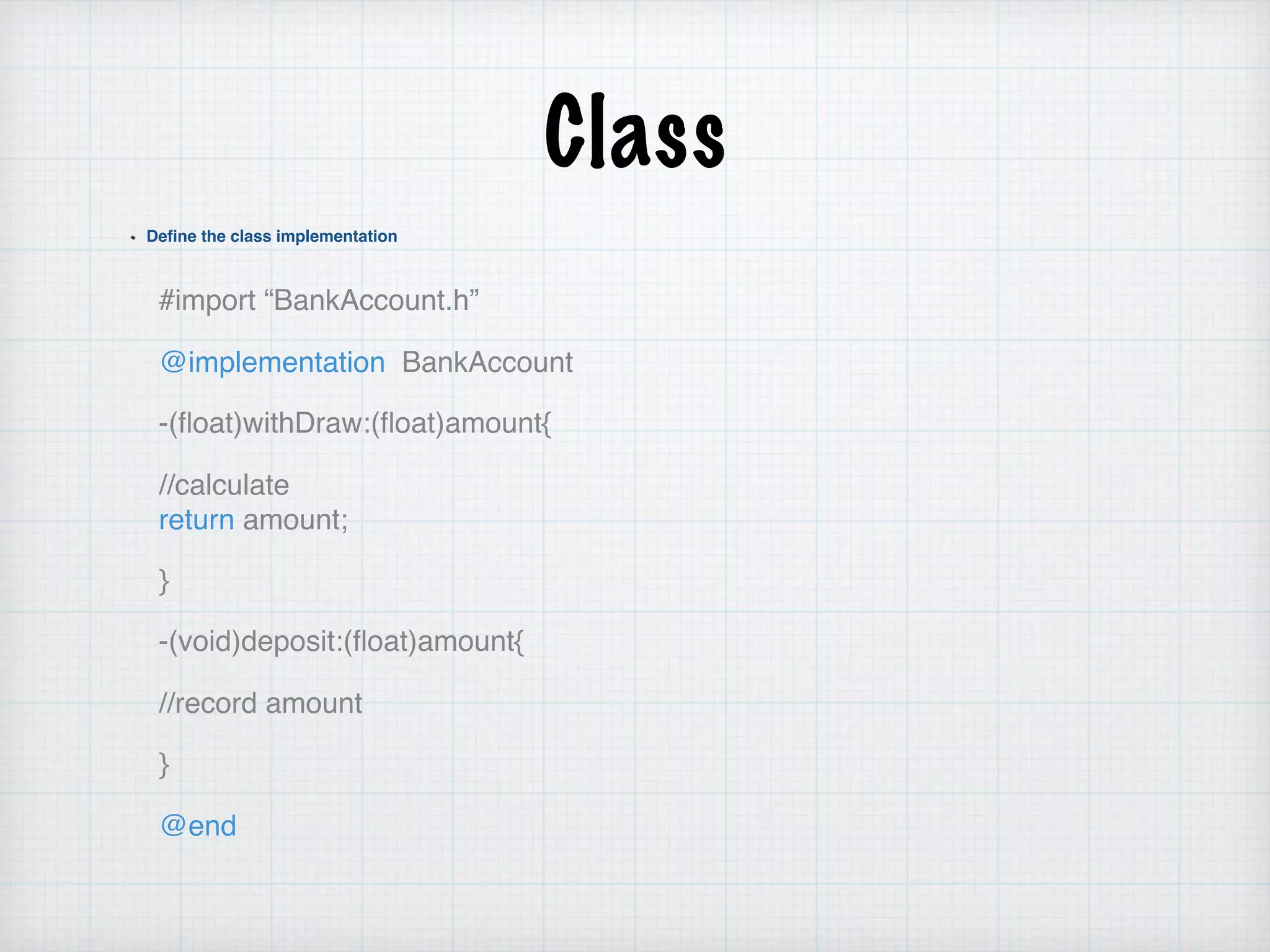
Define the class implementation
#import “BankAccount.h”
@implementation BankAccount
-(float)withDraw:(float)amount{
//calculate 

return amount;
}
-(void)deposit:(float)amount{
//record amount
}
@end
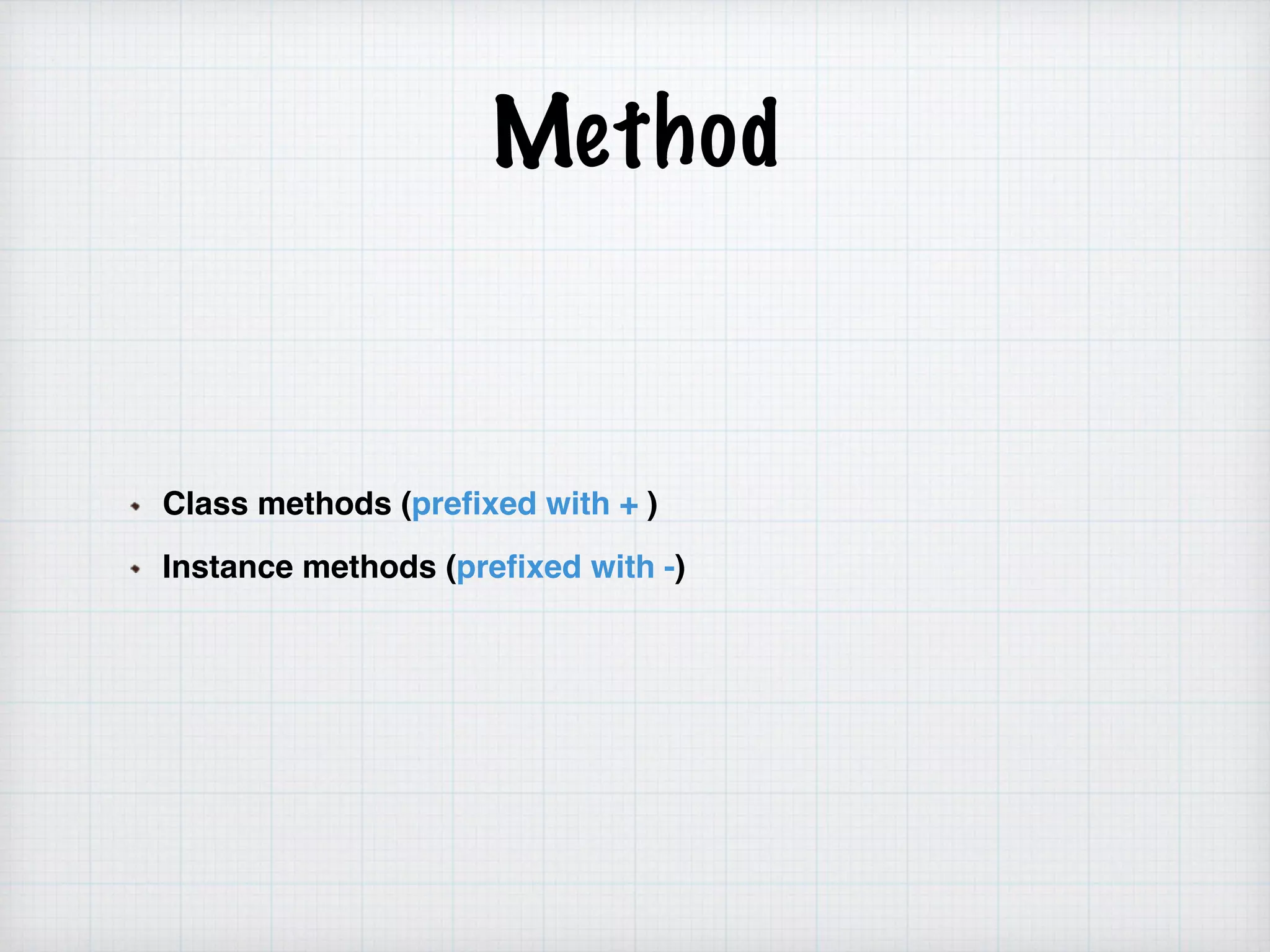
Method
Class methods (prefixed with + )
Instance methods (prefixed with -)
Creating Objects
From blueprint to reality
1- No concept of constructors in Objective_C
2- Regular methods create new instances
- Allocation and initialisation are performed separately
BankAccount * account =[[BankAccount alloc] init];
BankAccount *account2= [BankAccount new];
Creating Objects
NSObject define class method called alloc
Dynamic allocates memory for object
return a new instance of receiving class
BankAccount * account =[BankAccount alloc];
NSObject define instance method called init
implemented by subclasses to initialise instance after
memory for it has been allocated
subClasses can define several initializers
account = [account init];
alloc and init is almost always nested into single line
alloc and init
The alloc message allocates enough memory to hold all the instance variables for
an object, sets all the instance variables to zero values, and turns the memory into
an instance of the class; at no point during the initialization is the memory an
instance of the superclass.
The init message performs the set-up of the instance upon creation. The init method
is often written as follows:
- (id)init {
self = [super init];
if (self) {
// perform initialization of object here
}
return self;
}
init
- (id)init {
self = [super init];
if (self) {
// perform initialization of object here
}
return self;
}
In the above example, notice the id return type. This type stands for "pointer to any object" in Objective-C (See the
Dynamic typing section).
The initializer pattern is used to assure that the object is properly initialized by its superclass before the init method
performs its initialization. It performs the following actions:
self = [super init]
Sends the superclass instance an init message and assigns the result to self (pointer to the current object).
if (self)
Checks if the returned object pointer is valid before performing any initialization.
return self
Returns the value of self to the caller.
+new, they combine +alloc and -init
Instantiation with the default, no-parameter initializer:
MyObject *o = [[MyObject alloc] init];
Instantiation with a custom initializer:
MyObject *o = [[MyObject alloc] initWithString:myString];
In the case where no custom initialization is being performed,
the "new" method can often be used in place of the alloc-init
messages:
MyObject *o = [MyObject new];
custom initializer
Instantiation with the default, no-parameter initializer:
Student *studentOne = [[Student alloc] init];
Instantiation with a custom initializer:
Student * studentTwo=[…. alloc] initWithString:myString];
Lap # 1 :
1. create student class has two variables name and age
2. do custom init for name
NSLOG
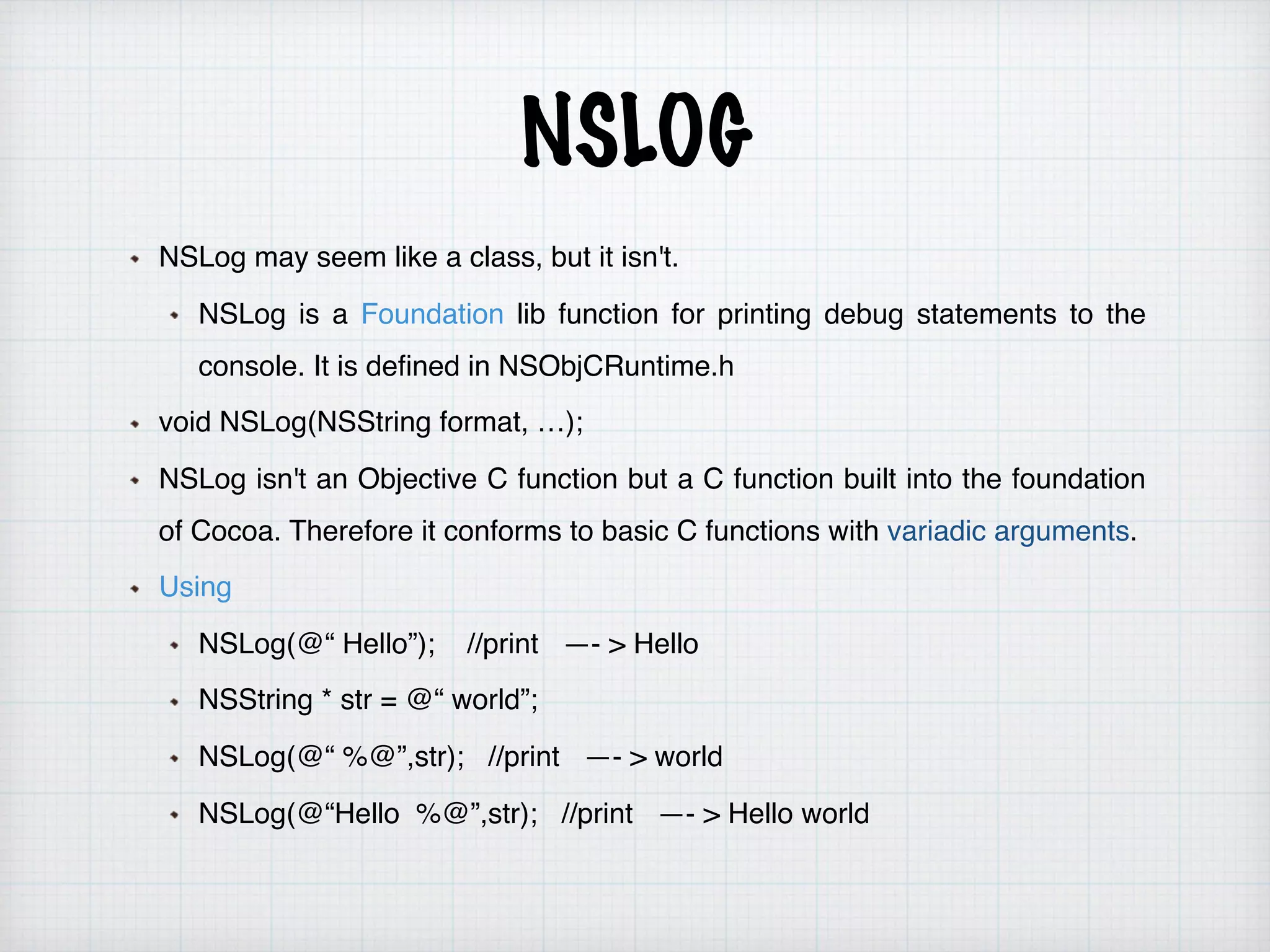
NSLog may seem like a class, but it isn't.
NSLog is a Foundation lib function for printing debug statements to the
console. It is defined in NSObjCRuntime.h
void NSLog(NSString format, …);
NSLog isn't an Objective C function but a C function built into the foundation
of Cocoa. Therefore it conforms to basic C functions with variadic arguments.
Using
NSLog(@“ Hello”); //print —- > Hello
NSString * str = @“ world”;
NSLog(@“ %@”,str); //print —- > world
NSLog(@“Hello %@”,str); //print —- > Hello world
NSLOG
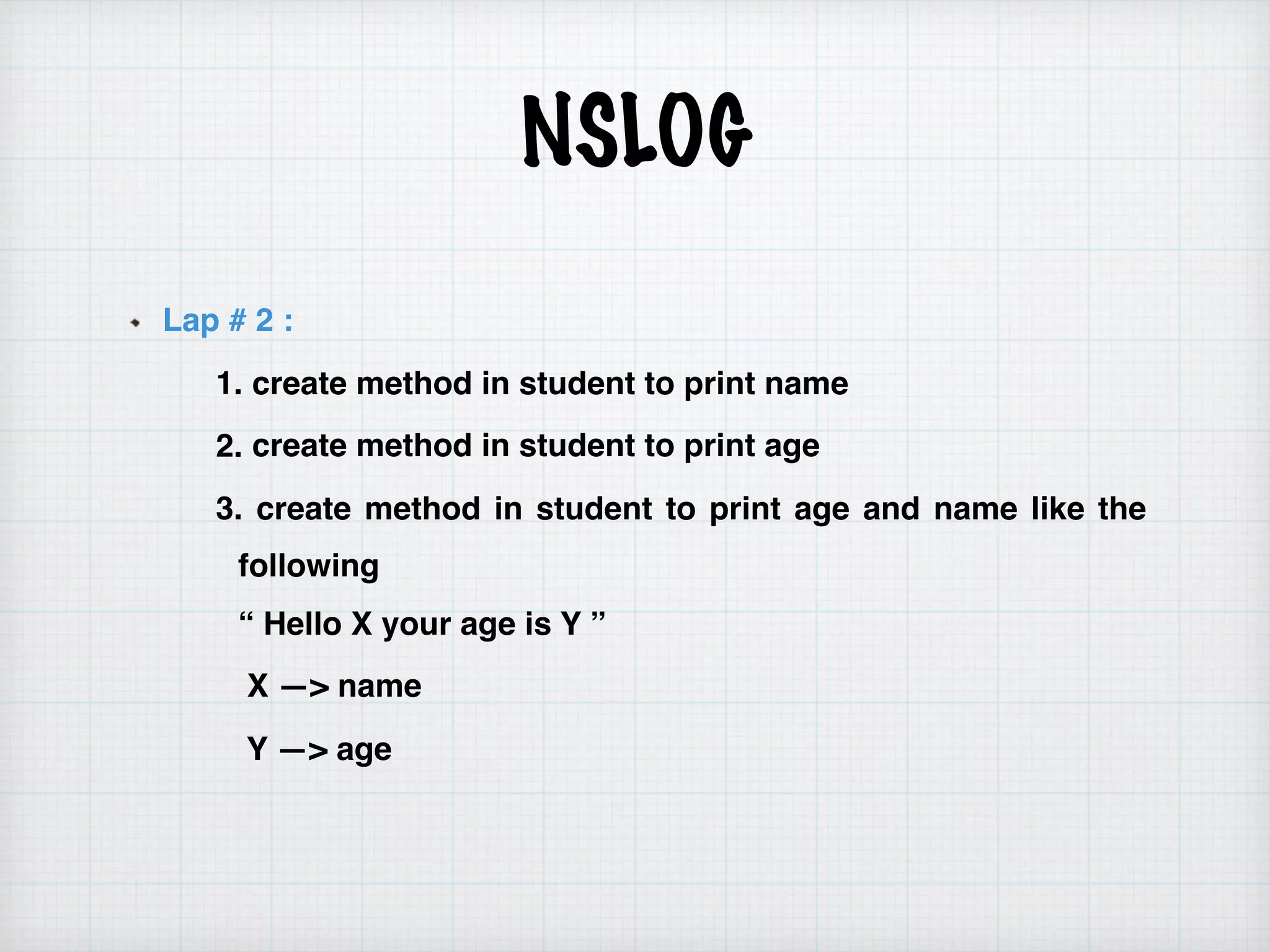
Lap # 2 :
1. create method in student to print name
2. create method in student to print age
3. create method in student to print age and name like the
following 

“ Hello X your age is Y ”
X —> name
Y —> age
Model-View-Controller
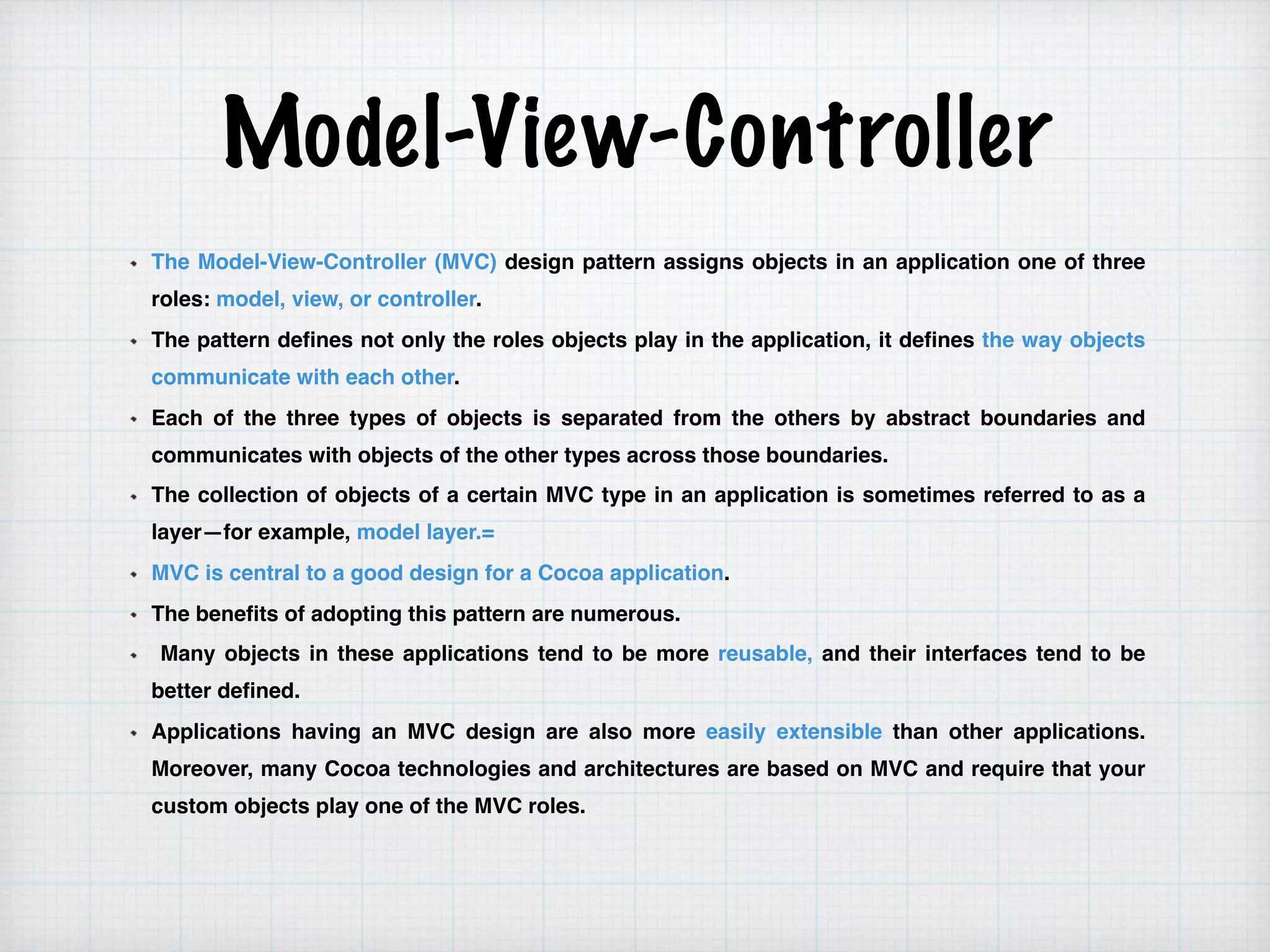
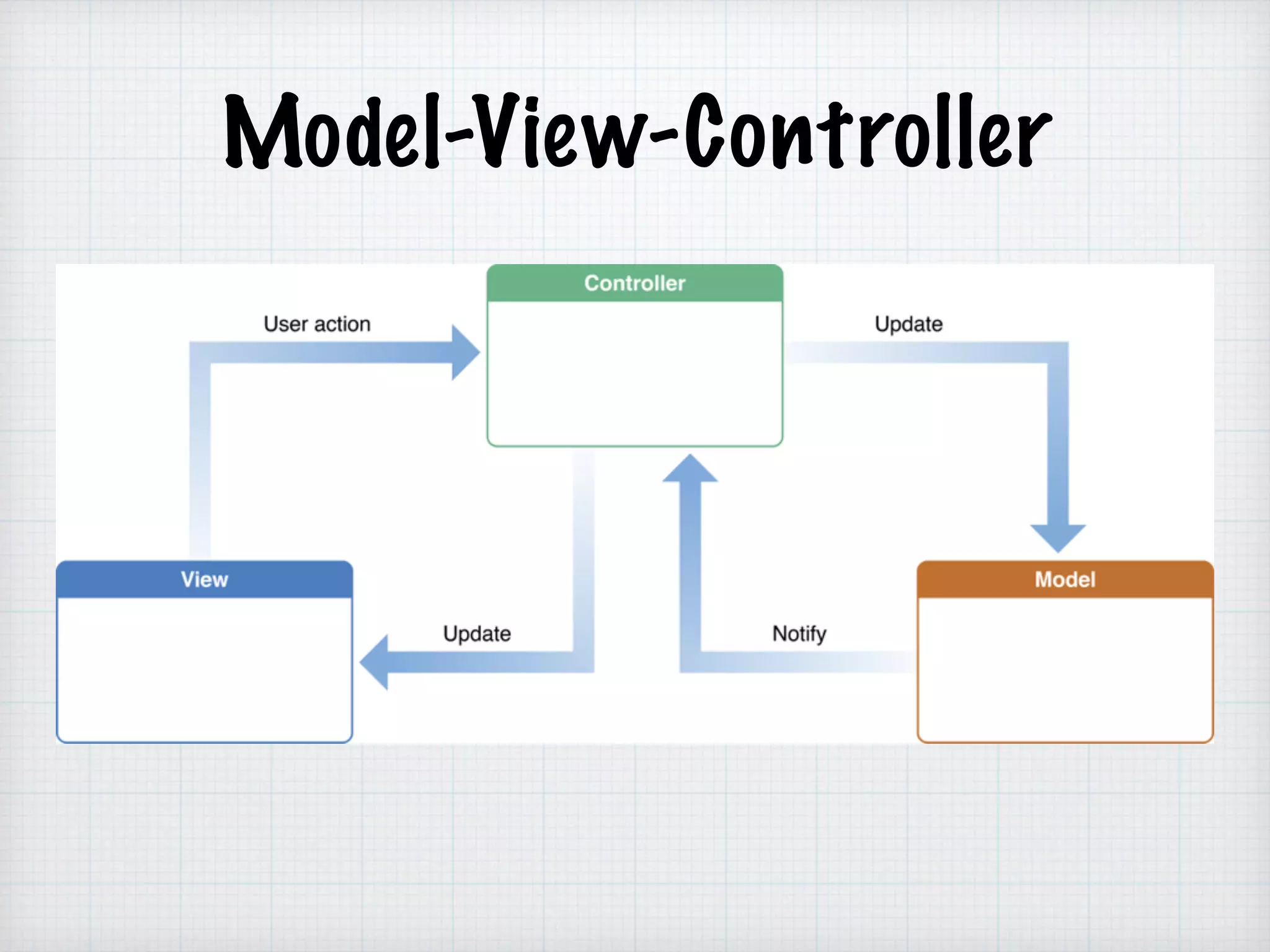
The Model-View-Controller (MVC) design pattern assigns objects in an application one of three
roles: model, view, or controller.
The pattern defines not only the roles objects play in the application, it defines the way objects
communicate with each other.
Each of the three types of objects is separated from the others by abstract boundaries and
communicates with objects of the other types across those boundaries.
The collection of objects of a certain MVC type in an application is sometimes referred to as a
layer—for example, model layer.=
MVC is central to a good design for a Cocoa application.
The benefits of adopting this pattern are numerous.
Many objects in these applications tend to be more reusable, and their interfaces tend to be
better defined.
Applications having an MVC design are also more easily extensible than other applications.
Moreover, many Cocoa technologies and architectures are based on MVC and require that your
custom objects play one of the MVC roles.
Model-View-Controller
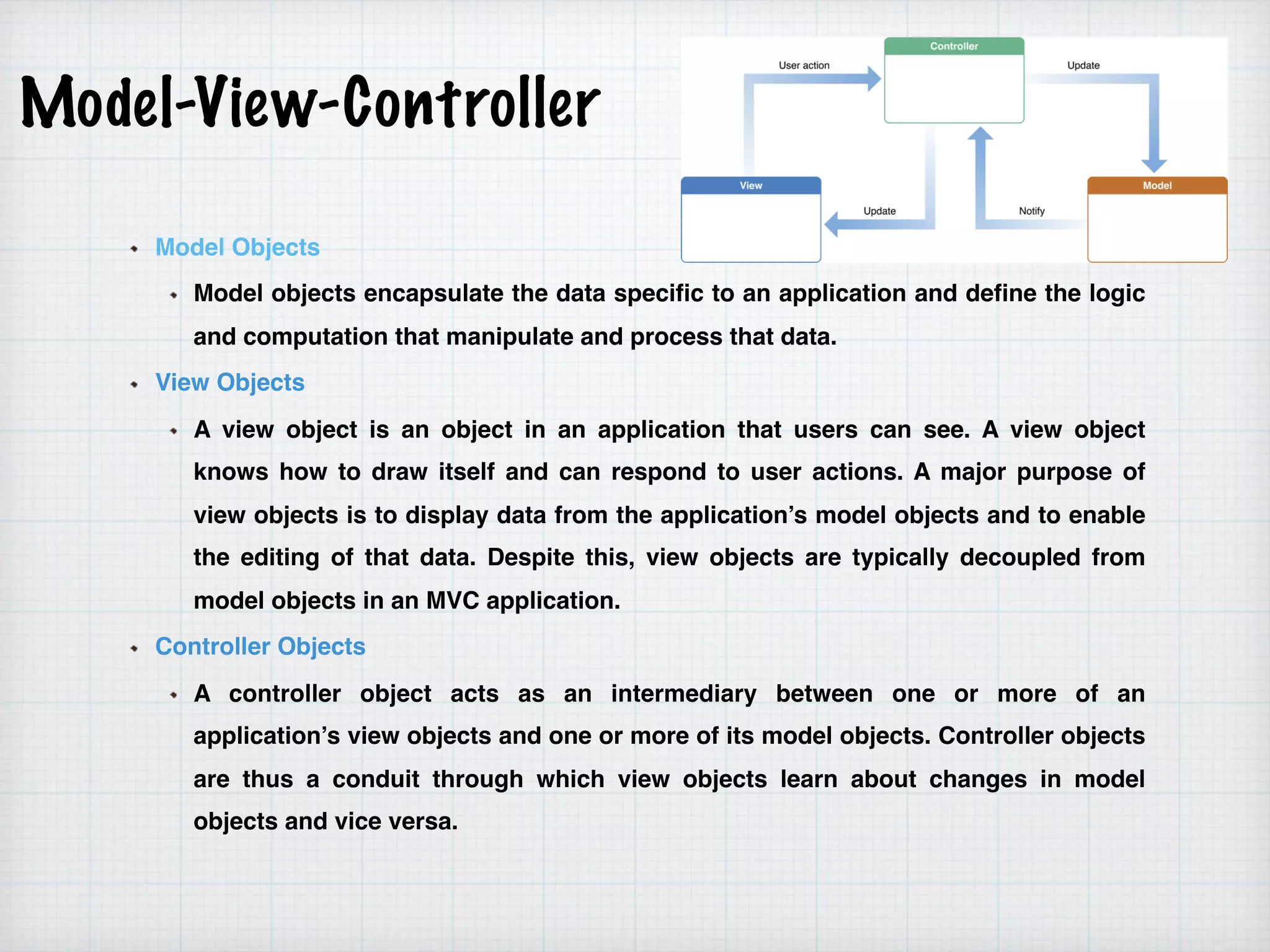
Model Objects
Model objects encapsulate the data specific to an application and define the logic
and computation that manipulate and process that data.
View Objects
A view object is an object in an application that users can see. A view object
knows how to draw itself and can respond to user actions. A major purpose of
view objects is to display data from the application’s model objects and to enable
the editing of that data. Despite this, view objects are typically decoupled from
model objects in an MVC application.
Controller Objects
A controller object acts as an intermediary between one or more of an
application’s view objects and one or more of its model objects. Controller objects
are thus a conduit through which view objects learn about changes in model
objects and vice versa.
Nib /XIb and Storyboard
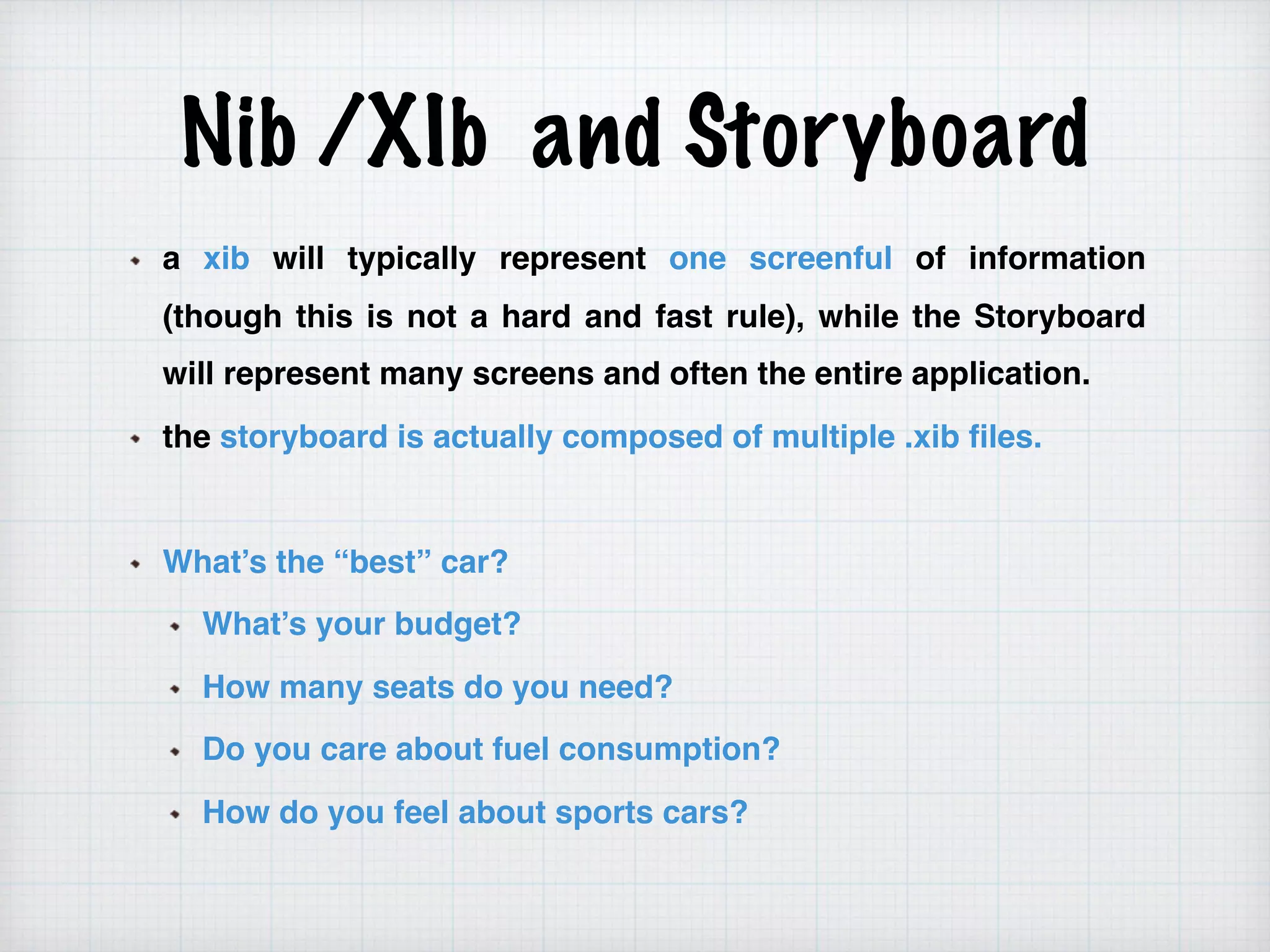
a xib will typically represent one screenful of information
(though this is not a hard and fast rule), while the Storyboard
will represent many screens and often the entire application.
the storyboard is actually composed of multiple .xib files.
What’s the “best” car?
What’s your budget?
How many seats do you need?
Do you care about fuel consumption?
How do you feel about sports cars?
Nib /XIb and Storyboard
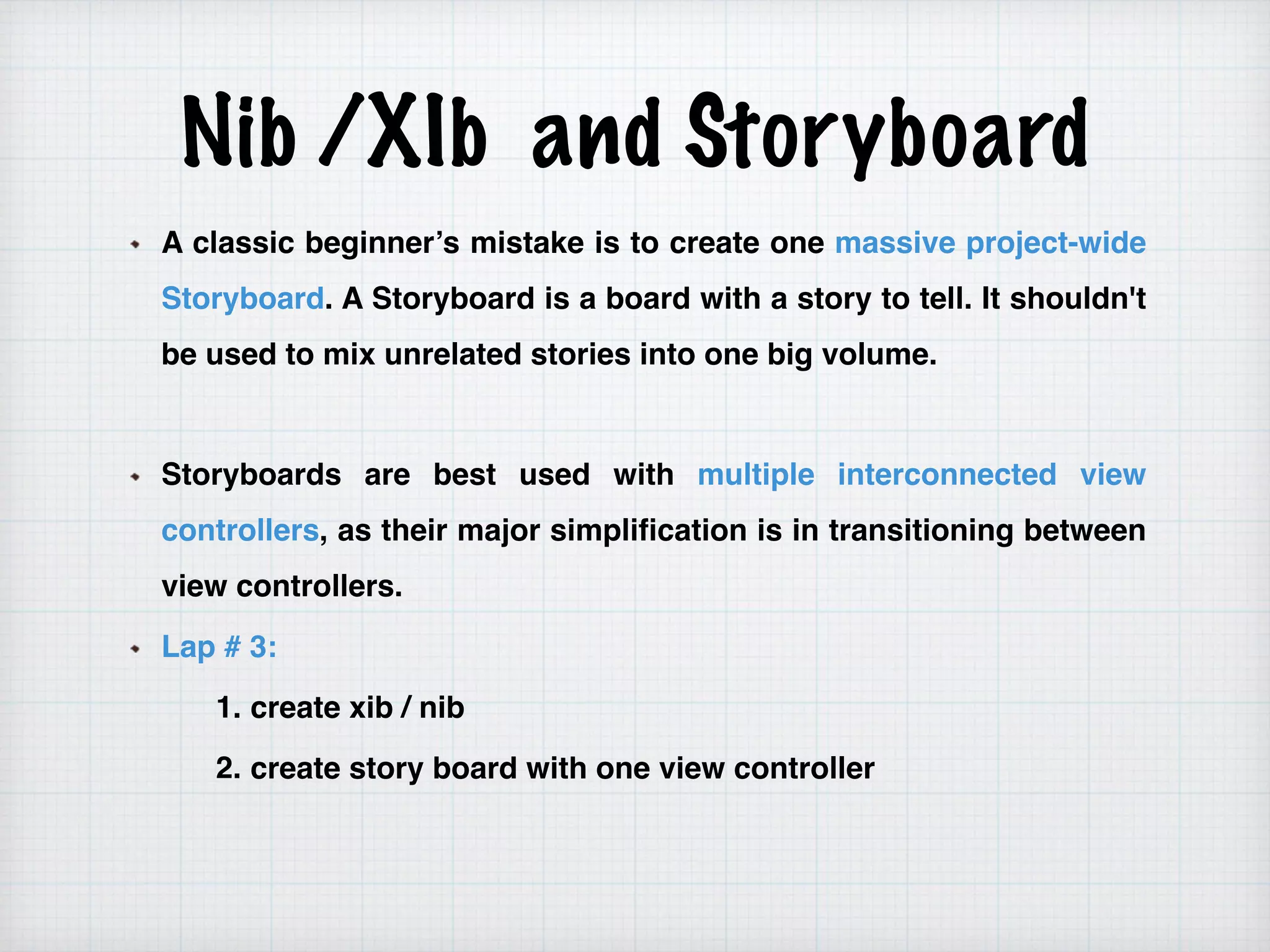
A classic beginner’s mistake is to create one massive project-wide
Storyboard. A Storyboard is a board with a story to tell. It shouldn't
be used to mix unrelated stories into one big volume.
Storyboards are best used with multiple interconnected view
controllers, as their major simplification is in transitioning between
view controllers.
Lap # 3:
1. create xib / nib
2. create story board with one view controller
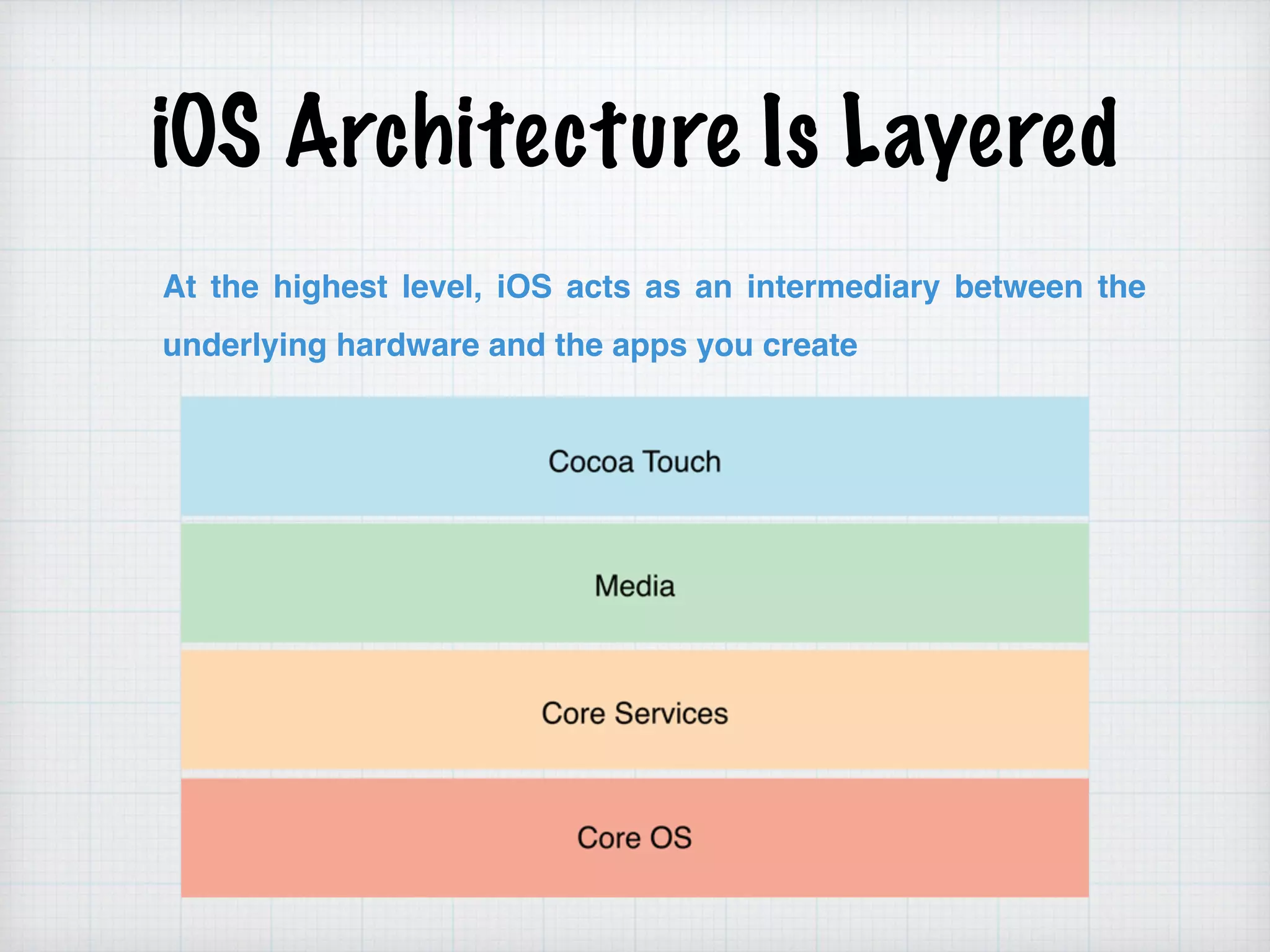
iOS Architecture Is Layered
At the highest level, iOS acts as an intermediary between the
underlying hardware and the apps you create
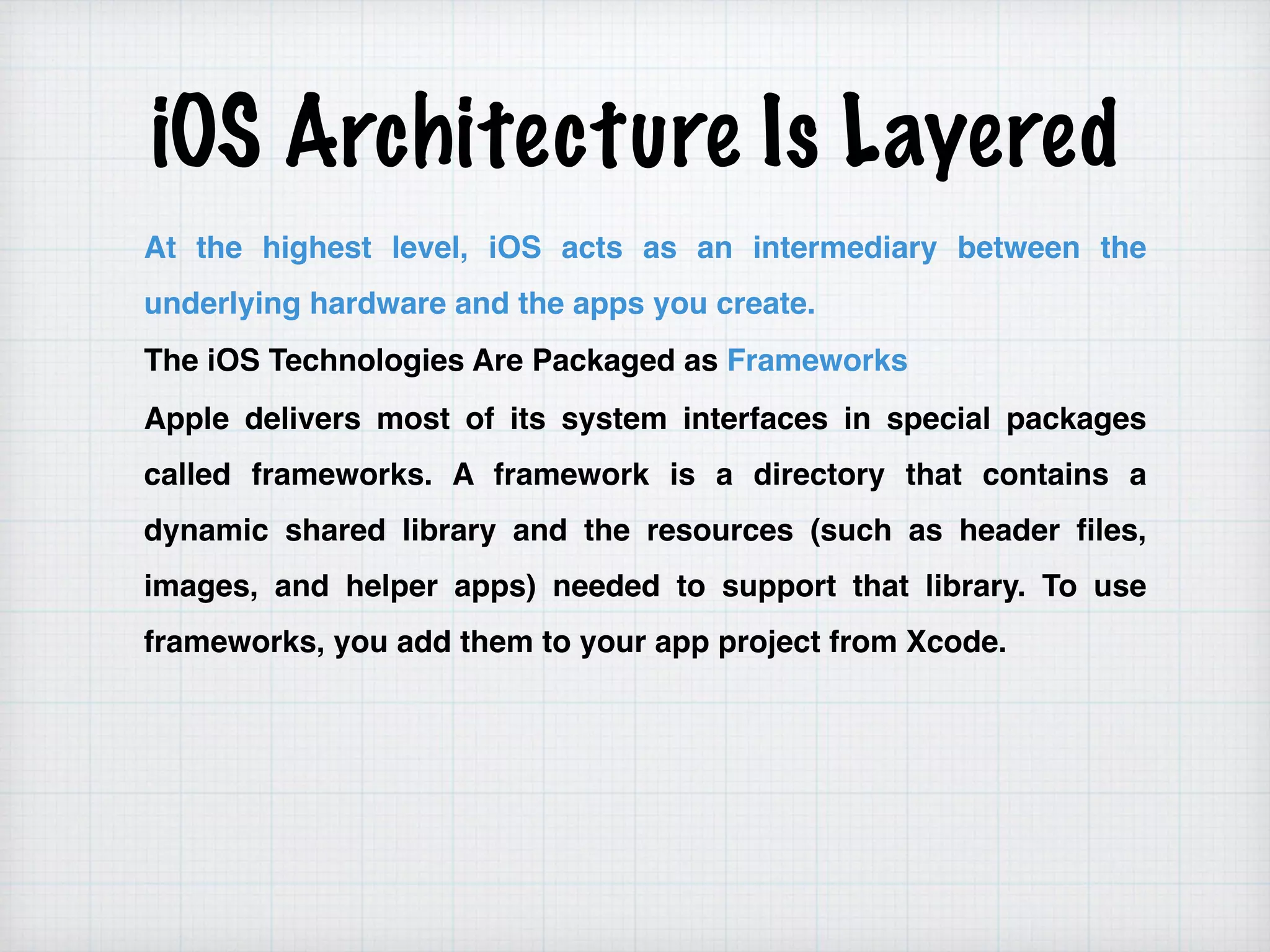
iOS Architecture Is Layered
At the highest level, iOS acts as an intermediary between the
underlying hardware and the apps you create.
The iOS Technologies Are Packaged as Frameworks
Apple delivers most of its system interfaces in special packages
called frameworks. A framework is a directory that contains a
dynamic shared library and the resources (such as header files,
images, and helper apps) needed to support that library. To use
frameworks, you add them to your app project from Xcode.
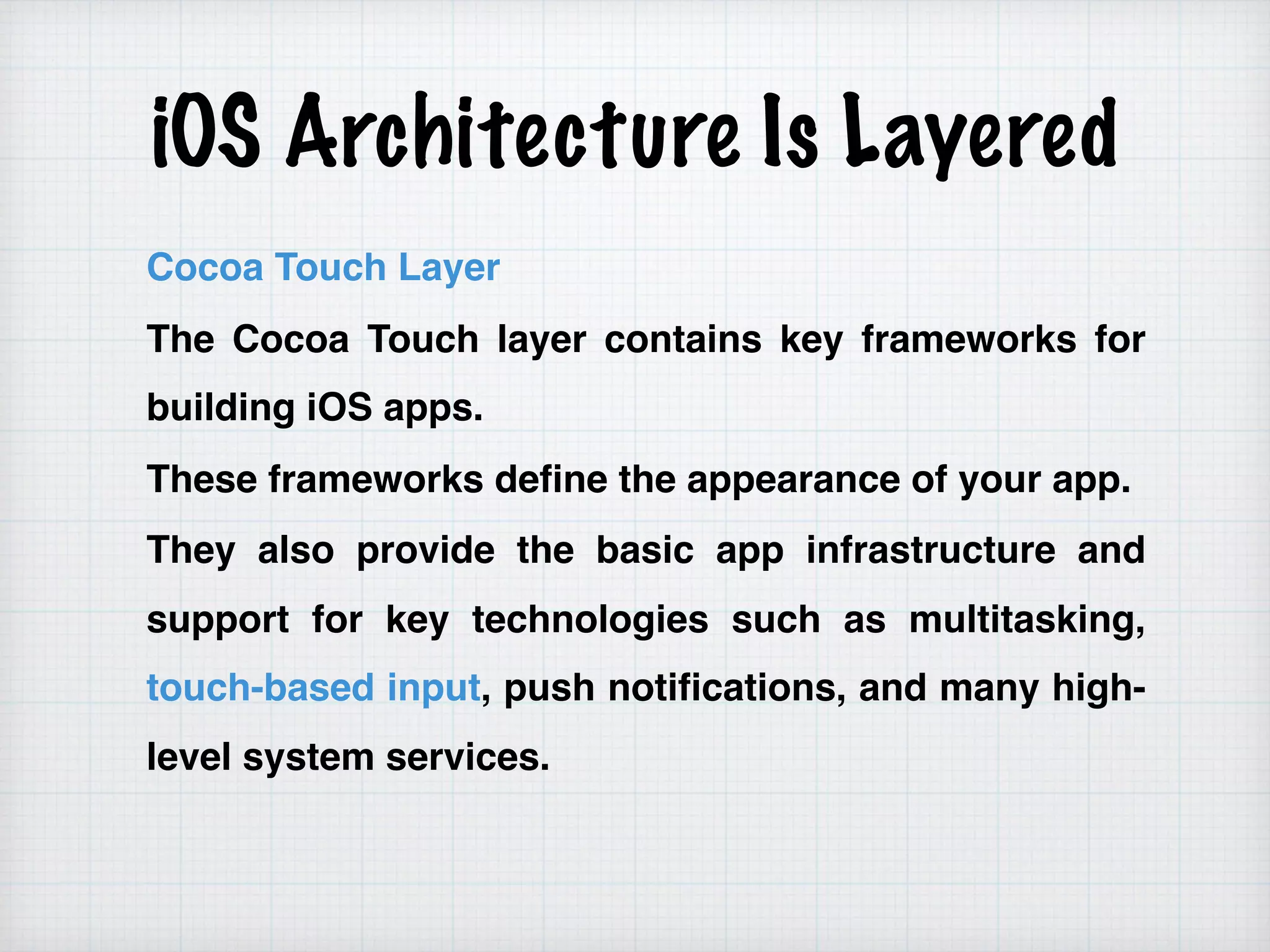
iOS Architecture Is Layered
Cocoa Touch Layer
The Cocoa Touch layer contains key frameworks for
building iOS apps.
These frameworks define the appearance of your app.
They also provide the basic app infrastructure and
support for key technologies such as multitasking,
touch-based input, push notifications, and many high-
level system services.
iOS Architecture Is Layered
Media Layer
The Media layer contains the graphics, audio,
and video technologies you use to implement
multimedia experiences in your apps.
The technologies in this layer make it easy for
you to build apps that look and sound great.
ex: Core Graphics (also known as Quartz),
(AVFoundation.framework)
iOS Architecture Is Layered
Core Services Layer
The Core Services layer contains fundamental system services for
apps
ex :
1.Grand Central Dispatch (GCD)
2.The SQLite library lets you embed a lightweight SQL database
into your app
3.The Foundation framework provides the NSXMLParser class for
retrieving elements from an XML document
4.The Address Book framework (AddressBook.framework)
provides programmatic access to a user’s contacts database.
cocoa ui controlles
THANKS
▸ Skype : amr_elghadban
▸ Email : amr.elghadban@gmail.com
▸ Phone : (+20) 1098558500
▸ Fb/amr.elghadban
▸ Linkedin/amr_elghadban
▸ ios_course facebook group : https://www.facebook.com/groups/
1161387897317786/
WISH YOU WONDERFUL DAY

02 objective-c session 2

  • 1.
    Developing Mobile Application Ios :session # 2 By : Amr Elghadban
  • 2.
    AMR ELGHADBAN ABOUT ME ——————————— SOFTWARE ENGINEER FCI- HELWAN 2010 ITI INTAKE 32 WORKED BEFORE IN - Tawasol IT - Etisalat Masr - NTG Clarity
  • 3.
    Introduction to ObjectiveC Contents : • Intro to .H and .M Files • Making Class • Creating Object • Alloc & init vs new • NSLOG • MVC Framework
  • 4.
    Class Classes is theblueprint for Objects Objective-C class definition are separated into two files 
 1- interface 2- implementation
  • 5.
    Class Define the classinterface @interface BankAccount : NSObject { float accountBalance; NSString * accountNumber; } -(float)withDraw:(float)amount; -(void)deposit:(float)amount; @end
  • 6.
    Class Define the classimplementation #import “BankAccount.h” @implementation BankAccount -(float)withDraw:(float)amount{ //calculate 
 return amount; } -(void)deposit:(float)amount{ //record amount } @end
  • 7.
    Method Class methods (prefixedwith + ) Instance methods (prefixed with -)
  • 8.
    Creating Objects From blueprintto reality 1- No concept of constructors in Objective_C 2- Regular methods create new instances - Allocation and initialisation are performed separately BankAccount * account =[[BankAccount alloc] init]; BankAccount *account2= [BankAccount new];
  • 9.
    Creating Objects NSObject defineclass method called alloc Dynamic allocates memory for object return a new instance of receiving class BankAccount * account =[BankAccount alloc]; NSObject define instance method called init implemented by subclasses to initialise instance after memory for it has been allocated subClasses can define several initializers account = [account init]; alloc and init is almost always nested into single line
  • 10.
    alloc and init Thealloc message allocates enough memory to hold all the instance variables for an object, sets all the instance variables to zero values, and turns the memory into an instance of the class; at no point during the initialization is the memory an instance of the superclass. The init message performs the set-up of the instance upon creation. The init method is often written as follows: - (id)init { self = [super init]; if (self) { // perform initialization of object here } return self; }
  • 11.
    init - (id)init { self= [super init]; if (self) { // perform initialization of object here } return self; } In the above example, notice the id return type. This type stands for "pointer to any object" in Objective-C (See the Dynamic typing section). The initializer pattern is used to assure that the object is properly initialized by its superclass before the init method performs its initialization. It performs the following actions: self = [super init] Sends the superclass instance an init message and assigns the result to self (pointer to the current object). if (self) Checks if the returned object pointer is valid before performing any initialization. return self Returns the value of self to the caller.
  • 12.
    +new, they combine+alloc and -init Instantiation with the default, no-parameter initializer: MyObject *o = [[MyObject alloc] init]; Instantiation with a custom initializer: MyObject *o = [[MyObject alloc] initWithString:myString]; In the case where no custom initialization is being performed, the "new" method can often be used in place of the alloc-init messages: MyObject *o = [MyObject new];
  • 13.
    custom initializer Instantiation withthe default, no-parameter initializer: Student *studentOne = [[Student alloc] init]; Instantiation with a custom initializer: Student * studentTwo=[…. alloc] initWithString:myString]; Lap # 1 : 1. create student class has two variables name and age 2. do custom init for name
  • 14.
    NSLOG NSLog may seemlike a class, but it isn't. NSLog is a Foundation lib function for printing debug statements to the console. It is defined in NSObjCRuntime.h void NSLog(NSString format, …); NSLog isn't an Objective C function but a C function built into the foundation of Cocoa. Therefore it conforms to basic C functions with variadic arguments. Using NSLog(@“ Hello”); //print —- > Hello NSString * str = @“ world”; NSLog(@“ %@”,str); //print —- > world NSLog(@“Hello %@”,str); //print —- > Hello world
  • 15.
    NSLOG Lap # 2: 1. create method in student to print name 2. create method in student to print age 3. create method in student to print age and name like the following 
 “ Hello X your age is Y ” X —> name Y —> age
  • 16.
    Model-View-Controller The Model-View-Controller (MVC)design pattern assigns objects in an application one of three roles: model, view, or controller. The pattern defines not only the roles objects play in the application, it defines the way objects communicate with each other. Each of the three types of objects is separated from the others by abstract boundaries and communicates with objects of the other types across those boundaries. The collection of objects of a certain MVC type in an application is sometimes referred to as a layer—for example, model layer.= MVC is central to a good design for a Cocoa application. The benefits of adopting this pattern are numerous. Many objects in these applications tend to be more reusable, and their interfaces tend to be better defined. Applications having an MVC design are also more easily extensible than other applications. Moreover, many Cocoa technologies and architectures are based on MVC and require that your custom objects play one of the MVC roles.
  • 17.
  • 18.
    Model-View-Controller Model Objects Model objectsencapsulate the data specific to an application and define the logic and computation that manipulate and process that data. View Objects A view object is an object in an application that users can see. A view object knows how to draw itself and can respond to user actions. A major purpose of view objects is to display data from the application’s model objects and to enable the editing of that data. Despite this, view objects are typically decoupled from model objects in an MVC application. Controller Objects A controller object acts as an intermediary between one or more of an application’s view objects and one or more of its model objects. Controller objects are thus a conduit through which view objects learn about changes in model objects and vice versa.
  • 19.
    Nib /XIb andStoryboard a xib will typically represent one screenful of information (though this is not a hard and fast rule), while the Storyboard will represent many screens and often the entire application. the storyboard is actually composed of multiple .xib files. What’s the “best” car? What’s your budget? How many seats do you need? Do you care about fuel consumption? How do you feel about sports cars?
  • 20.
    Nib /XIb andStoryboard A classic beginner’s mistake is to create one massive project-wide Storyboard. A Storyboard is a board with a story to tell. It shouldn't be used to mix unrelated stories into one big volume. Storyboards are best used with multiple interconnected view controllers, as their major simplification is in transitioning between view controllers. Lap # 3: 1. create xib / nib 2. create story board with one view controller
  • 21.
    iOS Architecture IsLayered At the highest level, iOS acts as an intermediary between the underlying hardware and the apps you create
  • 22.
    iOS Architecture IsLayered At the highest level, iOS acts as an intermediary between the underlying hardware and the apps you create. The iOS Technologies Are Packaged as Frameworks Apple delivers most of its system interfaces in special packages called frameworks. A framework is a directory that contains a dynamic shared library and the resources (such as header files, images, and helper apps) needed to support that library. To use frameworks, you add them to your app project from Xcode.
  • 23.
    iOS Architecture IsLayered Cocoa Touch Layer The Cocoa Touch layer contains key frameworks for building iOS apps. These frameworks define the appearance of your app. They also provide the basic app infrastructure and support for key technologies such as multitasking, touch-based input, push notifications, and many high- level system services.
  • 24.
    iOS Architecture IsLayered Media Layer The Media layer contains the graphics, audio, and video technologies you use to implement multimedia experiences in your apps. The technologies in this layer make it easy for you to build apps that look and sound great. ex: Core Graphics (also known as Quartz), (AVFoundation.framework)
  • 25.
    iOS Architecture IsLayered Core Services Layer The Core Services layer contains fundamental system services for apps ex : 1.Grand Central Dispatch (GCD) 2.The SQLite library lets you embed a lightweight SQL database into your app 3.The Foundation framework provides the NSXMLParser class for retrieving elements from an XML document 4.The Address Book framework (AddressBook.framework) provides programmatic access to a user’s contacts database.
  • 26.
  • 27.
    THANKS ▸ Skype :amr_elghadban ▸ Email : amr.elghadban@gmail.com ▸ Phone : (+20) 1098558500 ▸ Fb/amr.elghadban ▸ Linkedin/amr_elghadban ▸ ios_course facebook group : https://www.facebook.com/groups/ 1161387897317786/ WISH YOU WONDERFUL DAY