masudtarek@outlook.com
/* Our first simple Java program */
// file name: Hello.java
public class Hello
{
public static void main (String[] args)
{
System.out.println ("Hello World");
}
}
Comments
Braces indicate start
and end of main
Function to print to screen
What to print End of
statement
All Java programs have a main function;
they also start at main
2Masud Tarek
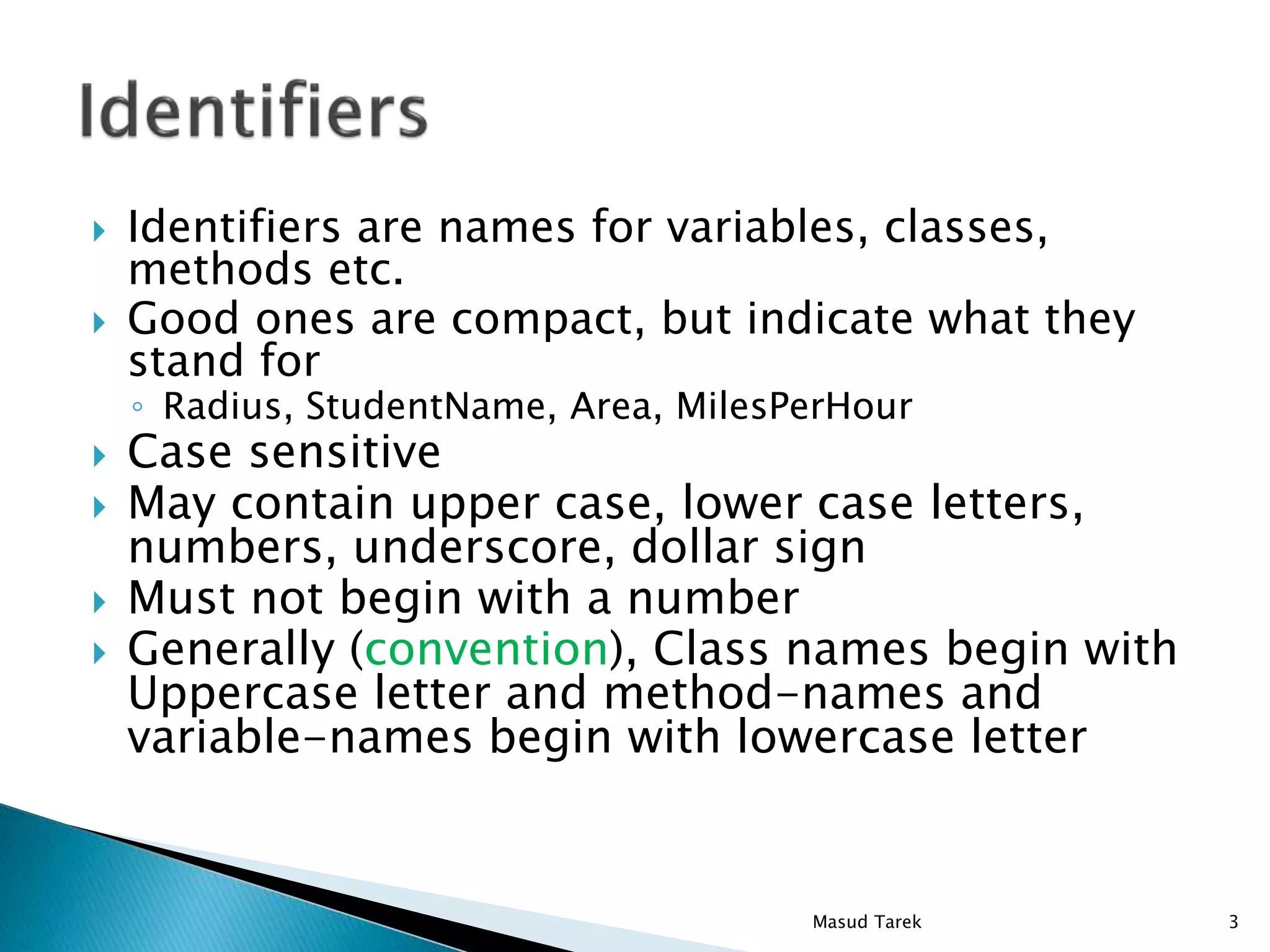
 Identifiers are names for variables, classes,
methods etc.
 Good ones are compact, but indicate what they
stand for
◦ Radius, StudentName, Area, MilesPerHour
 Case sensitive
 May contain upper case, lower case letters,
numbers, underscore, dollar sign
 Must not begin with a number
 Generally (convention), Class names begin with
Uppercase letter and method-names and
variable-names begin with lowercase letter
3Masud Tarek
 Some words are reserved, and can’t be used as
identifiers. There are about 50 keywords in java.
public class DisplayForecast {
public static void main(String[] args) {
System.out.print(“Hello, welcome to Java. ");
System.out.println(“This is my first Java
program.");
}
}
4Masud Tarek
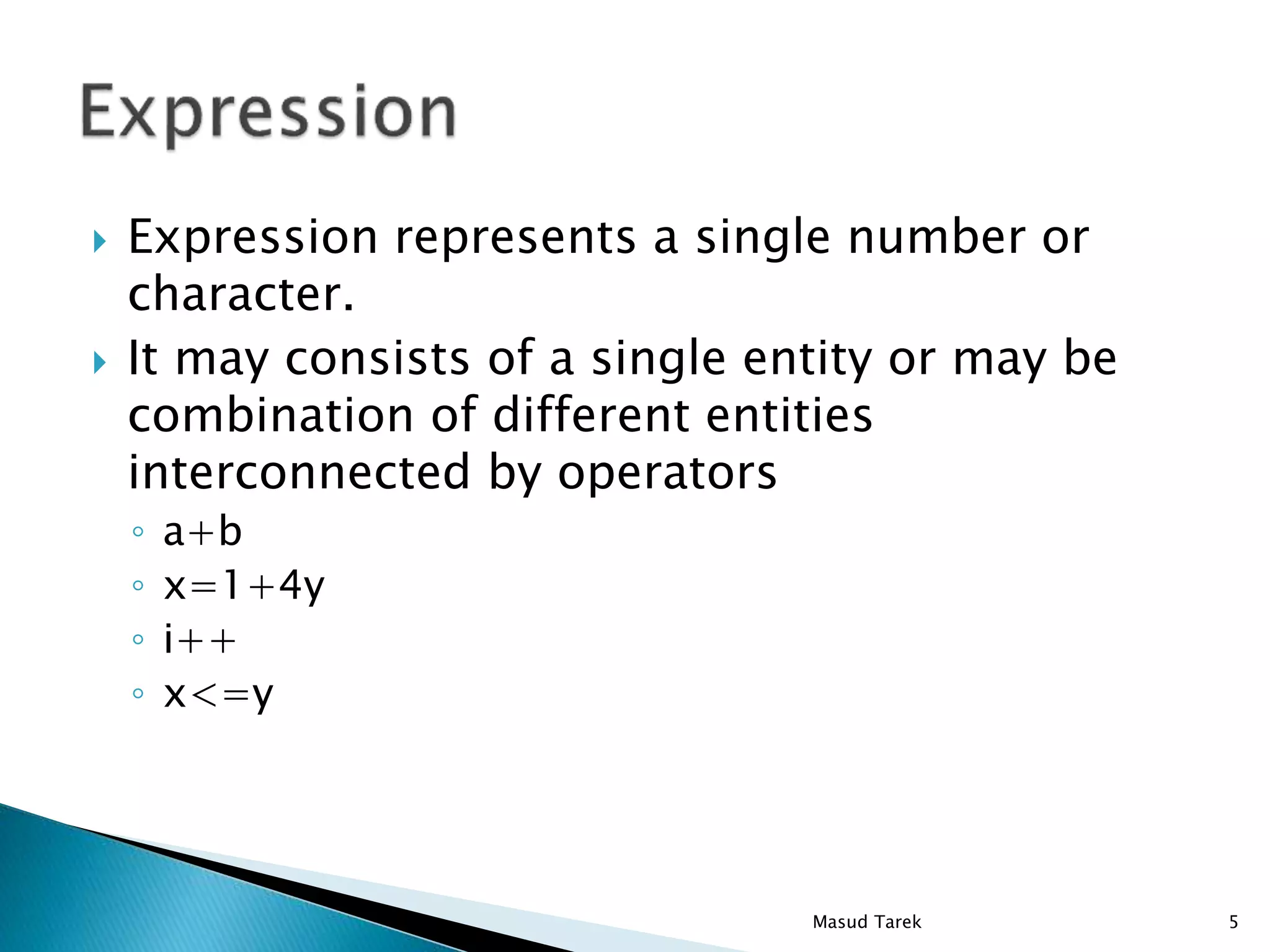
 Expression represents a single number or
character.
 It may consists of a single entity or may be
combination of different entities
interconnected by operators
◦ a+b
◦ x=1+4y
◦ i++
◦ x<=y
5Masud Tarek
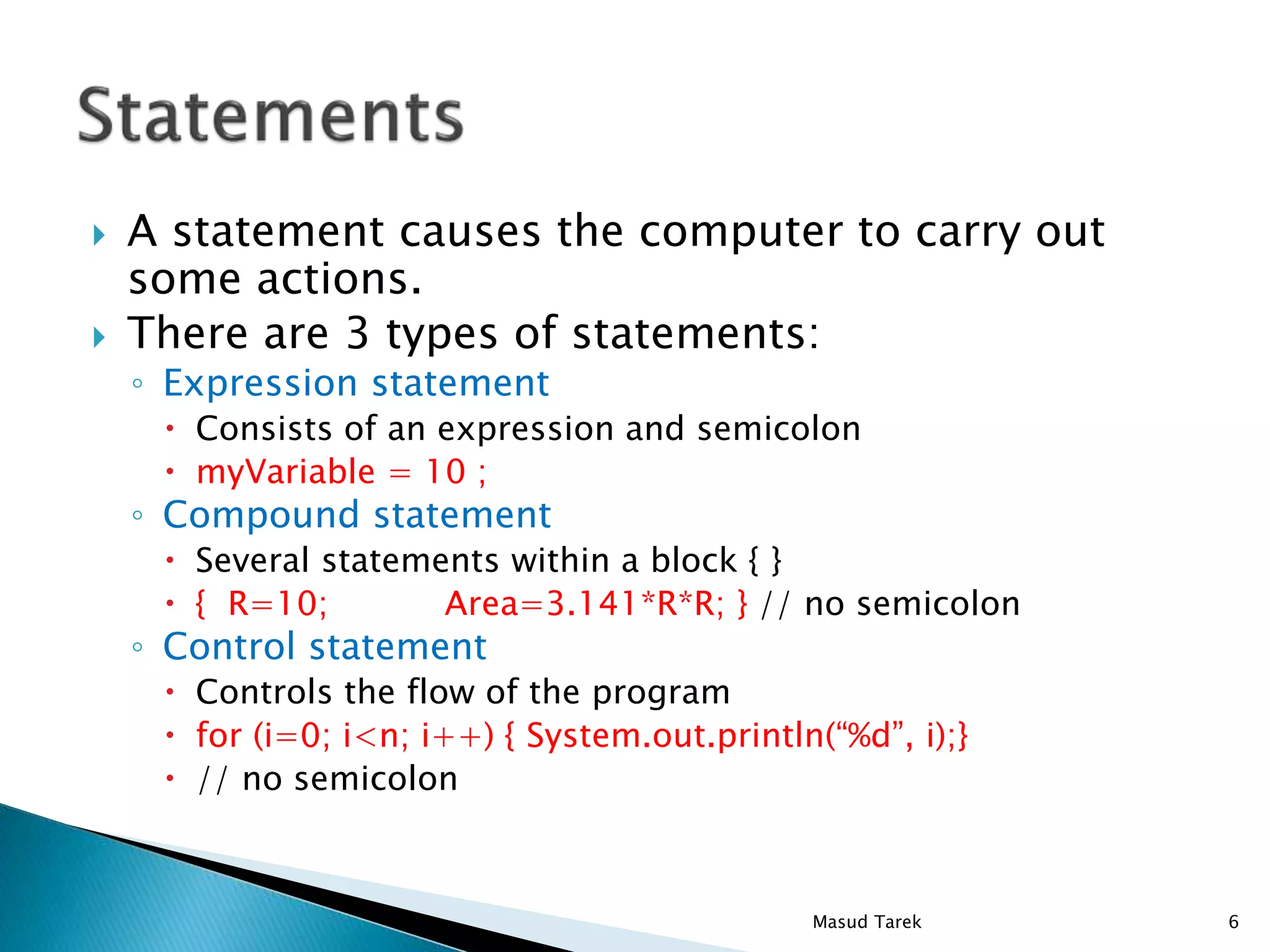
 A statement causes the computer to carry out
some actions.
 There are 3 types of statements:
◦ Expression statement
 Consists of an expression and semicolon
 myVariable = 10 ;
◦ Compound statement
 Several statements within a block { }
 { R=10; Area=3.141*R*R; } // no semicolon
◦ Control statement
 Controls the flow of the program
 for (i=0; i<n; i++) { System.out.println(“%d”, i);}
 // no semicolon
6Masud Tarek
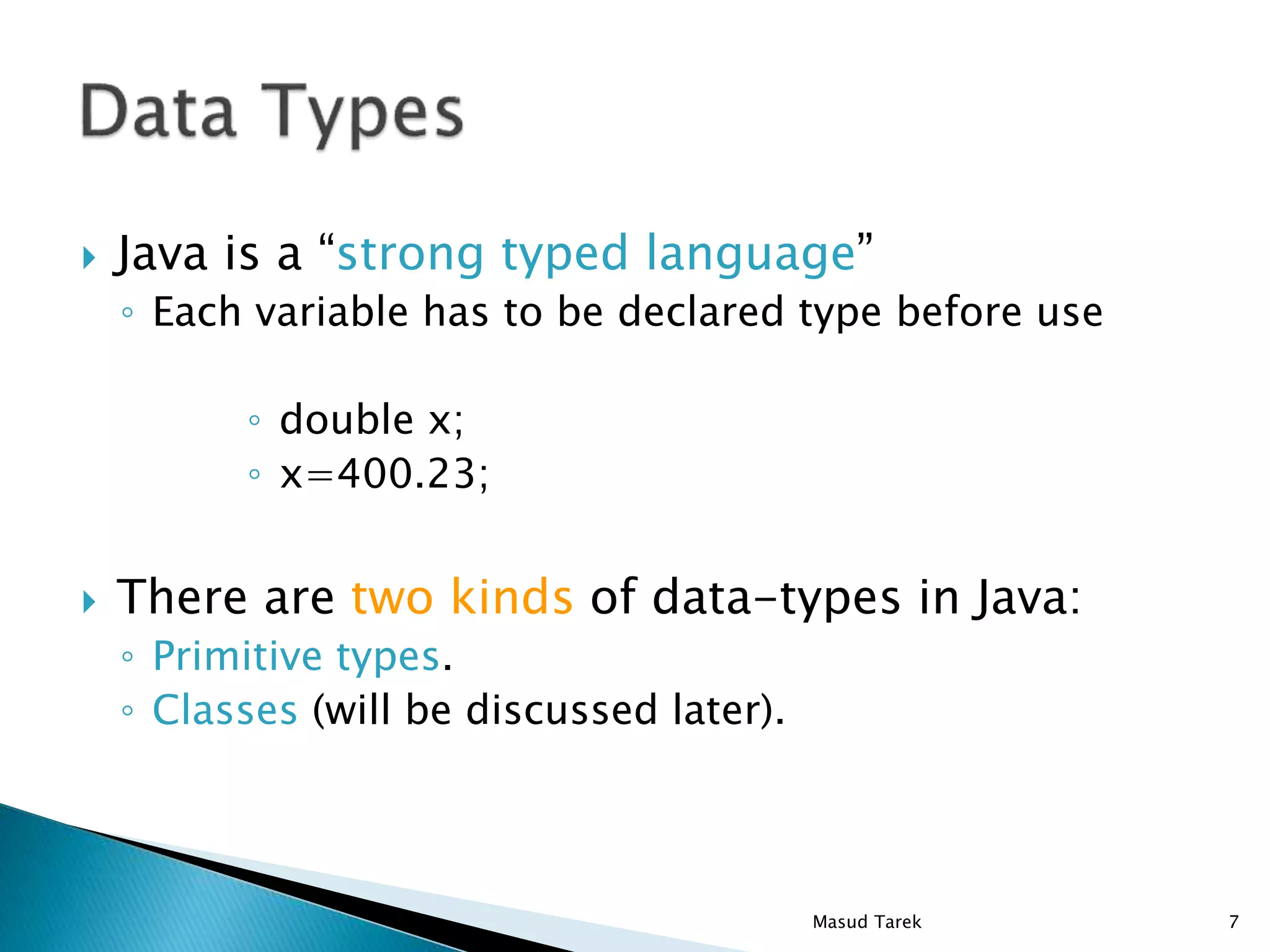
 Java is a “strong typed language”
◦ Each variable has to be declared type before use
◦ double x;
◦ x=400.23;
 There are two kinds of data-types in Java:
◦ Primitive types.
◦ Classes (will be discussed later).
7Masud Tarek
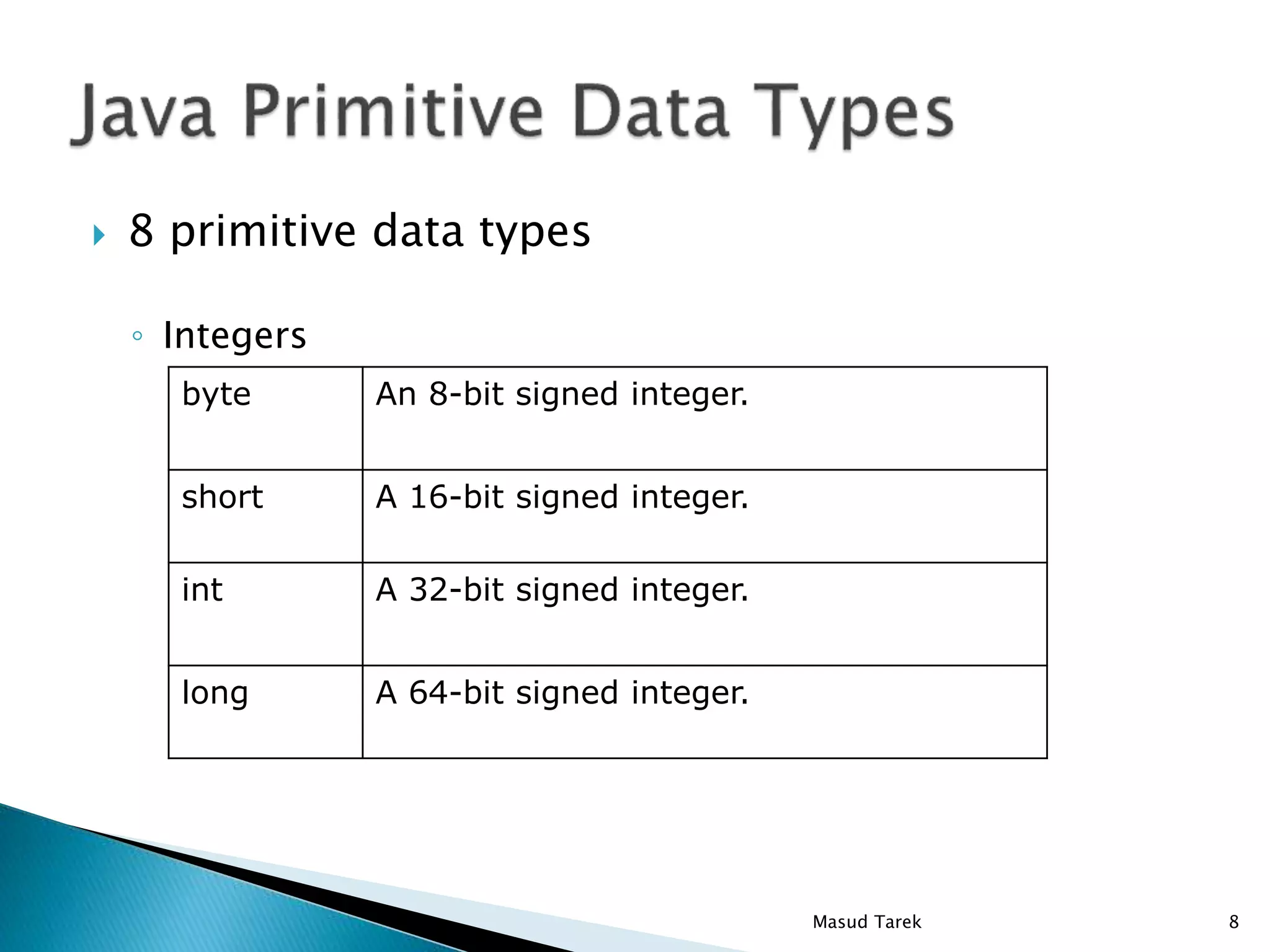
 8 primitive data types
◦ Integers
An 8-bit signed integer.byte
A 16-bit signed integer.short
A 32-bit signed integer.int
A 64-bit signed integer.long
8Masud Tarek
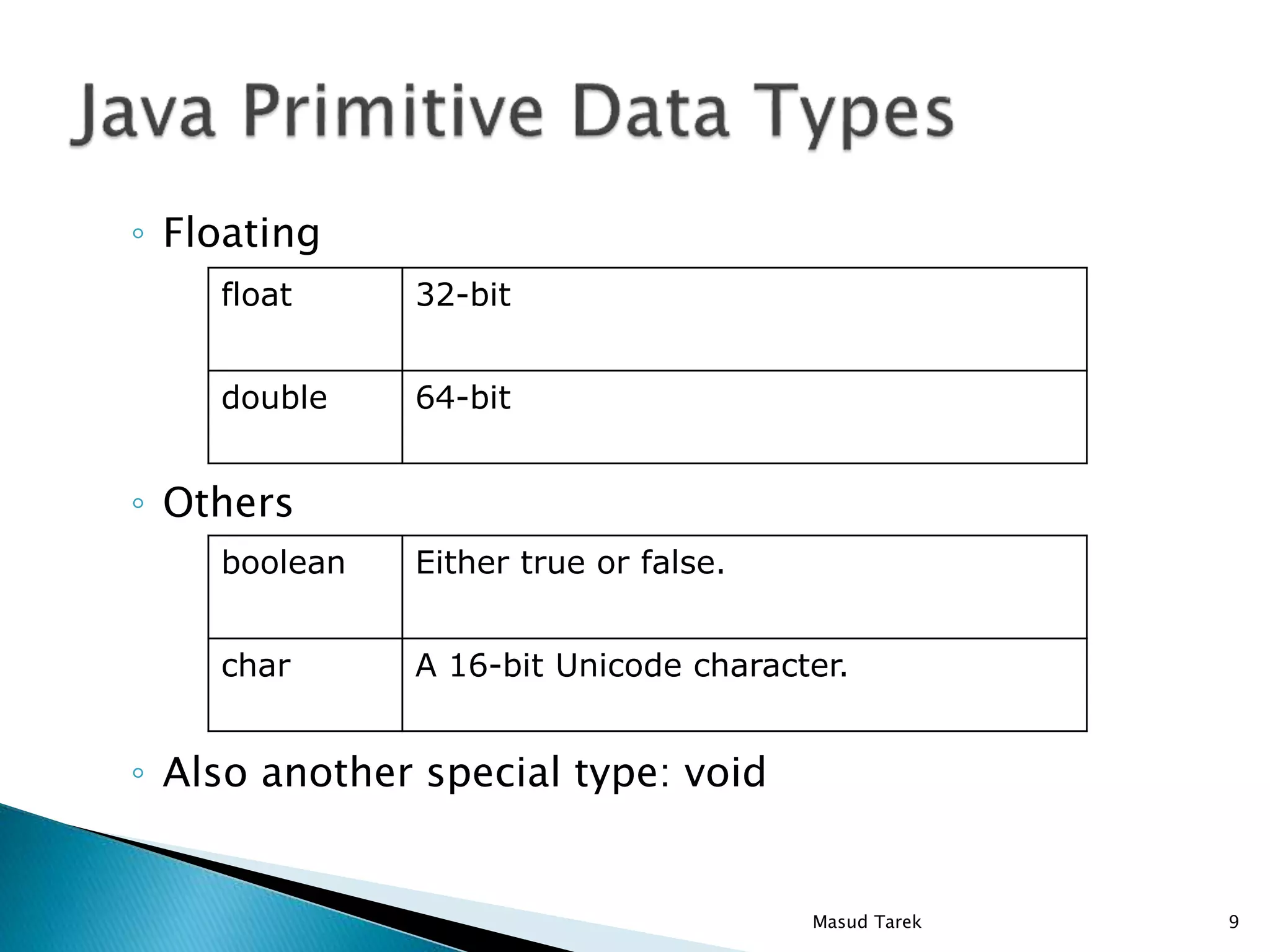
◦ Floating
◦ Others
◦ Also another special type: void
32-bitfloat
64-bitdouble
Either true or false.boolean
A 16-bit Unicode character.char
9Masud Tarek
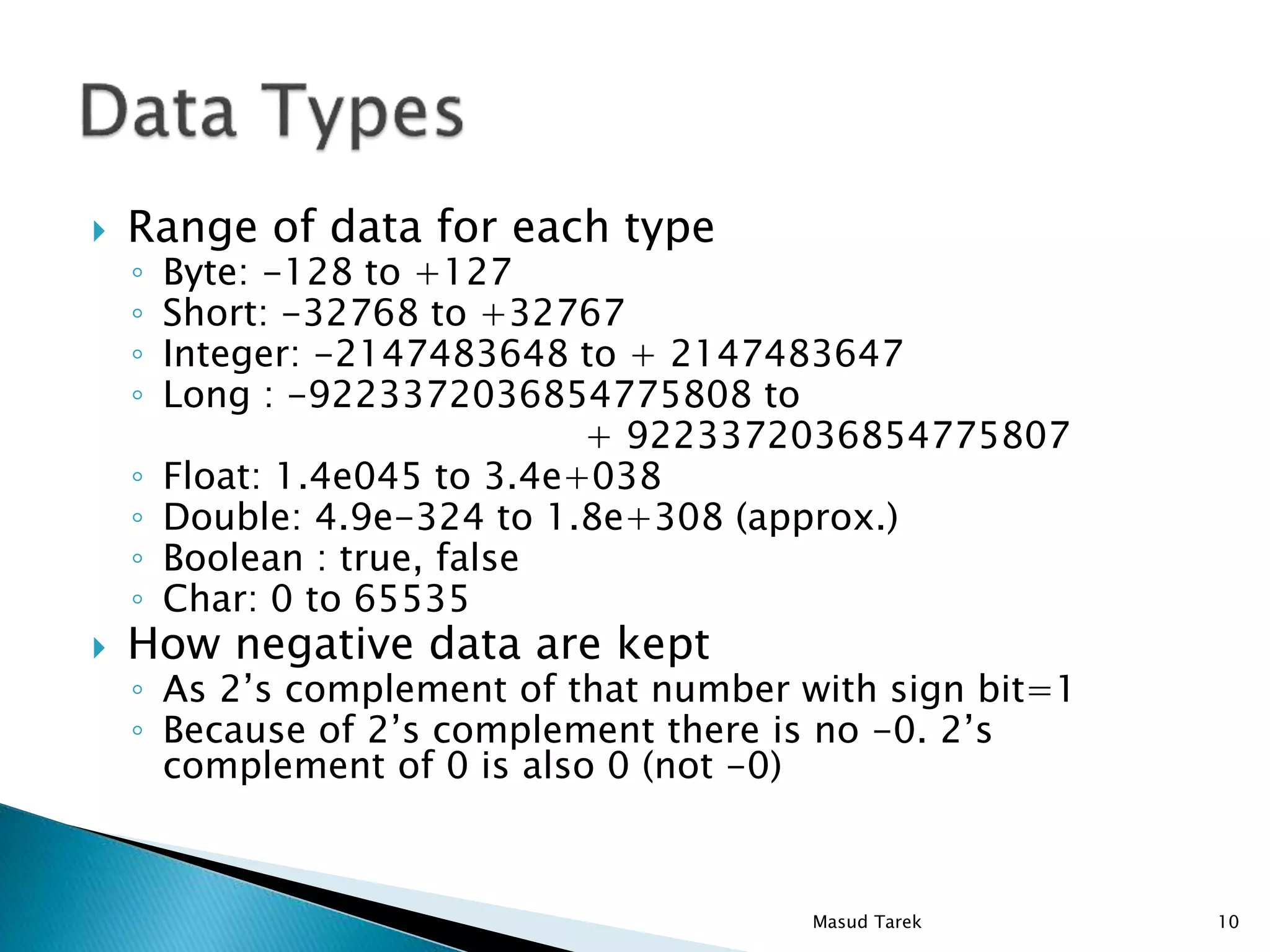
 Range of data for each type
◦ Byte: -128 to +127
◦ Short: -32768 to +32767
◦ Integer: -2147483648 to + 2147483647
◦ Long : -9223372036854775808 to
+ 9223372036854775807
◦ Float: 1.4e045 to 3.4e+038
◦ Double: 4.9e-324 to 1.8e+308 (approx.)
◦ Boolean : true, false
◦ Char: 0 to 65535
 How negative data are kept
◦ As 2’s complement of that number with sign bit=1
◦ Because of 2’s complement there is no -0. 2’s
complement of 0 is also 0 (not -0)
10Masud Tarek
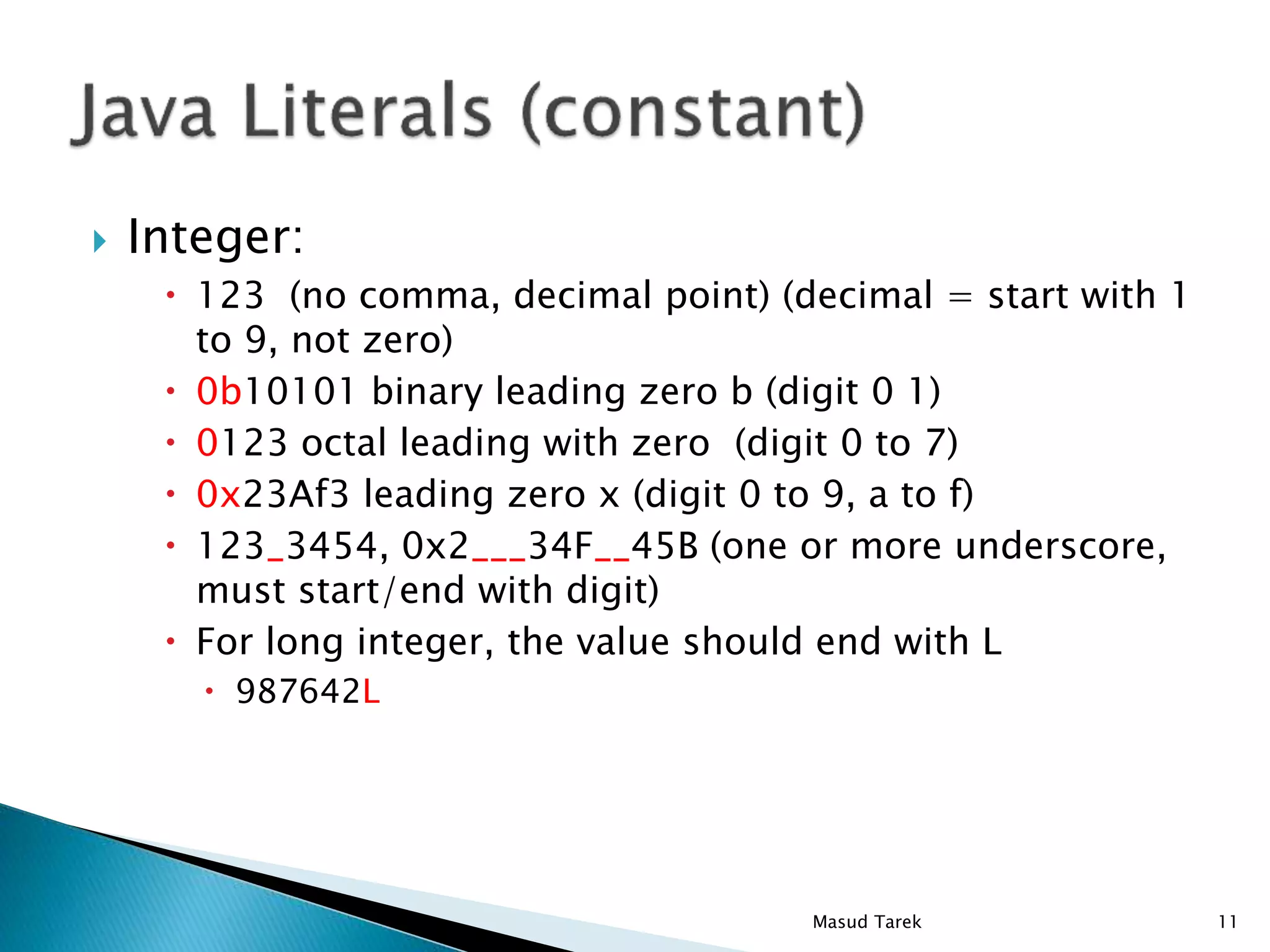
 Integer:
 123 (no comma, decimal point) (decimal = start with 1
to 9, not zero)
 0b10101 binary leading zero b (digit 0 1)
 0123 octal leading with zero (digit 0 to 7)
 0x23Af3 leading zero x (digit 0 to 9, a to f)
 123_3454, 0x2___34F__45B (one or more underscore,
must start/end with digit)
 For long integer, the value should end with L
 987642L
11Masud Tarek
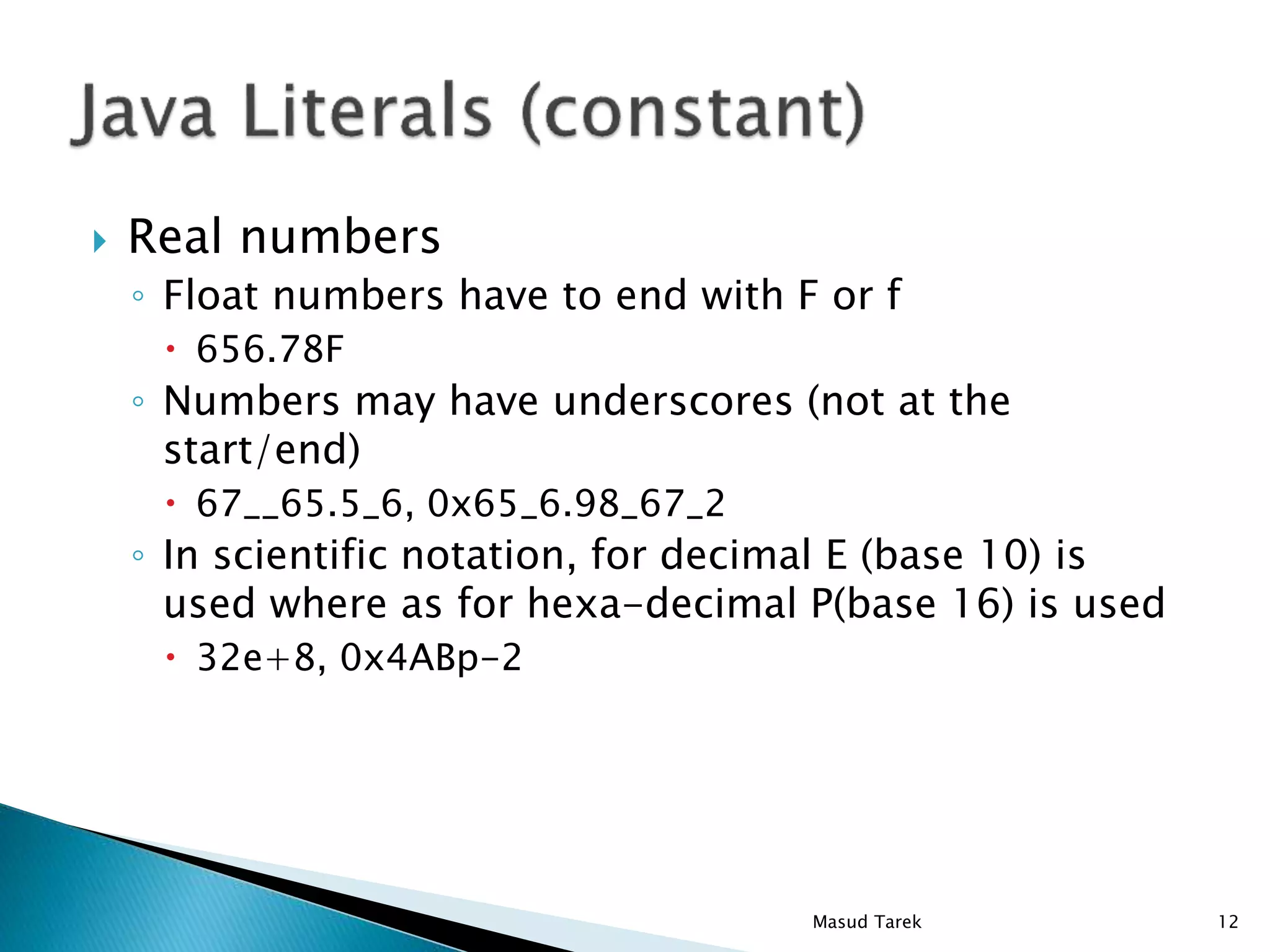
 Real numbers
◦ Float numbers have to end with F or f
 656.78F
◦ Numbers may have underscores (not at the
start/end)
 67__65.5_6, 0x65_6.98_67_2
◦ In scientific notation, for decimal E (base 10) is
used where as for hexa-decimal P(base 16) is used
 32e+8, 0x4ABp-2
12Masud Tarek
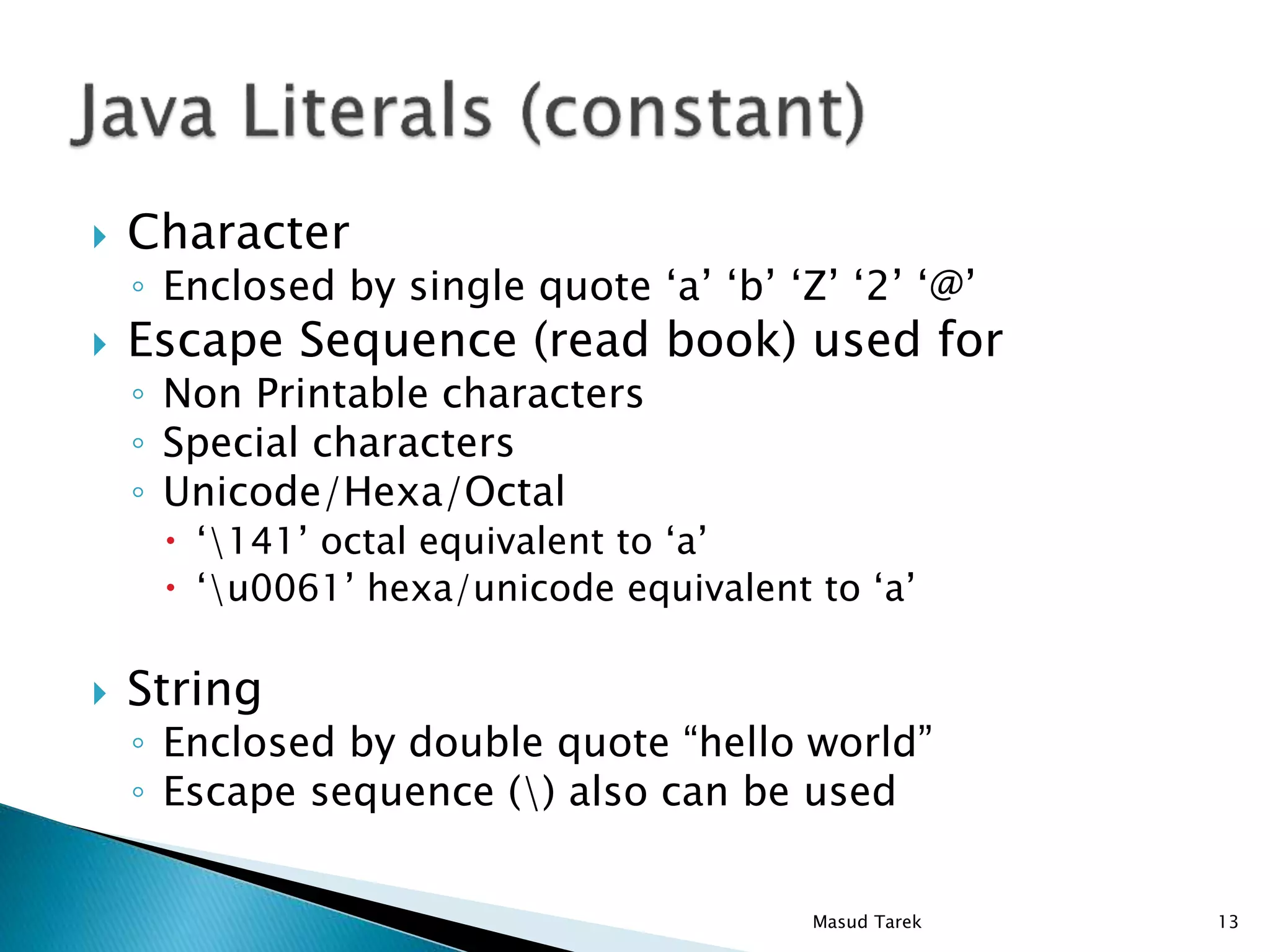
 Character
◦ Enclosed by single quote ‘a’ ‘b’ ‘Z’ ‘2’ ‘@’
 Escape Sequence (read book) used for
◦ Non Printable characters
◦ Special characters
◦ Unicode/Hexa/Octal
 ‘141’ octal equivalent to ‘a’
 ‘u0061’ hexa/unicode equivalent to ‘a’
 String
◦ Enclosed by double quote “hello world”
◦ Escape sequence () also can be used
13Masud Tarek
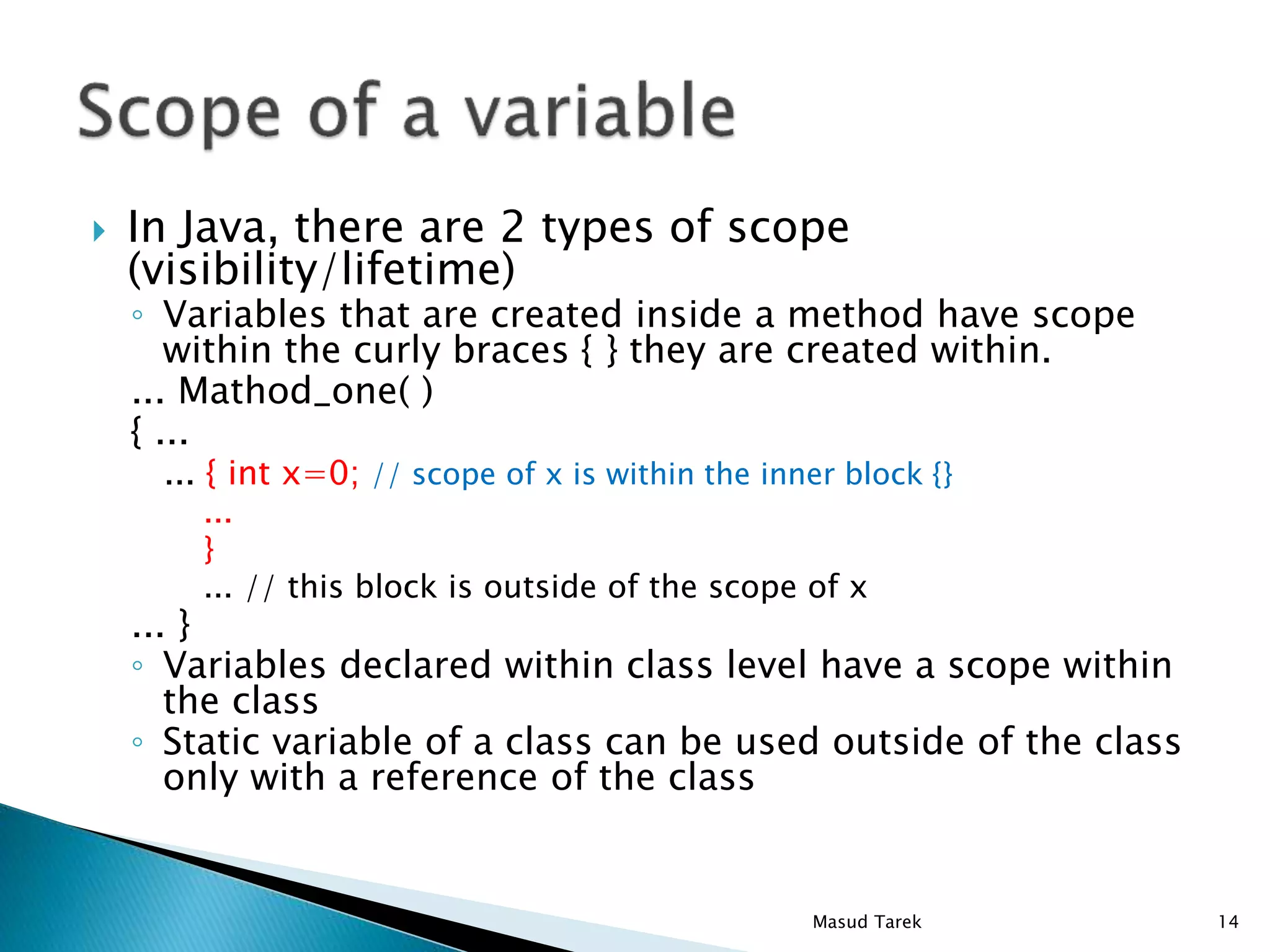
 In Java, there are 2 types of scope
(visibility/lifetime)
◦ Variables that are created inside a method have scope
within the curly braces { } they are created within.
... Mathod_one( )
{ ...
... { int x=0; // scope of x is within the inner block {}
...
}
... // this block is outside of the scope of x
... }
◦ Variables declared within class level have a scope within
the class
◦ Static variable of a class can be used outside of the class
only with a reference of the class
14Masud Tarek
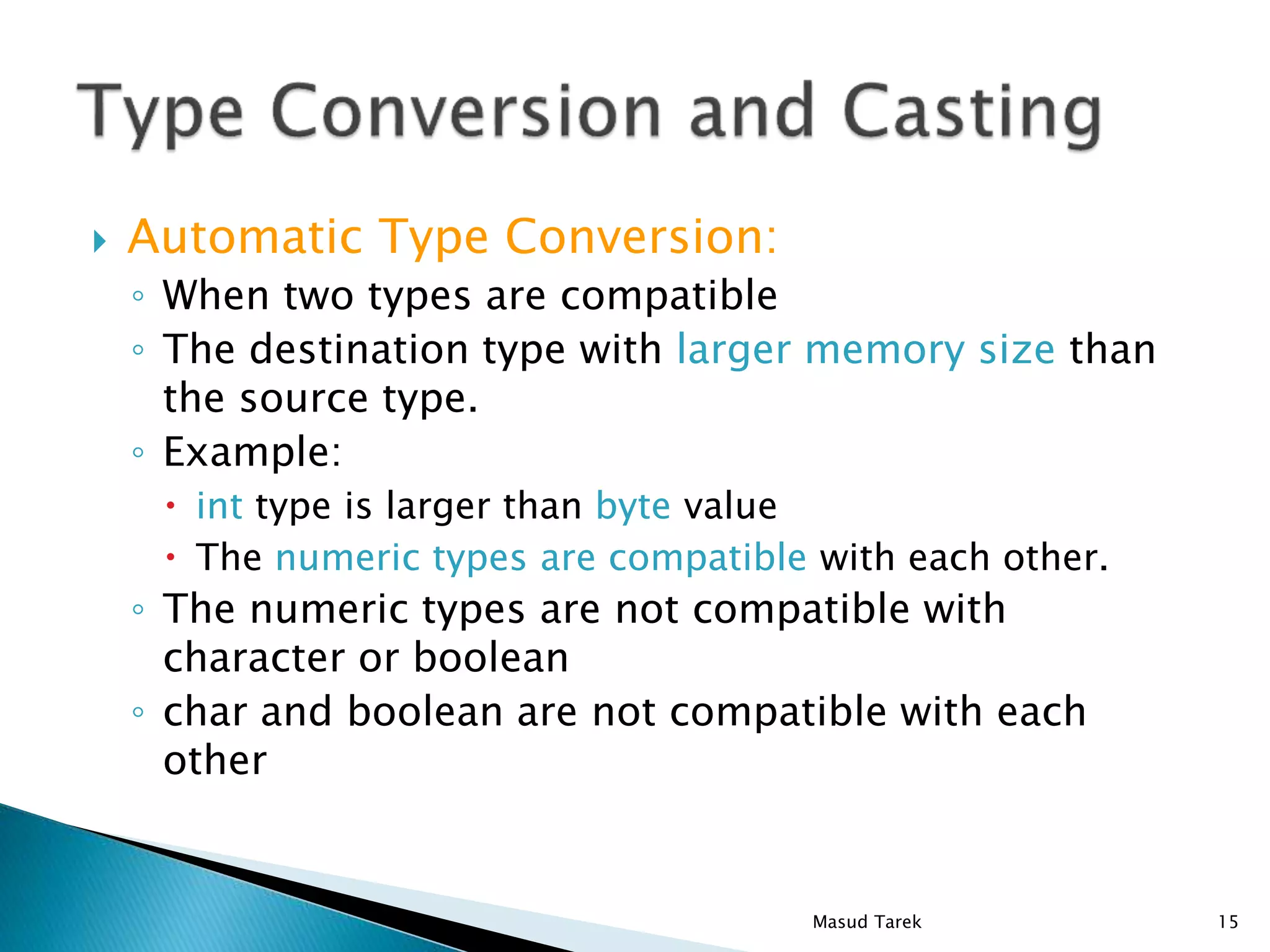
 Automatic Type Conversion:
◦ When two types are compatible
◦ The destination type with larger memory size than
the source type.
◦ Example:
 int type is larger than byte value
 The numeric types are compatible with each other.
◦ The numeric types are not compatible with
character or boolean
◦ char and boolean are not compatible with each
other
15Masud Tarek
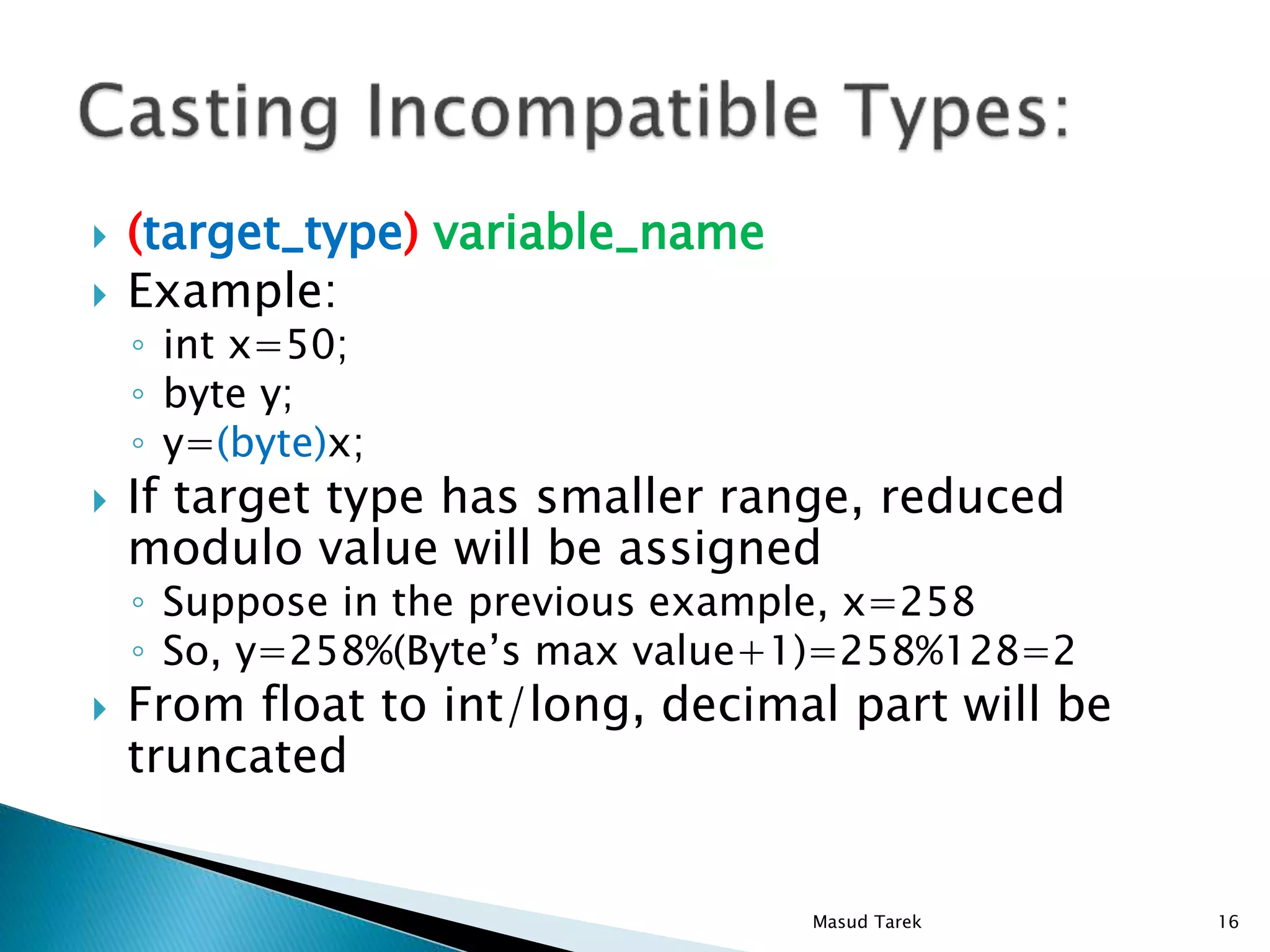
 (target_type) variable_name
 Example:
◦ int x=50;
◦ byte y;
◦ y=(byte)x;
 If target type has smaller range, reduced
modulo value will be assigned
◦ Suppose in the previous example, x=258
◦ So, y=258%(Byte’s max value+1)=258%128=2
 From float to int/long, decimal part will be
truncated
16Masud Tarek
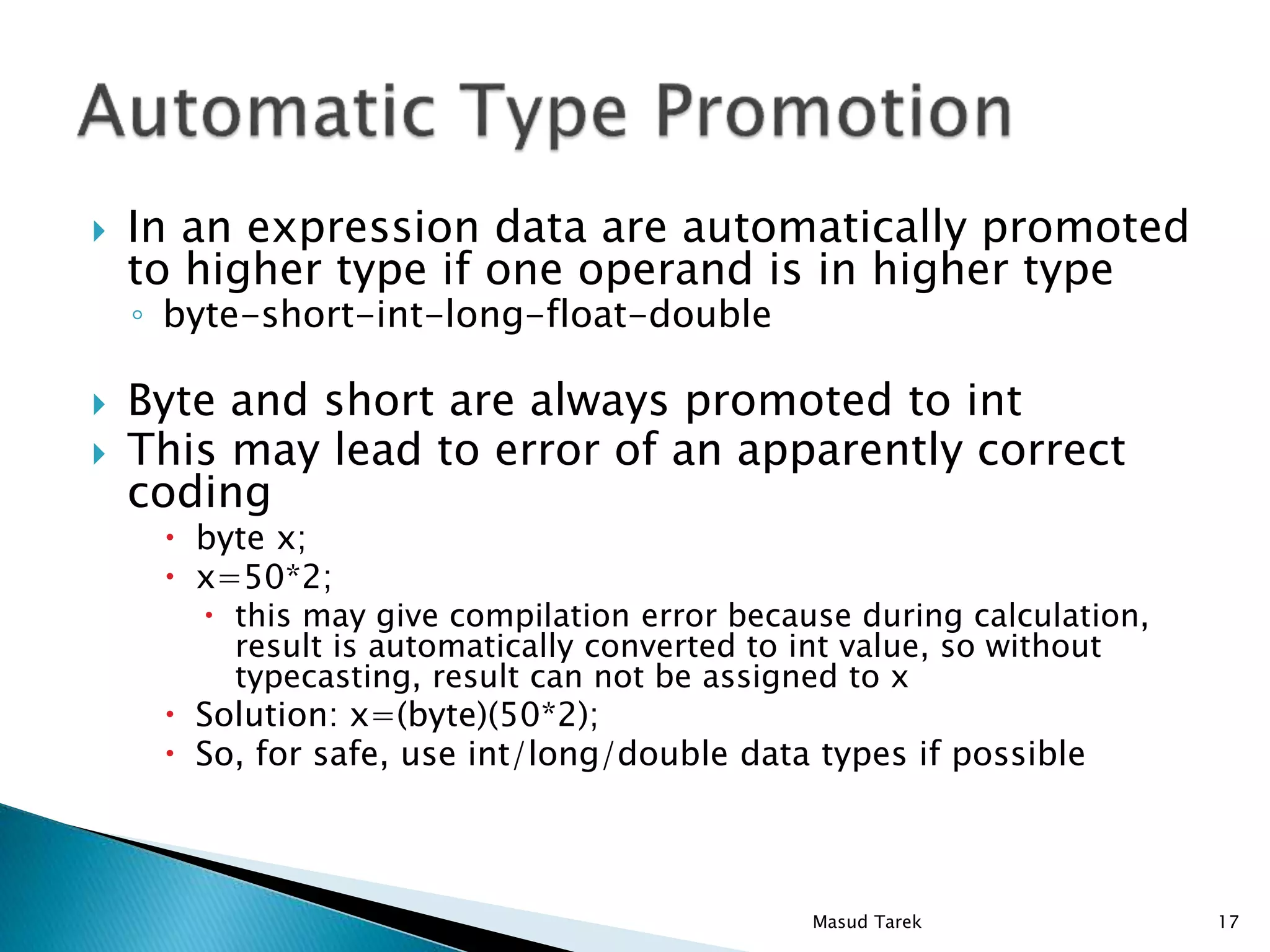
 In an expression data are automatically promoted
to higher type if one operand is in higher type
◦ byte-short-int-long-float-double
 Byte and short are always promoted to int
 This may lead to error of an apparently correct
coding
 byte x;
 x=50*2;
 this may give compilation error because during calculation,
result is automatically converted to int value, so without
typecasting, result can not be assigned to x
 Solution: x=(byte)(50*2);
 So, for safe, use int/long/double data types if possible
17Masud Tarek
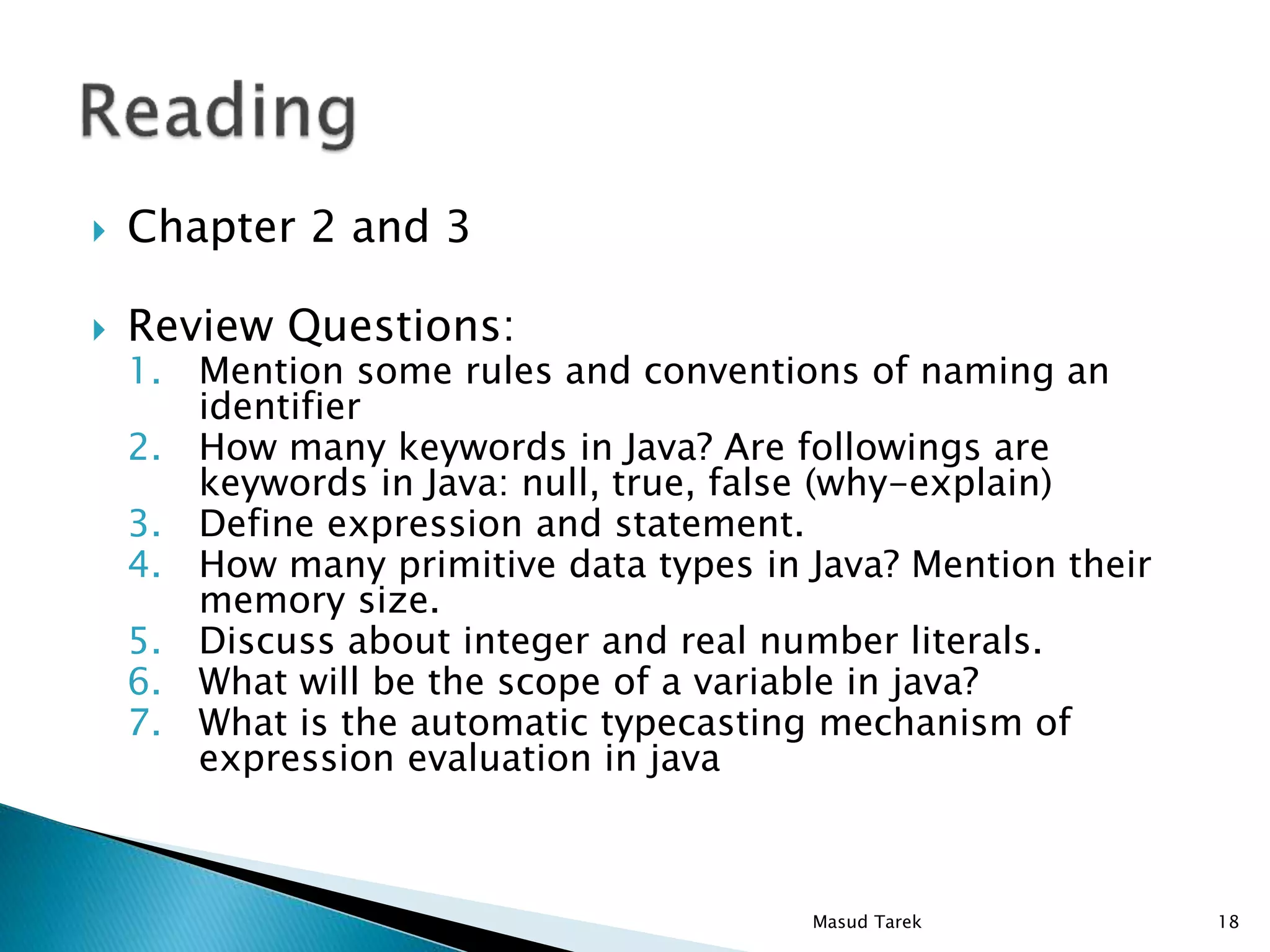
 Chapter 2 and 3
 Review Questions:
1. Mention some rules and conventions of naming an
identifier
2. How many keywords in Java? Are followings are
keywords in Java: null, true, false (why-explain)
3. Define expression and statement.
4. How many primitive data types in Java? Mention their
memory size.
5. Discuss about integer and real number literals.
6. What will be the scope of a variable in java?
7. What is the automatic typecasting mechanism of
expression evaluation in java
18Masud Tarek

02 data types in java

  • 1.
  • 2.
    /* Our firstsimple Java program */ // file name: Hello.java public class Hello { public static void main (String[] args) { System.out.println ("Hello World"); } } Comments Braces indicate start and end of main Function to print to screen What to print End of statement All Java programs have a main function; they also start at main 2Masud Tarek
  • 3.
     Identifiers arenames for variables, classes, methods etc.  Good ones are compact, but indicate what they stand for ◦ Radius, StudentName, Area, MilesPerHour  Case sensitive  May contain upper case, lower case letters, numbers, underscore, dollar sign  Must not begin with a number  Generally (convention), Class names begin with Uppercase letter and method-names and variable-names begin with lowercase letter 3Masud Tarek
  • 4.
     Some wordsare reserved, and can’t be used as identifiers. There are about 50 keywords in java. public class DisplayForecast { public static void main(String[] args) { System.out.print(“Hello, welcome to Java. "); System.out.println(“This is my first Java program."); } } 4Masud Tarek
  • 5.
     Expression representsa single number or character.  It may consists of a single entity or may be combination of different entities interconnected by operators ◦ a+b ◦ x=1+4y ◦ i++ ◦ x<=y 5Masud Tarek
  • 6.
     A statementcauses the computer to carry out some actions.  There are 3 types of statements: ◦ Expression statement  Consists of an expression and semicolon  myVariable = 10 ; ◦ Compound statement  Several statements within a block { }  { R=10; Area=3.141*R*R; } // no semicolon ◦ Control statement  Controls the flow of the program  for (i=0; i<n; i++) { System.out.println(“%d”, i);}  // no semicolon 6Masud Tarek
  • 7.
     Java isa “strong typed language” ◦ Each variable has to be declared type before use ◦ double x; ◦ x=400.23;  There are two kinds of data-types in Java: ◦ Primitive types. ◦ Classes (will be discussed later). 7Masud Tarek
  • 8.
     8 primitivedata types ◦ Integers An 8-bit signed integer.byte A 16-bit signed integer.short A 32-bit signed integer.int A 64-bit signed integer.long 8Masud Tarek
  • 9.
    ◦ Floating ◦ Others ◦Also another special type: void 32-bitfloat 64-bitdouble Either true or false.boolean A 16-bit Unicode character.char 9Masud Tarek
  • 10.
     Range ofdata for each type ◦ Byte: -128 to +127 ◦ Short: -32768 to +32767 ◦ Integer: -2147483648 to + 2147483647 ◦ Long : -9223372036854775808 to + 9223372036854775807 ◦ Float: 1.4e045 to 3.4e+038 ◦ Double: 4.9e-324 to 1.8e+308 (approx.) ◦ Boolean : true, false ◦ Char: 0 to 65535  How negative data are kept ◦ As 2’s complement of that number with sign bit=1 ◦ Because of 2’s complement there is no -0. 2’s complement of 0 is also 0 (not -0) 10Masud Tarek
  • 11.
     Integer:  123(no comma, decimal point) (decimal = start with 1 to 9, not zero)  0b10101 binary leading zero b (digit 0 1)  0123 octal leading with zero (digit 0 to 7)  0x23Af3 leading zero x (digit 0 to 9, a to f)  123_3454, 0x2___34F__45B (one or more underscore, must start/end with digit)  For long integer, the value should end with L  987642L 11Masud Tarek
  • 12.
     Real numbers ◦Float numbers have to end with F or f  656.78F ◦ Numbers may have underscores (not at the start/end)  67__65.5_6, 0x65_6.98_67_2 ◦ In scientific notation, for decimal E (base 10) is used where as for hexa-decimal P(base 16) is used  32e+8, 0x4ABp-2 12Masud Tarek
  • 13.
     Character ◦ Enclosedby single quote ‘a’ ‘b’ ‘Z’ ‘2’ ‘@’  Escape Sequence (read book) used for ◦ Non Printable characters ◦ Special characters ◦ Unicode/Hexa/Octal  ‘141’ octal equivalent to ‘a’  ‘u0061’ hexa/unicode equivalent to ‘a’  String ◦ Enclosed by double quote “hello world” ◦ Escape sequence () also can be used 13Masud Tarek
  • 14.
     In Java,there are 2 types of scope (visibility/lifetime) ◦ Variables that are created inside a method have scope within the curly braces { } they are created within. ... Mathod_one( ) { ... ... { int x=0; // scope of x is within the inner block {} ... } ... // this block is outside of the scope of x ... } ◦ Variables declared within class level have a scope within the class ◦ Static variable of a class can be used outside of the class only with a reference of the class 14Masud Tarek
  • 15.
     Automatic TypeConversion: ◦ When two types are compatible ◦ The destination type with larger memory size than the source type. ◦ Example:  int type is larger than byte value  The numeric types are compatible with each other. ◦ The numeric types are not compatible with character or boolean ◦ char and boolean are not compatible with each other 15Masud Tarek
  • 16.
     (target_type) variable_name Example: ◦ int x=50; ◦ byte y; ◦ y=(byte)x;  If target type has smaller range, reduced modulo value will be assigned ◦ Suppose in the previous example, x=258 ◦ So, y=258%(Byte’s max value+1)=258%128=2  From float to int/long, decimal part will be truncated 16Masud Tarek
  • 17.
     In anexpression data are automatically promoted to higher type if one operand is in higher type ◦ byte-short-int-long-float-double  Byte and short are always promoted to int  This may lead to error of an apparently correct coding  byte x;  x=50*2;  this may give compilation error because during calculation, result is automatically converted to int value, so without typecasting, result can not be assigned to x  Solution: x=(byte)(50*2);  So, for safe, use int/long/double data types if possible 17Masud Tarek
  • 18.
     Chapter 2and 3  Review Questions: 1. Mention some rules and conventions of naming an identifier 2. How many keywords in Java? Are followings are keywords in Java: null, true, false (why-explain) 3. Define expression and statement. 4. How many primitive data types in Java? Mention their memory size. 5. Discuss about integer and real number literals. 6. What will be the scope of a variable in java? 7. What is the automatic typecasting mechanism of expression evaluation in java 18Masud Tarek