8/26/2025 2
Computer
The wordcomputer is derived from the Latin word compute
means to calculate.
Computer is and electronic machine used to solve different
problems according to the set of instructions given to it.
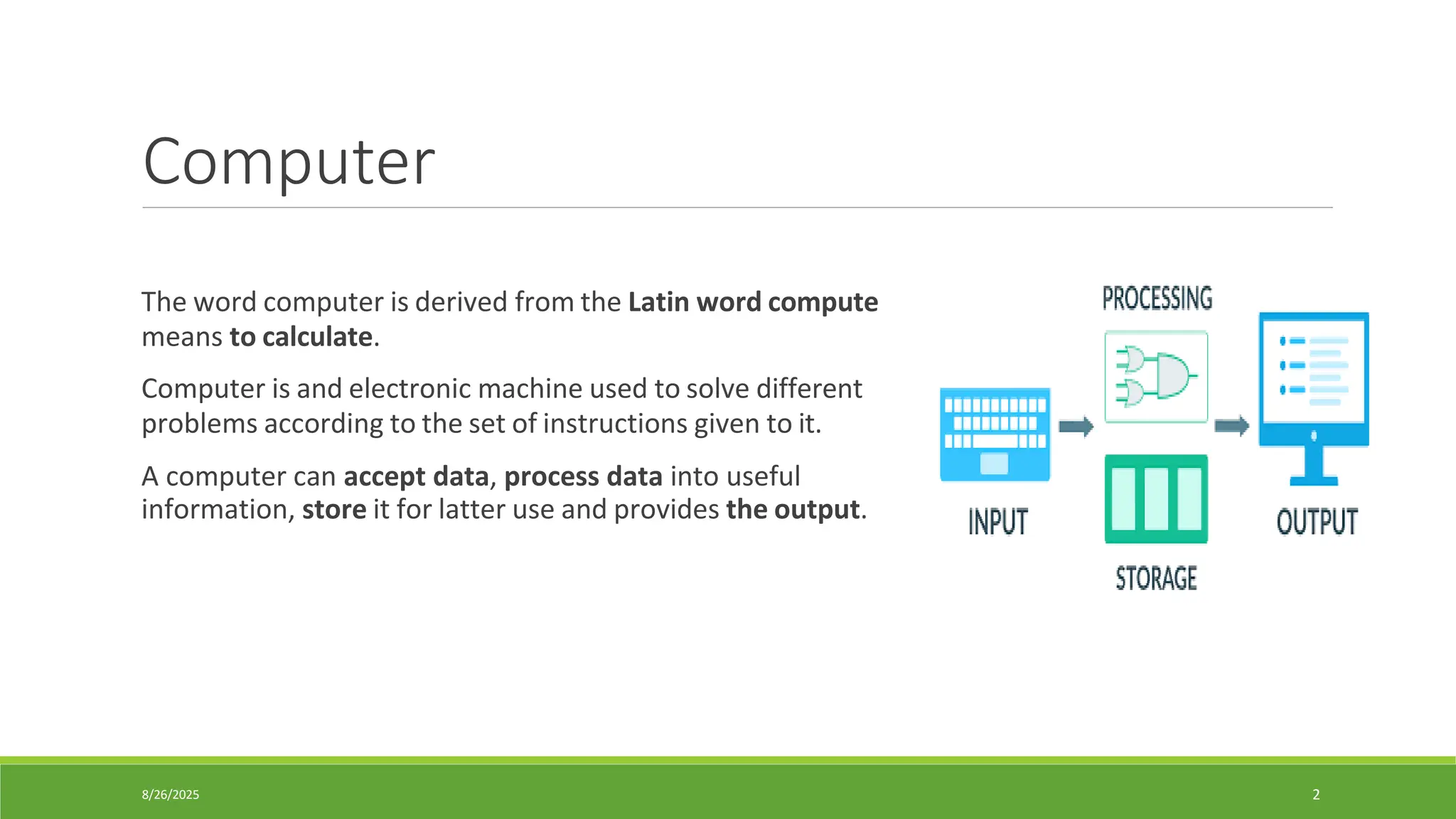
A computer can accept data, process data into useful
information, store it for latter use and provides the output.
3.
8/26/2025 3
Characteristics ofComputer
•The important characteristics of a computer are as follows:
1. Speed → Computers process data and execute instructions at extremely high speeds. Tasks that
take humans hours can be completed in seconds. Computer speed is measured in Mega Hetz
(MHz) or Giga Hertz (GHz).
2. Reliability → Computer is very reliable. The electronic components in modern computer rarely
break or fail.
3. Accuracy → accuracy means that the computer provides results without any errors. Computer can
process large amount of data and produce results accurately. The results can be wrong if the data
given to the computer is not correct.
4. Storage → Computers can store large amounts of data and make it easily available for future use.
5. Versatility → Computer is a versatile machine. It can perform different types of tasks. That is why
it is being used in every filed of life.
4.
8/26/2025 4
Characteristics ofComputer
6. Consistency → Computer works is a consistent way. It does not lose concentration
due to heavy work. It does not become tired or bored. Computer performs all jobs
with equal attention.
7. Communication → They enable information sharing across the world through
networks and the internet.
8. Recalling → Computers can quickly retrieve stored information without loss of
detail or accuracy. The computer can recall the required data in a few seconds.
9. Control sequence → A computer works strictly according to the given
instructions. It follows the same sequence of execution that is given in a program.
10. Cost reduction → By automating processes, computers save time, labor, and
resources, reducing overall costs.
5.
8/26/2025 5
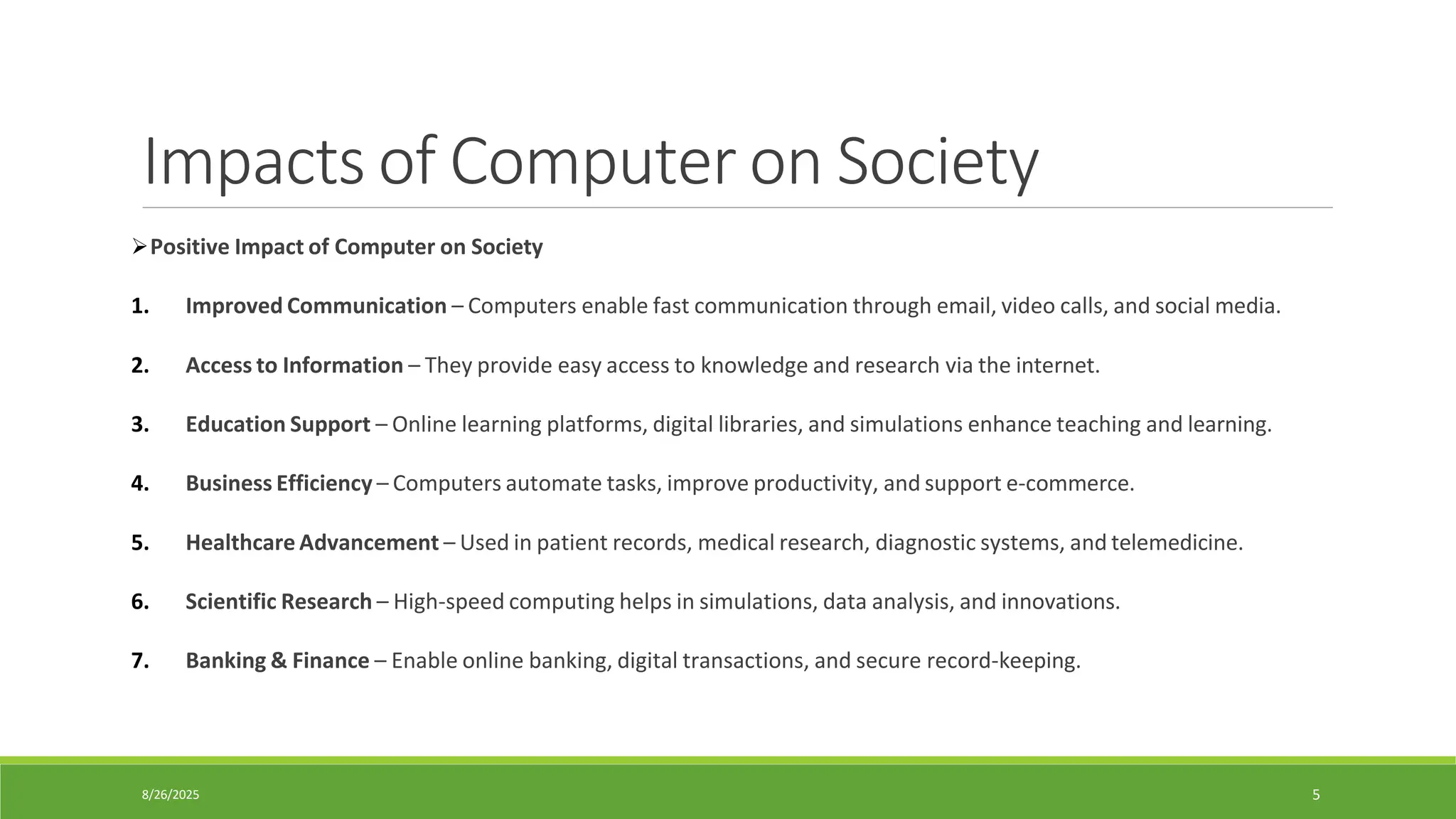
Impacts ofComputer on Society
➢Positive Impact of Computer on Society
1. Improved Communication – Computers enable fast communication through email, video calls, and social media.
2. Access to Information – They provide easy access to knowledge and research via the internet.
3. Education Support – Online learning platforms, digital libraries, and simulations enhance teaching and learning.
4. Business Efficiency – Computers automate tasks, improve productivity, and support e-commerce.
5. Healthcare Advancement – Used in patient records, medical research, diagnostic systems, and telemedicine.
6. Scientific Research – High-speed computing helps in simulations, data analysis, and innovations.
7. Banking & Finance – Enable online banking, digital transactions, and secure record-keeping.
6.
8/26/2025 6
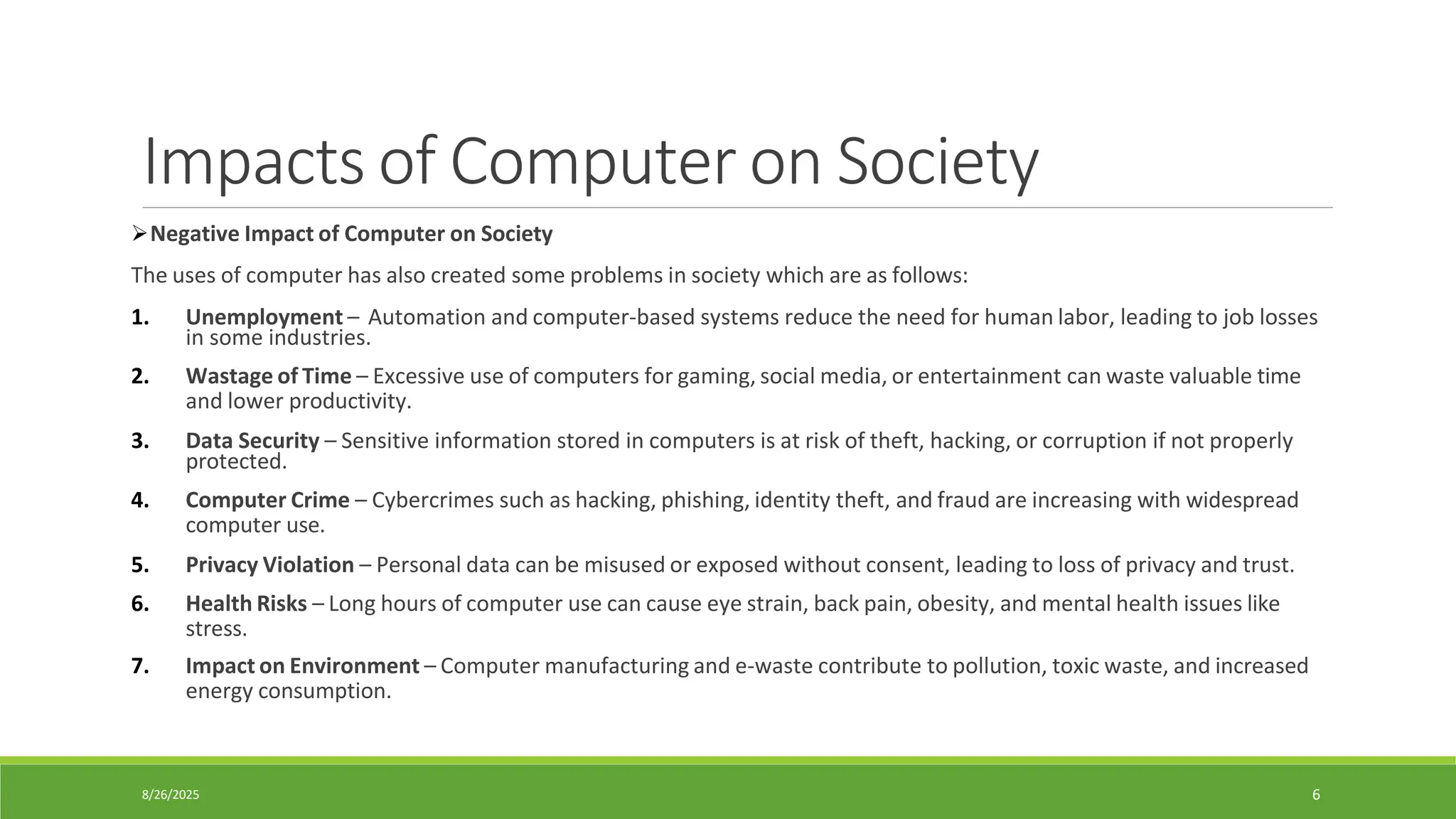
Impacts ofComputer on Society
➢Negative Impact of Computer on Society
The uses of computer has also created some problems in society which are as follows:
1. Unemployment – Automation and computer-based systems reduce the need for human labor, leading to job losses
in some industries.
2. Wastage of Time – Excessive use of computers for gaming, social media, or entertainment can waste valuable time
and lower productivity.
3. Data Security – Sensitive information stored in computers is at risk of theft, hacking, or corruption if not properly
protected.
4. Computer Crime – Cybercrimes such as hacking, phishing, identity theft, and fraud are increasing with widespread
computer use.
5. Privacy Violation – Personal data can be misused or exposed without consent, leading to loss of privacy and trust.
6. Health Risks – Long hours of computer use can cause eye strain, back pain, obesity, and mental health issues like
stress.
7. Impact on Environment – Computer manufacturing and e-waste contribute to pollution, toxic waste, and increased
energy consumption.
7.
8/26/2025 7
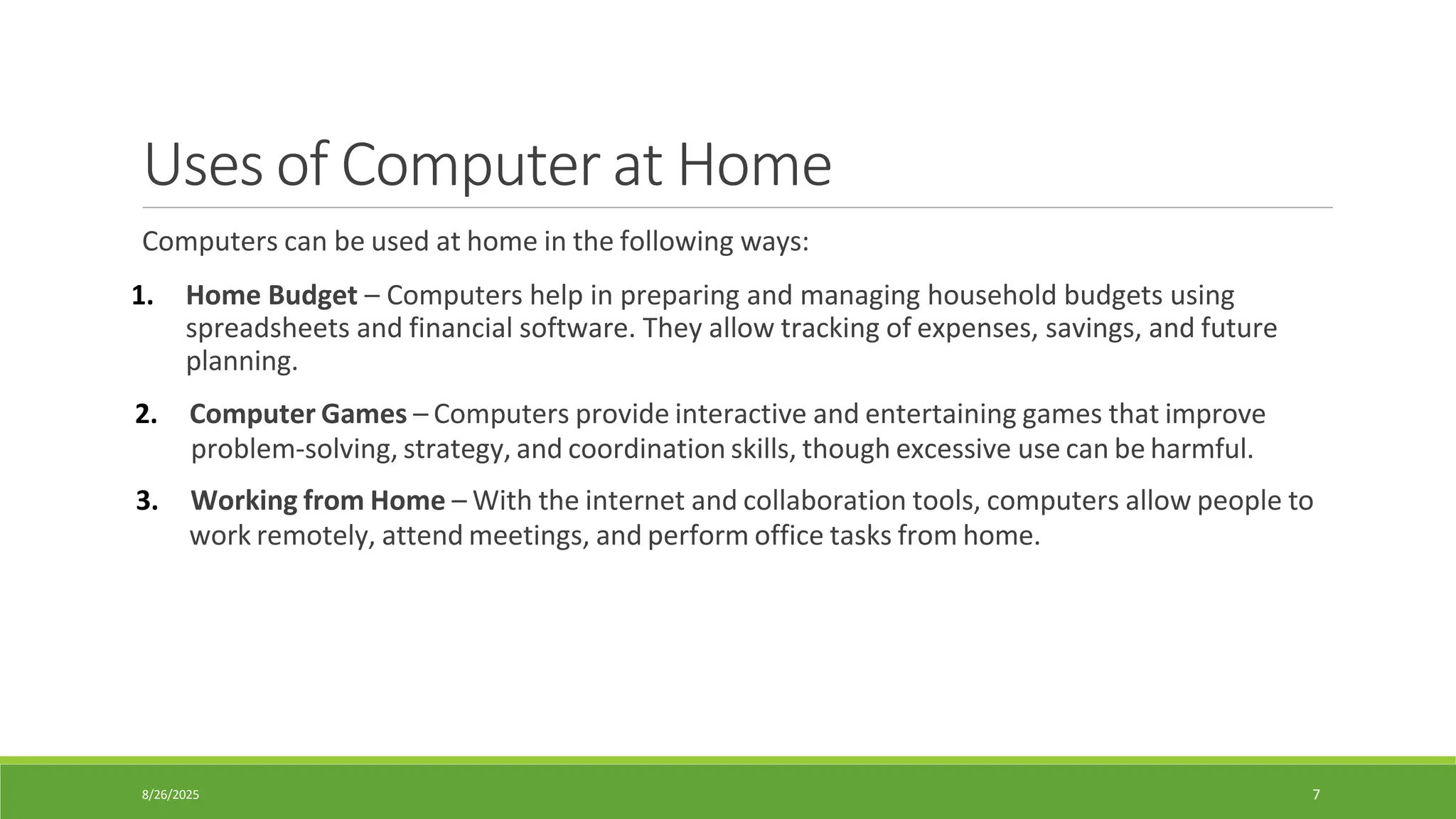
Uses ofComputer at Home
Computers can be used at home in the following ways:
1. Home Budget – Computers help in preparing and managing household budgets using
spreadsheets and financial software. They allow tracking of expenses, savings, and future
planning.
2. Computer Games – Computers provide interactive and entertaining games that improve
problem-solving, strategy, and coordination skills, though excessive use can be harmful.
3. Working from Home – With the internet and collaboration tools, computers allow people to
work remotely, attend meetings, and perform office tasks from home.
8.
8/26/2025 8
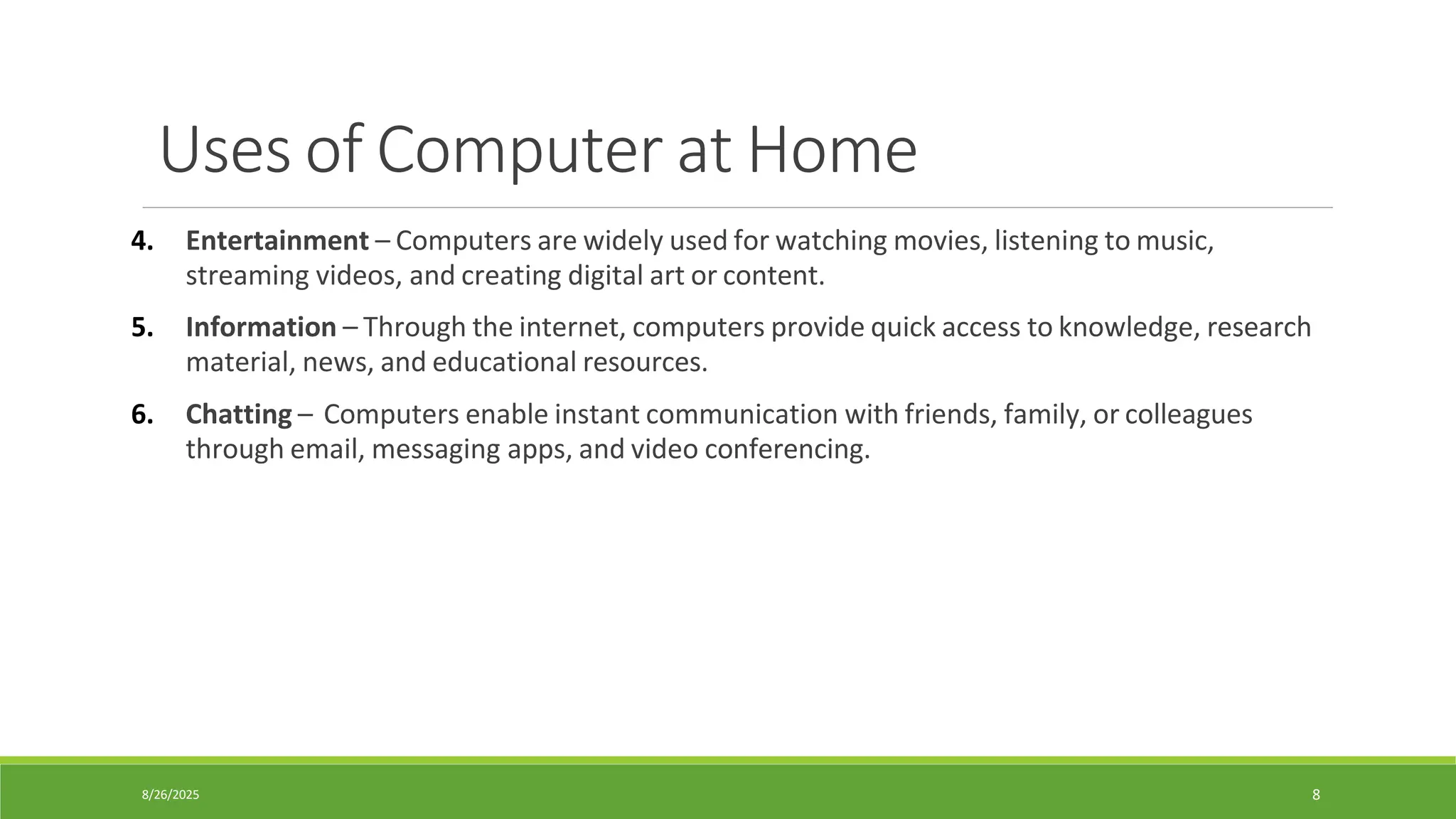
Uses ofComputer at Home
4. Entertainment – Computers are widely used for watching movies, listening to music,
streaming videos, and creating digital art or content.
5. Information – Through the internet, computers provide quick access to knowledge, research
material, news, and educational resources.
6. Chatting – Computers enable instant communication with friends, family, or colleagues
through email, messaging apps, and video conferencing.
9.
8/26/2025 9
Uses ofComputer in Education
•Computers can be used in education to improve teaching and learning process.
•It is used in colleges to provide teaching methods in different ways.
•It is used to educate students effectively.
•Computers can be used in education in the following ways:
1. CBT (Computer Based Teaching) – A teaching method where lessons, tutorials, and
assessments are delivered through computer programs. It allows interactive learning with
multimedia support. Audio and video lectures are recorded on the CDs.
2. CAL (Computer-Aided Learning) – Uses computers to support and enhance classroom
teaching with simulations, problem-solving exercises, and practice tests for better
understanding. The use of computer can reduce the time spent on preparing teaching
materials.
10.
8/26/2025 10
Uses ofComputer in Education
3. Distance Learning – Students can study remotely using computers and the internet, without
physically attending classrooms. Example: Virtual universities and online courses.
4. Online Education – Many websites provides online education. The user can download
educational material, books and tutorials. Involves structured courses delivered via e-
learning platforms (like Coursera, Khan Academy, LMS). It allows flexible, self-paced learning.
5. Research – Computers help students and researchers access digital libraries, analyze data,
run simulations, and publish findings efficiently.
11.
8/26/2025 11
Uses ofComputer in Business
The use of computer technology in business provides many facilities.
Businessmen are using computers to interact with their customers anywhere in the world.
Computer can be used in business as follows:
1. Marketing
• Computers are used in digital marketing through social media, emails, and online advertisements.
• They help analyze customer behavior and market trends.
• This increases sales and improves customer targeting.
2. Stock Exchange
• Stock markets rely on computers for real-time price monitoring and online trading.
• Millions of transactions are executed within seconds.
• This ensures accuracy, speed, and global connectivity.
3. Banks
• Computers manage customer accounts, online transactions, and ATM services.
• They ensure quick, accurate, and secure financial operations.
• This improves customer satisfaction and reduces manual work.
12.
8/26/2025 12
Uses ofComputer in Business
4. Departmental Store
• The use of computer in departmental stores has made the business activities fast and accurate.
• The cashier can enter sales data in computer by using barcode reader.
• The record of sale is stored in computer that can be used to analyze accounts and stock inventory.
5. Accounts/ Payroll
• Accounts system maintains daily transactions of a company.
• It maintains daily book, trial balance and other information of accounts.
• Payroll system calculates pay, bonus and other information of employees.
6. Fax
• Computers can send and receive digital faxes using online fax services.
• It eliminates the need for paper-based fax machines.
• This saves cost and improves document security.
7. Video-conferencing
• Computers enable online meetings through Zoom, Teams, or Google Meet.
• Many task are performed in offices like decision-making, data manipulation, document handling and communication.
• Many computer technologies are used to perform these activities easily.
13.
8/26/2025 13
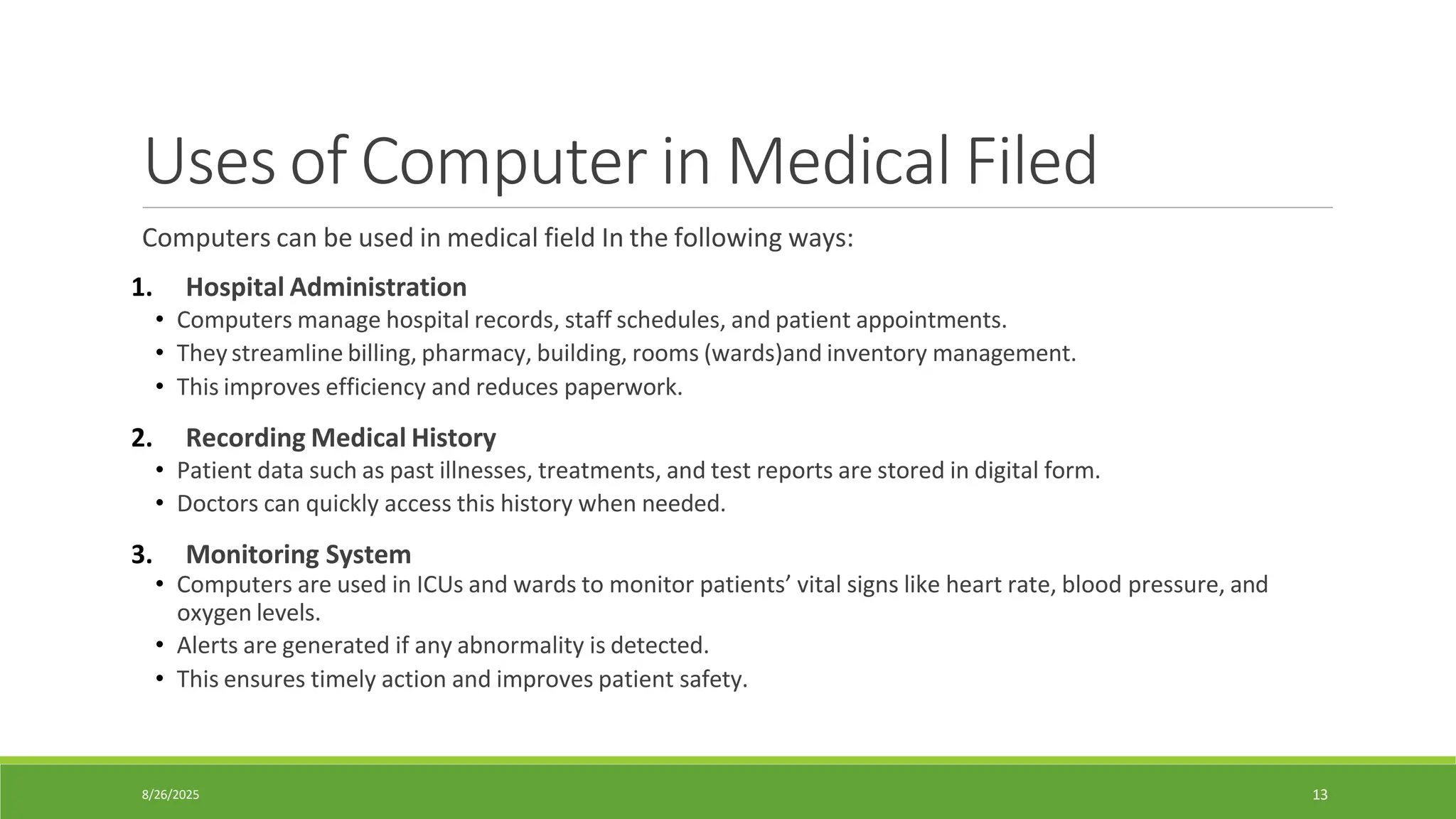
Uses ofComputer in Medical Filed
Computers can be used in medical field In the following ways:
1. Hospital Administration
• Computers manage hospital records, staff schedules, and patient appointments.
• They streamline billing, pharmacy, building, rooms (wards)and inventory management.
• This improves efficiency and reduces paperwork.
2. Recording Medical History
• Patient data such as past illnesses, treatments, and test reports are stored in digital form.
• Doctors can quickly access this history when needed.
3. Monitoring System
• Computers are used in ICUs and wards to monitor patients’ vital signs like heart rate, blood pressure, and
oxygen levels.
• Alerts are generated if any abnormality is detected.
• This ensures timely action and improves patient safety.
14.
8/26/2025 14
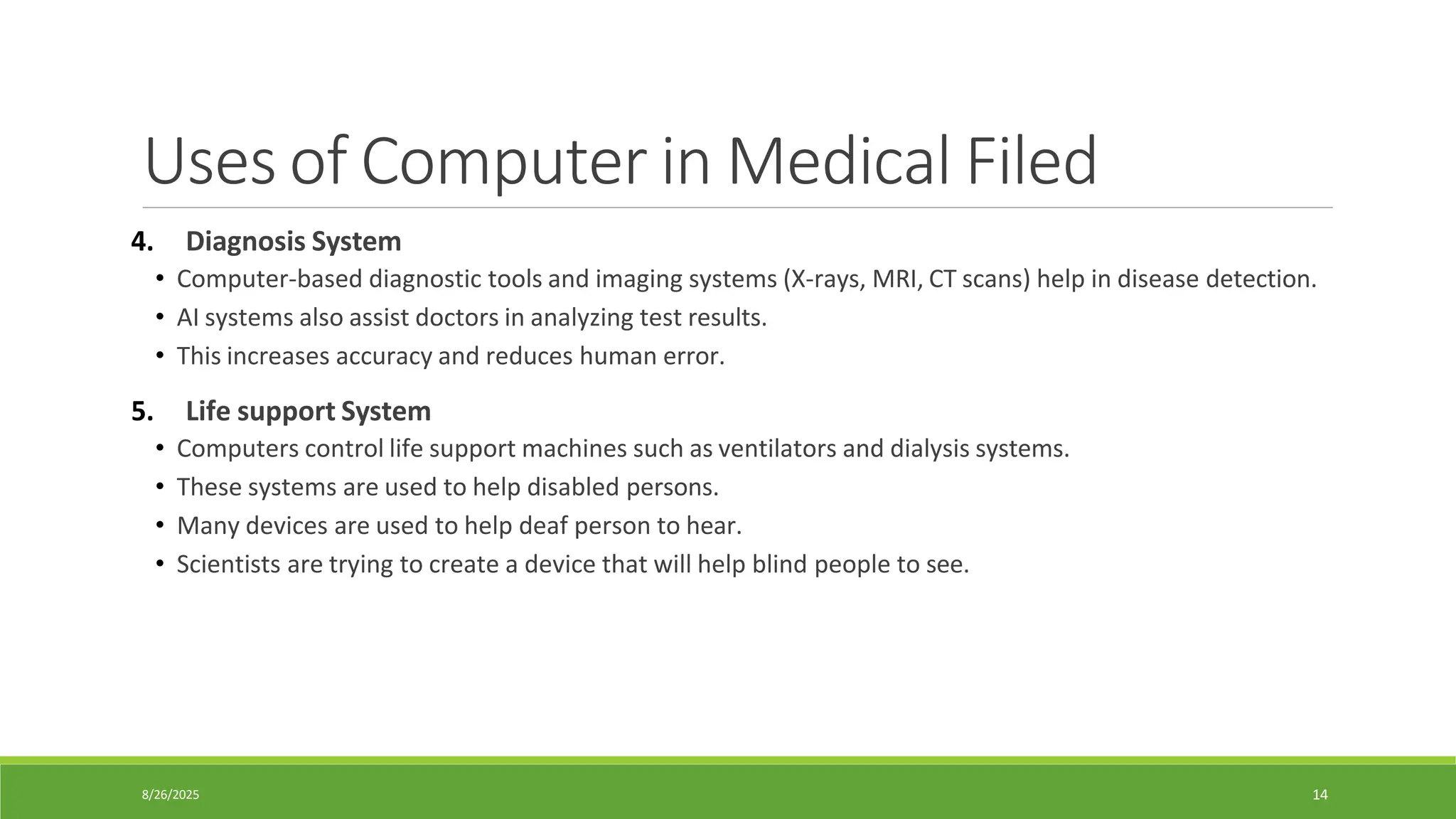
Uses ofComputer in Medical Filed
4. Diagnosis System
• Computer-based diagnostic tools and imaging systems (X-rays, MRI, CT scans) help in disease detection.
• AI systems also assist doctors in analyzing test results.
• This increases accuracy and reduces human error.
5. Life support System
• Computers control life support machines such as ventilators and dialysis systems.
• These systems are used to help disabled persons.
• Many devices are used to help deaf person to hear.
• Scientists are trying to create a device that will help blind people to see.
15.
8/26/2025 15
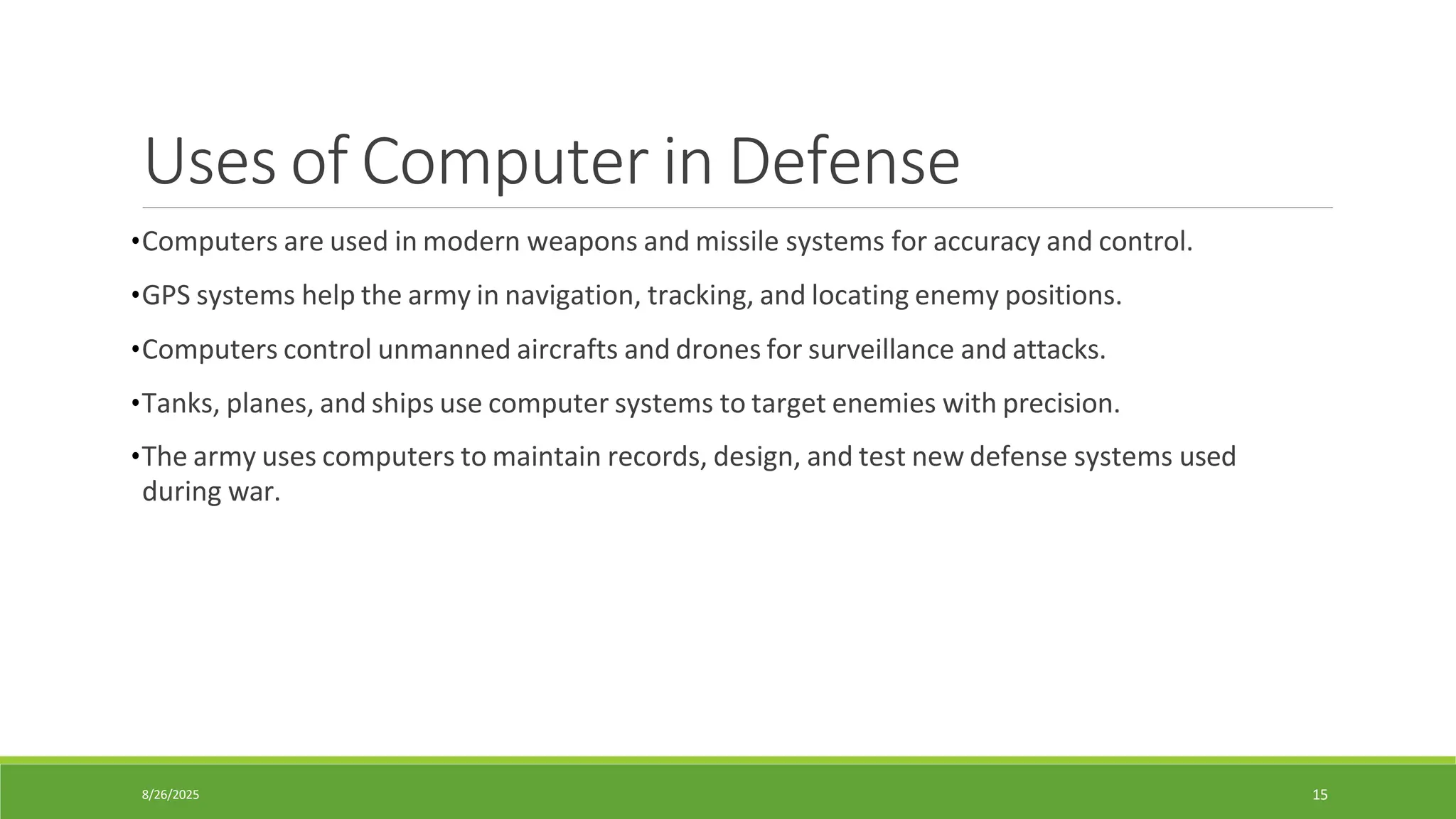
Uses ofComputer in Defense
•Computers are used in modern weapons and missile systems for accuracy and control.
•GPS systems help the army in navigation, tracking, and locating enemy positions.
•Computers control unmanned aircrafts and drones for surveillance and attacks.
•Tanks, planes, and ships use computer systems to target enemies with precision.
•The army uses computers to maintain records, design, and test new defense systems used
during war.
16.
8/26/2025 16
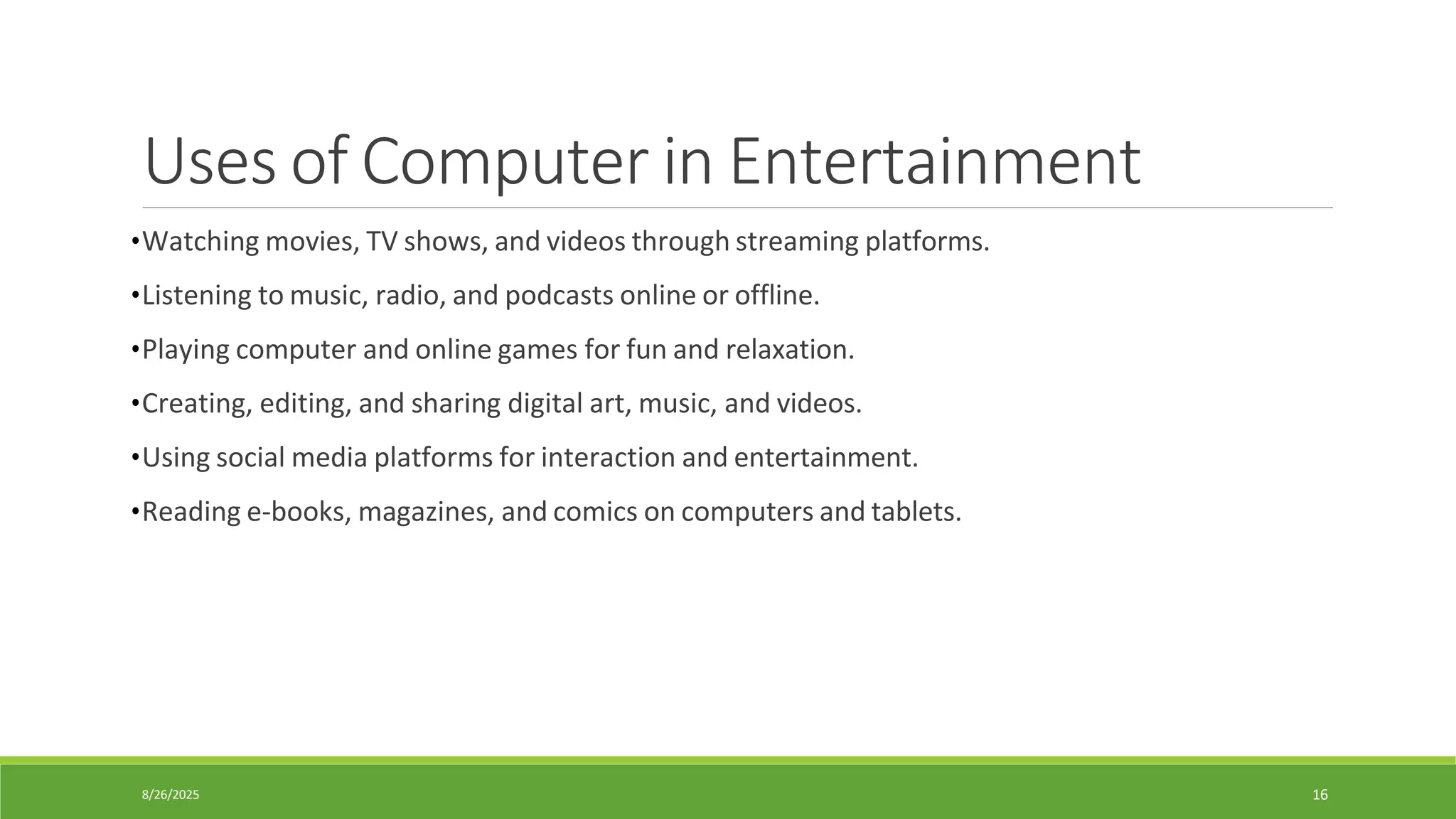
Uses ofComputer in Entertainment
•Watching movies, TV shows, and videos through streaming platforms.
•Listening to music, radio, and podcasts online or offline.
•Playing computer and online games for fun and relaxation.
•Creating, editing, and sharing digital art, music, and videos.
•Using social media platforms for interaction and entertainment.
•Reading e-books, magazines, and comics on computers and tablets.



![[DSC Europe 25] Branko Urosevic -Rethinking Financial Talent: Integrating Cod...](https://cdn.slidesharecdn.com/ss_thumbnails/8jjrus8ttko6qj64f58f-3-251212103250-642c6374-thumbnail.jpg?width=640&height=640&fit=bounds)
![[DSC Europe 25] Dusan Nesic - Securing Tomorrow’s Infrastructure: Why Cyber-P...](https://cdn.slidesharecdn.com/ss_thumbnails/qikbszfftyowjm2q6duw-1-251211083848-8f2ead6b-thumbnail.jpg?width=640&height=640&fit=bounds)
![[DSC Europe 25] Debmalya Biswas - Agentification: the art of transforming man...](https://cdn.slidesharecdn.com/ss_thumbnails/r5azlggvtqiaiiusrqdr-4-251212103249-5a12c89b-thumbnail.jpg?width=640&height=640&fit=bounds)
![[DSC Europe 25] Behzad Hosseini - AI Agents in the Wild: Deploying Models tha...](https://cdn.slidesharecdn.com/ss_thumbnails/3qtejajvsjqrzwfept2c-10-251212103250-7f2b1068-thumbnail.jpg?width=640&height=640&fit=bounds)
![[DSC Europe 25] Jon Dajci - Bridging TradFi and DeFi: Building the Future of ...](https://cdn.slidesharecdn.com/ss_thumbnails/fqmhfvlbqhkihjvqvhmu-7-251211083849-6af7e325-thumbnail.jpg?width=640&height=640&fit=bounds)
![[DSC Europe 25] Dunja Adzic Jovanovic - AI and Cybersecurity: Defending Data ...](https://cdn.slidesharecdn.com/ss_thumbnails/o1zylpbhrtwnixxq2xj8-7-251211083048-185086f6-thumbnail.jpg?width=640&height=640&fit=bounds)
![[DSC Europe 25] Bassam Maharmeh - Artificial Intelligence: Opportunities and ...](https://cdn.slidesharecdn.com/ss_thumbnails/thhfmr2fqpawzj7hsjpg-5-251211083048-2c23204f-thumbnail.jpg?width=640&height=640&fit=bounds)


![[DSC Europe 25] Hans Kleinsman - The Compliance Gearbox: How Tax Tech Mediate...](https://cdn.slidesharecdn.com/ss_thumbnails/dxdytie1toel0hr90bjs-2-251212103250-174fdbe7-thumbnail.jpg?width=640&height=640&fit=bounds)


