.
.
Date |
Time |
Impact on Users |
Status |
|
|---|---|---|---|---|
April 25, 2026 |
09:00 - 18:00(JST) |
00:00 - 09:00(UTC) |
Maintenance mode |
Finished |
May 28, 2026 |
10:00 - 18:00(JST) |
01:00 - 09:00(UTC) |
None |
|
June 27, 2026 |
10:00 - 18:00(JST) |
01:00 - 09:00(UTC) |
Maintenance mode |
|
July 30, 2026 |
10:00 - 18:00(JST) |
01:00 - 09:00(UTC) |
None |
|
August 27, 2026 |
10:00 - 18:00(JST) |
01:00 - 09:00(UTC) |
||
September 26, 2026 |
10:00 - 18:00(JST) |
01:00 - 09:00(UTC) |
Maintenance mode |
|
October 31, 2026 |
10:00 - 18:00(JST) |
01:00 - 09:00(UTC) |
Maintenance mode |
|
November 26, 2026 |
10:00 - 18:00(JST) |
01:00 - 09:00(UTC) |
None |
|
December 19, 2026 |
10:00 - 18:00(JST) |
01:00 - 09:00(UTC) |
Maintenance mode |
Date |
Time |
Impact on Users |
Status |
|
|---|---|---|---|---|
January 28, 2027 |
10:00 - 18:00(JST) |
01:00 - 09:00(UTC) |
None |
|
February 27, 2027 |
10:00 - 18:00(JST) |
01:00 - 09:00(UTC) |
Maintenance mode |
|
March 25, 2027 |
10:00 - 18:00(JST) |
01:00 - 09:00(UTC) |
None |
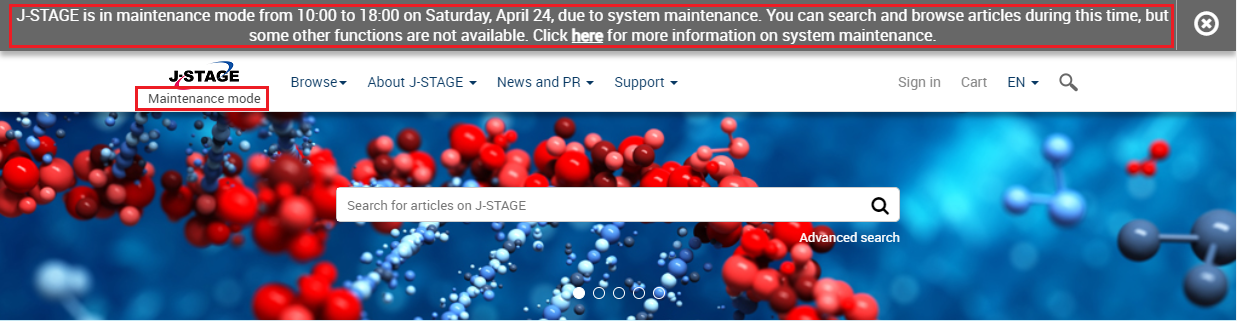
When J-STAGE enters maintenance mode, a message is displayed in the header of each page and "Maintenance mode" is displayed below the J-STAGE logo. The following functions are not available:
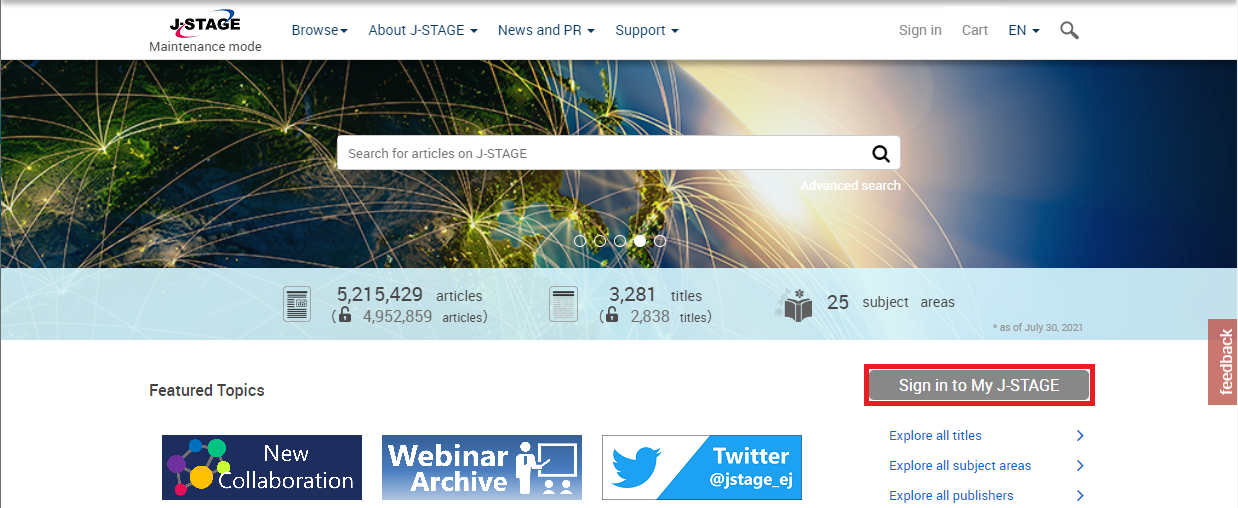
All functions of My J-STAGE are unavailable in maintenance mode.
a) Signing in to My J-STAGE
You will not be able to sign in to My J-STAGE during maintenance periods. If you are using J-STAGE while signed in to My J-STAGE, you will be automatically signed out when maintenance starts.
b) Managing favorites and alerts
You will not be able to add or edit new favorites and alerts during maintenance periods.

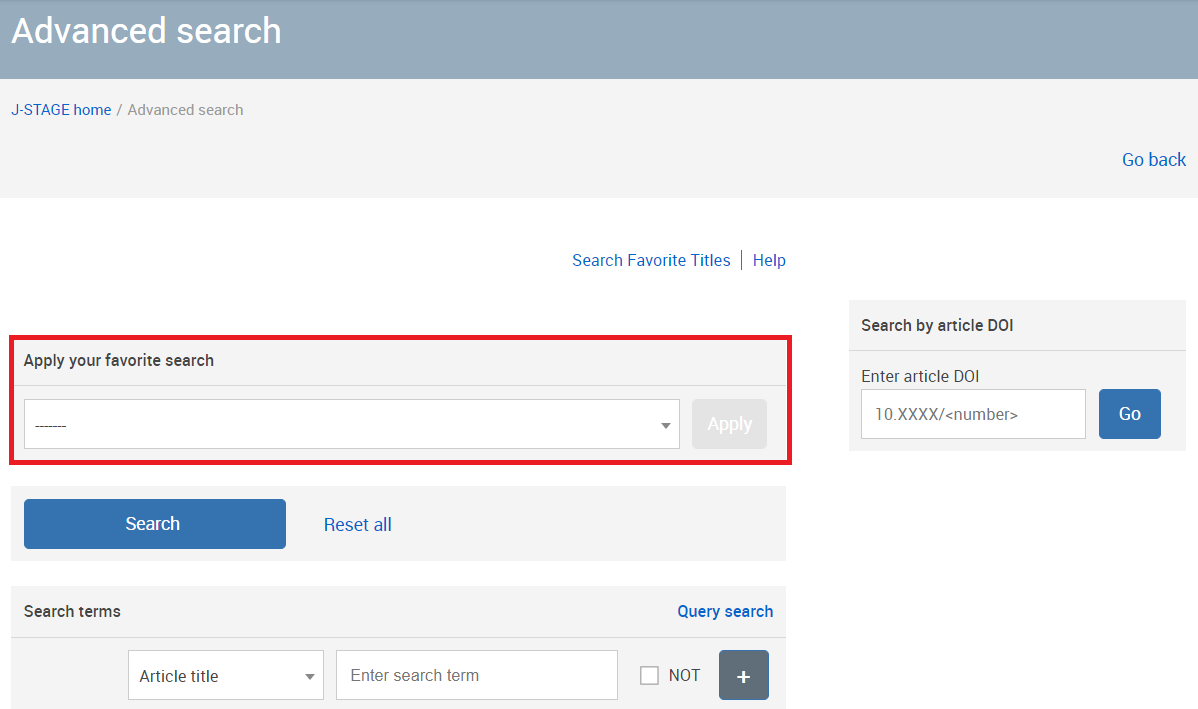
c) Applying your favorite search
In maintenance mode, "Apply your favorite search" will not be displayed on the advanced search page.
Pay-per-view (PPV) articles cannot be purchased during maintenance periods. However, you can browse PPV articles that you have already purchased.
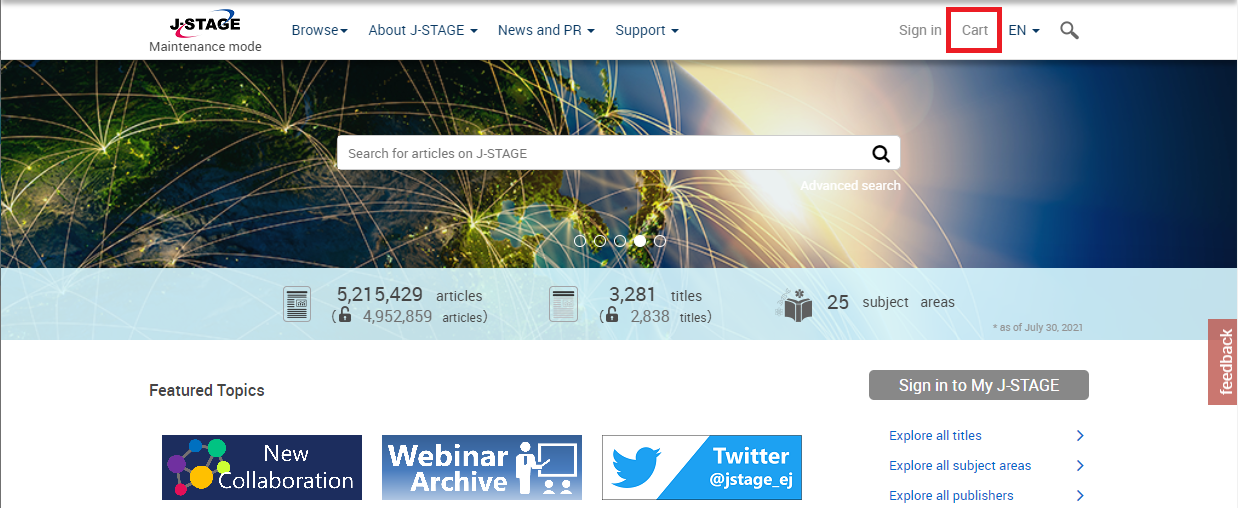
When J-STAGE is in maintenance mode, you cannot view articles that require authentication by subscription number.


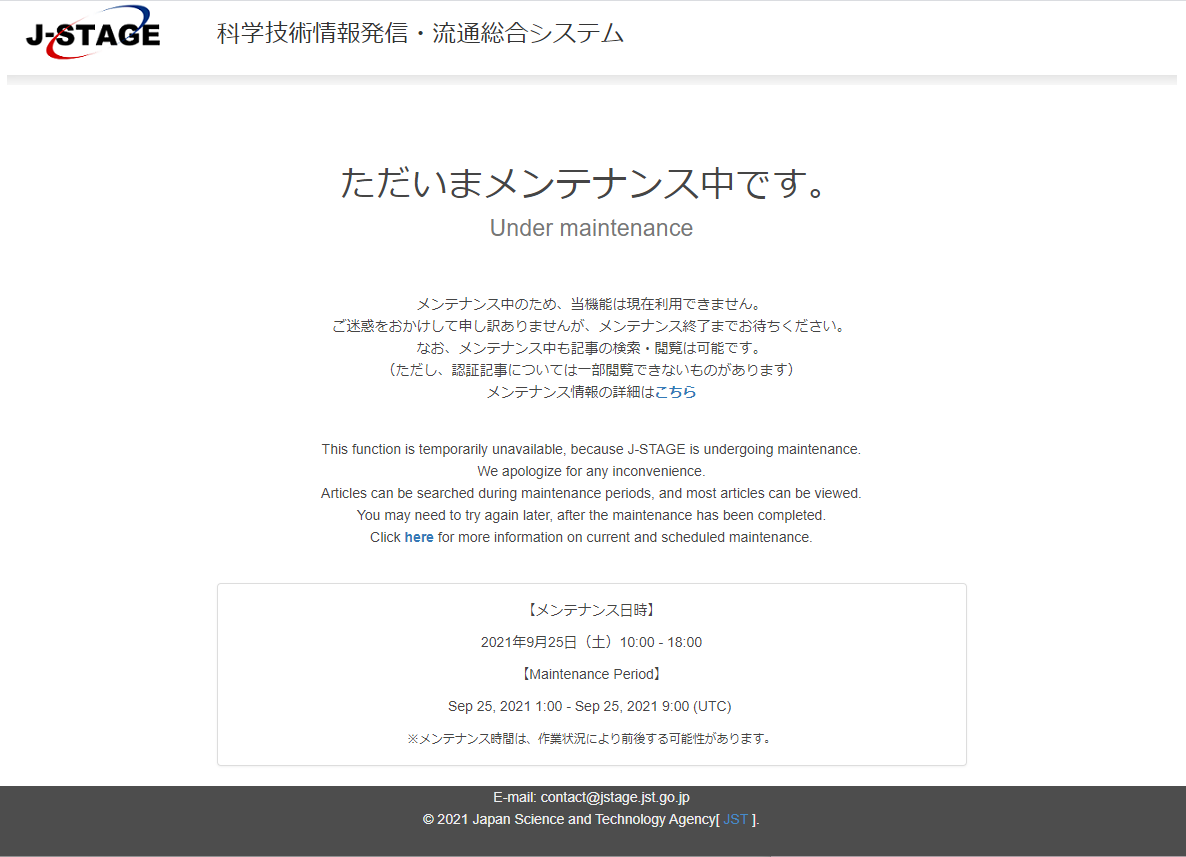
During maintenance periods, the following screen will be displayed if you try to access an authenticated article directly by specifying the URL.
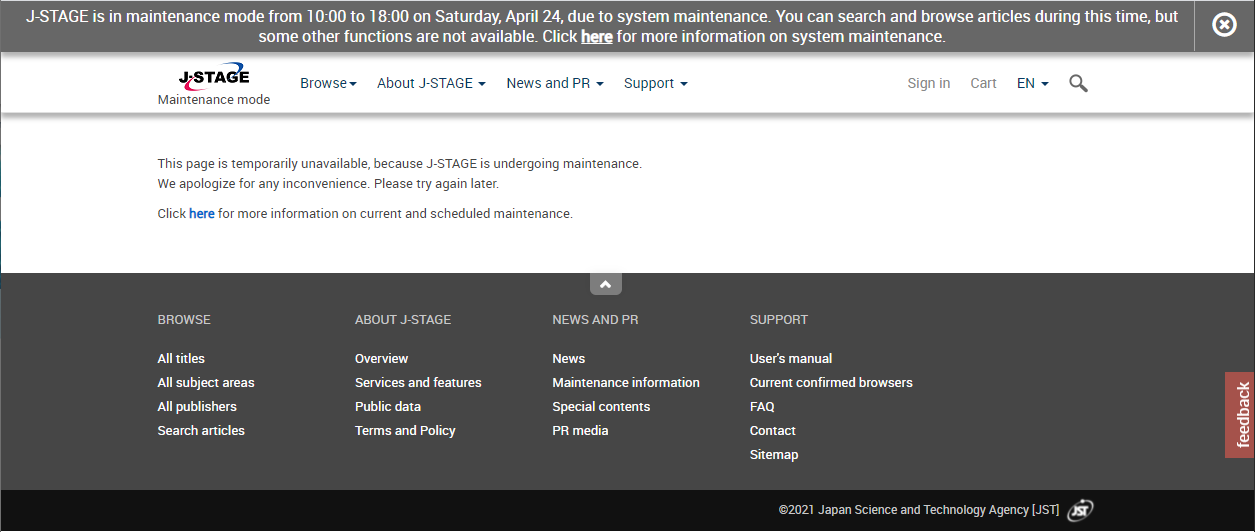
COUNTER reports are not available in maintenance mode. The following screen will be displayed.