
Download
Purchase a license for Affiliates Pro or Affiliates Enterprise.

Required plugins: Gravity Forms and Affiliates.
This extension integrates the Affiliates plugins (Affiliates, Affiliates Pro or Affiliates Enterprise) with Gravity Forms. You must have Gravity Forms and one of the Affiliates plugins installed and activated on your WordPress site. See the requirements and features based on Gravity Forms Add-Ons below for more details.
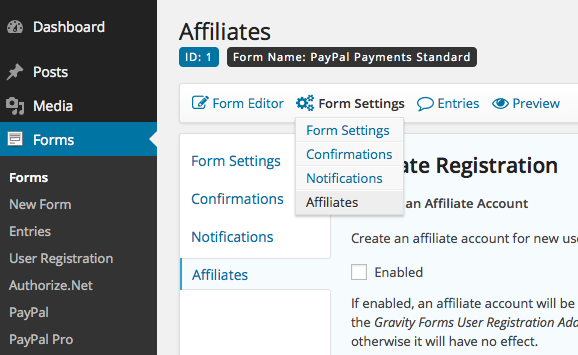
This extension allows to record referrals for form submissions and to create affiliate accounts for new users based on Gravity Forms.
Affiliates Registration
Sign new users up as affiliates when they register through a user registration form handled by Gravity Forms’ User Registration Add-On.
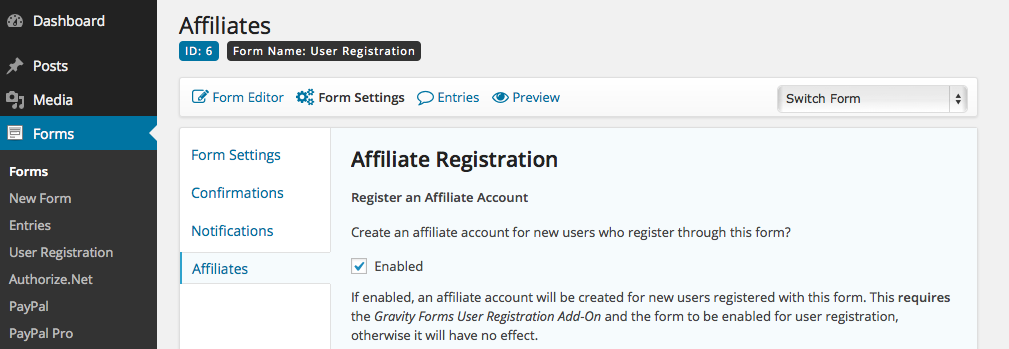
With the User Registration Add-On enabled, forms that are enabled for user registration, can also be used to sign up new users as affiliates while they register.
Form Referrals
Referrals can be recorded for form submissions that have been referred by an affiliate.
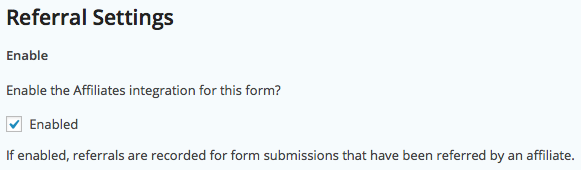
The integration allows to set specific amounts per form submission which are credited to the referring affiliate and also allows to base the commission amounts on payment or order amounts related to the submitted form.
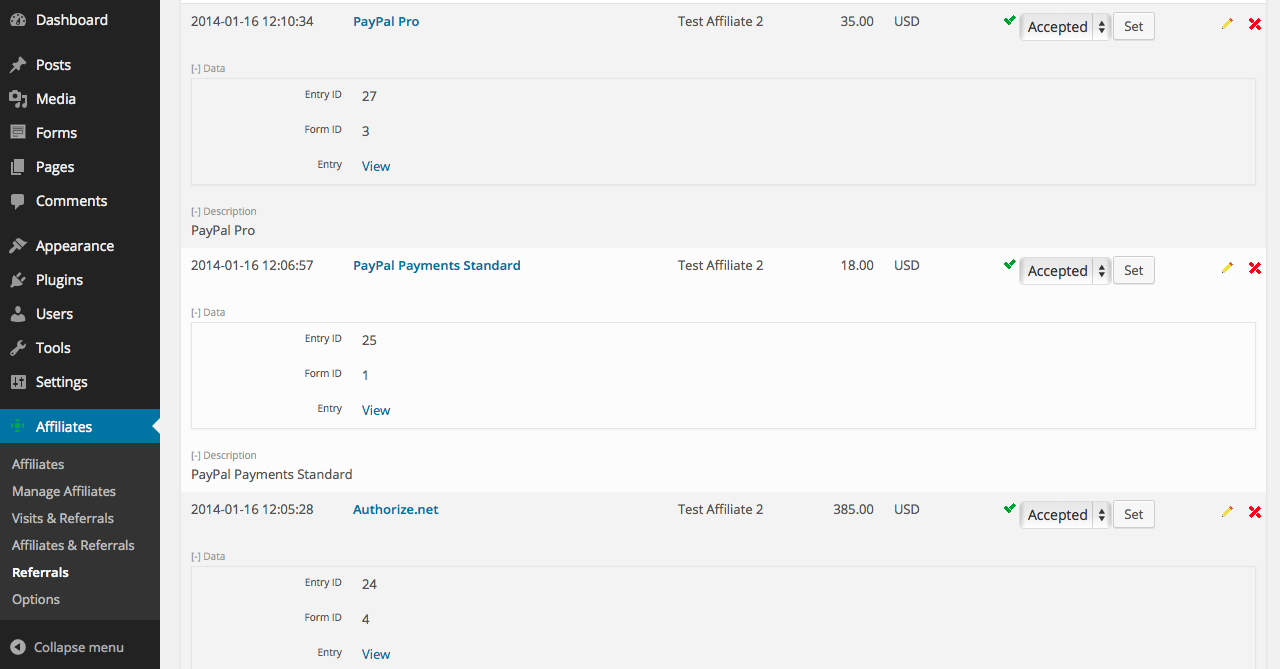
The referral status is adjusted automatically based on the payment status for several payment Add-Ons. Payments made through PayPal Payments Standard, PayPal Pro and Authorize.net automatically mark the related referrals as accepted, thereby validating the related commissions for the referring affiliates.
See the table below for more details on Add-On-related features.
Integration features for Gravity Forms Add-Ons
The following table summarizes key integration-features that are supported per Add-On:
| Gravity Forms Add-On | Integration Features |
|---|---|
| User Registration | Create affiliate accounts for new users. |
| PayPal | Mark referrals as accepted after payment. Update referral status according to payment status, payment refunds mark referrals as rejected. |
| PayPal Pro | Mark referrals as accepted after payment. Update referral status according to payment status, payment refunds mark referrals as rejected. |
| Authorize.net | Mark referrals as accepted after payment. |
Note that subscriptions are supported to a limited extent and that recurring payments will not record referrals.
Requirements
The following minimum requirements must be met:
- WordPress 3.8
- Gravity Forms 1.8.1
- Affiliates, Affiliates Pro or Affiliates Enterprise (2.5.0 or higher)
- The appropriate Gravity Forms license and Gravity Forms Add-On when a feature related to an Add-On is required.
Documentation
See the Affiliates Gravity Forms Documentation pages.


Leave a Reply