


WordPress AI chatbot
that answers and converts
Put your website's service on offense. Install the AI chatbot plugin and an AI agent answers from your own pages, captures the lead, and books the next step.
Free 14-day trial No credit card required AI agent included


Solve cases
The AI agent answers from your site's own content, around the clock.
Capture leads
Collect contact details in chat and turn visits into pipeline.
Grow sales
Turn conversations into demos, quotes, and orders, with cart context on WooCommerce.
Over 35,000 brands are already selling through service with Text





Install the WordPress chatbot plugin in minutes
Three ways to add AI chatbot to your site. No coding required.
From your dashboard
Go to Plugins, choose Add Plugin, and search for AI chatbot. Install, activate, and click Connect Text to log in or create your account.
From the Text app
Go to Settings, then Website widgets, and enter your site address. Choose Add to WordPress and the guided flow takes you to the plugin.
Manual upload
Download the plugin as a .zip file, then upload it under Plugins, Add Plugin, Upload Plugin. Activate it and connect your account.
Works with WordPress 6.0 or higher and PHP 7.4 or higher. You can create your Text account during setup, and the widget appears on your site as soon as you connect.
AI included, not bolted on
Most WordPress chatbot plugins are wrappers around someone else's AI. This one ships with its own.
No API keys
Nothing to configure and no third-party usage bills. Connect the plugin and the AI agent is ready to chat.
Built for service
The AI is part of the platform and trained for customer conversations, not a general model behind a form.
74% AI resolution
Text customers see a 74% AI resolution rate, against a 59% industry average.

AI agent for
your WordPress site
A smart assistant inside Text that learns your site and completes tasks for your visitors on its own.

Turn intent into leads
The AI agent notices when a visitor is interested and asks for the email before they move on.

Catch abandonment before it happens
The AI agent reads hesitation signals and starts the conversation while the visitor is still deciding.

Supervision built in
Open any AI conversation while it happens and see exactly how it is being handled.

Rated by visitors
Customers score the AI agent's answers, and its CSAT lands in your reports.

Language control
Decide which languages your AI agent replies in, from one to all of them.

AI resolution
Watch the share of chats your AI agent closes without your team stepping in.

Custom instructions
Write the rules your AI agent follows: its role, its tone, and where it stops.
A WooCommerce chatbot that knows the cart
Run a store? The plugin automatically adds ecommerce insights to your chats.
Every shopper arrives with context.
The moment a WooCommerce customer opens the chat, your team and your AI agent see the full picture: cart contents, product details, total spend, and past orders. Answers match the order in progress, and nobody asks twice.
Try it for free
Carts in the chat
What is in the cart sits right next to the conversation.
Product details in view
Names, options, and prices, without switching tabs.
Order events tracked
Cart changes and completed orders flow into Text as they happen.
It learns your site. You watch it work.
Everything the AI agent says starts in your content, and everything it does shows up in your reports.
Your pages become answers.
Scan your whole site or only the pages you pick, upload PDFs and docs, and write articles for the rest. When your content changes, update the source and the answers follow.
Sign up free

Your voice, every time.
Set the tone once, formal to friendly, and every AI reply matches it. Visitors read one consistent voice across every page of your site.
Sign up freeWatch it work, live.
Chats, leads, and AI resolutions land in reports as they happen, so you always know what the widget on your site is doing.
Sign up free
Make the widget yours
Your site has a look. The widget keeps it.
Colors and launcher
Match your palette, choose the greeting, and pick a launcher style that fits your design.
Page rules
Show or hide the widget on specific pages and schedule when it appears.
Desktop and mobile
Set separate behaviors for desktop and mobile visitors, from one settings panel.
$1.5M
Revenue after 8 months
+25%
Average order value
80%
AI resolution rate
AI agents that sell, not just solve
From product questions to demo bookings, Text AI agents turn website traffic into pipeline your team can count.
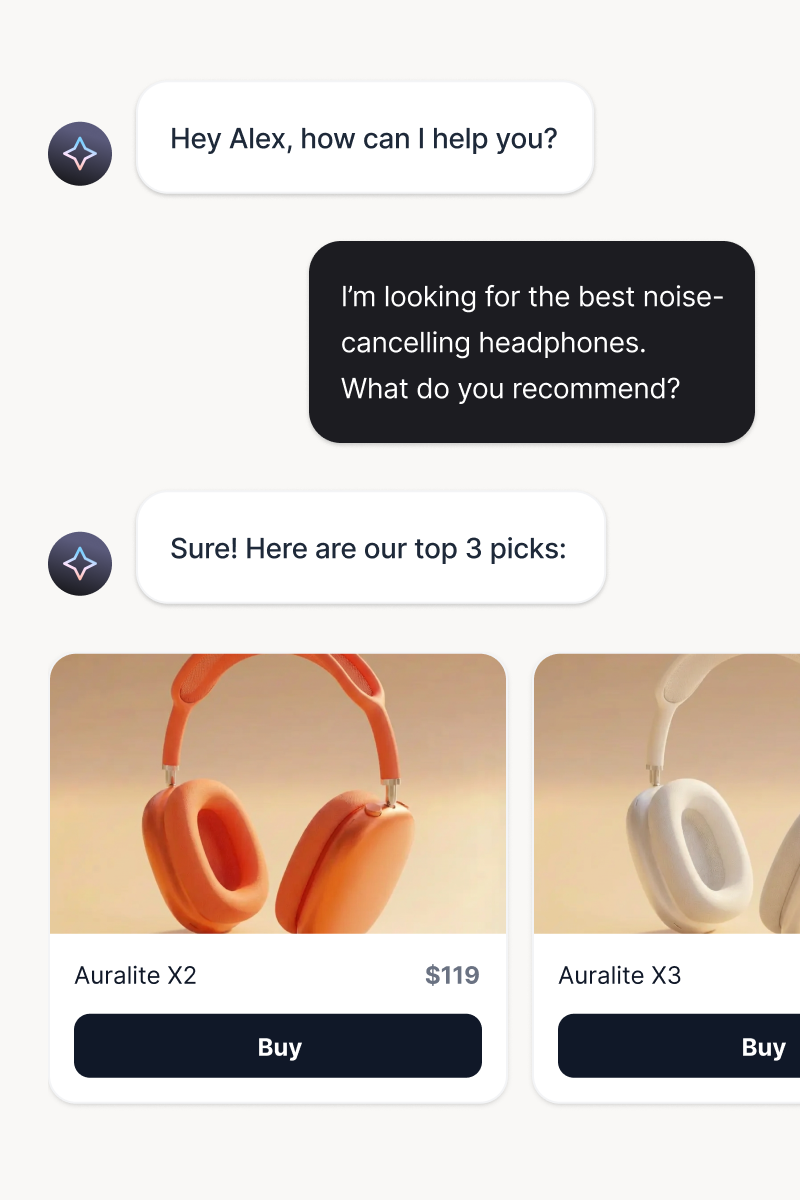
Product recommendations
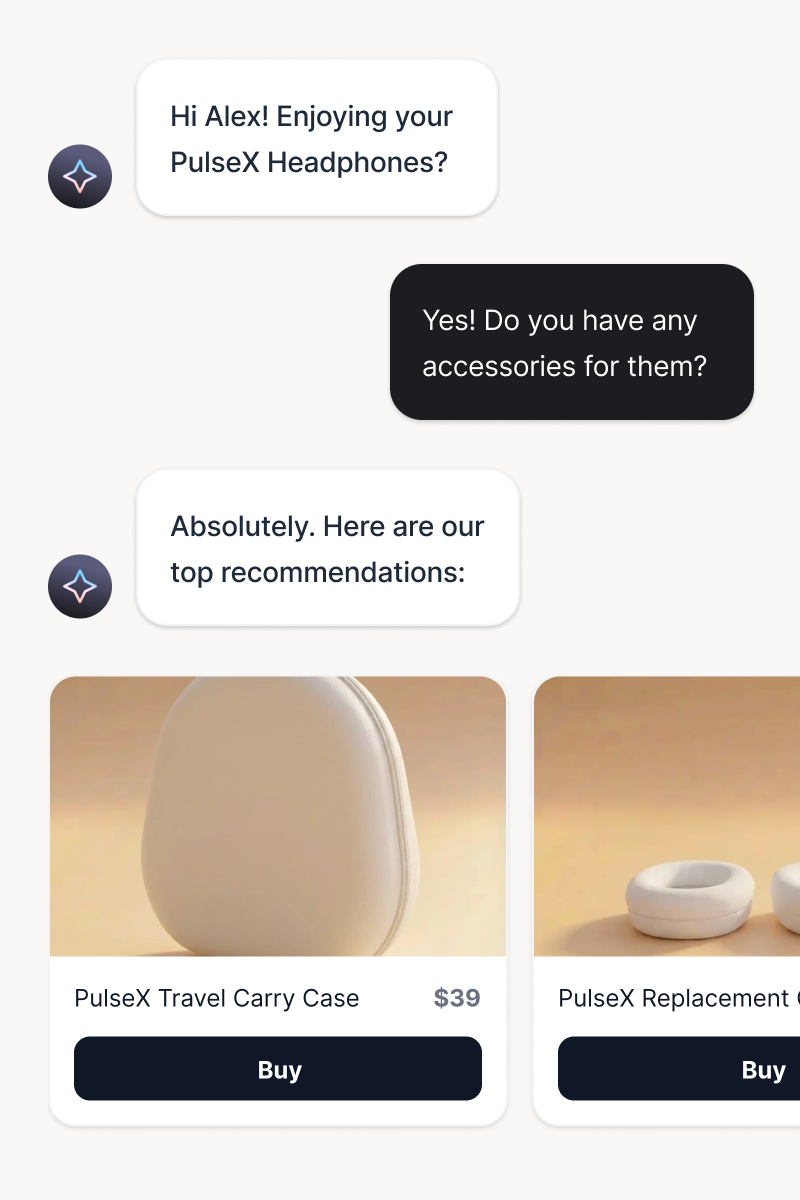
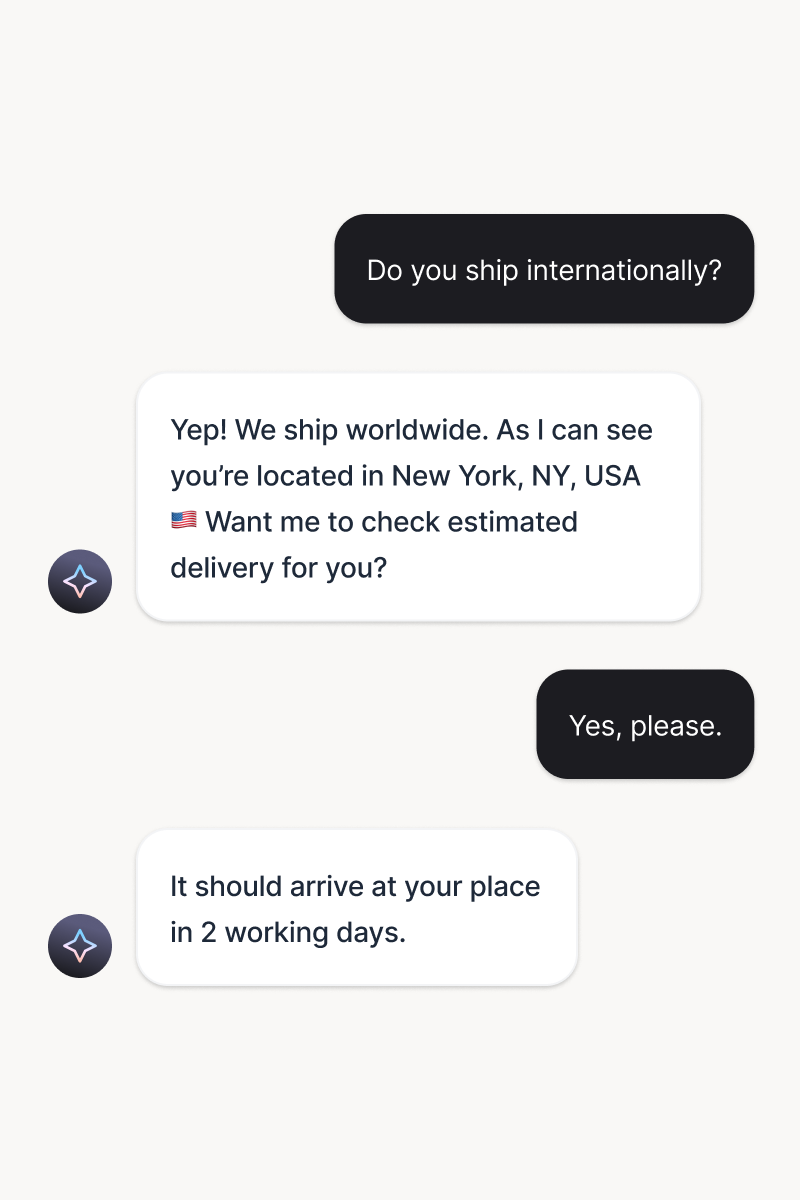
Your AI agent matches customers with products they actually want. Personalized suggestions based on browsing history, cart contents, and conversation context.
Try it freeLead capture
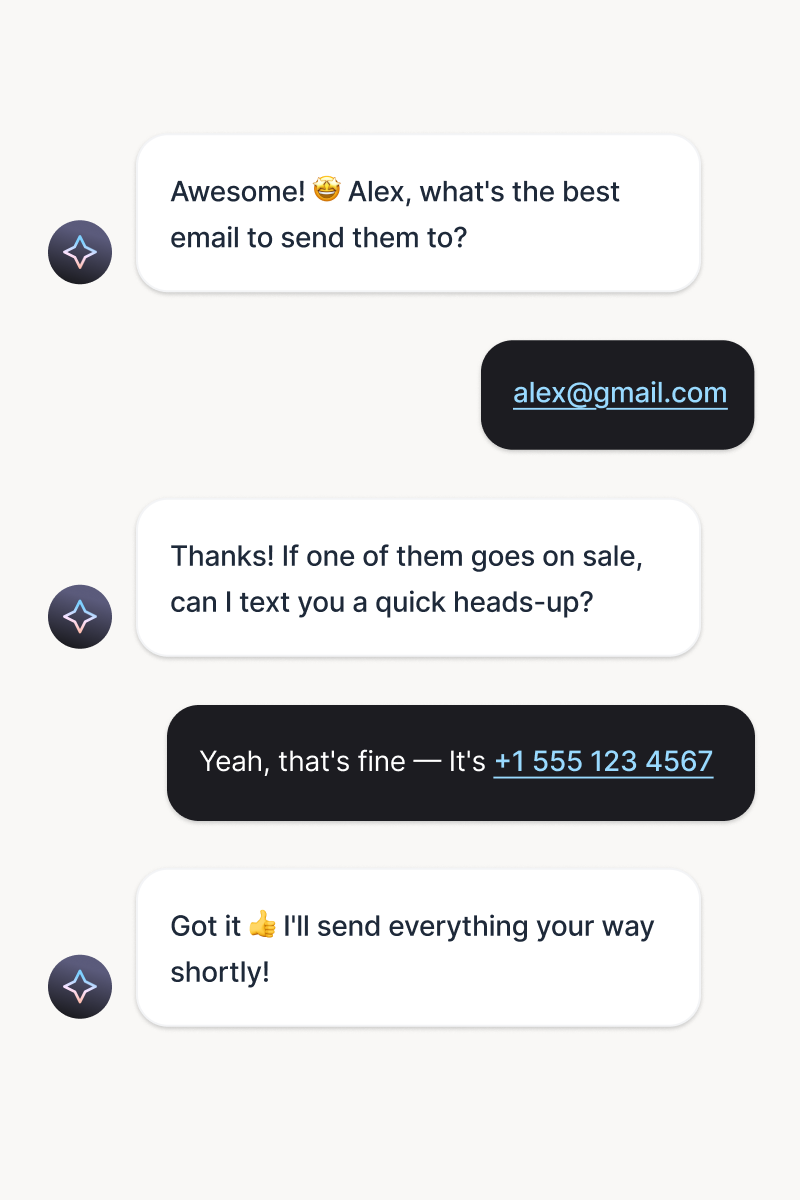
Generate and qualify leads instantly, in the right moment. Lead generation becomes part of the conversation experience.
Try it freeCross-sell and upsell
Deliver timely, relevant messages based on behavior and intent. Every nudge feels personal and drives action.
Try it freePersonalized offers
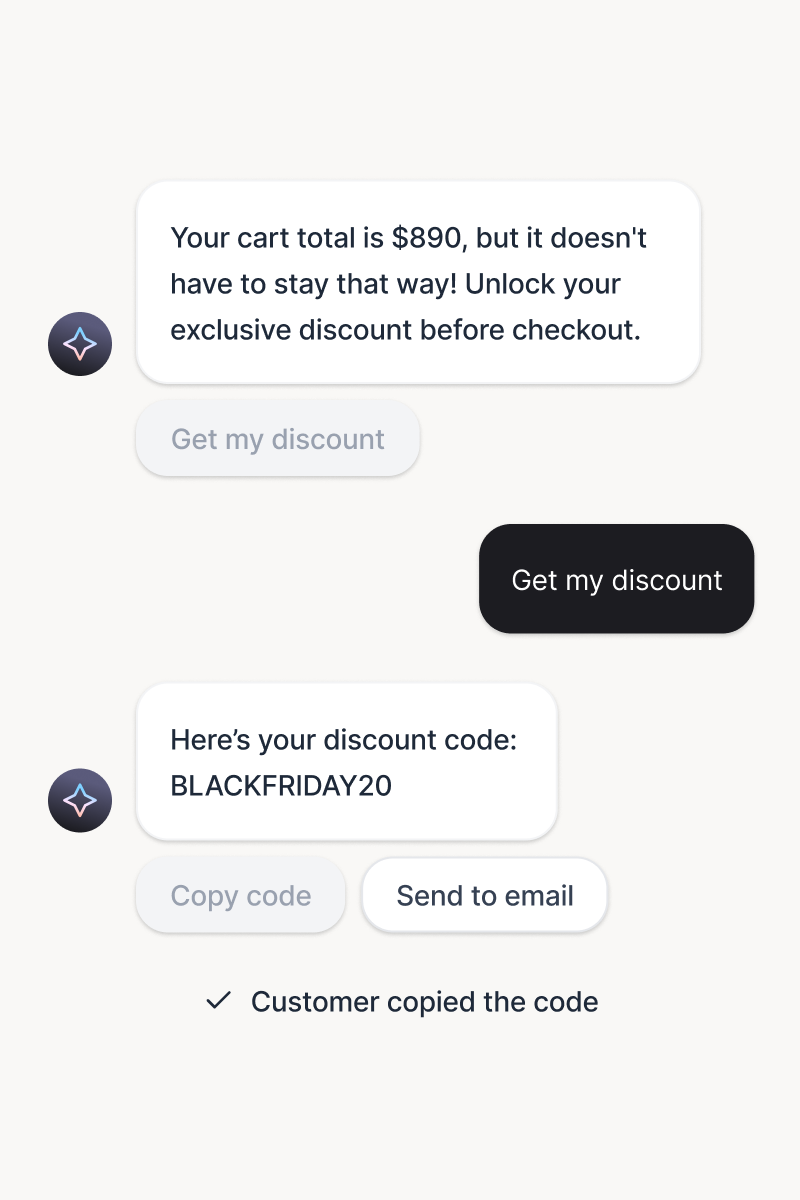
Serve tailored offers at the perfect moment. Context-aware incentives drive sales without feeling pushy.
Try it freeInstant FAQ answers
Automate over 80% of chats and tickets. Your team gets time back, and customers get answers instantly.
Try it freeSmart handoff to humans
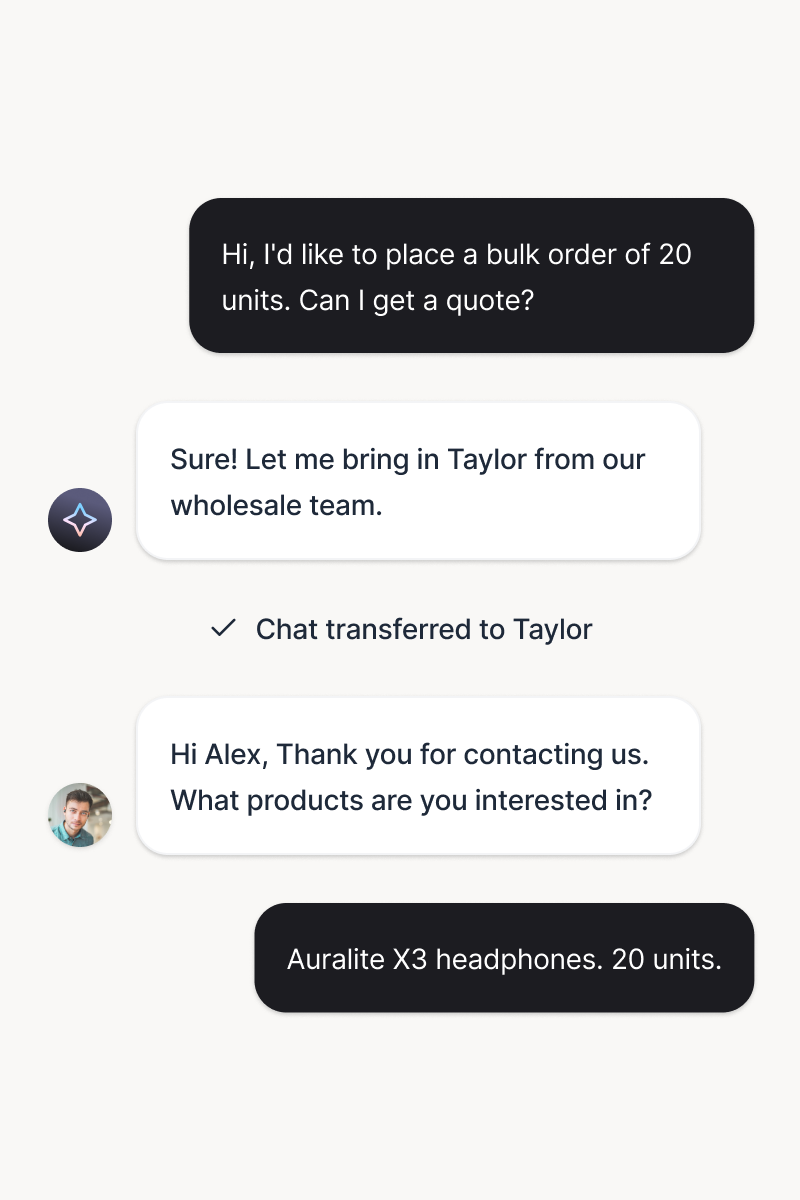
Transfer conversations with full context and zero repetition. Pick up the thread seamlessly to keep the momentum.
Try it freeSkills that close the loop
Preview a skill, then create it for your website. Each skill tells your AI agent when to act and what to do.
-
Turn conversations into qualified leads
When a customer shows buying intent, capture contact details and key requirements for sales follow-up.
-
Connect VIP customers with their account manager
When a VIP customer reaches out, then connect them with their account manager or dedicated VIP team.
-
Turn complaints into guaranteed follow-up
When a complaint needs human follow-up, create a priority ticket and set a clear response time.
-
Turn product questions into expert advice
When a customer needs product advice, capture requirements, then create a ticket for a specialist.
-
Save the sale with the right incentive
When a customer raises a price objection, share an approved incentive and tag the chat as a sales opportunity.
-
Grow every cart with the perfect add-on
When a customer mentions a product in their cart, recommend a relevant add-on, bundle, or warranty.


Live chat when it matters
The AI agent handles the routine, and your team takes over in live chat exactly when you want.
Escalation, defined by you.
Choose the moments a conversation moves to your team: a topic, a keyword, or a visitor who asks for a person. The chat lands in live chat with the full history, and if nobody picks up within 30 seconds, a ticket is created so nothing slips.
Sign up free

One inbox for everything.
Live chat, AI conversations, and tickets share one inbox. Your team assigns, replies, and resolves without switching tools, and every visitor gets help from the same place.
Sign up freeWhat is a WordPress AI chatbot?
A WordPress AI chatbot is an AI assistant that lives in your site's chat widget, usually in the bottom corner of the page, and talks with your visitors for you. It learns your pages, posts, and docs, answers product and service questions on its own, collects leads, and brings your team into live chat when a conversation needs a person. Good ones stay accurate because they answer from your content, not from a generic model.
How do I add a chatbot to WordPress?
Install the AI chatbot plugin from the WordPress plugin directory, activate it, and connect your Text account. The plugin adds the chat widget to your site without any code changes, and you manage everything from the Text app. Already using Text? Start from Settings, then Website widgets, and choose Add to WordPress.
What to look for in a WordPress chatbot plugin
Judge a WordPress chatbot plugin on four things. Training: it should learn from your own pages and documents, and let you correct it. Fit: a real plugin from the WordPress directory, current with WordPress 6.0 and PHP 7.4, installed without touching code. Store awareness: if you run WooCommerce, cart contents and product details should show up inside the conversation. And an exit: live chat handoff with full history, plus reporting that shows the leads and sales your chats produced.
Frequently Asked Questions
Put your service on offense
Free 14-day trial No credit card required AI agent included