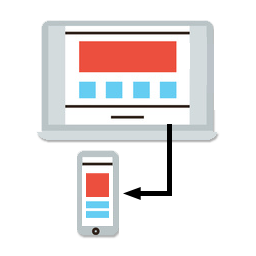
Not working with caching plugins solution
-
Some caching software set on your desktop site may override Equivalent Mobile Redirect’s mobile detection method and then the redirects will not function properly. Fortunately, most caching plugins can be set to disable caching when mobile devices are detected. If you use: W3 Total Cache, WP Super Cache, Wordfence, WP Rocket, Hyper Cache, Quick Cache Pro, WP Simple Cache, Comet Cache, WPEngine, or other caching plugins or services.
In the settings you will need to disable caching for the following User Agents:
iPhone
iPod
Android
BB10
BlackBerry
webOS
IEMobile/7.0
IEMobile/9.0
IEMobile/10.0
MSIE 10.0
iPad
PlayBook
Xoom
P160U
SCH-I800
Nexus 7
TouchIf your not redirecting tablets as mobile you may want to remove the tablet user agents such as “iPad” for example.

The topic ‘Not working with caching plugins solution’ is closed to new replies.