

外掛說明
為網站加入功能豐富、讓訪客愛不釋手的表格!
TablePress 是最受歡迎、最高評價的 WordPress 表格外掛。
- Easily create, edit, and manage beautiful and modern data tables, no matter if small or large!
- Add live sorting, pagination, searching, and more interactivity for your site’s visitors!
- Use any type of data, insert images, links, and even math formulas!
- Import and export tables from/to Excel, CSV, HTML, and JSON files or URLs.
- 使用者可以使用區塊編輯器的區塊、Elementor 的小工具或短代碼,將表格內嵌至文章、頁面或網站的其他位置。
- 完全不需具備撰寫程式碼的能力。
Even more great features for you and your site’s visitors and priority email support are available with a Premium license plan of TablePress. Go check them out!
進一步了解相關資訊
Visit tablepress.org for more information, take a look at example tables, or try TablePress on a free test site. For latest news, follow @TablePress on Twitter/X or subscribe to the TablePress Newsletter.
TablePress 的使用方式
After installing the plugin, you can create and manage tables on the “TablePress” screen in the WordPress Dashboard.
To insert a table into a post or page, add a “TablePress table” block in the block editor or a widget in the Elementor page builder and select the desired table or use Shortcodes with other page builders.
Beginner-friendly step-by-step tutorials, guides, and how-tos show how to achieve common and popular tasks with TablePress.
Examples for common styling changes via “Custom CSS” code can be found on the TablePress FAQ page.
You may also add certain features (like sorting, pagination, filtering, alternating row colors, row highlighting, print name and/or description, …) by enabling the corresponding checkboxes on a table’s “Edit” screen.
Even more great features for you and your site’s visitors and priority email support are available with a Premium license plan of TablePress. Go check them out!
螢幕擷圖
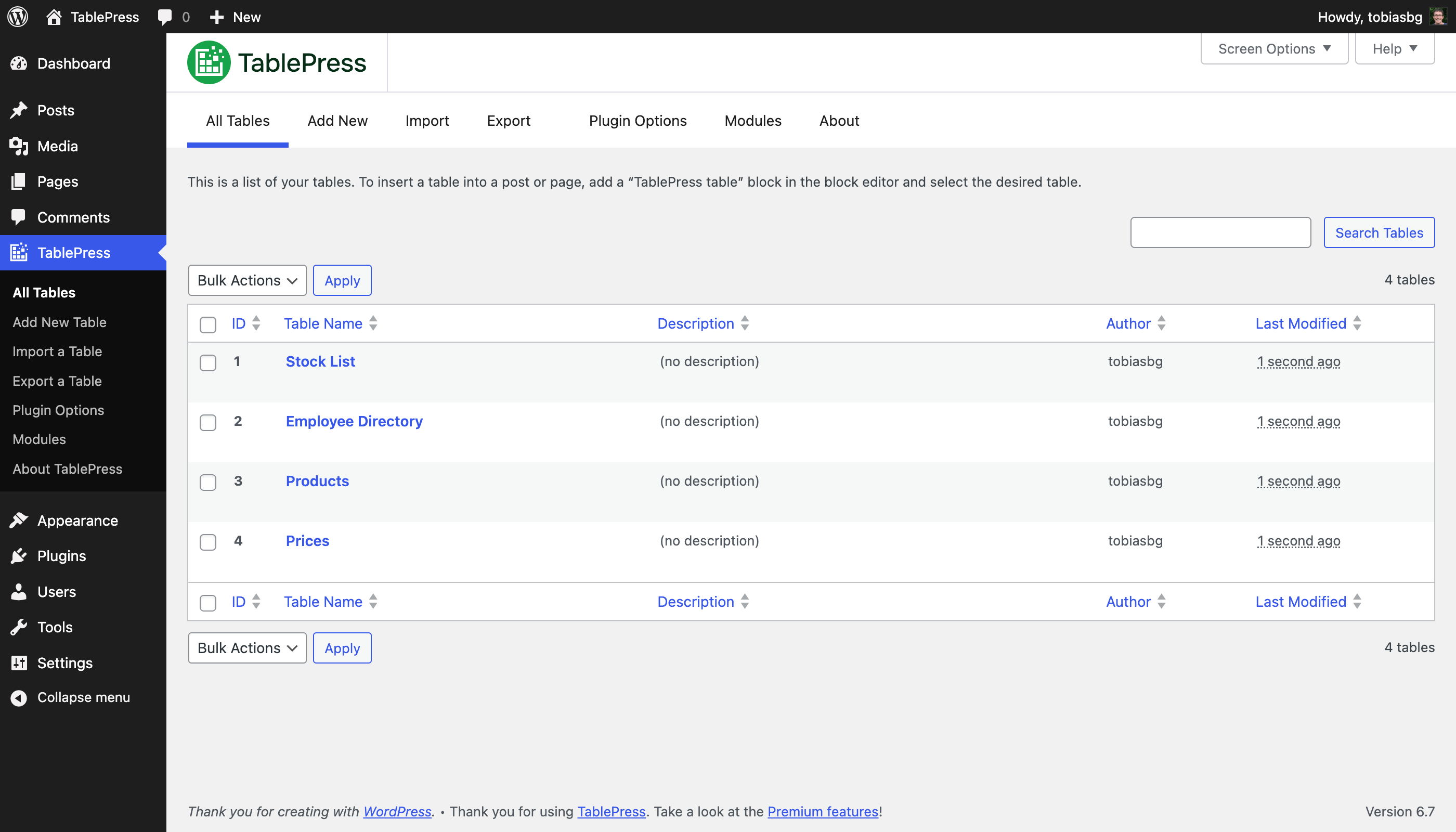
[全部表格] 畫面 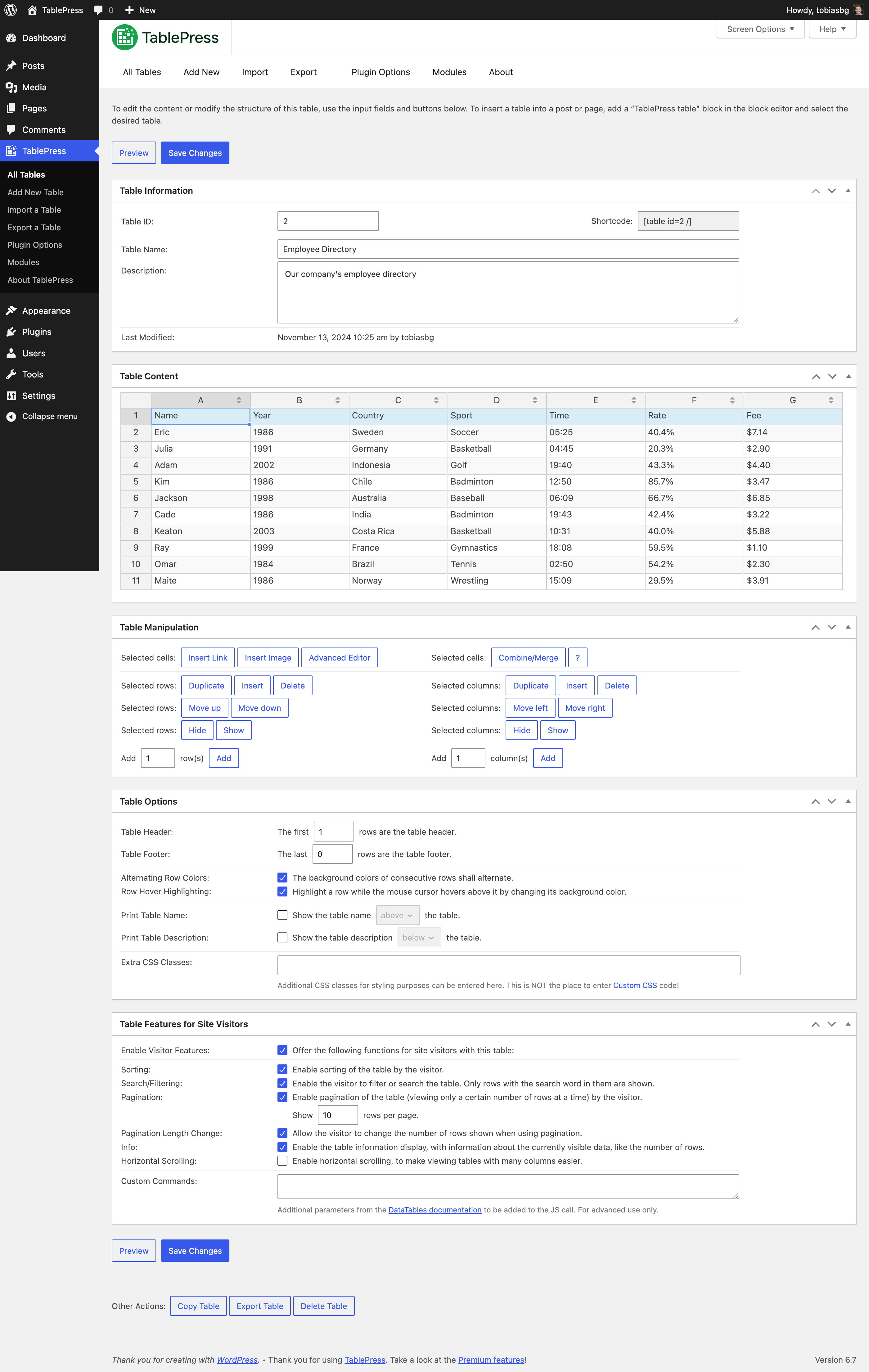
[編輯表格] 畫面 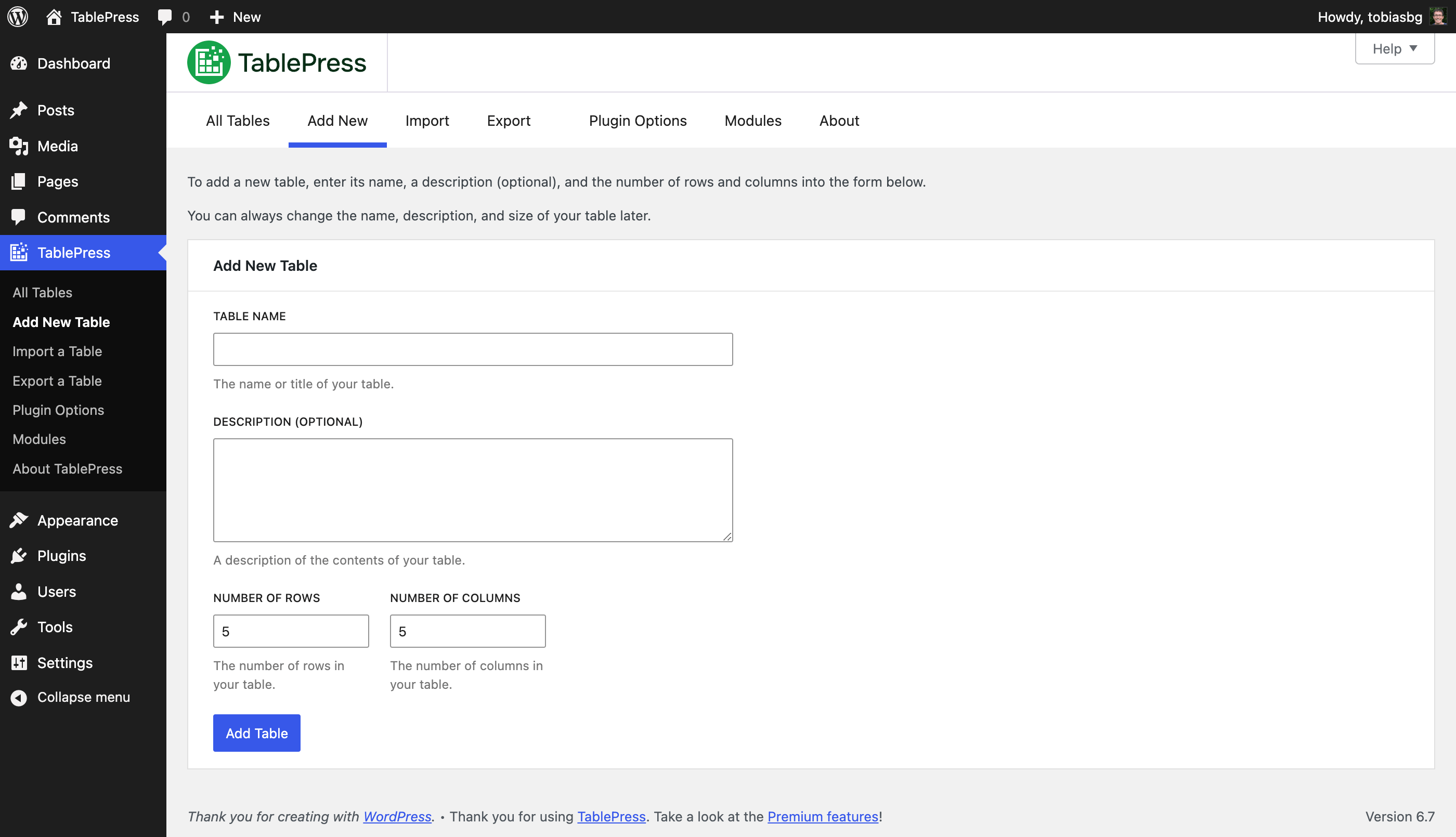
[新增表格] 畫面 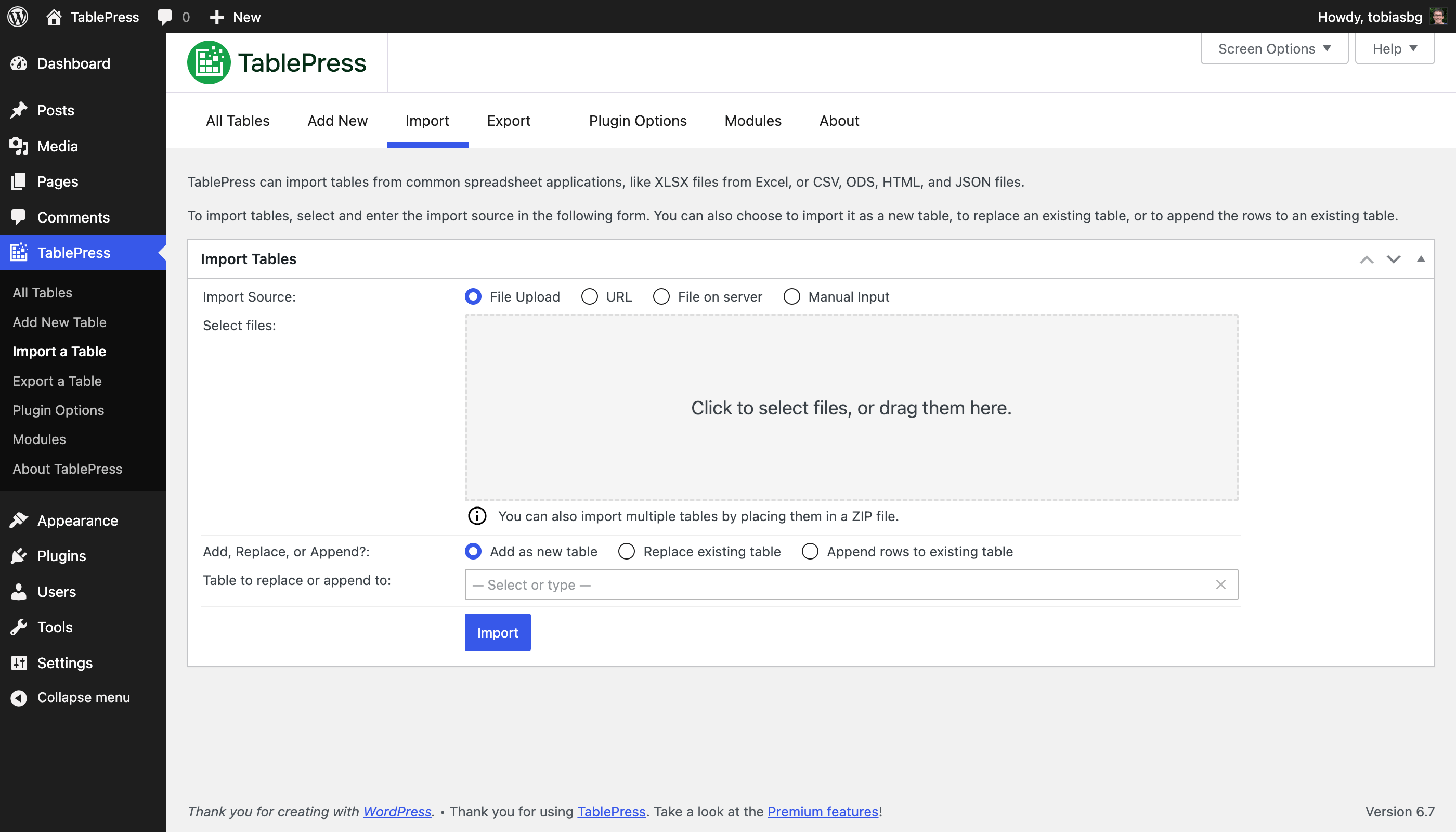
[匯入表格] 畫面 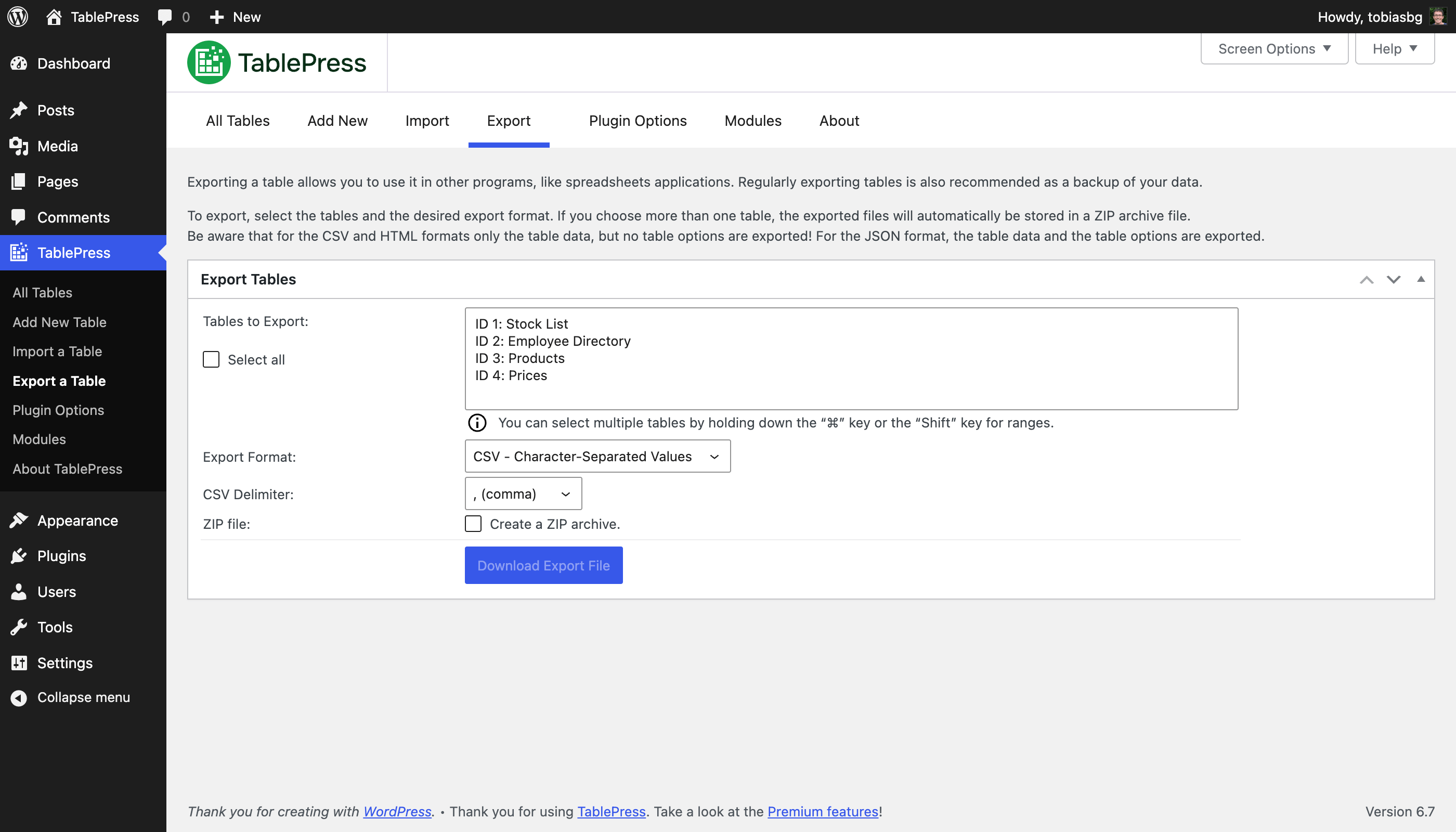
[匯出表格] 畫面 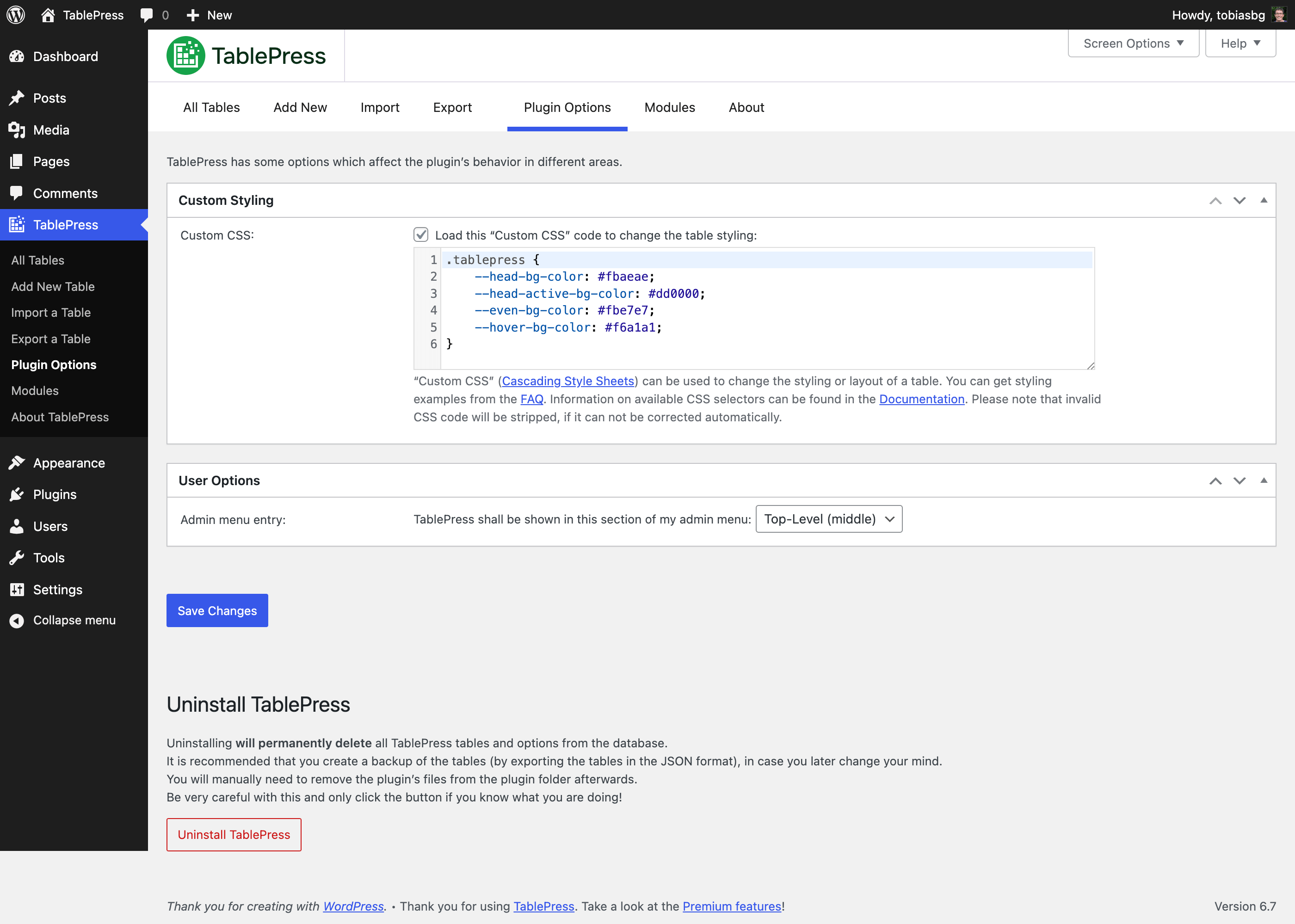
[外掛選項] 畫面 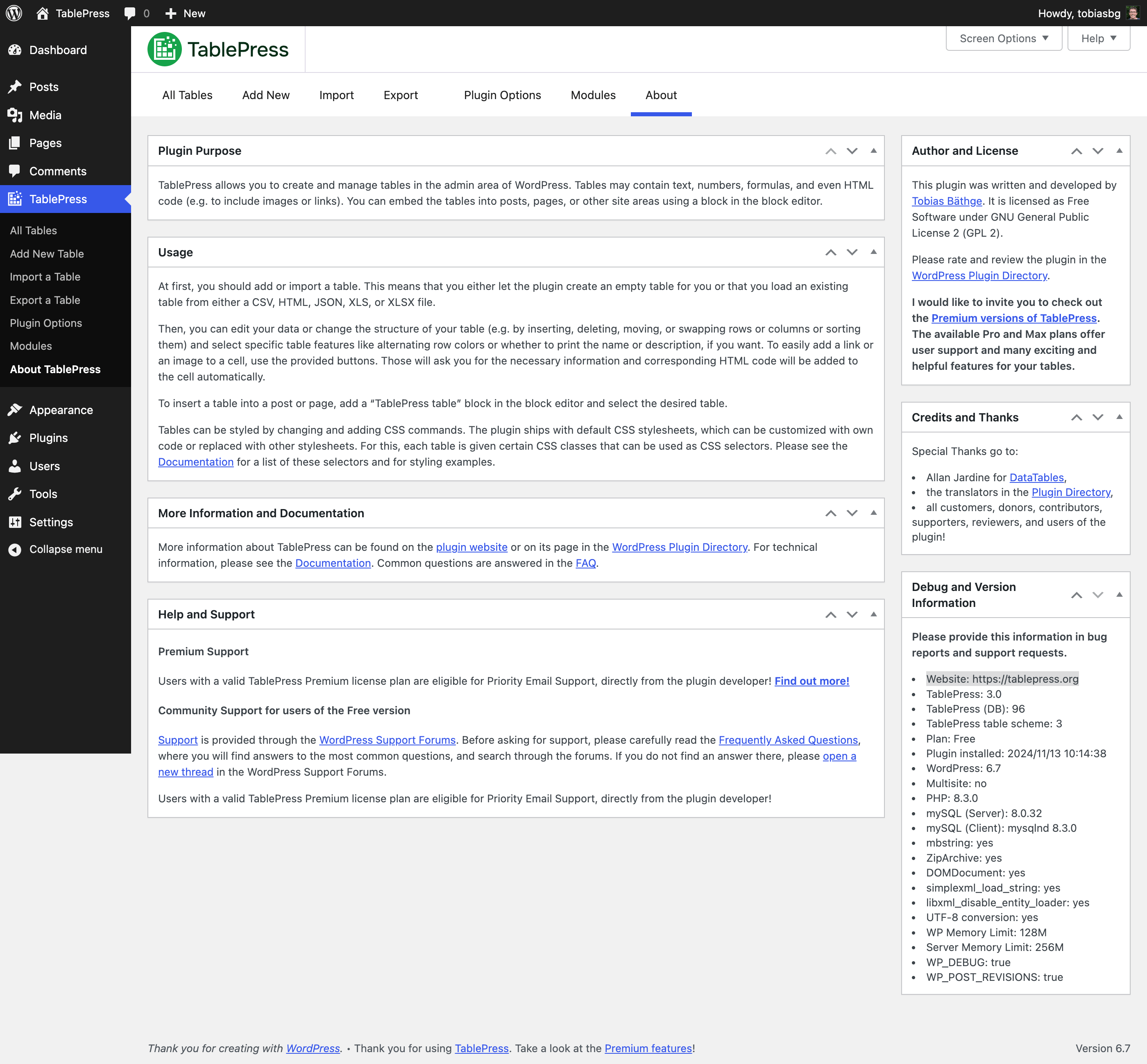
[關於這個外掛] 畫面 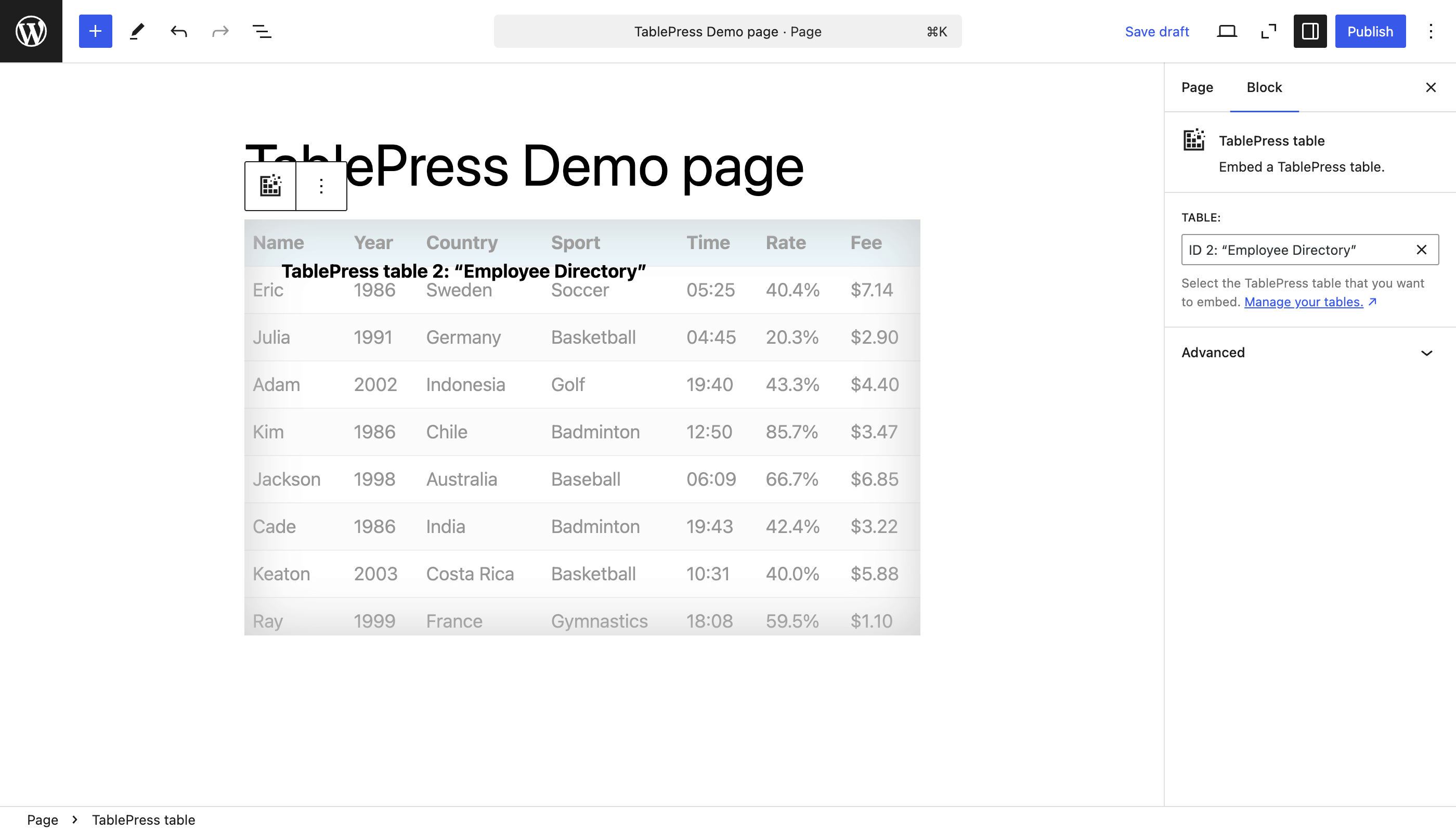
區塊編輯器中的 [TablePress 表格] 區塊 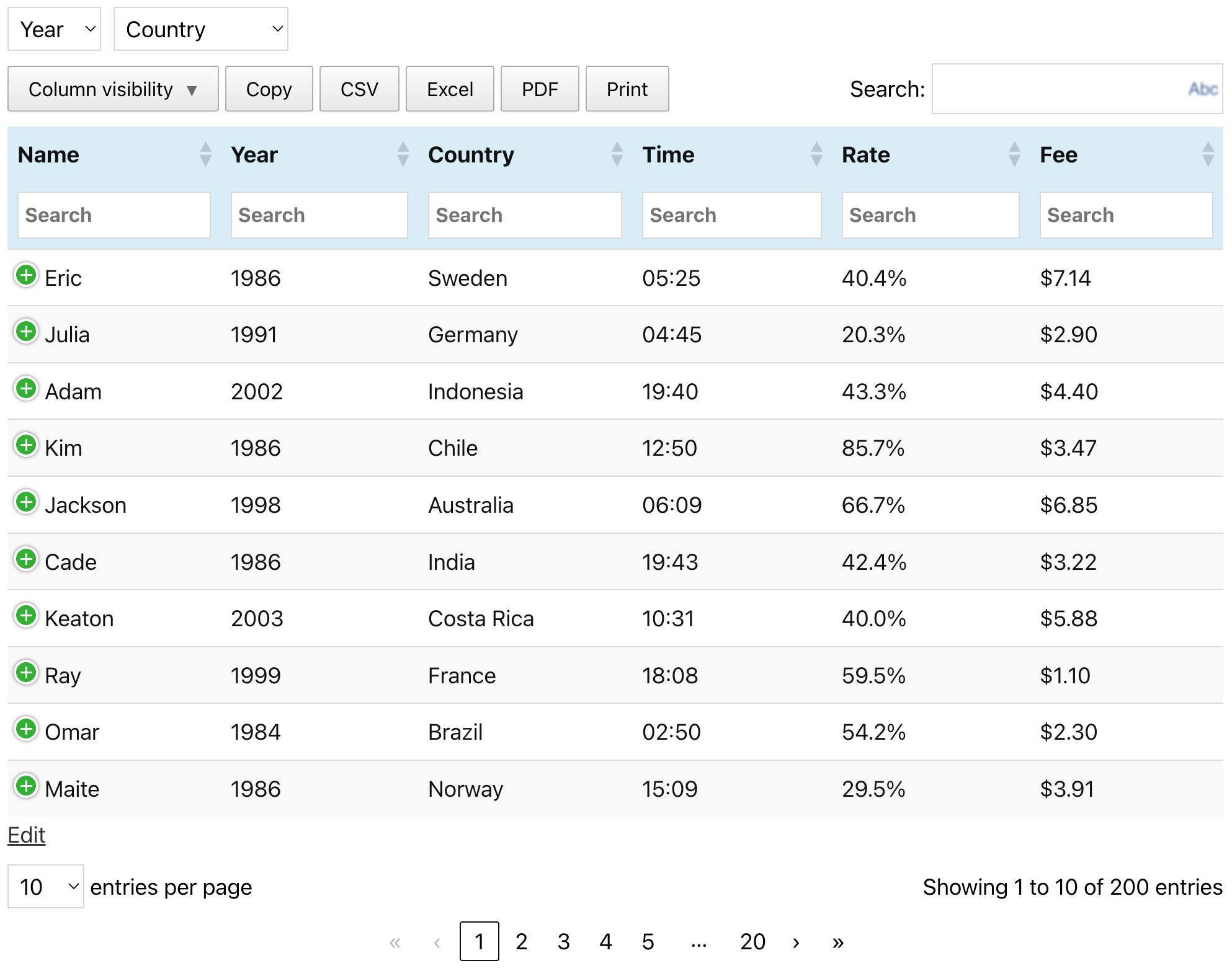
示範表格 (在 TablePress 官方網站有相同的示範表格)


適用於區塊編輯器
這個外掛提供 1 個可供 Gutenberg/區塊編輯器使用的區塊。
- TablePress table Embed a TablePress table.
安裝方式
透過 WordPress 控制台自動安裝 TablePress 是最為簡易的方式:
- 前往 [外掛] 畫面,點擊 [安裝外掛] 並搜尋 WordPress 外掛目錄的「TablePress」。
- 點擊 [立即安裝],並在安裝完畢後點擊 [啟用] 按鈕。
- 前往 WordPress 後台管理的 TablePress 畫面建立及管理表格。
- To insert a table into a post or page, add a “TablePress table” block in the block editor or a widget in the Elementor page builder and select the desired table or use Shortcodes with other page builders.
Manual installation works just as for other WordPress plugins:
- 下載 TablePress 安裝套件 ZIP 壓縮檔。
- Go to the “Plugins” screen on your site and upload it by clicking “Add Plugin” “Upload Plugin”.
- Or, extract the ZIP file and move the folder “tablepress” to the “wp-content/plugins/” directory of your WordPress installation, e.g. via FTP.
- 前往 WordPress 控制台的 [安裝外掛] 頁面啟用 TablePress。
- 前往 WordPress 後台管理的 TablePress 畫面建立及管理表格。
- To insert a table into a post or page, add a “TablePress table” block in the block editor or a widget in the Elementor page builder and select the desired table or use Shortcodes with other page builders.
常見問題集
-
常見問題集位置?
-
有關各種功能及樣式的相關問題,均可在常見問題集頁面及 TablePress 外掛線上說明中找到解答。
-
如何取得技術支援?
-
進階技術支援
擁有有效 TablePress Premium 使用授權方案的使用者,可享有直接來自外掛開發者的優先電子郵件技術支援。進一步了解
免費版使用者的社群技術支援
如需獲得技術支援、回報程式碼錯誤或功能建議,請前往 WordPress 技術支援論壇,並請先搜尋相關主題;僅有找不到現有的相關回覆時,才建立新主題。感謝各位的配合。
-
外掛的最低環境需求為何?
-
簡單來說,需要 WordPress 6.2 或更新版本,但強烈建議使用 WordPress 最新版本,而且必須執行於 PHP 7.4 或更新版本。
-
如何參與這個外掛的本地化?
-
TablePress 使用 Translate WordPress 平台。請透過 TablePress 在 WordPress 外掛目錄的外掛說明頁資訊欄,了解有哪些可用的本地化版本。
要讓 TablePress 提供使用者母語的版本,請前往 TablePress 本地化頁面,使用免費的 WordPress.org 帳號登入,然後開始提供譯文。
-
外掛的開發工作位置。
-
使用者可以透過 TablePress 官方的 GitHub 存放庫更緊密的追蹤外掛開發進度。
-
如何回報安全性問題?
-
使用者可以透過 Patchstack 漏洞揭露計畫回報在外掛原始程式碼中發現的安全性問題及程式碼錯誤。Patchstack 團隊會協助使用者進行驗證及 CVE 指派,並負責通知外掛的開發者。
-
取得外掛詳細資訊的方式?
-
請前往 TablePress 的官方網站 tablepress.org、在 Twitter/X 追蹤 @TablePress 或訂閱 TablePress 電子報以獲得最新消息。
使用者評論


參與者及開發者

變更記錄
Changes in recent versions are shown below. For earlier changes, please see the changelog history.
Version 3.2.8 (March 3, 2026)
- Bugfix: Whitespace handling for the “Filter Term Separator” setting in the “Column Filter Dropdowns” feature module now works properly again. (TablePress Pro and Max only.)
- Enhancement: The “Column Filter Dropdowns” feature module integration when using “Server-side Processing” is now more reliable. (TablePress Max only.)
- Cleaned up and simplified code, for easier future maintenance, to follow WordPress Coding Standards, and to offer helpful inline documentation.
- Several external code libraries and build tools have been updated to benefit from enhancements and bug fixes.
- Improved support for PHP 8.5.
Version 3.2.7 (February 17, 2026)
- Enhancement: The “Filter Term Separator” setting in the “Column Filter Dropdowns” feature module now works more reliably when using different whitespace characters. (TablePress Pro and Max only.)
- Enhancement: The table export to the HTML format now produces output that is more consistent with the HTML standard.
- Enhancement: The CSV export adds additional security protection against attacks against old or misconfigured spreadsheet software.
- Bugfix: A JavaScript error that could occur when inserting a table using the “Classic Editor” plugin is now prevented.
- Bugfix: Several issues about wrong, broken, and missing translations were fixed.
- Cleaned up and simplified code, for easier future maintenance, to follow WordPress Coding Standards, and to offer helpful inline documentation.
- Several external code libraries and build tools have been updated to benefit from enhancements and bug fixes.
- Improved support for PHP 8.5.
Version 3.2.6 (December 16, 2025)
- Improvement: The CSS code for styling hovered rows when child rows are present was improved for better performance.
- Improvement: It’s easier for developer to adjust or modify the file name or contents of automatically exported tables. (TablePress Pro and Max only.)
- Bugfix: The “Delete Table” button at the bottom of the “Edit” screen now longer raises and error.
- Bugfix: Don’t accidentally prevent the filter term “0” in the “Row Highlighting” and “Cell Highlighting” feature modules. (TablePress Pro and Max only.)
- Cleaned up and simplified code, for easier future maintenance, to follow WordPress Coding Standards, and to offer helpful inline documentation.
- Several external code libraries and build tools have been updated to benefit from enhancements and bug fixes.
- Full compatibility with WordPress 6.9.
- Improved support for PHP 8.5.
Version 3.2.5 (October 28, 2025)
- Security fix: Authenticated Stored XSS (CVE-2025-12324). Thanks to Rafshanzani Suhada and the Wordfence team for following responsible disclosure policies when reporting this issue!
- Cleaned up and simplified code, for easier future maintenance, to follow WordPress Coding Standards, and to offer helpful inline documentation.
- Updated external libraries to benefit from enhancements and bug fixes.
- Improved support for PHP 8.5.
Version 3.2.4 (October 21, 2025)
- Improvement: Improve table import when importing URLs from external services like Google Sheets, Microsoft OneDrive, and Dropbox.
- Bugfix: Elementor integration: Prevent an error with the “Element Cache”.
- Cleaned up and simplified code, for easier future maintenance, to follow WordPress Coding Standards, and to offer helpful inline documentation.
- Updated external libraries to benefit from enhancements and bug fixes.
Version 3.2.3 (September 23, 2025)
- Elementor integration: Support for clearing the “Element Cache” was added.
- Elementor widget: The “Configuration Parameters” field is now shown properly again.
- Elementor widget: “Dynamic Tags” are now supported for the “Configuration Parameters” field.
- New feature: The “Advanced Pagination Settings” feature module now offers pagination with a select dropdown field. (TablePress Pro and Max only.)
- Improvement: The “Individual Column Filtering” search fields now support the native Clear button. (TablePress Pro and Max only.)
- Bug fix: Ensure that available premium translation files are loaded correctly. (TablePress Pro and Max only.)
- Cleaned up and simplified code, for easier future maintenance, to follow WordPress Coding Standards, and to offer helpful inline documentation.
- Updated external libraries to benefit from enhancements and bug fixes.
- Improved support for PHP 8.5.
Version 3.2.2 (September 23, 2025)
This version was not released, due to issues in the release process.
Version 3.2.1 (August 28, 2025)
- Security fix: Authenticated Stored XSS (CVE-2025-9500). Thanks to Muhammad Yudha and the Wordfence team for following responsible disclosure policies when reporting this issue!
- Cleaned up and simplified code, for easier future maintenance, to follow WordPress Coding Standards, and to offer helpful inline documentation.
- Updated external libraries to benefit from enhancements and bug fixes.
- Improved support for PHP 8.5.
Version 3.2 (August 26, 2025)
TablePress 3.2 is a feature, stability, maintenance, and compatibility update. Here are the highlights:
Improved Frontend Table Performance
- Tables and their interactivity features are more accessible for visitors with disabilities and users of assistive technologies, with improved labelling and easier-to-use keyboard navigation!
Many New Features and Enhancements for Existing Premium Features
- Fixed Header
- When combining the Fixed Header Row with Horizontal Scrolling, the header will scroll properly as well.
- Server-side Processing
- It is now possible to use the “Column Filter Dropdowns”, “Individual Column Filtering”, and “Inverted Filtering” feature modules while benefitting from the fast loading of large tables from the server!
- Advanced Access Rights
- The user interface now allows filtering for users and tables, to quickly find the right combination!
- Only user roles that are allowed to edit tables will be shown, making the overview much more lightweight!
- Index or Counter Column
- The rendering performance has been improved for large tables.
- Row Order and Column Order
- The “Random” option is now shown in the block’s feature section’s dropdown!
- Advanced Pagination Settings
- The “Show more” button shows better scrolling behavior when using it with long tables!
- Column Filter Dropdowns
- The filtering dropdowns can now be used with Server-side Processing, making it a great choice for large tables!
- Individual Column Filtering
- Besides text input fields, the dropdowns are now also supported when using Server-side Processing!
- Inverted Filtering
- Large tables now benefit from speed improvements, when using Server-side Processing and Inverted Filtering!
Behind the scenes
- Several minor bugs and inconsistencies have been fixed and improved!
- Cleaned up and simplified code, for easier future maintenance, to follow WordPress Coding Standards, and to offer helpful inline documentation.
- Updated external libraries to benefit from enhancements and bug fixes.
- Automated code compatibility checks and build tools simplify chores for easier development.
- Improved support for PHP 8.4.
Premium versions
- Even more great features for you and your site’s visitors and priority email support are available with a Premium license plan of TablePress. Go check them out!