
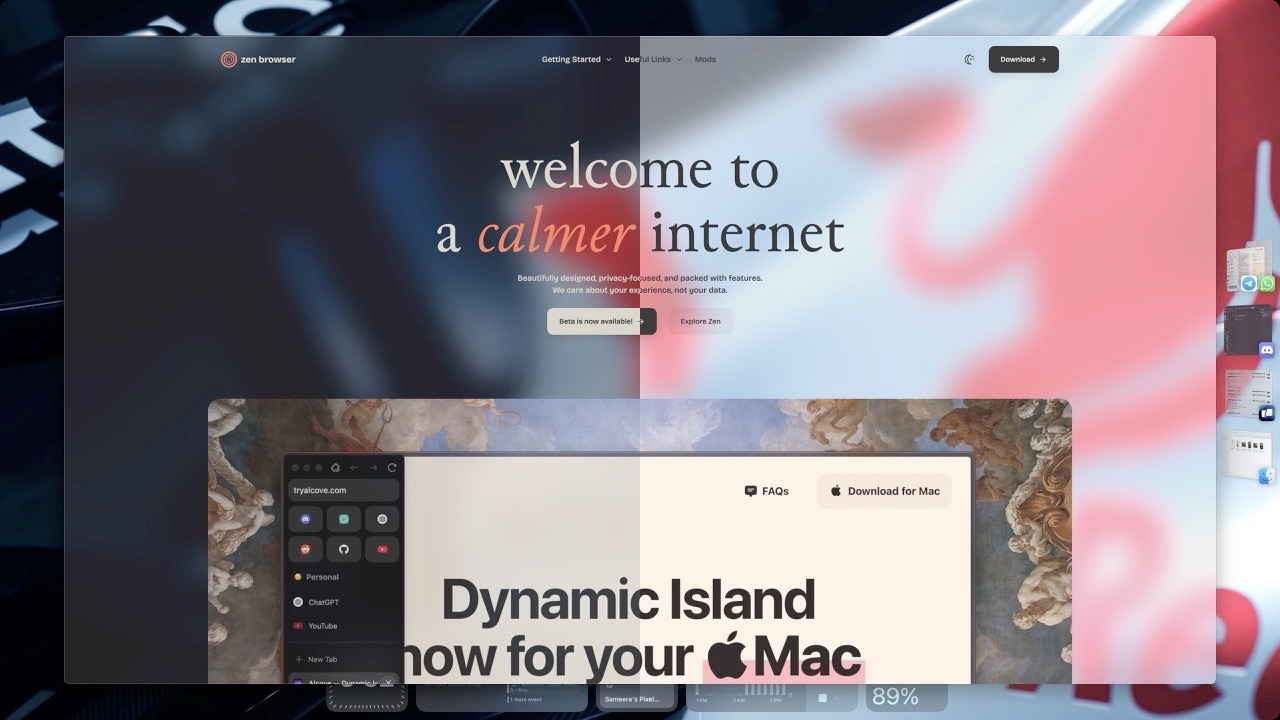
This is a guide to install the Zen Internet Addon and make your Zen browser transparent. This is a work in progress and I will be adding more features and fixes as I go. If you have any issues, please reach out to me on any of my social media or community groups.
Install the Transparent Zen mod
Install the Transparent Zen mod open_in_new from the mod store.
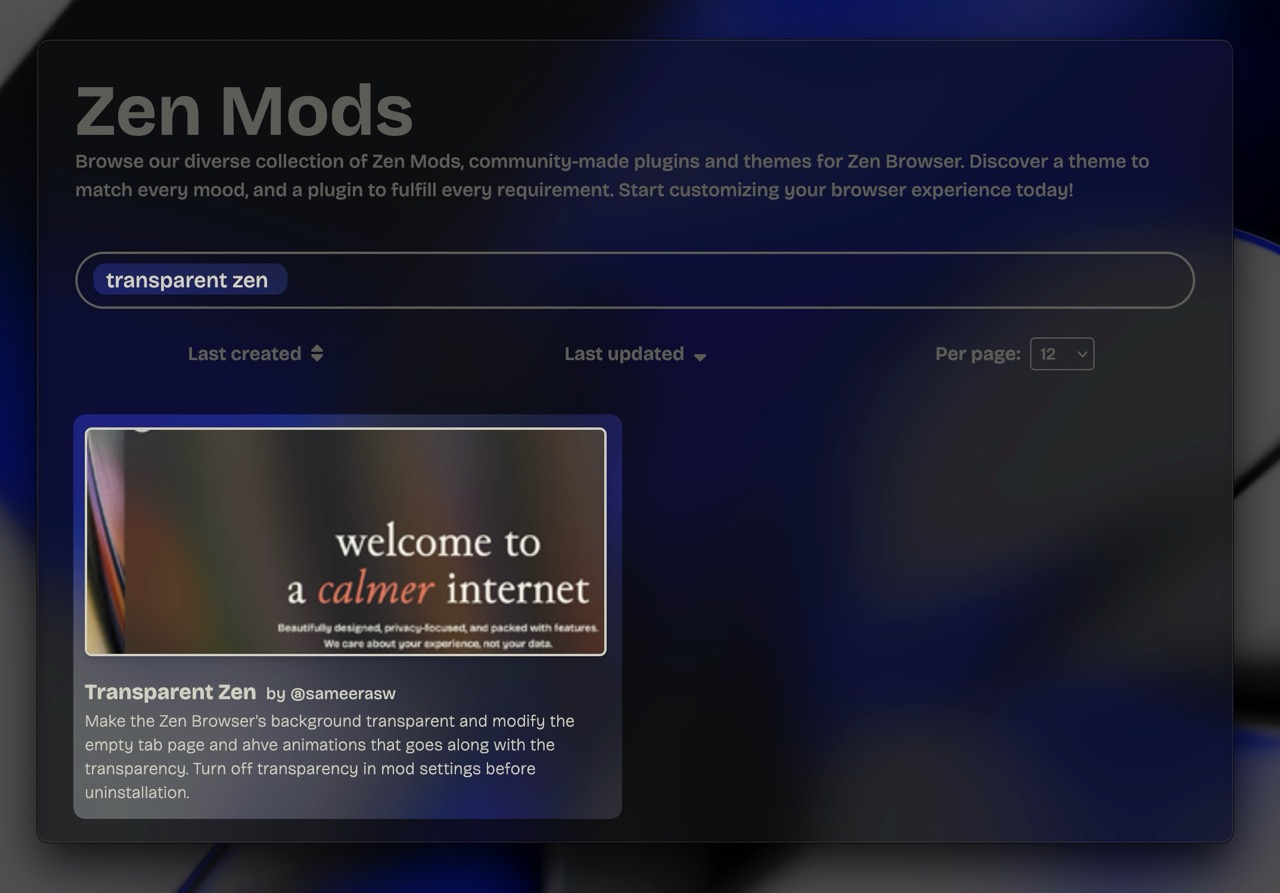
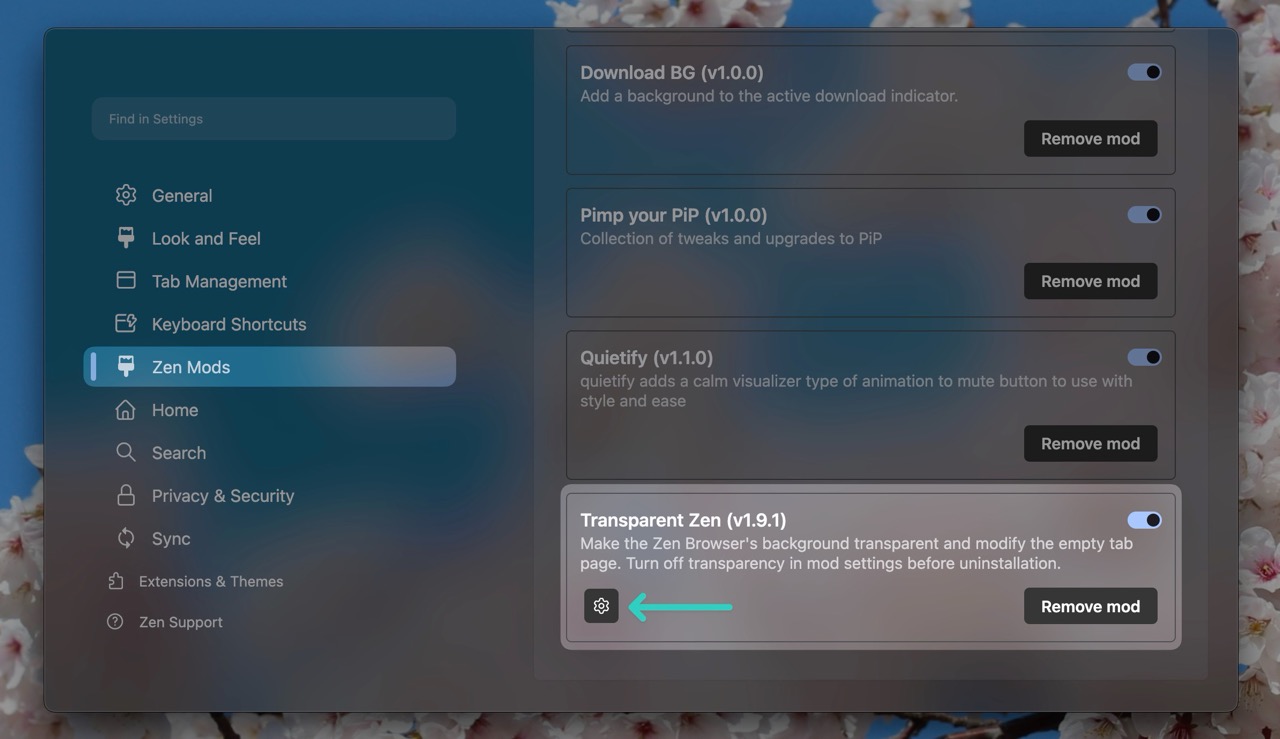
Go to mod settings
Once you have installed the mod, Go into Zen Browser settings > Mods > Transparent Zen and click on the Settings button.
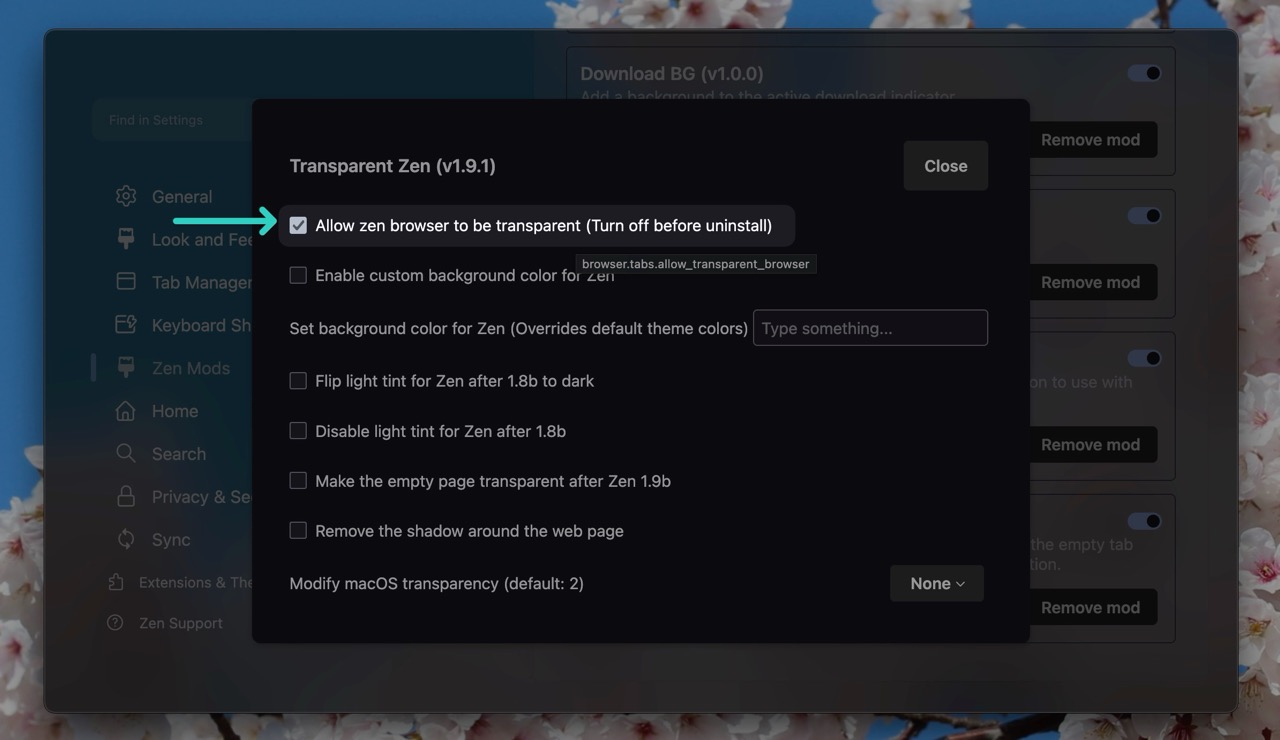
Configure the mod settings
Then make sure the Allow zen browser to be transparent option is checked. (And if you are on Linux, you may see another toggle to be turned on as well). Enable other options if you like and then quit and re-open the zen browser to apply the changes.
Install Zen Internet Addon
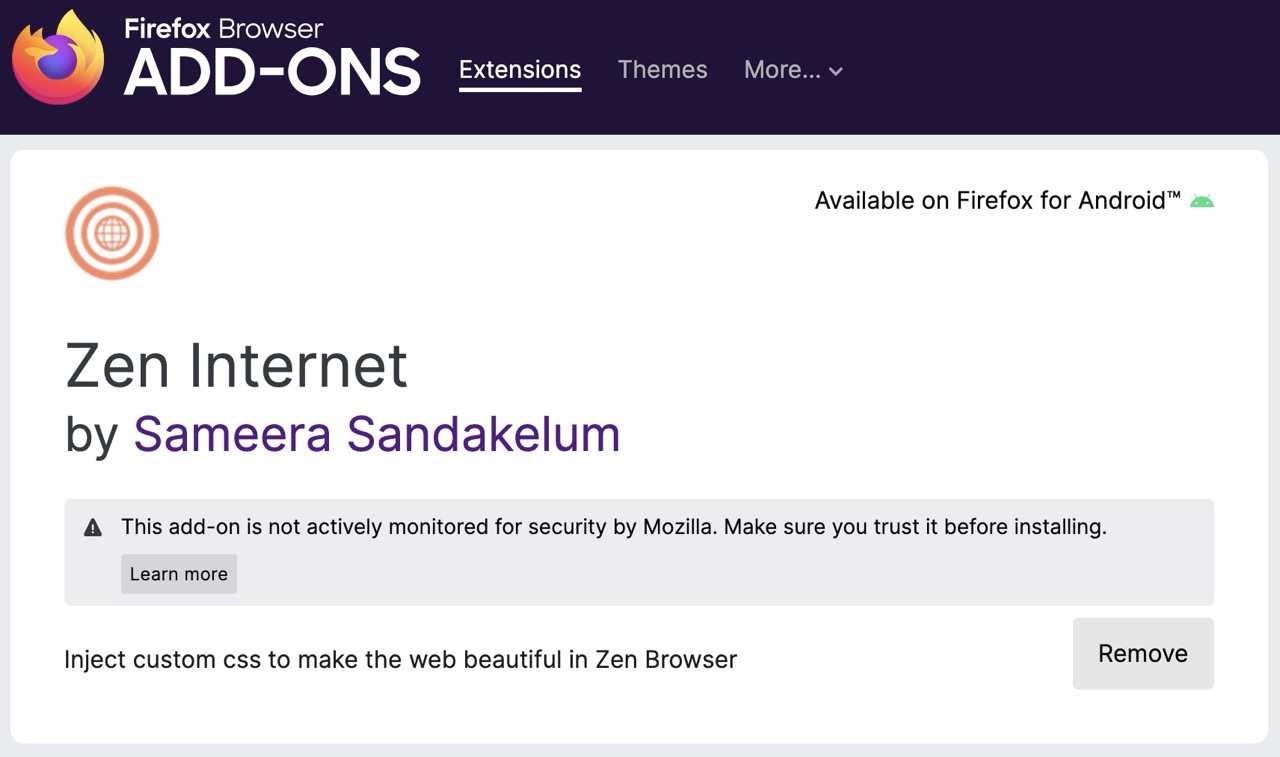
Go to the firefox addons page and install the Zen Internet Addon open_in_new.
Sync and Fetch the latest themes
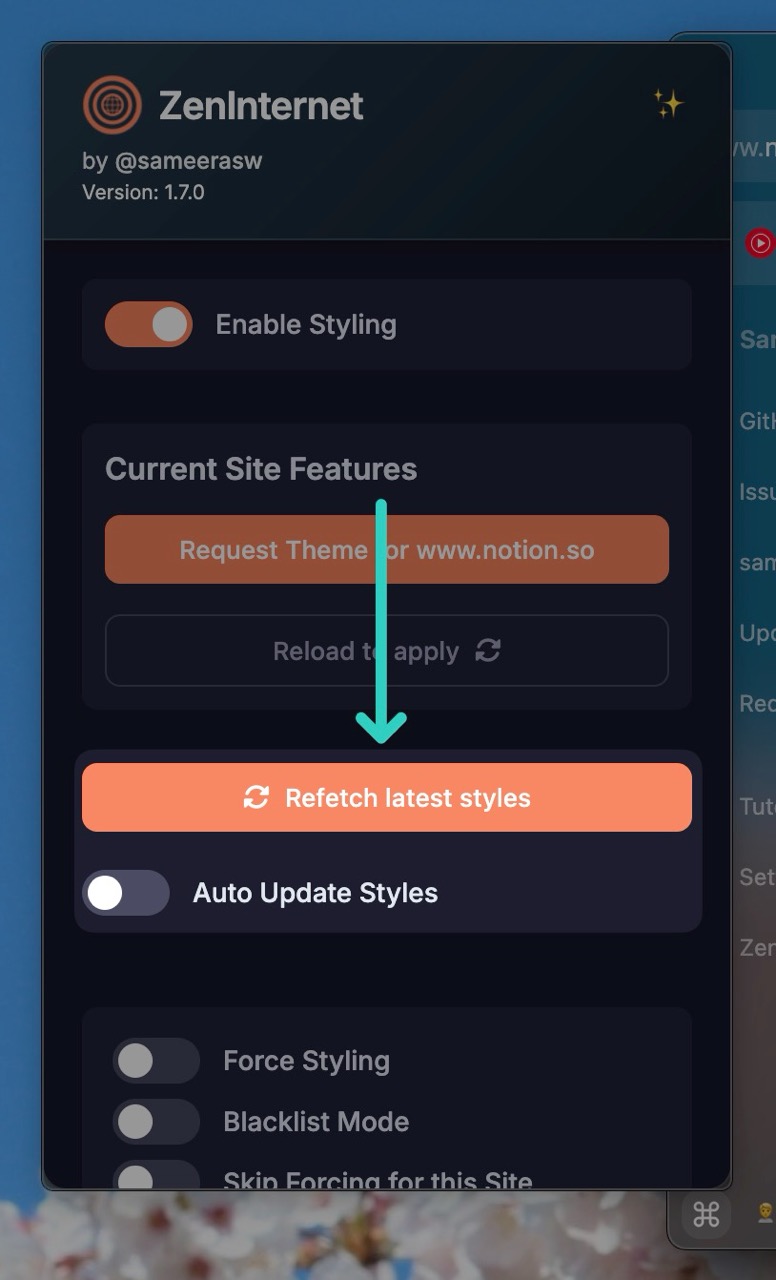
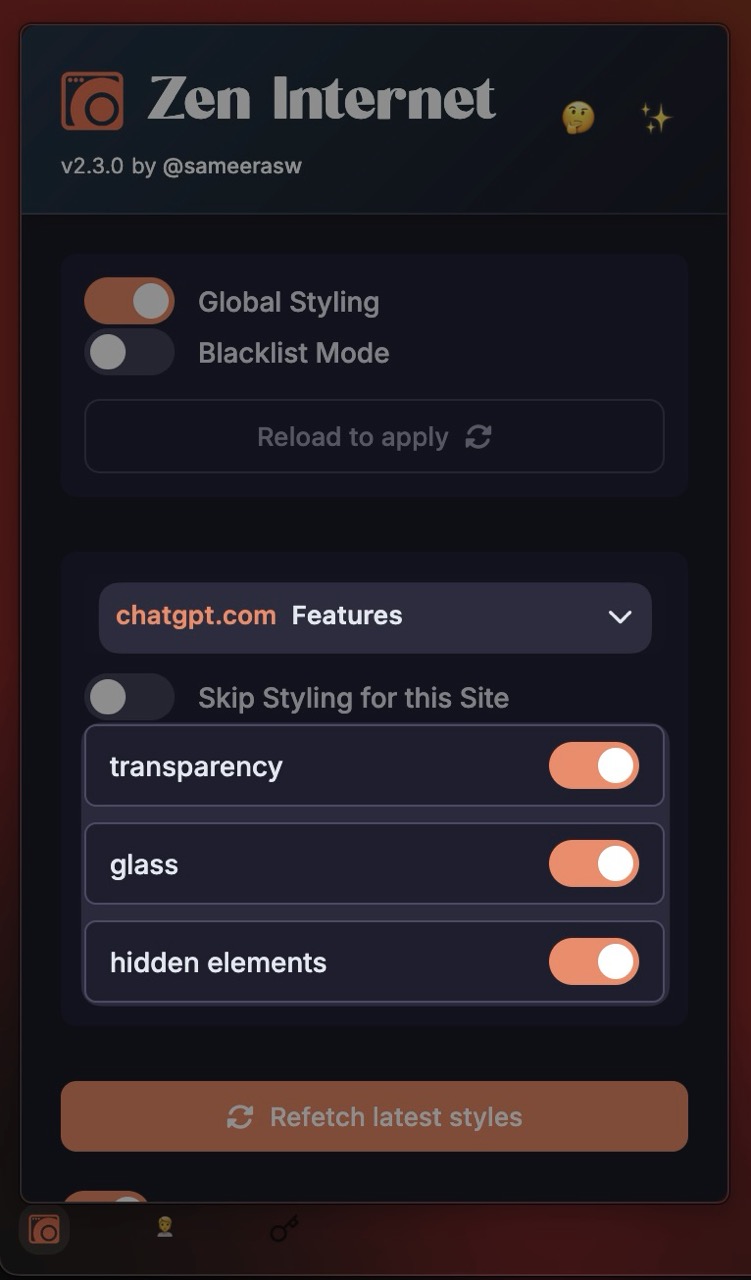
Open the addon pop-up and click on the Refetch latest styles button to fetch the initial styles and keep the auto update toggle on to keep them up to date as I make changes.
Your browser is now transparent
At least I hope so
You can now enjoy the zen browser with a transparent background. You can also adjust various features provided for each website when you open the pop-up in that webpage.
Troubleshooting
At the moment, only some of the operating systems are known to support transparency. Here are some:
- macOS
- Windows 11 - native mica and acrylic
- Windows 11 - With mods like mica for everyone open_in_new or DWM blur glass open_in_new
- Windows 10 - With DWM blur glass open_in_new
- Wayland on KDE with Kvin blur open_in_new
Hyprland - instructions
Tested on version 1.14.8b flatpak version
Step 1: Enable flags in about:config
- widget.transparent-windows
- zen.theme.gradient.show-custom-colors
- zen.theme.acrylic-elements (not sure)
Step 2: Install Transparent Zen mod (enable transparency features for linux as well)
Step 3: Use Nebula configs (Nebula.uc.js userChrome.css userContent.css Nebula/)
Step 4: Configure Hyprland transparency - Set opacity to 0.9 (exact value doesn't matter much)
If you are using a different OS, please let me know if it works or not.
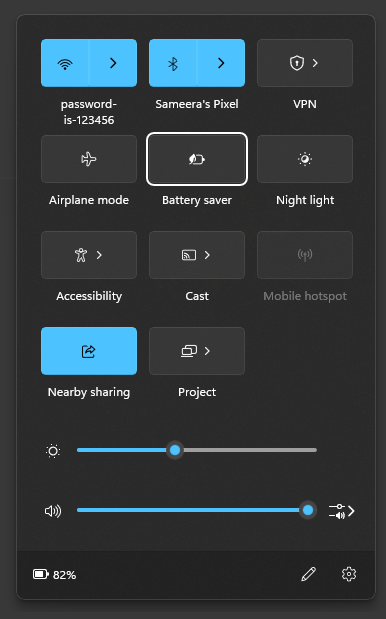
Check your power saving settings and make sure that’s off on Windows.
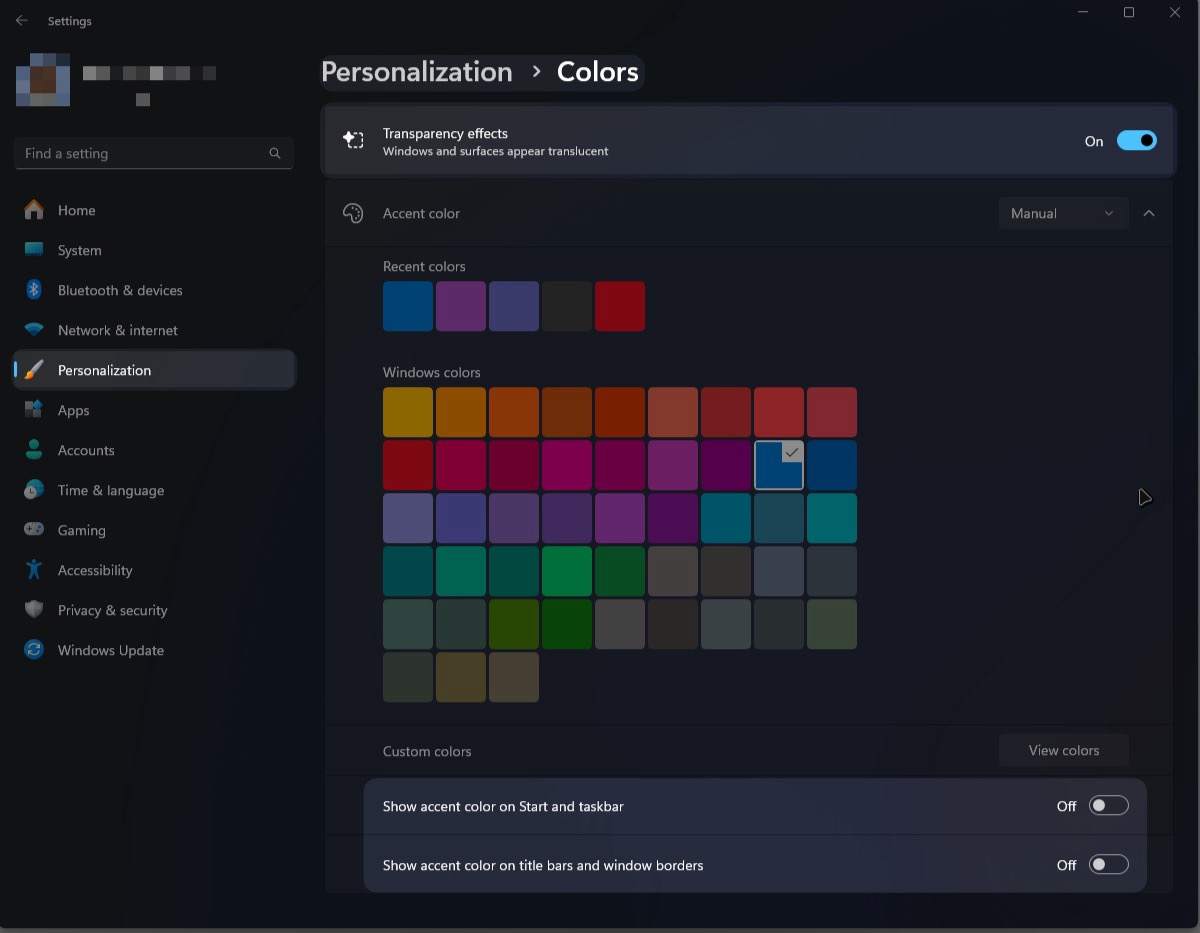
Make sure your Windows color settings are not affecting transparency.
Hard to read text? black text in dark mode? It's because that website is not in dark theme or doesn't have one at all. In that case, you can use the Darkreader addonopen_in_new to fix this behavior.
Site specific features
Once you start browsing, Check the add-on pop-up on each website and you will see a list of features along with transparency.
Theme request and issues
Don’t see transparency for your favorite website? Request a theme.
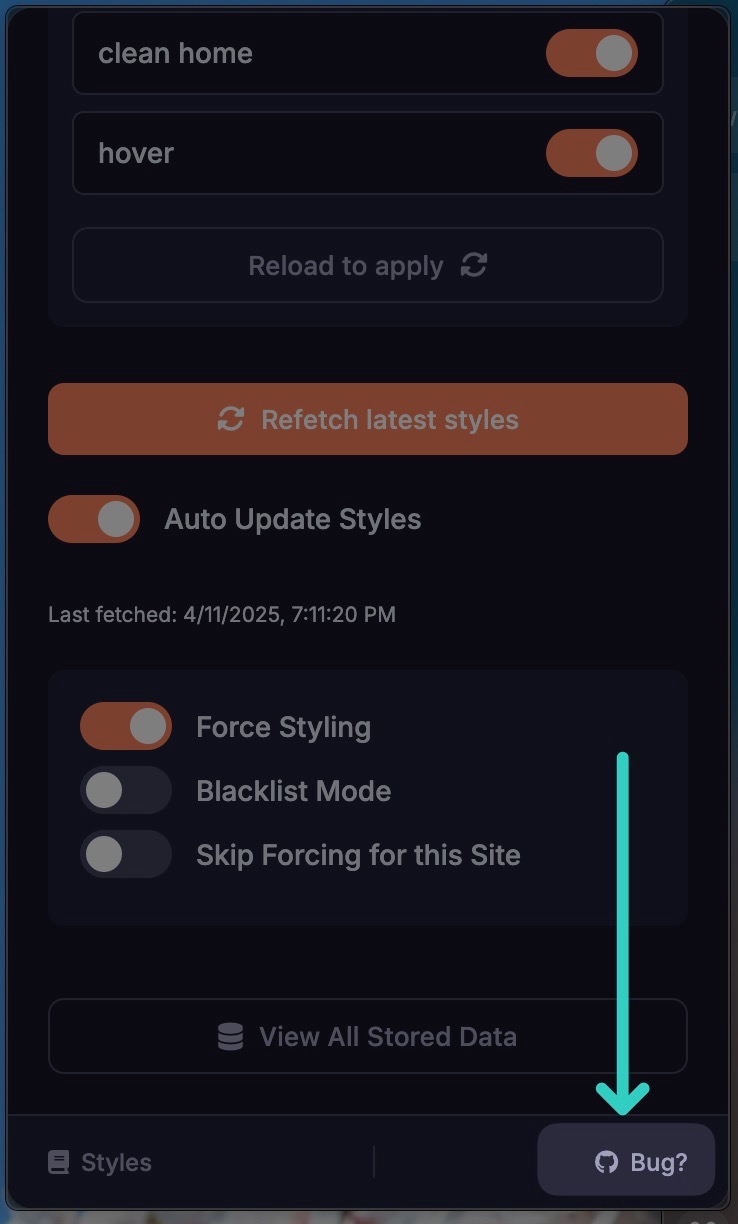
You can report bugs and theme issues from the addon as well.
Restricted websites and pages can not be themed and your requests will be closed.