⏱ Quick start

Here is a quick start code snippet to demo how the stackplot() function of matplotlib works.

Note that here each groups are provided in its own vector of values. The basic stacked area blog post explains how to use the function from any type of data format.

# library
import numpy as np
import matplotlib.pyplot as plt

# Create data
x=range(1,6)
y1=[1,4,6,8,9]
y2=[2,2,7,10,12]
y3=[2,8,5,10,6]

# Basic stacked area chart.
plt.stackplot(x,y1, y2, y3, labels=['A','B','C'])
plt.legend(loc='upper left')

⚠️ The issue with stacking

Stacked area charts must be used with care since they suffer a number of caveats. They are appropriate to study the evolution of the whole and the relative proportions of each group, but not to study the evolution of each individual group.

For instance, it is pretty hard to understand how the green group evolves on the chart below. Can you spot if its value is increasing, decreasing or stable?

It is hard to see how the green group evolves.

It is hard to see how the green group evolves.

Matplotlib logoStacked Area chart with Matplotlib

Matplotlib is the most common way to build a stacked area chart with Python. The examples below start by explaining to basics of the stackplot() function. The also describe the most common type of customization like changing colors, controling group order and more.

🔎 stackplot() function parameters→ see full doc

→ Description

The stackplot() function from matplotlib creates a stacked area plot. This type of plot is used to show how multiple variables change over time, with each variable stacked on top of the previous ones. It's particularly useful for visualizing the composition of a whole over time.

→ Arguments

Matplotlib logoPercent Stacked Area chart with Matplotlib

A variation of the stacked area graph is the percent stacked area graph where the value of every groups are normalized at each time stamp. It allows to study the percentage of each group in the whole more efficiently.

Fortunately, the pandas library has a divide() function that allows to apply this normalization easily.

Pandas logoStacked Area chart with Pandas

Pandas is mainly useful to normalize your dataset and build a stacked area chart. Surprisingly, it also provides a plot.area()that can be handy to build a stacked area chart.

Stacked area chart with Pandas
Stacked area chart with Pandas

Matplotlib logoBest python stacked area chart examples

The web is full of astonishing charts made by awesome bloggers, (often using R). The Python graph gallery tries to display (or translate from R) some of the best creations and explain how their source code works. If you want to display your work here, please drop me a word or even better, submit a Pull Request!

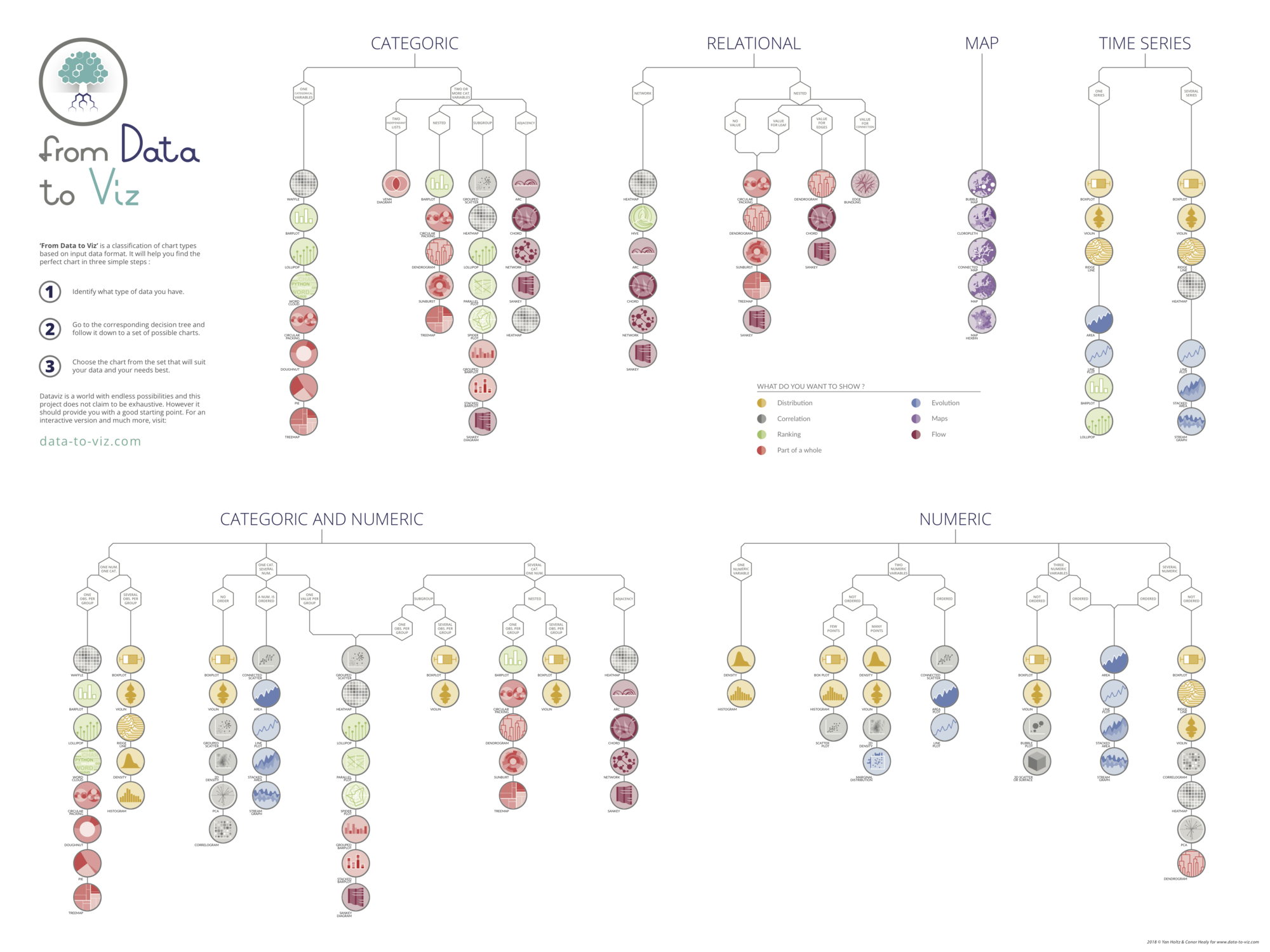
🚨 Grab the Data To Viz poster!


Do you know all the chart types? Do you know which one you should pick? I made a decision tree that answers those questions. You can download it for free!

    dataviz decision tree poster