⏱ Quick start

matplotlib allows to build a pie chart easily thanks to its pie() function.

The input data you must provide is an array of numbers, where each numbers will be mapped to one of the pie item.🔥

# library
import matplotlib.pyplot as plt

# create data: an array of values
size_of_groups=[12,11,3,30]

# Create a pieplot
plt.pie(size_of_groups)
plt.show()

⚠️ Mind the pie chart

Pie chart is probably the most criticized chart type. Humans are pretty bad at reading angles, making it hard to rank the groups accurately. Most of the time, it is better to display the information as a barchart, a treemap or a lollipop plot.

Have a look to the 3 pie charts below, can you spot the pattern hidden in it?

Can you spot the pattern hidden behind those 3 pie charts? Click to see the same info visualized as barplots: much more insightful isn't it?

Can you spot the pattern hidden behind those 3 pie charts? Click to see the same info visualized as barplots: much more insightful isn't it?

Last but not least, please avoid the explode and shadow options of the pie() function, they are killing all the most basic dataviz principles.

Matplotlib logoPie chart with Matplotlib

The examples below should guide you through the pie() function usage. It starts basics and then show how to add labels, customize colors and more.

🚨 Grab the Data To Viz poster!


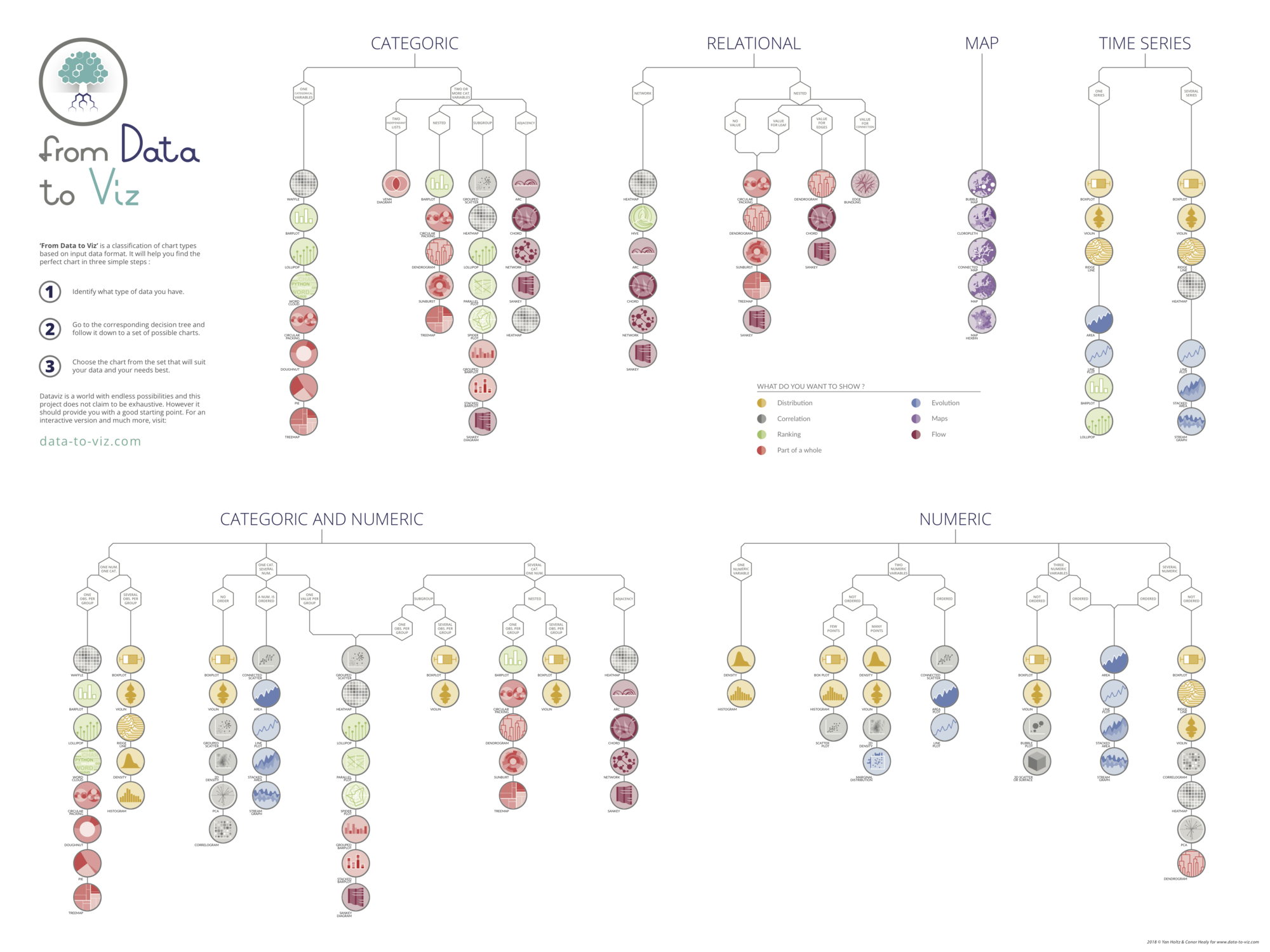
Do you know all the chart types? Do you know which one you should pick? I made a decision tree that answers those questions. You can download it for free!

    dataviz decision tree poster