There are 2 main ways to build an area chart with Matplotlib. In both case it requires 2 numeric vectors of values as input.
fill_between() functionstackplot() function that is more useful for stacked area charts# library
import numpy as np
import matplotlib.pyplot as plt
# Create data
x=range(1,6)
y=[1,4,6,8,4]
# Area plot
plt.fill_between(x, y)
plot.show()
MatplotlibMatplotlib is a great fit to build an area chart thanks to its fill_between() function. Here are a few examples explaining its basics and how to apply some common customization.
SeabornSeaborn is another great alternative to build an area chart with python. The below examples show how to start basic, apply usual customization, and use the small multiple technique for when you have several groups to compare.
The web is full of astonishing charts made by awesome bloggers, (often using R). The Python graph gallery tries to display (or translate from R) some of the best creations and explain how their source code works. If you want to display your work here, please drop me a word or even better, submit a Pull Request!
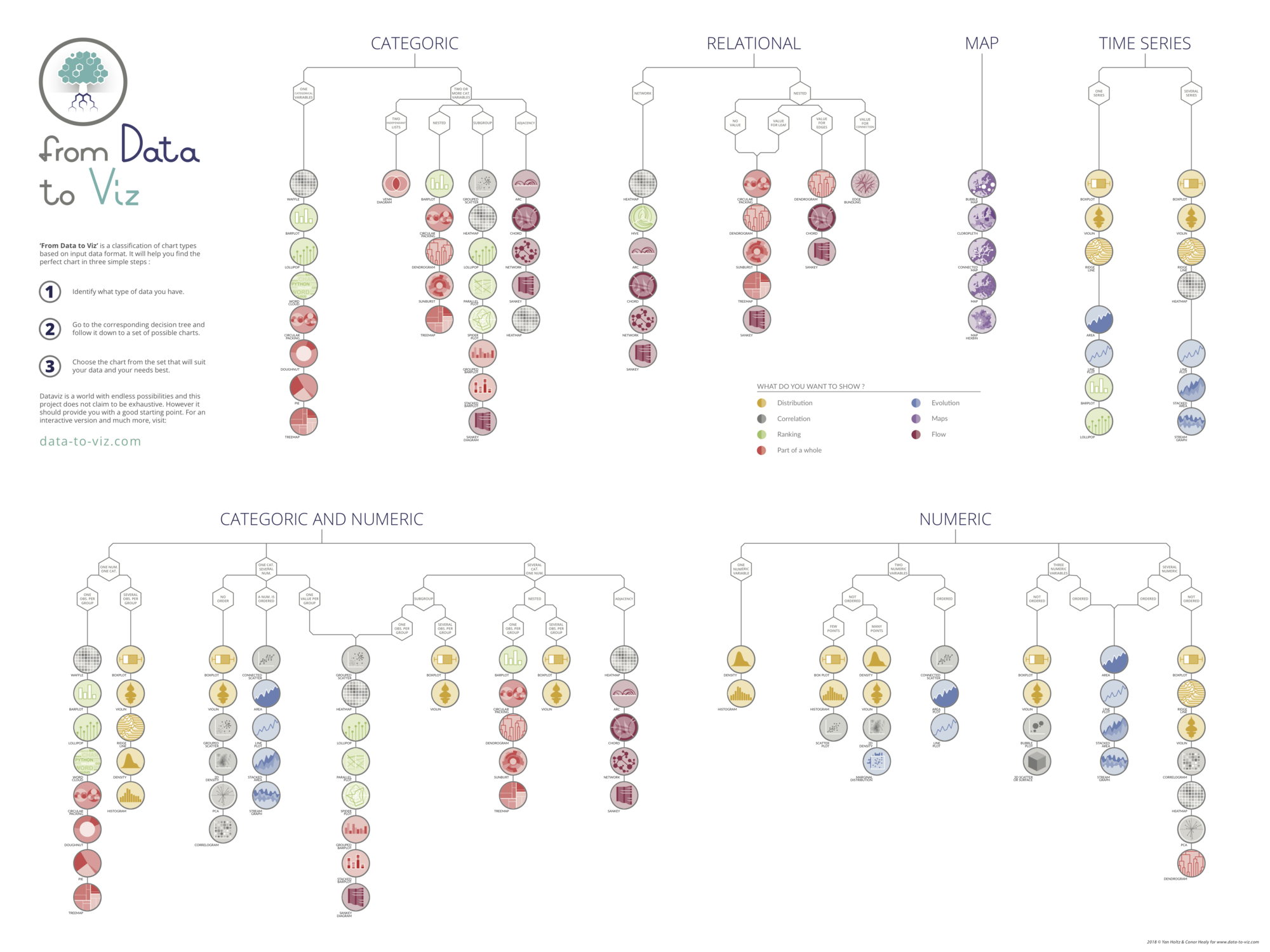
Do you know all the chart types? Do you know which one you should pick? I made a decision tree that answers those questions. You can download it for free!