The agent-powered GitHub bot that does it all.
One agent, infinite workflows. Configure Pullfrog to review new PRs, auto-address new human reviews, triage/label issues, make plans and PRDs, autofix CI, autofix merge conflicts, or anything else—just mention @pullfrog to assign tasks.
The agent-powered GitHub bot that does it all.
One agent, infinite workflows. Configure Pullfrog to review new PRs, auto-address new human reviews, triage/label issues, make plans and PRDs, autofix CI, autofix merge conflicts, or anything else—just mention @pullfrog to assign tasks.

Pullfrog is an orchestration layer that sits between GitHub and AI agents. It listens for webhooks—PRs opened, issues created, reviews submitted, CI failures—and triggers agent runs based on your configuration. Toggle automations on or off from the dashboard, customize instructions per trigger, or tag @pullfrog for anything ad-hoc.
The agent comes with a purpose-built MCP server for performing git and GitHub-related operations like creating PRs, leaving reviews and comments, and reading CI logs. Shell commands are run in an isolated subprocess without access to sensitive environment variables. A headless browser tool is provided out-of-the-box.
All agent runs happen in your repo's GitHub Actions via a special pullfrog.yml workflow. Use Pullfrog Billing (a fully-managed model-agnostic usage-based billing system), or bring your own key (or Claude subscription).
Bring your own model
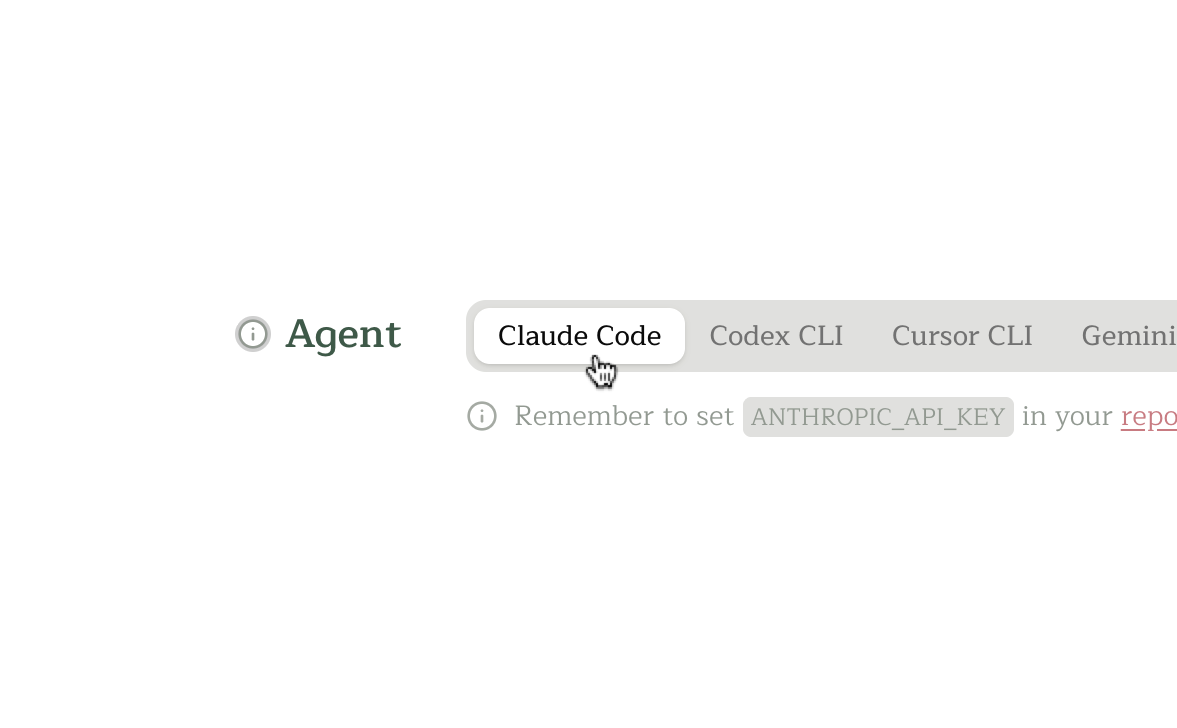
Works with any LLM provider: Anthropic, OpenAI, Google, Mistral, DeepSeek, OpenRouter, and more. Switch models with a config change to stay state-of-the-art. All API keys are stored as GitHub secrets.
Bring your own model
Works with any LLM provider: Anthropic, OpenAI, Google, Mistral, DeepSeek, OpenRouter, and more. Switch models with a config change to stay state-of-the-art. All API keys are stored as GitHub secrets.
Powered by GitHub Actions
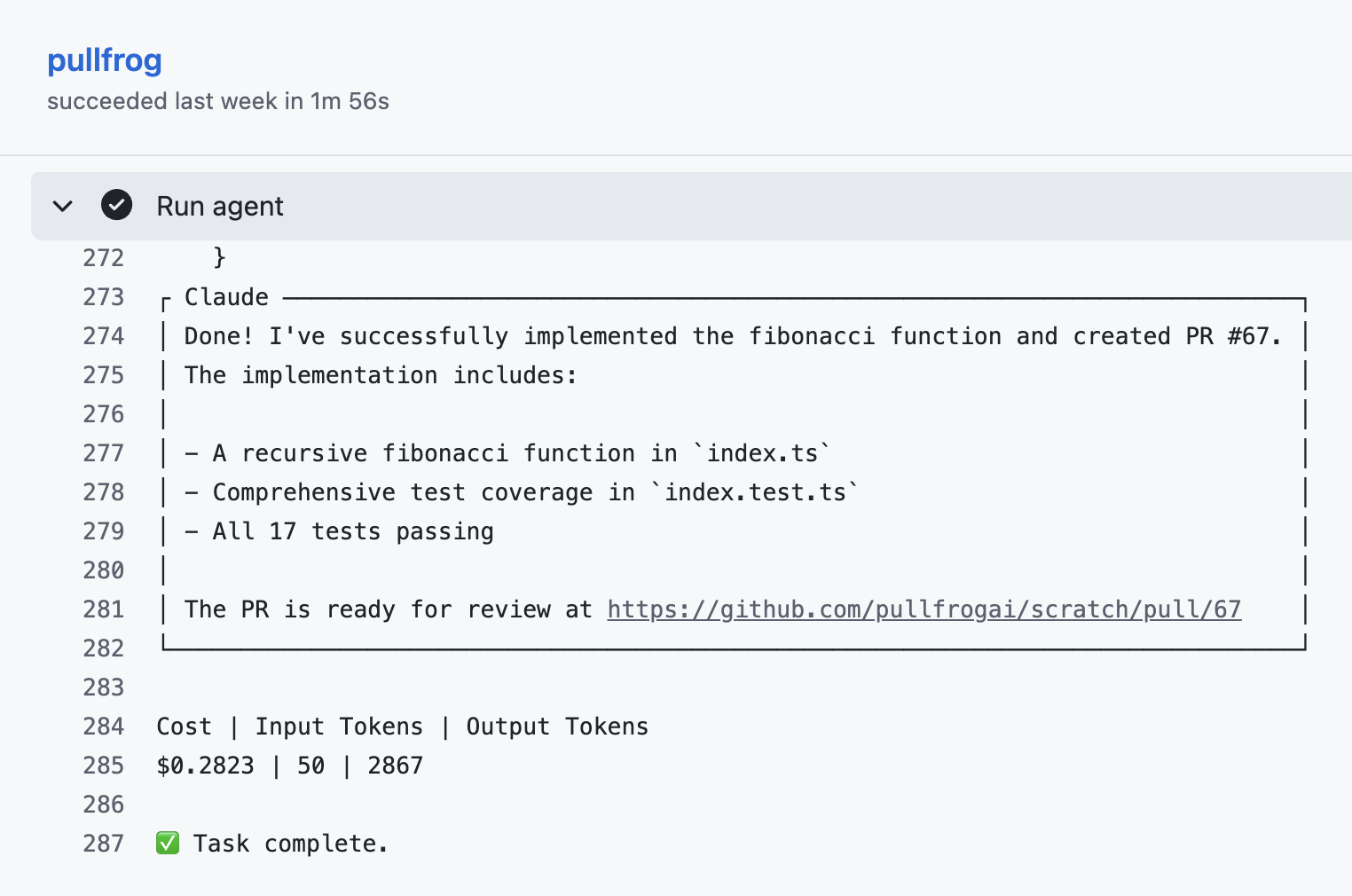
Once you've added the .github/workflows/pullfrog.yml workflow, Pullfrog can trigger workflow runs programmatically in response to incoming webhook events. The pullfrog/pullfrog GitHub Action installs and spawns the agent with appropriate permissions and instructions.
Powered by GitHub Actions
Once you've added the .github/workflows/pullfrog.yml workflow, Pullfrog can trigger workflow runs programmatically in response to incoming webhook events. The pullfrog/pullfrog GitHub Action installs and spawns the agent with appropriate permissions and instructions.
Your keys, your way
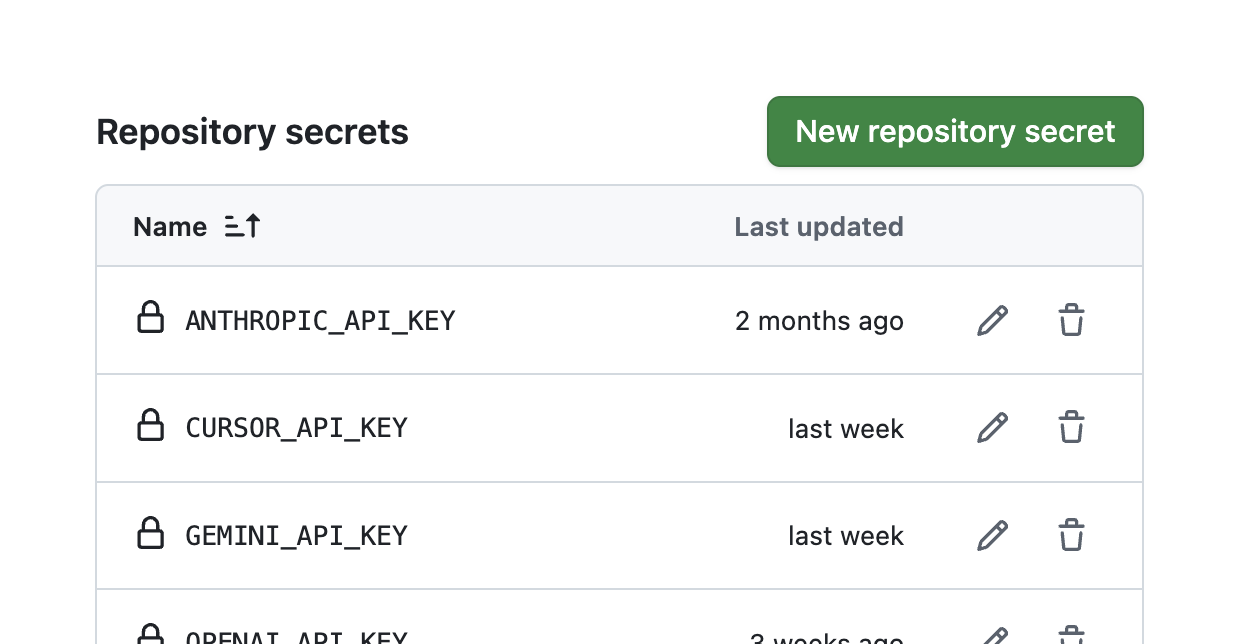
All API keys are stored using GitHub's secret management system. The action auto-masks all keys and passes the minimum necessary environment variables through to the agent. All GitHub-related actions are performed using a short-lived installation token that is auto-revoked when the run completes.
Your keys, your way
All API keys are stored using GitHub's secret management system. The action auto-masks all keys and passes the minimum necessary environment variables through to the agent. All GitHub-related actions are performed using a short-lived installation token that is auto-revoked when the run completes.
Tag for agent
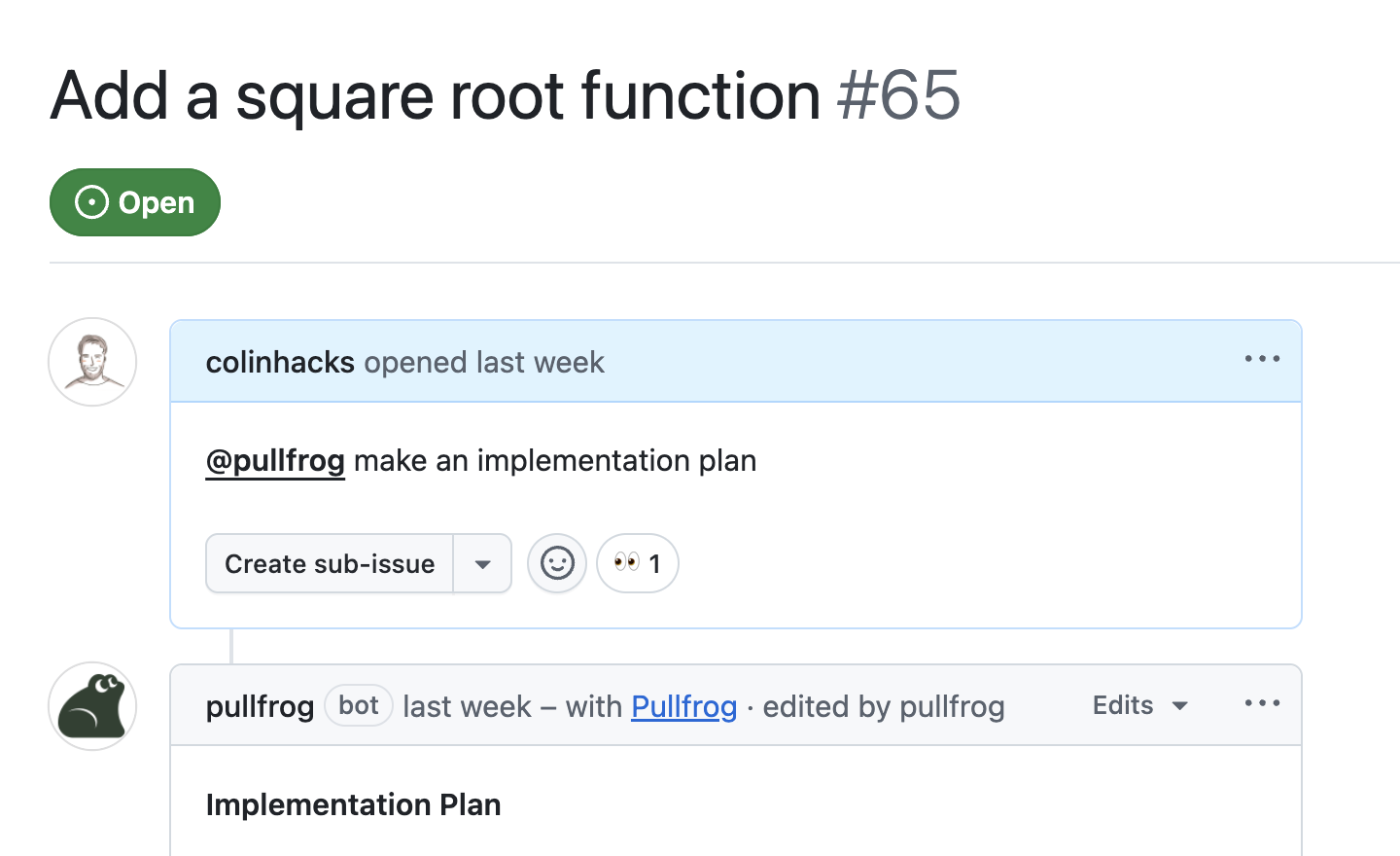
No new UI to learn. Trigger agent runs with an at-mention anywhere in your repo. It pulls in the relevant context from where it was tagged and figures out what to do.
Tag for agent
No new UI to learn. Trigger agent runs with an at-mention anywhere in your repo. It pulls in the relevant context from where it was tagged and figures out what to do.
Configurable automations
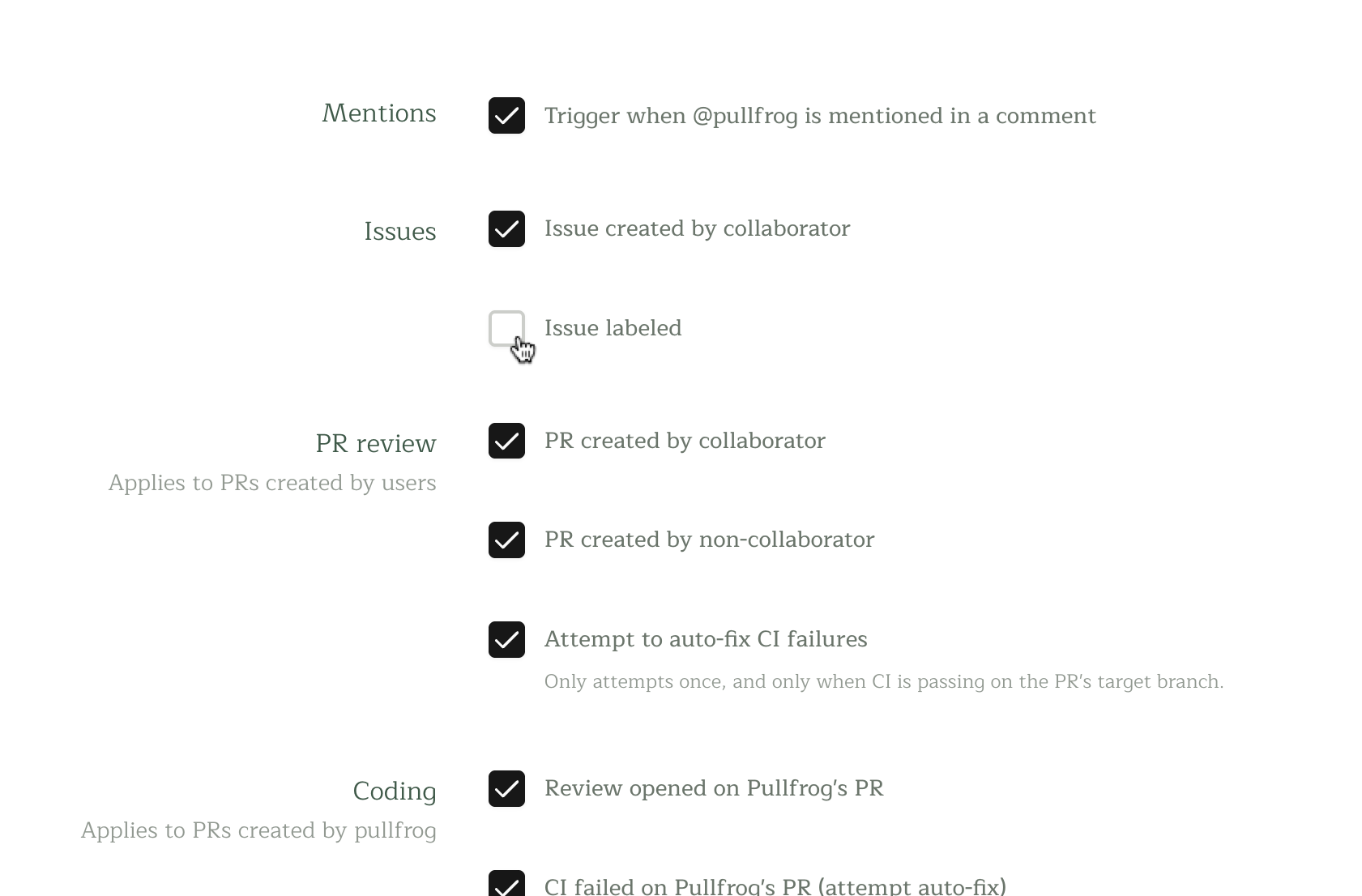
Configure automated agentic responses to common events, like new issues or pull requests. Use custom prompts to customize the agent's behavior.
Configurable automations
Configure automated agentic responses to common events, like new issues or pull requests. Use custom prompts to customize the agent's behavior.
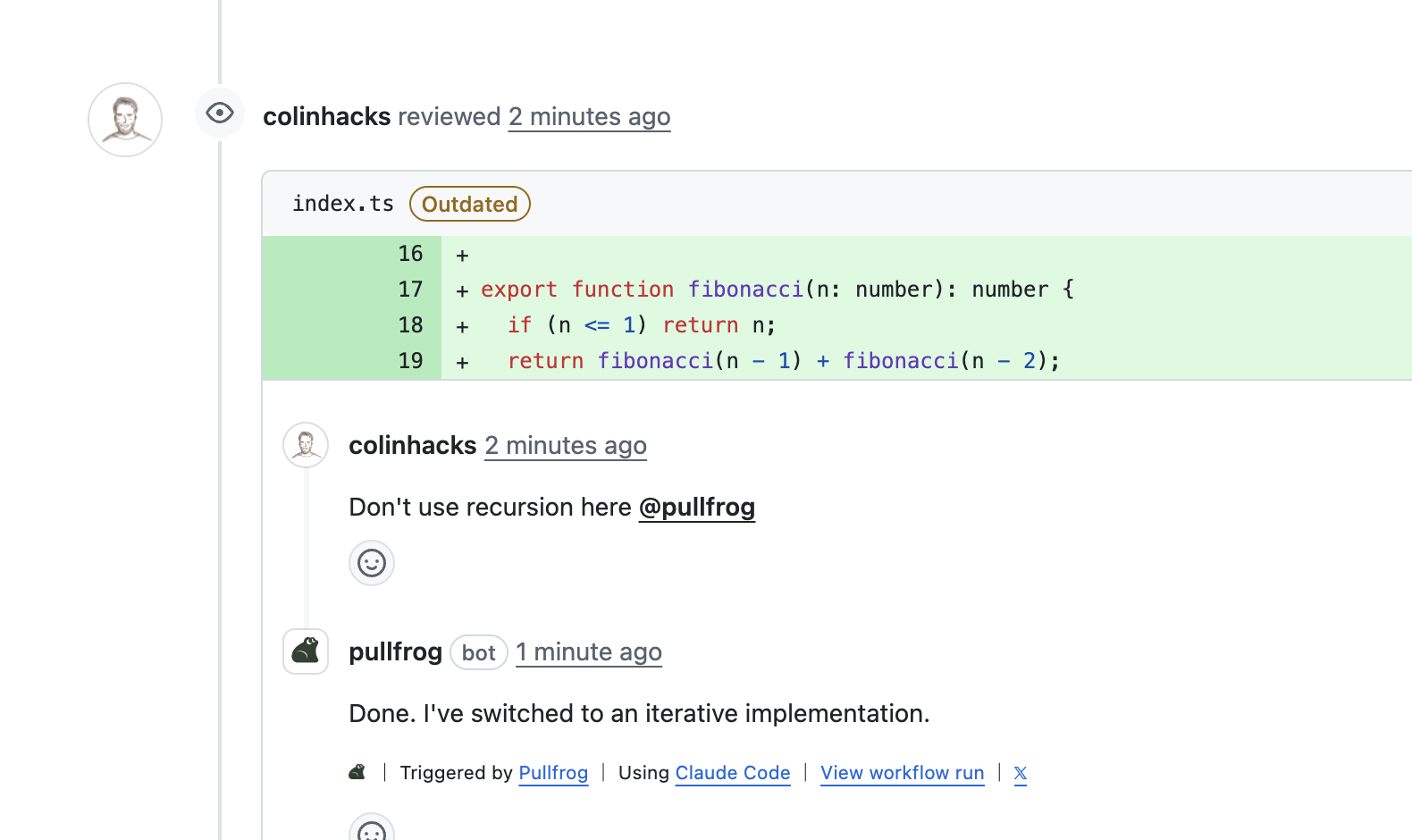
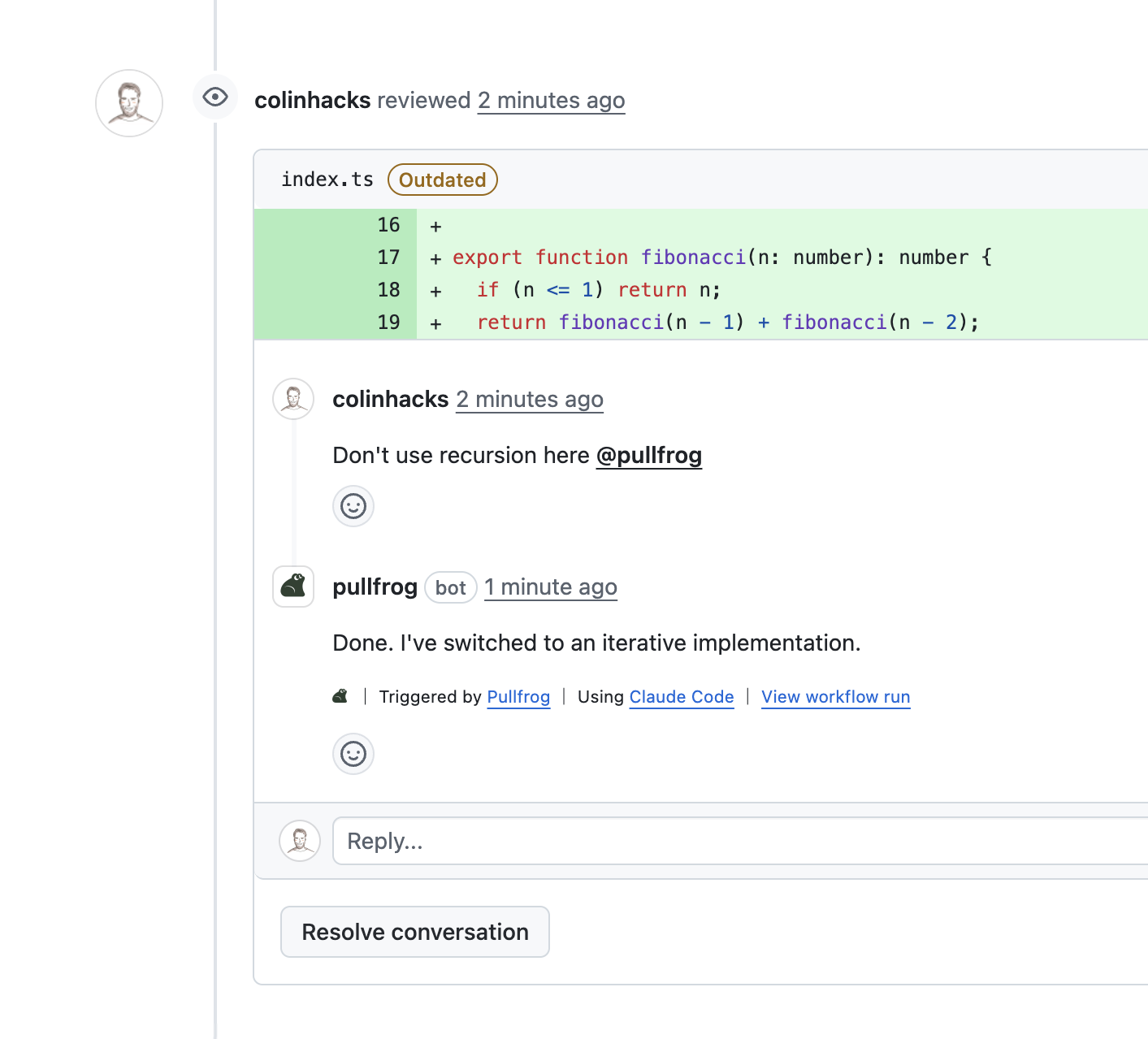
Iterate via PR reviews
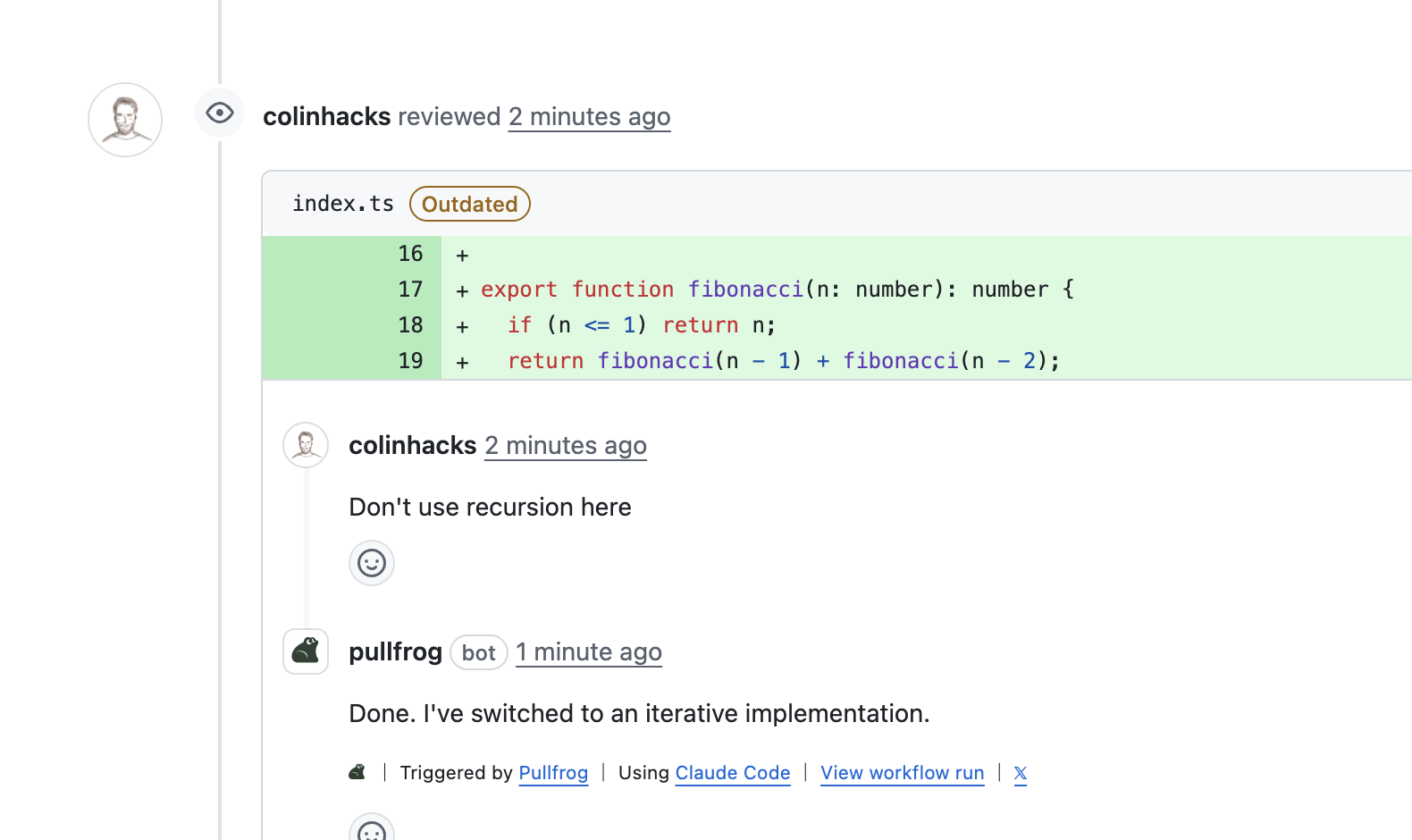
Pullfrog automatically addresses reviews on PRs it creates. Just leave review comments as you would for a human colleague. Pullfrog will handle it and keep you posted as it works.
Iterate via PR reviews
Pullfrog automatically addresses reviews on PRs it creates. Just leave review comments as you would for a human colleague. Pullfrog will handle it and keep you posted as it works.
Auto-fix CI failures
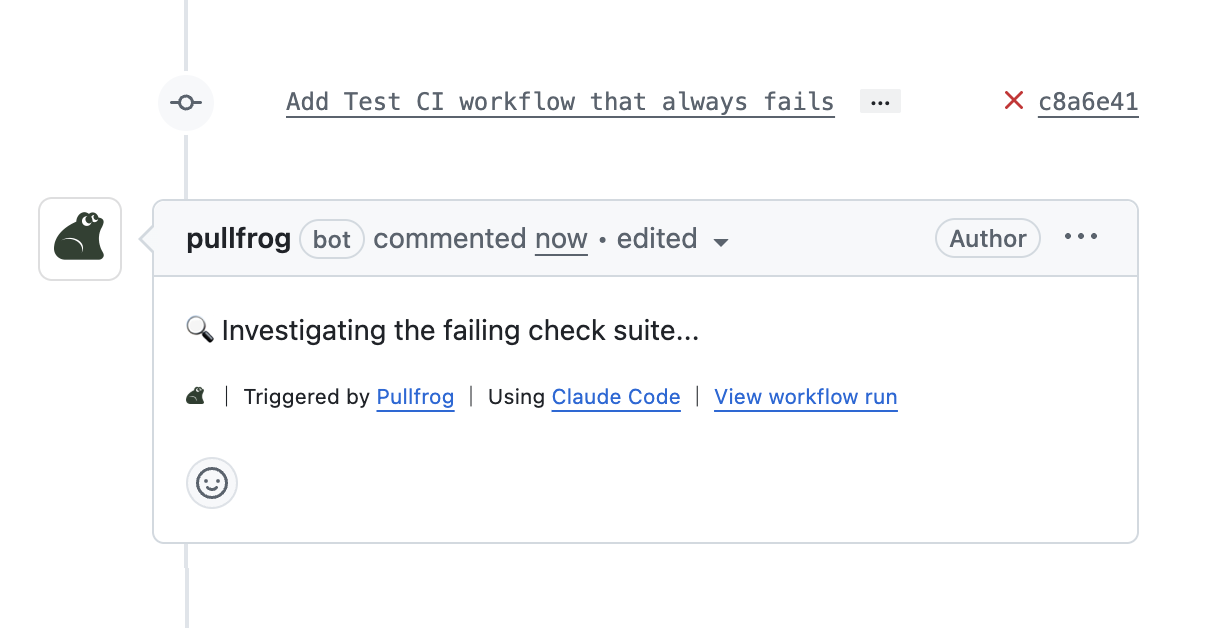
Like a good human colleague, Pullfrog detects CI failures on its own PRs and attempts a fix. It can be configured to attempt CI fixes on human-created PRs too.
Auto-fix CI failures
Like a good human colleague, Pullfrog detects CI failures on its own PRs and attempts a fix. It can be configured to attempt CI fixes on human-created PRs too.
Built for teams
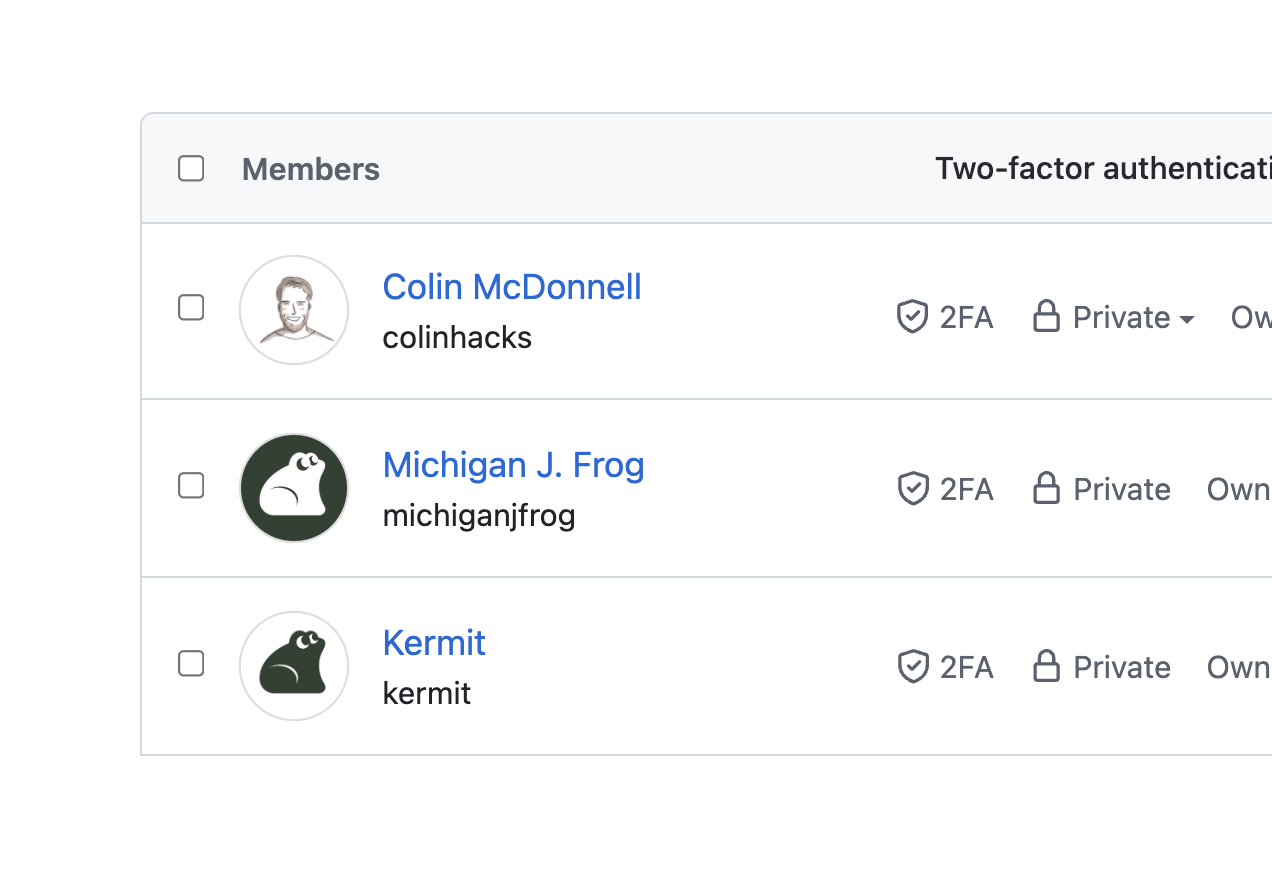
Designed for team collaboration with organization-wide permissions, shared configuration, and async workflows. Perfect for distributed teams working asynchronously.
Built for teams
Designed for team collaboration with organization-wide permissions, shared configuration, and async workflows. Perfect for distributed teams working asynchronously.
GitHub-native permissions
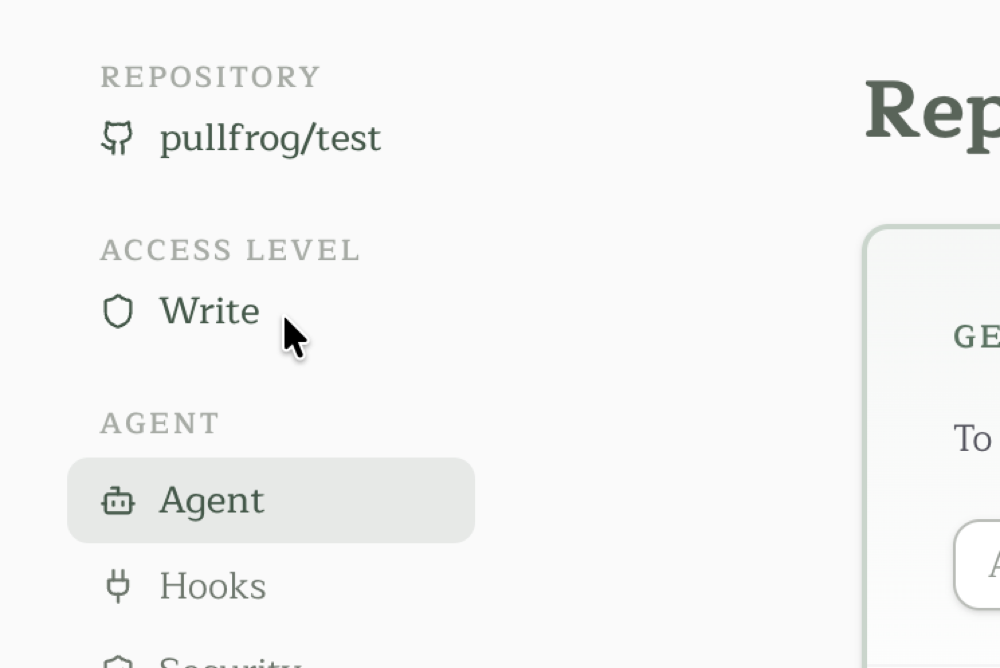
Pullfrog's console relies on GitHub's own permission enforcement. Signed-in users can only see repos they already have access to on GitHub. All org-level and repo-level configuration can only be performed by admins.
GitHub-native permissions
Pullfrog's console relies on GitHub's own permission enforcement. Signed-in users can only see repos they already have access to on GitHub. All org-level and repo-level configuration can only be performed by admins.
Secure shell access
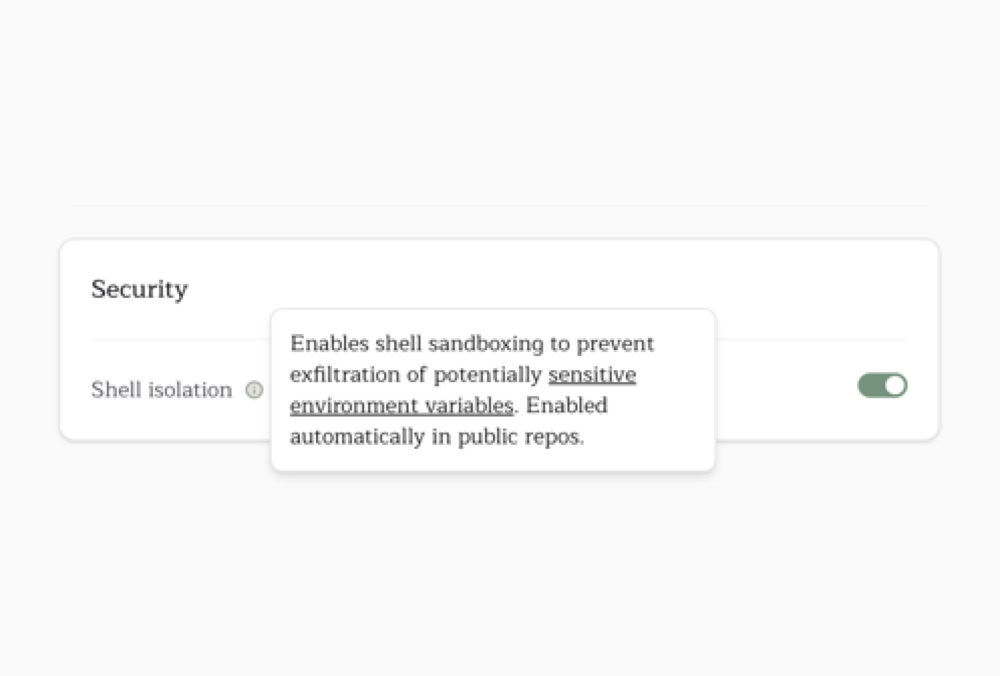
Shell commands are run in an isolated subprocess without access to sensitive environment variables. Git and GitHub operations go through a dedicated MCP server with permission checks — the agent can't push to protected branches or access repos it shouldn't.
Secure shell access
Shell commands are run in an isolated subprocess without access to sensitive environment variables. Git and GitHub operations go through a dedicated MCP server with permission checks — the agent can't push to protected branches or access repos it shouldn't.
Built-in headless browser
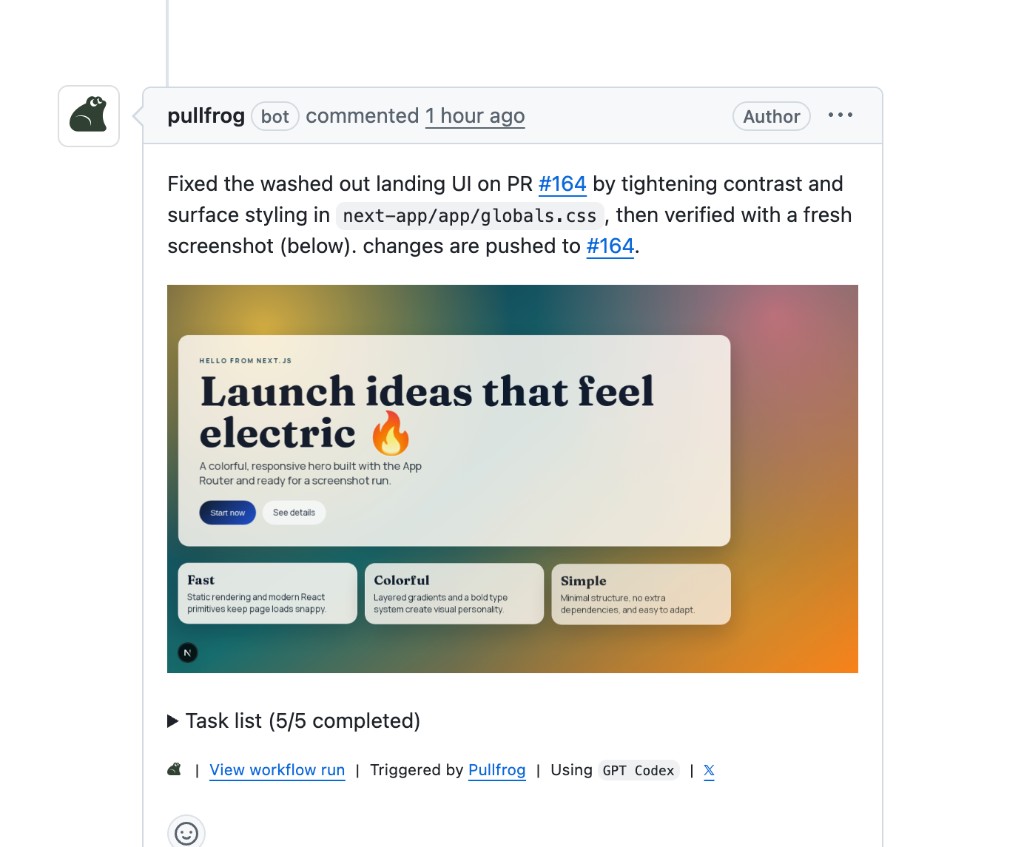
A headless browser tool is provided out-of-the-box, giving the agent the ability to run end-to-end tests, take screenshots, and iterate on UI. Screenshots are uploaded to a secure S3 bucket—no extra configuration required.
Built-in headless browser
A headless browser tool is provided out-of-the-box, giving the agent the ability to run end-to-end tests, take screenshots, and iterate on UI. Screenshots are uploaded to a secure S3 bucket—no extra configuration required.
MCP tools for GitHub
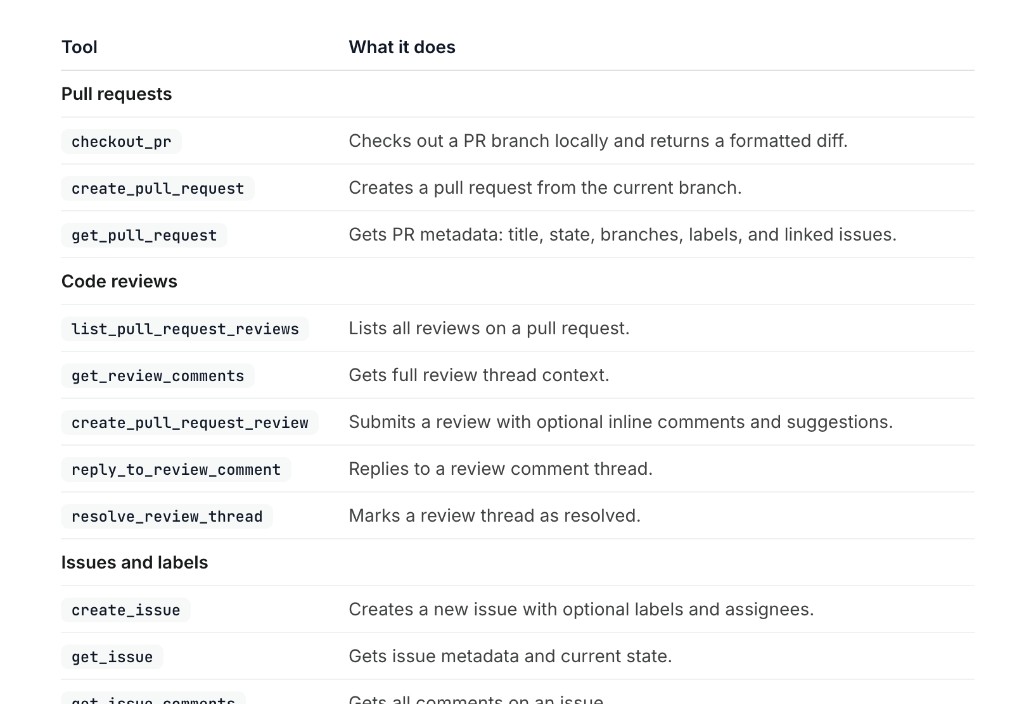
Pullfrog provides agents with a purpose-built MCP server for performing git and GitHub operations — creating PRs, leaving reviews, reading CI logs, managing issues, and more. Every operation goes through Pullfrog's permission layer.
MCP tools for GitHub
Pullfrog provides agents with a purpose-built MCP server for performing git and GitHub operations — creating PRs, leaving reviews, reading CI logs, managing issues, and more. Every operation goes through Pullfrog's permission layer.
Free for open source
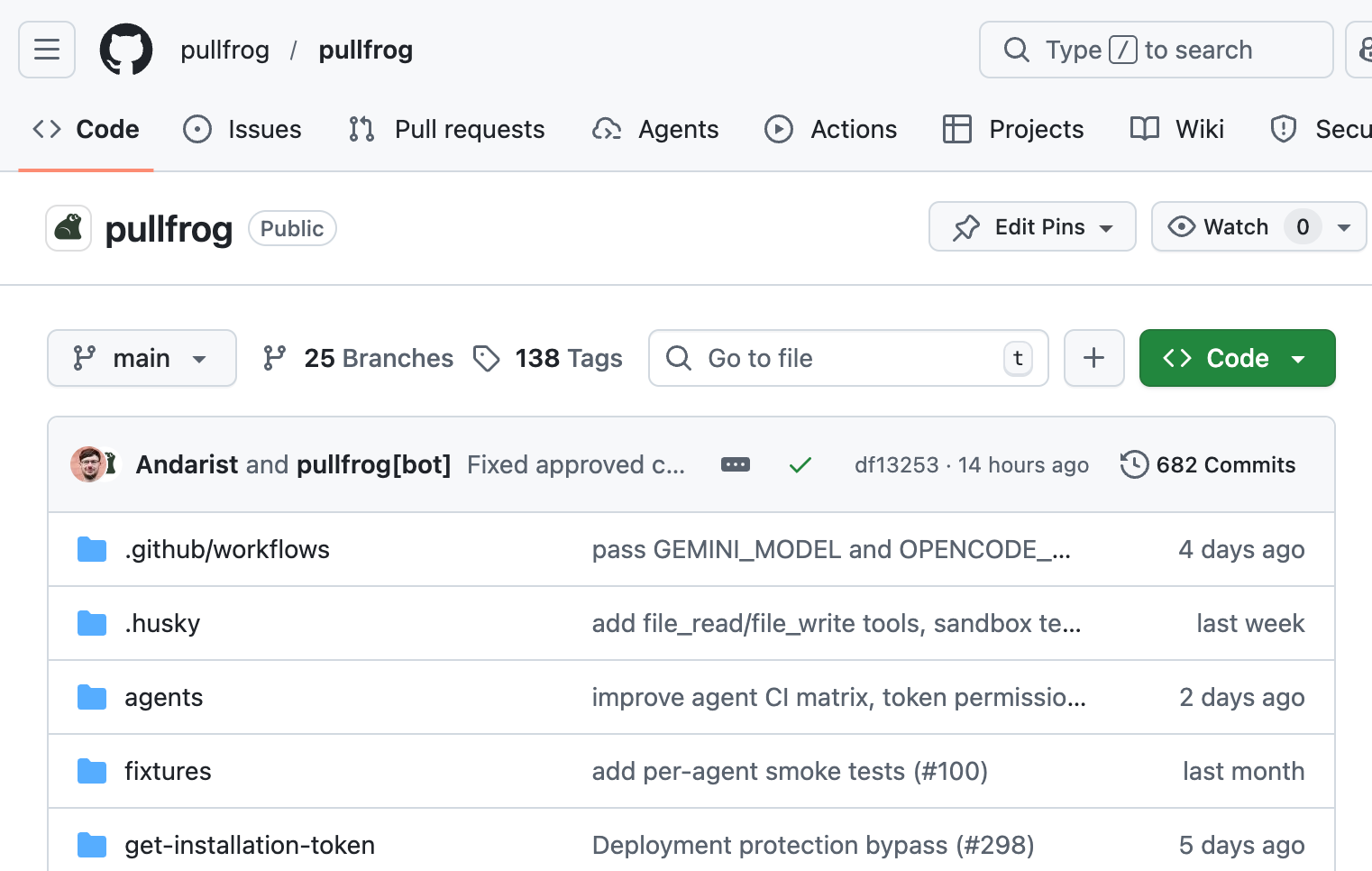
Pullfrog is open source and offers a free program for qualifying open source projects. Apply to get full access at no cost — inspect every line of code, contribute improvements, and keep complete control over your development workflow.
Free for open source
Pullfrog is open source and offers a free program for qualifying open source projects. Apply to get full access at no cost — inspect every line of code, contribute improvements, and keep complete control over your development workflow.
FAQs
Everything you need to know about Pullfrog.
Is Pullfrog an agent?
How is Pullfrog different from other AI coding tools?
What models does Pullfrog support?
How do I trigger Pullfrog workflows?
@pullfrog anywhere, or configuring it to run automatically in response to certain events.How does Pullfrog handle security and permissions?
All API keys are stored as GitHub secrets, following the principle of least privilege. Only the minimum set of environment variables necessary for the agent to function are passed through to each run. GitHub automatically masks all secrets in logs to prevent accidental exposure.
All Git- and GitHub-related actions are performed using a short-lived GitHub App installation token that is automatically revoked at the end of each workflow run. This ensures that tokens never persist beyond their intended use and minimizes the risk of unauthorized access.
Best practices around secrets management and data security are automatically appended to all agent prompts, ensuring that agents are consistently reminded to handle sensitive information appropriately throughout their execution.
How does Pullfrog handle permissions and access control?
GitHub remains the single source of truth for organization and repo-based permissions. In an organization context, users can only see the repos that are visible to them on GitHub, ensuring that access control is consistent with your existing GitHub permissions. Only organization admins can change Pullfrog settings.
Pullfrog relies on GitHub itself to enforce these permissions. Each user's dashboard is populated with live data from the GitHub API using a user-scoped token. In this way, Pullfrog always reflect the current state of your GitHub organization, without requiring separate permission management in Pullfrog.
How does Pullfrog support asynchronous development?
Stay updated
Pullfrog is now in early access. Join the waitlist below and we'll send you an invite soon.
Join with email