-- stars on GitHub
| Works with Claude Code, Codex CLI & Gemini CLI | MIT Licensed
How it works
Three steps. No setup. No configuration.
1
Create a task
Describe what you want built. Pick which AI agent to use — Claude Code, Codex CLI, or Gemini CLI.
2
Agent works in isolation
Parallel Code creates a git branch and worktree automatically. The agent works in its own directory — no conflicts with other tasks.
3
Review and merge
Inspect the diff, check changed files. When you're happy, merge back to main from the sidebar with one click.
Why Parallel Code
Dispatch agents in parallel, merge what works.
See it in action
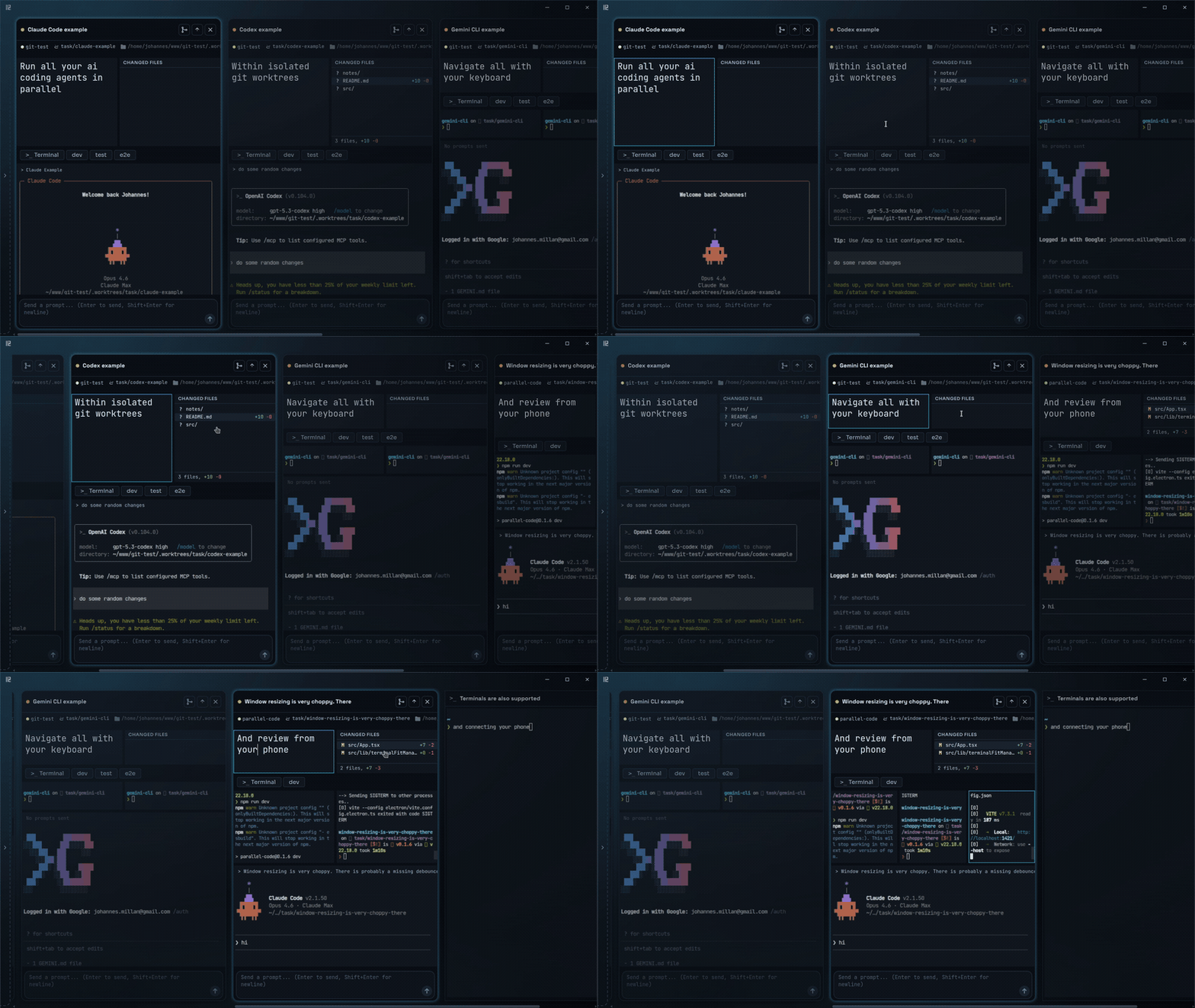
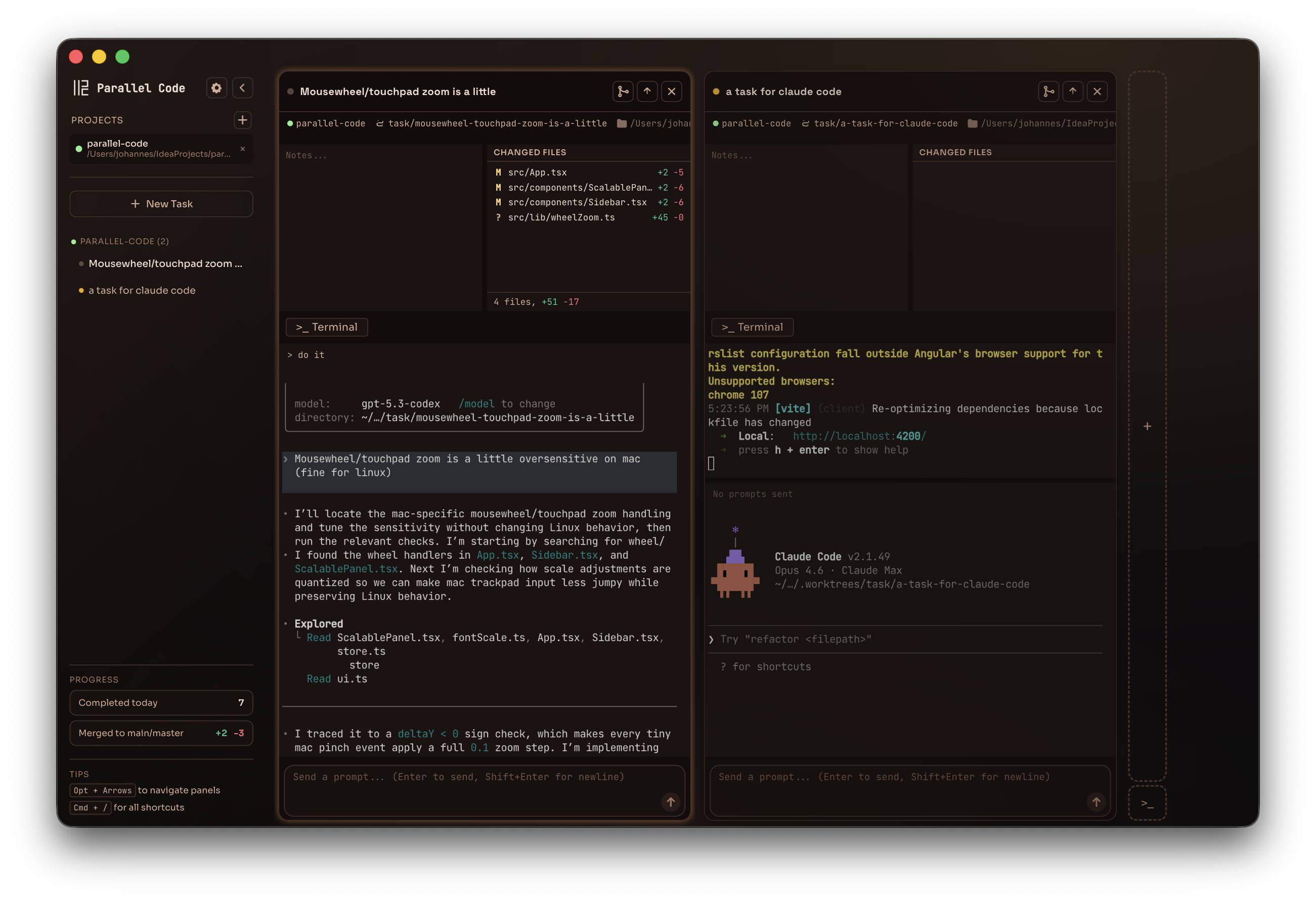
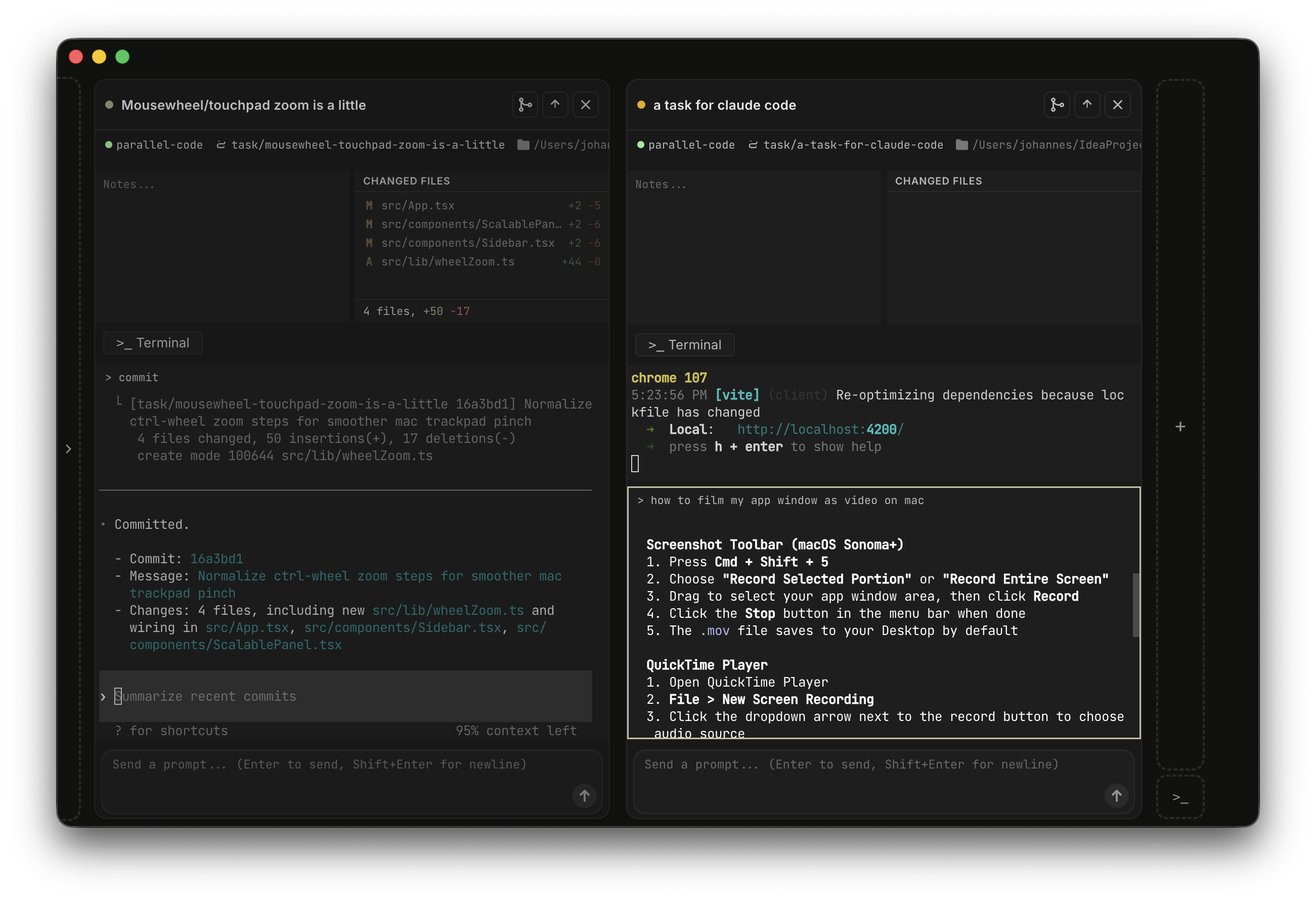
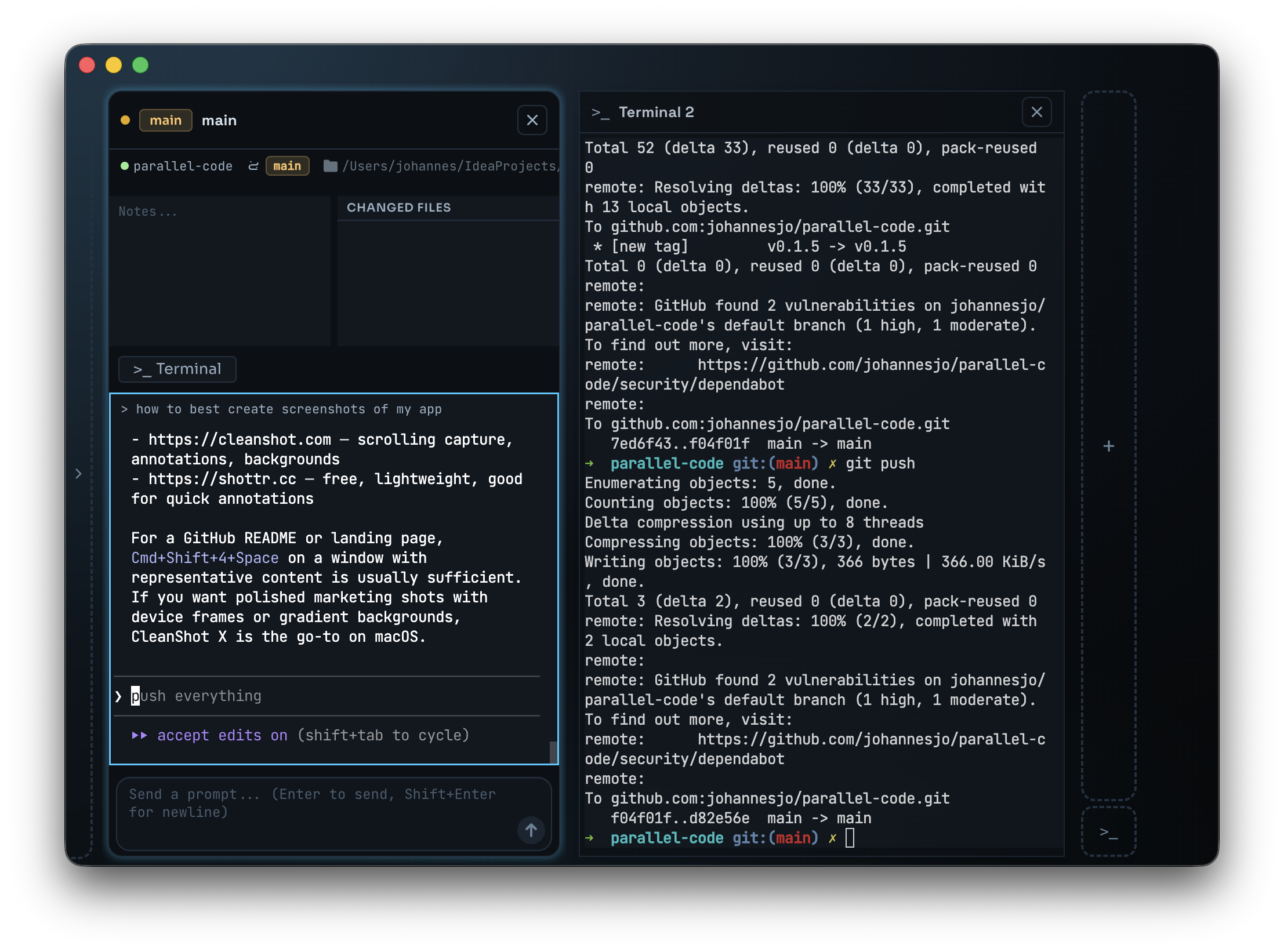
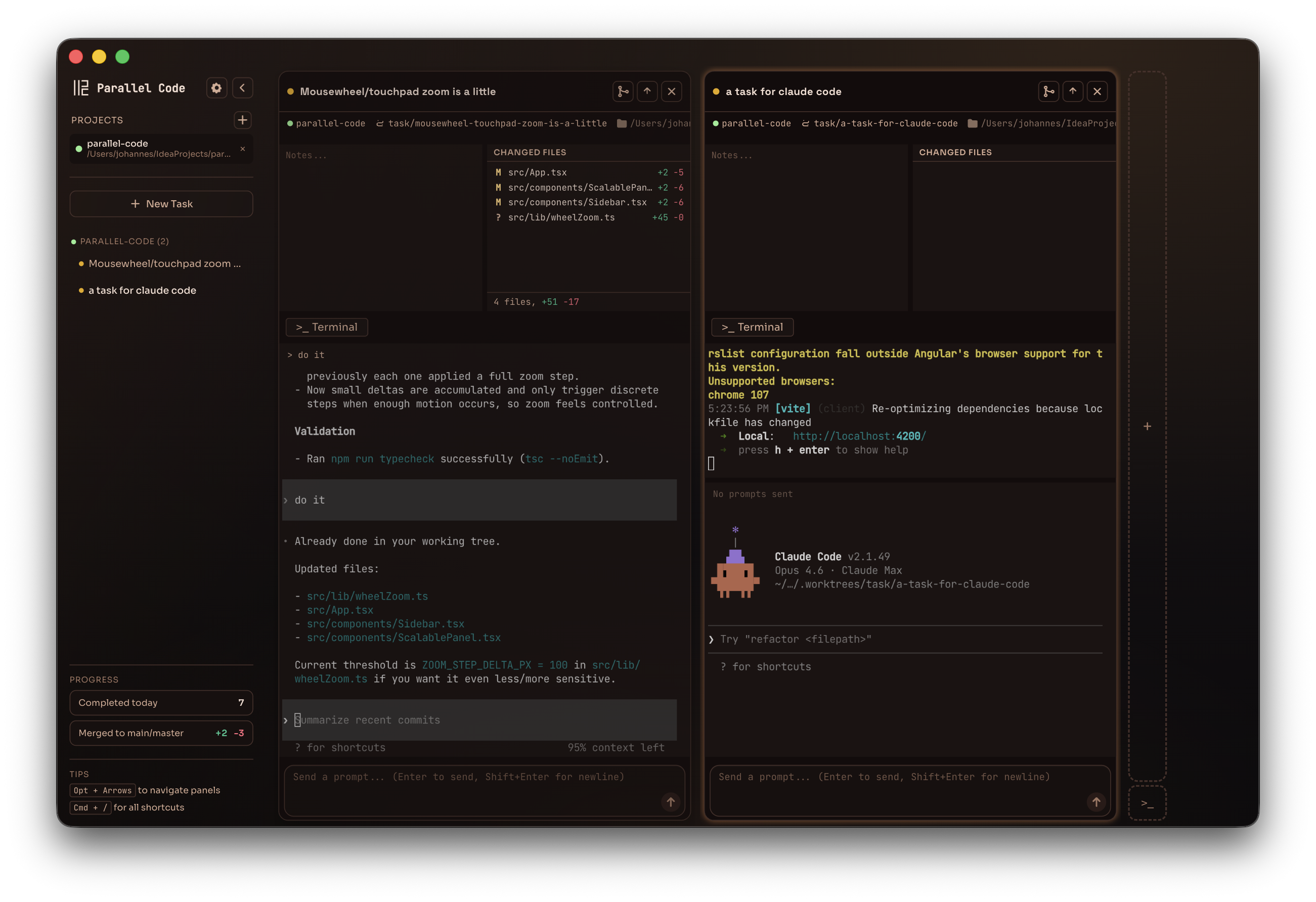
One interface for dispatching, monitoring, and merging work from multiple AI agents.
Screenshots
Why not just…
There are ways to run multiple agents today. None of them solve the whole problem.
| Approach | What's missing |
|---|---|
| Multiple terminals / tmux | No GUI, no automatic git isolation — you manage worktrees, branches, and merges by hand |
| VS Code extensions | Tied to one editor; no true parallel worktree isolation between agents |
| Running agents one at a time | Blocks your workflow while each agent finishes — one task at a time |
FAQ
Common questions about Parallel Code.
Does it work with my IDE?
Parallel Code is a standalone Electron app. Keep using your preferred editor — VS Code, Cursor, JetBrains, Sublime, whatever you like. It manages the agents and worktrees; your IDE handles the code.
Which AI agents are supported?
Claude Code, Codex CLI, and Gemini CLI out of the box. Any CLI-based coding agent that works in a terminal can be used.
How does the isolation work?
Each task gets its own git branch and worktree. Agents work in separate directories with symlinked node_modules and other gitignored files. No conflicts, ever. When you're happy with the result, merge back to main from the sidebar.
What platforms are supported?
macOS (universal .dmg) and Linux (.AppImage or .deb). Download from the GitHub releases page.
Is it free?
Yes. Parallel Code is free and open source under the MIT license. Your API keys stay yours — nothing is proxied or collected.