

WordPress has an block just for Speaker Deck! Simple choose the block in the block editor and paste your URL. Full documentation can be found here: https://wordpress.org/support/article/speaker-deck-embed/
You can also use the iFrame or JavaScript embed code from Speaker Deck to have more control over the embeded presentation.
To embed via iFrame or Javascript embed code, go to the URL of the deck you'd like to embed.
1. Click on the Share icon on the lower right corner of the presentation player

2. Click on the Embed tab to see the Embed options
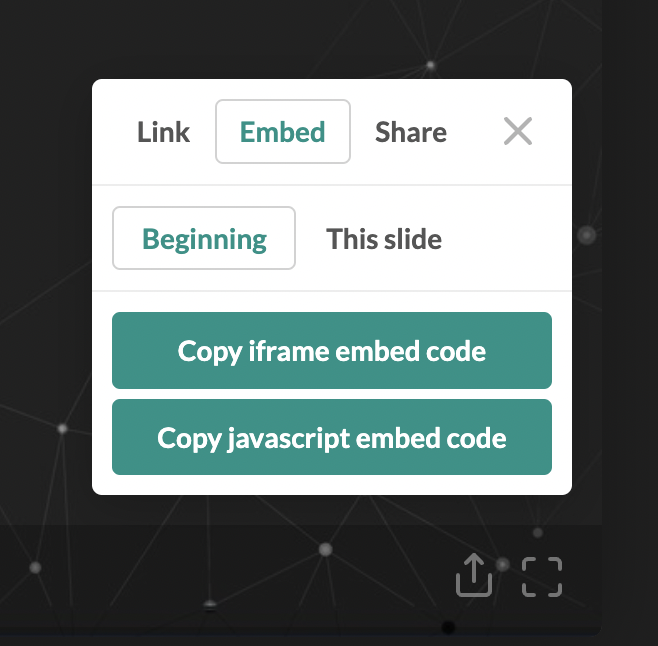
3. Copy either the iframe embed code or Javascript embed code, depending on your needs.
4. Paste the embed code in an HTML block inside of WordPress.