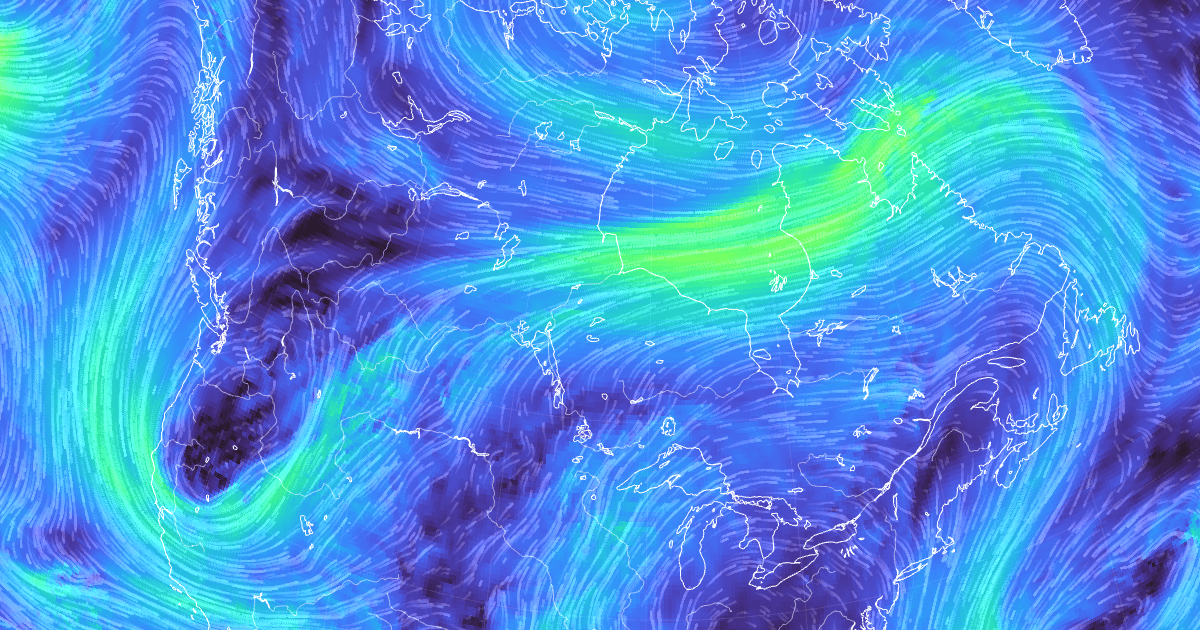
Fluid Earth is developed and maintained by The Ohio State University's Byrd Polar and Climate Research Center.
If you are interested in using Fluid Earth for educational purposes or collaborating with us to develop Fluid Earth for a specific application, please email gravina.2@osu.edu.
For more information, visit the Help & About menu at Fluid Earth.
git clone https://github.com/byrd-polar/fluid-earth
cd fluid-earth
pnpm install
pnpm run dev
Changes to files in src will be automatically displayed from the dev server.
First, complete the frontend-only setup.
Then, create an account to
access CDS. Once logged in, accept the Copernicus license
and use your CDS API key to
create a .env file in the root of this Git repository with the following
content, replacing the Xs with your key:
CDS_API_KEY=XXXXXXXX-XXXX-XXXX-XXXX-XXXXXXXXXXXXSimilarly, create an account to
access Earthdata, and add your username and password to .env:
EARTHDATA_LOGIN=username:passwordFinally, in a separate terminal tab/window:
pnpm run teraTo develop against the remote backend again (as in the frontend-only setup),
remove the public/tera directory.
pnpm run build
pnpm run previewgit pull https://github.com/byrd-polar/fluid-earth
pnpm installFluid Earth comes with a lightweight web component which can be included in webpage contexts where the full application is not needed. Refer to the documentation for more info on using the web component.