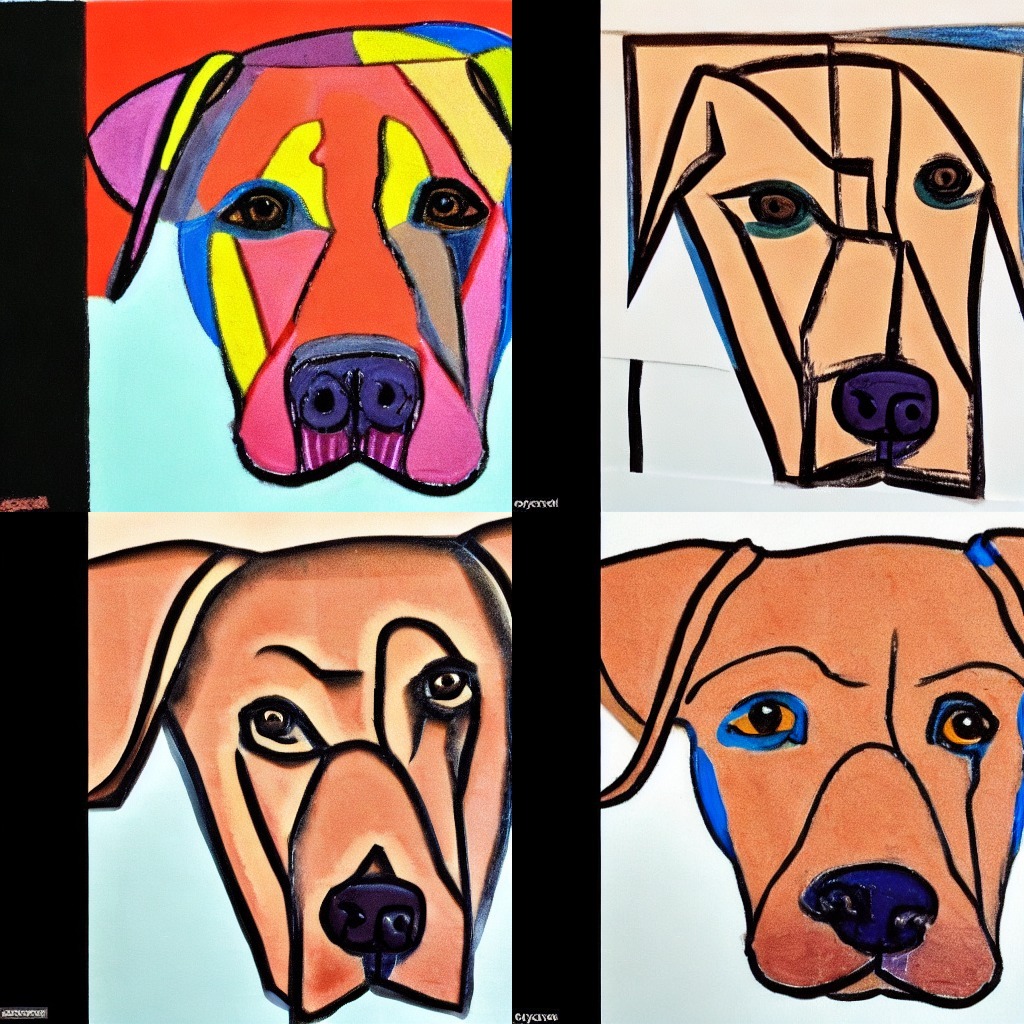
A common use case when generating images is to generate a batch of images, select one image and improve it with a better, more detailed prompt in a second run. To do this, one needs to make each generated image of the batch deterministic. Images are generated by denoising gaussian random noise which can be instantiated by passing a torch generator.
Now, for batched generation, we need to make sure that every single generated image in the batch is tied exactly to one seed. In 🧨 Diffusers, this can be achieved by not passing one generator, but a list
of generators to the pipeline.
Let's go through an example using runwayml/stable-diffusion-v1-5.
We want to generate several versions of the prompt:
prompt = "Labrador in the style of Vermeer"Let's load the pipeline
>>> from diffusers import DiffusionPipeline

>>> pipe = DiffusionPipeline.from_pretrained("runwayml/stable-diffusion-v1-5", torch_dtype=torch.float16)
>>> pipe = pipe.to("cuda")
Now, let's define 4 different generators, since we would like to reproduce a certain image. We'll use seeds 0 to 3 to create our generators.
>>> import torch

>>> generator = [torch.Generator(device="cuda").manual_seed(i) for i in range(4)]
Let's generate 4 images:
>>> images = pipe(prompt, generator=generator, num_images_per_prompt=4).images
>>> images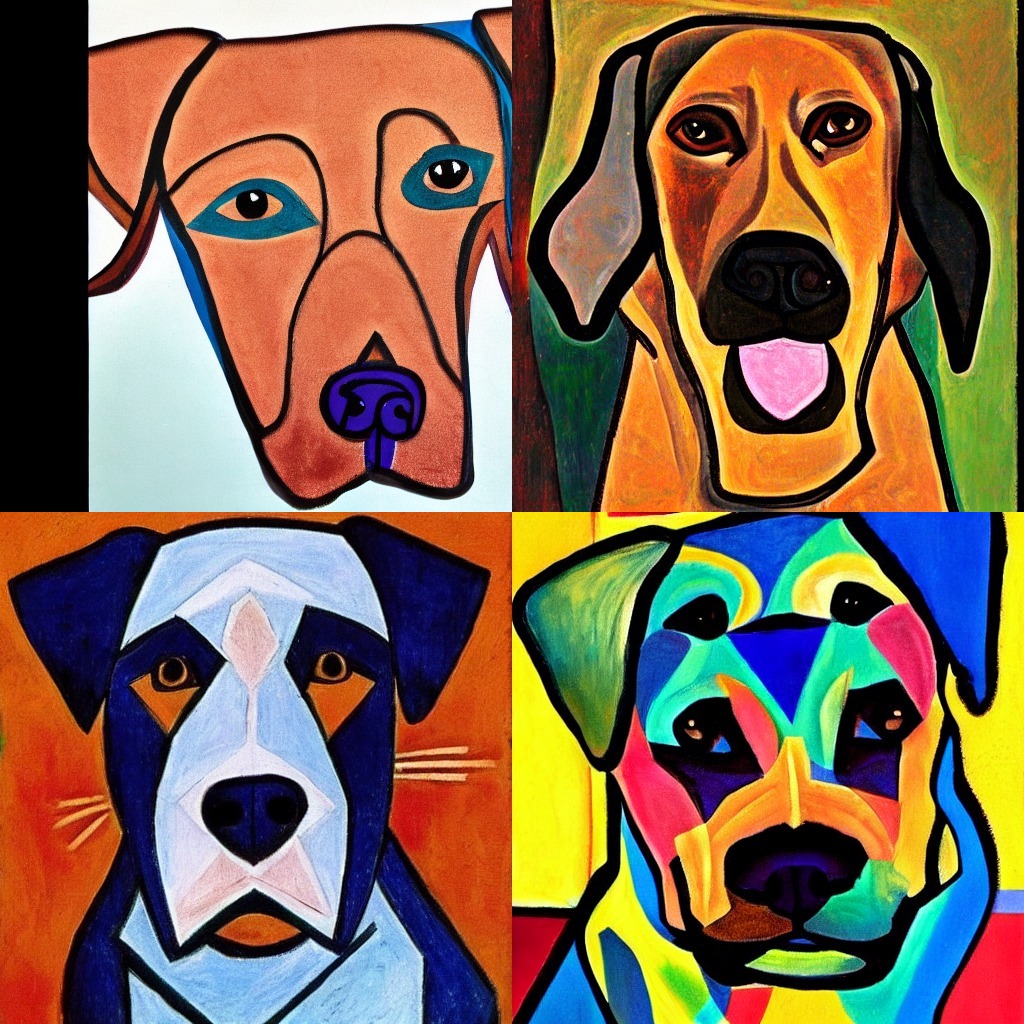
Ok, the last images has some double eyes, but the first image looks good! Let's try to make the prompt a bit better while keeping the first seed so that the images are similar to the first image.
prompt = [prompt + t for t in [", highly realistic", ", artsy", ", trending", ", colorful"]]
generator = [torch.Generator(device="cuda").manual_seed(0) for i in range(4)]
We create 4 generators with seed 0, which is the first seed we used before.
Let's run the pipeline again.
>>> images = pipe(prompt, generator=generator).images
>>> images