Re-use previous tournament's settings (alternative 2) #707
Conversation
This file contains hidden or bidirectional Unicode text that may be interpreted or compiled differently than what appears below. To review, open the file in an editor that reveals hidden Unicode characters.
Learn more about bidirectional Unicode characters


 alwey
changed the title
alwey
force-pushed
the
209-newtourn-2
branch
3 times, most recently
from
alwey
changed the title
alwey
force-pushed
the
209-newtourn-2
branch
3 times, most recently
from
e2ea1c9 to
d1b3458
Compare
Do not delete NewTournamentDialog after usage, but re-use it for the
next tournament.

Add reset functionality to NewTournamentDialog.
However, on reset use a new NewTournamentDialog.

Simplify and correct NewTournamentDialog::readSettings.

Resolves cutechess#209

|
How can I get and executable with this feature ? |

Contributor
|
In case it helps someone else, binaries are available in v1.4.1-eduherminio-707 and v1.3.2-eduherminio-707. |
Sign up for free
to join this conversation on GitHub.
Already have an account?
Sign in to comment
3 participants


Add this suggestion to a batch that can be applied as a single commit.
This suggestion is invalid because no changes were made to the code.
Suggestions cannot be applied while the pull request is closed.
Suggestions cannot be applied while viewing a subset of changes.
Only one suggestion per line can be applied in a batch.
Add this suggestion to a batch that can be applied as a single commit.
Applying suggestions on deleted lines is not supported.
You must change the existing code in this line in order to create a valid suggestion.
Outdated suggestions cannot be applied.
This suggestion has been applied or marked resolved.
Suggestions cannot be applied from pending reviews.
Suggestions cannot be applied on multi-line comments.
Suggestions cannot be applied while the pull request is queued to merge.
Suggestion cannot be applied right now. Please check back later.
This patch changes the usage of the
NewTournamentDialogin the GUI. Currently this window is deleted after use (OK or Cancel) and a new instance with the default settings is used for the next tournament.This code re-uses the existing
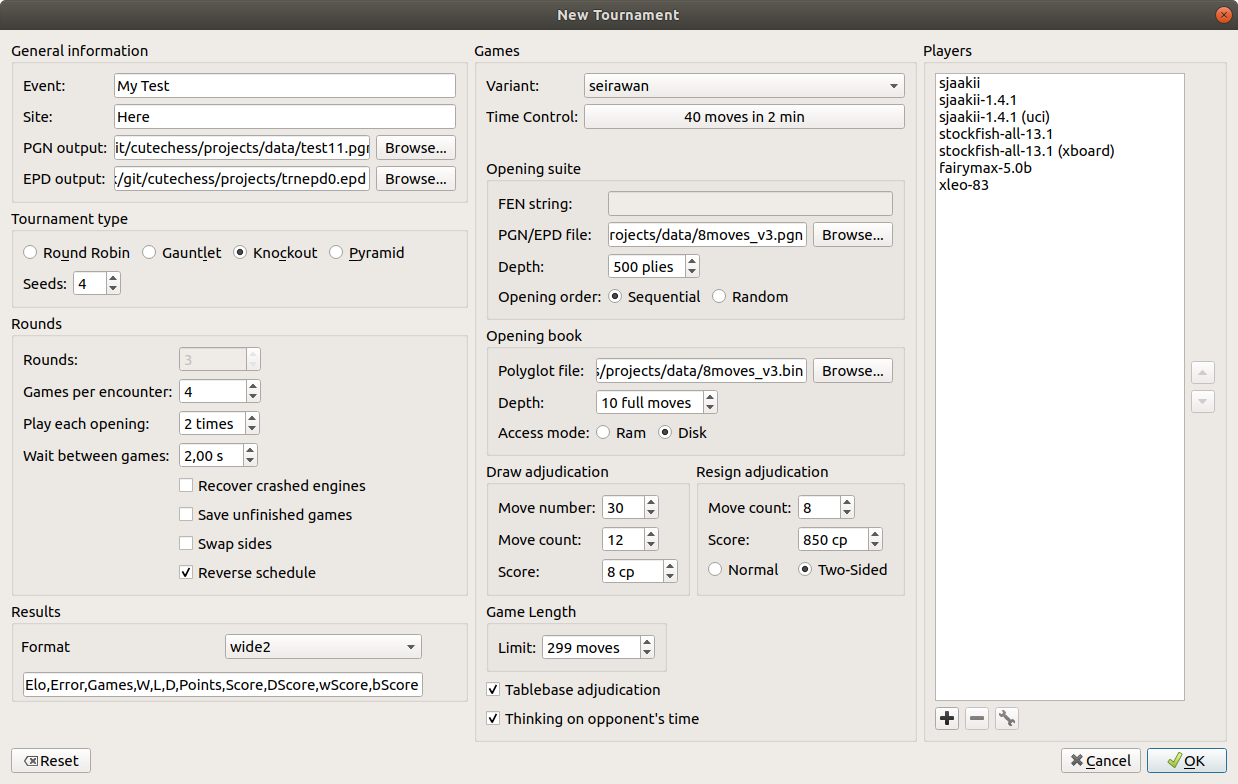
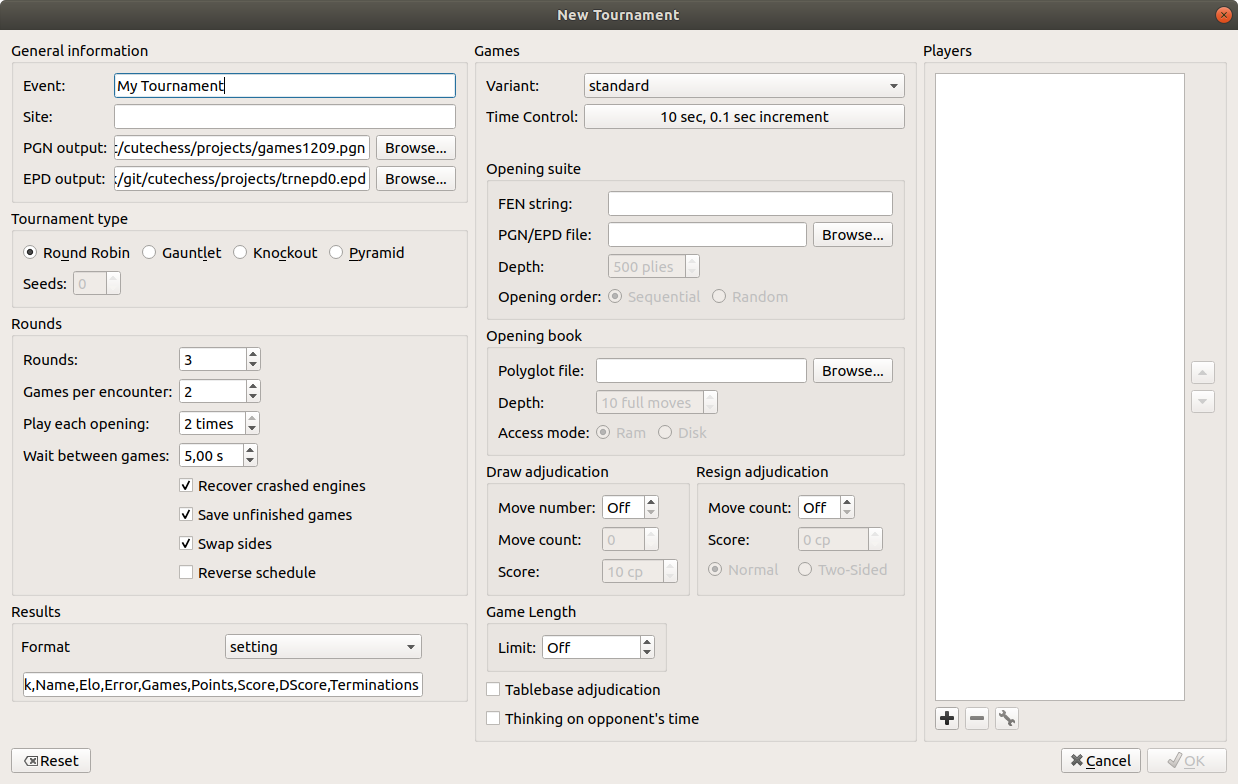
NewTournamentDialogwith old values to speed up the set-up of the next - probably similar - tournament. A new Reset-Button triggers the destruction of the dialog. After a short while a new dialog appears with user's default values.The method
NewTournamentDialog::readSettingshas been simplified and corrected.This PR is an alternative to the patch which uses the old dialog with values from cutechess.ini after reset, PR #706.
Implements and resolves #209
A "Reset"-button has been added to NewTournamentDialog.
Example: First dialog shown before ...
... and a new dialog appears after pressing the "Reset"-button.
HTH.