Repository navigation
Images with opposing orientations and the Gallery Block #12258
Description

I have been testing Gutenberg on my photography blog and I really like it. I especially like the Gallery block which is incredibly useful on a website that deals with photography.
However it has one major glaring omission. You can not place two pictures with opposing orientation next to one another. Gutenberg will by default crop into the pictures so they are the same size, if you turn the crop check box off then they two pictures will appear next to one another but one image will be taller than the other which does not look so nice. This is because when there is two, three, or more images Gutenberg wants to lay them out so they all have equal width.
I really think Gutenberg should aim to do better than that.
If I have two images I want to place next to one another, both of them are shot in 23 format however one is horizontal and one is vertical than I would like Gutenberg to be able to adjust the column width so they appear next to each other with the same height. Meaning the 23 frame in horizontal takes up most of the available space and the 2*3 shot in vertical takes up what remaining space is available so it matches the height of it’s companion picture.
Hopefully I explained that well.
Making posts in Gutenberg is a lot of fun and the Gallery block does a lot to allow you to make posts that are rich with photographs. But adding this feature would take it up to 11 and make it a killer block.
Activity
youknowriad commentedon Oct 2, 2019
Thanks for your suggestion, I wonder if this should be something for an advanced third-party Gallery plugin. Thoughts on this @mapk @jasmussen
jasmussen commentedon Oct 2, 2019
I believe, correct me if I'm wrong, that this is exactly what the Jetpack Tiled Gallery does. Alternately you can try a little custom CSS, I think what's on http://moc.co/2018/02/masonry-galleries-gutenberg/ might work for this.
I do agree that the un-cropped version of images in the stock gallery is a little uninspired, so I wouldn't be opposed to improving that aspect of the gallery. In your example you'll see that all 3 columns are exactly 33% wide, causing items inside to scale suboptimally.
In any case it would be somewhat difficult to refactor the gallery block to do this, which means were we to do it it would take some time. For that reason you might want to look into some plugin blocks in the mean time.
mapk commentedon Oct 3, 2019
I agree that the Gallery block without the "crop images" toggle turned on, it looks awkward. In the future, an option to tile the gallery might be a cool style variation, but it would be down the road.
I'll move this to the
futuremilestone.pfroud commentedon Apr 18, 2020
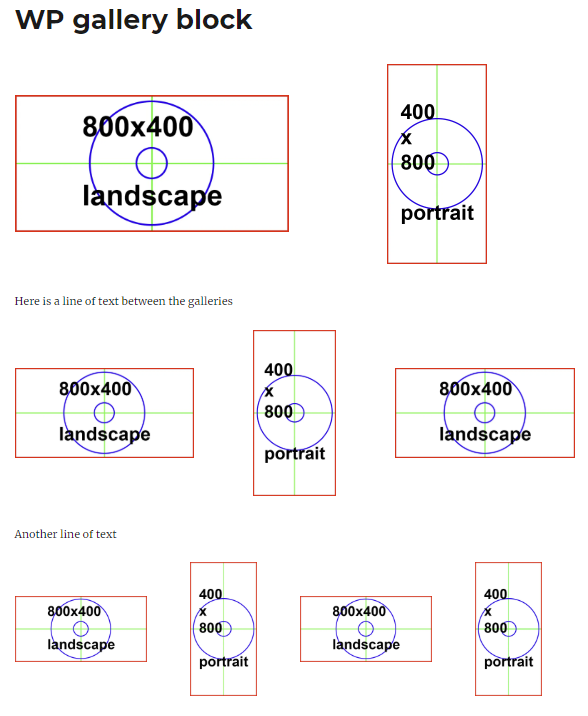
+1 for this Gutenberg enhancement. I cooked up some CSS to make the Gallery block work better with images of opposing orientations / aspect ratios:
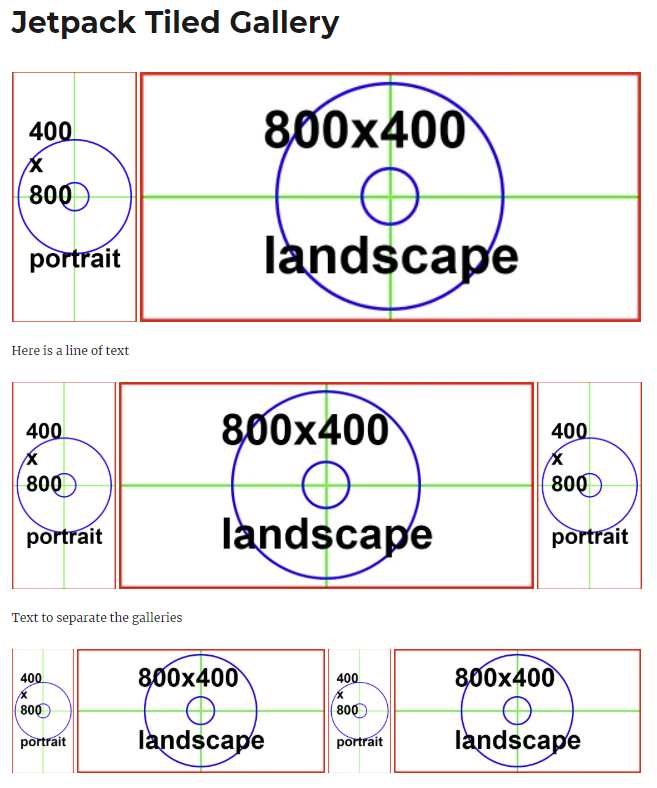
Joen, the CSS you linked to didn't work for me, but it turns out the Jetpack Tiled Gallery does this very well. However a big plugin seems like a lot just to use the gallery.
Screenshot of the Jetpack Tiled Gallery:
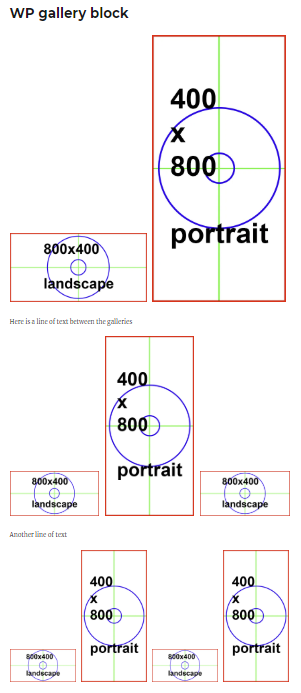
Screenshot of the Gutenberg Gallery block without custom CSS:
Screenshot of the Gutenberg Gallery block with my custom CSS:
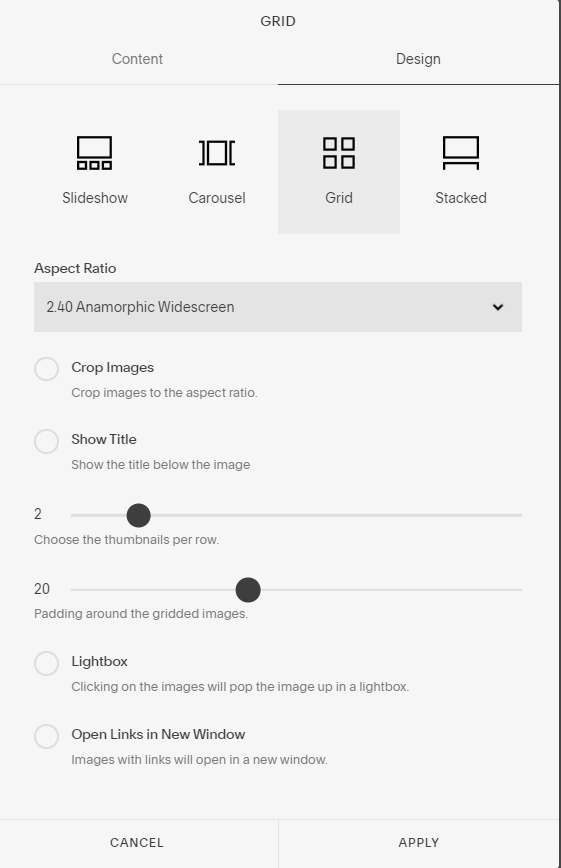
Also for comparison, here's a screenshot of the Grid Gallery available in Squarespace:
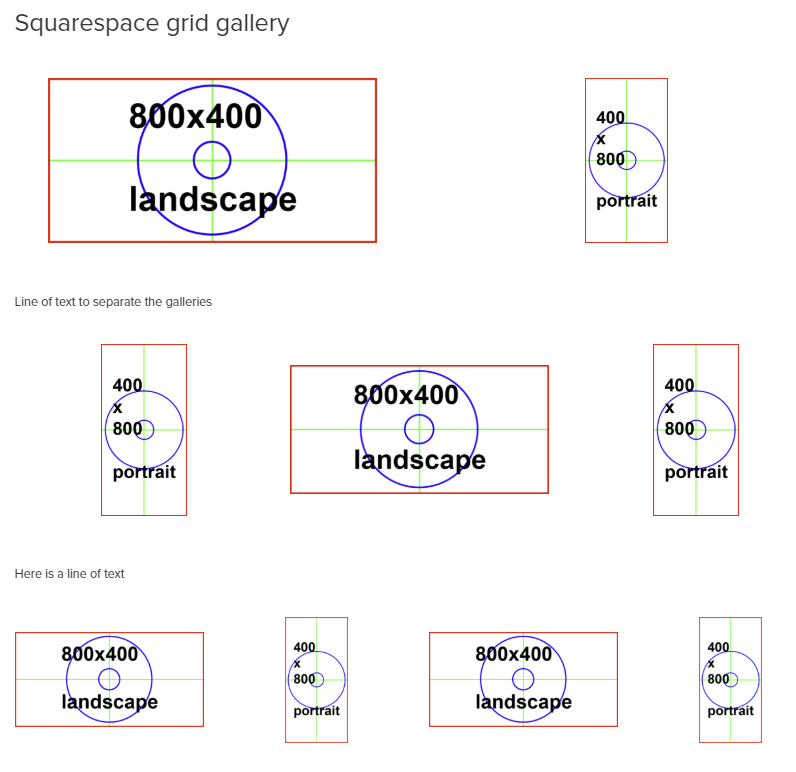
I tried to copy the Squarespace gallery when doing my CSS.
The controls let you choose how many columns, like the Gutenberg gallery. However you also choose the aspect ratio for the thumbnails which is weird.
mtias commentedon Nov 28, 2025
The new aspect ratio controls should allow this to work. Please reopen if there are still cases to address.