|
1 | | -# DOCter |
| 1 | +## HTTPS for the federal government |
2 | 2 |
|
3 | | -DOCter is a [Jekyll](http://jekyllrb.com/) template for quickly building out project pages and documentation. |
| 3 | +This is a collection of resources, best practices, and case studies for HTTPS in the federal government. |
4 | 4 |
|
5 | | -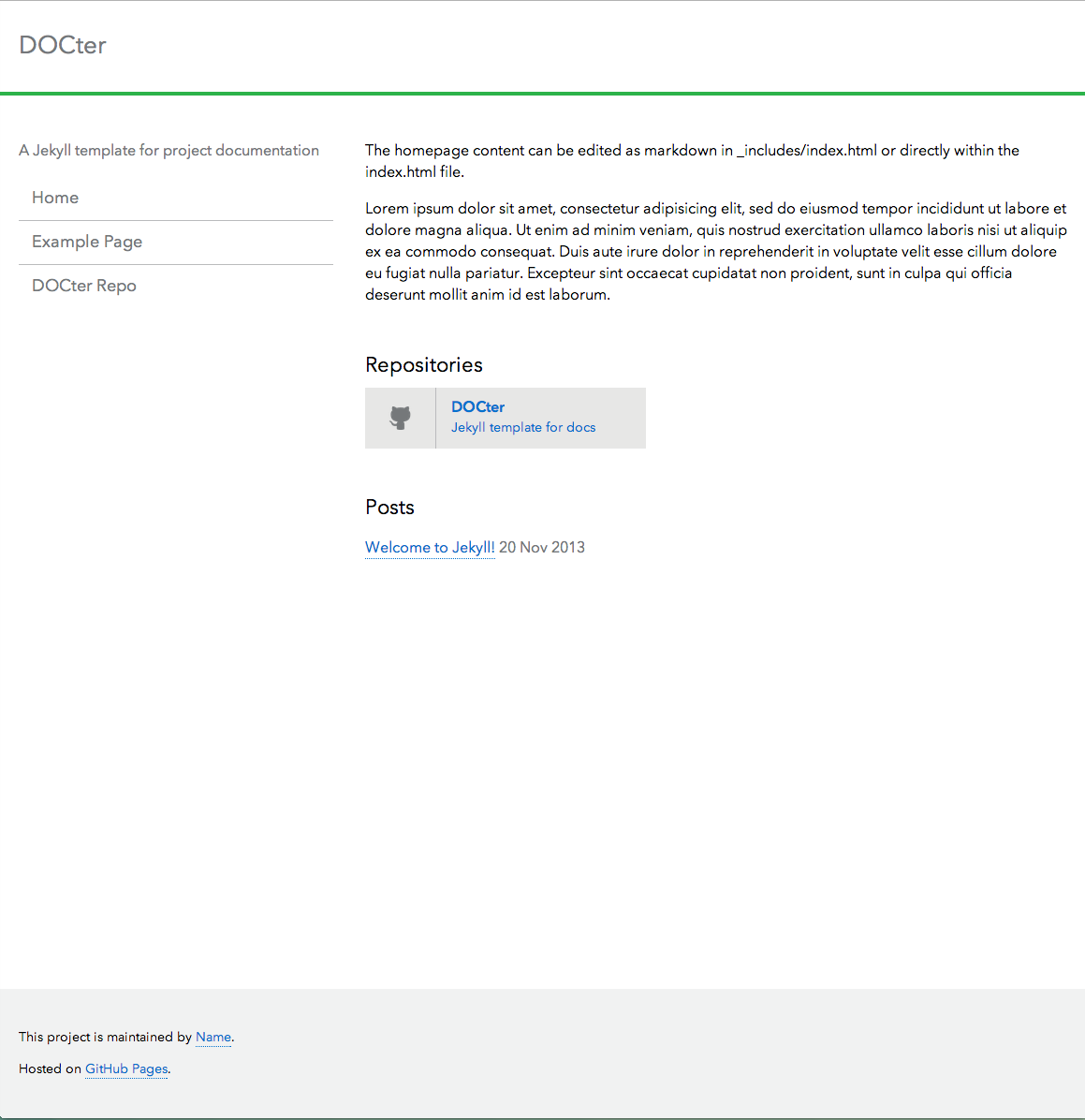 |
| 5 | +Maintained by people from the [U.S. Digital Service](http://wh.gov/usds) and [18F](https://18f.gsa.gov). Please join us and help out! |
6 | 6 |
|
7 | | -[See the demo](http://cfpb.github.io/DOCter/) |
8 | 7 |
|
9 | | -## To run DOCter locally |
| 8 | +### Public domain |
10 | 9 |
|
11 | | -Be sure to have Jekyll and Kramdown installed. |
| 10 | +This project is in the worldwide [public domain](LICENSE.md). As stated in [CONTRIBUTING](CONTRIBUTING.md): |
12 | 11 |
|
13 | | -``` |
14 | | -gem install jekyll |
15 | | -gem install kramdown |
16 | | -``` |
17 | | - |
18 | | -Fork and clone the repo: |
19 | | - |
20 | | -``` |
21 | | -git clone git@github.com:ascott1/DOCter.git |
22 | | -cd DOCter |
23 | | -``` |
24 | | -Run Jekyll: |
25 | | - |
26 | | -``` |
27 | | -jekyll serve --baseurl '' |
28 | | -``` |
29 | | - |
30 | | - |
31 | | -## _config.yml |
32 | | - |
33 | | -Options within the `_config.yml` file allow you to control the site's title, subtitle, logo, author information, and the left column navigation. |
34 | | - |
35 | | - |
36 | | -### Project Page URL Structure |
37 | | - |
38 | | -**This is an excerpt from the [Jekyll docs](http://jekyllrb.com/docs/github-pages/) on configuring your URL for Project Pages.** |
39 | | - |
40 | | -Sometimes it's nice to preview your Jekyll site before you push your `gh-pages` branch to GitHub. However, the subdirectory-like URL structure GitHub uses for Project Pages complicates the proper resolution of URLs. Here is an approach to utilizing the GitHub Project Page URL structure (`username.github.io/project-name/`) whilst maintaining the ability to preview your Jekyll site locally. |
41 | | - |
42 | | -1. In `_config.yml`, set the `baseurl` option to `/project-name` -- note the leading slash and the **absence** of a trailing slash. |
43 | | -2. When referencing JS or CSS files, do it like this: `{{ site.baseurl }}/path/to/css.css` -- note the slash immediately following the variable (just before "path"). |
44 | | -3. When doing permalinks or internal links, do it like this: `{{ site.baseurl }}{{ post.url }}` -- note that there is **no** slash between the two variables. |
45 | | -4. Finally, if you'd like to preview your site before committing/deploying using `jekyll serve`, be sure to pass an **empty string** to the `--baseurl` option, so that you can view everything at `localhost:4000` normally (without `/project-name` at the beginning): `jekyll serve --baseurl ''` |
46 | | - |
47 | | -This way, you can preview your site locally from the site root on localhost, but when GitHub generates your pages from the gh-pages branch all the URLs will start with `/project-name` and resolve properly. |
48 | | - |
49 | | -## License |
50 | | - |
51 | | -The project is in the public domain, and all contributions to it will be released as such. By submitting a pull request, you are agreeing to waive all rights to your contribution under the terms of the [CC0 Public Domain Dedication](http://creativecommons.org/publicdomain/zero/1.0/). |
52 | | - |
53 | | -If you contribute the open source work of others, please mark it clearly in your pull request. |
| 12 | +> This project is in the public domain within the United States, and copyright and related rights in the work worldwide are waived through the [CC0 1.0 Universal public domain dedication](https://creativecommons.org/publicdomain/zero/1.0/). |
| 13 | +> |
| 14 | +> All contributions to this project will be released under the CC0 dedication. By submitting a pull request, you are agreeing to comply with this waiver of copyright interest. |

0 commit comments