
- SeleniumBase tests are run with pytest.
- Chrome is the default browser if not specified.
- Tests are structured using 17 unique syntax formats.
- Logs from test failures are saved to
./latest_logs/. - Tests can be run with multiple command-line options.
- Example tests are found in: SeleniumBase/examples/.
(NOTE: Some example tests fail on purpose to demonstrate logging features.)
Run an example test in Chrome: (Default: --browser=chrome)
pytest my_first_test.py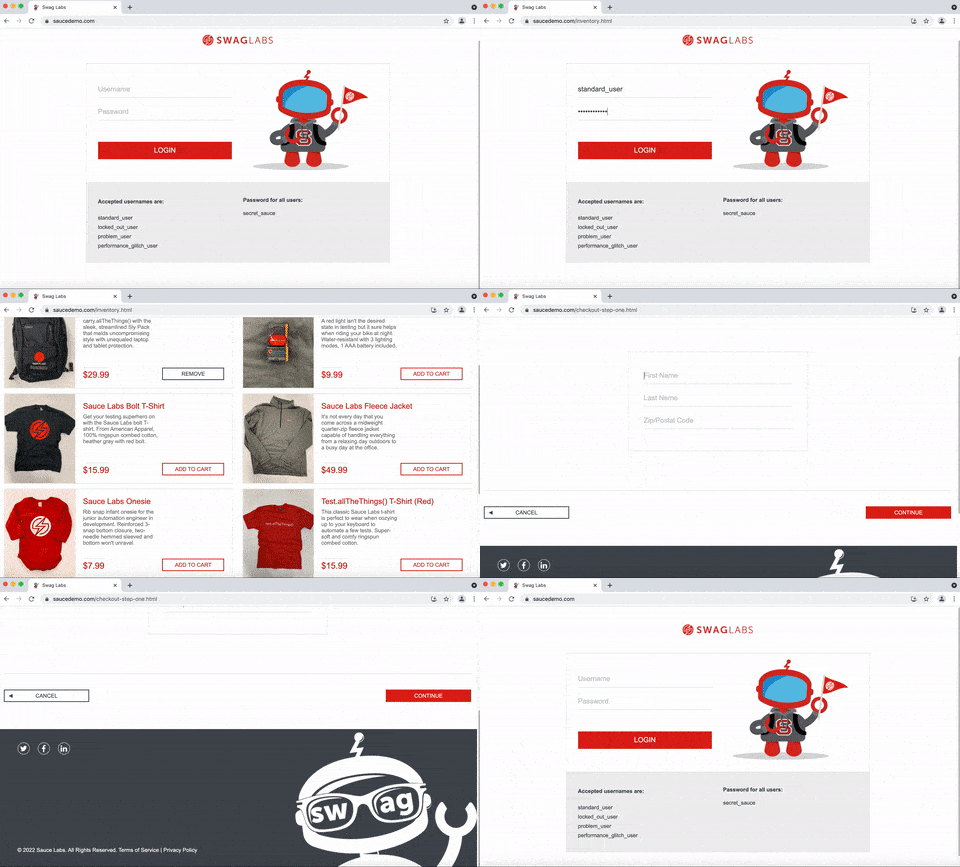
Run an example test in Firefox:
pytest my_first_test.py --browser=firefoxRun an example test in Demo Mode: (highlight assertions)
pytest test_swag_labs.py --demo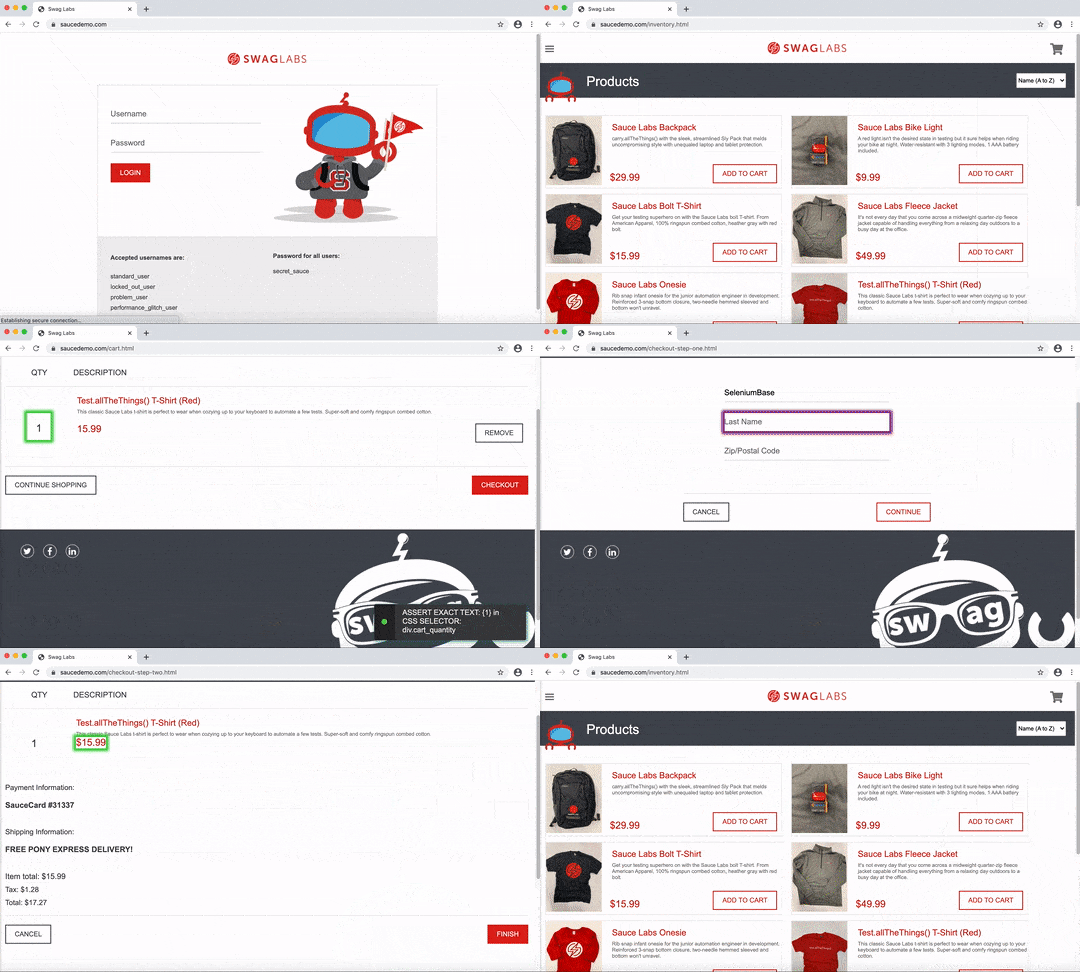
Run a Wordle-solver example:
pytest wordle_test.py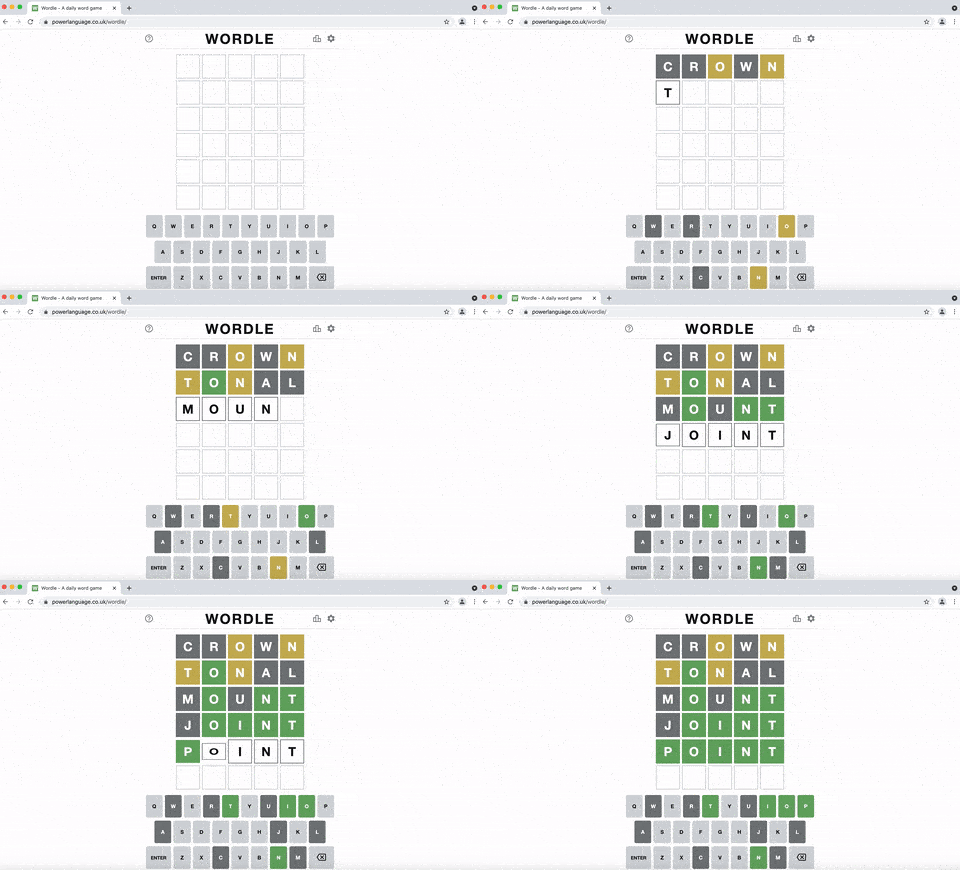
Run an example test in Headless Mode: (invisible browser)
pytest my_first_test.py --headlessRun an example test using Chrome's mobile device emulator: (default settings)
pytest test_swag_labs.py --mobile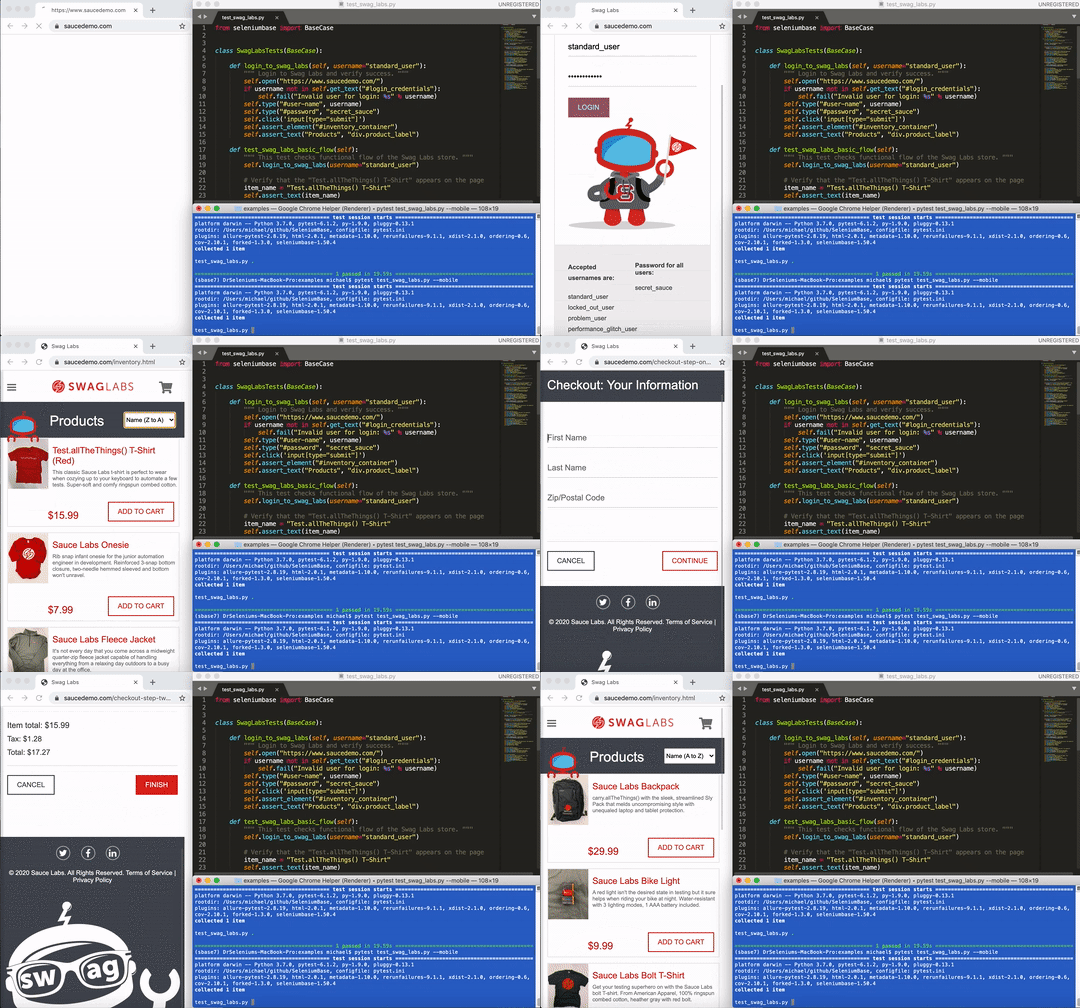
Run tests with verbose output: (includes more details)
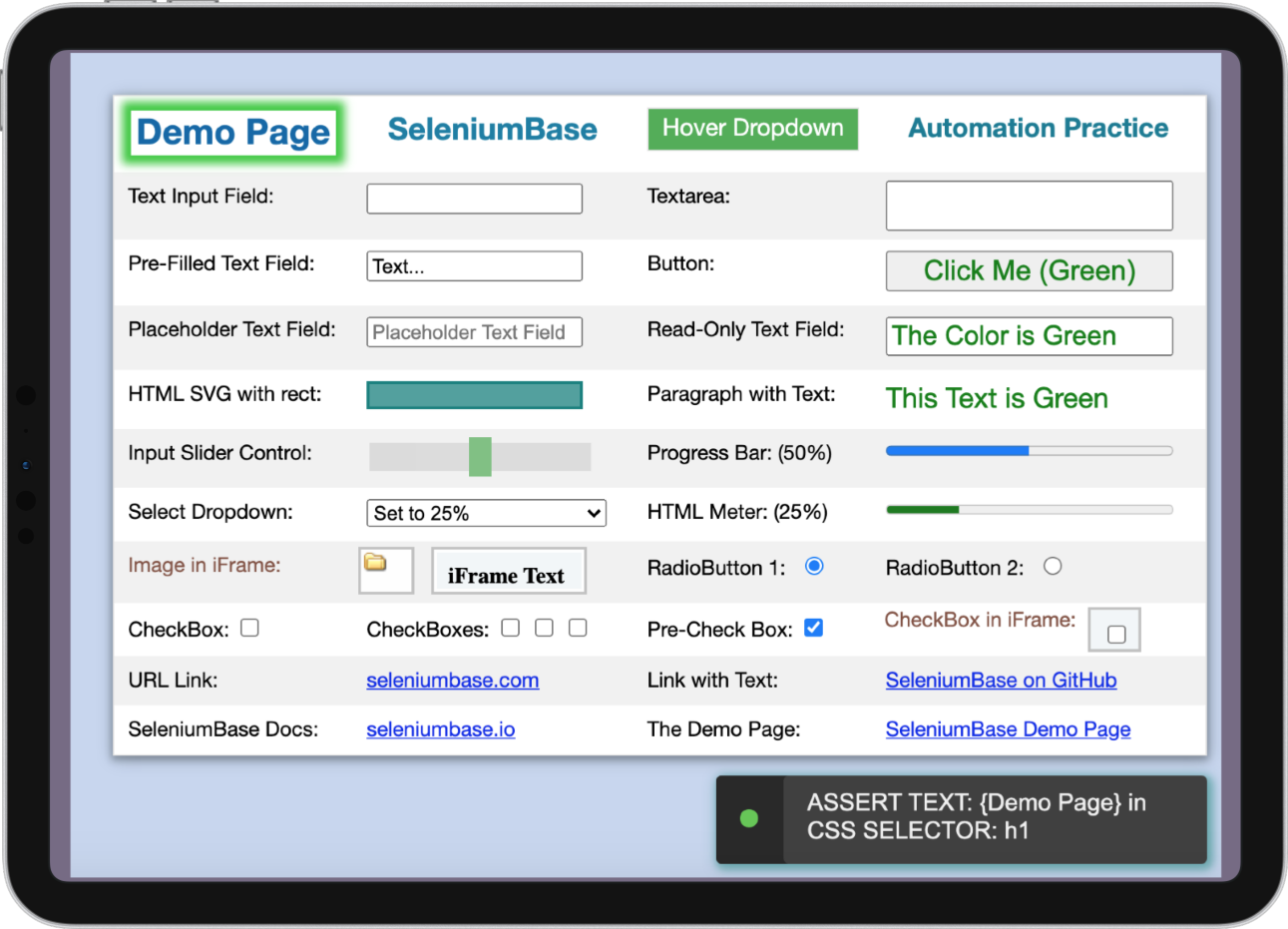
pytest test_suite.py -vRun a test on the Demo Site to try many SeleniumBase methods:
pytest test_demo_site.py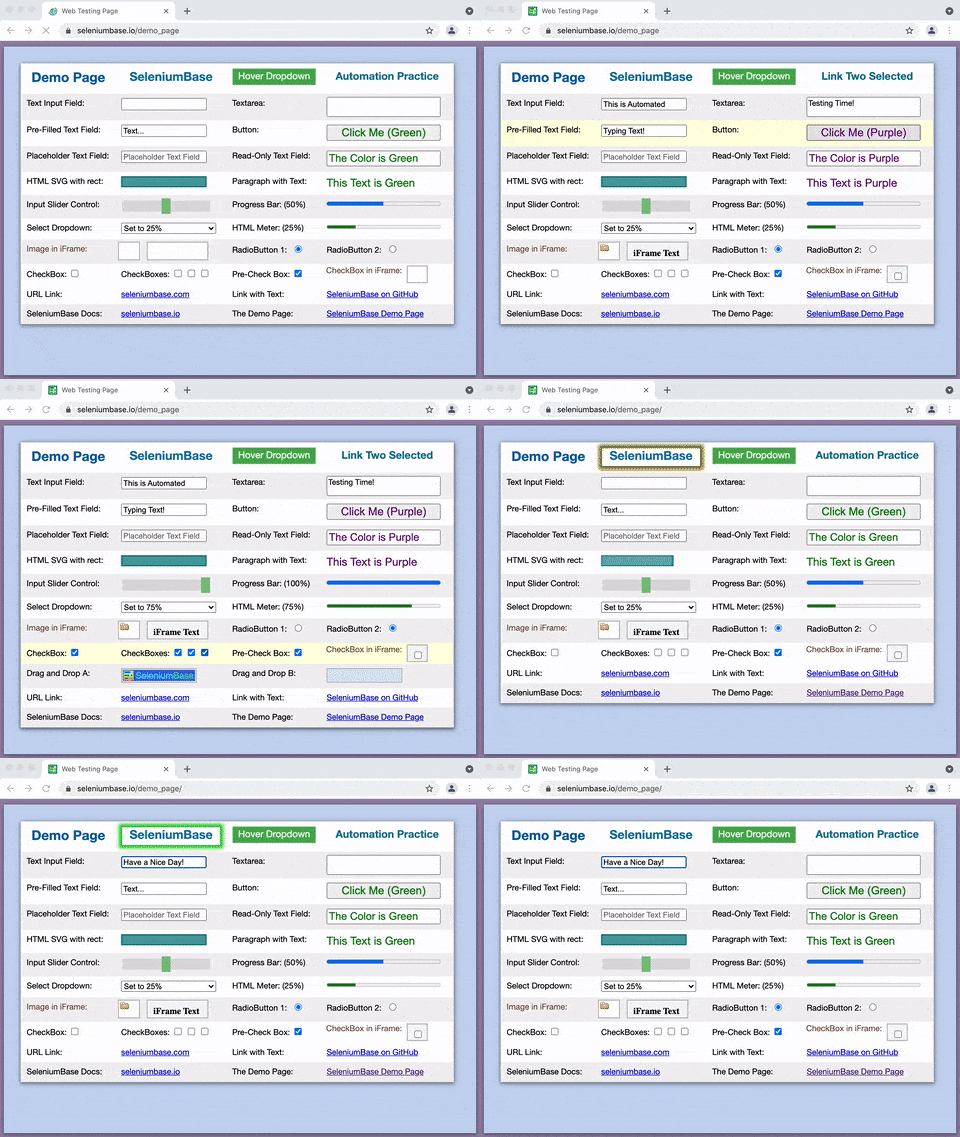
Run tests multi-threaded using [n] threads:
pytest test_suite.py -n=4Run a parameterized test: (Generates multiple tests from one)
pytest parameterized_test.py -vRun a test suite and generate a SeleniumBase Dashboard:
pytest test_suite.py --dashboardRun a test suite and generate a pytest report:
pytest test_suite.py --html=report.htmlRun a failing test: (See the latest_logs/ folder for logs and screenshots)
pytest test_fail.pyRun a failing test with Debug-mode enabled: (pdb activates on failures)
pytest test_fail.py --pdb -sRun an example test suite that demonstrates the use of pytest markers:
pytest -m marker_test_suite -vRun an example test suite that reuses the browser session between tests:
pytest test_suite.py --reuse-sessionRun an example test demonstrating the rate_limited Python decorator:
pytest rate_limiting_test.pyRun an example test that demonstrates how to upload a file to a website:
pytest upload_file_test.pySeleniumBase tests can also be run with nosetests:
Run an example test with nosetests:
nosetests my_first_test.pyRun an example test suite and generate a nosetest report:
nosetests test_suite.py --report --show-reportRun an example test using a nosetest configuration file:
nosetests my_first_test.py --config=example_config.cfgFor more advanced run commands, such as using a proxy server, see ../help_docs/customizing_test_runs.md
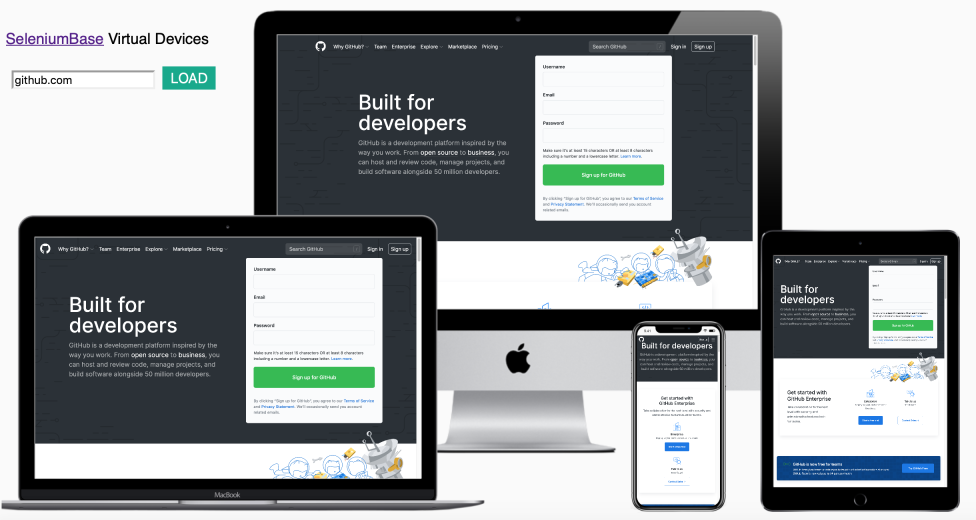
If you just need to perform some quick website verification on various devices, you can use the SeleniumBase Device Farm. Just plug in a website URL, and it will display how the website looks on four different devices:
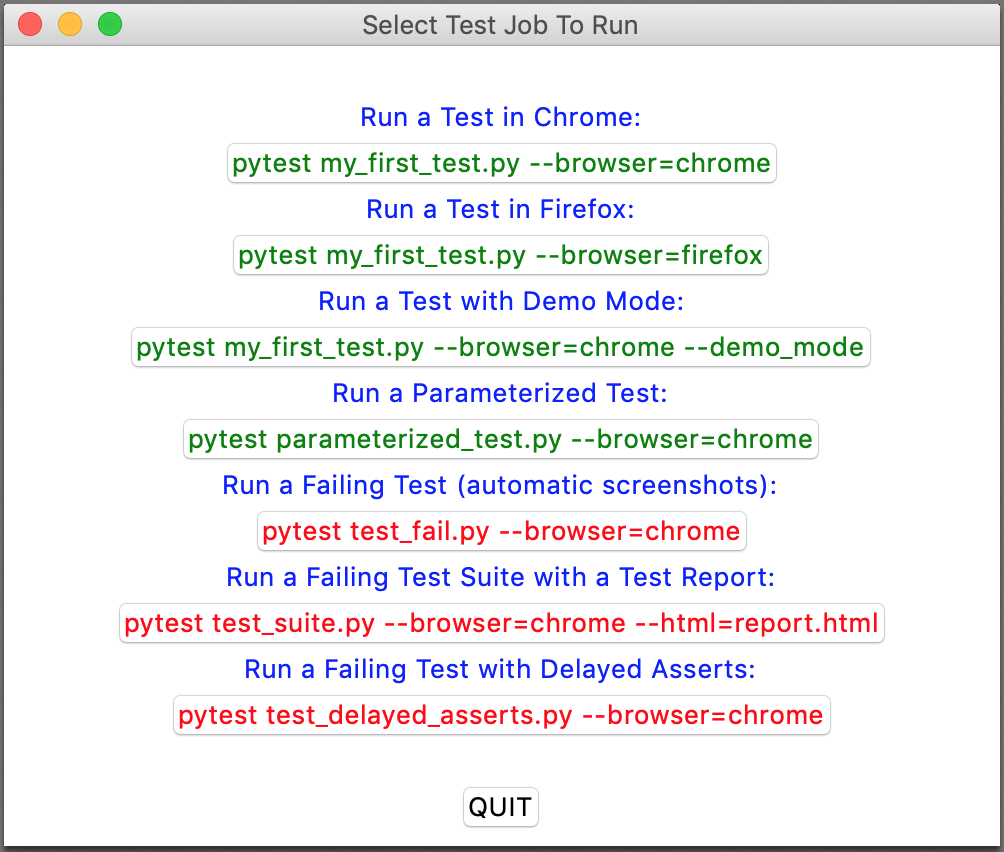
To make things easier, here's a simple GUI program that allows you to run a few example tests by pressing a button:
python gui_test_runner.py