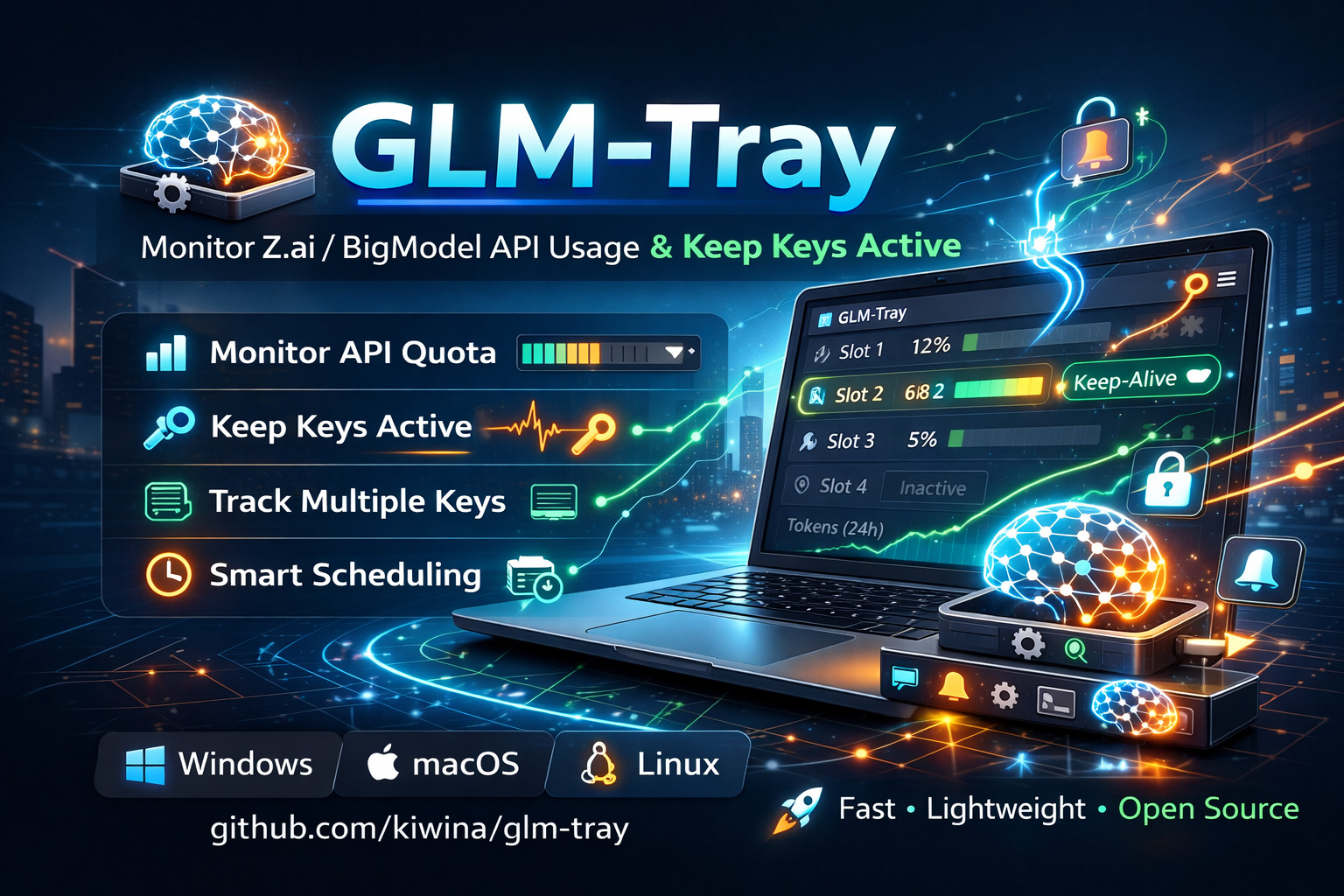


Keep your Z.ai / BigModel API keys alive and monitored — silently, from your system tray.
GLM Tray is a lightweight, native desktop app that sits in your system tray and watches your API keys so you never hit an unexpected quota wall or stale key. Manage up to 4 keys, visualise live quota usage, and automate keep-alive pings — all without leaving your workflow.
- 🔑 Multi-key dashboard — Monitor up to 4 Z.ai / BigModel API keys side by side
- 📊 Live quota tracking — Token limits, request counts, and model-level breakdowns at a glance
- 💓 Keep-alive scheduler — Three flexible modes keep keys warm automatically: Interval, Specific Times, or After Reset
- ✅ Smart wake confirmation — Validates success via quota delta, retries silently on failure
- 🌐 Dual platform support — Works with both
api.z.aiandopen.bigmodel.cnendpoints - 🔔 Auto-update notifications — Stay current with in-app update prompts
- 🗓 JSONL audit logging — Optional, filterable logs with
flow_idandphasefields - ⚙️ Global app settings — Configure shared quota URL, LLM URL, log path, and retention from one place

Grab the latest release for your platform from the Releases page →
| Platform | Installer |
|---|---|
| 🪟 Windows | glm-tray_X.X.X_x64-setup.exe |
| 🍎 macOS (Apple Silicon) | glm-tray_X.X.X_aarch64.dmg |
| 🍎 macOS (Intel) | glm-tray_X.X.X_x64.dmg |
| 🐧 Linux | glm-tray_X.X.X_amd64.AppImage |
Windows
- Download and run the
.exeinstaller - Follow the installation wizard
macOS
- Download the
.dmgfile - Drag GLM Tray to Applications
- On first launch: right-click → Open (or allow in System Preferences → Privacy & Security)
Linux
chmod +x glm-tray_*.AppImage
./glm-tray_*.AppImage- Launch the app — it appears silently in your system tray
- Click the tray icon — opens the main window
- Add your API key — paste your Z.ai or BigModel key into Slot 1
- Enable polling — toggle on Enable polling to begin monitoring
- Check your usage — live stats appear instantly on the dashboard
Stay ahead of your limits with real-time usage data:
- Token quota consumption and limits
- Request counts and model-level breakdowns (24-hour window)
- Tool usage statistics
- Visual indicators directly in the tray icon
Three scheduling modes prevent stale keys — mix and match as needed:
| Mode | Description |
|---|---|
| Interval | Send a keep-alive request every X minutes |
| Specific Times | Fire at fixed times (e.g. 09:00, 12:00, 18:00) |
| After Reset | Trigger X minutes after your quota resets |
Wake requests are verified — not just sent:
- After a wake, the slot is marked
wake_pendingand an immediate quota poll fires - If quota shows a valid
nextResetTimeadvance → ✅ confirmed,wake_pendingclears - If quota doesn't confirm → retry every minute for the configured
wake_quota_retry_window_minutes - After the window, a forced retry is attempted
- Persistent failures increment
wake_consecutive_errors; once the threshold is reached, the slot is temporarily auto-disabled for wake
Enable structured logging to debug API interactions:
- Daily
.jsonllog files with full request/response data flow_idties each request/response pair togetherphasefield:request,response,error,event- Scheduler events logged: wake pending, retry windows, task start/stop
- Default path:
{app_data}/logs/— override withlog_directoryin Global Settings
Access via the gear icon on the home page:
| Setting | Description |
|---|---|
global_quota_url |
Default quota endpoint for all keys |
global_request_url |
Default LLM endpoint for keep-alive requests |
log_directory |
Override the log file output path |
max_log_days |
How many days of logs to retain |
Settings are stored in the platform-standard application data folder:
| Platform | Path |
|---|---|
| 🪟 Windows | %APPDATA%\glm-tray\settings.json |
| 🍎 macOS | ~/Library/Application Support/glm-tray/settings.json |
| 🐧 Linux | ~/.config/glm-tray/settings.json |
| Purpose | URL |
|---|---|
| Quota Limits | https://api.z.ai/api/monitor/usage/quota/limit |
| Model Usage | https://api.z.ai/api/monitor/usage/model-usage |
| Tool Usage | https://api.z.ai/api/monitor/usage/tool-usage |
| Chat Completions | https://api.z.ai/api/coding/paas/v4/chat/completions |
For BigModel, replace api.z.ai with open.bigmodel.cn.
sudo apt-get install -y \
  libwebkit2gtk-4.1-dev build-essential curl wget file \
  libssl-dev libgtk-3-dev libayatana-appindicator3-dev \
  librsvg2-dev patchelf pkg-config libsoup-3.0-dev \
javascriptcoregtk-4.1 libjavascriptcoregtk-4.1-devxcode-select --install- Visual Studio Build Tools (Desktop development with C++)
- WebView2 Runtime (usually pre-installed on Windows 11)
git clone https://github.com/kiwina/glm-tray.git
cd glm-tray
npm install
npm run tauri devnpm run tauri buildBuilt installers land in src-tauri/target/release/bundle/.
Test wake functionality without hitting production APIs:
node docs/mock-server.cjs # Start mock serverThen enable Debug Mode in Global Settings → Developer section. All API calls route to the mock server.
See docs/DEBUGGING.md for full documentation.
src/
  main.ts              # Frontend entry (Vue 3 + Pinia)
  styles.css           # DaisyUI + Tailwind CSS 4

src-tauri/src/
  lib.rs               # Tauri setup, commands, state
  config.rs            # Config load/save with migration
  api_client.rs        # HTTP client for API calls
  scheduler.rs         # Background polling scheduler
  tray.rs              # System tray management
  models.rs            # Shared data structures
  update_checker.rs    # Auto-update checker
  file_logger.rs       # JSONL logging module
- v0.0.4 — Vue 3 rewrite, multi-key dashboard, global settings, JSONL logging, auto-updater
- v0.0.3 — Keep-alive scheduler with wake confirmation and retry logic
- v0.0.2 — Dual platform support (Z.ai + BigModel)
- v0.0.1 — Initial release
MIT
This software is not affiliated with, endorsed by, or sponsored by Z.ai, BigModel, or any of their subsidiaries.
"Z.ai" and "BigModel" are trademarks of their respective owners. This is an independent, community-developed tool for personal API key management. Use at your own risk.
The software is provided "as is", without warranty of any kind, express or implied. The authors are not liable for any damages arising from the use of this software.