Looking into performance regressions is similar to investigating bugs, it's best to start broad with few assumptions.
Questions to ask:
- what are the steps to reproduce the regression?
- is the issue with the client or the server?
- is the issue a rendering issue or a data updating?
The easiest way to see what is going on at a high level is to look at the Debugger's Redux and React user timings. The timings will show redux action dispatches and component lifecycle events over time. It's amazing!
Lets look at a couple scenarios and steps to build a mental model:
When reloading the page, the debugger loads the sources and then tries to parse them.
- Why does the debugger load a source? the debugger will show the selected source
- Why does it try to parse the source? the debugger wants to show which lines are empty, let the user search for functions...
At this point, you can begin playing with some of the assumptions. For instance, what would happen if the debugger did not immediately parse the source? What would need to change? Often, there is an easy solution here that involves re-arranging the order of operations or adjusting a business rule.
When pausing, the debugger loads a source and spends a lot of time updating codemirror!
- Which Editor components are taking time?
- Are some components being rendered multiple times?
At this point, it should be possible to narrow the problem down to a specific component that is either updating aggressively or spending time in a particular function.
After you understand the performance regression and determined that it's impossible to avoid, it makes sense to look for optimizations. The Perf.html tool is incredibly helpful here.
The first thing to look for, is what functions in aggregate are taking the most time. Once you have a recording, you can go to the call tree, invert the call stack, and look for expensive functions. Hint, as you hover over the functions you'll see where they're called in the timeline and if they're called multiple times or take a long time to complete.
Another thing to look for is what expensive things the platform is doing e.g (garbage collection, paints). The best way to find these issues is to go the stack chart by looking at the leaves of the tree over time.
Steps to get setup
- go to perf-html.io
- install the addon
- close all tabs, but the one you want to measure
- click the addon button in the top right and set interval to
1ms, buffer to630mb, and threads toGeckoMain,Worker - start the recording
- Do something
- click capture recording
Hints:
- you can share profiles by clicking the green share button in the perf app
- you can profile the debugger in the firefox panel
- you can hide processes in the app by right clicking in the top left and excluding some
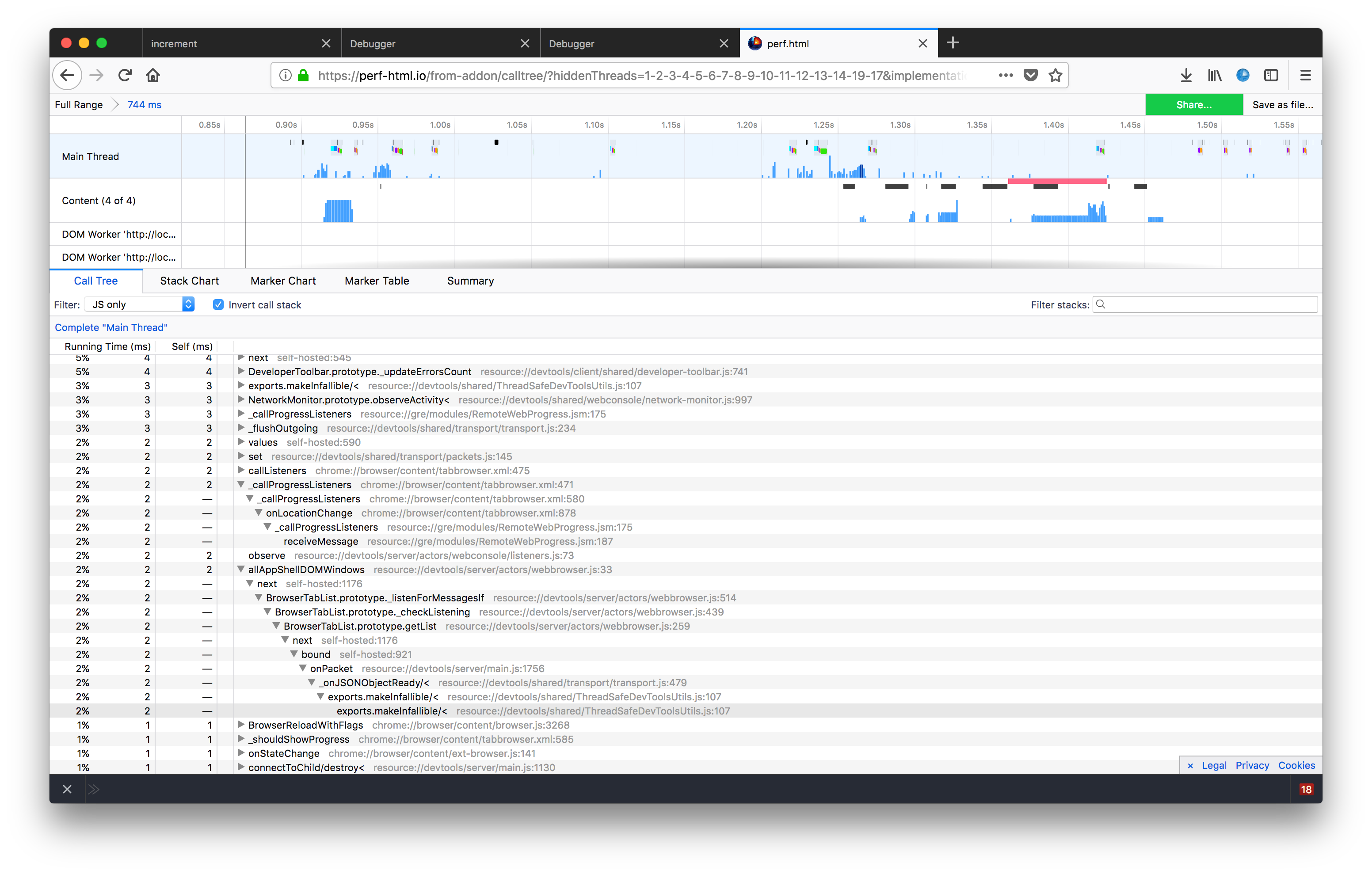
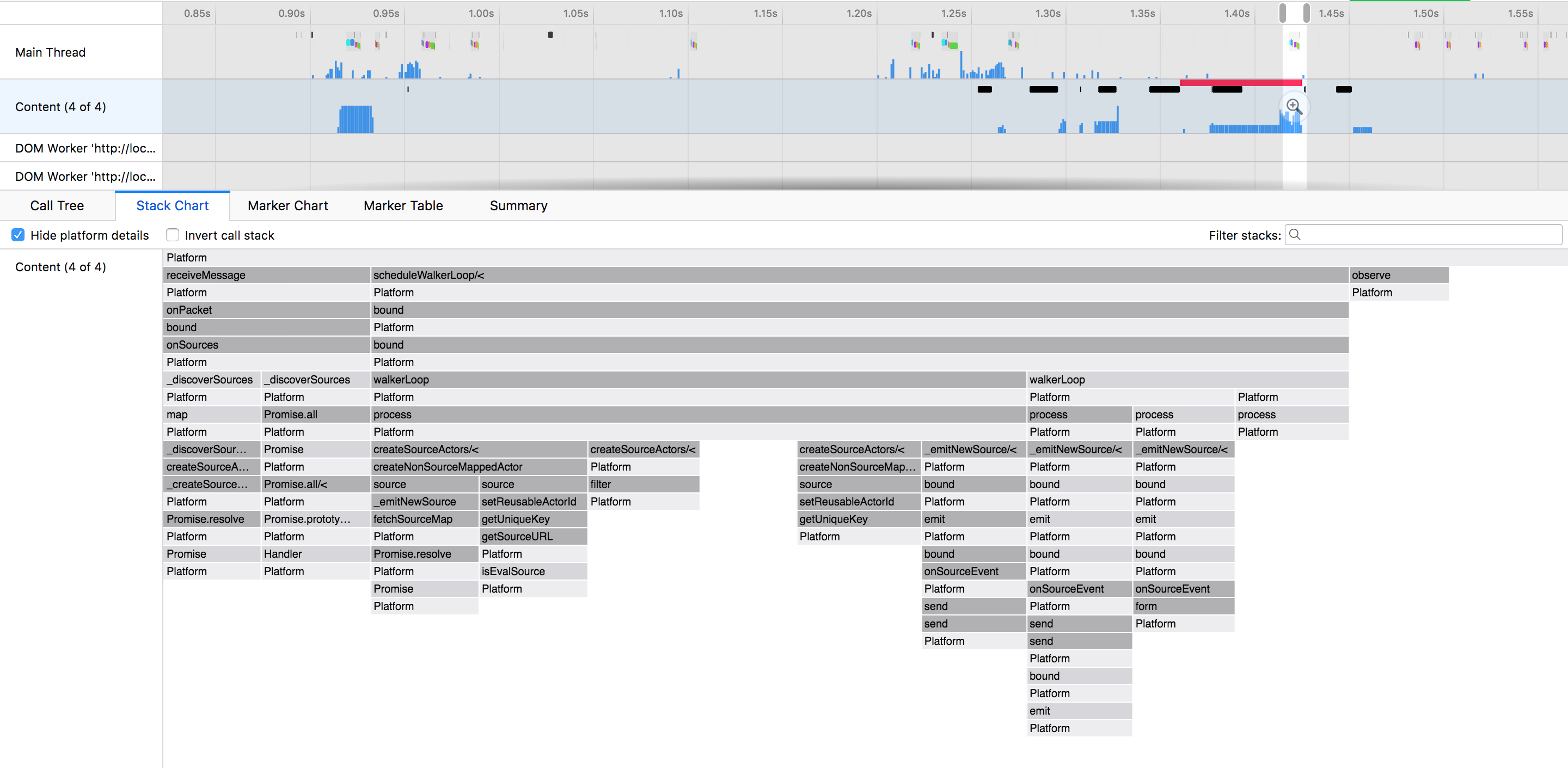
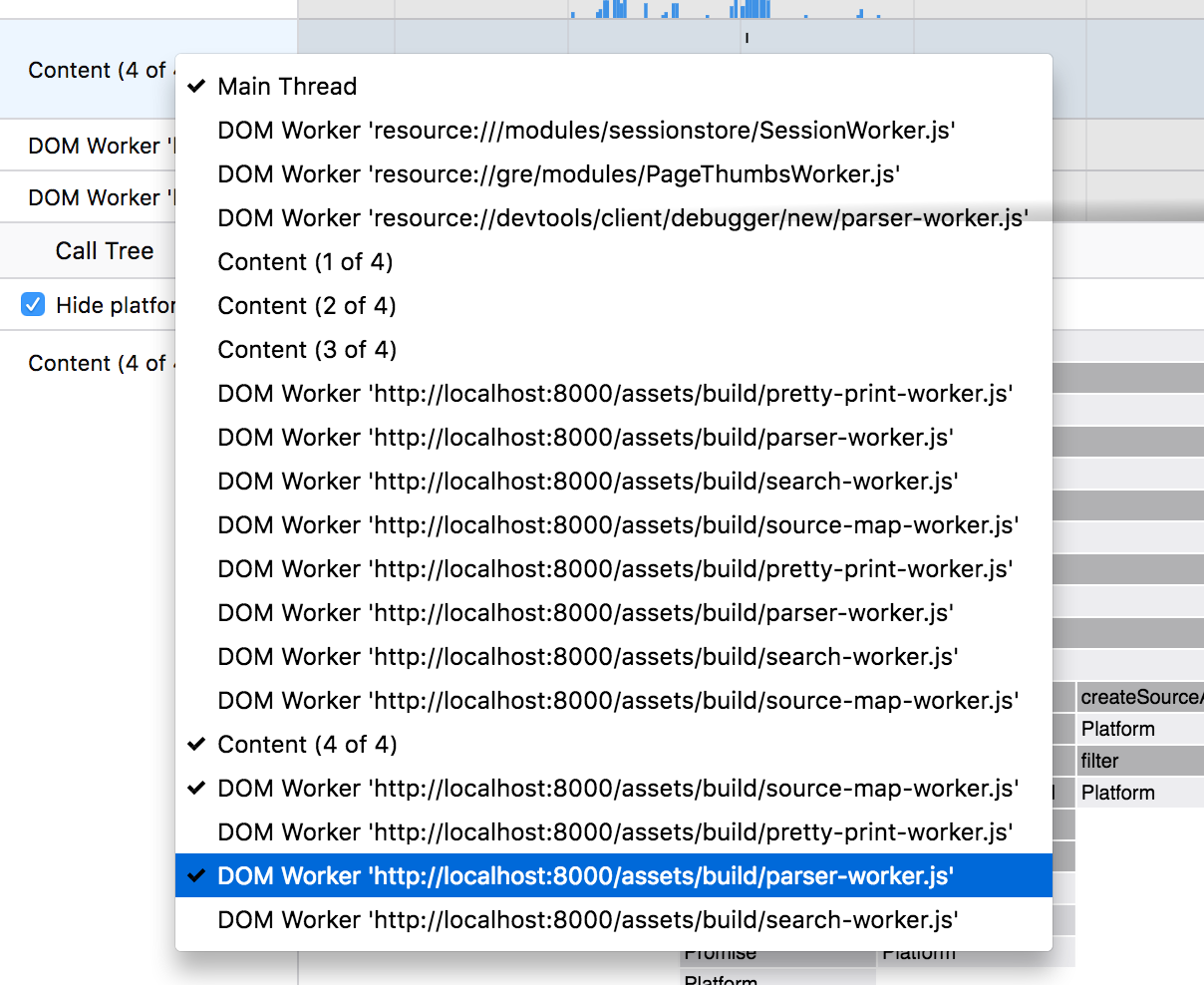
Steps to get setup:
- Open the launchpad in Chrome
- Open devtools and go to Performance
- Start a recording
- Do something in the debugger
- Stop the recording
