The complete Smart Contract development CLI




yarn add global @titan-suite/cliornpm i -g @titan-suite/cli- In your project root, create a
titanrc.jsfile and specify the following:host: the URL of youraion-web3providerport: the port exposing anaion-web3instance, usually 8545defaultAccount[optional]: the default address to call functions withpassword[optional]: the password of this account
   module.exports = {
       "host": "http://127.0.0.1",
       "port": 8545,
       "defaultAccount": "",
       "password": ""
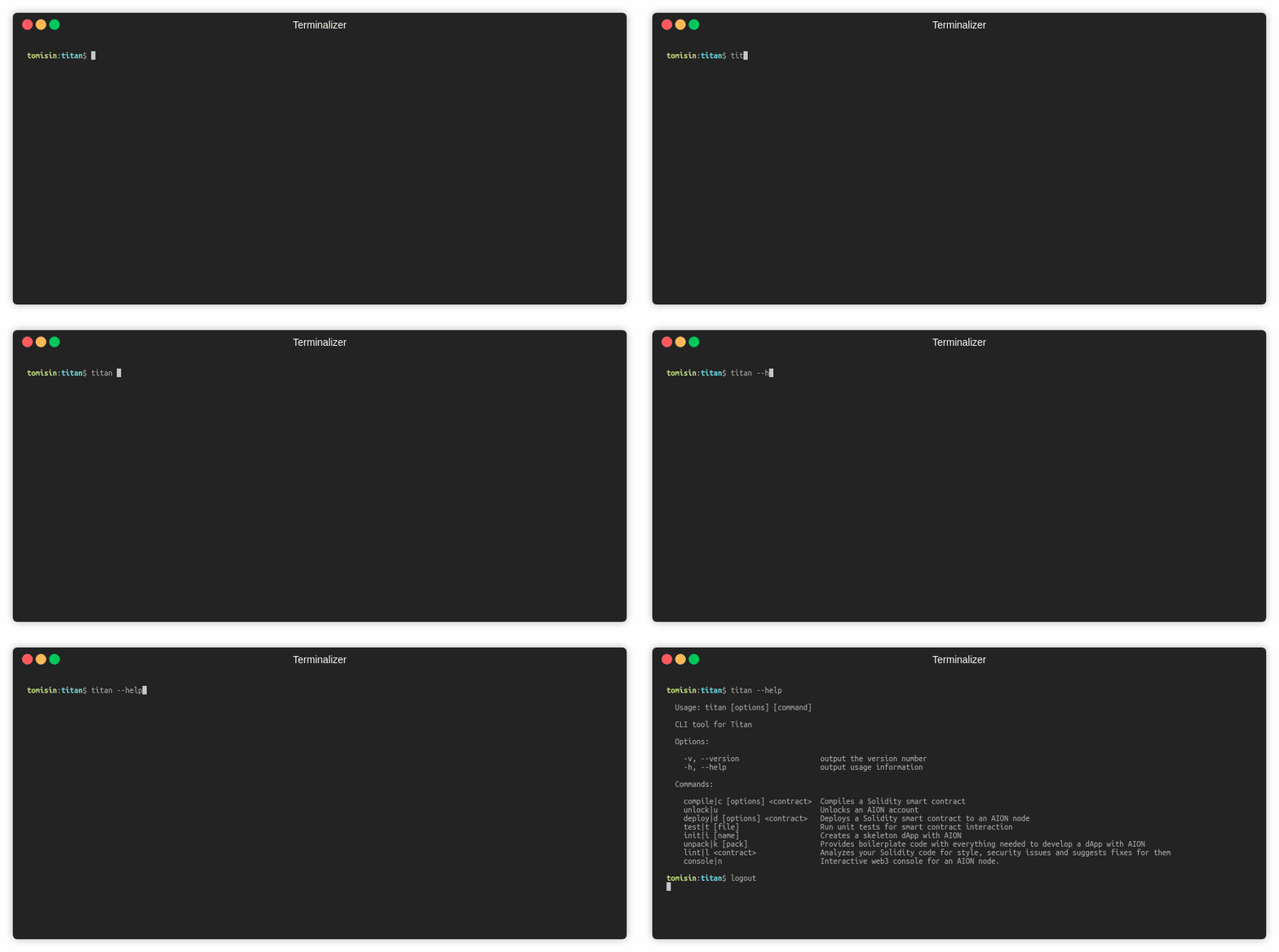
}titan --help
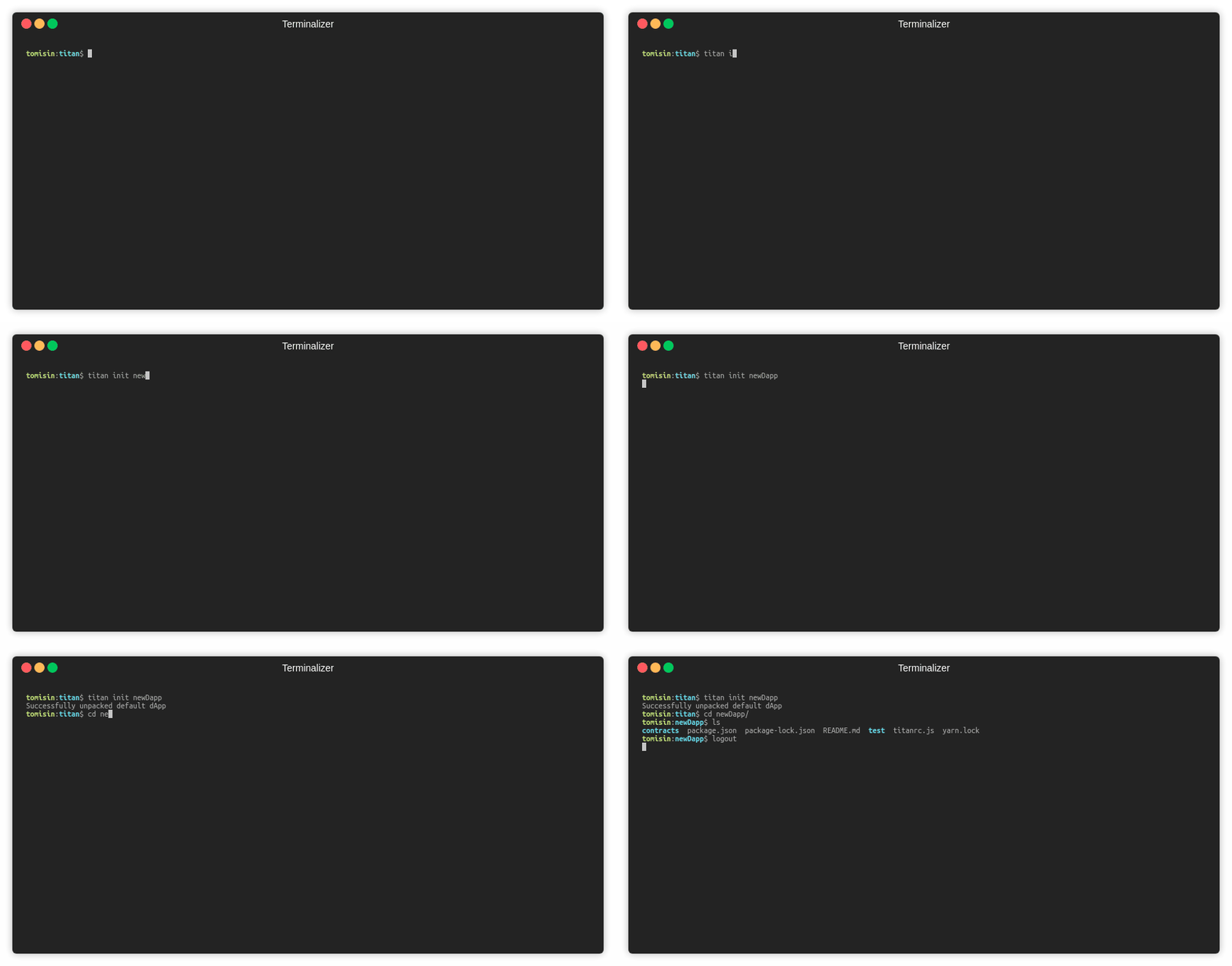
Generate an empty Titan project
- in the current directory:
titan init - in a new directory:
titan init <name>
Start a new project with a pre-built dApp
titan unpack- choose a pack from the options
titan unpack <name>

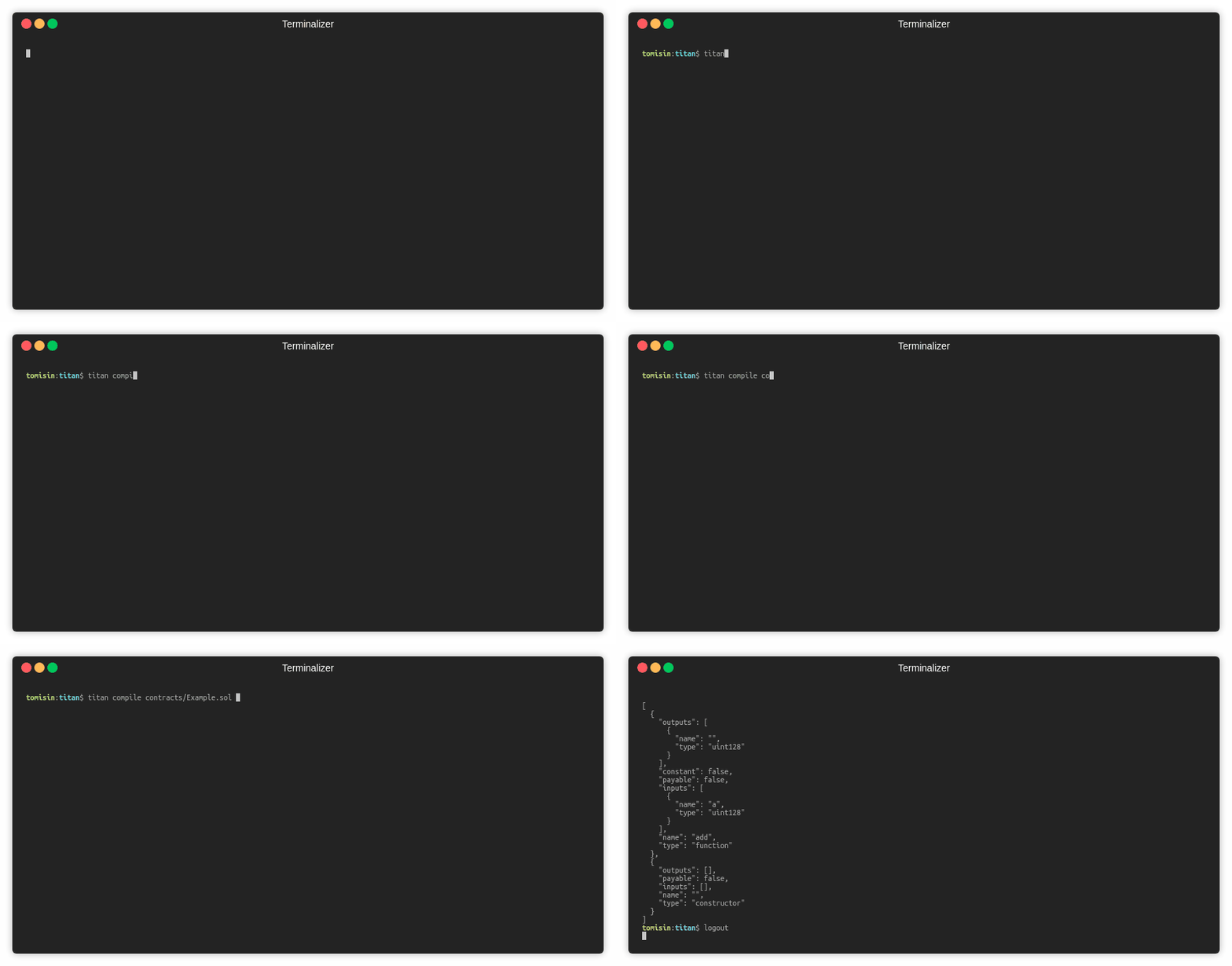
Compile a Solidity smart contract
titan compile path/to/contracts/Example.sol- Compile a specific contract withing a file
titan compile -n SpecificContract path/to/contracts/ManyContracts.sol
- Output more details about the contract
titan compile -d path/to/contracts/Example.sol
Deploy a smart contract to an AION node
titan deploy path/to/contracts/Example.sol- Deploy a specific contract within a contract file:
titan deploy -n Test path/to/contracts/Example.sol
- Pass parameters:
titan deploy -p 5 path/to/contracts/Example.solThe details of the deployed contract will be stored as./build/bots/<contractName>.json

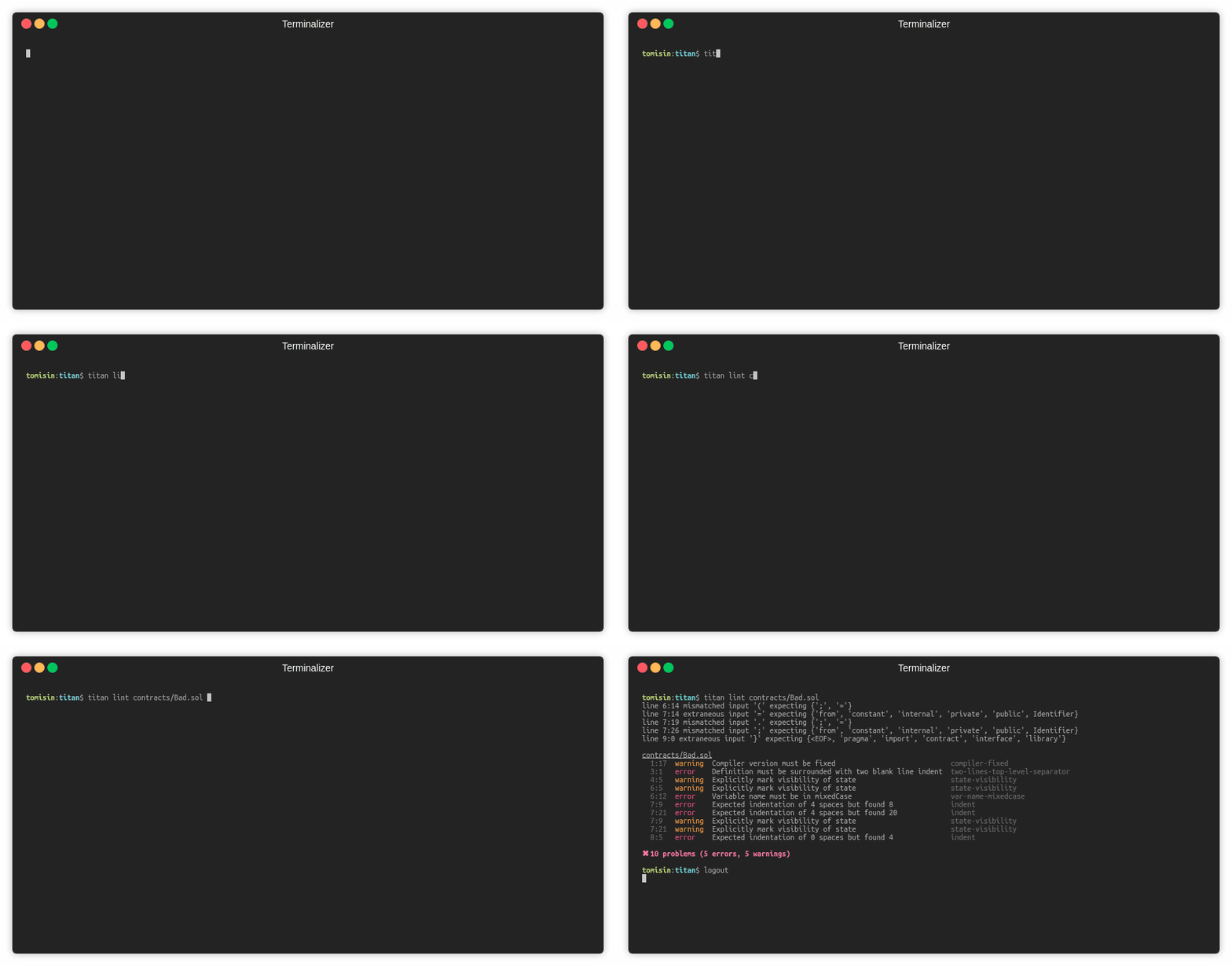
Lint a smart contract
titan lint path/to/contracts/Example.sol- lint multiple files within a directory
titan lint path/to/contracts/**/*.sol
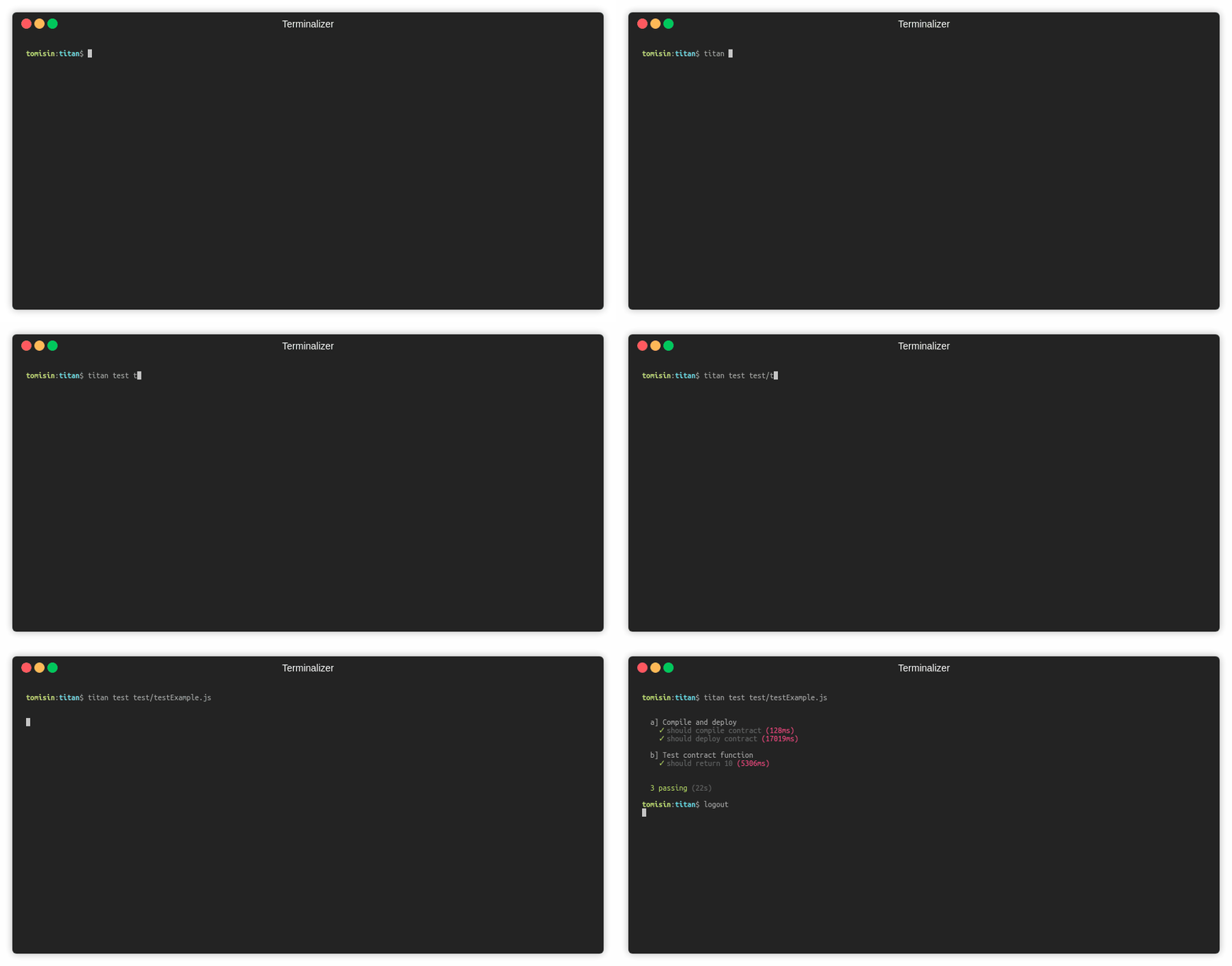
Run unit tests
titan test path/to/contracts/testExample.js
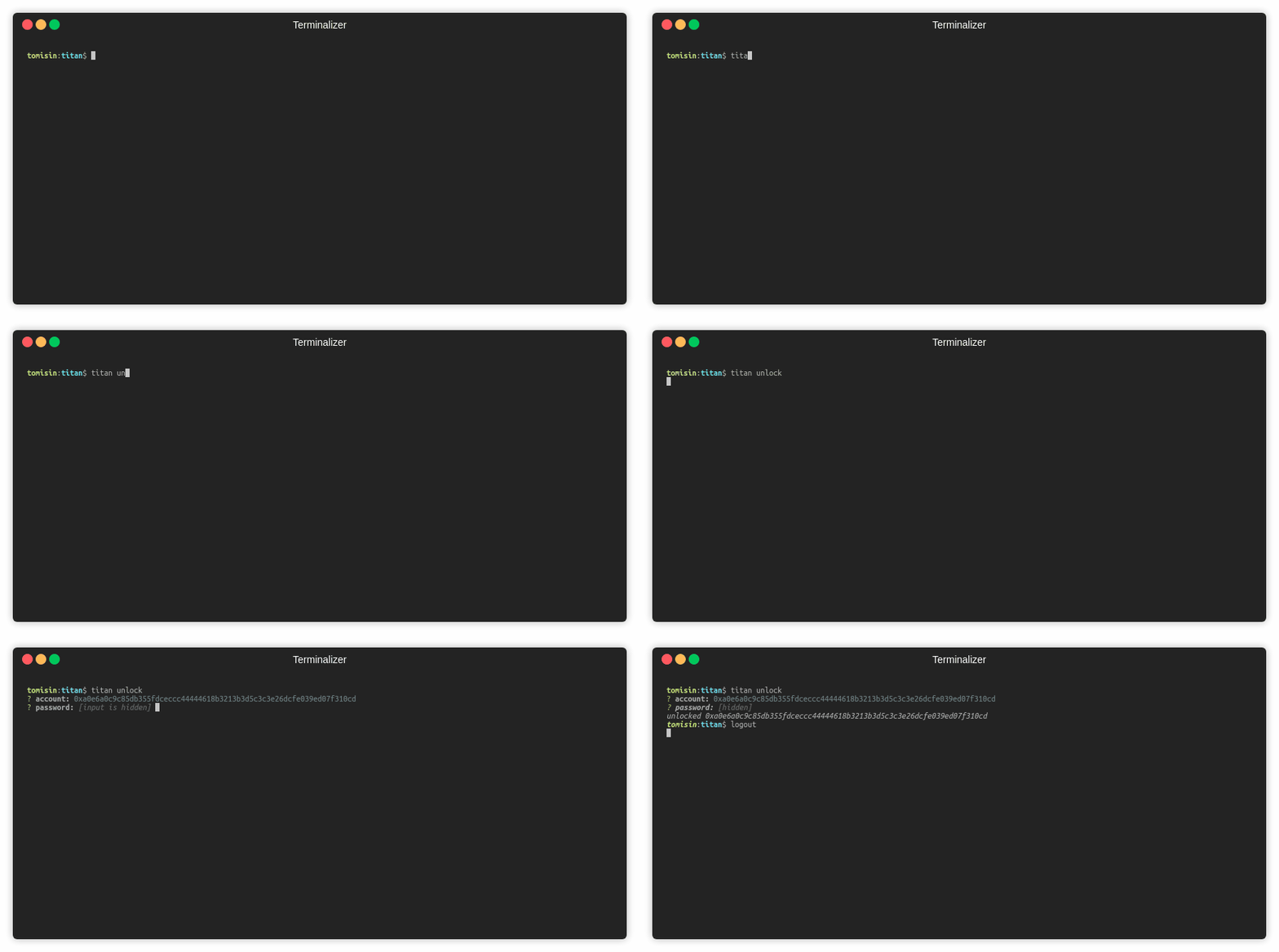
Unlock an account
titan unlock- with the account specified
titan unlock -a <0x..>
- with both the account and password specified
titan unlock -a <0x...> -p <pwd>You will be prompted to enter an AION address and password
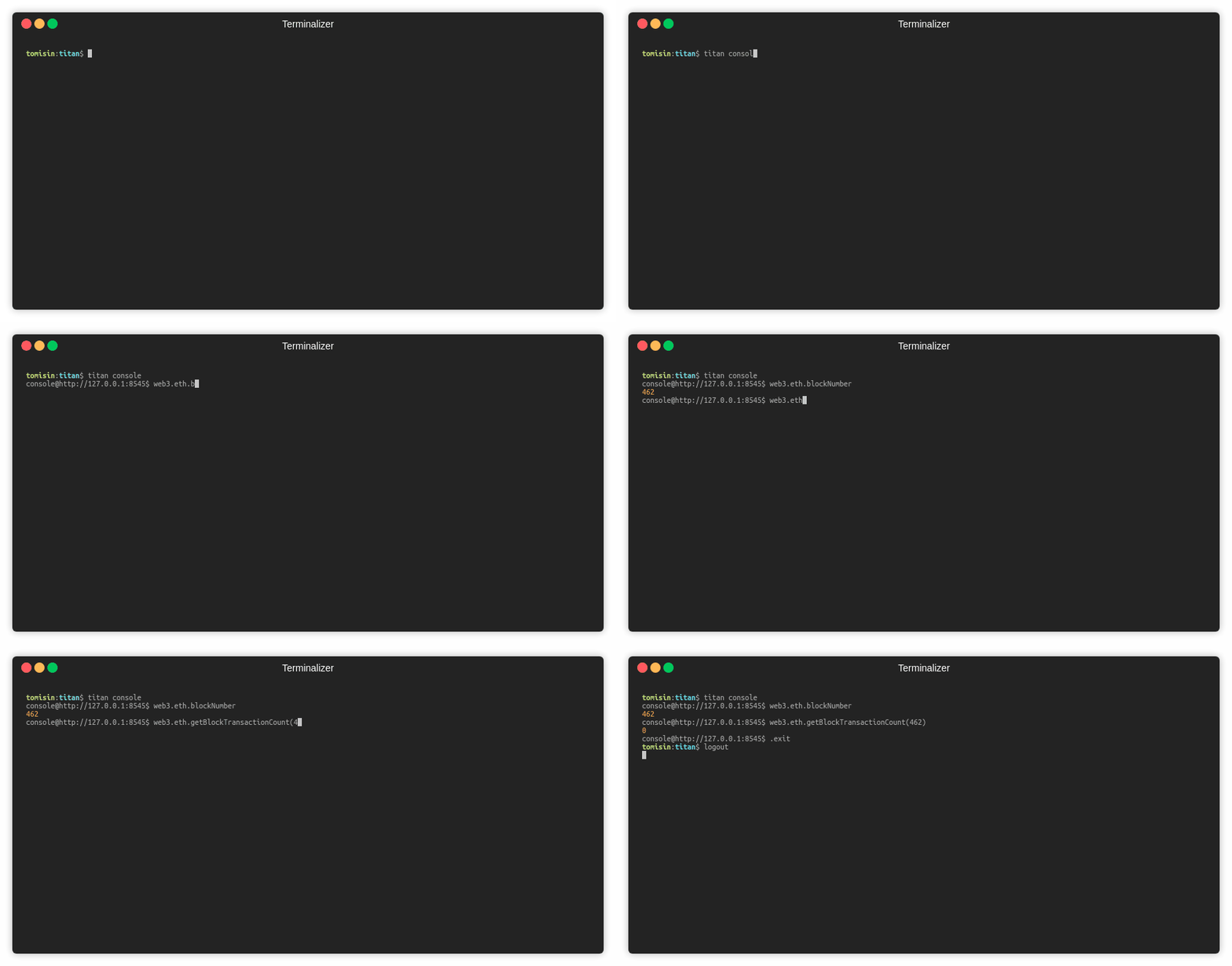
Interact with an AION node with an injected aion-web3 instance
titan console