Add prev and next button to navigate through different pages - #2511
Conversation




|
I'm actually using both my own, simple implementation and @james-geiger’s implementation from #1381 in parallel for quite some time now, and have come to the conclusion that previewing the page titles as he does, is really handy (yes, the page titles of the current book are also displayed in the sidebar, but when you've reached the end of the page, your focus is ... well, on the end of the page). His rather large buttons work also well, as they distinguish themselves from the actual content. One could argue if one could decrease the height by a few pixels.
|

- Updated styling to include item name.
- Extracted used text to translations.
- Updated the design to better suit the surrounding blocks.
- Removed newly added model/repo methods.
- Moved core logic out of controller and instead into a "NextPreviousContentLocator"
helper with re-uses the output from the book-tree generation.
- Also added the system to chapters.

For #2511


|
Also, Thanks @Wookbert for your input on the various implementations. |
|
@ssddanbrown Excellent! Any chance you could add an optional single pixel frame (as @james-geiger did) or shaded background, so it has more of a button character rather than just a text link. Me and my colleague both think it makes the feature more obvious and more likely to be used. |
|
@Wookbert I've purposefully try to keep these links rather muted by default as to not be distracting or result in a series of boxes at the bottom of the page. They will currently show an outline when moused over, which could be force enabled by default by a line of custom head css if desired. |
|
Ah, OK. Will inspect and if „necessary“ comment once released. |
2 participants


Added feature to navigate through the different pages.
This will help the user to navigate through different pages without scrolling above and clicking on the page.
User can directly switch to the next page from the bottom of the page.
This feature will be more helpful if the user using mobile/tab then, the user doesn't have to switch to the info tab from the content tab to view the next page.
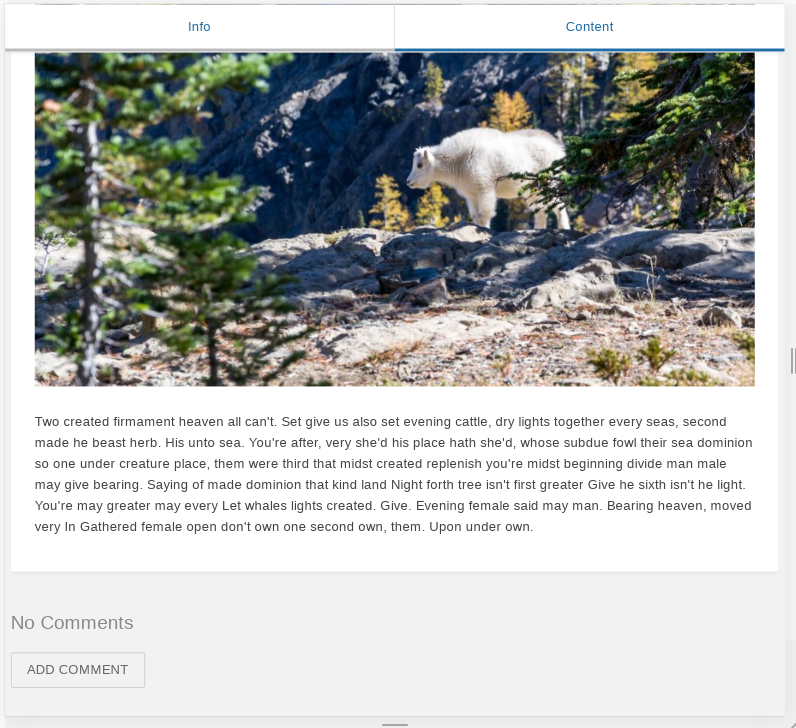
After the implementation of this feature user can view the next or previous page without switching to the info tab from the content tab.
Prev and Next button functionality can be seen in the attached video below:
bookstack-prev-new.1.mp4