
General
Usage
Global Shortcodes #
Helper Shortcodes #
Logic Shortcodes #
Extensions #
- Caldera Forms
- Contact Form 7
- Divi Contact Forms
- Elementor Forms
- Everest Forms
- Fluent Forms
- Formidable Forms
- Forminator Forms
- Gravity Forms
- JetFormBuilder
- MetForm
- Ninja Forms
-
WooCommerce
- WordPress
- WPForms
Templates #
Elements #
PDF Builder Elements #
- Input
- Textarea
- Checkbox
- Radio
- Select
- Signature
-
Html
- Image
- Rectangle
- Link
- QR Code
- Barcode
- Graph
- Page Number
Actions & Conditions #
WordPress PDF Generator
Create and fill PDF documents with data from post-data and meta-data, acf and more...
Provide site users with a link to download a customized Portable Document Format (PDF) of a page and/or post. You'd be surprised at the amount of data that is available to merge to a PDF. See the list of fields and options below.
Provide site users with a link to download a customized Portable Document Format (PDF) of a page and/or post. You'd be surprised at the amount of data that is available to merge to a PDF. See the list of fields and options below.
Inner Shortcodes #
Post ID #
-
-
Set shortcode to the current Post ID:
- id - is not set.
-
Set shortcode to the pre-defined Post ID:
- id - is set to the Post ID.
-
Set shortcode to the dynamic Post ID:
-
id - is set to dynamic.
- [e2pdf-wp key="metakey2" meta="true"] must output Post ID.
- All additional [e2pdf-wp] shortcodes inside same field / element must be closed as [e2pdf-wp key="ID"][/e2pdf-wp]
-
id - is set to dynamic.
-
Set shortcode to the current Post ID:
Post Data #
Page Post Data #
-
- Post ID:
- Post Date:
- Post Date in GMT:
- Post Content:
- Post Content with frontend "actions" and "filters":
- Post Content with backend "actions" and "filters":
- Post Title:
- Post Excerpt:
- Post Status:
- Comment Status:
- Ping Status:
- Post Password:
- Post Name:
- To Ping:
- Pinged:
- Post Modified Time:
- Post Modified Time in GMT:
- Post Content filtered:
- Parent Post ID:
- GUID:
- Menu Order:
- Post Type:
- Post Mime Type:
- Comments Count:
- Filter
- Post Thumbnail:
- Post Thumbnail with specidied size:
- Default Image sizes: thumbnail, medium, medium_large, large, full.
- Post Thumbnail with specidied size:
- Post Thumnail URL:
- Post Permalink:
Page Post Meta #
-
- Post Meta Value:
-
- Post Meta Value converted from the attachment id to the attachment url:
-
- Post Meta Value converted from the attachment id to the image attachment url:
-
Post Meta Value converted from the attachment id to the image attachment url with the specified size:
- Default Image sizes: thumbnail, medium, medium_large, large, full.
-
-
Single value from the comma separated value:
Value 1, Value 2, Value 3
- 1st value:
- 2nd value:
-
Single value from the comma separated value:
-
-
Comma separated value from the indexed array:
a:2:{i:0;s:7:"Value 1";i:1;s:7:"Value 2";}
-
Comma separated value from the indexed array:
-
-
Single value from the indexed array:
a:2:{i:0;s:7:"Value 1";i:1;s:7:"Value 2";}
- Will output value from array(0). To unserialize the array for the structure it can be used: https://www.unserialize.com/
-
Single value from the indexed array:
-
-
Single value from the multidimensional array:
a:2:{i:0;a:1:{s:4:"name";s:7:"Value 1";}i:1;a:1:{s:4:"name";s:7:"Value 2";}}
- Will output value from array(0 => name). To unserialize the array for the structure it can be used: https://www.unserialize.com/
-
Single value from the multidimensional array:
Page Post Terms #
-
- The Terms in a given Taxonomy:
-
- The Terms in a given Taxonomy names:
-
- The Terms in a given Taxonomy names as comma separated value:
-
- The Terms in a given Taxonomy by Post ID:
-
-
The Terms in a given Taxonomy by Dynamic Post ID:
- [e2pdf-wp key="metakey2" meta="true"] must output Post ID
- All additional [e2pdf-wp] shortcodes inside same field / element must be closed as [e2pdf-wp key="ID"][/e2pdf-wp]
-
The Terms in a given Taxonomy by Dynamic Post ID:
-
- The Terms in a given Taxonomy converted from the attachment id to the attachment url:
-
- The Terms in a given Taxonomy converted from the attachment id to the image attachment url:
-
The Terms in a given Taxonomy converted from the attachment id to the image attachment url with the specified size:
- Default Image sizes: thumbnail, medium, medium_large, large, full.
-
- Convert serialized value a:3:{i:0;s:2:"v1";i:1;s:2:"v2";i:2;s:2:"v3";} to the comma separated value:
-
-
Output single value from the serialized multidimensional array a:2:{i:0;a:1:{s:4:"name";s:7:"Value 1";}i:1;a:1:{s:4:"name";s:7:"Value 2";}}:
- Will output value from array(0 => name)
-
Output single value from the serialized multidimensional array a:2:{i:0;a:1:{s:4:"name";s:7:"Value 1";}i:1;a:1:{s:4:"name";s:7:"Value 2";}}:
ACF Fields #
Ensure the "Allow Access to Value in Editor UI" option is selected in the "Presentation" tab of the ACF field properties.
-
- Field value with native Advanced Contact Fields shortcode:
- Field value with native Advanced Contact Fields syntax from the Options page:
-
Separate field value from the ACF Repeater Field:
- 1st Repeater Value:
- 2nd Repeater Value:
- Iterate via Repeater Field:
Additional #
-
-
Dataset:
- Can be used as shortcode attribute: [shortcode id="[id]"]
- Can be used as shortcode attribute: [shortcode id="[e2pdf-dataset]"]
- PDF URL:
-
Dataset:
Inner Helper Shortcodes #
[e2pdf-user] #
Shortcode is used to get User Data/User Meta Data. The shortcode can be used inside E2Pdf Templates. Read More ››
-
- Get User Data:
[e2pdf-content] #
Shortcode is used to get a pre-defined content part that was wrapped with shortcode inside WordPress Page / Post Content.
-
- Usage inside WordPress Page Content:
- Usage inside E2Pdf Template:
[e2pdf-exclude] #
Shortcode is applied to exclude part of the content from rendering inside PDF with [e2pdf-wp key="post_content"] shortcode. Read More ››
-
- Usage inside WordPress Page Content:
[e2pdf-format-number] #
Shortcode is applied to modify the number output of the shortcode or field slug. Read More ››
-
- Format the Number Output:
[e2pdf-format-date] #
Shortcode is applied to is applied to modify the date output of the shortcode or field slug. Read More ››
-
- Format the Date Output:
[e2pdf-format-output] #
Shortcode is applied to modify the output of the shortcode or field slug. Read More ››
-
- Format the Output:
Global Shortcodes #
[e2pdf-download] #
Shortcode is applied to generate and output the PDF download link button. Read More ››
-
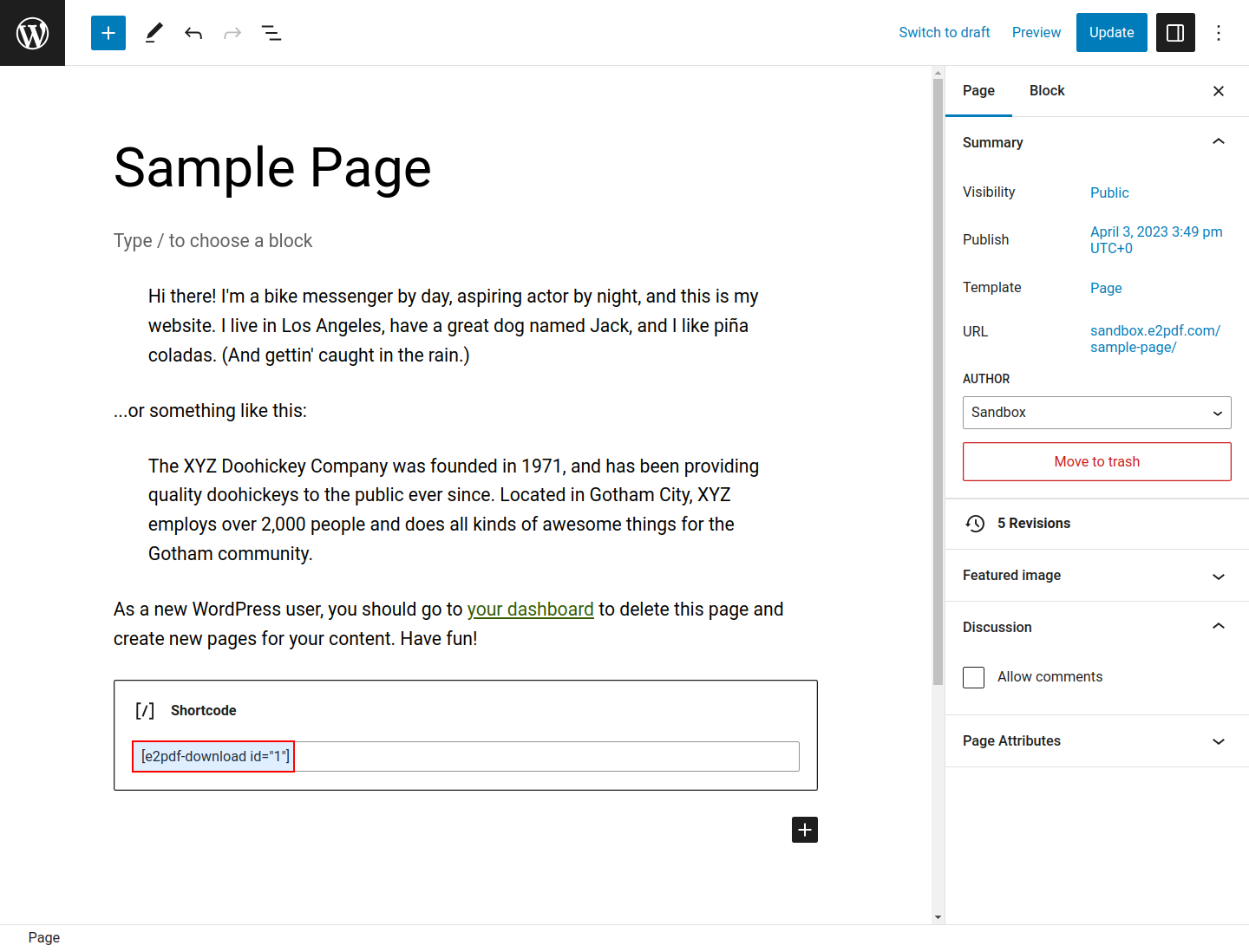
Post Content
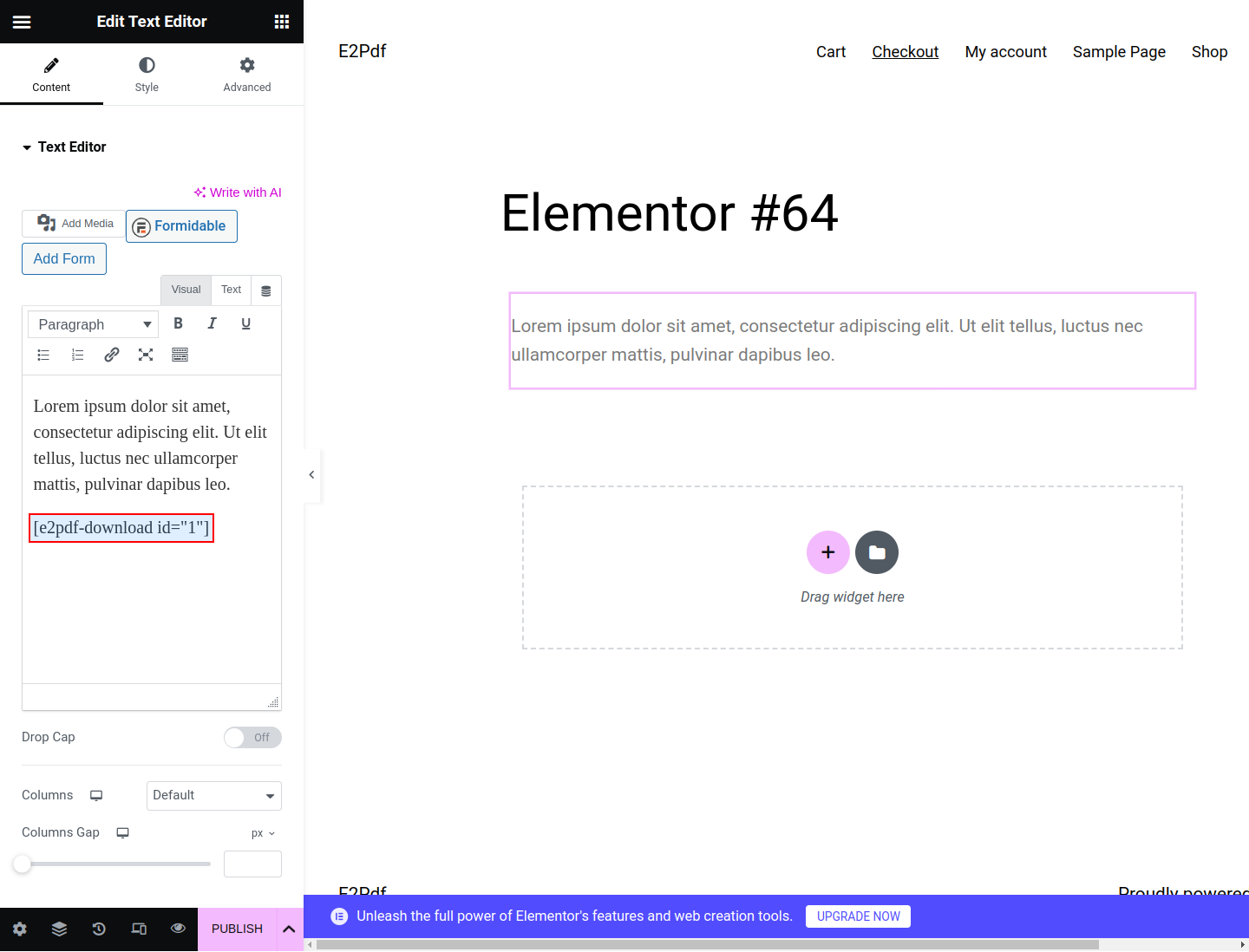
Elementor Text Editor
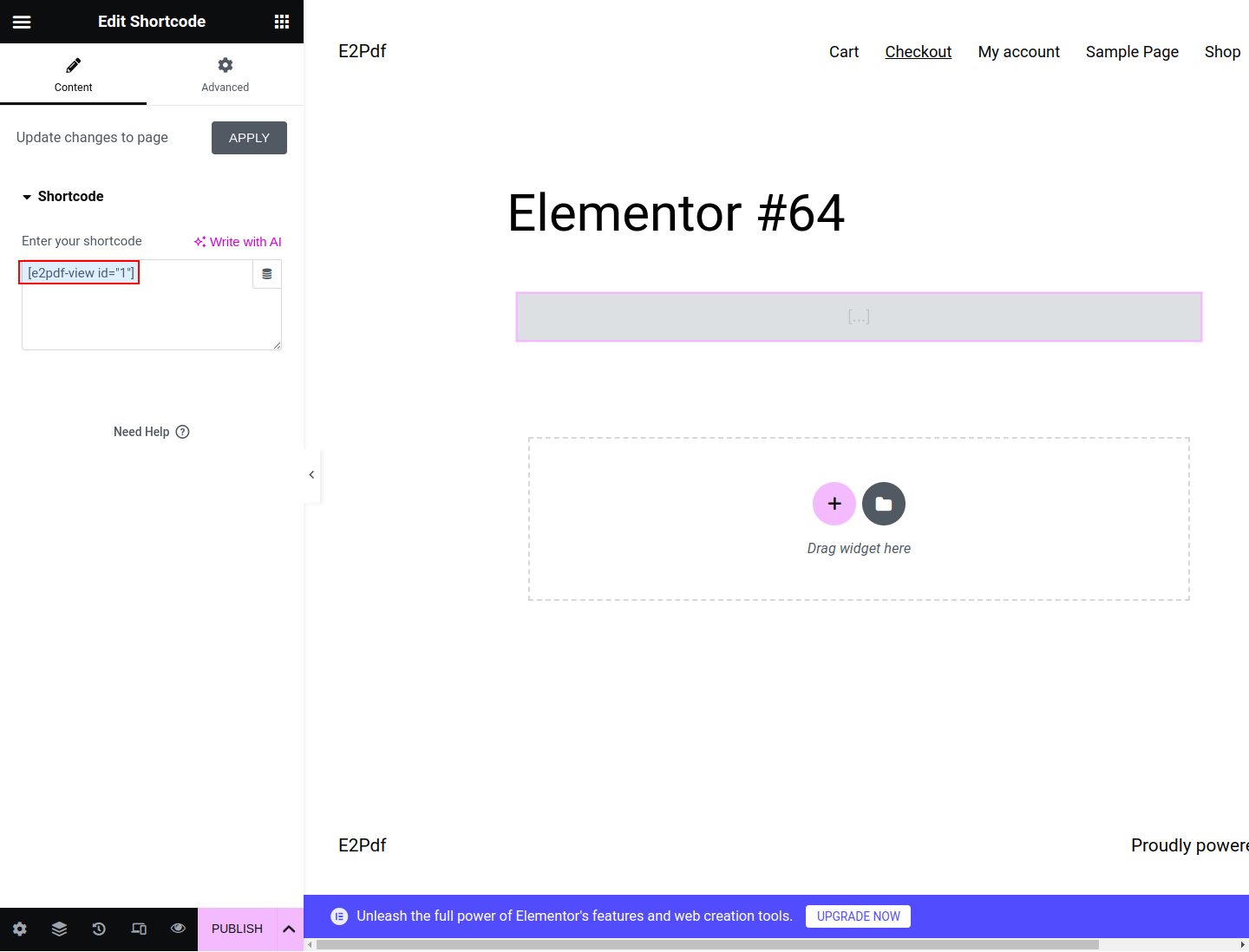
Elementor Shortcode


[e2pdf-view] #
Shortcode is applied to insert PDF to the page via pdf.js viewer. Read More ››
-
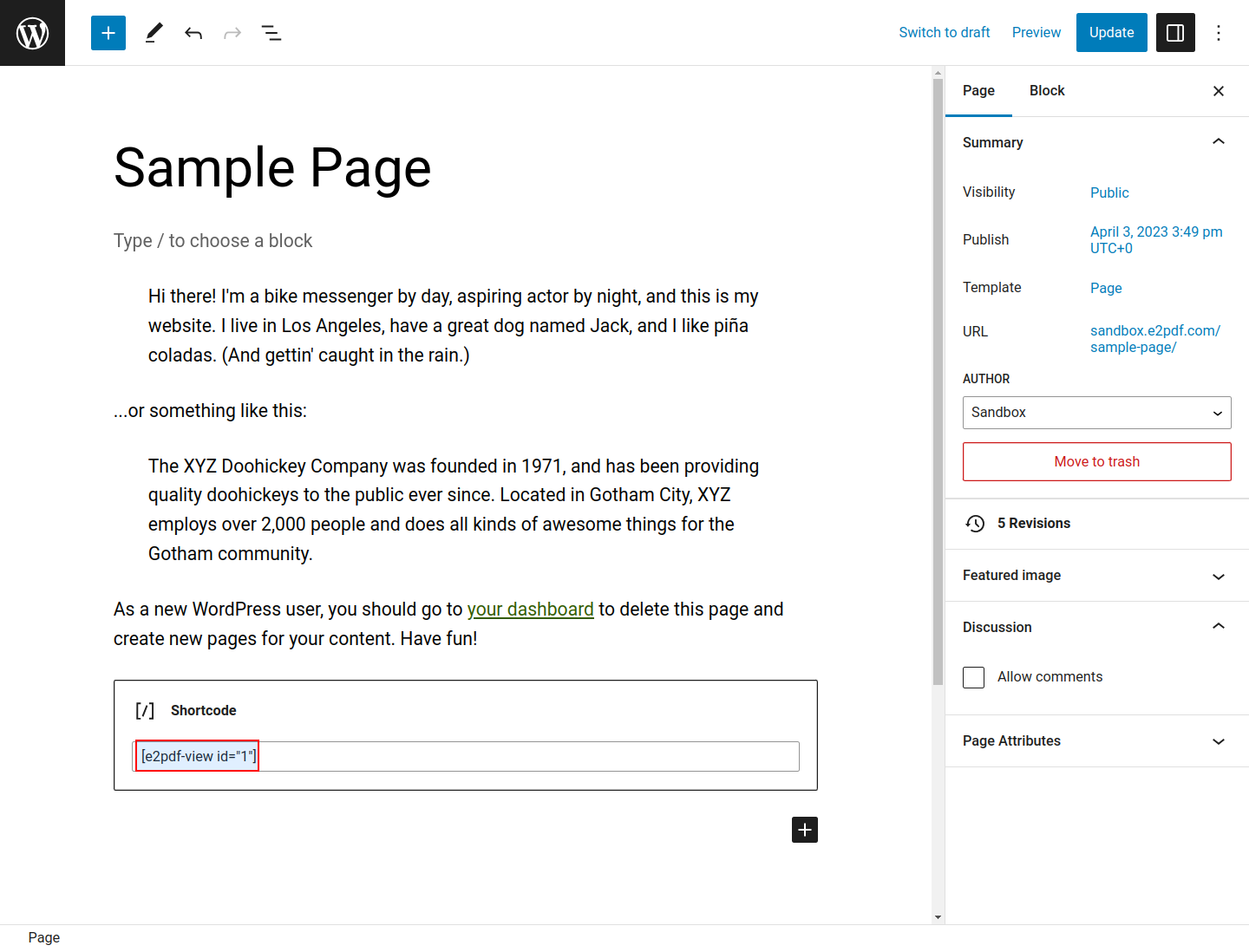
Post Content
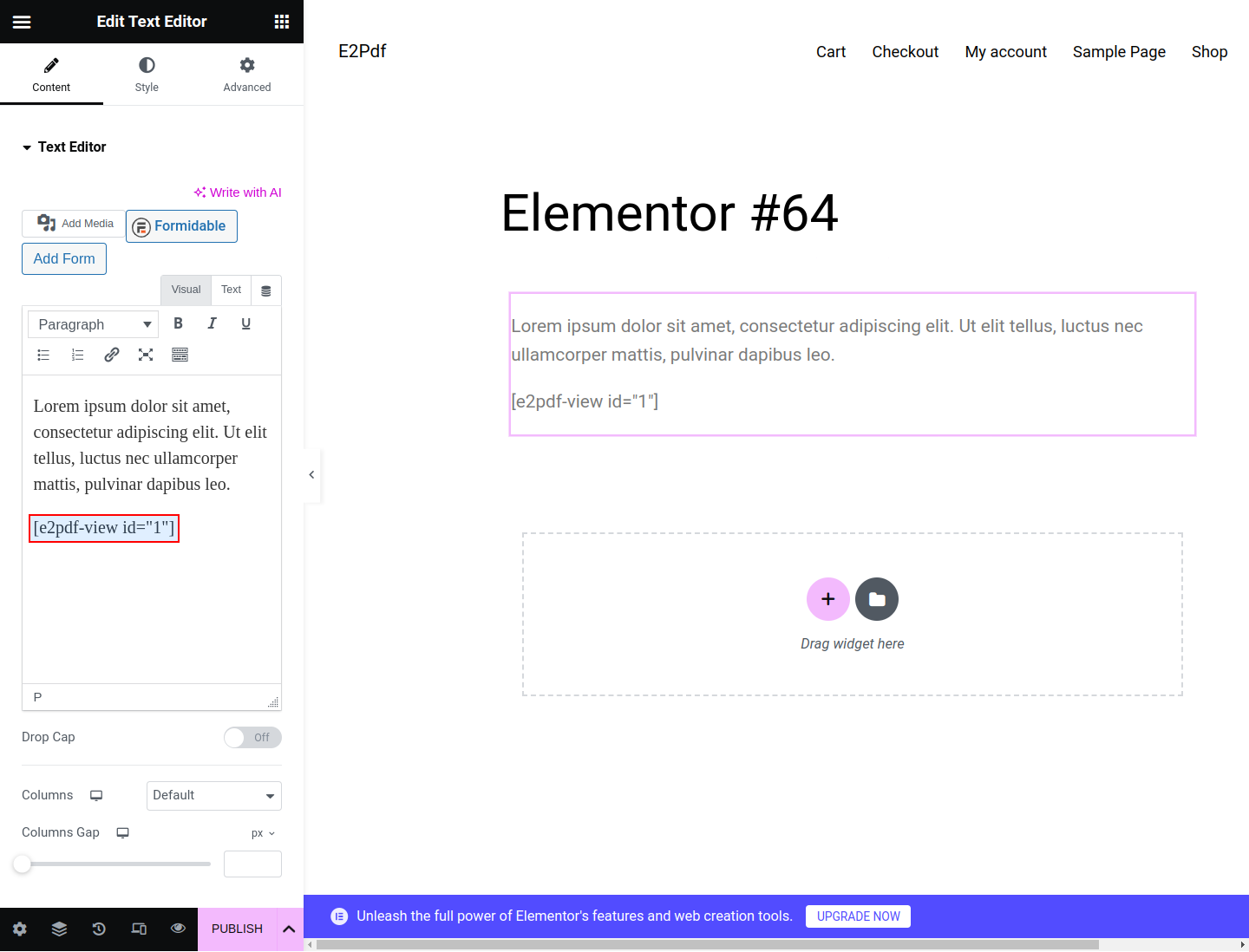
Elementor Text Editor
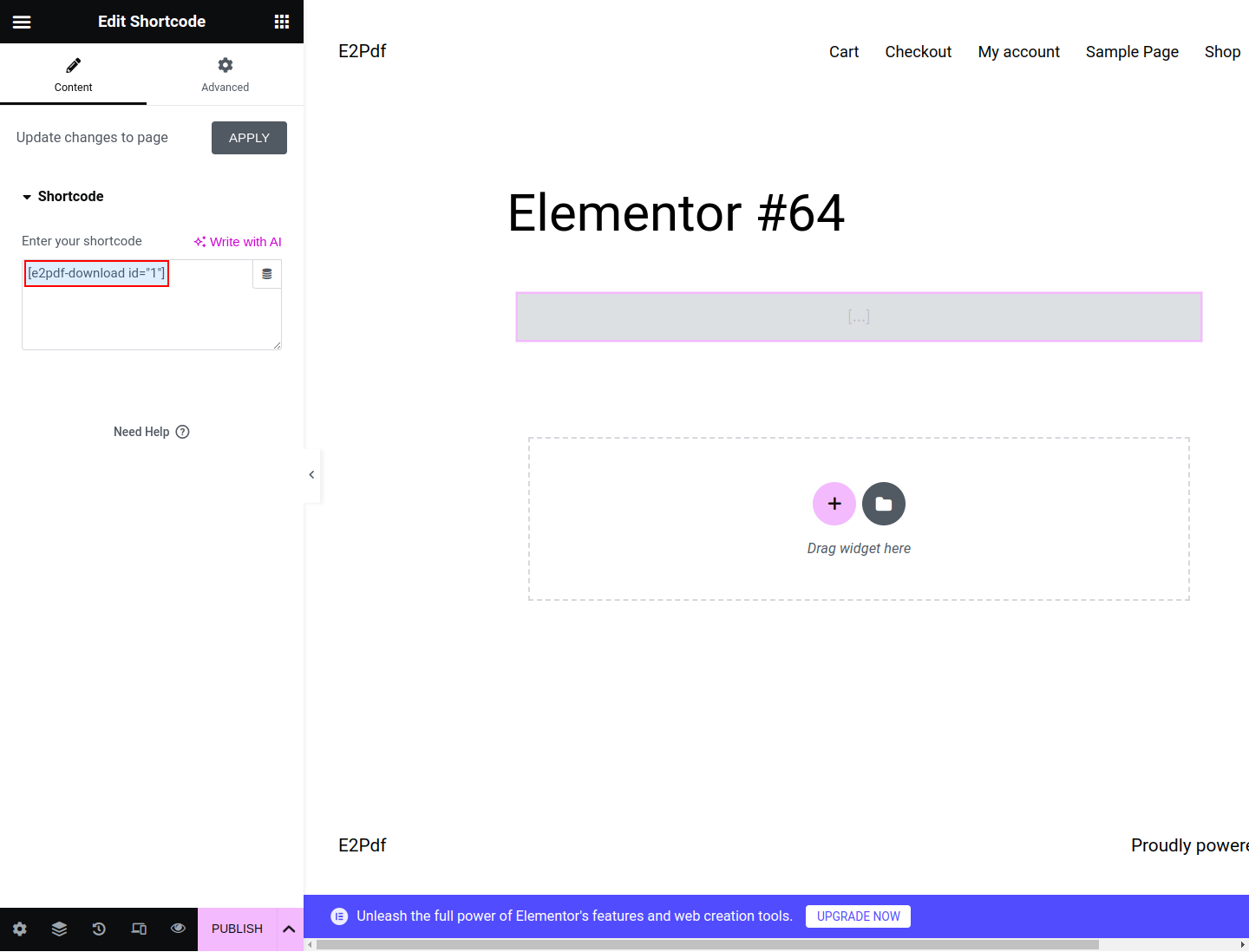
Elementor Shortcode


