
Activity
Activity log is accessible for all Patchstack users.
This feature available for WordPress sites only.
To view your site’s activity log, navigate to Sites > yourdomain.com > Activity in Patchstack App.
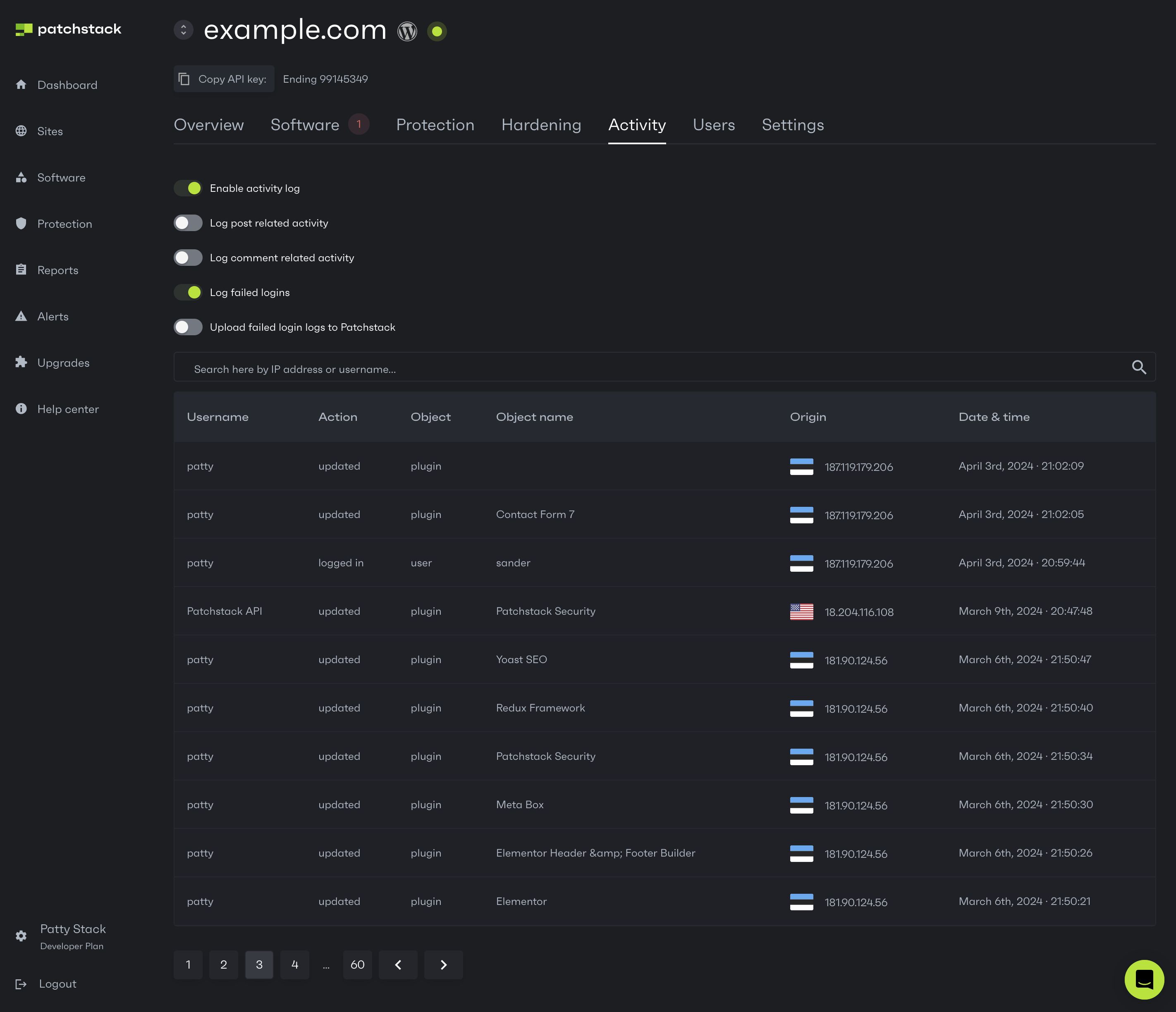
Patchstack activity log displays a large number of events that occur on your WordPress site. The Activity page shows events from the last 12 months (6 months on the Personal plan, 24 months on Enterprise).
We keep your site’s activity log data while the site is in your Patchstack account. When you remove the site or delete your Patchstack account, its activity log data is deleted too.
On the Activity page, you can:
- Enable / disable the activity log
Disabling the activity log is useful, when your site has a lot of activity. For example, the activity log database may become too large on dropshipping ecommerce sites, where huge amounts of products are being constantly imported. On such sites, we recommend disabling the activity logs. - Enable / disable logging the failed logins
This will store the failed login entries WordPress activity logs database - Enable / disable uploading the failed login logs to Patchstack
This will sync the failed login entries from WordPress activity logs database to Patchstack App logs - See, what sort of activities have been done on the site.
- Search for activities by username or IP addresses