Deploy on Render
Introduction
Render is a unified cloud to build and run all your apps and websites with free SSL, a global CDN, DDoS protection, private networks, and auto-deploys from Git.
Requirements
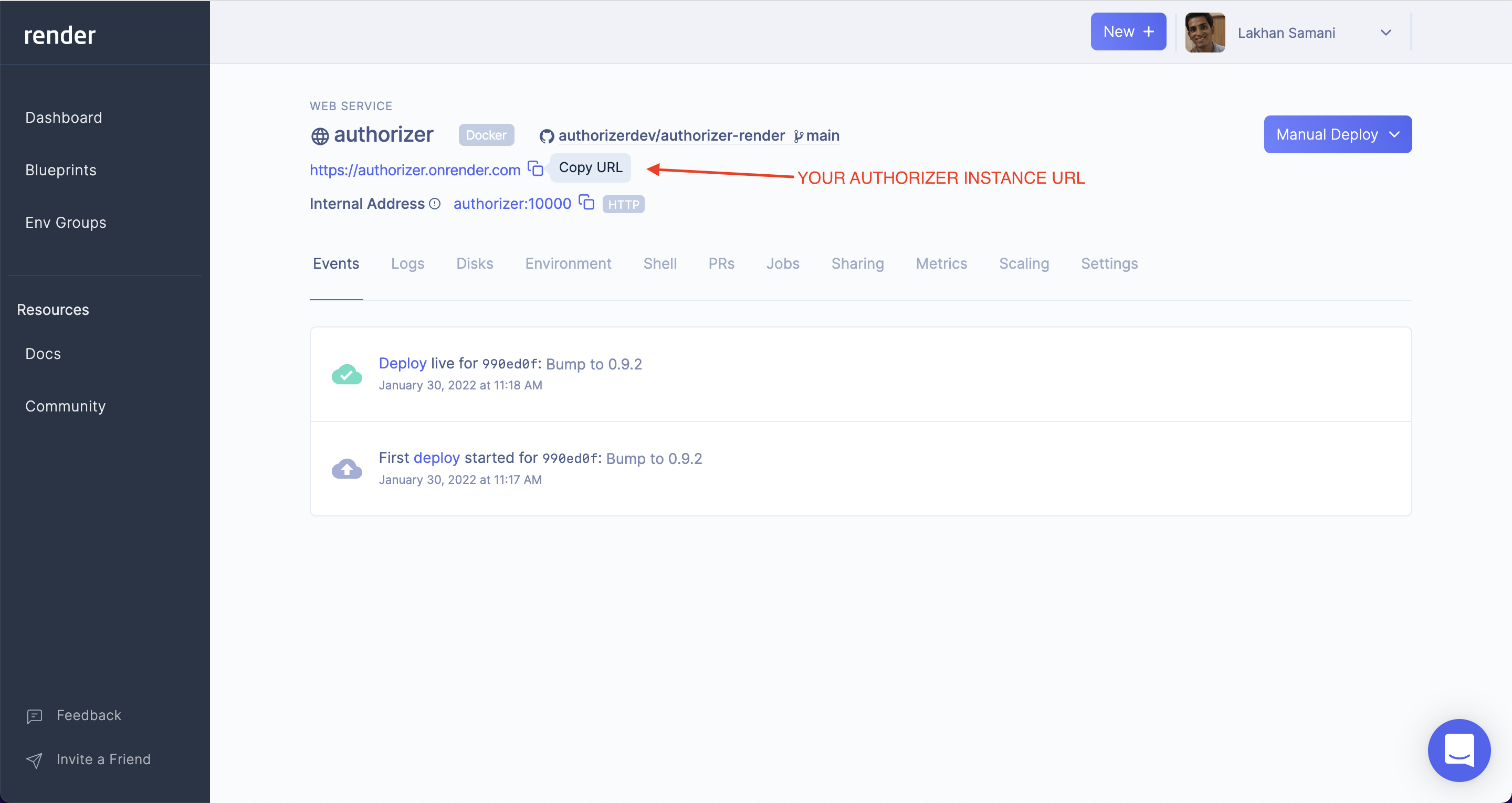
Deploy an Authorizer Instance
Deploy a production-ready Authorizer instance with a managed PostgreSQL database:

If you already have a PostgreSQL instance, use the
without-postgresbranch.
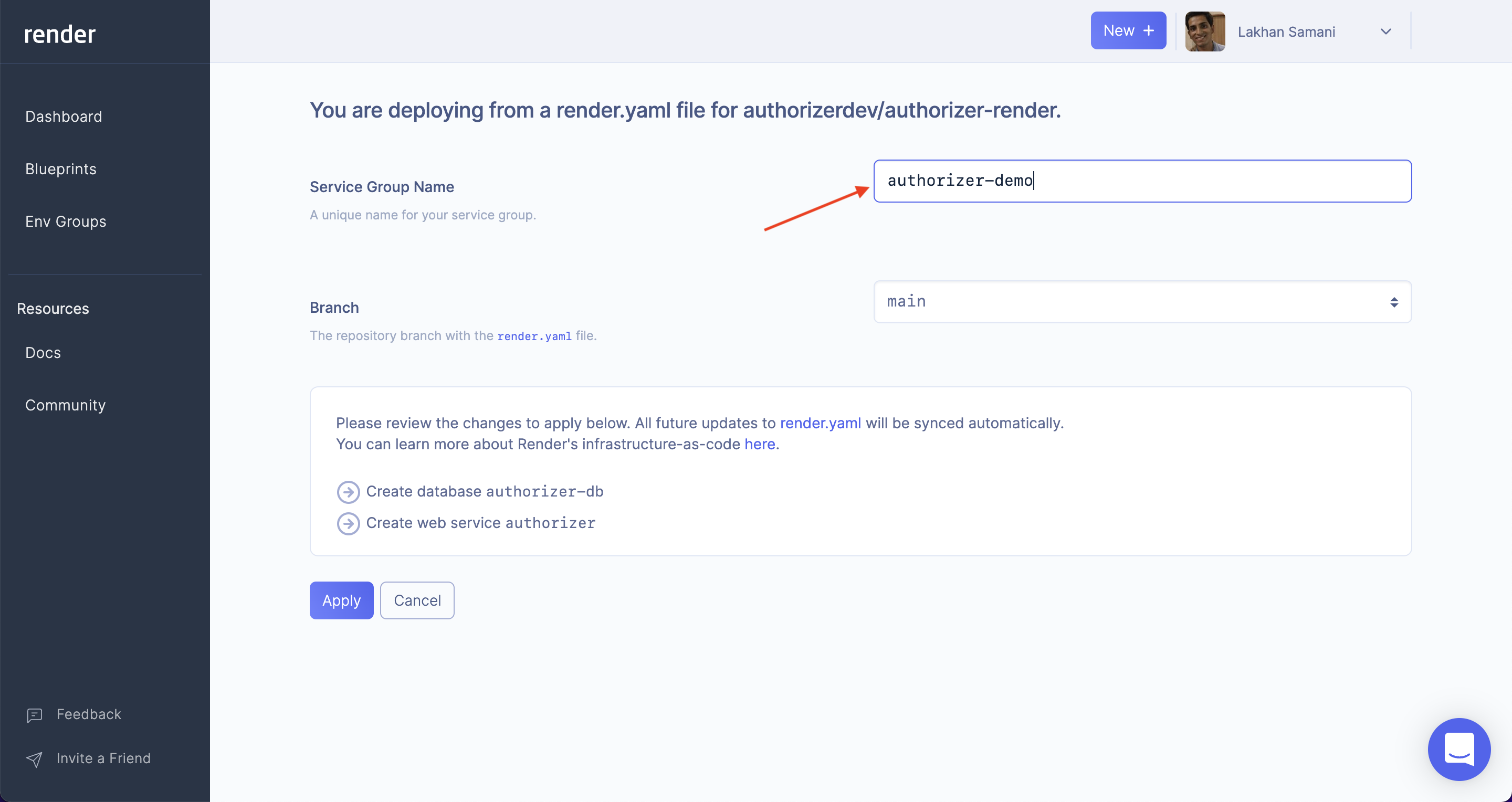
Step 1: Enter app details
Enter the name for your instance.
Step 2: Configure for v2
Set the following required environment variables:
| Variable | Example Value |
|---|---|
DATABASE_TYPE | postgres |
DATABASE_URL | (auto-configured by Render) |
JWT_TYPE | HS256 |
JWT_SECRET | test |
ADMIN_SECRET | admin |
CLIENT_ID | 123456 |
CLIENT_SECRET | secret |
Optional: metrics bind address and rate limits
The authorizer-render image expands these variables to CLI flags:
| Variable | Maps to | Default |
|---|---|---|
METRICS_HOST | --metrics-host | 127.0.0.1 |
METRICS_PORT | --metrics-port | 8081 |
RATE_LIMIT_RPS | --rate-limit-rps | 30 |
RATE_LIMIT_BURST | --rate-limit-burst | 20 |
RATE_LIMIT_FAIL_CLOSED | --rate-limit-fail-closed | false |
See Metrics & monitoring and Rate limiting. Add REDIS_URL if you run more than one instance.
Update the start command to pass CLI flags:
./build/server \
  --database-type=$DATABASE_TYPE \
  --database-url=$DATABASE_URL \
  --jwt-type=$JWT_TYPE \
  --jwt-secret=$JWT_SECRET \
  --admin-secret=$ADMIN_SECRET \
  --client-id=$CLIENT_ID \
  --client-secret=$CLIENT_SECRET