Deploy on Railway
Introduction
Railway is a deployment platform where you can provision infrastructure, develop locally, and deploy to the cloud.
Requirements
Deploy an Authorizer Instance
Deploy a production-ready Authorizer instance with PostgreSQL and Redis:

Before getting started, make sure you have given permission to Railway for further deployments as it will create a repository in your GitHub account.
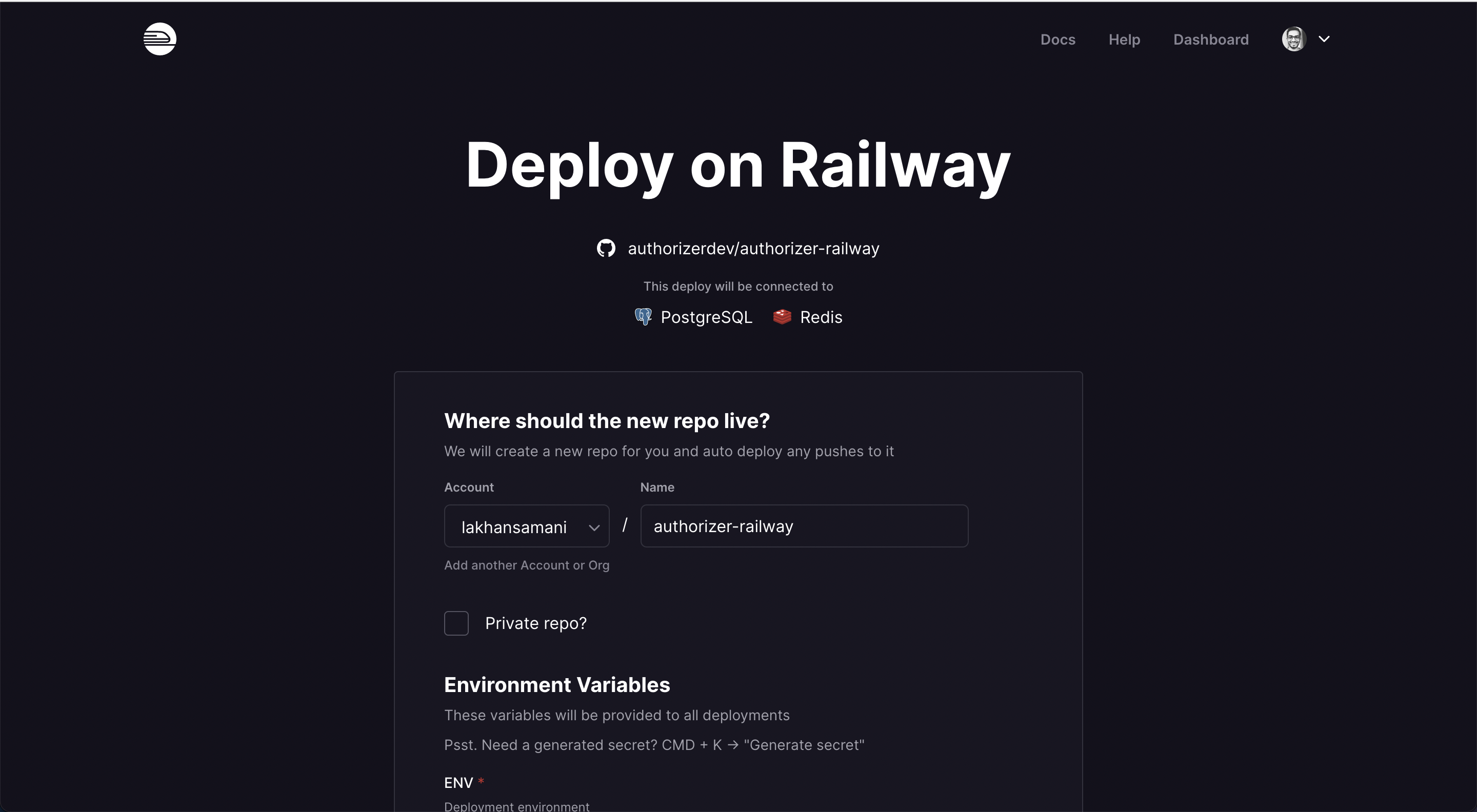
Configure for v2
After deployment, configure the following required variables in Railway's environment settings:
| Variable | Example Value |
|---|---|
DATABASE_TYPE | postgres |
DATABASE_URL | (auto-configured by Railway) |
JWT_TYPE | HS256 |
JWT_SECRET | test |
ADMIN_SECRET | admin |
CLIENT_ID | 123456 |
CLIENT_SECRET | secret |
Optional: metrics bind address and rate limits
The authorizer-railway Dockerfile maps these environment variables to CLI flags (defaults match the Authorizer binary):
| Variable | Maps to | Default | When to set |
|---|---|---|---|
METRICS_HOST | --metrics-host | 127.0.0.1 | Use 0.0.0.0 only if something on the same private network must scrape METRICS_PORT (never expose metrics on the public internet). |
METRICS_PORT | --metrics-port | 8081 | Change if the platform collides with this port. |
RATE_LIMIT_RPS | --rate-limit-rps | 30 | Lower for stricter protection or raise for busy UIs; 0 disables. |
RATE_LIMIT_BURST | --rate-limit-burst | 20 | Short spike allowance per IP. |
RATE_LIMIT_FAIL_CLOSED | --rate-limit-fail-closed | false | Set true to return 503 when the rate-limit backend (e.g. Redis) errors instead of fail-open. |
Set REDIS_URL when you use multiple instances so sessions and rate limits stay consistent (rate limiting).
Update the start command to pass CLI flags:
./build/server \
  --database-type=$DATABASE_TYPE \
  --database-url=$DATABASE_URL \
  --jwt-type=$JWT_TYPE \
  --jwt-secret=$JWT_SECRET \
  --admin-secret=$ADMIN_SECRET \
  --client-id=$CLIENT_ID \
  --client-secret=$CLIENT_SECRET
Update Instance
Update the Docker image to the desired version in the repository created with your deployment.
Find all versions on GitHub or Docker Hub.