

CLI Installation
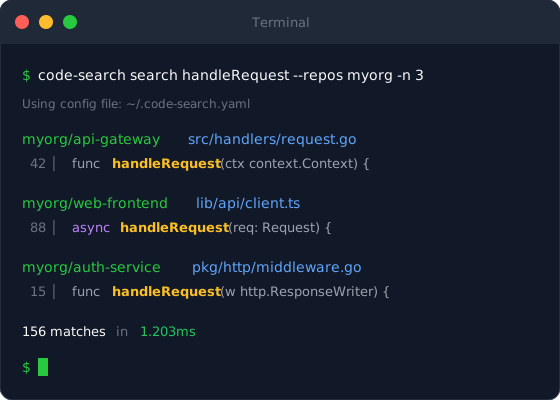
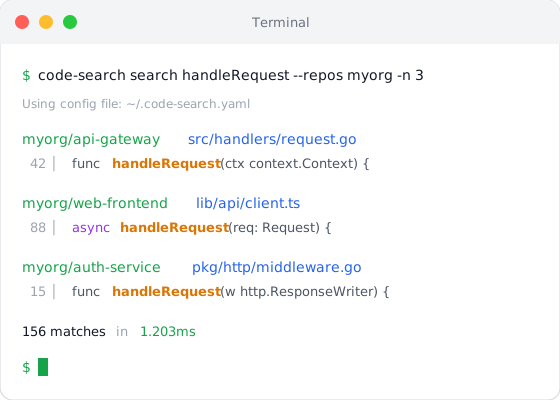
The Code Search CLI provides powerful command-line access to search, replace, and manage repositories.
Installation Methods
Section titled “Installation Methods”Homebrew (Recommended)
Section titled “Homebrew (Recommended)”brew install techquestsdev/tap/code-searchDirect Download
Section titled “Direct Download”# Apple Silicon (M1/M2/M3)curl -L https://github.com/techquestsdev/code-search/releases/latest/download/code-search_Darwin_arm64.tar.gz | tar xzsudo mv code-search /usr/local/bin/
# Intelcurl -L https://github.com/techquestsdev/code-search/releases/latest/download/code-search_Darwin_x86_64.tar.gz | tar xzsudo mv code-search /usr/local/bin/Direct Download
Section titled “Direct Download”# x86_64curl -L https://github.com/techquestsdev/code-search/releases/latest/download/code-search_Linux_x86_64.tar.gz | tar xzsudo mv code-search /usr/local/bin/
# ARM64curl -L https://github.com/techquestsdev/code-search/releases/latest/download/code-search_Linux_arm64.tar.gz | tar xzsudo mv code-search /usr/local/bin/PowerShell
Section titled “PowerShell”Download the latest .zip from the releases page and extract code-search.exe to a directory in your PATH.
From Source
Section titled “From Source”go install github.com/techquestsdev/code-search/cmd/cli@latestThis installs to $GOPATH/bin/cli. You may want to rename it:
mv $GOPATH/bin/cli $GOPATH/bin/code-searchVerify Installation
Section titled “Verify Installation”Check that the CLI is installed correctly:
code-search --version# code-search version 1.0.0
code-search --help
Shell Completions
Section titled “Shell Completions”Enable command-line completions for your shell:
# Add to ~/.bashrcsource <(code-search completion bash)# Add to ~/.zshrcsource <(code-search completion zsh)
# Or generate to fpathcode-search completion zsh > "${fpath[1]}/_code-search"code-search completion fish | source
# Or save to completions directorycode-search completion fish > ~/.config/fish/completions/code-search.fishcode-search completion powershell | Out-String | Invoke-Expression
# Or add to profilecode-search completion powershell >> $PROFILENext Steps
Section titled “Next Steps”- CLI Configuration - Configure the CLI
- Search Commands - Learn to search with the CLI
- Replace Commands - Bulk replace operations